Customer Ratings & Reviews


- Model:
- F0FA008GUS
- SKU:
- 6476239
Rating by feature
- Value
Rating 3.7 out of 5 stars
- Quality
Rating 3.6 out of 5 stars
- Ease of Use
Rating 3.9 out of 5 stars
Customers are saying
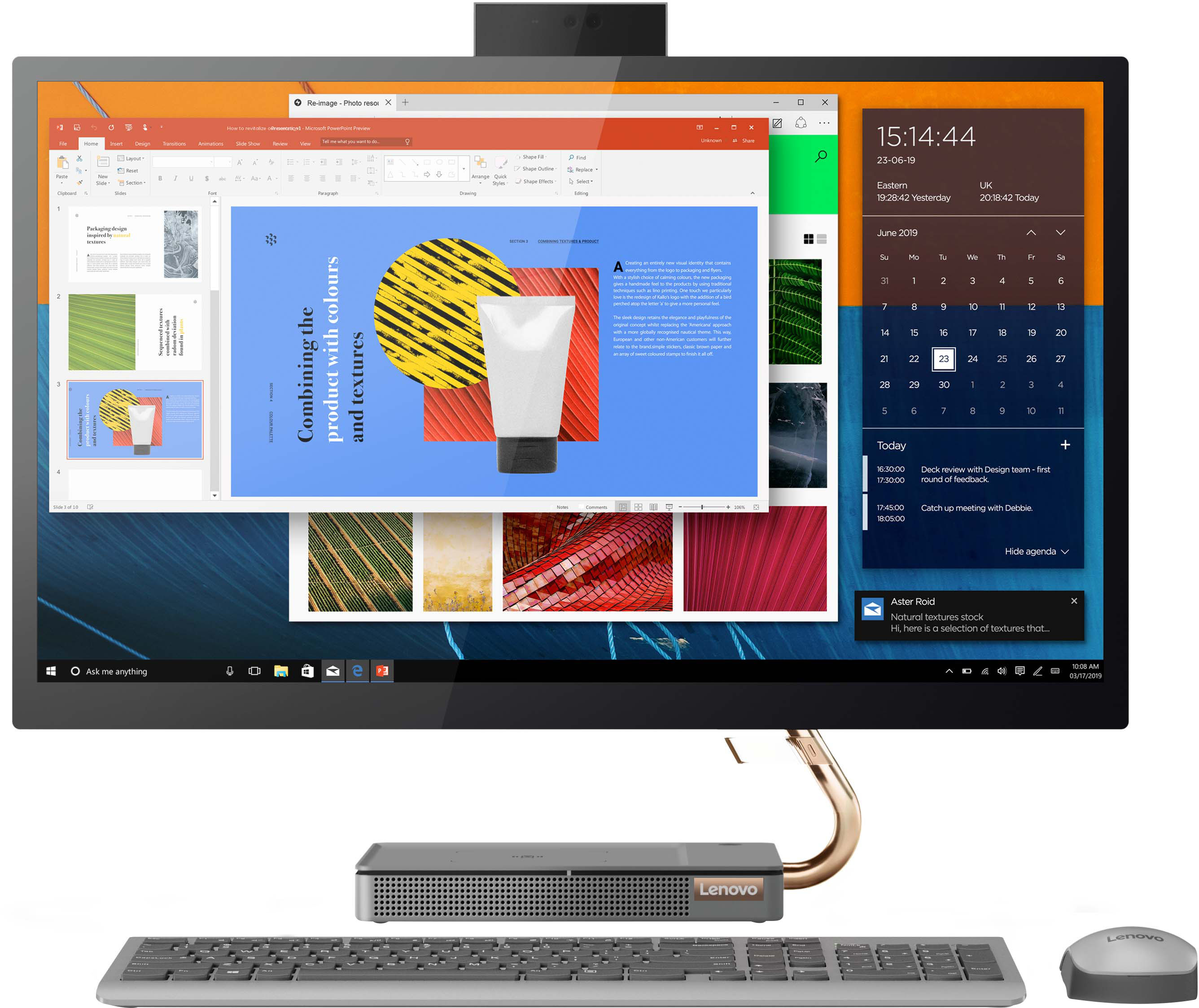
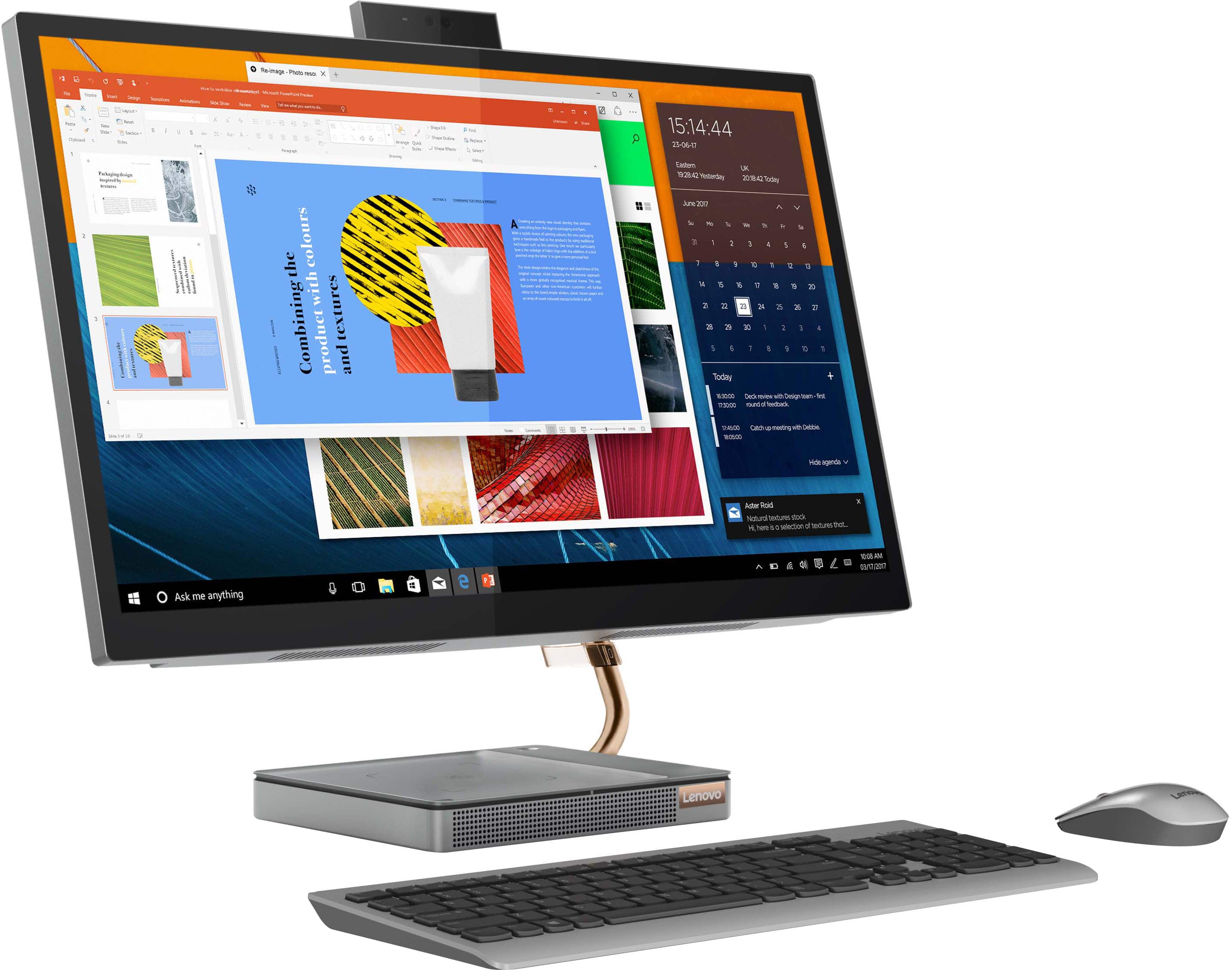
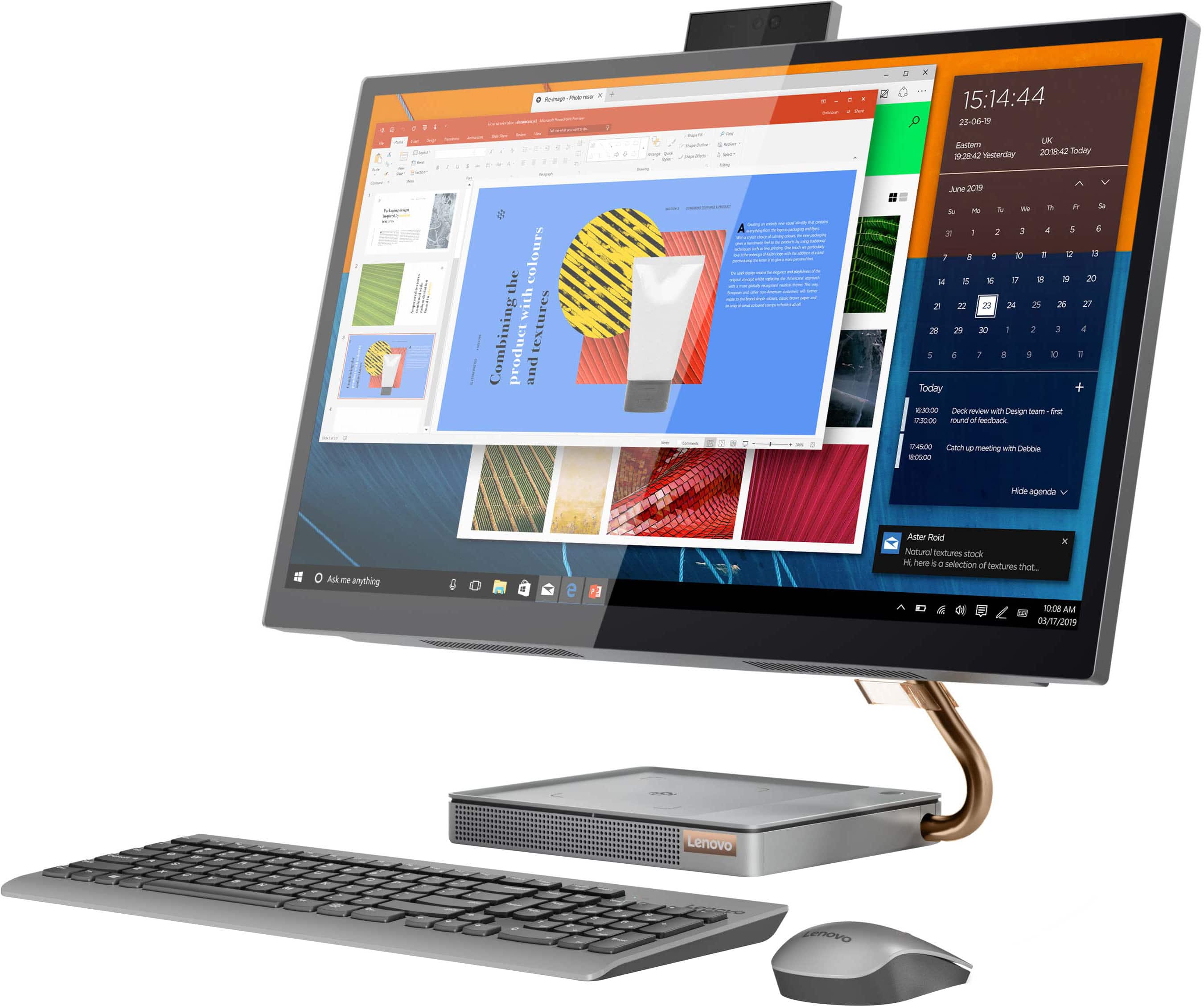
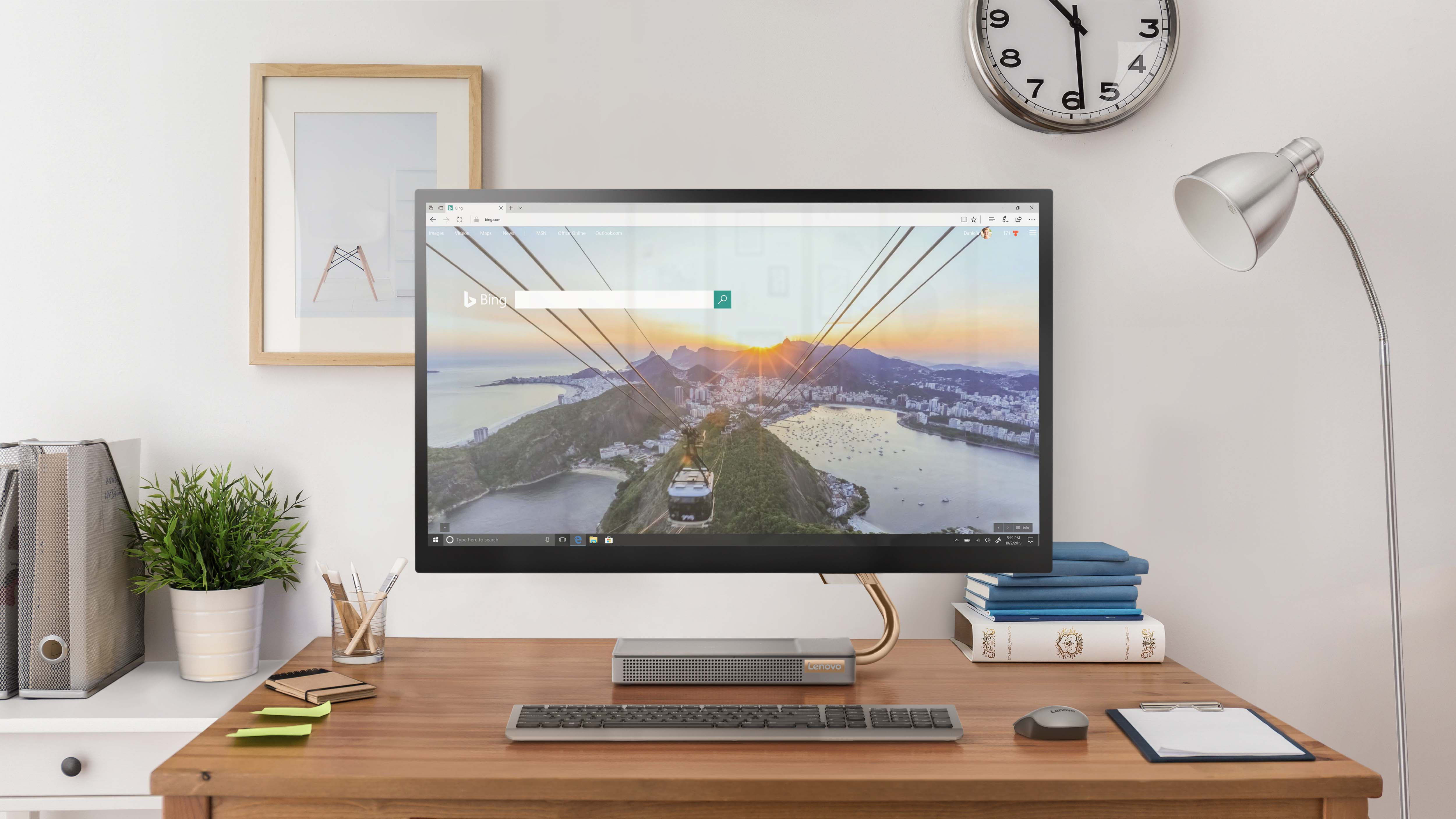
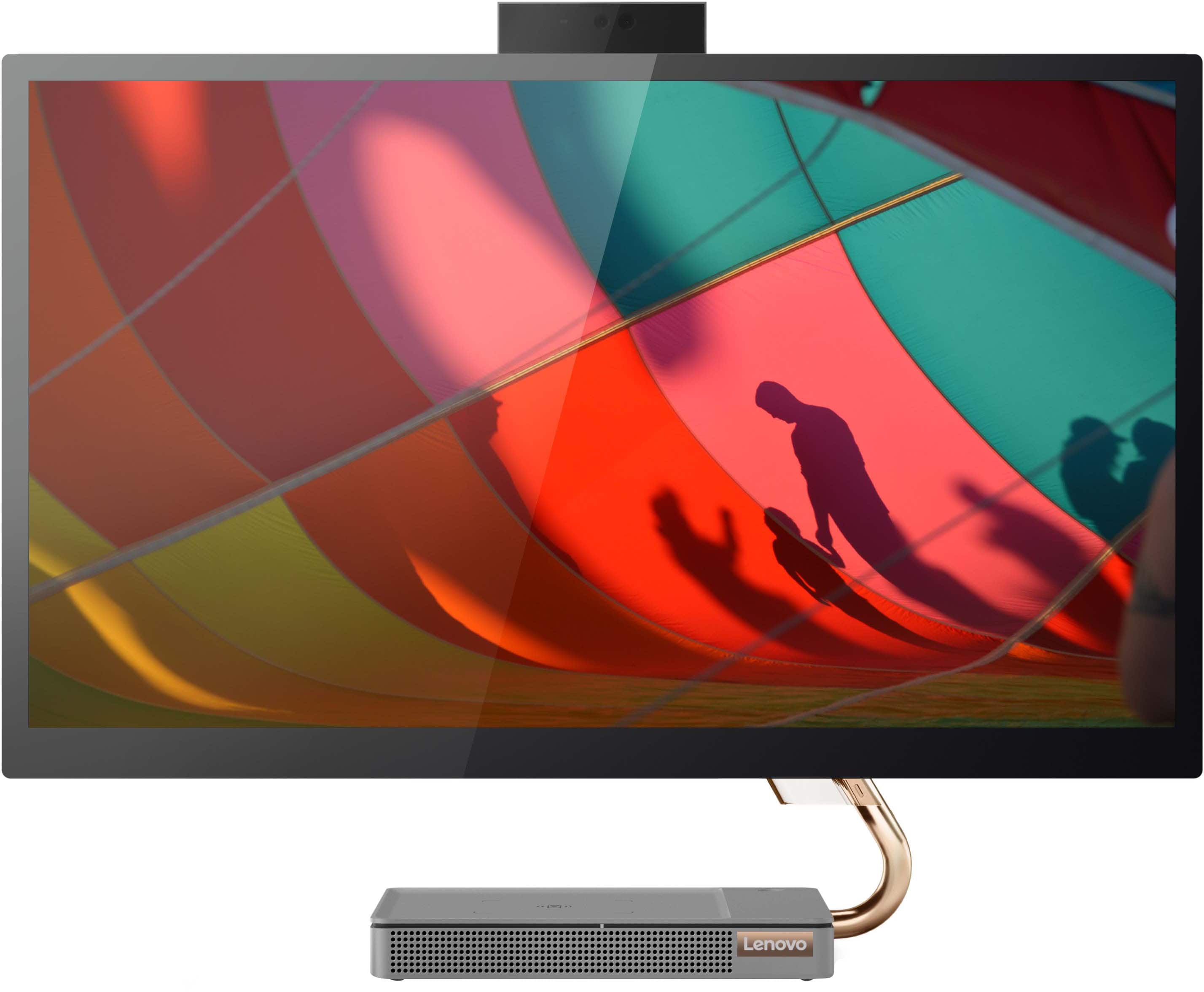
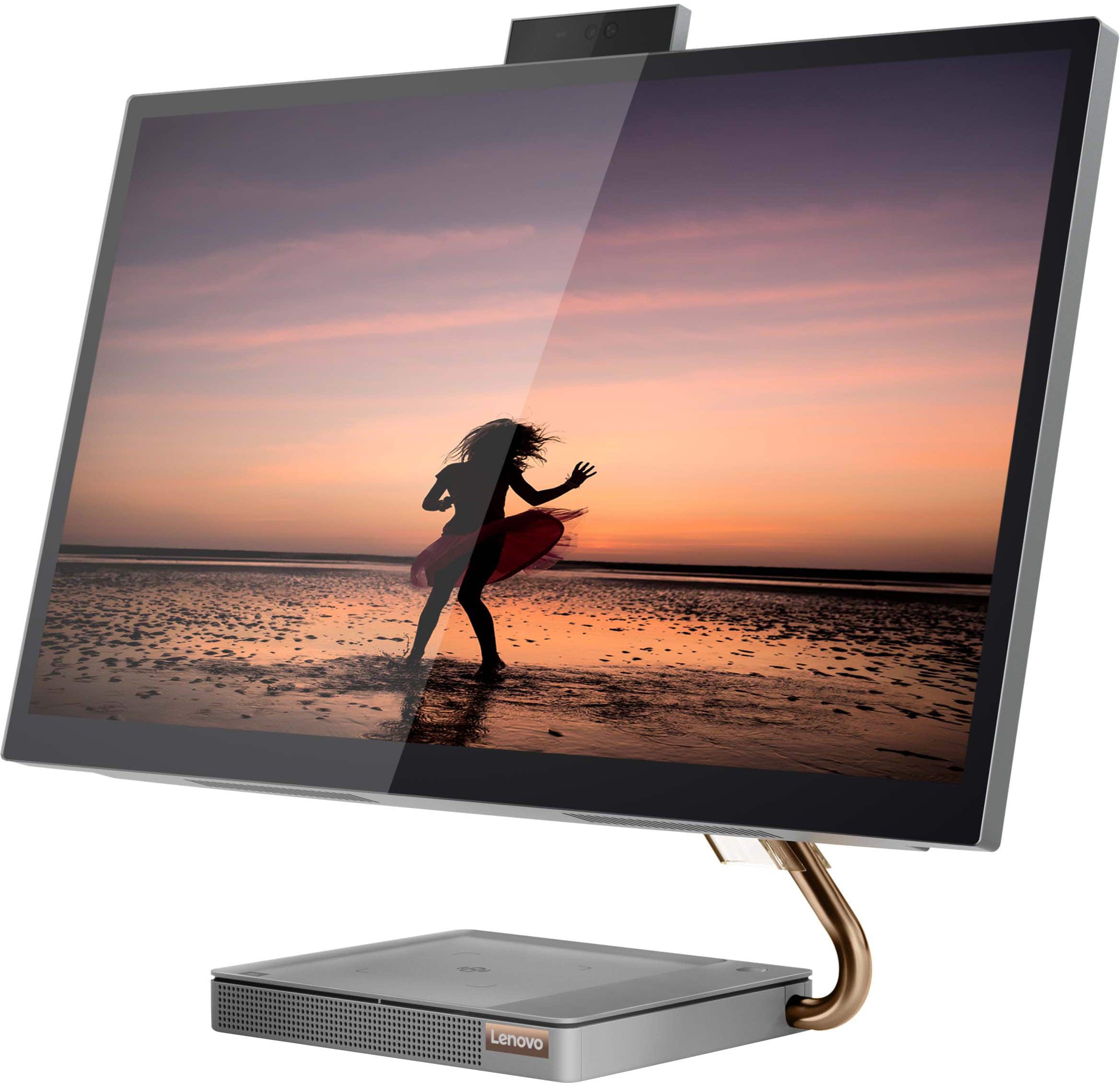
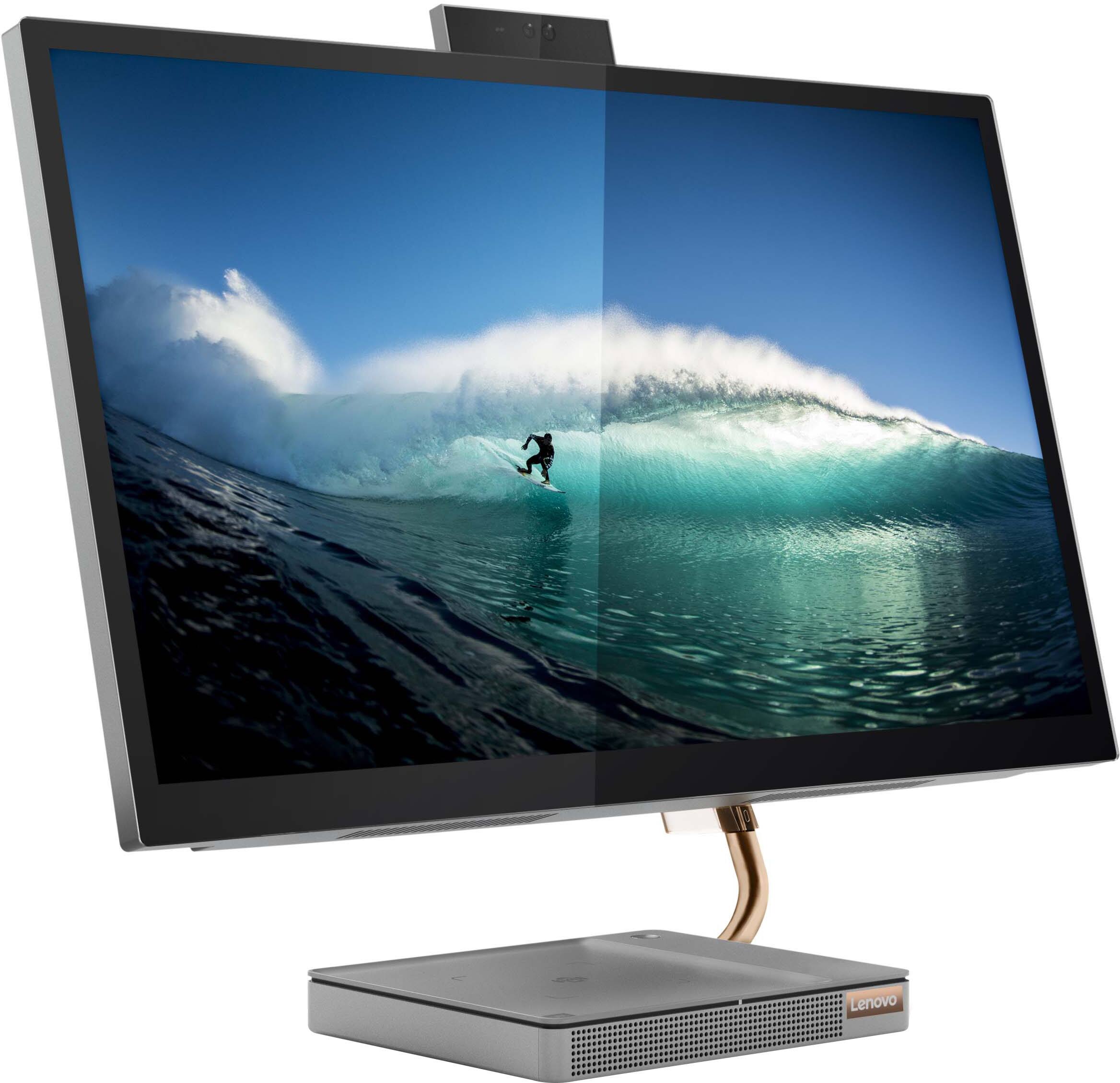
Customers consistently note the large, clear touch screen and the ease of use as significant advantages of the IdeaCentre AIO 5i 27". Many also appreciate its attractive design and competitive price. However, a recurring concern centers around performance issues and instances of the system freezing. Some users also reported problems with the mouse and wireless charger.
This summary was generated by AI based on customer reviews.
- Pros mentioned:Screen size, Speed
Beautiful screen and fast !
||Posted . Owned for 3 weeks when reviewed.This reviewer received promo considerations or sweepstakes entry for writing a review.Bought this for my wife for Christmas. She loves it, beautiful screen and fast !
I would recommend this to a friend - Pros mentioned:Ease of use, Screen size
Great computer
||Posted . Owned for 2 months when reviewed.This reviewer received promo considerations or sweepstakes entry for writing a review.Easy computer. Huge screen. Like that my phone can charge on top too!
I would recommend this to a friend - Pros mentioned:PriceCons mentioned:Performance
all in one
||Posted . Owned for 3 weeks when reviewed.This reviewer received promo considerations or sweepstakes entry for writing a review.good on this price. sometimes hang but works for me.
I would recommend this to a friend Great unit, easy to use
||Posted . Owned for 1.5 years when reviewed.This reviewer received promo considerations or sweepstakes entry for writing a review.Great all-in-one unit for small spaces. Works well when you don't have space for a tower and monitor. Can get a separate disc drive to plug in if needed. Had only some minor freezes quickly resolved with a hard restart. Otherwise no issues at all.
I would recommend this to a friend- Cons mentioned:Performance
Just Okay for $1,000
||Posted . Owned for 1 month when reviewed.This reviewer received promo considerations or sweepstakes entry for writing a review.It is okay. I was hoping for a bit more. Maybe I was just used to my other computer.
No, I would not recommend this to a friend - Cons mentioned:Performance
Not what I expected
||Posted . Owned for 1 year when reviewed.This reviewer received promo considerations or sweepstakes entry for writing a review.Freezes a lot and has to be rebooted all the time.
No, I would not recommend this to a friend - Pros mentioned:Ease of useCons mentioned:Performance
Seems okay, but not practical for everything
||Posted . Owned for 3 weeks when reviewed.This reviewer received promo considerations or sweepstakes entry for writing a review.The computer is easy to use and includes mouse and keyboard. However, it crashes out of nowhere (like when only a simple word document is running)and only restarts by unplugging from wall when it freezes. Plus you will have to buy a mic, because the built in mike only picks up the loud humming of the computer no matter how you adjust the settings. So depending on how you want to use it and how much patience you have its a great computer, otherwise its been a first 30 days.
No, I would not recommend this to a friendBrand response from Lenovo Product Expert
Posted .We are sorry to hear that you are having issues with your Lenovo IdeaCentre 5i 27 All-In-One System. Regarding the Windows 11 Home, 64-bit Operating System crashing, be sure any software you installed is compatible with Windows 11. There is no need to install Microsoft Office software. The software is already part of the operating system, you just need to activate the software with a purchased product key. If you have installed a copy of Microsoft Office, this is conflicting with the existing copy on the system and this will slow your system down. If you have installed a 3rd party anti-virus program, be sure that Windows Defender is turned off and that the trial version of McAfee Anti-Virus software is uninstalled. There can only be one anti-virus program on the system. You may need to restore your system to original factory default settings if any of the programming errors have occurred. You can do that by typing "restore" in the Cortana search window. Just click on the magnifying glass icon at the bottom left of your Windows 11 Desktop. Click on "Reset This PC" Then click on "Get Started" and follow the on screen directions to restore to factory defaults. This model configuration ships with a Dual Array Microphone built in and should cancel out ambient noise such as the noise from the computer itself. You can test your microphone settings within Windows 11. Here is a link to instructions: https://www.howtogeek.com/749710/how-to-test-your-microphone-on-windows-11/. If you are using the computer's microphone with a video conferencing APP, you will need to check the microphone settings again within the APPs settings. If you continue to have issues, we recommend you contact Lenovo Tech Support for additional help at: 877-453-6686.

- Pros mentioned:SpeedCons mentioned:Mouse
Decent Puter for an 86 year old
||Posted . Owned for 3 weeks when reviewed.This reviewer received promo considerations or sweepstakes entry for writing a review.This computer takes a little getting used to as with most Windows computers when they are new! all the suggestive things you need to click on and make decisions about for the healthof the computer. ran into a sleep mode issue and thought it was gone. did a hard restart just to wake it back up. so far so good for now. touch screen responsiveness is great . the mouse is slightly quirky yet seems good. keyboard is on par. speed of this all in one is surprisingly decent quick.........for now until all the bloatware comes alive. this computer was bought for an 86 year old since her last HP mini tower of 12 years decided to sluff off and not work to well anymore. yes it actually lasted 12 years!
I would recommend this to a friend - Cons mentioned:Performance, Wireless charger
lenovDONT
||Posted . Owned for 3 months when reviewed.This reviewer received promo considerations or sweepstakes entry for writing a review.Received on April 26 and by the middle of June this was not working. I cannot let the computer go to sleep or lock it when I step away, because if I do then it won't wake up again and I am forced to manually turn it off by holding down the power button and then turn it back on. Just imagine doing that 7+ times a day and what that does to the system. As if that wasn't fun enough every day, at least twice, the computer freezes and I am forced to manually power off and then back on again. I may be a novice, but I am pretty sure that computers aren't meant to be turned off and on again via a hard reset almost 10 times a day. The only reason why I purchased this was because of the popup camera and ability to charge my cellphone. HUGE waste. The charger sucks and will take 12+ hours to take my Galaxy S22+ Ultra from 15% to 65%. Don't waste your money on Lenovo. Wish I had never purchased this. Going to go back to using my HP laptop instead.
No, I would not recommend this to a friendBrand response from Lenovo Product Expert
Posted .We are sorry to hear that you are having issues with your Lenovo IdeaCentre 5i 27 All-In-One System. Check to be sure you have the latest version of Windows 11 on the computer. Then update all BIOS files and drivers up to that latest version of Windows 11. You can easily accomplish this by scanning the computer with the Lenovo Utility software available on this computer. This system has Lenovo utilities installed to help maintain the health of the device and keep the operating system software up to date. Type "Lenovo Vantage" in the Cortana Search window (if Lenovo Vantage is not installed on your device, you can download the APP and install it now). Select Lenovo Vantage from the list. In the window that opens, click on "Health and Support". In the expanded menu, select "Hardware Scan" In the window that opens, select "Run Quick Tests". This will scan your entire system for errors. Follow any directions that may pop up. If the problem continues after this scan, now click on "System Update". First select Windows update from the menu. Scan your system to be sure you have the latest version of Windows 11. Once that scan is complete, select "Additional Updates". This will scan your device to be sure there are no new BIOS/Driver updates needed. Follow any instructions that may pop up. If the issue continues after these updates, we recommend you call Lenovo Tech Support at: 877-453-6686 for additional help.
Used equipment
||Posted . Owned for 1.5 years when reviewed.This reviewer received promo considerations or sweepstakes entry for writing a review.The computer is a great quality, but it was purchased as an open box. It was very bad quality. I invested time and money to get it fixed. Did not worth the supposed savings vs. the aggravation
I would recommend this to a friend- Pros mentioned:Ease of use
Very good Lenovo computer.
||Posted . Owned for 7 months when reviewed.This reviewer received promo considerations or sweepstakes entry for writing a review.So far so good. It was time to replace our computer. Easy to set up.
I would recommend this to a friend - Pros mentioned:Screen size
Not What I Expected!!
||Posted . Owned for 3 months when reviewed.This reviewer received promo considerations or sweepstakes entry for writing a review.Touch screen is awesome! It’s used in my fitness studio. Members can easily read agreements, sign, and review merchandise images and receipts. Plus the look is clean with minimal wires. The only drawback, is the screen does not swivel, but we came up with an easy fix.
I would recommend this to a friend - Cons mentioned:Mouse
Poor Best Buy quality check
||Posted . Owned for 3 weeks when reviewed.This reviewer received promo considerations or sweepstakes entry for writing a review.The computer works well but I bought it opened box excellent condition and the keyboard is scratched up and mouse does not work. I bought a new keyboard and mouse and everything is fine but they never should have sold it as open box EXCELLENT!!!
No, I would not recommend this to a friend - Cons mentioned:Performance
Never again!
||Posted . Owned for 3 months when reviewed.This reviewer received promo considerations or sweepstakes entry for writing a review.The worse computer I’ve had, have had this system for less than 4 months, purchased right before Christmas of 2022, system freezes and have to shutdown completely, it’s shutting down in the middle of using word or just surfing the net, I have not even used it often and have not downloaded anything on this system. I just want my money back as I don’t have faith that this is a reliable product. As we speak, the system was sent back to Lenovo for diagnostics and repair but I don’t trust this will resolve anything, should have stuck with a MAC!!!
No, I would not recommend this to a friendBrand response from Lenovo Product Expert
Posted .Hello Marie, we are sorry to hear that you have experienced an issue with your IdeaCentre All-In-One 5i 27. We are pleased to hear that our teams are working on resolving your issue. We recommend keeping on contact with tech support to monitor the status of your case.
- Pros mentioned:Ease of use
Super
||Posted . Owned for 2 months when reviewed.This reviewer received promo considerations or sweepstakes entry for writing a review.Yhis cimputer has superceded my expectations. It was a gift and i love thr rose gold accents, the screen is clear and the computer is easy to use. Set up didnt take long and I was off to business!
I would recommend this to a friend - Cons mentioned:Performance
Disappointed Customer
||Posted . Owned for 7 months when reviewed.This reviewer received promo considerations or sweepstakes entry for writing a review.I have owned a lot of computers in my lifetime but this is the worst one I have ever owned. It did an excellent job when it was working. But sometimes it would freeze up. I played with this computer for six months trying to figure out what was wrong with it. Finally, I figured out it was a bad circuit board And took it back to Best Buy. Being a Total Tech member they let me trade it in for a better computer.
No, I would not recommend this to a friend - Pros mentioned:Screen size
I love this computer
||Posted . Owned for 1 month when reviewed.This reviewer received promo considerations or sweepstakes entry for writing a review.I purchased a open box item and I LOVE IT! Why pay full price for the same thing!!! I love the touch screen. 10/10. I use the computer for starting a small business and to attend school. Fast operating system
I would recommend this to a friend - Cons mentioned:Performance
worst computer ever!!!
||Posted . Owned for 11 months when reviewed.This reviewer received promo considerations or sweepstakes entry for writing a review.Worst computer I have ever purchased. Issues from day one with making loud noise freezing up and turning itself off when running simple office programs. Absolutely no support from the manufacturer even when I purchased an upgraded service plan. just kept telling me it was the operating system and mailing me out a thumb drive to reinstall. after the 3rd time, I told them to choke on it and I threw the whole computer in the garbage since that is where it belongs.....
No, I would not recommend this to a friend Nice all-in-one but not easily upgradeable
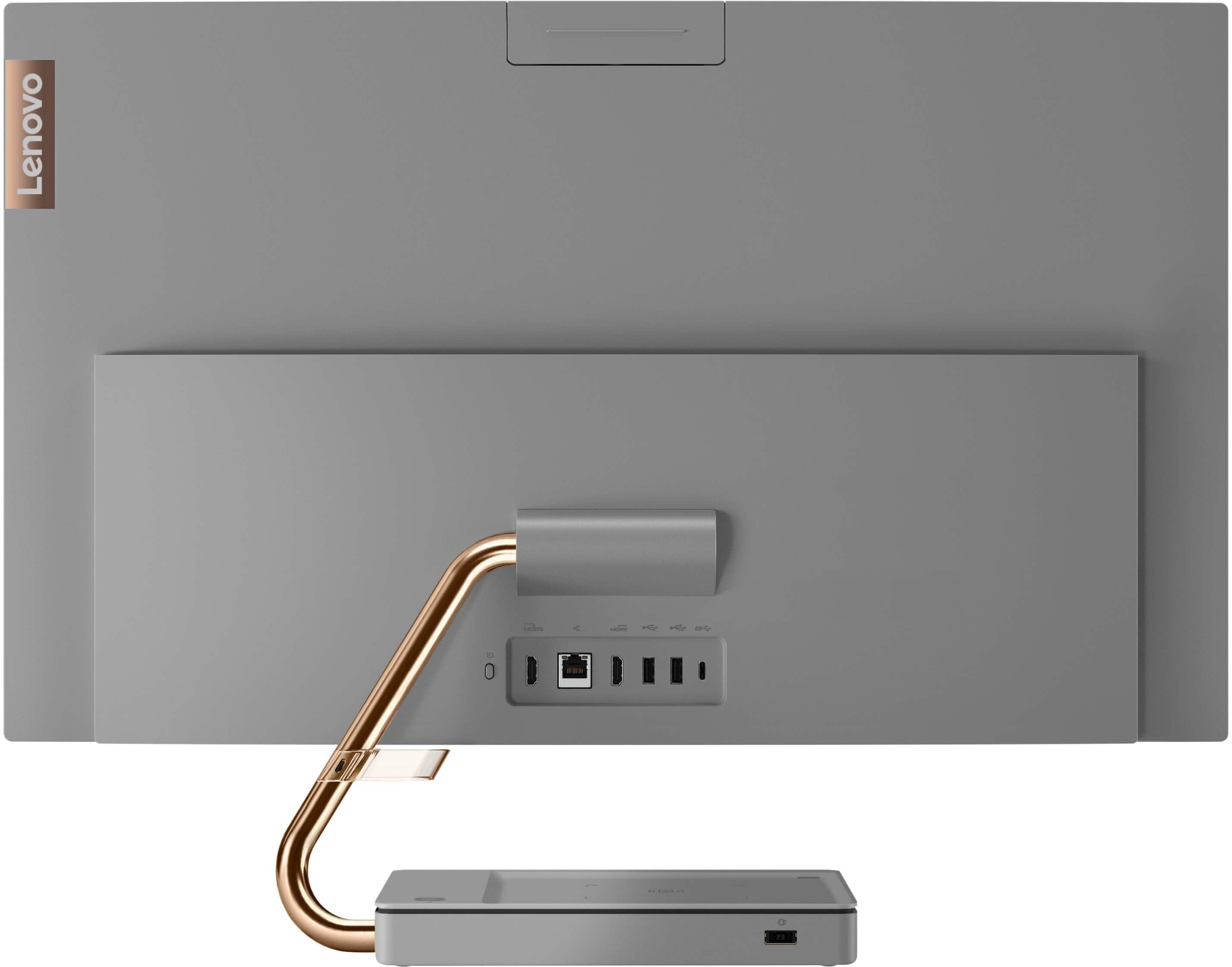
||Posted . Owned for 1 month when reviewed.This reviewer received promo considerations or sweepstakes entry for writing a review.Works well in a convenient package but is not upgradeable, or at least easily. I could not find online info on how to upgrade since I wanted to add another SSD I had. The screen is bright and clear and there are enough ports for my needs.
I would recommend this to a friend- Pros mentioned:Ease of use, Screen size, Speed
Perfect computer for Home office
||Posted . Owned for 2 weeks when reviewed.This reviewer received promo considerations or sweepstakes entry for writing a review.Excellent! Love it, Had the techs set it up, plugged it in at home, & went to work, great quality, very clear, fast & simple to use.
I would recommend this to a friendBrand response from Lenovo Product Expert
Posted .Thank you for choosing the IdeaCentre 5i 27 All-In-One System. We are pleased to hear that the ease of use, features and performance of the IdeaCentre 5i 27 AIO meets your computing needs so well.