Customer Ratings & Reviews
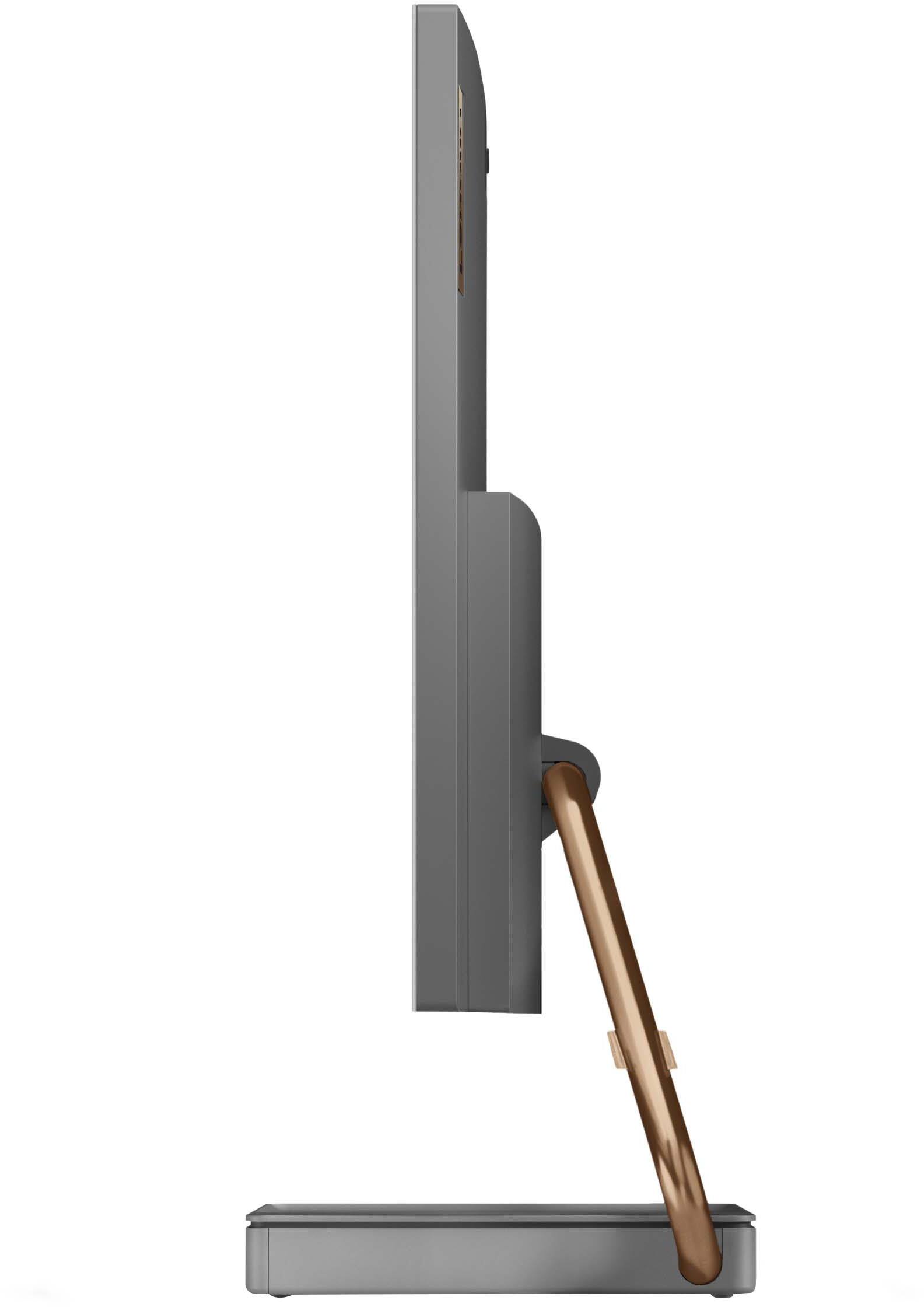
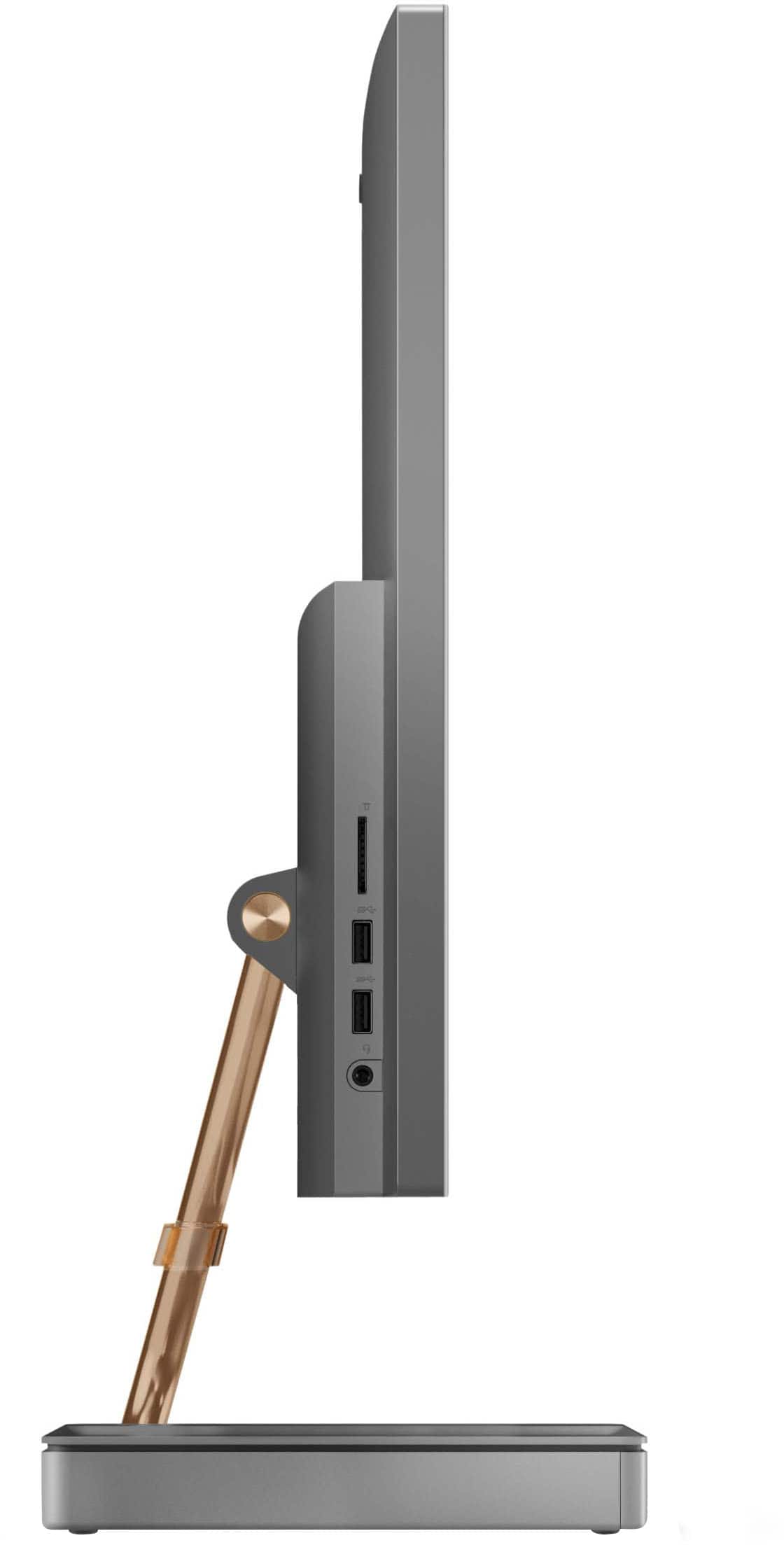
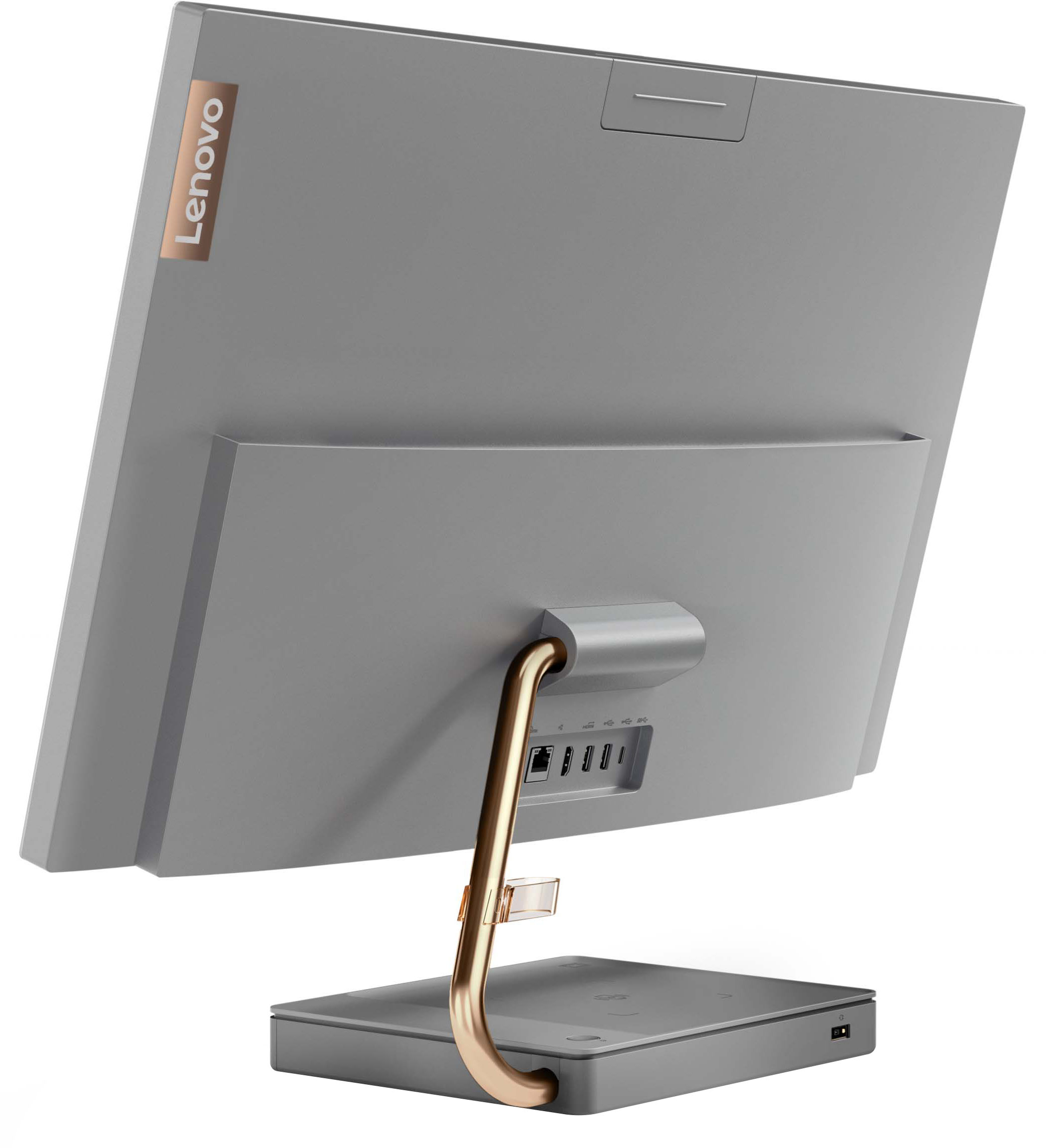
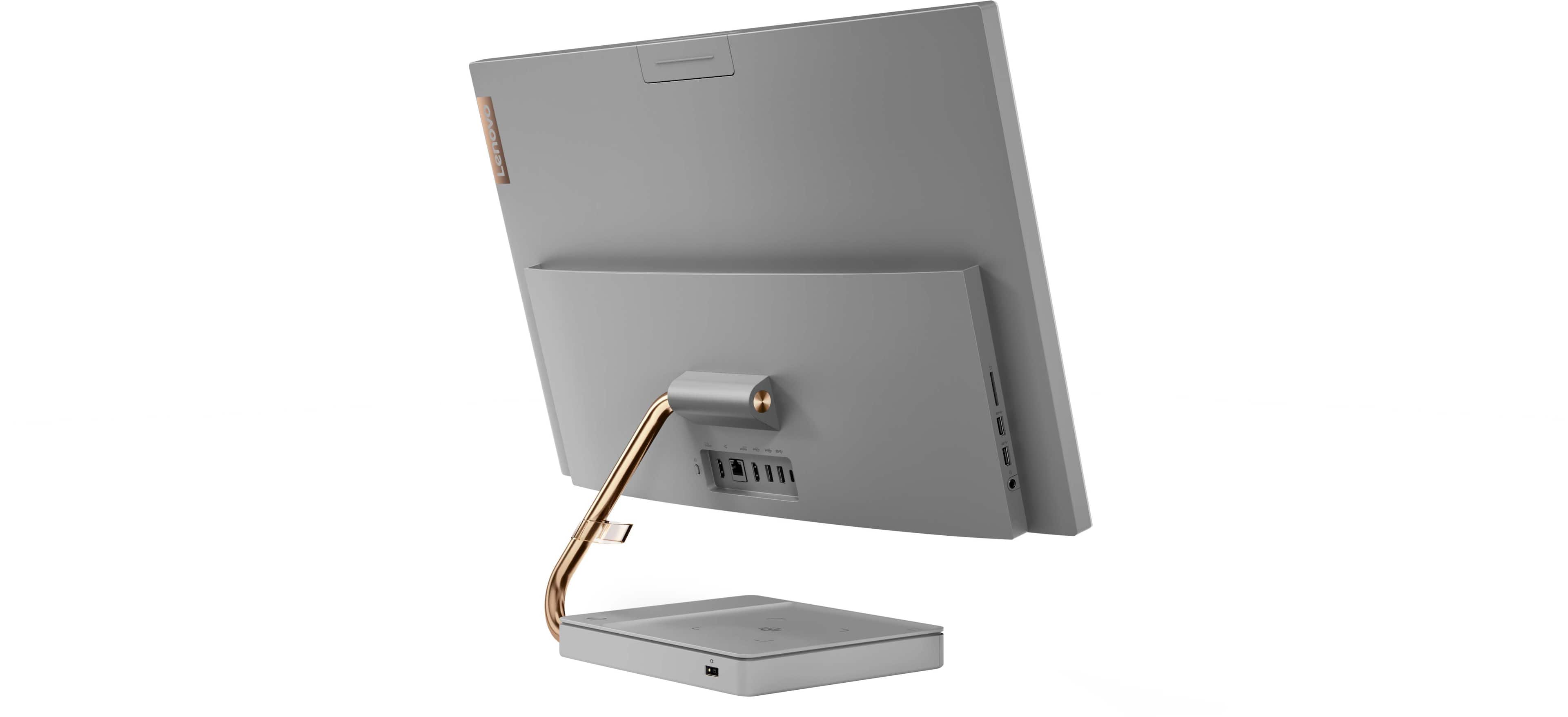


- Model:
- F0FA008GUS
- SKU:
- 6476239
Rating by feature
- Value
Rating 3.7 out of 5 stars
- Quality
Rating 3.6 out of 5 stars
- Ease of Use
Rating 3.9 out of 5 stars
Customers are saying
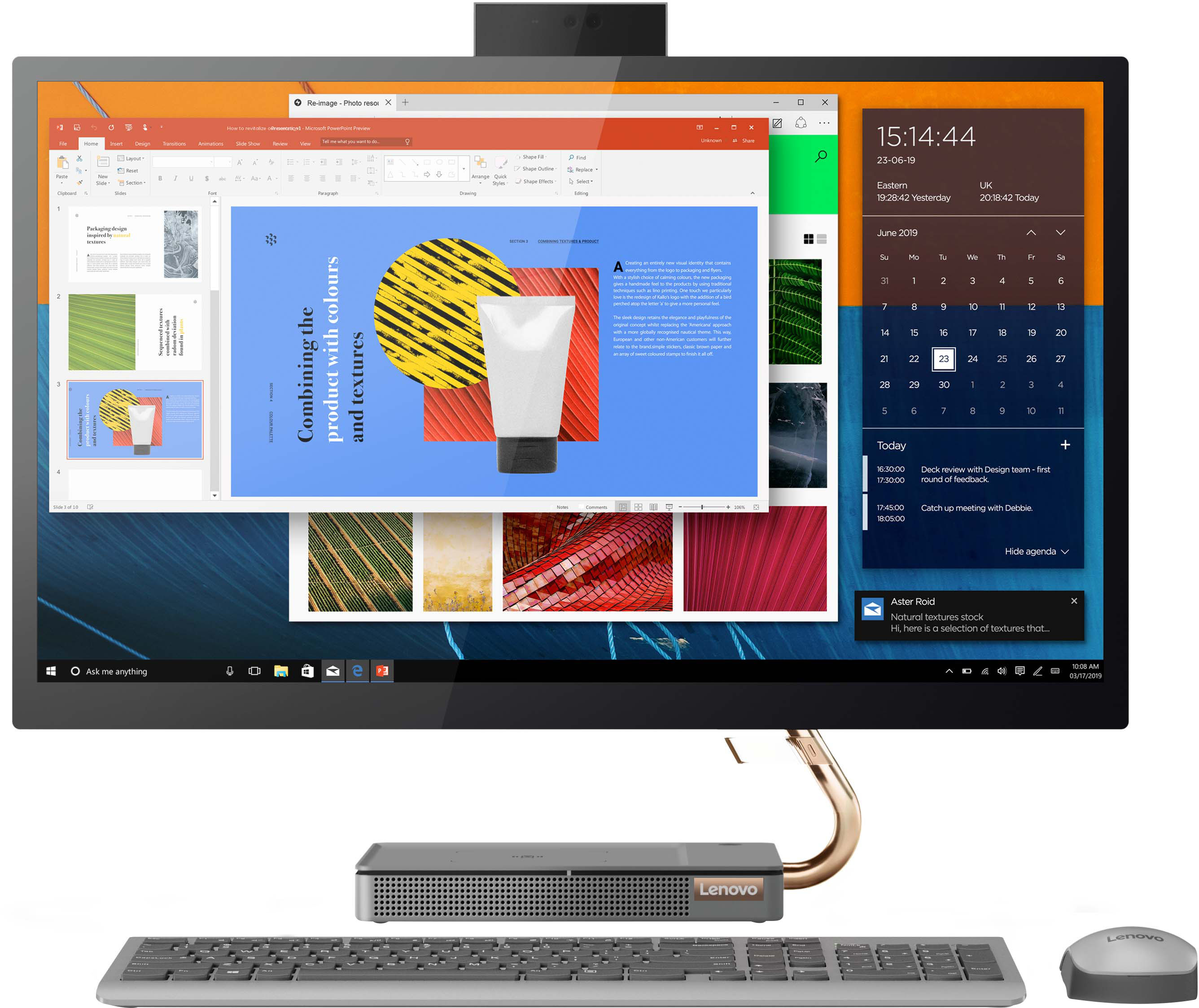
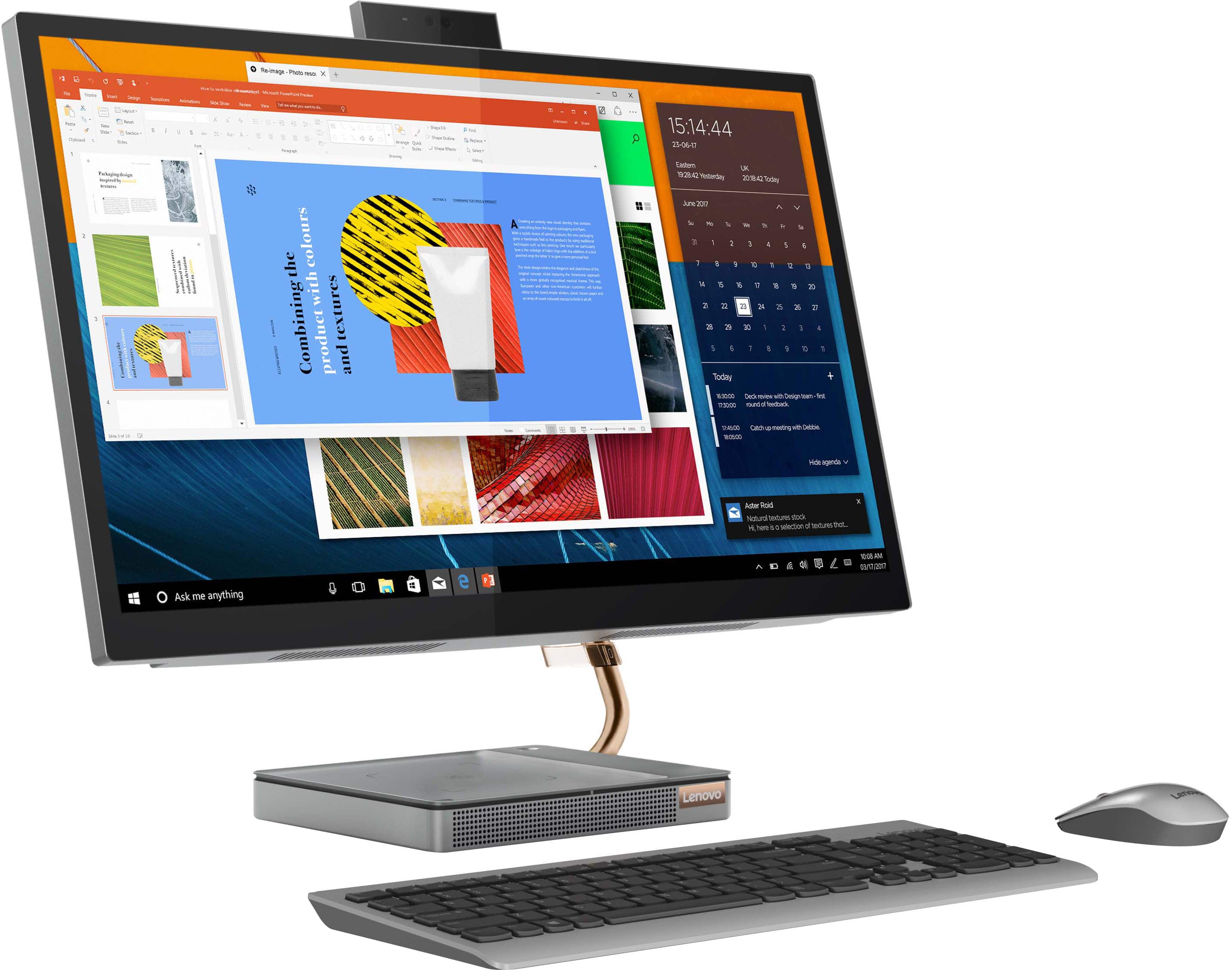
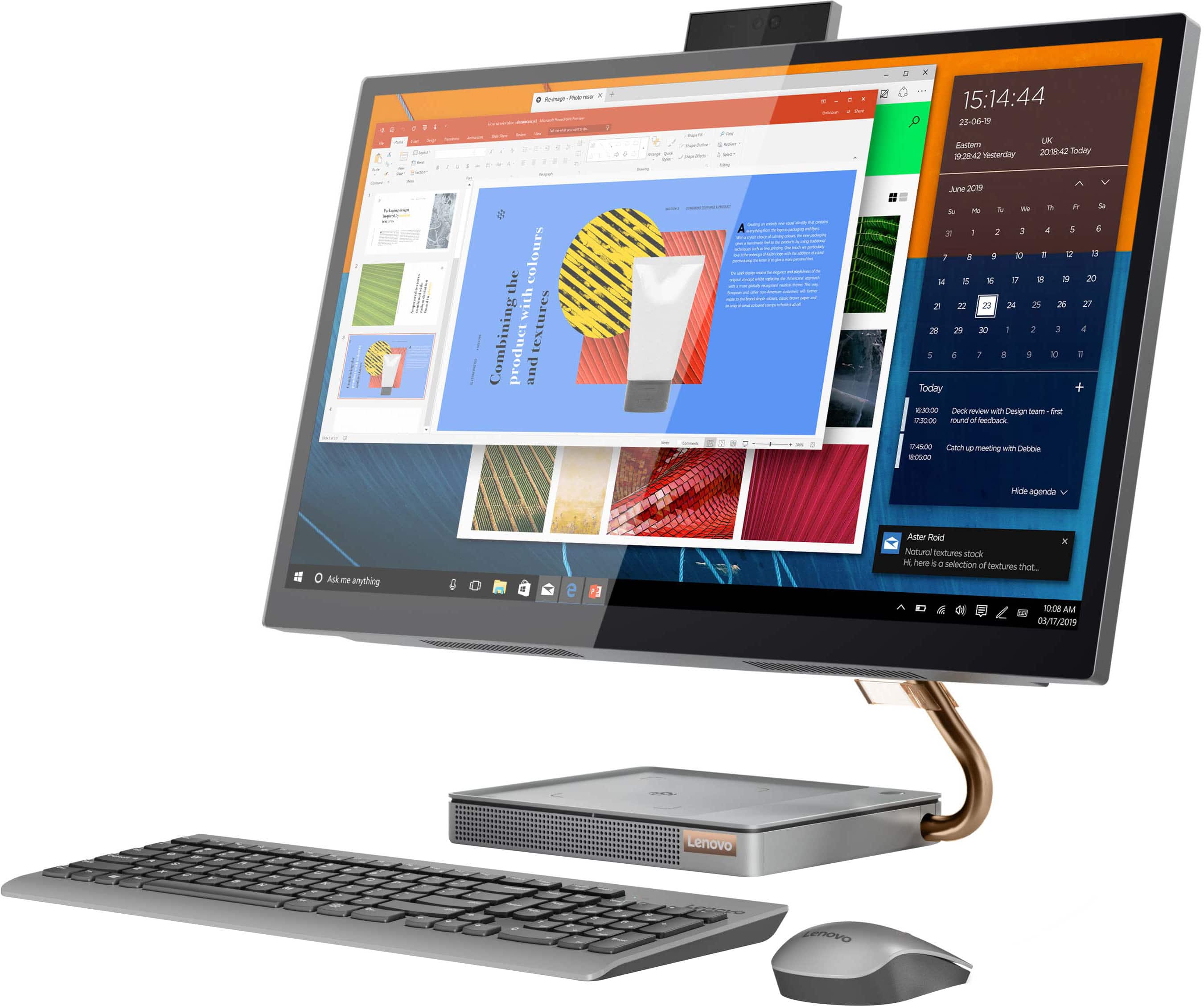
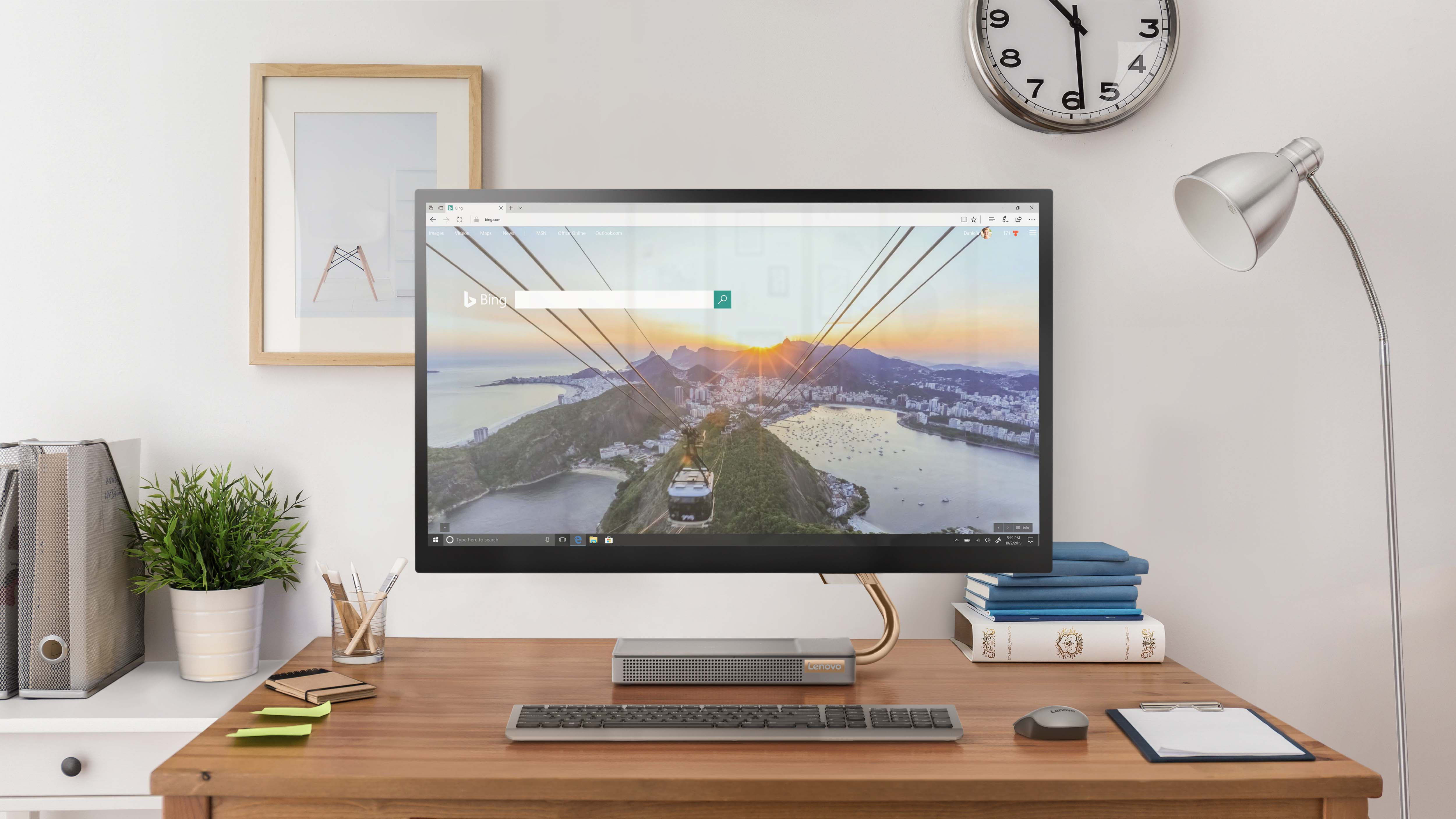
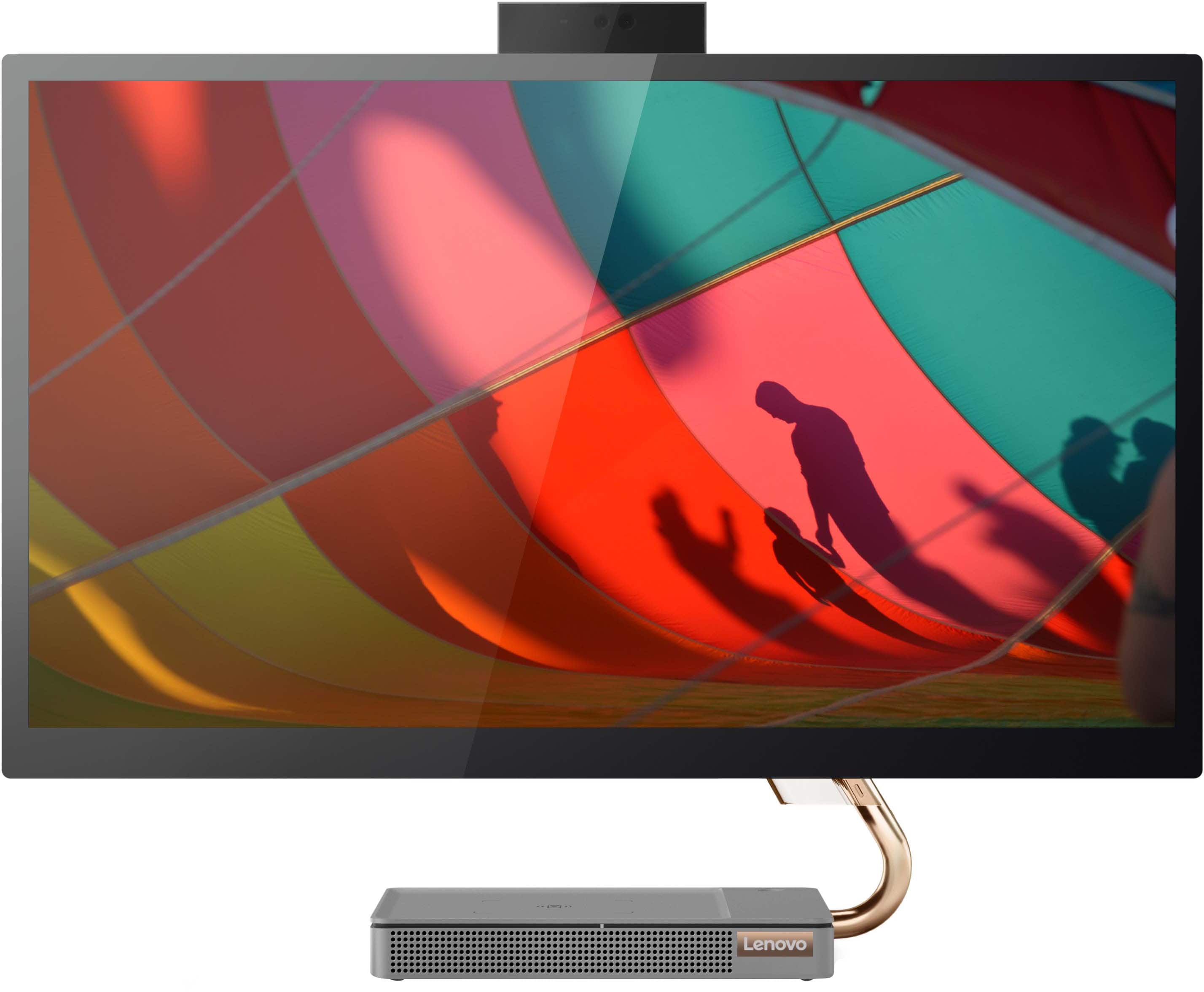
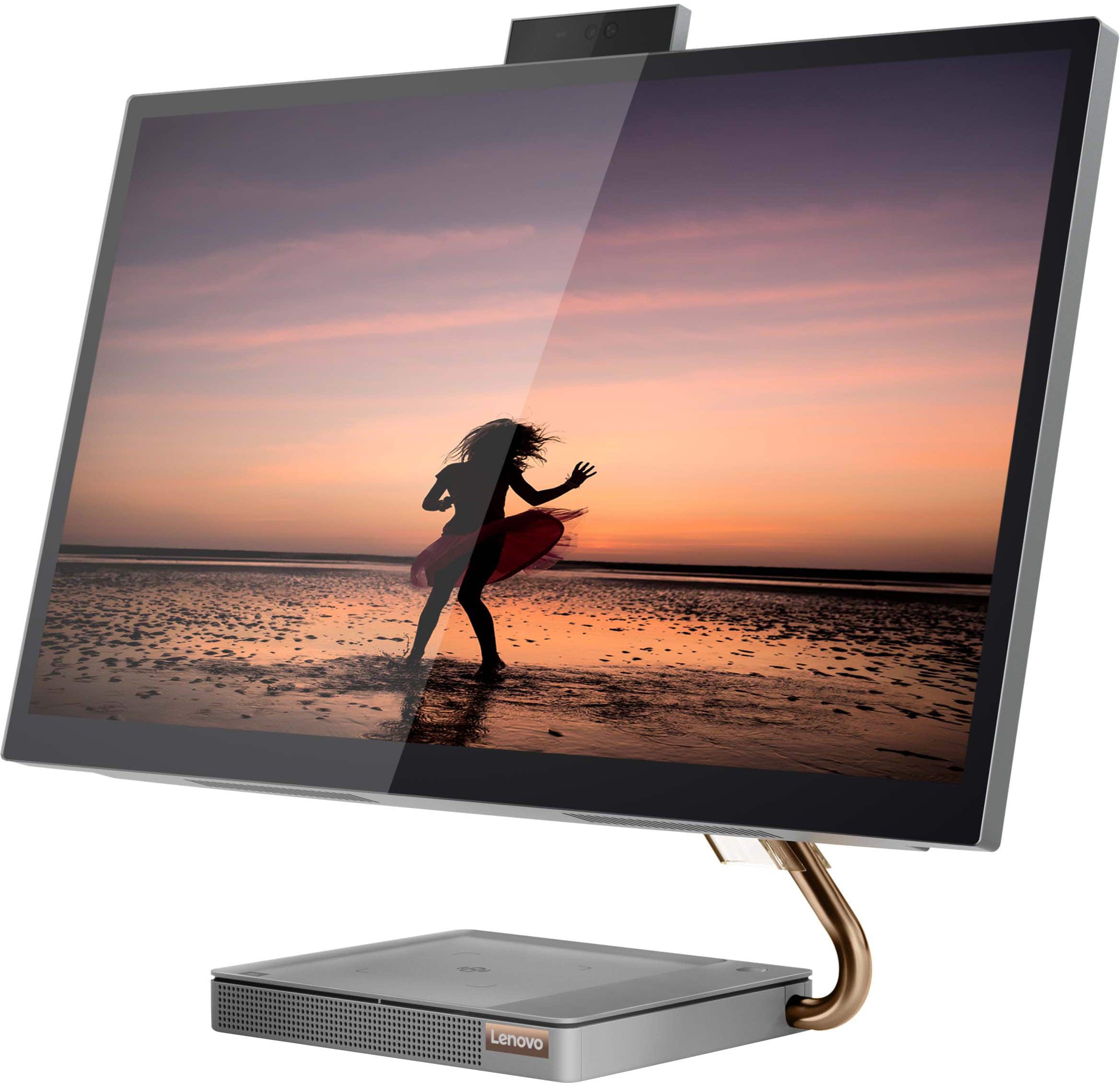
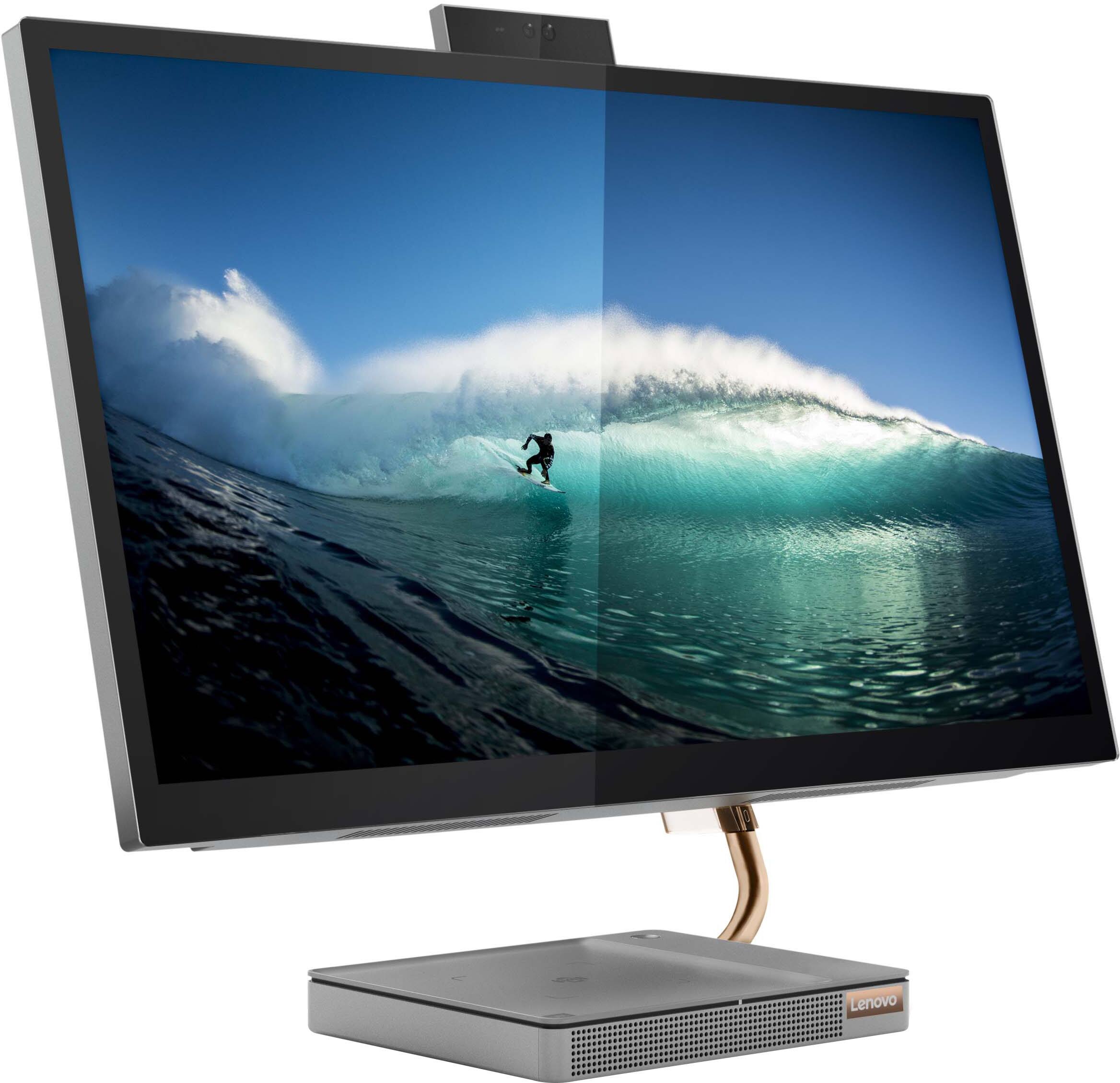
Customers consistently note the large, clear touch screen and the ease of use as significant advantages of the IdeaCentre AIO 5i 27". Many also appreciate its attractive design and competitive price. However, a recurring concern centers around performance issues and instances of the system freezing. Some users also reported problems with the mouse and wireless charger.
This summary was generated by AI based on customer reviews.
Regret buying this
||Posted . Owned for 1 year when reviewed.This reviewer received promo considerations or sweepstakes entry for writing a review.Ran in to an touchpad issue immediately after I bought .. bubble like distortions would appear on the screen , mouse would dart around .. garbage customer service and gave up on contacting them .. disabled the touch pad with use of Best Buy tech help .. only didn’t use warranty coz hard to reach and got too busy .. never buying again
No, I would not recommend this to a friendFreeze
||Posted . Owned for less than 1 week when reviewed.This reviewer received promo considerations or sweepstakes entry for writing a review.I bought this open box and had no problems the first day. 2nd day it froze on me while multitasking (less than 5 tabs/windows) which shouldn't be a problem. Had to hard reset and startup again. Expected from other review. I saw an article fix saying to delete McAfee, so far it's worked but overall shouldn't happen to computers at all.
No, I would not recommend this to a friend- Cons mentioned:Performance
Not a good purchase
||Posted . Owned for 7 months when reviewed.This reviewer received promo considerations or sweepstakes entry for writing a review.Totally unsatisfactory purchase. Everyday the device locks up multiple times. Exactly the same problem as everyone else has posted. I am an IT director at a Fortune 500 company and I would never procure this hardware for my business or myself.
No, I would not recommend this to a friendBrand response from Lenovo Product Expert
Posted .Hello, AnilG, we are sorry to hear that you have encountered an issue with your IdeaCentre All-In-One 5i 27. In advance, this is a lengthy response, however we want to give you and other readers of this response as much information as possible to help ensure your issue is resolved or should you encounter something similar in the future. We recommend verifying that the installed software is compatible with Windows 11 Operating System and the specifications of this computer. Also, we recommend checking for updates through Windows Update settings. These updates can help resolve issues from operating system bugs to driver software improvements. To navigate there, select start on the taskbar (windows logo) or press the windows key on the keyboard then select Settings. In Settings, select Windows Update, and then select the Check For Updates button. Install any available updates and restart your PC if required. If you didn’t have any updates that required a restart, it’s still a good idea to restart your device to make sure any pending updates are installed. Additionally, check for updates in the Lenovo Vantage application that is preinstalled on Windows devices. You can check by opening the app, navigating to the device tab, and selecting the “check for updates” option. If there are updates to install, follow the onscreen directions to finalize those updates. If your issues persists after these steps, we also recommend that you reach out to Lenovo Tech Support at this number for additional assistance: 866-426-0911.

WORST COMPUTER EVER!
||Posted . Owned for 1 month when reviewed.This reviewer received promo considerations or sweepstakes entry for writing a review.This computer is absolutely horrible! I received it as a Christmas gift, so I just opened it last week. I've used it for the past week and it has frozen every single time that I've used it. Each time I've had to unplug it to restart it because holding down the power does nothing. As such, I read some troubleshooting tips in hopes that I would not have to return it. To no avail, it is still freezing. I bought the same computer with the 24" screen 2 yrs. ago and never had this problem. Nonetheless, I just tried to initiate a return and the website says that the return period has closed. A 15-day return period during the holidays is unreasonable. Worst Best Buy experience ever!
No, I would not recommend this to a friendBrand response from Lenovo Product Expert
Posted .Hello, we are sorry to hear that you have encountered an issue with your IdeaCentre All-In-One 5i 27. If you are still experiencing this issue, we recommend reaching out to Lenovo Tech Support at this phone number and inform the representative of troubleshooting steps you have attempted to resolve your issue: 866-426-0911.
- Pros mentioned:Ease of use, Screen size
My husband loves this computer
||Posted . Owned for 1 month when reviewed.This reviewer received promo considerations or sweepstakes entry for writing a review.Great machine easy to set up and use Large screen is great
I would recommend this to a friendBrand response from Lenovo Product Expert
Posted .We are pleased to hear that the easy setup and use as well as the features and performance of the IdeaCentre 5i 27 All-In-One System meets your husband's computing needs so well.
- Pros mentioned:Speed
great all in one for the price
||Posted . Owned for 1 month when reviewed.This reviewer received promo considerations or sweepstakes entry for writing a review.first all in one computer and we love it fast and efficient.
I would recommend this to a friend - Pros mentioned:Ease of use
Very nice
||Posted . Owned for 2 weeks when reviewed.This reviewer received promo considerations or sweepstakes entry for writing a review.Worked great would highly recommend for a personal computer
I would recommend this to a friend LENOVO
||Posted . Owned for 1 month when reviewed.This reviewer received promo considerations or sweepstakes entry for writing a review.I really like this device, however, it was difficult getting started.
I would recommend this to a friend- Cons mentioned:Performance
Don't recommend
||Posted . Owned for 1 month when reviewed.This reviewer received promo considerations or sweepstakes entry for writing a review.Computer lockes up after non use for a couple hours. The only way to clear it is to hold down the power button to power off. This sucks!
No, I would not recommend this to a friendBrand response from Lenovo Product Expert
Posted .We are sorry to hear that you have encountered an issue with this IdeaCentre All-In-One 5i 27. We recommend that in the event of issues, you check for software updates through Windows and Lenovo Vantage software for other updates. Upon completing these updates, if the issues persist, we recommend that you reach out to Lenovo Tech Support for additional help at: 866-426-0911.
Not that great
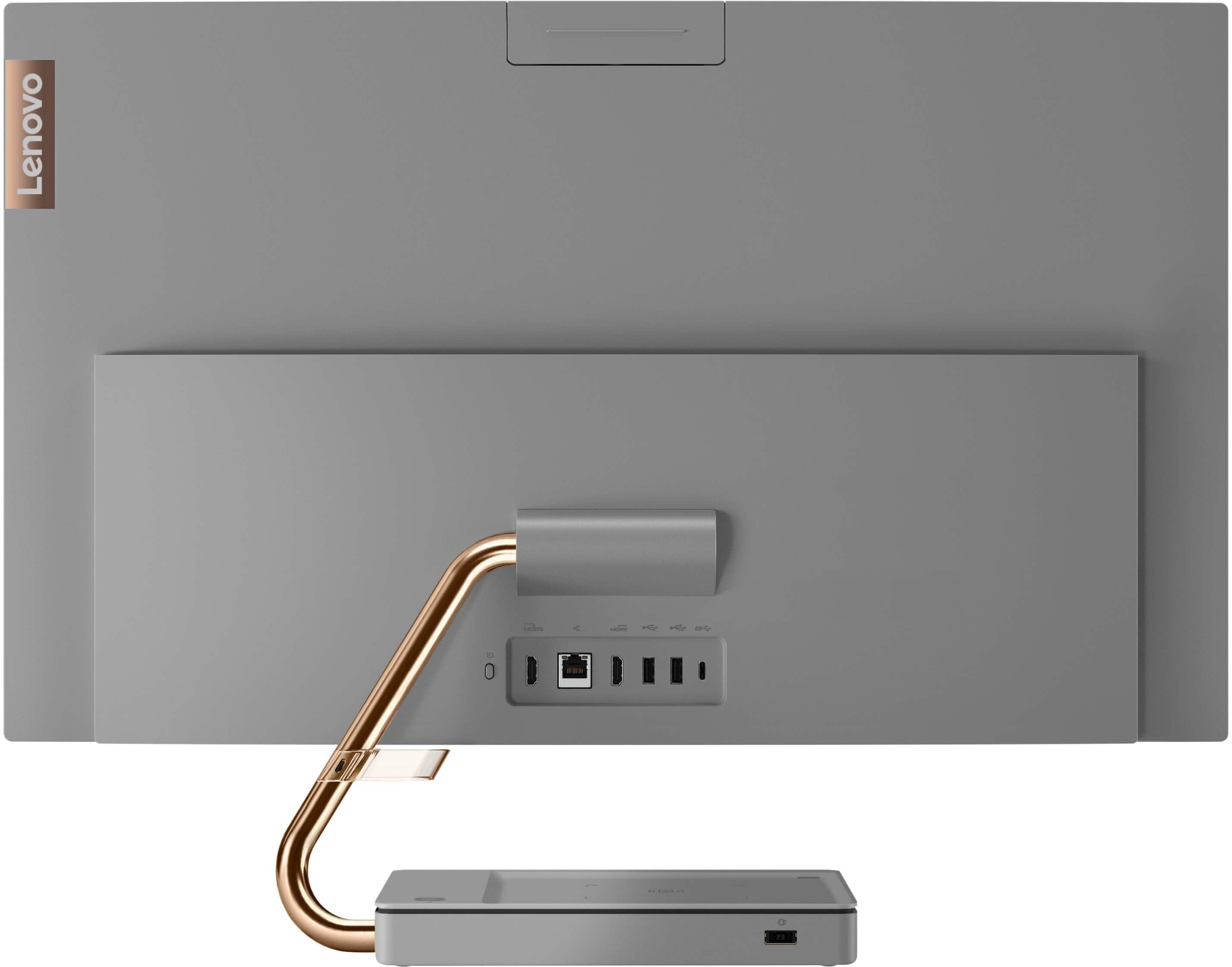
||Posted . Owned for 3 weeks when reviewed.This reviewer received promo considerations or sweepstakes entry for writing a review.Didn't have 2 monitor ports so I could set up three screens
I would recommend this to a friendGood computer with 1 hiccup.
||Posted . Owned for 1 week when reviewed.This reviewer received promo considerations or sweepstakes entry for writing a review.I've had this computer for a week now and I did have 1 hiccup. I was on a website and all of a sudden my computer froze. I couldn't use the touch screen feature and I couldn't open any programs. In order to fix this problem, I unplugged the power cord and plugged it back in. Since then I have not had any issues.
I would recommend this to a friendBrand response from Lenovo Product Expert
Posted .Thank you for choosing the Lenovo IdeaCentre AIO 5i 27in. Touch Screen All-in-One. We are sorry to hear that you experienced freezing issues. If you are experiencing these issues, be sure any software you installed is compatible with the Windows operating system. There is no need to install Microsoft Office software. The software is already part of the operating system, you just need to activate the software with a purchased product key. If you have installed a copy of Microsoft Office, this is conflicting with the existing copy on the system and this will slow your system down. If you have installed a 3rd party anti-virus program, be sure that Windows Defender is turned off and that the trial version of McAfee Anti-Virus software is uninstalled. There can only be one anti-virus program on the system. You may need to restore your system to original factory default settings if any of the programming errors have occurred. You can do that by typing "Restore" in the Windows search bar. You can locate the search bar by clicking on the Windows logo at the bottom of the screen. After you type in “Restore,” click on "Reset This PC" Then click on "Get Started" and follow the on-screen directions to restore to factory defaults. If the problem persists, we recommend you contact Lenovo Tech Support at: 877-453-6686.
Review
||Posted . Owned for 1 month when reviewed.This reviewer received promo considerations or sweepstakes entry for writing a review.Has a tendency to hang up if you leave a program open.
I would recommend this to a friend- Cons mentioned:Performance
Wouldn't recommend
||Posted . Owned for 8 months when reviewed.This reviewer received promo considerations or sweepstakes entry for writing a review.3 months in this thing just keeps freezing, find out its a bios fan issue. Waited to long to be able to return it. Other then that, It's pretty nice, It's useless if you keep freezing out in middle of work.
No, I would not recommend this to a friendBrand response from Lenovo Product Expert
Posted .Hello, JasonM, we are sorry to hear that you have experienced an issue with your IdeaCentre All-In-One 5i 27. In advance, this is a lengthy response, however we want to give you and other readers of this response as much information as possible to help ensure your issue is resolved should you encounter something similar in the future. First, ensure that the installed software is compatible with Windows. Incompatible software can cause your computer to misbehave. Additionally, we recommend checking for updates through Windows Update settings. These updates can help resolve issues from operating system bugs to driver software improvements. To navigate there, select start on the taskbar (windows logo) or press the windows key on the keyboard then select Settings. In Settings, select Windows Update, and then select the Check For Updates button. Install any available updates and restart your PC if required. If you didn’t have any updates that required a restart, it’s still a good idea to restart your device to make sure any pending updates are installed. Additionally, check for updates in the Lenovo Vantage application that is preinstalled on Windows devices. You can check by opening the app, navigating to the device tab, and selecting the “check for updates” option. If there are updates to install, follow the onscreen directions to finalize those updates. If your issues persists after these steps, we also recommend that you reach out to Lenovo Tech Support at this number for additional assistance: 866-426-0911.
- Cons mentioned:Performance
Windows 10 is Better! Sticky keyboard
||Posted . Owned for 1 month when reviewed.This reviewer received promo considerations or sweepstakes entry for writing a review.There are problems with this computer. It freezes sometimes and I have to disconnect the computer. The mouse does not move smoothly. The keys do whatever they want. If I type "a" it will automatically type 10 "a" on its own. Totally frustrating to have these problems. Every once in a while a box appears when I am typing and it will not let me finish what I am typing. Is this a Windows 11 problem or a computer problem? Also it stopped part way loading up my old files from the hard drive. My old Lenovo was better compared to to this and ma not sure why there are so many hiccups!!! Not a happy customer.
No, I would not recommend this to a friendBrand response from Lenovo Product Expert
Posted .We are sorry to hear that you are having issues with your Lenovo IdeaCentre 5i 27 All-In-One System. For the system freezing issue, check to be sure you have the latest version of Windows 11 on the computer. Then update all BIOS files and drivers up to that latest version of Windows 11. You can easily accomplish this by scanning the computer with the Lenovo Utility software available on this computer. This system has Lenovo utilities installed to help maintain the health of the device and keep the operating system software up to date. Type "Lenovo Vantage" in the Cortana Search window (if Lenovo Vantage is not installed on your device, you can download the APP and install it now). Select Lenovo Vantage from the list. In the window that opens, click on "Health and Support". In the expanded menu, select "Hardware Scan" In the window that opens, select "Run Quick Tests". This will scan your entire system for errors. Follow any directions that may pop up. If the problem continues after this scan, now click on "System Update". First select Windows update from the menu. Scan your system to be sure you have the latest version of Windows 11. Once that scan is complete, select "Additional Updates". This will scan your device to be sure there are no new BIOS/Driver updates needed. Follow any instructions that may pop up. You can turn off the Sticky Key Function within Windows 11. Here is a link to more information: https://www.digitaltrends.com/computing/how-to-turn-off-sticky-keys-windows-11/. If you continue to have issues with your Lenovo IdeaCentre 5i 27 AIO, we recommend you contact lenovo Tech Support for additional help at: 877-453-6686.
- Cons mentioned:Performance
Freezes up out of box
||Posted . Owned for 2 months when reviewed.This reviewer received promo considerations or sweepstakes entry for writing a review.Purchased this to replace my office computer. It freezes up fairly often and has to be unplugged or the mouse with freeze up. This is straight out of the box, nothing new installed, etc. I had read reviews thinking it was just installation issues, but nothing has been installed yet. Very disappointed for the price, but when it's working, it works well.
No, I would not recommend this to a friendBrand response from Lenovo Product Expert
Posted .We are sorry to hear that you are having issues with your Lenovo IdeaCentre 5i 27 All-In-One System, model number F0FA008GUS. Since there is no software installed yet on the computer, check to be sure you have the latest version of Windows 11 on the computer. Then update all BIOS files and drivers up to that latest version of Windows 11. You can easily accomplish this by scanning the computer with the Lenovo Utility software available on this computer. This system has Lenovo utilities installed to help maintain the health of the device and keep the operating system software up to date. Type "Lenovo Vantage" in the Cortana Search window (if Lenovo Vantage is not installed on your device, you can download the APP and install it now). Select Lenovo Vantage from the list. In the window that opens, click on "Health and Support". In the expanded menu, select "Hardware Scan" In the window that opens, select "Run Quick Tests". This will scan your entire system for errors. Follow any directions that may pop up. If the problem continues after this scan, now click on "System Update". First select Windows update from the menu. Scan your system to be sure you have the latest version of Windows 11. Once that scan is complete, select "Additional Updates". This will scan your device to be sure there are no new BIOS/Driver updates needed. Follow any instructions that may pop up. If the issue continues after these updates, we recommend you call Lenovo Tech Support at: 877-453-6686 for additional help.
- Cons mentioned:Performance
Freezes constantly
||Posted . Owned for 2 weeks when reviewed.This reviewer received promo considerations or sweepstakes entry for writing a review.Nothing solved the freezing issues as others here have reported. Sad because its a beautiful machine with great specs at the right price
No, I would not recommend this to a friendBrand response from Lenovo Product Expert
Posted .Hello, Dcrolltide, we are sorry to hear that you have experienced an issue with your IdeaCentre All-In-One 5i 27. In advance, this is a lengthy response, however we want to give you and other readers of this response as much information as possible to help ensure your issue is resolved should you encounter something similar in the future. We recommend checking for updates through Windows Update settings. These updates can help resolve issues from operating system bugs to driver software improvements. To navigate there, select start on the taskbar (windows logo) or press the windows key on the keyboard then select Settings. In Settings, select Windows Update, and then select the Check For Updates button. Install any available updates and restart your PC if required. If you didn’t have any updates that required a restart, it’s still a good idea to restart your device to make sure any pending updates are installed. Additionally, check for updates in the Lenovo Vantage application that is preinstalled on Windows devices. You can check by opening the app, navigating to the device tab, and selecting the “check for updates” option. If there are updates to install, follow the onscreen directions to finalize those updates. If your issues persists after these steps, we also recommend that you reach out to Lenovo Tech Support at this number for additional assistance: 866-426-0911.
- Cons mentioned:Performance
Freezing
||Posted . Owned for more than 2 years when reviewed.This reviewer received promo considerations or sweepstakes entry for writing a review.When it’s working it’s working fine but at least once a day it’s freeze completely. Needs to be restart.
No, I would not recommend this to a friend Not worth it
||Posted . Owned for 1.5 years when reviewed.This reviewer received promo considerations or sweepstakes entry for writing a review.Started having problems after about 6 months. Would just freeze and we would have to do a hard shut down. Then unplug and plug back in, before it would turn back on. I took it into Best Buy for service, the said they fixed it. Took it back and within a week it was doing the same thing. This computer is now less than 2 years old and we can barely do basic cloud based services on it.
No, I would not recommend this to a friend- Pros mentioned:Ease of use, Screen size
Great new computer
||Posted . Owned for less than 1 week when reviewed.This reviewer received promo considerations or sweepstakes entry for writing a review.The screen was big, the clarity of the screen was awesome, the sound quality was good. Easy to manage the software and the prompts.
I would recommend this to a friend - Pros mentioned:Design, Speed
LEnovo All IN One Computers
||Posted . Owned for 1 month when reviewed.This reviewer received promo considerations or sweepstakes entry for writing a review.Best Buy had these all in one computers in stock and they were delivered very quickly. We are very happy with the computers, beautiful, fast, and nice design
I would recommend this to a friendBrand response from Lenovo Product Expert
Posted .Thank you for choosing the Lenovo IdeaCentre 5i 27 All-In-One Systems. We are pleased to hear that the features and performance of the IdeaCentre 5i 27 AIOs meets your computing needs so well.