Customer Ratings & Reviews
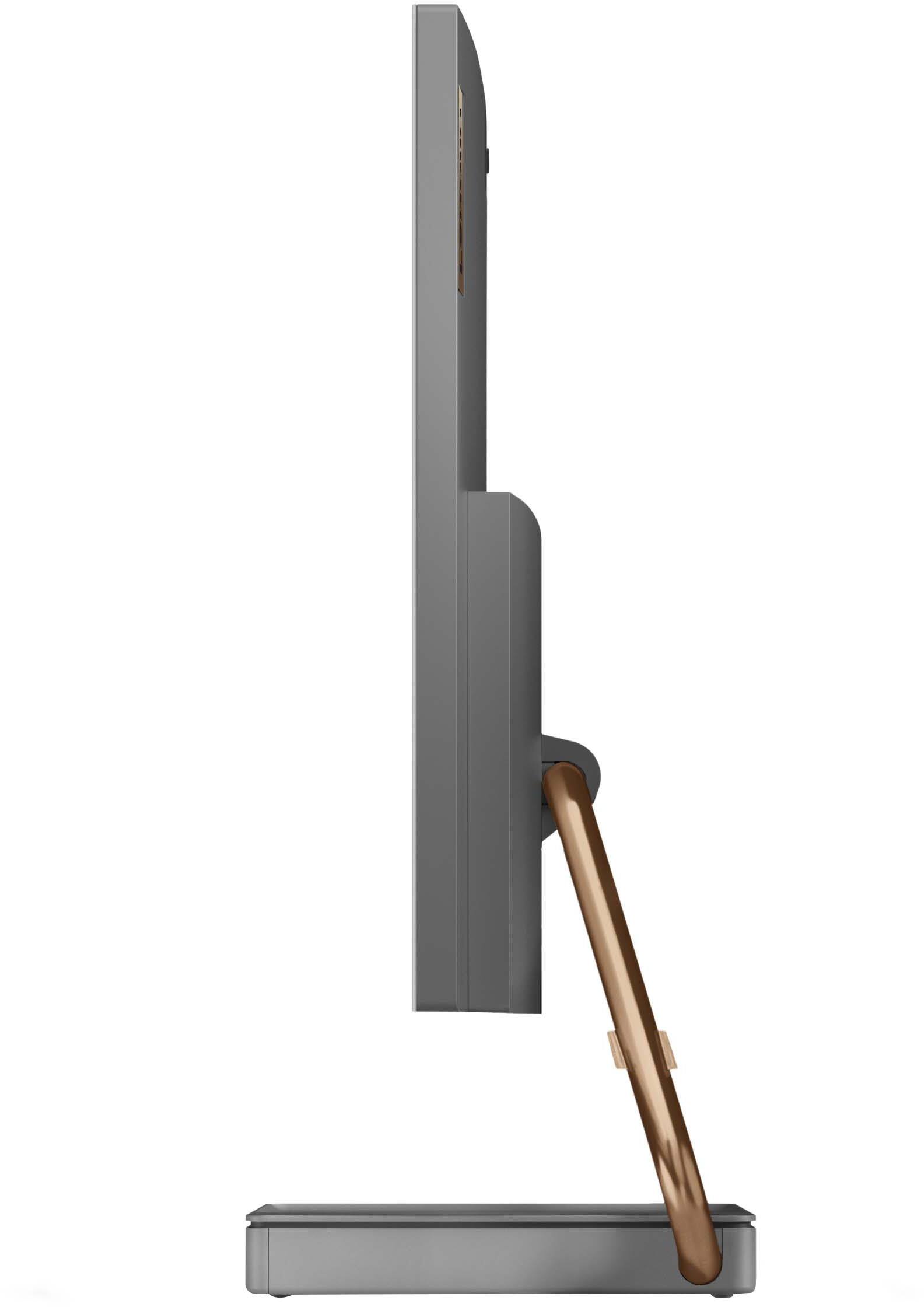
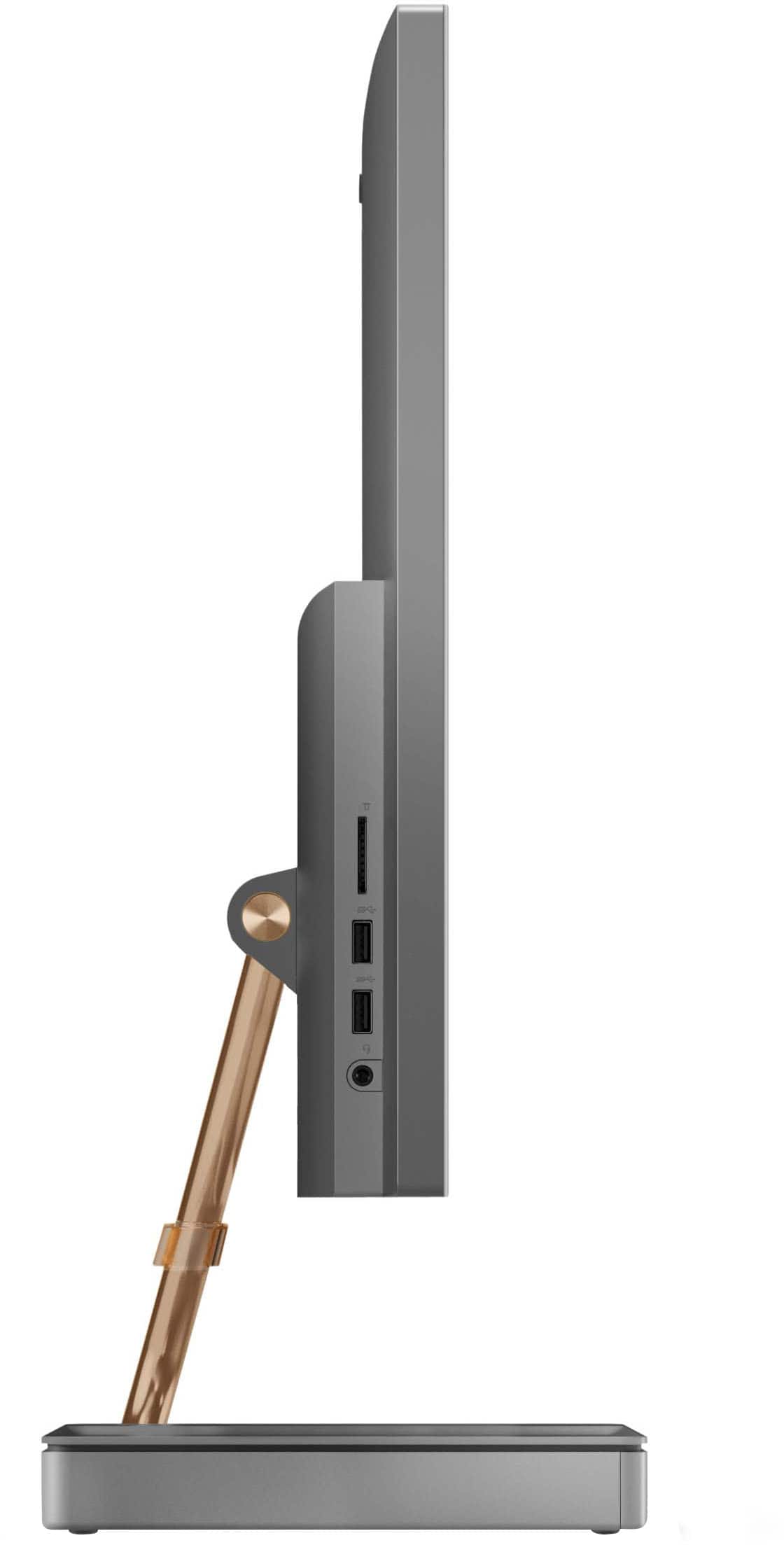
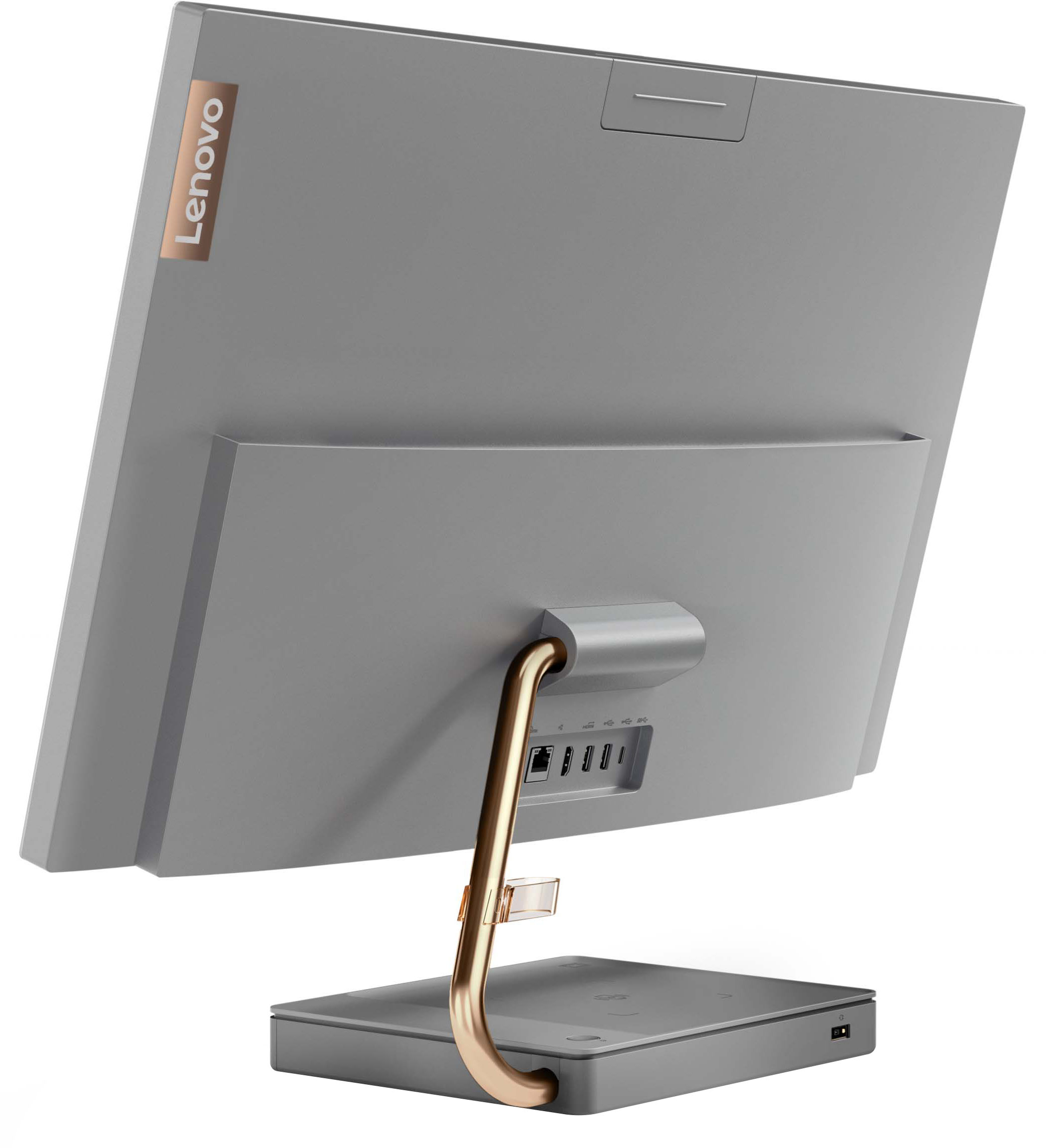
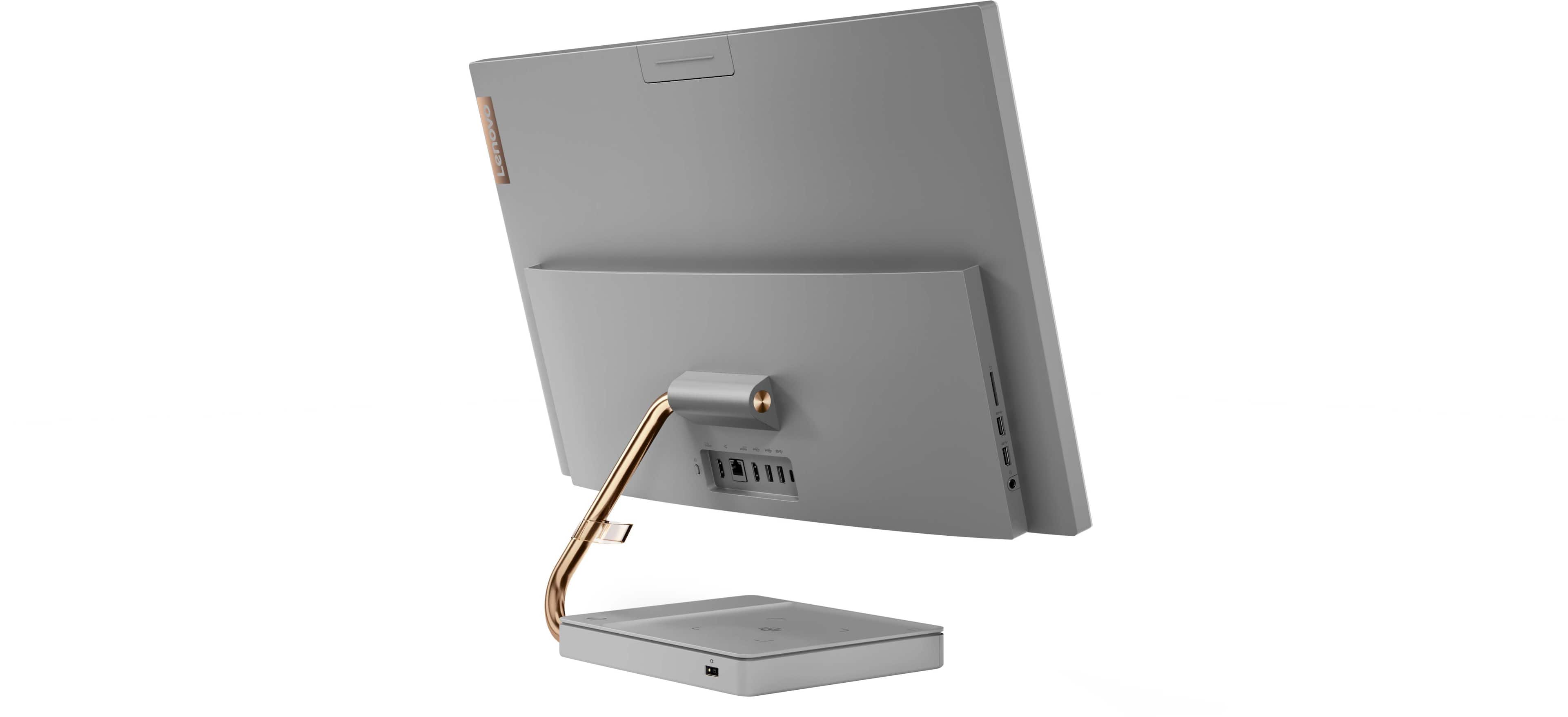


- Model:
- F0FA008GUS
- SKU:
- 6476239
Rating by feature
- Value
Rating 3.7 out of 5 stars
- Quality
Rating 3.6 out of 5 stars
- Ease of Use
Rating 3.9 out of 5 stars
Customers are saying
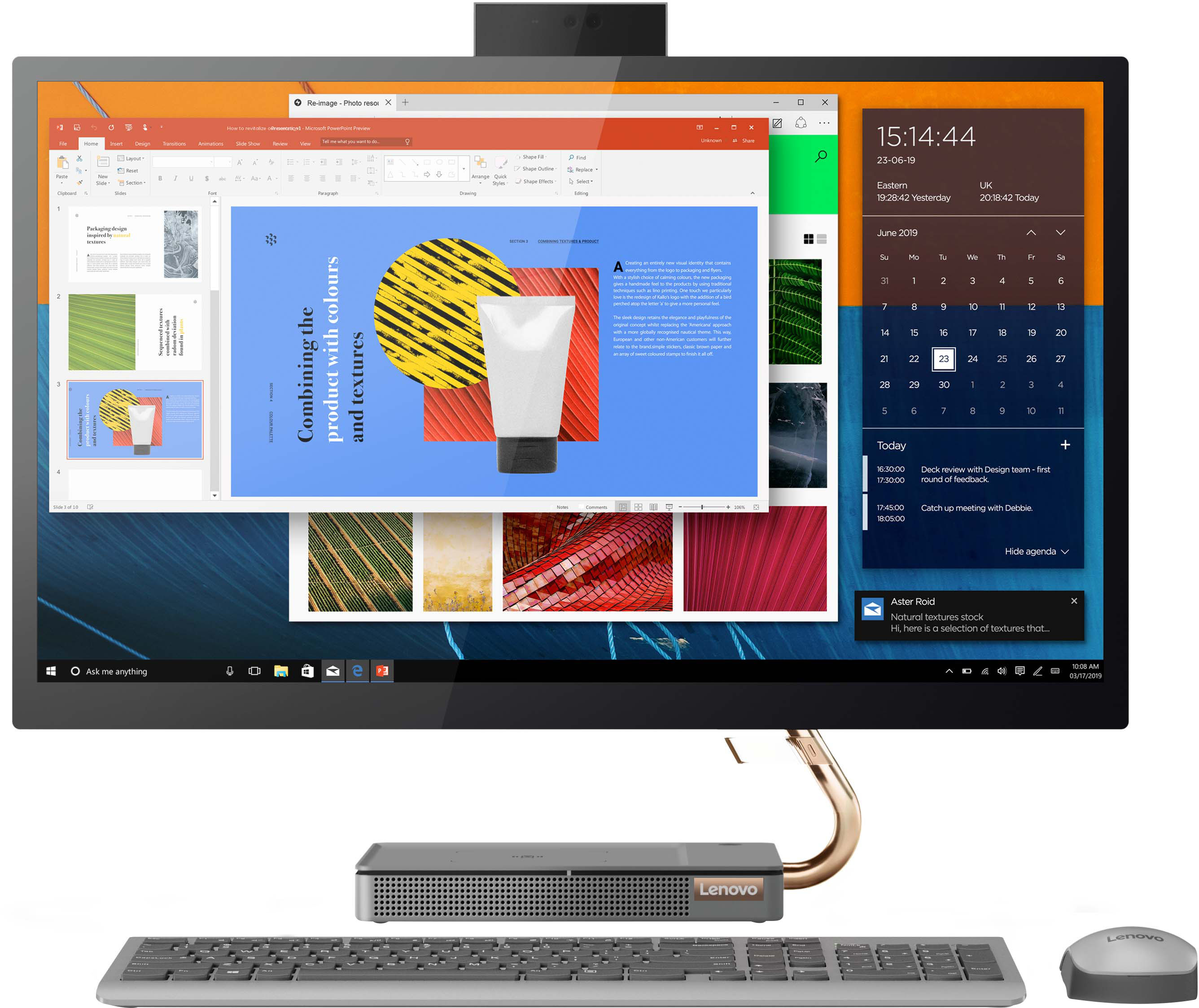
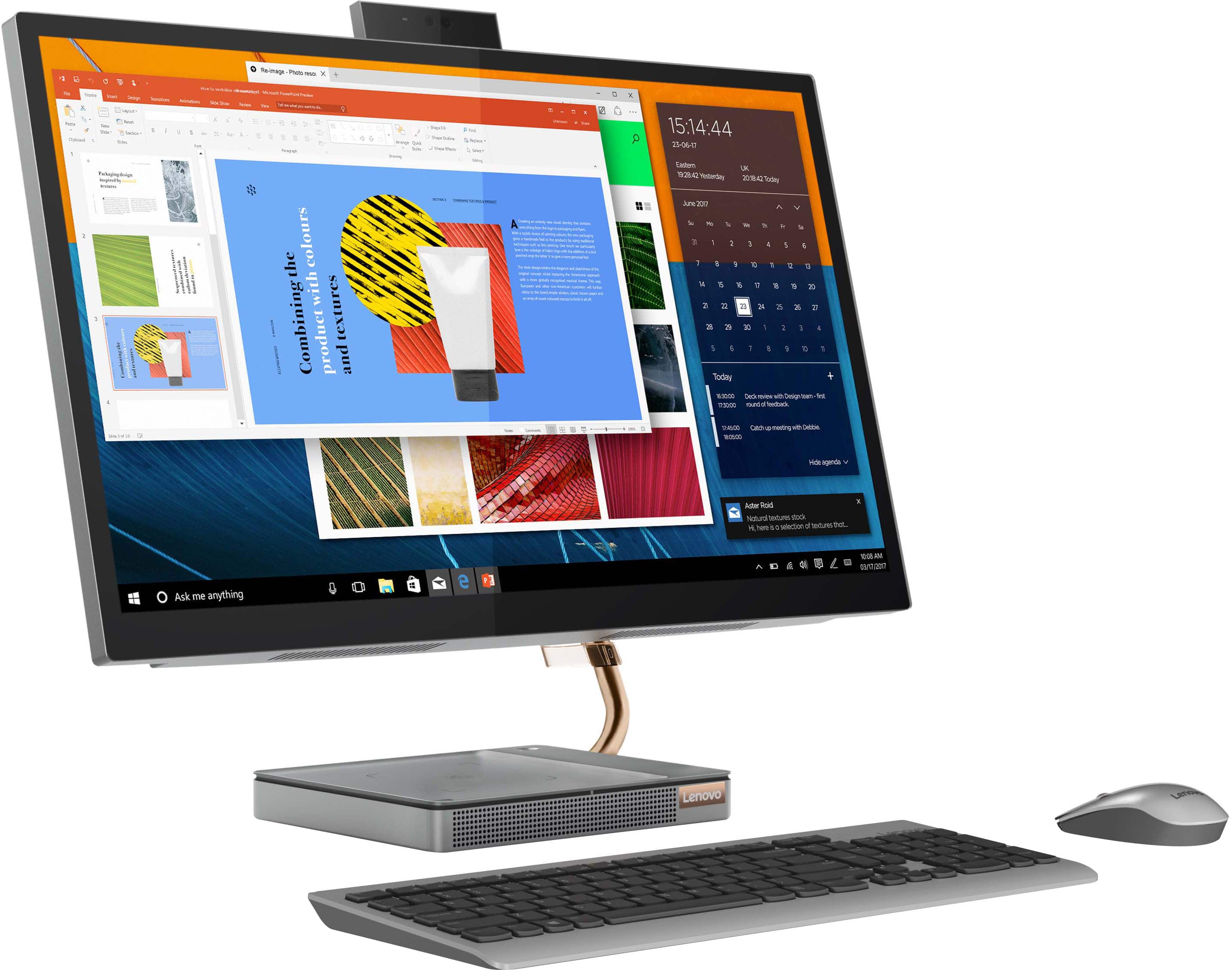
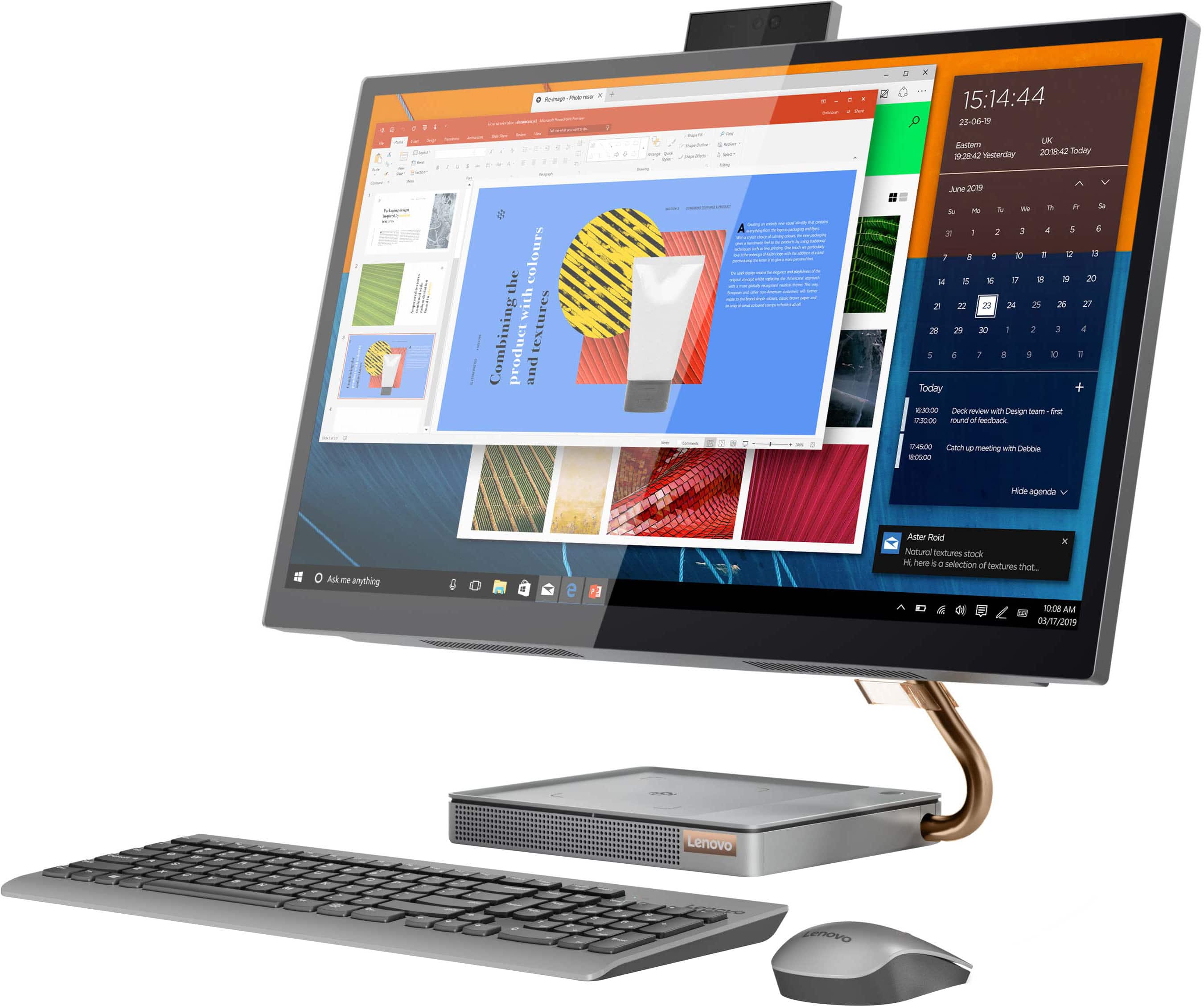
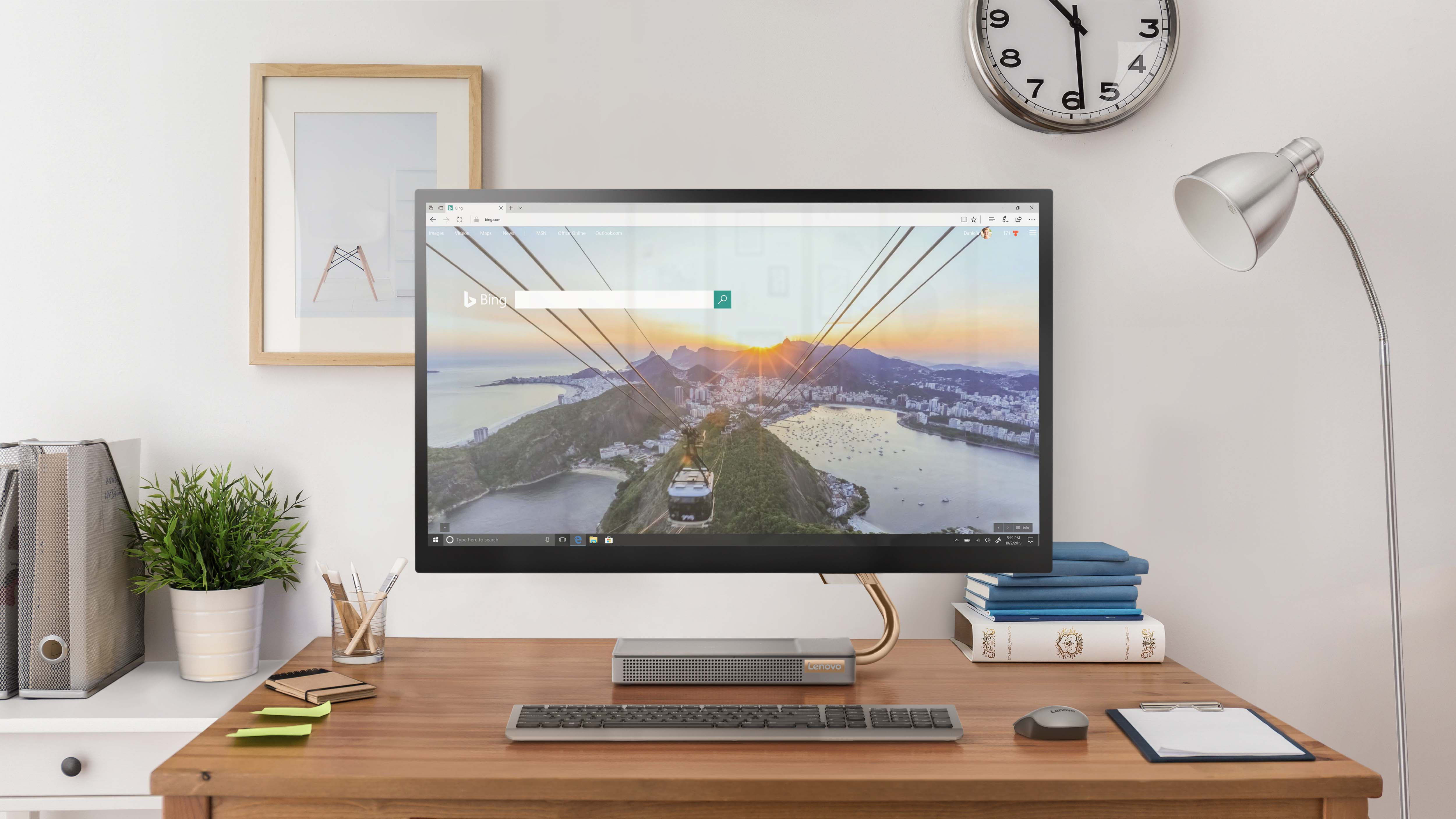
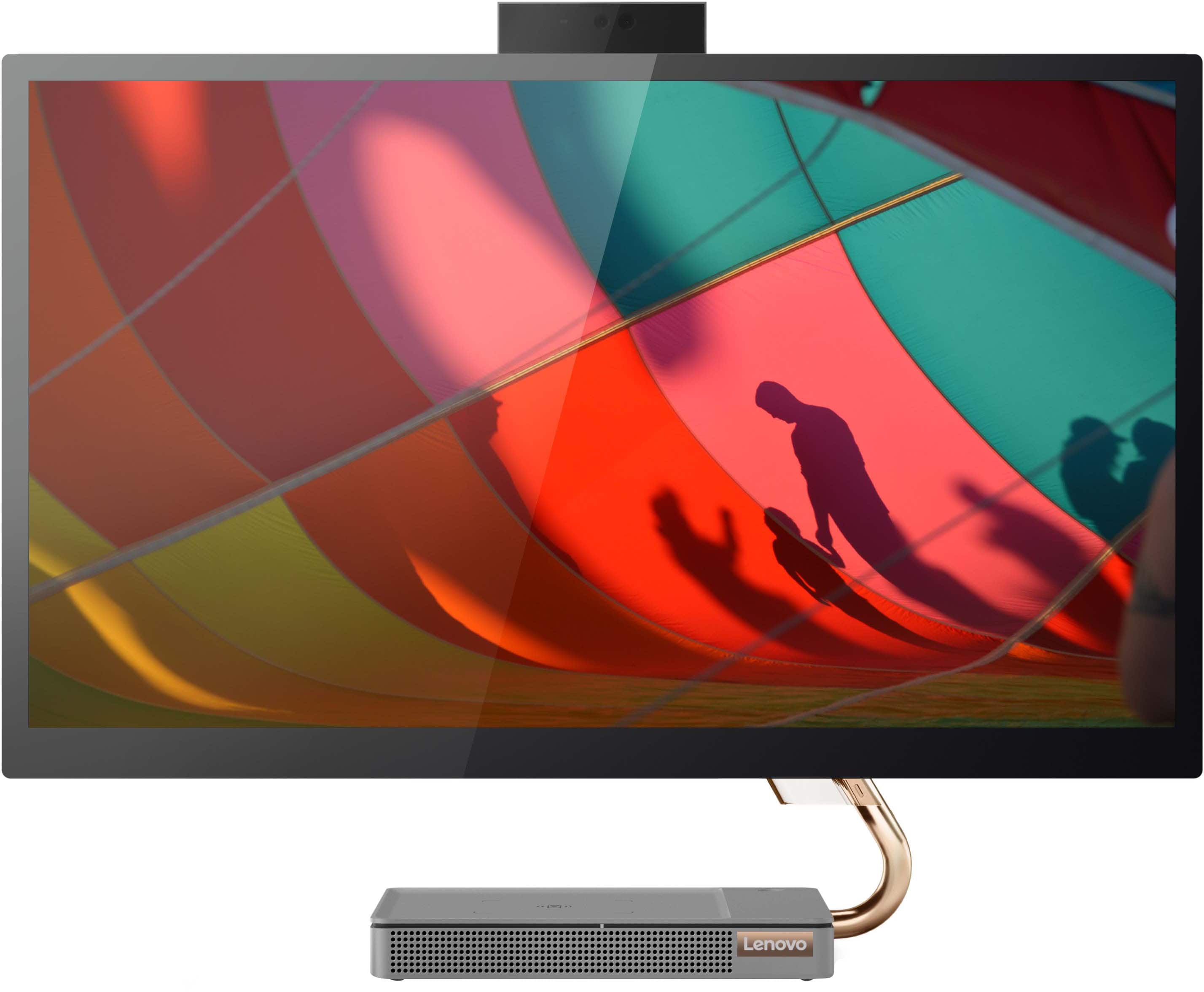
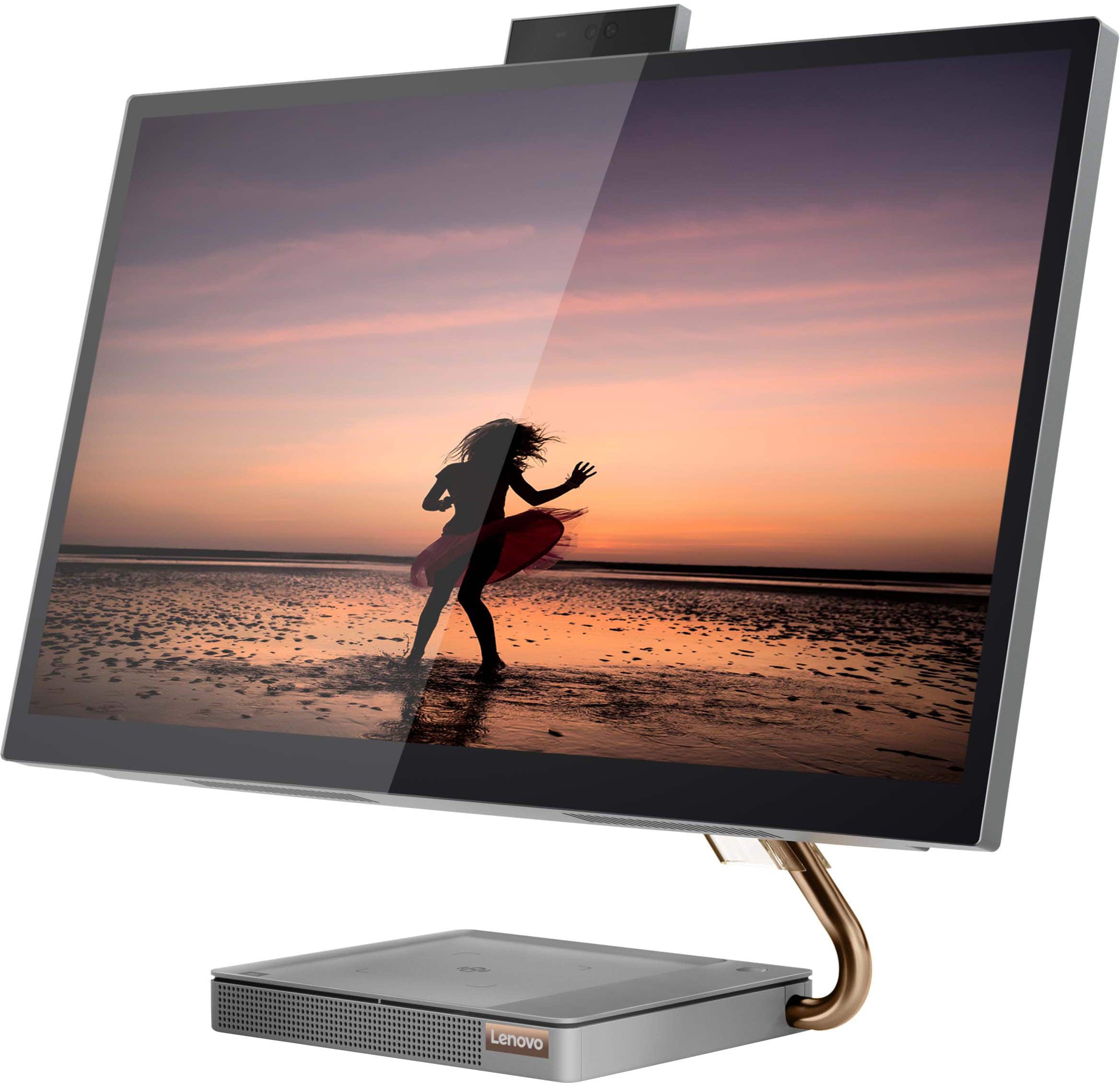
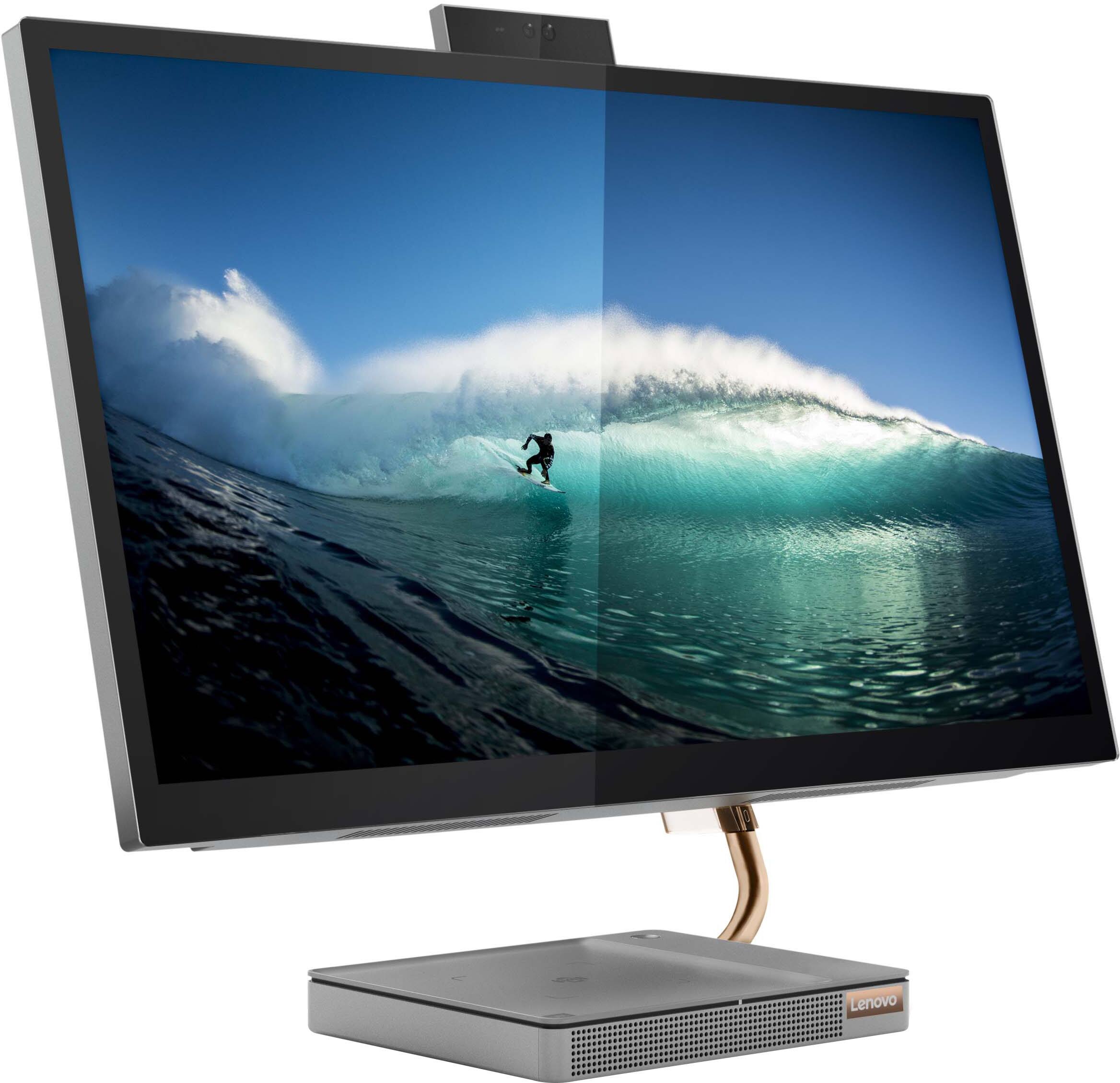
Customers consistently note the large, clear touch screen and the ease of use as significant advantages of the IdeaCentre AIO 5i 27". Many also appreciate its attractive design and competitive price. However, a recurring concern centers around performance issues and instances of the system freezing. Some users also reported problems with the mouse and wireless charger.
This summary was generated by AI based on customer reviews.
- Pros mentioned:Speed
Lenovo IdeaCentre A10
||Posted .This reviewer received promo considerations or sweepstakes entry for writing a review.So far so good. Much faster than my old desktop. Response is very good.
I would recommend this to a friendBrand response from Lenovo Product Expert
Posted .Thank you for choosing the Lenovo IdeaCentre 5i 27 All-In-One System. We are pleased to hear that the performance of the IdeaCentre 5i 27 AIO meets your computing needs so well.

Really recommend
||Posted . Owned for 1 year when reviewed.This reviewer received promo considerations or sweepstakes entry for writing a review.Amazing computer had it for a while now still works great!
I would recommend this to a friendLenovo All in One
||Posted . Owned for 1 month when reviewed.This reviewer received promo considerations or sweepstakes entry for writing a review.Attractive all in one computer. Takes up less space on a desk.
I would recommend this to a friend- Cons mentioned:Performance
No quiet good
||Posted . Owned for 3 weeks when reviewed.This reviewer received promo considerations or sweepstakes entry for writing a review.Great concept but it freezes all the time. Returning it.
No, I would not recommend this to a friendBrand response from Lenovo Product Expert
Posted .Hello, Jose, we are sorry to hear that you have experienced an issue with your IdeaCentre All-In-One 5i 27. In advance, this is a lengthy response, however we want to give you and other readers of this response as much information as possible to help ensure your issue is resolved should you encounter something similar in the future. First, ensure that the installed software is compatible with Windows. Incompatible software can cause your computer to misbehave. Additionally, we recommend checking for updates through Windows Update settings. These updates can help resolve issues from operating system bugs to driver software improvements. To navigate there, select start on the taskbar (windows logo) or press the windows key on the keyboard then select Settings. In Settings, select Windows Update, and then select the Check For Updates button. Install any available updates and restart your PC if required. If you didn’t have any updates that required a restart, it’s still a good idea to restart your device to make sure any pending updates are installed. Additionally, check for updates in the Lenovo Vantage application that is preinstalled on Windows devices. You can check by opening the app, navigating to the device tab, and selecting the “check for updates” option. If there are updates to install, follow the onscreen directions to finalize those updates. If your issues persists after these steps, we also recommend that you reach out to Lenovo Tech Support at this number for additional assistance: 866-426-0911.
- Cons mentioned:Performance
n/a
||Posted . Owned for 1 month when reviewed.This reviewer received promo considerations or sweepstakes entry for writing a review.the monitor and mouse freeze. very dissappoited !!!
No, I would not recommend this to a friendBrand response from Lenovo Product Expert
Posted .Hello, JuvenalC, we are sorry to hear that you have experienced an issue with your IdeaCentre All-In-One 5i 27. In advance, this is a lengthy response, however we want to give you and other readers of this response as much information as possible to help ensure your issue is resolved should you encounter something similar in the future. First, ensure that the installed software is compatible with Windows. Incompatible software can cause your computer to misbehave. Additionally, we recommend checking for updates through Windows Update settings. These updates can help resolve issues from operating system bugs to driver software improvements. To navigate there, select start on the taskbar (windows logo) or press the windows key on the keyboard then select Settings. In Settings, select Windows Update, and then select the Check For Updates button. Install any available updates and restart your PC if required. If you didn’t have any updates that required a restart, it’s still a good idea to restart your device to make sure any pending updates are installed. Additionally, check for updates in the Lenovo Vantage application that is preinstalled on Windows devices. You can check by opening the app, navigating to the device tab, and selecting the “check for updates” option. If there are updates to install, follow the onscreen directions to finalize those updates. If your issues persists after these steps, we also recommend that you reach out to Lenovo Tech Support at this number for additional assistance: 866-426-0911.
- Cons mentioned:Performance
Decent
||Posted . Owned for 3 weeks when reviewed.This reviewer received promo considerations or sweepstakes entry for writing a review.Average all in one computer, it freezes up sometimes.
I would recommend this to a friend Amazing all in One computer!!
||Posted . Owned for 3 weeks when reviewed.This reviewer received promo considerations or sweepstakes entry for writing a review.I loved it!!!! The camera is perfect !! I will recommend this to my friend!!
I would recommend this to a friendExcelente system
||Posted . Owned for 1 month when reviewed.This reviewer received promo considerations or sweepstakes entry for writing a review.Great system at an exceptional value. Excellent performance
I would recommend this to a friendSo far so good
||Posted . Owned for 2 months when reviewed.This reviewer received promo considerations or sweepstakes entry for writing a review.So far so good. A good machine for work and entertainment.
I would recommend this to a friend- Cons mentioned:Performance
Lenovo - all in one
||Posted . Owned for 2 months when reviewed.This reviewer received promo considerations or sweepstakes entry for writing a review.The worst product I have ever purchased! This all-in-one crashed EVERY SINGLE DAY of use. I work from home. It was a total disaster. I have literally lost contracts because I could not respond timely due to the computer freezing. When I spoke with the Geek Squad, they said "I've never heard anyone complain about that" However, When I read other reviews, MOST of the cons were about the very same thing. The unit freezes! You have to cold boot to get it to start back. I returned it 2 weeks later after much frustration and disappointment from communication with the Geek Squad.
No, I would not recommend this to a friendBrand response from Lenovo Product Expert
Posted .We are sorry to hear that you are having issues with your Lenovo IdeaCentre 5i 27 All-In-One System, model number F0FA008GUS. Resetting this computer back to original factory settings may correct the issue with system freezing you are having. Here is a link to instructions for resetting a Windows 11 Computer: https://www.windowscentral.com/how-reset-windows-11-pc-factory-settings. If you continue to have issues after this reset, we recommend you contact lenovo Tech Support for additional help at: 877-453-6686.
Love it
||Posted . Owned for 2 weeks when reviewed.This reviewer received promo considerations or sweepstakes entry for writing a review.Great All in one. I see myself using it for a long time.
I would recommend this to a friendAwesome!
||Posted . Owned for 2 weeks when reviewed.This reviewer received promo considerations or sweepstakes entry for writing a review.Great and highly recommended. Great sound and visuals
I would recommend this to a friend- Pros mentioned:Screen size
Nice all in one 27in is nice to find
||Posted . Owned for 1 month when reviewed.This reviewer received promo considerations or sweepstakes entry for writing a review.I have been using these for people in our office and they are doing well. It is hard to find a 27 inch all in one and this one does just fine. The matching monitors are a bit expensive though.
I would recommend this to a friendBrand response from Lenovo Product Expert
Posted .Thank you for choosing the Lenovo IdeaCentre 5i 27 All-In-One System for your office. We are pleased to hear that the IdeaCentre 5i 27 AIO's are working out so well for your office.
- Pros mentioned:Screen size
love it
||Posted .This reviewer received promo considerations or sweepstakes entry for writing a review.Use the computer at work. Works perfectly is very fast has a great quality screen and plenty of space for storage. I also love the built in charger, it charges my phone and airpods quickly
I would recommend this to a friendBrand response from Lenovo Product Expert
Posted .Thank you for choosing the Lenovo IdeaCentre 5i 27 All-In-One System. We are pleased to hear that the features and performance of the IdeaCentre 5i 27 AIO meets your computing needs so well.
- Cons mentioned:Wireless charger
First Lenovo product that I do not like.
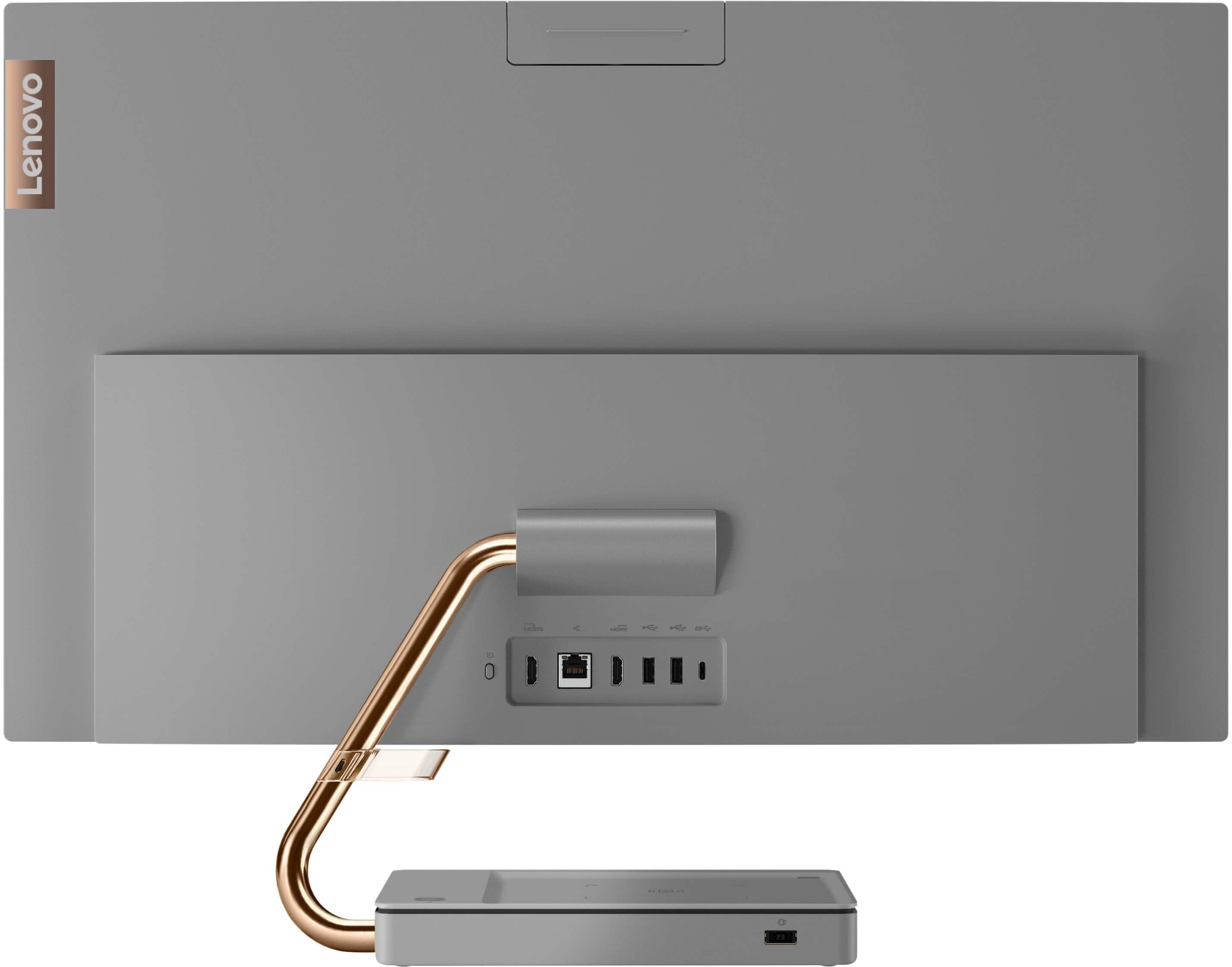
||Posted . Owned for 1 month when reviewed.This reviewer received promo considerations or sweepstakes entry for writing a review.This is the first Lenovo product that I do not like. I don't like the single arm holding the monitor (it continually shakes and shudders). I was never able to get the Wireless charger to work. After two days of use I got a message that I had a controller issue and Lenovo support said that they would send me a new part and I could replace it. I said no thanks and returned the whole computer.
No, I would not recommend this to a friend Not worth the money!
||Posted . Owned for 11 months when reviewed.This reviewer received promo considerations or sweepstakes entry for writing a review.Was supposed to be a touch screen but it doesn't work. Geek squad never could find out why not because when i took it in the computer screen worked but as soon as i got it back home it wouldn't work. Still don't work.
No, I would not recommend this to a friendBrand response from Lenovo Product Expert
Posted .Hello, PhillisS, we are sorry to hear that you experienced an issue with your IdeaCentre All-In-One 5i 27. We recommend reaching out to Lenovo Tech Support at this phone number and speaking with a representative to discover a solution: 866-426-0911.
- Pros mentioned:Screen size
GeminiGirl
||Posted . Owned for 1 week when reviewed.This reviewer received promo considerations or sweepstakes entry for writing a review.I love my new Touch-Screen All-In-One desktop unit. I love the cell phone charger on the base as well as the size and clarity of the monitor. It came with a keyboard and monitor which was great!
I would recommend this to a friendBrand response from Lenovo Product Expert
Posted .Thank you for choosing the Lenovo IdeaCentre 5i 27 All-In-One System. We are pleased to hear that the features and performance of the IdeaCentre 5i 27 AIO meets your computing needs so well.
- Cons mentioned:Performance
Not worth the money
||Posted . Owned for 1 month when reviewed.This reviewer received promo considerations or sweepstakes entry for writing a review.I purchased this computer back in Aug and was very happy, until recently. I had to disable the touchscreen settings in order to even get on the computer to do work. It would freeze, the mouse was all over the screen causing the websites to freeze, make the sites huge or really small. Then came the like ghost bubbles on the left side of the screen. I'm extremely unhappy with this computer and I'm hoping to exchange it due to this defect. What is the point of having a touch screen when you can't use it??
No, I would not recommend this to a friendBrand response from Lenovo Product Expert
Posted .We are sorry to hear that you are having issues with your Lenovo IdeaCentre 5i 27 All-In-One System, model number F0FA008GUS. First, check to be sure you have the latest version of Windows 11 on the computer. Then update all BIOS files and drivers up to that latest version of Windows 11. You can easily accomplish this by scanning the computer with the Lenovo Utility software available on this computer. This system has Lenovo utilities installed to help maintain the health of the device and keep the operating system software up to date. Type "Lenovo Vantage" in the Cortana Search window (if Lenovo Vantage is not installed on your device, you can download the APP and install it now). Select Lenovo Vantage from the list. In the window that opens, click on "Health and Support". In the expanded menu, select "Hardware Scan" In the window that opens, select "Run Quick Tests". This will scan your entire system for errors. Follow any directions that may pop up. If the problem continues after this scan, now click on "System Update". First select Windows update from the menu. Scan your system to be sure you have the latest version of Windows 11. Once that scan is complete, select "Additional Updates". This will scan your device to be sure there are no new BIOS/Driver updates needed. Follow any instructions that may pop up. If the issue continues after these updates, we recommend you call Lenovo Tech Support at: 877-453-6686 for additional help.
Nice Lenovo
||Posted . Owned for 3 weeks when reviewed.This reviewer received promo considerations or sweepstakes entry for writing a review.I like this computer very much. However, the keyboard is slightly different than most and the screen is larger than I thought. I would have been happy with a little smaller screen and it would have saved me some money.
I would recommend this to a friend- Pros mentioned:Screen size
Great All in one computer
||Posted . Owned for 3 weeks when reviewed.This reviewer received promo considerations or sweepstakes entry for writing a review.This is a great all in one. The screen is larger than I really needed, but I like it. Did not realize it was an energy star, very happy with that.
I would recommend this to a friend