Customer Ratings & Reviews
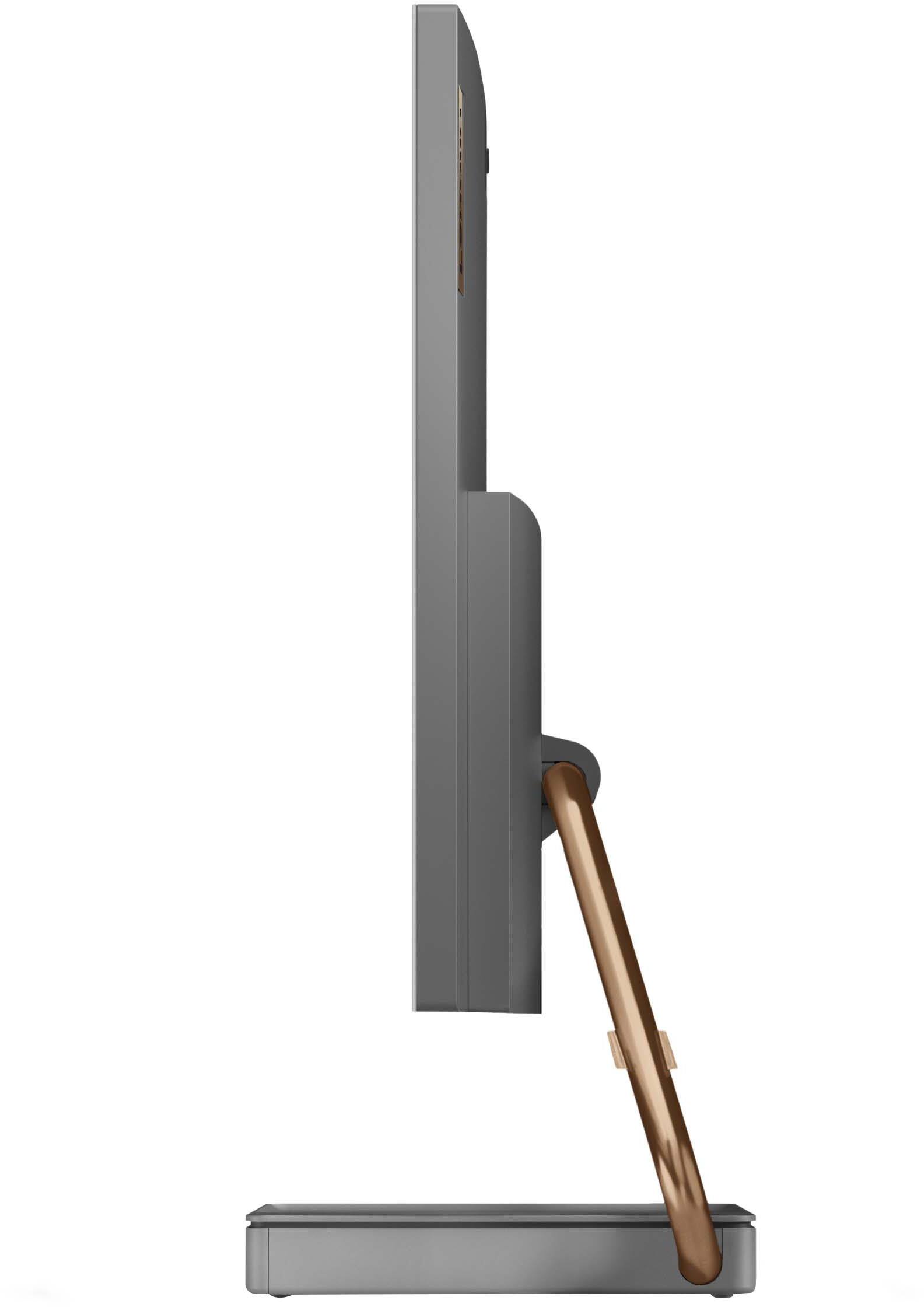
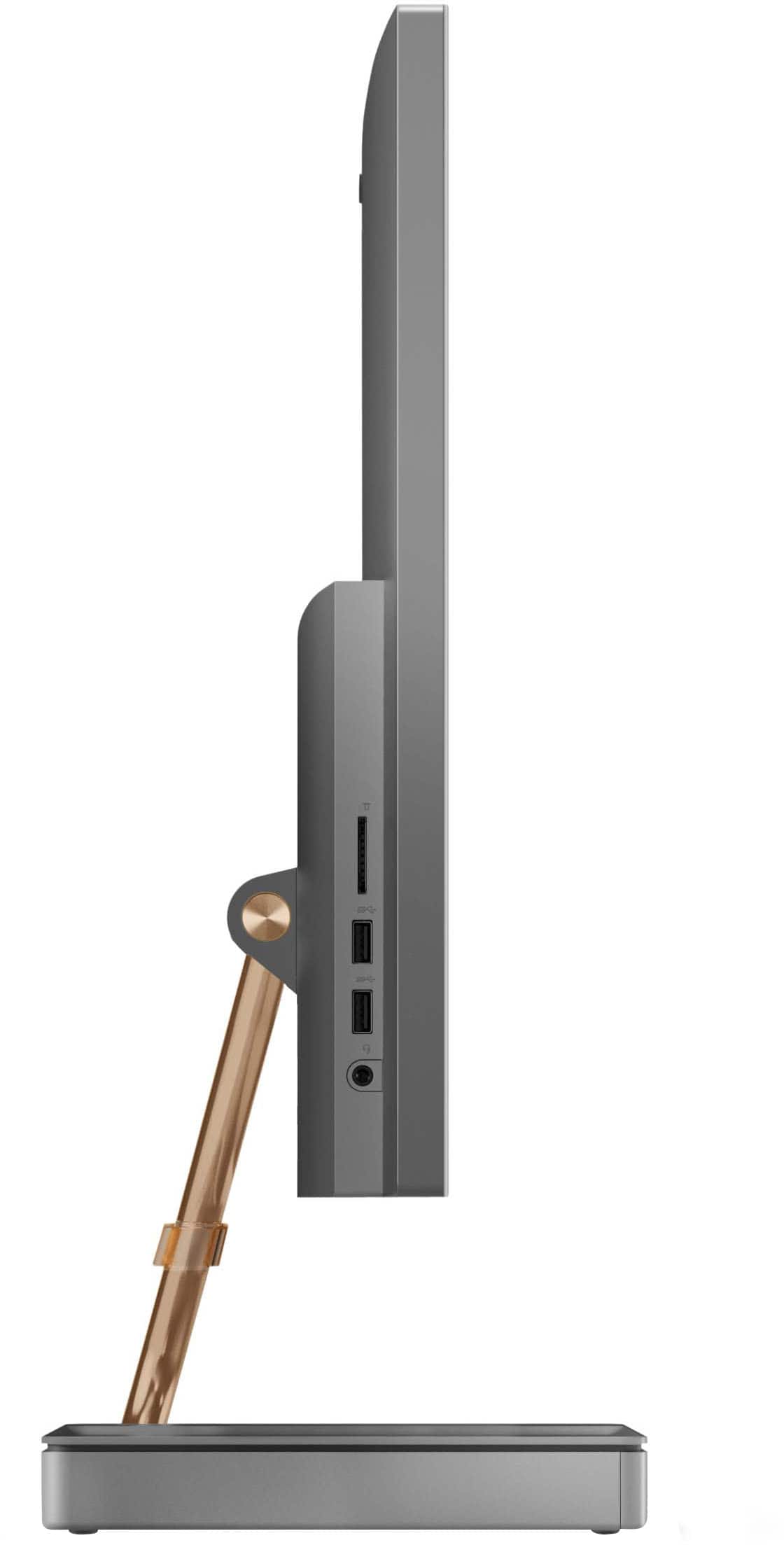
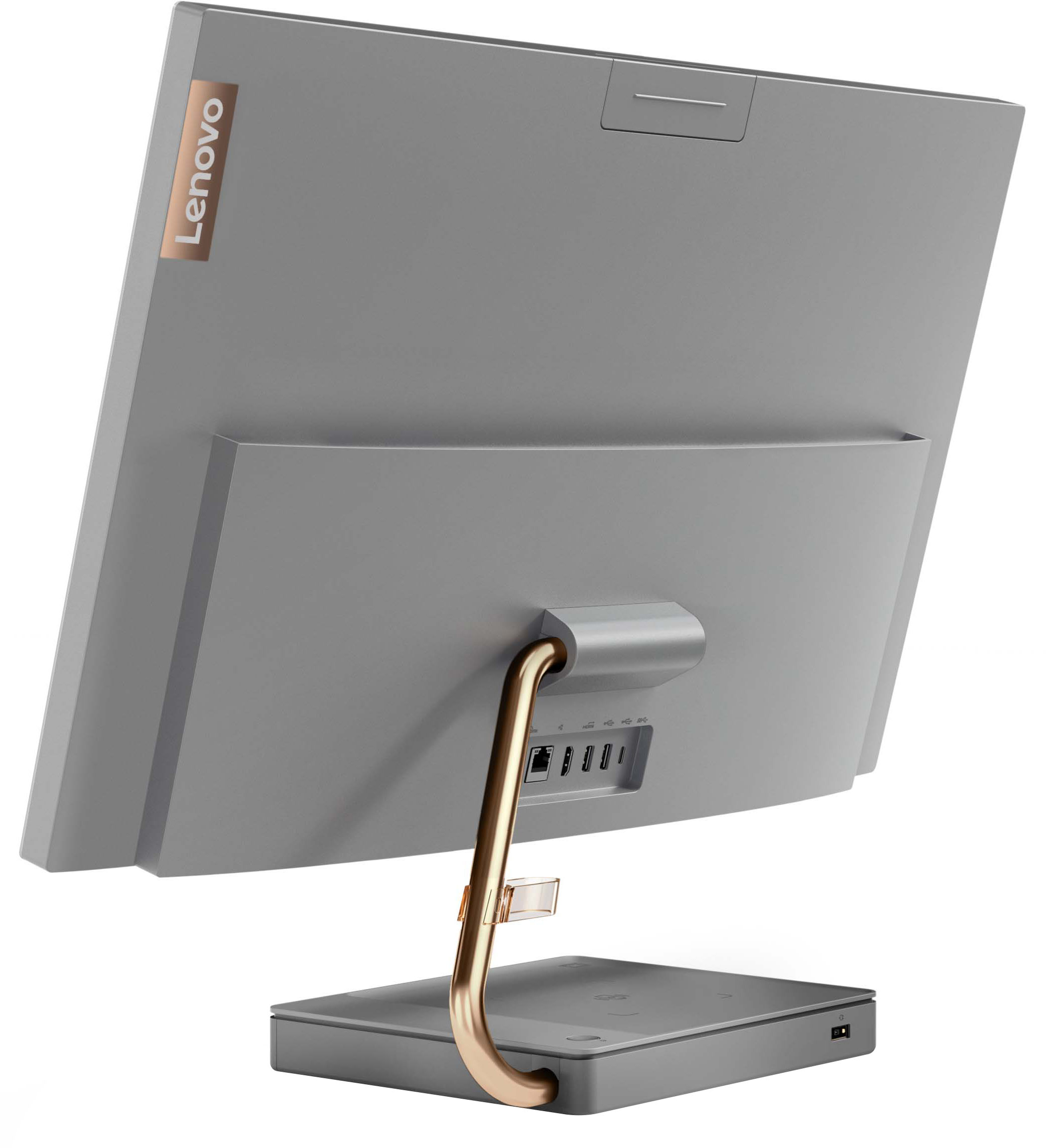
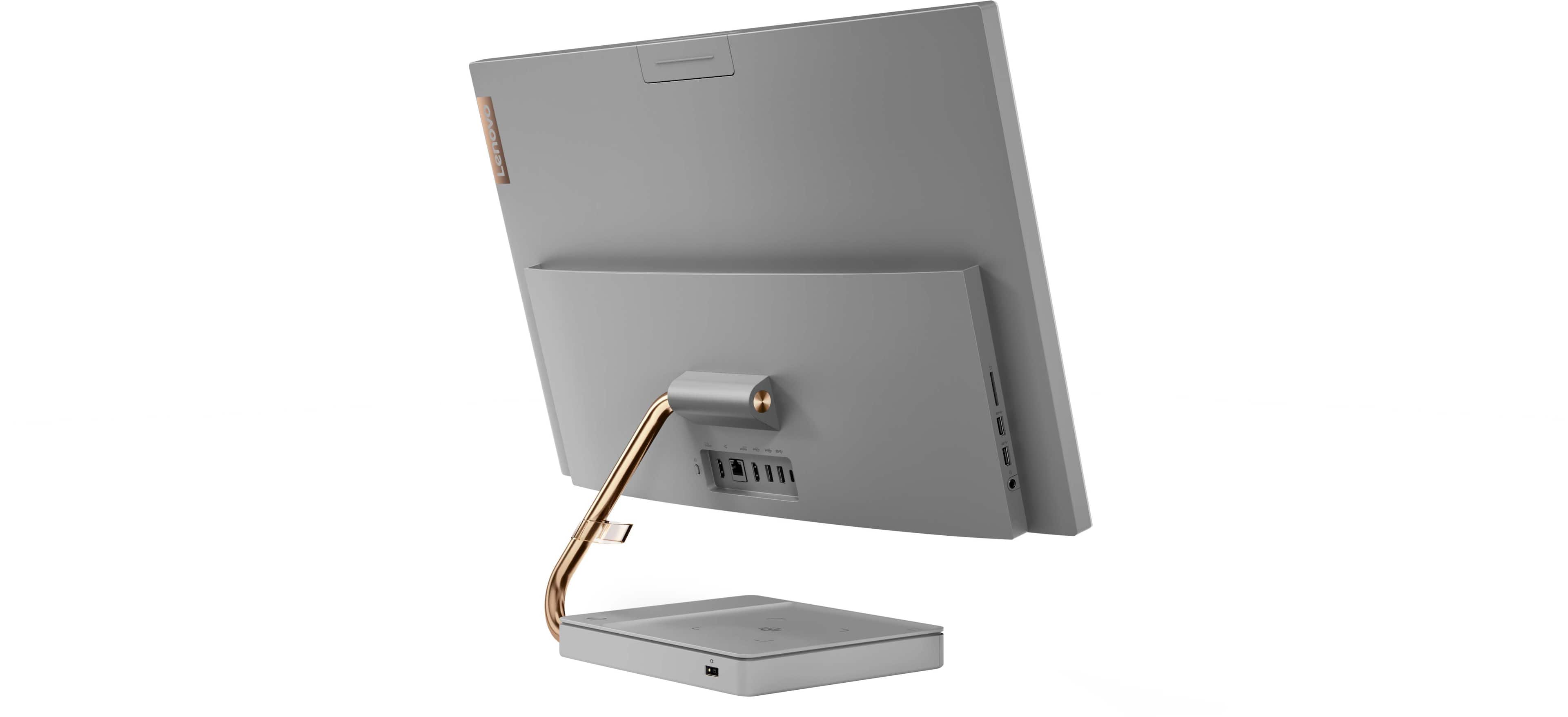


- Model:
- F0FA008GUS
- SKU:
- 6476239
Rating by feature
- Value
Rating 3.7 out of 5 stars
- Quality
Rating 3.6 out of 5 stars
- Ease of Use
Rating 3.9 out of 5 stars
Customers are saying
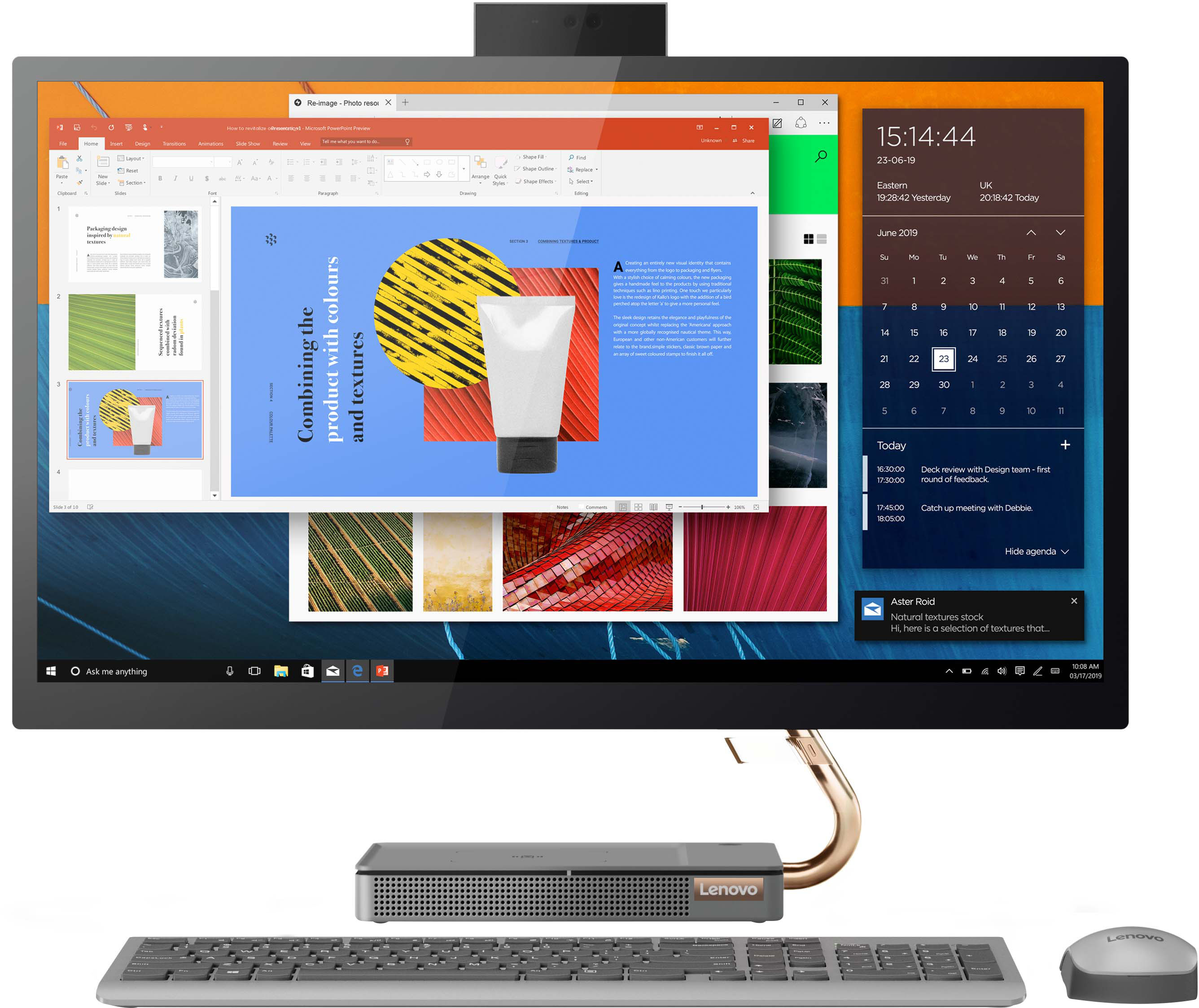
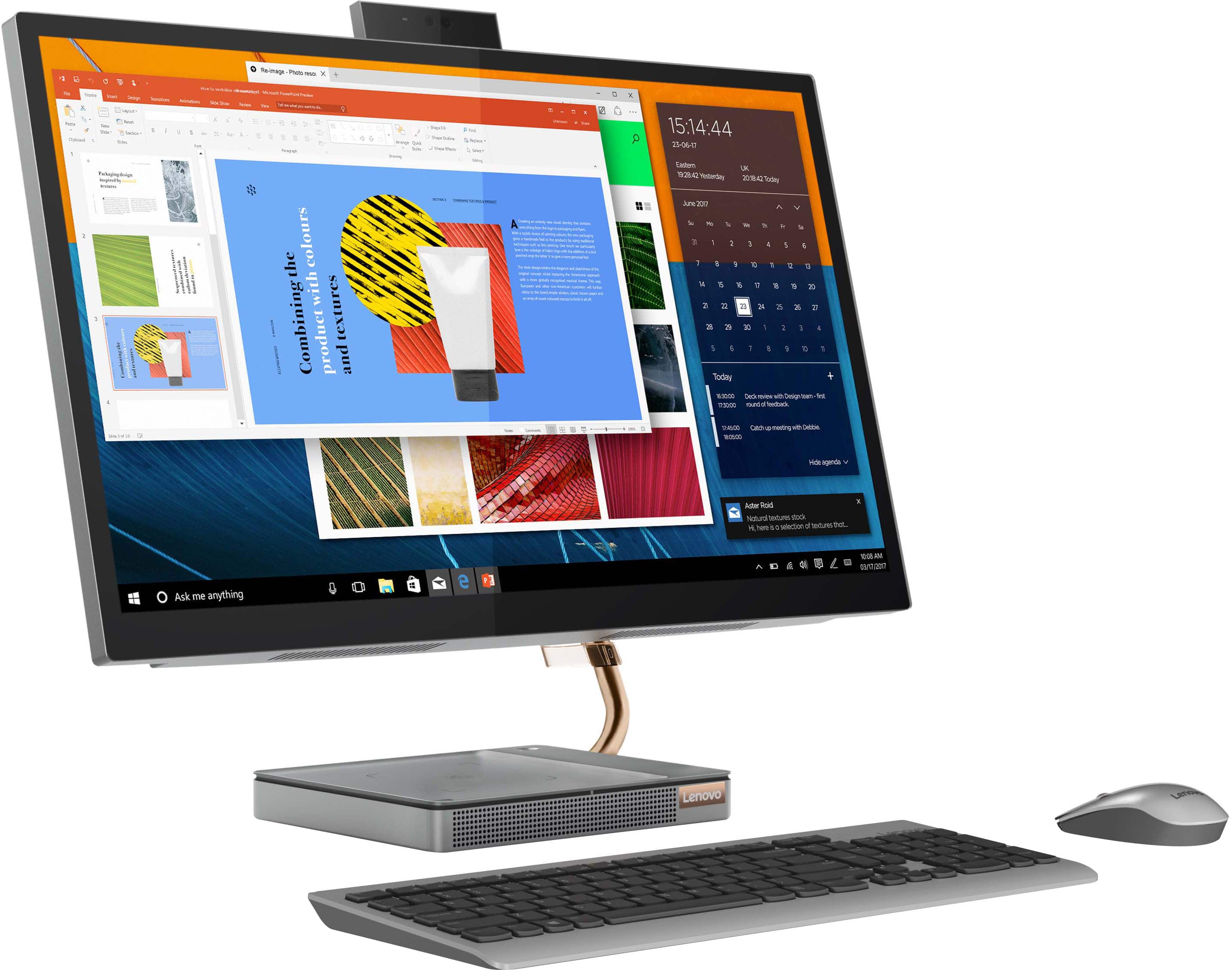
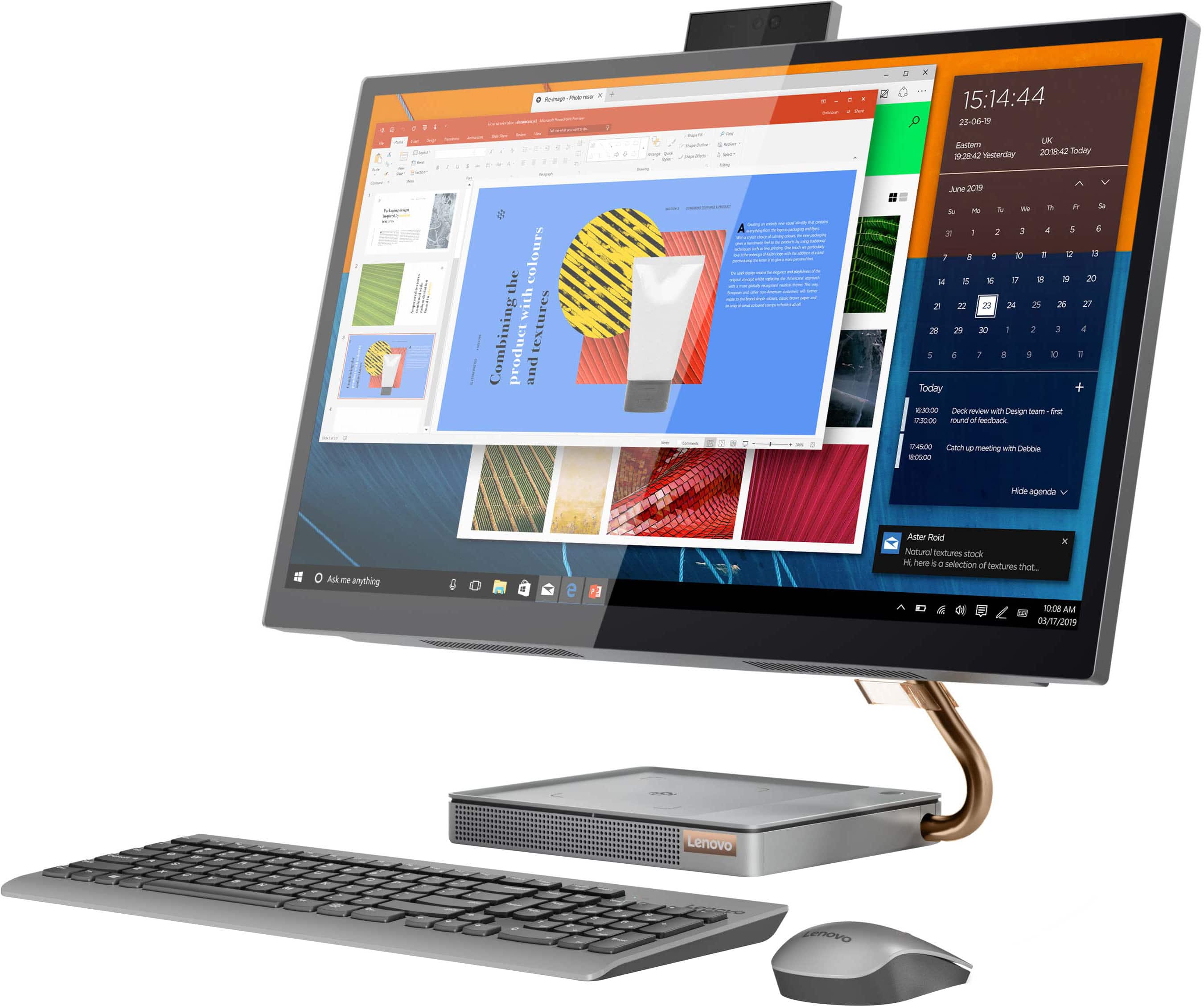
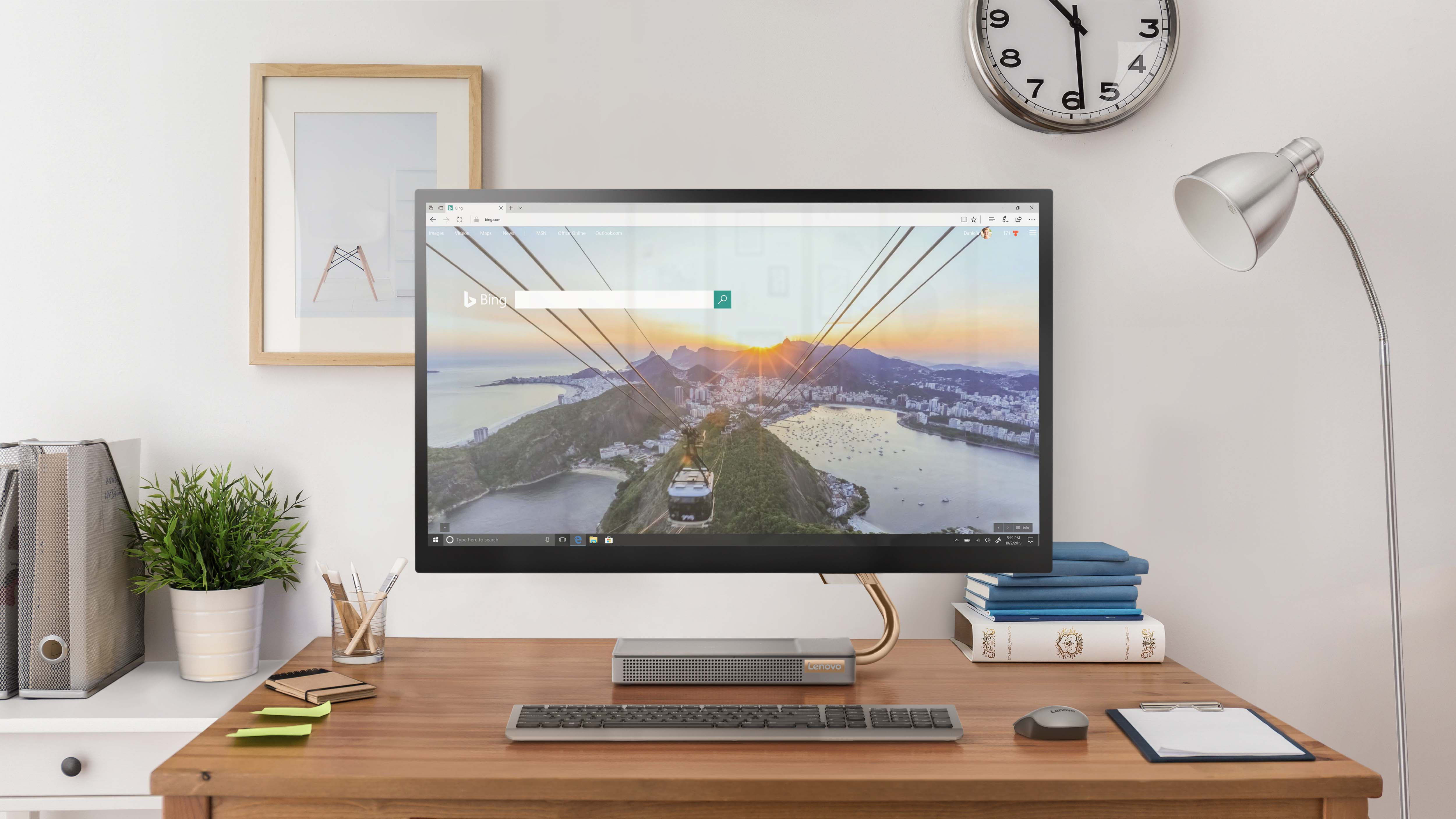
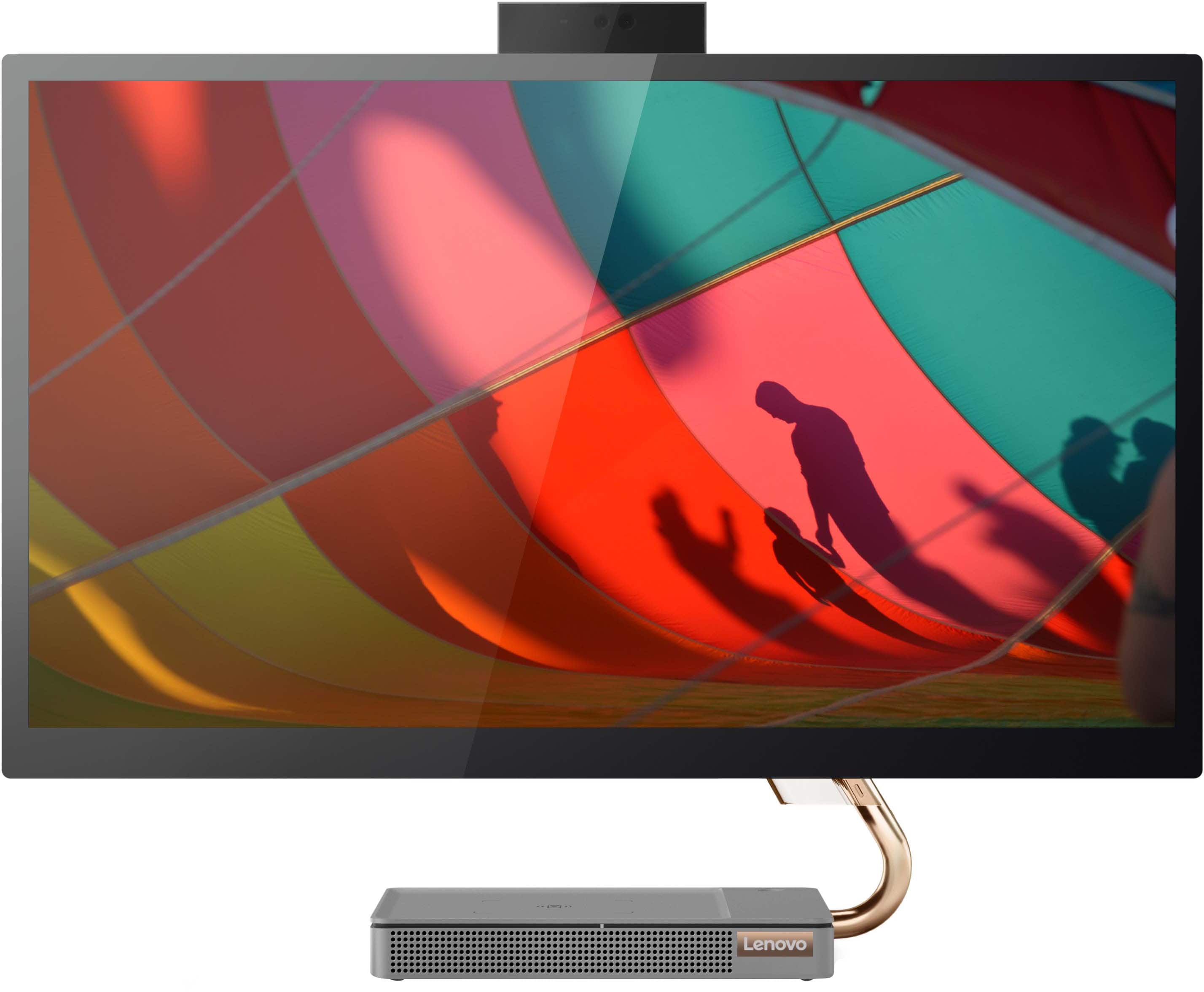
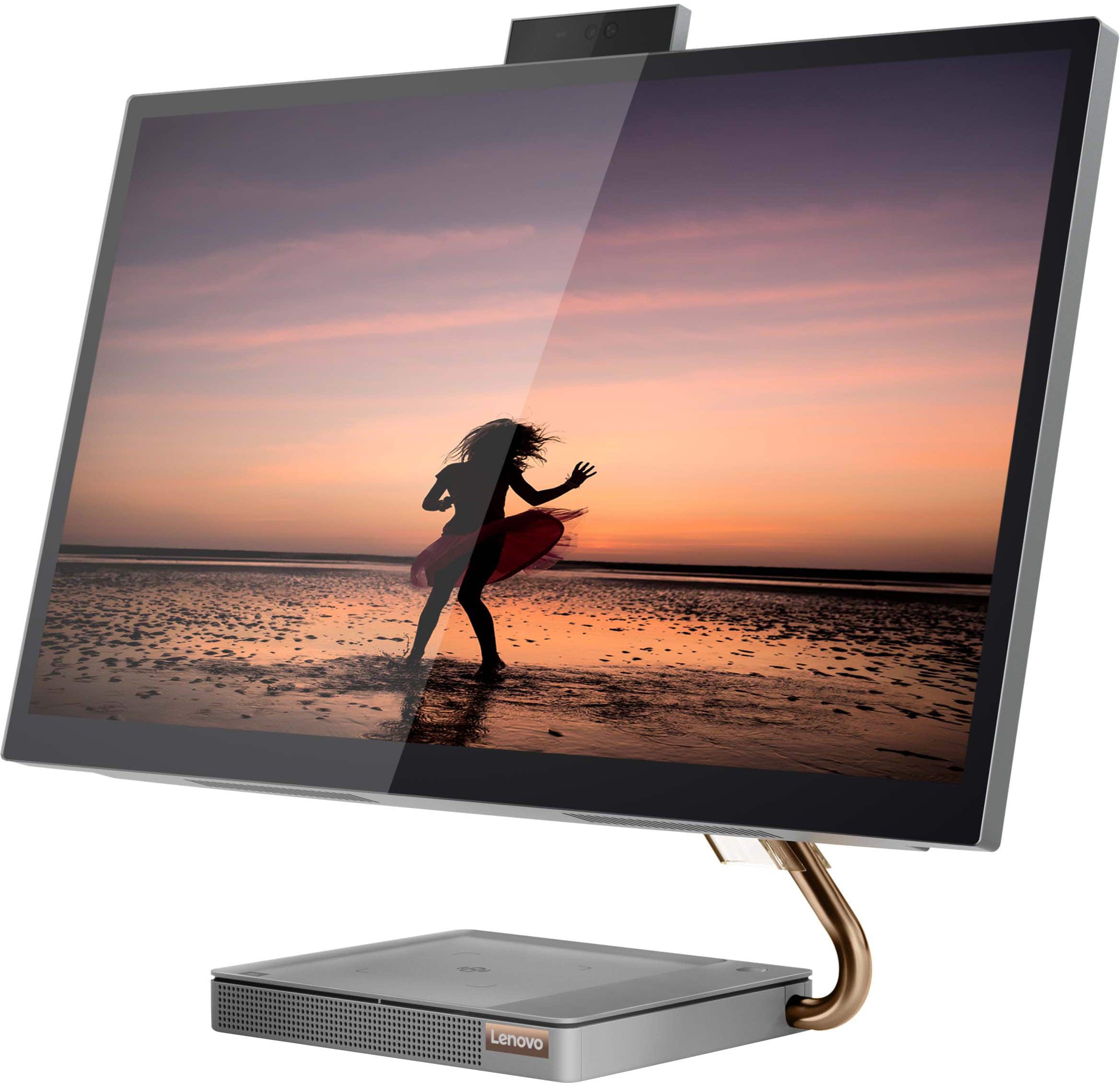
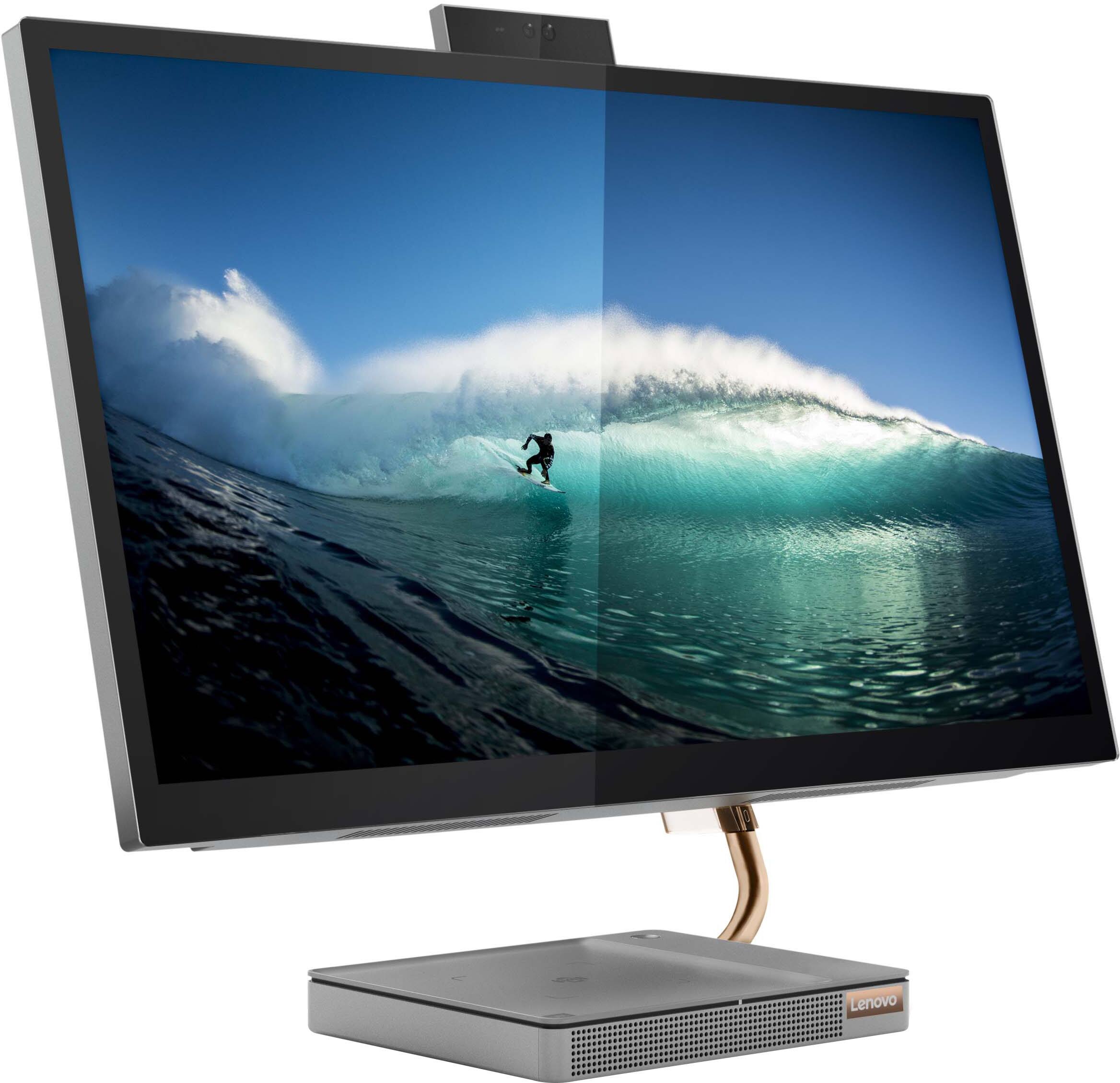
Customers consistently note the large, clear touch screen and the ease of use as significant advantages of the IdeaCentre AIO 5i 27". Many also appreciate its attractive design and competitive price. However, a recurring concern centers around performance issues and instances of the system freezing. Some users also reported problems with the mouse and wireless charger.
This summary was generated by AI based on customer reviews.
- Pros mentioned:Ease of use
Great Computer
||Posted . Owned for 2 weeks when reviewed.This reviewer received promo considerations or sweepstakes entry for writing a review.This all in one computer is great save room at my desk and works great for all my needs. I even like it better than my laptop.
I would recommend this to a friendBrand response from Lenovo Product Expert
Posted .Thank you for choosing the Lenovo IdeaCentre 5i 27 All-In-One System. We are pleased to hear that the features and performance of the IdeaCentre 5i 27 AIO meets your computing needs so well.

- Pros mentioned:Screen size
Best big purchase
||Posted . Owned for 1 month when reviewed.This reviewer received promo considerations or sweepstakes entry for writing a review.The best purchase I made. My mom can make images larger for her to see better. With the added bonus of charging my phone.
I would recommend this to a friend - Cons mentioned:Performance
A waste of money
||Posted . Owned for 1 month when reviewed.This reviewer received promo considerations or sweepstakes entry for writing a review.One of the worse computers I have ever purchased. Constantly freezes to the point you have to reset the computer time and time again. Literally have to take the plug out of the wall so that you can use. It happens on multiple occasions. NOT able to get your work done with all the dysfunctions.
No, I would not recommend this to a friendBrand response from Lenovo Product Expert
Posted .We are sorry to hear that you are having issues with your Lenovo IdeaCentre 5i 27 All-In-One System, model number F0FA008GUS. First, be sure any software you installed is compatible with Windows 11, this will include any legacy software you have added from an old computer. There is no need to install Microsoft Office software. The software is already part of the operating system, you just need to activate the software with a purchased product key. If you have installed a copy of Microsoft Office, this is conflicting with the existing copy on the system and this will slow your system down. If you have installed a 3rd party anti-virus program, be sure that Windows Defender is turned off and that the trial version of McAfee Anti-Virus software is uninstalled. There can only be one anti-virus program on the system. You may need to restore your system to original factory default settings if any of the programming errors have occurred. You can do that by typing "restore" in the Cortana search window. Just click on the magnifying glass icon at the bottom left of your Windows 11 Desktop. Click on "Reset This PC" Then click on "Get Started" and follow the on screen directions to restore to factory defaults. If there is no incompatible software installed but the issues persist, check to be sure you have the latest version of Windows 11 on the computer. Then update all BIOS files and drivers up to that latest version of Windows 11. You can easily accomplish this by scanning the computer with the Lenovo Utility software available on this computer. This system has Lenovo utilities installed to help maintain the health of the device and keep the operating system software up to date. Type "Lenovo Vantage" in the Cortana Search window (if Lenovo Vantage is not installed on your device, you can download the APP and install it now). Select Lenovo Vantage from the list. In the window that opens, click on "Health and Support". In the expanded menu, select "Hardware Scan" In the window that opens, select "Run Quick Tests". This will scan your entire system for errors. Follow any directions that may pop up. If the problem continues after this scan, now click on "System Update". First select Windows update from the menu. Scan your system to be sure you have the latest version of Windows 11. Once that scan is complete, select "Additional Updates". This will scan your device to be sure there are no new BIOS/Driver updates needed. Follow any instructions that may pop up. If the issue continues after these updates, we recommend you call Lenovo Tech Support at: 877-453-6686 for additional help.
- Pros mentioned:Ease of use
Great business computer
||Posted . Owned for 1 month when reviewed.This reviewer received promo considerations or sweepstakes entry for writing a review.Bought for use in my business. Easy set up with little bloatware. Upgraded to Windows 11 Pro easily. Fast boot up and nice looking display.
I would recommend this to a friendBrand response from Lenovo Product Expert
Posted .Thank you for choosing the Lenovo IdeaCentre 5i 27 All-In-One System for your business. We are pleased to hear that the features and performance of the IdeaCentre 5i 27 AIO meets your business computing needs so well.
- Cons mentioned:Mouse
Very happy with purchase.
||Posted . Owned for 1 month when reviewed.This reviewer received promo considerations or sweepstakes entry for writing a review.5 stars for the computer. The overall profile is perfect. 4 1/2 stars for the mouse. It's touchy so you have to be careful.
I would recommend this to a friendBrand response from Lenovo Product Expert
Posted .Thank you for choosing the Lenovo IdeaCentre 5i 27 All-In-One System. Regarding the included mouse, you can adjust the mouse in your system settings. You can get there by clicking on the magnifying glass at the bottom of your Windows 11 screen. Type MOUSE in the search window. Select "Mouse & touchpad settings" from the list of choices. You can make general adjustments to the mouse there. You can also select "Additional mouse options" for more detailed adjustments to the mouse sensitivity by increasing the delay of the mouse. If you have questions about your Lenovo IdeaCentre 5i 27 AIO, we recommend you contact lenovo Tech Support for additional help at: 877-453-6686.
Good but do not work
||Posted . Owned for 3 weeks when reviewed.This reviewer received promo considerations or sweepstakes entry for writing a review.I love this computer, looks really great, but screen do not work properly and during the night makes a sound like a hair dryer...
No, I would not recommend this to a friendBrand response from Lenovo Product Expert
Posted .We are sorry to hear that you are having issues with your Lenovo IdeaCentre 5i 27 All-In-One System, model number F0FA008GUS. Be sure any software you installed is compatible with Windows 11. There is no need to install Microsoft Office software. The software is already part of the operating system, you just need to activate the software with a purchased product key. If you have installed a copy of Microsoft Office, this is conflicting with the existing copy on the system and this will slow your system down. If you have installed a 3rd party anti-virus program, be sure that Windows Defender is turned off and that the trial version of McAfee Anti-Virus software is uninstalled. There can only be one anti-virus program on the system. Here is a link to instructions for uninstalling McAfee from a Windows computer: https://service.mcafee.com/?articleId=TS101331&page=shell&shell=article-view. You may need to restore your system to original factory default settings if any of the programming errors have occurred. You can do that by typing "restore" in the Cortana search window. Just click on the magnifying glass icon at the bottom of your Windows 11 Desktop. Click on "Reset This PC" Then click on "Get Started" and follow the on screen directions to restore to factory defaults. If there is no incompatible software installed but the issues persist, check to be sure you have the latest version of Windows 11 on the computer. Then update all BIOS files and drivers up to that latest version of Windows 11. You can easily accomplish this by scanning the computer with the Lenovo Utility software available on this computer. This system has Lenovo utilities installed to help maintain the health of the device and keep the operating system software up to date. Type "Lenovo Vantage" in the Cortana Search window (if Lenovo Vantage is not installed on your device, you can download the APP and install it now). Select Lenovo Vantage from the list. In the window that opens, click on "Health and Support". In the expanded menu, select "Hardware Scan" In the window that opens, select "Run Quick Tests". This will scan your entire system for errors. Follow any directions that may pop up. If the problem continues after this scan, now click on "System Update". First select Windows update from the menu. Scan your system to be sure you have the latest version of Windows 11. Once that scan is complete, select "Additional Updates". This will scan your device to be sure there are no new BIOS/Driver updates needed. Follow any instructions that may pop up. If the issue continues after these updates, we recommend you call Lenovo Tech Support at: 877-453-6686 for additional help.
- Pros mentioned:Design
Thanks
||Posted . Owned for 3 weeks when reviewed.This reviewer received promo considerations or sweepstakes entry for writing a review.Thanks I am happy with the purchase is pretty and useful
I would recommend this to a friendBrand response from Lenovo Product Expert
Posted .Thank you for choosing the Lenovo IdeaCentre 5i 27 All-In-One System. We are pleased to hear that the IdeaCentre 5i 27 AIO is working out so well for you.
- Pros mentioned:Ease of use
Good value, great computer
||Posted .This reviewer received promo considerations or sweepstakes entry for writing a review.Wasy to set up and very easy to use. The Windows 11 has very little change from windows 10, but they are significant.
I would recommend this to a friendBrand response from Lenovo Product Expert
Posted .Thank you for choosing the Lenovo IdeaCentre 5i 27 All-In-One System. We are pleased to hear that the easy setup and use as well as the performance of the IdeaCentre 5i 27 AIO meets your computing needs so well. Here is a link to a YouTube video that demonstrates some Windows 11 tips and tricks: https://www.youtube.com/watch?v=26dXRnc0EHc&t=29s
- Pros mentioned:Screen size
Great but
||Posted . Owned for 2 weeks when reviewed.This reviewer received promo considerations or sweepstakes entry for writing a review.So far so good. Arrived as promised, works like it should. Fast set up. Nice large screen. All in one unit is convenient.
I would recommend this to a friendBrand response from Lenovo Product Expert
Posted .Thank you for choosing the Lenovo IdeaCentre 5i 27 All-In-One System. We are pleased to hear that the IdeaCentre 5i 27 AIO meets your computing needs so well.
- Pros mentioned:Screen size
Lenovo IdeaCentre AIO 5i 27" Touchscreen
||Posted . Owned for 1 month when reviewed.This reviewer received promo considerations or sweepstakes entry for writing a review.Great All-in-One. Vivid colors on monitor. Heavy base prevents accidental tip-overs. Touch-Screen very useful.
I would recommend this to a friendBrand response from Lenovo Product Expert
Posted .Thank you for choosing the Lenovo IdeaCentre AIO 5i 27in. Touch Screen All-In-One. We are very pleased to see that the specifications and features of the Lenovo IdeaCentre AIO 5i 27in. Touch Screen AIO meet your computing needs so well.
- Pros mentioned:Speed
Lenovo and Best Buy a solid combination
||Posted . Owned for less than 1 week when reviewed.This reviewer received promo considerations or sweepstakes entry for writing a review.Lenovo is my go to when in the market for computers and this one did not disappoint me .
I would recommend this to a friend - Pros mentioned:Design
Very sleek
||Posted . Owned for 1 month when reviewed.This reviewer received promo considerations or sweepstakes entry for writing a review.I bought this computer for my boss and he's been rocking it since then. It's very sleek.
I would recommend this to a friendBrand response from Lenovo Product Expert
Posted .Thank you for choosing the Lenovo IdeaCentre 5i 27 All-In-One System for your boss. We are pleased to hear that the IdeaCentre 5i 27 AIO is working out so well.
Computer
||Posted . Owned for 9 months when reviewed.This reviewer received promo considerations or sweepstakes entry for writing a review.I brought this to work from home when i couldn't get to work during a bad weather day. Best computer i've gotten in a while.
I would recommend this to a friendBrand response from Lenovo Product Expert
Posted .Thank you for choosing the Lenovo IdeaCentre 5i 27 All-In-One System. We are pleased to hear that the IdeaCentre 5i 27 AIO is working out so well for you.
- Pros mentioned:Speed
Great computer
||Posted . Owned for 1 month when reviewed.This reviewer received promo considerations or sweepstakes entry for writing a review.The computer looks great and is very fast. Keyboard letters wore off in 10 days of use, but was teplaced
I would recommend this to a friendBrand response from Lenovo Product Expert
Posted .Thank you for choosing the Lenovo IdeaCentre AIO 5i 27in. Touch-Screen All-In-One. We are very pleased to hear that the specifications and features of the Lenovo IdeaCentre AIO 5i 27in. meet your computing needs so well.
- Cons mentioned:Performance
Not as good as advertised
||Posted . Owned for 2 months when reviewed.This reviewer received promo considerations or sweepstakes entry for writing a review.I wish I had seen the reviews telling me that the computer is prone to freezing up and the only way to get out of it is by unplugging the computer. I also don't like the mail program it comes with even though the sales agent said it was better than outlook.
No, I would not recommend this to a friendBrand response from Lenovo Product Expert
Posted .We are sorry to hear that you are having issues with system freezing with your Lenovo IdeaCentre 5i 27 All-In-One System, model number F0FA008GUS. To correct the issue, first check to be sure you have the latest version of Windows 11 on the computer. Then update all BIOS files and drivers up to that latest version of Windows 11. You can easily accomplish this by scanning the computer with the Lenovo Utility software available on this computer. This system has Lenovo utilities installed to help maintain the health of the device and keep the operating system software up to date. Type "Lenovo Vantage" in the Cortana Search window (if Lenovo Vantage is not installed on your device, you can download the APP and install it now). Select Lenovo Vantage from the list. In the window that opens, click on "Health and Support". In the expanded menu, select "Hardware Scan" In the window that opens, select "Run Quick Tests". This will scan your entire system for errors. Follow any directions that may pop up. If the problem continues after this scan, now click on "System Update". First select Windows update from the menu. Scan your system to be sure you have the latest version of Windows 11. Once that scan is complete, select "Additional Updates". This will scan your device to be sure there are no new BIOS/Driver updates needed. Follow any instructions that may pop up. If the issue continues after these updates, we recommend you call Lenovo Tech Support at: 877-453-6686 for additional help.
- Pros mentioned:Screen size
Chey
||Posted . Owned for 2 months when reviewed.This reviewer received promo considerations or sweepstakes entry for writing a review.The size of screen is excellent, Best Desktop we've had, fast, picture clear camera works well.
I would recommend this to a friendBrand response from Lenovo Product Expert
Posted .Thank you for choosing the Lenovo IdeaCentre 5i 27 All-In-One System. We are pleased to hear that the features and performance of the IdeaCentre 5i 27 AIO meets your computing needs so well.
- Pros mentioned:Speed
happy client
||Posted . Owned for 2 months when reviewed.This reviewer received promo considerations or sweepstakes entry for writing a review.Picked this up for a client,replacing an 5+ AIO,very happy. Zips right along for her business.
I would recommend this to a friendBrand response from Lenovo Product Expert
Posted .Thank you for choosing the Lenovo IdeaCentre 5i 27 All-In-One System for your client. We are pleased to hear that the performance of the IdeaCentre 5i 27 AIO meets your client's business computing needs so well.
- Pros mentioned:Screen size
Love it
||Posted . Owned for 1 month when reviewed.This reviewer received promo considerations or sweepstakes entry for writing a review.Love my new computer!! Touch screen is amazing and you can view multiple screens at one time!!
I would recommend this to a friendBrand response from Lenovo Product Expert
Posted .Thank you for choosing the Lenovo IdeaCentre AIO 5i 27in. Touch-Screen All-In-One. We are very happy to hear that the specifications and features of the Lenovo IdeaCentre AIO 5i 27in. Touch-Screen All-In-One meet your computing needs so well.
- Pros mentioned:Screen size
Would buy another if I needed it
||Posted . Owned for 1 month when reviewed.This reviewer received promo considerations or sweepstakes entry for writing a review.I needed to upgrade a parent and this was perfect. Size, power and price.
I would recommend this to a friendBrand response from Lenovo Product Expert
Posted .Thank you for choosing the Lenovo IdeaCentre 5i 27 All-In-One System for your parent. We are pleased to hear that the value, features and performance of the IdeaCentre 5i 27 AIO meets the computing needs of your parent so well.
- Pros mentioned:Price
Great computer!
||Posted . Owned for 3 weeks when reviewed.This reviewer received promo considerations or sweepstakes entry for writing a review.Great computer has cellphone charging station on base. Has a very good price.
I would recommend this to a friendBrand response from Lenovo Product Expert
Posted .Thank you for choosing the Lenovo IdeaCentre 5i 27 All-In-One System. We are pleased to hear that the value, features and performance of the IdeaCentre 5i 27 AIO meets your computing needs so well.