Customer Ratings & Reviews
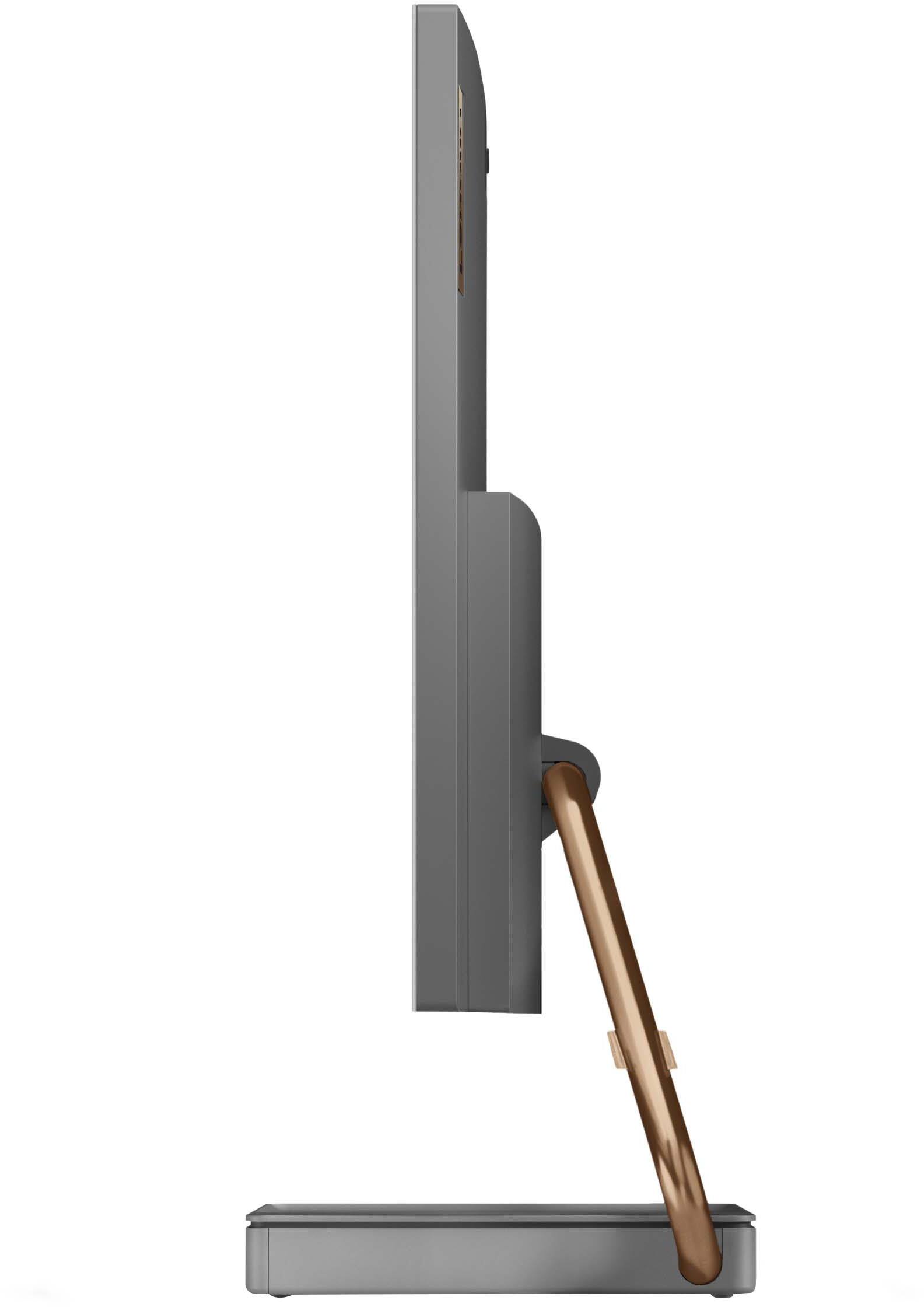
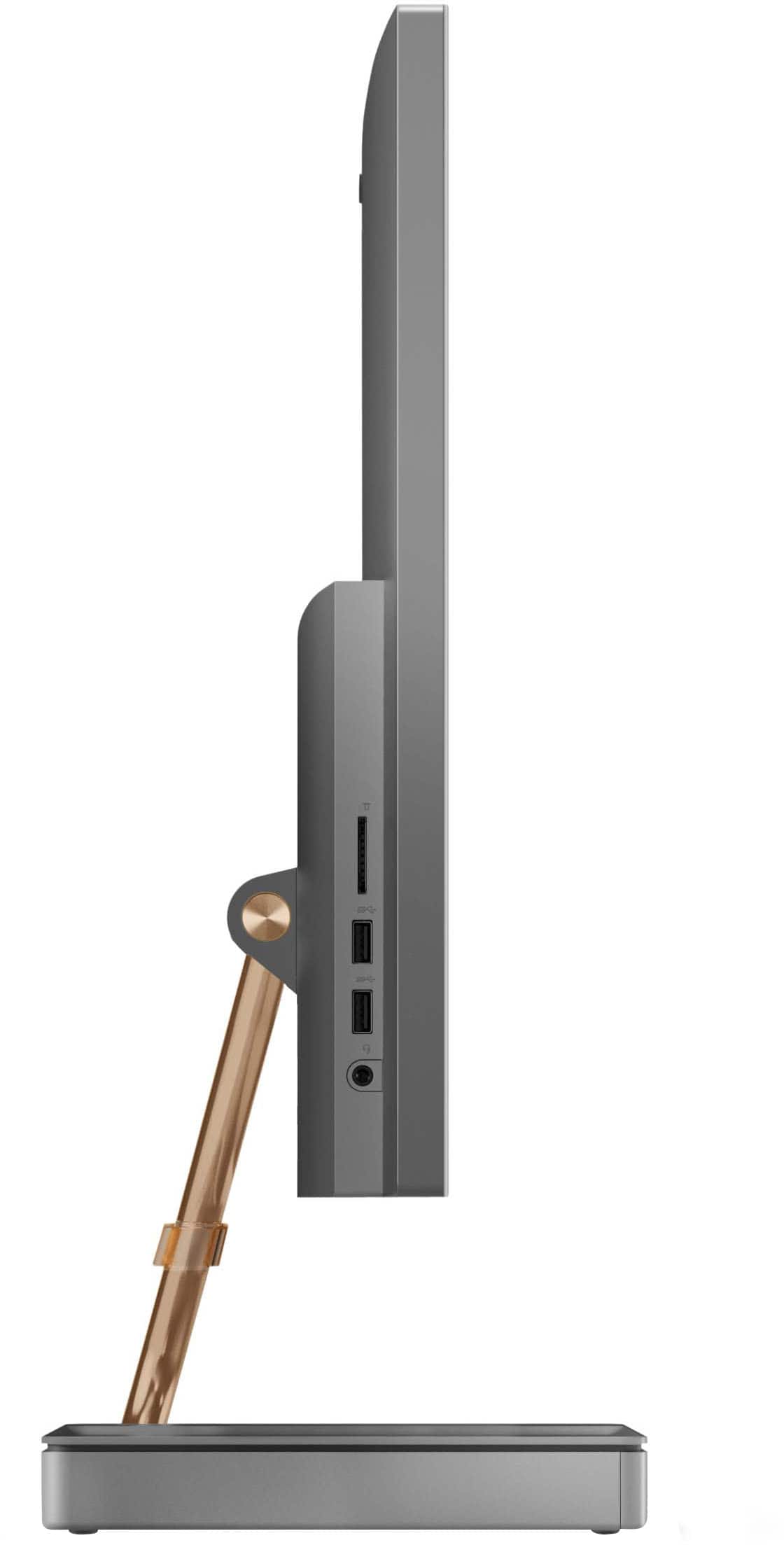
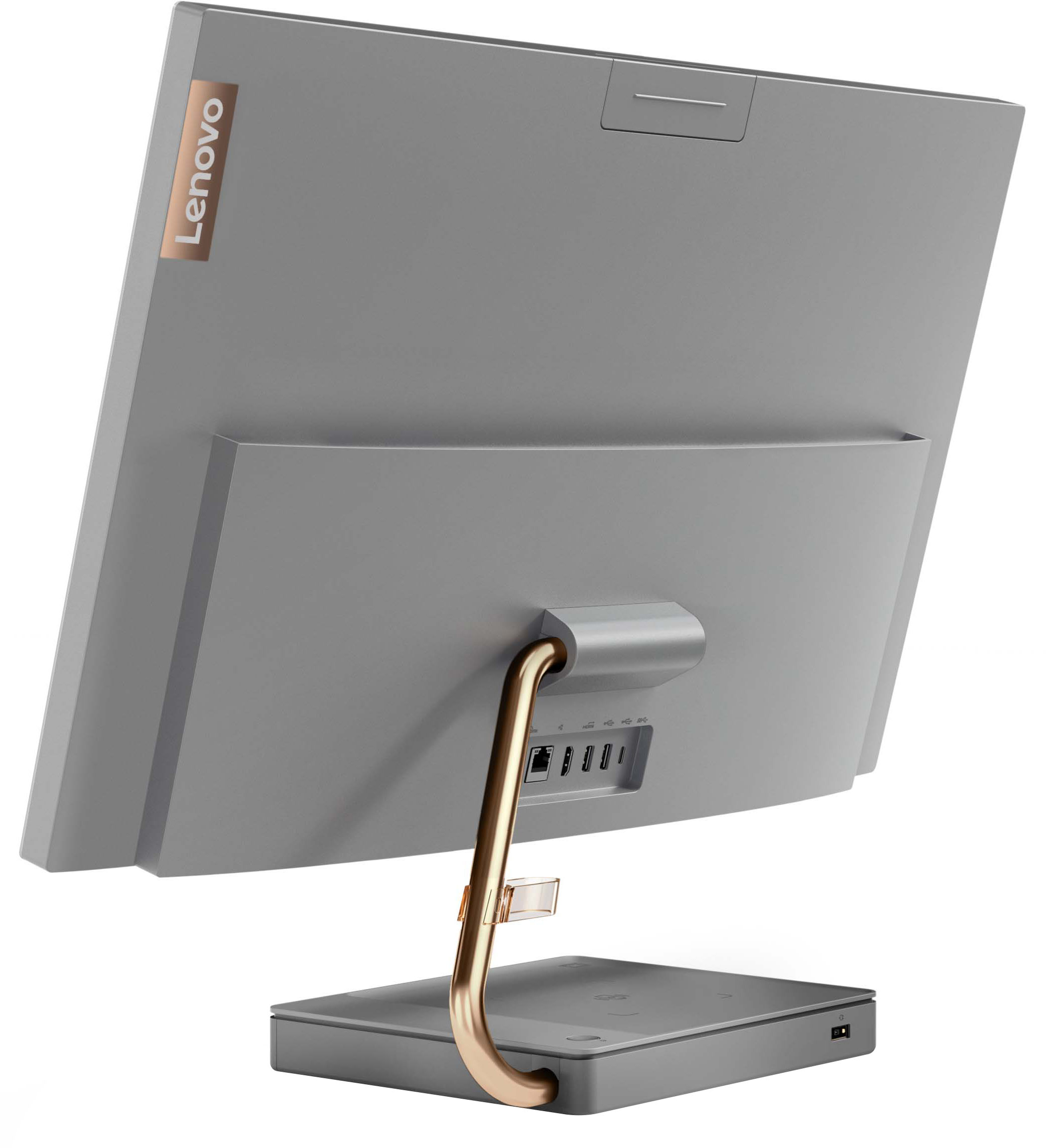
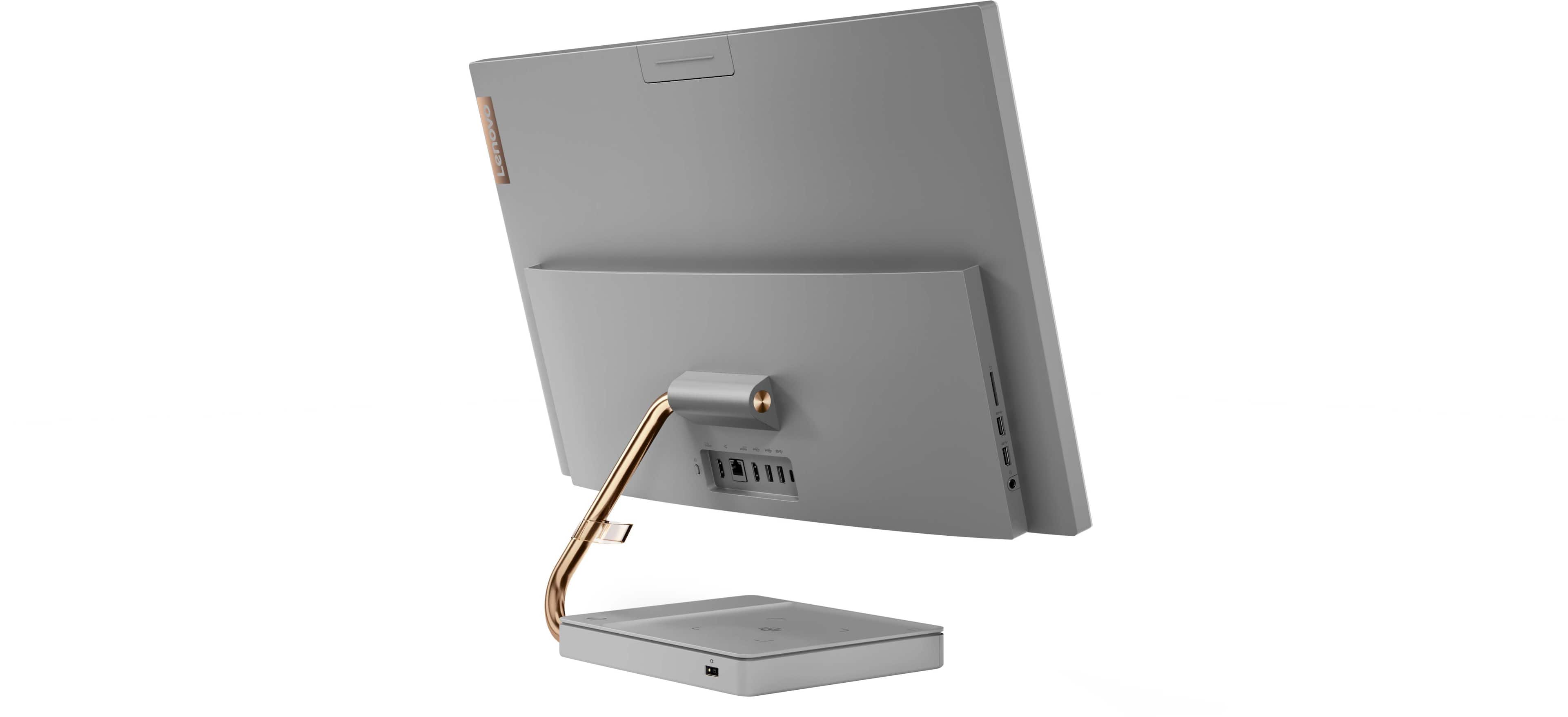


- Model:
- F0FA008GUS
- SKU:
- 6476239
Rating by feature
- Value
Rating 3.7 out of 5 stars
- Quality
Rating 3.6 out of 5 stars
- Ease of Use
Rating 3.9 out of 5 stars
Customers are saying
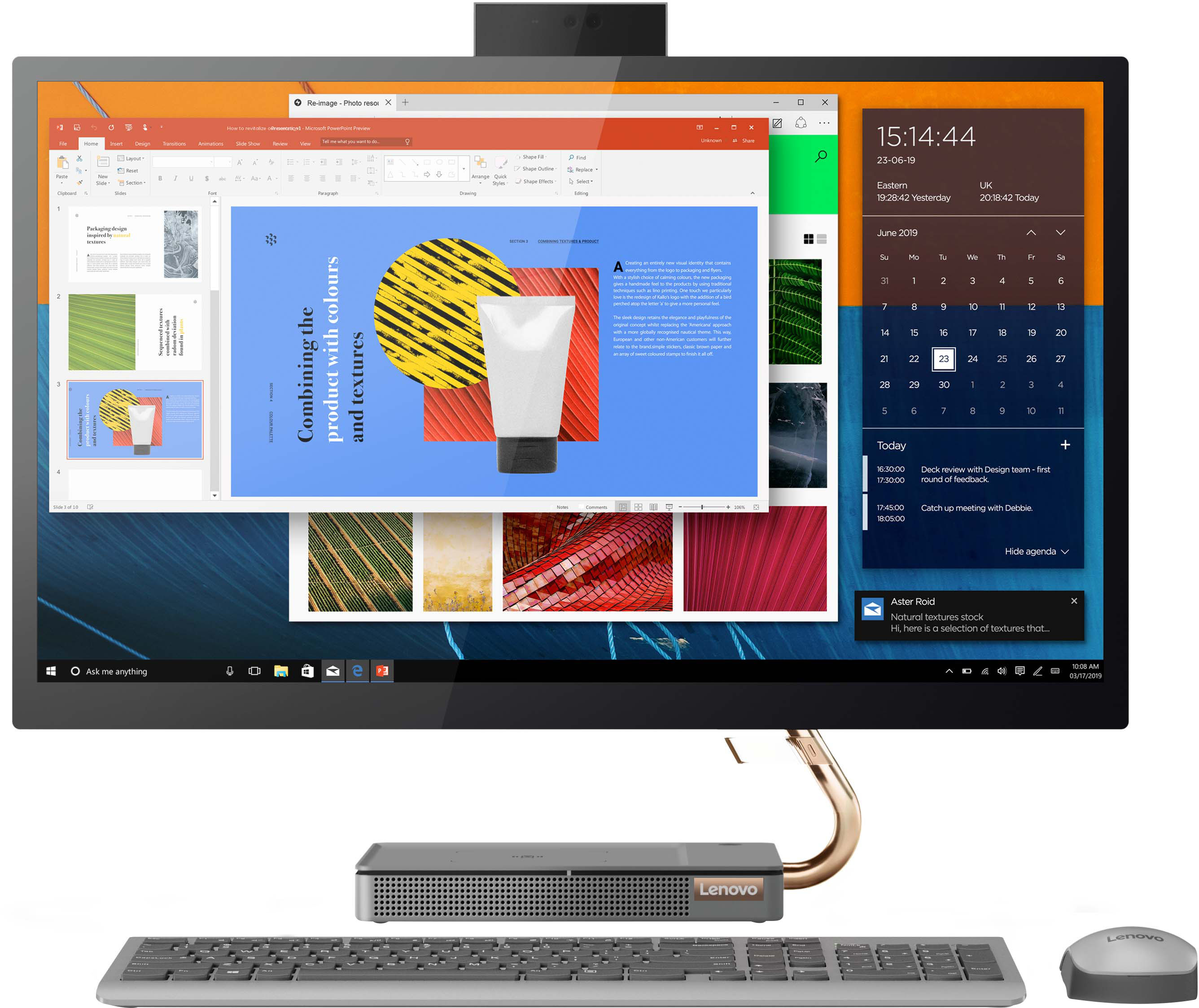
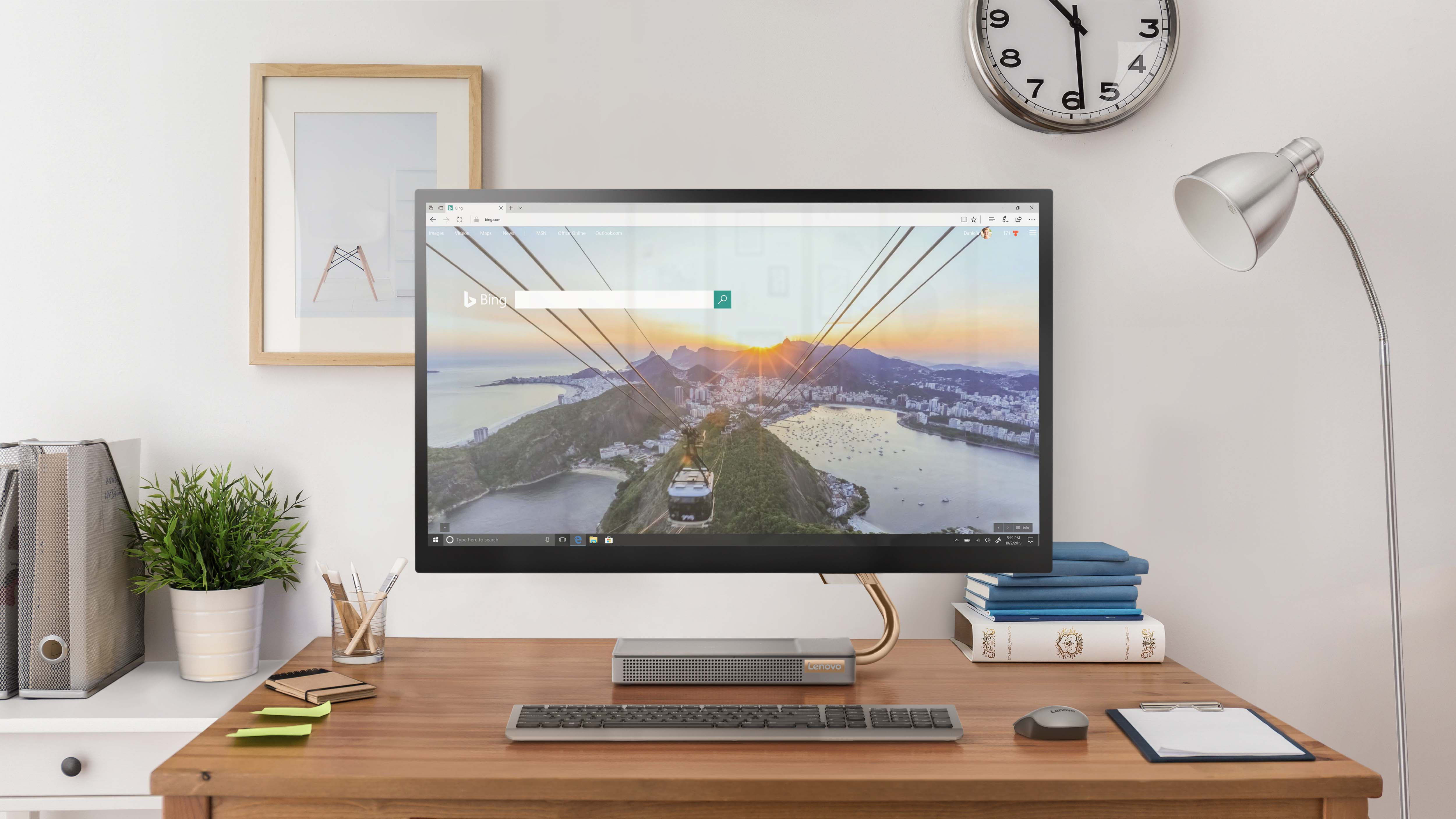
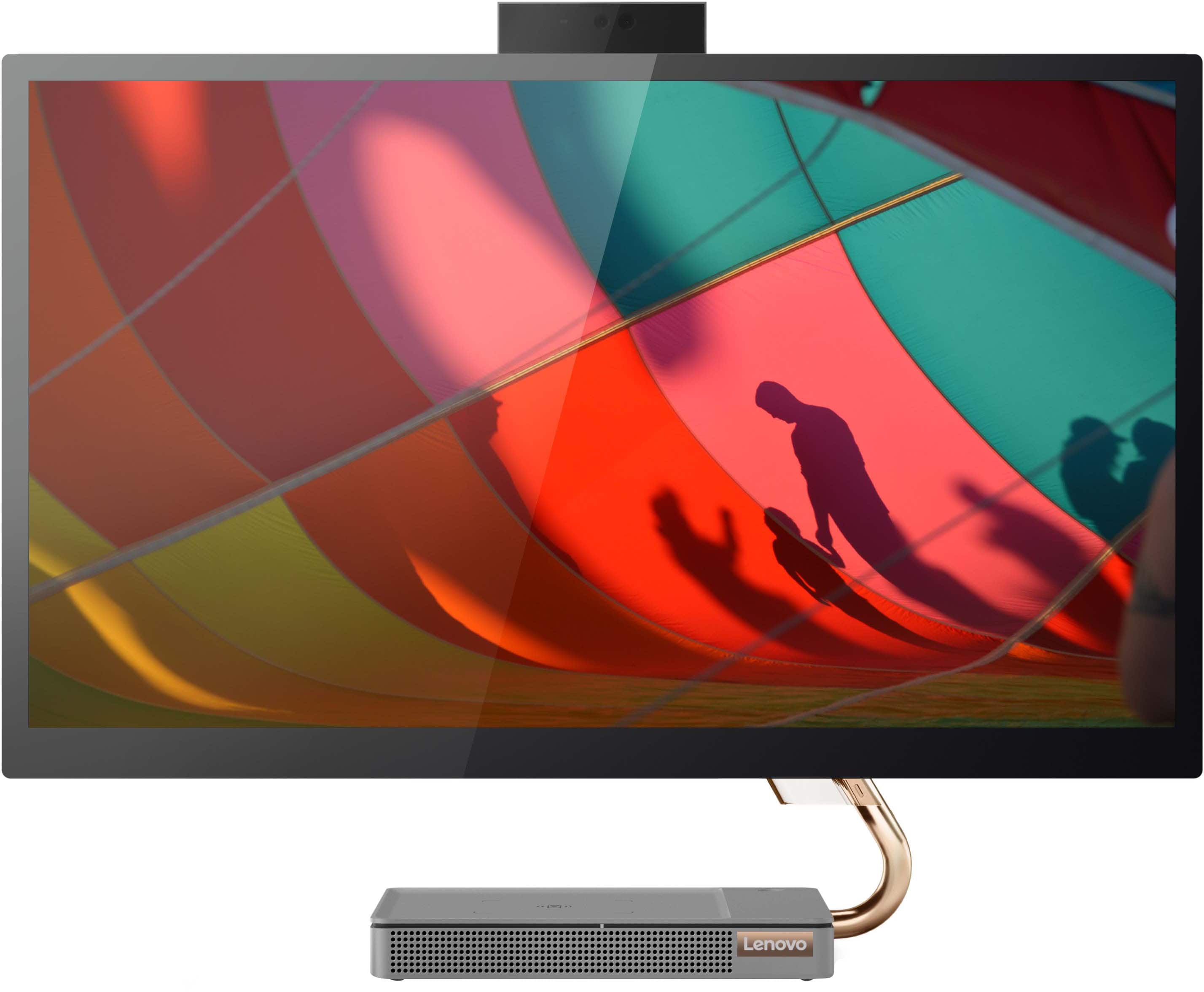
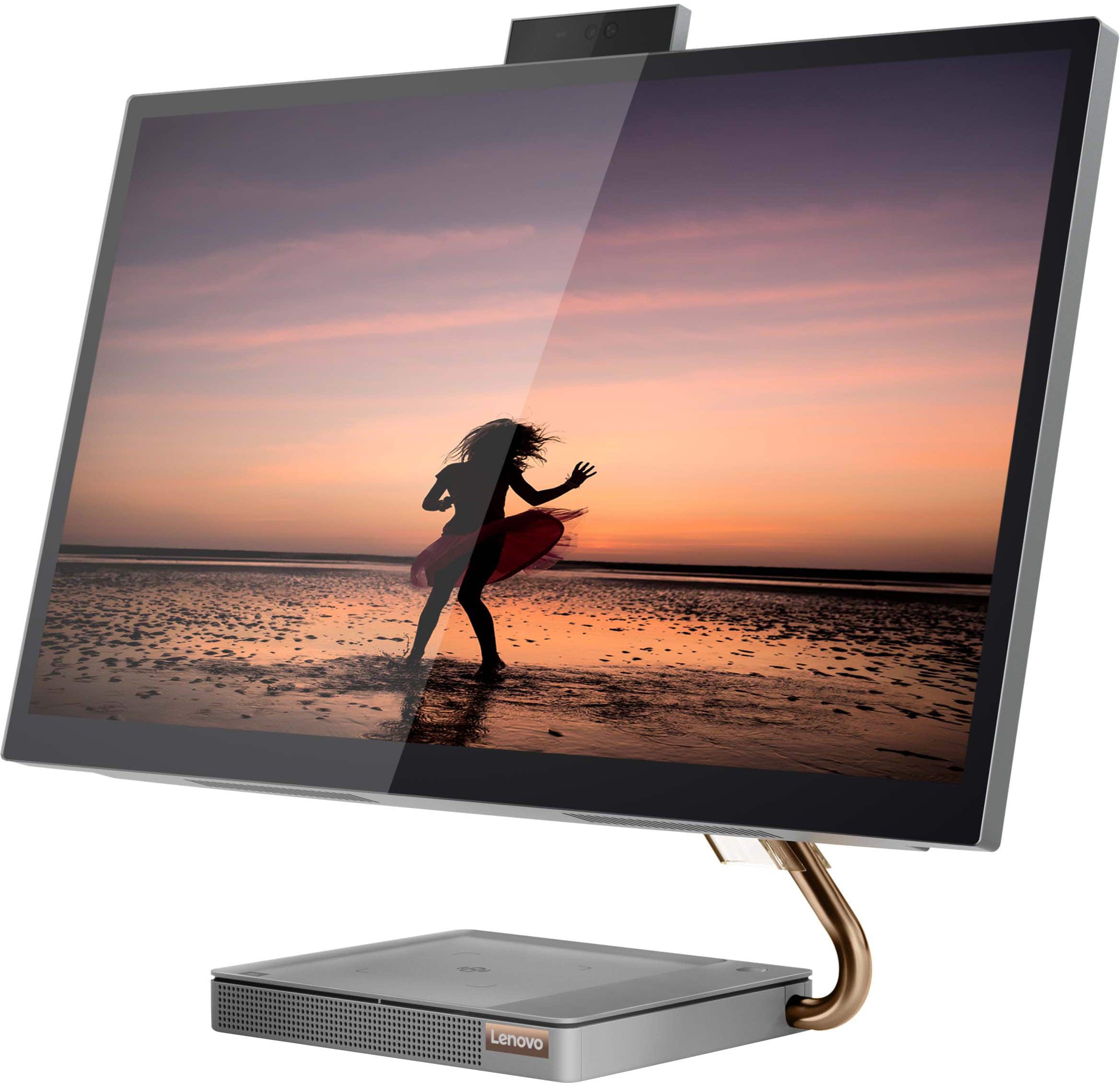
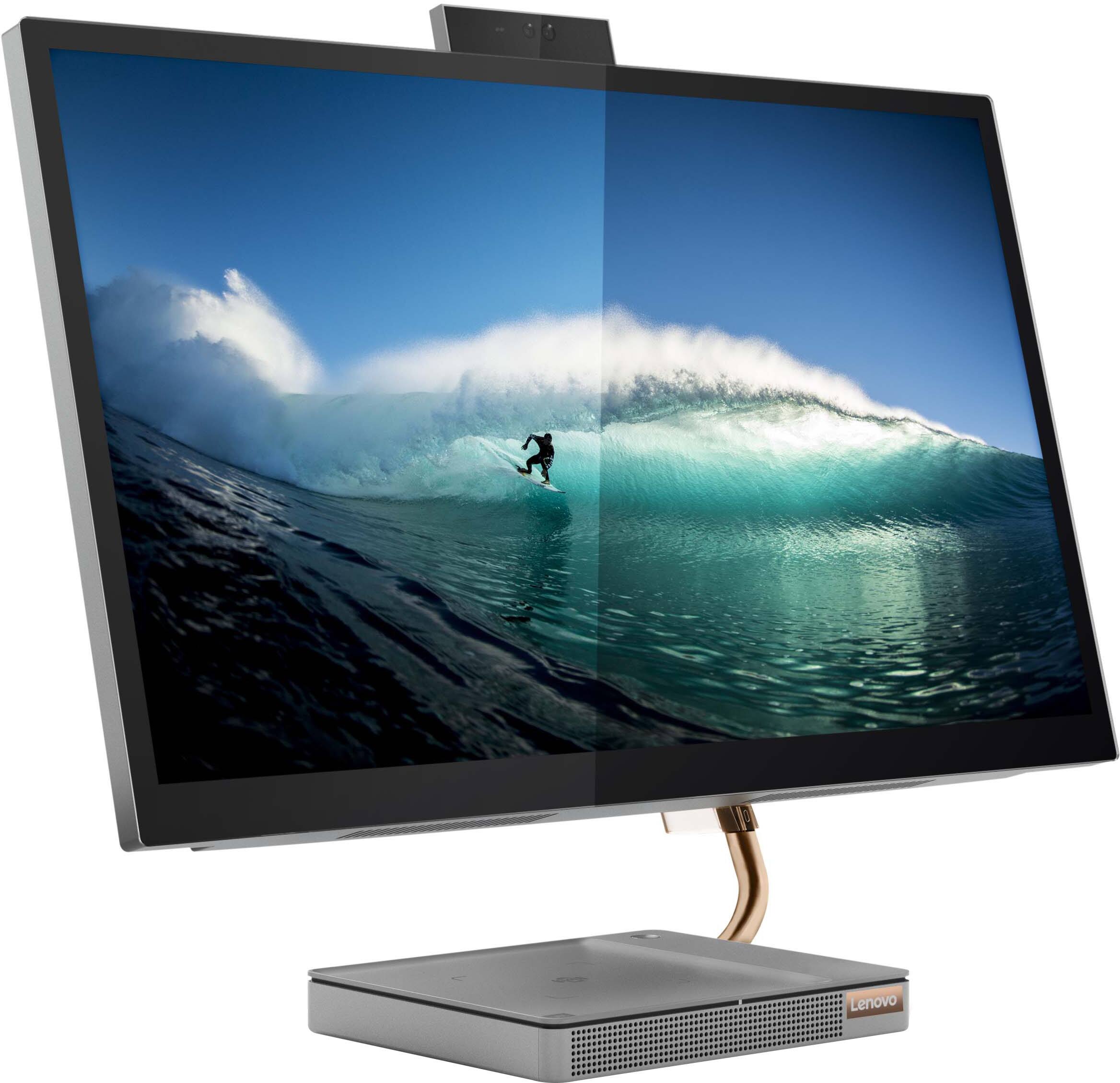
Customers consistently note the large, clear touch screen and the ease of use as significant advantages of the IdeaCentre AIO 5i 27". Many also appreciate its attractive design and competitive price. However, a recurring concern centers around performance issues and instances of the system freezing. Some users also reported problems with the mouse and wireless charger.
This summary was generated by AI based on customer reviews.
Lenovo for life now!
||Posted . Owned for 3 weeks when reviewed.This reviewer received promo considerations or sweepstakes entry for writing a review.I love this big baby, very happy with the big screen. The Dolby Audio Premium equalizer is a lot of fun for listening to music. Very fast machine, also, but don't know if it's enough for gamers.
I would recommend this to a friendBrand response from Lenovo Product Expert
Posted .Thank you for choosing the Lenovo IdeaCentre 5i 27 All-In-One System. We are pleased to hear that the features and performance of the IdeaCentre 5i 27 AIO meets your computing needs so well.

- Cons mentioned:Performance
called tech support no help no suprise
||Posted . Owned for 2 weeks when reviewed.This reviewer received promo considerations or sweepstakes entry for writing a review.terrible freezes every 20 mins or so..was intrigued because it was an lenovo had one before but this is crap
No, I would not recommend this to a friendBrand response from Lenovo Product Expert
Posted .We are sorry to hear that you are having issues with your Lenovo IdeaCentre 5i 27 All-In-One System, model number F0FA008GUS. First, check to be sure you have the latest version of Windows 11 on the computer. Then update all BIOS files and drivers up to that latest version of Windows 11. You can easily accomplish this by scanning the computer with the Lenovo Utility software available on this computer. This system has Lenovo utilities installed to help maintain the health of the device and keep the operating system software up to date. Type "Lenovo Vantage" in the Cortana Search window (if Lenovo Vantage is not installed on your device, you can download the APP and install it now). Select Lenovo Vantage from the list. In the window that opens, click on "Health and Support". In the expanded menu, select "Hardware Scan" In the window that opens, select "Run Quick Tests". This will scan your entire system for errors. Follow any directions that may pop up. If the problem continues after this scan, now click on "System Update". First select Windows update from the menu. Scan your system to be sure you have the latest version of Windows 11. Once that scan is complete, select "Additional Updates". This will scan your device to be sure there are no new BIOS/Driver updates needed. Follow any instructions that may pop up. If the issue continues after updating your computer, or if there are no current updates available, restting your computer back to original factory settings my fix this issue. Here is a link to instructions for resetting a Windows 11 computer back to original factory settings: https://www.windowscentral.com/how-reset-windows-11-pc-factory-settings. If the issue continues after the reset, we recommend you contact Lenovo Tech support and let the Lenovo Support Specialist know the troubleshooting steps you have already taken. Call at: 877-453-6686.
- Cons mentioned:Performance
Must have been a lemon
||Posted . Owned for 1 month when reviewed.This reviewer received promo considerations or sweepstakes entry for writing a review.Not too happy with it. I could not get past the opening window. Brought it back and bought a Dell. Now I'm happy
No, I would not recommend this to a friendBrand response from Lenovo Product Expert
Posted .We are sorry to hear that you had issues with the initial activation of Windows 11 on your Lenovo IdeaCentre 5i 27 All-In-One System, model number F0FA008GUS. We recommend you contact lenovo Tech Support for help with your issue at: 877-453-6686.
All looks
||Posted . Owned for 1 week when reviewed.This reviewer received promo considerations or sweepstakes entry for writing a review.looks amazing, but save your time. I bought 1 machine that kept freezing, had fan issues or something BOD since the first day, and went in and exchanged it for the same type. Again Frozen issues, the only way out was to restart it, after a couple of times also the LCD started failing. Went in and exchanged for a different brand. I am rating the product not BEST BUY which made it very easy to exchange it without troubles.
No, I would not recommend this to a friendBrand response from Lenovo Product Expert
Posted .We are sorry to hear that you are having issues with your Lenovo IdeaCentre 5i 27 All-In-One System. Resetting your computer back to original factory settings may correct the issues you are having. Here is a link to instructions for resetting a Windows 11 computer back to original factory settings, you will want to backup your files prior to resetting your computer: https://www.howtogeek.com/762169/how-to-factory-reset-a-windows-11-pc/. If the issue continues after resetting your computer, we recommend you contact Lenovo Tech Support for additional help at: 877-453-6686.
- Cons mentioned:Wireless charger
Straight trash
||Posted . Owned for 3 weeks when reviewed.This reviewer received promo considerations or sweepstakes entry for writing a review.Straight trash all around wireless charger sucks cpu keeps freezing havent even downloaded my programs or backed up cpu
No, I would not recommend this to a friend - Cons mentioned:Performance
Horrible
||Posted . Owned for 10 months when reviewed.This reviewer received promo considerations or sweepstakes entry for writing a review.Horrible freezing every time I'm using it. I returned the 1st one, this is the 2nd and it does the same thing.
No, I would not recommend this to a friendBrand response from Lenovo Product Expert
Posted .We are sorry to hear that you have encountered an issue with your IdeaCentre All-In-One 5i 27. Since this issue has happened on two different models, we recommend that you check that any software you installed is compatible with Windows 11. Incompatible software will cause the system to not perform properly and impair function. Also, be sure that the software you intent to use meets the specifications of the publisher's requirements to run that software. Also, we recommend checking for updates through Windows Update settings. These updates can help resolve issues from operating system bugs to driver software improvements. To navigate there, select start on the taskbar (windows logo) or press the windows key on the keyboard then select Settings. In Settings, select Windows Update, and then select the Check For Updates button. Install any available updates and restart your PC if required. If you didn’t have any updates that required a restart, it’s still a good idea to restart your device to make sure any pending updates are installed. If your issues persist after these steps, we also recommend that you reach out to Lenovo Tech Support at this number for additional assistance: 877-453-6686.
Happy customers
||Posted . Owned for 1 month when reviewed.This reviewer received promo considerations or sweepstakes entry for writing a review.Quality product well worth the investment. The wife and kids love using our new computer works great for homework as well as working from home projects.
I would recommend this to a friendBrand response from Lenovo Product Expert
Posted .Thank you for choosing the Lenovo IdeaCentre 5i 27 All-In-One System for your family. We are pleased to hear that the value and performance of the IdeaCentre 5i 27 AIO meets your family's computing needs so well.
- Cons mentioned:Performance
Don’t buy it!!!!!
||Posted . Owned for 1 month when reviewed.This reviewer received promo considerations or sweepstakes entry for writing a review.I bought the computer a month ago and when I was using it suddenly freezes and stop working at all!
No, I would not recommend this to a friendBrand response from Lenovo Product Expert
Posted .We are sorry to hear that you are having issues with your Lenovo IdeaCentre 5i 27 All-In-One System, model number F0FA008GUS. Check to be sure you have the latest version of Windows 11 on the computer. Then update all BIOS files and drivers up to that latest version of Windows 11. You can easily accomplish this by scanning the computer with the Lenovo Utility software available on this computer. This system has Lenovo utilities installed to help maintain the health of the device and keep the operating system software up to date. Type "Lenovo Vantage" in the Cortana Search window (if Lenovo Vantage is not installed on your device, you can download the APP and install it now). Select Lenovo Vantage from the list. In the window that opens, click on "Health and Support". In the expanded menu, select "Hardware Scan" In the window that opens, select "Run Quick Tests". This will scan your entire system for errors. Follow any directions that may pop up. If the problem continues after this scan, now click on "System Update". First select Windows update from the menu. Scan your system to be sure you have the latest version of Windows 11. Once that scan is complete, select "Additional Updates". This will scan your device to be sure there are no new BIOS/Driver updates needed. Follow any instructions that may pop up. If the issue continues after these updates, we recommend you call Lenovo Tech Support at: 877-453-6686 for additional help.
- Cons mentioned:Performance
computer
||Posted . Owned for 3 weeks when reviewed.This reviewer received promo considerations or sweepstakes entry for writing a review.Computer kept freezing up. Returned to Best Buy for refund.
No, I would not recommend this to a friend Terrible Customer Service
||Posted . Owned for 8 months when reviewed.This reviewer received promo considerations or sweepstakes entry for writing a review.The computer broke within the first six months. The touch screen went unresponsive and Lenovo’s customer care requires you mail in your device. This is a desktop computer. I mailed it to them when they were finished fixing the software issue there was massive physical damage. I sent it back, they fixed 2 of the 7 dents and now the monitor is bent completely sideways now they are unresponsive
No, I would not recommend this to a friendBad Experience
||Posted .This reviewer received promo considerations or sweepstakes entry for writing a review.I purchased this computer thinking it would be wonderful! I have had nothing but problems with both of the computers I got from Best Buy! I had to return the first one and now I have to return the second one because it locks up too! I don't think I will be purchasing another computer from Best Buy.
No, I would not recommend this to a friendBrand response from Lenovo Product Expert
Posted .We are sorry to hear that you are having issues with your Lenovo IdeaCentre 5i 27 All-In-One System, model number F0FA008GUS. First, check to be sure you have the latest version of Windows 11 on the computer. Then update all BIOS files and drivers up to that latest version of Windows 11. You can easily accomplish this by scanning the computer with the Lenovo Utility software available on this computer. This system has Lenovo utilities installed to help maintain the health of the device and keep the operating system software up to date. Type "Lenovo Vantage" in the Cortana Search window (if Lenovo Vantage is not installed on your device, you can download the APP and install it now). Select Lenovo Vantage from the list. In the window that opens, click on "Health and Support". In the expanded menu, select "Hardware Scan" In the window that opens, select "Run Quick Tests". This will scan your entire system for errors. Follow any directions that may pop up. If the problem continues after this scan, now click on "System Update". First select Windows update from the menu. Scan your system to be sure you have the latest version of Windows 11. Once that scan is complete, select "Additional Updates". This will scan your device to be sure there are no new BIOS/Driver updates needed. Follow any instructions that may pop up. If the issue continues after these updates, we recommend you call Lenovo Tech Support at: 877-453-6686 for additional help.
Lenovo Idea Center AIO 5i Touch Screen Computer
||Posted . Owned for 3 weeks when reviewed.This reviewer received promo considerations or sweepstakes entry for writing a review.We are very pleased with the looks and functionality of the Computer as it operates very smoothly and quickly.
I would recommend this to a friendBrand response from Lenovo Product Expert
Posted .Thank you for choosing the Lenovo IdeaCentre AIO 5i 27in. Touch Screen All-In-One. We are very happy to see that the specifications and features of the Lenovo IdeaCentre AIO 5i 27in. Touch Screen AIO meet your computing needs so well.
My all in one
||Posted . Owned for 1 week when reviewed.This reviewer received promo considerations or sweepstakes entry for writing a review.The system is great and in order. However, windows 11 need to get it together!!!
I would recommend this to a friendBrand response from Lenovo Product Expert
Posted .Thank you for choosing the Lenovo IdeaCentre 5i 27 All-In-One System. Here is a link to a YouTube video that demonstrates some Windows 11 tips and tricks: https://www.youtube.com/watch?v=26dXRnc0EHc&t=29s. If you have questions about Windows 11 Home, 64-bit Operating System, we recommend you contact Microsoft Software Support directly here: https://support.microsoft.com/
- Cons mentioned:Performance
not happy
||Posted . Owned for 1 week when reviewed.This reviewer received promo considerations or sweepstakes entry for writing a review.worked on 3 times got a new one now the same problem
No, I would not recommend this to a friendBrand response from Lenovo Product Expert
Posted .We are sorry to hear that you are having issues with your Lenovo IdeaCentre 5i 27 All-In-One System, model number F0FA008GUS. We recommend you contact lenovo Tech Support for help with your issue at: 877-453-6686.
Good picture quality
||Posted .This reviewer received promo considerations or sweepstakes entry for writing a review.I’m glad that I got this because it runs smoothly and kids love using then
I would recommend this to a friendMrs.
||Posted . Owned for 2 weeks when reviewed.This reviewer received promo considerations or sweepstakes entry for writing a review.Great system and Tech support. Price match was done very well and was expeditious.
I would recommend this to a friendBrand response from Lenovo Product Expert
Posted .Thank you for choosing the Lenovo IdeaCentre 5i 27 All-In-One System. We are pleased to hear that the Ideacentre 5i 27 AIO meets your computing needs so well.
Great
||Posted . Owned for 3 weeks when reviewed.This reviewer received promo considerations or sweepstakes entry for writing a review.very good computer it is very fast to turn on I turn on quickly
I would recommend this to a friendBuy it.
||Posted . Owned for 1 month when reviewed.This reviewer received promo considerations or sweepstakes entry for writing a review.I love this computer. Great graphics. If you need a great machine, buy this one.
I would recommend this to a friendBrand response from Lenovo Product Expert
Posted .Thank you for choosing the Lenovo IdeaCentre AIO 5i 27in. Touch Screen All-In-One. We are very happy to see that the specifications and features of the Lenovo IdeaCentre AIO 5i 27in. Touch Screen AIO meet your computing needs so well.
Nice Quality and very Stylish
||Posted . Owned for 3 weeks when reviewed.This reviewer received promo considerations or sweepstakes entry for writing a review.I'm happy with my purchase, the computer has the latest technology and very stylish.
I would recommend this to a friendBrand response from Lenovo Product Expert
Posted .Thank you for choosing the Lenovo IdeaCentre 5i 27 All-In-One System. We are pleased to hear that the features and performance of the IdeaCentre 5i 27 AIO meets your computing needs so well.
Best buys Best
||Posted . Owned for 1 month when reviewed.This reviewer received promo considerations or sweepstakes entry for writing a review.My wife loves it !!! From lap top to desk top and such quality thx
I would recommend this to a friend