Customer Ratings & Reviews




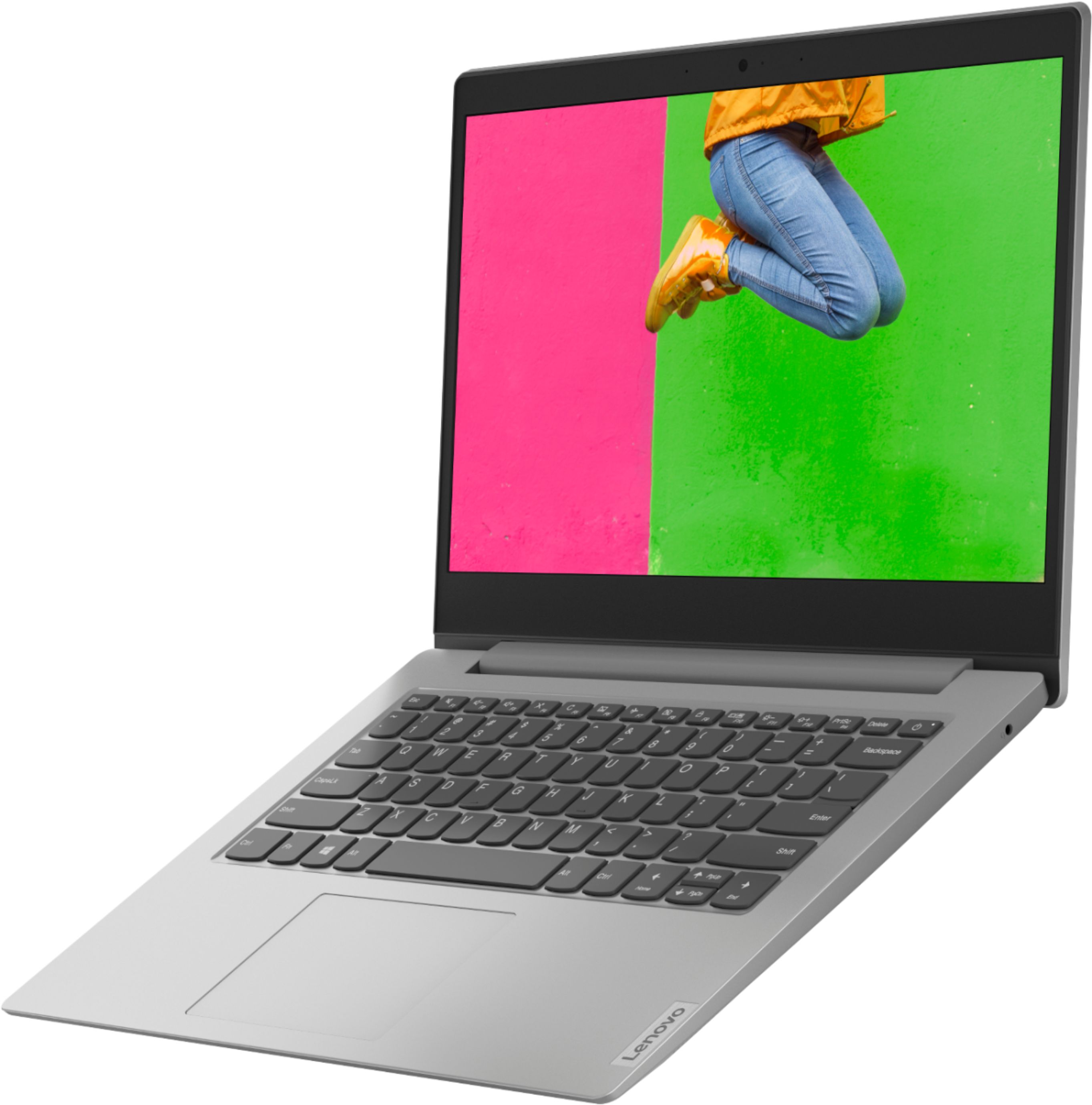

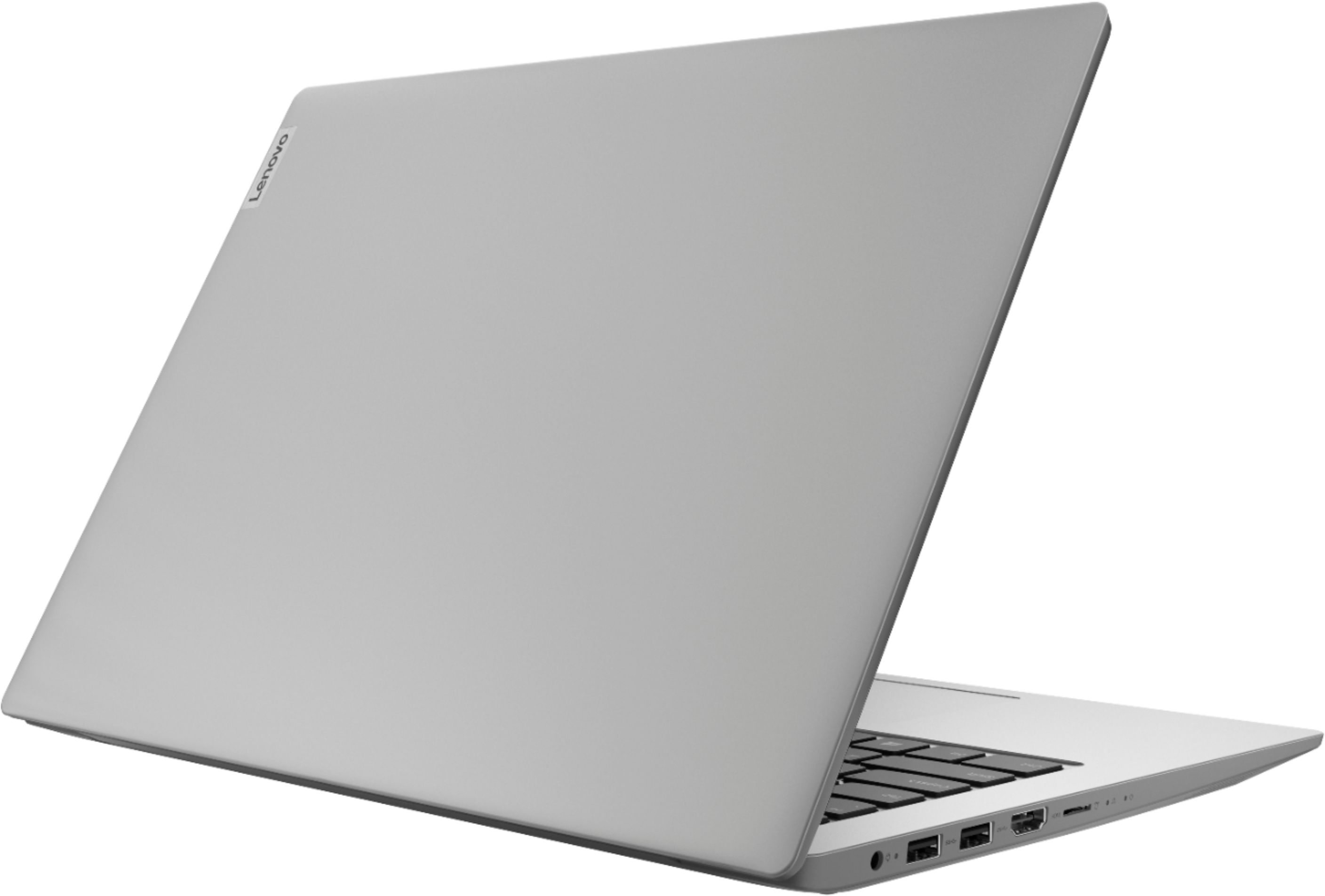
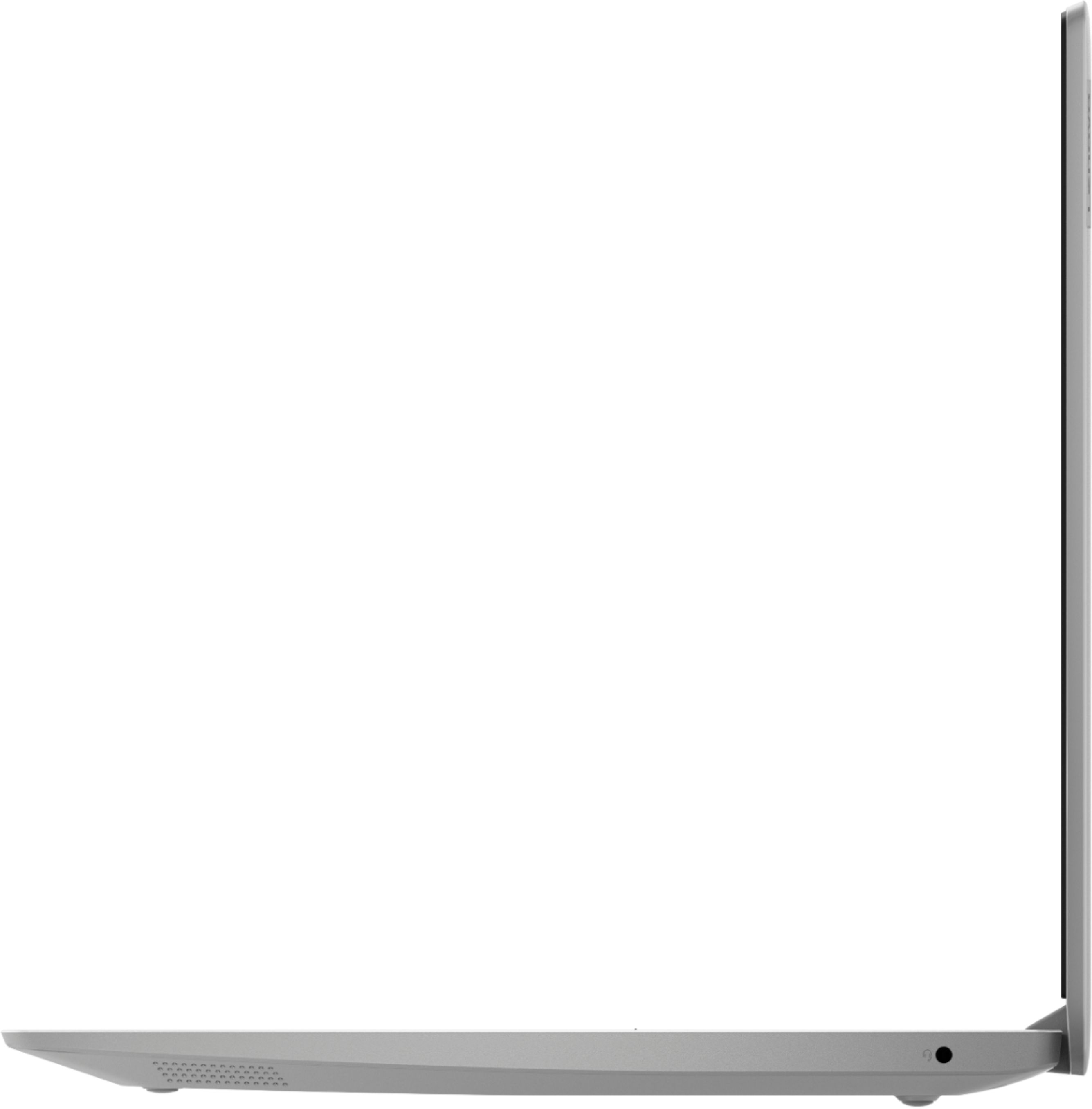


- Model:
- 81VS009GUS
- SKU:
- 6359222
Rating by feature
- Battery Life
Rating 3.8 out of 5 stars
- Speed
Rating 3.2 out of 5 stars
- Display
Rating 3.8 out of 5 stars
Customers are saying
Customers are satisfied with the price, ease of use, lightweight design, and usability of the IdeaPad 1 14" Laptop. They find it to be a good value for the price, easy to navigate, lightweight, and suitable for basic tasks like schoolwork. However, customers have concerns about its slow performance, limited storage space, multitasking capabilities, and occasional freezing issues.
This summary was generated by AI based on customer reviews.
Working from home
||Posted . Owned for 9 months when reviewed.This reviewer received promo considerations or sweepstakes entry for writing a review.I’ve had for almost 1 year now. Great as a second computer while working from home.
I would recommend this to a friendBrand response from Lenovo Product Expert
Posted .Thank you for choosing the entry-level Lenovo IdeaPad 1 14 Laptop, model number 81VS009GUS. We are pleased to hear that the IdeaPad 1 14 meets your computing needs so well. We always recommend you check the requirements and compatibility of any software you will be installing on your new computer, before you invest in any computer. Be sure your new computer can support the software you will need to use.

- Cons mentioned:Slow
Bad laptop
||Posted .This reviewer received promo considerations or sweepstakes entry for writing a review.Bad laptop.Do not buy this laptop just because of the low price. The laptop overheated as soon as you turn it on, and is too slow
No, I would not recommend this to a friendBrand response from Lenovo Product Expert
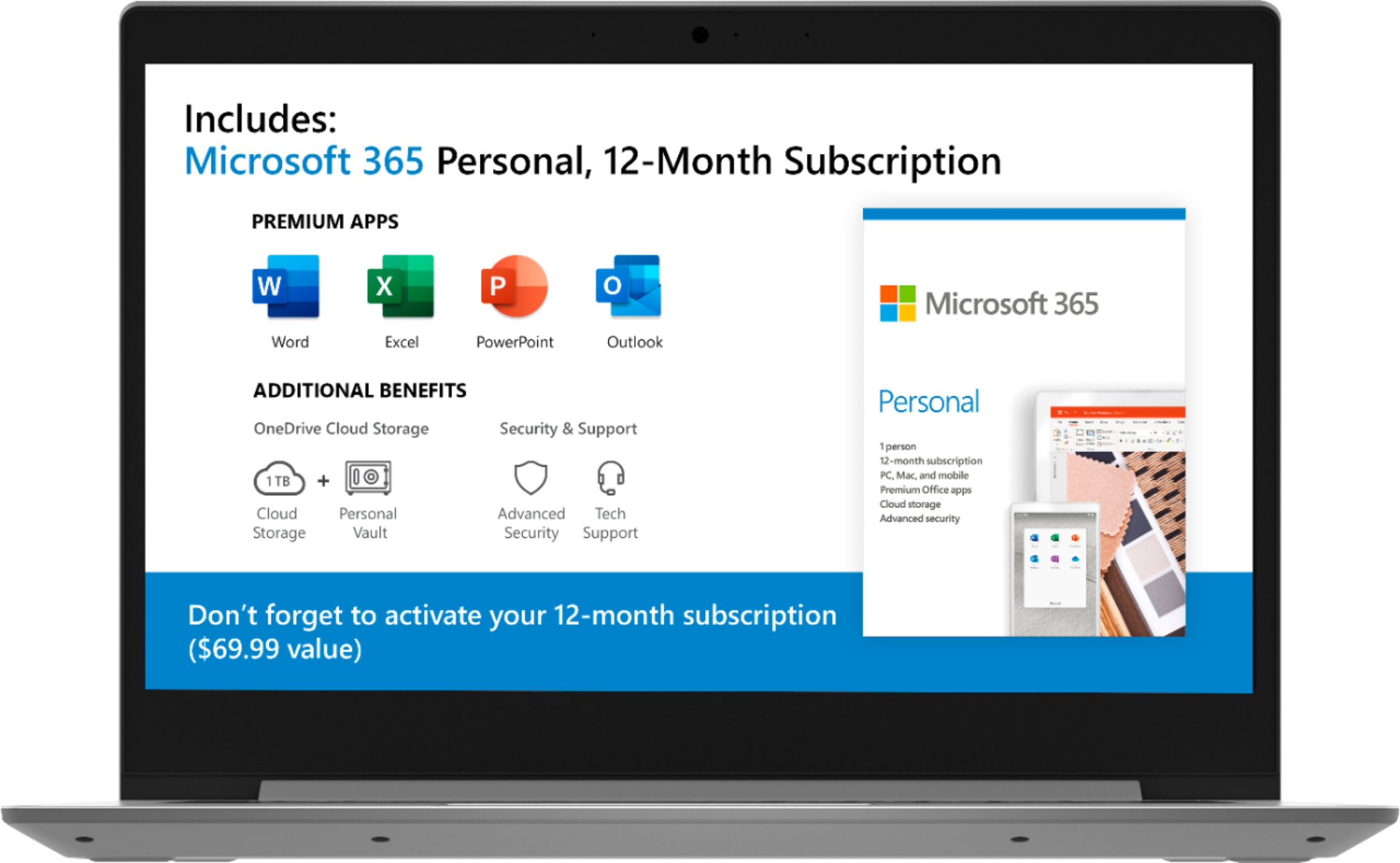
Posted .The Lenovo IdeaPad 1-14 laptop is an entry level, light use system with its AMD A6-9220e processor, with a base speed of 1.6GHz and a boost speed of up to 2.4GHz, 4GB of RAM and a 64GB eMMC solid state hard drive, for quick access to files and programs. This model ships with Windows 10 S-Mode Operating System. Windows 10 S-Mode provides added security by only allowing APPs available ( and therefore certified by Microsoft) at the Microsoft Store. If you don't need the added security or you need to install APPs not available at the Microsoft Store, you can switch to standard Windows 10 Home 64-bit Operating System, at no additional cost. The Lenovo IdeaPad 1-14 laptop is not meant for multi-tasking or demanding programs. It is good for Microsoft Office and light internet browsing. The Lenovo IdeaPad 1-14 laptop ships with a free 1-year subscription to Microsoft Office 365 (a $69.00 value).
The right laptop for the money.
||Posted . Owned for 3 weeks when reviewed.This reviewer received promo considerations or sweepstakes entry for writing a review.Excellent product it does what is supposed to do And more very happy with purchase.
I would recommend this to a friendBest nag for your buck!
||Posted . Owned for 1 month when reviewed.This reviewer received promo considerations or sweepstakes entry for writing a review.Awesome entry computer for such a low price! The price of the machine is worth the price!
I would recommend this to a friendAwesome
||Posted .This reviewer received promo considerations or sweepstakes entry for writing a review.I love using it and would recommend to everyone. Awesome quality. And great delivery time.
I would recommend this to a friendLabtop
||Posted . Owned for 2 weeks when reviewed.This reviewer received promo considerations or sweepstakes entry for writing a review.Purchased for my fiance as a gift, and he's been on it everyday since...it's been weeks!
I would recommend this to a friendGreat value, speedy and nice keyboard!
||Posted . Owned for 4 months when reviewed.This reviewer received promo considerations or sweepstakes entry for writing a review.Speedy, great keyboard and nice screen. Overall I recommend it because of the value!
I would recommend this to a friendBrand response from Lenovo Product Expert
Posted .thank you for choosing the entry-level, Lenovo IdeaPad 1 14 laptop, model number 81VS009GUS. We are pleased to hear that the value and performance of the IdeaPad 1 14 meets your computing needs so well.
- Cons mentioned:Slow
Do not buy
||Posted . Owned for 1 month when reviewed.This reviewer received promo considerations or sweepstakes entry for writing a review.Complete garbage. Why would you sell something that just does not work? It takes 5 minutes to open the internet browser.
No, I would not recommend this to a friend geek squad
||Posted . Owned for 2 weeks when reviewed.This reviewer received promo considerations or sweepstakes entry for writing a review.was a good purchase but forgot to purchase the geek squad so i have to see if i still can
I would recommend this to a friendLenovo Laptop
||Posted . Owned for 2 months when reviewed.This reviewer received promo considerations or sweepstakes entry for writing a review.Love my Lenovo! Absolutely no complaints. I use it for school business and personal use
I would recommend this to a friendBrand response from Lenovo Product Expert
Posted .Hi, thank you for choosing the Lenovo IdeaPad 1 laptop. We are pleased to hear that the value and performance of the IdeaPad 1 meets your computing needs so well.
Cheap and fast
||Posted . Owned for 3 weeks when reviewed.This reviewer received promo considerations or sweepstakes entry for writing a review.I needed a laptop for FORScan and this is perfect! I use Mac but this laptop does what I need
I would recommend this to a friendGreat laptop
||Posted . Owned for 3 weeks when reviewed.This reviewer received promo considerations or sweepstakes entry for writing a review.I love it! I greatly recommend this brand of compact laptop's. Our sales guy was exceptional.
I would recommend this to a friendLaptop
||Posted . Owned for 8 months when reviewed.This reviewer received promo considerations or sweepstakes entry for writing a review.Great laptop for the money got it.so my grandson could do his school work from home.
I would recommend this to a friendBrand response from Lenovo Product Expert
Posted .Thank you for choosing the entry-level Lenovo IdeaPad 1 14 Laptop, model number 81VS009GUS, for your grandson. We are pleased to hear that the IdeaPad 1 14 is working out so well for your grandson.
Good Student Laptop
||Posted . Owned for 8 months when reviewed.This reviewer received promo considerations or sweepstakes entry for writing a review.Great laptop for students, works fine and runs everything a student would need.
I would recommend this to a friendGreat-Different shopping experience.
||Posted . Owned for 1 month when reviewed.This reviewer received promo considerations or sweepstakes entry for writing a review.First experience with a personal shopper. They're well informed and my family felt safe. Thanx!
I would recommend this to a friendJRM
||Posted . Owned for 3 weeks when reviewed.This reviewer received promo considerations or sweepstakes entry for writing a review.Thank you so much for helping to choose one of the best laptop which is working perfectly
I would recommend this to a friendWe are satisfied our computers
||Posted . Owned for 1 month when reviewed.This reviewer received promo considerations or sweepstakes entry for writing a review.Looking forward to utilizing it to the fullest. The computer is light weight and easy to take around.
I would recommend this to a friendBrand response from Lenovo Product Expert
Posted .Thank you for choosing the Lenovo IdeaPad 1-14 laptop. The Lenovo IdeaPad 1-14 laptop is an entry level, light use system with its AMD A6-9220e processor, with a base speed of 1.6GHz and a boost speed of up to 2.4GHz, 4GB of RAM and a 64GB eMMC solid state hard drive, for quick access to files and programs. This model ships with Windows 10 S-Mode Operating System. Windows 10 S-Mode provides added security by only allowing APPs available ( and therefore certified by Microsoft) at the Microsoft Store. If you don't need the added security or you need to install APPs not available at the Microsoft Store, you can switch to standard Windows 10 Home 64-bit Operating System, at no additional cost. The Lenovo IdeaPad 1-14 laptop is not meant for multi-tasking or demanding programs. It is good for Microsoft Office and light internet browsing. The Lenovo IdeaPad 1-14 laptop ships with a free 1-year subscription to Microsoft Office 365 (a $69.00 value).
Very nice laptop!
||Posted . Owned for 3 months when reviewed.This reviewer received promo considerations or sweepstakes entry for writing a review.Laptop works great! Got it for my daughter to use as a basic laptop and she loves it.
I would recommend this to a friendBrand response from Lenovo Product Expert
Posted .Thank you for choosing the entry-level, Lenovo IdeaPad 1 14 Laptop, model number 81VS009GUS, for your daughter. We are pleased to hear that the IdeaPad 1 14 is working out so well for your daughter.
Works great
||Posted . Owned for 3 months when reviewed.This reviewer received promo considerations or sweepstakes entry for writing a review.Product works great for the purpose intended. Connects to TV to play videos perfectly
I would recommend this to a friendBrand response from Lenovo Product Expert
Posted .Hi, thank you for choosing the Lenovo IdeaPad 1 laptop. We are pleased to hear that the value and performance of the IdeaPad 1 meets your computing needs so well.
Great quality for the price
||Posted . Owned for 1 month when reviewed.This reviewer received promo considerations or sweepstakes entry for writing a review.Needed this for my son for school due the pandemic. His other laptop died. It has been perfect.
I would recommend this to a friend