Customer Ratings & Reviews



- Model:
- 82V60065US
- SKU:
- 12524521
Rating by feature
- Battery Life
Rating 4.3 out of 5 stars
- Speed
Rating 3.2 out of 5 stars
- Display
Rating 4.0 out of 5 stars
to a friend

A labor to set up, serviceable for light use.
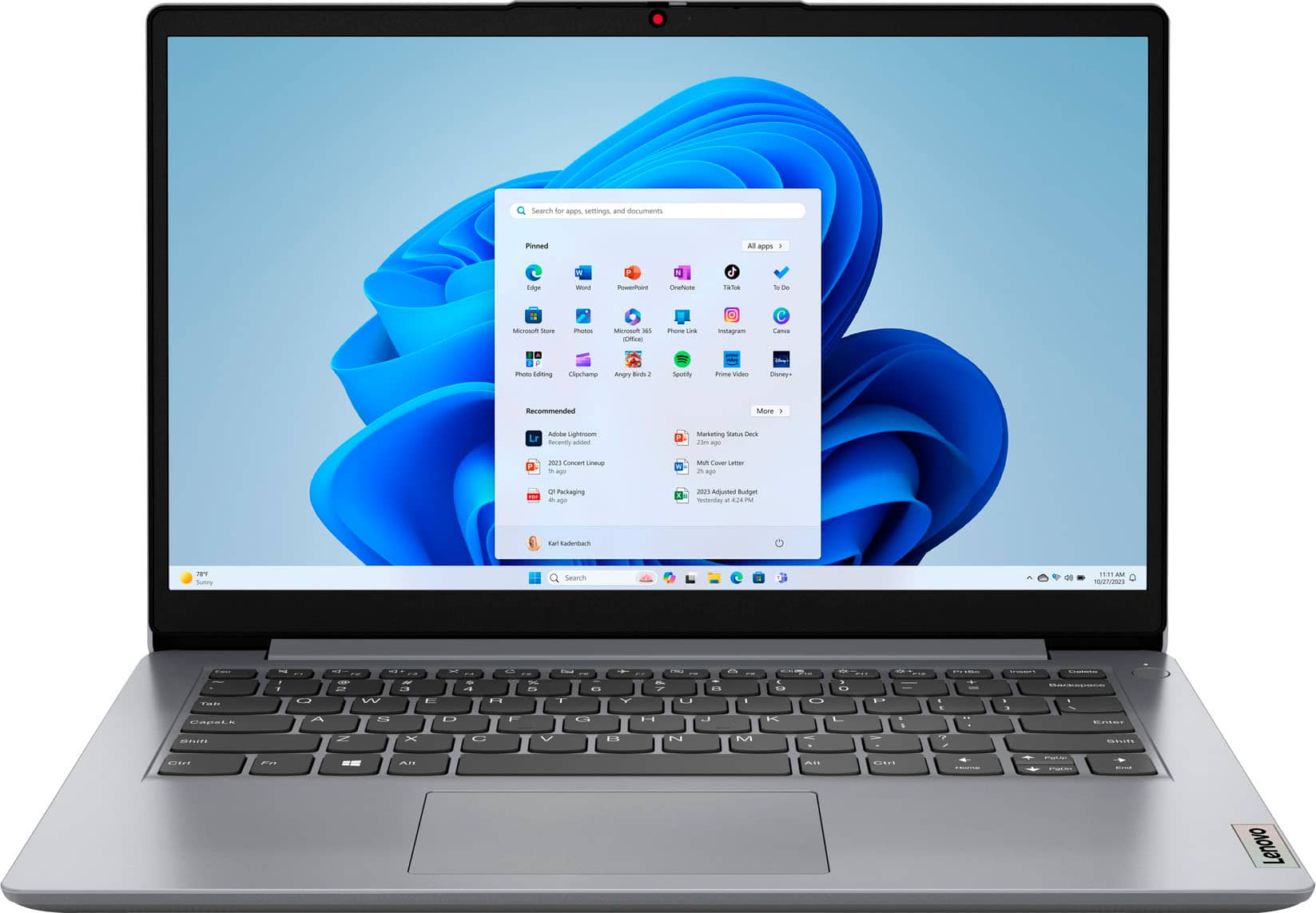
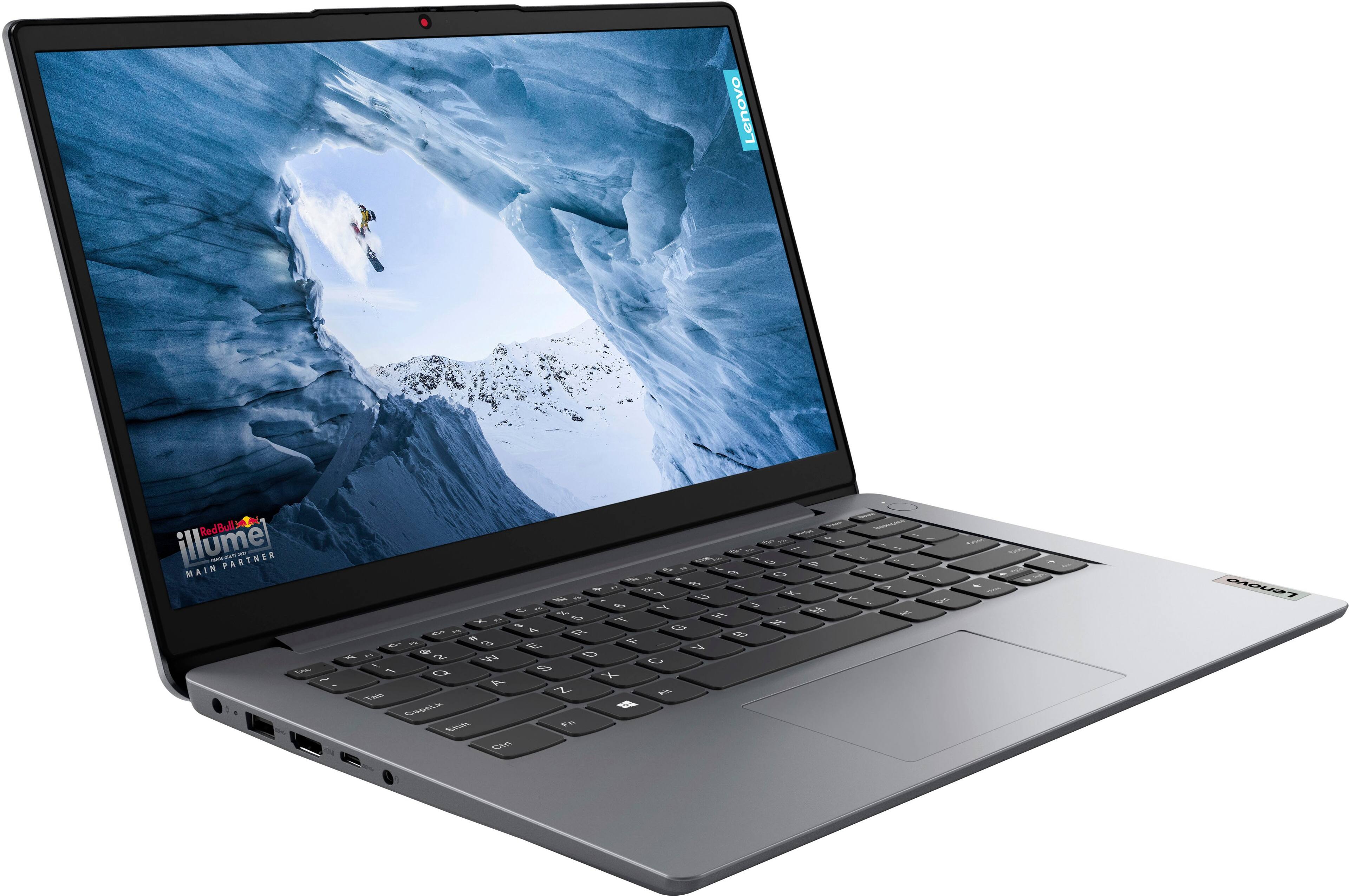
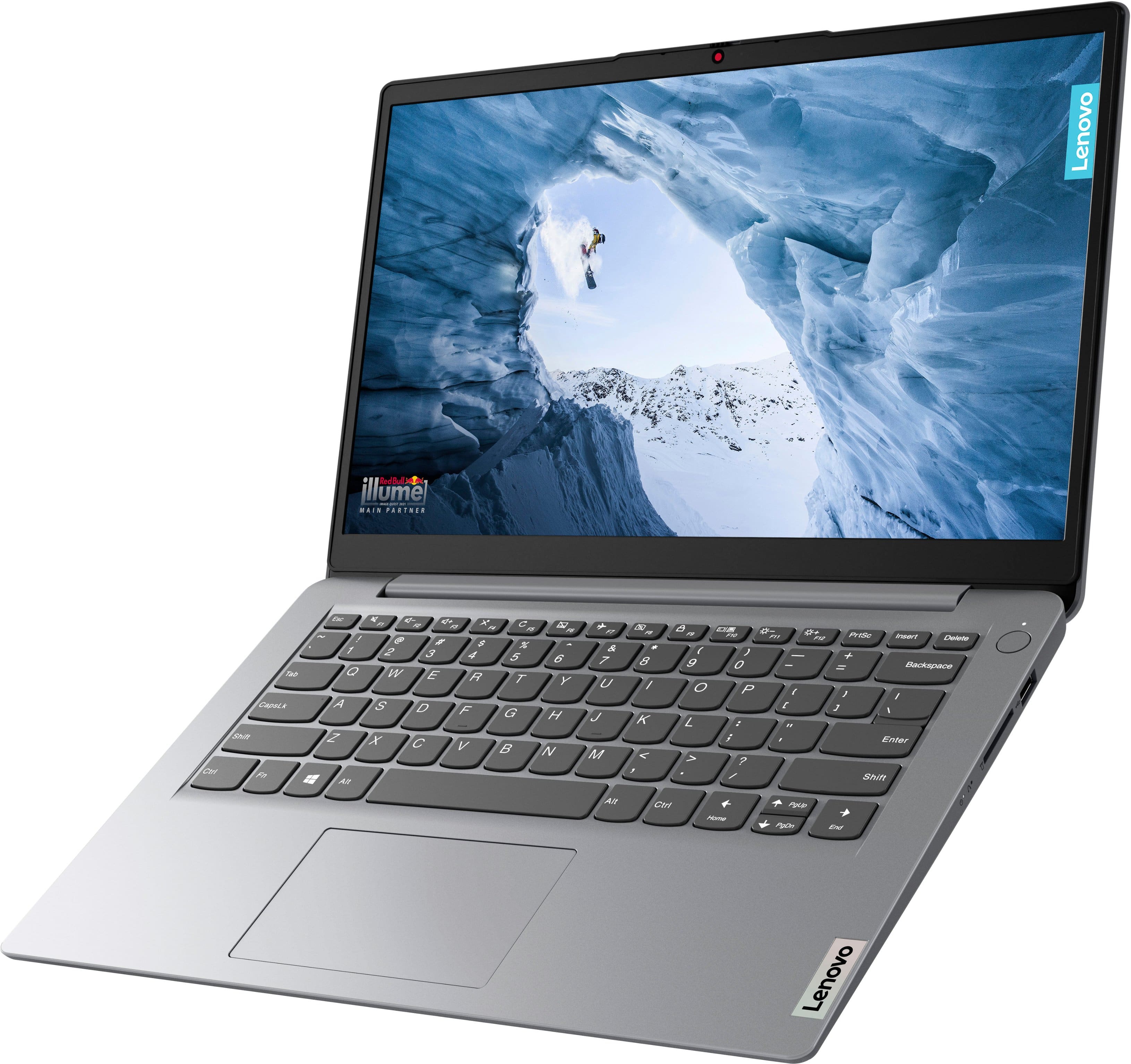
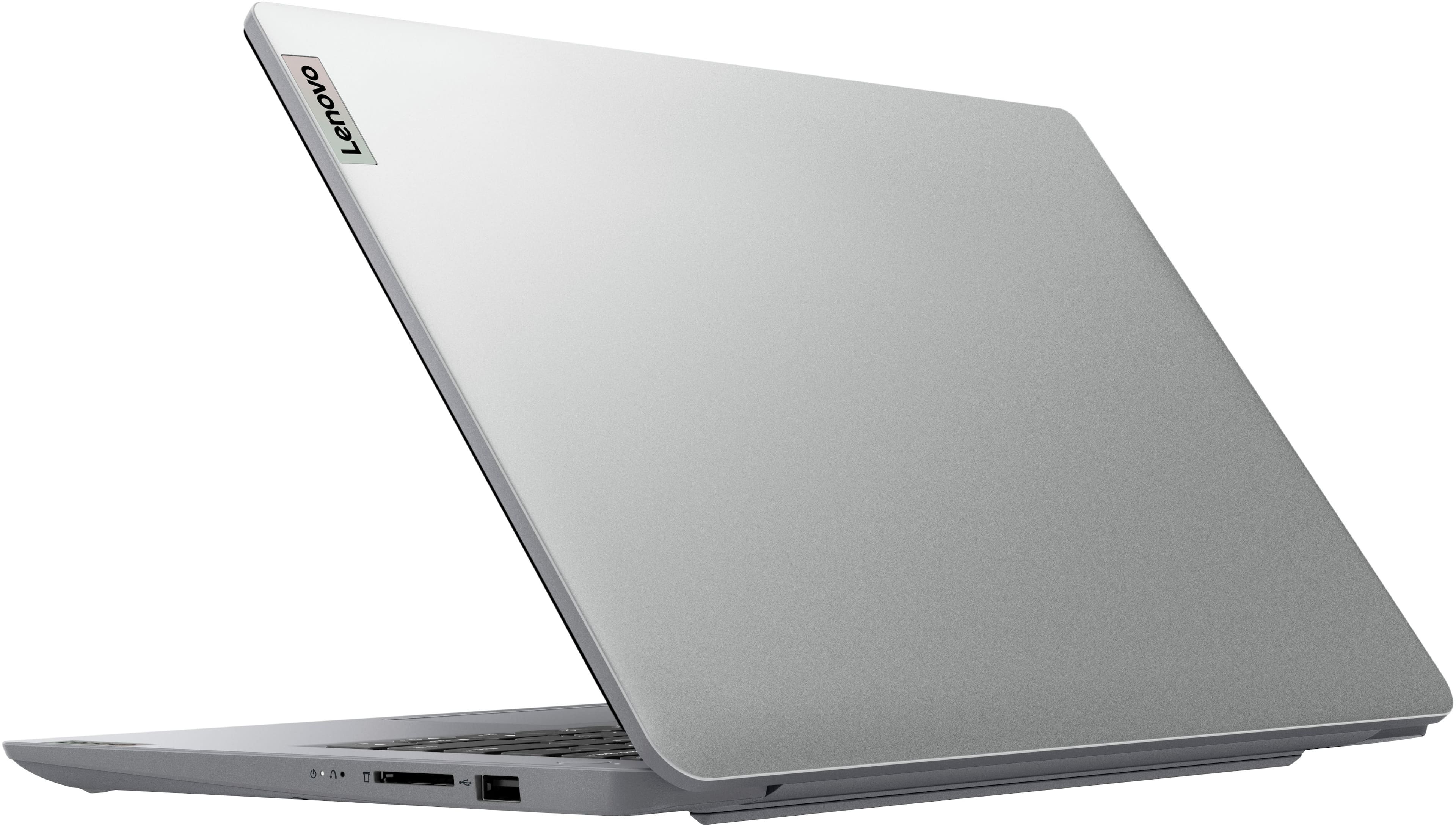
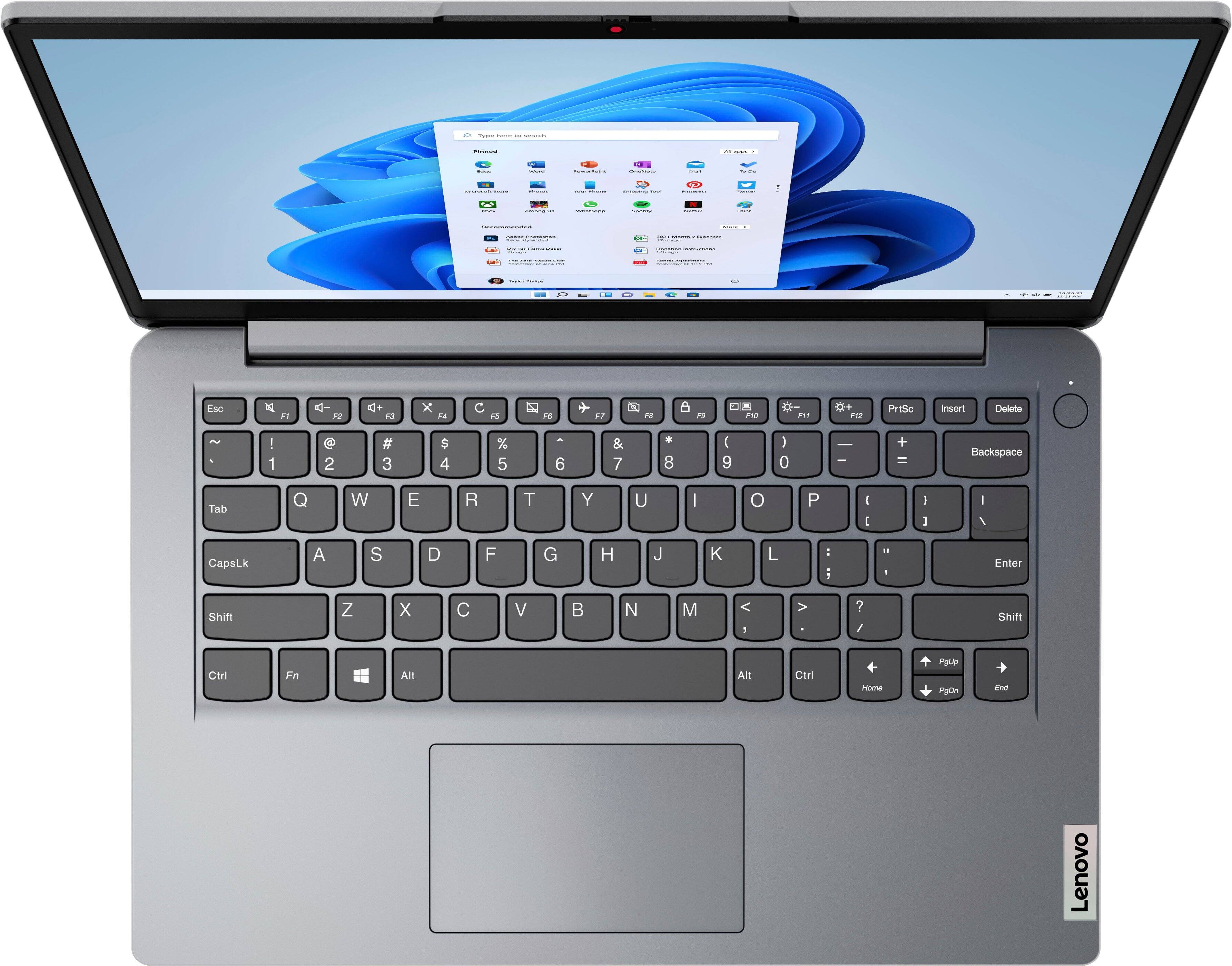
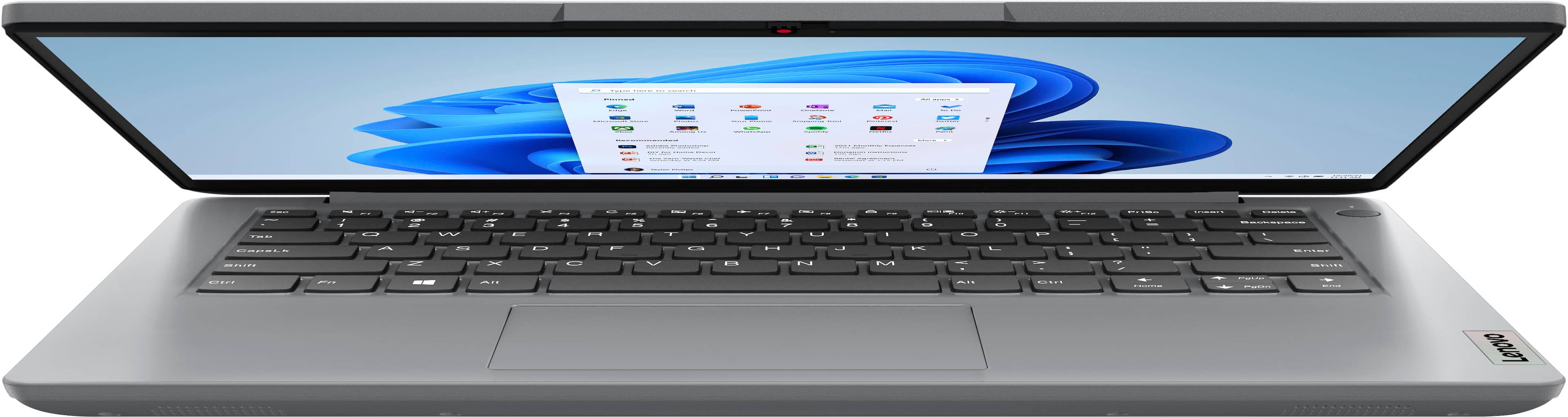
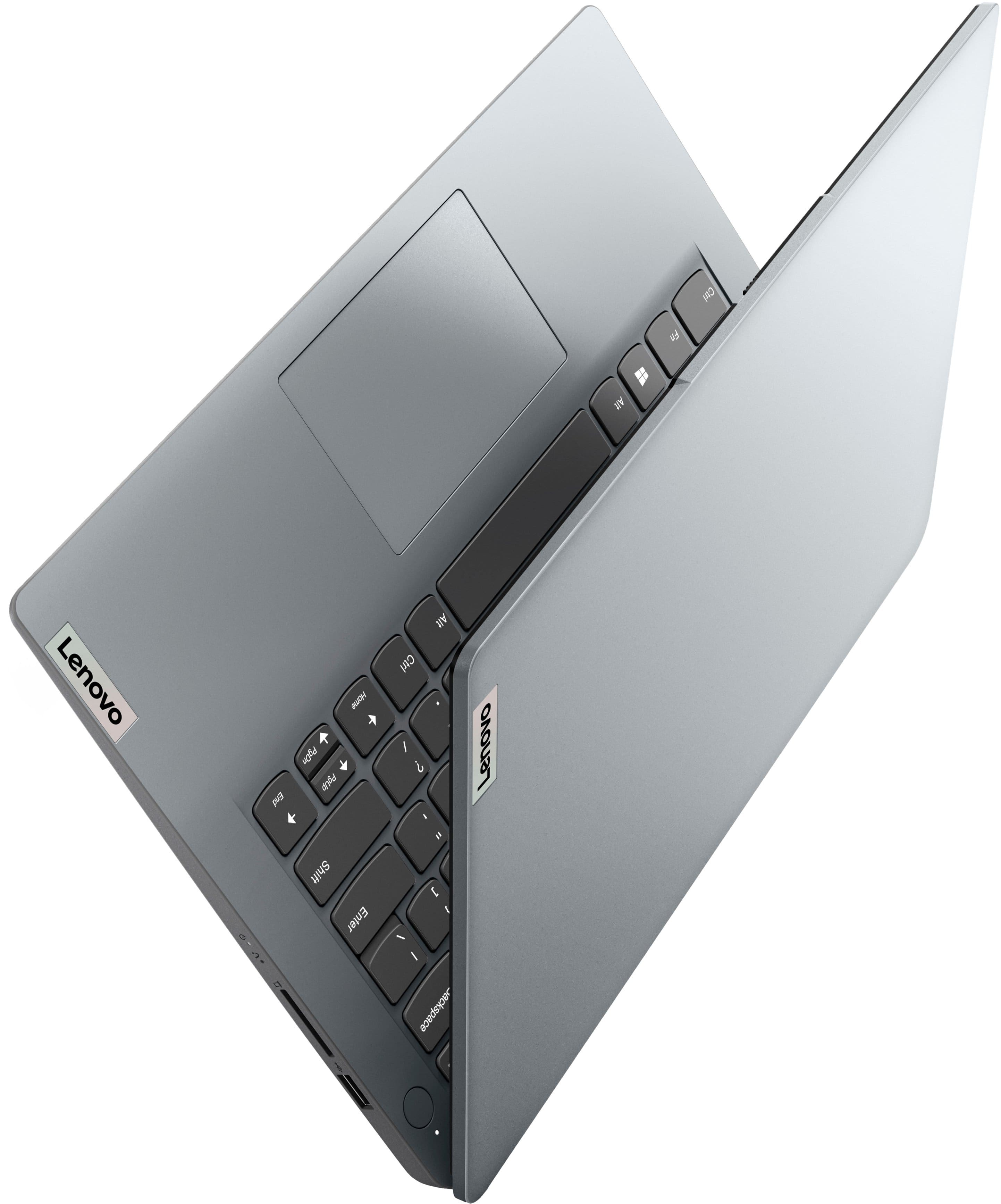
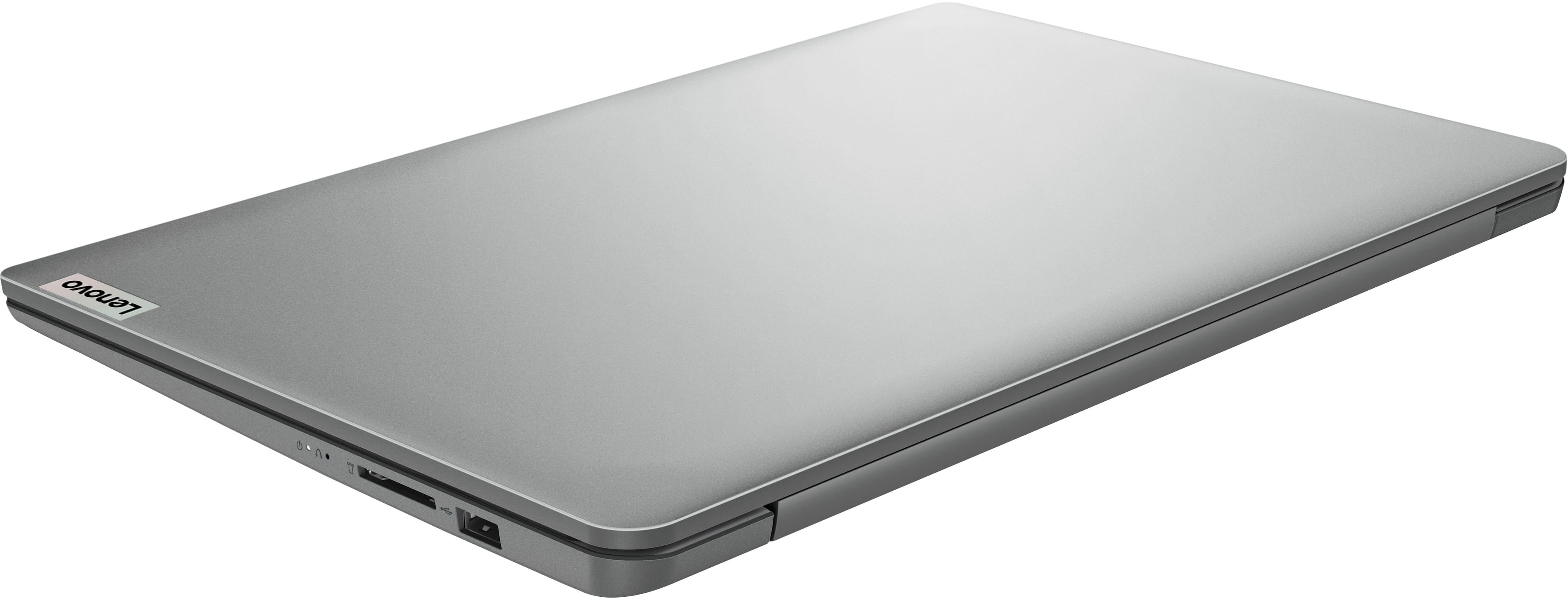
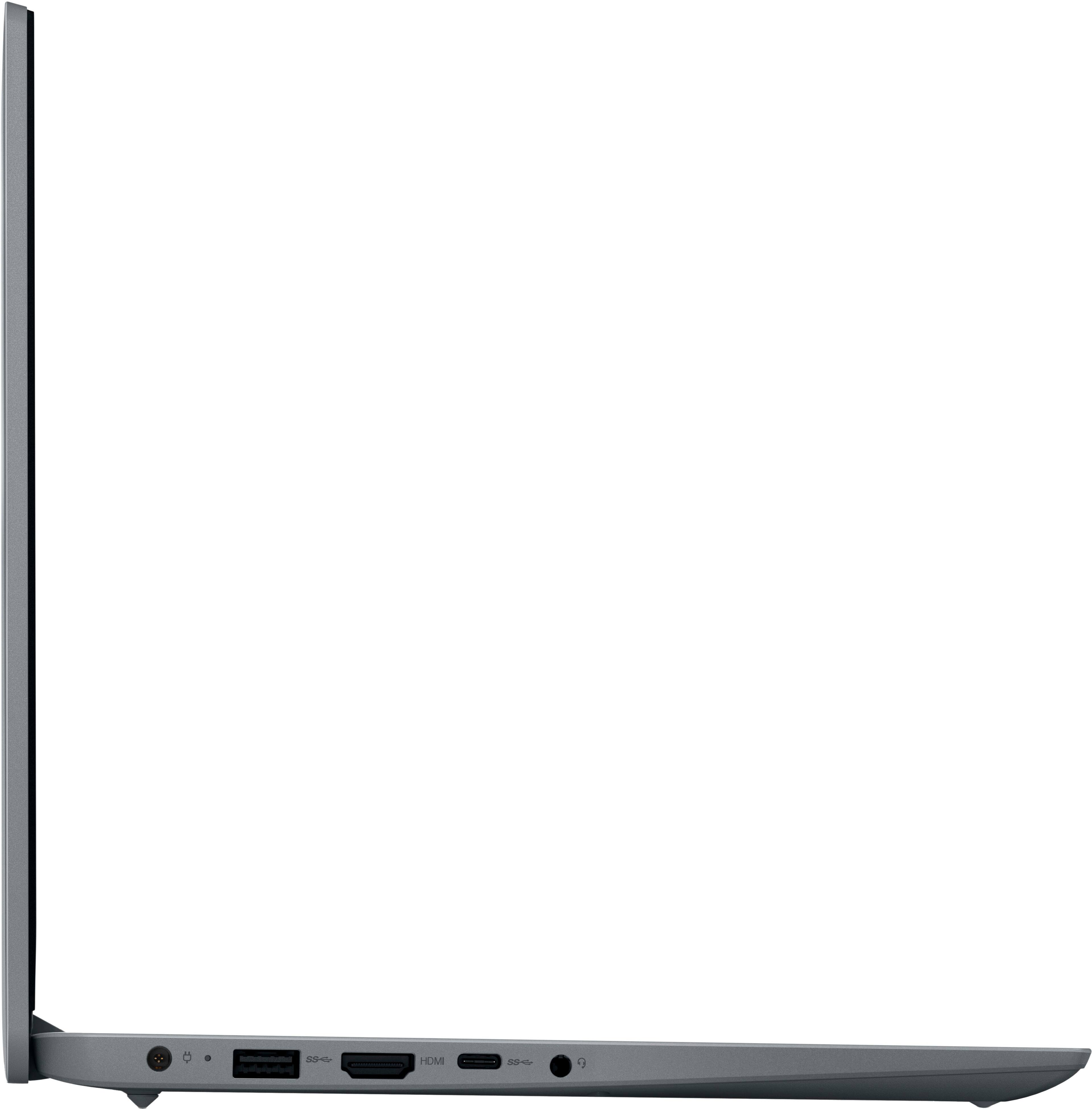
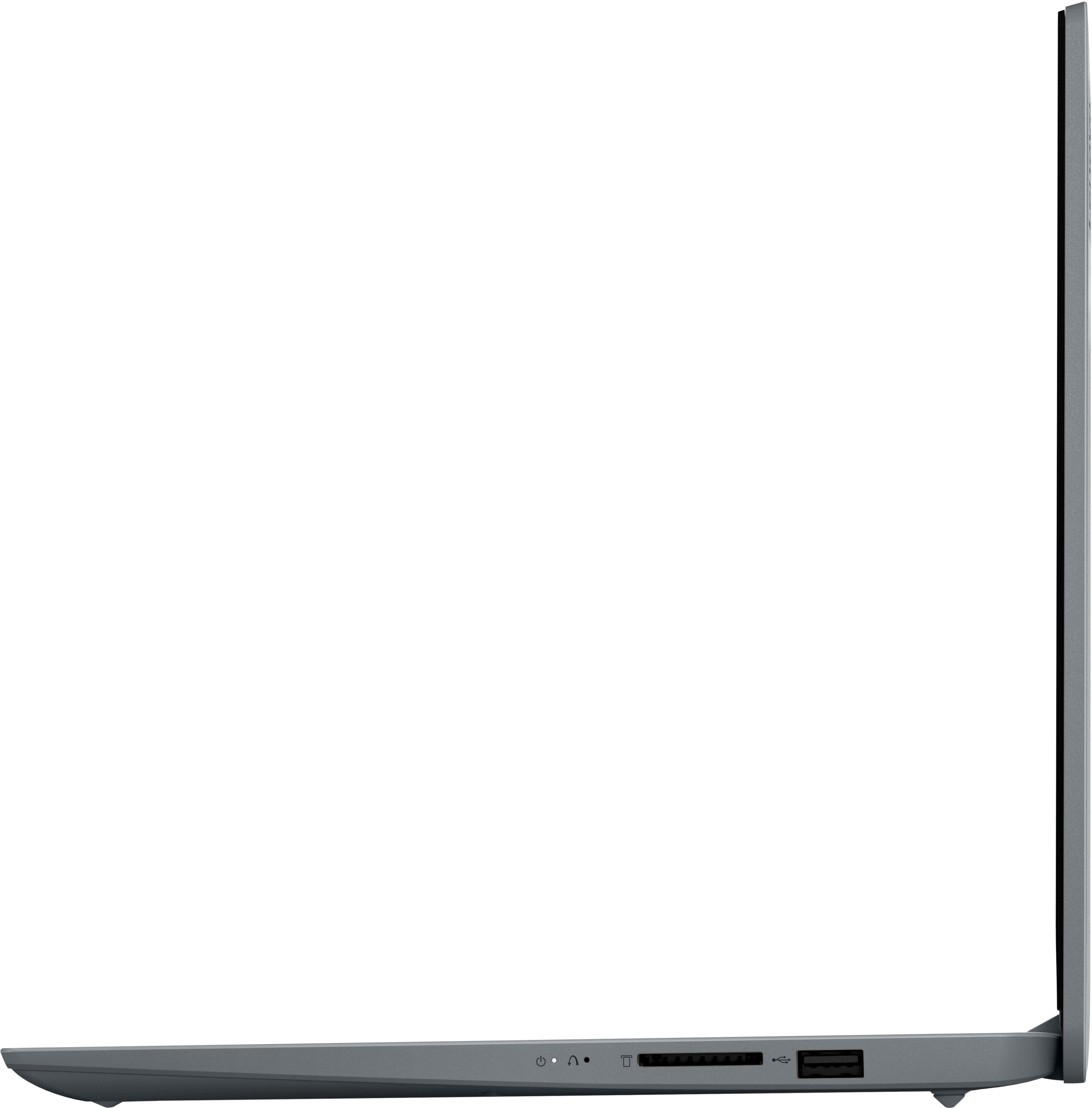
|Posted .This reviewer received promo considerations or sweepstakes entry for writing a review.With an admirably long battery life, decent build quality, weight less than 3 pounds, and reasonable serviceability for web browsing and Office apps productivity, this laptop is actually a decent deal if you can get it on one of these crazy sales where it is $100-$120 off in price! Otherwise, when you approach its full retail price, I would skip it and spend an extra chunk of money on a machine with a tad more modern specs like 8GB of RAM to minimize your frustration, even if you must buy refurbished or renewed. If you do decide to buy this laptop, I feel I am obligated to first advise potential buyers on how to setup this laptop so that they do not pull out all their hair and then immediately return this laptop or set it on fire out of frustration. Steps to setting this laptop up in a manner that maintains your sanity: 1. Take a deep breath and let go of your initial 2023 speed expectations. This is going to take a while, get ready for the marathon, because this will be no sprint. 2. Plug it into power and preferably perform this setup while you have a movie or show or two in a row playing in the background to distract your attention while this machine slowly proceeds through its setup. Satisfactory setup and usage took me nearly three hours waiting on the machine to slowly update and set up. 3. When you get through the initial Windows installer setup and first boot onto the desktop, DON’T TOUCH THE MACHINE. It is likely going to be pegged out at 100% of CPU and RAM usage while it is first booting up and doing a ton of background processes and tweaks. Any actions you try to perform are going to feel so slow you will think the laptop is busted. It is best to wait for maybe 10 minutes and follow whatever prompts that pop up like Edge settings before you go clicking around too vigorously. If you have OneDrive from another Windows computer and you have logged in with your Microsoft account, this can add another long and indeterminate amount of time that you need to let this sit idle while it retrieves all your cloud information and makes it available for access via the native OneDrive folder. 4. Next, go into the settings to Windows Update and have it check for updates. Install all updates and then restart the computer as instructed. Then check AGAIN for updates, and install all of those, restarting if need be. By doing that, you are making sure you have the latest Windows updates and drivers for your computer installed so you know that none of those issues are bogging you down during your first real use of the machine. 5. Uninstall McAfee Security. The Windows security software installed on this operating system is sufficient for most and McAfee is a memory hog and will constantly pester you with security program offers and coupons. 6. Check Windows Update ONE MORE TIME or TWO MORE TIMES for updates, just to make sure nothing has been missed. 7. Now, you are ready to start your real use of the machine! Now to the lengthier part of my review. I am going to be honest: I was ready to give up on this laptop. Through the entire length of this 3 hour or so set up and update process, I was ready to huck this laptop out the window. It was slow as all get out in every metric while it was slowly and laboriously updating, with the RAM and CPU pegged at 100% utilization almost the entire setup process. That was not a good sign. Much to my surprise, this machine almost had a sort of “break-in” period, where it was initially clunky in its usage through all of its updates, but now has managed to actually be enjoyable enough to use that I am incorporating it into my daily usage for this review period! This laptop is incredibly lightweight at less than 3 pounds on my scale (2Ibs 14.8oz) and is only a half an inch or so wider than my 2021 MBP 14. The top shell is metal and feels high quality, even if it is a little prone to fingerprint accumulation, and the bottom shell of the chassis is strong feeling plastic and the keyboard deck is also metal, although it is a little flexy. Perhaps the best part of this laptop is the keyboard and trackpad. Although the keyboard is not backlit, it is an appropriately responsive keyboard with a good layout and excellent tactile feedback from the keys. The keycaps themselves are covered in a sort of eggshell textured matte finish that keeps the finger oils and prints off the keys and makes for a nice grippy feel while typing. I am indeed typing this review on this laptop, and it is a great experience. The trackpad is a real surprise on this laptop. It is, I kid you not, better than the trackpad of a $2300 dollar gaming laptop I just tested. It is an almost glass smooth trackpad with nice left and right built-in buttons at the bottom left and right of the trackpad that are clicked in a springboard fashion. The touchpad is perfectly responsive and precise and responds to Windows multitouch gestures like three fingers swipe up to give a view of all the windows and programs open on your desktop. I have been using this trackpad for over 4 hours on this laptop just today and I have not had the slightest inclination to pull out a mouse to use with it. Another aspect of the hardware of this laptop I am content with is the screen. This screen is not the brightest, sharpest, or highest definition capable screen out there by a long stretch, but it provides users EXACTLY what I think they need on a laptop of this price in the way of being reasonable for some good-looking YouTube or Netflix videos. It has relatively good viewing angles and also hinges open almost just a few hairs shy of flat to the keyboard! The speakers on this are another case of being reasonable at the price. There are two tiny speaker grills under the front lip of the laptop and the sound the speakers emit is neither loud nor high in clarity, but they are serviceable. Gratefully, Lenovo absolutely knocked the input and output ports of this laptop out of the park. The include charger is tiny, juices the laptop up quick, and super easy to pack up and take on the go. The 3.5mm barrel port for headphones works great and delivered plenty of volume to my Apple earbuds I still like to use from time to time. The laptop includes an HDMI port that was capable of putting out a beautiful, buttery smooth image to my 32” 1440p (2K) display at 60Hz refresh rate. The USB-C port is data transfer only as far as my testing can tell. There is no charging through it (bummer) nor was it able to send a display out to my monitor via an HDMI to USB-C cable.. Also included is a full-sized SD card slot (take some notes, Dell), and two full sized USB-A ports for connecting a mouse, flashdrive, or any other USB-A accessory you might be considering (take some notes, Apple). This has all the I/O most any average light laptop user could want! The battery life is absolutely excellent on this laptop. Unplugged I ran intensive setup tasks, benchmarks like Speedometer 2.1, watched multiple YouTube videos, and had many apps open and installations done for almost 4-1/2 hours, and I still had 63% of the battery remaining when I turned in for the night! It is incredible to me how efficient these laptops are getting now. While the Intel Celeron is not my favorite family of processors historically for raw computational power and multitasking, darn if they don’t make for an efficient chip in this laptop! As for the EMMC flash memory in this laptop, 128GB is just serviceable for having the OS installed on it and some of your favorite pictures, music, and documents stored on it. It is reasonably speedy to with a 310MB/s read and 230MB/s write speed on my CrystalDiskMark desk from the Microsoft app store. The best use of this laptop is light web browsing use and working within the native Microsoft Office apps. Microsoft Word opens relatively quickly in about 5 seconds after your first time setting up and operates very smoothly with no stuttering of character population while typing and demonstrates very smooth scrolling. I have reviewed higher-end gaming laptops that couldn’t get this right! This is most definitely an appropriate selection for young students in middle school or elementary school who just need to write some basic essays, or older adults who are looking to generate some basic letters or fill out documents. Microsoft OneNote is likewise very smooth to type in and navigate. It can be a tad slow to populate some of the pages and my bigger workbooks I use for taking school notes, but it is nothing insufferable, even for someone who is used to much higher end PC’s for day-to-day use. Microsoft Excel is likewise admirably quick for very basic use. I have a one-page sheet I use for our household budgeting that only has a few simple equations built into it and there where no stutters or issues at all while browsing that workbook. I can imagine that the pitiful 4GB of RAM would be a major choke point for larger workloads on Excel, but I was at about 72-82% of RAM utilization and 62%-95% CPU utilization while I had a Word document open, OneNote notebook open, and my excel budgeting spreadsheet open. This left enough headroom for smooth switching between and I also had Microsoft edge on a YouTube page playing some music in the background. Altogether, I am surprised at the end of this review to actually be able to recommend this laptop given how much of a hastle it was to set up in the year of 2023. Thus, if you buy this, know that for the first day of owning it, you are going to be engaging in a very frustrating setup and pseudo-break in process to get this machine feeling smooth. But once you do, it is well worth it to any low-key laptop buyer looking for a simple machine with great portability and great battery life packed into a bargain of a new laptop, especially at sale prices!
No, I would not recommend this to a friendLenovo laptop
||Posted . Owned for 1 month when reviewed.This reviewer received promo considerations or sweepstakes entry for writing a review.It’s a little slow but does the job the battery life is good it’s a good school computer
I would recommend this to a friendGood Product!
||Posted . Owned for 1 month when reviewed.This reviewer received promo considerations or sweepstakes entry for writing a review.This areally nice devoxe which is helping me with my school work - the purpose for which i bought it. It has a small memory but i liked it that way because i have an external 1T to connect to it.
I would recommend this to a friendBrand response from Lenovo Product Expert
Posted .Hello, JOMENOK. Thank you for choosing Lenovo! We are pleased to hear that your IdeaPad 1 is a great fit for your needs, and we appreciate you taking the time to share your experience. Best of luck with school!

Good deal
||Posted . Owned for 1 month when reviewed.This reviewer received promo considerations or sweepstakes entry for writing a review.Its freeze alot but it will have to do since I was on a budget
I would recommend this to a friendHappy student
||Posted . Owned for 1 month when reviewed.This reviewer received promo considerations or sweepstakes entry for writing a review.I love the laptop itself and have had no problems with it. The only thing I don’t like is the Microsoft S mode and not being able to download whatever app I want. I use it for college and it definitely gets the job done.
I would recommend this to a friendSlow freezes
||Posted . Owned for 1 month when reviewed.This reviewer received promo considerations or sweepstakes entry for writing a review.Super slow, and freezes. I would get a comp with higher ram and speed. Just to get on the internet it freezes
No, I would not recommend this to a friendBrand response from Lenovo Product Expert
Posted .Hello, AndrewH. We are sorry to hear that you encountered an issue with your IdeaPad. In the future, should you encounter an issue, please feel free to reach out to our tech support team. Also, you make a great point, as we hope that for yourself and others, that when looking for your next computing solution, that you review the specifications and features of any device and choose what best aligns with your needs and preferences to help ensure you find the right fit for you.
Good product
||Posted . Owned for 3 weeks when reviewed.This reviewer received promo considerations or sweepstakes entry for writing a review.Great product for the price tag! It does seem a bit sluggish depending on what you are doing. But hey, that is to be expected on a lower priced unit.
No, I would not recommend this to a friendBrand response from Lenovo Product Expert
Posted .Hello, Danny. Thank you for choosing Lenovo! We are pleased to hear that your IdeaPad 1 is a good fit for your needs and we appreciate you taking the time to share your experience.
Lenvon laptop
||Posted . Owned for 3 weeks when reviewed.This reviewer received promo considerations or sweepstakes entry for writing a review.This laptop itself is great! And i would very much recommended purchasing and it very simple and nice and easy to use like i said i would recommend.
I would recommend this to a friendBrand response from Lenovo Product Expert
Posted .Hey, NisrinaH, thank you for choosing Lenovo! We are glad to hear that your IdeaPad has been great for you, and we appreciate you taking the time to share your experience with us.
The fantastic Christmas gifts for my family.
||Posted . Owned for 1 month when reviewed.This reviewer received promo considerations or sweepstakes entry for writing a review.The best Christmas gift ever for my kids, I was saving money for the Christmas gift for my family and Best Buy put it right on the table for them.
I would recommend this to a friendBrand response from Lenovo Product Expert
Posted .Hello, FaustinoM. Thank you for choosing Lenovo! We are pleased to hear that your IdeaPad 1 meets your needs so well, and we appreciate you taking the time to share your experience.
Lenovo
||Posted . Owned for 3 weeks when reviewed.This reviewer received promo considerations or sweepstakes entry for writing a review.Slow, it is slow to upload a document or google. I dislike how slow it is but for the price you can say it’s okay. I am overall okay with this fir processing documents that will need to be submitted for school. I need it for school so it probably will work
No, I would not recommend this to a friendBrand response from Lenovo Product Expert
Posted .Hello, SantaG. We are sorry to hear that you have experienced an issue with your IdeaPad. To help remedy this, first, we recommend searching for and applying any available updates through Windows Update Settings. Also, ensure that your home Wi-Fi network is compatible with, and is capable of supplying your laptop with sufficient bandwidth to deliver the performance you desire for internet-based tasks. If after these steps your issue persists, we then recommend reaching out to Lenovo Tech Support at this number: 877-453-6686, and providing a representative with details of your issue, so that they may help by providing a solution for you. We appreciate you sharing your experience so that we may use it to continue to better our products and services for yourself and others.
Great deal on a fantastic product!
||Posted . Owned for 1 month when reviewed.This reviewer received promo considerations or sweepstakes entry for writing a review.I love this laptop! It's very light and fast. My previous Lenovo I had got several years was heavy and bulky but always served me well. I highly recommend this product!
I would recommend this to a friendVery good buy
||Posted . Owned for 3 months when reviewed.This reviewer received promo considerations or sweepstakes entry for writing a review.I bought this laptop as a gift for my son for coming first in his middle school spelling bee in January of this year, it’s been his companion ever since, I have watched movie on it several time using the HDMI connection to connect it to my room tv. Basically it’s a good computer as my so as never complain about it. It’s an open box excellent condition at Best Buy but it’s literally a new one in box and I got it for a fraction of the price.
I would recommend this to a friendBrand response from Lenovo Product Expert
Posted .Hi, Adeflakky. Thank you for choosing Lenovo! We are glad to hear that your IdeaPad is a great fit for you, and we appreciate you taking the time to share your experience with us.
Niah13
||Posted . Owned for 3 weeks when reviewed.This reviewer received promo considerations or sweepstakes entry for writing a review.This Lenovo laptop is great for teenagers to do their schoolwork on it can even manage to play games with quality speed. It’s a great buy , I have no complaints.
I would recommend this to a friendBrand response from Lenovo Product Expert
Posted .Hello, Niah13. Thank you for choosing Lenovo! We are pleased to hear that your IdeaPad meets your needs so well, and we appreciate you taking the time to share your experience.
Not bad for the right user
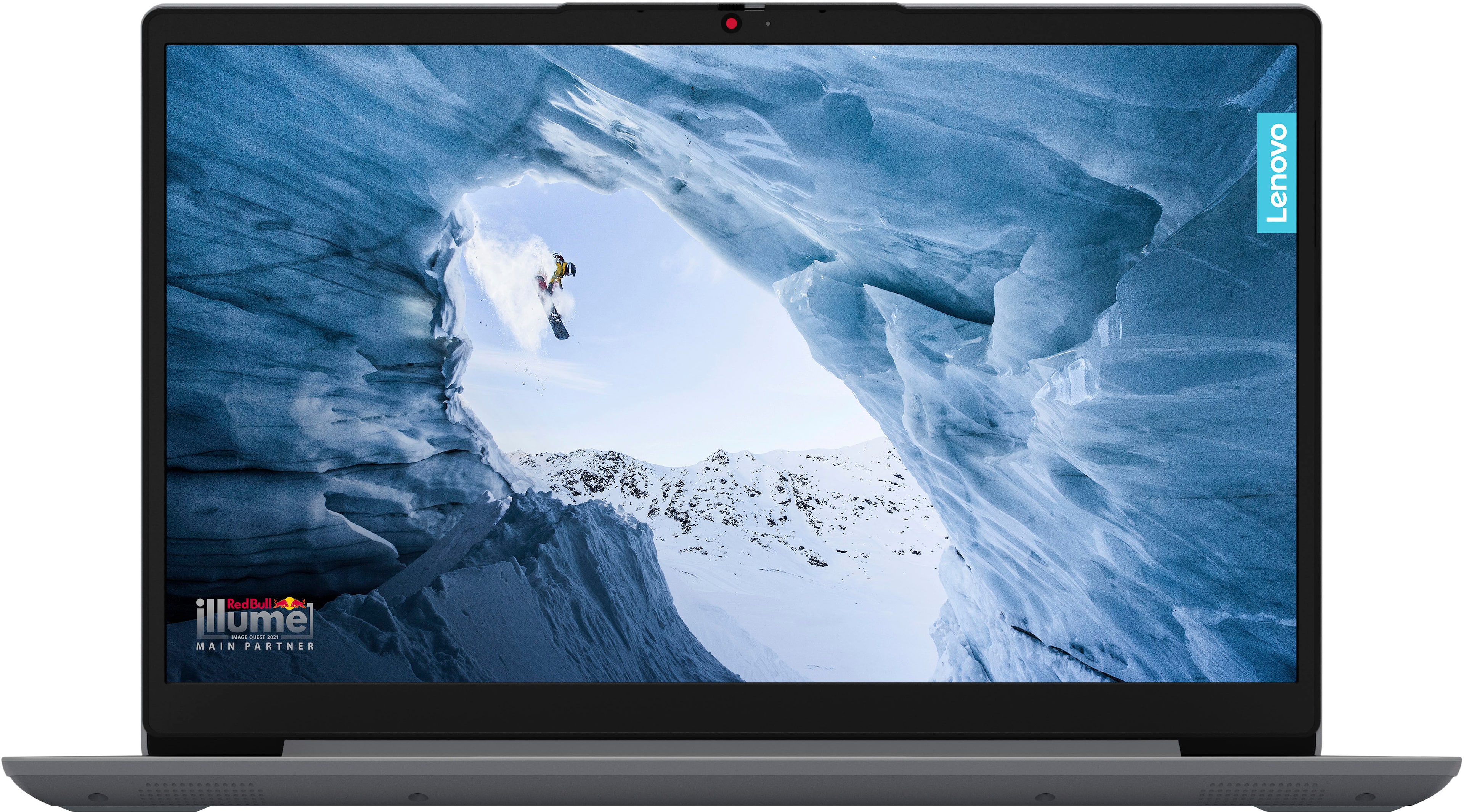
|Posted .This reviewer received promo considerations or sweepstakes entry for writing a review.When you are selecting a laptop, it's really important to make sure you are getting the right machine for the job you are trying to complete. This is what I kept telling myself as I tried out this Lenovo Ideapad. I've used Lenovo computers in the past and been very impressed with their build quality and performance. This laptop, however, is built to be an entry-level machine and only used for basic tasks like email and light web surfing. This was completely evident to me as I started setting it up. To be fair, I am used to computers that are set up for tasks that require advanced performance. That means they usually have ample RAM allocated to the build and they can multitask. So for me, using this laptop was like picking a smartphone that is several generations old. It still works for basic tasks, but because my daily-driver phone is the current generation smartphone, the old one just feels sluggish. That said, for what it is, this laptop works fine. Here are my main takeaways. Pros The laptop is very lightweight. It's easy to carry from place to place and can be packed in a bag with no problems. The webcam comes with a sliding privacy cover preinstalled. This is useful for ensuring privacy when you aren't actively using the camera. It's very quiet. If I wasn't actively using it, I wouldn't have thought it was running. Battery life is wonderful. The keyboard was comfortable to type on. The trackpad seemed responsive. The screen had a nice clear picture. Cons Hardware requirements are the bare minimum for running Windows 11. Processor: Requirement - 1GHz with two or more cores on a 64-bit processor // Lenovo Ideapad - Intel Celeron N Series, 1.1 GHz, 2 cores Memory: Requirement - 4GB or greater // Lenovo Ideapad - 4GB Storage: Requirement - 64GB or greater // Lenovo Ideapad - 128GB Graphics Card: Requirement - Compatible with DirectX 12 or later, with a WDDM 2.0 driver. // Lenovo Ideapad - Intel UHD Graphics 600, supports DirectX 12 In addition to standard Windows startup prompts, Lenovo has its own set of questions and preferences to walk through, too. The default desktop image was of a Red Bull ad, which seemed odd to me. Everything ran slowly. It took an exceptionally long time to get everything updated (I'm talking hours) and ready to actually use the laptop. I wasn't able to run Edge without it stuttering. Nothing else was operational except for system apps and background tasks and the computer choked on the web browser. Uses a proprietary charger and not something standard like USB-C. Overall Impression Using this laptop was a frustrating experience for me. While I am a patient person and understand that certain systems may take longer to do tasks than others, I was shocked that the native web browser couldn't even run smoothly. I attempted downloading Geekbench to complete a benchmark test but because the Windows OS was in S mode, I wasn't allowed to download anything that wasn't in the approved Windows App Store. So, I used Nero Score, which provided a score of 385 for this Ideapad. I looked up other benchmark scores for the same processor and they averaged right around a score of 1000. I am assuming that the lower performance is likely due to the 4GB of RAM since other benchmark scores were based on 8-16GB of RAM and they were much higher. Something to think about when shopping for a computer is the age of the processor in relation to the current year. The Intel Celeron processor used in this Lenovo Ideapad was released 3 years ago and is actually discontinued by the manufacturer. You should also consider whether or not the operating system is the best option for your given processor/RAM combination. As I mentioned, this machine just barely meets the Windows 11 hardware requirements, but it might run better with Windows 10 or an alternate OS. As always, bloatware could also be playing a part in this machine's sluggish nature. Because I had such a difficult time navigating through basic tasks, I wasn't able to do a thorough analysis of applications that may be weighing the system down, but that could indeed be a factor. Final Thoughts There is a place for every type of computer and this one does have some redeeming qualities. Out of the box, it may not be the best performing PC, but with some customization, it might do really well for the right user.
I would recommend this to a friendGood for a child’s first laptop
||Posted . Owned for 1 month when reviewed.This reviewer received promo considerations or sweepstakes entry for writing a review.Bought this for my son for Christmas. He loves it. Nice thin and light so it’s easy holdable for him.
I would recommend this to a friendBrand response from Lenovo Product Expert
Posted .Hello, ShaynaC. Thank you for choosing our product! We are pleased to hear that this IdeaPad 1 meets your son's needs so well and appreciate you taking the time to share your experience.
Good product
||Posted . Owned for 1 month when reviewed.This reviewer received promo considerations or sweepstakes entry for writing a review.I like it a lot it’s fast sometimes and I like how it’s a Game laptop so it has many features on It and i like that it doesn’t die fast like others for overall I like my laptop.
I would recommend this to a friendLove it!
||Posted . Owned for 5 months when reviewed.This reviewer received promo considerations or sweepstakes entry for writing a review.Love it! It’s affordable and convenient to bring around.
I would recommend this to a friendToo slow
||Posted . Owned for 1 month when reviewed.This reviewer received promo considerations or sweepstakes entry for writing a review.I bought one in February and it was very good. However, I bought this one in the Black Friday and it was terrible! Too much slow that I couldn't even open the files! So I returned it.
No, I would not recommend this to a friendBrand response from Lenovo Product Expert
Posted .Hello, Deborah. We are sorry to hear that you have experienced an issue with your IdeaPad. In the future, should you need assistance with our device, please feel free to reach out to our tech support team. When looking for your next device, we recommend all who are in search of a computing solution, that they review the features, design, and specifications of any device and select what aligns best with their needs and preferences to help ensure you find the right fit for you. We appreciate you sharing your experience so that we may use it to continue to better our products and services for yourself and others.
My new friend
||Posted . Owned for 1 month when reviewed.This reviewer received promo considerations or sweepstakes entry for writing a review.Simply in love with this laptop. Recently started back to college and this laptop makes doing homework simple.
I would recommend this to a friendSlow
||Posted . Owned for 1 week when reviewed.This reviewer received promo considerations or sweepstakes entry for writing a review.The laptop was Laggy and slow. Couldn’t do anything on it.
No, I would not recommend this to a friendBrand response from Lenovo Product Expert
Posted .Hello, Nway. We are sorry to hear that you have experienced an issue with your IdeaPad, leading to you returning it. In the future, should you need assistance with our device, please feel free to reach out to our tech support team. When looking for your next device, we recommend all who are in search of a computing solution, that they review the features, design, and specifications of any device and select what aligns best with their needs and preferences to help ensure you find the right fit for you. We appreciate you sharing your experience so that we may use it to continue to better our products and services for yourself and others.