Customer Ratings & Reviews



- Model:
- 82V60065US
- SKU:
- 6549071
Rating by feature
- Battery Life
Rating 4.3 out of 5 stars
- Speed
Rating 3.2 out of 5 stars
- Display
Rating 4.0 out of 5 stars
Customers are saying
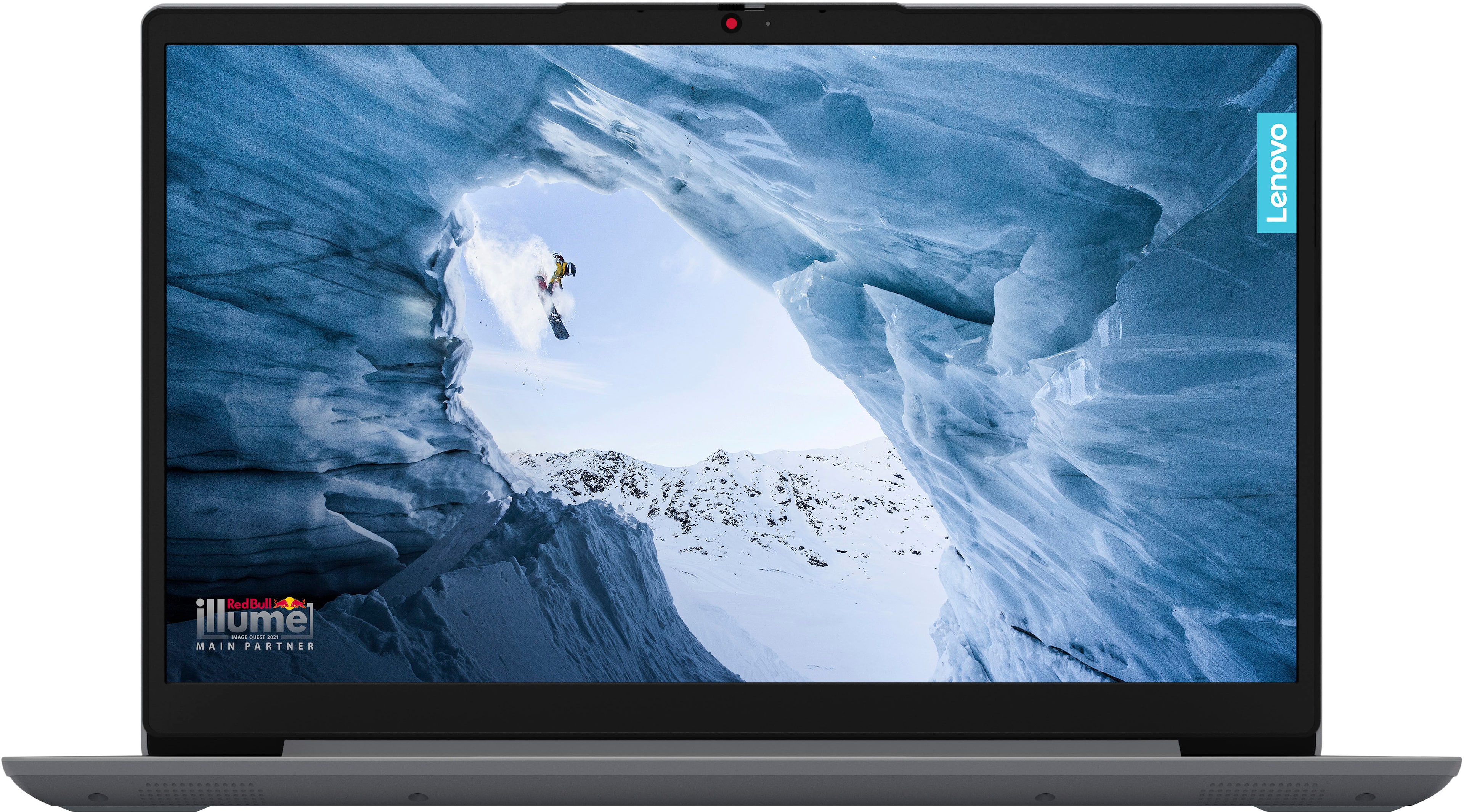
Customers are enthusiastic about the Ideapad 1 14" laptop's ease of use, affordability, and impressive battery life, praising its portability and lightweight design. However, many users express concerns regarding its processing speed and limited RAM, finding the performance inadequate for demanding tasks. Some also mention challenges with boot times and storage capacity.
This summary was generated by AI based on customer reviews.
- Cons mentioned:Ram

Built for the Patient
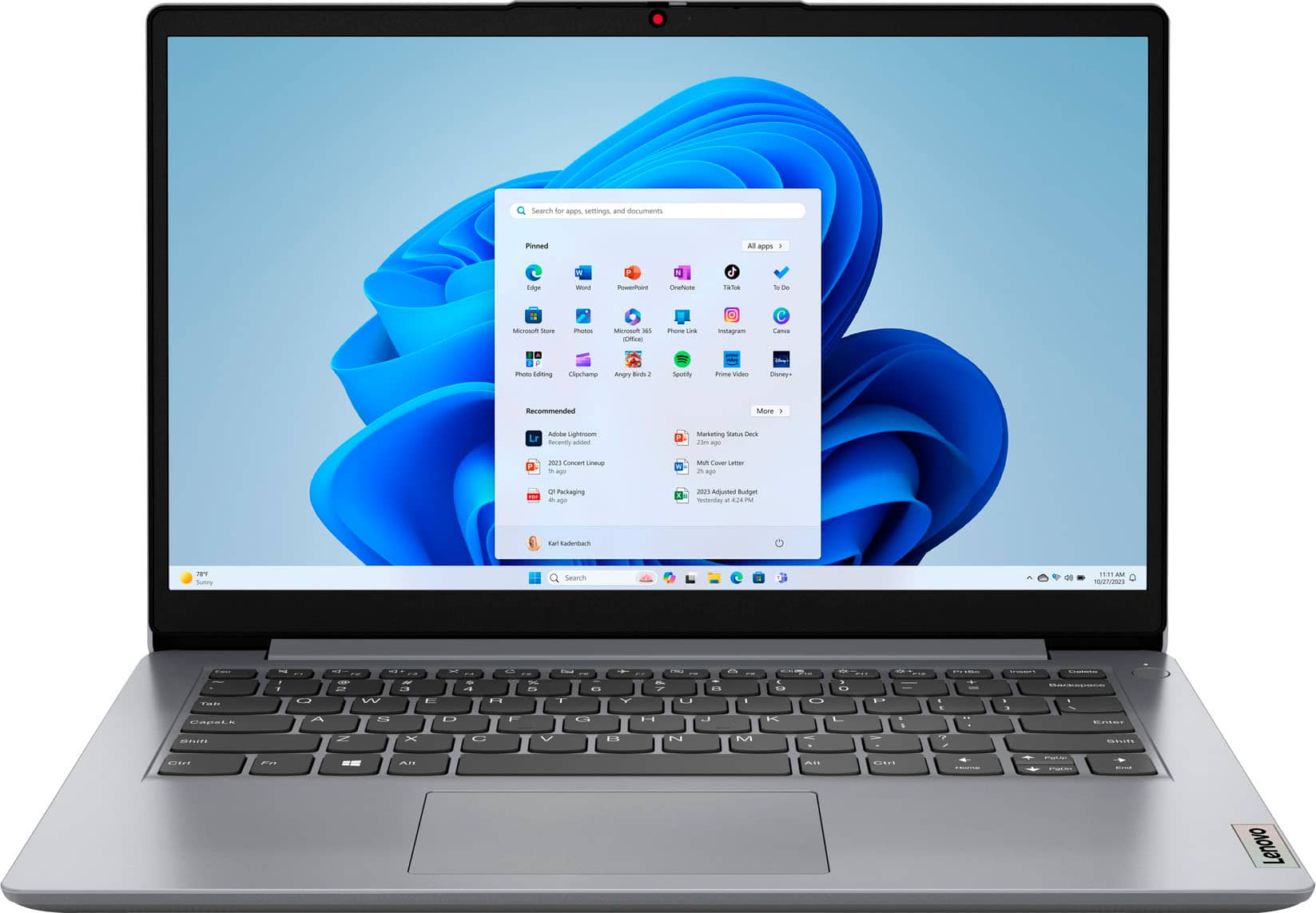
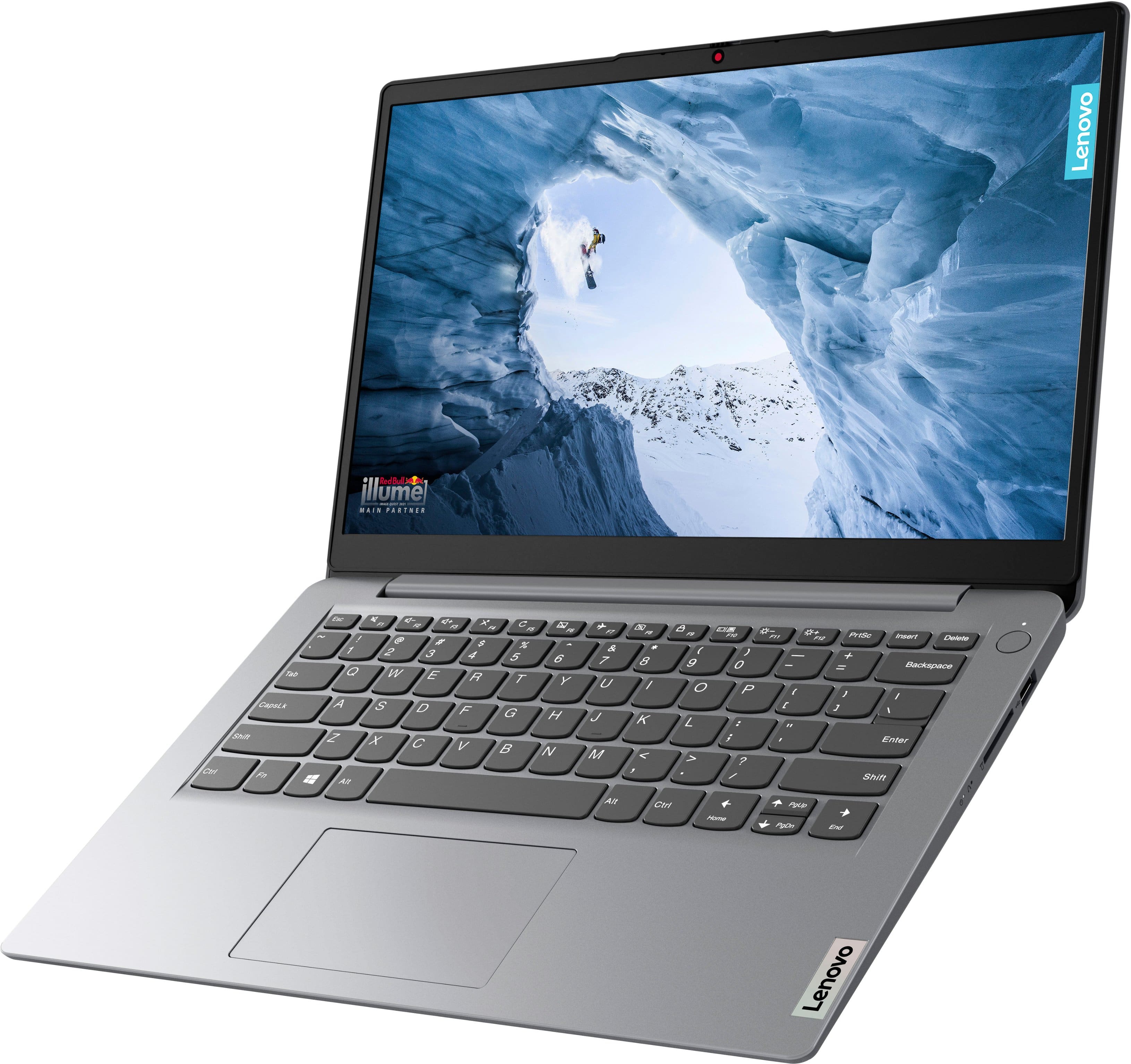
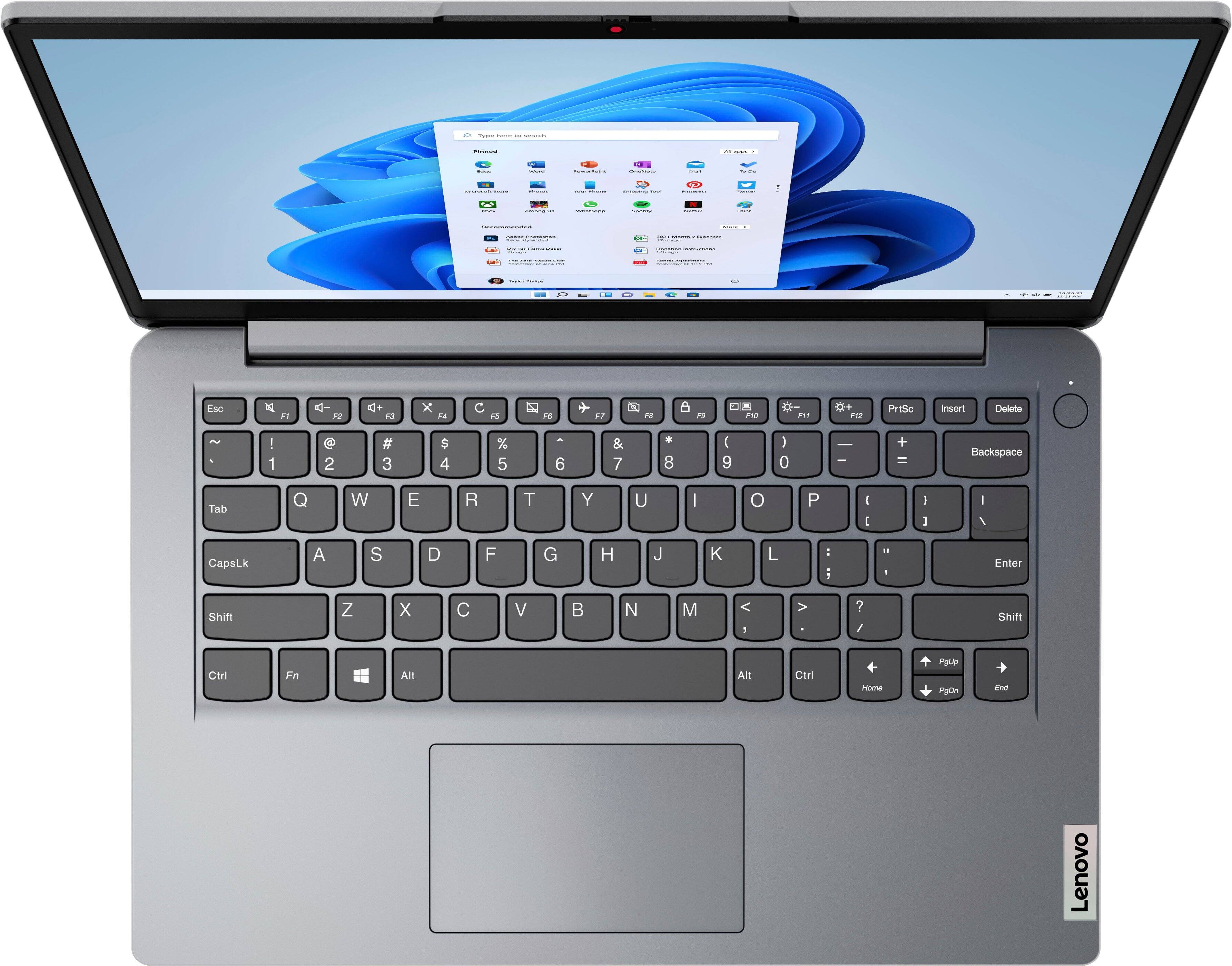
|Posted .This reviewer received promo considerations or sweepstakes entry for writing a review.This laptop is notably aimed at being a simple, practical, sturdy, and budget-friendly computer. While it exceeds in some of these aspects, it falls shorts in others. To begin, it is definitely budget-friendly and sturdy. Honestly, I love the feel and construction of it. It is very well-made and feels like it can withstand the bumps and thumps of travel well. The keyboard has large and springy buttons that are satisfying to press, and the mouse track is reactive, with built-in springy right/left buttons as well. It terms of simplicity; it is the simplest you can get. At 4GB it is as slow as dial-up. Really reminds me of the 90’s. More often than not, the usage is at around 70% simply from background applications. Leaving very little room for apps of choice to run. A test in patience, this laptop is not for the multi-tasker. The graphic component is also simple, Netflix ran just fine, and the quality was okay, nothing like watching on a tv though. Do note that it does not have an ethernet port so it must be used with Wi-Fi. It comes with Windows Home 11S. This is a frustration on its own, specifically because it has limitations that I find hard to circumvent. This issue can be resolved by removing and replacing the operating system with a preferrable one though. Overall, this is a budget-friendly option for someone who really needs a laptop and is determinedly patient.
No, I would not recommend this to a friend - Pros mentioned:Battery lifeCons mentioned:Ram, Speed
Reliable Budget Laptop for Basic Tasks
||Posted . Owned for 1 year when reviewed.This reviewer received promo considerations or sweepstakes entry for writing a review.The Lenovo IdeaPad 1 14” is a solid budget laptop that gets the job done for basic tasks. It’s lightweight and easy to carry, making it great for travel or casual use. The build quality is decent for the price, and the keyboard is comfortable enough for everyday typing. Performance is fine for web browsing, streaming, and light productivity, but it’s not built for anything too demanding. The Celeron processor and 4GB of RAM mean multitasking can feel slow at times, and heavier applications struggle to run smoothly. The 128GB eMMC storage is a nice touch at this price point, but space fills up quickly. The screen is adequate—not the brightest or sharpest, but it works for basic use. Battery life is decent, and it charges fairly quickly. Overall, this is a good option if you need an affordable, no-frills laptop for simple tasks. Just don’t expect high performance or premium features.
I would recommend this to a friend - Pros mentioned:Battery lifeCons mentioned:Performance
You get what you paid for…
|Posted .This reviewer received promo considerations or sweepstakes entry for writing a review.The Lenovo Ideapad laptop is very well made for the price point of 120 bucks. The setup was smooth, I had no issues there. The nightmare started after I wanted to surf the web. It was impossible to do that. The system kept saying “page not responding”. I knew it was not my internet because everything else was working fine, it was the laptop. After some research I was able to switch out of Windows S mode, took me forever to get to this part since the laptop was not responding. After I did the switch out, I was able to navigate through. It still was not working too fast but it was way better than before. At the 120 price point you at least want a working computer. I do not intent to do big projects on this computer but it sure will work for easy tasks. The battery life is good. The resolution is pretty great as well. Speakers sound a bit low but no problem you have the option to add better ones. After doing the switch the Lenovo Ideapad worked way better. If I wouldn’t have switch I was never going to be able to do anything with this laptop. In my opinion, I only would recommend this laptop for small jobs or for a young student, other than that its a big NO!
No, I would not recommend this to a friend - Pros mentioned:Battery life, WeightCons mentioned:Speed
Efficient For the Price
||Posted . Owned for 1 week when reviewed.This reviewer received promo considerations or sweepstakes entry for writing a review.Great for the price, maybe worth a little more even, but not the best. It works for what it is supposed to be for; basic office programs and web browsing. It is a little slow, and seems to be unable to do serious multi-tasking, but it works well otherwise. Physically is it a great little computer, comes with all the ports you could ask for, and has a nice keyboard. Touchpad works very well. Mine had a slight issue with the body popping up at the top of the touchpad, but I pushed it down and it is fine now. I would definitely recommend this for light projects, and it weighs very little so it is easy to carry around. Battery also lasts a long time.
I would recommend this to a friend - Pros mentioned:Weight
Light and simple to use
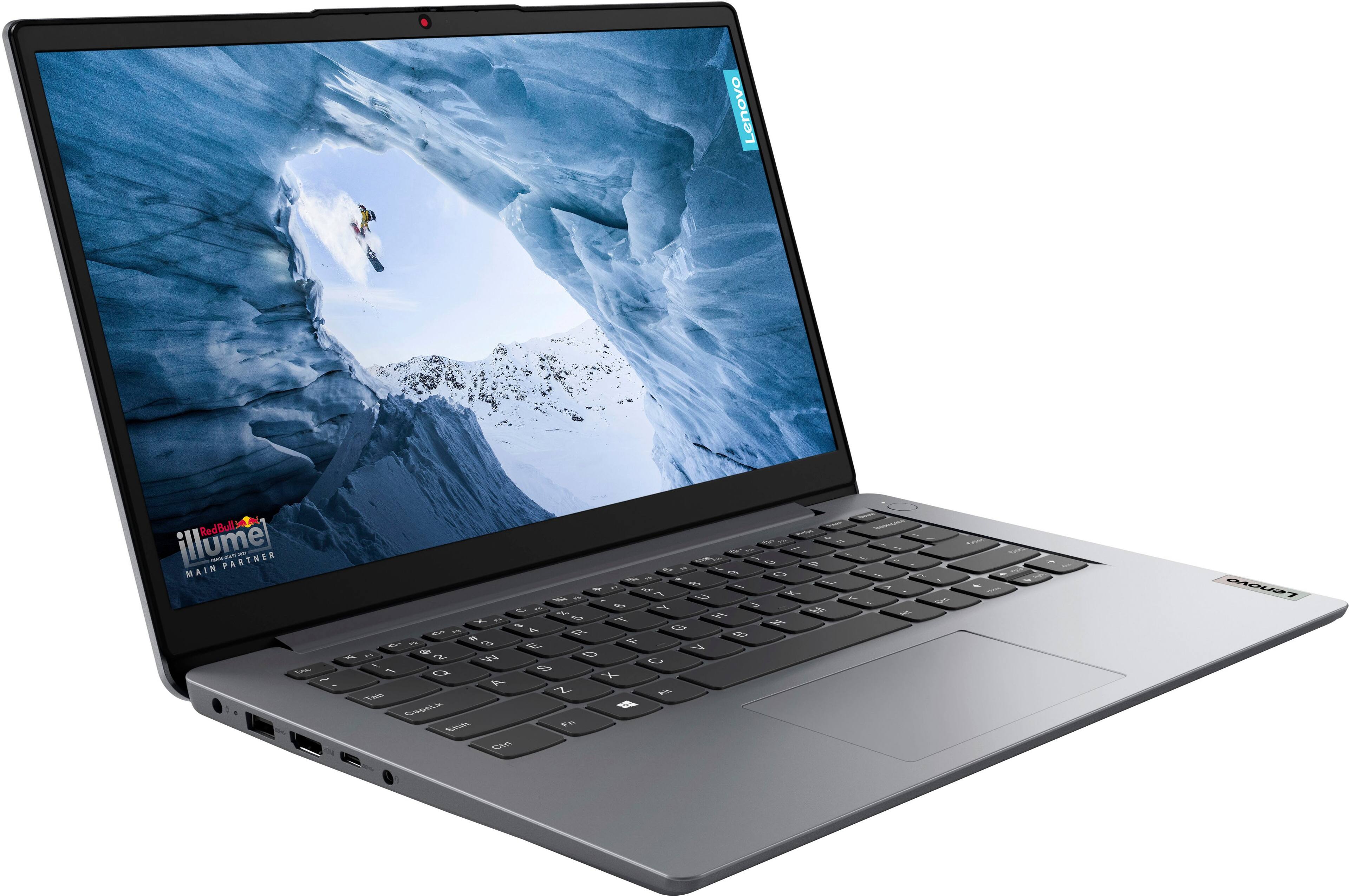
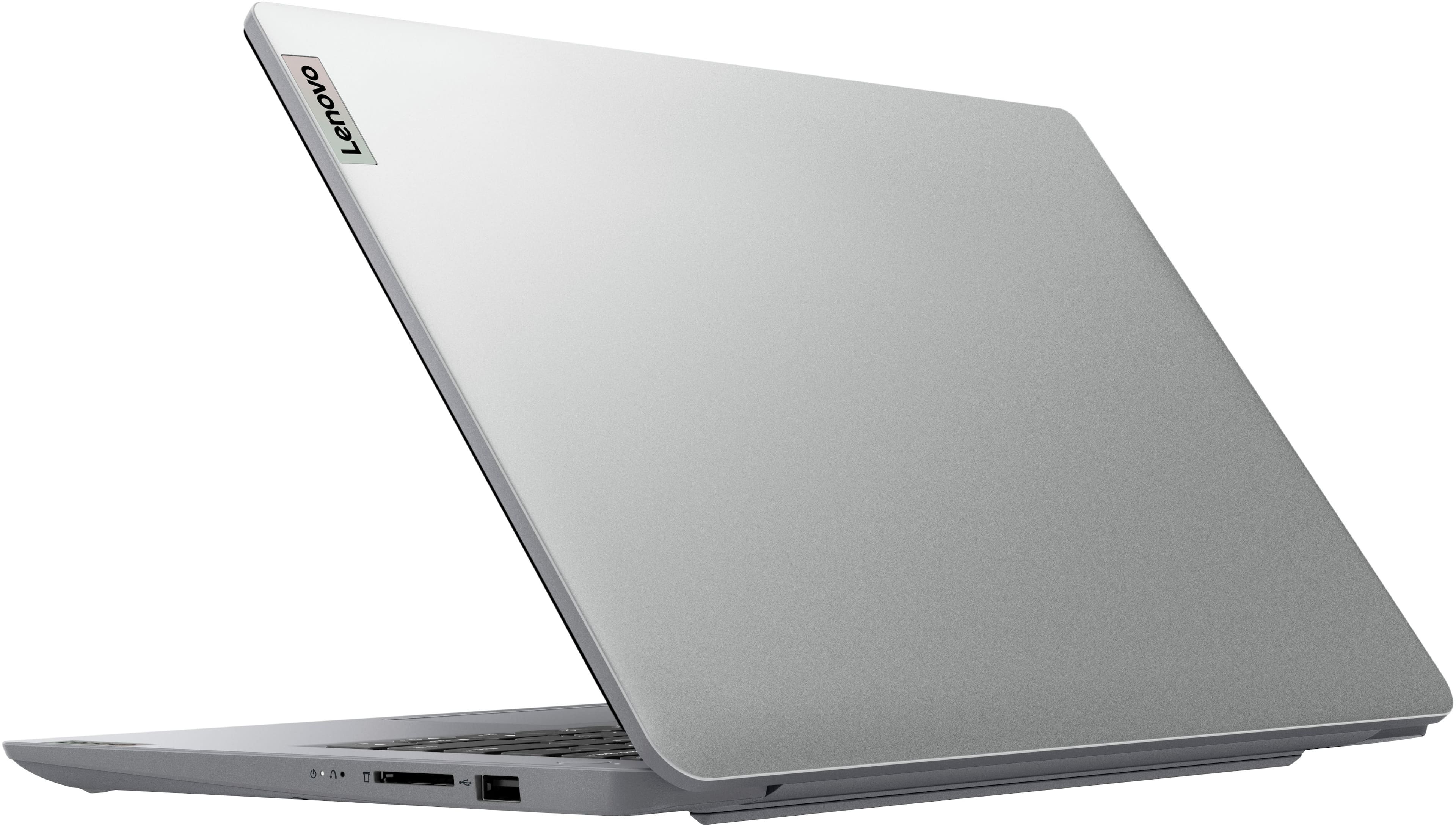
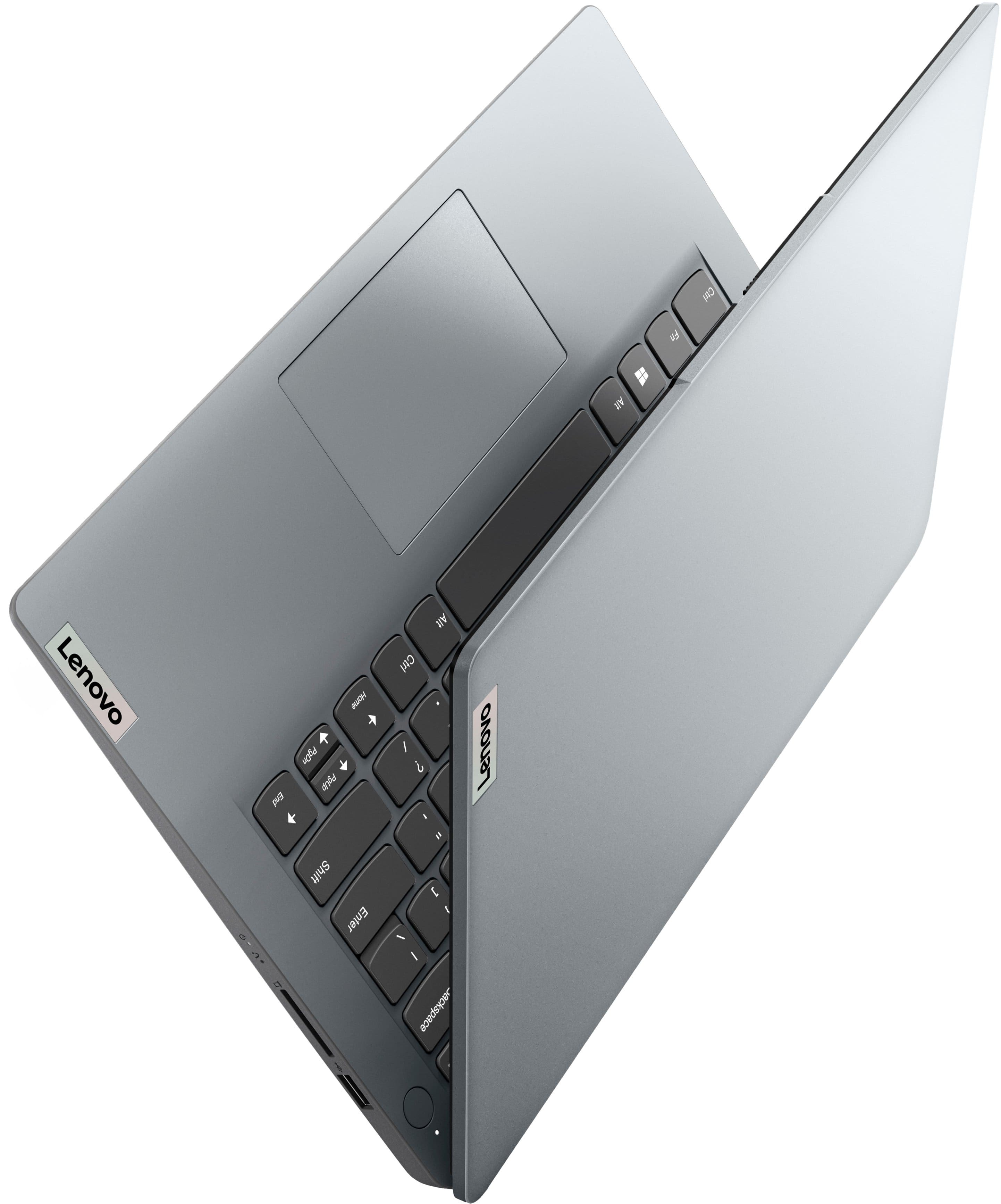
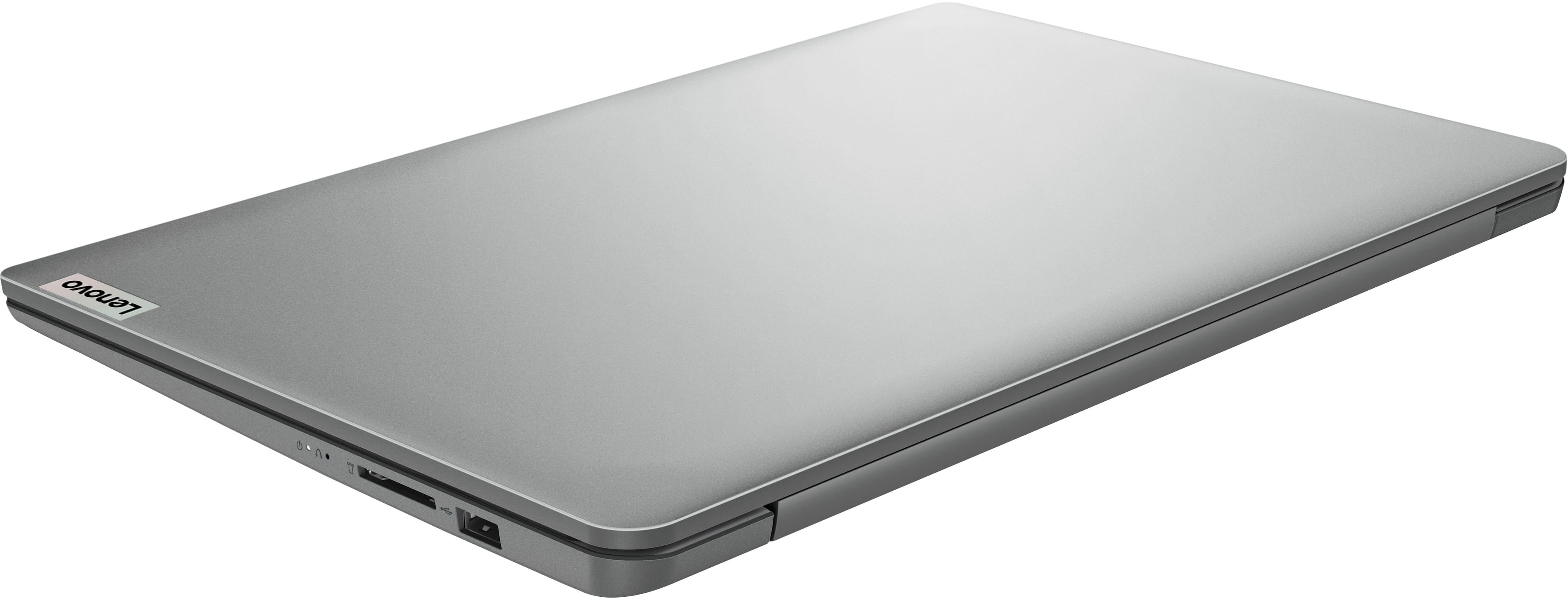
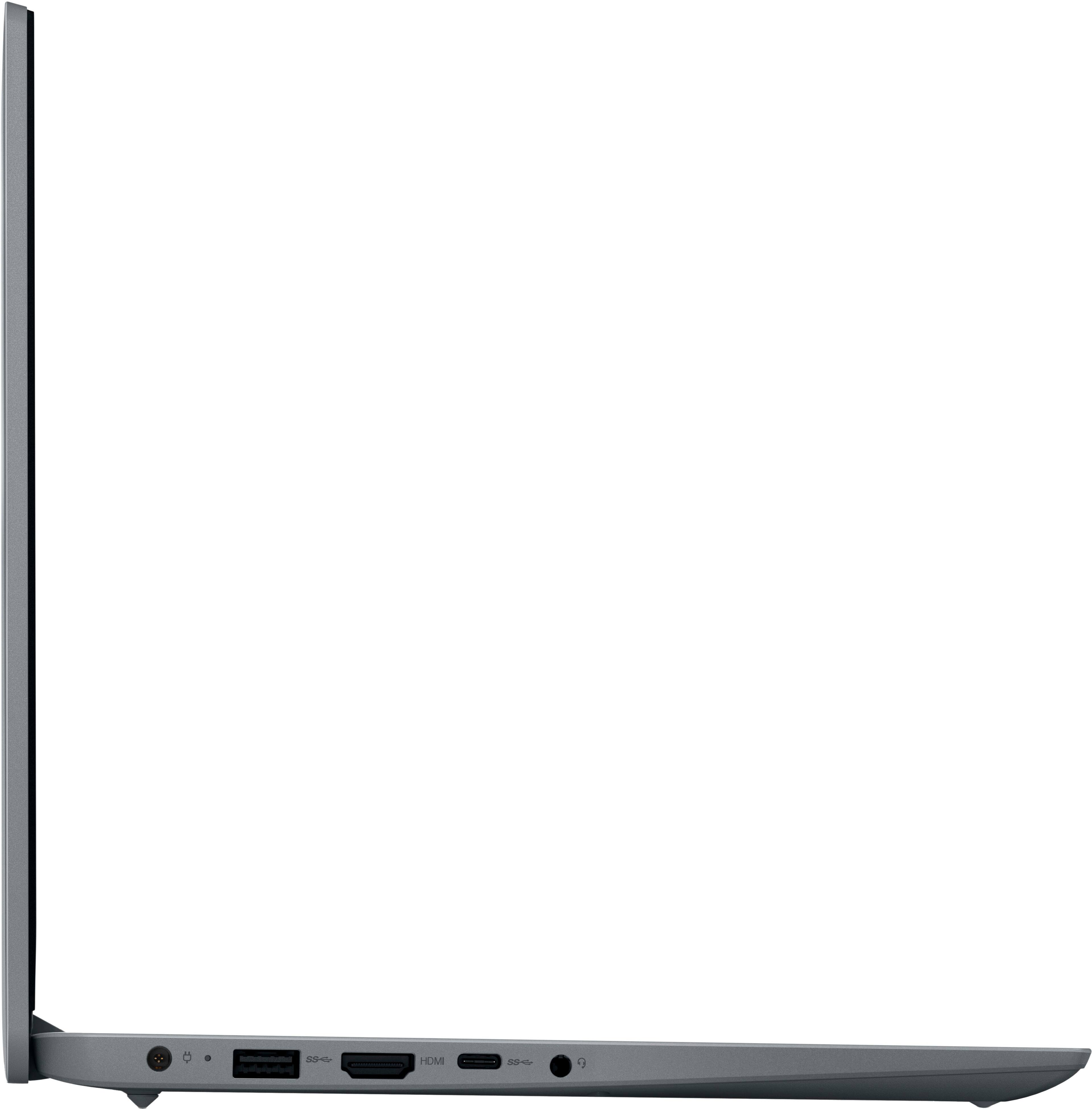
|Posted .This reviewer received promo considerations or sweepstakes entry for writing a review.Very nice laptop, it's very thin and light. It's made mostly of plastic but it feels very well done and not flimsy at all. I has two type A USB ports, one type C, a HDMI out and headphones jack. The screen is a TN panel so colors and blacks are not the best, however this laptop is mainly made for light usage. I'm using it mainly to read emails, chat online, browse the web, check videos and pictures. It's mostly that kind of light usage. I consider it kind of my tablet but with a keyboard and Windows (I like a windows device that is light like this one, because many websites some times have issues with the mobile version of browsers in phones and tablets. I love being able to see the full desktop version of any version very quickly on this laptop). They version of Windows installed is Windows 11 S. Meaning its made for speed and security and only apps from the Microsoft store can be installed (you can disable this in the settings, but once you do, there is no going back). Its like a very secure and lightweight version of Windows, which enables this laptop to work fast (hardware wise its not very powerful, but the OS is very light). The only con I can see is that the keyboard is not backlit, so you would need at least some light to see the keys. The trackpad is large enough to be comfy and its very responsive, it does click too for lefts and right mouse clicks. Its WIFI connected well with my 5gzh network and was fast (no ethernet port). I highly recommend this laptop to anyone looking for a light and quick Windows device to use with basic tasks (like checking email, web browsing, watch videos/pics and some light productivity like Word, Excel documents. Oh, they include a full year of Microsoft 365 with it! Nice!) being so lightweight and easy to use, I use mine as if it was a tablet (with the pro of having a keyboard) with Windows!
I would recommend this to a friendBrand response from Lenovo Product Expert
Posted .Hello, JamexRZ. Thank you for choosing Lenovo! You make a great point, as we recommend all users look for a computing solution that best matches what will work well for them. We are pleased to hear that your IdeaPad 1 meets your needs well, and we appreciate you taking the time to share your experience.

- Cons mentioned:Speed
Great laptop for the price
Posted .This reviewer received promo considerations or sweepstakes entry for writing a review.For the price you cant go wrong, I think 130 is the least I've ever paid for a new laptop. The downsides, yes it's slow. I didnt expect a screaming fast machine for this price. I read some of the other reviews and they sound correct that this computer is probably painful to run under windows. I got it home and never booted it into windows, the first thing I did was put linux on it. The only issue I ran into was getting the realtek wifi adapter thats in this thing going. I ended up putting kubuntu on it for the time being, it needs to be a distro that is running a 6.2 or newer kernel in order to get wifi working out of the box, and for web browsing and such it works great. I read another review that said they were running linux mint with xfce and i could see this thing working fantastic with that combo. All in all good laptop for the price, just know what your getting yourself into. Dont expect something blazing fast, and I dont game but I wouldnt think you would want to on this thing.
I would recommend this to a friendBrand response from Lenovo Product Expert
Posted .Hello, BrysonW. Thank you for choosing Lenovo! We are pleased to hear that your IdeaPad 1 meets your needs well. You bring up a great point, as we recommend all who are looking for a new computing solution to align that device with your needs to help ensure a great fit. We appreciate you taking the time to share your experience.
- Pros mentioned:Battery life
Great little laptop
|Posted .This reviewer received promo considerations or sweepstakes entry for writing a review.This Lenovo Ideapad is a great little starter laptop. The price can’t be beat. It feels light but very sturdy. Has a sleek look and nice responsive keyboard and touchpad. It is not a touchscreen but does have a great, crisp and clear monitor. Setup was easy but did take a long time. Several updates were needed. It took about a full day before it was finally done. Now that it’s up and running though it’s great. Speed is good. This is a pretty basic laptop that can handle simple tasks like note taking and surfing the internet. I did turn off Windows S version and downloaded chrome as that’s my kids’s preferred browser. It was a little rocky but got through it ok. The battery was pretty low out of the box, but plugged it in and it charged quickly. The battery life after a week is still good with simple usage each day. This is not going to be a gaming laptop by any means. It’s really just for browsing, and simple tasks. If you are looking for a laptop that will do it all then I’d suggest you move up a few price points. But if you have a student or someone who just needs the basics this is a nice l, sturdy laptop that will get the job done.
I would recommend this to a friendBrand response from Lenovo Product Expert
Posted .Hello, skylord. Thank you for choosing Lenovo! We are pleased to hear that your IdeaPad 1 meets your needs so well and we appreciate you taking the time to share your experience.
- Cons mentioned:Boot time, Performance, Speed
Horribly Slow
||Posted . Owned for less than 1 week when reviewed.This reviewer received promo considerations or sweepstakes entry for writing a review.Purchased this laptop for my child to do elementary-level school work via an app. with simple little games/graphics to work on basic math skills, etc. I could tell it was goong to be an issue when it took 20 minutes to boot up upon initial start up. Using this computer was a nostalgic experience for me, is it brought me back to 1996 with dial-up internet. Without exaggeration, this is easily the slowest computer I’ve used in the past 20 years - so slow it is unsuable. Simply clicking on desktop items (offline) to pull uo setting options, etc, takes several seconds. Doing anything online is near impossible. I wish I could five this 0 stars. Im amazed a product with such poor performance is being produced in 2023. Took it back the next day for a refund.
No, I would not recommend this to a friendBrand response from Lenovo Product Expert
Posted .Hello, DaveC. We are sorry to hear that you have experienced an issue with your IdeaPad leading to you returning it. In the future, should you encounter an issue with a Lenovo device, please feel free to reach out to Lenovo Tech Support at this number: 877-453-6686, and providing a representative with details of your issue, so that they may help by providing a solution for you. We appreciate you sharing your experience so that we may use it to continue to better our products and services for yourself and others.
- Cons mentioned:Performance, Speed
Slow and filled with a bunch of annoying "bonuses"
||Posted .This reviewer received promo considerations or sweepstakes entry for writing a review.Slow, and filled with useless "bonus" features. I bought this laptop just to run an automation task in the background. That's literally it's only purpose. But it doesn't work for that because of all these "bonus" updates, news alerts, weather alerts, mandatory software updates etc, that I can't seem to turn off. On the plus side, it was cheap, and could be useful to someone using it in a normal daily fashion, but it's also SUPER slow (probably due to all the bonus software that the hardware can't handle).
No, I would not recommend this to a friend - Pros mentioned:WeightCons mentioned:Memory, Speed
Basic
||Posted . Owned for 1 month when reviewed.This reviewer received promo considerations or sweepstakes entry for writing a review.Nice, lightweight and awesome price. However, has little to none available memory, straight geared towards Microsoft and only Microsoft, CPU constantly at 100% because of this. You can do BASIC functions/tasks. It's a nice price and laptop if you don't do much but if do more then don't waste your money.
No, I would not recommend this to a friend Focused on user fundamentals: Work and the Web.
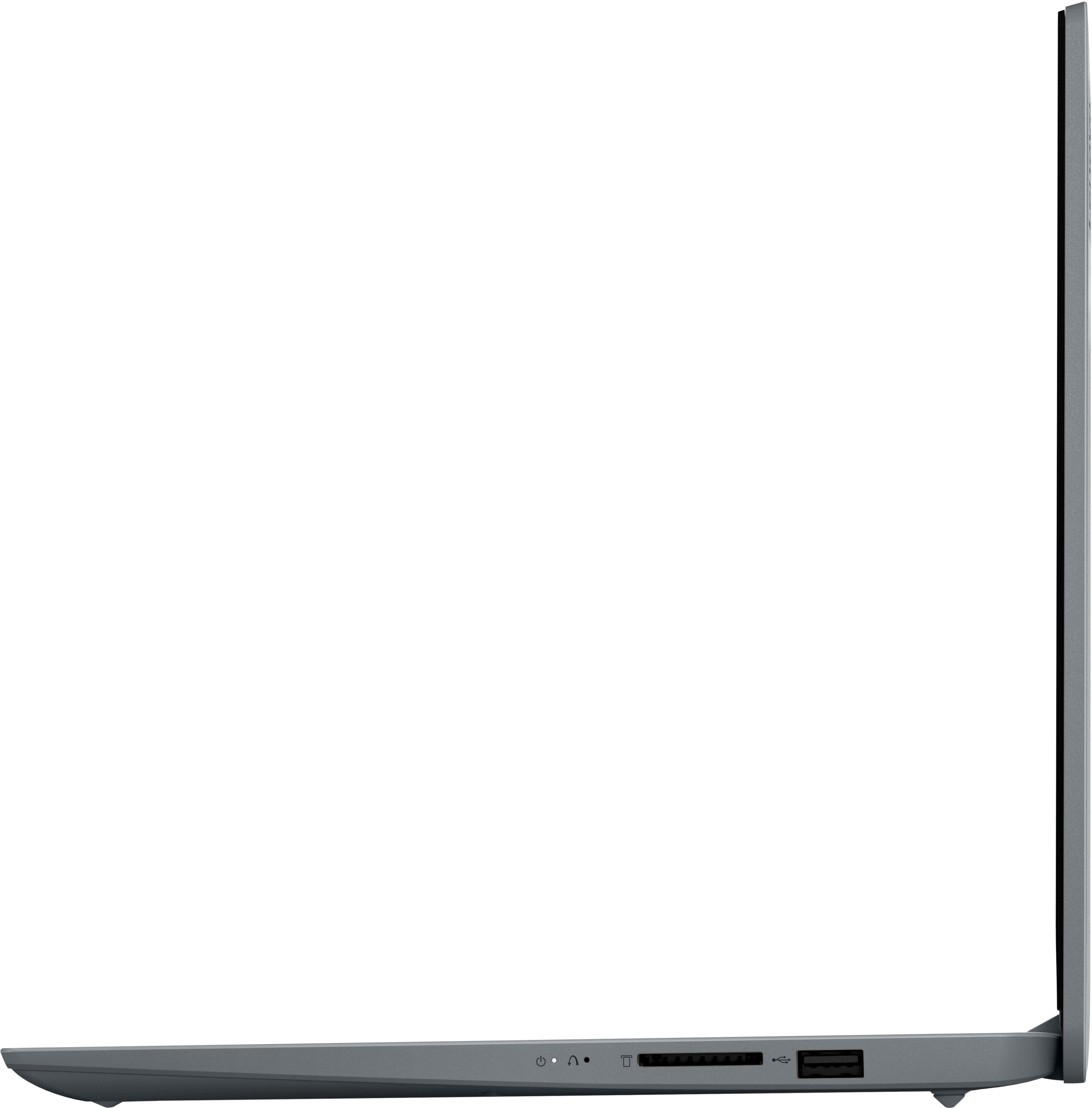
|Posted .This reviewer received promo considerations or sweepstakes entry for writing a review.Lenovo - Ideapad 1 14.0" HD Laptop - Celeron N4020 with 4GB Memory - 128GB eMMC Who is the Lenova 14” Laptop for? Let’s be realistic. It has a basic level of memory and a fast but small SSD storage drive. It uses Windows 11 (S mode) for its OS, and this version of Win11 is less demanding on hardware and is capable of running programs in the Windows Store software library. I’m going to perform tasks that are typical (and some not) to see if students, home workers, home makers, and others who might just want to bring work home can be successful with minimal frustration. The inclusion of WiFi 6 ensures that online media consumption will be satisfying. I can give you a hint about what I found. If you are reasonable with your expectations, this is a cost effective solution in the world of Windows. SETUP: I’ve setup various computers in recent months. Windows computers appear to divide up the setup/install into several stages, apparently so you won’t notice the time it takes. Well, I timed it, and your sense that it takes quite awhile is valid. Installation of the underlying system takes 12 minutes until the you get to the Microsoft Login. Installation speed of Windows 11 S (downloads of updates from Microsoft and install of the updates) probably depends on my 360 MB/s Internet WiFi speeds. No matter, it took longer than suggested, at 41 minutes. And then there are the random Microsoft interruptions (6 minutes) to push still another update. There were a total of 6 updates performed in that first hour. What about standard start-up after this first day? From Power Start to a usable screen (including LOGIN) was 100 seconds. Scrolling pages in the EDGE browser was smooth with good speed. Videos in YouTube played smoothly (a brief top-of-screen notification sometimes complained about page not responding, but video played fine). WHAT WORKED WELL: *** Keyboard is full size, not backlit, but feels OK and even includes a number pad. There is a trackpad with good flex and tactile switch feedback. I like this feel better than some more expensive laptops. *** Older games will play. Streaming games over either Wi-Fi or using an ethernet dongle (no provided) operated quite nicely. Lenova includes 3 free months of Xbox Game Pass to see for yourself . *** There is WiFi 6 (as well as WiFi 5) ensuring you can achieve maximum speeds for internet work and those games. *** The included SD drive port allows added storage. It supports SD, SDHC, SDXC, and MMC *** There is a Webcam built in for video conferencing. Image quality was OK, not great. *** Microsoft Win11 is loaded in “S” mode which limits you to the Microsoft store. [Microsoft Win 11 S mode uses less memory and has less background activity. Computers will run faster and smoother even with a few Apps open. It does allow only MS store Apps and requires MS EDGE for browsing. It has no support for assistive technologies. MS Store does have thousands of free and paid Apps.] *** Runs the full suite of Office programs (Word, Excel, PowerPoint). *** I added a 1080p outboard monitor which worked fine and improved on the somewhat duller screen of the Lenova. The HDMI port is a nice added feature that is useful. *** Built-in Bluetooth and the headphone jack offer 2 ways to improve audio by using headphones or a desktop audio system if you want superior sound, but the Lenova speakers sound decent and get the job done. *** decent battery life that looks like it easily meets 8-10 hours of use before needing a charge. *** Youtube videos worked fine. I’M GONNA ADVISE AIMING HIGHER if you need to accomplish this . . . : *** Like to modify or upgrade your laptop. *** The computer has no built-in fan. Using one of those laptop pads with a built-in fan will help keep this computer cooler if you’re using it for extended periods. *** I think it’s fair to generalize and point out that modern games, with their large number of video, sound and “world-building” image libraries are challenging for loaded computers. This isn’t that. *** Are you trying to use this for serious photo-editing? Neither the Intel Celeron processor nor built-in screen quality encourage that. *** Software designed specifically for advanced graphics, CAD, Video development and serious music production is not going to operate smoothly or reliably, if at all. Aim considerably higher in processing power, storage and memory. *** If you aren’t a fan of power bricks but prefer power using USB-c, not available here. *** Pertaining only to Windows 11 S mode: There may be compatibility issues with some hardware peripherals. Exiting Windows !! S mode and using other versions removes those concerns. I added a Viper Mini mouse and it worked fine with no effort from me. SUMMARY: Lenova has managed to squeeze a Windows !! operating system into a cost effective package that is very light, has a good set of features, and can accomplish the computing fundamentals for work, school and entertainment. My high score reflects Lenova’s achievement in this price category.
I would recommend this to a friend- Pros mentioned:Ease of useCons mentioned:Speed
A great tool to practice patience…
||Posted .This reviewer received promo considerations or sweepstakes entry for writing a review.I purchased this for my daughter as a way to complete her online school work as the virtual platform was not optimized to her iPad. Let me tell you, it’s slow. HORRIBLY slow. And 100% don’t try to install Chrome on it. But all that aside when I ran her virtual platform through the Microsoft Edge browser it worked as well as I needed it to work. For the purposes of a second grader being able to do her virtual school work…it works fantastically. For the purpose of teaching her patience, I think it will work even better. All jokes aside, if you plan to use it in a similar fashion as we are (elementary school virtual work), then I would recommend this computer because it meets that need for a very low cost. Outside of that, it won’t meet your needs.
I would recommend this to a friend - Cons mentioned:Ram, Speed
Nice budget PC for minimum tasking
||Posted . Owned for 1 week when reviewed.This reviewer received promo considerations or sweepstakes entry for writing a review.Purchased this on sale. It is a budget laptop meant for low memory requirements and low CPU tasks and would be great for kids. It takes several long and slow hours to get everything updated at first. Pros: Looks sleek Nice keyboard 128 memory Light weight Windows 11 Good sales price SD memory reader Cons: Minimum RAM Non-USB type charger and somewhat bulky Slower processor Nothing is expandable, eg RAM.
I would recommend this to a friend - Cons mentioned:Performance, Ram
Minimal use laptop
||Posted . Owned for 3 weeks when reviewed.This reviewer received promo considerations or sweepstakes entry for writing a review.This is a budget laptop that is mainly targeted at people who will use it for surfing the web, checking email and watching videos on YouTube/Netflix. If you need a laptop for work or school and run many applications at once then this is not the laptop for you. At 4GB Ram and not upgradable this laptop runs super slow when a few applications are opened. If intended use is minimal then I recommend this laptop because it will serve that purpose.
I would recommend this to a friendBrand response from Lenovo Product Expert
Posted .Hello, FernR. We are sorry to hear that you have experienced an issue with your IdeaPad and it falling short of your expectations. We appreciate you sharing your experience so that we may use it to continue to better our products and services for yourself and others.
- Pros mentioned:Price, Size
THIS LAPTOP IS GREAT!!!
||Posted . Owned for 3 weeks when reviewed.This reviewer received promo considerations or sweepstakes entry for writing a review.I like this laptop. It's slim, sleek, and simple. Gives you everything you need (including Windows 11) at a very decent price point. Most people will try to compare it to other more expensive laptops, but I like how it's intentionally straightforward. If I tried really hard, I probably could find some cons about the product. But honestly, I'm happy with my purchase.
I would recommend this to a friendBrand response from Lenovo Product Expert
Posted .Hello, ChristopherD. Thank you for choosing Lenovo! We are glad to hear that your IdeaPad is working out so well for you, and we appreciate you taking the time to share your experience with us.
- Pros mentioned:Battery life, WeightCons mentioned:Ram
Good for battery and light weight.
||Posted . Owned for 4 months when reviewed.This reviewer received promo considerations or sweepstakes entry for writing a review.Good for battery and light weight. But need to more Ram and memory storage space
I would recommend this to a friend - Pros mentioned:PriceCons mentioned:Ram
If you need this for the web or school, use Linux
||Posted . Owned for 3 weeks when reviewed.This reviewer received promo considerations or sweepstakes entry for writing a review.There’s pretty much no way to get an enjoyable experience on Windows. Windows 11 will literally stall opening the start menu and Windows 10 is not that much better. If you are tech savvy, any Linux distribution will be fine but personally I would recommend an arch distro. I idle at 1.1 gigs ram usage and it’s completely snappy running EndeavourOS. So for me it’s a great price for a school laptop/web surfing.
I would recommend this to a friend - Cons mentioned:Ram
Good Cheap Option, if you Reinstall Windows
||Posted . Owned for 1 week when reviewed.This reviewer received promo considerations or sweepstakes entry for writing a review.Great Option For Very Basic Needs - If you just watch a couple videos on reinstalling windows and wiping the hard drive, this machine is fine for the price. Although 4GB of ram is the absolutley bare miniumum, I typically recommend 8GB, and this machine is not upgradeable. READ MORE: If you want a very basic laptop for cheap, this is good option. I paid less than 150. Any decent brand name will typically be fine. BUT you should immediately use the Microsoft Media Creation Tool to reinstall windows from a USB drive. I do this on every modern windows machine. This will remove all bloatware (unnecessary software) that is preinstalled by the manufacturer. A fresh install will immediately speed up this, and any, machine. You do not need any of the junk software and likely will never need any additional "Anti Virus" software. It just slows the machine and Windows has basic security built in. Do this, run a Firefox or Chrome browser, and this machine is great for the web, video streaming, and Office. And it is cheap.
I would recommend this to a friendBrand response from Lenovo Product Expert
Posted .Hello, JeffT, thank you for choosing Lenovo! We are pleased to hear that your IdeaPad satisfies its purpose for you, and we appreciate you taking the time to share your perspective with us.
- Cons mentioned:Performance, Speed
Could be faster
||Posted . Owned for 3 weeks when reviewed.This reviewer received promo considerations or sweepstakes entry for writing a review.It is a bit slower than expected. I also had issues connecting the integrated camera for the podcast I do. It also had troubles connecting to the program we use to record the podcast. We purchased similar Lenovo laptops and they ran flawlessly. I'm not completely happy with it but I'm still playing with it to try and optimize it's performance for what I need
I would recommend this to a friend - Pros mentioned:Size, WeightCons mentioned:Speed
Not bad
||Posted . Owned for 3 weeks when reviewed.This reviewer received promo considerations or sweepstakes entry for writing a review.Really thin and light weight good screen but could load a little faster
No, I would not recommend this to a friend