Customer Ratings & Reviews



- Model:
- 82V60065US
- SKU:
- 6549071
Rating by feature
- Battery Life
Rating 4.3 out of 5 stars
- Speed
Rating 3.2 out of 5 stars
- Display
Rating 4.0 out of 5 stars
Customers are saying
Customers are enthusiastic about the Ideapad 1 14" laptop's ease of use, affordability, and impressive battery life, praising its portability and lightweight design. However, many users express concerns regarding its processing speed and limited RAM, finding the performance inadequate for demanding tasks. Some also mention challenges with boot times and storage capacity.
This summary was generated by AI based on customer reviews.
Price is great laptop is old school
||Posted . Owned for 2 weeks when reviewed.This reviewer received promo considerations or sweepstakes entry for writing a review.If you want to buy just for the sake of having one. Good for nothing.
No, I would not recommend this to a friendDon't buy
||Posted . Owned for 1 month when reviewed.This reviewer received promo considerations or sweepstakes entry for writing a review.Doesn't work, baught brand new and cant get it to even go on facebook.
No, I would not recommend this to a friendBrand response from Lenovo Product Expert
Posted .Hello, Bwall. We are sorry to hear that you have experienced an issue with your IdeaPad. To help remedy this, first, we recommend searching for and applying any available updates through Windows Update Settings. Also, ensure that your home Wi-Fi network is compatible with, and is capable of supplying your laptop with sufficient bandwidth to deliver the performance you desire for internet-based tasks. If after these steps your issue persists, we then recommend reaching out to Lenovo Tech Support at this number: 877-453-6686, and providing a representative with details of your issue, so that they may help by providing a solution for you. We appreciate you sharing your experience so that we may use it to continue to better our products and services for yourself and others.

Mr G
||Posted . Owned for 1 month when reviewed.This reviewer received promo considerations or sweepstakes entry for writing a review.this one very bed I don't like it Don't Buy it look for the better one
No, I would not recommend this to a friendBrand response from Lenovo Product Expert
Posted .Hello, SonnyjoonW. We are sorry to hear that you have experienced an issue with your IdeaPad. This model is an entry level, light use system designed for singular, non-demanding tasks. Should you feel you are using the device for its intended use and still experiencing a performance issue, we recommend searching for and applying any available updates through Windows Update Settings. Also, ensure that your home Wi-Fi network is compatible with, and is capable of supplying your laptop with sufficient bandwidth to deliver the performance you desire for internet-based tasks. If after these steps your issue persists, we then recommend reaching out to Lenovo Tech Support at this number: 877-453-6686, and providing a representative with details of your issue, so that they may help by providing a solution for you. We appreciate you sharing your experience so that we may use it to continue to better our products and services for yourself and others.
Highly unsatisfied
||Posted . Owned for 1 month when reviewed.This reviewer received promo considerations or sweepstakes entry for writing a review.The laptop wouldn’t come on-I had to go into the store & get refunded.
No, I would not recommend this to a friendBrand response from Lenovo Product Expert
Posted .Hello, ChristinaH. We are sorry to hear that you have experienced an issue with your IdeaPad leading to you returning it. In the future, should you encounter an issue with a Lenovo device, please feel free to reach out to Lenovo Tech Support at this number: 877-453-6686, and providing a representative with details of your issue, so that they may help by providing a solution for you. We appreciate you sharing your experience so that we may use it to continue to better our products and services for yourself and others.
laptop
||Posted . Owned for 3 weeks when reviewed.This reviewer received promo considerations or sweepstakes entry for writing a review.moved slow wouldn’t recommend this item. get a newer one maybe
No, I would not recommend this to a friendBrand response from Lenovo Product Expert
Posted .Hello, Zaej. We are sorry to hear that you have experienced an issue with your IdeaPad. This model is an entry level, light use system designed for singular, non-demanding tasks. Should you feel you are using the device for its intended use and still experiencing a performance issue, we recommend searching for and applying any available updates through Windows Update Settings. Also, ensure that your home Wi-Fi network is compatible with, and is capable of supplying your laptop with sufficient bandwidth to deliver the performance you desire for internet-based tasks. If after these steps your issue persists, we then recommend reaching out to Lenovo Tech Support at this number: 877-453-6686, and providing a representative with details of your issue, so that they may help by providing a solution for you. We appreciate you sharing your experience so that we may use it to continue to better our products and services for yourself and others.
Laptop review
||Posted . Owned for 3 weeks when reviewed.This reviewer received promo considerations or sweepstakes entry for writing a review.Poor rating because laptop was defective right out the box brand new.
No, I would not recommend this to a friendRuined Christmas
||Posted . Owned for 1 week when reviewed.This reviewer received promo considerations or sweepstakes entry for writing a review.It was terrible. I bought 3 and it ruined the kiddos Christmas.
No, I would not recommend this to a friendLaptop
||Posted . Owned for 2 weeks when reviewed.This reviewer received promo considerations or sweepstakes entry for writing a review.Slow not enough storage can really work on it when on the go or home
No, I would not recommend this to a friendDamage
||Posted . Owned for 1 month when reviewed.This reviewer received promo considerations or sweepstakes entry for writing a review.I need to returns this laptop the Wifi is not working.
No, I would not recommend this to a friendBrand response from Lenovo Product Expert
Posted .Hello, DennyT. We are sorry to hear that you have experienced an issue with your IdeaPad. Should you still have your IdeaPad, to remedy this, first, we recommend searching for and applying any available updates through Windows Update Settings. Also, ensure that your home Wi-Fi network is compatible with, and is capable of supplying your laptop with sufficient bandwidth to deliver the performance you desire for internet-based tasks. If after these steps your issue persists, we then recommend reaching out to Lenovo Tech Support at this number: 877-453-6686, and providing a representative with details of your issue, so that they may help by providing a solution for you. We appreciate you sharing your experience so that we may use it to continue to better our products and services for yourself and others.
Computer
||Posted . Owned for 2 weeks when reviewed.This reviewer received promo considerations or sweepstakes entry for writing a review.Very crappy I am thinking of returning it don’t buy this
No, I would not recommend this to a friendComputer
||Posted . Owned for 1 month when reviewed.This reviewer received promo considerations or sweepstakes entry for writing a review.The computer didnt even work. Couldnt get on any programs
No, I would not recommend this to a friendBrand response from Lenovo Product Expert
Posted .Hello, KimberlyD. We are sorry to hear that your IdeaPad 1 has not met your expectations. This model, along with other entry level laptops, ships with Windows 11 in S-Mode. A more secure, lighter version of the Windows 11 Operating System that only allows the downloading of applications from the Microsoft Store. If you try to launch or install an executable or .exe file, the system prevents it. Should you desire to switch to Windows 11 Home to download what you are after, here is a link to a Microsoft webpage that shares how to do so: https://support.microsoft.com/en-us/windows/windows-10-and-windows-11-in-s-mode-faq-851057d6-1ee9-b9e5-c30b-93baebeebc85
Mistake
||Posted . Owned for 1 month when reviewed.This reviewer received promo considerations or sweepstakes entry for writing a review.Garage and Best Buy should be ashamed for selling it.
No, I would not recommend this to a friendComputer
||Posted . Owned for 1 month when reviewed.This reviewer received promo considerations or sweepstakes entry for writing a review.The computer load so slow and it will take forever
No, I would not recommend this to a friendBrand response from Lenovo Product Expert
Posted .Hello, LastashaW. We are sorry to hear that you have experienced an issue with your IdeaPad. This model is an entry level, light use system designed for singular, non-demanding tasks. Should you feel you are using the device for its intended use and still experiencing a performance issue, we recommend searching for and applying any available updates through Windows Update Settings. Also, ensure that your home Wi-Fi network is compatible with, and is capable of supplying your laptop with sufficient bandwidth to deliver the performance you desire for internet-based tasks. If after these steps your issue persists, we then recommend reaching out to Lenovo Tech Support at this number: 877-453-6686, and providing a representative with details of your issue, so that they may help by providing a solution for you. We appreciate you sharing your experience so that we may use it to continue to better our products and services for yourself and others.
Do not buy
||Posted . Owned for 3 weeks when reviewed.This reviewer received promo considerations or sweepstakes entry for writing a review.0 stars the worst purchase I have made at best buy
No, I would not recommend this to a friendBrand response from Lenovo Product Expert
Posted .Hello, Alej. We are sorry to hear that you have experienced an issue with your IdeaPad. This model is an entry level, light use system designed for singular, non-demanding tasks. Should you feel you are using the device for its intended use and still experiencing a performance issue, we recommend searching for and applying any available updates through Windows Update Settings. Also, ensure that your home Wi-Fi network is compatible with, and is capable of supplying your laptop with sufficient bandwidth to deliver the performance you desire for internet-based tasks. If after these steps your issue persists, we then recommend reaching out to Lenovo Tech Support at this number: 877-453-6686, and providing a representative with details of your issue, so that they may help by providing a solution for you. We appreciate you sharing your experience so that we may use it to continue to better our products and services for yourself and others.
Awful product
||Posted . Owned for 1 month when reviewed.This reviewer received promo considerations or sweepstakes entry for writing a review.Terrible, cheap, awful product. Do not waste money
No, I would not recommend this to a friendBrand response from Lenovo Product Expert
Posted .Hello, BrandyI. We are sorry to hear that your IdeaPad has not met your expectations. This model is an entry level system. When looking for your next computing solution, we also recommend that you review the features, design, and specifications of any device and select what aligns best with their needs and preferences to help ensure you find the right fit for you. We appreciate you sharing your experience so that we may use it to continue to better our products and services for yourself and others.
- Cons mentioned:Boot time, Ram, Speed

slow to the point of unusability, not recommended
|Posted .This reviewer received promo considerations or sweepstakes entry for writing a review.I wanted to like this computer. I really, really did. I gave it every chance to let me like it. But no matter how much I tried, no matter how much of the benefit of the doubt I gave it, I could not. The problem can be summed up in one word, and even capitalizing it doesn’t fully convey the situation, and that word is SLOW. Yes, I know that this is a very low-cost computer that features the bare minimum to run Windows 11 in its specifications list. It has 4 GB of RAM, an Intel Celeron processor, and a 128 GB hard drive. But there is a difference between the “minimum” specifications necessary to run Windows and the “recommended” specifications necessary to actually have a non-frustrating, enjoyable, productive computing experience. Where to begin. OK, let’s start with setup. Like most any new Windows computer nowadays, setup is straightforward. Just connect everything, power on the machine, and go through the process of answering questions about what country you’re in, what keyboard you like, etc. Then the machine goes through an update process, and then it gets to finalizing things with lots of messages appearing on the screen like “hi” and “we’re setting things up” and “almost there” and more. This normally, in my experience, takes about a half hour, maybe 45 minutes. With this computer, it took two hours. Then, when any new computer I’m using has completed its setup, I immediately go into Settings/Windows Update and check for more updates. In this case, it found 23 additional updates. You know how Windows does this. It’ll download two or three of them, then stop and wait for you to click “Restart,” then restart, then download another two or three updates, again stop and wait for your to click “Restart, and the process repeats. I can understand why it does it this way, and I’m not really complaining about it because I get it that some updates have to be downloaded and installed before other ones can be. But where I DO complain is that I should not have to hover around the computer waiting for it to ask me to click “Restart” again and again. Also, with this computer, because it’s so minimally equipped, restarts are a SLOW process, and it took about four hours for it to finally finish all this updating. So it was really about half a day between opening the box and finally having a computer that was fully set up and fully up to date. But this is where the real fun did not begin. If you use any kind of decently-equipped Windows PC, you’re used to boot-up taking maybe 15 seconds, then starting your browser and getting to your home screen in a matter of seconds. Not so with this computer. Bootup is about 30 seconds. Loading the browser takes at least 30 seconds, and it never fully loads!!! I had the browser automatically starting at the Google News home page. It would never fully load this!! After watching spinning circles for several minutes, it would finally give up and display the message “such and such a site is not responding.” Nonsense. The website is working just fine as I just loaded in with no problems on my phone and my main computer. What’s not responding is THIS laptop computer! I would try to type in another website. I like to follow professional golf, and I frequently visit pgatour.com. I open a second browser tab, type in www.pgatour.com, and the page WOULD NOT LOAD. EVER. It would eventually load an incomplete page and then display the “not responding” message and give me the option to “wait” or “exit.” Clicking on either of those did nothing. The browser would just simply lockup, and I’d have to start Task Manager to close it (and it took minutes for Task Manager to load!) I tried many times, but I could not get ANY web page to completely load. They would partly load, I’d get the endless spinning circles, and then it would give up with the “not responding” message. Even things that should be simple take forever. To get into Settings, I normally right click on the Start button and then click on “Settings” on the menu that pops up. This all happens in a matter of two or three seconds on a real computer. But on this one? It sometimes took 30 seconds just for the popup menu to actually pop up. When it finally did, and I clicked on Settings, it could take two or three minutes, MINUTES, for the settings page to load. What? All of this is completely unacceptable. For anything involving the internet, forget it. No checking email. No loading a browser and checking the sports scores or making a reservation at a local restaurant let alone working on whatever your job or your schoolwork or whatever requires you to do. Speaking of browsers, like some other new computers, this one comes preloaded with Windows 11 S, which is the “security conscious” version of Windows that only lets you use programs and apps that come from the Microsoft Store. So that means your only browser choice is Edge. I’ve nothing against Edge, but if you want to use Firefox or Chrome, forget it. The computer will pop up a message telling you that these programs are not from the Microsoft Store. Sort of like the opposite of the Hotel California, where you could famously enter but never leave, with Windows S, you CAN leave it and go to a regular version of Windows 11 Home, but you can’t go back to Windows S once you’ve done that. I would not be surprised to hear that almost no one with a Windows S computer stays with it for very long. The one area where this computer MIGHT have some utility is with local programs. It does come with Microsoft 365, so you have access to Word, Excel, Powerpoint, and a few others, and I was able to load those and use them without much problem. But this is not enough. You’re going to want internet access almost immediately, and this is where it falls flat on its face. It’s because of this partial usability that I give this computer two stars. They’re two very generous stars. I would not recommend this computer. Save up your spare change and get a better-equipped computer. My experience says that a minimum of 16 GB of RAM and a decent-speed processor are needed.
No, I would not recommend this to a friend - Pros mentioned:WeightCons mentioned:Ram, Speed
Rare swing and a miss by Lenovo
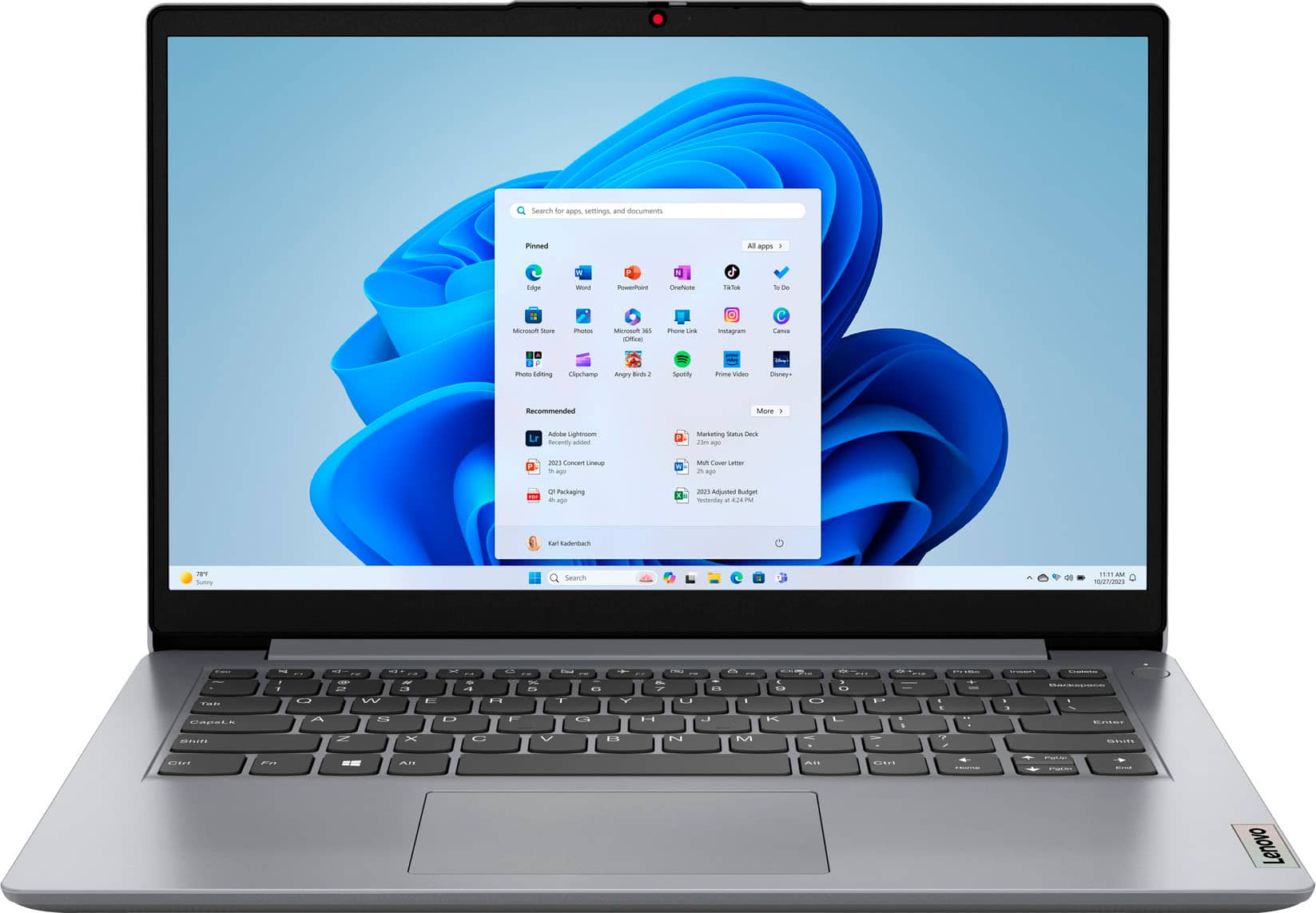
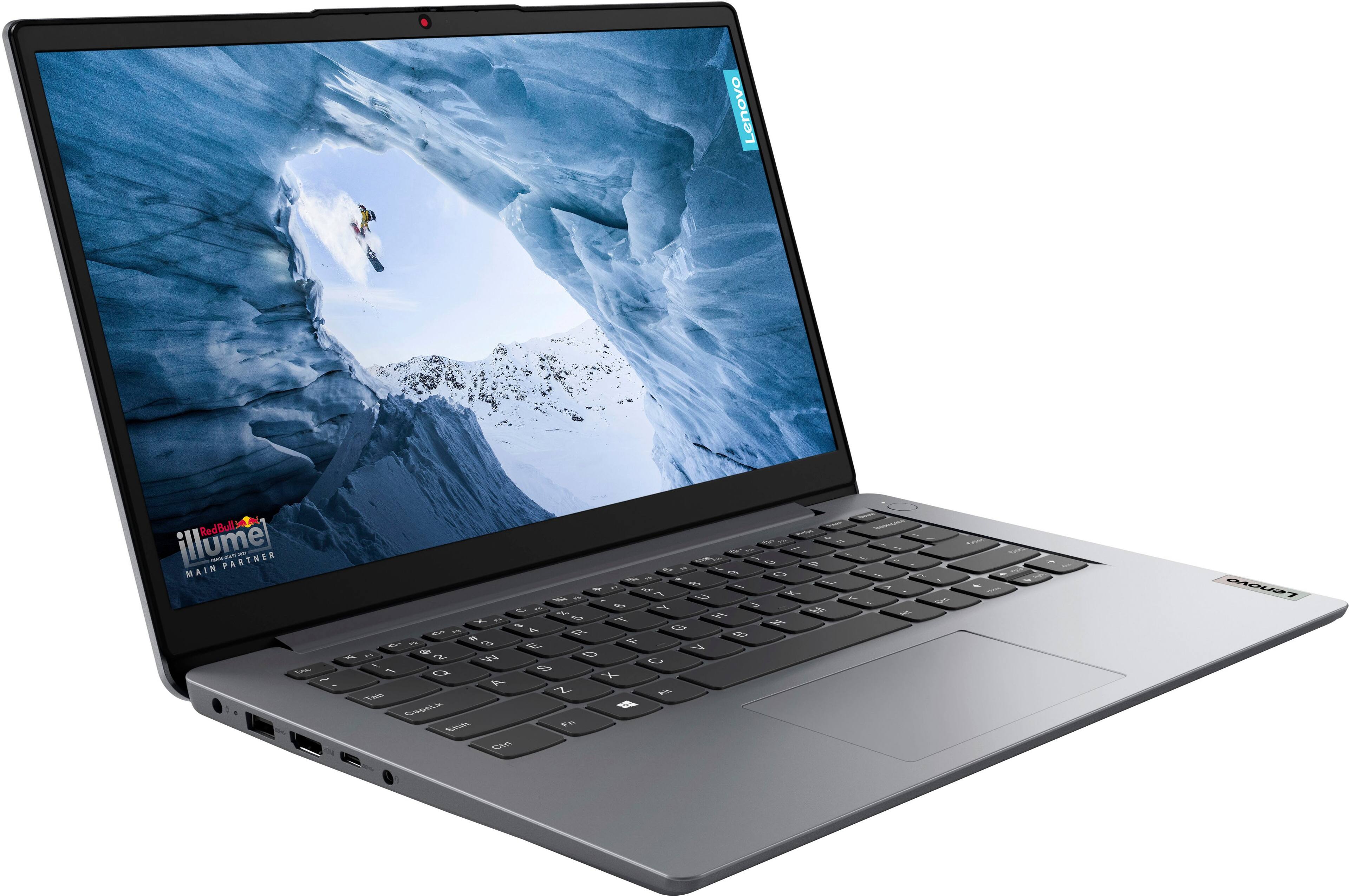
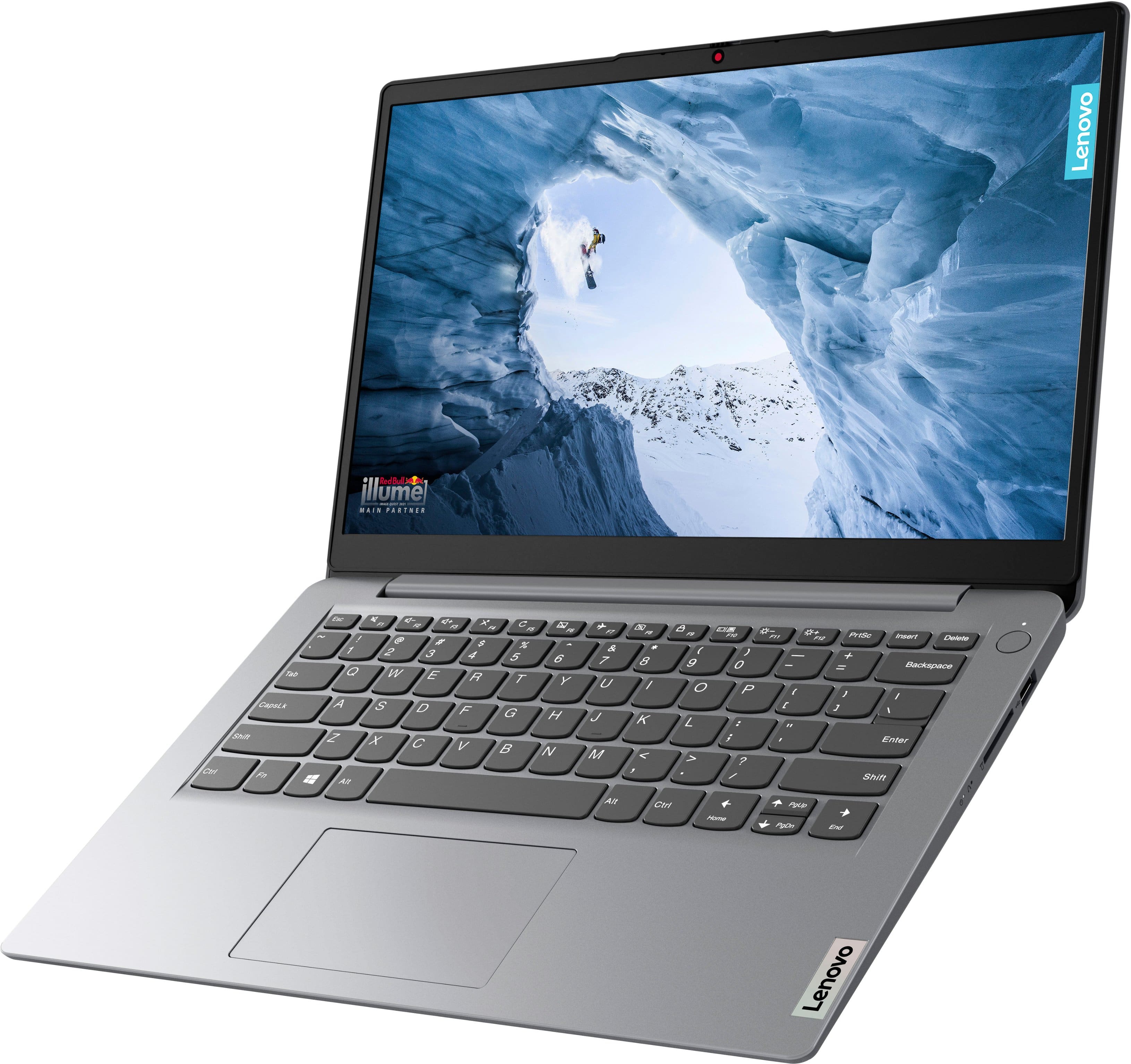
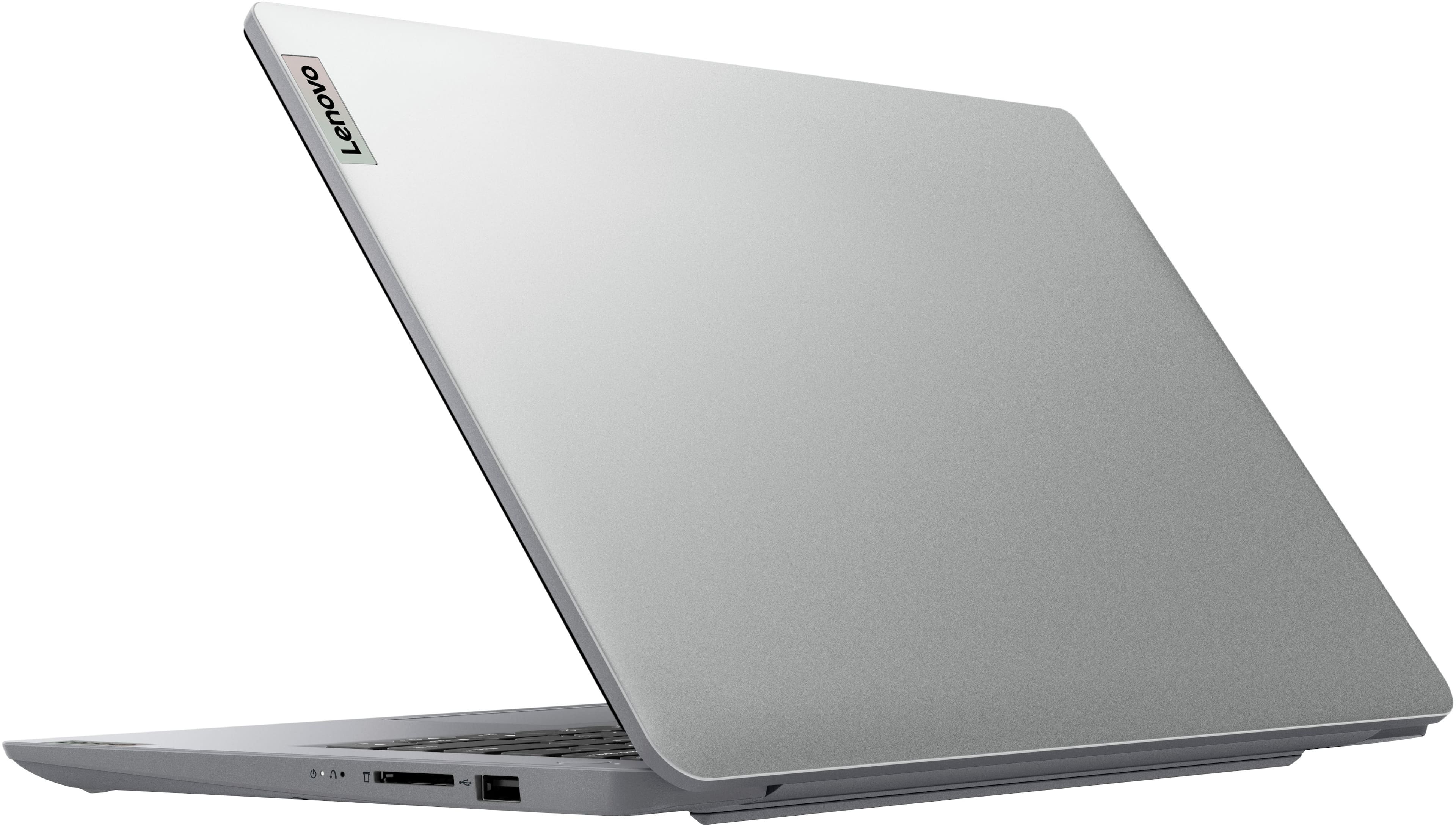
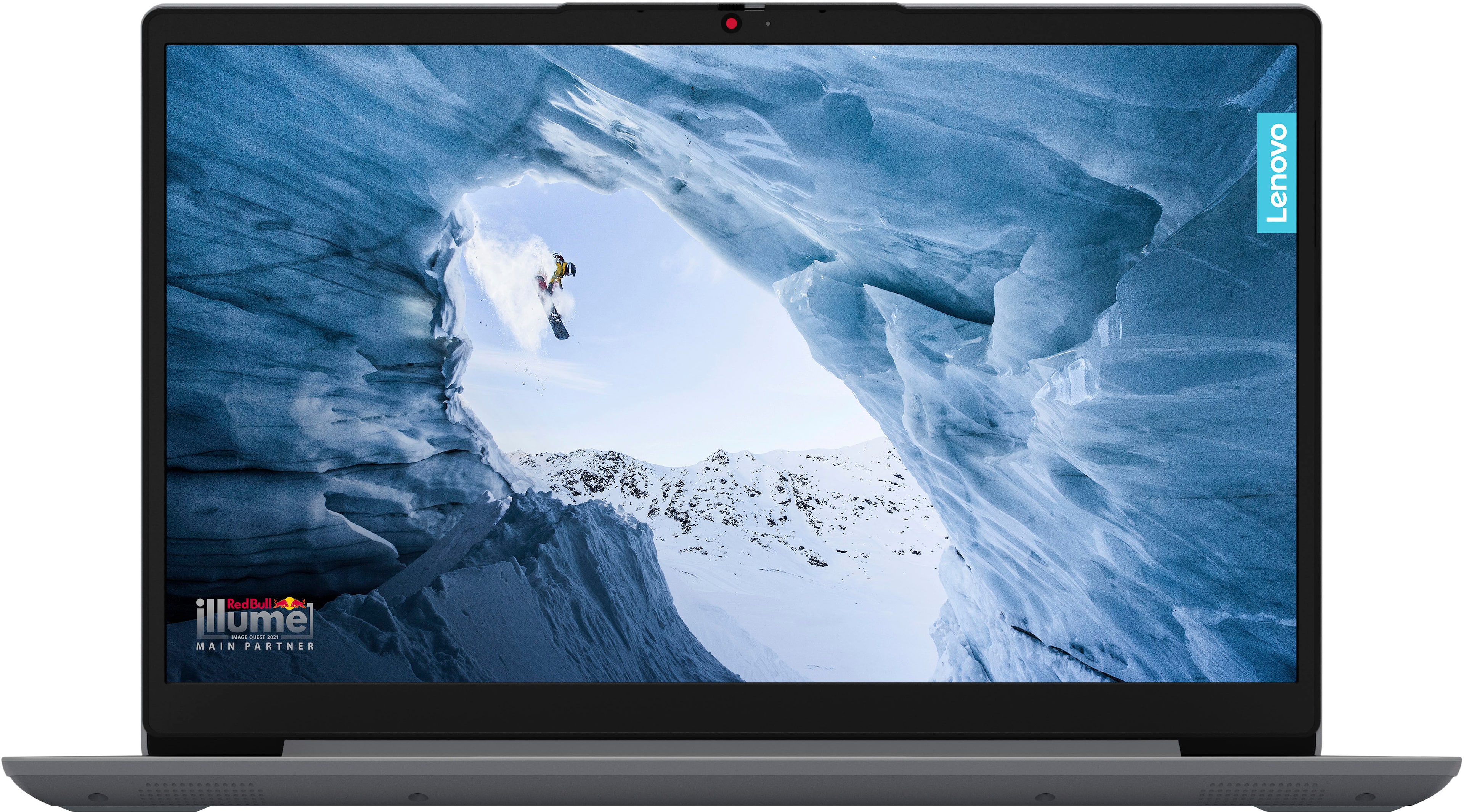
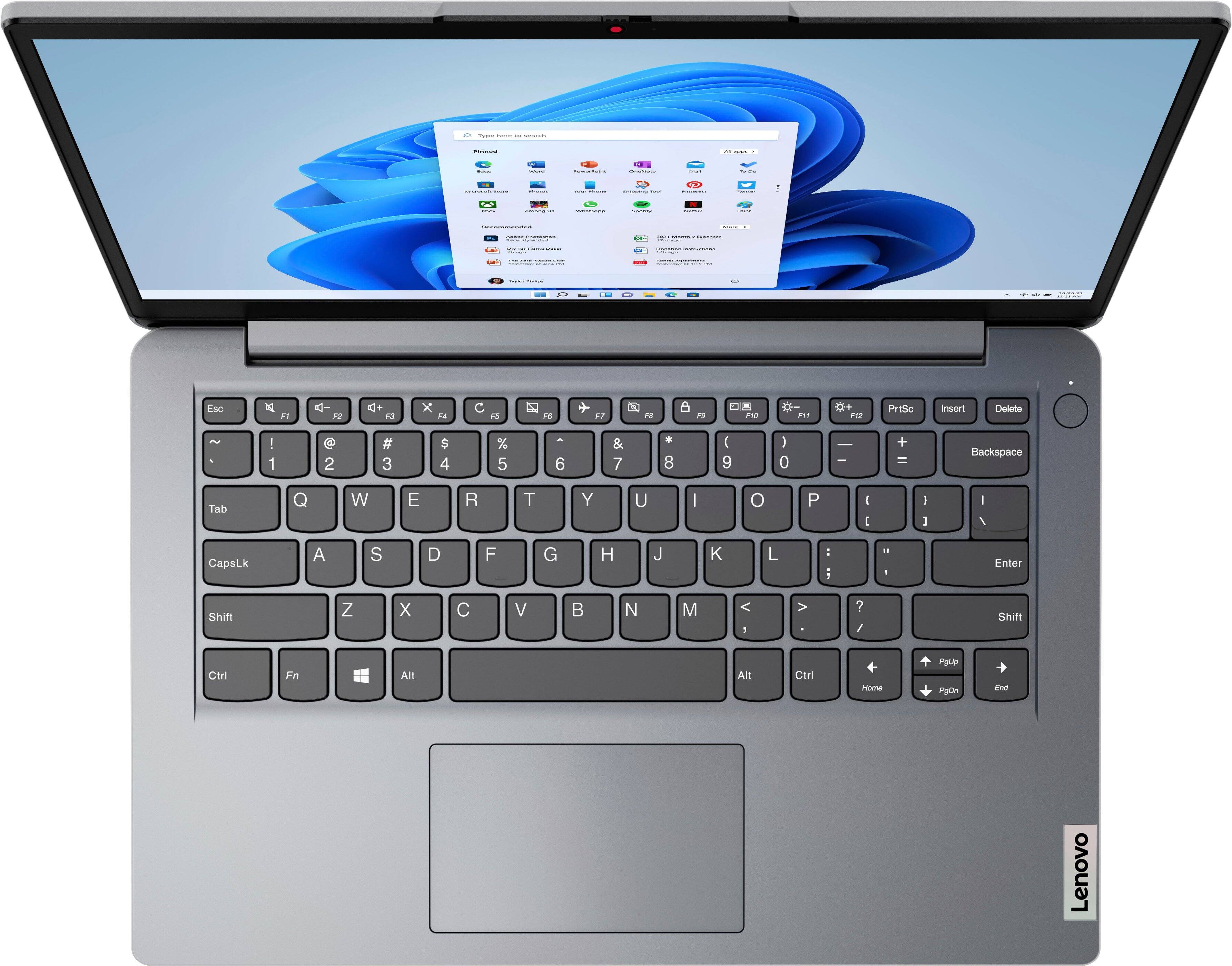
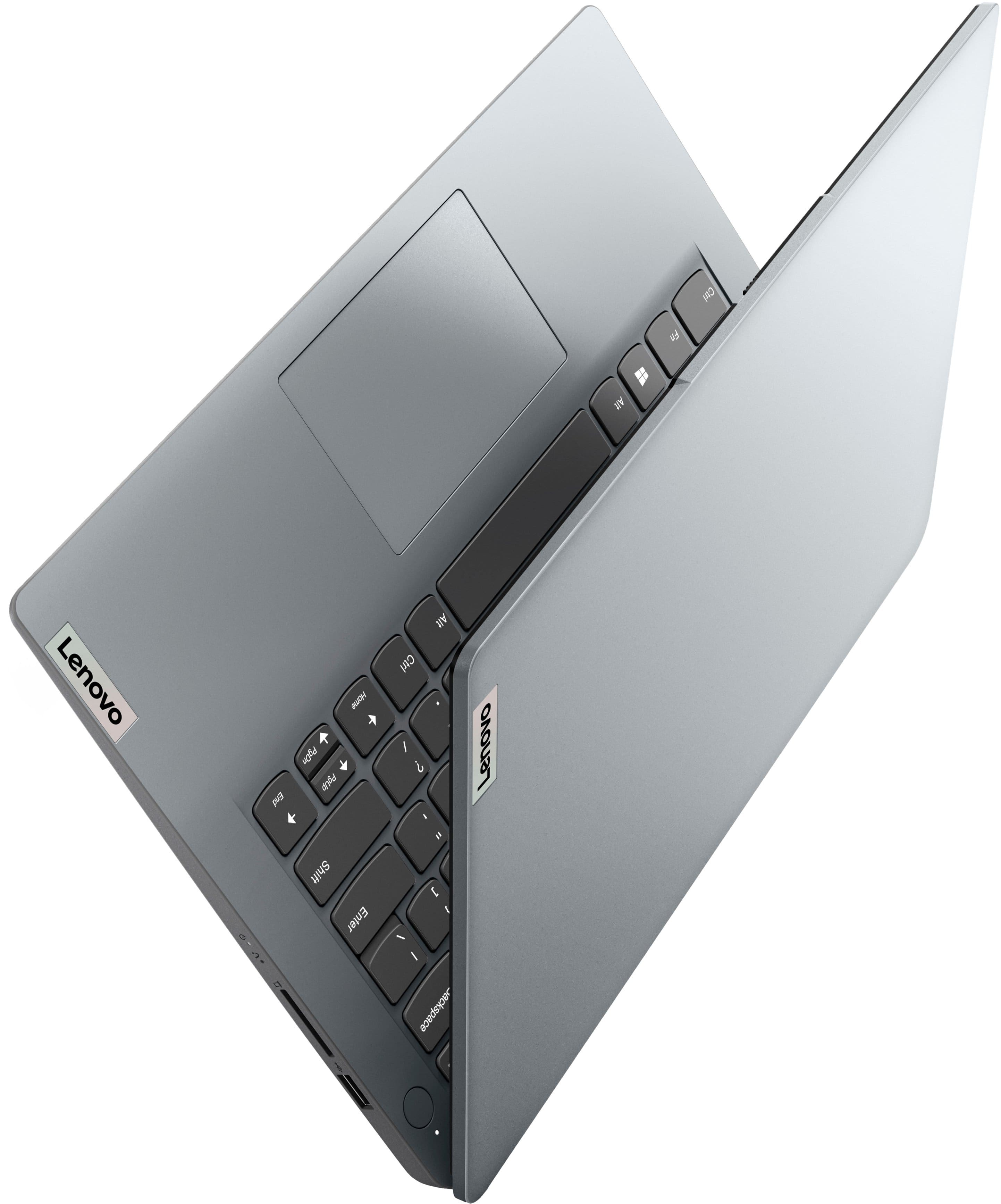
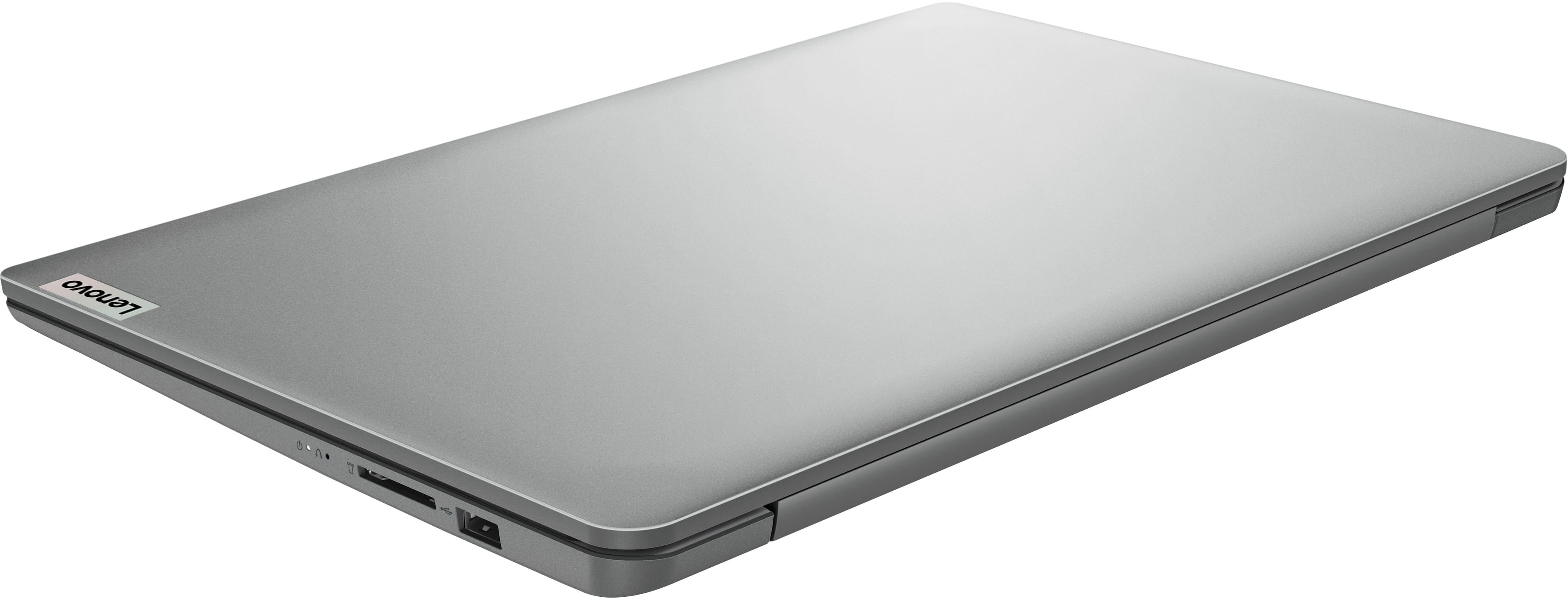
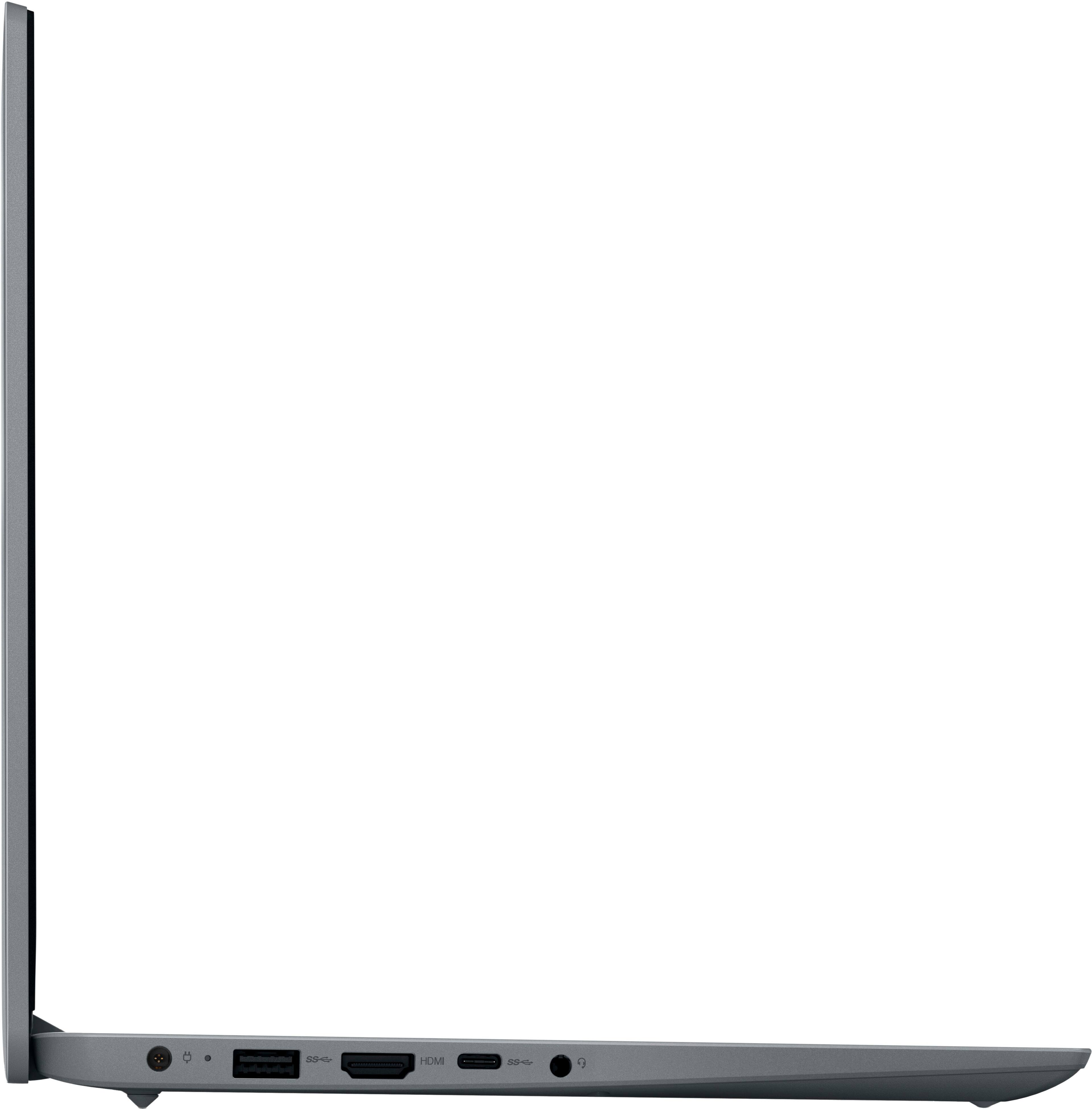
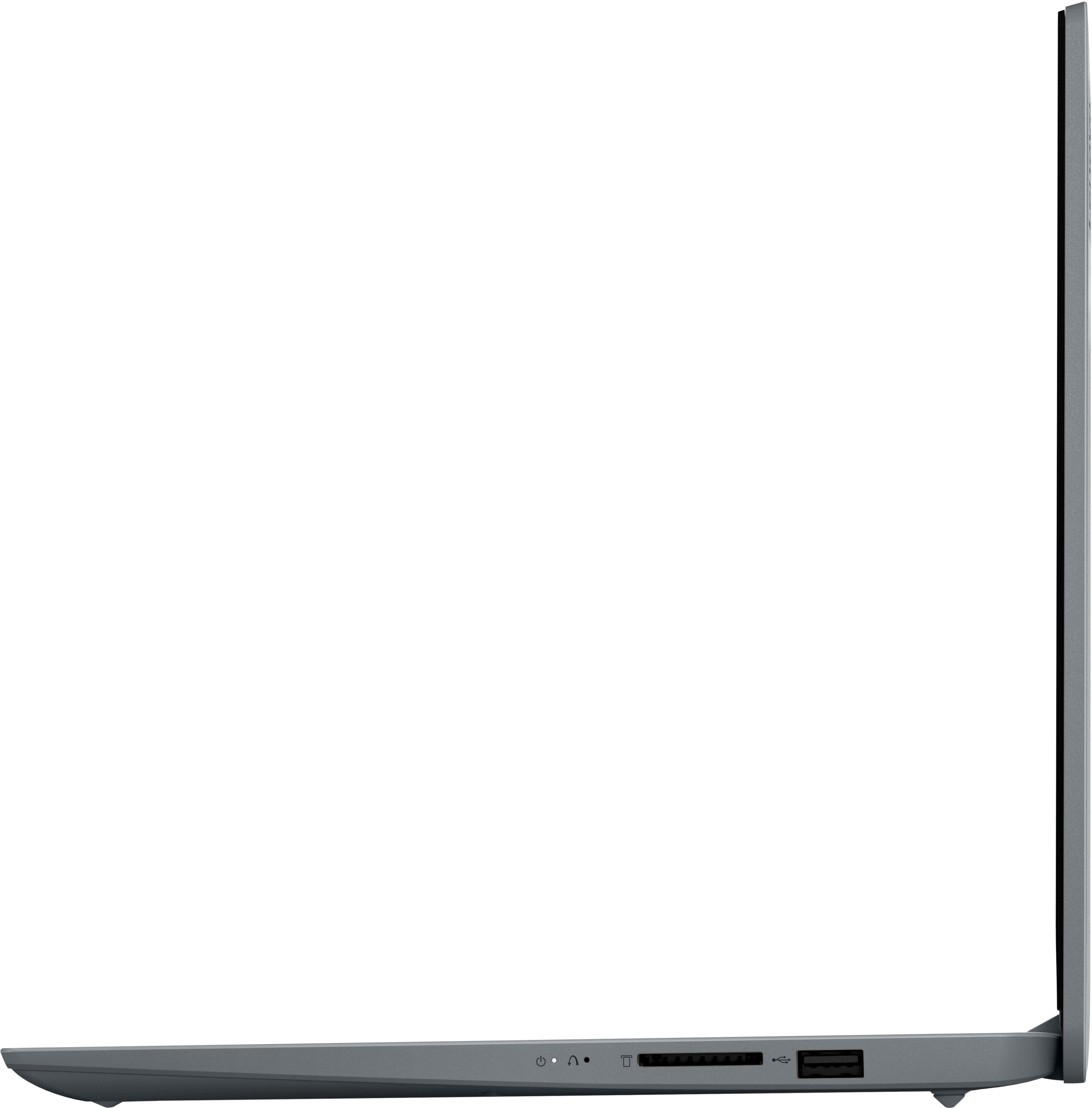
|Posted .This reviewer received promo considerations or sweepstakes entry for writing a review.It's a interesting pc. For some reason Lenovo only put 4GB of ram in this machine. First sign of trouble. I like the look of the laptop and it weighs next to nothing, very lightweight so a student or casual user wouldn't have any issues carrying it around all day in school (I am assuming that is who Lenovo made this for).It has a nice set of ports that most laptops don't have for some reason. Love the way the keyboard and touchpad feel. When you first turn it on grab a snack. It is going to take a while before you actually can use the laptop. It ships with Windows 11S which I recommend getting rid of as soon as possible. Yes it is safer but hopefully you'll have some disciple when using your laptop on the web. If you are feeling brave just change the operating system to whatever Linux distro you like. I like the USB-C and A ports and the sdcard slot. The USB-C is for data only so don't get excited about being able to charge it via USB-C. The screen is okay for basic use. Hopefully you know that you are not going to be playing any AAA games on this unless you are using a service that lets you stream a game to your PC over the internet. Did I mention it's slow. The laptop is built very well and is solid so it has that going for it. Would I recommend buying this? If your budget is tight and you need something to do homework and browsing the web this will get you there. If it had 8GB of ram instead of 4 I would have no problem recommending this but as it is I don't think I would. There are better options out there.
No, I would not recommend this to a friend - Pros mentioned:Battery lifeCons mentioned:Speed
GREAT VALUE
|Posted .This reviewer received promo considerations or sweepstakes entry for writing a review.Although slow in comparison to a lot of other lap tops, its small footprint, thin profile, ease of set up and daily use, and affordability (just a couple of hundred bucks) make this the perfect computer for travel and or for a pre-teen's first computer or a early teen's daily carried to school laptop. No matter the quality of speed of the WiFi this computer is slow if you are going to try and watch a movie, you'll have to set the picture quality on the lowest setting and still it will tend to buffer here and there. But this is perfect for Elementary School and Junior High School, various websites while surfing the general web, emails, etc. etc. etc. And the battery is decent enough with about 5 to 6 hours of run on the Internet and about 8 to 9 hours otherwise. I used it straight to write a monthly performance report on Word Doc for approximately 4 hours during a layover and afterward did emails for a couple of hours and then watched a t.v. show. So even though this laptop computer lacks speed and many features, for or the money this computer cannot be beat and we recommend this computer to family and friends.
I would recommend this to a friend - Pros mentioned:Battery life, Size
Surprisingly solid!
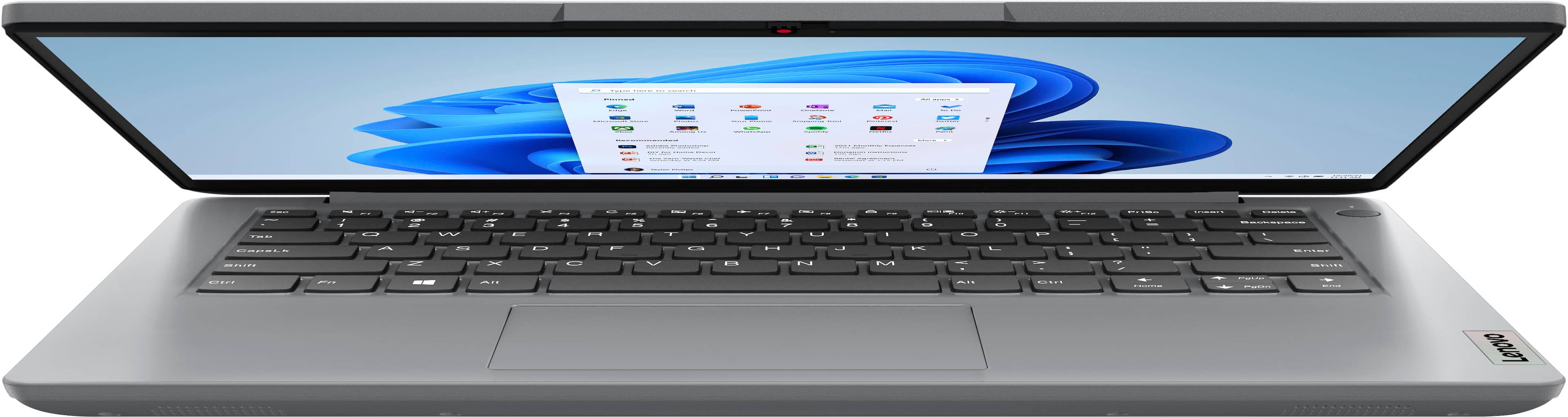
|Posted .This reviewer received promo considerations or sweepstakes entry for writing a review.First I want to be clear that this is a budget laptop and this review is based on that expectation and understanding. It would not be fair to judge this against my experience with very expensive devices. I do have a fair amount of experience with inexpensive laptops as well, and in that respect this machine has proven to be quite good. For the last couple of years I have routinely used a couple of Chromebooks that were right in the same price range as this laptop. I wanted to get a windows laptop to supplement or outright replace those, if it’s performance was up to the tasks I required. I got this laptop with a couple of expectations. First, as a “full” Windows machine I would have a much better compatibility with the programs I use daily, and greater compatibility across the board. I expected that the functionality would come at the cost of zippy boot-up and generally slower operation. I have been pleasantly surprised that the boot up process is just about the same as my inexpensive Chromebooks, and launching apps is very similar, without the compromises I have come to expect from Chrome/Android apps. In simple terms, I would say that this laptop is every bit as handy and usable as my older Chromebooks with the added features available on a Windows platform. Based on that alone this laptop can easily fill the limited role I have been expecting from the Chrome machines, but I will give a few more specifics about it. Out of the box setup was a much more lengthy process than I had hoped for. My recent experience with Windows machines has been that with so much tied to my Microsoft account, setup has been much easier and faster than with previous operating systems. Once I started the setup process for this laptop (on a fast internet connection) it took several hours of updates, reboots, updates and reboots before everything was ready to use. Probably not so much a hardware issue as an OS thing, but I feel that it is worth mentioning. There is a bit of bloatware installed, like every other device these days, and removing or shutting down some of that took a while as well. Again, this is to be expected with Windows, and pretty much every other device these days. In terms of the physical build of this laptop I was quite surprised how sturdy it is. Again, though 2 years old, the Chromebook model I have been using was right in the same price as this laptop. That device has a very plastic, almost toy-like look and feel. This Lenovo has a thin, but rigid metal top to the keyboard face as well as the back of the screen, and an overall more robust feel. It may not be a premium laptop, but it certainly feels like it is superior quality to my other compact laptops. Despite the fact that this is a larger laptop with its 14” screen compared to the 11” screen of the Chromebook, it weighs exactly 1oz more (2 pounds 14 ounces versus 2 pounds 13 ounces) which was extremely surprising to me given its much sturdier feel. I have found that the touchpad is very responsive and pleasantly clicky when pressed. While the larger form factor makes the spacing to the keyboard better and typing is fine, the keys are a bit squishy for my taste. They seem accurate enough though. The power button is on the top face, and it may be a silly thing, but it is where I prefer it. My expensive laptop has a switch on the side of the keyboard and I often accidentally hit it while positioning or just holding that laptop. The port selection is quite good for this scale and price of laptop with a USB-C,2 USBs (one on each side), 3.5mm audio jack, and an HDMI port. Having the HDMI is huge for me as my compact Chromebooks do not have that and I need to grab the HDMI-USBC dongle any time I need to test a video setup or run a presentation. The screen is just fine for everyday tasks, and again as it is larger than my older devices with much less bezel, and it is much better for my daily use. The internal speakers leave a lot to be desired with thin, tinny sound. They are clear through the full volume range, and they are essentially what you should expect from budget laptop speakers. Finally, the included webcam and mic are adequate. The camera seems better than the camera on my Chromebook, and far end video seemed to have slightly better definition and color, though it is still no where near a dedicated, separate cam and mic. The camera has a simple sliding shutter style camera cover for the privacy conscious. One design aspect that I didn’t notice right away is the slim, rubberized “support” that runs the width of the laptop toward the hinge side. This support does a very good job of providing clearance for the vents on the bottom when the laptop is placed on a flat surface and is much less noticeable than “feet” bumps. With its rubbery coating and fairly wide profile, it is excellent at keeping the laptop from sliding around on smooth surfaces like tables and counters. I found that the placement of this strip also fit naturally along my fingers while carrying the laptop, adding a measure of grip security that I like. One aspect of this laptop that especially impressed me was the battery. To test the battery life I threw on a series of YouTube concert videos playing full screen with audio at about 50% while I worked on emails on second screen connected to the HDMI output. When I started the test the battery was at 94%. Any time I stepped away I left the video/audio running. After 7 hours of this the battery stood at 33%. I have found that the battery drains very little when the laptop is closed down in standby mode, going from 33% to 31% in two days. In my experience, most of my laptops drain down more than this when not completely shut down. In addition to the good battery life, the power charges back up quite quickly. With the laptop still on and running I was able to reach full charge from 31% in about an hour and twenty minutes. That seems pretty good to me. Overall I would say that this is a solid choice for someone looking for an affordable and useful travel/backup/school laptop. It does basic things just fine, but don’t expect it to be a powerhouse. I have been using it daily since I got it for simple testing of network and AV systems as well as emails and remote access to networked systems and it has been just fine. In its market space I can see this as having some advantages over other platforms running different OSs. I can’t say how well it will hold up in the long run- the laptop I am replacing with this has been a solid performer for a couple of years- but for the immediate future I will be using it a lot.
I would recommend this to a friend - Pros mentioned:Size, WeightCons mentioned:Speed
Good for PC Light Users Laptop
Posted .This reviewer received promo considerations or sweepstakes entry for writing a review.I purchased this laptop in Open Box. Light weight, smaller screen size, and shorter keyboard. It worked well except its processor speed, kind of slow at the beginning which improved some after a few automatic software upgrades. If you are not a heavy online user, running multiple tasks simultaneously on it, it could be a good choice for you.
I would recommend this to a friend