Customer Ratings & Reviews
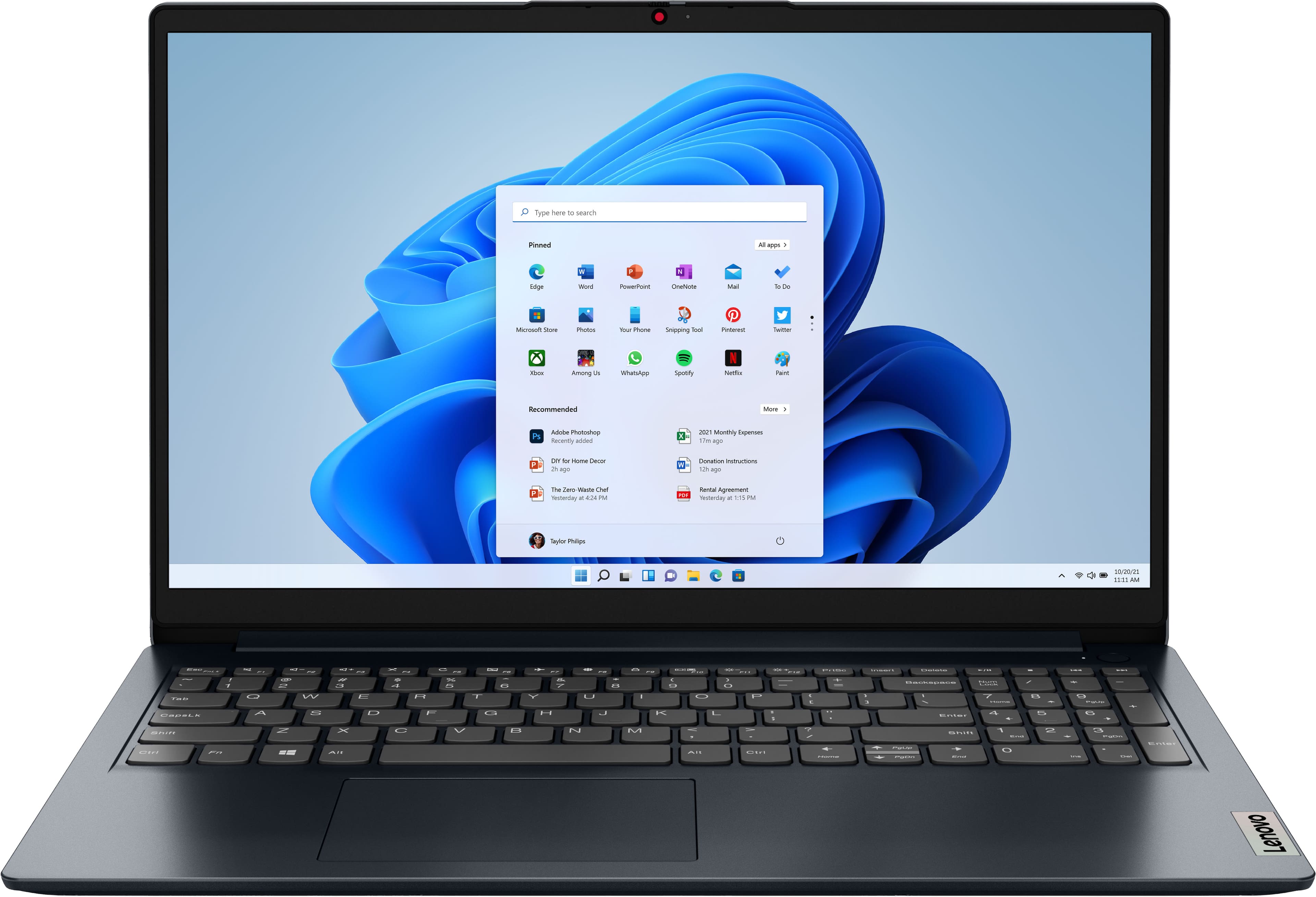
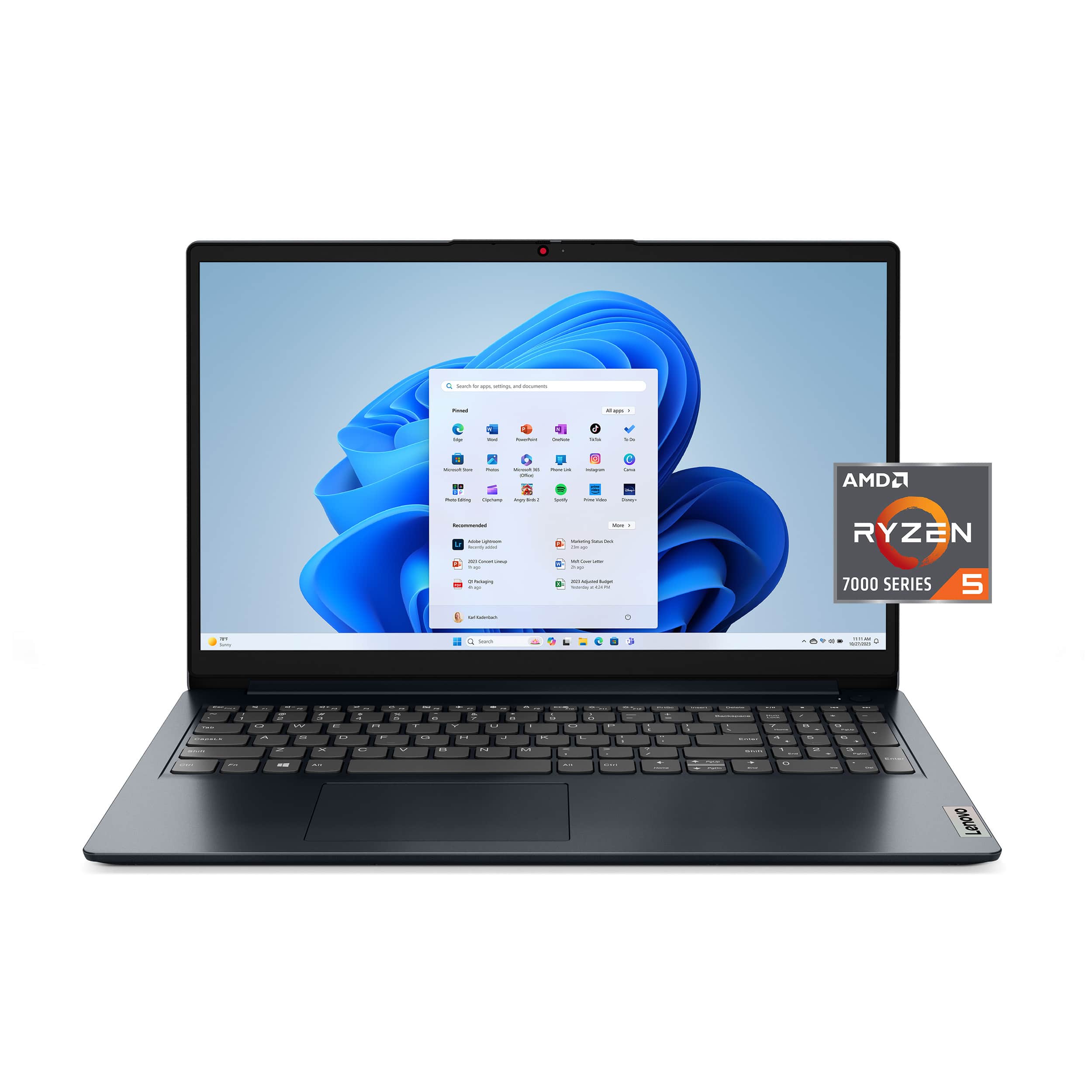
![Unmatched efficiency and mobility. AMD Ryzen 5 7520U Processor, 8GB LPDDR5-5500 memory, Integrated AMD Radeon 610M Graphics, 256GB PCle SSD, Suite - [Proseware, Inc.] - 10% off - Slim Zip Backpack $50 - - - - - - - - - - - - - - - - - - - - - - - - - - - - - - - - - - - - - - - - - - - - - - - - - - - - - - - - - - - - - - - - - - - - - - - - - - - - - - - - - - - - - - - - - - - - - - - - - - - - - - - - - - - - - - - - - - - - - - - - - - - - - - - - - - - - - - - - - - - - - - - - - - - - - - - - - - - - - - - - - - - - - - - - - - - - - - - - - - - - - - - - - - - - - - - - - - - - - - - - - - - - - - - - - - - - - - - - - - - - - - - - - - - - - - - - - - - - - - - - - - - - - - - - - - - - - - - - - - - - - - - - - - - - - - - - - - - - - - - - - - - - - - - - - - - - - - - - - - - - - - - - - - - - - - - - - - - - - - - - - - - - - - - - - - - - - - - - - - - - - - - - - - - - - - - - - - - - - - - - - - - - - - - - - - - - - - - - - - - - - - - - - - - - - - - - - - - - - - - - - - - - - - - - - - - - - - - - - - - - - - - - -](https://pisces.bbystatic.com/image2/BestBuy_US/images/products/6376a14e-e58e-4d66-b18b-3d5463e44a58.jpg)
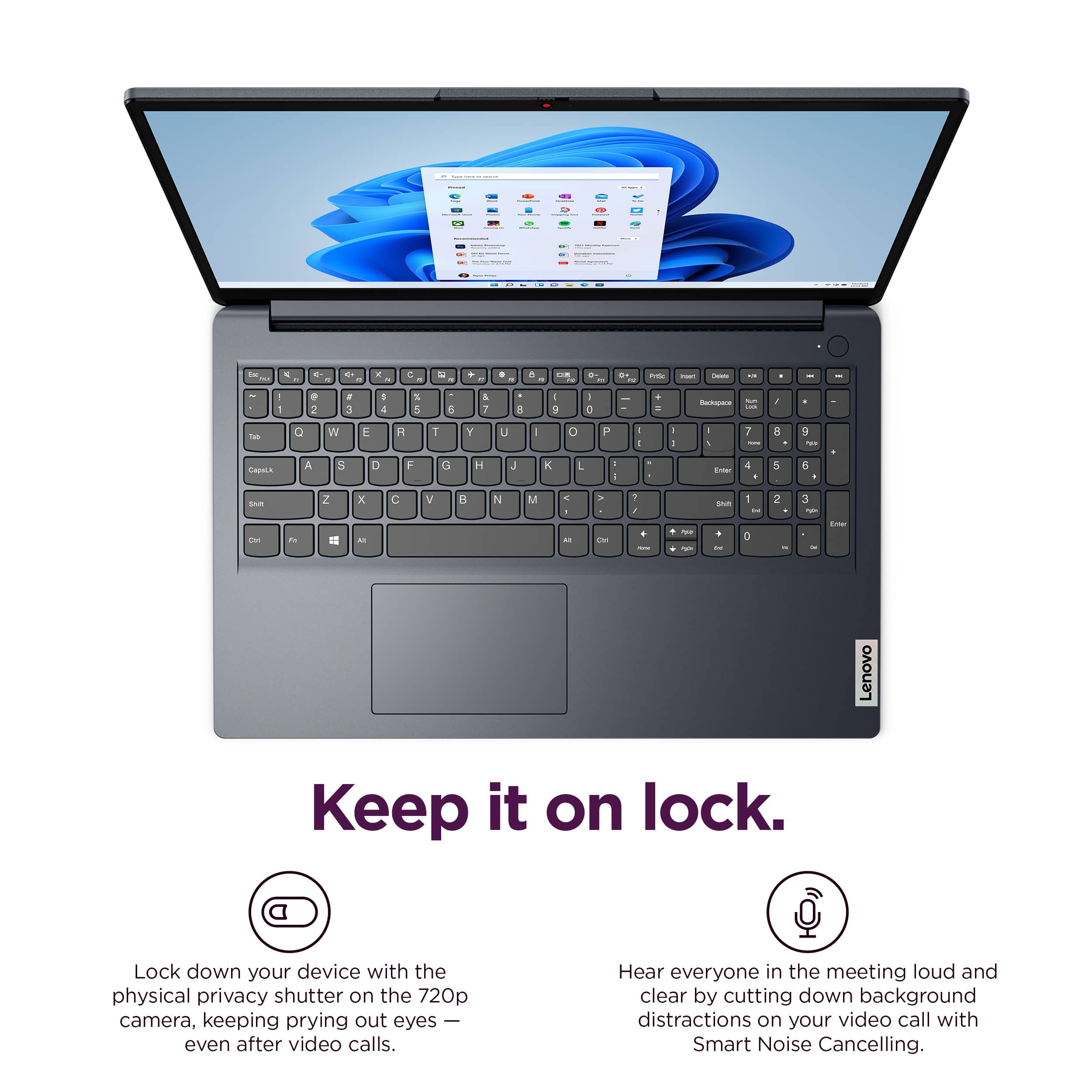
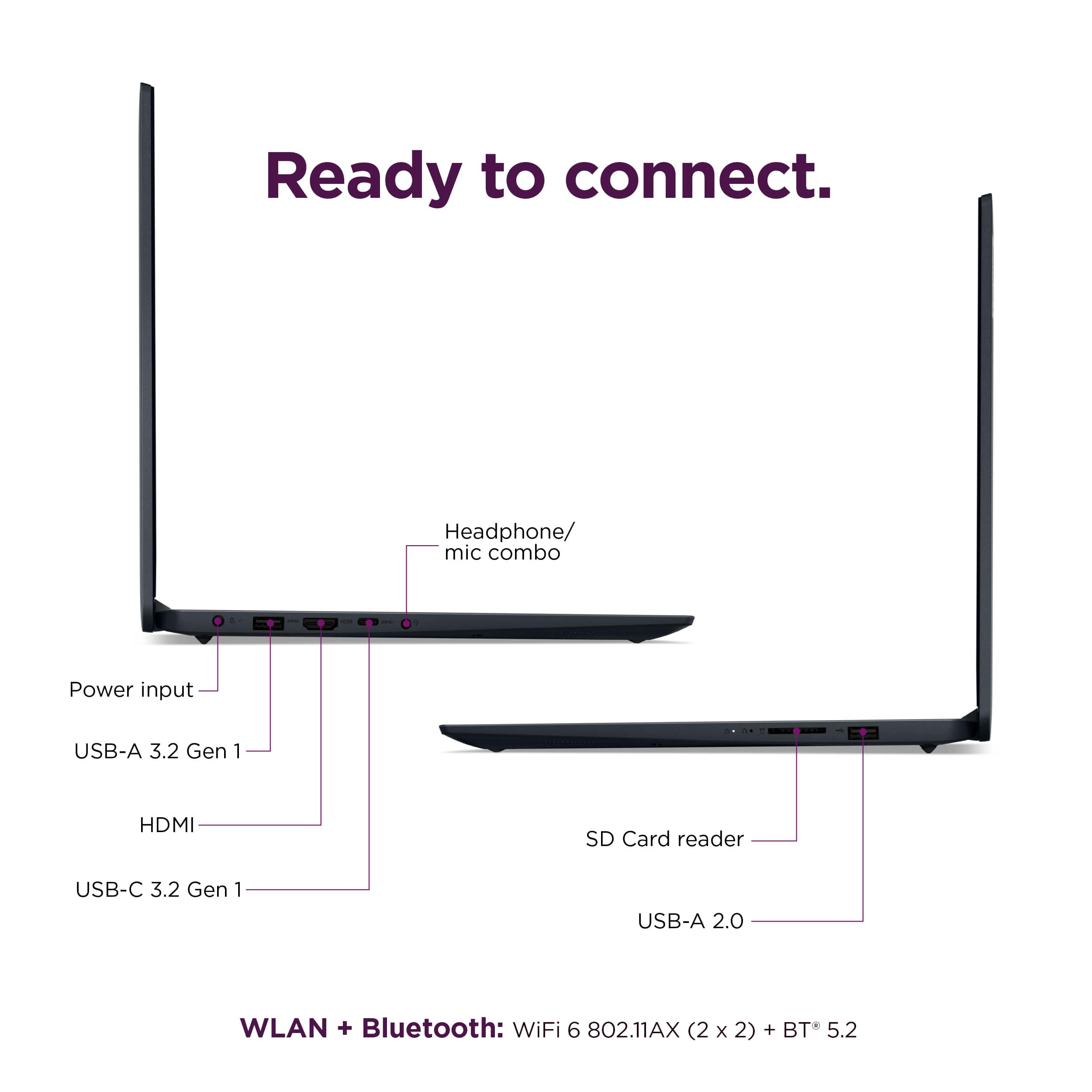
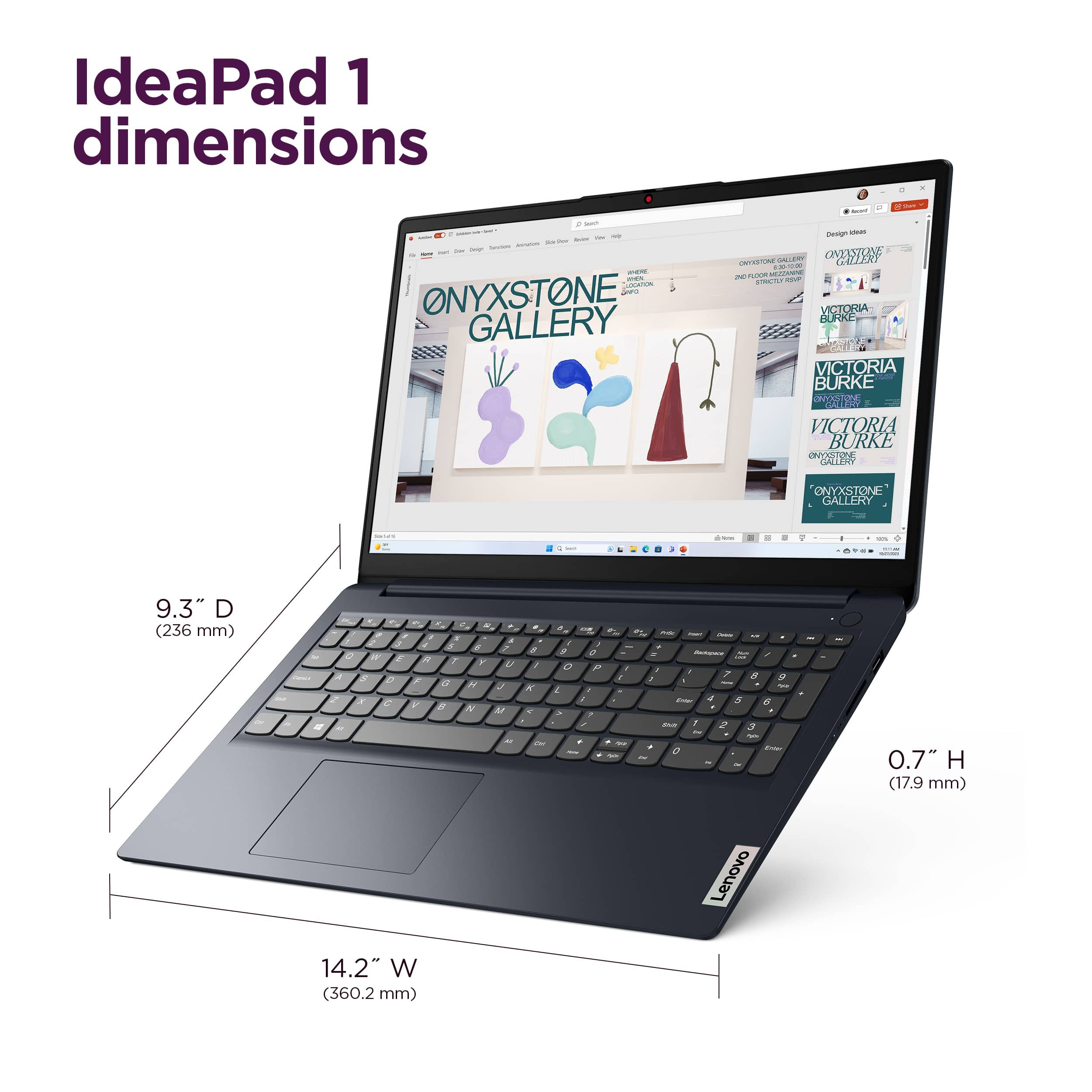
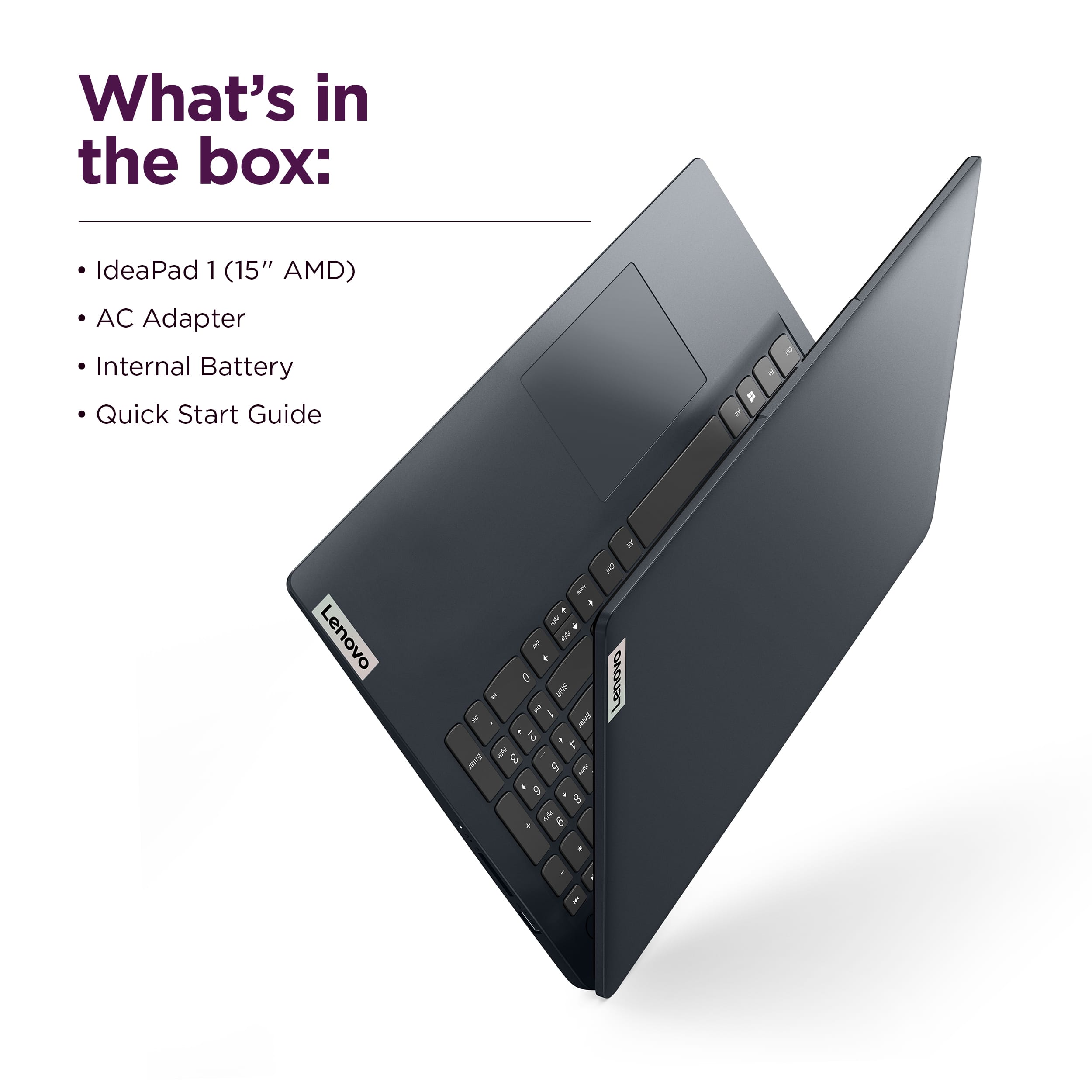


- Model:
- 82VG00TYUS
- SKU:
- 10287155
Rating by feature
- Battery Life
Rating 4.6 out of 5 stars
- Speed
Rating 4.5 out of 5 stars
- Display
Rating 4.7 out of 5 stars
Customers are saying
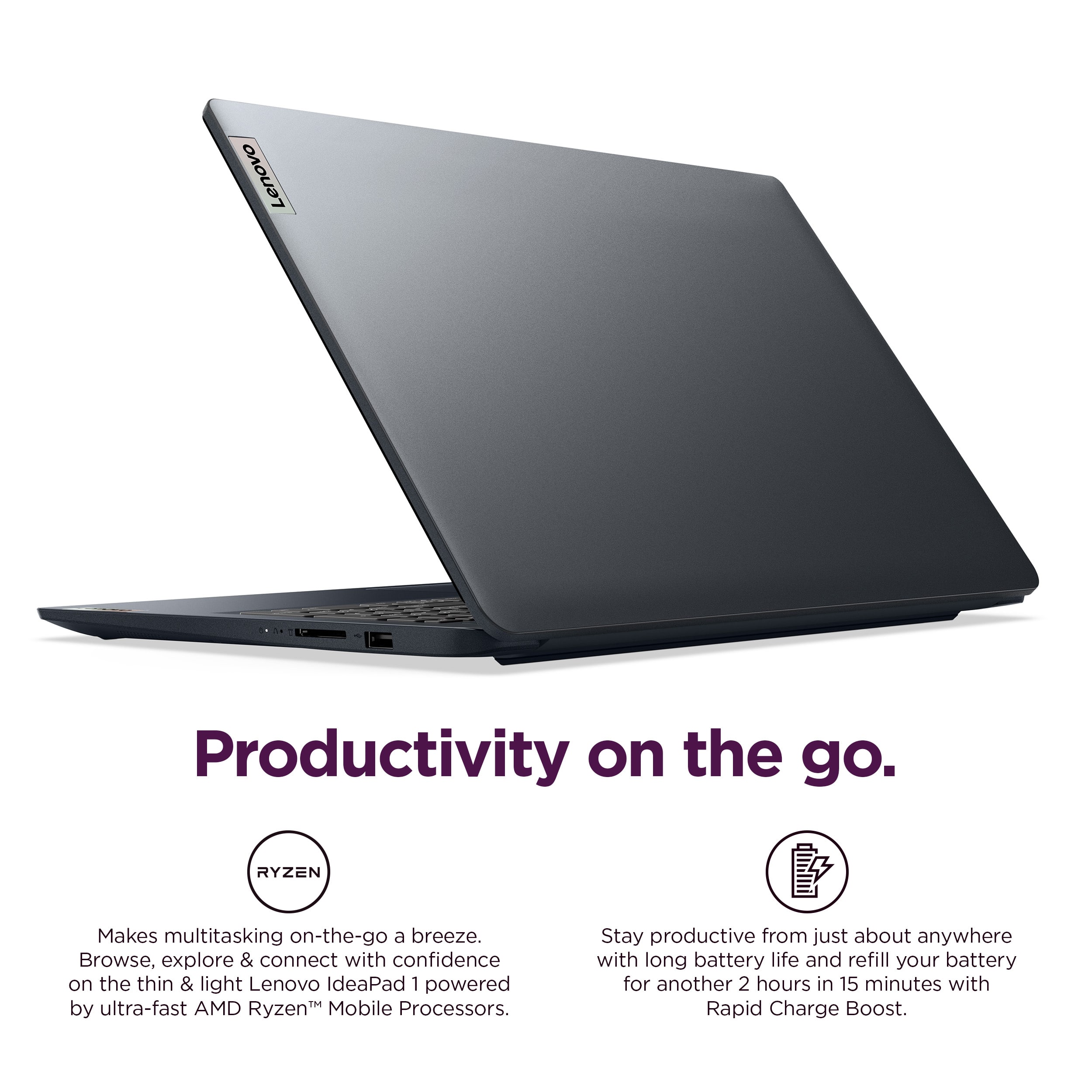
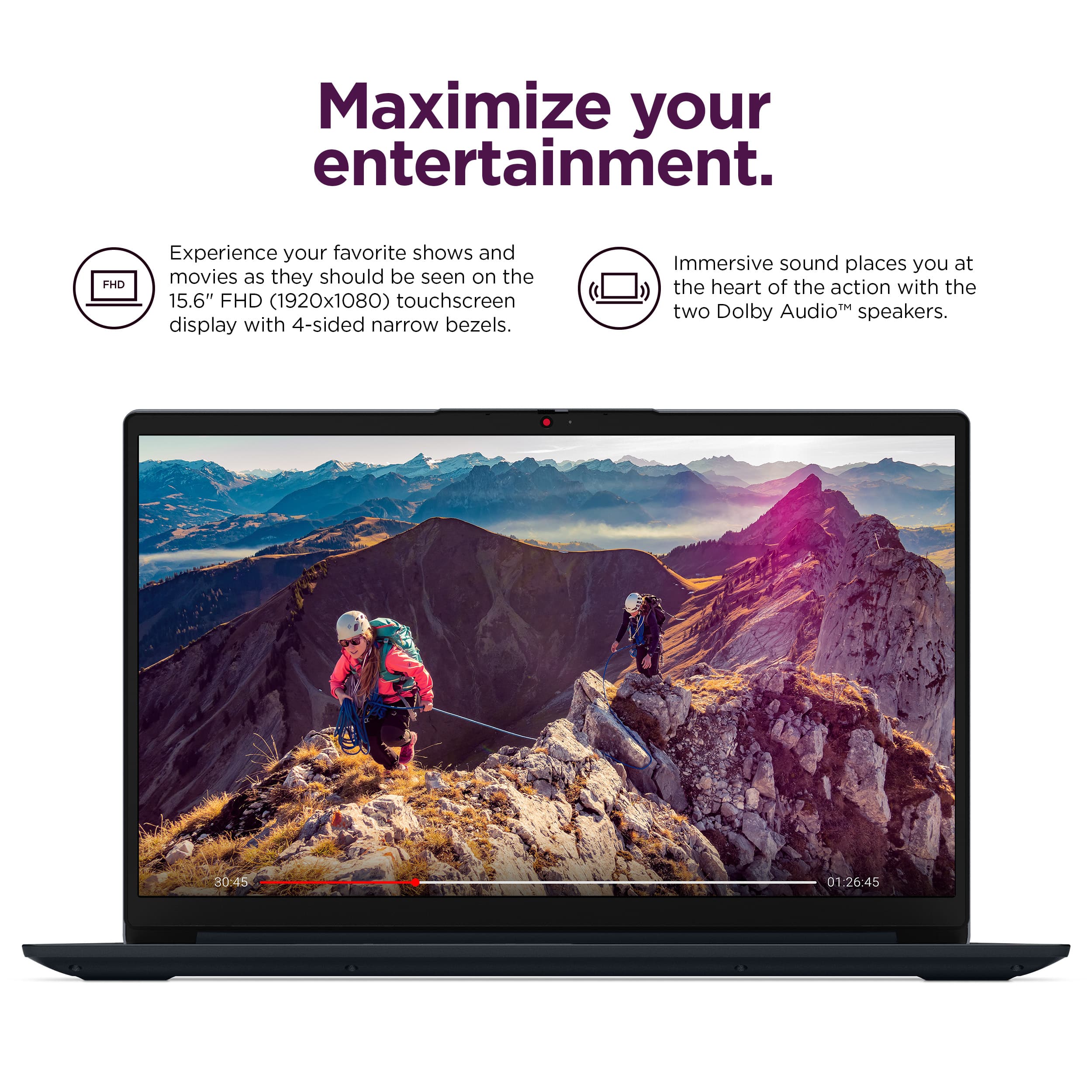
Customers love the IdeaPad 1 15.6" laptop for its smooth and responsive overall performance, convenient touchscreen, and good portability. Many appreciate the processor speed, battery life, and perfect screen size, while others wish it had expandable RAM and more memory. The laptop's lightweight design is also a plus for many users.
This summary was generated by AI based on customer reviews.
- Cons mentioned:Ram
Average but affordable laaptop
||Posted . Owned for 2 months when reviewed.This reviewer received promo considerations or sweepstakes entry for writing a review.This is a average and affordable laptop. It is good for YouTube and basic schoolwork. The one thing that holds it back is the 8gb of ram.
I would recommend this to a friendBrand response from Lenovo Product Expert
Posted .Hey WilliamM,
Thanks for choosing Lenovo and for sharing your feedback with us!
We are glad to read that this IdeaPad 1 is sufficient for your use.
Please feel free to reach out to us via the Q& A section of this product page should you have any questions or need assistance.
Best,
Lenovo
Value Packed Laptop
||Posted . Owned for 2 weeks when reviewed.This reviewer received promo considerations or sweepstakes entry for writing a review.exactly what I was looking to buy and at a surprisingly low price for its features.
I would recommend this to a friendBrand response from Lenovo Product Expert
Posted .Hey DanielS,
Thank you for choosing Lenovo and for sharing your feedback with us!
We are pleased to read that you are satisfied with your purchase.
Please don't hesitate to reach out to us via the Q& A section of this product page or contact Lenovo Support should you have any questions or need assistance.
Regards,
Lenovo
Awesome buy
||Posted . Owned for 1 week when reviewed.This reviewer received promo considerations or sweepstakes entry for writing a review.Great product at a great price. Just what I needed for my 9 year old transition from the Chromebook.
I would recommend this to a friendBrand response from Lenovo Product Expert
Posted .Hi Joel,
Thanks for choosing Lenovo and for sharing your feedback with us!
We are pleased to read that this IdeaPad 1 is just the right fit for your 9-year-old's needs.
Please feel free to reach out to us via the Q& A section of this product page should you have any questions or need assistance.
Best,
Lenovo
Great Laptop
||Posted . Owned for 2 weeks when reviewed.This reviewer received promo considerations or sweepstakes entry for writing a review.My daughter loves this laptop. She plays games on it besides other things.
I would recommend this to a friendBrand response from Lenovo Product Expert
Posted .Hi,
Thanks for choosing Lenovo and for sharing your feedback with us!
We are glad to read that you are satisfied with your purchase.
Please don't hesitate to reach out to us via the Q& A section of this product page or contact Lenovo Support should you have any questions or need assistance.
Regards,
Lenovo
Laptop review
||Posted . Owned for 1 month when reviewed.This reviewer received promo considerations or sweepstakes entry for writing a review.Perfect for the home for two retirees to draft letters, keep up on social media and do returns and yearly taxes.
I would recommend this to a friendBrand response from Lenovo Product Expert
Posted .Hi DavidM,
Thanks for choosing Lenovo and for sharing your feedback with us!
We are pleased to read that this IdeaPad 1 is a perfect fit for you.
Please feel free to reach out to us via the Q& A section of this product page should you have any questions or need assistance.
Best,
Lenovo
Janet
||Posted . Owned for 1 month when reviewed.This reviewer received promo considerations or sweepstakes entry for writing a review.The price was great. I am still learning how to access certain things but that might be a Windows 11 issue rather than the computer. So far I am really liking the Lenovo
I would recommend this to a friendBrand response from Lenovo Product Expert
Posted .Hey Janet,
Thanks for choosing Lenovo and for sharing your feedback with us!
We are glad to read that you are really liking your IdeaPad 1 thus far.
Please feel free to reach out to us via the Q& A section of this product page should you have any questions or need assistance with navigating Windows.
Best,
Lenovo
replacement for H.P.
||Posted . Owned for 1 month when reviewed.This reviewer received promo considerations or sweepstakes entry for writing a review.Great buy for the cost, easy startup.Satisfied purchase.
I would recommend this to a friendBrand response from Lenovo Product Expert
Posted .Hi,
Thanks for choosing Lenovo and for sharing your feedback with us!
We are glad to read that you are satisfied with your purchase.
Please don't hesitate to reach out to us via the Q& A section of this product page or contact Lenovo Support should you have any questions or need assistance.
Regards,
Lenovo
Good laptop for school
||Posted .This reviewer received promo considerations or sweepstakes entry for writing a review.Good laptop for its price especially last minute for school.
I would recommend this to a friendBrand response from Lenovo Product Expert
Posted .Hi,
Thanks for choosing Lenovo and for sharing your feedback with us!
We are glad to read that you are satisfied with your purchase.
Please don't hesitate to reach out to us via the Q& A section of this product page or contact Lenovo Support should you have any questions or need assistance.
Regards,
Lenovo
Works Well
||Posted . Owned for 1 month when reviewed.This reviewer received promo considerations or sweepstakes entry for writing a review.Seems to be a good basic computer for the things I use it for such as streaming music, videos, movies, surfing the web etc.
I would recommend this to a friendBrand response from Lenovo Product Expert
Posted .Hi Bobb,
Thanks for choosing Lenovo and for sharing your feedback with us!
We are pleased to read that this IdeaPad 1 is working well for your use.
Please feel free to reach out to us via the Q& A section of this product page should you have any questions or need assistance.
Best,
Lenovo
Mrs. Prissy
||Posted .This reviewer received promo considerations or sweepstakes entry for writing a review.It is just what my son neede for school. The price was affordable.
I would recommend this to a friendBrand response from Lenovo Product Expert
Posted .Hi,
Thanks for choosing Lenovo and for sharing your feedback with us!
We are glad to read that you are satisfied with your purchase.
Please don't hesitate to reach out to us via the Q& A section of this product page or contact Lenovo Support should you have any questions or need assistance.
Regards,
Lenovo
a title
||Posted .This reviewer received promo considerations or sweepstakes entry for writing a review.its a great computer for everyday tasks unless you work in the dark no backlit keyboard
I would recommend this to a friendBrand response from Lenovo Product Expert
Posted .Hi XINEOHP,
Thanks for choosing Lenovo and for sharing your feedback with us!
We are pleased to read that this IdeaPad 1 is working great for you.
Please feel free to reach out to us via the Q& A section of this product page should you have any questions or need assistance.
Best,
Lenovo
More than just a computer
||Posted . Owned for 5 months when reviewed.This reviewer received promo considerations or sweepstakes entry for writing a review.Great computer until is just stopped working randomly. Peter (the comuters name) was a refurbished computer and you could tell that something just wasn't quite right. Like if you had 30 humand that really are laptop computers, Peter would probably be the onepicked, out of the 30 computers to be the psycho killer.sometimes Peter just turns off, sometimes you go from one screen to the next without touching any buttons. And I'm guessing because it was purchased at the outlet the warranty is minimal, like ome.month inless you buy the plan that costs more than the computer. That's if I can find it unfer my account
I would recommend this to a friendGood performance
||Posted .This reviewer received promo considerations or sweepstakes entry for writing a review.Bigger in size and good in performance with touchscreen.
I would recommend this to a friendGreat laptop for school
||Posted . Owned for 2 weeks when reviewed.This reviewer received promo considerations or sweepstakes entry for writing a review.Best buy is the best they worked very fast and showed great knowledge for what I needed
I would recommend this to a friendBrand response from Lenovo Product Expert
Posted .Hi Camron,
Thanks for choosing Lenovo and for sharing your feedback with us!
We are pleased to read that this IdeaPad 1 is a great fit for your needs and that you are satisfied with your service received.
Please feel free to reach out to us via the Q& A section of this product page should you have any questions or need assistance.
Best,
Lenovo
1000% recommend
||Posted . Owned for 2 weeks when reviewed.This reviewer received promo considerations or sweepstakes entry for writing a review.Bought this for my boyfriend for his birthday. He absolutely loves it!
I would recommend this to a friendBrand response from Lenovo Product Expert
Posted .Hey Mm00,
Thank you for choosing Lenovo and for sharing your feedback with us!
We are pleased to read that your boyfriend is loving it.
Please don't hesitate to reach out to us via the Q& A section of this product page or contact Lenovo Support should you have any questions or need assistance.
Regards,
Lenovo
Laptop
||Posted . Owned for 1 week when reviewed.This reviewer received promo considerations or sweepstakes entry for writing a review.Rodney was a great help I learn something from him as well when it came down to picking the right laptop that was suitable for me and my needs
I would recommend this to a friendBrand response from Lenovo Product Expert
Posted .Hey QuanishaW,
Thank you for choosing Lenovo and for sharing your feedback with us!
We are glad to hear that your IdeaPad 1 meets your needs and that your service received was great.
Please feel free to reach out to us should you have any questions.
Best,
Lenovo
Laptop
||Posted .This reviewer received promo considerations or sweepstakes entry for writing a review.Good price good speeds. Has good signal for wifi and does not have ai installed which is great!
I would recommend this to a friendBrand response from Lenovo Product Expert
Posted .Hi JohnB,
Thanks for choosing Lenovo and for sharing your feedback with us!
We are pleased to read that this IdeaPad 1 is a good fit for you.
Please feel free to reach out to us via the Q& A section of this product page should you have any questions or need assistance.
Best,
Lenovo
Good product
||Posted .This reviewer received promo considerations or sweepstakes entry for writing a review.Great laptop at a readonable cost. Thus is my second one that has lasted 11 years
I would recommend this to a friendBrand response from Lenovo Product Expert
Posted .Hi DebraK,
Thanks for choosing Lenovo again and for sharing your feedback with us!
We are pleased to read that this IdeaPad 1 is a great fit for you.
Please feel free to reach out to us via the Q& A section of this product page should you have any questions or need assistance.
Best,
Lenovo
Lenovo laptop
||Posted .This reviewer received promo considerations or sweepstakes entry for writing a review.Was what I expected. Purchased on line and picked up at store. Never was asked if I had any questions on how to use.
I would recommend this to a friendBrand response from Lenovo Product Expert
Posted .Hey CindyB,
Thank you for choosing Lenovo and for sharing your feedback with us!
We are pleased to read that you are satisfied with your purchase.
Please don't hesitate to reach out to us via the Q& A section of this product page or contact Lenovo Support should you have any questions or need assistance.
Regards,
Lenovo
The best
||Posted . Owned for 3 weeks when reviewed.This reviewer received promo considerations or sweepstakes entry for writing a review.The best lop top I ever had is really good quality
I would recommend this to a friendBrand response from Lenovo Product Expert
Posted .Hi,
Thanks for choosing Lenovo and for sharing your feedback with us!
We are glad to read that you are satisfied with your purchase.
Please don't hesitate to reach out to us via the Q& A section of this product page or contact Lenovo Support should you have any questions or need assistance.
Regards,
Lenovo