Customer Ratings & Reviews
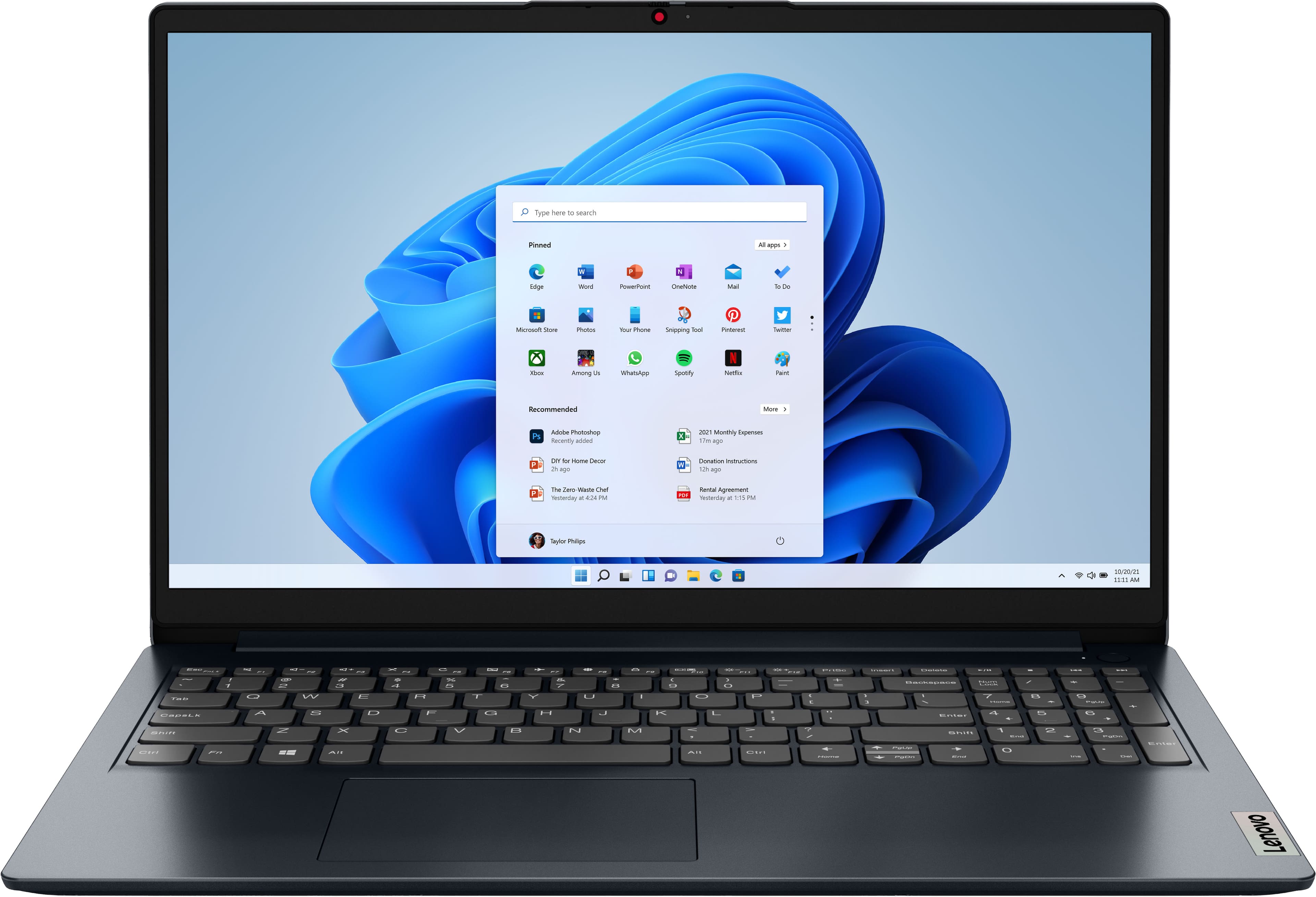
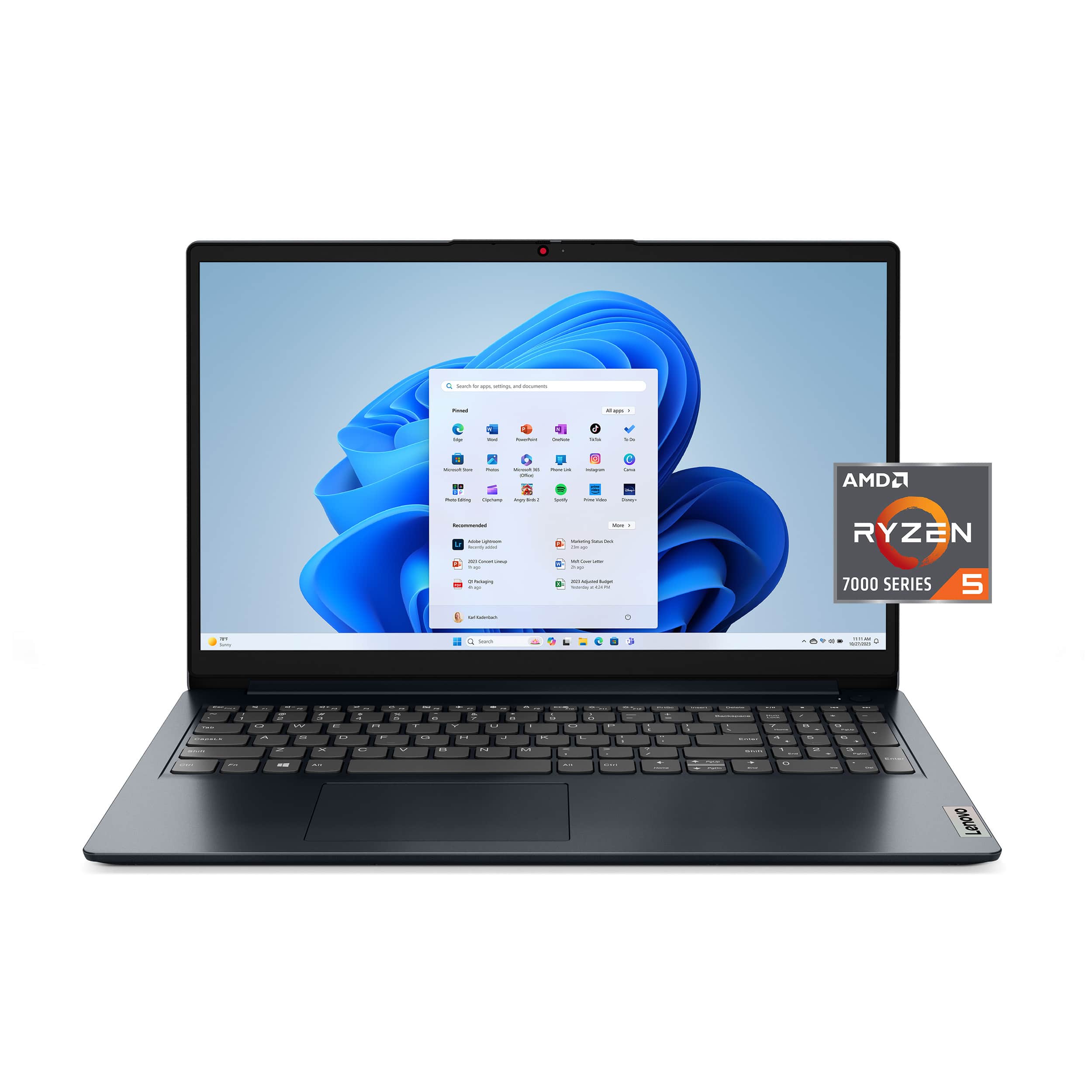
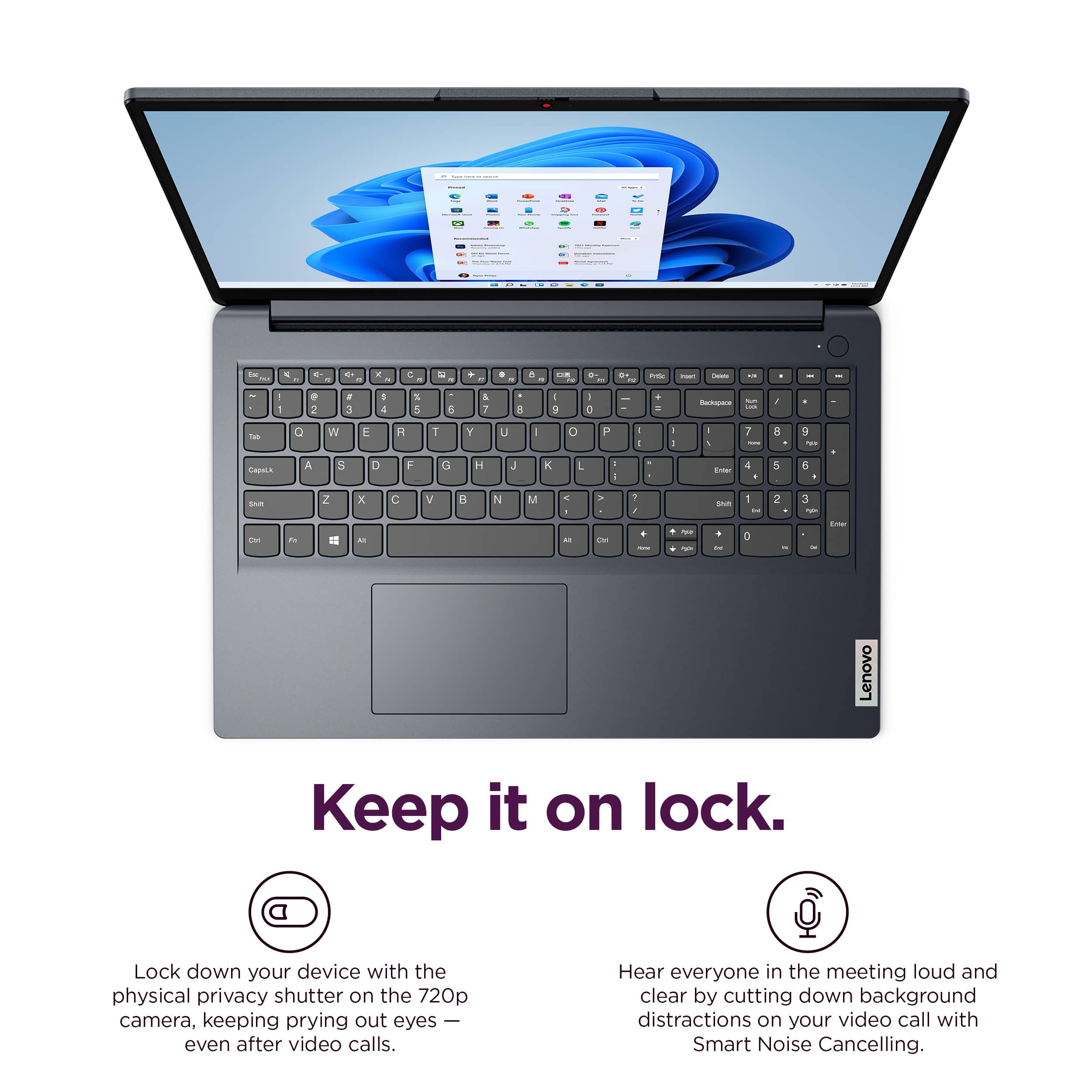
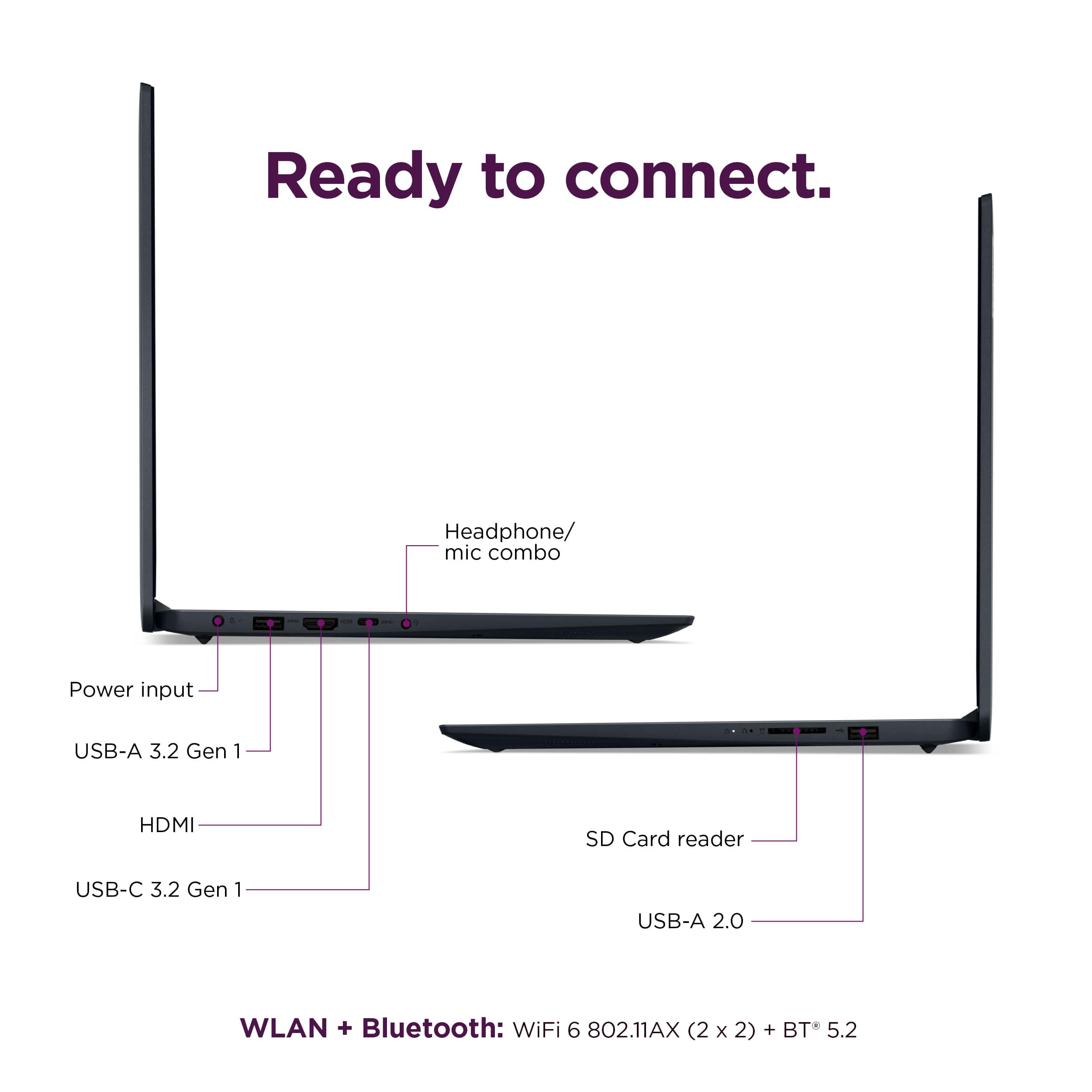
![Unmatched efficiency and mobility. AMD Ryzen 5 7520U Processor, 8GB LPDDR5-5500 memory, Integrated AMD Radeon 610M Graphics, 256GB PCle SSD, Suite - [Proseware, Inc.] - 10% off - Slim Zip Backpack $50 - - - - - - - - - - - - - - - - - - - - - - - - - - - - - - - - - - - - - - - - - - - - - - - - - - - - - - - - - - - - - - - - - - - - - - - - - - - - - - - - - - - - - - - - - - - - - - - - - - - - - - - - - - - - - - - - - - - - - - - - - - - - - - - - - - - - - - - - - - - - - - - - - - - - - - - - - - - - - - - - - - - - - - - - - - - - - - - - - - - - - - - - - - - - - - - - - - - - - - - - - - - - - - - - - - - - - - - - - - - - - - - - - - - - - - - - - - - - - - - - - - - - - - - - - - - - - - - - - - - - - - - - - - - - - - - - - - - - - - - - - - - - - - - - - - - - - - - - - - - - - - - - - - - - - - - - - - - - - - - - - - - - - - - - - - - - - - - - - - - - - - - - - - - - - - - - - - - - - - - - - - - - - - - - - - - - - - - - - - - - - - - - - - - - - - - - - - - - - - - - - - - - - - - - - - - - - - - - - - - - - - - - -](https://pisces.bbystatic.com/image2/BestBuy_US/images/products/6376a14e-e58e-4d66-b18b-3d5463e44a58.jpg)


- Model:
- 82VG00TYUS
- SKU:
- 10287155
Rating by feature
- Battery Life
Rating 4.6 out of 5 stars
- Speed
Rating 4.5 out of 5 stars
- Display
Rating 4.7 out of 5 stars
Customers are saying
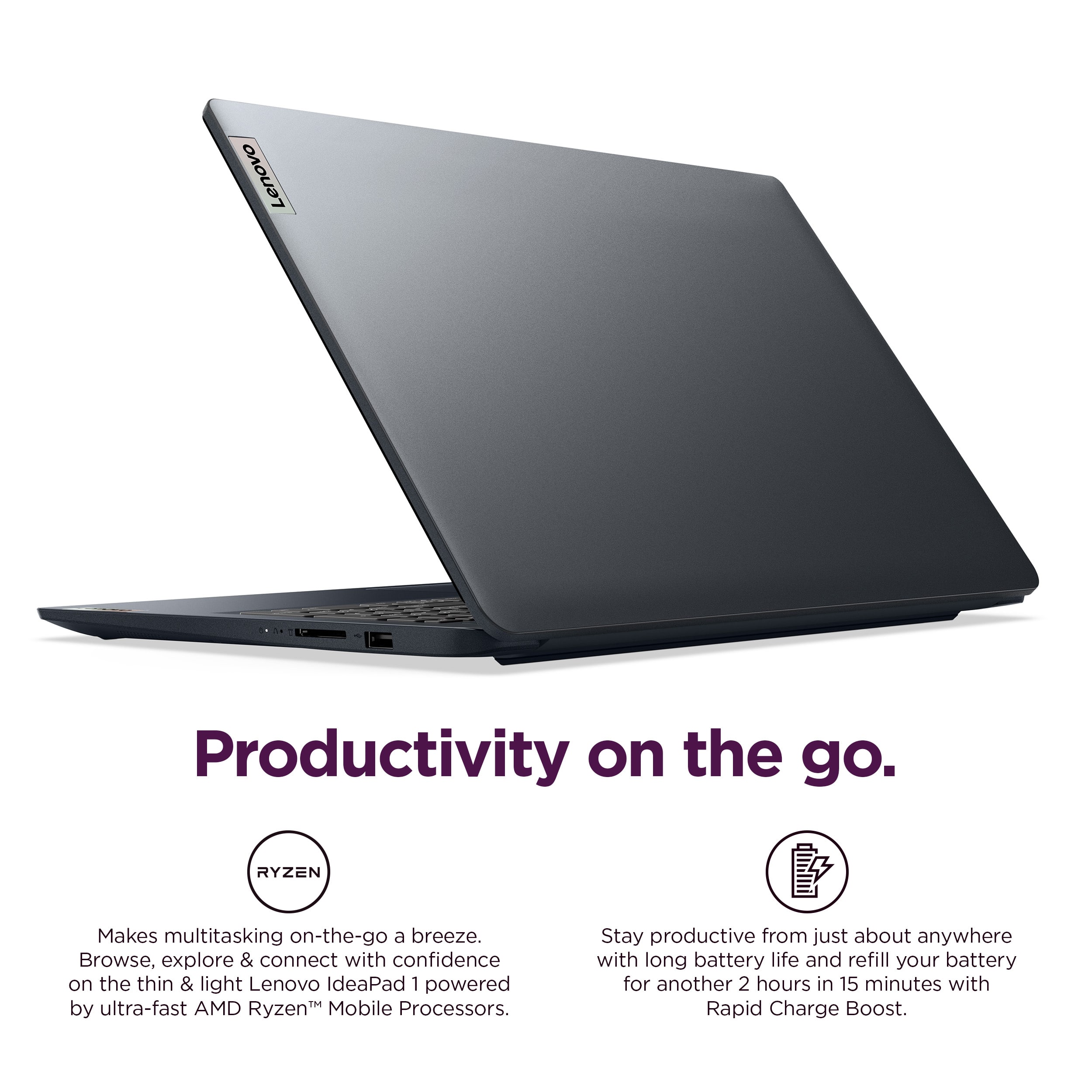
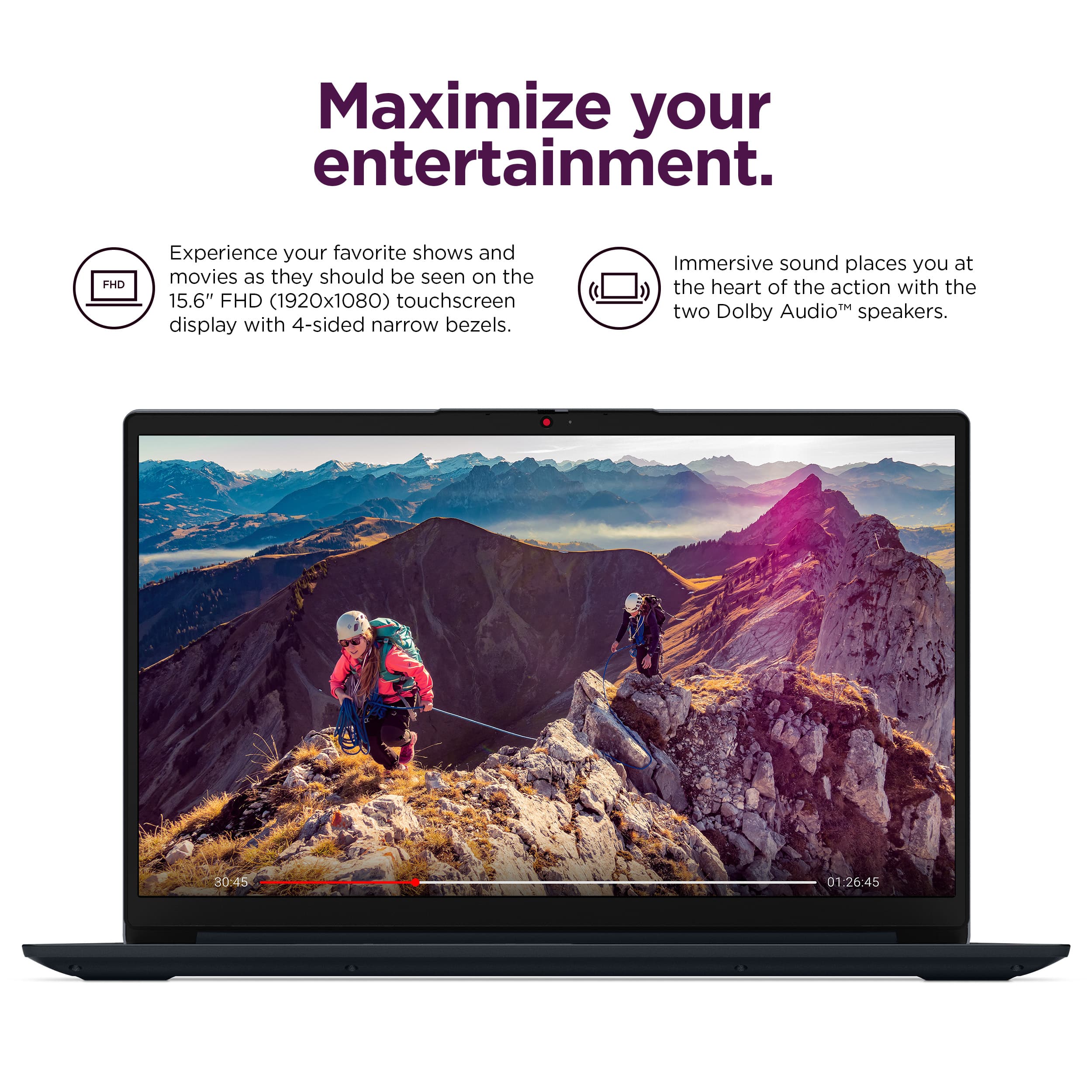
Customers love the IdeaPad 1 15.6" laptop for its smooth and responsive overall performance, convenient touchscreen, and good portability. Many appreciate the processor speed, battery life, and perfect screen size, while others wish it had expandable RAM and more memory. The laptop's lightweight design is also a plus for many users.
This summary was generated by AI based on customer reviews.
Works.
||Posted .This reviewer received promo considerations or sweepstakes entry for writing a review.Does what it is supposed to. Nothing special but good budget laptop.
I would recommend this to a friendBrand response from Lenovo Product Expert
Posted .Hey,
Thank you for choosing Lenovo and for sharing your feedback with us!
We are glad to hear that your IdeaPad 1 meets your needs.
Please feel free to reach out to us should you have any questions.
Best,
Lenovo
Lenovo
||Posted . Owned for 1 week when reviewed.This reviewer received promo considerations or sweepstakes entry for writing a review.nice computer. very happy with it. I am very pleased with Lenovo.
I would recommend this to a friendBrand response from Lenovo Product Expert
Posted .Hey anaarana,
Thank you for choosing Lenovo and for sharing your feedback with us!
We are glad to hear that you are very pleased with your IdeaPad 1.
Please feel free to reach out to us should you have any questions.
Best,
Lenovo
Nice laptop
||Posted . Owned for 3 weeks when reviewed.This reviewer received promo considerations or sweepstakes entry for writing a review.Nice laptop! Excelent seller. This laptop has a great value.
I would recommend this to a friendBrand response from Lenovo Product Expert
Posted .Hey GuilhermeT,
Thank you for choosing Lenovo and for sharing your feedback with us!
We are glad to hear that this IdeaPad 1 is working nicely for you and offers great value.
Please feel free to reach out to us should you have any questions.
Best,
Lenovo
Problem with software?
||Posted .This reviewer received promo considerations or sweepstakes entry for writing a review.This computer seem to have issues with the software. Sometimes it won't type unless I press on turn off button for about, 20 seconds. The computer comes on when I close down the top. I'm sending it back.
No, I would not recommend this to a friendBrand response from Lenovo Product Expert
Posted .Hello,
Thank you for sharing your feedback with us. We're sorry to hear that you ran into an issue. We strive to provide the best experience possible, so if you'd like to, we want to work with you to try to resolve this.
To start, we recommend ensuring you have the latest software by checking for updates, as this could correct the issue. To do so, first, open the Settings app > Select the Windows update tab > Select the Check for updates button, apply all available updates. Next, open the Lenovo Vantage app > on the homepage, select the Check for updates button, following on-screen prompts to apply all available updates here as well.
If after the available updates are applied and the system restarts, yet the issue persists, in-depth troubleshooting will be necessary to fix the problem. We recommend contacting Lenovo Support here: 877-453-6686, for further assistance.
Please don't hesitate to let us know what else we can do to improve your experience, as your satisfaction is important to us.
Best regards,
Lenovo
Great Service
||Posted . Owned for 1 week when reviewed.This reviewer received promo considerations or sweepstakes entry for writing a review.Good buy great assistance they helped me pick out a nice laptop
I would recommend this to a friendBrand response from Lenovo Product Expert
Posted .Hey KatyaA,
Thank you for choosing Lenovo and for sharing your feedback with us!
We are glad to hear that your service received was great.
Please feel free to reach out to us should you have any questions.
Best,
Lenovo
good lap top
||Posted . Owned for 3 weeks when reviewed.This reviewer received promo considerations or sweepstakes entry for writing a review.just as expected. This laptop fits my needs for private use.
I would recommend this to a friendBrand response from Lenovo Product Expert
Posted .Hey RobertG,
Thank you for choosing Lenovo and for sharing your feedback with us!
We are glad to hear that your IdeaPad 1 has met your expectations and that it meets your needs.
Please feel free to reach out to us should you have any questions.
Best,
Lenovo
Mouse icon hard to see.
||Posted . Owned for 1 week when reviewed.This reviewer received promo considerations or sweepstakes entry for writing a review.Using the mouse instead of the touch screen, has been a little slow and sometimes hard to see on the screen.
I would recommend this to a friendBrand response from Lenovo Product Expert
Posted .Hey WilliamC,
Thank you for choosing Lenovo and for sharing your feedback with us.
We'd like to work with you to try to resolve this mouse issue. To start, we recommend reviewing the embedded tabs on this Microsoft Support webpage: https://support.microsoft.com/en-us/windows/change-mouse-settings-e81356a4-0e74-fe38-7d01-9d79fbf8712b, that shares information on adjusting settings to make the mouse pointer more visible. If you go under the "Change how the mouse pointer looks" tab, you can make it larger, a different color, and more.
Please feel free to reach out to us should you have any questions.
Best,
Lenovo
Mom’s laptop
||Posted . Owned for 3 weeks when reviewed.This reviewer received promo considerations or sweepstakes entry for writing a review.Excellent laptop! Well made and easy to use. Mom loves it!
I would recommend this to a friendBrand response from Lenovo Product Expert
Posted .Hey VictoriaB,
Thank you for choosing Lenovo and for sharing your feedback with us!
We are glad to hear that your mom is loving this IdeaPad 1.
Please feel free to reach out to us should you have any questions.
Best,
Lenovo
Laptop
||Posted . Owned for 3 weeks when reviewed.This reviewer received promo considerations or sweepstakes entry for writing a review.The environment was clean and the associates were professional.
I would recommend this to a friendBrand response from Lenovo Product Expert
Posted .Hey there,
Thank you for choosing Lenovo and for sharing your feedback with us!
We are glad to hear that your purchasing experience was pleasant.
Please feel free to reach out to us should you have any questions.
Best,
Lenovo
A great laptop
||Posted . Owned for 3 weeks when reviewed.This reviewer received promo considerations or sweepstakes entry for writing a review.Great for work and projects in the office setting.
I would recommend this to a friendBrand response from Lenovo Product Expert
Posted .Hey MikeS,
Thanks for choosing Lenovo and for sharing your feedback with us!
We are glad to read that this IdeaPad 1 is working great for you use.
Please feel free to reach out to us via the Q& A section of this product page should you have any questions or need assistance.
Best,
Lenovo
Lenovo Laptop
||Posted . Owned for 1 week when reviewed.This reviewer received promo considerations or sweepstakes entry for writing a review.Great value for Lenovo laptop for the specs it offers!
I would recommend this to a friendBrand response from Lenovo Product Expert
Posted .Hi TheiaM,
Thanks for choosing Lenovo and for sharing your feedback with us!
We are pleased to read that this IdeaPad 1 offers great value to you.
Please feel free to reach out to us via the Q& A section of this product page should you have any questions or need assistance.
Best,
Lenovo
Perfect
||Posted .This reviewer received promo considerations or sweepstakes entry for writing a review.Great computer for the price, does what we need it for
I would recommend this to a friendBrand response from Lenovo Product Expert
Posted .Hey TylerR,
Thank you for choosing Lenovo and for sharing your feedback with us!
We are glad to hear that this IdeaPad 1 is perfect for your needs.
Please feel free to reach out to us should you have any questions.
Best,
Lenovo
Do better
||Posted . Owned for 3 weeks when reviewed.This reviewer received promo considerations or sweepstakes entry for writing a review.We came into Best Buy to purchase a computer for my new semester in school. We were not greeted. No one came over to us. We went to some of the sales associates to get some support. They ignored us or told us that someone would come and then no one came we literally had to flag down a young man. I do not recall his name, but he was extremely helpful. if I did not desperately need a computer, I would have left. You guys really need to work on your customer service and make sure that your electronic area is specifically computer areas are stocked with people to support your customers. Very disappointed thank goodness for this young man who I don’t remember his name who helped me eventually, but this was unacceptable
I would recommend this to a friendLenovo value priced laptop
||Posted . Owned for less than 1 week when reviewed.This reviewer received promo considerations or sweepstakes entry for writing a review.Decent laptop for the price and what i needed it for.
I would recommend this to a friendBrand response from Lenovo Product Expert
Posted .Hi CAMD,
Thanks for choosing Lenovo and for sharing your feedback with us!
We are pleased to read that this IdeaPad 1 meets your needs.
Please feel free to reach out to us via the Q& A section of this product page should you have any questions or need assistance.
Best,
Lenovo
George laptop
||Posted . Owned for 1 week when reviewed.This reviewer received promo considerations or sweepstakes entry for writing a review.Down size from my desktop works great . Easy to work with
I would recommend this to a friendBrand response from Lenovo Product Expert
Posted .Hey GeorgeI,
Thank you for choosing Lenovo and for sharing your feedback with us!
We are glad to hear that your IdeaPad 1 is working great for you.
Please feel free to reach out to us should you have any questions.
Best,
Lenovo
Laptop
||Posted . Owned for 2 weeks when reviewed.This reviewer received promo considerations or sweepstakes entry for writing a review.Great for my husbands business. Sound is good as well
I would recommend this to a friendBrand response from Lenovo Product Expert
Posted .Hey JenniferD,
Thank you for choosing Lenovo and for sharing your feedback with us!
We are glad to hear that this IdeaPad 1 is great fit for your husband's use.
Please feel free to reach out to us should you have any questions.
Best,
Lenovo
computer
||Posted . Owned for 1 month when reviewed.This reviewer received promo considerations or sweepstakes entry for writing a review.pretty nice computer love the touch screen on it i love watching movies on it
I would recommend this to a friendBrand response from Lenovo Product Expert
Posted .Hey Bella,
Thanks for choosing Lenovo and for sharing your feedback with us!
We are glad to read that this IdeaPad 1 is working quite nicely for you.
Please feel free to reach out to us via the Q& A section of this product page should you have any questions or need assistance.
Best,
Lenovo
Lenovo Laptop
||Posted . Owned for 3 weeks when reviewed.This reviewer received promo considerations or sweepstakes entry for writing a review.Excellent computer with great quality and graphics.
I would recommend this to a friendBrand response from Lenovo Product Expert
Posted .Hey RavenC,
Thank you for choosing Lenovo and for sharing your feedback with us!
We are glad to hear that your IdeaPad 1 is working out excellently for you.
Please feel free to reach out to us should you have any questions.
Best,
Lenovo
Great Pick
||Posted .This reviewer received promo considerations or sweepstakes entry for writing a review.Fast and easy to navigate. Works great for my classes.
I would recommend this to a friendBrand response from Lenovo Product Expert
Posted .Hey Angiesully2,
Thank you for choosing Lenovo and for sharing your feedback with us!
We are glad to hear that your IdeaPad 1 is working great for your use.
Please feel free to reach out to us should you have any questions.
Best,
Lenovo
Good
||Posted . Owned for 1 month when reviewed.This reviewer received promo considerations or sweepstakes entry for writing a review.Good Price, Good quality If I need to buy a laptop again, I will buy it.
I would recommend this to a friendBrand response from Lenovo Product Expert
Posted .Hey TaehwanS,
Thanks for choosing Lenovo and for sharing your feedback with us!
We are glad to read that your experience with the IdeaPad 1 has been good.
Please feel free to reach out to us via the Q& A section of this product page should you have any questions or need assistance.
Best,
Lenovo