Customer Ratings & Reviews


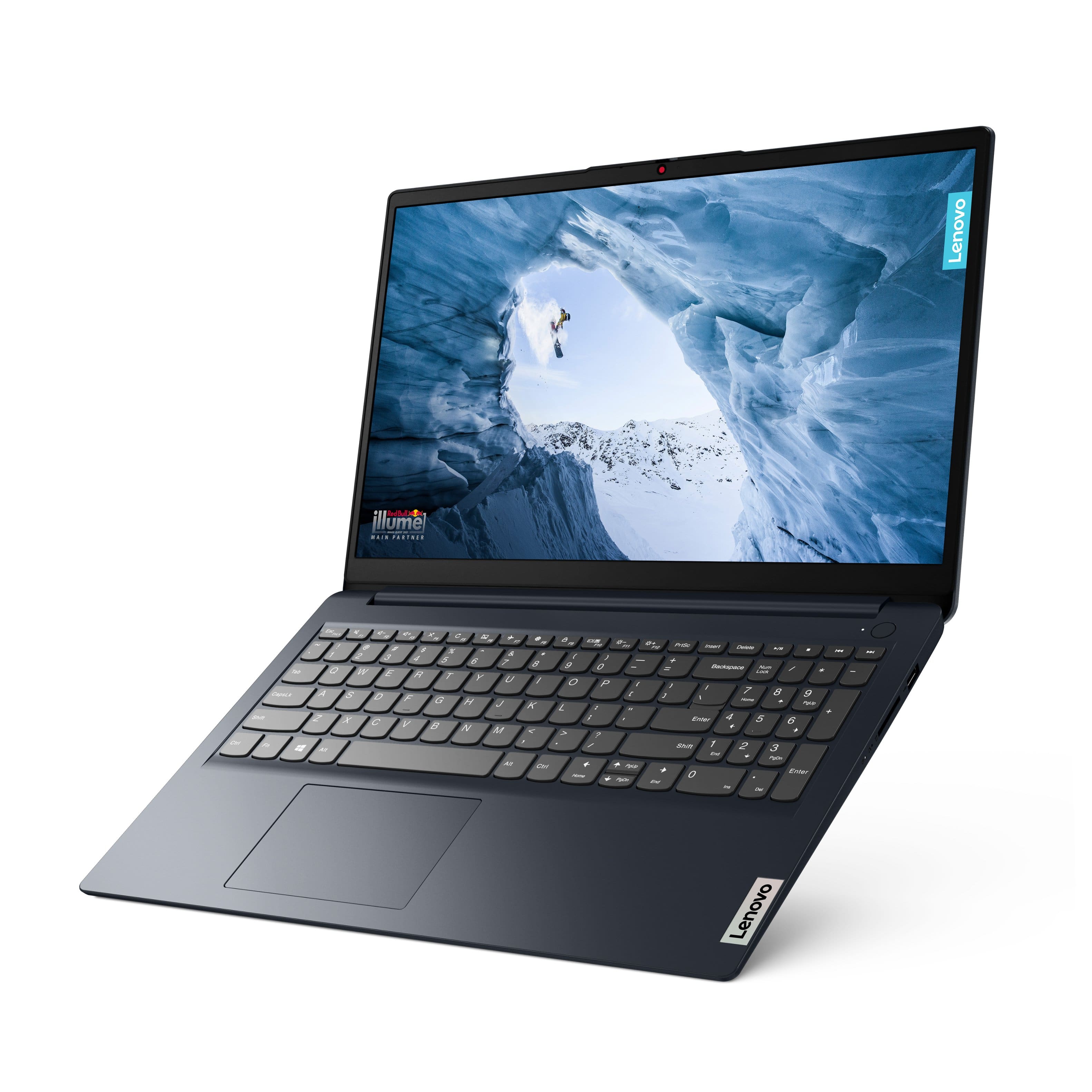
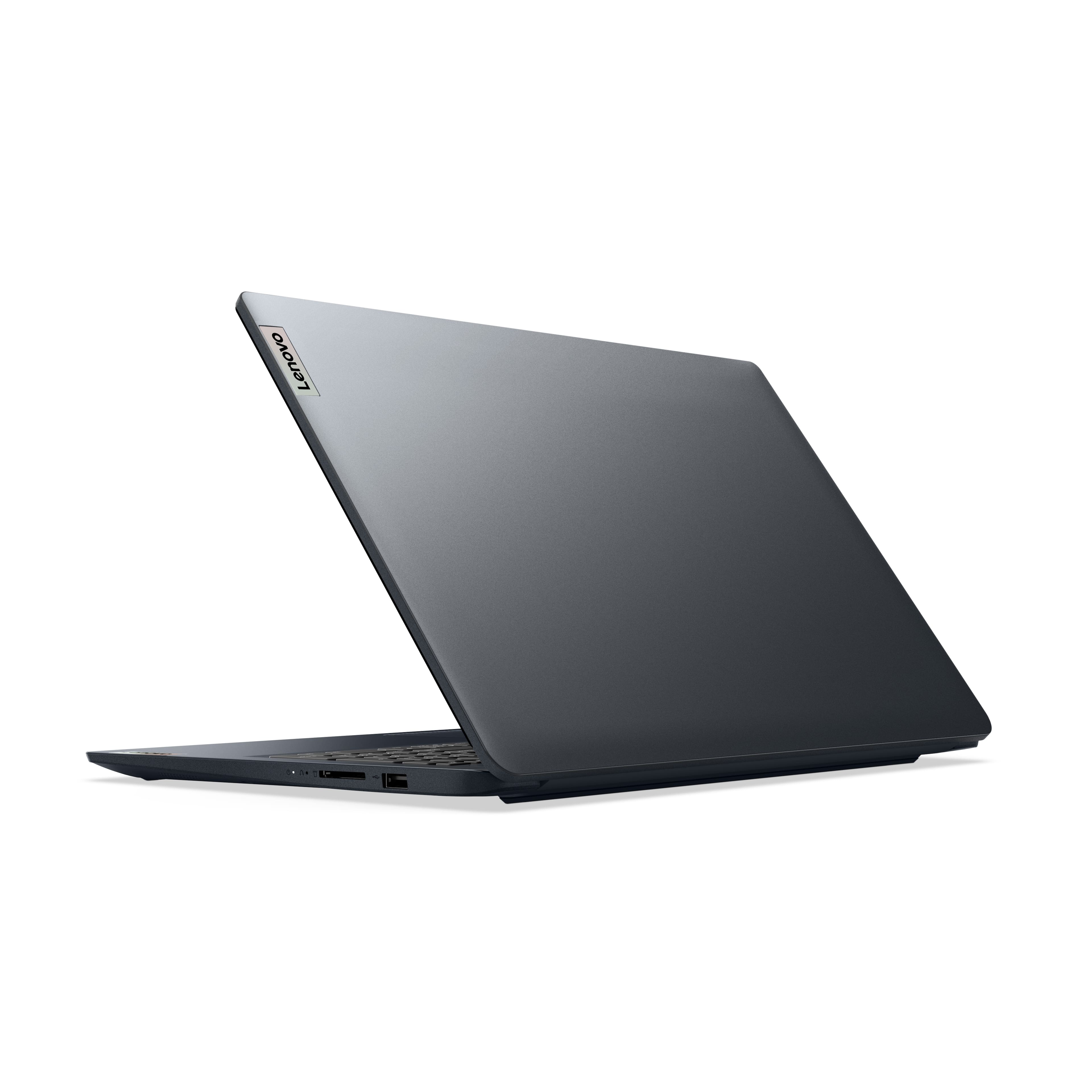
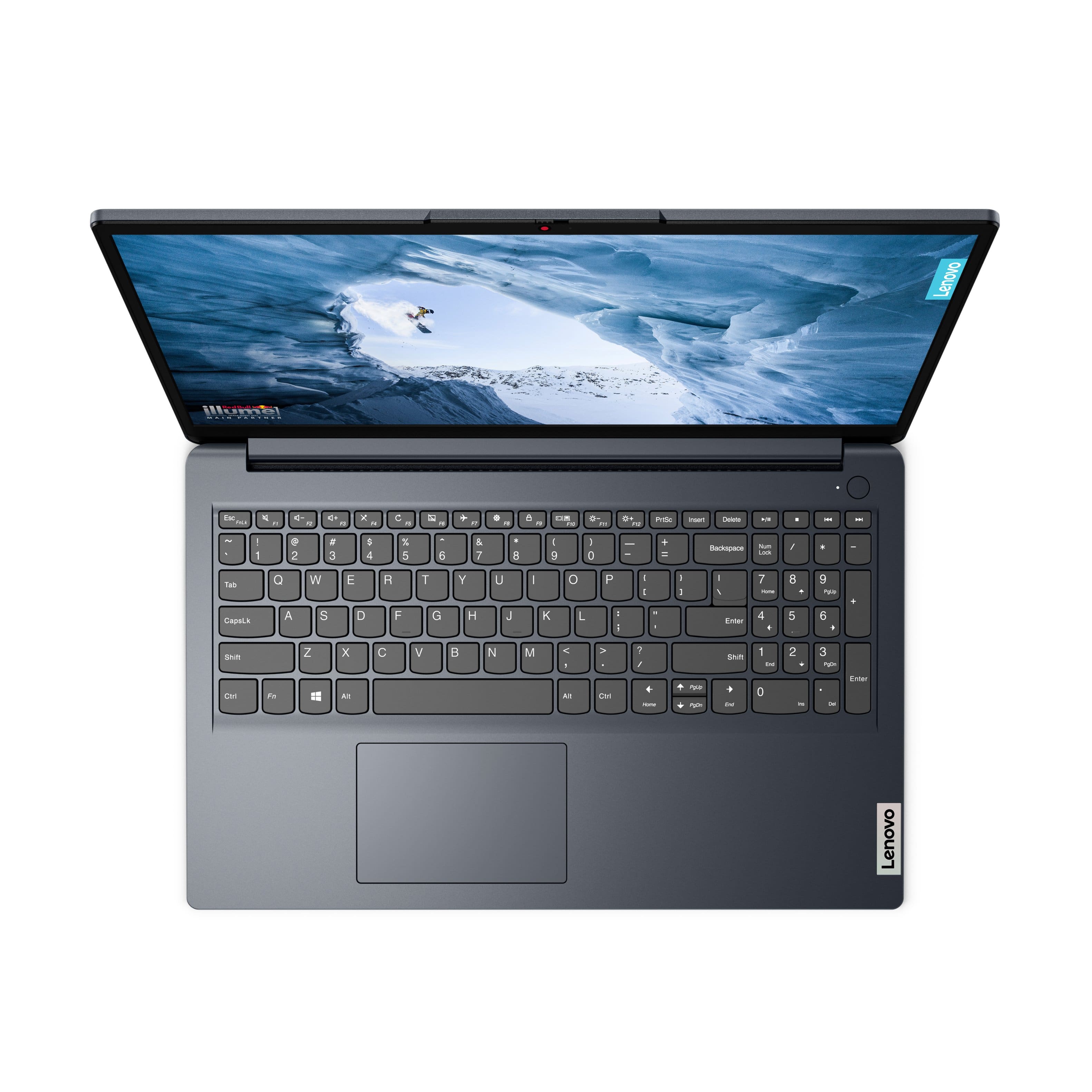
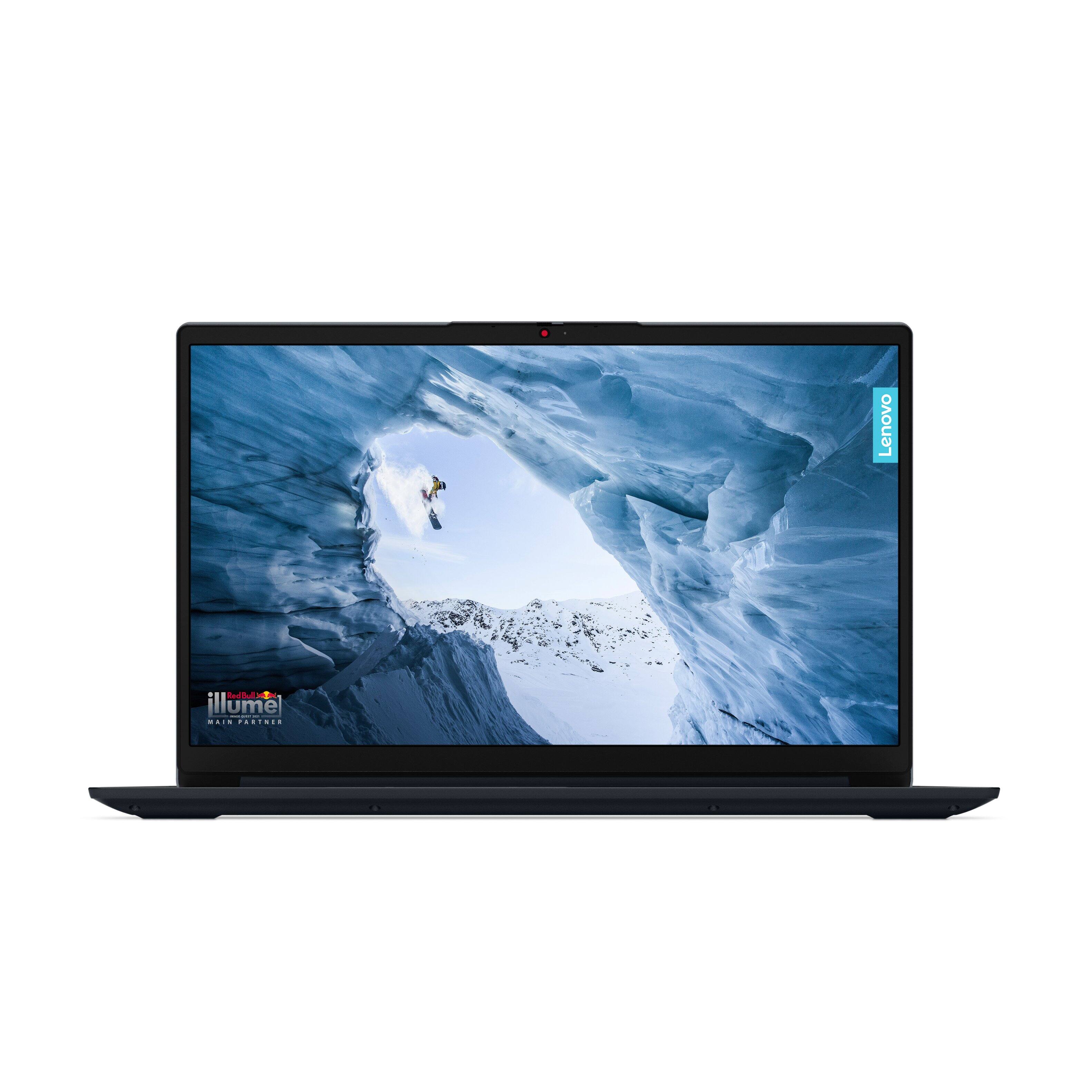

- Model:
- 82VG00QFUS
- SKU:
- 6588662
Rating by feature
- Battery Life
Rating 4.5 out of 5 stars
- Speed
Rating 4.5 out of 5 stars
- Display
Rating 4.3 out of 5 stars
Customers are saying
Customers are positive about the IdeaPad 1's performance, ease of use, ample RAM and storage, lightweight design, and long battery life. Many appreciate its value for the price. However, customers are negative about the screen quality, citing issues such as washed-out colors and grainy resolution. The overall experience appears to be positive for most users despite this drawback.
This summary was generated by AI based on customer reviews.
Piece of garbage
Posted .This reviewer received promo considerations or sweepstakes entry for writing a review.Worst laptop I have EVER bought. I’ve had it for a year. It was a little slow from the beginning, but now it’s consistently crashing and now I can’t even turn on my wifi.
No, I would not recommend this to a friendBrand response from Lenovo Product Expert
Posted .Hey EmmersonS, we're sorry to hear that you're having this problem with your IdeaPad. To try to resolve this, first, we recommend ensuring you have the latest software by checking for updates, as this could correct the issue. To do so, first, open the Settings app > Select the Windows update tab > Select the Check for updates button. If after the available updates are applied and the system restarts, yet the issue persists, in-depth troubleshooting will be necessary to fix the problem. We recommend contacting Lenovo Support directly by calling this number: 800-426-7378, and providing a representative with details of your issue, so that they may help by providing a solution for you. We appreciate you taking the time to share your feedback with us, as it does not go unnoted.

It sucks
Posted .This reviewer received promo considerations or sweepstakes entry for writing a review.There isn't a minus so I have to give it a 1. Absolutely the worst laptop I have ever had. I have never had a computer that could not stay connected to the internet before this one. I really hate this computer
No, I would not recommend this to a friendBrand response from Lenovo Product Expert
Posted .Hey, LarryH. We're sorry to hear that you're having this problem with your IdeaPad 1. To try to resolve this, first, we recommend ensuring you have the latest software by checking for updates, as this could correct the issue. To do so, first, open the Settings app > Select the Windows update tab > Select the Check for updates button. Next, open the Lenovo Vantage app > on the homepage, select the Check for updates button. If after the available updates are applied and the system restarts, yet the issue persists, in-depth troubleshooting will be necessary to fix the problem. We recommend contacting Lenovo Support for further assistance.