Customer Ratings & Reviews


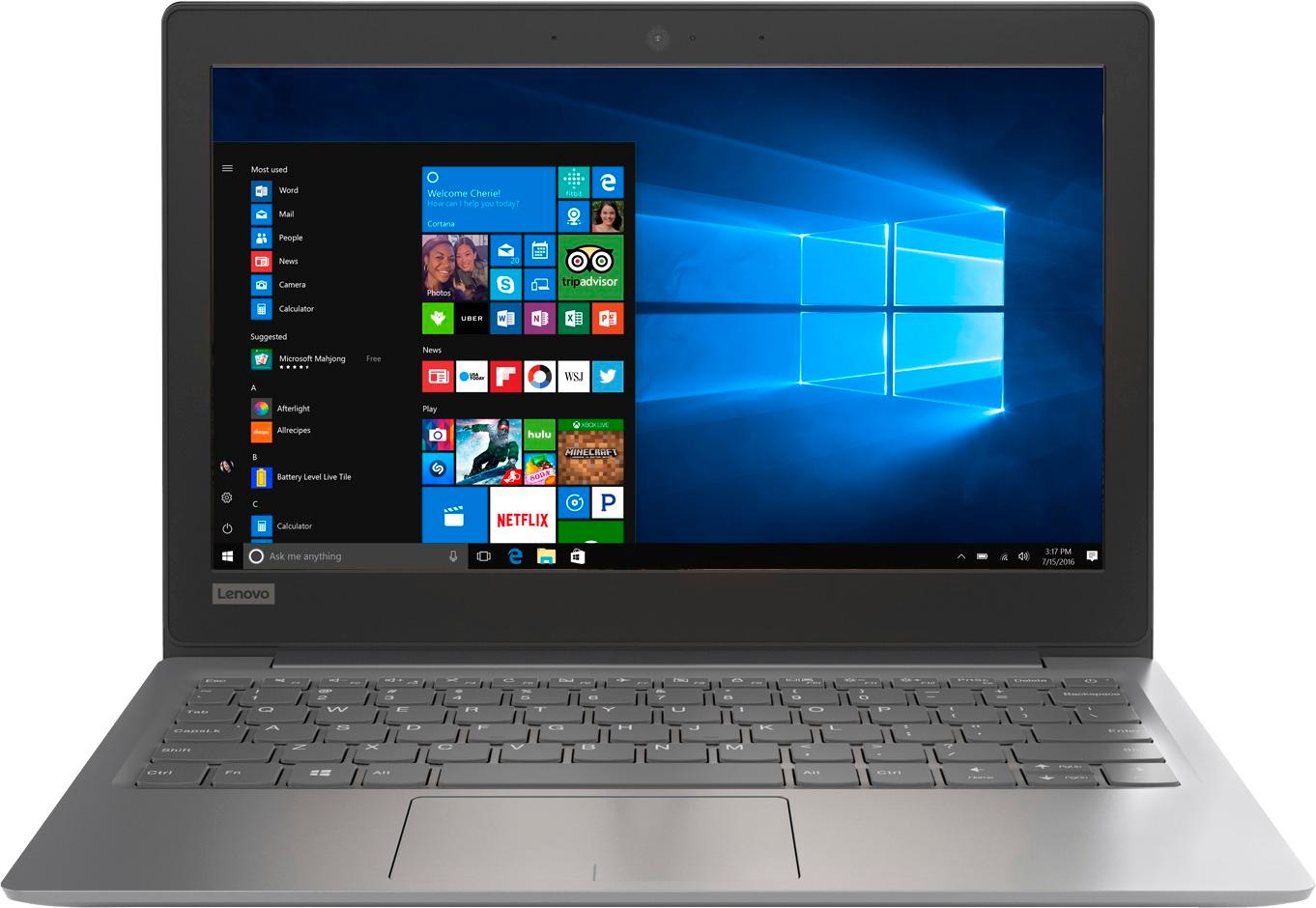
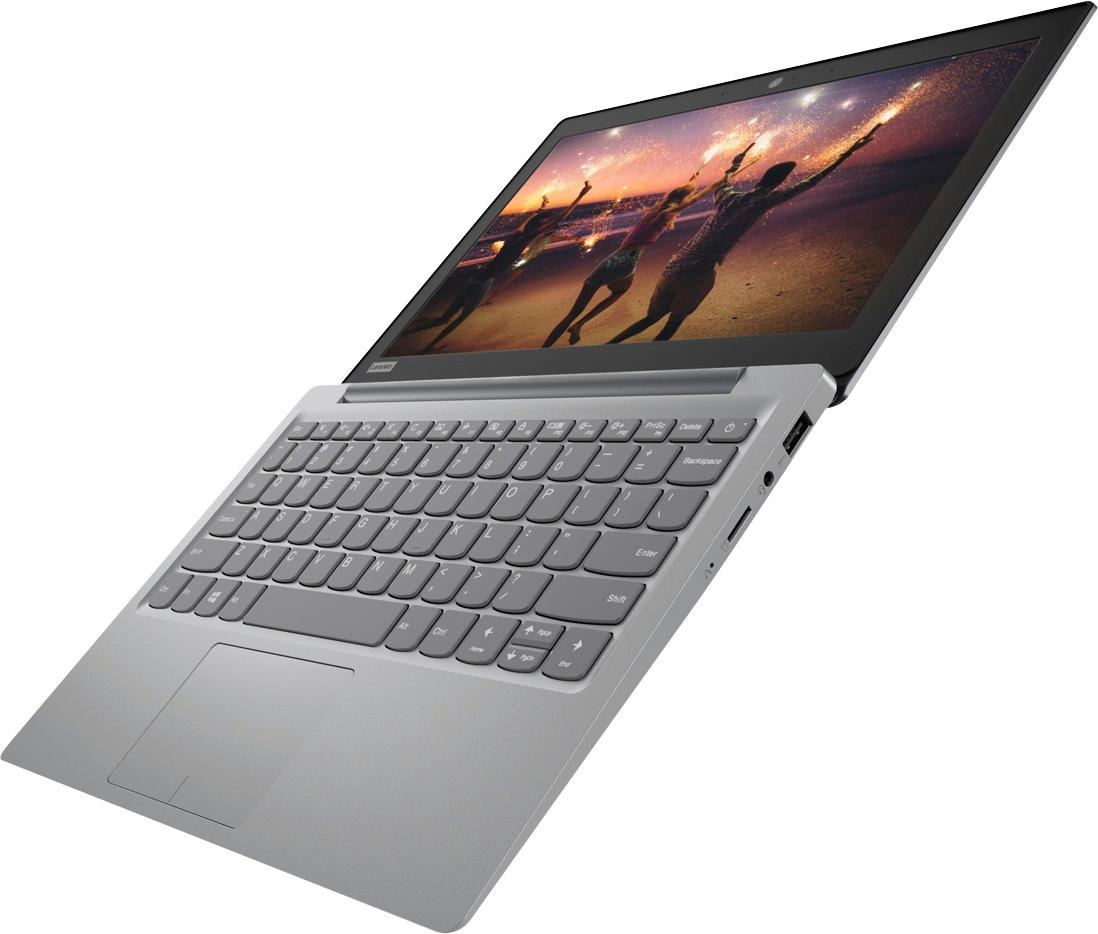

- Model:
- 81A40025US
- SKU:
- 6061800
Rating by feature
- Battery Life
Rating 4.7 out of 5 stars
- Speed
Rating 3.8 out of 5 stars
- Value
Rating 3.6 out of 5 stars
Customers are saying
Customers love the IdeaPad 11.6" Laptop for its budget-friendly price, portability, and lightweight design. Many reviewers mentioned that it is a great laptop for basic tasks and everyday use. However, some customers expressed concerns about its limited storage space, slow performance, and low memory, which may not be suitable for more demanding tasks or multitasking.
This summary was generated by AI based on customer reviews.
- Pros mentioned:Light weight
Cute little laptop
||Posted .This reviewer received promo considerations or sweepstakes entry for writing a review.This is a cute little laptop for light weight application especially for browsing and also it is more than a tablet.
I would recommend this to a friendBrand response from Lenovo Product Expert
Posted .Thank you for choosing the Lenovo IdeaPad 120s-11 laptop. We are pleased to hear that the features and performance of the IdeaPad 120s-11 meets your computing needs so well.

- Pros mentioned:Portable
Great Book
||Posted .This reviewer received promo considerations or sweepstakes entry for writing a review.I purchased this for my son’s 12th Birthday a couple of weeks ago and he loves it. It’s very sleek and lightweight.
I would recommend this to a friendBrand response from Lenovo Product Expert
Posted .Thank you for choosing the Lenovo IdeaPad 120s-11 laptop for your son. We are pleased to hear that the features and performance of the IdeaPad 120s-11 meets your son's computing needs so well.
- Pros mentioned:PortableCons mentioned:Storage
Good for the price I
||Posted .This reviewer received promo considerations or sweepstakes entry for writing a review.It’s light weight and small, which is a plus. It’s easy to transport to different locations without feeling this big weight with you. It’s not super fast, but the speed is adaquate enough. I have opened multiple applications without experiencing too much of a slowdown. The space is limited, so this does not replace a laptop.
I would recommend this to a friendBrand response from Lenovo Product Expert
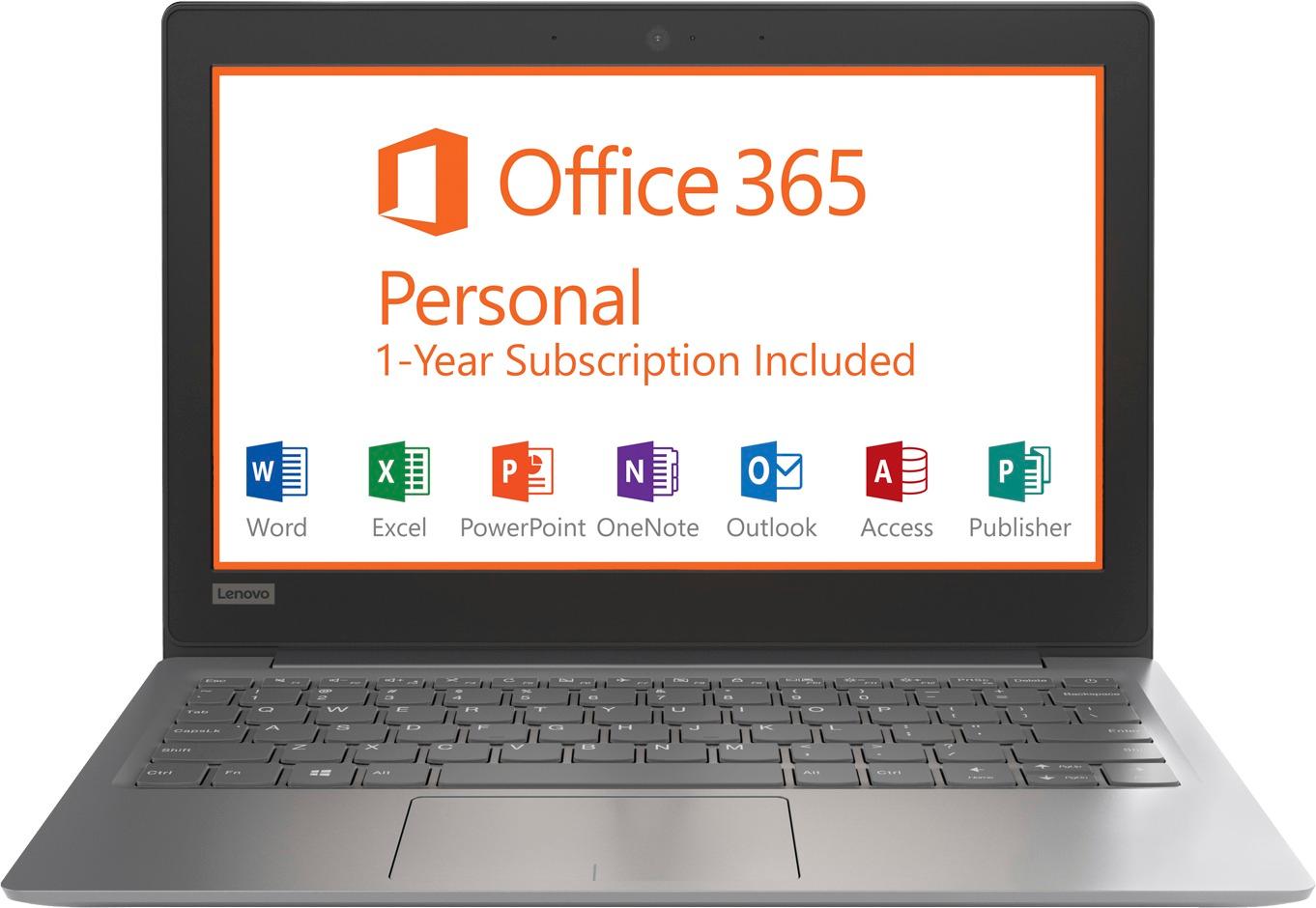
Posted .Thank you for choosing the Lenovo IdeaPad 120s-11 laptop. We are pleased to hear that the IdeaPad 120s-11 meets your computing needs so well. This is an entry level, light use computer system. It uses Windows 10 Home 64-Bit as its operating system, which requires less than 2GB of RAM to run. There is a 32GB solid state hard drive on this device for fast boot up and file recall. You can add more storage space, if needed, by using the Micro-SD card slot on this device or use a USB-based external hard drive. This device has the latest WiFi capability, with 802.11AC connectivity. There is a free 1-year subscription to Microsoft Office 365, a $69.00 value on this device. If your requirements fit this profile, this device is a good choice.

- Cons mentioned:Low memory
Good for Light Use
||Posted .This reviewer received promo considerations or sweepstakes entry for writing a review.I bought this to give to my kids in order for them to do school work (using Office apps) and to browse the internet and play online flash games. This laptop is perfect for that and inexpensive enough that I will not be too worried about them breaking it. However if you need to do something that requires a lot of memory (like running any downloaded games or modelling software), this is not the laptop for you.
I would recommend this to a friendBrand response from Lenovo Product Expert
Posted .Thank you for choosing the Lenovo IdeaPad 120s-11 laptop for your children. This is an entry level, light use computer system. It uses Windows 10 Home 64-Bit as its operating system, which requires less than 2GB of RAM to run. There is a 32GB solid state hard drive on this device for fast boot up and file recall. This device has the latest WiFi capability, with 802.11AC connectivity. There is a free 1-year subscription to Microsoft Office 365, a $69.00 value on this device. If your requirements fit this profile, this device is a good choice.
Gift for daughter
||Posted .This reviewer received promo considerations or sweepstakes entry for writing a review.My daughter has been wanting a laptop for the longest time and I love lenovo because that's all we use at work (they never let us down). Perfect gift for a starter laptop
I would recommend this to a friendBrand response from Lenovo Product Expert
Posted .Thank you for choosing the Lenovo IdeaPad 120s-11 laptop for your daughter. We appreciate your loyalty to the Lenovo Brand.
Good for the price
||Posted .This reviewer received promo considerations or sweepstakes entry for writing a review.I like this laptop I need it for school and maybe stream video but all in all good the speakers not loud but I have a blue tooth speaker works great with worth the money
I would recommend this to a friendBrand response from Lenovo Product Expert
Posted .Thank you for choosing the Lenovo IdeaPad 120s-11 laptop. We are pleased to hear that the value and performance of the Ideapad 120s-11 meets your computing needs so well.
- Pros mentioned:Portable
Great for travel
||Posted .This reviewer received promo considerations or sweepstakes entry for writing a review.This laptop is nice compact and lightweight. It is easy to transport it.
I would recommend this to a friendBrand response from Lenovo Product Expert
Posted .Thank you for choosing the Lenovo IdeaPad 120s-11 laptop. We are pleased to hear that the features and performance of the IdeaPad 120s-11 meets your computing needs so well.
On the GO
||Posted .This reviewer received promo considerations or sweepstakes entry for writing a review.A bit tiny for my hands but they make great gifts. I gave one to my dad as an early Christmas present, since he's been complaining about not having one to play poker.
I would recommend this to a friend- Pros mentioned:Price
Efficient laptop
||Posted .This reviewer received promo considerations or sweepstakes entry for writing a review.Does it's job at a great price. Nothing fancy. Just need for internet.
I would recommend this to a friendBrand response from Lenovo Product Expert
Posted .Thank you for choosing the Lenovo IdeaPad 120s-11 laptop. We are pleased to hear that the value and performance of the IdeaPad 120s-11 meets your computing needs so well.
- Pros mentioned:PriceCons mentioned:Low memory
Good little windows computer
||Posted .This reviewer received promo considerations or sweepstakes entry for writing a review.Does what it needs to for the price if you don't need something with a lot of memory
I would recommend this to a friendBrand response from Lenovo Product Expert
Posted .Thank you for choosing the Lenovo IdeaPad 120s-11 laptop. We are pleased to hear that the value and performance of the IdeaPad 120s-11 meets your computing needs so well.
- Pros mentioned:Portable
Lenevo Ideapad 11.6 inch Laptop
||Posted .This reviewer received promo considerations or sweepstakes entry for writing a review.The laptop is compact and not too heavy. The screen is ok but could be brighter. The celeron processor is not powerful enough for Windows 10. It is very slow and just to start is painfully slow!
No, I would not recommend this to a friendBrand response from Lenovo Product Expert
Posted .This is an entry level, light use system. It uses Windows 10 Home 64-Bit as its operating system, which requires less than 2GB of RAM to run. There is a 32GB solid state hard drive for quick boot up and quick loading of programs and files. If you are experiencing slow startup, be sure any programs you have installed are compatible with Windows 10. You may want to reset your device back to original factory settings and install only Windows 10 compatible programs. This device has the latest WiFi capability, with 802.11AC connectivity. If your requirements fit this profile, this device is a good choice.
- Pros mentioned:PriceCons mentioned:Slow
what a deal!
||Posted .This reviewer received promo considerations or sweepstakes entry for writing a review.I needed a replacement for travel with little bells and whistles and this fits the bill. Others complained of speed issues but by adding a hefty micro sd card saved the day and I have had no issues. This purchase costs less than even getting a diagnosis on my old travel laptop so this works for me!
I would recommend this to a friendBrand response from Lenovo Product Expert
Posted .Thank you for choosing the Lenovo IdeaPad 120s-11 laptop. We are pleased to hear that the value, features and performance of the IdeaPad 120s-11 meets your travel computing needs so well.
- Pros mentioned:Portable
Greatest purchase
||Posted .This reviewer received promo considerations or sweepstakes entry for writing a review.Light and easy to carry. Fits in my backpack for work functions great. Fast keeps up with all my work I do.
I would recommend this to a friendBrand response from Lenovo Product Expert
Posted .Thank you for choosing the Lenovo IdeaPad 120s-11 laptop. We are pleased to hear that the IdeaPad 120s-11 works out so well for you.
Chromebook for Christmas
||Posted .This reviewer received promo considerations or sweepstakes entry for writing a review.I got this Chromebook as a Christmas gift for my 10 yr old daughter on Black Friday. It has decent specs for the $99 I paid for it. I can't wait to give it to her.
I would recommend this to a friend- Cons mentioned:Storage
Great companion to my desktop
||Posted .This reviewer received promo considerations or sweepstakes entry for writing a review.For the money (bought this open-box) it’s really a nice lightweight notebook. It could use a bit more “hard-drive” storage (Windows 10 really likes a lot of “breathing room”), but at least Microsoft seems to have improved disk clean-up on devices with MMC storage. The mobile Office apps work fine, but McAfee is a resource hog. Uninstall it, and you’ll be happy with this netbook/laptop.
I would recommend this to a friendBrand response from Lenovo Product Expert
Posted .Thank you for choosing the Lenovo IdeaPad 120s-11 laptop. If you need more storage space, there is a Micro SD card slot on the device that you can use for more storage space. Also, according to Microsoft Support, you can use an external hard drive when downloading Windows 10 updates for the needed temporary files. Here is a link to an explanation:
https://support.microsoft.com/en-us/help/4013876/windows-10-freeing-up-space-to-install-latest-update
- Pros mentioned:PortableCons mentioned:Storage
Great light thin laptop
||Posted .This reviewer received promo considerations or sweepstakes entry for writing a review.My wife needed something to use for her college classes and was tired of carrying around her full-size laptop. This little machine works great for internet, composing her papers and all around use. She uses an external hard drive or the cloud to save her work because of the small capacity
I would recommend this to a friendBrand response from Lenovo Product Expert
Posted .Thank you for choosing the Lenovo IdeaPad 120s-11 laptop for your wife. We are pleased to hear that the performance of the IdeaPad 120s-11 meets your wife's computing needs so well.
- Pros mentioned:Light weight, Size
Not bad for my in home use.
||Posted .This reviewer received promo considerations or sweepstakes entry for writing a review.I bought this tablet computer because at home I needed something light and small.
I would recommend this to a friendBrand response from Lenovo Product Expert
Posted .Thank you for choosing the Lenovo IdeaPad 120s-11 laptop. We are pleased to hear that the features and performance of the IdeaPad 120s-11 meets your computing needs so well.
- Cons mentioned:Ram, Storage
Great basic system
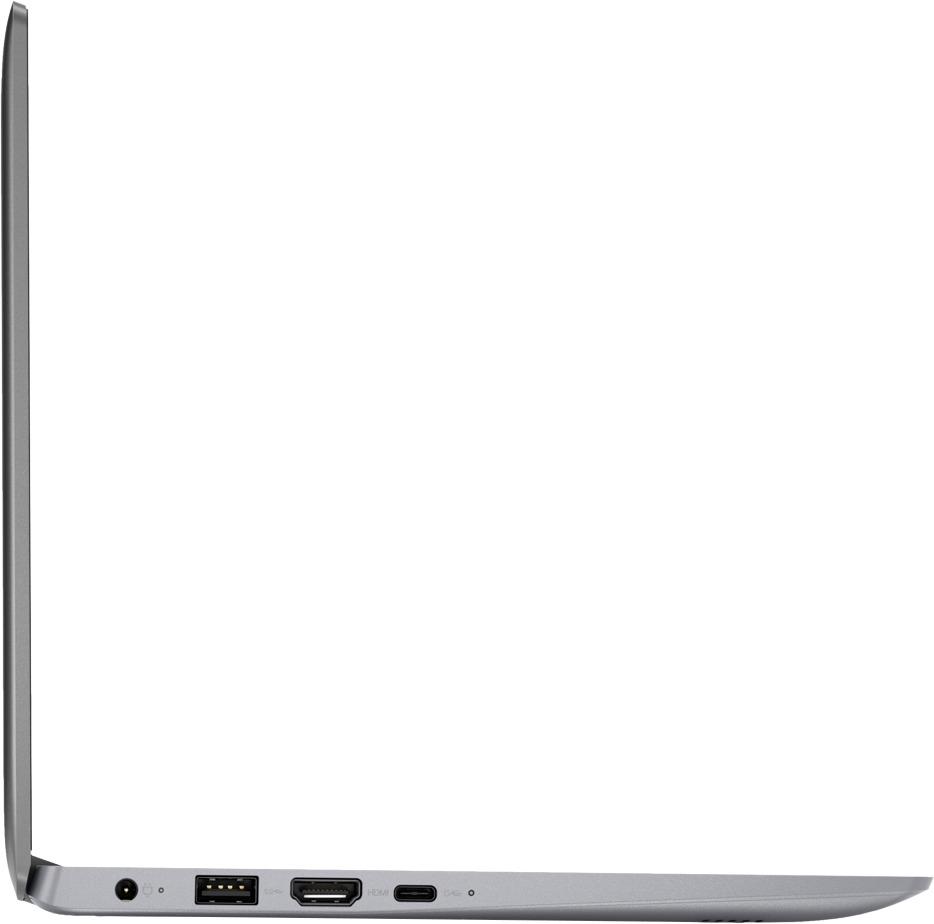
||Posted .This reviewer received promo considerations or sweepstakes entry for writing a review.I am able to do all the things I need it for,,,but it does have a few limitations : only 32 gig non removable/non upgradable SSD drive (way too small)- only 2gb RAM (also no upgradeable)3: limited usb ports. If you are in elementary/ middle school, this is great!!! but otherwise, the limitations are a serious setback.
I would recommend this to a friendBrand response from Lenovo Product Expert
Posted .This is an entry level, light use system. It uses Windows 10 Home 64-Bit as its operating system, which requires less than 2GB of RAM to run. There is a 32GB solid state hard drive for quick boot up and quick loading of programs and files. This device has the latest WiFi capability, with 802.11AC connectivity. It comes with a free 1-year subscription to Microsoft Office 365, a $69.00 value. If your requirements fit this profile, this device is a good choice.
- Cons mentioned:Storage
Light and very portable
||Posted .This reviewer received promo considerations or sweepstakes entry for writing a review.As with all Lenovos of this vintage the Win 10 touch pad settings are not satisfactory, you'll have to play with the settings to make it respond better. Screen and keyboard are excellent for this size and price point. Don'r plan on heavy processing tasks, the Celeron is some what slow and the SSD space is so limited that WIN 10 updates take a very long time and sometimes crash.
I would recommend this to a friendBrand response from Lenovo Product Expert
Posted .Thank you for choosing the Lenovo IdeaPad 120s-11 laptop. With regard to the touchpad, you can make adjustments to the touchpad in your system settings. You can get there by clicking on the magnifying glass at the bottom left of your Windows 10 screen. Type "touchpad" in the search window. Select "Mouse & touchpad settings" from the list of choices. You can make general adjustments to the touchpad there. You can also select "Additional mouse options" for more detailed adjustments to the touchpad sensitivity by increasing the delay of the touchpad. According to Microsoft Support, you can use an external hard drive, formatted NTFS, when downloading Windows 10 updates for the needed temporary files. Here is a link to an explanation:
https://support.microsoft.com/en-us/help/4013876/windows-10-freeing-up-space-to-install-latest-update
- Cons mentioned:Slow
Slow
||Posted .This reviewer received promo considerations or sweepstakes entry for writing a review.Feels like it cannot get out of its own way. Might be good for a Linux laptop
No, I would not recommend this to a friendBrand response from Lenovo Product Expert
Posted .This is an entry level, light use system. It uses Windows 10 Home 64-Bit as its operating system, which requires less than 2GB of RAM to run. There is a 32GB solid state hard drive for quick boot up and quick loading of programs and files. This device has the latest WiFi capability, with 802.11AC connectivity. It comes with a free 1-year subscription to Microsoft Office 365, a $69.00 value. If your requirements fit this profile, this device is a good choice.