Customer Ratings & Reviews


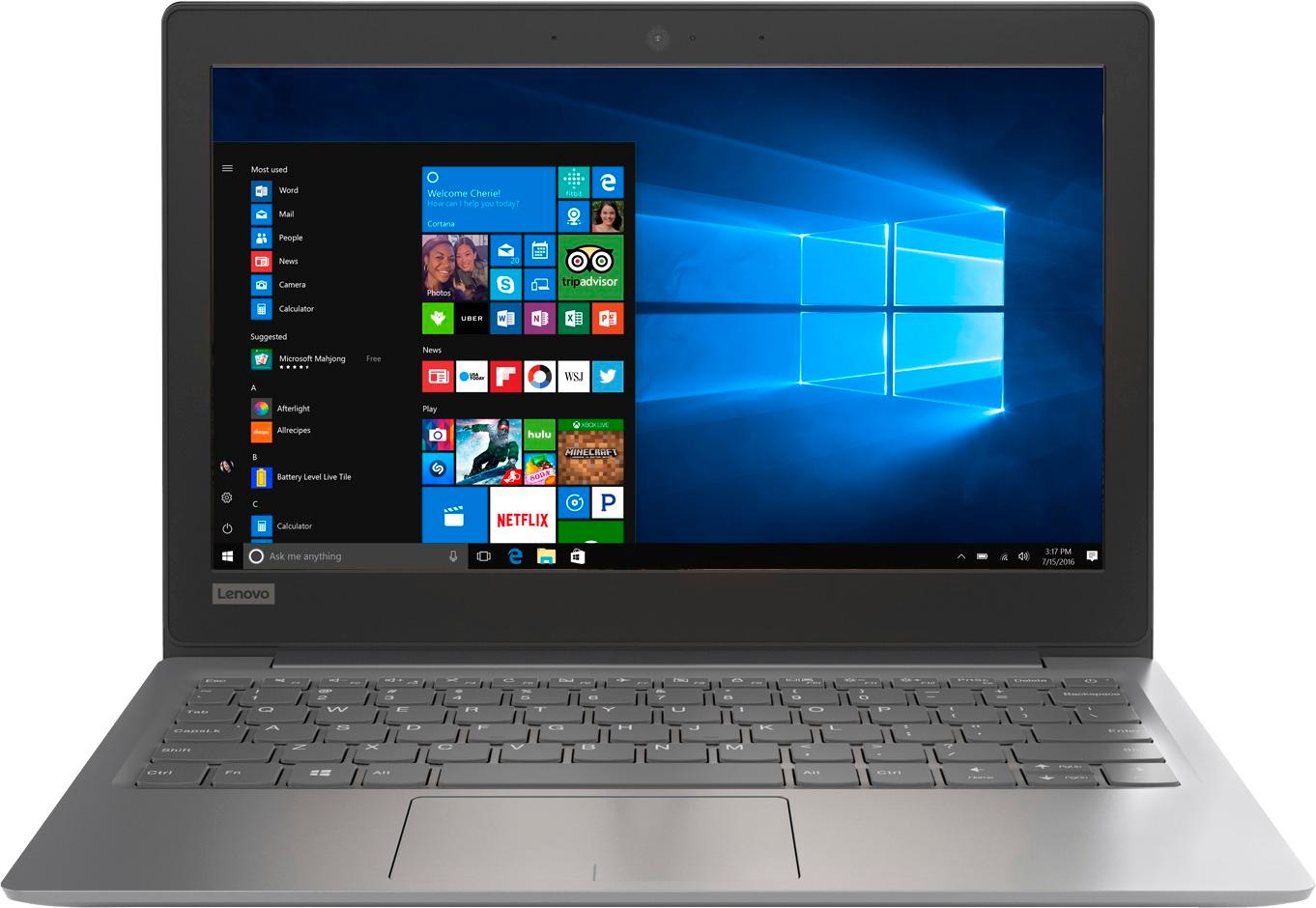
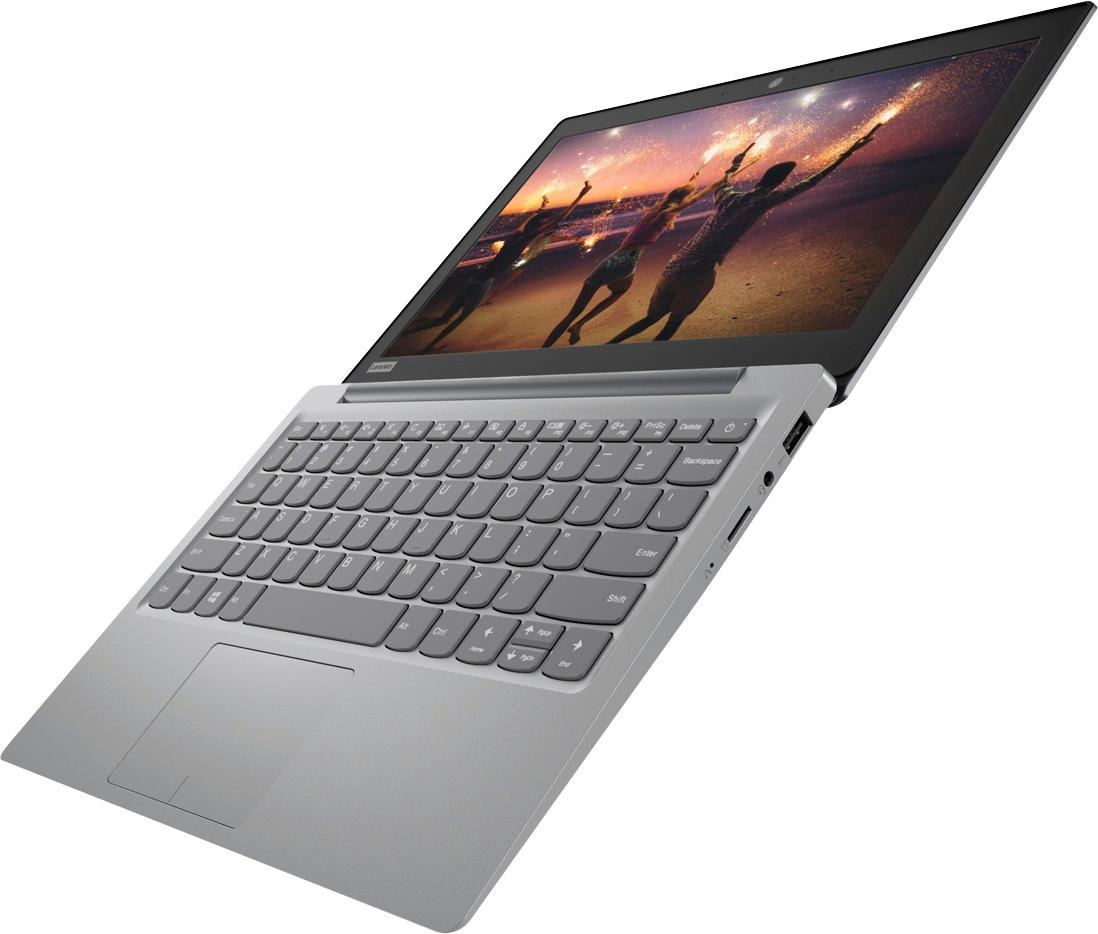

- Model:
- 81A40025US
- SKU:
- 6061800
Rating by feature
- Battery Life
Rating 4.7 out of 5 stars
- Speed
Rating 3.8 out of 5 stars
- Value
Rating 3.6 out of 5 stars
Customers are saying
Customers love the IdeaPad 11.6" Laptop for its budget-friendly price, portability, and lightweight design. Many reviewers mentioned that it is a great laptop for basic tasks and everyday use. However, some customers expressed concerns about its limited storage space, slow performance, and low memory, which may not be suitable for more demanding tasks or multitasking.
This summary was generated by AI based on customer reviews.
- Cons mentioned:Slow
Horrible computer
||Posted .This reviewer received promo considerations or sweepstakes entry for writing a review.This computer was horribly slow and would not let anything download. The computer also had pop ups and was unable to work properly.
No, I would not recommend this to a friendBrand response from Lenovo Product Expert
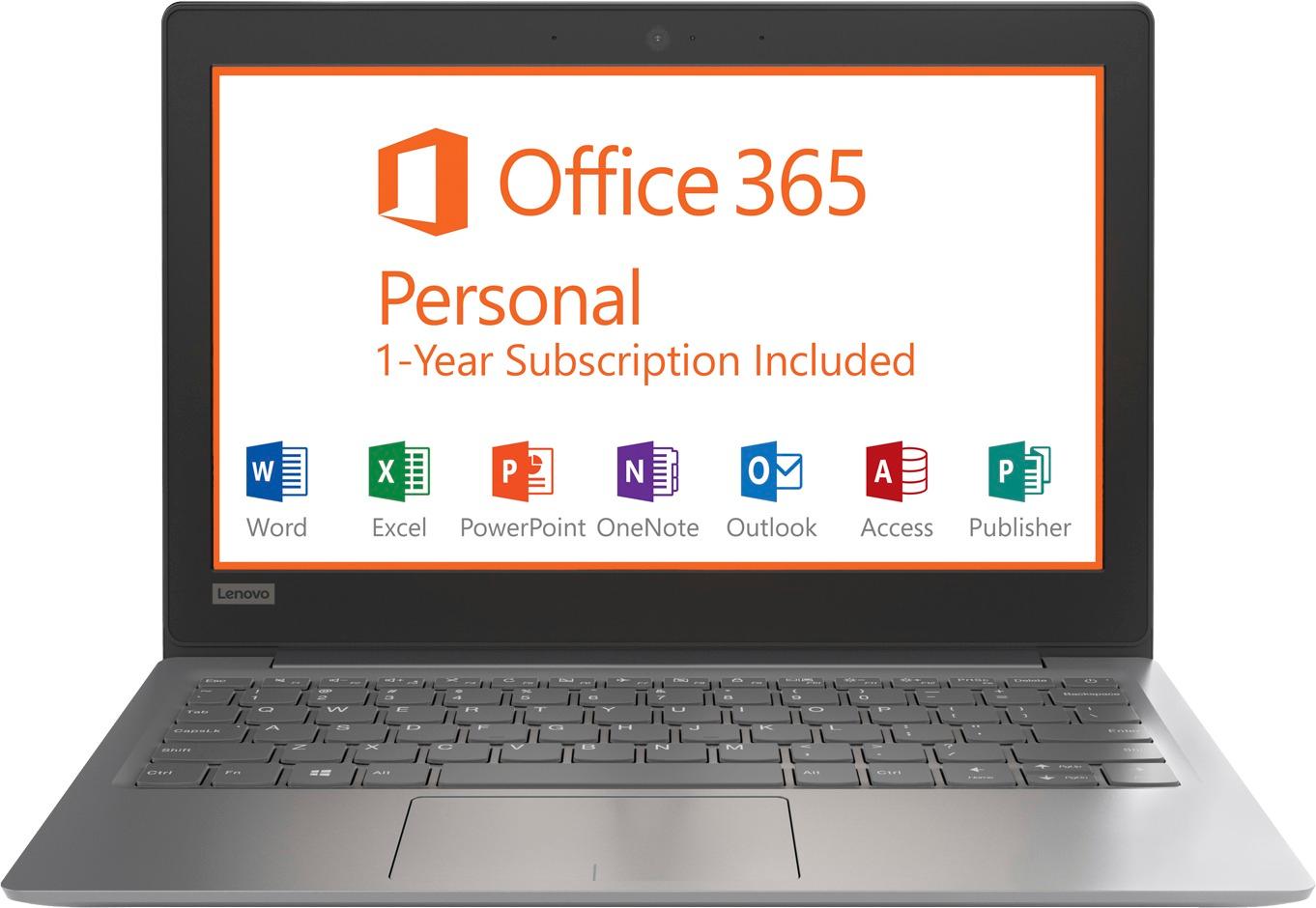
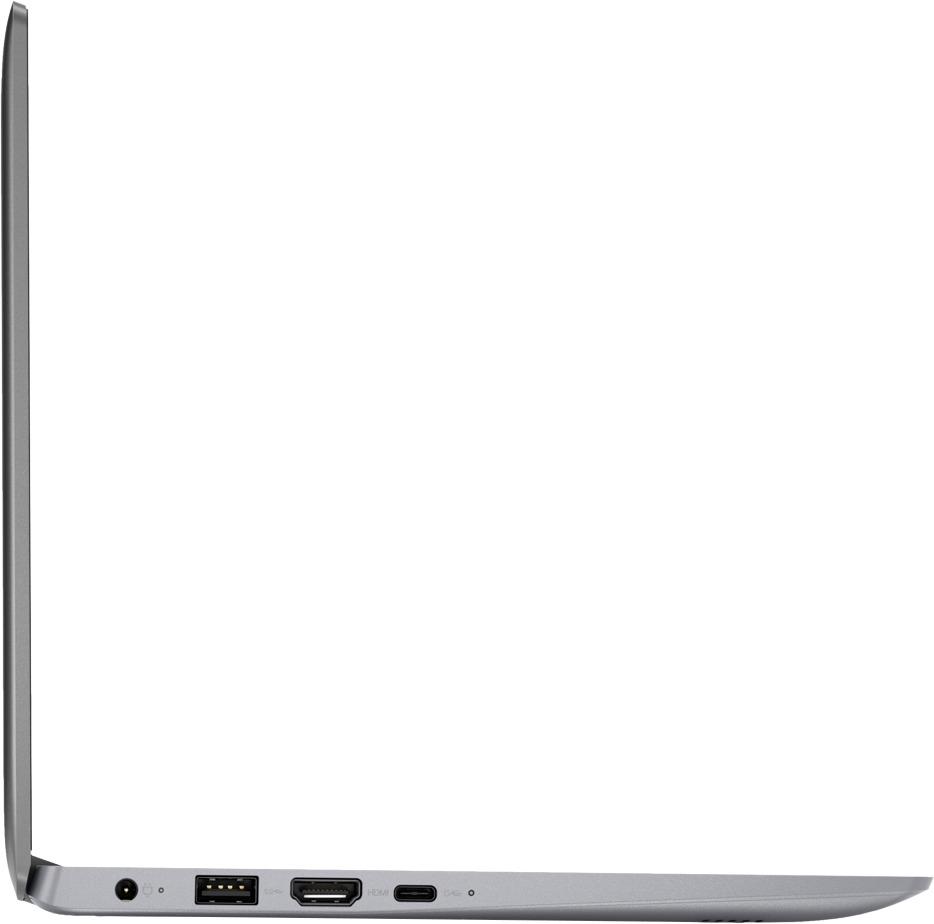
Posted .This is an entry level, light use computer system. It uses Windows 10 Home 64-Bit as its operating system, which requires less than 2GB of RAM to run. There is a 32GB solid state hard drive on this device for fast boot up and file recall. If you need more storage space for this device, there is a Micro-SD card slot on the device that you can use to add more storage space. You can also use a USB-based external hard drive, like a Flash Drive for more storage space. This device has the latest WiFi capability, with 802.11AC connectivity. There is a free 1-year subscription to Microsoft Office 365, a $69.00 value on this device. If your requirements fit this profile, this device is a good choice.

- Cons mentioned:Storage
Flash Memory is too small.
||Posted . Owned for 1.5 years when reviewed.This reviewer received promo considerations or sweepstakes entry for writing a review.The internal flash memory is so small you can't even download and install Windows updates. It has become useless.
No, I would not recommend this to a friend Battery didn't last a month
||Posted .This reviewer received promo considerations or sweepstakes entry for writing a review.I knew this was a cheap computer and I didn't expect much. But, I was pretty surprised when the battery stopped charging after a couple of weeks. It just says charging but remains at 0%. Unplug it and it's dead. I've been trying to get Lenovo to take it back but the best solution so far has been to try to chat and that takes forever. You type two lines of text and wait forever for them to respond. Then, it's cut and paste from general troubleshooting. I didn't need them for that. Anybody need a doorstop?
No, I would not recommend this to a friendBrand response from Lenovo Product Expert
Posted .We are sorry to hear that you are having charging issues with the battery within your Lenovo IdeaPad 120s-11 laptop. It is possible that a reset of the internal battery may solve this charging issue. Here is a link to instructions for resetting a non-removable battery. If you need further assistance, we recommend you call Lenovo Tech Support at: 877-453-6686. Here is the link: https://www.techwalla.com/articles/how-to-reset-a-laptop-battery

- Cons mentioned:Storage
Worst laptop ever
||Posted .This reviewer received promo considerations or sweepstakes entry for writing a review.I bought this to track events and the hard drive is too small to even update windows. Had to return it to get a bigger hard drive.
No, I would not recommend this to a friendBrand response from Lenovo Product Expert
Posted .According to Microsoft Support, you can use an external hard drive when downloading Windows 10 updates for the needed temporary files. Here is a link to an explanation:
https://support.microsoft.com/en-us/help/4013876/windows-10-freeing-up-space-to-install-latest-update
- Cons mentioned:Slow
It’s awful
||Posted .This reviewer received promo considerations or sweepstakes entry for writing a review.It is so slow to just change taps it takes over a minute it is awful not worth the money trust this review from a real buyer
No, I would not recommend this to a friendBrand response from Lenovo Product Expert
Posted .We are sorry to hear that you are having issues with your Lenovo IdeaPad 120s-11 laptop. It should not take 60 seconds for a program to open or change a tab. Be sure any software you installed is compatible with Windows 10. There is no need to install Microsoft Office software. The software is already part of the operating system, in fact, this system comes with a 1-year free subscription of Microsoft Office 365 already installed. If you have installed a copy of Microsoft Office, this is conflicting with the existing copy on the system and this will slow your system down. If you have installed a 3rd party anti-virus program, be sure that Windows Defender is turned off and that the trial version of McAfee Anti-Virus software is uninstalled. There can only be one anti-virus program on the system. You may need to restore your system to original factory default settings if any of the programing errors have occurred. You can do that by typing "restore" in the Cortana search window. Just click on the magnifying glass icon at the bottom left of your Windows 10 Desktop. Click on "Reset This PC" Then click on "Get Started" and follow the on screen directions to restore to factory defaults. If the problem persists, we recommend you contact Lenovo Tech Support at: 877-453-6686.
Well it is a nice inexpensive laptop...
||Posted .This reviewer received promo considerations or sweepstakes entry for writing a review.I bought this to work on my documents and books at work. Never expected much of it, much less because of the brand. I wish Japanese brand laptops had never died.
No, I would not recommend this to a friendBrand response from Lenovo Product Expert
Posted .This is an entry level, light use computer system. It uses Windows 10 Home 64-Bit as its operating system, which requires less than 2GB of RAM to run. There is a 32GB solid state hard drive on this device for fast boot up and file recall. This device has the latest WiFi capability, with 802.11AC connectivity. There is a free 1-year subscription to Microsoft Office 365, a $69.00 value on this device. If your requirements fit this profile, this device is a good choice.
Not so great
||Posted .This reviewer received promo considerations or sweepstakes entry for writing a review.Bought it for my high school aged daughter as Christmas present. The sound drive went out after a month. Have to return and exchange for something more dependable.
No, I would not recommend this to a friendBrand response from Lenovo Product Expert
Posted .We are sorry to hear that you are having issues with your daughter's Lenovo IdeaPad 120s-11 laptop. Occasionally, a Windows 10 system update will adversely effect other drivers on the system when an update occurs. This sounds like what may have happened with the audio driver on your daughter's IdeaPad 120s-11. There are Lenovo utilities installed on the device that can help you keep the device running properly. Type "Lenovo Vantage" in the Cortana Search window. Select Lenovo Vantage from the list. In the window that opens, click on "Health and Support". In the expanded menu, select "Hardware Scan" In the window that opens, select "Run Quick Tests". This will scan your entire system for errors. Follow any directions that may pop up. If the problem continues after this scan, now click on "System Update". First select Windows update from the menu. Scan your system to be sure you have the latest version of Windows 10. Once that scan is complete, select "Additional Updates". This will scan your device to be sure there are no new BIOS/Driver updates needed. Follow any instructions that may pop up. If the issue still continues after these updates, we recommend you call Lenovo Tech Support at: 877-453-6686 for additional help.
Laptop
||Posted . Owned for more than 2 years when reviewed.This reviewer received promo considerations or sweepstakes entry for writing a review.I bought it and like 3 days later it would freeze and the screen would turn black, best buy made it easy to switch it out
No, I would not recommend this to a friend- Cons mentioned:Storage
To slow
||Posted .This reviewer received promo considerations or sweepstakes entry for writing a review.This is a very low powered system. With very low storage options, after just 1 update of Windows 10, the drive was full.
No, I would not recommend this to a friendBrand response from Lenovo Product Expert
Posted .This is an entry level, light use system. It uses Windows 10 Home 64-Bit as its operating system, which requires less than 2GB of RAM to run. There is a 32GB solid state hard drive for quick boot up and quick loading of programs and files. If you need more storage space, there is a Micro-SD card slot on the device that can be used to add more storage. This device has the latest WiFi capability, with 802.11AC connectivity. It comes with a free 1-year subscription to Microsoft Office 365, a $69.00 value. If your requirements fit this profile, this device is a good choice.
- Cons mentioned:Low memory
Terrible
||Posted . Owned for more than 2 years when reviewed.This reviewer received promo considerations or sweepstakes entry for writing a review.Windows 10 took up all the memory. Memory not easily expanded for the average person.
No, I would not recommend this to a friend - Cons mentioned:Low memory
Not enough memory
||Posted .This reviewer received promo considerations or sweepstakes entry for writing a review.After downloading antivirus software and MS Office there was not enough memory to open one tab in Chrome.
No, I would not recommend this to a friendBrand response from Lenovo Product Expert
Posted .There is no need to add Microsoft Office software to this device, there is a free 1-year subscription already installed on this device. There is a 30-day Trial of McAfee anti-virus software already installed on this device. If you choose to use another anti-virus software, you need to uninstall McAfee before installing another anti-virus software. We recommend you call Lenovo Tech Support for help with restoring your Lenovo IdeaPad 120s-11 laptop at: 877-453-6686.
- Cons mentioned:Low memory
Junk
||Posted . Owned for 1.5 years when reviewed.This reviewer received promo considerations or sweepstakes entry for writing a review.Too many times to update, no real memory not upgrade able might as well use a smart phone.
No, I would not recommend this to a friend - Cons mentioned:Slow
Machine Freezes
||Posted .This reviewer received promo considerations or sweepstakes entry for writing a review.I have only had the item about 30 days and it constantly freezes on me. Not the best and runs slow.
No, I would not recommend this to a friendBrand response from Lenovo Product Expert
Posted .The Lenovo IdeaPad 120s-11 is an entry level, light use system with its Intel Celeron processor. It is not meant for multi-tasking or demanding programs. It is good for Microsoft Office and light internet browsing. Obviously, Windows 10 should not freeze up when in use. Be sure any software you installed is compatible with Windows 10. There is no need to install Microsoft Office software. The software is already part of the operating system, you just need to activate the software with a purchased product key. If you have installed a copy of Microsoft Office, this is conflicting with the existing copy on the system and this will slow your system down. If you have installed a 3rd party anti-virus program, be sure that Windows Defender is turned off and that the trial version of McAfee Anti-Virus software is uninstalled. There can only be one anti-virus program on the system. You may need to restore your system to original factory default settings if any of the programing errors have occurred. You can do that by typing "restore" in the Cortana search window. Just click on the magnifying glass icon at the bottom left of your Windows 10 Desktop. Click on "Reset This PC" Then click on "Get Started" and follow the on screen directions to restore to factory defaults. If the problem persists, we recommend you contact Lenovo Tech Support at: 877-453-6686.
NOt Satisfied
||Posted .This reviewer received promo considerations or sweepstakes entry for writing a review.I bought this for my kid last year and after 10 months its stopped working. Batter got down and without power supply its not working.
No, I would not recommend this to a friendBrand response from Lenovo Product Expert
Posted .We are sorry to hear that you are having an issue with the battery on your Lenovo IdeaPad 120s-11 laptop not charging. The issue you describe may be corrected with a hard reset of the battery. Here is a link to instructions for resetting a non-removable battery. If you need further assistance, we recommend you call Lenovo Tech Support at: 877-453-6686. Here is the link: https://www.techwalla.com/articles/how-to-reset-a-laptop-battery
WASTE OF MONEY
||Posted .This reviewer received promo considerations or sweepstakes entry for writing a review.cannot even do school work on it! have owned less than a year and no longer holds a charge
No, I would not recommend this to a friendVery bad experience
||Posted .This reviewer received promo considerations or sweepstakes entry for writing a review.Battery stopped charging within 3 months. No support!
No, I would not recommend this to a friendBrand response from Lenovo Product Expert
Posted .We are sorry to hear that you are having an issue charging your Lenovo IdeaPad 120s-11 laptop. Be sure that the problem is not the AC adapter/charger. If you are near a Best Buy store, stop by and ask if you can try another demo model AC adapter/charger. If your computer shows that it is charging with the demo charger, all you need is a replacement AC adapter/charger. If the computer still does not charge with the demo charger, here is a link to instructions for resetting a non-removable battery. If you need further assistance, we recommend you call Lenovo Tech Support at: 877-453-6686. Here is the link: https://www.techwalla.com/articles/how-to-reset-a-laptop-battery
- Cons mentioned:Storage
Great for browsing
||Posted . Owned for more than 2 years when reviewed.This reviewer received promo considerations or sweepstakes entry for writing a review.Great for browsing but not for school. Not enough space and memory.
No, I would not recommend this to a friend Spend a few more dollars...
||Posted .This reviewer received promo considerations or sweepstakes entry for writing a review.Spend a little more cash for a better product. Meets basic needs but leaves much to be desired. Very slow processor.
No, I would not recommend this to a friendBrand response from Lenovo Product Expert
Posted .This is an entry level, light use computer system. It uses Windows 10 Home 64-Bit as its operating system, which requires less than 2GB of RAM to run. There is a 32GB solid state hard drive on this device for fast boot up and file recall. This device has the latest WiFi capability, with 802.11AC connectivity. There is a free 1-year subscription to Microsoft Office 365, a $69.00 value on this device. If your requirements fit this profile, this device is a good choice.
Its ok
||Posted . Owned for 1.5 years when reviewed.This reviewer received promo considerations or sweepstakes entry for writing a review.I wouldn't buy this laptop again because windows doesn't work right and I had problems with the sound.
No, I would not recommend this to a friendSlow
||Posted .This reviewer received promo considerations or sweepstakes entry for writing a review.Very slow laptop. Takes way to long just to open internet explorer. Will return you really do get what you pay for
No, I would not recommend this to a friendBrand response from Lenovo Product Expert
Posted .We are sorry to hear that you are having issues with your Lenovo IdeaPad 120s-11. This system has Lenovo utilities installed to help maintain the health of the device and keep the operating system software up to date. Type "Lenovo Vantage" in the Cortana Search window. Select Lenovo Vantage from the list. In the window that opens, click on "Health and Support". In the expanded menu, select "Hardware Scan" In the window that opens, select "Run Quick Tests". This will scan your entire system for errors. Follow any directions that may pop up. If the problem continues after this scan, now click on "System Update". First select Windows update from the menu. Scan your system to be sure you have the latest version of Windows 10. Once that scan is complete, select "Additional Updates". This will scan your device to be sure there are no new BIOS/Driver updates needed. Follow any instructions that may pop up. If the issue still continues after these updates, we recommend you call Lenovo Tech Support at: 877-453-6686 for additional help.