Customer Ratings & Reviews


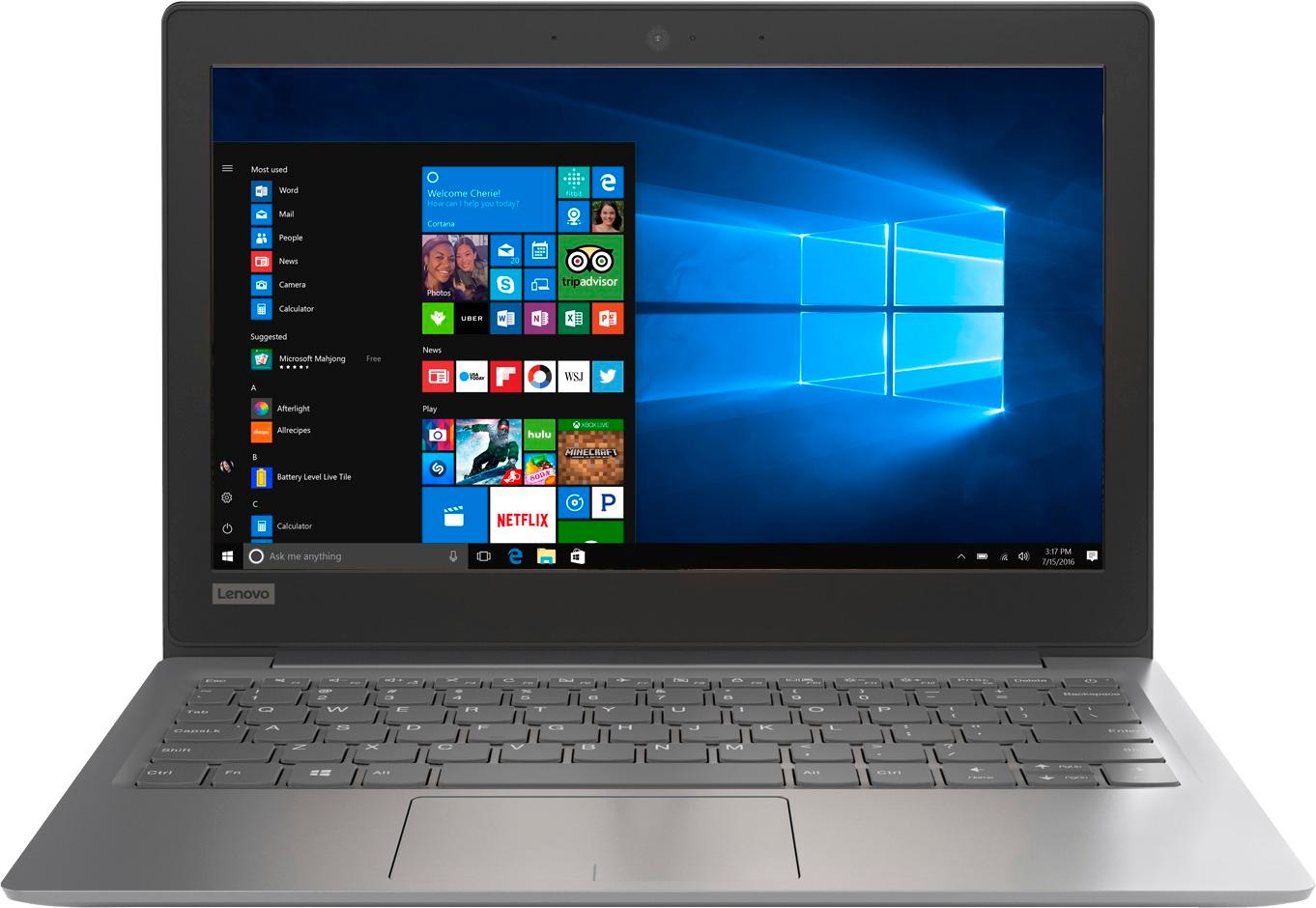
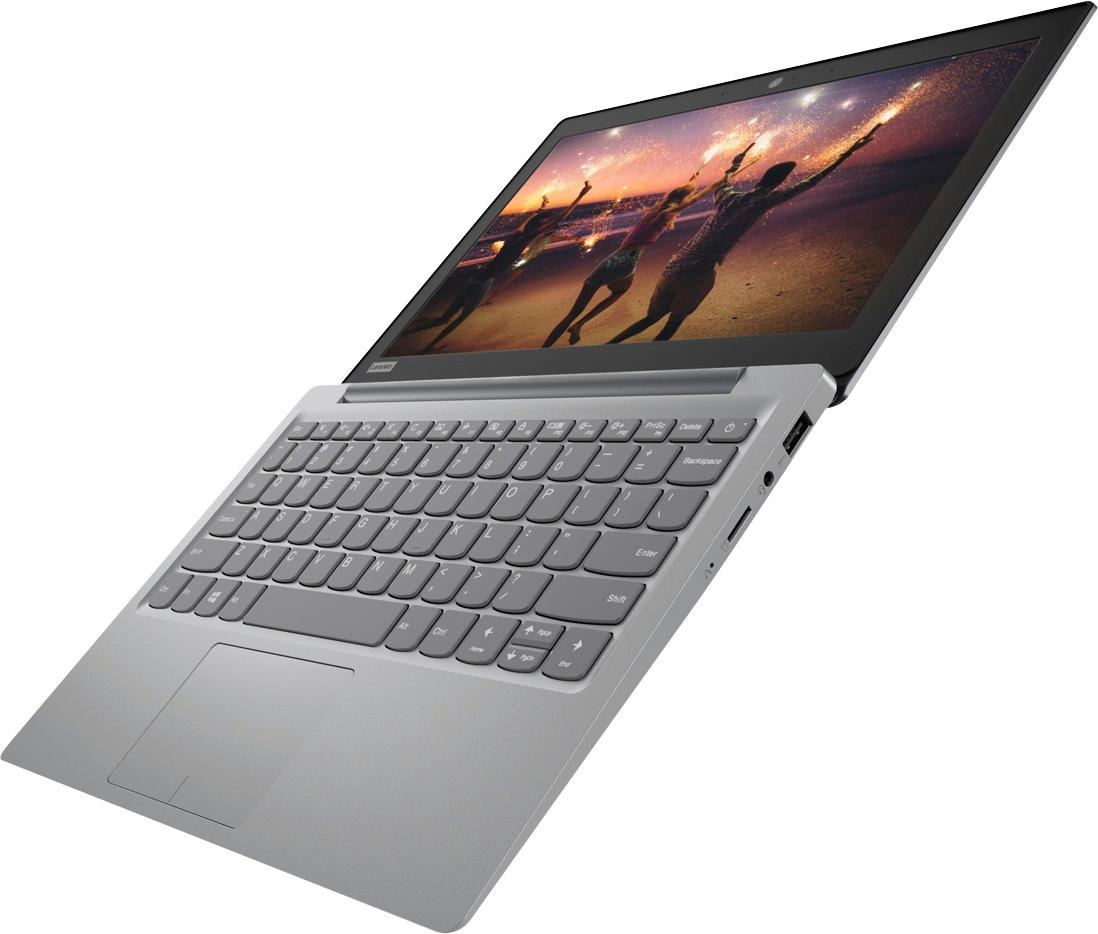

- Model:
- 81A40025US
- SKU:
- 6061800
Rating by feature
- Battery Life
Rating 4.7 out of 5 stars
- Speed
Rating 3.8 out of 5 stars
- Value
Rating 3.6 out of 5 stars
Customers are saying
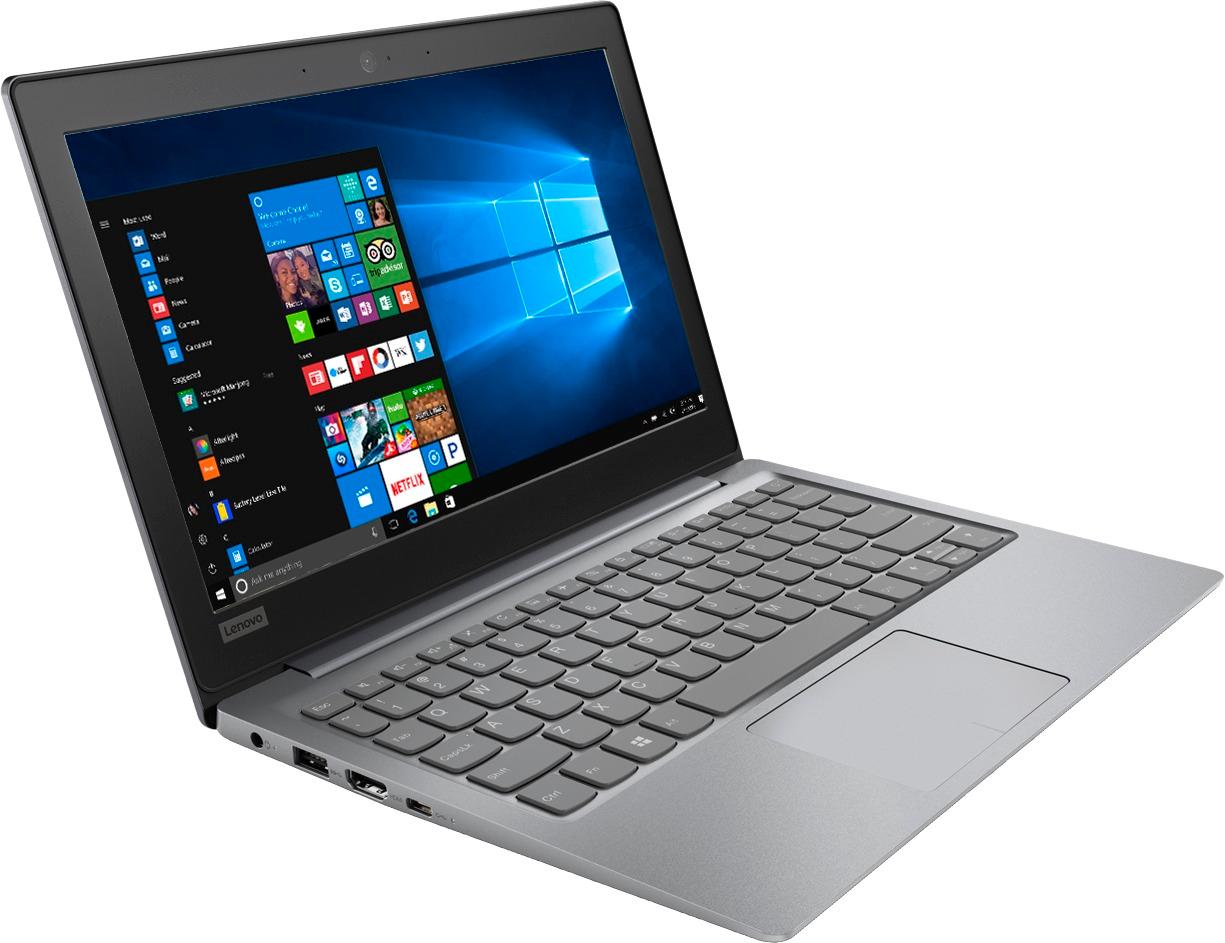
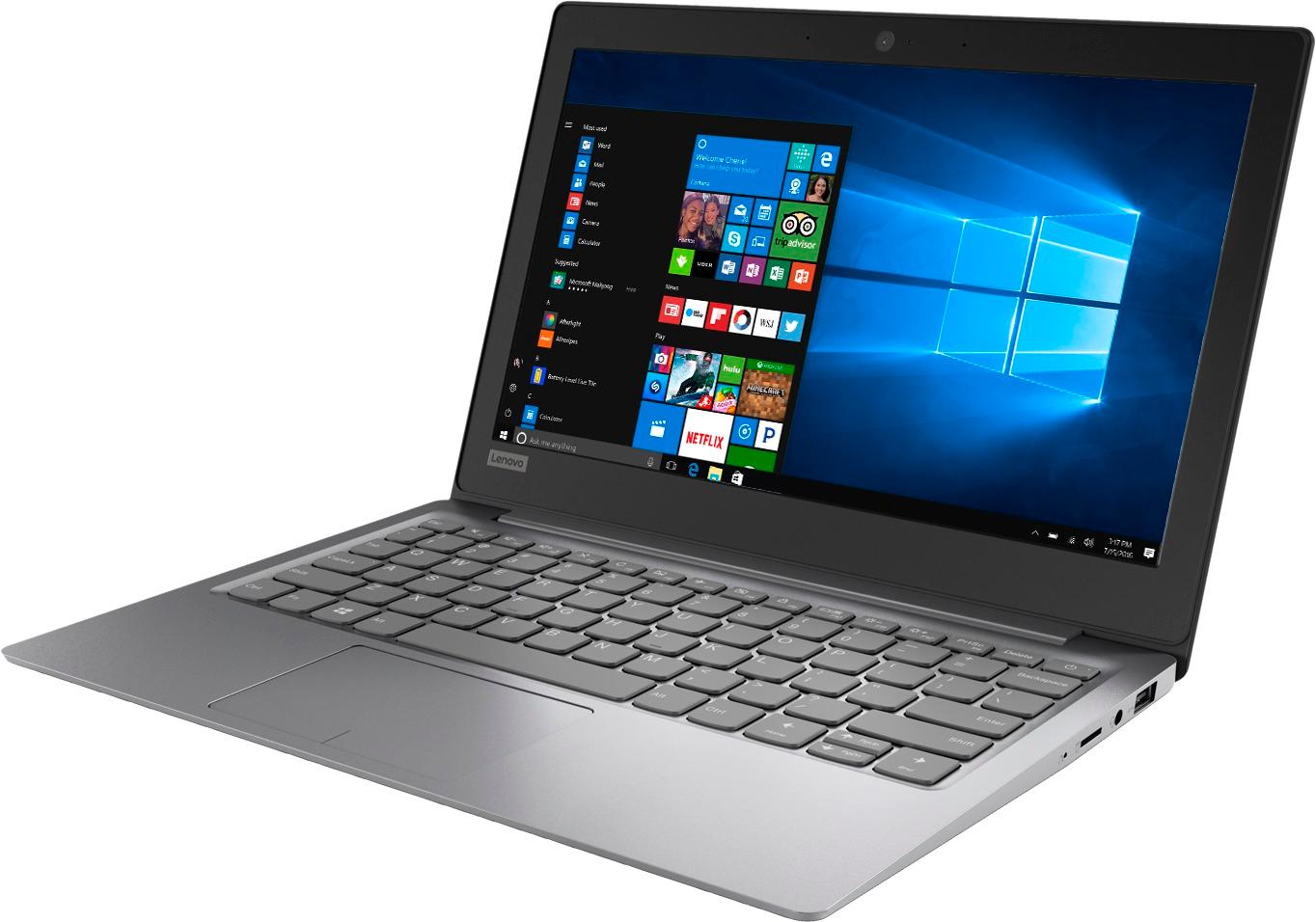
Customers love the IdeaPad 11.6" Laptop for its budget-friendly price, portability, and lightweight design. Many reviewers mentioned that it is a great laptop for basic tasks and everyday use. However, some customers expressed concerns about its limited storage space, slow performance, and low memory, which may not be suitable for more demanding tasks or multitasking.
This summary was generated by AI based on customer reviews.
Not worth...battery got dead just after few months
||Posted .This reviewer received promo considerations or sweepstakes entry for writing a review.Got it last Nov Thanks giving..but battery got dead just after few months.
No, I would not recommend this to a friendBrand response from Lenovo Product Expert
Posted .We are sorry to hear that you has issues with the battery within your Lenovo IdeaPad 120s-11 laptop. It is possible that it is the AC adapter and not the battery that is the issue. Be sure the computer "sees" the AC adapter when you plug the device in. If the AC adapter is not the issue, a hard reset of a nonremovable battery may correct the issue. Here is a link to instructions for resetting a non-removable battery. If you need further assistance, we recommend you call Lenovo Tech Support at: 877-453-6686. Here is the link: https://www.techwalla.com/articles/how-to-reset-a-laptop-battery

- Cons mentioned:Slow
horrible
||Posted . Owned for 1.5 years when reviewed.This reviewer received promo considerations or sweepstakes entry for writing a review.terrible computer it was so slow barely loaded not worth buying
No, I would not recommend this to a friend If using office suite all memory is used
||Posted .This reviewer received promo considerations or sweepstakes entry for writing a review.Alright as a web based computer . Odd placement of power button by backspace and delete, kept turning off computer
No, I would not recommend this to a friendBrand response from Lenovo Product Expert
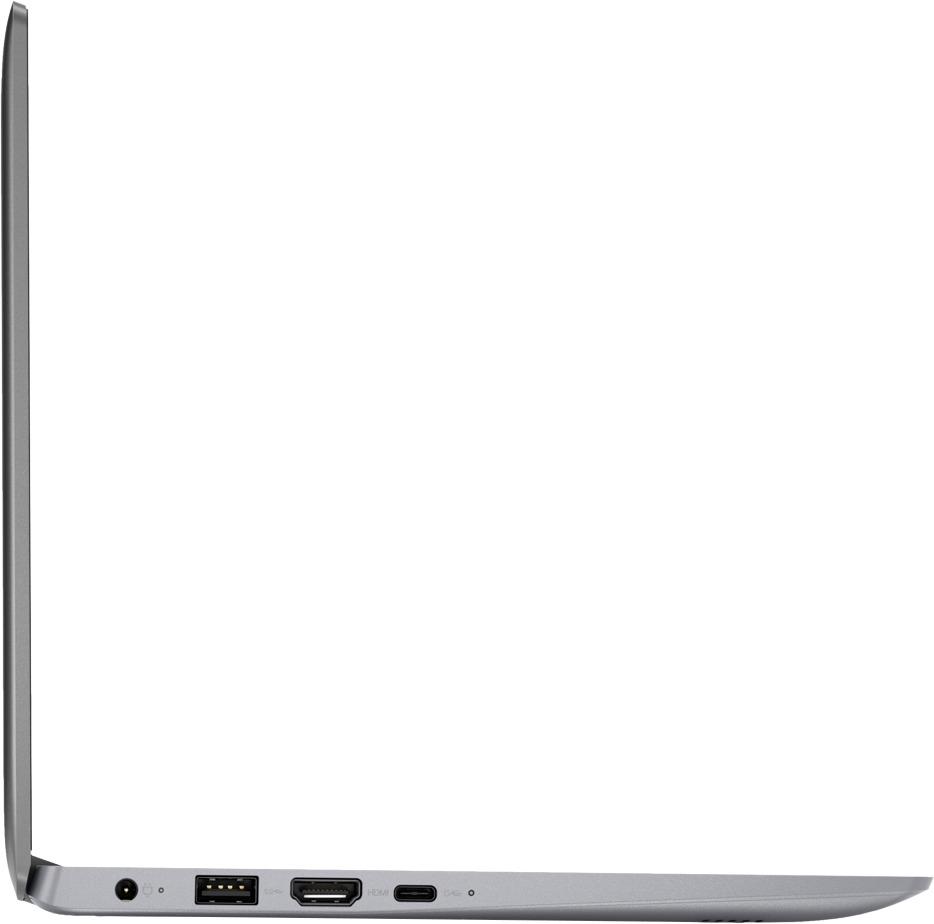
Posted .Thank you for choosing the Lenovo IdeaPad 120s-11. If you need more storage space for this device there is a Micro-SD card slot that can be used to add more storage space.
Not much of a computer
||Posted .This reviewer received promo considerations or sweepstakes entry for writing a review.I don’t do much of anything on a computer, so I thought this small Lenovo laptop would suffice. Wrong! It has such a small hard drive that I had to purchase an external drive to be able to download my very small iTunes files(. 250 songs) I’m very dissatisfied. You get what you pay for.
No, I would not recommend this to a friendBrand response from Lenovo Product Expert
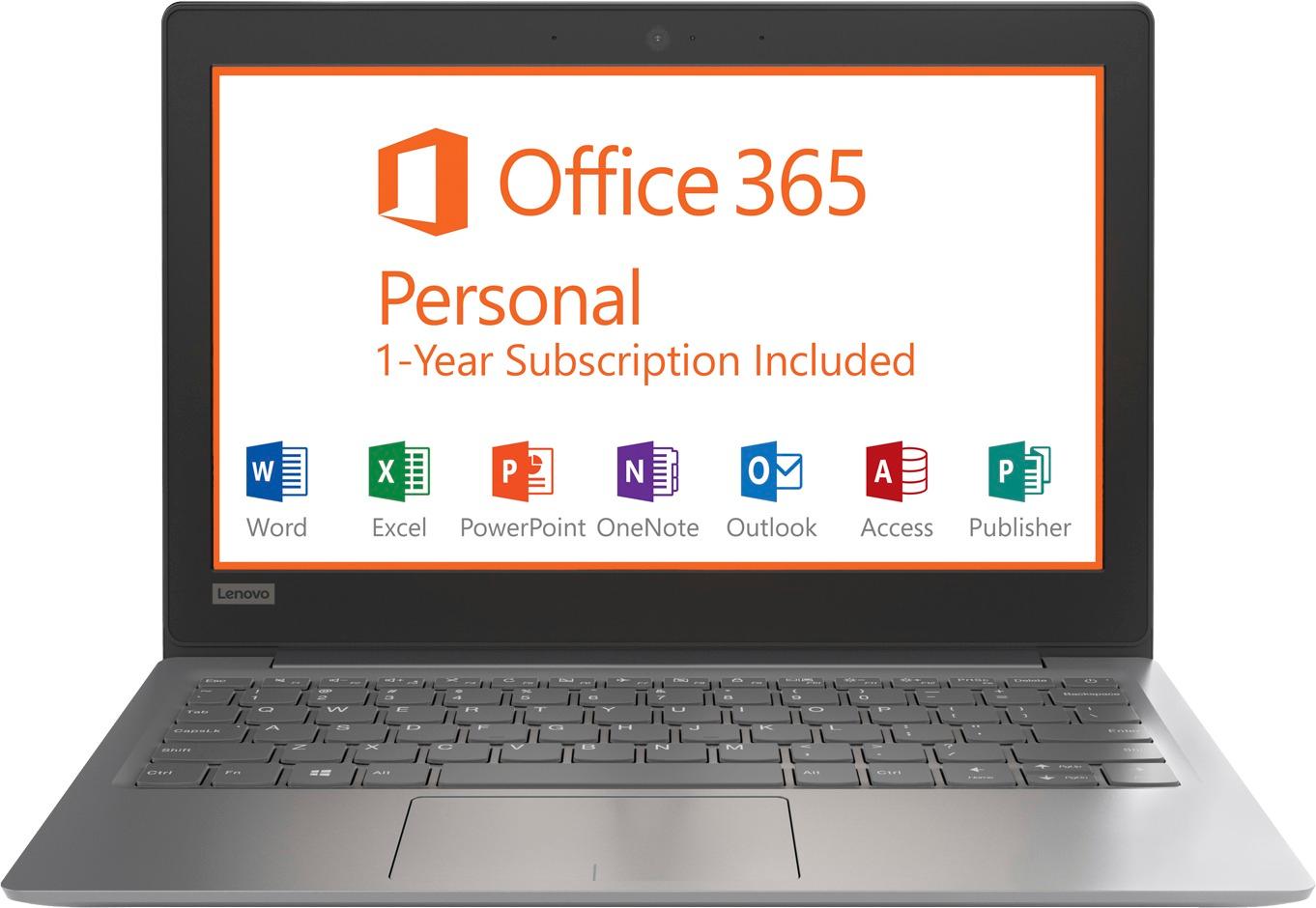
Posted .This is an entry level, light use computer system. It uses Windows 10 Home 64-Bit as its operating system, which requires less than 2GB of RAM to run. There is a 32GB solid state hard drive on this device for fast boot up and file recall. This device has the latest WiFi capability, with 802.11AC connectivity. There is a free 1-year subscription to Microsoft Office 365, a $69.00 value on this device. If your requirements fit this profile, this device is a good choice.
Horrific Experience
||Posted .This reviewer received promo considerations or sweepstakes entry for writing a review.Purchased online and received in open box with no battery pack and Microsoft 365 missing in laptop. That was the primary reason for purchasing. Would not suggest anyone purchase an open box item and considering I got no support and was essentially told “you are on your own!”....would think twice about ordering from Best Buy again!
No, I would not recommend this to a friendNot worth it
||Posted . Owned for 1.5 years when reviewed.This reviewer received promo considerations or sweepstakes entry for writing a review.Bought on sale. Have had issues with sound not working. Performance not that great.
No, I would not recommend this to a friend- Pros mentioned:PortableCons mentioned:Storage
Solid ultraportable
Posted .This reviewer received promo considerations or sweepstakes entry for writing a review.This is a good ultra-portable. I gave it 5-stars because it fit my needs for $150. Feels solid and not cheap. Great keyboard, no issues. Highly portable with great battery life. Does not lag doing simple OS tasks or light multitasking. Microsoft Office 1-year subscription is a plus. What this product is not: it's not a desktop replacement, a high-end graphics gaming laptop, is not built to install many programs since it has like 10GB left on the main drive. If you need a "regular" laptop with more power and storage, this is not the laptop for you. I have a desktop and this is perfect to take my files and work mobile. Mine's runs Fedora 27 like a charm, and it frees a lot of resources and storage. Would recommend 100% if it matches your needs.
I would recommend this to a friendBrand response from Lenovo Product Expert
Posted .Thank you for choosing the Lenovo IdeaPad 120s-11 laptop. We are pleased to hear that the value and performance of the Ideapad 120s-11 meets your computing needs so well.
Do not touch this!
||Posted .This reviewer received promo considerations or sweepstakes entry for writing a review.Hideously slow. No such thing as multitasking as even having 2 browser windows open will bring everything to a halt. Only conceivable redeeming value is “free” year of Office. No way to give 0 stars or I would have.
No, I would not recommend this to a friendBrand response from Lenovo Product Expert
Posted .This is an entry level, light use computer system. It uses Windows 10 Home 64-Bit as its operating system, which requires less than 2GB of RAM to run. There is a 32GB solid state hard drive on this device for fast boot up and file recall. This device has the latest WiFi capability, with 802.11AC connectivity. There is a free 1-year subscription to Microsoft Office 365, a $69.00 value on this device. If your requirements fit this profile, this device is a good choice.
- Cons mentioned:Low memory
TERRIBLE PRODUCT!
||Posted .This reviewer received promo considerations or sweepstakes entry for writing a review.This laptop has no memory and is not worth buying!
No, I would not recommend this to a friend - Cons mentioned:Slow
Yunk
||Posted .This reviewer received promo considerations or sweepstakes entry for writing a review.Slow as a snail. And I have 150mbp Bad Bad Bad Bad
No, I would not recommend this to a friendBrand response from Lenovo Product Expert
Posted .The Lenovo IdeaPad 120s-11 uses the latest and fastest 5G 802.11AC frequency WiFi. Although 802.11AC is backward compatible to older b/g/n frequencies, be sure your router has the latest firmware updates from the router manufacturer's web site. This is an entry level, light use computer system. It uses Windows 10 Home 64-Bit as its operating system, which requires less than 2GB of RAM to run. There is a 32GB solid state hard drive on this device for fast boot up and file recall. There is a free 1-year subscription to Microsoft Office 365, a $69.00 value on this device. If your requirements fit this profile, this device is a good choice.

light weight
||Posted .This reviewer received promo considerations or sweepstakes entry for writing a review.Good for surfing internet and that is about all, make sure you get the warrant offered
No, I would not recommend this to a friendBrand response from Lenovo Product Expert
Posted .This is an entry level, light use computer system, with its Intel Celeron processor. It uses Windows 10 Home 64-Bit as its operating system, which requires less than 2GB of RAM to run. There is a 32GB solid state hard drive on this device for fast boot up and file recall. This device has the latest WiFi capability, with 802.11AC connectivity. There is a free 1-year subscription to Microsoft Office 365, a $69.00 value on this device. If your requirements fit this profile, this device is a good choice.
minus 5 stars USELESS JUNK
||Posted .This reviewer received promo considerations or sweepstakes entry for writing a review.KNOWN ISSUE! These were decent for the price until Windows 10 upgrade. that took the entire hard drive which is sealed in the unit and cant be upgraded. Try to downgrade windows but that needs storage to do so AND THERE ISNT ENOUGH!. Laptop is now useless. THESE SHOULD BE RECALLED, DONT BUY IT YOU WILL REGRET IT!!!!!
No, I would not recommend this to a friendBrand response from Lenovo Product Expert
Posted .According to Microsoft Support, you can use an external hard drive, formatted NTFS, when downloading Windows 10 updates for the needed temporary files. Here is a link to an explanation:
https://support.microsoft.com/en-us/help/4013876/windows-10-freeing-up-space-to-install-latest-update
bad laptop
||Posted .This reviewer received promo considerations or sweepstakes entry for writing a review.in the first few days it was working great and after 2 weeks of purchase the screen went completely back I try everything and no results trying to speak to a represented from best buy to address this issue and no luck they all give me the run around
No, I would not recommend this to a friendBrand response from Lenovo Product Expert
Posted .We are sorry to hear that you are having issues with your Lenovo IdeaPad 120s-11 laptop. This system is equipped with OneKey Recovery System. There is a very small pin hole on the right side of the device, right near the Micro-SD card on the device. You will need a pin to push this reset button. Plug the device in. Let the battery charge for about 15 minutes. Push the reset button. The system should boot to a choice screen where you can choose "Restore To Factory Default". Select this. It will delete everything from the hard drive except the original factory install of the operating system. You will need to reinstall all programs and files after the reset. If you don't have copies of the files, try to make one before you restore by selecting "Boot to desktop" and trying to back up your files. If the problem persists after the factory reset, we recommend you contact Lenovo Tech Support at: 877-453-6686.
Battery trash
||Posted . Owned for 1.5 years when reviewed.This reviewer received promo considerations or sweepstakes entry for writing a review.My computer is not usable after a few months due to battery leaking.
No, I would not recommend this to a friendOk Laptop for kids
||Posted .This reviewer received promo considerations or sweepstakes entry for writing a review.This laptop is good for kids. I bought this on thanks giving deal.
No, I would not recommend this to a friendSOUND NOT WORKING
||Posted .This reviewer received promo considerations or sweepstakes entry for writing a review.Good computer but sound went out after 3 months so that's frustrating
No, I would not recommend this to a friendBrand response from Lenovo Product Expert
Posted .We are sorry to hear that you are having issues with your IdeaPad 120s-11 laptop. Regarding the sound on the device, be sure the speakers are turned on. Tap the HotKey in the F1 position, this toggles the speakers on/off. Then tap the HotKey in the F3 position, this increased the volume of the audio. If this doesn't fix the issue, it may be a BIOS/Driver update issue. This system has Lenovo utilities installed to help maintain the health of the device and keep the operating system software up to date. Type "Lenovo Vantage" in the Cortana Search window (if Lenovo Vantage is not installed on your device, you can download the APP and install it now). Select Lenovo Vantage from the list. In the window that opens, click on "Health and Support". In the expanded menu, select "Hardware Scan" In the window that opens, select "Run Quick Tests". This will scan your entire system for errors. Follow any directions that may pop up. If the problem continues after this scan, now click on "System Update". First select Windows update from the menu. Scan your system to be sure you have the latest version of Windows 10. Once that scan is complete, select "Additional Updates". This will scan your device to be sure there are no new BIOS/Driver updates needed. Follow any instructions that may pop up. If the issue still continues after these updates, we recommend you call Lenovo Tech Support at: 877-453-6686 for additional help.
Meh
||Posted . Owned for more than 2 years when reviewed.This reviewer received promo considerations or sweepstakes entry for writing a review.Wouldn’t recommend to anyone. Maybe a young child.
No, I would not recommend this to a friendSlow
||Posted .This reviewer received promo considerations or sweepstakes entry for writing a review.This thing is though and had a small hard drive screen is not tonight
No, I would not recommend this to a friendBrand response from Lenovo Product Expert
Posted .This is an entry level, light use computer system. It uses Windows 10 Home 64-Bit as its operating system, which requires less than 2GB of RAM to run. There is a 32GB solid state hard drive on this device for fast boot up and file recall. This device has the latest WiFi capability, with 802.11AC connectivity. There is a free 1-year subscription to Microsoft Office 365, a $69.00 value on this device. If your requirements fit this profile, this device is a good choice.
Way too slow
||Posted .This reviewer received promo considerations or sweepstakes entry for writing a review.I wound up returning it. It was too frustrating to use.
No, I would not recommend this to a friendBrand response from Lenovo Product Expert
Posted .This is an entry level, light use computer system. It uses Windows 10 Home 64-Bit as its operating system, which requires less than 2GB of RAM to run. There is a 32GB solid state hard drive on this device for fast boot up and file recall. This device has the latest WiFi capability, with 802.11AC connectivity. There is a free 1-year subscription to Microsoft Office 365, a $69.00 value on this device. If your requirements fit this profile, this device is a good choice.
Only for streaming or surfing
||Posted .This reviewer received promo considerations or sweepstakes entry for writing a review.After a short time it can no longer update Windows
No, I would not recommend this to a friendBrand response from Lenovo Product Expert
Posted .According to Microsoft Support, you can use an external hard drive, formatted NTFS, when downloading Windows 10 updates for the needed temporary files. Here is a link to an explanation:
https://support.microsoft.com/en-us/help/4013876/windows-10-freeing-up-space-to-install-latest-update