Customer Ratings & Reviews


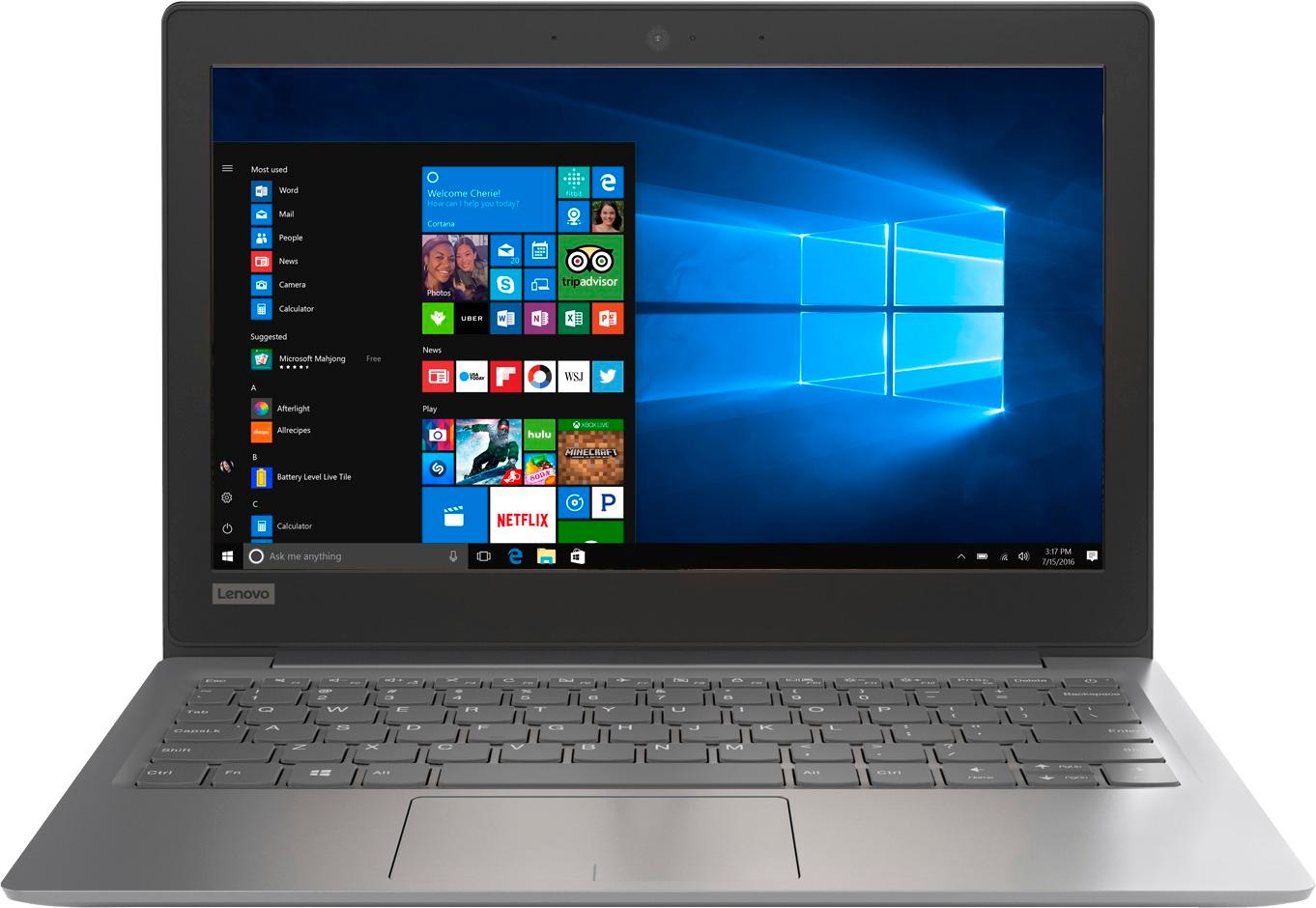
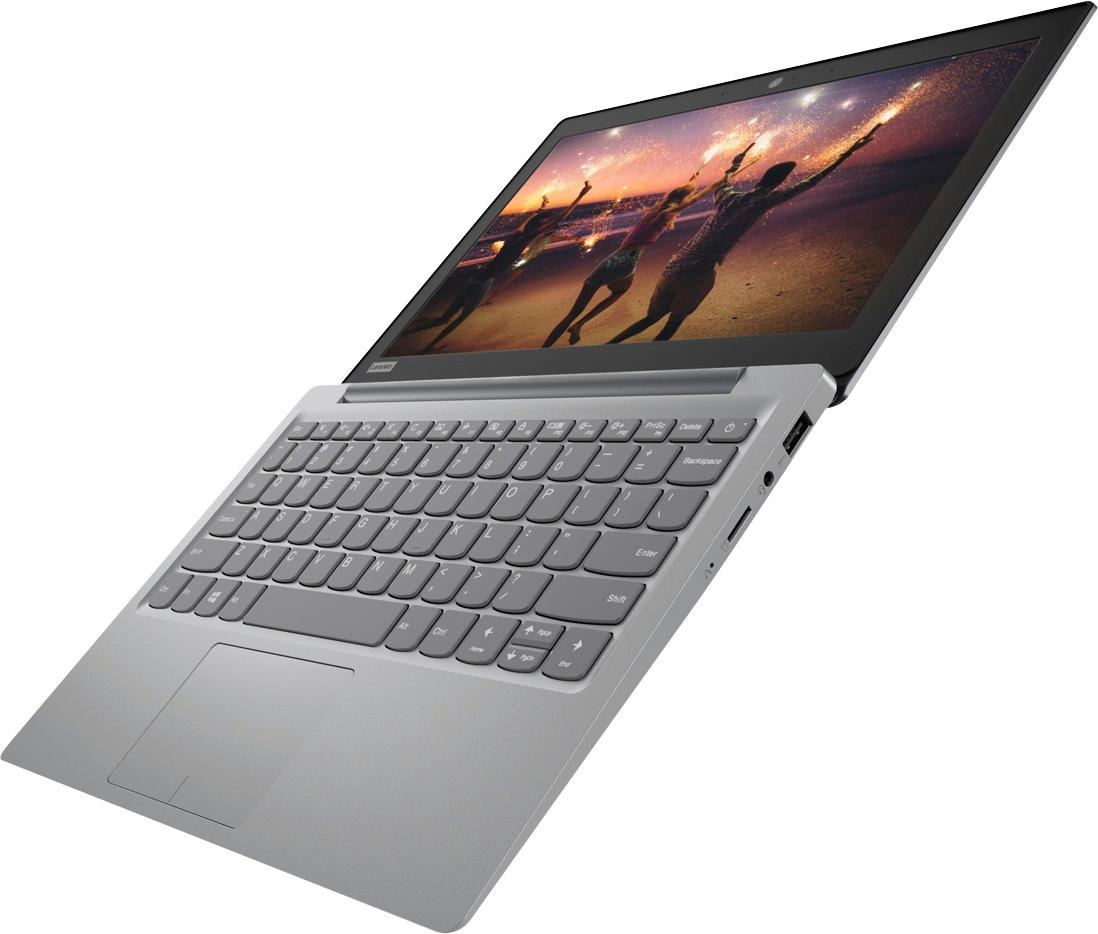
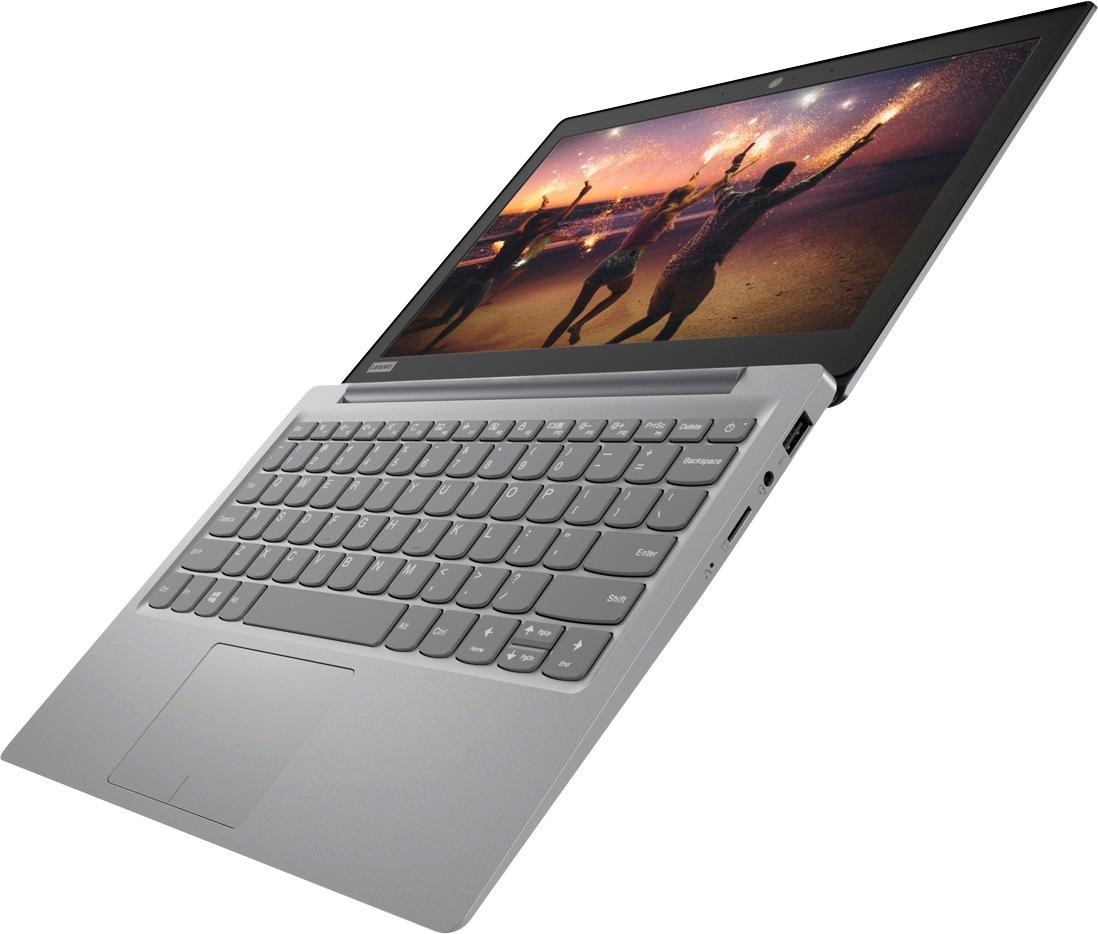

- Model:
- 81A40025US
- SKU:
- 6061800
Rating by feature
- Battery Life
Rating 4.7 out of 5 stars
- Speed
Rating 3.8 out of 5 stars
- Value
Rating 3.6 out of 5 stars
Customers are saying
Customers love the IdeaPad 11.6" Laptop for its budget-friendly price, portability, and lightweight design. Many reviewers mentioned that it is a great laptop for basic tasks and everyday use. However, some customers expressed concerns about its limited storage space, slow performance, and low memory, which may not be suitable for more demanding tasks or multitasking.
This summary was generated by AI based on customer reviews.
cheap
||Posted .This reviewer received promo considerations or sweepstakes entry for writing a review.Bought this as a gift and stopped charging on day 2.
No, I would not recommend this to a friendBrand response from Lenovo Product Expert
Posted .We are sorry to hear you are having an issue with charging your Lenovo IdeaPad 120s-11 laptop. There may be driver updates for your specific system that can fix the battery charging issue you are experiencing. Follow the link below to look for new driver updates for your specific system. You can also run diagnostics from the Lenovo site as well. As always, be sure to create a restore point on your system before you make any changes. You can do this by just typing "restore point" in the search window within Cortana and follow the link to create a restore point. Here is the link:
https://pcsupport.lenovo.com/us/en/products/laptops-and-netbooks/100-series/120s-11iap/downloads?linkTrack=Caps%3ABody_SearchProduct&searchType=3&keyWordSearch=120S-11IAP%2520Winbook%2520%2528ideapad%2529
Stay Away
||Posted .This reviewer received promo considerations or sweepstakes entry for writing a review.This product does not work!! The Internet wouldn't connect, (my router was fine!! So that tells you it was this computer) and it also stopped charging ONE WEEK after I bought it. Piece of junk.
No, I would not recommend this to a friendBrand response from Lenovo Product Expert
Posted .We are sorry to hear that you are having issues with WiFi connectivity with your Lenovo IdeaPad 120s-11 laptop. This system uses the latest and fastest WiFi, 5G 802.11AC WiFi. Although 802.11AC WiFi is backward compatible to older b/g/n frequencies, be sure your router has the latest firmware updates available from the router manufacturer's web site. You can also keep the software on this device up to date by using the Lenovo Utility software installed on this device. This system has Lenovo utilities installed to help maintain the health of the device and keep the operating system software up to date. Type "Lenovo Vantage" in the Cortana Search window (if Lenovo Vantage is not installed on your device, you can download the APP and install it now). Select Lenovo Vantage from the list. In the window that opens, click on "Health and Support". In the expanded menu, select "Hardware Scan" In the window that opens, select "Run Quick Tests". This will scan your entire system for errors. Follow any directions that may pop up. If the problem continues after this scan, now click on "System Update". First select Windows update from the menu. Scan your system to be sure you have the latest version of Windows 10. Once that scan is complete, select "Additional Updates". This will scan your device to be sure there are no new BIOS/Driver updates needed. Follow any instructions that may pop up. If the issue still continues after these updates, we recommend you call Lenovo Tech Support at: 877-453-6686 for additional help.
- Pros mentioned:SizeCons mentioned:Ram
easy simple light
Posted .This reviewer received promo considerations or sweepstakes entry for writing a review.bought this for work. my company uses all internet based programs. it has been good with internet can get a bit slow at times like it gets stuck then caught back up.. LOVE THE SIZE. keyboard its good. track pad is fine i use a wireless mouse always have. biggest issue is the ram/memory and chip. wish it was beefier. after the updates you loose 90% of the space that came with it.
I would recommend this to a friendBrand response from Lenovo Product Expert
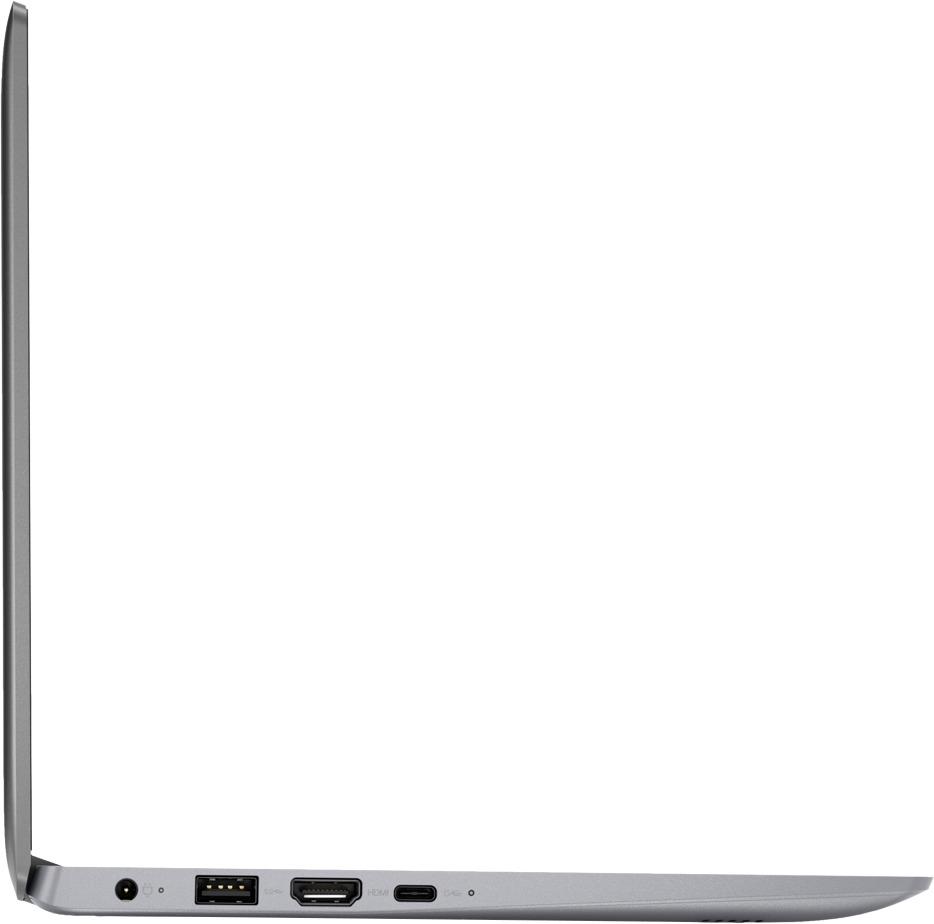
Posted .Thank you for choosing the Lenovo IdeaPad 120s-11 laptop. If you need more storage space for this device, there is a Micro-SD card slot on the device that can be used for additional storage.
It sucks
||Posted .This reviewer received promo considerations or sweepstakes entry for writing a review.The processing in this computer sucks so much. It somehows disconnects itself from the WiFi. It also likes to freeze up without any reasoning behind it. I honestly wouldn’t even recommend this to younger kids because it sucks. Everything!
No, I would not recommend this to a friendBrand response from Lenovo Product Expert
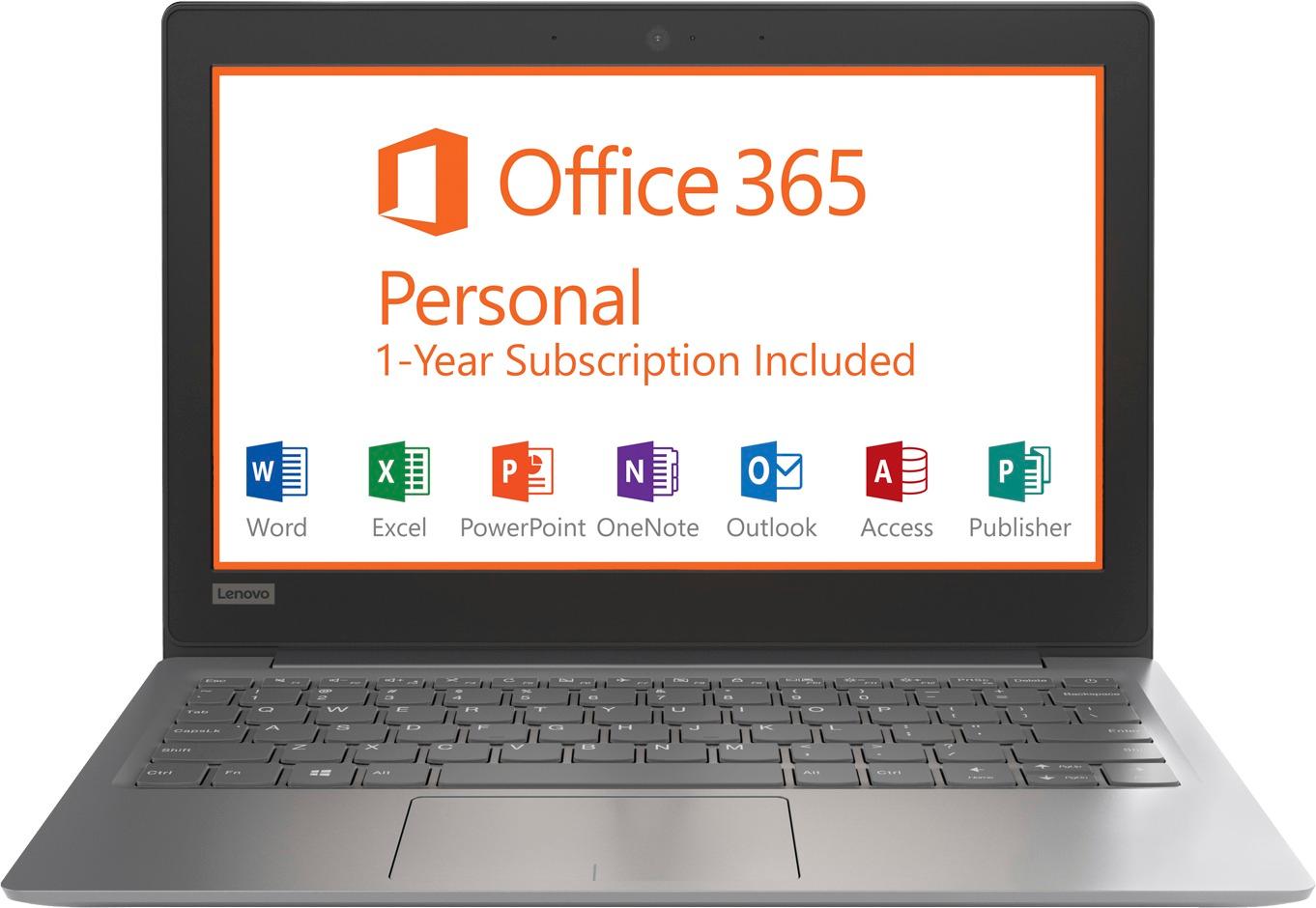
Posted .The Lenovo IdeaPad 120s-11 laptop uses the latest 5G 802.11AC frequency WiFi. Be sure the router you are using has the latest firmware updates from the router manufacturer's web site. This is an entry level, light use computer system. It uses Windows 10 Home 64-Bit as its operating system, which requires less than 2GB of RAM to run. There is a 32GB solid state hard drive on this device for fast boot up and file recall. This device has the latest WiFi capability, with 802.11AC connectivity. There is a free 1-year subscription to Microsoft Office 365, a $69.00 value on this device. If your requirements fit this profile, this device is a good choice.

Would not recommend
||Posted .This reviewer received promo considerations or sweepstakes entry for writing a review.I was looking for a small pc to use for personal use to avoid using my company's pc during working hours.. This was not the solution I was looking for.. The lack of memory, unable to updates systems file resulted in purchasing another pc
No, I would not recommend this to a friendBrand response from Lenovo Product Expert
Posted .This is an entry level, light use computer system. It uses Windows 10 Home 64-Bit as its operating system, which requires less than 2GB of RAM to run. There is a 32GB solid state hard drive on this device for fast boot up and file recall. According to Microsoft Support, you can use an external hard drive, formatted NTFS, when downloading Windows 10 updates for the needed temporary files. Here is a link to an explanation:
https://support.microsoft.com/en-us/help/4013876/windows-10-freeing-up-space-to-install-latest-update. This device has the latest WiFi capability, with 802.11AC connectivity. There is a free 1-year subscription to Microsoft Office 365, a $69.00 value on this device. If your requirements fit this profile, this device is a good choice.
Didn't meet our needs. Locked up.
||Posted .This reviewer received promo considerations or sweepstakes entry for writing a review.My husband bought this as a Windows computer (we are Mac users). After a couple of months, it completely locked up, leaving us unable to access any of the information (lots of it) that we had placed on it. Very frustrating! :(
No, I would not recommend this to a frienda piece of crap
||Posted . Owned for 1.5 years when reviewed.This reviewer received promo considerations or sweepstakes entry for writing a review.I had it for 3 days and the screen went out. I returned it and obviously others were having issues as there was a stack of 14 returns of this laptop/ I got a replacement. its still a piece of crap Ill take an Acer any day.
No, I would not recommend this to a friendLasted 2 days
||Posted .This reviewer received promo considerations or sweepstakes entry for writing a review.Extremely slow processor combined with the fact that once the computer decided to update I encountered the black screen of death, basically keeping the computer in a startup loop, would definitely NOT recommend buying this at any price.
No, I would not recommend this to a friendBrand response from Lenovo Product Expert
Posted .Be sure any programs you have installed are compatible with Windows 10. This system is equipped with OneKey Recovery System. There is a very small pin hole on the right side of the device, right near the Micro SD card slot on the device. You will need a pin to push this reset button. Plug the device in. Let the battery charge for about 15 minutes. Push the reset button. The system should boot to a choice screen where you can choose "Restore To Factory Default". Select this. It will delete everything from the hard drive except the original factory install of the operating system. You will need to reinstall all programs and files after the reset. If you don't have copies of the files, try to make one before you restore by selecting "Boot to desktop" and trying to back up your files. If the problem persists after the factory reset, we recommend you contact Lenovo Tech Support at: 877-453-6686.
32GB System disk is TOO small for Windows 10
||Posted .This reviewer received promo considerations or sweepstakes entry for writing a review.While the Windows 10 OS does fit on the 32GB disk, it and other files use over 20GB of the usable 29GB on the Disk. As a result, there is NOT enough space left to Download and install OS updates.
No, I would not recommend this to a friendShould not be in market
||Posted .This reviewer received promo considerations or sweepstakes entry for writing a review.Not enough memory to update Windows 10. Really? Why would Lenovo put out a product like that? Why is Best Buy selling them? Why was I not told this by the salesperson-- I told them I needed the computer for school.
No, I would not recommend this to a friendBrand response from Lenovo Product Expert
Posted .According to Microsoft Support, you can use an external hard drive, formatted NTFS, when downloading Windows 10 updates for the needed temporary files. Here is a link to an explanation:
https://support.microsoft.com/en-us/help/4013876/windows-10-freeing-up-space-to-install-latest-update. This is an entry level, light use computer system. It uses Windows 10 Home 64-Bit as its operating system, which requires less than 2GB of RAM to run. There is a 32GB solid state hard drive on this device for fast boot up and file recall. This device has the latest WiFi capability, with 802.11AC connectivity. There is a free 1-year subscription to Microsoft Office 365, a $69.00 value on this device. If your requirements fit this profile, this device is a good choice.
Beyond lousy computer
||Posted .This reviewer received promo considerations or sweepstakes entry for writing a review.This low end computer has too many issues to list here. Examples are WiFi drops and cannot find until restarted multiple time. Takes almost 10 minutes to start up Windows 10. Takes almost as long to shut down.
No, I would not recommend this to a friendBrand response from Lenovo Product Expert
Posted .We are sorry to hear that you are having issues with your IdeaPad 120s-11 laptop. This system should boot up quickly with its 32GB solid state hard drive. Be sure any software you installed is compatible with Windows 10. There is no need to install Microsoft Office software. The software is already part of the operating system, you just need to activate the software with a purchased product key. If you have installed a copy of Microsoft Office, this is conflicting with the existing copy on the system and this will slow your system down. If you have installed a 3rd party anti-virus program, be sure that Windows Defender is turned off and that the trial version of McAfee Anti-Virus software is uninstalled. There can only be one anti-virus program on the system. You may need to restore your system to original factory default settings if any of the programing errors have occurred. You can do that by typing "restore" in the Cortana search window. Just click on the magnifying glass icon at the bottom left of your Windows 10 Desktop. Click on "Reset This PC" Then click on "Get Started" and follow the on screen directions to restore to factory defaults. If the problem persists, we recommend you contact Lenovo Tech Support at: 877-453-6686.
Terrible
||Posted .This reviewer received promo considerations or sweepstakes entry for writing a review.From out of the package it said the memory was full you couldn't save anything to it. The operating system took up all the space and I couldn't even update it. Worst waste of money.
No, I would not recommend this to a friendBrand response from Lenovo Product Expert
Posted .According to Microsoft Support, you can use an external hard drive, formatted NTFS, when downloading Windows 10 updates for the needed temporary files. Here is a link to an explanation:
https://support.microsoft.com/en-us/help/4013876/windows-10-freeing-up-space-to-install-latest-update
Slow and died after using it for 3 months
||Posted . Owned for more than 2 years when reviewed.This reviewer received promo considerations or sweepstakes entry for writing a review.The slow part i can understand bec its cheap. You get what you pay for but after using it for 3 months it broke.. come on !! Really?!!
No, I would not recommend this to a friend- Pros mentioned:Light weightCons mentioned:Ram
Laptop works just fine for the price
Posted .This reviewer received promo considerations or sweepstakes entry for writing a review.I first had an ACER R11 but I did not like the Chrome OS. I returned it for this Lenovo Ideapad and I couldn't be happier. The only thing I am disappointed with is the screen. The viewing angles and colors are fairly poor. I would have preferred an option for 4 GB of Ram and 64 GB HDD. The good thing is I can add an SD card to increase storage space very easily. I have done Windows updates on this and it upgraded to the Fall Creator's update without issue (I just had to stick a USB drive in the side for extra space. Lightweight, Size is good, price is great. battery life is excellent, Windows 10 is great. This laptop is just what I needed and I'm happy with it.
I would recommend this to a friend Screen went out in less than 6 months
||Posted .This reviewer received promo considerations or sweepstakes entry for writing a review.Used this for less than 25 hours and screen went started flashing, and now no longer works. I have owned this for 6 months, and will try to factory warranty it.
No, I would not recommend this to a friendBrand response from Lenovo Product Expert
Posted .We are sorry to hear that you are having issues with your Lenovo IdeaPad 120s-11 laptop. This system is equipped with OneKey Recovery System. There is a very small pin hole on the right side of the device, right near the Micro-SD card slot on the device. You will need a pin to push this reset button. Plug the device in. Let the battery charge for about 15 minutes. Push the reset button. The system should boot to a choice screen where you can choose "Restore To Factory Default". Select this. It will delete everything from the hard drive except the original factory install of the operating system. You will need to reinstall all programs and files after the reset. If you don't have copies of the files, try to make one before you restore by selecting "Boot to desktop" and trying to back up your files. If the problem persists after the factory reset, we recommend you contact Lenovo Tech Support at: 877-453-6686.
Perfect for applications
||Posted .This reviewer received promo considerations or sweepstakes entry for writing a review.Connects to WiFi and is very fast for browsing internet. Large keyboard area. Touch pad has already stopped working which is why I have given one star.
No, I would not recommend this to a friendBrand response from Lenovo Product Expert
Posted .We are sorry to hear that you are having issues with the touchpad on your IdeaPad 120s-11 laptop. First, try the HotKey at the F6 position on your keyboard. This HotKey toggles the touchpad on/off. If this does not solve the touchpad issue, then scan your computer with the Lenovo Utility software installed on this device. This system has Lenovo utilities installed to help maintain the health of the device and keep the operating system software up to date. Type "Lenovo Vantage" in the Cortana Search window (if Lenovo Vantage is not installed on your device, you can download the APP and install it now). Select Lenovo Vantage from the list. In the window that opens, click on "Health and Support". In the expanded menu, select "Hardware Scan" In the window that opens, select "Run Quick Tests". This will scan your entire system for errors. Follow any directions that may pop up. If the problem continues after this scan, now click on "System Update". First select Windows update from the menu. Scan your system to be sure you have the latest version of Windows 10. Once that scan is complete, select "Additional Updates". This will scan your device to be sure there are no new BIOS/Driver updates needed. Follow any instructions that may pop up. If the issue still continues after these updates, we recommend you call Lenovo Tech Support at: 877-453-6686 for additional help.
Cheap and bad
||Posted .This reviewer received promo considerations or sweepstakes entry for writing a review.PC stop working after 4 days. The soundboard wasn’t producing anymore sounds. Levono CS said it will cost more to fix than buy a new one. It’s in the garage.
No, I would not recommend this to a friendLaptop
||Posted . Owned for more than 2 years when reviewed.This reviewer received promo considerations or sweepstakes entry for writing a review.Bad hate I purchssed the laptop 2 years ago. Never even got it to work properly. Put away and retried wow lesson learned.
No, I would not recommend this to a friendThis laptop ain’t it .. chief
||Posted .This reviewer received promo considerations or sweepstakes entry for writing a review.This is not even the 100 dollars trust me .. I bought it just for a one night emergency use since my MacBook broke but yeah this straight trash
No, I would not recommend this to a friendBrand response from Lenovo Product Expert
Posted .The Lenovo IdeaPad 120s-14 laptop is an entry level, light use system with its Intel Celeron processor, supported by 2GB of RAM and a 32GB eMMC solid state hard drive. It is not meant for multi-tasking or demanding programs. It is good for Microsoft Office and light internet browsing There is a free 1-year subscription to Microsoft Office 365, a $69.00 value included. If this describes your computing needs, the IdeaPad 120s-14 would be a good choice.
Poor connectivity
||Posted .This reviewer received promo considerations or sweepstakes entry for writing a review.Frequently disconnects from WIFI, took to geek squad continued to loose connection. My plan is to return to get another brand if possible.
No, I would not recommend this to a friendBrand response from Lenovo Product Expert
Posted .We are sorry to hear that you are having issues with WiFi connectivity with your Lenovo IdeaPad 120s-11 laptop. This system uses the latest and fastest WiFi, 5G 802.11AC WiFi. Although 802.11AC WiFi is backward compatible to older b/g/n frequencies, be sure your router has the latest firmware updates available from the router manufacturer's web site. You can also keep the software on this device up to date by using the Lenovo Utility software installed on this device. This system has Lenovo utilities installed to help maintain the health of the device and keep the operating system software up to date. Type "Lenovo Vantage" in the Cortana Search window (if Lenovo Vantage is not installed on your device, you can download the APP and install it now). Select Lenovo Vantage from the list. In the window that opens, click on "Health and Support". In the expanded menu, select "Hardware Scan" In the window that opens, select "Run Quick Tests". This will scan your entire system for errors. Follow any directions that may pop up. If the problem continues after this scan, now click on "System Update". First select Windows update from the menu. Scan your system to be sure you have the latest version of Windows 10. Once that scan is complete, select "Additional Updates". This will scan your device to be sure there are no new BIOS/Driver updates needed. Follow any instructions that may pop up. If the issue still continues after these updates, we recommend you call Lenovo Tech Support at: 877-453-6686 for additional help.