Customer Ratings & Reviews


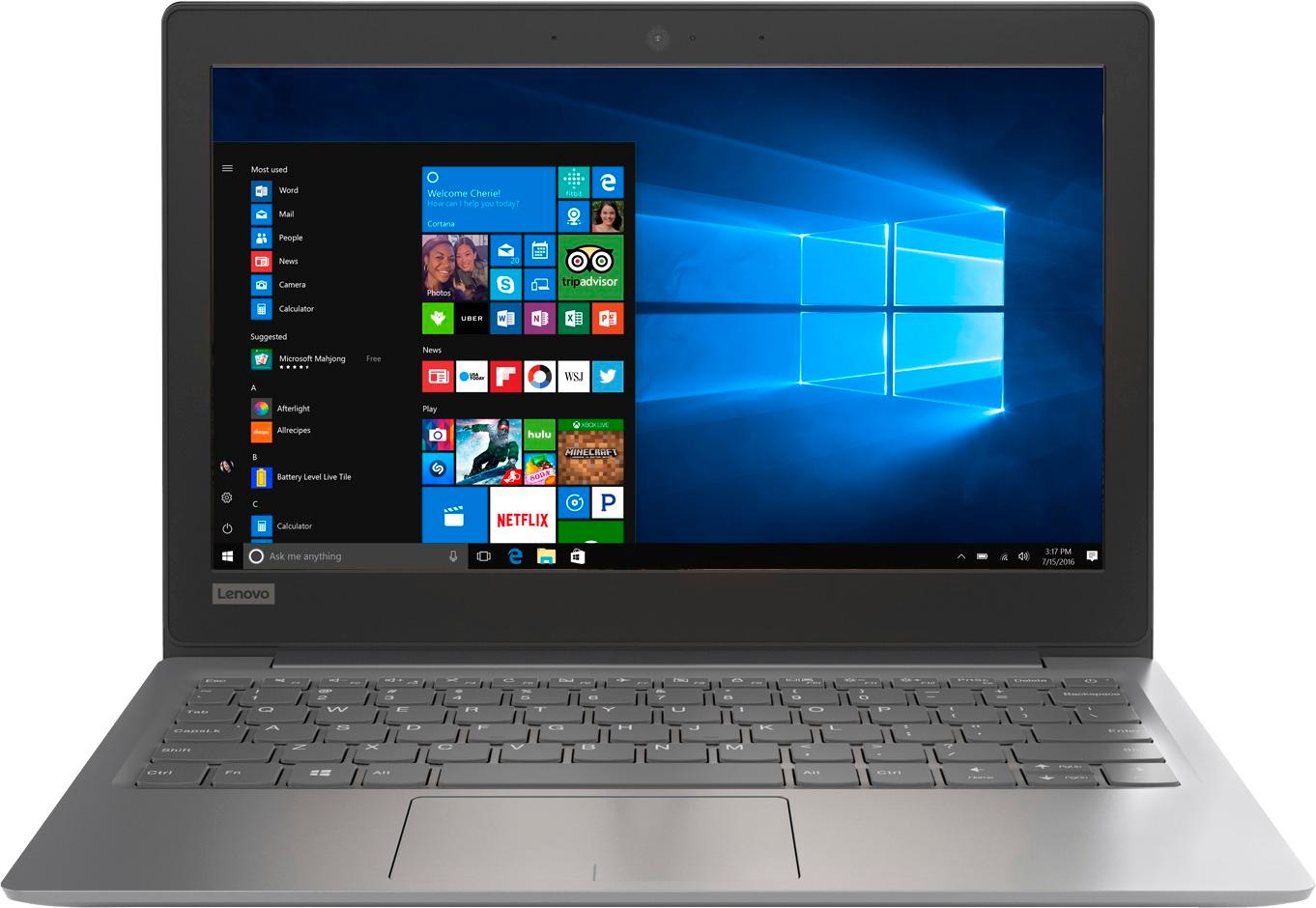
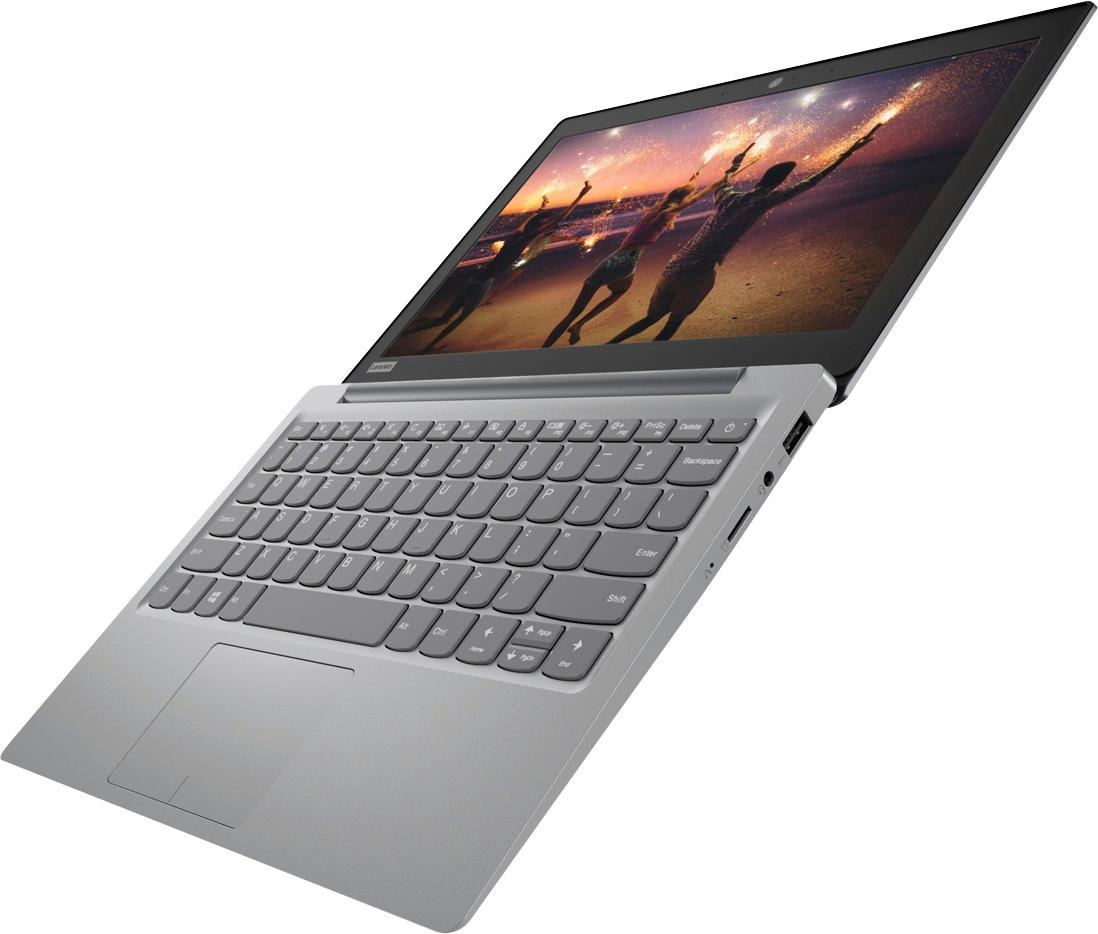

- Model:
- 81A40025US
- SKU:
- 6061800
Rating by feature
- Battery Life
Rating 4.7 out of 5 stars
- Speed
Rating 3.8 out of 5 stars
- Value
Rating 3.6 out of 5 stars
Customers are saying
Customers love the IdeaPad 11.6" Laptop for its budget-friendly price, portability, and lightweight design. Many reviewers mentioned that it is a great laptop for basic tasks and everyday use. However, some customers expressed concerns about its limited storage space, slow performance, and low memory, which may not be suitable for more demanding tasks or multitasking.
This summary was generated by AI based on customer reviews.
No battery came
||Posted .This reviewer received promo considerations or sweepstakes entry for writing a review.It looks fine, and works okay. But I realize it did not come with the battery. Must be kidding. I will return this tomorrow.
No, I would not recommend this to a friendSlow processing
||Posted .This reviewer received promo considerations or sweepstakes entry for writing a review.Laptop sound is so low I have to put it at me ear to hear audio. It turns on and off and makes creepy sounds
No, I would not recommend this to a friendBrand response from Lenovo Product Expert
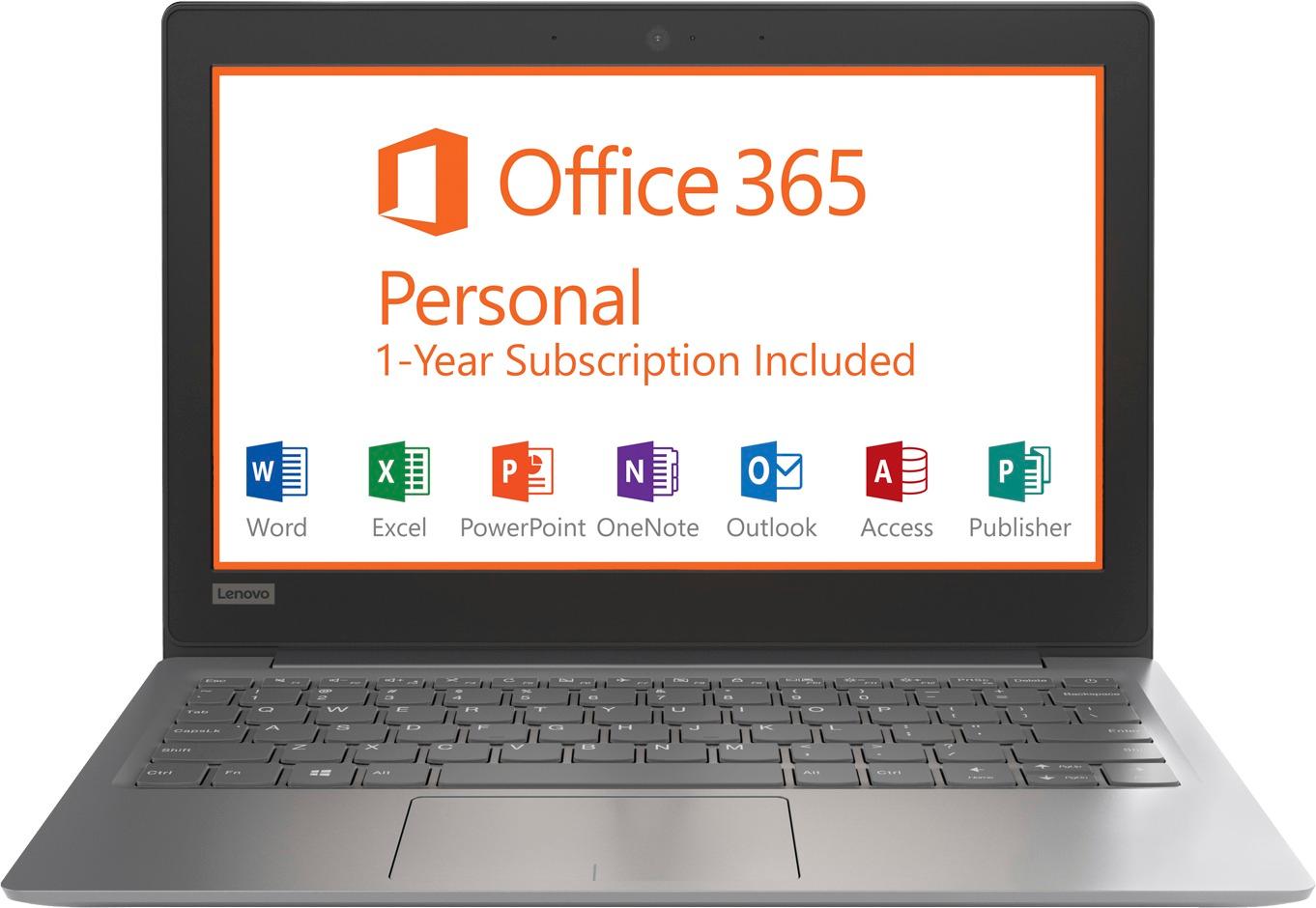
Posted .We are sorry you hear that you are having issues with your Lenovo IdeaPad 120s-11 laptop. This system should be a fast system with its Core I-5 processor and 8GB of RAM. There is no need to install Microsoft Office software. The software is already part of the operating system, there is a free 1-year subscription to Microsoft Office 365. If you have installed a copy of Microsoft Office, this is conflicting with the existing copy on the system and this will slow your system down. If you have installed a 3rd party anti-virus program, be sure that Windows Defender is turned off and that the trial version of McAfee Anti-Virus software is uninstalled. There can only be one anti-virus program on the system. You may need to restore your system to original factory default settings if any of the programing errors have occurred. You can do that by typing "restore" in the Cortana search window. Just click on the magnifying glass icon at the bottom left of your Windows 10 Desktop. Click on "Reset This PC" Then click on "Get Started" and follow the on screen directions to restore to factory defaults. If the problem persists, we recommend you contact Lenovo Tech Support at: 877-453-6686.

Wouldn't recommend
||Posted .This reviewer received promo considerations or sweepstakes entry for writing a review.We have tried for a week to download apps and have been unsuccessful. We will be returning laptop to store.
No, I would not recommend this to a friendBrand response from Lenovo Product Expert
Posted .Make sure any "APPs" you are trying to install are compatible with Windows 10. This is an entry level, light use system. It uses Windows 10 Home 64-Bit as its operating system, which requires less than 2GB of RAM to run. There is a 32GB solid state hard drive for quick boot up and quick loading of programs and files. If you need more storage space, there is a Micro-SD card slot on this device you can use to add more storage space. This device has the latest WiFi capability, with 802.11AC connectivity. It comes with a free 1-year subscription to Microsoft Office 365, a $69.00 value. If your requirements fit this profile, this device is a good choice.
Busted
||Posted .This reviewer received promo considerations or sweepstakes entry for writing a review.Its junk. Comes with windows and cant even support the updates.
No, I would not recommend this to a friendBrand response from Lenovo Product Expert
Posted .This is an entry level, light use computer system. It uses Windows 10 Home 64-Bit as its operating system, which requires less than 2GB of RAM to run. There is a 32GB solid state hard drive on this device for fast boot up and file recall. This device has the latest WiFi capability, with 802.11AC connectivity. There is a free 1-year subscription to Microsoft Office 365, a $69.00 value on this device. If your requirements fit this profile, this device is a good choice. With regard to extra space for Windows 10 updates, according to Microsoft Support, you can use an external hard drive, formatted NTFS, when downloading Windows 10 updates for the needed temporary files. Here is a link to an explanation:
https://support.microsoft.com/en-us/help/4013876/windows-10-freeing-up-space-to-install-latest-update
died after 2 months
||Posted .This reviewer received promo considerations or sweepstakes entry for writing a review.BLUE screen of death. Used it for two months. too cheap to pay to get fixed so have to buy a new one.
No, I would not recommend this to a friendBrand response from Lenovo Product Expert
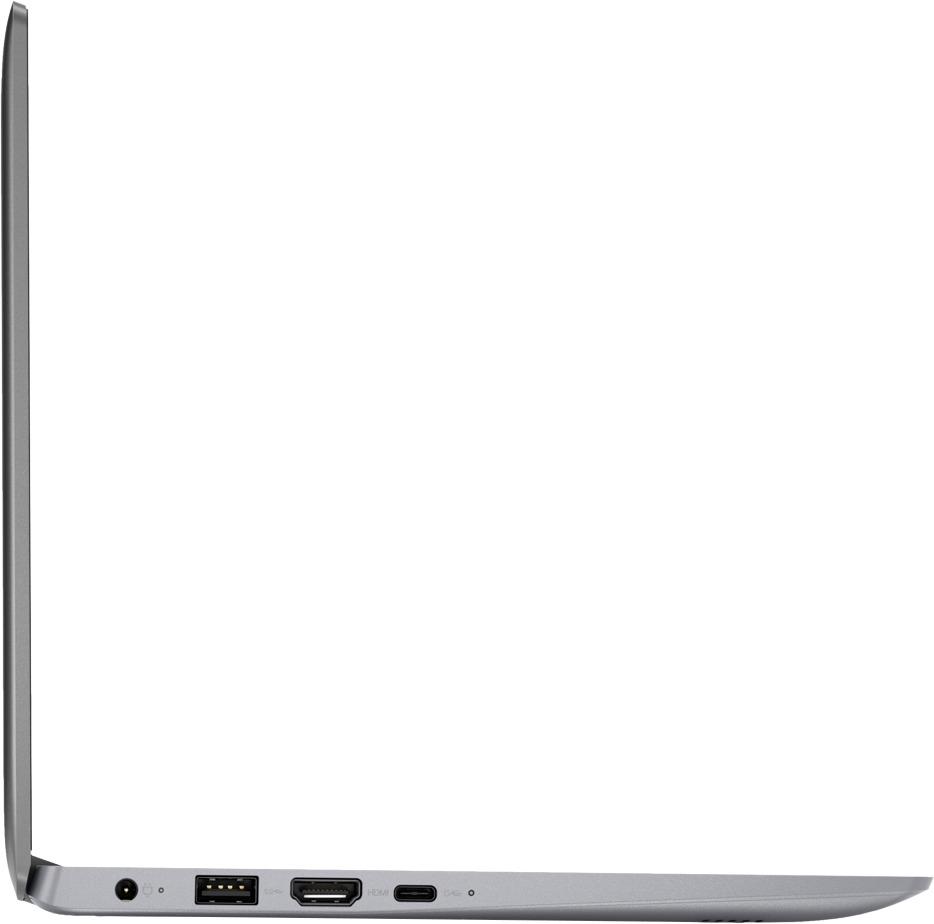
Posted .We are sorry to hear that you are having issues with your Lenovo IdeaPad 120s-11 laptop. Be sure any software you install is compatible with Windows 10 and this specific device configuration. This system is equipped with OneKey Recovery System. There is a very small pin hole on the right side of the device, right near the Micro-SD card slot on the device. You will need a pin to push this reset button. Plug the device in. Let the battery charge for about 15 minutes. Push the reset button. The system should boot to a choice screen where you can choose "Restore To Factory Default". Select this. It will delete everything from the hard drive except the original factory install of the operating system. You will need to reinstall all programs and files after the reset. If you don't have copies of the files, try to make one before you restore by selecting "Boot to desktop" and trying to back up your files. If the problem persists after the factory reset, we recommend you contact Lenovo Tech Support at: 877-453-6686.
Everything was fine except the WiFi didn’t
||Posted .This reviewer received promo considerations or sweepstakes entry for writing a review.The WiFi didn’t work so I returned the laptop to the store.
No, I would not recommend this to a friendBrand response from Lenovo Product Expert
Posted .This system uses the latest and fastest 802.11AC WiFi frequency. Although 802.11AC WiFi is backward compatible to older b/g/n frequencies of WiFi, be sure your router has the latest version of firmware for Windows 10. You can check this at the router manufacturer's web site and check for firmware updates. You can also update the BIOS and drivers on this device as well. This system has Lenovo utilities installed to help maintain the health of the device and keep the operating system software up to date. Type "Lenovo Vantage" in the Cortana Search window (if Lenovo Vantage is not installed on your device, you can download the APP and install it now). Select Lenovo Vantage from the list. In the window that opens, click on "Health and Support". In the expanded menu, select "Hardware Scan" In the window that opens, select "Run Quick Tests". This will scan your entire system for errors. Follow any directions that may pop up. If the problem continues after this scan, now click on "System Update". First select Windows update from the menu. Scan your system to be sure you have the latest version of Windows 10. Once that scan is complete, select "Additional Updates". This will scan your device to be sure there are no new BIOS/Driver updates needed. Follow any instructions that may pop up. If the issue still continues after these updates, we recommend you call Lenovo Tech Support at: 877-453-6686 for additional help.
Not a good investment
||Posted . Owned for 1 year when reviewed.This reviewer received promo considerations or sweepstakes entry for writing a review.You get what you pay for. It's just sitting in the closet. Not worth the money spent.
No, I would not recommend this to a friendWill not start up.
||Posted .This reviewer received promo considerations or sweepstakes entry for writing a review.Computer initial fill locked up and have not had time to get to Best Buy for help.
No, I would not recommend this to a friendBrand response from Lenovo Product Expert
Posted .We are sorry to hear that you are having trouble with the initial activation of Windows 10 on this device. This system is equipped with OneKey Recovery System. There is a very small pin hole on the right side of the device, right near the Micro-SD card slot on the device. You will need a pin to push this reset button. Plug the device in. Let the battery charge for about 15 minutes. Push the reset button. The system should boot to a choice screen where you can choose "Restore To Factory Default". Select this. It will delete everything from the hard drive except the original factory install of the operating system. You will need to reinstall all programs and files after the reset. If you don't have copies of the files, try to make one before you restore by selecting "Boot to desktop" and trying to back up your files. If the problem persists after the factory reset, we recommend you contact Lenovo Tech Support at: 877-453-6686.
Horrible
||Posted . Owned for 1.5 years when reviewed.This reviewer received promo considerations or sweepstakes entry for writing a review.This is a horrible laptop I would not refinance or recommend
No, I would not recommend this to a friendNot very good
||Posted .This reviewer received promo considerations or sweepstakes entry for writing a review.Seems ok for a school age child, minimal usage for anything
No, I would not recommend this to a friendBrand response from Lenovo Product Expert
Posted .The Lenovo IdeaPad 120s-14 laptop is an entry level, light use system with its Intel Celeron processor, supported by 2GB of RAM and a 32GB eMMC solid state hard drive. It is not meant for multi-tasking or demanding programs. It is good for Microsoft Office and light internet browsing There is a free 1-year subscription to Microsoft Office 365, a $69.00 value included. If this describes your computing needs, the IdeaPad 120s-14 would be a good choice.

not working
||Posted .This reviewer received promo considerations or sweepstakes entry for writing a review.PC lock it self, does not opening with pin code or face opening
No, I would not recommend this to a friendBrand response from Lenovo Product Expert
Posted .We are sorry to hear you are having issues with your IdeaPad 120s-11 laptop. This model does not have facial recognition security. Be sure any software you installed is compatible with Windows 10. There is no need to install Microsoft Office software. The software is already part of the operating system, you receive a free 1-year subscription to Microsoft Office 365 with this device. If you have installed a copy of Microsoft Office, this is conflicting with the existing copy on the system and this will slow your system down. If you have installed a 3rd party anti-virus program, be sure that Windows Defender is turned off and that the trial version of McAfee Anti-Virus software is uninstalled. There can only be one anti-virus program on the system. You may need to restore your system to original factory default settings if any of the programing errors have occurred. This system is equipped with OneKey Recovery System. There is a very small pin hole on the right side of the device, right near the SD card slot on the device. You will need a pin to push this reset button. Plug the device in. Let the battery charge for about 15 minutes. Push the reset button. The system should boot to a choice screen where you can choose "Restore To Factory Default". Select this. It will delete everything from the hard drive except the original factory install of the operating system. You will need to reinstall all programs and files after the reset. If you don't have copies of the files, try to make one before you restore by selecting "Boot to desktop" and trying to back up your files. If the problem persists after the factory reset, we recommend you contact Lenovo Tech Support at: 877-453-6686.
Terrible computer
||Posted .This reviewer received promo considerations or sweepstakes entry for writing a review.Essentially unusable after a months worth of os updates
No, I would not recommend this to a friendBrand response from Lenovo Product Expert
Posted .We are sorry to hear that you are having issues with Windows 10 updates on your Lenovo IdeaPad 120s-11 laptop. The issues you describe may be due to the Windows 10 updates not completing and retrying the update every time you turn the device on, due to not enough available hard drive space on the device. According to Microsoft Support, you can use an external hard drive, formatted NTFS, when downloading Windows 10 updates for the needed temporary files. Here is a link to an explanation:
https://support.microsoft.com/en-us/help/4013876/windows-10-freeing-up-space-to-install-latest-update
Horrible!
||Posted .This reviewer received promo considerations or sweepstakes entry for writing a review.Daughter got it for Christmas and already does not work!
No, I would not recommend this to a friendBrand response from Lenovo Product Expert
Posted .We are sorry to hear that you are having issues with your Lenovo IdeaPad 120s-11 laptop. We recommend you call Lenovo Tech Support at: 877-453-6686 for specific help with the issue with your device.
Not Worth The Price.
||Posted .This reviewer received promo considerations or sweepstakes entry for writing a review.DO NOT PURCHASE!! Can't complete Windows Updates!!
No, I would not recommend this to a friendBrand response from Lenovo Product Expert
Posted .According to Microsoft Support, you can use an external hard drive when downloading Windows 10 updates for the needed temporary files. Here is a link to an explanation:
https://support.microsoft.com/en-us/help/4013876/windows-10-freeing-up-space-to-install-latest-update
- Pros mentioned:Light weight, PortableCons mentioned:Low memory
Fantastic at this Price-point
Posted .This reviewer received promo considerations or sweepstakes entry for writing a review.Bought to use while traveling. It is super light, small form factor, and portable. The keyboard pretty good and the track-pad is great. The only downside to this thing is the 32 GB of memory and the 720p screen. The screen doesn't bother me too much and I have a 128 GB micro sd card in it at all times. When doing the windows updates, I ran out of memory on the 32 GB storage drive. I had to type in disk cleanup into the search bar, clean up system files and delete about 10 GB worth of old windows files. After that, everything was installed with about 7 GB free. Also, if you have the habit of accidentally hitting the power button on the laptop, you can go into power settings and turn off the power buttons function. Just turn it off by going start, power, shutdown. For the price, you will be hard pressed to beat it, even if you look into a used one. Hope this review was of some help!
I would recommend this to a friendBrand response from Lenovo Product Expert
Posted .Thank you for choosing the Lenovo IdeaPad 120s-11 laptop. We are pleased to hear that the IdeaPad 120s-11 is working out so well for you.
- Cons mentioned:Storage
Light Easy to carry around
Posted .This reviewer received promo considerations or sweepstakes entry for writing a review.First is that Lenovo'sl are good solid computers. You will not go wrong no matter which one you buy. My is red instead of the silver. First thing i tried to do was back up my phone, not enough drive memory. I haven't be able to do is the Windows updates. I took the music off and itunes. Still not enough to update. 32 mg is not enough hd. The computer is great for mail and internet looking, Facebook. There is a better model for only 174.99 that has a static drive of 64mg. I use it a lot for the things i mentioned
I would recommend this to a friendBrand response from Lenovo Product Expert
Posted .Thank you for choosing the Lenovo IdeaPad 120s-11. If you need more storage space, there is a Micro-SD card slot on the device that can be used to add more storage space.
- Cons mentioned:Storage
Nice low end machine
Posted .This reviewer received promo considerations or sweepstakes entry for writing a review.I've been looking for an inexpensive, small notebook/PC. The Lenovo IdeaPad 110 was perfect. It's certainly not a high speed PC but it runs quite well when using mail, surfing the web and using Office 365 applications. Haven't really tested battery life yet. What made the deal for me was the one year subscription to Office 365 that was included at no cost. This was a special offer and may not be available now. At $149, its still a good deal. PROS Small footprint Comfortable keyboard 1 each USB2, USB3 and USBC ports Handy for home or travel Responsive Wi-FI CONS Windows 10 Limited storage (Out of the 32GB there's 10 available to use)
I would recommend this to a friendBrand response from Lenovo Product Expert
Posted .Thank you for choosing the Lenovo IdeaPad 120s-11 laptop. If you need more storage space for this device, there is a Micro-SD card slot on the device that can be used to add more storage space.
- Cons mentioned:Slow, Storage
Do yourself a favor - Buy a Chromebook Instead!
Posted .This reviewer received promo considerations or sweepstakes entry for writing a review.Please note that my low rating of this product is not a criticism of the computer itself - with the exception of the hard drive (more on that in a minute) I have no complaints about the hardware, and i really enjoy how easy this computer is to type on due to it's large, well-spaced keys - But I have come to the conclusion that Windows 10 can turn any computer into a buggy, glitchy pile of junk in a matter of months. I say this because I bought this laptop only to run Microsoft Office apps and to occasionally do e-mail and surf the web. I have not installed any other apps on this computer, and I haven't even used it that much, but after a few Windows 10 updates it now boots up slower, runs slower, occasionally freezes and takes longer to shut down than my old computer, which my kids had installed all kinds of resource-sapping junk on, and which is also infected with Windows 10. And here's what REALLY annoys me: Microsoft keeps sending me notifications that I need to install the latest Windows 10 Security update - Which requires 10 GIGABYTES of hard-disk space - and now says that Microsoft product support will end for Windows 10 unless I install the next System Update before April 10, which requires 6 GB of drive space. This poses a huge problem on several levels, and here's why: First off, even though this computer is advertised as having a 32GB hard drive, the actual capacity of the hard drive is closer to 28 GB according to File Explorer. Second, with no other apps installed, 24 GB of that drive space is taken up by Windows all by itself. If you haven't done the math, that means there is 4 GB of free HD space. I installed a 64GB MicroSD card in the memory slot, but Windows will not let me download the updates to it. So, unless I am misunderstanding something, it's impossible to upgrade this computer to the standard Microsoft requires to continue offering support for their already unsatisfactory product. This, on a product that is less than one year old! I am SO done with Windows. Next time, it's a Chromebook (or a Mac) for sure.
No, I would not recommend this to a friendBrand response from Lenovo Product Expert
Posted .We are sorry to hear that you are having issues updating Windows 10 on your Lenovo IdeaPad 120s-11 laptop The Micro-SD card you are using is formatted in FAT32. Windows 10 updates need an external hard drive formatted in NTFS. According to Microsoft Support, you can use an external hard drive when downloading Windows 10 updates for the needed temporary files. Here is a link to an explanation:
https://support.microsoft.com/en-us/help/4013876/windows-10-freeing-up-space-to-install-latest-update
- Cons mentioned:Storage
Good for the Buck.
Posted .This reviewer received promo considerations or sweepstakes entry for writing a review.I purchased my Idea Pad Black Friday and its good for the buck. It only has 2 GB of memory. So you can not store alot. I works good for my 11 year old. Who has a tablet all ready. She is happy with her computer. If your an adult looking for something for School or work. This is not the computer for you. Its a 32 bit computer so it doesnt run as efficiently as you would expect. With Best Buy's 15 day return policy you could buy it and if you don't like it. Return it to the store.
I would recommend this to a friendBrand response from Lenovo Product Expert
Posted .This is an entry level, light use system. It uses Windows 10 Home 32-Bit as its operating system, which requires less than 1GB of RAM to run. There is a 32GB solid state hard drive for quick boot up and quick loading of programs and files. This device has the latest WiFi capability, with 802.11AC connectivity. It comes with a free 1-year subscription to Microsoft Office 365, a $69.00 value. If your requirements fit this profile, this device is a good choice.
- Cons mentioned:Ram, Slow
SLOW!!
Posted .This reviewer received promo considerations or sweepstakes entry for writing a review.Purchased this computer simply for web browsing. It does work but is PAINFULLY SLOW!! Not just a little slow, but very slow. Don't know why, but suspect running Windows 10 with 2 GB of RAM has something to do with it.
No, I would not recommend this to a friendBrand response from Lenovo Product Expert
Posted .This is an entry level, light use system. It uses Windows 10 Home 64-Bit as its operating system, which requires less than 2GB of RAM to run. There is a 32GB solid state hard drive for quick boot up and quick loading of programs and files. If you have installed any programs on this device, be sure that the program is compatible with Windows 10. This device has the latest WiFi capability, with 802.11AC connectivity. It comes with a free 1-year subscription to Microsoft Office 365, a $69.00 value. If your requirements fit this profile, this device is a good choice.