Customer Ratings & Reviews



- Model:
- 80WG0001US
- SKU:
- 5580020
Rating by feature
- Value
Rating 3.7 out of 5 stars
- Quality
Rating 2.8 out of 5 stars
- Ease of Use
Rating 3.8 out of 5 stars
Customers are saying
Customers enjoy the Ideapad 110s' ease of use, compact size, and lightweight design, finding it to be a great value for the price. Positive feedback also highlights its satisfactory performance and decent battery life. However, some users point out limitations in storage and memory capacity as potential drawbacks.
This summary was generated by AI based on customer reviews.
Great especially for the price
||Posted .This reviewer received promo considerations or sweepstakes entry for writing a review.My kids needed a laptop for school work. PERFECT!!!
I would recommend this to a friendBrand response from Lenovo Product Expert
Posted .Thank you for choosing the Lenovo IdeaPad 110s-11 laptop for your children. We are pleased to hear that the IdeaPad 110s-11 is working out so well for your children.

Great for a child.
||Posted .This reviewer received promo considerations or sweepstakes entry for writing a review.I bought this for my 13 yr old son and he loves it.
I would recommend this to a friendGood pc
||Posted .This reviewer received promo considerations or sweepstakes entry for writing a review.I bought it just as work pc to keep for configuring job sites it's reliable
I would recommend this to a friendGreat for my 12 year old daughter
||Posted .This reviewer received promo considerations or sweepstakes entry for writing a review.Its the perfect size for her age and she loves it.
I would recommend this to a friendBrand response from Lenovo Product Expert
Posted .Thank you for choosing the Lenovo IdeaPad 110s-11 for your daughter. We are pleased to hear that the IdeaPad 110s-11 is working out so well for your daughter.
It’s ok
||Posted .This reviewer received promo considerations or sweepstakes entry for writing a review.I bought this product for my daughter, it’s great for home work.
I would recommend this to a friendNot user friendly
||Posted .This reviewer received promo considerations or sweepstakes entry for writing a review.Not able to get on easily. Too many updates.not user friendly at all very slow
No, I would not recommend this to a friendBrand response from Lenovo Product Expert
Posted .There should not be daily updates. This sounds like an incomplete update that is continually trying to complete the update, but for some reason can not finish the update. You may need to restore your system to original factory default settings then allow the update(s) to reinstall themselves. You can do that by typing "restore" in the Cortana search window. Just click on the magnifying glass icon at the bottom left of your Windows 10 Desktop. Click on "Reset This PC" Then click on "Get Started" and follow the on screen directions to restore to factory defaults.
Average Computer
||Posted .This reviewer received promo considerations or sweepstakes entry for writing a review.Good for daily use Recommend for small kids to watch cartoons, movies :)
I would recommend this to a friendBrand response from Lenovo Product Expert
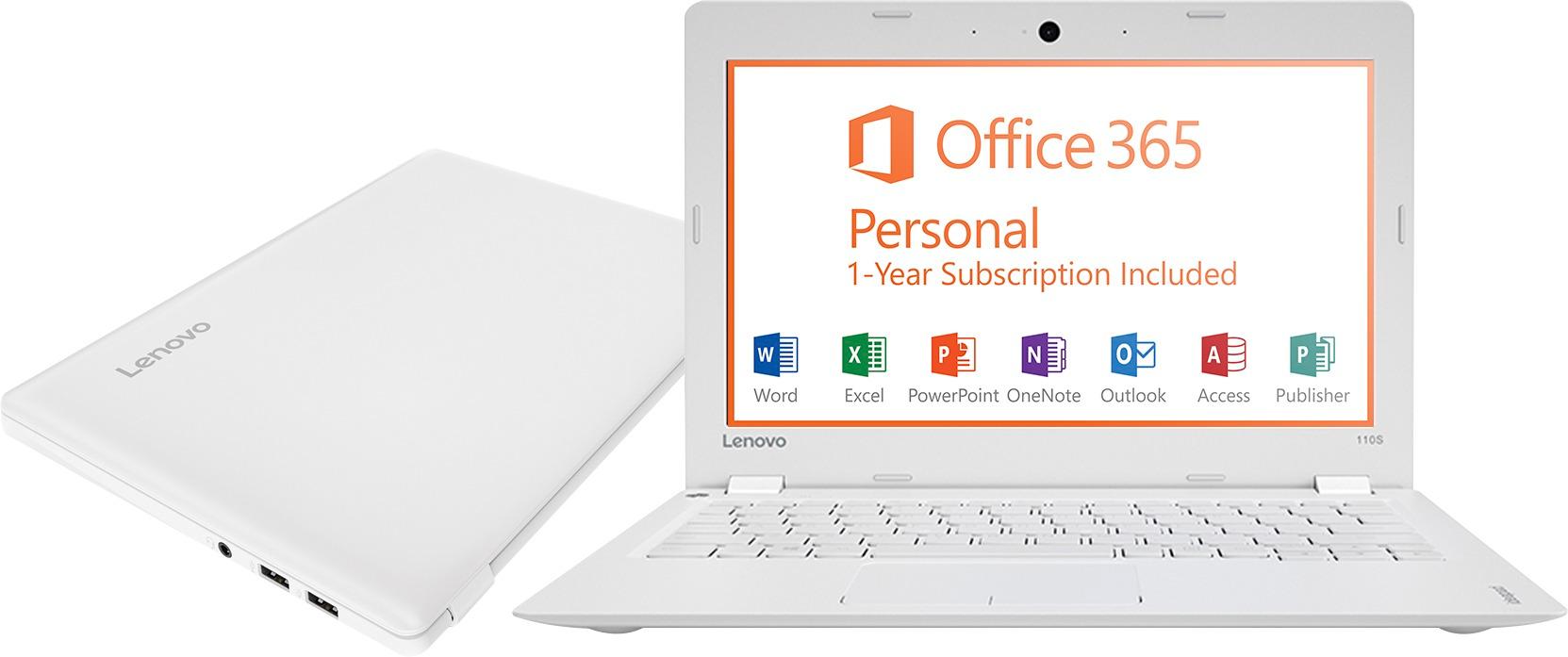
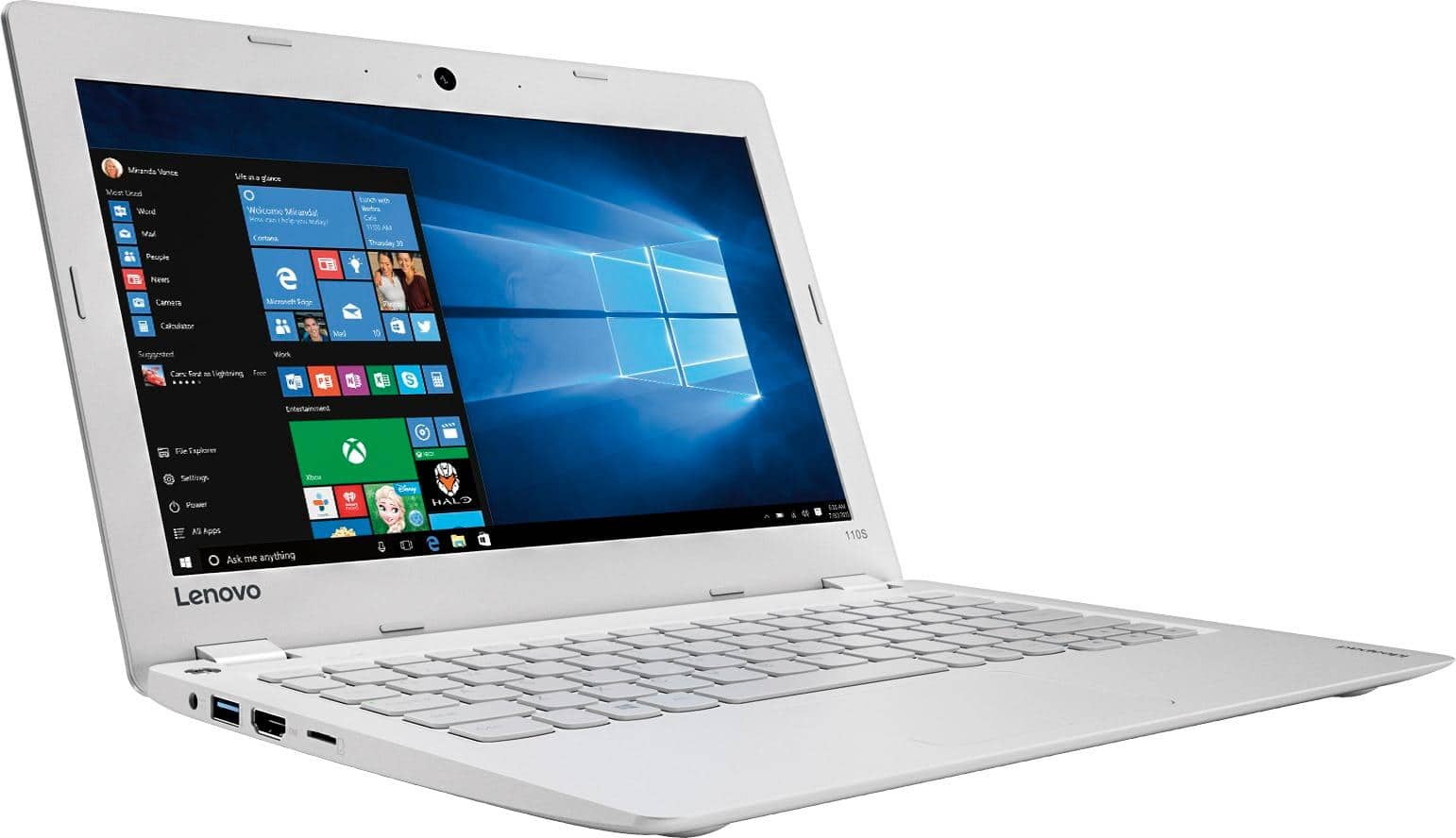
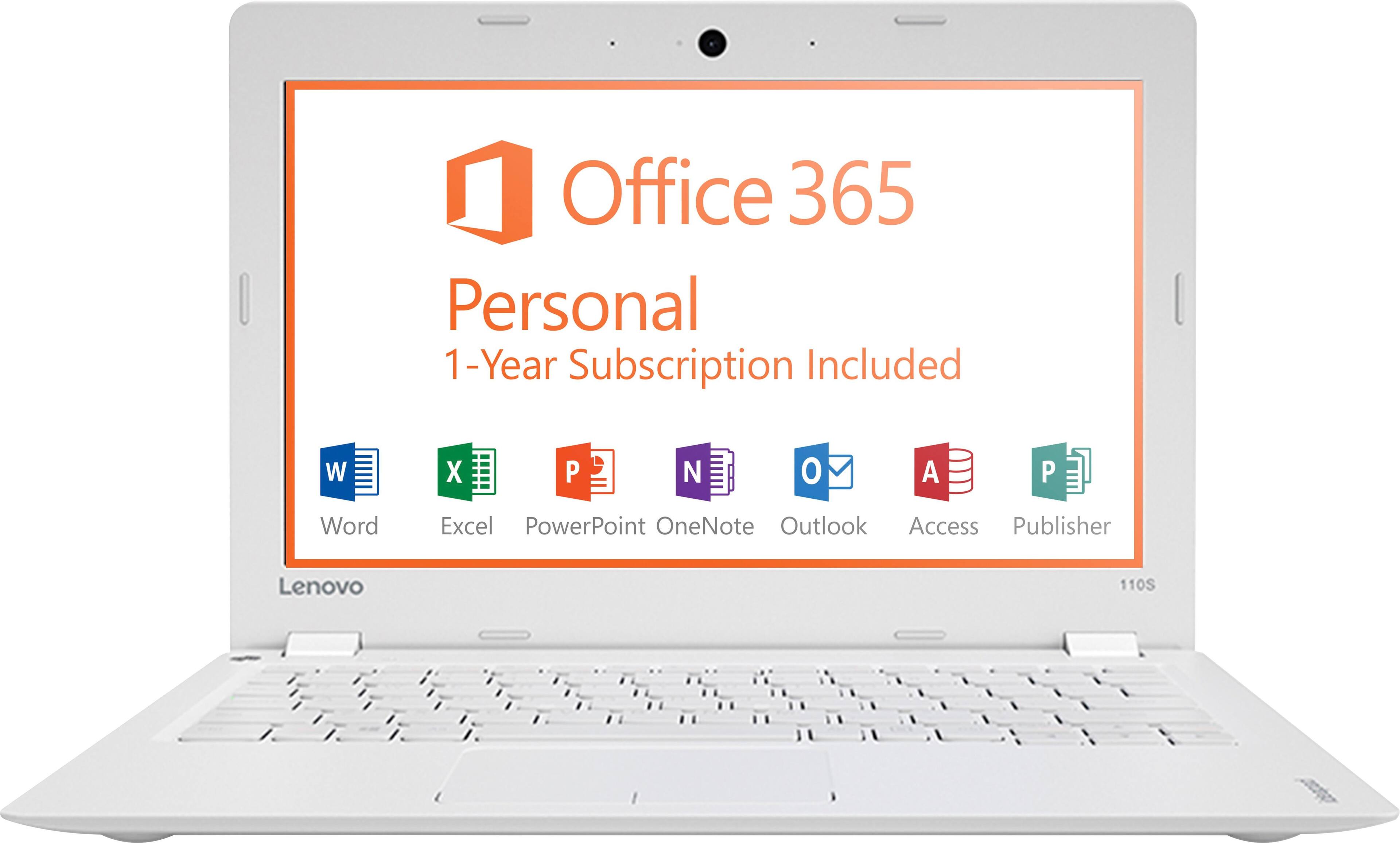
Posted .This is an entry level, light use system. It uses Windows 10 Home 32-Bit as its operating system, which requires less than 1GB of RAM to run. There is a 32GB solid state hard drive for quick boot up and quick loading of programs and files. This device has the latest WiFi capability, with 802.11AC connectivity. It comes with a free 1-year subscription to Microsoft Office 365. If your requirements fit this profile, this device is a good choice.
Not a great
||Posted .This reviewer received promo considerations or sweepstakes entry for writing a review.Battery problem when I use with out plug in it’s dead after 5-6 minite
I would recommend this to a friendJust too small
||Posted .This reviewer received promo considerations or sweepstakes entry for writing a review.Loved it but it was just too small for my liking other than that it was fine
I would recommend this to a friendaverage processing speed but good value 4 low pric
||Posted .This reviewer received promo considerations or sweepstakes entry for writing a review.Average processing speed. Overall it's a good value for a very low price.
I would recommend this to a friendGets job done
||Posted .This reviewer received promo considerations or sweepstakes entry for writing a review.If you are surfing the web and that’s it... this will work just fine.
No, I would not recommend this to a friendBrand response from Lenovo Product Expert
Posted .This is an entry level, light use system. It uses Windows 10 Home 32-Bit as its operating system, which requires less than 1GB of RAM to run. There is a 32GB solid state hard drive for quick boot up and quick loading of programs and files. This device has the latest WiFi capability, with 802.11AC connectivity. It comes with a free 1-year subscription to Microsoft Office 365. If your requirements fit this profile, this device is a good choice.
For my granddaughter
||Posted .This reviewer received promo considerations or sweepstakes entry for writing a review.She loves the tablet. It looks like a laptop and that is what she wanted.
I would recommend this to a friendNot a Fan
||Posted .This reviewer received promo considerations or sweepstakes entry for writing a review.This laptop did not provide what I needed, I had to return for a refund.
No, I would not recommend this to a friendDevice stopped charging
||Posted .This reviewer received promo considerations or sweepstakes entry for writing a review.Laptop stopped charging in less than 90 days.I wouldn't recommend.
No, I would not recommend this to a friendStill learning my computer
||Posted .This reviewer received promo considerations or sweepstakes entry for writing a review.I am still learning. But I am happy with the choice that I have made.
I would recommend this to a friendgood student laptop for high school
||Posted .This reviewer received promo considerations or sweepstakes entry for writing a review.This is a fairly good cloud laptop for student use in high school.
I would recommend this to a friendSlow but decent for the price
||Posted .This reviewer received promo considerations or sweepstakes entry for writing a review.Overall good computer for the price but the screen lighting is poor
I would recommend this to a friend- Pros mentioned:Ease of use, WeightCons mentioned:Ram, Storage
Great value for the price
Posted .This reviewer received promo considerations or sweepstakes entry for writing a review.I was looking for a basic laptop that would break me free from my desk and this did it. I'm not using it for heavy work, just to be able to get away from my desk, yet still get work done while at my children's practices, or sitting comfortably with my family on the couch. I use it for website maintenance, taking care of social media posts, etc. They're all things that I wanted to have an actual keyboard for and a NON-mobile web browser (as opposed to a tablet). That being said, while it's perfect for the noted uses, I wouldn't say that I recommend this for anything that will require memory usage (either ram or hard drive space). The only thing I have loaded to it is Google Chrome and will try not to load anything else. Even when I'm gathering pictures from the internet or my own files, I'll download them onto a thumb drive instead of putting them on here and taking them off. All in all it's a nice, basic, lightweight machine perfectly suited for internet work at an inexpensive price tag.
I would recommend this to a friendBrand response from Lenovo Product Expert
Posted .Thank you for choosing the Lenovo IdeaPad 110s-11 laptop. We are pleased to hear that the value, features and performance of the IdeaPad 110s-11 meets your computing needs so well.
small laptop
||Posted .This reviewer received promo considerations or sweepstakes entry for writing a review.Windows 10 is very complicated and I have a hard time navigating
No, I would not recommend this to a friendBrand response from Lenovo Product Expert
Posted .Thank you for choosing the Lenovo IdeaPad 110s-11 laptop. With regard to learning your way around Windows 10, you may want to try YouTube.com (just type that address in your browser address window). There are hundreds for free instructional videos there about Windows 10. Just type Windows 10 Introduction in to the YouTube search window. You can watch free videos there that will show you the basics all the way up to tips and tricks videos and they're all free.
- Cons mentioned:Screen
Junk
||Posted .This reviewer received promo considerations or sweepstakes entry for writing a review.Purchased 2 of these for my sons. They have used them only for school since xmas day and both screens went out.
No, I would not recommend this to a friendBrand response from Lenovo Product Expert
Posted .This system is equipped with OneKey Recovery System. There is a very small pin hole on the top left side of the device keyboard. You will need a pin to push this reset button. Plug the device in. Let the battery charge for about 15 minutes. Push the reset button. The system should boot to a choice screen where you can choose "Restore To Factory Default". Select this. It will delete everything from the hard drive except the original factory install of the operating system. You will need to reinstall all programs and files after the reset. If you don't have copies of the files, try to make one before you restore by selecting "Boot to desktop" and trying to back up your files.