Customer Ratings & Reviews



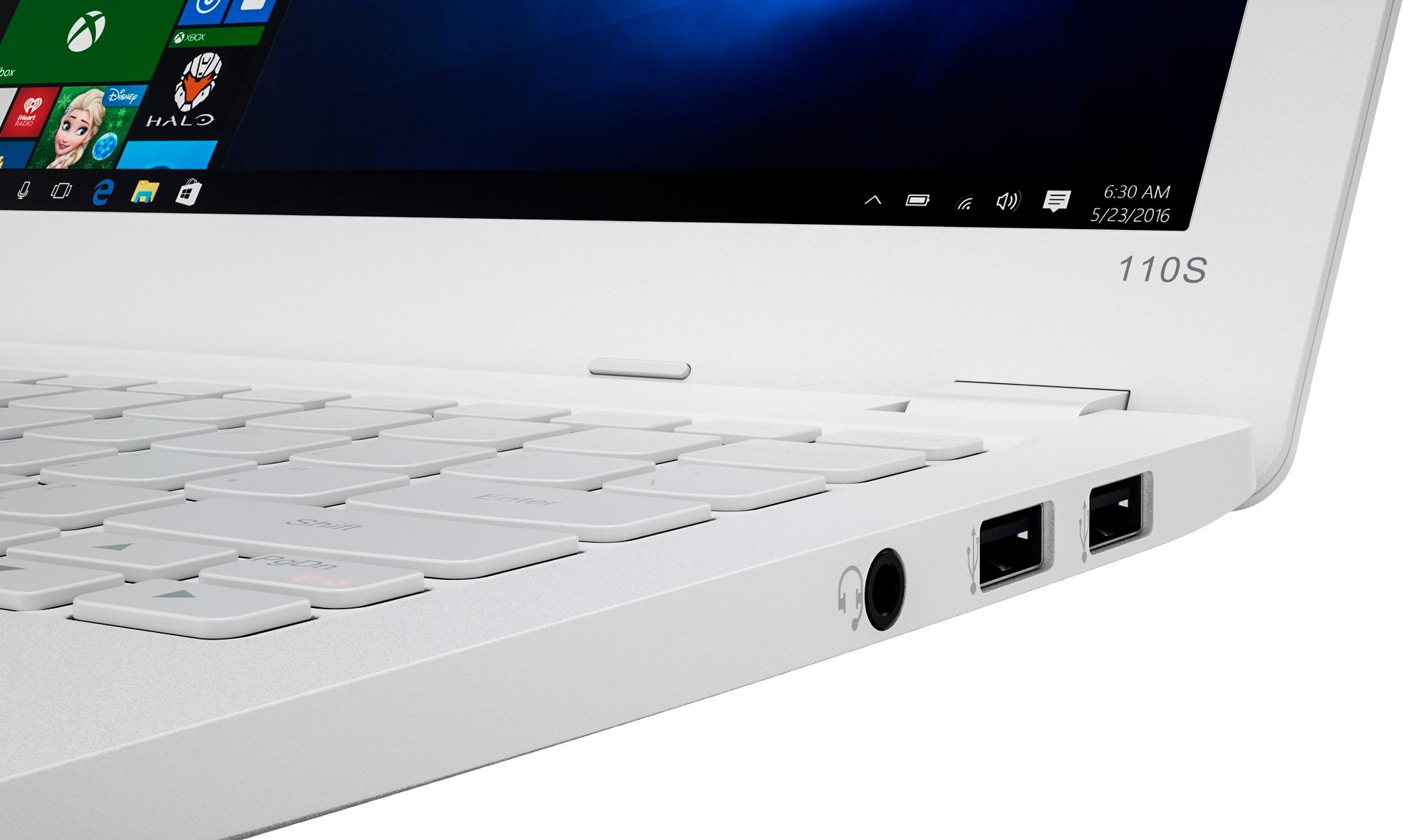
- Model:
- 80WG0001US
- SKU:
- 5580020
Rating by feature
- Value
Rating 3.7 out of 5 stars
- Quality
Rating 2.8 out of 5 stars
- Ease of Use
Rating 3.8 out of 5 stars
Customers are saying
Customers enjoy the Ideapad 110s' ease of use, compact size, and lightweight design, finding it to be a great value for the price. Positive feedback also highlights its satisfactory performance and decent battery life. However, some users point out limitations in storage and memory capacity as potential drawbacks.
This summary was generated by AI based on customer reviews.
Terrible
||Posted .This reviewer received promo considerations or sweepstakes entry for writing a review.Associate had no clue what he was taking about. We ended up bringing this laptop back.
No, I would not recommend this to a friendCheap and underpowered
||Posted .This reviewer received promo considerations or sweepstakes entry for writing a review.Hard drive too small. Okay to check email, but useless for much else.
No, I would not recommend this to a friendAwful
||Posted .This reviewer received promo considerations or sweepstakes entry for writing a review.Awful laptop. Had to return and get something else. It wouldn’t even stay on.
No, I would not recommend this to a friendno good
||Posted .This reviewer received promo considerations or sweepstakes entry for writing a review.the specker dont work the good the voulme have to use headphone in order to hear
No, I would not recommend this to a friend32 days and already a major virus
||Posted .This reviewer received promo considerations or sweepstakes entry for writing a review.32 days and already a major virus!!! Not a great product, very frustrated!!
No, I would not recommend this to a friendJunk
||Posted .This reviewer received promo considerations or sweepstakes entry for writing a review.Do not purchase this , save your money and buy a dell.
No, I would not recommend this to a friendIt over heated
||Posted .This reviewer received promo considerations or sweepstakes entry for writing a review.It over heated and I returned immediately and bought another brand.
No, I would not recommend this to a friendDon't buy
||Posted .This reviewer received promo considerations or sweepstakes entry for writing a review.Save and buy a better laptop. It broke down in less then 2 months
No, I would not recommend this to a friendNot happy
||Posted .This reviewer received promo considerations or sweepstakes entry for writing a review.I purchased this for my 10 years old son and I had to return it
No, I would not recommend this to a friendBroken keyboard
||Posted .This reviewer received promo considerations or sweepstakes entry for writing a review.Keys on keyboard don't work. I don't recommend this product.
No, I would not recommend this to a friendReturned the product twice
||Posted .This reviewer received promo considerations or sweepstakes entry for writing a review.It got stuck in a boot loop and have to return it twice.
No, I would not recommend this to a friendBrand response from Lenovo Product Expert
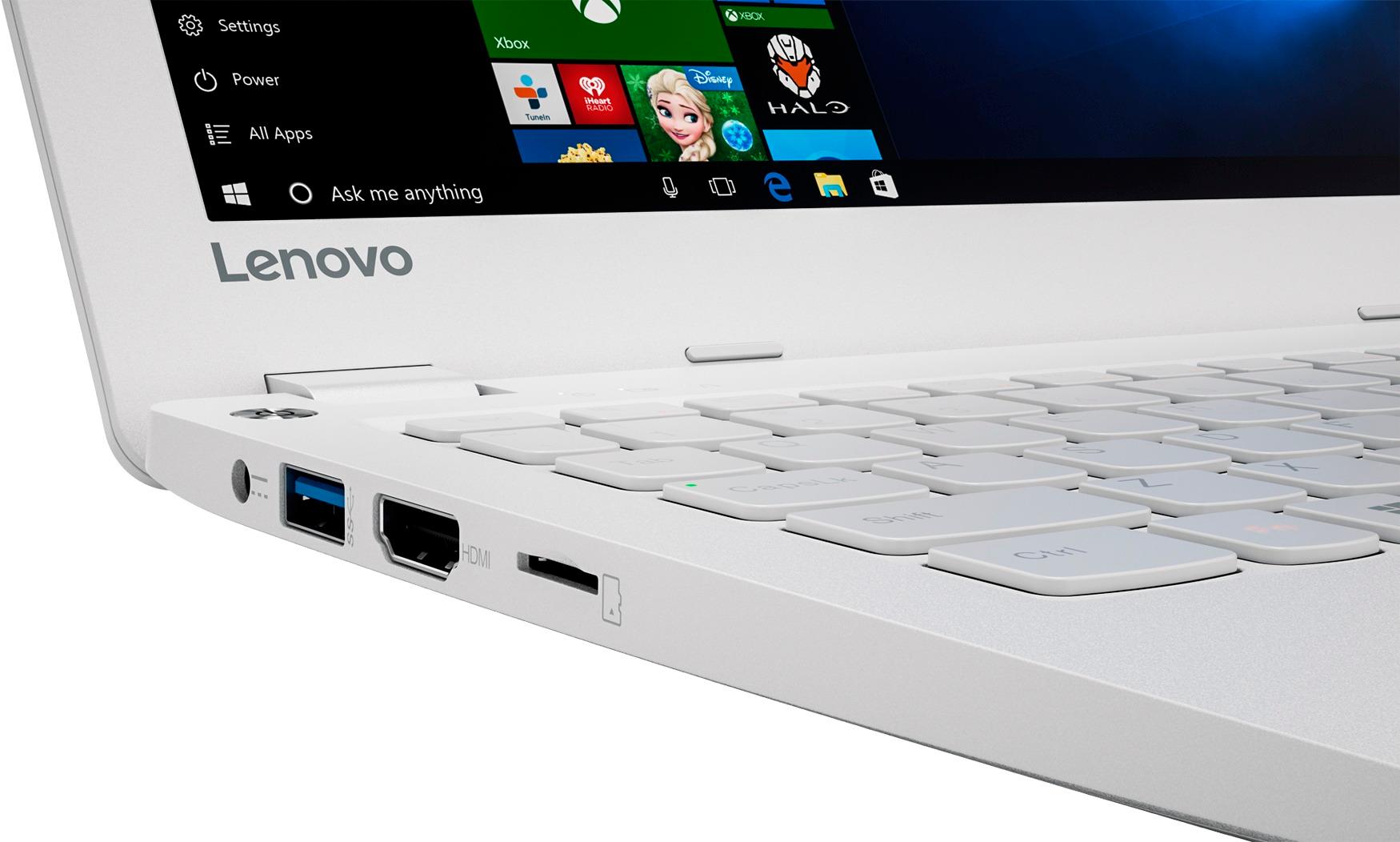
Posted .This sounds like an issue with the initial activation of Windows 10. This system is equipped with OneKey Recovery System. There is a very small button on the top left side of the device, right near the power button on the device. You will need a pen to push this reset button. Plug the device in. Let the battery charge for about 15 minutes. Push the reset button. The system should boot to a choice screen where you can choose "Restore To Factory Default". Select this. It will delete everything from the hard drive except the original factory install of the operating system. You will need to reinstall all programs and files after the reset. If you don't have copies of the files, try to make one before you restore by selecting "Boot to desktop" and trying to back up your files.

Not good
||Posted .This reviewer received promo considerations or sweepstakes entry for writing a review.Laptop shuts off by itself, no memory to do anything.
No, I would not recommend this to a friendBrand response from Lenovo Product Expert
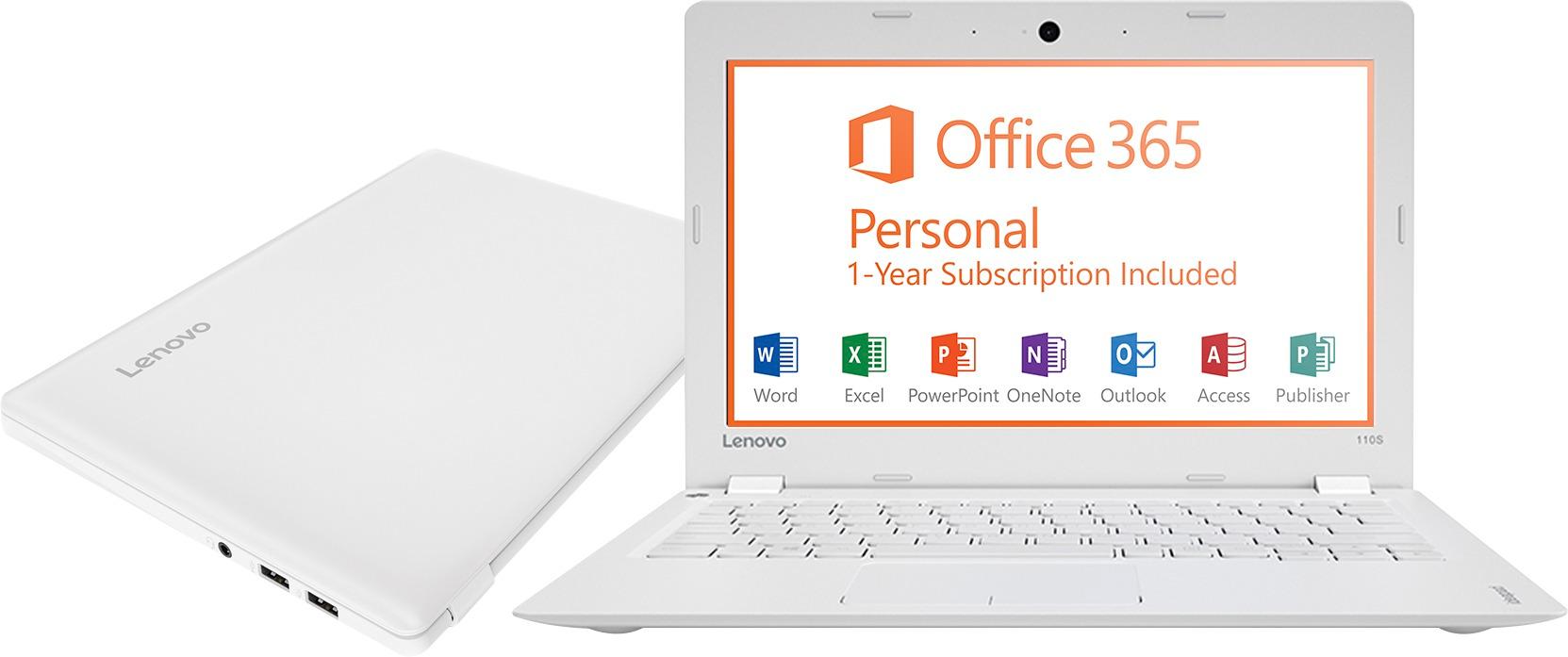
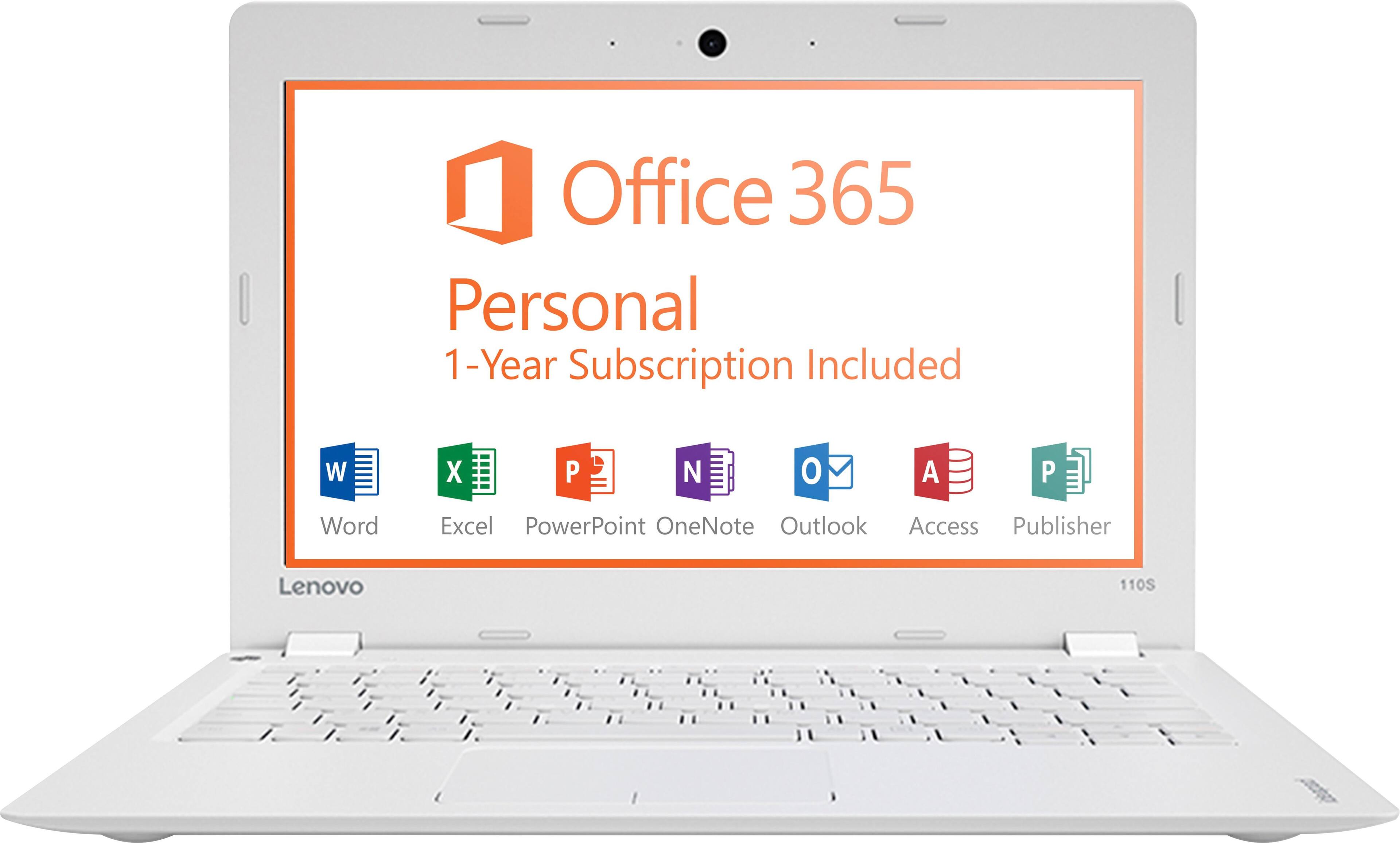
Posted .If the device is fully charged, it should not shut off by itself. We recommend you call Lenovo Tech Support at: 877-453-6686. This is an entry level, light use system. It uses Windows 10 Home 32-Bit as its operating system, which requires less than 1GB of RAM to run. There is a 32GB solid state hard drive for quick boot up and quick loading of programs and files. This device has the latest WiFi capability, with 802.11AC connectivity. It comes with a free 1-year subscription to Microsoft Office 365. If your requirements fit this profile, this device is a good choice.
Bad
||Posted .This reviewer received promo considerations or sweepstakes entry for writing a review.I did not buy this product on the 26th of February 2017
No, I would not recommend this to a friendy laptop doesnt turn on any more
||Posted .This reviewer received promo considerations or sweepstakes entry for writing a review.y laptop doesnt turn on any more please help me Mr Hale
No, I would not recommend this to a friendBrand response from Lenovo Product Expert
Posted .This system is equipped with OneKey Recovery System. There is a very small pin hole on the top left side of the device, right near the left hinge on the device. You will need a pin to push this reset button. Plug the device in. Let the battery charge for about 15 minutes. Push the reset button. The system should boot to a choice screen where you can choose "Restore To Factory Default". Select this. It will delete everything from the hard drive except the original factory install of the operating system. You will need to reinstall all programs and files after the reset. If you don't have copies of the files, try to make one before you restore by selecting "Boot to desktop" and trying to back up your files.
Piece of Sh/t
||Posted .This reviewer received promo considerations or sweepstakes entry for writing a review.Not even worth 178.00 this product fails to be sellable
No, I would not recommend this to a friendbuy something else
||Posted .This reviewer received promo considerations or sweepstakes entry for writing a review.poor build quality. not even good for browsing the web.
No, I would not recommend this to a friend- Cons mentioned:Storage
Great laptop for what it is...
Posted .This reviewer received promo considerations or sweepstakes entry for writing a review.I purchased this laptop after I saw a link from CNET. It was on sale and for a great price so I checked it out. After reading a few reviews I made the purchase. Anyone who purchases this laptop expecting to get a full blown, full function device that can do everything is fooling themselves. What you get is a small device running windows10 and fairly well. I bought this to travel with as I often travel with an Ipad pro. Obviously this wont replace an Ipad but for the money it surely will replace 99% of its function. And it runs windows... Ok now I wont have to worry about dropping, breaking, loosing, or leaving something behind. And it runs windows. Oh and it has a full blown keyboard. So far the battery life has been great and as long as you are not running too many apps it is fast enough. Here is a little secret. There is and M.2 slot on the motherboard so you could install and SSD, clone the onboard storage and run the laptop from the SSD. Storage issues solved. Going away next week so it think I will download some movies on Netflix and with an HDMI view them on the flat screen in the room. I am satisfied with my purchase.
I would recommend this to a friendBrand response from Lenovo Product Expert
Posted .Thank you for choosing the Lenovo IdeaPad 110s-11 laptop. We are pleased to hear that the value and performance of the Ideapad 110s-11 meets your computing needs so well.
- Pros mentioned:Weight
Surprisingly Good
Posted .This reviewer received promo considerations or sweepstakes entry for writing a review.I have a super high-end gaming laptop and it stopped working this morning for no apparent reason. Since it's going to take weeks to ship back, fix, and get back in my possession, I needed to buy a replacement computer to do my work on. I wasn't expecting much with this laptop at all but I'm actually quite impressed. It's quicker than I thought it would be, the keyboard and touchpad feel great (actually better than the high-end laptop), the speakers sound nice, and the screen, though small, is crisp and bright. I also really like how light this laptop is -- it's nice not having a 10 pound computer on my lap.A lot of inexpensive laptops are poorly made with terrible keyboards, unresponsive touchpads, and shoddy construction -- not this one though, it actually reminds me of my old Macbook Air. I was planning on shelving this laptop when I get my real one back, but I'm going to keep using it for light tasks and especially for travelling. Funny how a $150 laptop is actually more pleasant to use than one that cost thousands.
I would recommend this to a friendBrand response from Lenovo Product Expert
Posted .Thank you for choosing the Lenovo IdeaPad 110-11 laptop. We are pleased to hear that the value and performance of the IdeaPad 110-11 meets your computing needs so well.
- Cons mentioned:Ram, Speed, Storage
Eh...
Posted .This reviewer received promo considerations or sweepstakes entry for writing a review.I don't like to be dramatic with reviews. But this laptop is slow. I really only need it for browsing and paying bills. So i think the price was great. I paid less than the current price. This Edge browser is horrible. The laptop doesn't have much space which is fine but I keep getting a memory isssue pop up. I have Windows 10 on my other laptop which is 5yrs old and it's much faster than this one. I've had a Lenovo laptop in the past for work don't remember it being this slow. I've tried uninstalling some of the apps like: skype, facebook.
I would recommend this to a friend - Pros mentioned:Ease of useCons mentioned:Speed
Great Price But lagging
Posted .This reviewer received promo considerations or sweepstakes entry for writing a review.I appreciate that Lenovo offers a basic computer that can be bought under $200. The in store price was $199.00 but with the best buy open box option I bought one in certified excellent condition for $183. with tax it came out to $196. The design and price of the computer are what initially attracted me. It's simple, sleek, and milky white design makes for a pretty pc. I imagined it'd be great going to and from class. It's lightweight and portable. However the salesman did tell me it would be slow. I figured he was just trying to upsell and I'd been using a computer I had since 2007 so anything could be better right? I went ahead and bought the laptop anyway. After powering on and setting it up I started to notice the lag. It struggles to operate with 3 to 4 tabs open and lags even when I try to type in the search bar or send an email. I was hoping it was just my Wi-Fi connection but I've used the pc at a few different locations and the lag seems to be unrelated to the internet speed. Not to mention my android LG g5 is faster than the pc at web browsing and sending emails at this point. I don't feel confident the cute little computer will be able to get me through the semester at the speed I need. I'm going to return the laptop and give Lenovo another shot with the 11.6 inch yoga 710 4gb. Hopefully that'll do the trick. I wouldn't say its a bad computer overall but I would say that it may be worth it to spend some extra money to get a faster pc. Because time is money after all.
I would recommend this to a friendBrand response from Lenovo Product Expert
Posted .This is an entry level, light use system. It comes with a free 1-year subscription to Microsoft Office 365. If your requirements fit this profile, this device is a good choice.