Customer Ratings & Reviews


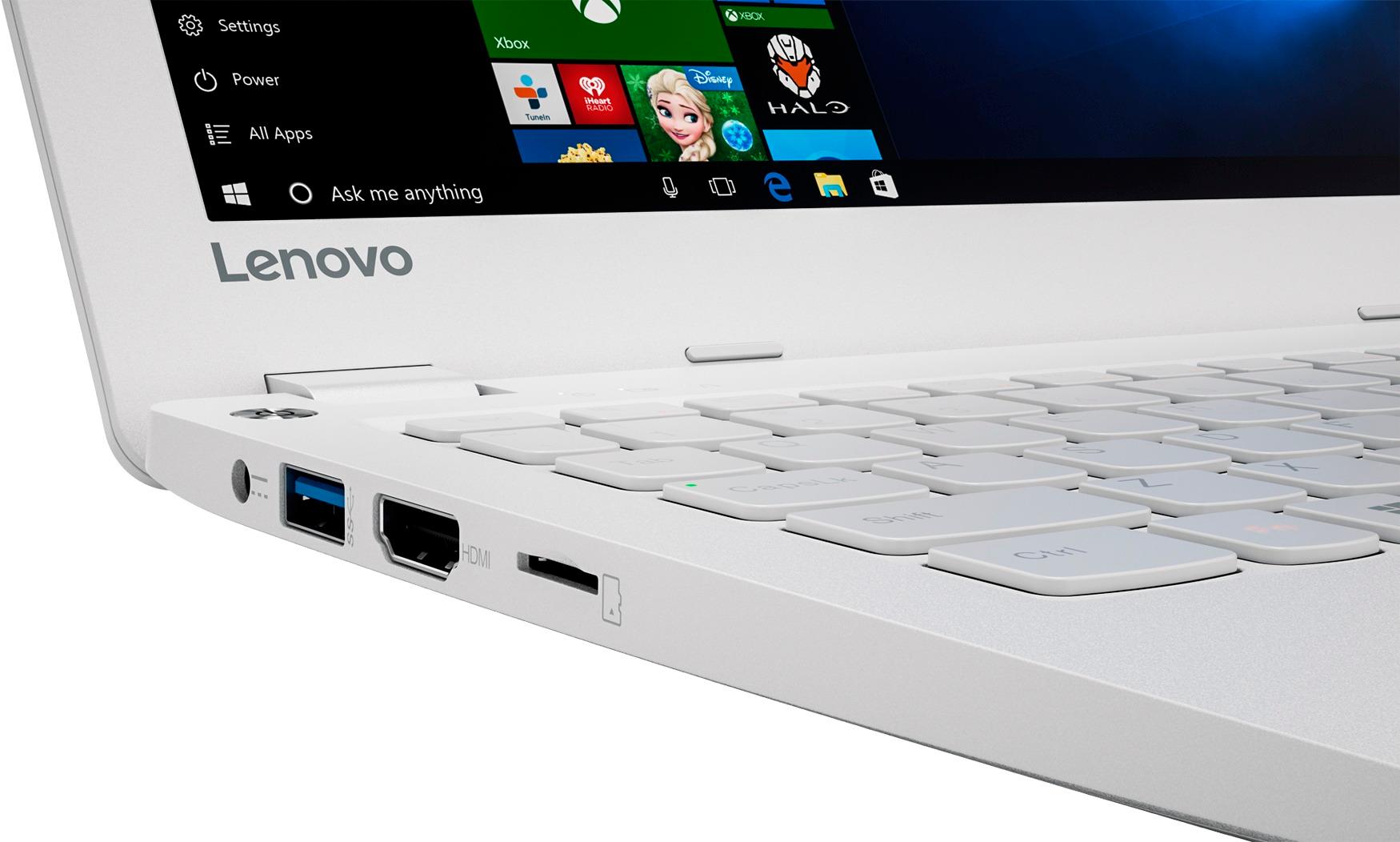
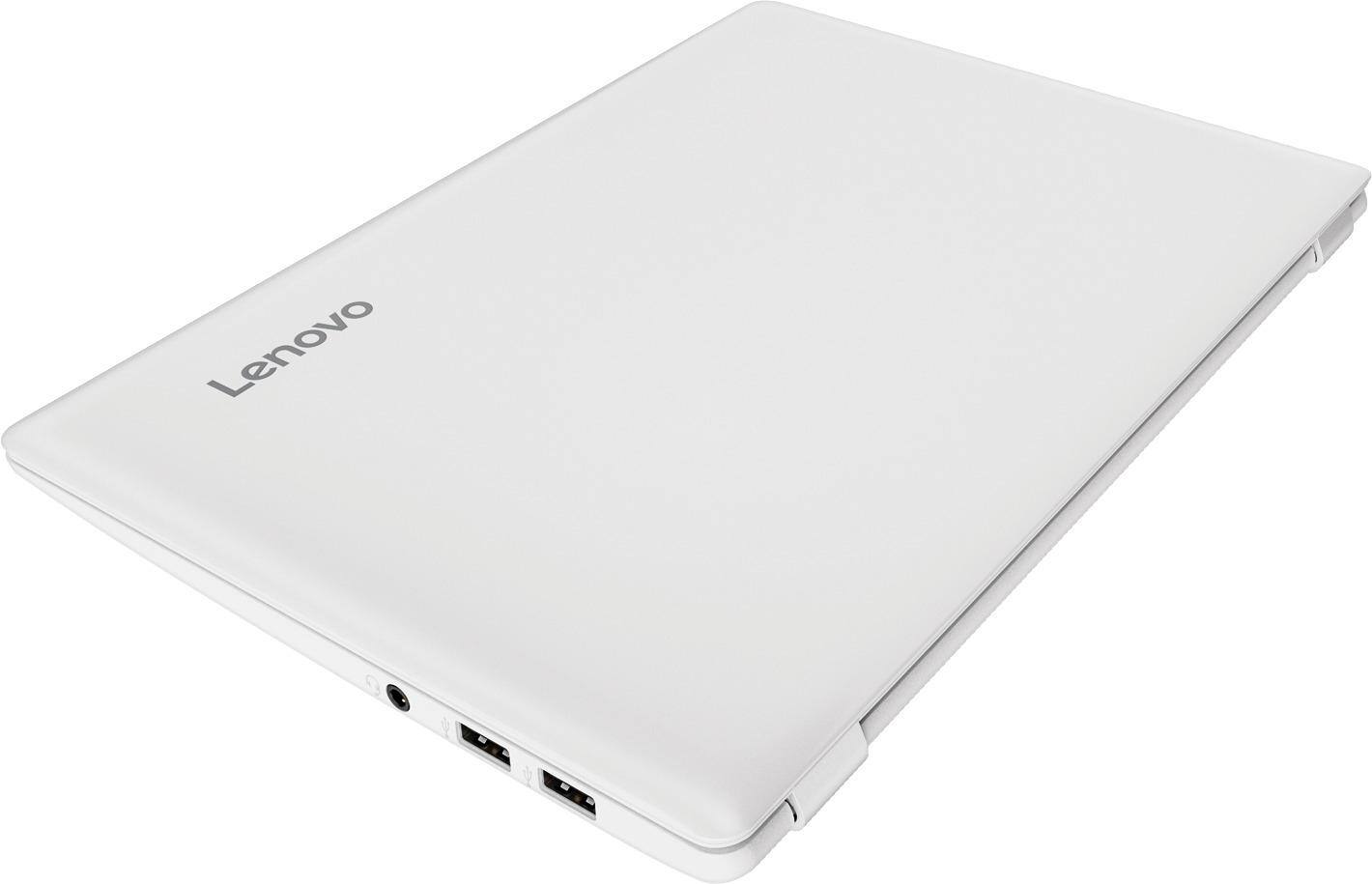
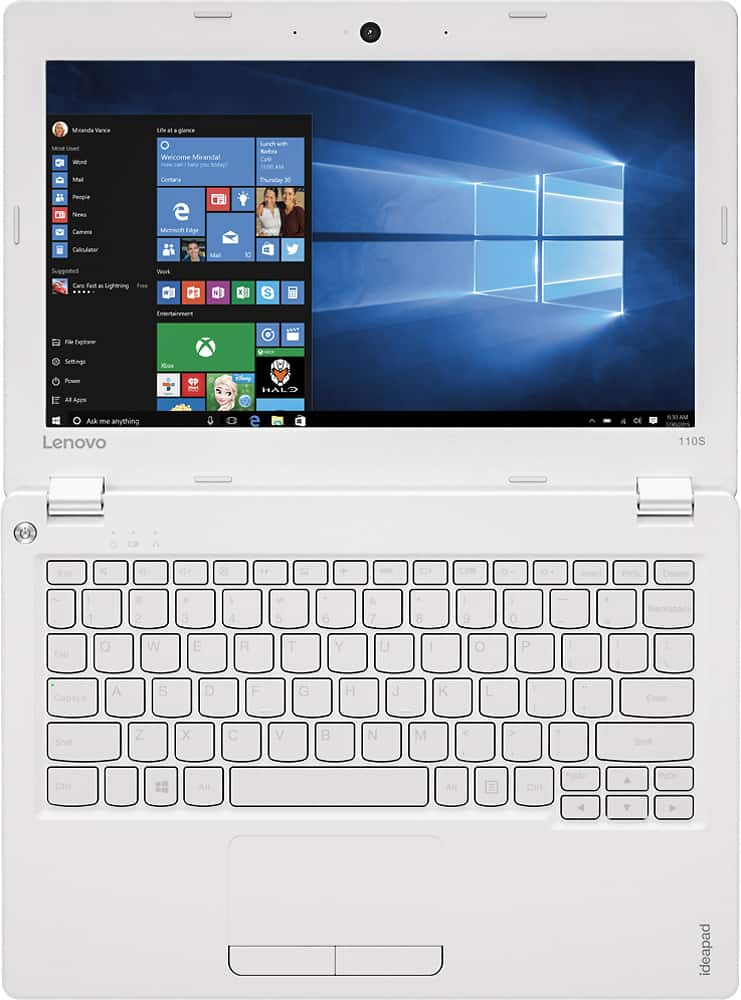

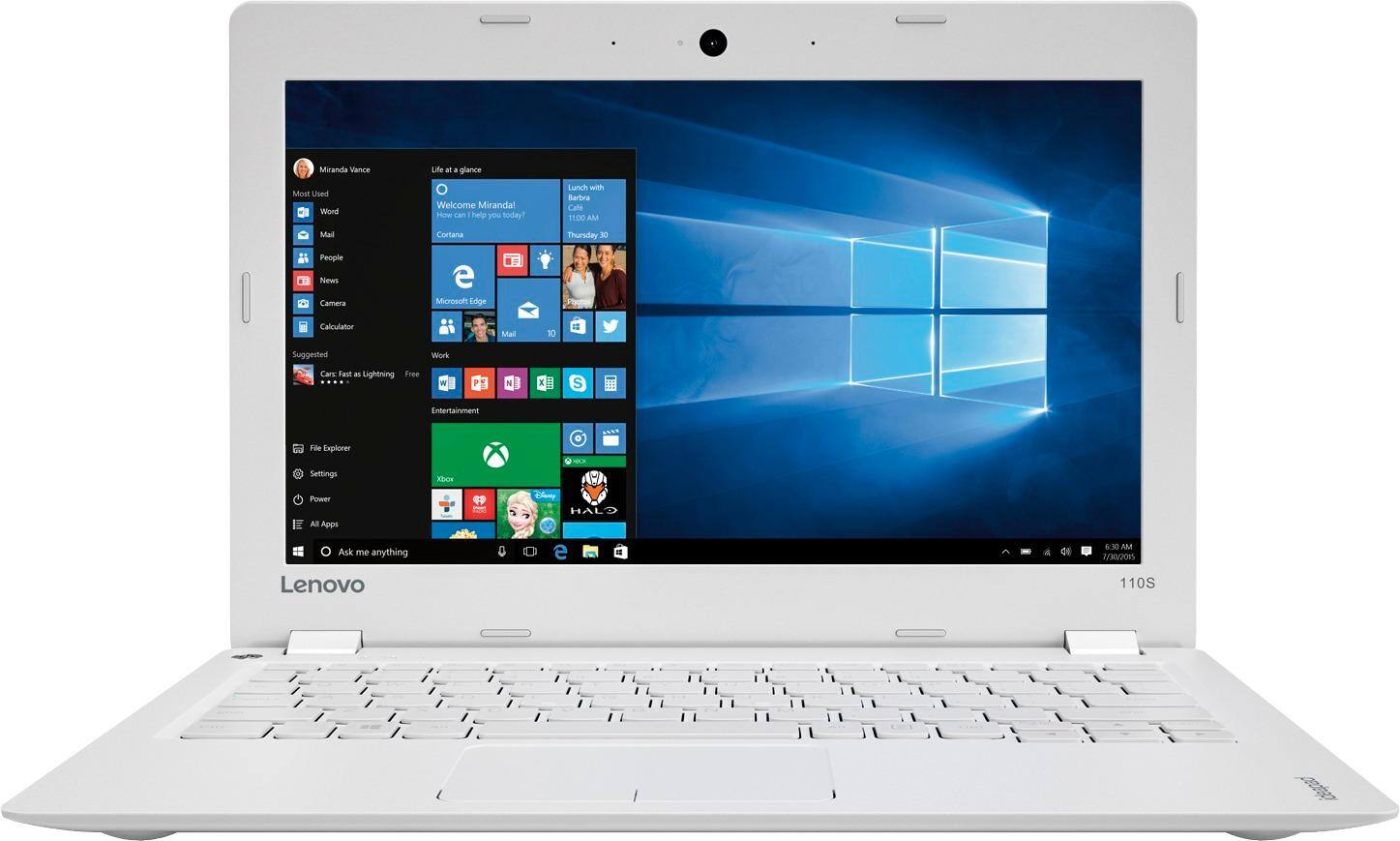
- Model:
- 80WG0001US
- SKU:
- 5580020
Rating by feature
- Value
Rating 3.7 out of 5 stars
- Quality
Rating 2.8 out of 5 stars
- Ease of Use
Rating 3.8 out of 5 stars
Customers are saying
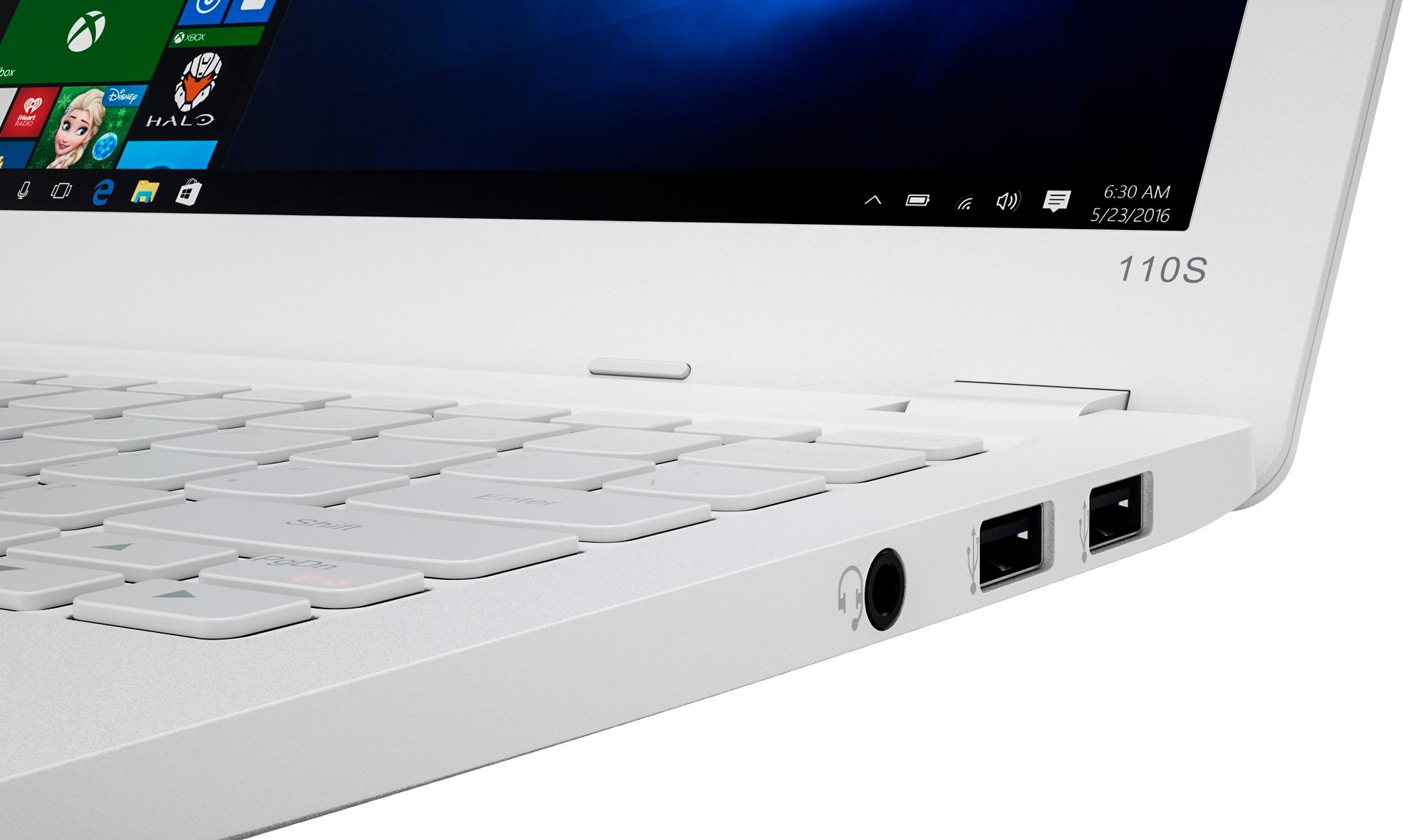
Customers enjoy the Ideapad 110s' ease of use, compact size, and lightweight design, finding it to be a great value for the price. Positive feedback also highlights its satisfactory performance and decent battery life. However, some users point out limitations in storage and memory capacity as potential drawbacks.
This summary was generated by AI based on customer reviews.
Not impressed
Posted .This reviewer received promo considerations or sweepstakes entry for writing a review.My daughter saved up to buy herself a laptop to play minecraft on. After reading reviews we decided on this one, with maybe too high of expectations. She has nothing downloaded to this except for Minecraft (offline), and this computer really struggles with it. It is constantly freezing, and lags something terrible more often than not. This was recommended on a few different review sites for a beginner computer user specifically for playing minecraft on, and I'm struggling to see why. I was not expecting gaming computer quality, but did expect she would be able to play without many issues. It does have a good keyboard, and the mousepad is seamless. The webcam is pretty decent when we turned it on, but haven't used it for any video chatting or anything.
No, I would not recommend this to a friend- Cons mentioned:Speed
Not worth the great price
Posted .This reviewer received promo considerations or sweepstakes entry for writing a review.I bought this ideapad a few days ago. I really only wanted it for surfing the web. But I've tried to use it a few times, and the speed reminds me of a dial-up service. My guess is that it had a bunch of things running in the background. I am not a fan of Windows 10, but they probably all come with it. And included were a number of apps (Candy Crush, etc) I never wanted and had no authority to remove. I have a huge problem with that as well. I'm returning it today. The experience really soured me on Lenovo. I'll look for a fast laptop that isn't under a contract to supply unwanted and unneeded apps.
No, I would not recommend this to a friend - Cons mentioned:Speed
Slow, Unbelievably Slow!
Posted .This reviewer received promo considerations or sweepstakes entry for writing a review.My god this thing is awful! I bought it as a cheap backup to my primary laptop. I'm actually in disbelief at how slow it is. I just counted, and it took 26 second to open Chrome (with no other programs running). It will constantly time out on a page for no reason so that I have to refresh and wait another 30 seconds for it to load. This laptop is practically useless. Don't let the low price entice you, this is a waste of $200. I rip my hair out every time I need to use it.
No, I would not recommend this to a friend Do Not Buy
Posted .This reviewer received promo considerations or sweepstakes entry for writing a review.From the minute I started it up, CPU ran at 100%. I contacted windows support and they said that the specs of this laptop were not enough to even be running windows 10! Its so slow and glitchy because of this. Returning it ASAP.
No, I would not recommend this to a friendBrand response from Lenovo Product Expert
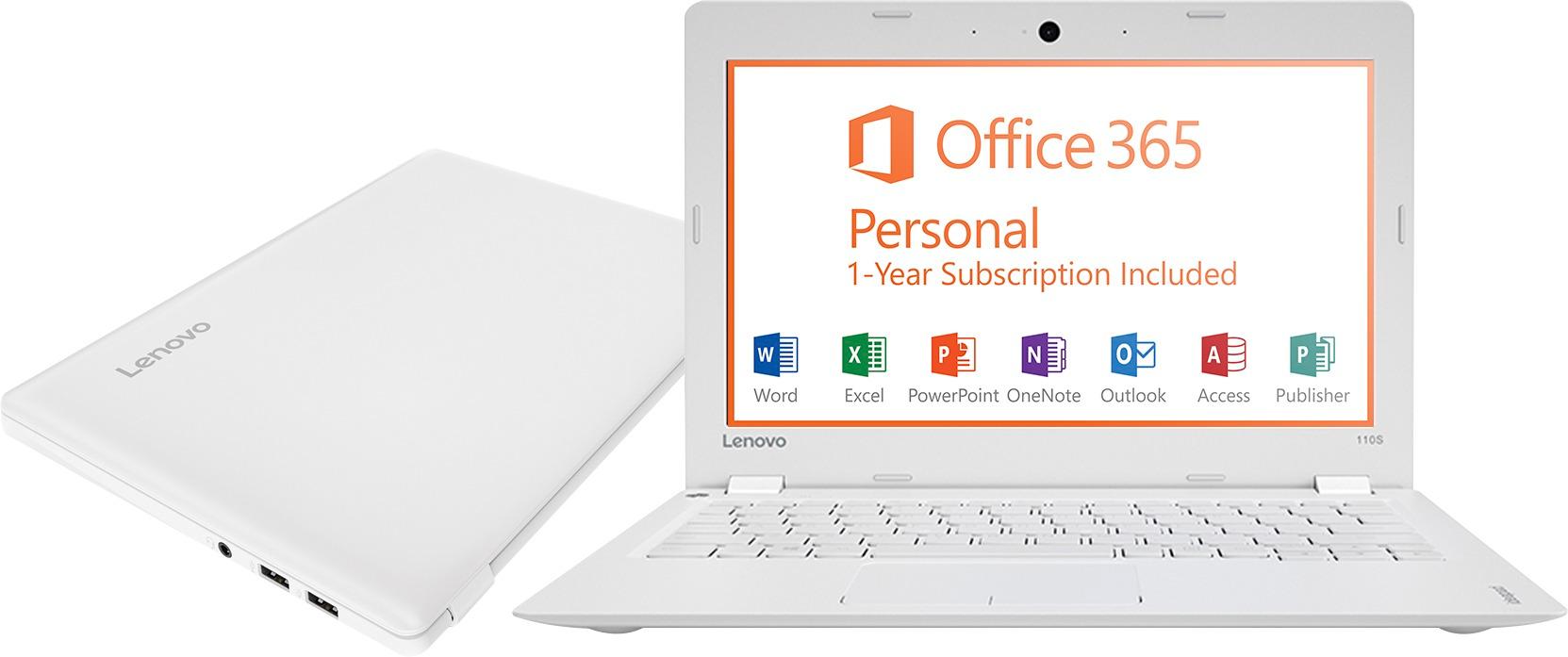
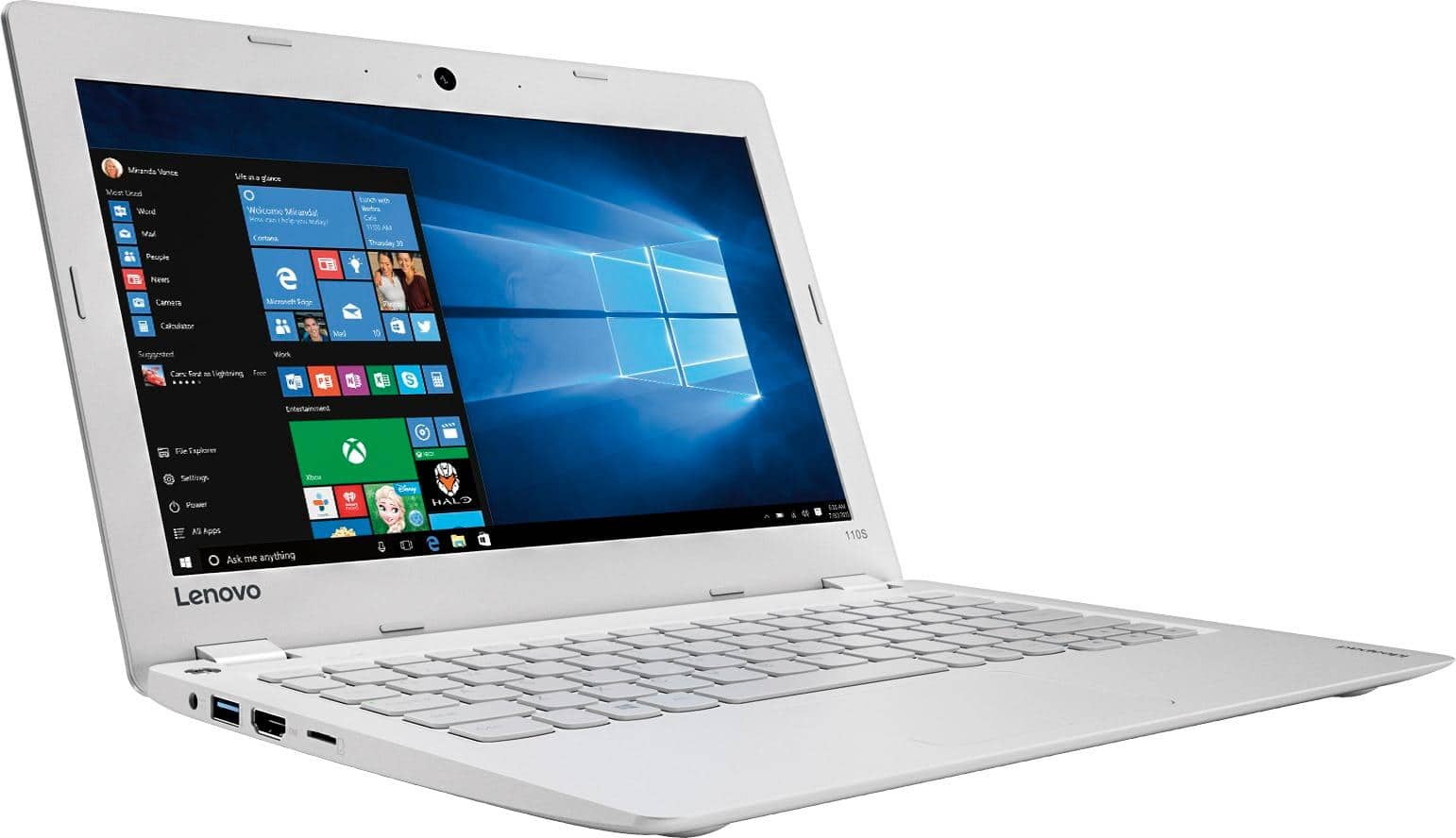
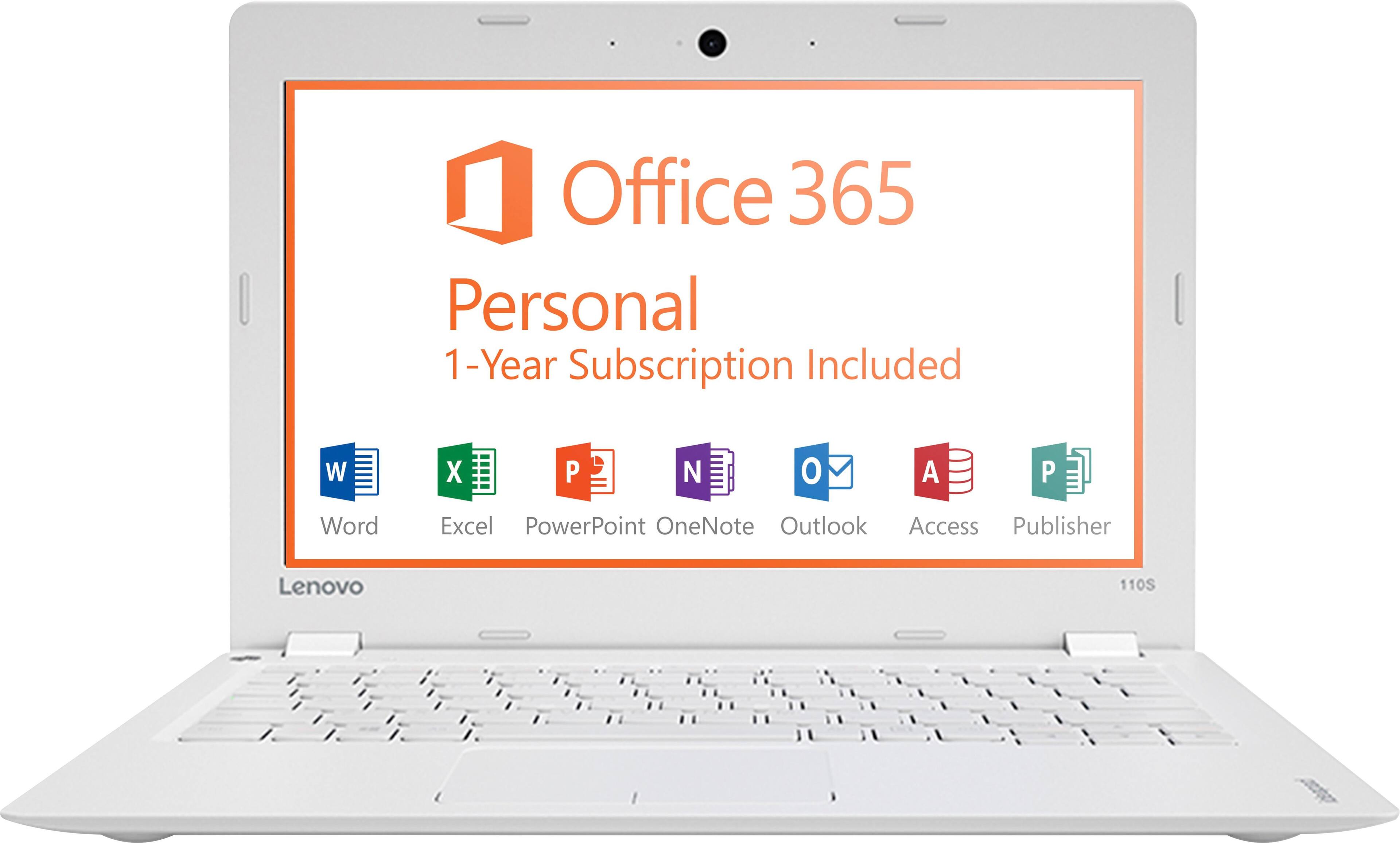
Posted .This is an entry level, light use system. It uses Windows 10 Home 32-Bit as its operating system, which requires less than 1GB of RAM to run. There is a 32GB solid state hard drive for quick boot up and quick loading of programs and files. This device has the latest WiFi capability, with 802.11AC connectivity. It comes with a free 1-year subscription to Microsoft Office 365. If your requirements fit this profile, this device is a good choice.

Very pleased
Posted .This reviewer received promo considerations or sweepstakes entry for writing a review.I bought this for my kids to do research and homework on! It works great and well worth the price! The internet speed works surprisingly fast for the price.
I would recommend this to a friendBrand response from Lenovo Product Expert
Posted .Thank you for choosing the Lenovo IdeaPad 110s-11 laptop for your children. We are pleased to hear that the value and performance of the IdeaPad 110-11 meets your computing needs so well.
Cheap $ gets u what u paid for
Posted .This reviewer received promo considerations or sweepstakes entry for writing a review.Little memory is eaten up by Windows. Battery has very limited life b 4 needing to be charged. Hindsight ...I shudda paid more and the extra $$ wudda been worth it.
No, I would not recommend this to a friendBrand response from Lenovo Product Expert
Posted .This is an entry level, light use system. It uses Windows 10 Home 32-Bit as its operating system, which requires less than 1GB of RAM to run. There is a 32GB solid state hard drive for quick boot up and quick loading of programs and files. This device has the latest WiFi capability, with 802.11AC connectivity. It comes with a free 1-year subscription to Microsoft Office 365, a $69.00 value. If your requirements fit this profile, this device is a good choice.
Great little NetBook
Posted .This reviewer received promo considerations or sweepstakes entry for writing a review.Bought this for my son for his birthday! Setup was a breeze! Moves very fast. More than enough for a 9 year old to use.
I would recommend this to a friendBrand response from Lenovo Product Expert
Posted .Thank you for choosing the Lenovo IdeaPad 110-11 for your son. We are pleased to hear that the IdeaPad 110-11 is working out so well for your son.
First one quit; now second one quit too
Posted .This reviewer received promo considerations or sweepstakes entry for writing a review.Purchased this from Best Buy; staff were very helpful and tried to steer me away from this machine. I should have listened. I have a very specific use that doesn't require much of a machine (emails when at our cabin), and didn't want to spend much. That is the reason I chose this one. Three weeks after purchasing the first ideapad it quit working. I took it back to the store and replaced it with an identical machine. Now, four months later, the second one has stopped working. The sequence of events on the second machine's demise are as follows: I was online and suddenly there was no internet access. Checked device manager and there was no network adapter; it disappeared. Did a virus scan and everything was clean (I've never had a virus before but thought I should check anyway). I reset/recovered the computer and when it restarted there was no longer access to the computer. There was no cursor. Thank goodness it is under warranty because it is going back. I'm sorry I can't get my money back at this point. Don't really even want the machine.
No, I would not recommend this to a friendBrand response from Lenovo Product Expert
Posted .The fact the both systems worked for weeks and in the second model's case, months before the problem occurred, points to a software issue. Either an automatic Windows update or installed programs that are not compatible with Windows 10. This system is equipped with OneKey Recovery System. There is a very small pin hole on the top left side of the device, right near the left hinge on the device. You will need a pen to push this reset button. Plug the device in. Let the battery charge for about 15 minutes. Push the reset button. The system should boot to a choice screen where you can choose "Restore To Factory Default". Select this. It will delete everything from the hard drive except the original factory install of the operating system. You will need to reinstall all programs and files after the reset. If you don't have copies of the files, try to make one before you restore by selecting "Boot to desktop" and trying to back up your files.
Waste of money!
Posted .This reviewer received promo considerations or sweepstakes entry for writing a review.I purchased the Ideapad 110s from Best Buy as a Christmas gift for my wife. It comes with a 32Gig hard drive and the Windows 10 OS. Windows 10 has attempted to update on many occasions, but gives me the same message every time: There is not enough drive space to update the software and they will no longer support Windows 10 in the future. Early on, I was told to add an SD card to provide more drive space so that the update would run. I did exactly that. Still will not update the OS. Called Lenovo Tech Support who referred me to Software Support who tells me they will have to charge me to configure the SD Card to help it accept the update, even though the computer has 250 days left on the warranty! Supposedly, the warranty only covers the "hardware" components of the machine, the machine is not designed with enough hard drive space to handle the software they chose for the computer in the first place. I.E., they consider the problem a "software" problem.
No, I would not recommend this to a friendfailed after two days
Posted .This reviewer received promo considerations or sweepstakes entry for writing a review.I liked it a lot when I set it up. On the second day, Lenovo screen came up, I logged in then nothing, black screen. Dead as a doornail. And yes the battery was charged. There is a recover button on the keyboard you are to push while the computer is off. This will turn it on, uh no it did not. But after pushing the power button it did come back so I was able to zap my information. Took It back and got the usual sneer from the customer service worker. (As a senior citizen I'm stupid) Well said worker had a hard time getting it to power up. A Geek Squad member was looking on (but as is typical with the Geek squad, no pay no help). I told him over and over to press the recover button. Finally he did and it powered up. (So who is stupid?). Pitiful. I had to take back a Dell PC a month ago because it failed after a week. I ran the internal diagnosis and there was a problem with the hard drive. What is Best Buy doing these days, selling junk?
No, I would not recommend this to a friendNot great.
Posted .This reviewer received promo considerations or sweepstakes entry for writing a review.The keys aren't very fluid and I often have to retype what I wrote because a letter gets stuck, the warning that the battery is low comes about thirty seconds before it automatically shuts off, and the cursor seems triggered to obey the wrong commands sometimes.
No, I would not recommend this to a friend- Cons mentioned:Memory
Barely any memory
Posted .This reviewer received promo considerations or sweepstakes entry for writing a review.I purchased this to use my Cricut machine with and downloaded less than 10 fonts and a few images and then I had an alert telling me that I'm about to run out of memory.
No, I would not recommend this to a friendBrand response from Lenovo Product Expert
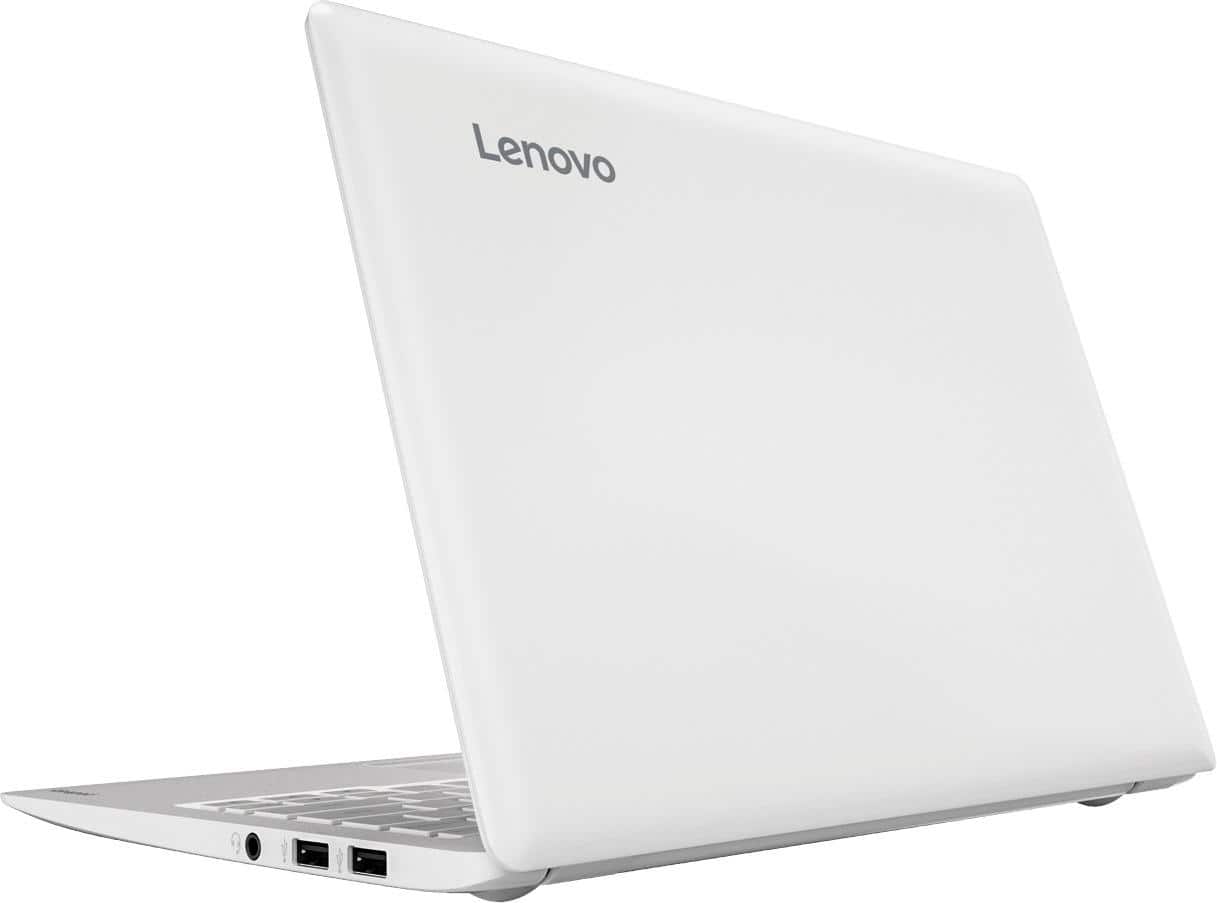
Posted .Thank you for choosing the Lenovo IdeaPad 110s-11 laptop. With regard to more storage space for this device, there is a Micro-SD card slot on this device that you can use for more storage space.
Piece of junk
Posted .This reviewer received promo considerations or sweepstakes entry for writing a review.I bought this on a Friday and I am returning the following Tuesday. I don't expect much from such an inexpensive computer, but I do expect it to work. This computer crashed 8 times on Friday, 11 times on Saturday, 10 times on Sunday, and I've lost track on Monday. It crashes, I restart it, and before I can hit a single key, it crashes again! Just a piece of junk. Awful!!!
No, I would not recommend this to a friendBrand response from Lenovo Product Expert
Posted .This sounds like an issue with the operating system. This device is equipped with OneKey Recovery System. There is a very small pin hole on the top left side of the device, right near the left hinge on the device. You will need a pin to push this reset button. Plug the device in. Let the battery charge for about 15 minutes. Push the reset button. The system should boot to a choice screen where you can choose "Restore To Factory Default". Select this. It will delete everything from the hard drive except the original factory install of the operating system. You will need to reinstall all programs and files after the reset. If you don't have copies of the files, try to make one before you restore by selecting "Boot to desktop" and trying to back up your files.
Disappointment
Posted .This reviewer received promo considerations or sweepstakes entry for writing a review.After reading many great reviews on this product, I decided to buy one for basic web surfing and word processing. I knew I was not buying a quick machine, but the inability to load pages like Yahoo in under three minutes on high speed wireless was just a complete disappointment. Perhaps I had a dud, but this laptop went back just a couple days later and I'll spend a little more money when I finally do buy another. I have several Lenovo products and was surprised at the below average performance of this otherwise well-built little laptop.
No, I would not recommend this to a friendQuestionable start
Posted .This reviewer received promo considerations or sweepstakes entry for writing a review.When setting up for my brother. The 1st it got stuck at wait for moment screen. So I had to do hard reset to get it working right away.
No, I would not recommend this to a friendWorked perfectly at first...
Posted .This reviewer received promo considerations or sweepstakes entry for writing a review.I just bought this today and was really excited about it. However, after an hour it began to act up. It wouldn't come out of sleep mode and the mouse pad wasn't really picking up any movement. The mouse flew around and went in opposite directions and it's just annoying. It's been restarting for 30 minutes now. I'm going to return it.
No, I would not recommend this to a friendBrand response from Lenovo Product Expert
Posted .Thank you for choosing the Lenovo IdeaPad 110s-11 laptop. This sounds like an issue with an automatic Windows 10 update. This system is equipped with OneKey Recovery System. There is a very small pin hole on the top (keyboard side) left side of the device, right near the power button on the device. You will need a pin to push this reset button. Plug the device in. Let the battery charge for about 15 minutes. Push the reset button. The system should boot to a choice screen where you can choose "Restore To Factory Default". Select this. You can select to just restore the system and leave your programs and files on the device. If you think it could a conflict with a program you installed that is not compatible with the Windows 10 operating system, you can select "remove files and program and restore". You will need to reinstall all programs and files after the reset. Be sure you are installing only programs that are compatible with Windows 10. If you don't have copies of the files, try to make one before you restore by selecting "Boot to desktop" and trying to back up your files.
VERY SLOW AND NOT RESPONSIVE!!!
Posted .This reviewer received promo considerations or sweepstakes entry for writing a review.I wasn't really expecting too much on this laptop because of the price. However, I'm a bit dismayed because of its performance. It's extremely slow and I need to wait for the cursor to move. When opening a window, it takes about 3 seconds for it to even process. I am considering to return it!
No, I would not recommend this to a friendBrand response from Lenovo Product Expert
Posted .It sounds like there is either an error with the initial Windows set up or a program that was installed is conflicting with the operating system. Be sure any software you installed is compatible with Windows 10. There is no need to install Microsoft Office software. The software is already part of the operating system, you just need to activate the software with a purchased product key. If you have installed a copy of Microsoft Office, this is conflicting with the existing copy on the system and this will slow your system down. If you have installed a 3rd party anti-virus program, be sure that Windows Defender is turned off and that the trial version of McAfee Anti-Virus software is uninstalled. There can only be one anti-virus program on the system. You may need to restore your system to original factory default settings if any of the programing errors have occurred. You can do that by typing "restore" in the Cortana search window. Just click on the magnifying glass icon at the bottom left of your Windows 10 Desktop. Click on "Reset This PC" Then click on "Get Started" and follow the on screen directions to restore to factory defaults.