Customer Ratings & Reviews
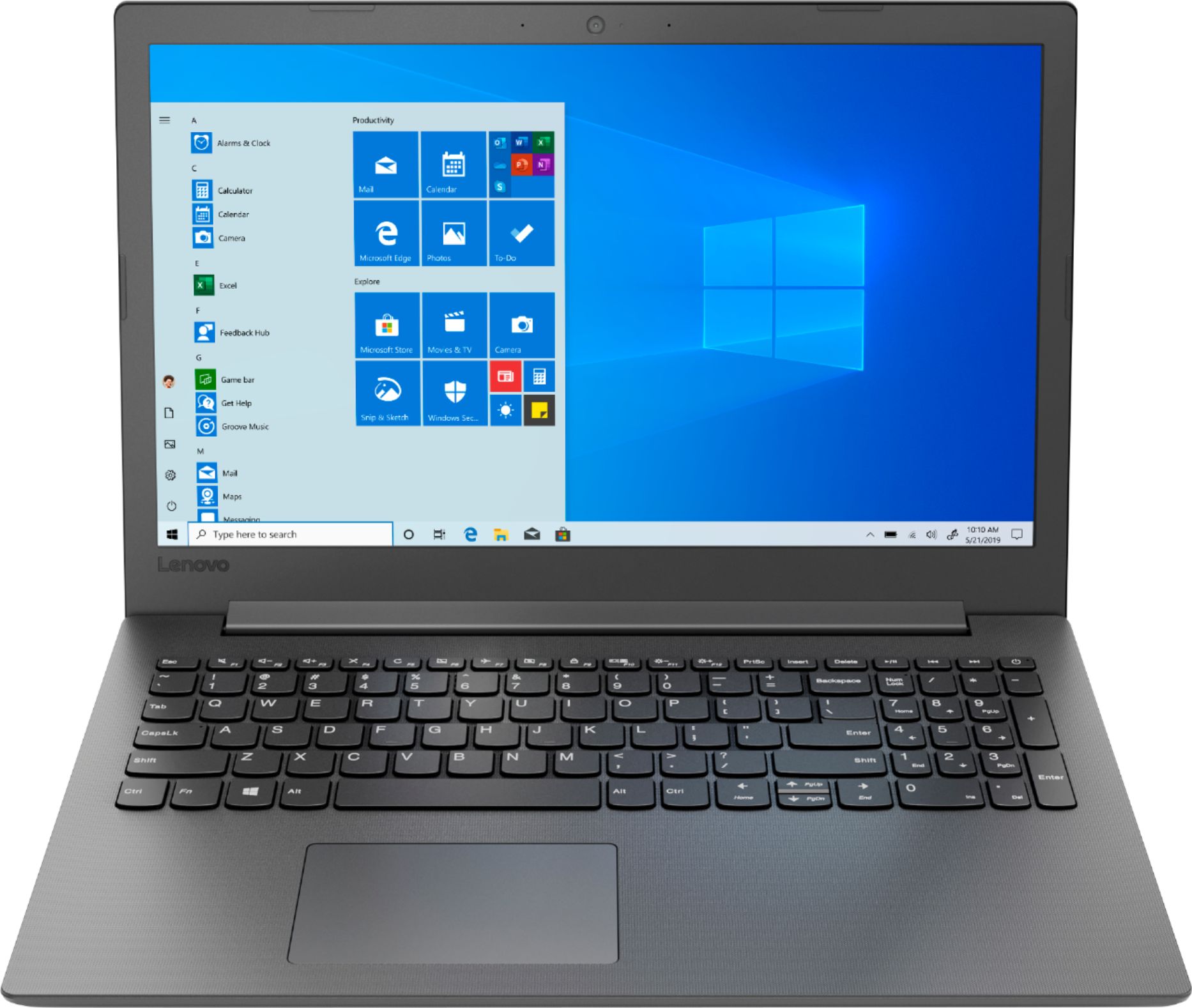
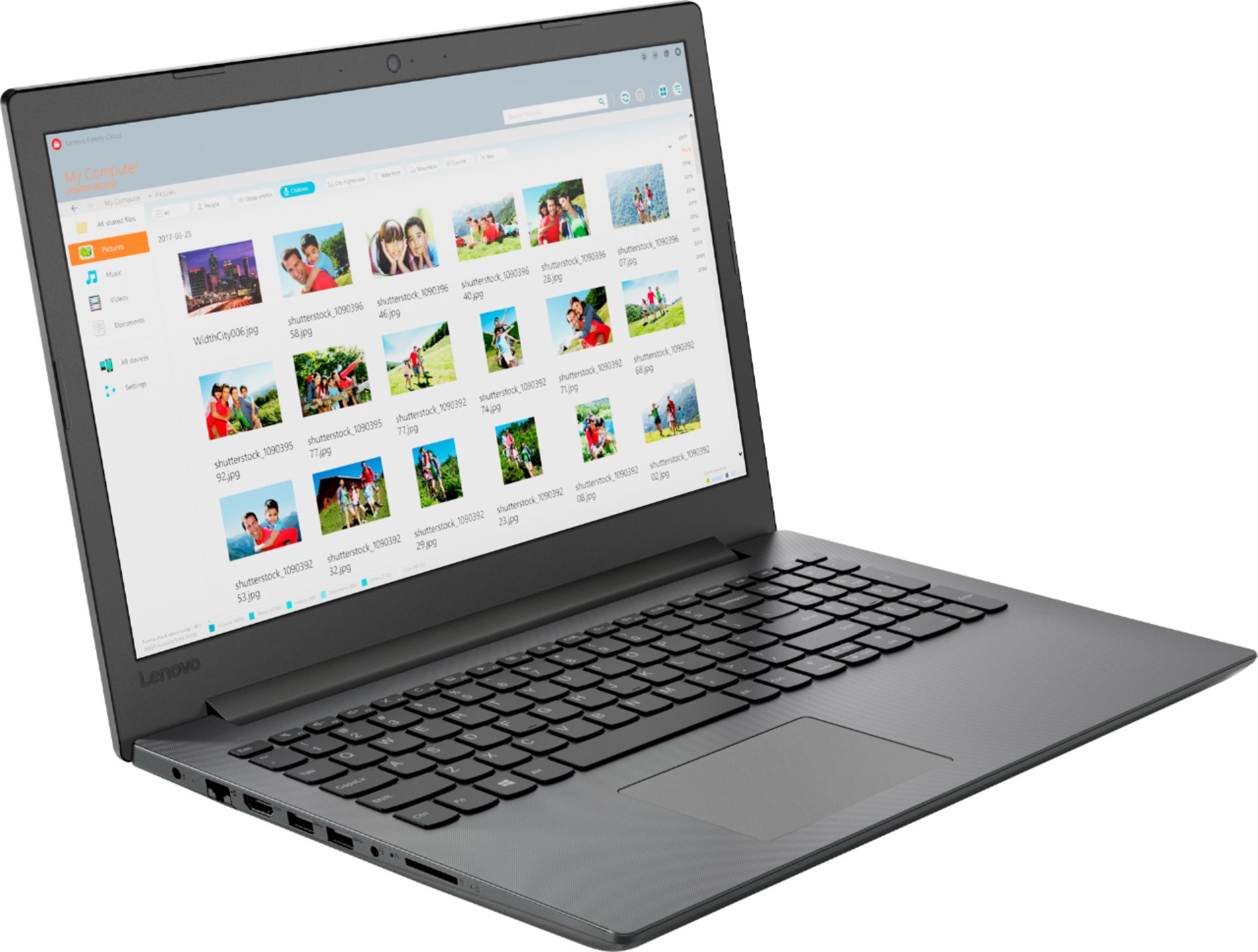
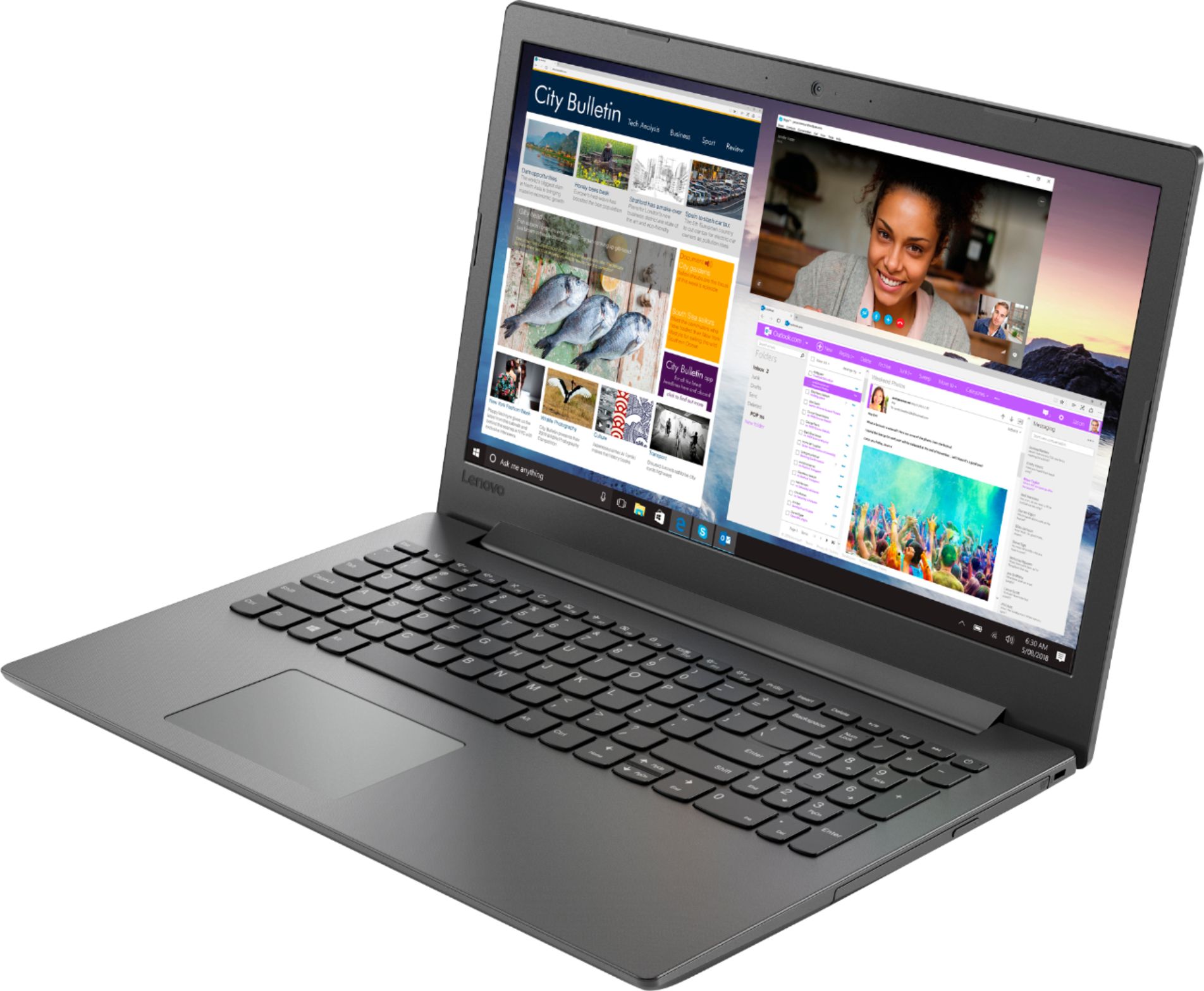
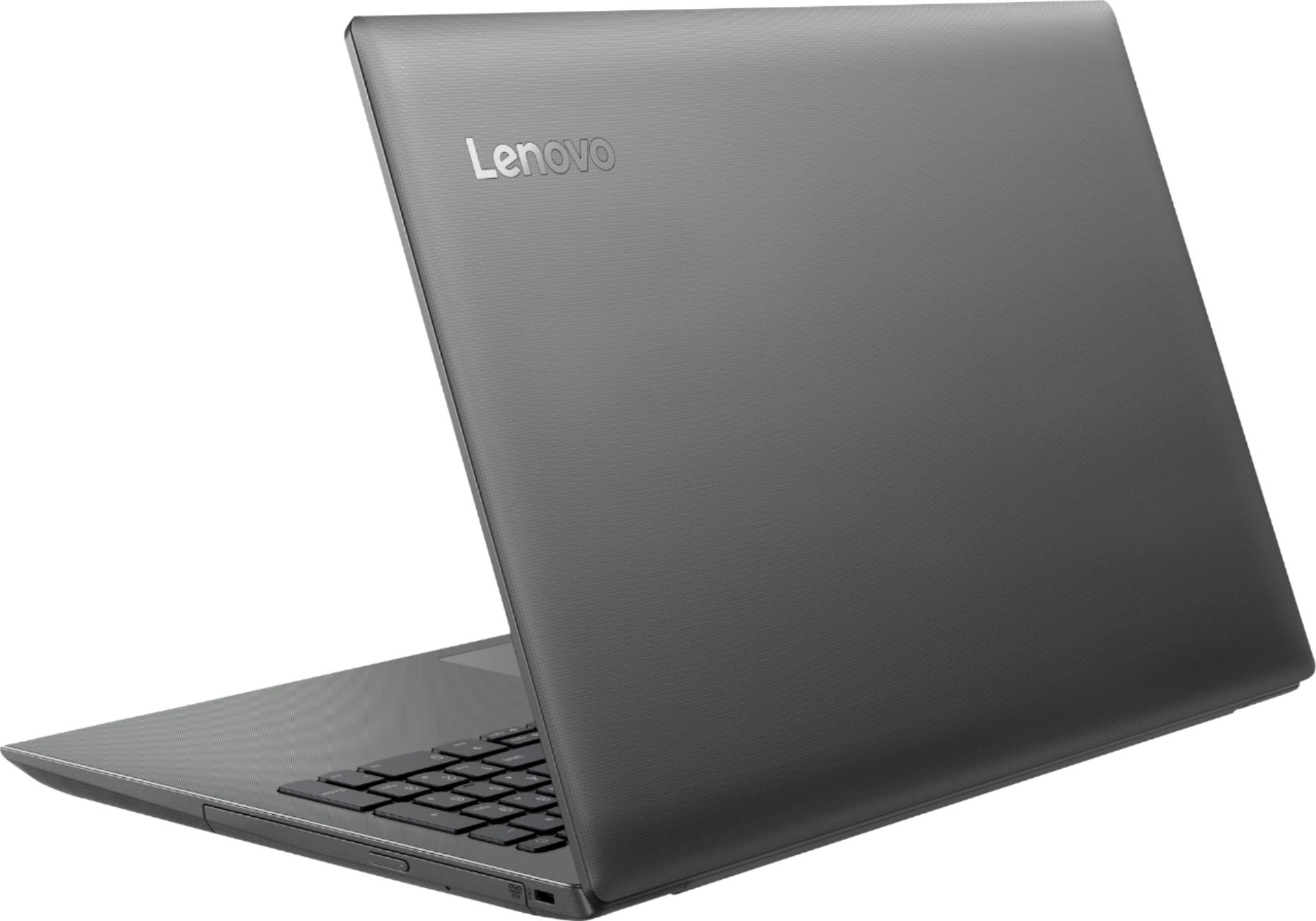

- Model:
- 81H5002FUS
- SKU:
- 6323661
Rating by feature
- Battery Life
Rating 3.7 out of 5 stars
- Speed
Rating 3.4 out of 5 stars
- Display
Rating 4.3 out of 5 stars
Customers are saying
Customers commend the IdeaPad 130 for its budget-friendly price, with many stating it's worth the cost. The 15.6-inch screen size is also well-received, as are the inclusion of a DVD drive and solid-state storage. However, the laptop is criticized for its slow performance, short battery life, and limited RAM.
This summary was generated by AI based on customer reviews.
Difficult to use
||Posted . Owned for 1 month when reviewed.This reviewer received promo considerations or sweepstakes entry for writing a review.I don’t like the format I can’t figure out how to change it to apps, my acer was set up better
No, I would not recommend this to a friendBrand response from Lenovo Product Expert
Posted .The Lenovo IdeaPad 130-15 laptop ships with Windows 10 S-Mode Operating System. Windows 10 S-Mode provides added security by only allowing APPs available ( and therefore certified by Microsoft) at the Microsoft Store. If you don't need the added security or you need to install APPs not available at the Microsoft Store, you can switch to standard Windows 10 Home 64-bit Operating System, at no additional cost. Here is a link to instructions for switching to Windows 10 Home: https://support.microsoft.com/en-us/help/4456067/windows-10-switch-out-of-s-mode

- Cons mentioned:Slow
Cheap but Slow
||Posted .This reviewer received promo considerations or sweepstakes entry for writing a review.Laptop is cheap, and really slow I ended up taking it back.
No, I would not recommend this to a friendBrand response from Lenovo Product Expert
Posted .The Lenovo IdeaPad 130-15 laptop is a mid-level, moderate use configuration, with its AMD A9-9425 processor. This Dual-Core processor has a base speed of 3.1GHz and a boost speed of up to 3.7GHz. This configuration has 4GB of DDR4-1866MHz RAM and a 128GB solid state hard drive. It is good with Microsoft Office type programs, internet browsing and other moderate work. If the performance you are experiencing is slower, be sure any software you installed is compatible with Windows 10. There is no need to install Microsoft Office software. The software is already part of the operating system, you just need to activate the software with a purchased product key. If you have installed a copy of Microsoft Office, this is conflicting with the existing copy on the system and this will slow your system down. If you have installed a 3rd party anti-virus program, be sure that Windows Defender is turned off and that the trial version of McAfee Anti-Virus software is uninstalled. There can only be one anti-virus program on the system. You may need to restore your system to original factory default settings if any of the programing errors have occurred. You can do that by typing "restore" in the Cortana search window. Just click on the magnifying glass icon at the bottom left of your Windows 10 Desktop. Click on "Reset This PC" Then click on "Get Started" and follow the on screen directions to restore to factory defaults. If the problem persists, we recommend you contact Lenovo Tech Support at: 877-453-6686
Junk
||Posted . Owned for 2 months when reviewed.This reviewer received promo considerations or sweepstakes entry for writing a review.It's piece of junk,it is just like the smaller laptop tablet I bought a piece of junk it doesn't do anything, you can get to do anything with it ,is hard to navigate its a waste the money I wasted time it's not AHP should have followed my 1st mind and waited for restock for the HP .they were out at the moment I should have waited.
No, I would not recommend this to a friendBrand response from Lenovo Product Expert
Posted .The Lenovo IdeaPad 130-15 laptop is a mid-level, moderate use configuration, with its AMD A9-9425 processor. This Dual-Core processor has a base speed of 3.1GHz and a boost speed of up to 3.7GHz. This configuration has 4GB of DDR4-1866MHz RAM and a 128GB solid state hard drive. It is good with Microsoft Office type programs, internet browsing and other moderate work. This model ships with Windows 10 S-Mode Operating System. Windows 10 S-Mode provides added security by only allowing APPs available ( and therefore certified by Microsoft) at the Microsoft Store. If you don't need the added security or you need to install APPs not available at the Microsoft Store, you can switch to standard Windows 10 Home 64-bit Operating System, at no additional cost.
Said geek approved but keyboard non functioning.
||Posted .This reviewer received promo considerations or sweepstakes entry for writing a review.Online advertisement said the laptop was geek certified. Whnt to use the computer and the top left quadrant of keyboard was non functioning. If the computer worked as advertised it would have been a very good value.
No, I would not recommend this to a friendNot worth it.
||Posted . Owned for 1 year when reviewed.This reviewer received promo considerations or sweepstakes entry for writing a review.Not that great. Ended up returning. Too outdated compared to a lot of other options out there.
No, I would not recommend this to a friendNope
||Posted . Owned for 9 months when reviewed.This reviewer received promo considerations or sweepstakes entry for writing a review.Lasted about 7 months, dead, won't even turn on. Would not buy again.
No, I would not recommend this to a friendReturned
||Posted . Owned for 2 months when reviewed.This reviewer received promo considerations or sweepstakes entry for writing a review.I ordered this on line. Then I found a better one in the store and returned this one
No, I would not recommend this to a friendBrand response from Lenovo Product Expert
Posted .The Lenovo IdeaPad 130-15 laptop is a mid-level, moderate use configuration, with its AMD A9-9425 processor. This Dual-Core processor has a base speed of 3.1GHz and a boost speed of up to 3.7GHz. This configuration has 4GB of DDR4-1866MHz RAM and a 128GB solid state hard drive. It is good with Microsoft Office type programs, internet browsing and other moderate work. This model ships with Windows 10 S-Mode Operating System. Windows 10 S-Mode provides added security by only allowing APPs available ( and therefore certified by Microsoft) at the Microsoft Store. If you don't need the added security or you need to install APPs not available at the Microsoft Store, you can switch to standard Windows 10 Home 64-bit Operating System, at no additional cost.
Nothing loads
||Posted . Owned for 1 month when reviewed.This reviewer received promo considerations or sweepstakes entry for writing a review.Claims this is good for a child and easy schoolwork but child websites do not load
No, I would not recommend this to a friendBrand response from Lenovo Product Expert
Posted .The Lenovo IdeaPad 130-15 laptop ships with Windows 10 S-Mode Operating System. Windows 10 S-Mode provides added security by only allowing APPs available ( and therefore certified by Microsoft) at the Microsoft Store. If you don't need the added security or you need to install APPs not available at the Microsoft Store, you can switch to standard Windows 10 Home 64-bit Operating System, at no additional cost. Here is a link to instructions for switching from Windows 10 S-Mode to Windows 10 Home: https://support.microsoft.com/en-us/help/4456067/windows-10-switch-out-of-s-mode. If you continue to have issues loading a specific website, be sure the browser you are using is compatible with the website. If you are using Microsoft Edge Browser, switch out of Windows 10 S-Mode then load a different browser like Chrome and see if the different browser will open the website you want to use. Finally, if the issue continues, we recommend you call Lenovo Tech Support at: 877-453-6686.
Do not like
||Posted .This reviewer received promo considerations or sweepstakes entry for writing a review.The mouse has too much play in it, it appears to have too much give
No, I would not recommend this to a friendBrand response from Lenovo Product Expert
Posted .With regard to the touchpad, you can make adjustments to the touchpad in your system settings. You can get there by clicking on the magnifying glass at the bottom left of your Windows 10 screen. Type "touchpad" in the search window. Select "Mouse & touchpad settings" from the list of choices. You can make general adjustments to the touchpad there. You can also select "Additional mouse options" for more detailed adjustments to the touchpad sensitivity by increasing the delay of the touchpad. For 2018, Lenovo retained its place for a second year as the best laptop vendor:
https://www.laptopmag.com/articles/laptop-brand-ratings
- Pros mentioned:Dvd drive
It Does Come in S Mode
Posted .This reviewer received promo considerations or sweepstakes entry for writing a review.I don't know if they just gave me a different Lenovo or not but this definitely comes in S-Mode. I attempted to download Chrome and received a notification. It's easy to switch out of though. You just can't switch back once you do. I can still access Google and Youtube and all that so I figured I'd give it a whirl first. My purchase came with a six month antivirus that I can't really use because it's in S mode. Windows states it does the monitoring for you. So I let it be. Finally, it states the total storage capacity is 128GB but you'll end up with about 90 GB usable space. That's just how it is with all ssd's I believe. I'm fine with it because most of my activity is web- or cloud-based, including storage. All in all I like it. It may be because my previous laptop was huge and old. I'm just glad to find something that can do what I need it to for a good price. It's a godsend. I also like that there's a dvd drive.
I would recommend this to a friendBrand response from Lenovo Product Expert
Posted .The Lenovo IdeaPad 130-15 laptop, Model number 81H5002FUS, ships with Windows 10 Home 64-bit Operating System installed. This is a mid-level, moderate use configuration, with its AMD A9-9425 processor. This Dual-Core processor has a base speed of 3.1GHz and a boost speed of up to 3.7GHz. This configuration has 4GB of RAM. It is good with Microsoft Office type programs, internet browsing and other moderate work. If this describes your computing needs, the IdeaPad 130-15 would be a good choice for you. For 2018, Lenovo retained its place for a second year as the best laptop vendor:
https://www.laptopmag.com/articles/laptop-brand-ratings
Terrible product.
||Posted . Owned for 3 months when reviewed.This reviewer received promo considerations or sweepstakes entry for writing a review.Broken in a few months, of coarse just after warranty ended.
No, I would not recommend this to a friendBrand response from Lenovo Product Expert
Posted .The Lenovo IdeaPad 130-15 laptop ships with a 1-year, limited manufacturer's warranty, covering hardware OEM issues. You can contact Lenovo Tech Support for more information about the manufacturer's warranty at: 877-453-6686. The Lenovo IdeaPad 130-15 laptop is a mid-level, moderate use configuration, with its AMD A9-9425 processor. This Dual-Core processor has a base speed of 3.1GHz and a boost speed of up to 3.7GHz. This configuration has 4GB of DDR4-1866MHz RAM and a 128GB solid state hard drive. It is good with Microsoft Office type programs, internet browsing and other moderate work. This model ships with Windows 10 S-Mode Operating System. Windows 10 S-Mode provides added security by only allowing APPs available ( and therefore certified by Microsoft) at the Microsoft Store. If you don't need the added security or you need to install APPs not available at the Microsoft Store, you can switch to standard Windows 10 Home 64-bit Operating System, at no additional cost.
- Pros mentioned:Price
Zippy enough for most things
Posted .This reviewer received promo considerations or sweepstakes entry for writing a review.I got this computer on a good sale (220 dollars). Cheap computers are my weakness, and that normally means AMD chips, most of which have been pretty disappointing. (I'm writing this review on a laptop with an old E-450 chip.) Last year, I splurged on a couple of low-end laptops with Intel i3 chips for my kids. So that's my yardstick. This new Lenovo booted up for me in 30 seconds, which seems blazing fast to me. Seeing as the HD is only a 128GB SSD, there isn't much chance of gumming things up with too many programs. Web pages, even those with lots of ads like ESPN, loaded fast. Videos played without hiccups. And the sound was pretty good, with front-firing speakers. The trackpad (which I don't use) has no buttons; rather, the whole pad can be "clicked" down. First time I've seen that. And I have no opinion on the buttons, since I use an add-on mouse. Battery life is nothing special. I like my screen bright, so I burn my battery down fast. I don't play the kinds of games that would challenge a computer. Can't help you there. I'm pretty sure that there would be no issues with Minecraft or Roblox-type games, though. The bottom line is that at 220, this computer is a steal. At 300, it's still a good deal. I think that the newer Ryzen chips, which test very well, are the new AMD flagship, so even the best of the older cpus are now discount chips. And this older A9 is fast enough for everything but gaming.
I would recommend this to a friendBrand response from Lenovo Product Expert
Posted .Thank you for choosing the Lenovo IdeaPad 130-15 laptop. We are pleased to hear that the value, features and performance of the IdeaPad 130-15 meets your computing needs so well. The Lenovo IdeaPad 130-15 laptop is a mid-level, moderate use configuration, with its AMD A9-9425 processor. This Dual-Core processor has a base speed of 3.1GHz and a boost speed of up to 3.7GHz. This configuration has 4GB of DDR4-1866MHz RAM and a 128GB solid state hard drive. It is good with Microsoft Office type programs, internet browsing and other moderate work. If this describes your computing needs, the IdeaPad 130-15 would be a good choice for you. For 2018, Lenovo retained its place for a second year as the best laptop vendor:
https://www.laptopmag.com/articles/laptop-brand-ratings
- Pros mentioned:Screen size
Awesome product
Posted .This reviewer received promo considerations or sweepstakes entry for writing a review.Perfect for school projects college work at home jobs It’s sleep and has a big screen
I would recommend this to a friend 10/10
Posted .This reviewer received promo considerations or sweepstakes entry for writing a review.i've had it for a little over 3 years now and it still works like new
I would recommend this to a friendYou get what you pay for.
Posted .This reviewer received promo considerations or sweepstakes entry for writing a review.Fine for basic things. Good starter laptop for kids.
No, I would not recommend this to a friend- Cons mentioned:Battery life
Battery leaves something to be desired
Posted .This reviewer received promo considerations or sweepstakes entry for writing a review.battery life really sucks full charge only gets me about 2 hours; but does what i need it to which is store home videos so i can burn them to dvds. Storage isn't much either.
No, I would not recommend this to a friendBrand response from Lenovo Product Expert
Posted .The Lenovo IdeaPad 130-15 laptop, model number 81H5002FUS, ships with a 2CELL 30WH, Lithium Polymer Battery, with a battery life of up to 4 hours, depending on the work the device is performing. If you are only getting 2 hours on a full charge, be sure any software you installed is compatible with Windows 10. Incompatible software will drain the battery at a quicker rate. There is no need to install Microsoft Office software. The software is already part of the operating system, you just need to activate the software with a purchased product key. If you have installed a copy of Microsoft Office, this is conflicting with the existing copy on the system and this will slow your system down. If you have installed a 3rd party anti-virus program, be sure that Windows Defender is turned off and that the trial version of McAfee Anti-Virus software is uninstalled. There can only be one anti-virus program on the system. You may need to restore your system to original factory default settings if any of the programming errors have occurred. You can do that by typing "restore" in the Cortana search window. Just click on the magnifying glass icon at the bottom left of your Windows 10 Desktop. Click on "Reset This PC" Then click on "Get Started" and follow the on screen directions to restore to factory defaults. If there is no incompatible software installed, to maximize battery life, first adjust your battery saver settings. Here is a link to instruction for doing this in Windows 10: https://www.digitalcitizen.life/how-use-configure-battery-saver-windows-10. Next, to maximize battery life, be sure there are no unwanted programs running in the background, draining the battery. Here is a link to some tips for finding out what is draining your battery:
https://www.laptopmag.com/articles/battery-saver-windows-10. Also, to maximize battery life, try changing your power management setting to a more conservative one. You can do this in the control panel, in the power management category on your system. Select a more conservative power management setting to extend battery life. Finally, if the battery life does not improve, a battery reset may help. Here is a link to instructions for reconditioning a non-removable battery, using the Battery Management Software installed on the computer. If you need further assistance, we recommend you call Lenovo Tech Support at: 877-453-6686. Here is the link: https://windowsreport.com/laptop-battery-not-charging-windows-10/
Excellent Affordable Laptop!
Posted .This reviewer received promo considerations or sweepstakes entry for writing a review.We got ours for my wife about a week ago. Very easy setup! Has all the features needed for surfing the web, playing web games, email, etc. Very fast and user friendly. My wife loves it! Probably not enough power for gamers or heavy duty business use, but it's perfect general at home stuff.
I would recommend this to a friendBrand response from Lenovo Product Expert
Posted .Thank you for choosing the Lenovo IdeaPad 130-15 laptop for your wife. We are pleased to hear that the IdeaPad 130-15 meets the computing needs of your wife so well. This is a mid-level, moderate use configuration, with its AMD A6-9225 processor. This Dual-Core processor has a base speed of 2.6GHz and a boost speed of up to 3.0GHz. This configuration has 4GB of RAM. It is good with Microsoft Office type programs, internet browsing and other moderate work. If this describes your computing needs, the IdeaPad 130-15 would be a good choice for you. For 2018, Lenovo retained its place for a second year as the best laptop vendor:
https://www.laptopmag.com/articles/laptop-brand-ratings
- Pros mentioned:Price
Laptop
Posted .This reviewer received promo considerations or sweepstakes entry for writing a review.Worked very good. It was affordable. I really recommend .
I would recommend this to a friend Do not buy
Posted .This reviewer received promo considerations or sweepstakes entry for writing a review.So many issues while using this computer. I realize it's four years old but now it won't even turn on. It was working prior to Christmas and now won't turn on. Just bought my husband a Mac for Christmas and cannot transfer anything from this computer to his Mac. :(
No, I would not recommend this to a friend- Cons mentioned:Slow
Not for multi-taskers
Posted .This reviewer received promo considerations or sweepstakes entry for writing a review.This computer is very slow. It plays games and has a DVD player. That is great, but everything else about this computer is very slow.
No, I would not recommend this to a friendBrand response from Lenovo Product Expert
Posted .The Lenovo IdeaPad 130-15 laptop is a mid-level, moderate use configuration, with its AMD A9-9425 processor. This Dual-Core processor has a base speed of 3.1GHz and a boost speed of up to 3.7GHz. This configuration has 4GB of DDR4-1866MHz RAM and a 128GB solid state hard drive. It is good with Microsoft Office type programs, internet browsing and other moderate work. This model ships with Windows 10 S-Mode Operating System. Windows 10 S-Mode provides added security by only allowing APPs available ( and therefore certified by Microsoft) at the Microsoft Store. If you don't need the added security or you need to install APPs not available at the Microsoft Store, you can switch to standard Windows 10 Home 64-bit Operating System, at no additional cost