Customer Ratings & Reviews

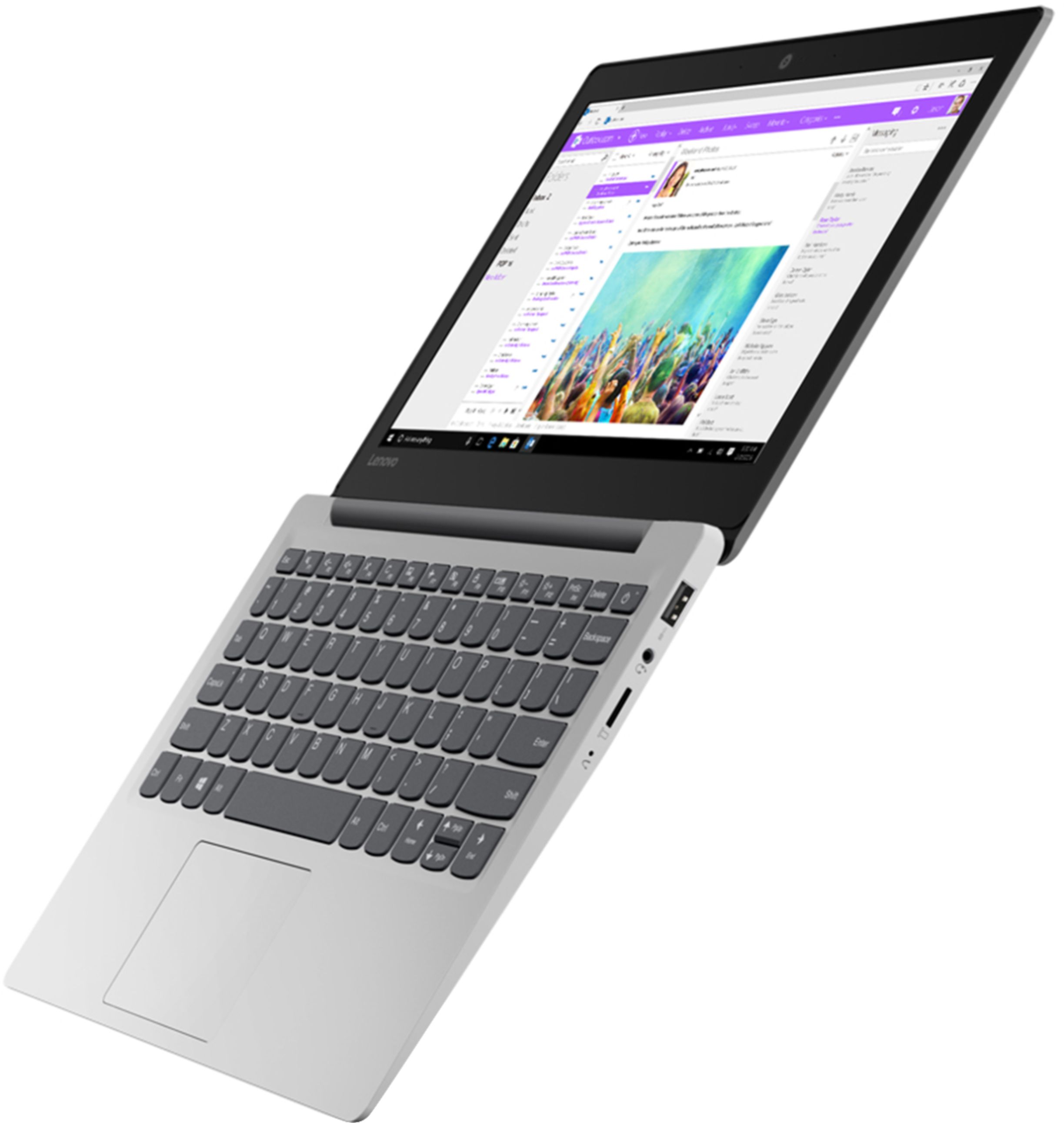
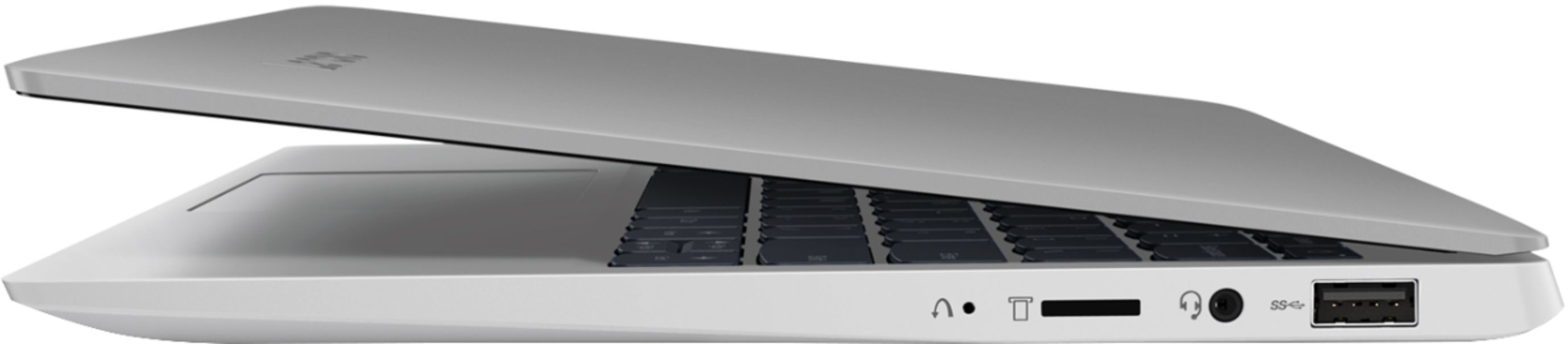
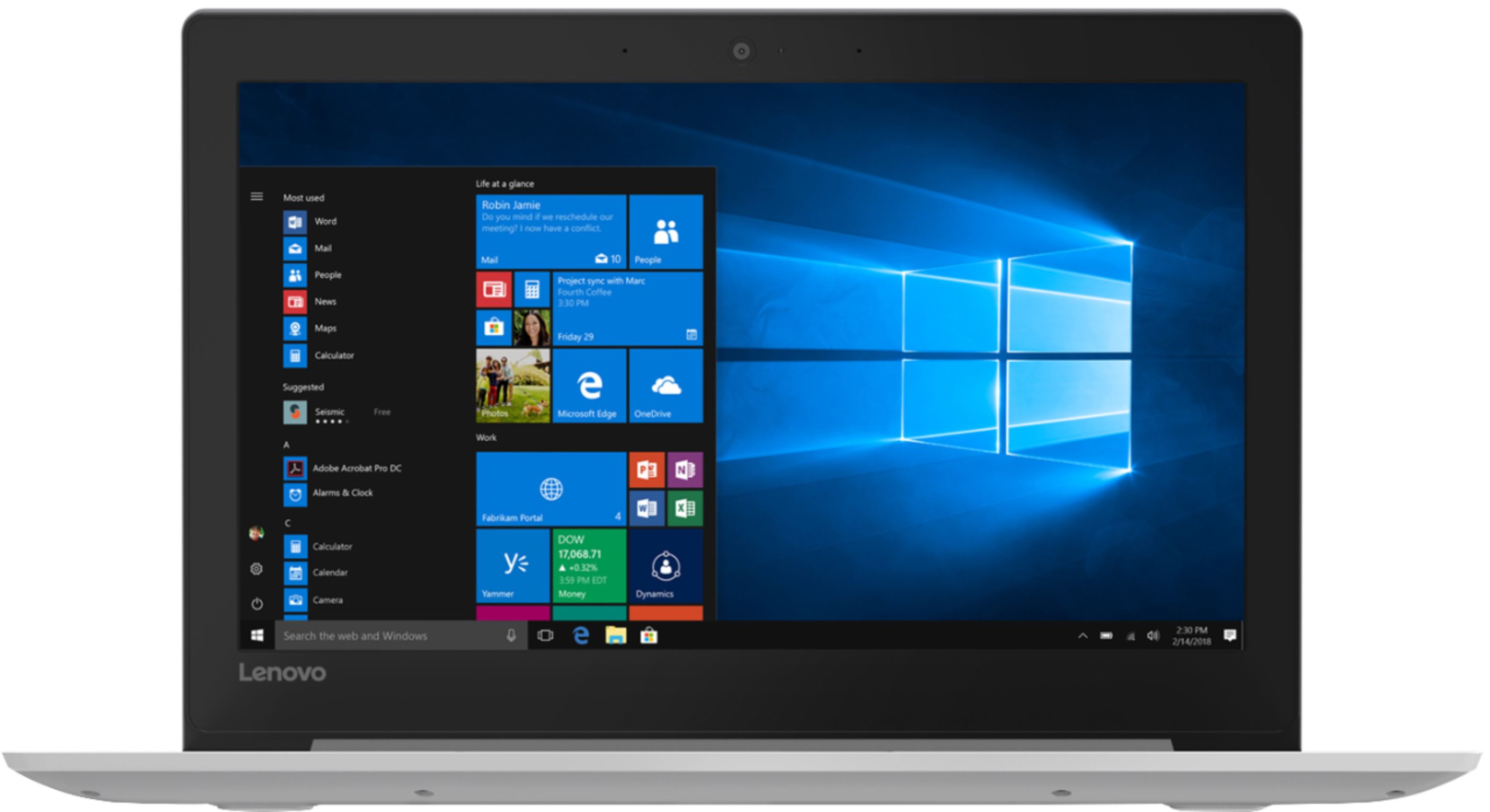



- Model:
- 81KT000AUS
- SKU:
- 6331986
Rating by feature
- Battery Life
Rating 4.5 out of 5 stars
- Speed
Rating 4.5 out of 5 stars
- Display
Rating 4.5 out of 5 stars
Customers are saying
Customers find value in the IdeaPad 130S 11.6" Laptop for its portability, affordable price, and user-friendly design. Many appreciate its sleek design and lightweight construction, making it easy to carry around. The laptop's performance exceeds expectations, and its battery life is commendable. However, some users have concerns about its limited memory and storage capacity, which can hinder multitasking and gaming.
This summary was generated by AI based on customer reviews.
IT IS A MINI LAPTOP DONT BUY
||Posted .This reviewer received promo considerations or sweepstakes entry for writing a review.The description should CLEARLY state that this is a mini laptop. I wasted my time buying this product online super excited because I thought I was getting a GOOD DEAL however, I opened the box to find what appeared to be a toy laptop. You've got to be kidding me. Do not call this a laptop implicating that it is FULL SIZE call it what it is...a mini CHEAP laptop that works for people who cannot afford a better one. Extremely disappointed. Not purchasing from this brand again. Their descriptions and the actual product do not match.
No, I would not recommend this to a friendBrand response from Lenovo Product Expert
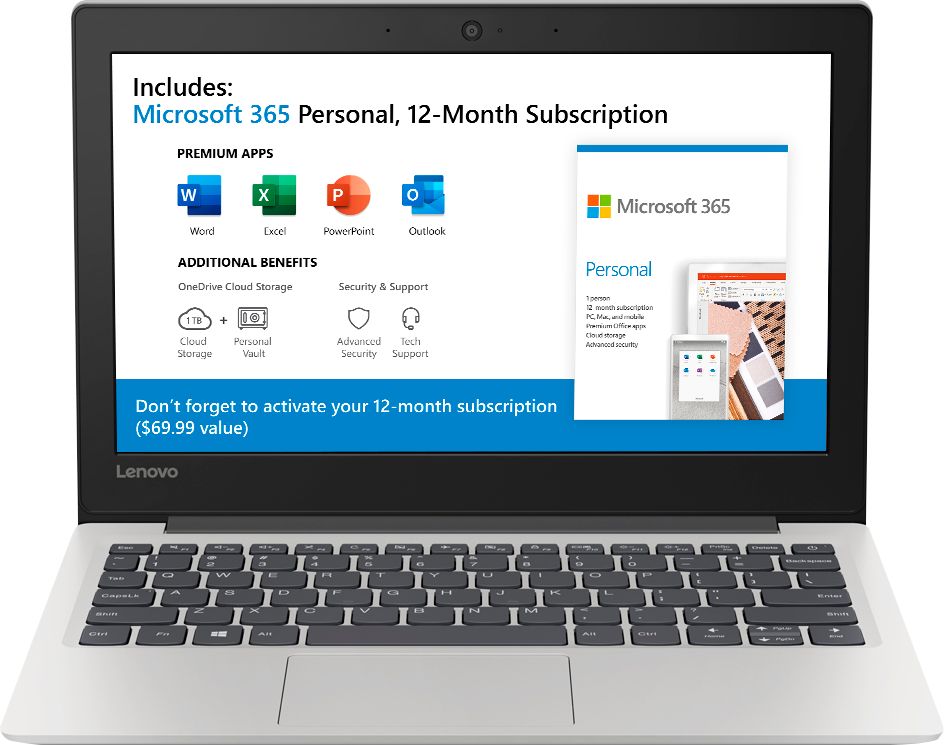
Posted .The Lenovo IdeaPad 130s-11 laptop is an entry level, light use system with its Intel Celeron processor, 4GB of RAM and a 64GB eMMC solid state hard drive. It ships with Windows 10 S-Mode Operating System for added security (you can switch to Windows 10 Home 64-bit Operating System at no additional cost, if you don't need the added security of S-Mode). It is not meant for multi-tasking or demanding programs. It is good for Microsoft Office and light internet browsing. The IdeaPad 130s-11 laptop ships with a free 1-year subscription to Microsoft Office 365 (a $69.00 value). If this describes your computing needs, the IdeaPad 130s-11 laptop would be a good choice. For 2018, Lenovo retained its place for a second year as the best laptop vendor:
https://www.laptopmag.com/articles/laptop-brand-ratings
Buyers remorse
||Posted . Owned for 9 months when reviewed.This reviewer received promo considerations or sweepstakes entry for writing a review.So slow so many issues already has several viruses. Should have sprung for something more expensive for my kids school.
No, I would not recommend this to a friendGreat laptop for kids or early teens
||Posted . Owned for 1 month when reviewed.This reviewer received promo considerations or sweepstakes entry for writing a review.Fair speed laptop need to have patience, good for reviewing emails and basic office documents.
No, I would not recommend this to a friendBrand response from Lenovo Product Expert
Posted .The Lenovo IdeaPad 130s-11 laptop is an entry level, light use system with its Intel Celeron processor, 4GB of RAM and a 64GB eMMC solid state hard drive. It ships with Windows 10 S-Mode Operating System for added security (you can switch to Windows 10 Home 64-bit Operating System at no additional cost, if you don't need the added security of S-Mode). It is not meant for multi-tasking or demanding programs. It is good for Microsoft Office and light internet browsing. The IdeaPad 130s-11 laptop ships with a free 1-year subscription to Microsoft Office 365 (a $69.00 value). If this describes your computing needs, the IdeaPad 130s-11 laptop would be a good choice.
Way, way too slow.
||Posted . Owned for 1 year when reviewed.This reviewer received promo considerations or sweepstakes entry for writing a review.I get it, this is a cheap laptop, it is going to be slow... The problem is it struggles to do YouTube videos even with no other applications open...
I would recommend this to a friendDon't waste your Money
||Posted . Owned for 2 months when reviewed.This reviewer received promo considerations or sweepstakes entry for writing a review.Had bought for my son for school. Thought with price and storage etc was great. Completely horrible . Internet world stagger , the very little work he uses it for for school was very very slow. Had to keep restarting cause would keep getting stuck. Both got very frustrated. And it wasn't anything of that of a program to have this kinda problem already. Few keys wouldn't work correctly and displayed wrong symbol or number using keyboard. Returning. Don't waste time.
No, I would not recommend this to a friendBrand response from Lenovo Product Expert
Posted .We are sorry to hear that you are having issues with your Lenovo IdeaPad 130S-11 Laptop. Be sure any software you installed is compatible with Windows 10. There is no need to install Microsoft Office software. The software is already part of the operating system, you just need to activate the software with a purchased product key. If you have installed a copy of Microsoft Office, this is conflicting with the existing copy on the system and this will slow your system down. If you have installed a 3rd party anti-virus program, be sure that Windows Defender is turned off and that the trial version of McAfee Anti-Virus software is uninstalled. There can only be one anti-virus program on the system. You may need to restore your system to original factory default settings if any of the programming errors have occurred. You can do that by typing "restore" in the Cortana search window. Just click on the magnifying glass icon at the bottom left of your Windows 10 Desktop. Click on "Reset This PC" Then click on "Get Started" and follow the on screen directions to restore to factory defaults. If there are no incompatible programs installed, be sure all operating software is up to date on the computer. You can easily accomplish this by scanning the computer with the Lenovo Utility software installed on the computer. This system has Lenovo utilities installed to help maintain the health of the device and keep the operating system software up to date. Type "Lenovo Vantage" in the Cortana Search window (if Lenovo Vantage is not installed on your device, you can download the APP and install it now). Select Lenovo Vantage from the list. In the window that opens, click on "Health and Support". In the expanded menu, select "Hardware Scan" In the window that opens, select "Run Quick Tests". This will scan your entire system for errors. Follow any directions that may pop up. If the problem continues after this scan, now click on "System Update". First select Windows update from the menu. Scan your system to be sure you have the latest version of Windows 10. Once that scan is complete, select "Additional Updates". This will scan your device to be sure there are no new BIOS/Driver updates needed. Follow any instructions that may pop up. If the issue still continues after these updates, we recommend you call Lenovo Tech Support at: 877-453-6686 for additional help.
Okay for short term
||Posted . Owned for 1 year when reviewed.This reviewer received promo considerations or sweepstakes entry for writing a review.It was on sale when I got it. It worked fine for about a year and now I need a replacement. Personally it is not worth it.
No, I would not recommend this to a friend- Pros mentioned:Portable, Price, Speed
Perfect portability size, good minimum specs
Posted .This reviewer received promo considerations or sweepstakes entry for writing a review.I wanted an inexpensive laptop to use for online accounting purposes that would be totally off limits to my children. I was using a 14" Lenovo with 2GB RAM and 32eMMC Memory which I tried numerous times to perform a Windows 10 update. Even after following all the prompts with an additional micro SD card to expand memory the update would not complete. The 4GB of RAM of this Lenovo makes a significant difference in faster browsing speeds and overall responsiveness. With 64eMMC memory Windows updates should not be such an issue with this model. Compared with the 14" laptop, I prefer the portability of this 11.6" Lenovo. The smaller screen size did not hinder my productivity what so ever, it works great. Three of my children use 11" Chromebooks for school and they are all pleased with that size, telling me that anything larger is too big. Having the included 1 year subscription with Microsoft Office included also sold me on this Lenovo. The quality of the two Lenovo laptops; screen, keyboard, touch pad etc., are very good with a sleek and expensive looking design. Although the difference in specs made a huge difference with the overall experience between the two.
I would recommend this to a friendBrand response from Lenovo Product Expert
Posted .Thank you for choosing the Lenovo IdeaPad 130S-11 laptop. We are pleased to hear that the value, features and performance of the IdeaPad 130S-11 meets your computing needs so well. The Lenovo IdeaPad 130s-11 laptop is an entry level, light use system with its Intel Celeron processor, 4GB of RAM and a 64GB eMMC solid state hard drive. It ships with Windows 10 S-Mode Operating System for added security (you can switch to Windows 10 Home 64-bit Operating System at no additional cost, if you don't need the added security of S-Mode). It is not meant for multi-tasking or demanding programs. It is good for Microsoft Office and light internet browsing. The IdeaPad 130s-11 laptop ships with a free 1-year subscription to Microsoft Office 365 (a $69.00 value). If this describes your computing needs, the IdeaPad 130s-11 laptop would be a good choice.
Charger stopped working
||Posted . Owned for 11 months when reviewed.This reviewer received promo considerations or sweepstakes entry for writing a review.Didn't even last a full 10 months before the laptops charger died on me, either that or the charging port is broken, which would make it even worse. I'll try to reach out to best buy and Lenovo to ask for a replacement and I'll change my review based on that. I hope I can get this sorted bc it was not a cheap laptop by any means.
No, I would not recommend this to a friendbroken after 4month use
||Posted . Owned for 5 months when reviewed.This reviewer received promo considerations or sweepstakes entry for writing a review.Got this on 6/26/19 and broken already around October!! The screen acted funny and it was gone. Used gently for only schoolwork. Didn't even use for the game or anything. Very disappointed. When you think about using only for 4months, it's not good price.
No, I would not recommend this to a friendBrand response from Lenovo Product Expert
Posted .We are sorry to hear that you are having issues with your Lenovo IdeaPad 130s-11. Resetting this device back to original factory settings may correct the issue you describe. This system is equipped with OneKey Recovery System. There is a very small pin hole on the left side of the device, right near the Micro-SD card slot on the device. You will need a pin to push this reset button. Plug the device in. Let the battery charge for about 15 minutes. Push the reset button. The system should boot to a choice screen where you can choose "Restore To Factory Default". Select this. It will delete everything from the hard drive except the original factory install of the operating system. You will need to reinstall all programs and files after the reset. If you don't have copies of the files, try to make one before you restore by selecting "Boot to desktop" and trying to back up your files. If the problem persists after the factory reset, we recommend you contact Lenovo Tech Support at: 877-453-6686.
Slower speed
||Posted . Owned for 3 weeks when reviewed.This reviewer received promo considerations or sweepstakes entry for writing a review.Good design, but low performance. Need improvement.
No, I would not recommend this to a friendBrand response from Lenovo Product Expert
Posted .The Lenovo IdeaPad 130s-11 laptop is an entry level, light use system with its Intel Celeron processor, 4GB of RAM and a 64GB eMMC solid state hard drive. It ships with Windows 10 S-Mode Operating System for added security (you can switch to Windows 10 Home 64-bit Operating System at no additional cost, if you don't need the added security of S-Mode). It is not meant for multi-tasking or demanding programs. It is good for Microsoft Office and light internet browsing. The IdeaPad 130s-11 laptop ships with a free 1-year subscription to Microsoft Office 365 (a $69.00 value). If this describes your computing needs, the IdeaPad 130s-11 laptop would be a good choice.
- Pros mentioned:Light weight, Price
"Coooo-ool!"; Yeah, really cool!
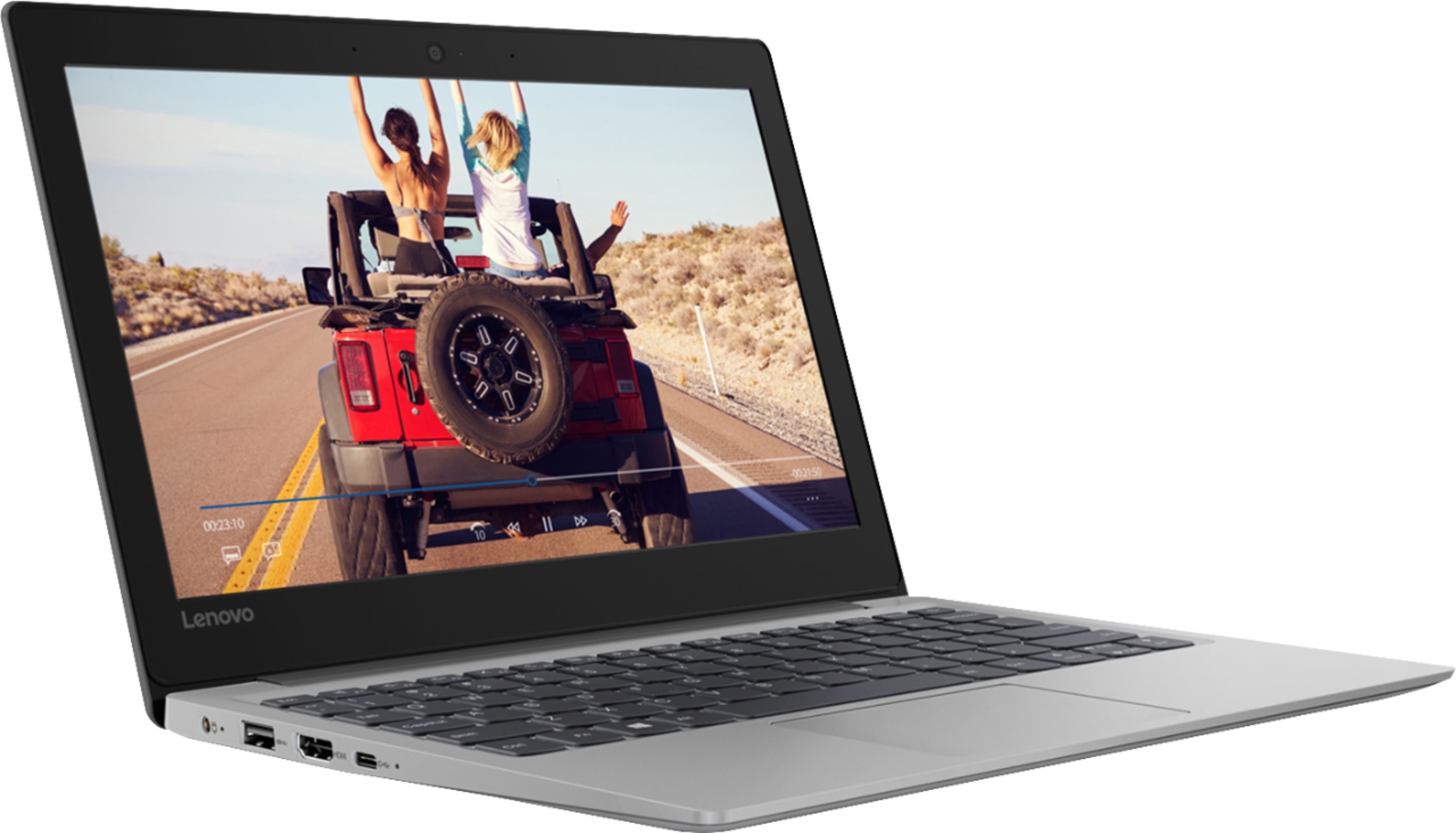
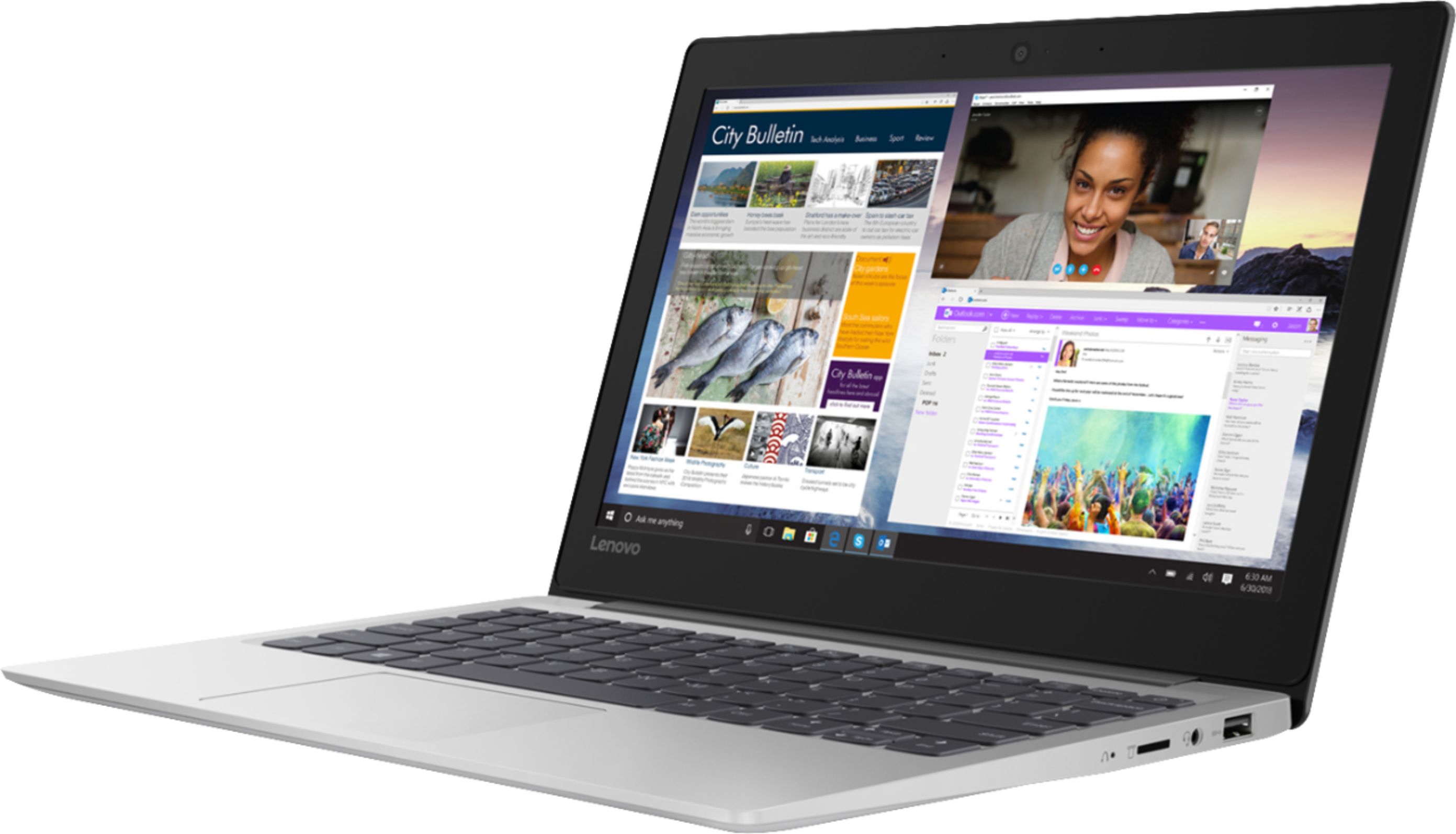
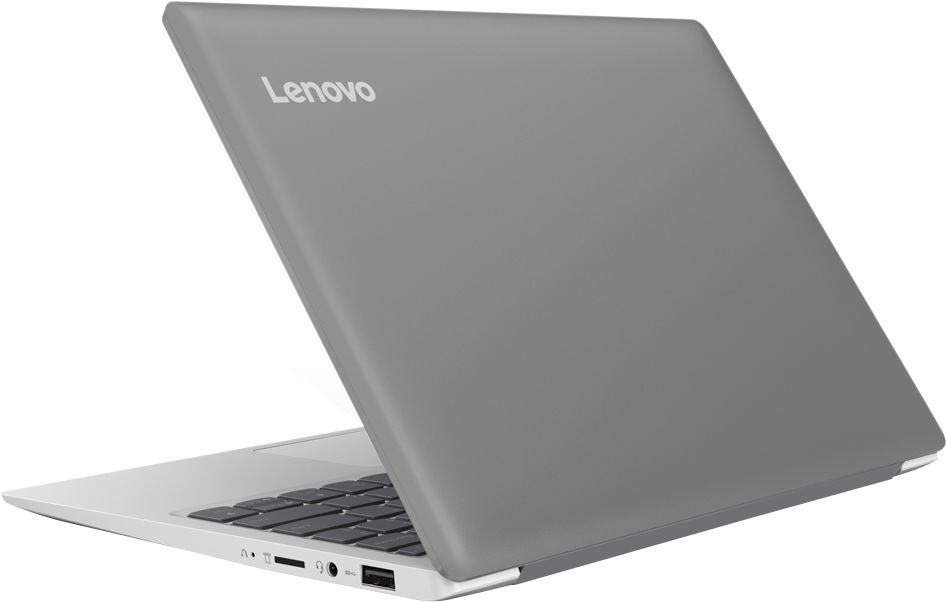
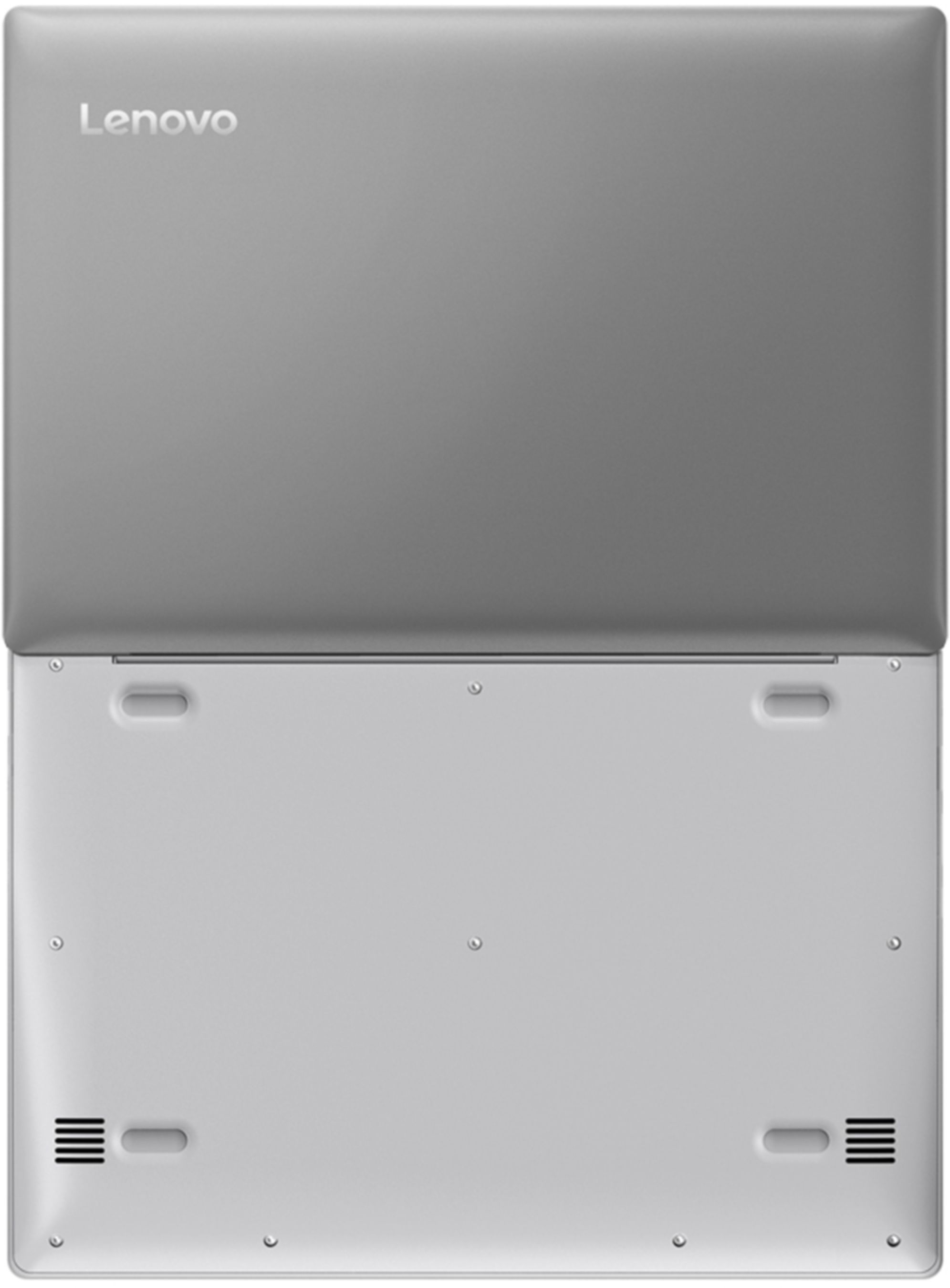
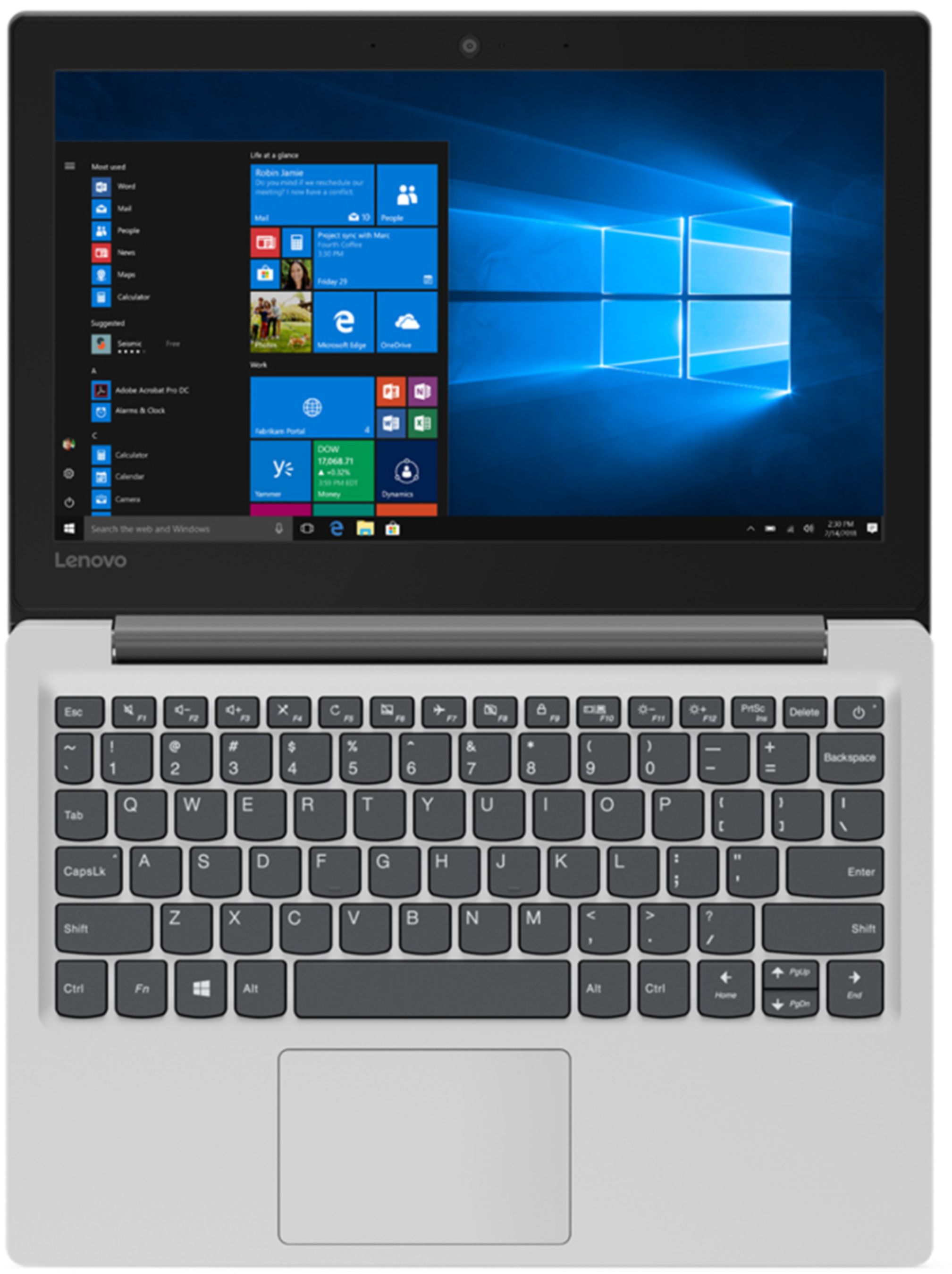
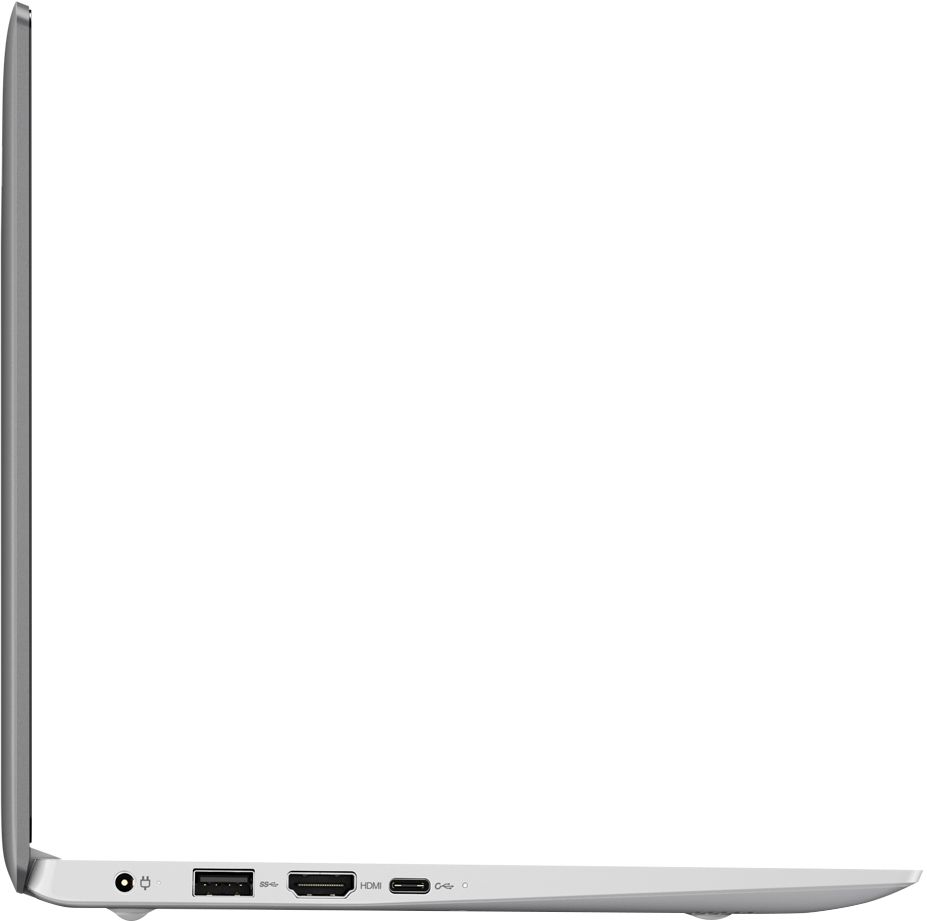
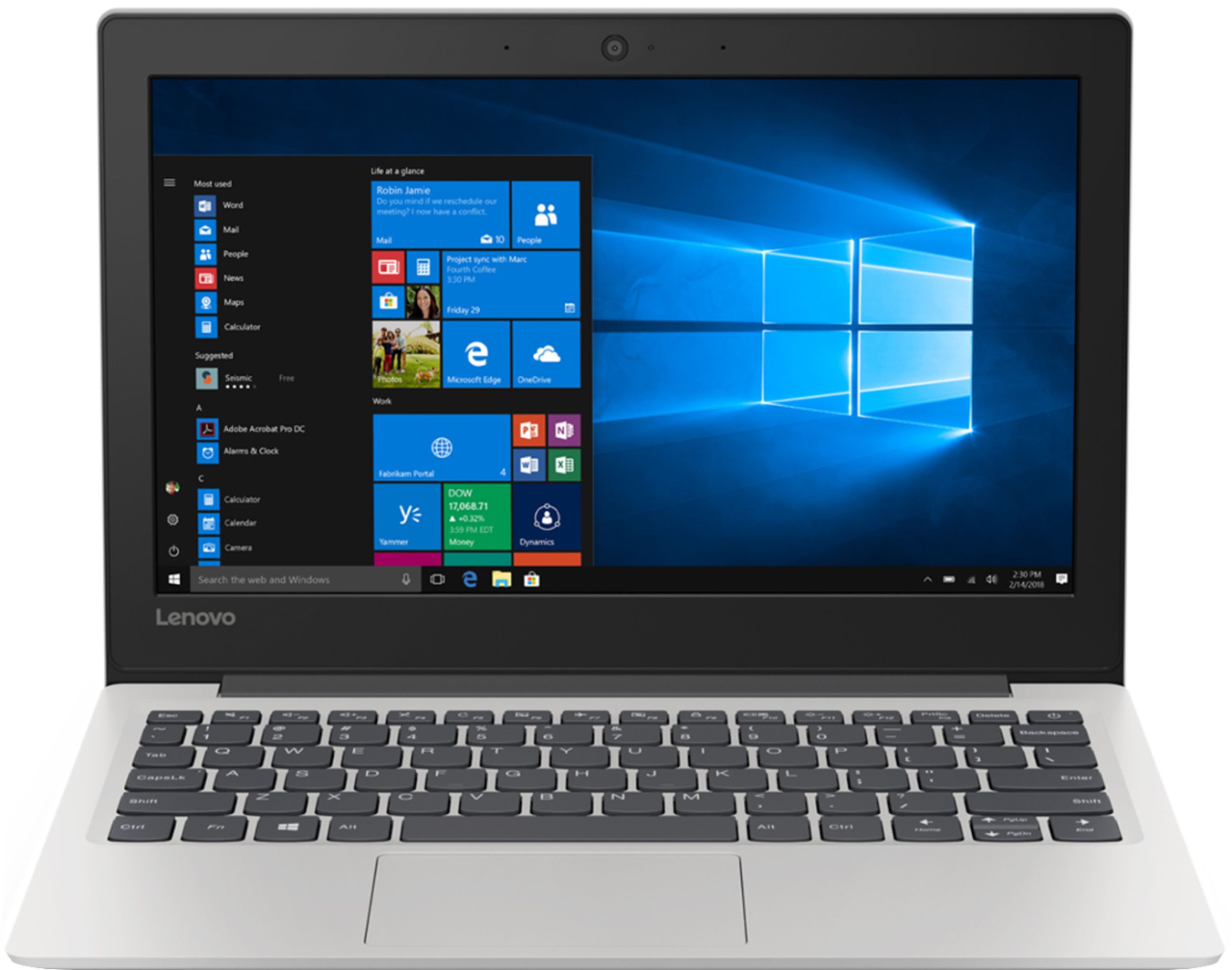
Posted .This reviewer received promo considerations or sweepstakes entry for writing a review.My first IBM compatible personal computer (the choice was IBM or MAC; new, used, leased, borrowed, or university lab) I was able to purchase was a Gateway 2000 with Microsoft Windows 3.1 in the early '90s for about $3000. There was a sample video of Mr Bill Gates, saying "Cool!" What is cool about this: 1. Windows 10 S Mode (if you are looking for a windows OS; S could stand for Security, Streamlined, Standardization; Option: One can "switch" off S-Mode (its one way; once you go out you can not go back - you maintain the control to not stay within the recommended ristrictions, within S-mode, if it is not a good fit; otherwise, there are good reasons to Opt-In to the restrictions to sustain an idealized (one can never have absolute security) integrity)) To maximaize security, streamlining, standards: - restricted browser: Microsoft Edge; - applications: Microsoft Store; If that doesn't suit you; you can switch out and you still have a MS Windows 10 OS, assuming thats want you want, anyway. (This is not! a "downgraded" Win10 - it suits very well a type of use and the challenges inherant (sp?) with the intended use). 2. Lenova Ideapad. Eleven inch screen! (not too big; not too small; just right as second pc - go for a bigger screen for a first or solo pc). Weight: 2.2 lbs (1 kg or 1 Newton due to the force gravity); Streamlined! (no moving parts (no hard drive (solid state memory); no fan for cooling; no cd/dvd drive) Only 2 USB ports; 1 HDml port; AC port and power adaptor; microusb port; a card reader. Connectivity: WiFi; Bluetooth. I wanted a RJ45 port and purchased an adaptor doggle (with a cd to load drivers - that wasn't going to work out too well - good news - drivers already featured in windows 8 and up (Plug and Play). One can accessorize according to adaptation (there are tradeoffs here; may already have these or expect to pay more as your total price. 3) Currently, lowest price New! laptop. 4) S might be for Satisfaction Computer has a great look and feel (a brushed metallic). Excellent experience for Internet browsing and interactivity. For heavy keying use would attach a keyboard. Great price for a price conscious consumer, such as I. Its light, its smart, it looks good, it feels good, and it will make your life better. Add tax (about 10%; Add CA recycle fee) It is truly a BEST BUY!!!!! Very! Cool!
I would recommend this to a friendBrand response from Lenovo Product Expert
Posted .Thank you for choosing the Lenovo IdeaPad 130s-11 laptop. The Lenovo IdeaPad 130s-11 laptop is an entry level, light use system with its Intel Celeron processor, 4GB of RAM and a 64GB eMMC solid state hard drive. It ships with Windows 10 S-Mode Operating System for added security (you can switch to Windows 10 Home 64-bit Operating System at no additional cost, if you don't need the added security of S-Mode). It is not meant for multi-tasking or demanding programs. It is good for Microsoft Office and light internet browsing. The IdeaPad 130s-11 laptop ships with a free 1-year subscription to Microsoft Office 365 (a $69.00 value). If this describes your computing needs, the IdeaPad 130s-11 laptop would be a good choice. For 2018, Lenovo retained its place for a second year as the best laptop vendor:
https://www.laptopmag.com/articles/laptop-brand-ratings
Spend the extra $50 bucks and buy a regular laptop
||Posted . Owned for 2 weeks when reviewed.This reviewer received promo considerations or sweepstakes entry for writing a review.Bought these thinking they would be great for my kids, but this computer struggles with the most basic children sites, such as PBS kids. I made the mistake of waiting too long to open because they were gifts for my 2 younger kids. Don't buy computer spend the extra $50 and get a regular laptop
No, I would not recommend this to a friendBrand response from Lenovo Product Expert
Posted .The Lenovo IdeaPad 130s-11 laptop ships with Windows 10 S-Mode 64-bit Operating System. For added security only APPs available at (and therefore certified by Microsoft) the Microsoft Store can be installed on this device. If you don't need the added security or need to install programs not available at the Microsoft Store, you can switch from Windows S-Mode to Windows 10 Home 64-bit Operating System. The Lenovo IdeaPad 130s-11 laptop is an entry level, light use system with its Intel Celeron processor, 4GB of RAM and a 64GB eMMC solid state hard drive. It ships with Windows 10 S-Mode Operating System for added security (you can switch to Windows 10 Home 64-bit Operating System at no additional cost, if you don't need the added security of S-Mode). It is not meant for multi-tasking or demanding programs. It is good for Microsoft Office and light internet browsing. The IdeaPad 130s-11 laptop ships with a free 1-year subscription to Microsoft Office 365 (a $69.00 value). If this describes your computing needs, the IdeaPad 130s-11 laptop would be a good choice. For 2018, Lenovo retained its place for a second year as the best laptop vendor:
https://www.laptopmag.com/articles/laptop-brand-ratings
Okay for kids
||Posted . Owned for 1 month when reviewed.This reviewer received promo considerations or sweepstakes entry for writing a review.Laptop constantly crashes. Not good for college students
No, I would not recommend this to a friendBrand response from Lenovo Product Expert
Posted .Windows 10 S-Mode should not crash. Windows 10 S-Mode provides added security by only allowing APPs available ( and therefore certified by Microsoft) at the Microsoft Store. If you don't need the added security or you need to install APPs not available at the Microsoft Store, you can switch to standard Windows 10 Home 64-bit Operating System, at no additional cost. If you have switched from S-Mode to Windows 10 Home, be sure any software you installed is compatible with Windows 10. There is no need to install Microsoft Office software. The software is already part of the operating system, you just need to activate the software with a purchased product key. If you have installed a copy of Microsoft Office, this is conflicting with the existing copy on the system and this will slow your system down. If you have installed a 3rd party anti-virus program, be sure that Windows Defender is turned off and that the trial version of McAfee Anti-Virus software is uninstalled. There can only be one anti-virus program on the system. You may need to restore your system to original factory default settings if any of the programing errors have occurred. You can do that by typing "restore" in the Cortana search window. Just click on the magnifying glass icon at the bottom left of your Windows 10 Desktop. Click on "Reset This PC" Then click on "Get Started" and follow the on screen directions to restore to factory defaults. If the problem persists, we recommend you contact Lenovo Tech Support at: 877-453-6686.
Less than start
||Posted . Owned for 7 months when reviewed.This reviewer received promo considerations or sweepstakes entry for writing a review.Worst service ever !!! I have a full warranty and I been dealing with Lenovo for 2 months, they hasn’t been able to repair my laptop and they don’t send me a new one. So I had to buy a new one!!! Don’t buy this laptop is a waste of money!!!
No, I would not recommend this to a friendBrand response from Lenovo Product Expert
Posted .We are sorry to hear you are having issues with your Lenovo IdeaPad 130s-11 laptop. We recommend you call Lenovo Tech Support at: 877-453-6686.
Not at all what I had expected.
||Posted . Owned for 2 weeks when reviewed.This reviewer received promo considerations or sweepstakes entry for writing a review.No numbers pad, the touchpad was far too sensitive even after multiple times of adjusting the settings/sensitivity level. No CD/DVD. Again, not at all what I had expected. I got far more for a few hundred more with my HP I got a few days later.
No, I would not recommend this to a friendBrand response from Lenovo Product Expert
Posted .With regard to the touchpad, you can make adjustments to the touchpad in your system settings. You can get there by clicking on the magnifying glass at the bottom left of your Windows 10 screen. Type "touchpad" in the search window. Select "Mouse & touchpad settings" from the list of choices. You can make general adjustments to the touchpad there. You can also select "Additional mouse options" for more detailed adjustments to the touchpad sensitivity by increasing the delay of the touchpad. The Lenovo IdeaPad 130s-11 laptop is an entry level, light use system with its Intel Celeron processor, 4GB of RAM and a 64GB eMMC solid state hard drive. It ships with Windows 10 S-Mode Operating System for added security (you can switch to Windows 10 Home 64-bit Operating System at no additional cost, if you don't need the added security of S-Mode). It is not meant for multi-tasking or demanding programs. It is good for Microsoft Office and light internet browsing. The IdeaPad 130s-11 laptop ships with a free 1-year subscription to Microsoft Office 365 (a $69.00 value). If this describes your computing needs, the IdeaPad 130s-11 laptop would be a good choice.
don't do it.
||Posted . Owned for 1 year when reviewed.This reviewer received promo considerations or sweepstakes entry for writing a review.What a complete and utter waste of my money. Think of this laptop as the cash car of laptops, there is no long term investment, its trash.
No, I would not recommend this to a friendCheap
||Posted . Owned for 9 months when reviewed.This reviewer received promo considerations or sweepstakes entry for writing a review.Did not like this computer. The graphics were poor and it was slow. I returned it.
No, I would not recommend this to a friendbad camera
||Posted . Owned for 11 months when reviewed.This reviewer received promo considerations or sweepstakes entry for writing a review.Poor quality camera and video brought in to best buy was told may not be able to repair.
No, I would not recommend this to a friendslow
||Posted . Owned for 5 months when reviewed.This reviewer received promo considerations or sweepstakes entry for writing a review.Item was returned due to glitches with windows homer S mode. this was not worth the 100 I spent.
No, I would not recommend this to a friendWaste Of Time And Money
||Posted . Owned for 3 weeks when reviewed.This reviewer received promo considerations or sweepstakes entry for writing a review.I Ordered A Brand New Laptop...They Sent Me A Used One.....Which Is A Piece Of Trash!!!
No, I would not recommend this to a friendBrand response from Lenovo Product Expert
Posted .The Lenovo IdeaPad 130s-11 laptop is an entry level, light use system with its Intel Celeron processor, 4GB of RAM and a 64GB eMMC solid state hard drive. It ships with Windows 10 S-Mode Operating System for added security (you can switch to Windows 10 Home 64-bit Operating System at no additional cost, if you don't need the added security of S-Mode). It is not meant for multi-tasking or demanding programs. It is good for Microsoft Office and light internet browsing. The IdeaPad 130s-11 laptop ships with a free 1-year subscription to Microsoft Office 365 (a $69.00 value). If this describes your computing needs, the IdeaPad 130s-11 laptop would be a good choice.