Customer Ratings & Reviews
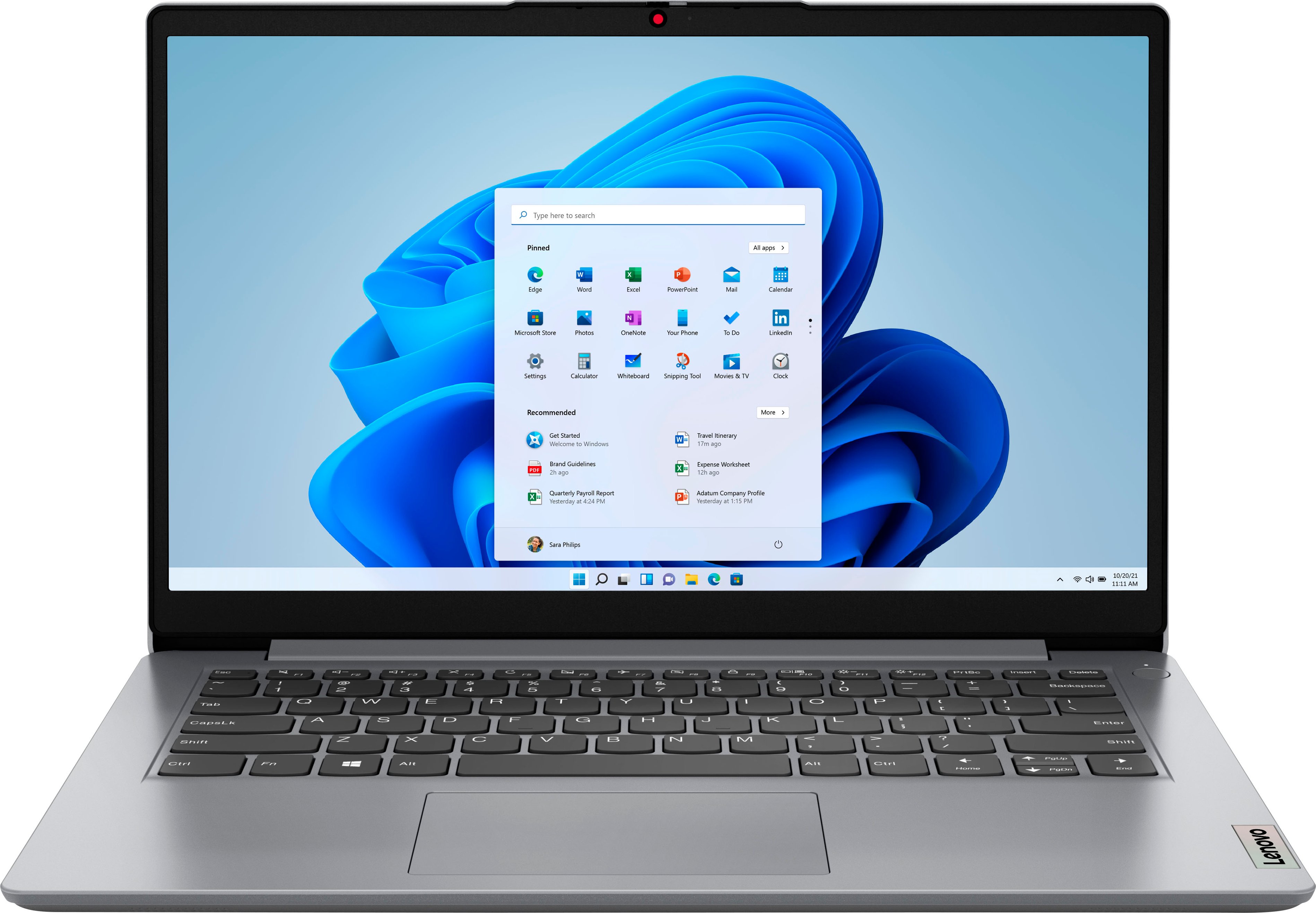
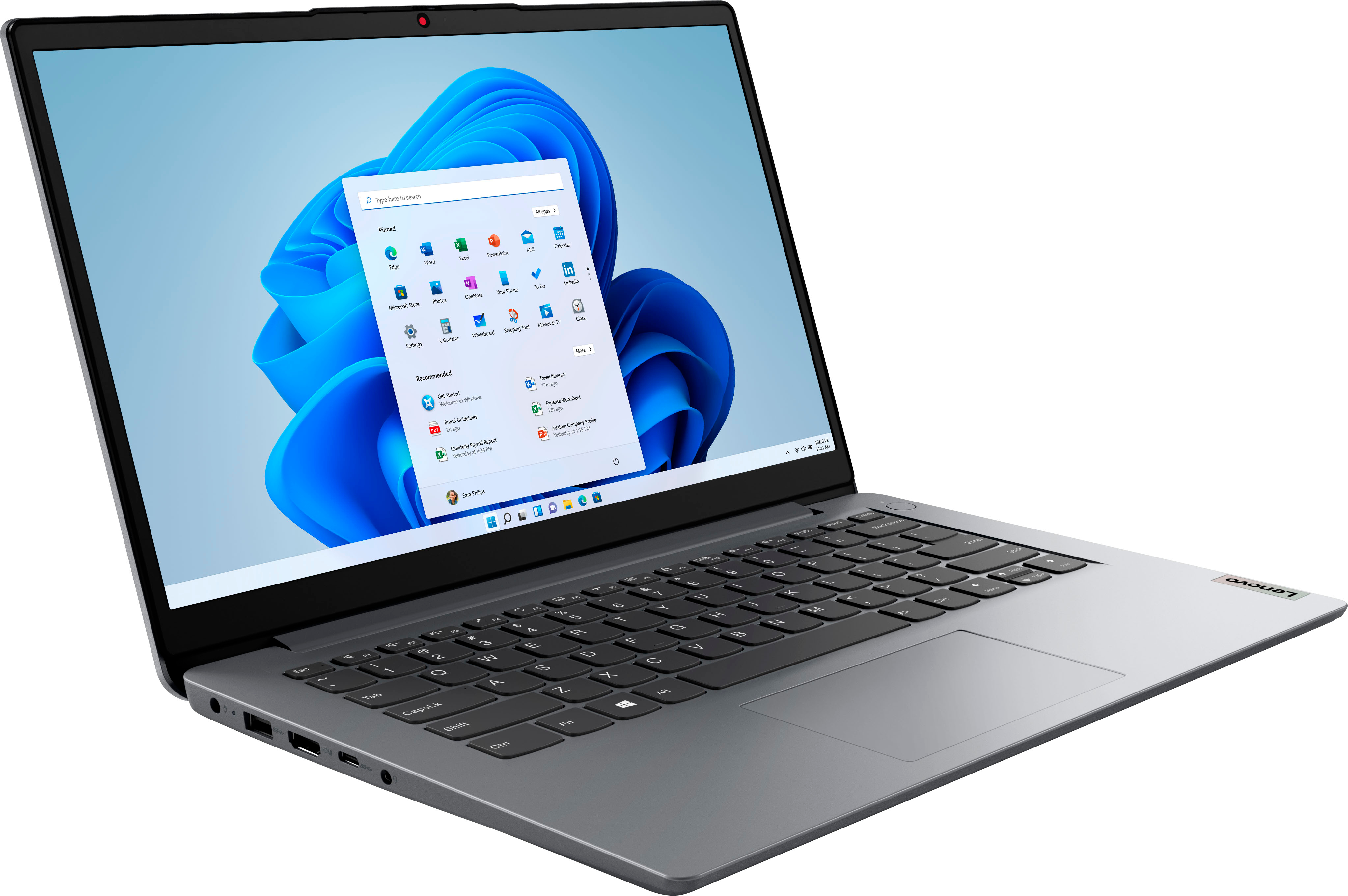
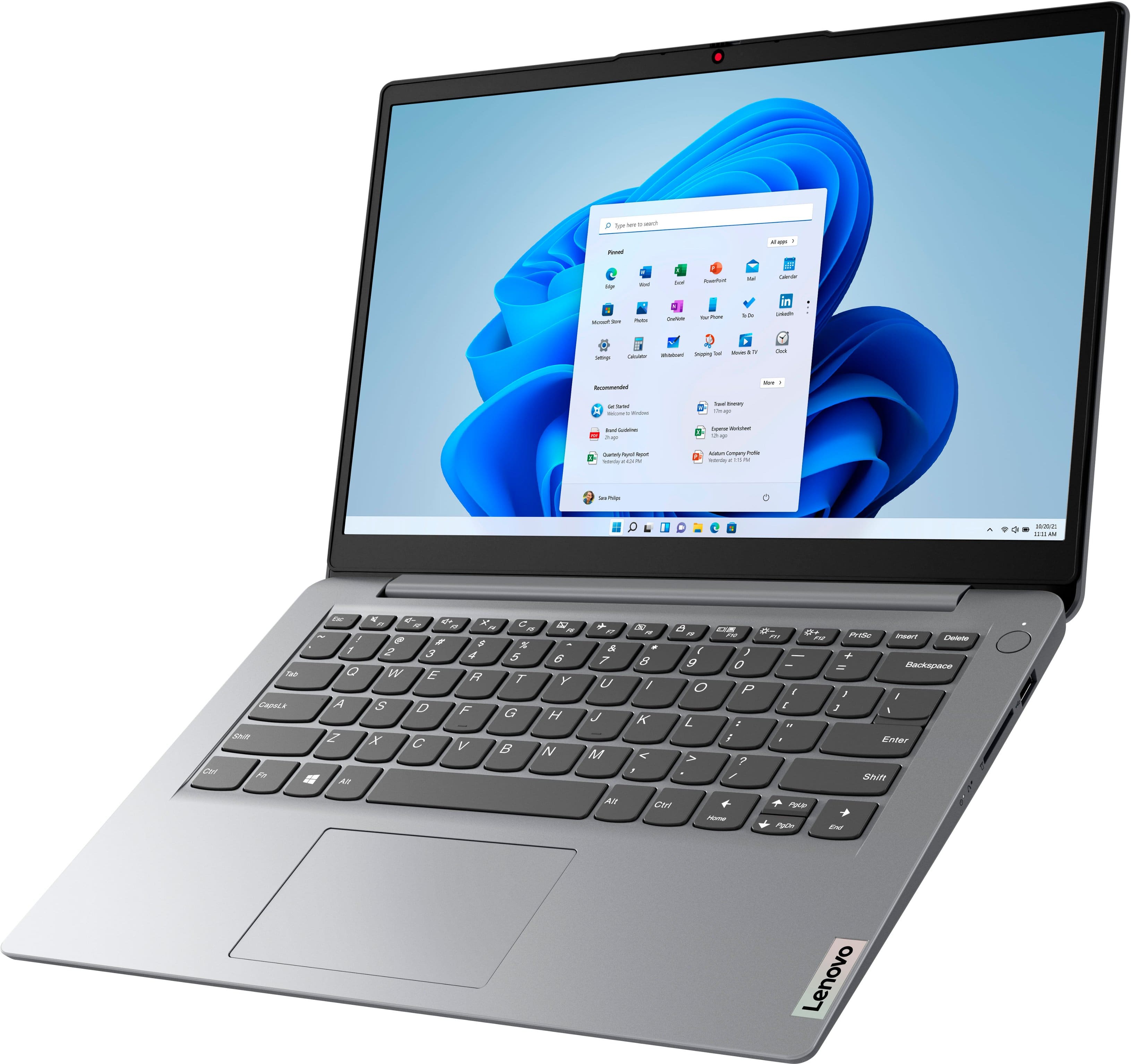
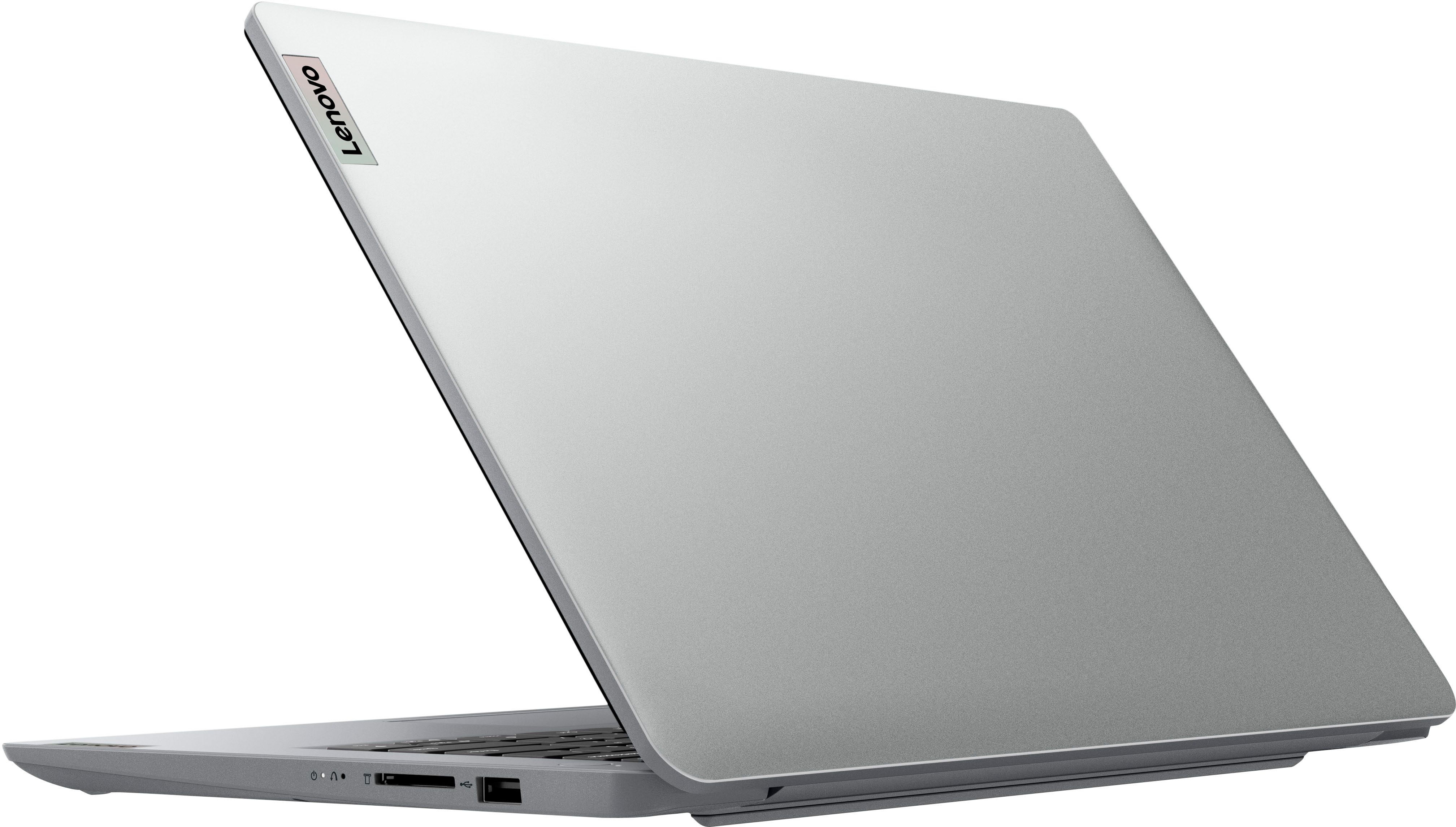

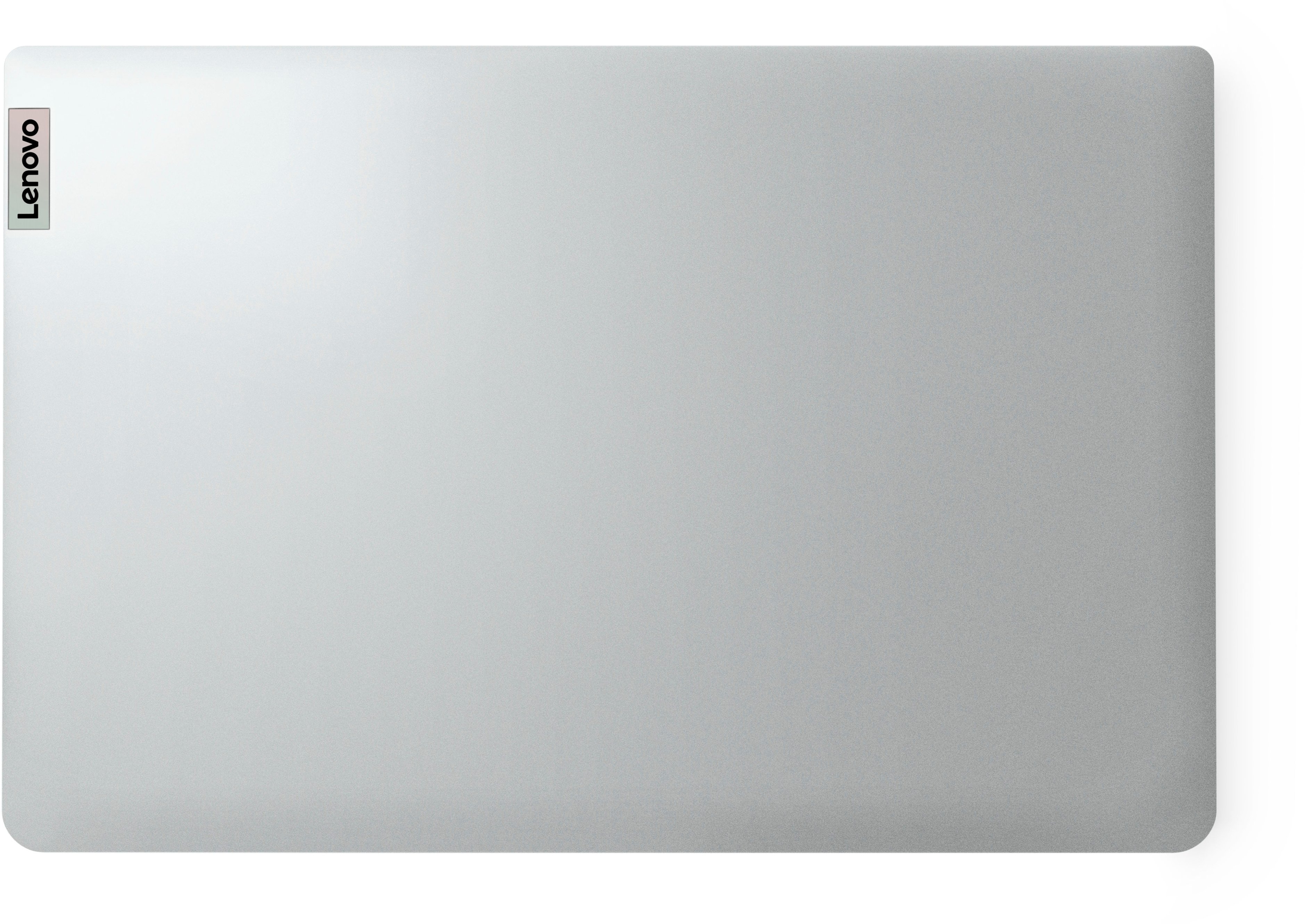
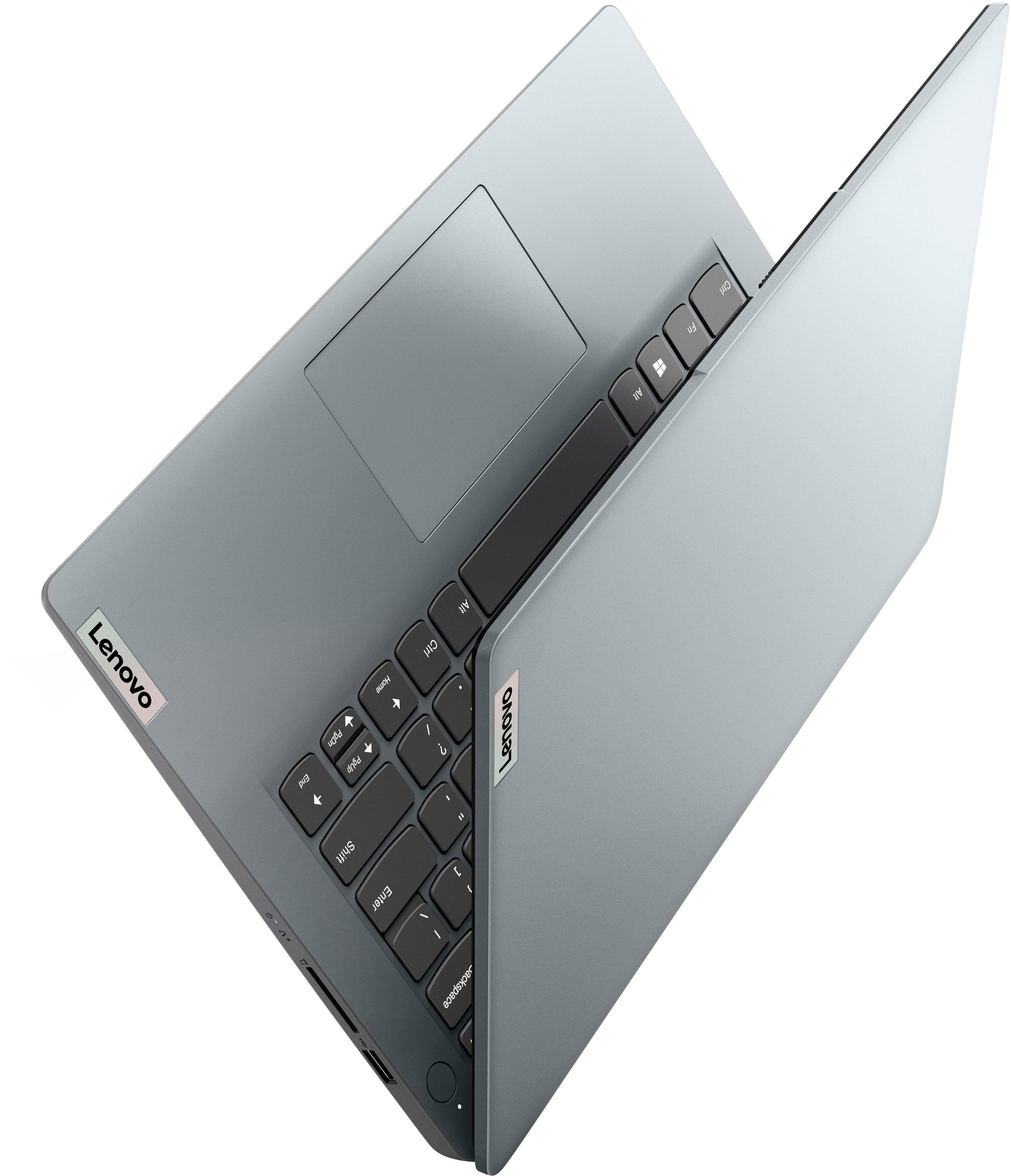
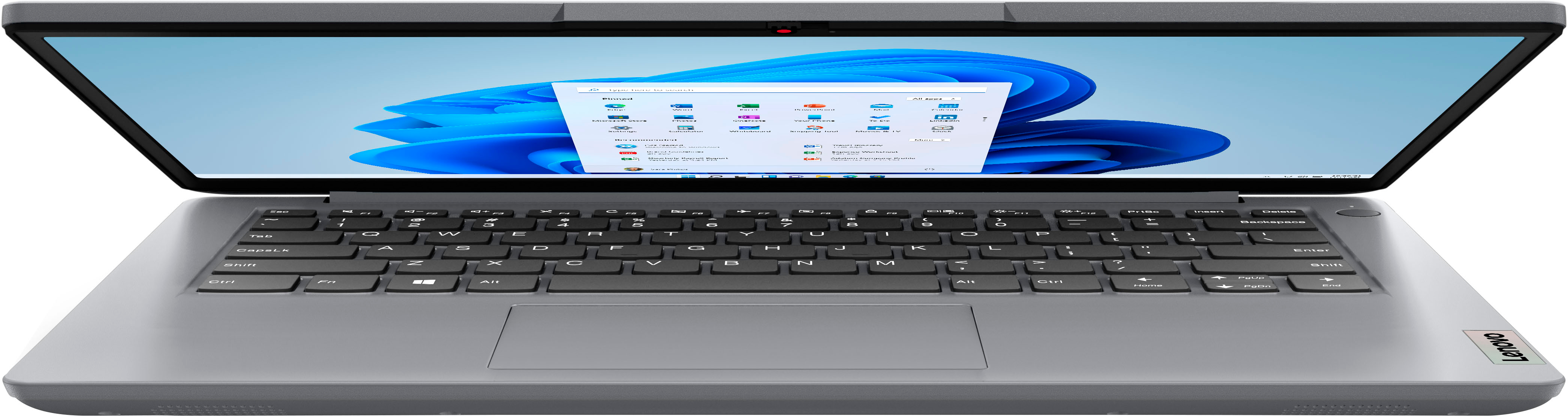
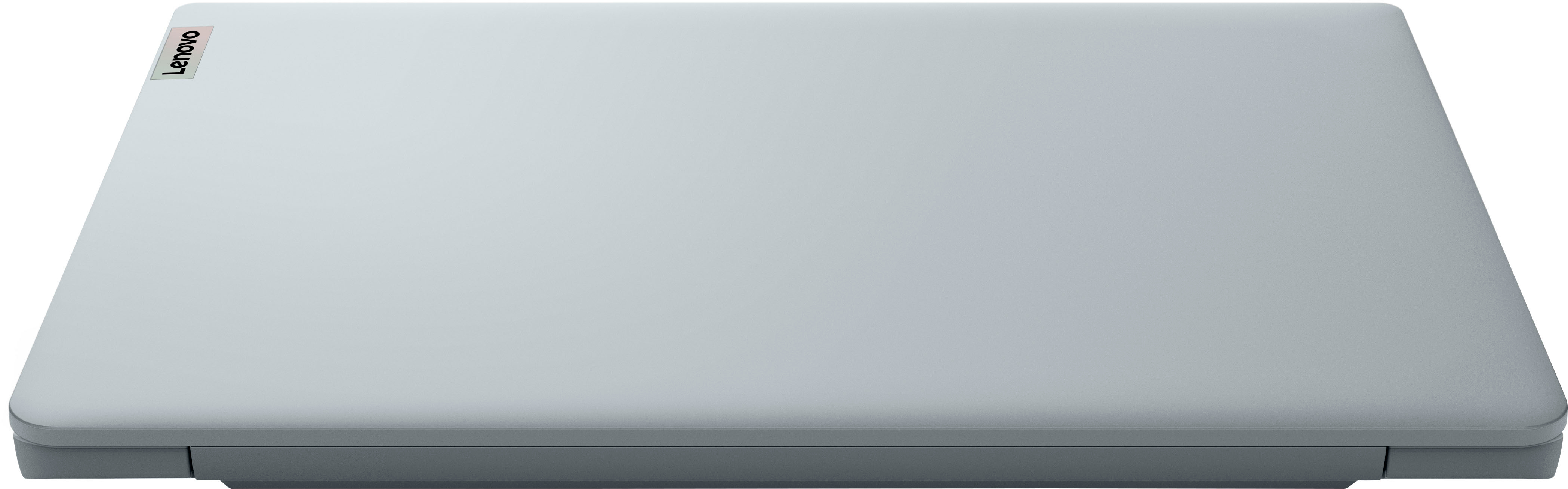

- Model:
- 82V6S00000
- SKU:
- 10898275
Rating by feature
- Battery Life
Rating 4.5 out of 5 stars
- Speed
Rating 3.9 out of 5 stars
- Display
Rating 4.3 out of 5 stars
Customers are saying
Customers express satisfaction with the Ideapad 1i 14.0" HD Laptop's overall performance, portability, and battery life. The laptop's compact size and sleek design are also appreciated by some users. However, some customers wish the laptop had a touchscreen and more storage capacity.
This summary was generated by AI based on customer reviews.
Network adapter (aka internet) keeps failing
||Posted . Owned for 2 months when reviewed.This reviewer received promo considerations or sweepstakes entry for writing a review.Garbage! Network adapter keeps failing and forcing me to pay to have it fixed in store just to have it fail two days later.
No, I would not recommend this to a friendBrand response from Lenovo Product Expert
Posted .We are sorry to hear that you had issues with the Wi-Fi connectivity of your Lenovo . In advance, this is a lengthy response, however we want to give you as much information as possible to help ensure your issue is resolved. If you are experiencing lowered Wi-Fi connectivity, please check to be sure you have the latest version of Windows 11 on the computer. Then update all BIOS files and drivers up to that latest version of Windows 11, including those BIOS files and drivers controlling Wi-Fi. You can accomplish this by scanning the computer with the Lenovo Utility software available on this computer. This system has Lenovo utilities installed to help maintain the health of the device and keep the operating system software up to date. Type "Lenovo Vantage" in the Search window (if Lenovo Vantage is not installed on your device, you can download the APP and install it now). Select Lenovo Vantage from the list. In the window that opens, click on “Health and Support". In the expanded menu, select "Hardware Scan" In the window that opens, select "Run Quick Tests". This will scan your entire system for errors. Follow any directions that may pop up. If the problem continues after this scan, now click on "System Update". First select Windows update from the menu. Scan your system to be sure you have the latest version of Windows 11. Once that scan is complete, select "Additional Updates". This will scan your device to be sure there are no new BIOS/Driver updates needed. Follow any instructions that may pop up. If you get a message saying that there are no new updates available, you can directly update/reinstall the Wi-Fi Driver within Windows 11 Operating System on this Laptop. Here is a guide to help with the drivers:https://www.intowindows.com/how-to-reinstall-wi-fi-driver-in-windows-11/ If the issue continues, we recommend you contact Lenovo Tech Support for additional help at this phone number for additional assistance: 877-453-6686.

Slow Laptop
||Posted . Owned for 1 year when reviewed.This reviewer received promo considerations or sweepstakes entry for writing a review.Very very slow. Price was a bargain, but operating system failed badly.
No, I would not recommend this to a friendSlow computer
||Posted . Owned for 1 year when reviewed.This reviewer received promo considerations or sweepstakes entry for writing a review.The slowest computer I have ever owned it takes several minutes just boot up.
No, I would not recommend this to a friendDidn't work.
||Posted . Owned for 3 weeks when reviewed.This reviewer received promo considerations or sweepstakes entry for writing a review.Product didn't work and Best Buy made no attempt to fix or offer a discount on another. I was not pleased.
No, I would not recommend this to a friendBrand response from Lenovo Product Expert
Posted .Hello DjeneH, we are sorry to hear that you encountered an issue with your IdeaPad 1i 14. We recommend reaching out to Lenovo Tech Support and proving a representative with details of your issue so they can help provide a solution. Here is phone number to get in contact with tech support: 877-453-6686.
Dissatisfied
||Posted . Owned for 6 months when reviewed.This reviewer received promo considerations or sweepstakes entry for writing a review.I purchased this laptop for my mother for Christmas. Now it's not coming on at all. What a waste.
No, I would not recommend this to a friend- Cons mentioned:Connectivity
No internet access
||Posted .This reviewer received promo considerations or sweepstakes entry for writing a review.opened PC today. It connects to Wifi but says no internet. I have Tried all troubleshooting . Wifi connects to all other devices fine. Will be returning. Was really hoping this would work out great for me.
No, I would not recommend this to a friendBrand response from Lenovo Product Expert
Posted .We are sorry to hear that you are having issues with your entry-level, Lenovo IdeaPad 1i 14 Laptop, model number 82V6S00000. This model ships with WiFi-6, 2x2 802.11ax frequency WiFi, which is also backward compatible to older a/b/g/n/ac frequency WiFi. If you are having issues with WiFi connectivity, first, check to be sure you have the latest version of Windows 11 on the computer. Then update all BIOS files and drivers up to that latest version of Windows 11. You can easily accomplish this by scanning the computer with the Lenovo Utility software available on this computer. This system has Lenovo utilities installed to help maintain the health of the device and keep the operating system software up to date. Type "Lenovo Vantage" in the Cortana Search window (if Lenovo Vantage is not installed on your device, you can download the APP and install it now). Select Lenovo Vantage from the list. In the window that opens, click on "Health and Support". In the expanded menu, select "Hardware Scan" In the window that opens, select "Run Quick Tests". This will scan your entire system for errors. Follow any directions that may pop up. If the problem continues after this scan, now click on "System Update". First select Windows update from the menu. Scan your system to be sure you have the latest version of Windows 11. Once that scan is complete, select "Additional Updates". This will scan your device to be sure there are no new BIOS/Driver updates needed. Follow any instructions that may pop up. If the issue continues after these updates, we recommend you call Lenovo Tech Support at: 877-453-6686 for additional help. We always recommend you check the requirements and compatibility of any software you will be installing on your new computer, before you invest in any computer. Be sure your new computer can support the software you will need to use and your workload.
Great basic use
||Posted . Owned for 1 week when reviewed.This reviewer received promo considerations or sweepstakes entry for writing a review.Great value for very basic work. The screen has too much contrast is only issue. Can hook to a monitor/tv is useful.
I would recommend this to a friendBrand response from Lenovo Product Expert
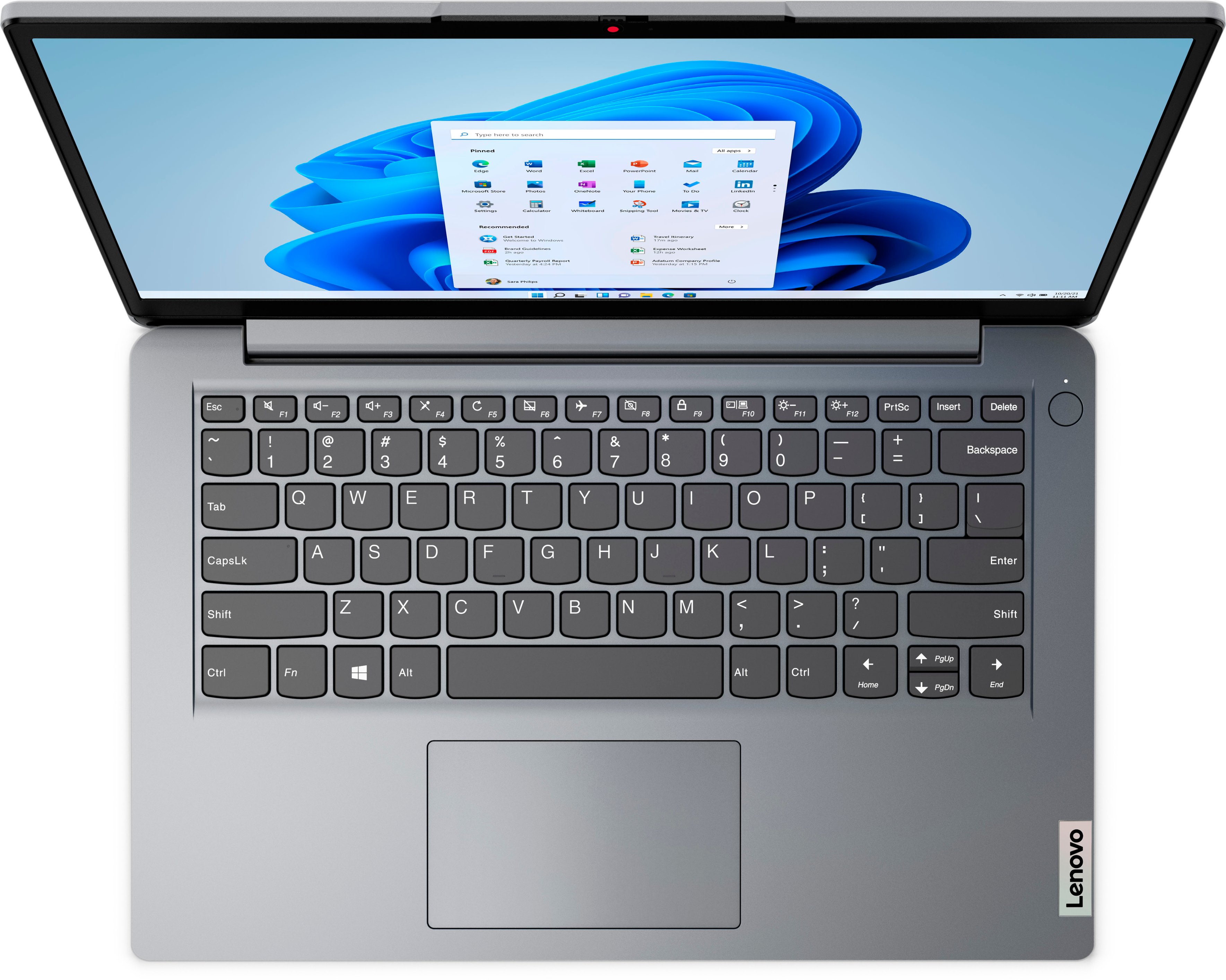
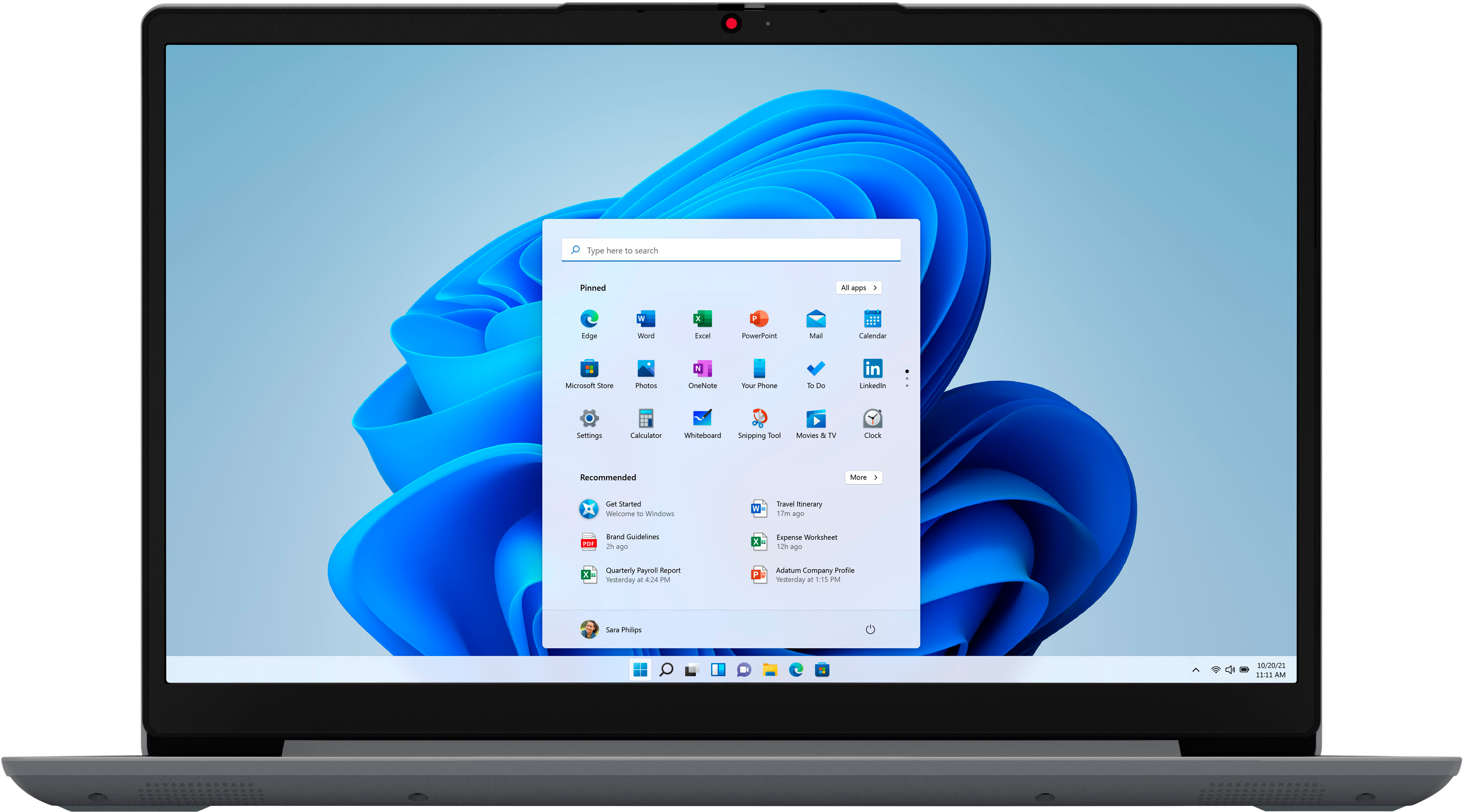
Posted .Thank you for choosing the entry-level, Lenovo IdeaPad 1i 14 laptop. This model ships with a 14 inch (screen size measured diagonally) TN - HD (1366x768) screen, with a brightness level of 220 nits and has an Anti-glare Coating. This screen provides 67 Percent of the sRGB (45 Percent NTSC) color gamut. You can manually adjust the color contrast on your entry-level, IdeaPad 1i 14 Laptop, within Windows 11. Here is a link to more information: https://support.microsoft.com/en-us/windows/change-color-contrast-in-windows-fedc744c-90ac-69df-aed5-c8a90125e696#:~:text=Select%20the%20Start%20button%2C%20and,colors%20on%20the%20screen%20change. We always recommend you check the requirements and compatibility of any software you will be installing on your new computer, before you invest in any computer. Be sure your new computer can support the software you will need to use and your workload.
- Cons mentioned:Screen quality
Quality
||Posted . Owned for 1 month when reviewed.This reviewer received promo considerations or sweepstakes entry for writing a review.Product no durable . Low quality mouse pad and screen glitches sometime .
No, I would not recommend this to a friendBrand response from Lenovo Product Expert
Posted .We are sorry to hear that you have had a poor experience with our product. The Lenovo IdeaPad 1i 14, model number 82V6S00000, is an entry level, light use system with an Intel Celeron N4020 processor, with a base speed of 1.1GHz and a boost speed of up to 2.8GHz, 4GB of RAM and a 64GB eMMC drive, for quick access to files and programs. This model is made with a PC-ABS material and is not designed to be durable or resistant against drops or bumps. This model also ships with Windows 11 Home in S-Mode Operating System, a more secure, lighter version of the Windows 11 Operating System due to the computer’s entry level specifications. This Lenovo IdeaPad 1i 14 is not meant for multi-tasking or demanding programs. It is good for utilizing built-in and compatible applications available in the Microsoft App store and light internet browsing. We recommend you check the requirements and compatibility of any software you will be installing on your computer or know what specifications and features you need to effectively complete various workflows and tasks if being use for work, education, or personal use before you invest in any computer.
aweful comp
||Posted . Owned for 10 months when reviewed.This reviewer received promo considerations or sweepstakes entry for writing a review.Aweful product-hardly use it asnd its broke already-not even a year old
No, I would not recommend this to a friendDon’t buy
||Posted . Owned for 7 months when reviewed.This reviewer received promo considerations or sweepstakes entry for writing a review.I would not recommend this computer. It is slow and stopped working soon after.
No, I would not recommend this to a friend- Cons mentioned:Connectivity
Stressful setup
||Posted . Owned for less than 1 week when reviewed.This reviewer received promo considerations or sweepstakes entry for writing a review.I don’t know why this laptop keeps saying no connection even if it’s connected to the wifi we did all the trouble shooting steps just to get it connected it’s so stressful to have it do a simple task so I’m returning it.
No, I would not recommend this to a friendBrand response from Lenovo Product Expert
Posted .We are sorry to hear that you are having issue connecting your entry-level, Lenovo IdeaPad 1i 14 laptop to your home WiFi network. This entry-level IdeaPad 1i 14 ships with WiFi-6 2x2 802.11ax frequency WiFi, which is also backward compatible to older, a/b/g/n/ac frequency WiFi. If you can not connect to your home WiFi network, first check to be sure you have the latest version of Windows 11 on the computer. Then update all BIOS files and drivers up to that latest version of Windows 11. You can easily accomplish this by scanning the computer with the Lenovo Utility software available on this computer. This system has Lenovo utilities installed to help maintain the health of the device and keep the operating system software up to date. Type "Lenovo Vantage" in the Cortana Search window (if Lenovo Vantage is not installed on your device, you can download the APP and install it now). Select Lenovo Vantage from the list. In the window that opens, click on "Health and Support". In the expanded menu, select "Hardware Scan" In the window that opens, select "Run Quick Tests". This will scan your entire system for errors. Follow any directions that may pop up. If the problem continues after this scan, now click on "System Update". First select Windows update from the menu. Scan your system to be sure you have the latest version of Windows 11. Once that scan is complete, select "Additional Updates". This will scan your device to be sure there are no new BIOS/Driver updates needed. Follow any instructions that may pop up. If you get a message that says there are no updates available, you can directly update/reinstall the WiFi Driver within the Windows 11 Operating System on this Laptop. Here is a link to instructions for doing this: https://allthings.how/how-to-install-or-update-windows-11-wifi-driver/#:~:text=In%20Settings%2C%20click%20on%20the,Download%20%26%20install'%20under%20it. If the issue continues, we recommend you contact lenovo Tech Support for additional help at: 866-426-0911.
Dont Buy
||Posted .This reviewer received promo considerations or sweepstakes entry for writing a review.Such a Bad laptop is to slow and it dosent even charge anything
No, I would not recommend this to a friendBrand response from Lenovo Product Expert
Posted .This entry-level, Lenovo IdeaPad 1i 14 Laptop, model number 82V6S00000, is a light workload configuration with its Celeron N4020 Processor and 4GB DDR4-2400MHz RAM. We always recommend you check the requirements and compatibility of any software you will be installing on your new computer, before you invest in any computer. Be sure your new computer can support the software you will need to use and your workload.
Piece of junk!
||Posted . Owned for 1 year when reviewed.This reviewer received promo considerations or sweepstakes entry for writing a review.It died after 1 year. Stay far away from this laptop!
No, I would not recommend this to a friendBasic
||Posted . Owned for 1 month when reviewed.This reviewer received promo considerations or sweepstakes entry for writing a review.Very basic, not what I expected. Slow and lacking memory
No, I would not recommend this to a friendBrand response from Lenovo Product Expert
Posted .We are sorry to hear that you have had a poor experience with our product. The Lenovo IdeaPad 1i 14, model number 82V6S00000, is an entry level, light use system with an Intel Celeron N4020 processor, with a base speed of 1.1GHz and a boost speed of up to 2.8GHz, 4GB of RAM and a 64GB eMMC drive, for quick access to files and programs. This model ships with Windows 11 Home in S-Mode Operating System, a more secure, lighter version of the Windows 11 Operating System due to the computer’s entry level specifications. This Lenovo IdeaPad 1i 14 is not meant for multi-tasking or demanding programs. It is good for utilizing built-in and compatible applications available in the Microsoft App store and light internet browsing. We recommend you check the requirements and compatibility of any software you will be installing on your computer or know what specifications and features you need to effectively complete various workflows and tasks if being use for work, education, or personal use before you invest in any computer.
Don't buy this
||Posted . Owned for 7 months when reviewed.This reviewer received promo considerations or sweepstakes entry for writing a review.Don't do it. Not a good product and the performance is terrible.
No, I would not recommend this to a friendBut nice for the price
||Posted . Owned for 1 month when reviewed.This reviewer received promo considerations or sweepstakes entry for writing a review.Can't get the touchpad to work...or update the laptop
No, I would not recommend this to a friendBrand response from Lenovo Product Expert
Posted .We are sorry to hear that you have experienced an issue with our product. As some troubleshooting tips, first, determine if the model Lenovo you have has a touchpad toggle button mapped on your function row of keys at the top of the keyboard. This key should have a symbol that appears as a depiction of a touchpad with a diagonal line through it. If you have this button, try pressing it or pressing it while holding the function (Fn) key. If this does not resolve your issue, you can adjust the touchpad in your system settings. You can get there by clicking on the magnifying glass at the bottom of your Windows 11 screen. Type "touchpad" in the search window. Select "Mouse & touchpad settings" from the list of choices. You can make general adjustments to the touchpad there. You can also select "Additional mouse options" for more detailed adjustments to the touchpad sensitivity by increasing the delay of the touchpad. Making the touchpad less sensitive may correct the issues you have experienced. If still you have this issue, try restarting your laptop. This may also help with getting your Windows Updates to install. If none of these things resolve your problem we recommend contacting Lenovo Tech Support at this number and give the representative information on any troubleshooting steps you have tried: 877-453-6686.
- Cons mentioned:Ram
"Bargain"
||Posted . Owned for 2 weeks when reviewed.This reviewer received promo considerations or sweepstakes entry for writing a review.Pretty basics for features and low RAM, a bit sluggish
No, I would not recommend this to a friendBrand response from Lenovo Product Expert
Posted .This Lenovo IdeaPad 1i 14 Laptop is an entry-level, light workload configuration. We always recommend you check the requirements and compatibility of any software you will be installing on your new computer, before you invest in any computer. Be sure your new computer can support the software you will need to use and your workload.
Get something else
||Posted . Owned for 1 month when reviewed.This reviewer received promo considerations or sweepstakes entry for writing a review.I purchased two of them one of them the wireless adapter was dead so had to return.
No, I would not recommend this to a friendBrand response from Lenovo Product Expert
Posted .Hello, TiffanyL, we are sorry to hear that you had issues with the Wi-Fi connectivity of your Lenovo IdeaPad devices. In advance, this is a lengthy response, however we want to give as much information as possible to help should you or readers of this response experience this issue in the future. If you are experiencing lowered Wi-Fi connectivity, please check to be sure you have the latest version of Windows 11 on the computer. Then update all BIOS files and drivers up to that latest version of Windows 11, including those BIOS files and drivers controlling Wi-Fi. You can accomplish this by scanning the computer with the Lenovo Utility software available on this computer. This system has Lenovo utilities installed to help maintain the health of the device and keep the operating system software up to date. Type "Lenovo Vantage" in the Search window (if Lenovo Vantage is not installed on your device, you can download the APP and install it now). Select Lenovo Vantage from the list. In the window that opens, click on “Health and Support". In the expanded menu, select "Hardware Scan" In the window that opens, select "Run Quick Tests". This will scan your entire system for errors. Follow any directions that may pop up. If the problem continues after this scan, now click on "System Update". First select Windows update from the menu. Scan your system to be sure you have the latest version of Windows 11. Once that scan is complete, select "Additional Updates". This will scan your device to be sure there are no new BIOS/Driver updates needed. Follow any instructions that may pop up. If you get a message saying that there are no new updates available, you can directly update/reinstall the Wi-Fi Driver within Windows 11 Operating System on this Laptop. Here is a guide to help with the drivers:https://www.intowindows.com/how-to-reinstall-wi-fi-driver-in-windows-11/ If the issue continues, we recommend you contact Lenovo Tech Support for additional help at: 877-453-6686.
- Pros mentioned:Battery life
Very basic
||Posted . Owned for 1 month when reviewed.This reviewer received promo considerations or sweepstakes entry for writing a review.Good for emsil just not enough memory for win 11..
No, I would not recommend this to a friendBrand response from Lenovo Product Expert
Posted .This Lenovo IdeaPad 1i 14 Laptop is an entry-level, light workload configuration. We always recommend you check the requirements and compatibility of any software you will be installing on your new computer, before you invest in any computer. Be sure your new computer can support the software you will need to use and your workload.
Slow
||Posted . Owned for 1 month when reviewed.This reviewer received promo considerations or sweepstakes entry for writing a review.This laptop works well enough for little things, runs pretty slow. But its ok
I would recommend this to a friend