Customer Ratings & Reviews
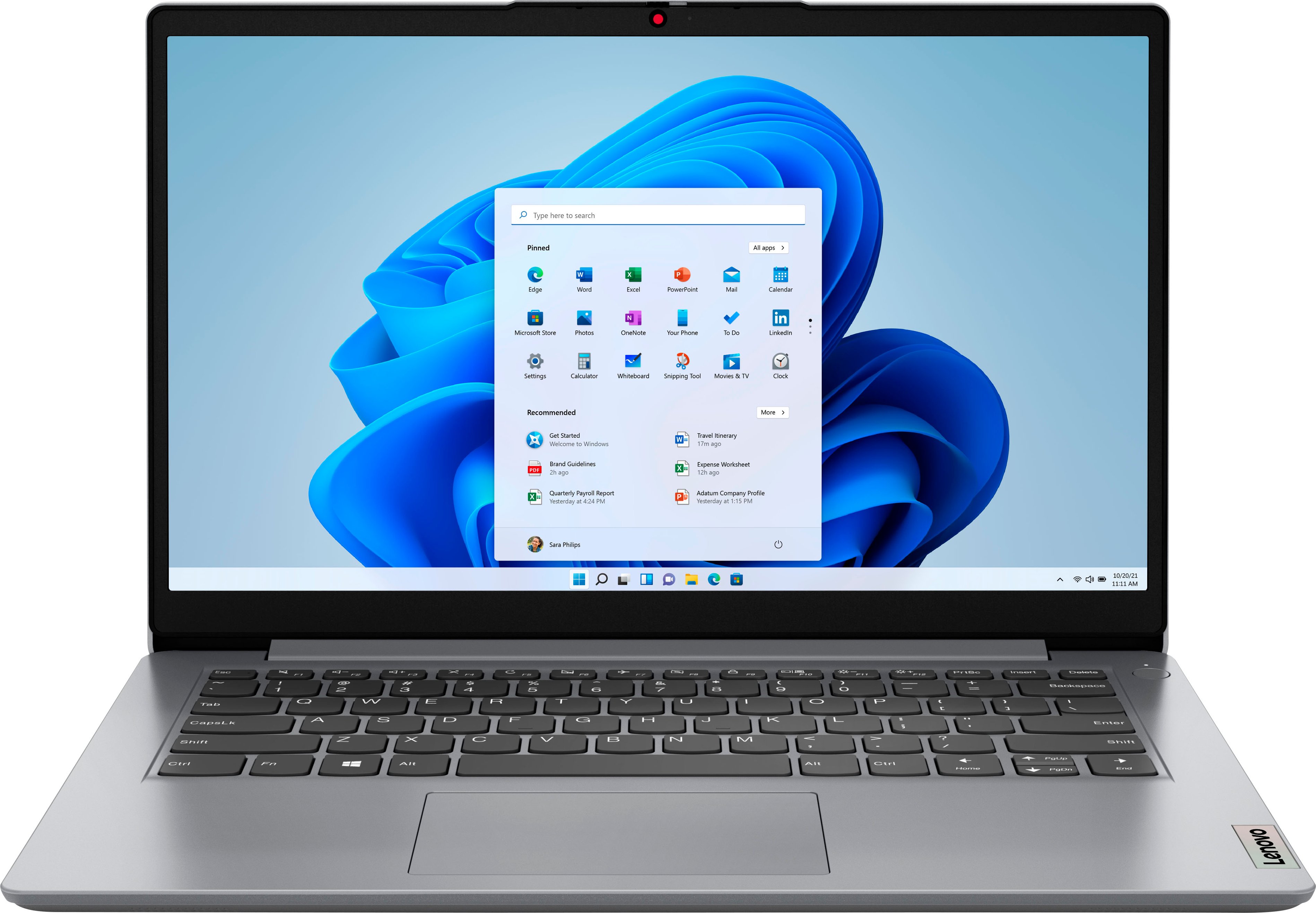
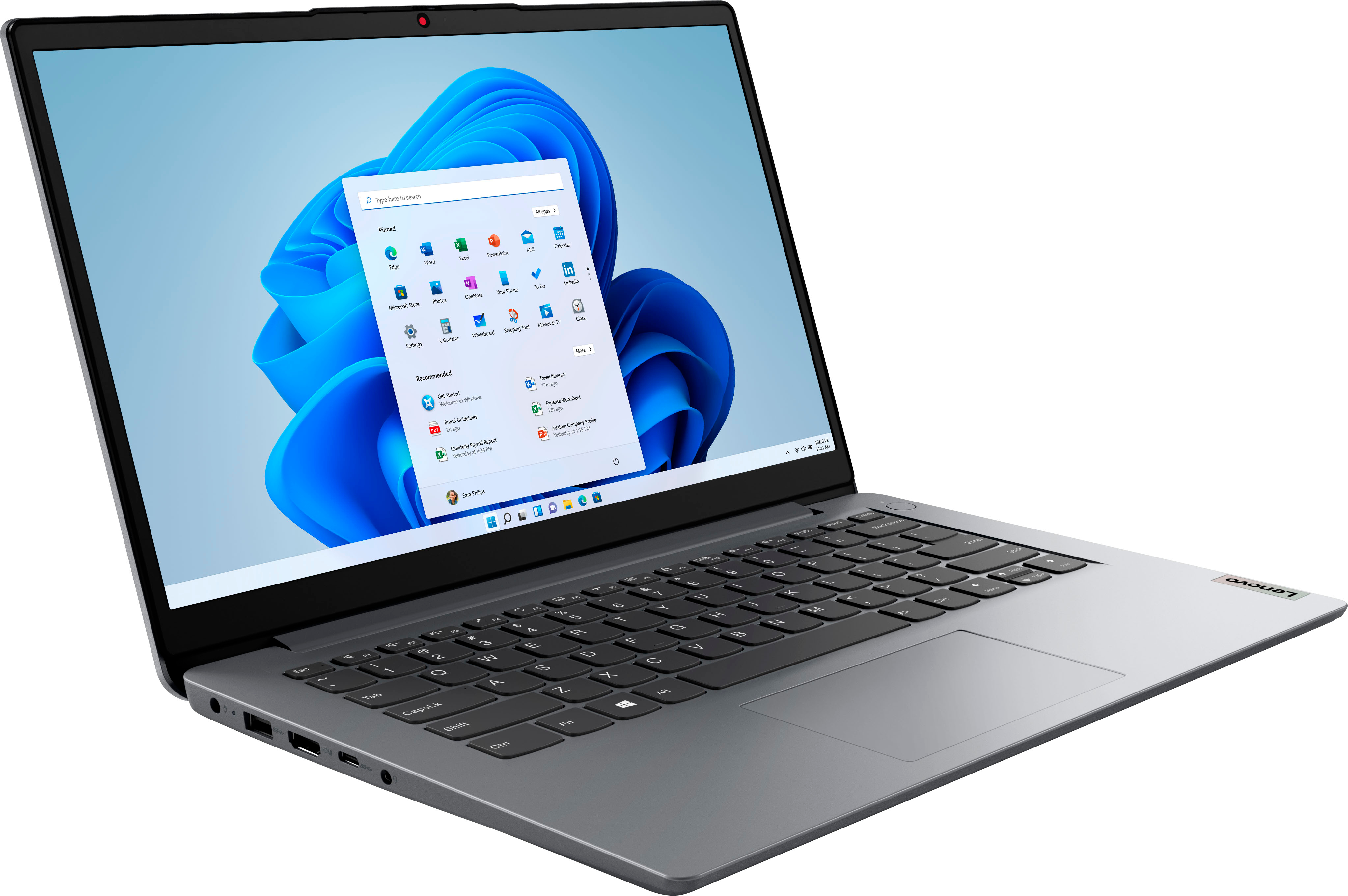
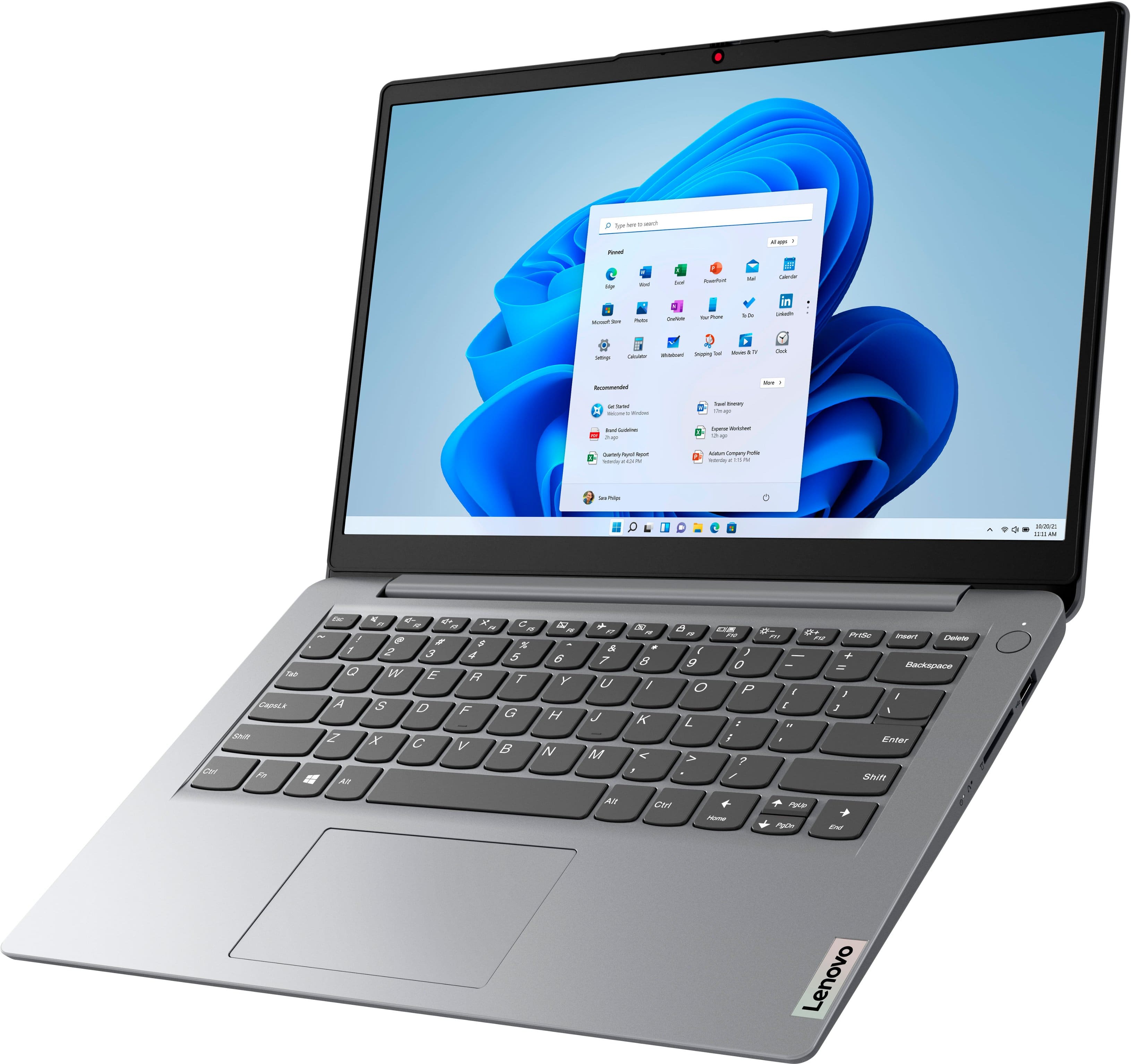
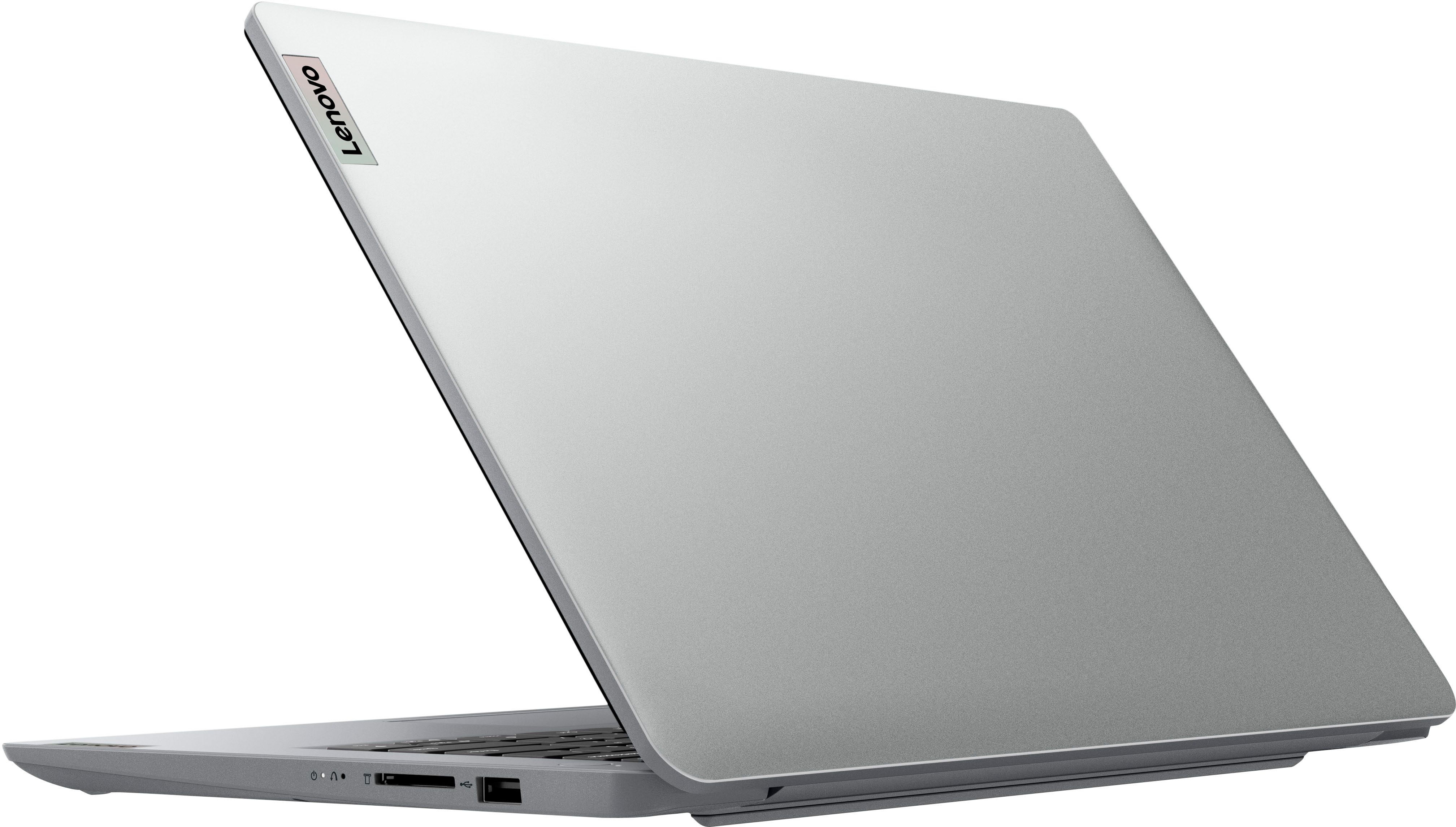
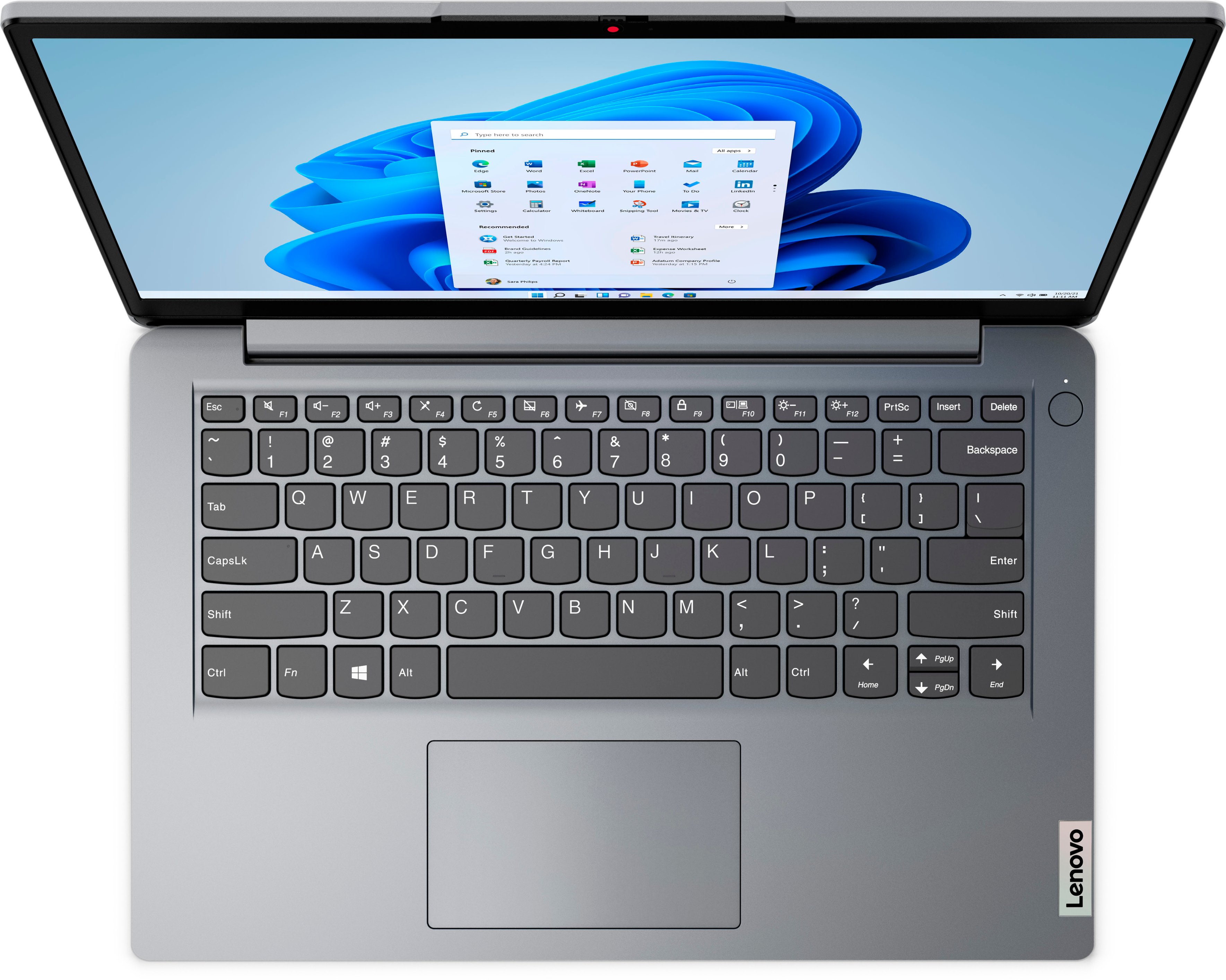

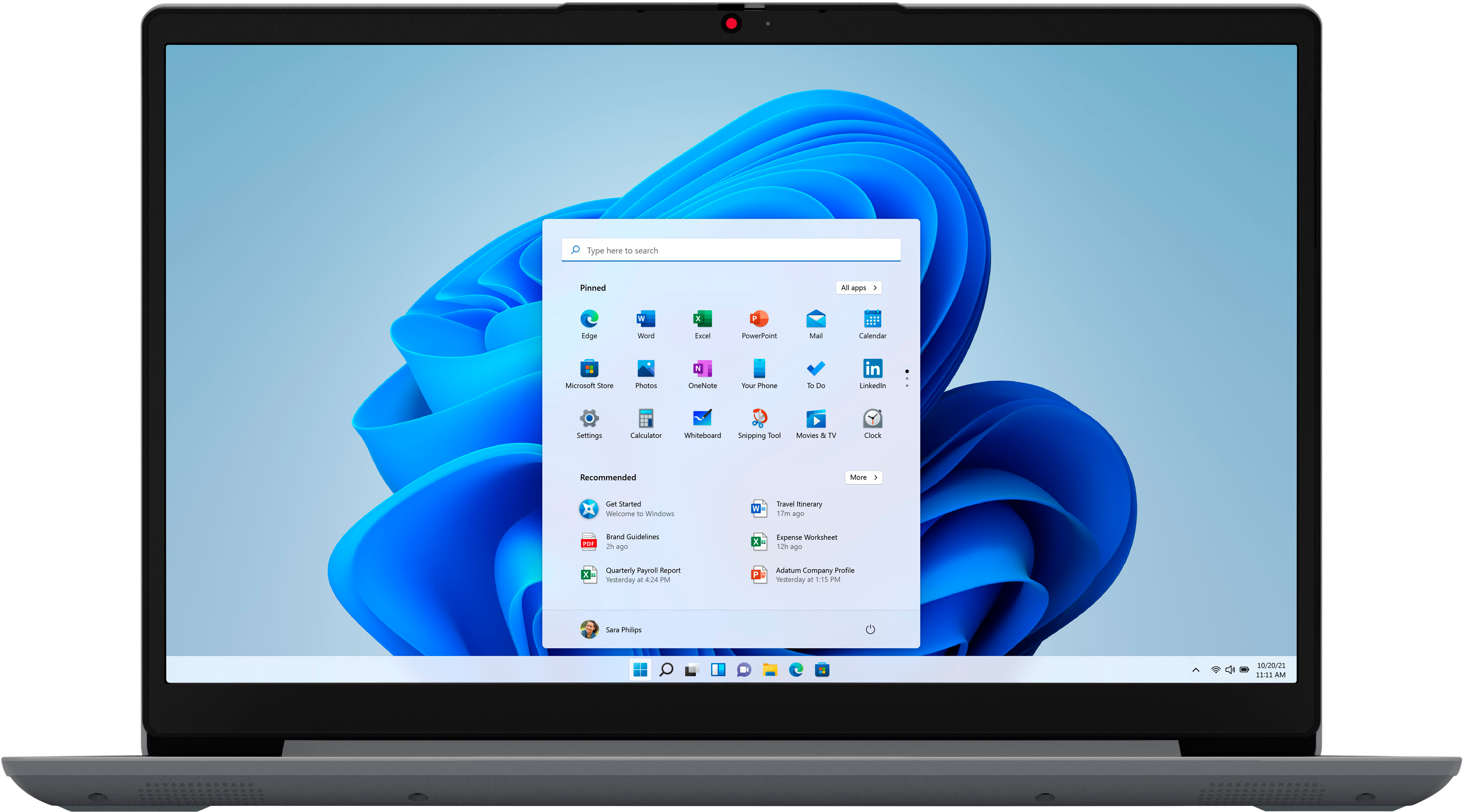
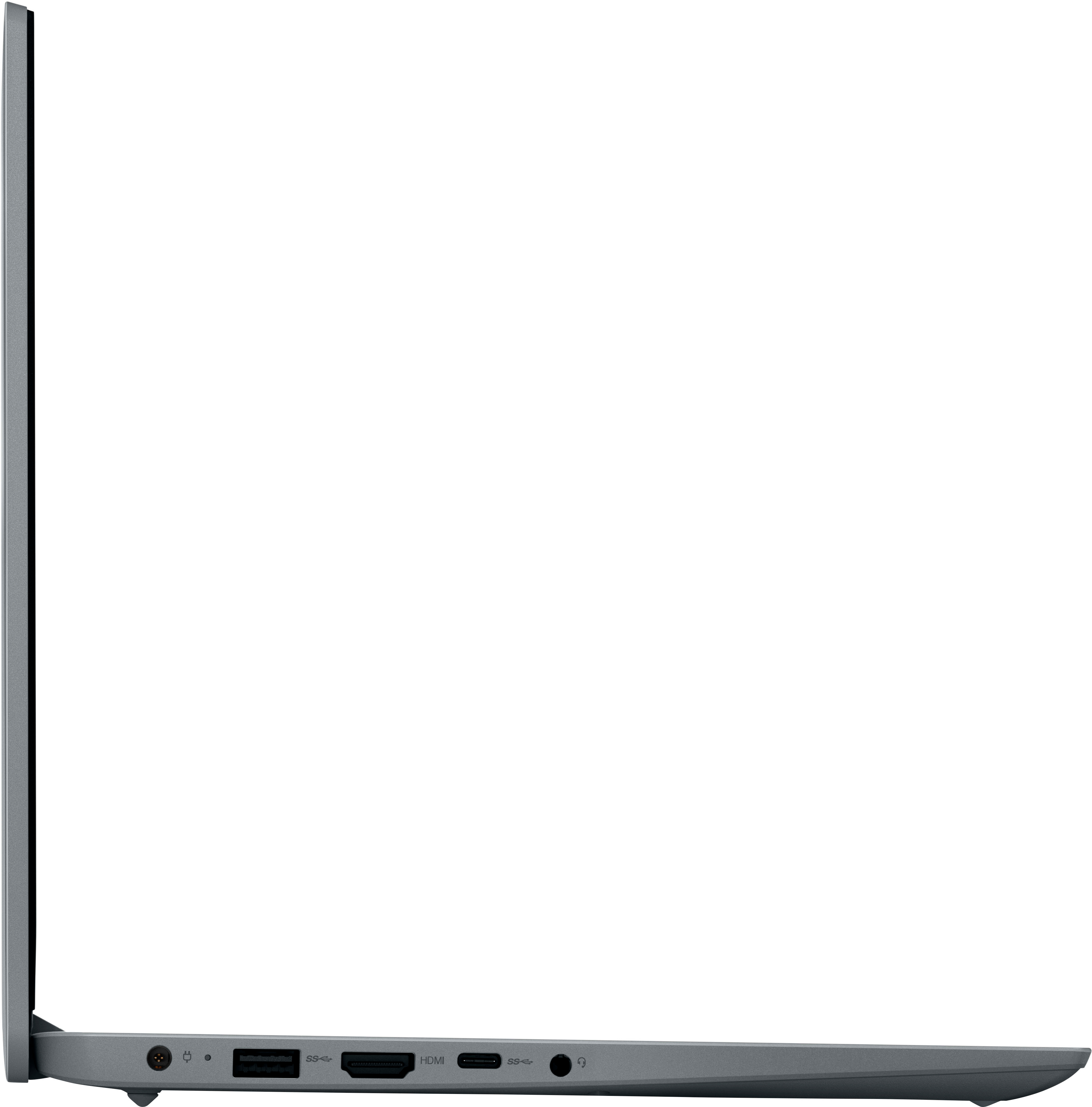
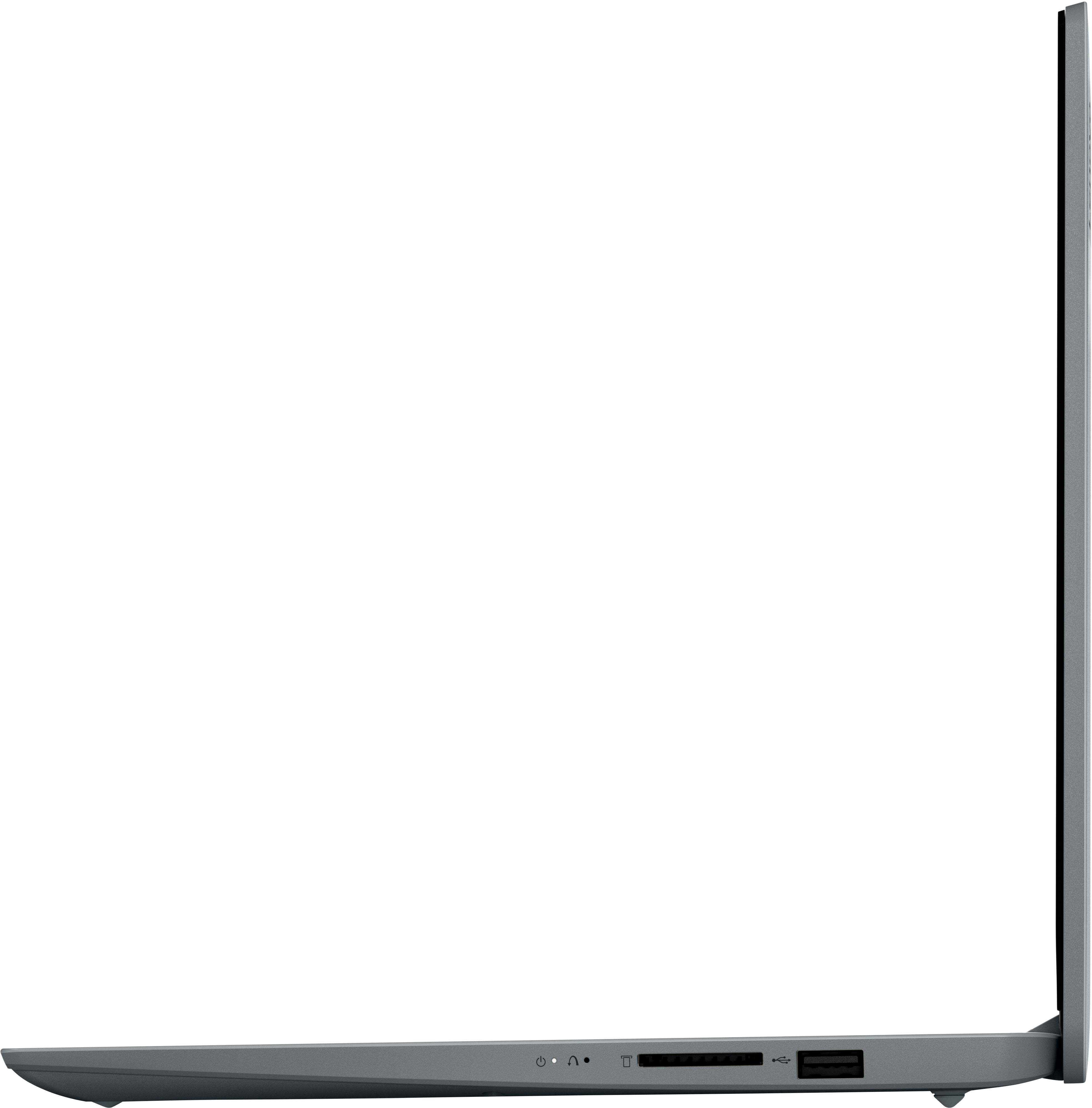

- Model:
- 82V6S00000
- SKU:
- 6511947
Rating by feature
- Battery Life
Rating 4.5 out of 5 stars
- Speed
Rating 3.9 out of 5 stars
- Display
Rating 4.3 out of 5 stars
Customers are saying
Customers express satisfaction with the Ideapad 1i 14.0" HD Laptop's overall performance, portability, and battery life. The laptop's compact size and sleek design are also appreciated by some users. However, some customers wish the laptop had a touchscreen and more storage capacity.
This summary was generated by AI based on customer reviews.
Nice
||Posted . Owned for 2 weeks when reviewed.This reviewer received promo considerations or sweepstakes entry for writing a review.MIzushdjalajsjdhshsjakalakskjshshajapwoieururbfjdield
I would recommend this to a friendGood
||Posted . Owned for 1 month when reviewed.This reviewer received promo considerations or sweepstakes entry for writing a review.I bought it for my son and he love it, good quality
I would recommend this to a friendBuy it, it’s worth it
||Posted . Owned for 1 week when reviewed.This reviewer received promo considerations or sweepstakes entry for writing a review.Delivery was quick and product exceeded my expectations
I would recommend this to a friendBrand response from Lenovo Product Expert
Posted .Thank you for choosing the entry-level, Lenovo IdeaPad 1i 14 Laptop. We are pleased to hear that the entry-level IdeaPad 1i 14 is working out so well for you. We always recommend you check the requirements and compatibility of any software you will be installing on your new computer, before you invest in any computer. Be sure your new computer can support the software you will need to use and your workload.

Great computer
||Posted . Owned for 2 weeks when reviewed.This reviewer received promo considerations or sweepstakes entry for writing a review.I got this computer for my nine son and he loves it
I would recommend this to a friendBrand response from Lenovo Product Expert
Posted .Thank you for choosing the entry-level, Lenovo IdeaPad 1i 14 Laptop for your son. This Lenovo IdeaPad 1i 14 Laptop is an entry-level, light workload configuration. We always recommend you check the requirements and compatibility of any software you will be installing on your new computer, before you invest in any computer. Be sure your new computer can support the software you will need to use and your workload.
Good one
||Posted . Owned for 1 week when reviewed.This reviewer received promo considerations or sweepstakes entry for writing a review.It’s a nice computer, I’ll recommend this to everyone.
I would recommend this to a friendBrand response from Lenovo Product Expert
Posted .Thank you for choosing the entry-level, Lenovo IdeaPad 1i 14 Laptop. We are pleased to hear that the entry-level, IdeaPad 1i 14 meets your computing needs so well. We always recommend you check the requirements and compatibility of any software you will be installing on your new computer, before you invest in any computer. Be sure your new computer can support the software you will need to use and your workload.
Nice Gift for Sister
||Posted . Owned for 1 week when reviewed.This reviewer received promo considerations or sweepstakes entry for writing a review.This is a Christmas gift for my sister! She loves it!
I would recommend this to a friendBrand response from Lenovo Product Expert
Posted .Thank you for choosing the entry-level, Lenovo IdeaPad 1i 14 Laptop for your sister. We are pleased to hear that the entry-level, IdeaPad 1i 14 Laptop is working out so well for your sister. We always recommend you check the requirements and compatibility of any software you will be installing on your new computer, before you invest in any computer. Be sure your new computer can support the software you will need to use and your workload.
Laptop
||Posted . Owned for 9 months when reviewed.This reviewer received promo considerations or sweepstakes entry for writing a review.Horrible just didn’t do what it said.. If I could get my money back on this idea I would.. waited to long.. never buy again
No, I would not recommend this to a friendNew Computer
||Posted . Owned for 1 week when reviewed.This reviewer received promo considerations or sweepstakes entry for writing a review.Perfect for kids 8-13 that just wanna play Roblox!
I would recommend this to a friendDon’t buy
||Posted . Owned for 1 year when reviewed.This reviewer received promo considerations or sweepstakes entry for writing a review.The worst! It has the speed of a snail. It lags a lot. It was on sale for a reason.
No, I would not recommend this to a friendLove Laptop Disappointed in how slow it works.
||Posted . Owned for 3 weeks when reviewed.This reviewer received promo considerations or sweepstakes entry for writing a review.Love the laptop just really disappointed on how slow and sometimes it won't even get on internet. Is there any way to get the laptop to perform better?
No, I would not recommend this to a friendBrand response from Lenovo Product Expert
Posted .Hello, DebraC, we are sorry to hear that the performance of your IdeaPad 1i 14 has not met your expectations. This IdeaPad 1i is an entry level, light use system with an Intel Celeron N4020 processor, with a base speed of 1.1GHz and a boost speed of up to 2.8GHz, 4GB of RAM and a 64GB eMMC drive, for quick access to files and programs. This Lenovo IdeaPad 1i 14 is not meant for multi-tasking or demanding programs. It is good for utilizing built-in and compatible applications available in the Microsoft App store and light internet browsing. As far as increasing speed, a couple things could impair performance. First, there is no need to install Microsoft Office software. The software is already part of the operating system, you just need to activate the software with a purchased product key. If you have installed a copy of Microsoft Office, this is conflicting with the existing copy on the system and this will slow your system down. If you have installed a 3rd party anti-virus program, be sure that Windows Defender is turned off and that the trial version of McAfee Anti-Virus software is uninstalled. There can only be one anti-virus program on the system. You may need to restore your system to original factory default settings if any of the programming errors have occurred. You can do that by typing "restore" in the search window. Just click on the magnifying glass icon at the bottom of your Windows 11 Desktop. Click on "Reset This PC" Then click on "Get Started" and follow the on-screen directions to restore to factory defaults. If the problem persists, we recommend you contact Lenovo Tech Support for additional help at: 877-453-6686.
Do not recommend buying this
||Posted . Owned for 1 year when reviewed.This reviewer received promo considerations or sweepstakes entry for writing a review.The slowest laptop I’ve ever had, I can’t do anything on it without it freezing a million times
No, I would not recommend this to a friendVery slow
||Posted . Owned for 2 weeks when reviewed.This reviewer received promo considerations or sweepstakes entry for writing a review.Got it on sake for $100, too slow to be worth that price. Can't handle Chrome running with a couple tabs open.
No, I would not recommend this to a friendBrand response from Lenovo Product Expert
Posted .We are sorry to hear that you have had a poor experience with our product. The Lenovo IdeaPad 1i 14, model number 82V6S00000, is an entry level, light use system with an Intel Celeron N4020 processor, with a base speed of 1.1GHz and a boost speed of up to 2.8GHz, 4GB of RAM and a 64GB eMMC drive, for quick access to files and programs. This model ships with Windows 11 Home in S-Mode Operating System, a more secure, lighter version of the Windows 11 Operating System due to the computer’s entry level specifications. This Lenovo IdeaPad 1i 14 is not meant for multi-tasking or demanding programs. It is good for utilizing built-in and compatible applications available in the Microsoft App store and light internet browsing. We recommend you check the requirements and compatibility of any software you will be installing on your computer or know what specifications and features you need to effectively complete various workflows and tasks if being use for work, education, or personal use before you invest in any computer.
- Cons mentioned:Connectivity
Not to school
||Posted . Owned for less than 1 week when reviewed.This reviewer received promo considerations or sweepstakes entry for writing a review.No good at all. (Unless you can keep it in S mode-which is not full function) I made the purchase to complete a class.. it won’t stay connected to the internet. Only 1 USB port works and it constantly loads to the “diagnose and repair pc screen”
No, I would not recommend this to a friendBrand response from Lenovo Product Expert
Posted .We are sorry to hear that you are having issues with your entry-level, Lenovo IdeaPad 1i 14 Laptop, model number 82V6S00000. This model ships with Windows 11 S-Mode, 64-bit Operating System installed. Windows 11 S-Mode provides added security by only allowing APPs available ( and therefore certified by Microsoft) at the Microsoft Store. If you don't need the added security or you need to install APPs not available at the Microsoft Store, you can switch to standard Windows 11 Home 64-bit Operating System, at no additional cost. If you have switched out of S-Mode for Windows 11 Home, be sure any software you installed is compatible with Windows 11. There is no need to install Microsoft Office software. The software is already part of the operating system, you just need to activate the software with a purchased product key. If you have installed a copy of Microsoft Office, this is conflicting with the existing copy on the system and this will slow your system down. If you have installed a 3rd party anti-virus program, be sure that Windows Defender is turned off and that the trial version of McAfee Anti-Virus software is uninstalled. There can only be one anti-virus program on the system. Here is a link to instructions for uninstalling McAfee from a Windows computer: https://service.mcafee.com/?articleId=TS101331&page=shell&shell=article-view You may need to restore your system to original factory default settings if any of the programming errors have occurred. You can do that by typing "restore" in the Cortana search window. Just click on the magnifying glass icon at the bottom of your Windows 11 Desktop. Click on "Reset This PC" Then click on "Get Started" and follow the on screen directions to restore to factory defaults. If the problem persists, we recommend you contact Lenovo Tech Support at: 877-453-6686. We always recommend you check the requirements and compatibility of any software you will be installing on your new computer, before you invest in any computer. Be sure your new computer can support the software you will need to use and your workload.
Slow
||Posted . Owned for 1.5 years when reviewed.This reviewer received promo considerations or sweepstakes entry for writing a review.The slowest computer I have ever bought in my life
No, I would not recommend this to a friendDo not purchase.
||Posted . Owned for 3 months when reviewed.This reviewer received promo considerations or sweepstakes entry for writing a review.Piece of complete crap and waste of money. I used one time and the nexr day it would not power on, nothing I was very disappointed.
No, I would not recommend this to a friendBrand response from Lenovo Product Expert
Posted .Hello, Yvonne41, we are sorry to hear that you encountered an issue with your IdeaPad 1i 14. We recommend reaching out to Lenovo Tech Support and proving a representative with details of your issue so they can help provide a solution. Here is phone number to get in contact with tech support: 877-453-6686.
DO NOT BUY THIS
||Posted . Owned for 1 month when reviewed.This reviewer received promo considerations or sweepstakes entry for writing a review.Absolutely a horrible device. Super slow, can't run more than one program at a time. Even typing on this tends to slow the computer down.
No, I would not recommend this to a friendBrand response from Lenovo Product Expert
Posted .Hello, DG91, we are sorry to hear that you have had a poor experience with our product. The Lenovo IdeaPad 1i 14, model number 82V6S00000, is an entry level, light use system with an Intel Celeron N4020 processor, with a base speed of 1.1GHz and a boost speed of up to 2.8GHz, 4GB of RAM and a 64GB eMMC drive, for quick access to files and programs. This model ships with Windows 11 Home in S-Mode Operating System, a more secure, lighter version of the Windows 11 Operating System due to the computer’s entry level specifications. This Lenovo IdeaPad 1i 14 is not meant for multi-tasking or demanding programs. It is good for utilizing built-in and compatible applications available in the Microsoft App store and light internet browsing. We recommend you check the requirements and compatibility of any software you will be installing on your computer or know what specifications and features you need to effectively complete various workflows and tasks if being use for work, education, or personal use before you invest in any computer.
Do not buy
||Posted . Owned for 3 weeks when reviewed.This reviewer received promo considerations or sweepstakes entry for writing a review.Terrible to get set up as a local account. Windows S Mode. Shift FN F10 did not work. Found a work around but should have been easy.
No, I would not recommend this to a friendBrand response from Lenovo Product Expert
Posted .Hello, Den2cool, we are sorry to hear that you encountered a issue with your IdeaPad 1i 14. Should you encounter an issue in the future, we recommend reaching out to Lenovo Tech Support at this phone number to work with a representative to find a solution: 877-453-6686.
Basic at best
||Posted . Owned for 1 month when reviewed.This reviewer received promo considerations or sweepstakes entry for writing a review.Its a bit slow and the memory goes faster then my 90 year grandmothers. Good for basic duties, other then that, you get what you pay for.
No, I would not recommend this to a friendLaptop computer
||Posted . Owned for 1 year when reviewed.This reviewer received promo considerations or sweepstakes entry for writing a review.Still waiting for my computer. Still says will issue a refund but hasn’t happened yet
No, I would not recommend this to a friendSlow Laptop
||Posted . Owned for 1 year when reviewed.This reviewer received promo considerations or sweepstakes entry for writing a review.Very very slow. Price was a bargain, but operating system failed badly.
No, I would not recommend this to a friend