Customer Ratings & Reviews
Rating by feature
- Value
Rating 4.2 out of 5 stars
- Quality
Rating 4.0 out of 5 stars
- Ease of Use
Rating 4.3 out of 5 stars
Customers are saying
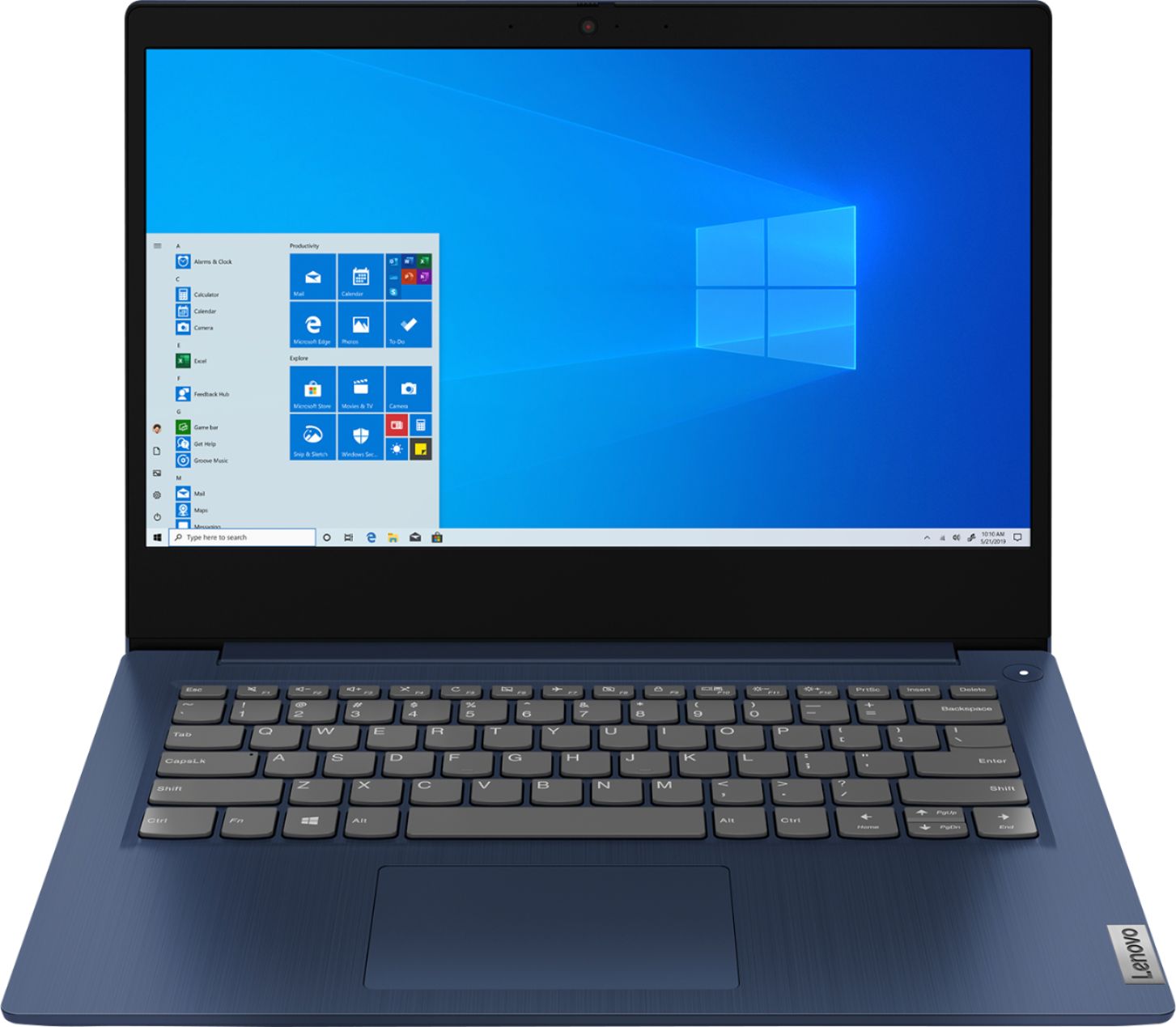
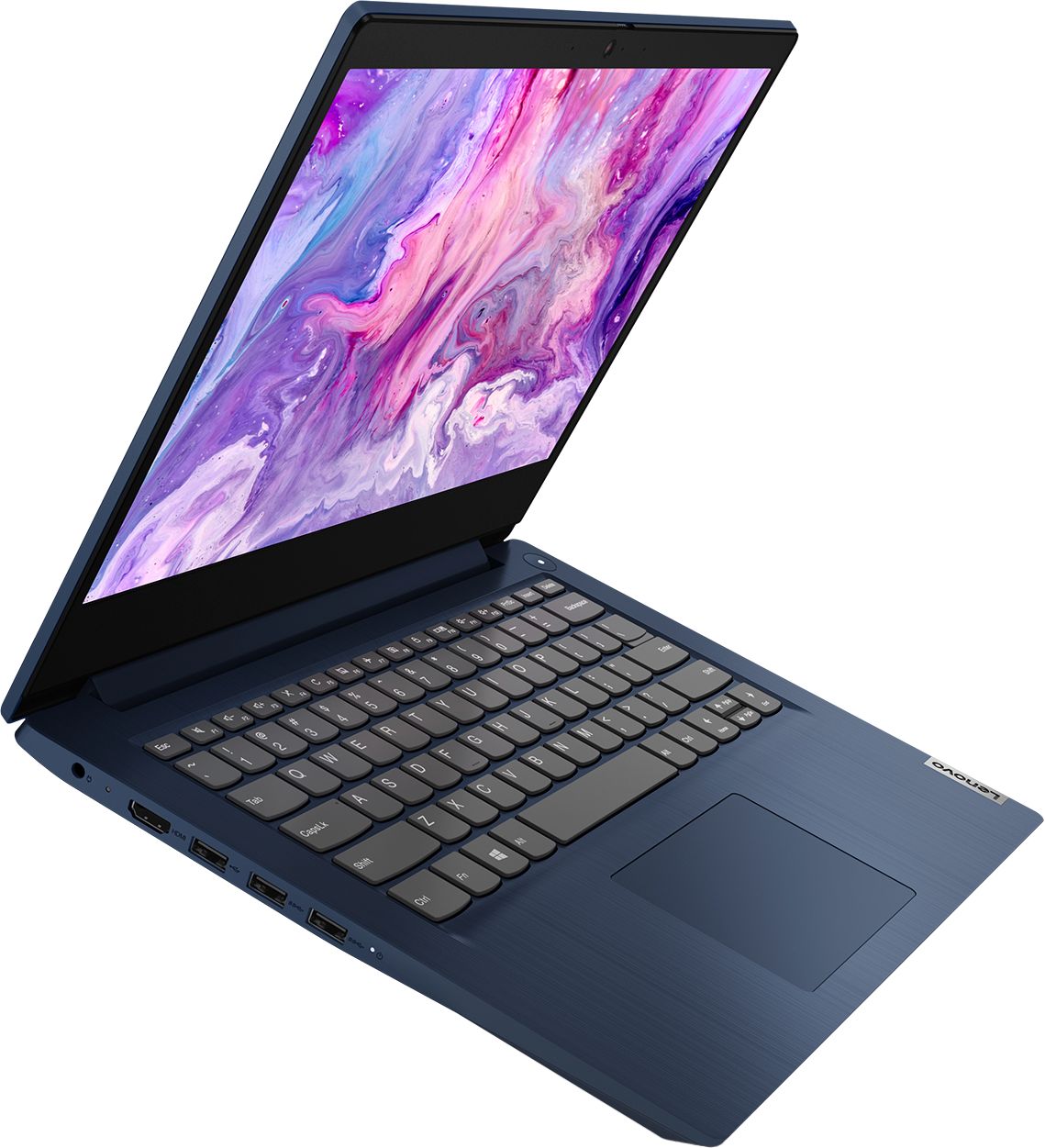
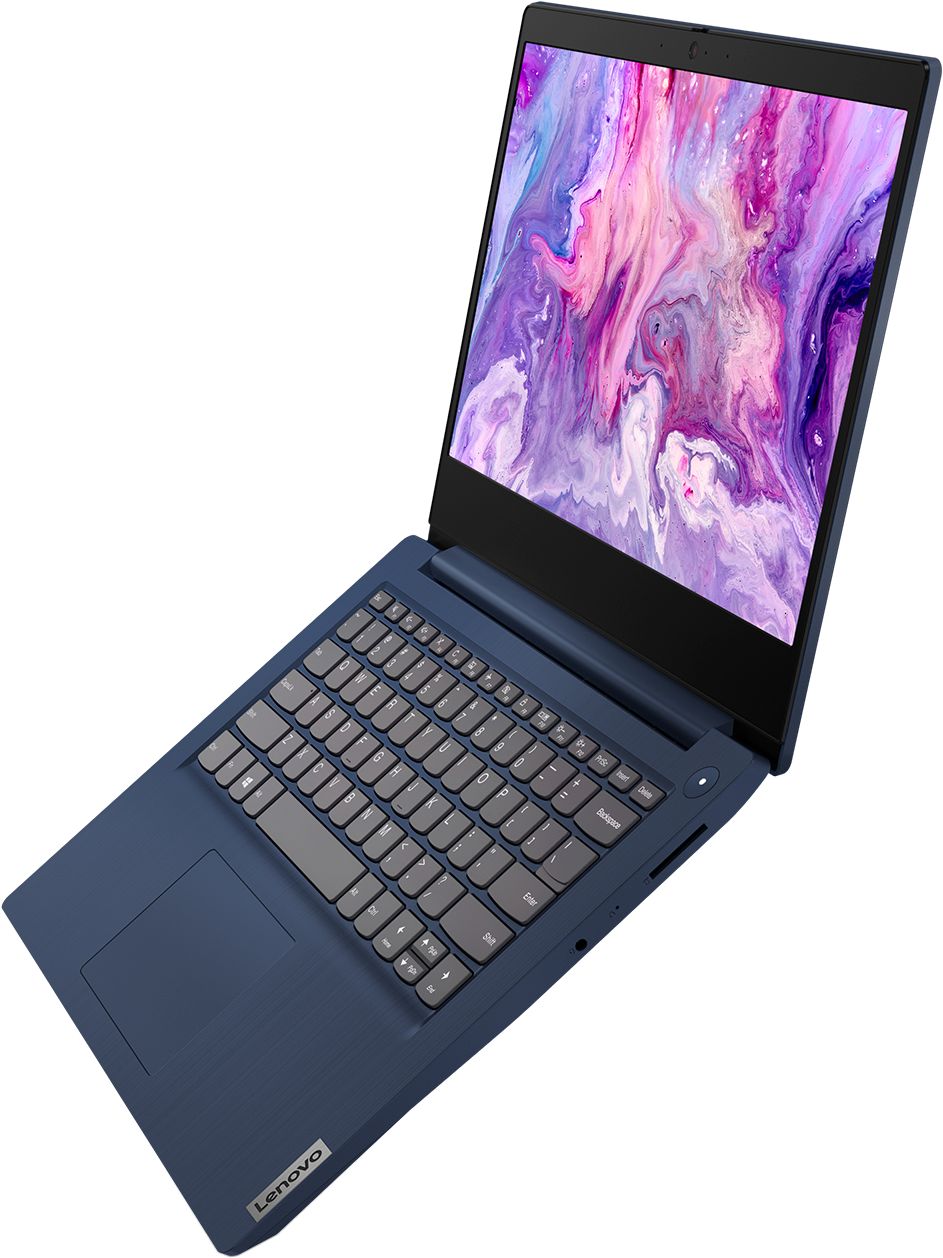
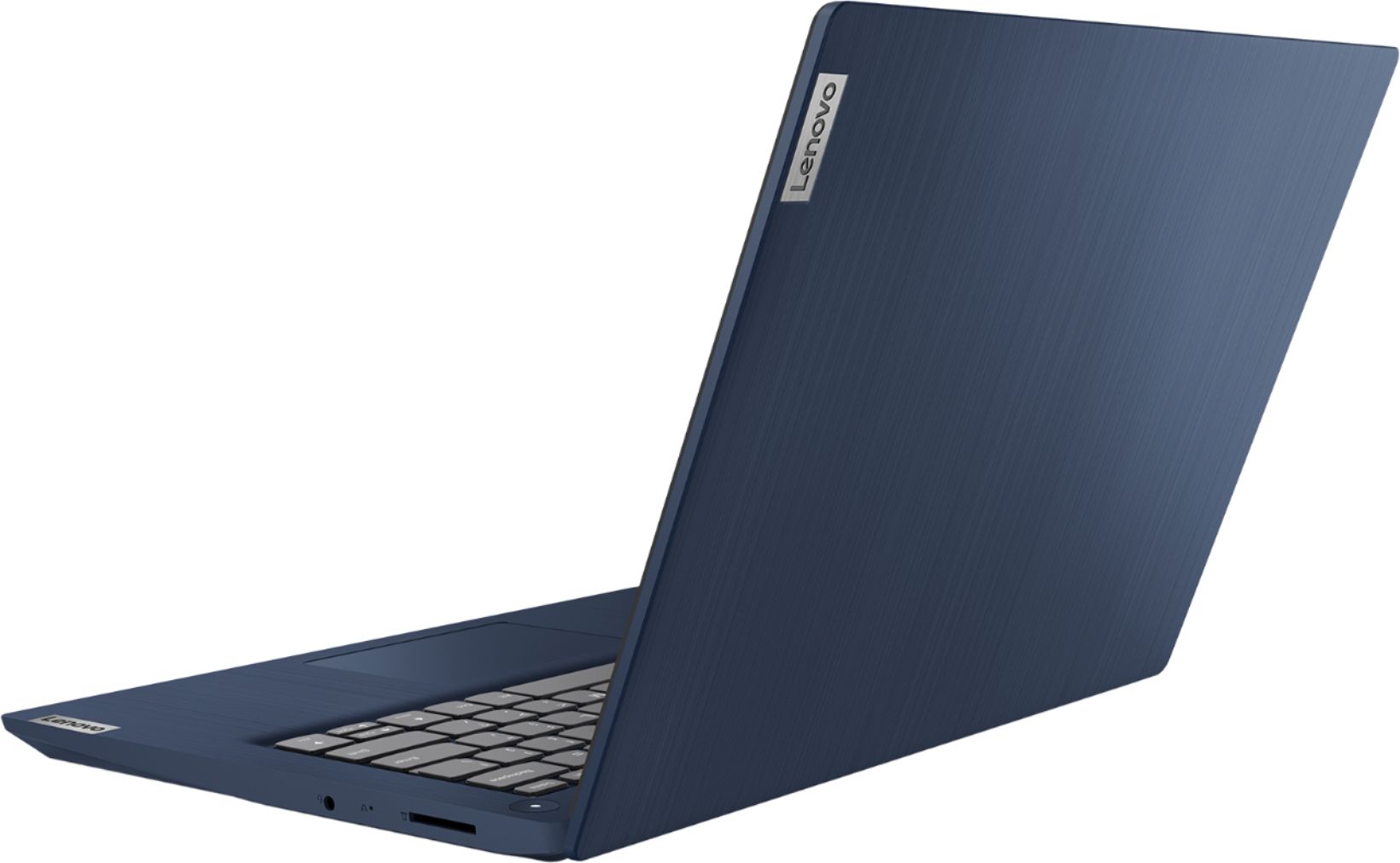
Customers are impressed with the IdeaPad 3 14" Laptop's affordable price, lightweight design, and large storage capacity. It is suitable for everyday tasks, schoolwork, and even gaming. However, some users have concerns about its slow performance, short battery life, and occasional camera issues.
This summary was generated by AI based on customer reviews.
Gave to my grandaughter for online school. L
||Posted . Owned for 1 month when reviewed.This reviewer received promo considerations or sweepstakes entry for writing a review.work well for grandaughters need for online school. Good value for limited budget.
I would recommend this to a friendBrand response from Lenovo Product Expert
Posted .Thank you for choosing the Lenovo IdeaPad 3 14 Laptop, model number 81W0009DUS, for your grand daughter. We are pleased to hear that the value and performance of the IdeaPad 3 14 meets the computing needs of your grand daughter so well. This is a mid-level, moderate use configuration, with its AMD Ryzen 3 3250U processor. This Dual-Core/Four-Thread processor has a base speed of 2.6GHz and a boost speed of up to 3.4GHz. This configuration has 8GB of DDR4-2400MHz RAM. It is good with Microsoft Office type programs, internet browsing and other moderate work. This model ships with Windows 10 S-Mode Operating System. Windows 10 S-Mode provides added security by only allowing APPs available ( and therefore certified by Microsoft) at the Microsoft Store. If you don't need the added security or you need to install APPs not available at the Microsoft Store, you can switch to standard Windows 10 Home 64-bit Operating System, at no additional cost.

Worth it
||Posted . Owned for 1 year when reviewed.This reviewer received promo considerations or sweepstakes entry for writing a review.Works perfectly for everything my teenage daughter needed it for!
I would recommend this to a friend- Cons mentioned:Slow
Not a fan
||Posted . Owned for 1.5 years when reviewed.This reviewer received promo considerations or sweepstakes entry for writing a review.This worked ok for work for a year or so. Then it started working VERY slow. I was not doing any gaming or downloading anything other than office files. Very poor performance and after 2 years it is useless.
No, I would not recommend this to a friend Great for young kids.
||Posted . Owned for 3 weeks when reviewed.This reviewer received promo considerations or sweepstakes entry for writing a review.I bought two of these laptops for my kids since they are doing virtual learning. They have used them for one week and although we had a couple of issues at the beginning they seem to be working fine now. My kids are enjoying them and my husband and I are glad we made a good choice with these laptops.
I would recommend this to a friendBrand response from Lenovo Product Expert
Posted .Thank you for choosing the Lenovo IdeaPad 3 14 Laptops, model number 81W0009DUS, for your children. This model ships with Windows 10 S-Mode Operating System. Windows 10 S-Mode provides added security by only allowing APPs available ( and therefore certified by Microsoft) at the Microsoft Store. If you don't need the added security or you need to install APPs not available at the Microsoft Store, you can switch to standard Windows 10 Home 64-bit Operating System, at no additional cost. The IdeaPad 3 14 is a This is a mid-level, moderate use configuration, with its AMD Ryzen 3 3250U processor. This Dual-Core/Four-Thread processor has a base speed of 2.6GHz and a boost speed of up to 3.4GHz. This configuration has 8GB of DDR4-2400MHz RAM. It is good with Microsoft Office type programs, internet browsing and other moderate work.
Great for school kids
||Posted . Owned for 1 month when reviewed.This reviewer received promo considerations or sweepstakes entry for writing a review.We bought this for our son (13yo). Everything is working good. No problems at all.
I would recommend this to a friendGreat value for general use
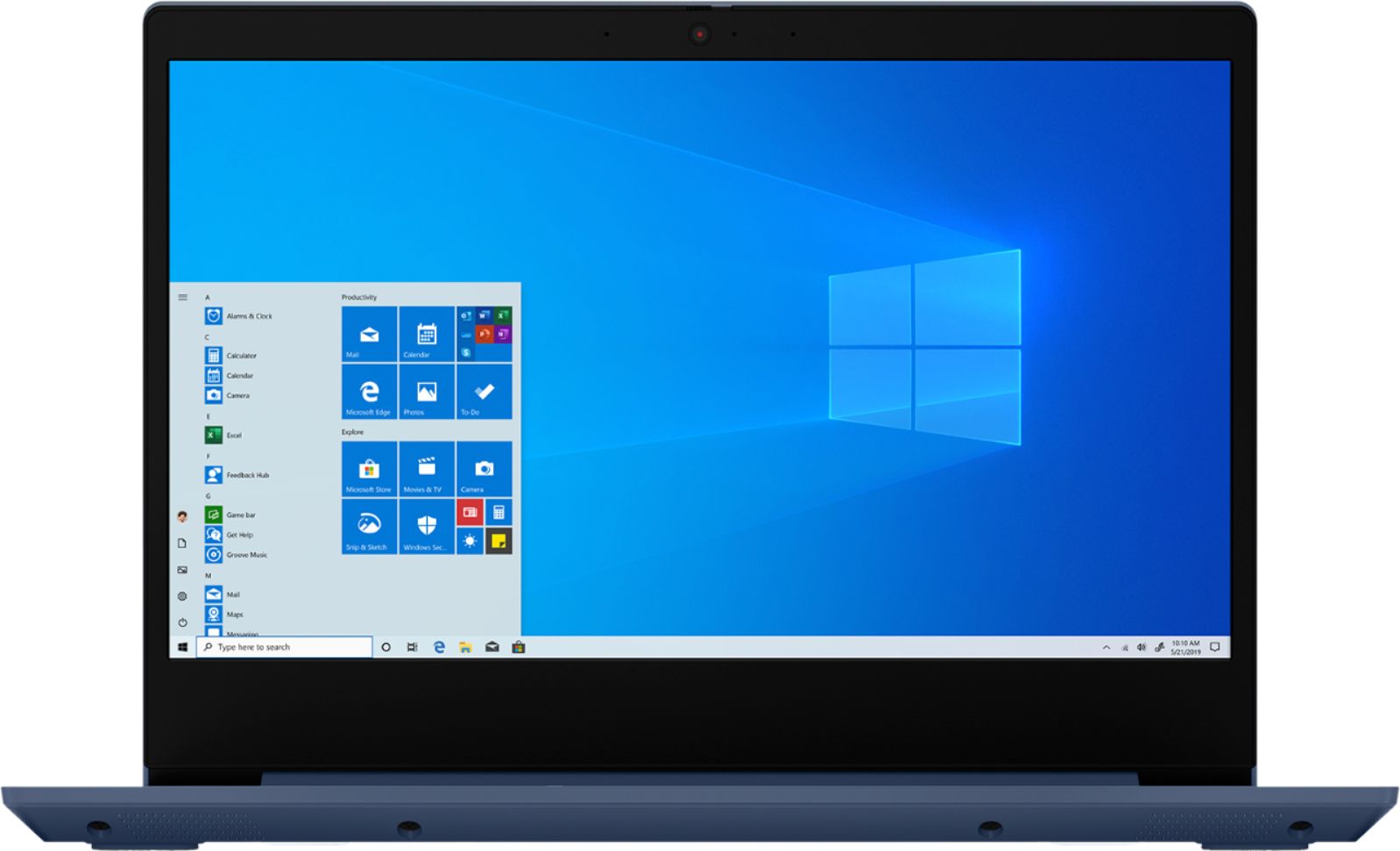
||Posted . Owned for 3 weeks when reviewed.This reviewer received promo considerations or sweepstakes entry for writing a review.Doesn’t come with any bells and whistles but runs smoothly. Operating system is Windows 10 S Mode which doesn’t allow any third party downloads (i.e. google chrome, zoom) but you can easily switch to normal Windows 10. Perfect laptop for home office and I’m sure the Ryzen processor is good for gaming.
I would recommend this to a friendBrand response from Lenovo Product Expert
Posted .Thank you for choosing the Lenovo IdeaPad 3 14 Laptop, model number 81W0009DUS. We are pleased to hear that the IdeaPad 3 14 meets your computing needs so well. We always recommend you check the requirements and compatibility of any software/games you will be installing on your new computer, before you invest in any computer. Be sure your new computer can support the software/games you will need to use.
- Cons mentioned:Reliability
Problems after 2 months
||Posted . Owned for 2 months when reviewed.This reviewer received promo considerations or sweepstakes entry for writing a review.Started out great, but lately we are having problems with the computer. We can use it for a couple of minutes and then either get a black screen or a windows blue screen. We have only had it for over 2 months, so I don't think we should be having problems.
No, I would not recommend this to a friendBrand response from Lenovo Product Expert
Posted .Hi Steven, we are sorry to hear you are experiencing this issue with your Lenovo IdeaPad 3 14" laptop model #81W0009DUS. It is possibly updating the BIOS/System device drivers will fix this issue.You can easily accomplish this by scanning the computer with the Lenovo Utility software available on this computer. This system has Lenovo utilities installed to help maintain the health of the device and keep the operating system software up to date. Type "Lenovo Vantage" in the Cortana Search window (if Lenovo Vantage is not installed on your device, you can download the APP and install it now). Select Lenovo Vantage from the list. In the window that opens, click on "Health and Support". In the expanded menu, select "Hardware Scan” In the window that opens, select "Run Quick Tests". This will scan your entire system for errors. Follow any directions that may pop up. If the problem continues after this scan, now click on "System Update". First select Windows update from the menu. Scan your system to be sure you have the latest version of Windows 10. Once that scan is complete, select "Additional Updates". This will scan your device to be sure there are no new BIOS/Driver updates needed. Follow any instructions that may pop up. If the issue continues after these updates, we recommend you call Lenovo Tech Support at: 877-453-6686 for additional help. Additionally you can try re-installing the operating system. You can start this process by typing "Reset" into the Windows 10/Cortana search bar and selecting "Reset this PC". More detailed instructions can be found here https://support.microsoft.com/en-us/windows/reset-or-reinstall-windows-10-cd352bd8-4cb6-411a-f2f5-1814bd8d453c
- Cons mentioned:Slow
Slow. Cumbersome. Disappointing.
||Posted . Owned for 4 months when reviewed.This reviewer received promo considerations or sweepstakes entry for writing a review.We've had this now for 5 months and it's terribly slow. Bought it for our children to do online school work, but it maxes out the CPU just running chrome. Disappointing that I spent $300 and my old window laptop is faster. I can't stand a slow pc...
No, I would not recommend this to a friendBrand response from Lenovo Product Expert
Posted .Hello, we are are sorry to hear you are experiencing this issue with your Lenovo Ideapad 3 14" laptop model #81W0009DUS. Be sure any software you installed is compatible with Windows 10. There is no need to install Microsoft Office software. The software is already part of the operating system, you just need to activate the software with a purchased product key. If you have installed a copy of Microsoft Office, this is conflicting with the existing copy on the system and this will slow your system down. If you have installed a 3rd party anti-virus program, be sure that Windows Defender is turned off and that the trial version of McAfee Anti-Virus software is uninstalled. There can only be one anti-virus program on the system. You may need to restore your system to original factory default settings if any of the programming errors have occurred. You can do that by typing "restore" in the Cortana search window. Just click on the magnifying glass icon at the bottom left of your Windows 10 Desktop. Click on "Reset This PC” Then click on "Get Started" and follow the on-screen directions to restore to factory defaults. If the problem persists, we recommend you contact Lenovo Tech Support at: 877-453-668
Works perfectly
||Posted . Owned for 3 weeks when reviewed.This reviewer received promo considerations or sweepstakes entry for writing a review.The Product works perfectly. I am learning how to use the computer effectively.
I would recommend this to a friendReally nice, fast laptop for graphics
||Posted . Owned for 2 months when reviewed.This reviewer received promo considerations or sweepstakes entry for writing a review.I really like this laptop. It runs very smoothly without problems and seems able to handle photoshop and premier without trouble. My only complaint would be the camera is below the screen which makes for very unflattering video conferences. I hear the sound from the mic is crunchy too.
I would recommend this to a friendGood size
||Posted . Owned for less than 1 week when reviewed.This reviewer received promo considerations or sweepstakes entry for writing a review.Just bought it and trying it out. I like the size of the laptop and the style.
I would recommend this to a friendBrand response from Lenovo Product Expert
Posted .Thank you for choosing the Lenovo IdeaPad 3 14 Laptop, model number 81W0009DUS. This is a mid-level, moderate use configuration, with its AMD Ryzen 3 3250U processor. This Dual-Core/Four-Thread processor has a base speed of 2.6GHz and a boost speed of up to 3.4GHz. This configuration has 8GB of DDR4-2400MHz RAM. It is good with Microsoft Office type programs, internet browsing and other moderate work. This model ships with Windows 10 S-Mode Operating System. Windows 10 S-Mode provides added security by only allowing APPs available ( and therefore certified by Microsoft) at the Microsoft Store. If you don't need the added security or you need to install APPs not available at the Microsoft Store, you can switch to standard Windows 10 Home 64-bit Operating System, at no additional cost.
Great for beginners
||Posted . Owned for 3 weeks when reviewed.This reviewer received promo considerations or sweepstakes entry for writing a review.I have only owned the laptop for a couple of weeks. But it's great for now.
I would recommend this to a friendGood Laptop
||Posted . Owned for 1 month when reviewed.This reviewer received promo considerations or sweepstakes entry for writing a review.This is a very good laptop for the money. I am considering getting another.
I would recommend this to a friendBrand response from Lenovo Product Expert
Posted .Thank you for choosing the Lenovo IdeaPad 3 14 Laptop, model number 81W0009DUS. We are pleased to hear that the value and performance of the IdeaPad 3 14 meets your computing needs so well. This is a mid-level, moderate use configuration, with its AMD Ryzen 3 3250U processor. This Dual-Core/Four-Thread processor has a base speed of 2.6GHz and a boost speed of up to 3.4GHz. This configuration has 8GB of DDR4-2400MHz RAM. It is good with Microsoft Office type programs, internet browsing and other moderate work. This model ships with Windows 10 S-Mode Operating System. Windows 10 S-Mode provides added security by only allowing APPs available ( and therefore certified by Microsoft) at the Microsoft Store. If you don't need the added security or you need to install APPs not available at the Microsoft Store, you can switch to standard Windows 10 Home 64-bit Operating System, at no additional cost.
- Cons mentioned:Camera
Terrible Web Camera
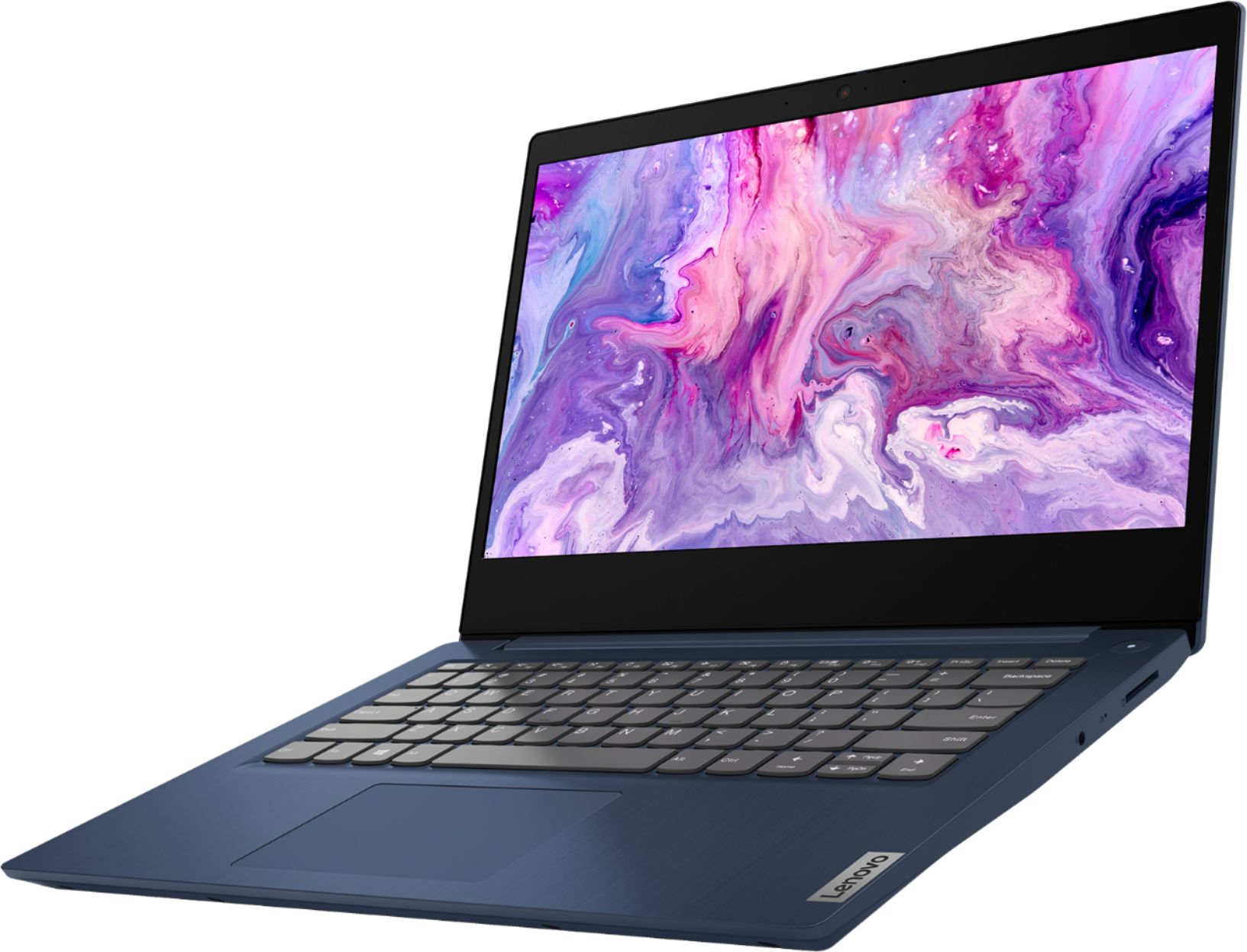
||Posted . Owned for 2 weeks when reviewed.This reviewer received promo considerations or sweepstakes entry for writing a review.I was really excited for this laptop as it was a pre-order and in high demand. While it looks nice aesthetically, it is seriously flawed. I didn’t believe the online reviews about how bad the web cam on Lenovo Ideapad’s are. I didn’t think it would be an issue as I own a thinkpad, but I was wrong. Also you’re not getting much with only 8gb’s and 1 tb with a ryzen 3 processor . Spend a little more and get yourself at least 12 gb’s, a core i7 or amd equivalent processor, and a webcam that works. In today’s age of working from home, it’s necessary!
No, I would not recommend this to a friendBrand response from Lenovo Product Expert
Posted .The Lenovo IdeaPad 3 14 Laptop, model number 81W0009DUS, ships with a 720p (HD) webcam and Dual Array microphones built in, for high quality web conferencing. This is a mid-level, moderate use configuration, with its AMD Ryzen 3 3250U processor. This Dual-Core/Four-Thread processor has a base speed of 2.6GHz and a boost speed of up to 3.4GHz. This configuration has 8GB of DDR4-2400MHz RAM. This model ships with Windows 10 S-Mode Operating System. Windows 10 S-Mode provides added security by only allowing APPs available ( and therefore certified by Microsoft) at the Microsoft Store. If you don't need the added security or you need to install APPs not available at the Microsoft Store, you can switch to standard Windows 10 Home 64-bit Operating System, at no additional cost. If you are getting slower than anticipated performance, whether in S-Mode or switching to Windows 10 Home Operating System, be sure any software you installed is compatible with Windows 10. There is no need to install Microsoft Office software. The software is already part of the operating system, you just need to activate the software with a purchased product key. If you have installed a copy of Microsoft Office, this is conflicting with the existing copy on the system and this will slow your system down. If you have installed a 3rd party anti-virus program, be sure that Windows Defender is turned off and that the trial version of McAfee Anti-Virus software is uninstalled. There can only be one anti-virus program on the system. You may need to restore your system to original factory default settings if any of the programming errors have occurred. You can do that by typing "restore" in the Cortana search window. Just click on the magnifying glass icon at the bottom left of your Windows 10 Desktop. Click on "Reset This PC" Then click on "Get Started" and follow the on screen directions to restore to factory defaults. If the problem persists, we recommend you contact Lenovo Tech Support at: 877-453-6686.
Good Laptop - nice looking
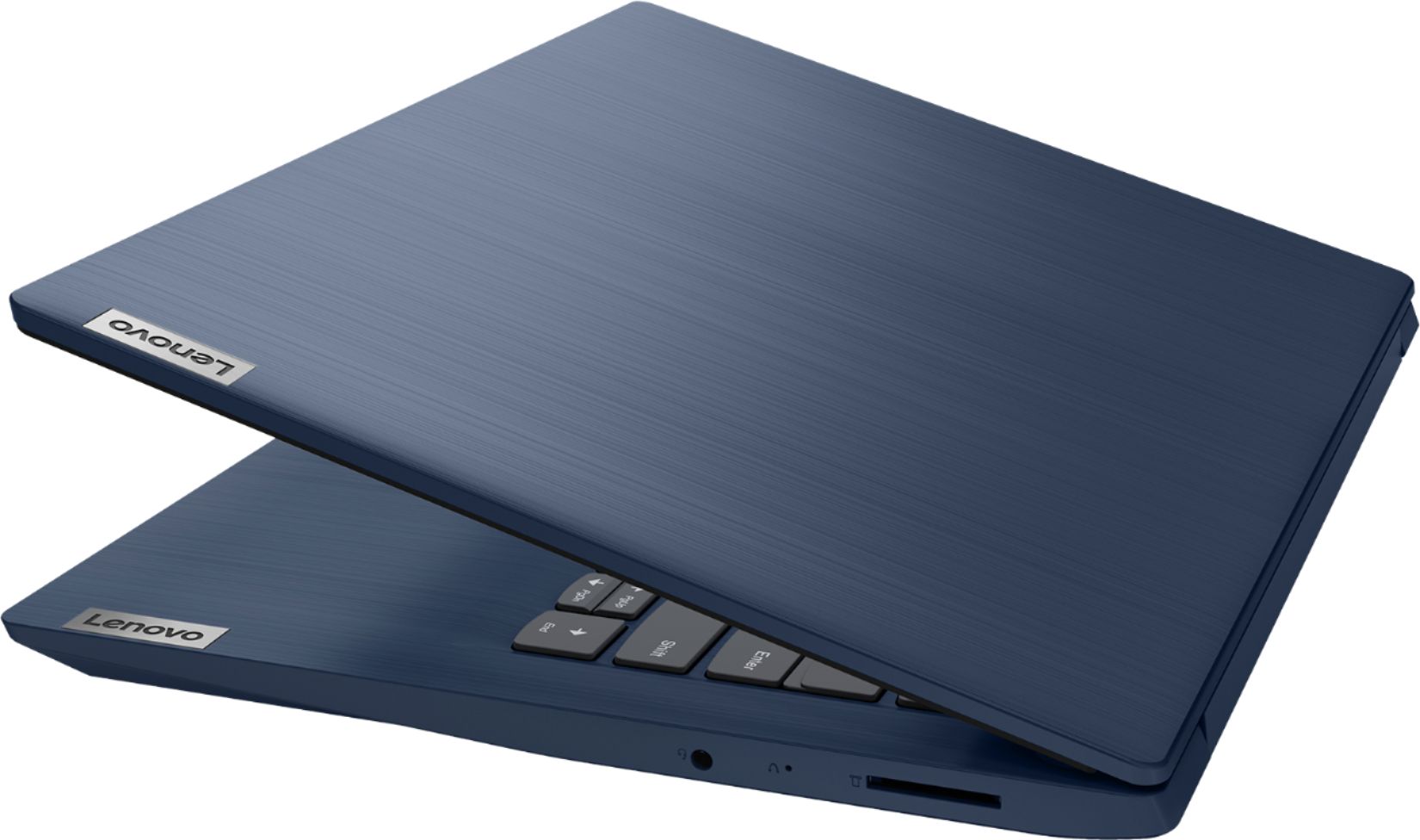
||Posted . Owned for 3 weeks when reviewed.This reviewer received promo considerations or sweepstakes entry for writing a review.Solid and good looking laptop, well made, and fairly quick for the price
I would recommend this to a friendBrand response from Lenovo Product Expert
Posted .Thank you for choosing the Lenovo IdeaPad 3 laptop. We are pleased to hear that the value and performance of the IdeaPad 3 meets your computing needs so well!
Love My Lenovo Laptop!
||Posted . Owned for 3 weeks when reviewed.This reviewer received promo considerations or sweepstakes entry for writing a review.For basic internet use & MS Office use it's a great computer. It's got one good long sturdy hinge that won't pop the screen out like the 2 small hinges did on my HP after only 6 month of very minimal use. Easy to use. Very happy with Lenovo laptop & my desktop is a Lenovo too.
I would recommend this to a friendGreat for teens
||Posted . Owned for 3 weeks when reviewed.This reviewer received promo considerations or sweepstakes entry for writing a review.Nice laptop! Great value. Love the color. It was a gift for my nephew.
I would recommend this to a friendBrand response from Lenovo Product Expert
Posted .Thank you for choosing the lenovo IdeaPad 3 14 Laptop, model number 81W0009DUS, for your nephew. We are pleased to hear that the value, features and performance of the IdeaPad 3 14 meet the computing needs of your nephew so well. This is a mid-level, moderate use configuration, with its AMD Ryzen 3 3250U processor. This Dual-Core/Four-Thread processor has a base speed of 2.6GHz and a boost speed of up to 3.4GHz. This configuration has 8GB of DDR4-2400MHz RAM. It is good with Microsoft Office type programs, internet browsing and other moderate work. This model ships with Windows 10 S-Mode Operating System. Windows 10 S-Mode provides added security by only allowing APPs available ( and therefore certified by Microsoft) at the Microsoft Store. If you don't need the added security or you need to install APPs not available at the Microsoft Store, you can switch to standard Windows 10 Home 64-bit Operating System, at no additional cost.
Gets the job done.
||Posted . Owned for 1 month when reviewed.This reviewer received promo considerations or sweepstakes entry for writing a review.Bought it for my sons distant learning and it’s been very reliable. Windows came in S mode but just logged onto my outlook and unlocked it. Ran a ton of updates and now Steam runs as well as Half Life 2. The HDD is moderate on speed but for the intended use its not a bother.
I would recommend this to a friendBrand response from Lenovo Product Expert
Posted .Thank you for choosing the Lenovo IdeaPad 3 14 Laptop for your son. We are pleased to hear that the IdeaPad 3 14 is working out so well.
laptop
||Posted . Owned for 3 months when reviewed.This reviewer received promo considerations or sweepstakes entry for writing a review.bought for granddaughter for online learning, she's happy with it
I would recommend this to a friend- Cons mentioned:Slow
Good at first, terrible in the end
||Posted . Owned for 1.5 years when reviewed.This reviewer received promo considerations or sweepstakes entry for writing a review.It started as a decent pc to do basic stuff, but a year later it takes forever to do anything and I did have antivirus and tried cleaning everything but it's just a snail at this point
No, I would not recommend this to a friend