Customer Ratings & Reviews
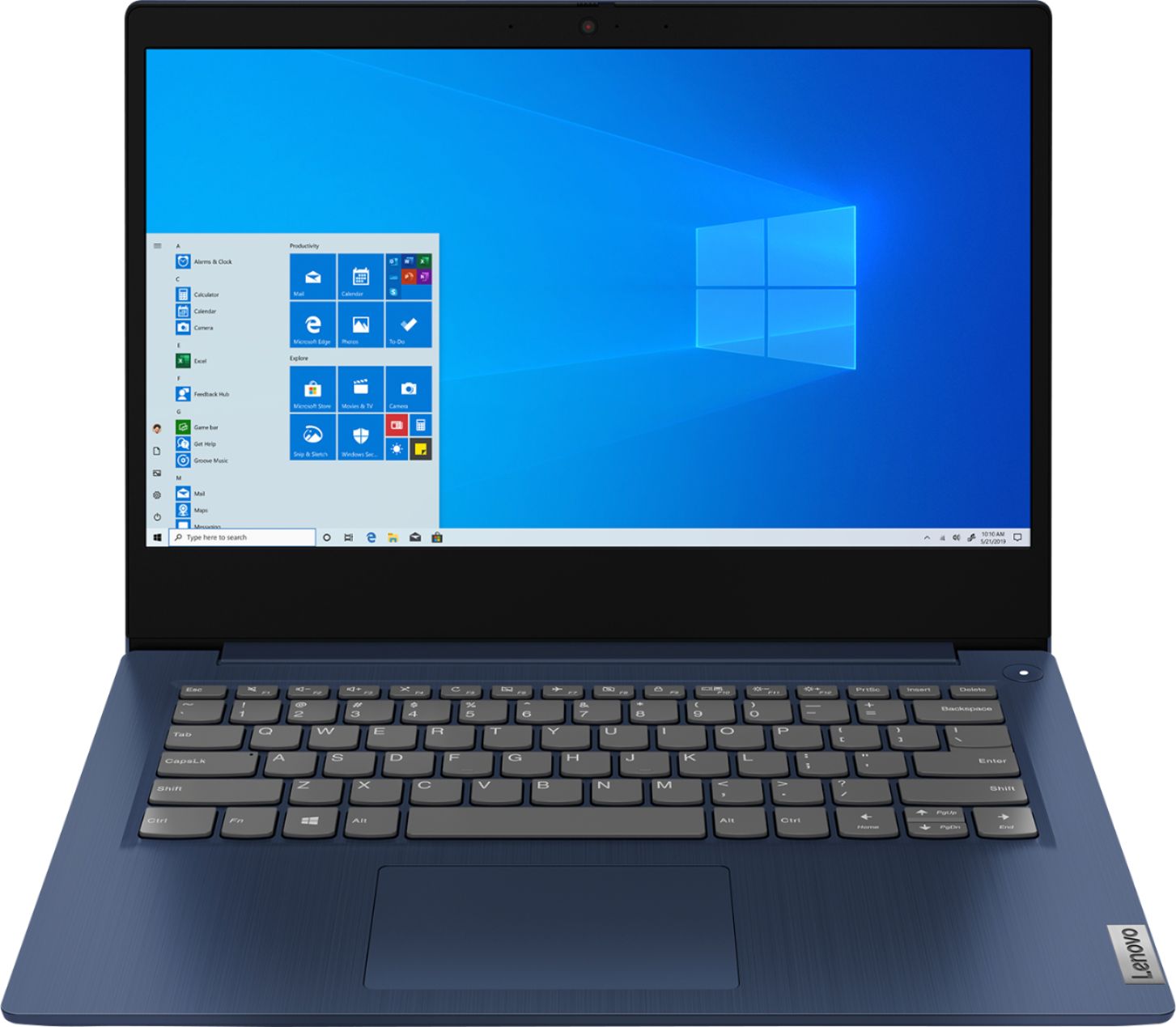
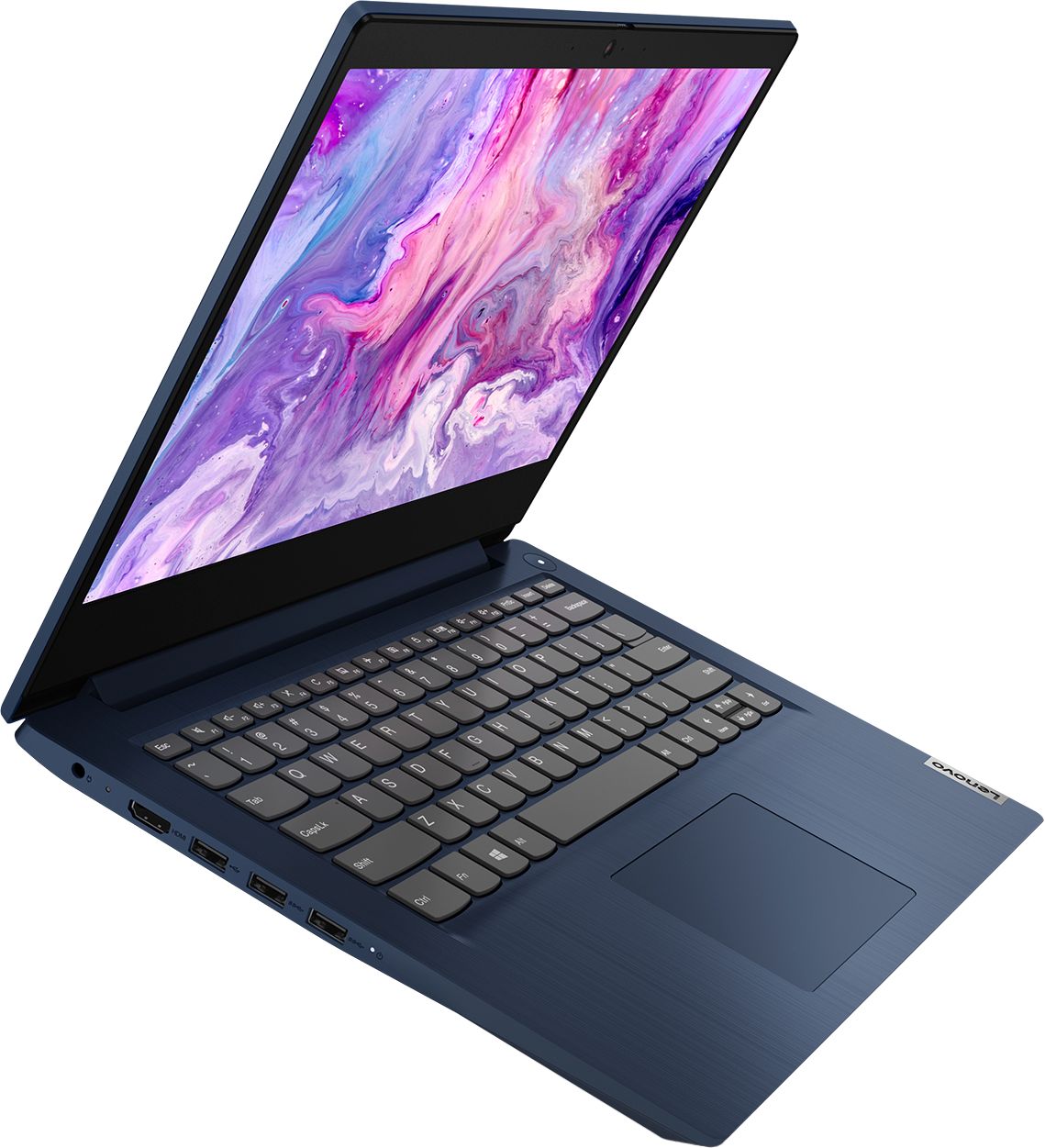
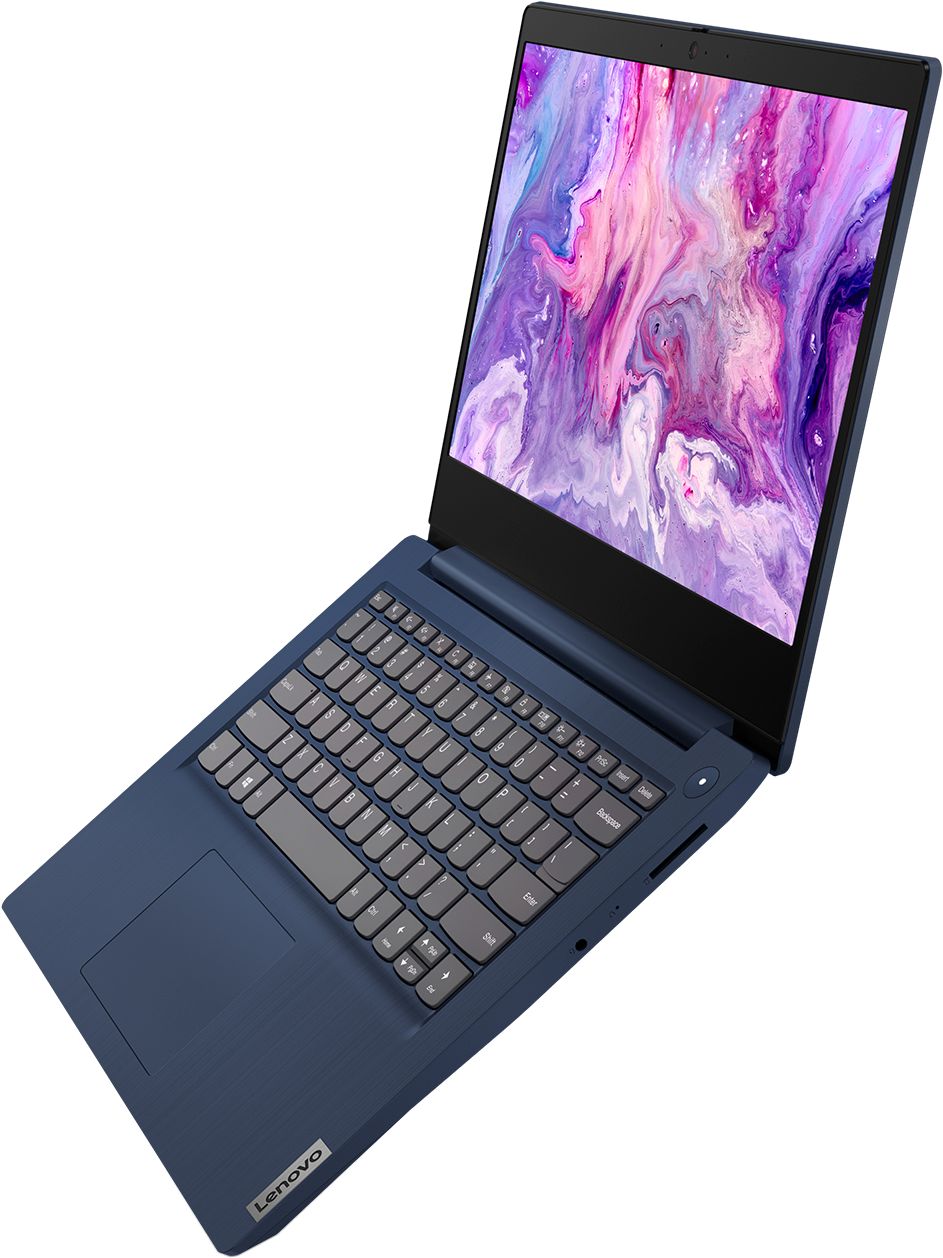
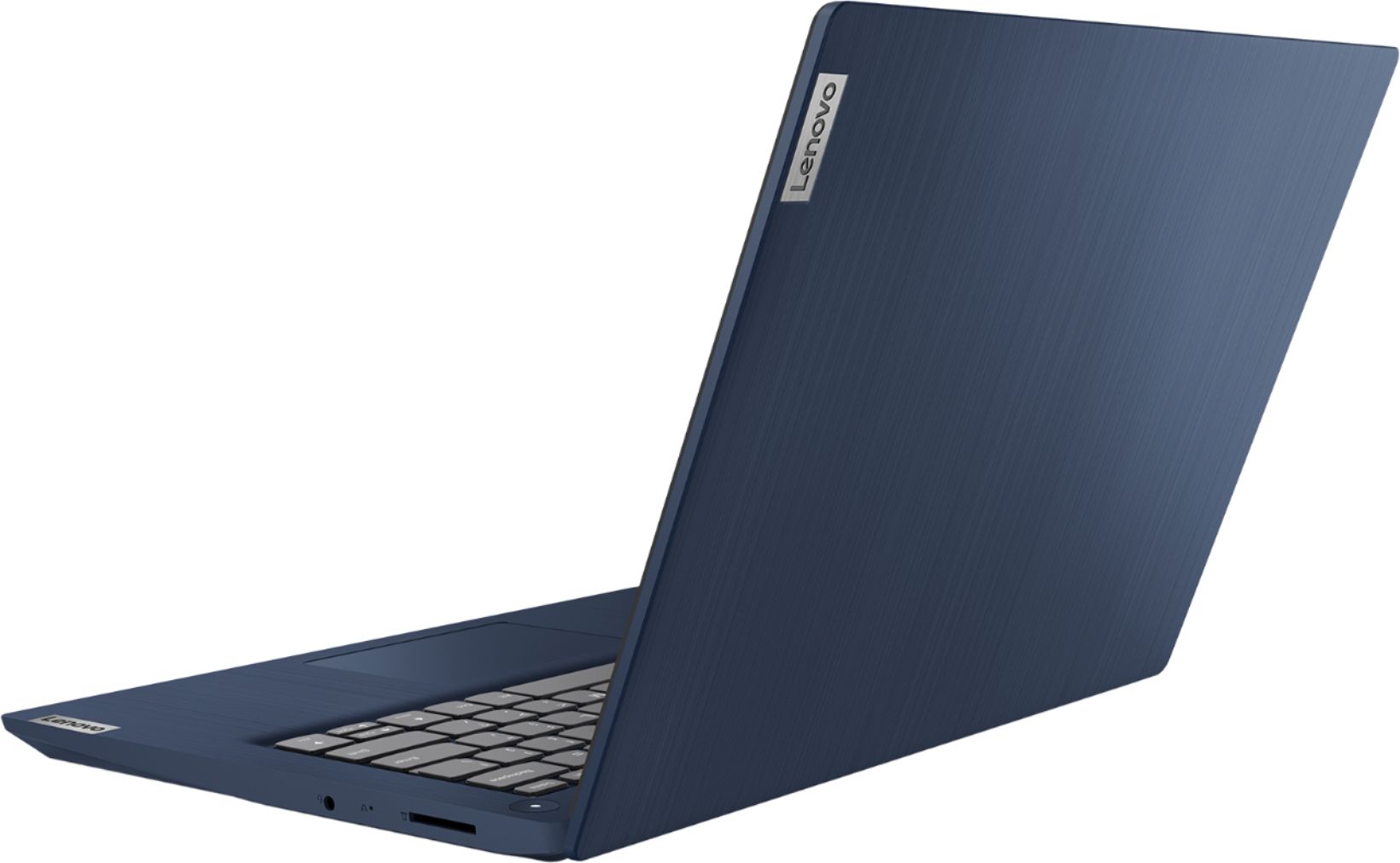
Rating by feature
- Value
Rating 4.2 out of 5 stars
- Quality
Rating 4.0 out of 5 stars
- Ease of Use
Rating 4.3 out of 5 stars
Customers are saying
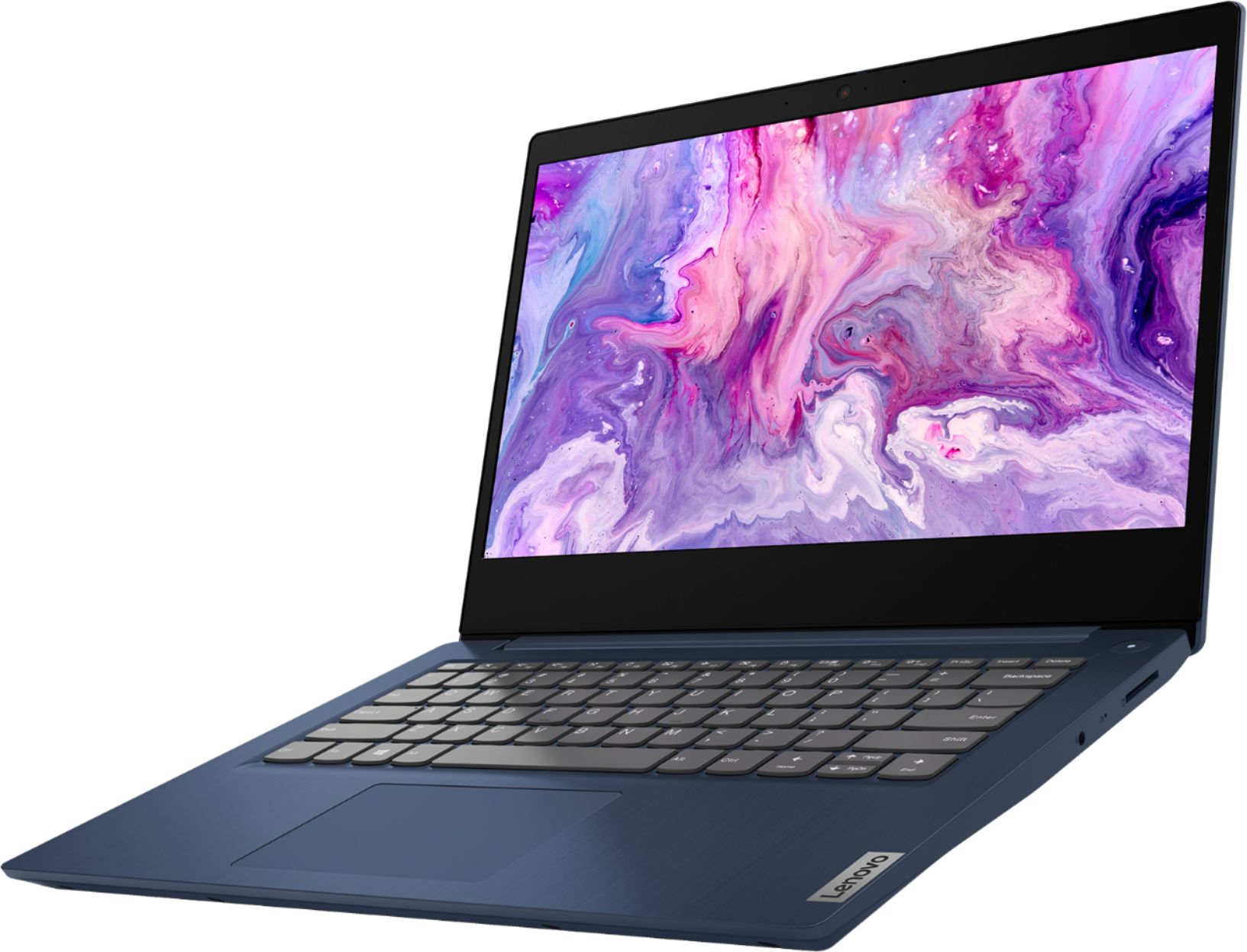
Customers are impressed with the IdeaPad 3 14" Laptop's affordable price, lightweight design, and large storage capacity. It is suitable for everyday tasks, schoolwork, and even gaming. However, some users have concerns about its slow performance, short battery life, and occasional camera issues.
This summary was generated by AI based on customer reviews.
Great for Virtual Schooling
||Posted . Owned for 1 month when reviewed.This reviewer received promo considerations or sweepstakes entry for writing a review.Purchased this for my daughter in 2nd grade. Has worked great from the start. No issues. Runs all programs easily and she has been able to use it without any problems. Camera is clear and sound is good for the virtual classroom interactions.
I would recommend this to a friendBrand response from Lenovo Product Expert
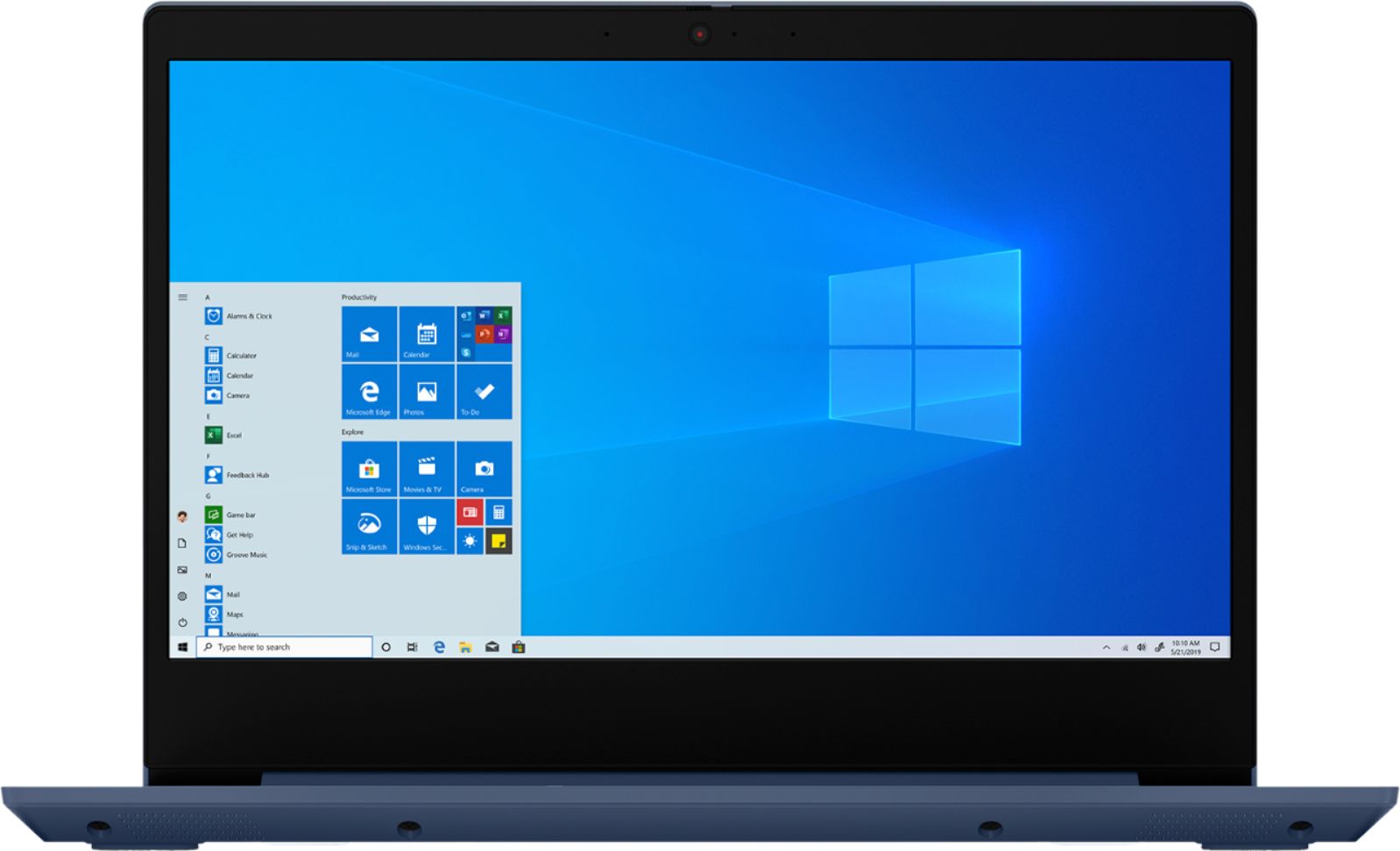
Posted .Thank you for choosing the Lenovo IdeaPad 3 14 Laptop, model number 81W0009DUS, for your daughter. This model ships with a 720p (HD) webcam with manual Privacy Shutter and Dual Array Microphone. For audio, there are stereo 1.5W system speakers with Dolby Audio sound enhancement. This model ships with Windows 10 S-Mode Operating System. Windows 10 S-Mode provides added security by only allowing APPs available ( and therefore certified by Microsoft) at the Microsoft Store. If you don't need the added security or you need to install APPs not available at the Microsoft Store, you can switch to standard Windows 10 Home 64-bit Operating System, at no additional cost.

Nice laptop but...
||Posted . Owned for 1 month when reviewed.This reviewer received promo considerations or sweepstakes entry for writing a review.When I first ordered this laptop, I didn't realize it didn't have the right side keyboard, and that was Major for me! Unfortunately I had to return it after a couple of days of trying it out. Other than that it had great specs and did everything else.
I would recommend this to a friendWorks
||Posted . Owned for 1 month when reviewed.This reviewer received promo considerations or sweepstakes entry for writing a review.The computer works as advertised. Didn’t have to do a million updates to be up and running (only the standard thousand). Once updated and set up, works perfect for my 9 year old to do her schooling. Haven’t used it for anything else.
I would recommend this to a friend- Cons mentioned:Slow
DO NOT BUY THIS COMPUTER!!!!!
||Posted .This reviewer received promo considerations or sweepstakes entry for writing a review.DO NOT BUY THIS COMPUTER!!!! This is the worst laptop I have ever purchased! I bought this for my 5th grader for online learning and I have had nothing but problems. It is slower than you could ever imagine! Even going into settings and setting it up to not restart and do updates it still does it. I have googled how to make it not do this but no luck. It will just shutdown by itself. The only thing this computer is used for is online learning and zoom calls, so there is no reason it should be this horrible.
No, I would not recommend this to a friendBrand response from Lenovo Product Expert
Posted .We are sorry to hear that you are having issues with your Lenovo IdeaPad 3 14 Laptop, model number 81W0009DUS. This model ships with Windows 10 S-Mode 64-bit Operating System. Windows 10 S-Mode provides added security by only allowing APPs available ( and therefore certified by Microsoft) at the Microsoft Store. If you don't need the added security or you need to install APPs not available at the Microsoft Store, you can switch to standard Windows 10 Home 64-bit Operating System, at no additional cost. Even if you have switched out of S-Mode, be sure any software you installed is compatible with Windows 10. There is no need to install Microsoft Office software. The software is already part of the operating system, you just need to activate the software with a purchased product key. If you have installed a copy of Microsoft Office, this is conflicting with the existing copy on the system and this will slow your system down. If you have installed a 3rd party anti-virus program, be sure that Windows Defender is turned off and that the trial version of McAfee Anti-Virus software is uninstalled. There can only be one anti-virus program on the system. You may need to restore your system to original factory default settings if any of the programming errors have occurred. You can do that by typing "restore" in the Cortana search window. Just click on the magnifying glass icon at the bottom left of your Windows 10 Desktop. Click on "Reset This PC" Then click on "Get Started" and follow the on screen directions to restore to factory defaults. If the problem persists, we recommend you contact Lenovo Tech Support at: 877-453-6686.
Great product. In perfect condition. No issues.
||Posted .This reviewer received promo considerations or sweepstakes entry for writing a review.I purchased the refurbished laptop and expected to see some minor scratches of proof of prior use. There were none. Like factory new and I've had exactly zero issues. I would not hesitate to purchase refurb again.
I would recommend this to a frienda little slow to start the computer
||Posted . Owned for 1 week when reviewed.This reviewer received promo considerations or sweepstakes entry for writing a review.it takes a few mins for the computer to boot up and thats my biggest peeve but this was only meant to be used for Google classroom purposes for my kid for distance learning due to pandemic so the boot up time doesn't bother her.
I would recommend this to a friendBrand response from Lenovo Product Expert
Posted .The Lenovo IdeaPad 3 14 Laptop, model number 81W0009DUS, will boot from off to the Windows 10 Desktop in less than 40-seconds. If you are experiencing slower boot times, even if you have switched out of Windows 10 S-Mode, be sure any software you installed is compatible with Windows 10. There is no need to install Microsoft Office software. The software is already part of the operating system, you just need to activate the software with a purchased product key. If you have installed a copy of Microsoft Office, this is conflicting with the existing copy on the system and this will slow your system down. If you have installed a 3rd party anti-virus program, be sure that Windows Defender is turned off and that the trial version of McAfee Anti-Virus software is uninstalled. There can only be one anti-virus program on the system. You may need to restore your system to original factory default settings if any of the programming errors have occurred. You can do that by typing "restore" in the Cortana search window. Just click on the magnifying glass icon at the bottom left of your Windows 10 Desktop. Click on "Reset This PC" Then click on "Get Started" and follow the on screen directions to restore to factory defaults. If the problem persists, we recommend you contact Lenovo Tech Support at: 877-453-6686.
- Cons mentioned:Camera
Camera and mic will not work in a google meet.
||Posted . Owned for 1 month when reviewed.This reviewer received promo considerations or sweepstakes entry for writing a review.I tried using the camera and microphone today for the first time and they were not working. I will be taking this computer in to the store I bought it from to have it looked at.
No, I would not recommend this to a friendBrand response from Lenovo Product Expert
Posted .Hello, we are sorry to hear you are experiencing these issues with the Lenovo IdeaPad 3. This model ships with Windows 10 S-Mode. Windows 10 S-Mode provides added security by only allowing APPs available (and therefore certified by Microsoft) at the Microsoft Store. If you do not need the added security or you need to install APPs not available at the Microsoft Store, you can switch to standard Windows 10 Home 64-bit Operating System, at no additional cost. Here is a link to instructions for switching from Windows 10 S-Mode to Windows 10 Home: https://support.microsoft.com/en-us/help/4456067/windows-10-switch-out-of-s-mode .
It is possible updating the system drivers can help with the Microphone and Camera. You can easily accomplish this by scanning the computer with the Lenovo Utility software available on this computer. This system has Lenovo utilities installed to help maintain the health of the device and keep the operating system software up to date. Type "Lenovo Vantage" in the Cortana Search window (if Lenovo Vantage is not installed on your device, you can download the APP and install it now). Select Lenovo Vantage from the list. In the window that opens, click on "Health and Support". In the expanded menu, select "Hardware Scan” In the window that opens, select "Run Quick Tests". This will scan your entire system for errors. Follow any directions that may pop up. If the problem continues after this scan, now click on "System Update". First select Windows update from the menu. Scan your system to be sure you have the latest version of Windows 10. Once that scan is complete, select "Additional Updates". This will scan your device to be sure there are no new BIOS/Driver updates needed. Follow any instructions that may pop up. If the issue continues after these updates, we recommend you call Lenovo Tech Support at: 877-453-6686 for additional help.
Great little laptop
||Posted . Owned for 8 months when reviewed.This reviewer received promo considerations or sweepstakes entry for writing a review.I have a work issued laptop, so this sits right beside that for personal use. For checking email, watching youtube, paying bills online and the like, it's a pretty great machine for the money.
I would recommend this to a friendgreat laptop
||Posted . Owned for 1 week when reviewed.This reviewer received promo considerations or sweepstakes entry for writing a review.Bought for my son during pandemic for his virtual classes! Very easy to use! And he loves it
I would recommend this to a friendBrand response from Lenovo Product Expert
Posted .Thank you for choosing the Lenovo IdeaPad 3 14 Laptop, model number 81W0009DUS, for your son. We are pleased to hear that the IdeaPad 3 14 is working out so well for your son. This is a mid-level, moderate use configuration, with its AMD Ryzen 3 3250U processor. This Dual-Core/Four-Thread processor has a base speed of 2.6GHz and a boost speed of up to 3.4GHz. This configuration has 8GB of DDR4-2400MHz RAM. It is good with Microsoft Office type programs, internet browsing and other moderate work. This model ships with Windows 10 S-Mode Operating System. Windows 10 S-Mode provides added security by only allowing APPs available ( and therefore certified by Microsoft) at the Microsoft Store. If you don't need the added security or you need to install APPs not available at the Microsoft Store, you can switch to standard Windows 10 Home 64-bit Operating System, at no additional cost.
- Cons mentioned:Slow
Spare Yourself The Misery, Get a Better Laptop
||Posted . Owned for 7 months when reviewed.This reviewer received promo considerations or sweepstakes entry for writing a review.I use a desktop for work and needed something I could answer work emails/use excel on for work, when I wasn't at home. I made the grave mistake of purchasing this "computer." Buying this computer was the worst thing that happened to me in 2020. It takes about 30 minutes for the computer to get going and even once it is up to speed, using it is like walking through waist-deep mud. Do yourself a favor, spend a few extra dollars and get a computer that isn't a chore to use.
No, I would not recommend this to a friend Great computers for tweeners!
||Posted . Owned for 1 month when reviewed.This reviewer received promo considerations or sweepstakes entry for writing a review.I bought this computer for my daughter for school. It does exactly what it says it will. My daughter enjoys using it for lessons and for Roblox afterward. It was well worth the amount we paid!
I would recommend this to a friendBrand response from Lenovo Product Expert
Posted .Thank you for choosing the Lenovo IdeaPad 3 14 Laptop, model number 81W0009DUS, for your daughter. We are pleased to hear that the IdeaPad 3 14 is working out so well for your daughter. This is a mid-level, moderate use configuration, with its AMD Ryzen 3 3250U processor. This Dual-Core/Four-Thread processor has a base speed of 2.6GHz and a boost speed of up to 3.4GHz. This configuration has 8GB of DDR4-2400MHz RAM. It is good with Microsoft Office type programs, internet browsing and other moderate work. This model ships with Windows 10 S-Mode Operating System. Windows 10 S-Mode provides added security by only allowing APPs available ( and therefore certified by Microsoft) at the Microsoft Store. If you don't need the added security or you need to install APPs not available at the Microsoft Store, you can switch to standard Windows 10 Home 64-bit Operating System, at no additional cost.
Student computer
||Posted . Owned for 1 month when reviewed.This reviewer received promo considerations or sweepstakes entry for writing a review.Bought this computer for my son that was starting with remote school learning. I bought an “open box” and it came without any damages or issues. It works great and we have had no issues to date.
I would recommend this to a friendBrand response from Lenovo Product Expert
Posted .Thank you for choosing the Lenovo IdeaPad 3 14 Laptop, model number 81W0009DUS, for your son. We are pleased to hear that the value and performance of the IdeaPad 3 14 meets the computing needs of your son so well. This is a mid-level, moderate use configuration, with its AMD Ryzen 3 3250U processor. This Dual-Core/Four-Thread processor has a base speed of 2.6GHz and a boost speed of up to 3.4GHz. This configuration has 8GB of DDR4-2400MHz RAM. It is good with Microsoft Office type programs, internet browsing and other moderate work. This model ships with Windows 10 S-Mode Operating System. Windows 10 S-Mode provides added security by only allowing APPs available ( and therefore certified by Microsoft) at the Microsoft Store. If you don't need the added security or you need to install APPs not available at the Microsoft Store, you can switch to standard Windows 10 Home 64-bit Operating System, at no additional cost.
Good computer for casual use.
||Posted . Owned for 2 months when reviewed.This reviewer received promo considerations or sweepstakes entry for writing a review.Great value! Good for any student or casual use. I am happy with this value buy. I use it in my office at work to compliment my desktop and it does it's job very well. Happy with this purchase.
I would recommend this to a friendOutstanding computer for $400
||Posted . Owned for 1 month when reviewed.This reviewer received promo considerations or sweepstakes entry for writing a review.Bought for my son's online virtual schooling. He loves it and it is very easy to use, has excellent storage and is very fast at responding to commands. It even has an option for verbal commands.
I would recommend this to a friendBrand response from Lenovo Product Expert
Posted .Thank you for choosing the lenovo IdeaPad 3 14 Laptop, model number 81W0009DUS, with Cortana capability, for your son. We are pleased to hear that the features and performance of the IdeaPad 3 14 meet the computing needs of your son so well. This is a mid-level, moderate use configuration, with its AMD Ryzen 3 3250U processor. This Dual-Core/Four-Thread processor has a base speed of 2.6GHz and a boost speed of up to 3.4GHz. This configuration has 8GB of DDR4-2400MHz RAM. It is good with Microsoft Office type programs, internet browsing and other moderate work. This model ships with Windows 10 S-Mode Operating System. Windows 10 S-Mode provides added security by only allowing APPs available ( and therefore certified by Microsoft) at the Microsoft Store. If you don't need the added security or you need to install APPs not available at the Microsoft Store, you can switch to standard Windows 10 Home 64-bit Operating System, at no additional cost.
Love Lenovo
||Posted . Owned for 3 weeks when reviewed.This reviewer received promo considerations or sweepstakes entry for writing a review.Works great. Never have any problems with Lenovo laptops. I just wish it had the keypad on the side but I still like it. Would definitely recommend this to others. Very simple to use.
I would recommend this to a friendVery fast, works great!
||Posted . Owned for 2 weeks when reviewed.This reviewer received promo considerations or sweepstakes entry for writing a review.Needed a new laptop for at-home learning. Live in rural area with so-so wi-fi. This computer works great for the entire day and stays online for virtual learning. Love it so far.
I would recommend this to a friendBrand response from Lenovo Product Expert
Posted .Thank you for choosing the Lenovo IdeaPad 3 14 Laptop, model number 81W0009DUS. This model ships with 5G, Wide-Range/High Speed 2x2 802.11AC WiFi. This is a mid-level, moderate use configuration, with its AMD Ryzen 3 3250U processor. This Dual-Core/Four-Thread processor has a base speed of 2.6GHz and a boost speed of up to 3.4GHz. This configuration has 8GB of DDR4-2400MHz RAM. It is good with Microsoft Office type programs, internet browsing and other moderate work. This model ships with Windows 10 S-Mode Operating System. Windows 10 S-Mode provides added security by only allowing APPs available ( and therefore certified by Microsoft) at the Microsoft Store. If you don't need the added security or you need to install APPs not available at the Microsoft Store, you can switch to standard Windows 10 Home 64-bit Operating System, at no additional cost.
Screaming every time I want to page down.
||Posted . Owned for 2 months when reviewed.This reviewer received promo considerations or sweepstakes entry for writing a review.Not sure what is going on with this laptop. I continually have connection issues when I click a link. Not sure if it is the operating system it comes with or what? Never had issues with my HP or my Dell. Also the page up and page down keys are not genuine page up and down. All it does is curser instead of flipping an entire page. It drives me insane. Too late to return but not at all happy with the Lenovo. Just a cheap laptop that does exactly what is necessary but no bells and whistles and even some of the usual user items are missing,
No, I would not recommend this to a friendBrand response from Lenovo Product Expert
Posted .We are sorry to hear that you are having issues with your Lenovo IdeaPad 3 14 Laptop. We recommend you call Lenovo Tech Support for help with the issues you describe at: 877-453-6686.
Great laptop
||Posted . Owned for 3 weeks when reviewed.This reviewer received promo considerations or sweepstakes entry for writing a review.Very light weight laptop my son enjoy to use this laptop during his virtual class. Have a lot of space to saved information and the ram of 8 make the computer very fast
I would recommend this to a friendGreat product, Streamlined look.
||Posted . Owned for 3 weeks when reviewed.This reviewer received promo considerations or sweepstakes entry for writing a review.I am enjoying my new lenovo laptop. It is intuitively easy to use, looks good and has helped me to grow my business. Just got it last month and am very happy with it!
I would recommend this to a friendBrand response from Lenovo Product Expert
Posted .Thank you for choosing the Lenovo 3 14 Laptop, model number 81W0009DUS. We are pleased to hear that the ease of use, features and performance of the IdeaPad 3 14 meets your computing needs so well. This is a mid-level, moderate use configuration, with its AMD Ryzen 3 3250U processor. This Dual-Core/Four-Thread processor has a base speed of 2.6GHz and a boost speed of up to 3.4GHz. This configuration has 8GB of DDR4-2400MHz RAM. It is good with Microsoft Office type programs, internet browsing and other moderate work. This model ships with Windows 10 S-Mode Operating System. Windows 10 S-Mode provides added security by only allowing APPs available ( and therefore certified by Microsoft) at the Microsoft Store. If you don't need the added security or you need to install APPs not available at the Microsoft Store, you can switch to standard Windows 10 Home 64-bit Operating System, at no additional cost.
- Cons mentioned:Reliability
Ok if looking for a short term fix
||Posted . Owned for 7 months when reviewed.This reviewer received promo considerations or sweepstakes entry for writing a review.Worked great for my high school student...for 6 months. Now won't even start up and Geek squad says not worth the time to fix.
No, I would not recommend this to a friendBrand response from Lenovo Product Expert
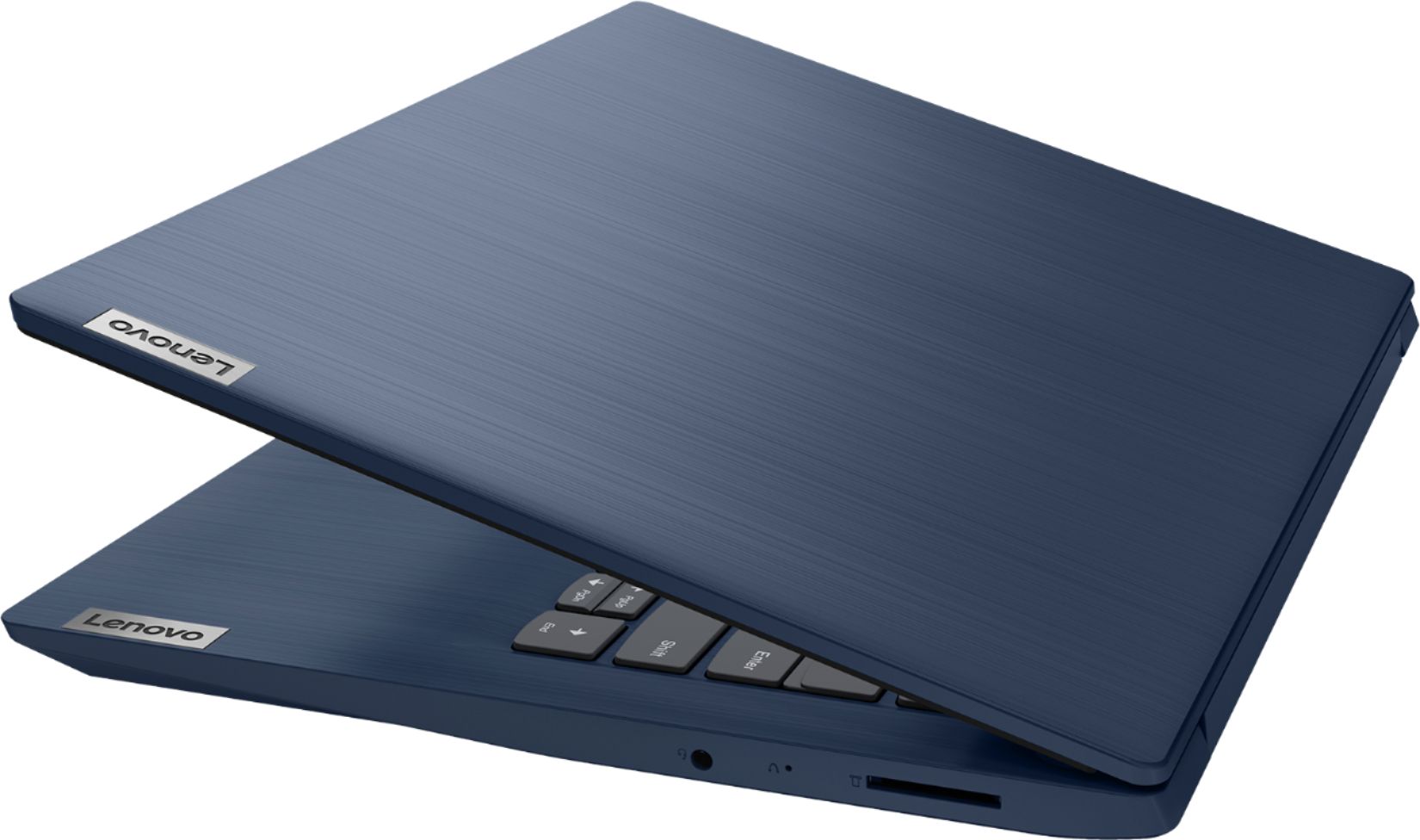
Posted .We are sorry to hear that you are having issues with your Lenovo IdeaPad 3 14 Laptop, model number 81W0009DUS. Try resetting your computer back to original factory setting to clear the issue you are having. Since you can not boot the computer normally, this system is equipped with OneKey Recovery System. There is a very small pin hole on the right side of the device, right in between the headphone jack and the SD card slot on the device. You will need a pin to push this reset button. Plug the device in. Let the battery charge for about 15 minutes. Push the reset button. The system should boot to a choice screen where you can choose "Restore To Factory Default". Select this. It will delete everything from the hard drive except the original factory install of the operating system. You will need to reinstall all programs and files after the reset. If you don't have copies of the files, try to make one before you restore by selecting "Boot to desktop" and trying to back up your files. If the problem persists after the factory reset, we recommend you contact Lenovo Tech Support at: 877-453-6686.