Customer Ratings & Reviews


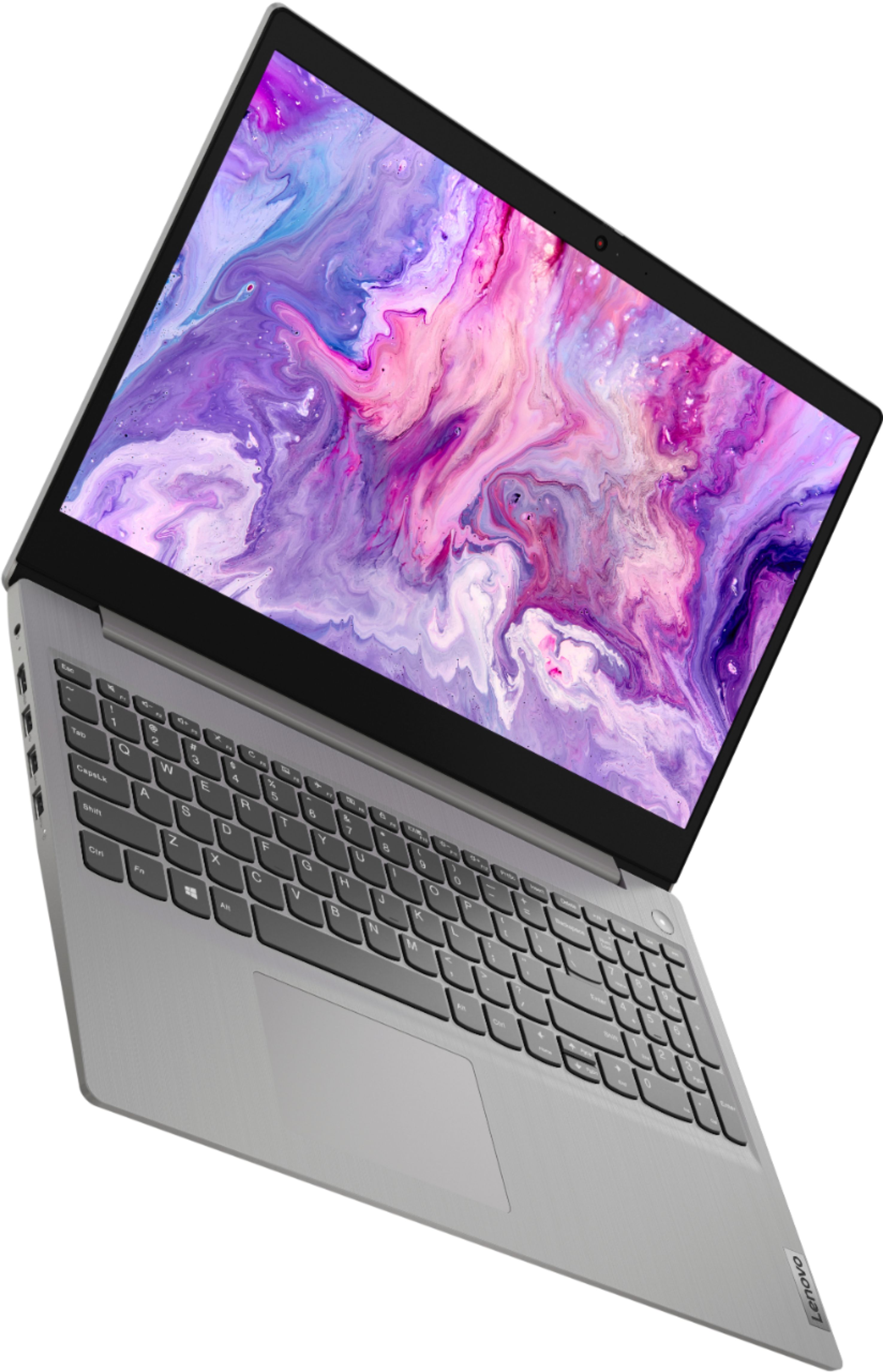
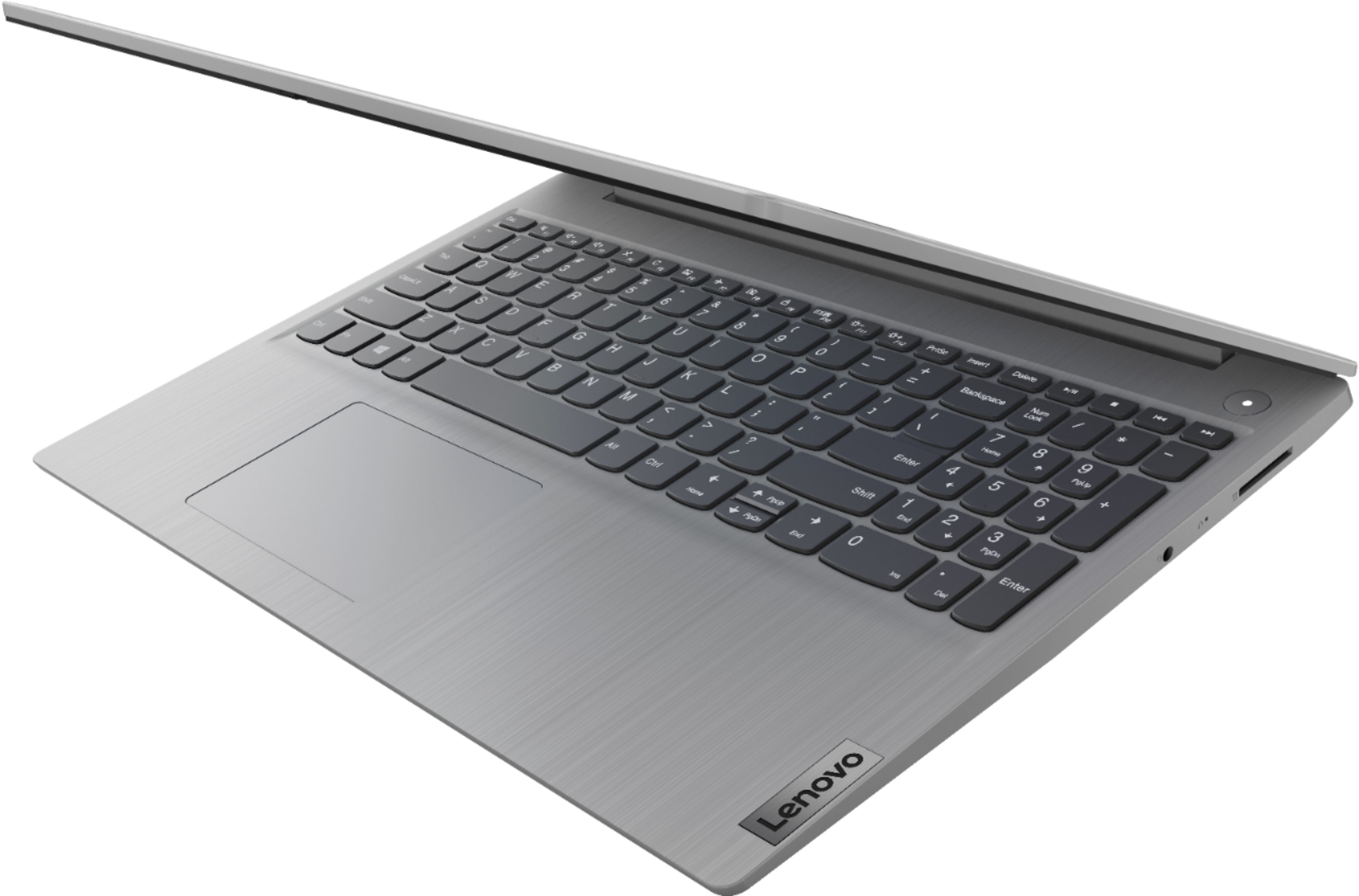
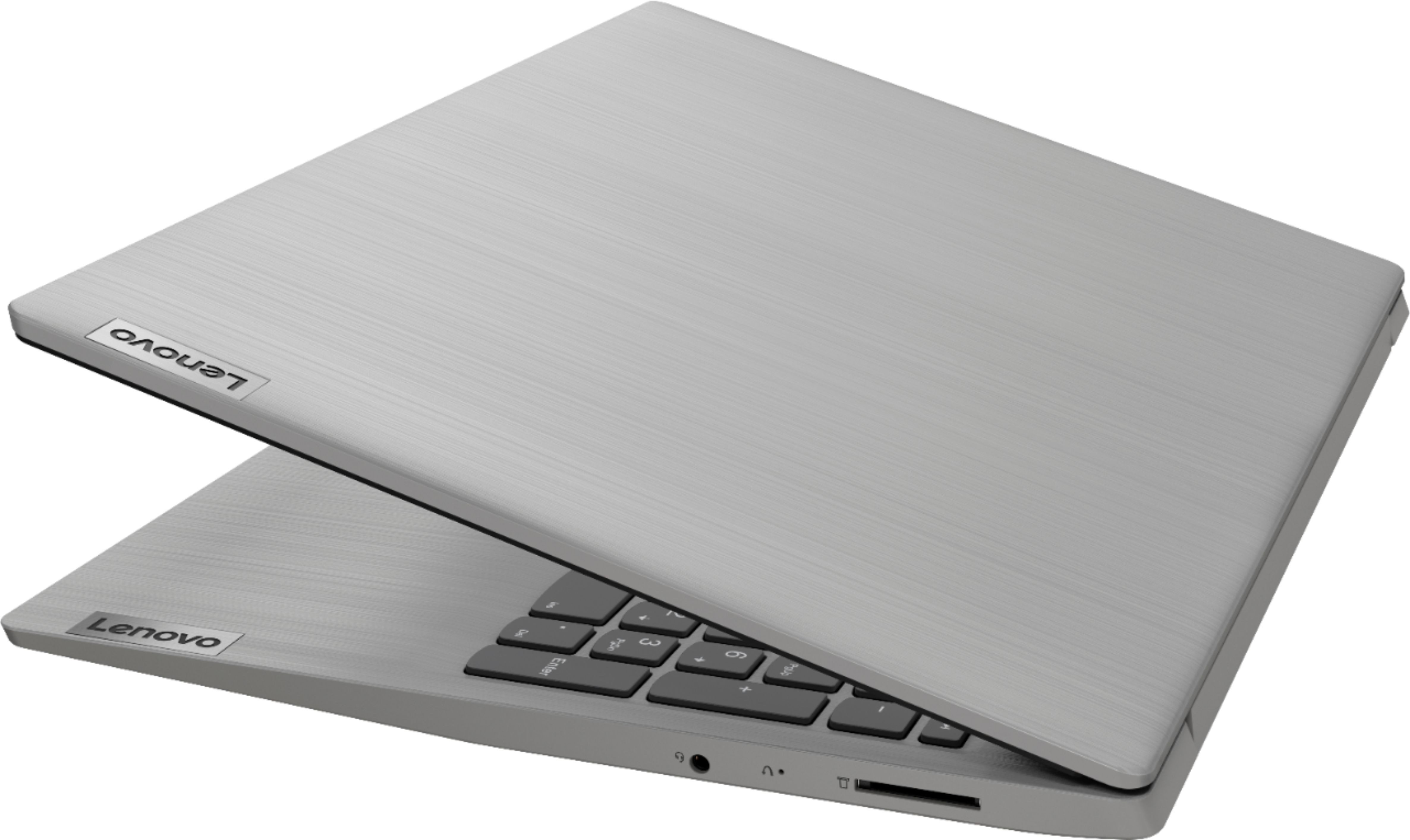
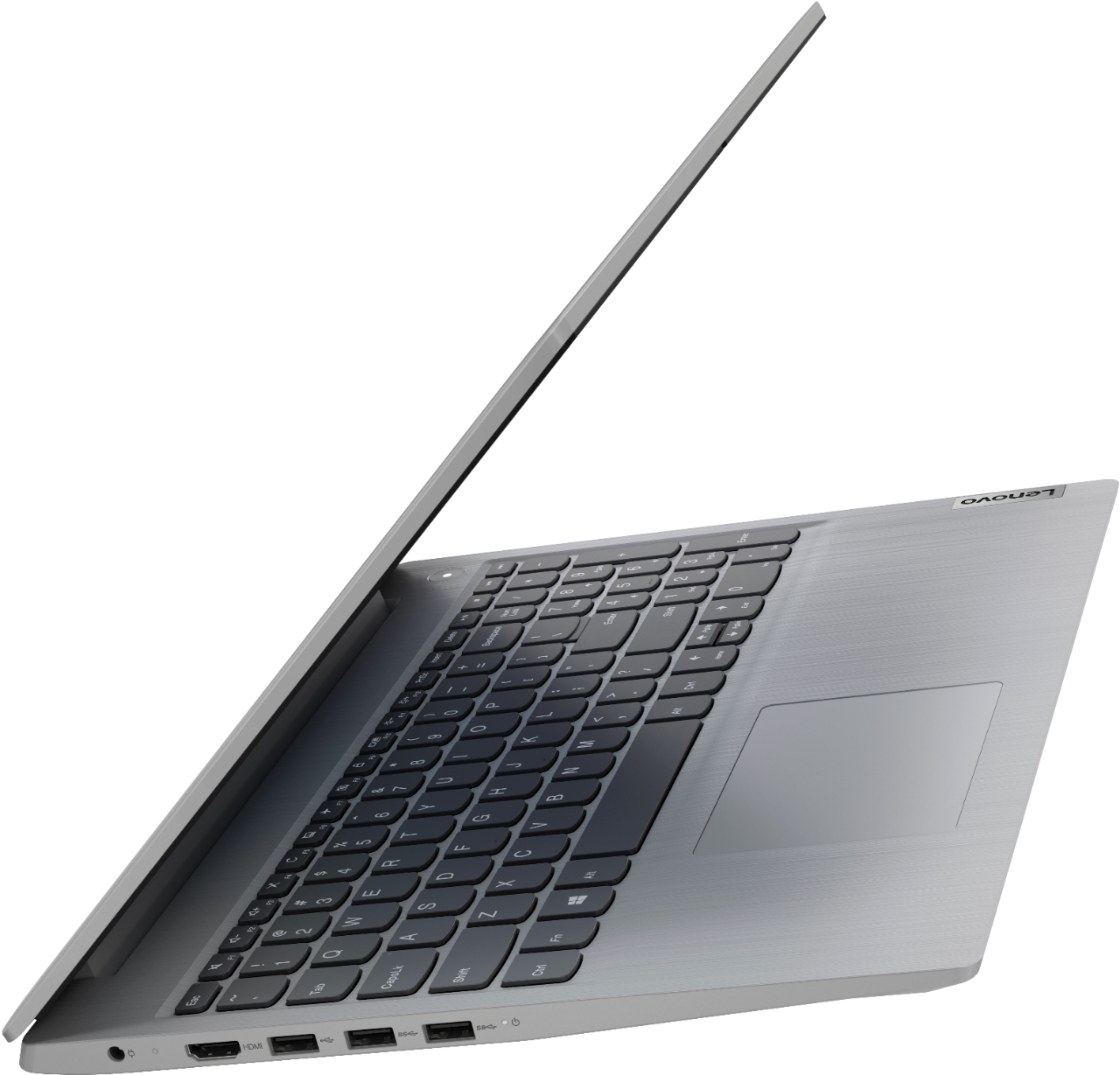

- Model:
- 81W1018XUS
- SKU:
- 6449503
Rating by feature
- Battery Life
Rating 4.3 out of 5 stars
- Speed
Rating 4.4 out of 5 stars
- Display
Rating 4.5 out of 5 stars
Customers are saying
Customers appreciate the Ideapad 3 15 for its budget-friendly price, fast performance, and lightweight design. Many users find the large screen and storage capacity to be adequate for their needs. While some users have concerns about battery life and memory, overall, customers are generally satisfied with the laptop's performance and value for the price.
This summary was generated by AI based on customer reviews.
Bios Update Fails Every Time.
||Posted . Owned for 11 months when reviewed.This reviewer received promo considerations or sweepstakes entry for writing a review.The screen freezes constantly. Unable to get it to update to the new BIOS no matter what I do.
No, I would not recommend this to a friendDon’t Buy
||Posted . Owned for 1 month when reviewed.This reviewer received promo considerations or sweepstakes entry for writing a review.We’ve had this laptop three weeks and it’s dead. After a system update, it turned into a black screen and never came back on. Took it to a computer repair shop and they said the motherboard died and it would be over $300 to repair it. Such a horrible laptop!
No, I would not recommend this to a friendBrand response from Lenovo Product Expert
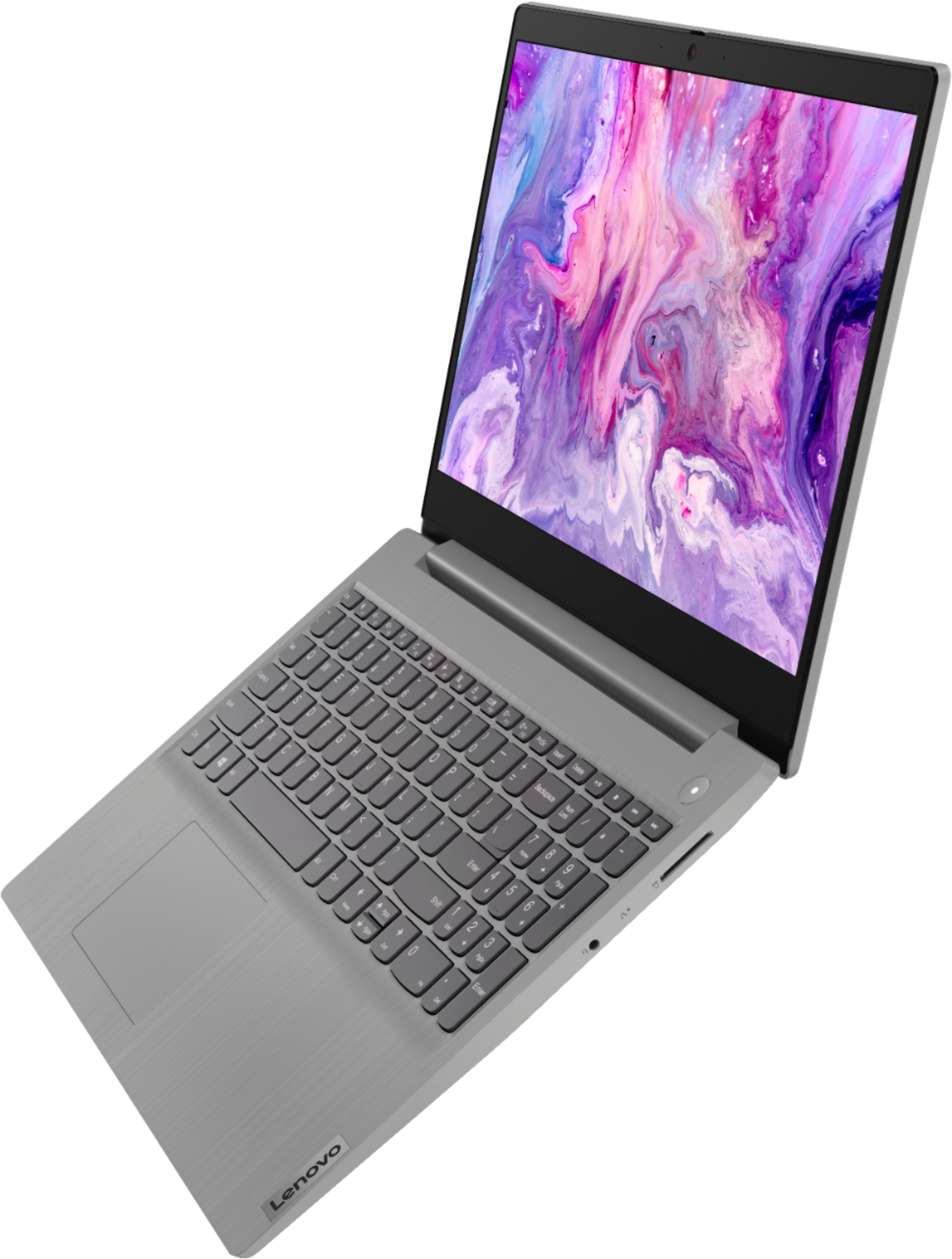
Posted .We are sorry to hear that you are having issues with your Lenovo IdeaPad 3 15 Laptop, model number 81W1018XUS. the issue you describe may be software related, since the problem has occurred right after a Windows 10 update. Resetting the computer back to original factory settings may correct the problem. Since you can no longer boot the computer, This system is equipped with OneKey Recovery System. There is a very small pin hole on the right side of the device, right in between the headphone jack and the SD card slot on the device. You will need a pin to push this reset button. Plug the device in. Let the battery charge for about 15 minutes. Push the reset button. The system should boot to a choice screen where you can choose "Restore To Factory Default". Select this. It will delete everything from the hard drive except the original factory install of the operating system. You will need to reinstall all programs and files after the reset. If you don't have copies of the files, try to make one before you restore by selecting "Boot to desktop" and trying to back up your files. If the problem persists after the factory reset, we recommend you contact Lenovo Tech Support at: 877-453-6686.

HELP
||Posted . Owned for 6 months when reviewed.This reviewer received promo considerations or sweepstakes entry for writing a review.The laptop was great until it hits this sudden reeboot loop, while I was playing music from youtube! As of now it wont start up to the menu screen. Its gets close but nothing HELP
No, I would not recommend this to a friendBrand response from Lenovo Product Expert
Posted .We are sorry to hear that you are having issues with your Lenovo IdeaPad 3 15 Laptop, model number 81W1018XUS. Try resetting your IdeaPad 3 15 back to original factory settings. This system is equipped with OneKey Recovery System. There is a very small pin hole on the right side of the device, right in between the headphone jack and the SD Card Slot on the device. You will need a pin to push this reset button. Plug the device in. Let the battery charge for about 15 minutes. Push the reset button. The system should boot to a choice screen where you can choose "Restore To Factory Default". Select this. It will delete everything from the hard drive except the original factory install of the operating system. You will need to reinstall all programs and files after the reset. If you don't have copies of the files, try to make one before you restore by selecting "Boot to desktop" and trying to back up your files. Be sure to let the reset of the computer completely finish and return you to the Login Screen. Allow any updates to download and install completely. If the problem persists after the factory reset, we recommend you contact Lenovo Tech Support at: 877-453-6686.
not too happy
||Posted . Owned for 3 weeks when reviewed.This reviewer received promo considerations or sweepstakes entry for writing a review.im not sure why but after having this two weeks this will not turn on anymore. maybe because i bought it open box but even then it said it was new, just opened.
No, I would not recommend this to a friendBrand response from Lenovo Product Expert
Posted .We are sorry to hear that you are having issues with your Lenovo IdeaPad 3 15 Laptop. Resetting this computer back to original factory settings may correct the issue you are having. This system is equipped with OneKey Recovery System. There is a very small pin hole on the right side of the device, right in between the headphone jack and the SD card slot on the device. You will need a pin to push this reset button. Plug the device in. Let the battery charge for about 15 minutes. Push the reset button. The system should boot to a choice screen where you can choose "Restore To Factory Default". Select this. It will delete everything from the hard drive except the original factory install of the operating system. You will need to reinstall all programs and files after the reset. If you don't have copies of the files, try to make one before you restore by selecting "Boot to desktop" and trying to back up your files. If the problem persists after the factory reset, we recommend you contact Lenovo Tech Support at: 877-453-6686.
not a dependable machine
||Posted . Owned for 3 months when reviewed.This reviewer received promo considerations or sweepstakes entry for writing a review.constantly crashes even with minimal use. purchased in October2021 - right now it's January2022. very poor performance.
No, I would not recommend this to a friendBrand response from Lenovo Product Expert
Posted .We are sorry to hear that you are having issues with your Lenovo IdeaPad 3 15 Laptop, model number 81W1018XUS. This model ships with Windows 10 Home in S mode, 64-bit, English Version Operating System. Windows 10 S-Mode provides added security by only allowing APPs available ( and therefore certified by Microsoft) at the Microsoft Store. If you don't need the added security or you need to install APPs not available at the Microsoft Store, you can switch to standard Windows 10 Home 64-bit Operating System, at no additional cost. Even if you have switched out of S-Mode to Windows 10 Home, Be sure any software you installed is compatible with Windows 10. There is no need to install Microsoft Office software. The software is already part of the operating system, you just need to activate the software with a purchased product key. If you have installed a copy of Microsoft Office, this is conflicting with the existing copy on the system and this will slow your system down. If you have installed a 3rd party anti-virus program, be sure that Windows Defender is turned off and that the trial version of McAfee Anti-Virus software is uninstalled. There can only be one anti-virus program on the system. You may need to restore your system to original factory default settings if any of the programming errors have occurred. You can do that by typing "restore" in the Cortana search window. Just click on the magnifying glass icon at the bottom left of your Windows 10 Desktop. Click on "Reset This PC" Then click on "Get Started" and follow the on screen directions to restore to factory defaults. If the problem persists, we recommend you contact Lenovo Tech Support at: 877-453-6686.
worst computer ever
||Posted .This reviewer received promo considerations or sweepstakes entry for writing a review.This is easily the worst computer I have ever owned.. Do not buy one.
No, I would not recommend this to a friendBrand response from Lenovo Product Expert
Posted .We are sorry to hear that this Lenovo IdeaPad 3 15 Laptop, model number 81W1018XUS, does not meet your computing requirements. We always recommend you check the requirements and compatibility of any software you will be installing on your new computer, before you invest in any computer. Be sure your new computer can support the software you will need to use and your workload.
Trash
||Posted . Owned for 8 months when reviewed.This reviewer received promo considerations or sweepstakes entry for writing a review.Slow and bad battery life display is trash too dot recommend
No, I would not recommend this to a friendLove this laptop
Posted .This reviewer received promo considerations or sweepstakes entry for writing a review.Had this laptop for nearly 4 years, I’ve never had any issues with it. It works great. I use it for school.
I would recommend this to a friend- Pros mentioned:Price
CAN PLAY SOME GAMES HALO ETC,
Posted .This reviewer received promo considerations or sweepstakes entry for writing a review.I absolutely love this and the price bought an open box $255 no issues upgraded 1 stick 4gb to 8gb have total of 12gb makes all the difference in the world want to Micro Center 2666 stick for $40 good to go add a external hard drive on one of the 3.0 USB hub reason I didn’t add it to the inside the inside port is slower the other 4gb is Sautéed to the mother board I hope this helps someone.
I would recommend this to a friend Love it
Posted .This reviewer received promo considerations or sweepstakes entry for writing a review.Works well just what I needed would recommend!! ❤️
I would recommend this to a friend- Cons mentioned:Memory
Disposable computer
Posted .This reviewer received promo considerations or sweepstakes entry for writing a review.Computer worked goon in the beginning, with no problems. I’ve had this laptop for one year and six months now. Now the laptop is super slow, when you think of slow think slower then slow. To open the internet browser takes about 5-8 minutes, to open a folder/file about the same thing. Everything is updated, and ram memory is not even 20 percent full. I have no large programs/files, music, or videos Download it on the computer. I have no virus on the computer as well. If you want a computer to last one year this is the one.
No, I would not recommend this to a friendBrand response from Lenovo Product Expert
Posted .The Lenovo IdeaPad 3 15 Laptop, model number 81W1018XUS, will boot from off to the Windows 10 Desktop Screen in less than 20-seconds. If you are getting slower boot times, be sure any software you installed is compatible with Windows 10. There is no need to install Microsoft Office software. The software is already part of the operating system, you just need to activate the software with a purchased product key. If you have installed a copy of Microsoft Office, this is conflicting with the existing copy on the system and this will slow your system down. If you have installed a 3rd party anti-virus program, be sure that Windows Defender is turned off and that the trial version of McAfee Anti-Virus software is uninstalled. There can only be one anti-virus program on the system. You may need to restore your system to original factory default settings if any of the programming errors have occurred. You can do that by typing "restore" in the Cortana search window. Just click on the magnifying glass icon at the bottom left of your Windows 10 Desktop. Click on "Reset This PC" Then click on "Get Started" and follow the on screen directions to restore to factory defaults. If the problem persists, we recommend you contact Lenovo Tech Support at: 877-453-6686.
my new computer
Posted .This reviewer received promo considerations or sweepstakes entry for writing a review.very happy with this purchase. still getting used to the many features it has.
I would recommend this to a friendLaptop
Posted .This reviewer received promo considerations or sweepstakes entry for writing a review.Great little laptop. Does everything we need! I would recommend
I would recommend this to a friendBrand response from Lenovo Product Expert
Posted .Thank you for choosing the Lenovo IdeaPad 3 15 laptop. We are pleased to hear that the IdeaPad 3 15 meets your computing needs so well.
Lenovo - qaulity
Posted .This reviewer received promo considerations or sweepstakes entry for writing a review.Poor color contrast display. Very poor sound. Slow boot and update. Sound card may be bad. Livestreaming video and sound unstable. Adjusting settings not effective.
No, I would not recommend this to a friendBrand response from Lenovo Product Expert
Posted .The Lenovo IdeaPad 3 15 Laptop, model number 81W1018XUS, will boot from off to the Windows 10 Desktop Screen in less than 20-seconds. This model ships with Windows 10 S-Mode 64-bit Operating System. Windows 10 S-Mode provides added security by only allowing APPs available ( and therefore certified by Microsoft) at the Microsoft Store. If you don't need the added security or you need to install APPs not available at the Microsoft Store, you can switch to standard Windows 10 Home 64-bit Operating System, at no additional cost. Even if you have switched out of S-Mode, be sure any software you installed is compatible with Windows 10. There is no need to install Microsoft Office software. The software is already part of the operating system, you just need to activate the software with a purchased product key. If you have installed a copy of Microsoft Office, this is conflicting with the existing copy on the system and this will slow your system down. If you have installed a 3rd party anti-virus program, be sure that Windows Defender is turned off and that the trial version of McAfee Anti-Virus software is uninstalled. There can only be one anti-virus program on the system. You may need to restore your system to original factory default settings if any of the programming errors have occurred. You can do that by typing "restore" in the Cortana search window. Just click on the magnifying glass icon at the bottom left of your Windows 10 Desktop. Click on "Reset This PC" Then click on "Get Started" and follow the on screen directions to restore to factory defaults. If the problem persists, we recommend you contact Lenovo Tech Support at: 877-453-6686.
Giant piece of shut!!!!!!!
Posted .This reviewer received promo considerations or sweepstakes entry for writing a review.This is a giant piece of shut!!!!! For suckers only.
No, I would not recommend this to a friend