Customer Ratings & Reviews
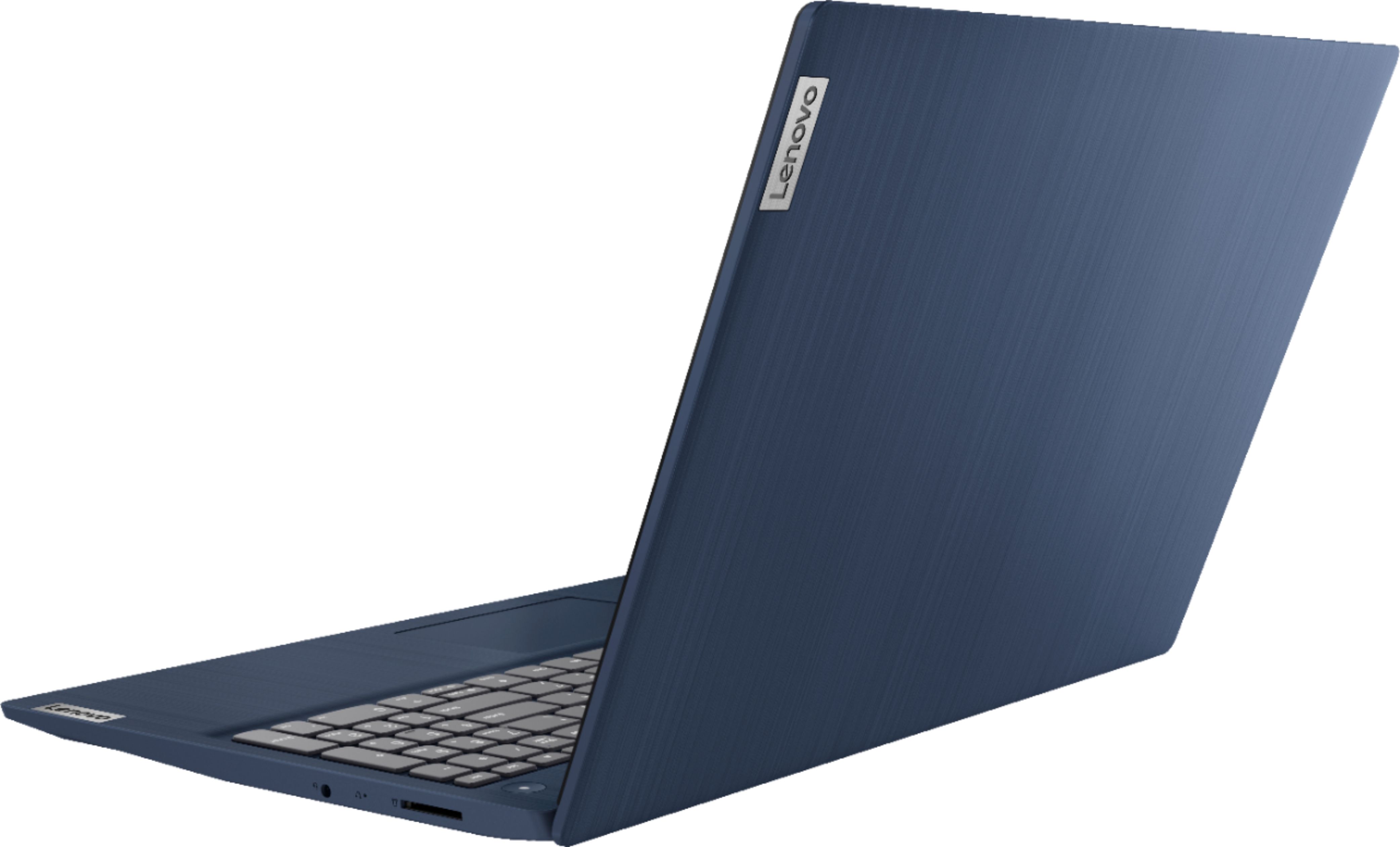
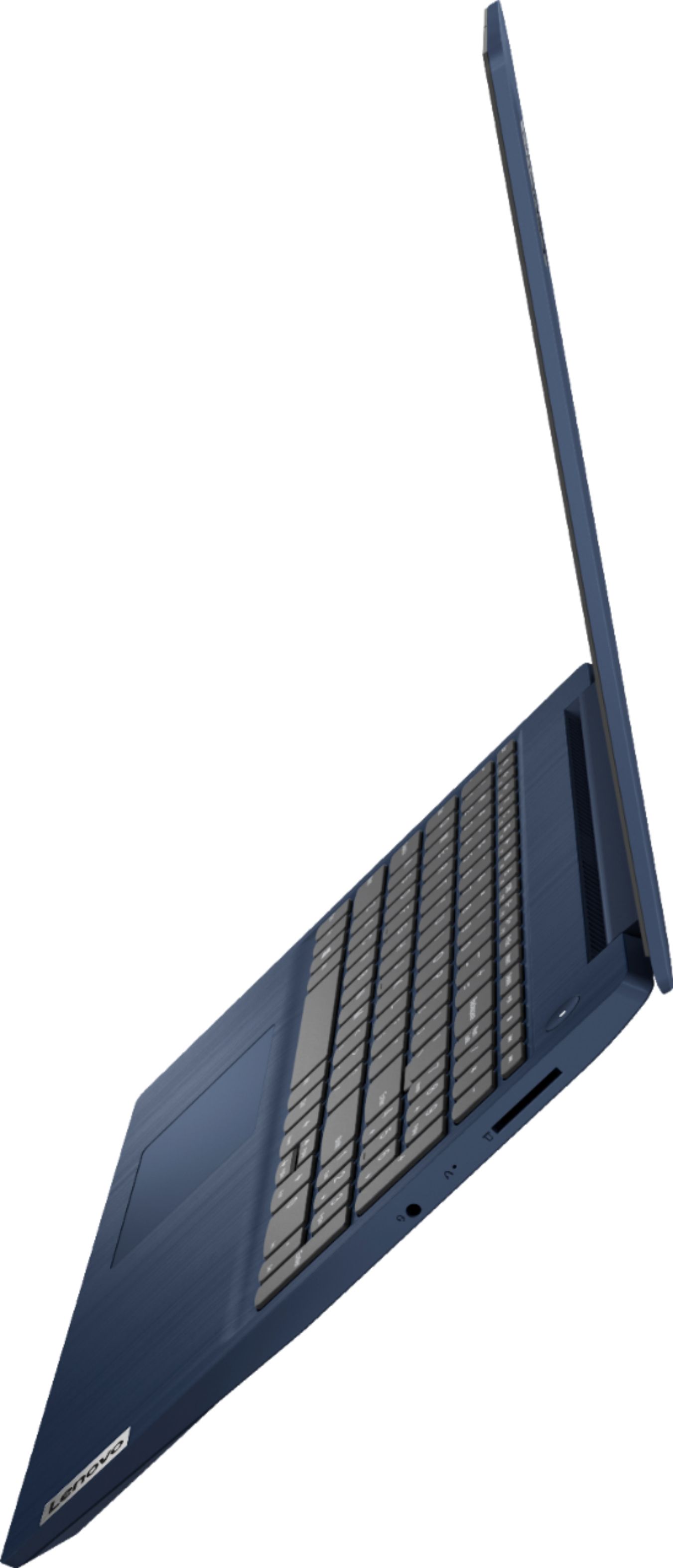
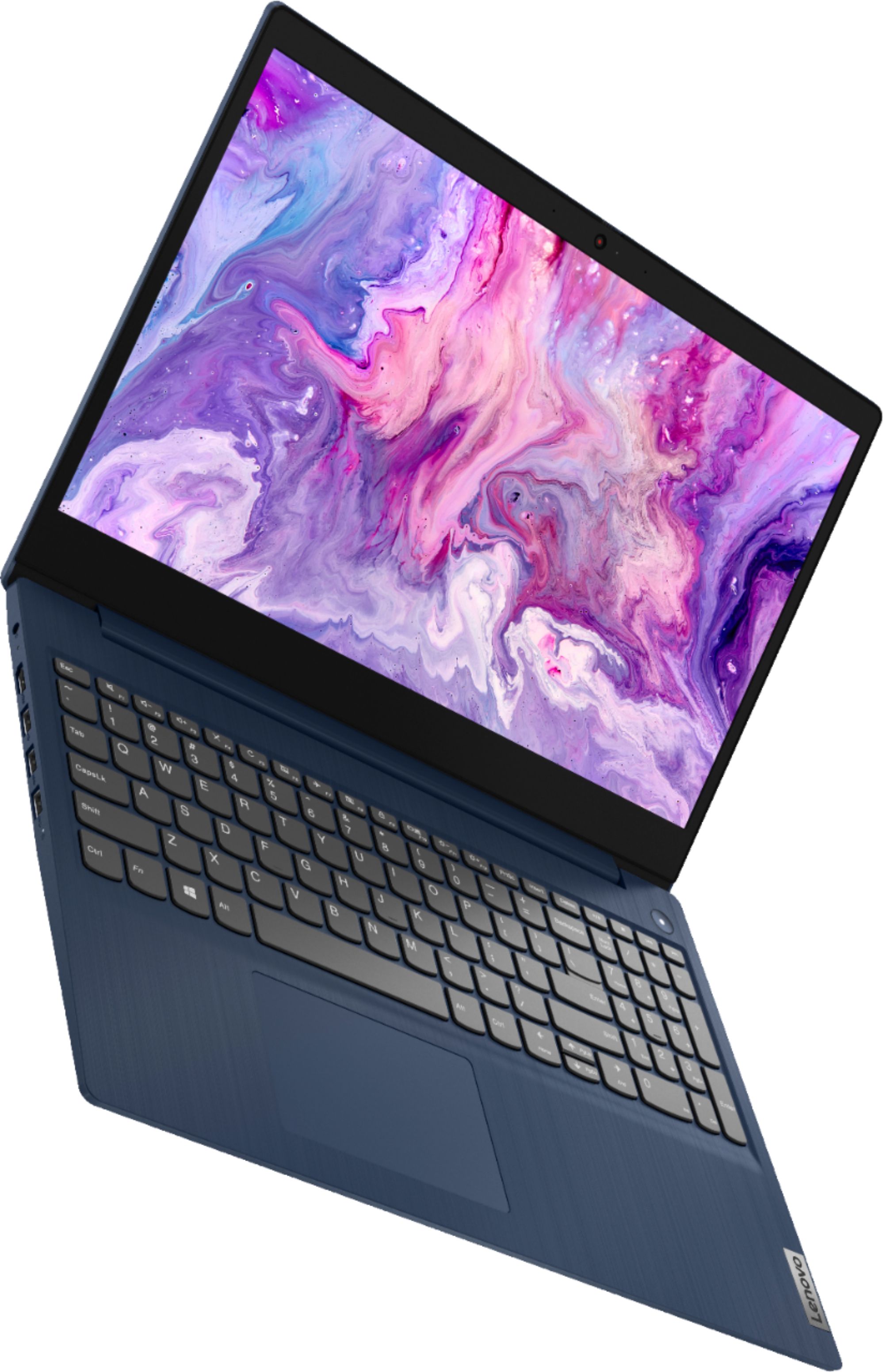
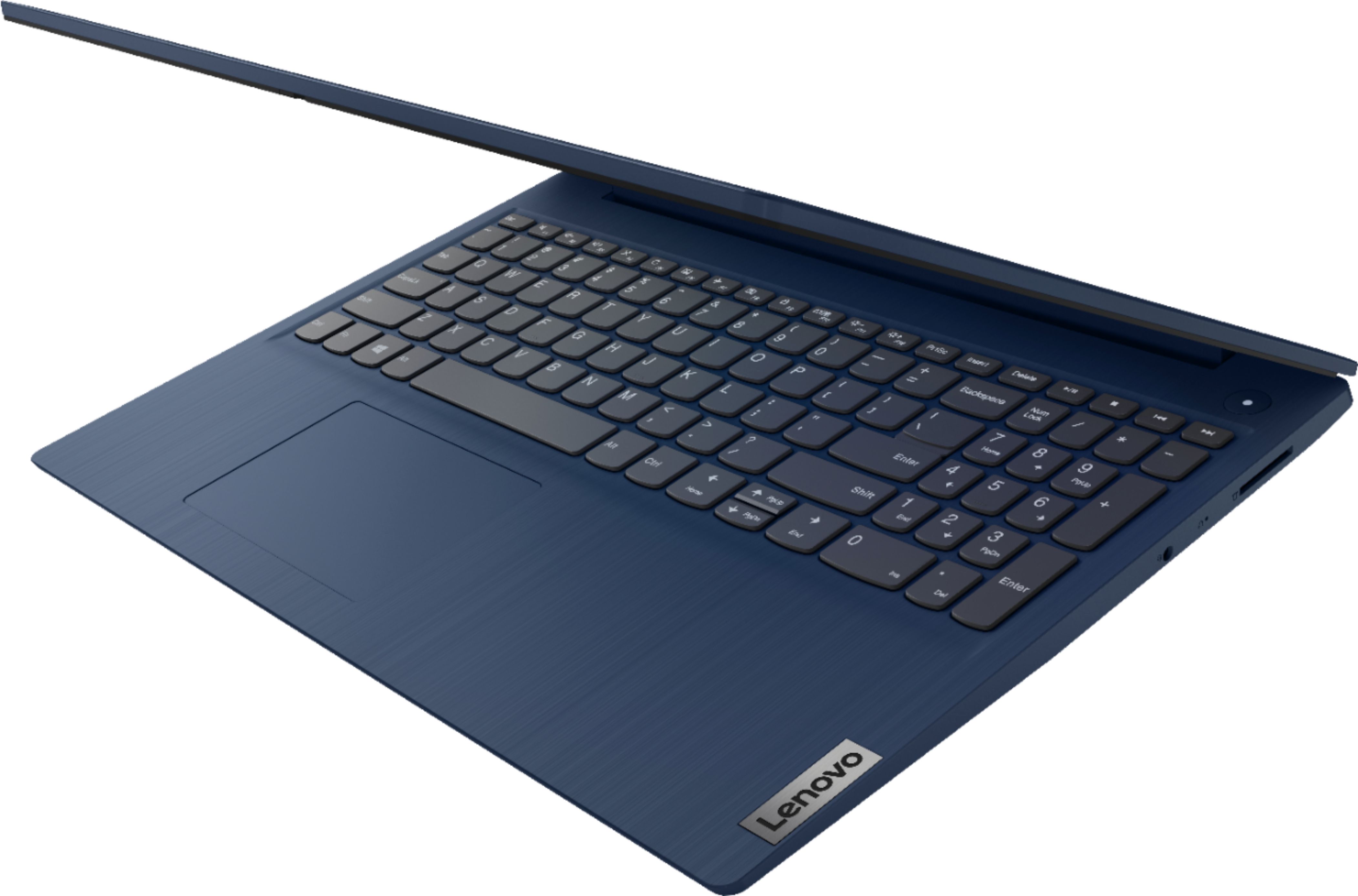
- Model:
- 81WR000FUS
- SKU:
- 6449496
Rating by feature
- Battery Life
Rating 4.4 out of 5 stars
- Speed
Rating 4.5 out of 5 stars
- Display
Rating 4.5 out of 5 stars
Customers are saying
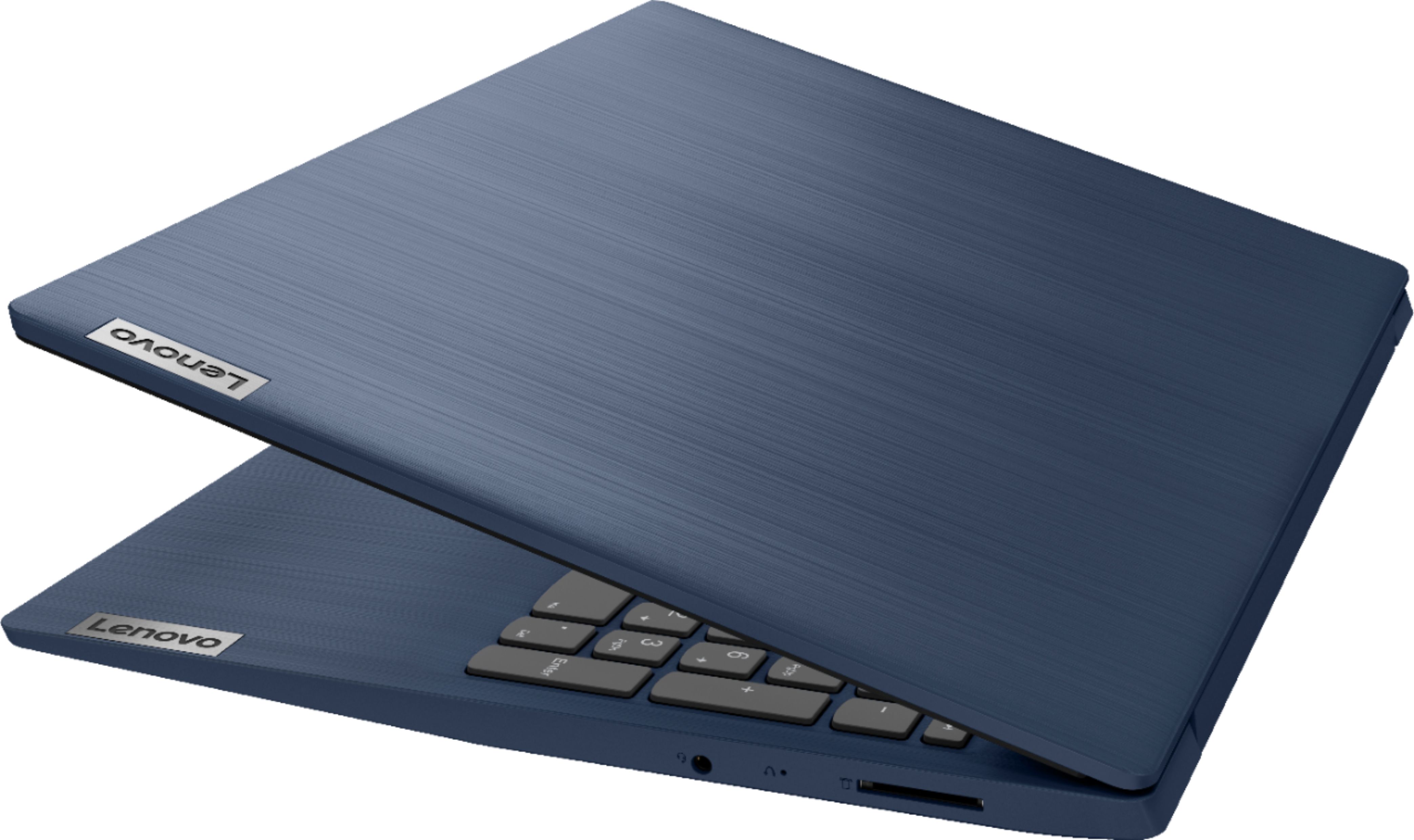
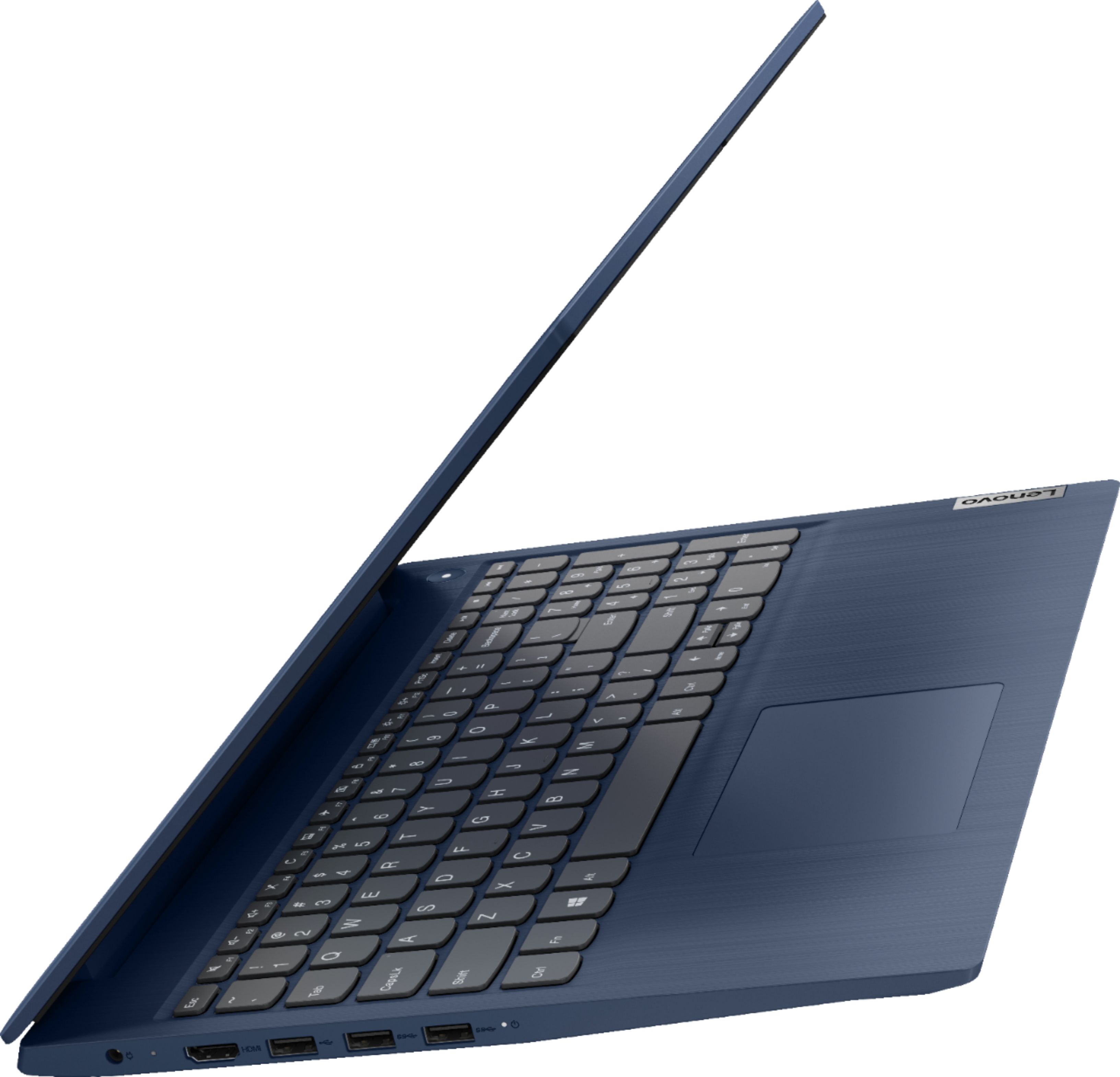
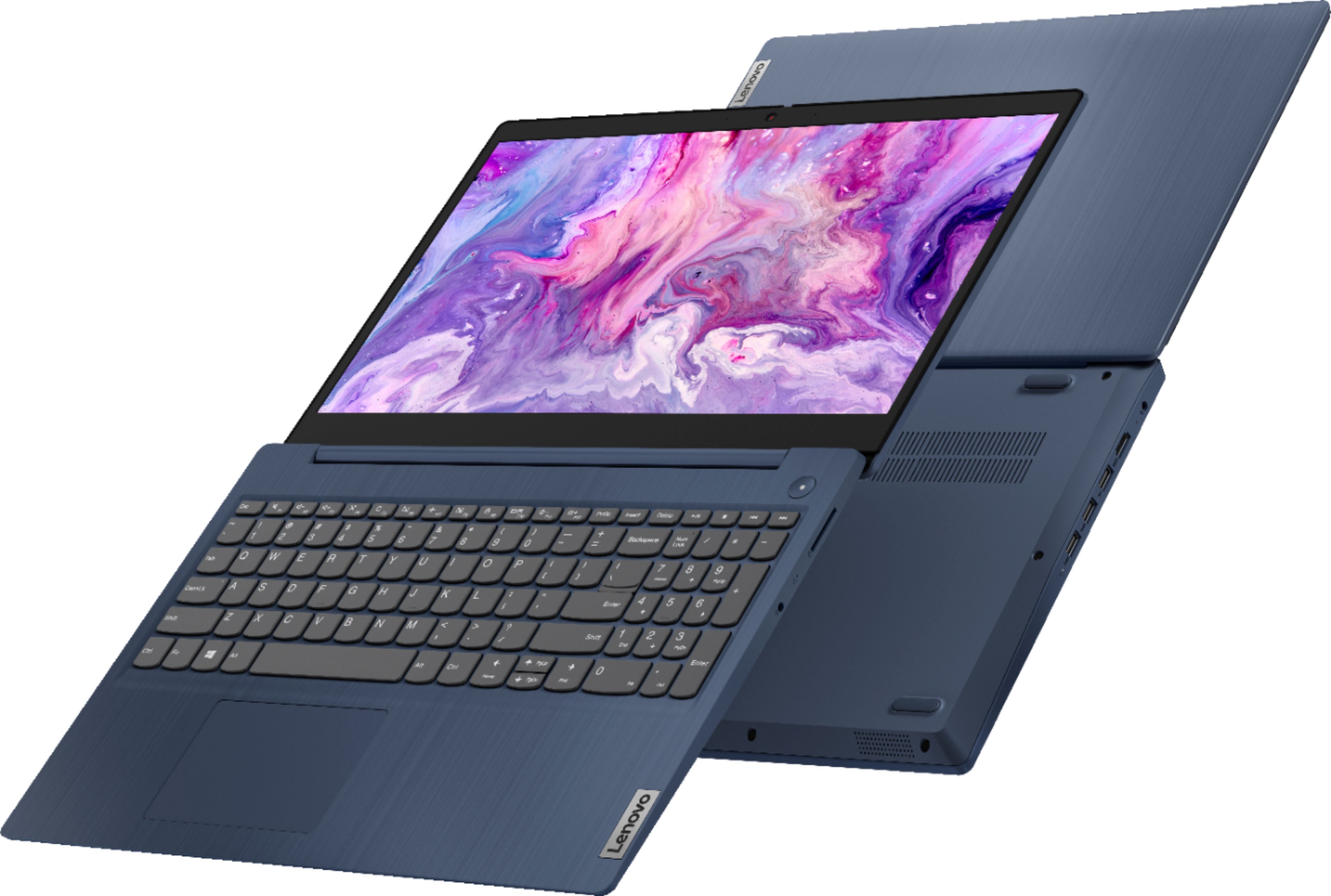
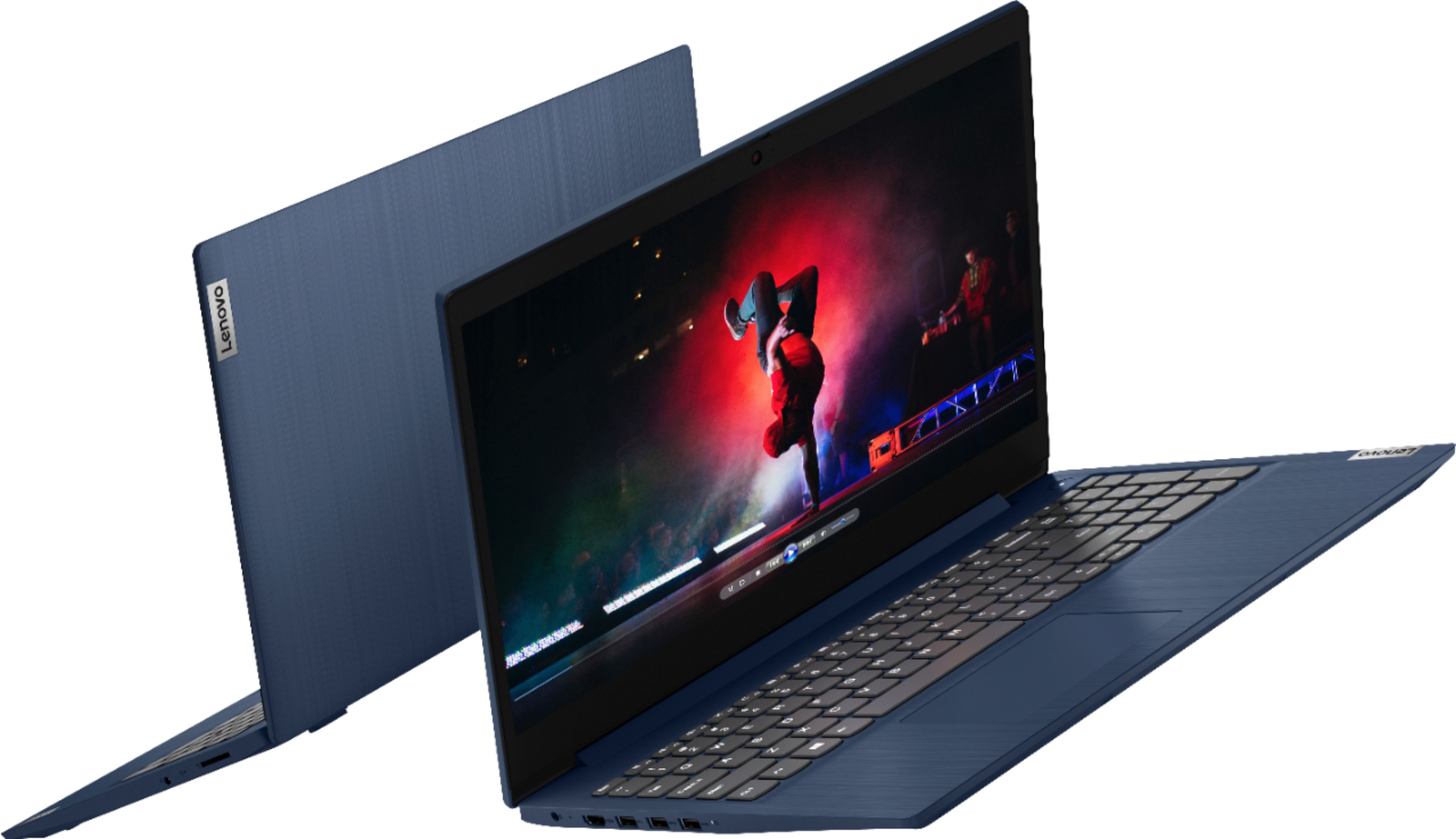
Customers praise the Ideapad 3 15 for its affordability, touch screen capabilities, and fast performance. Many users appreciate its lightweight design and vibrant color options. While some users have concerns about battery life, most find it to be a great value for the price.
This summary was generated by AI based on customer reviews.
Good inexpensive unit
||Posted . Owned for 1 month when reviewed.This reviewer received promo considerations or sweepstakes entry for writing a review.Purchased as an inexpensive replacement for a laptop I just broke. I don't have too much detail to give - the unit was meant as an emergence stop-gap replacement purchase, and seems well put-together and suits my needs well
I would recommend this to a friendBrand response from Lenovo Product Expert
Posted .Thank you for choosing the Lenovo IdeaPad 3 15 laptop. We are pleased to hear that the IdeaPad 3 15 is working out so well for you.

Biggest bang for your buck
||Posted . Owned for 3 weeks when reviewed.This reviewer received promo considerations or sweepstakes entry for writing a review.Its the biggest bang for your buck. Dont worry if it doesn't have a CD-ROM Drive. You can pick-up a GOOD one for $30 the just plugs into your USB port. If you know how to use a Thumb Drive you can copy and CD-ROM
I would recommend this to a friendBrand response from Lenovo Product Expert
Posted .Thank you for choosing the Lenovo IdeaPad 3 15 laptop. We are pleased to hear that the value and performance of the IdeaPad 3 15 meets your computing needs so well.
Lenovo - Ideapad 3 15.
||Posted . Owned for 2 months when reviewed.This reviewer received promo considerations or sweepstakes entry for writing a review.I do like lenovo products, and this laptop was good also. it is not really heavy, and it is nice feel to work on too. It take cares all my needs. and the screen is medium range of laptops. Plus it was at a good price.
I would recommend this to a friendBrand response from Lenovo Product Expert
Posted .Thank you for choosing the Lenovo IdeaPad 3 15 Laptop, model number 81WR000FUS. We are pleased to hear that the value, features and performance of the IdeaPad 3 15 meets your computing needs so well.
- Pros mentioned:Performance
Great PC but...
||Posted .This reviewer received promo considerations or sweepstakes entry for writing a review.I do like the computer and it's awesome performance. I would like if they had used a Core i5 instead of an i3 and if the screen was 1920x1080 but other than that, it's great!
I would recommend this to a friend Lovely and lightweight.
||Posted .This reviewer received promo considerations or sweepstakes entry for writing a review.I actually really like this computer, the one very irritating thing that is wrong is this. If I click to change a page I get a menu setting, not what I wanted. It happens continuously and constantly, when it happens it can be cleared and pop up again four or five times before I can finally get to where I really want to go. I was really hoping this would not happen. On my last older computer this constantly happened and I had to use a mouse. As this is a brand new computer I did not expect this and am so disappointed. I do not want to have to add a mouse. I am ready to call Best Buy for resolution.
No, I would not recommend this to a friendBrand response from Lenovo Product Expert
Posted .We are sorry to hear that you are having issues with the touchpad of your Lenovo IdeaPad 3 15 Laptop. Try checking the touchpad settings, you can make adjustments to the touchpad in your system settings. You can get there by clicking on the magnifying glass at the bottom left of your Windows 10 screen. Type "touchpad" in the search window. Select "Mouse & touchpad settings" from the list of choices. You can make general adjustments to the touchpad there. You can also select "Additional mouse options" for more detailed adjustments to the touchpad sensitivity by increasing the delay of the touchpad. If the issue continues, we recommend you contact Lenovo Tech Support for additional help at: 877-453-6686.
Great for the deal of the day sale
||Posted . Owned for 1 month when reviewed.This reviewer received promo considerations or sweepstakes entry for writing a review.I was so hesitant as reviews said the screen brightness was very dim. It is dim but it’s actually nice. Especially if your staring at a screen all day. 5th grader uses jr for online school and it’s been great!
I would recommend this to a friendBrand response from Lenovo Product Expert
Posted .Thank you for choosing the Lenovo IdeaPad 3 15 Laptop, model number 81WR000FUS. This model ships with a 15.6 inch (screen size measured diagonally) TN - HD (1366x768) 10-point Multi-touch screen, with a brightness level of 220 nits, has an Anti-glare coating. We are pleased to hear that the features and performance of the IdeaPad 3 15 meets your computing needs so well.
This Laptop Lives Up to the Lenovo Reputation
||Posted . Owned for 2 weeks when reviewed.This reviewer received promo considerations or sweepstakes entry for writing a review.Excellent laptop. I use a Lenovo at work so knew this would be a good brand. It has lived up to its' reputation. Highly recommend this laptop. Used it to host an hour long Zoom meeting and had no problems at all.
I would recommend this to a friendBrand response from Lenovo Product Expert
Posted .Thank you for choosing the Lenovo IdeaPad 3 15 Laptop, model number 81WR000FUS. We are pleased to hear that the performance of the IdeaPad 3 15 meets your computing needs so well. We appreciate your loyalty to the Lenovo Brand.
Good computer for college
||Posted . Owned for 1 week when reviewed.This reviewer received promo considerations or sweepstakes entry for writing a review.Bought this for my sister for college and so far it works great for the task. It is not a computer that can handle heavy gaming or lots of multitasking but if you need it for using office365 it will do the job just fine.
I would recommend this to a friendBrand response from Lenovo Product Expert
Posted .Hello. Thank you for choosing the Lenovo IdeaPad 3 laptop. We are pleased to hear that the value and performance of the IdeaPad 3 meets your computing needs so well!
Laptop is reasonable
||Posted . Owned for 2 weeks when reviewed.This reviewer received promo considerations or sweepstakes entry for writing a review.The laptop is very portable (since it is made of plastic). Hope that it will last. The operating system (MS 10 version) is OK but I needed to change its setting to allow me to install non-MS approved apps.
I would recommend this to a friendBrand response from Lenovo Product Expert
Posted .Thank you for choosing the Lenovo IdeaPad 3 15 Laptop, model number 81WR000FUS. This model ships with Windows 10 S-Mode 64-bit Operating System installed. Windows 10 S-Mode provides added security by only allowing APPs available ( and therefore certified by Microsoft) at the Microsoft Store. If you don't need the added security or you need to install APPs not available at the Microsoft Store, you can switch to standard Windows 10 Home 64-bit Operating System, at no additional cost. If you choose to switch out of S-Mode for Windows 10 Home: Here is a link to instructions for switching from Windows 10 S-Mode to Windows 10 Home: https://support.microsoft.com/en-us/help/4456067/windows-10-switch-out-of-s-mode
Buy it for your kid
||Posted . Owned for less than 1 week when reviewed.This reviewer received promo considerations or sweepstakes entry for writing a review.Better then my Surface pro 7, Dell Inspiron 7000. wooot. only issue no USB-C. bought for my kid, but love it. looking for higher model for myself . Display is on lower end but for kids works perfect.
I would recommend this to a friendPamelaW
||Posted .This reviewer received promo considerations or sweepstakes entry for writing a review.Very nice laptop. A bit heavy, though. And wish I could have afforded a screen that went all the way back. But overall, nice. Pleased with this purchase!
I would recommend this to a friendPerfect pick
||Posted . Owned for 1 month when reviewed.This reviewer received promo considerations or sweepstakes entry for writing a review.I was in search of a basic laptop and the the sales person was extremely patient and professional with me. I’m very happy with the laptop that I purchased because it’s doing everything that I needed to do.
I would recommend this to a friendBrand response from Lenovo Product Expert
Posted .Thank you for choosing the Lenovo IdeaPad 3 15 laptop, model number 81WR000FUS. We are pleased to hear that the value and performance of the IdeaPad 3 15 meets your computing needs so well.
Good value.
||Posted . Owned for 3 weeks when reviewed.This reviewer received promo considerations or sweepstakes entry for writing a review.Just ordered this laptop and it does the job. It was a replacement for an HP laptop. I never had a Lenovo before but I think it’s very user friendly and good quality. It was a good value for the price.
I would recommend this to a friendBrand response from Lenovo Product Expert
Posted .Thank you for choosing the Lenovo IdeaPad 3 15 Laptop. We are pleased to hear that the value, ease of use and performance of the IdeaPad 3 15 meets your computing needs so well.
Lenovo laptop
||Posted . Owned for 2 weeks when reviewed.This reviewer received promo considerations or sweepstakes entry for writing a review.Overall the Lenovo laptop is a good computer for the price but the problem is the battery life is very short. I always have to change it after 6 hrs of use.
I would recommend this to a friendBrand response from Lenovo Product Expert
Posted .The Lenovo IdeaPad 3 15 Laptop, model number 81WR000FUS, ships with a 2CELL_35WH_INTERNAL, Lithium Polymer Battery, which within this configuration, has a battery life of up to 7 hours, depending on the work the device is performing. To improve the battery life, first, set your screen brightness at less than 100-percent - try 80-percent to start with. Then, be sure Battery conservation Mode is turned off. This power management setting should only be used when the laptop is plugged in all the time. It will prolong overall battery life by only charging the battery to 60-percent of capacity. Here is a link to instructions for turning off Battery Conservation Mode: https://support.lenovo.com/us/en/solutions/ht103159. Also check what programs are running in the background on the computer. Be sure only the programs you want running in the background are. These programs will drain the battery. Here is a link to information about how to find out what programs are running in the background on your Windows 10 computer and how to manage them for better system performance: https://www.windowscentral.com/how-prevent-apps-running-background-windows-10. Then, finally, be sure any software you installed is compatible with Windows 10. Incompatible software will drain the battery at a faster rate. There is no need to install Microsoft Office software. The software is already part of the operating system, you just need to activate the software with a purchased product key. If you have installed a copy of Microsoft Office, this is conflicting with the existing copy on the system and this will slow your system down. If you have installed a 3rd party anti-virus program, be sure that Windows Defender is turned off and that the trial version of McAfee Anti-Virus software is uninstalled. There can only be one anti-virus program on the system. You may need to restore your system to original factory default settings if any of the programming errors have occurred. You can do that by typing "restore" in the Cortana search window. Just click on the magnifying glass icon at the bottom left of your Windows 10 Desktop. Click on "Reset This PC" Then click on "Get Started" and follow the on screen directions to restore to factory defaults.
Great entry level laptop for work
||Posted . Owned for 3 weeks when reviewed.This reviewer received promo considerations or sweepstakes entry for writing a review.It is a solid build and has enough RAMM to run windows 10 or 11 without problems. I would say the only thing is that it has all USB ports on 1 side of the laptop but even that is not big deal.
I would recommend this to a friendBrand response from Lenovo Product Expert
Posted .Thank you for choosing the Lenovo IdeaPad 3 15 laptop. We are pleased to hear that the IdeaPad 3 15 meets your computing needs so well.
Good laptop, poor quality speakers
||Posted . Owned for 3 months when reviewed.This reviewer received promo considerations or sweepstakes entry for writing a review.Purchased as a replacement for an old laptop that finally gave up but needed to use for Zoom meetings. The speakers in this are terrible so that was a deal breaker. Had to return for a different laptop.
I would recommend this to a friendBrand response from Lenovo Product Expert
Posted .The Lenovo IdeaPad 3 15 Laptop, model number 81WR000FUS, ships with a High Definition (HD) Audio Chips for quality audio reproduction through Stereo system speakers, 1.5W x2, Dolby Audio sound enhancement software. For the best system audio locally, be sure you have Dolby Audio turned on and adjusted to your personal preferences. When using with a video conferencing APP be sure to adjust your audio setting within the APP itself as well as on the computer for the best audio experience through the video conferencing APP. If the issue continues, we recommend you contact Lenovo Tech Support for additional help at: 877-453-6686.
Happy Customer
||Posted . Owned for 1 month when reviewed.This reviewer received promo considerations or sweepstakes entry for writing a review.The onli.ne purchase process was very easy. My computer arrived exactly when promised. The instructions for loading accompanying software was very easy to follow. My overall experience was excellent
I would recommend this to a friendBrand response from Lenovo Product Expert
Posted .Thank you for choosing the Lenovo IdeaPad 3 15 Laptop, model number 81WR000FUS. We are pleased to hear that the easy setup and performance of the IdeaPad 3 15 meets your computing needs so well.
Happy Girl
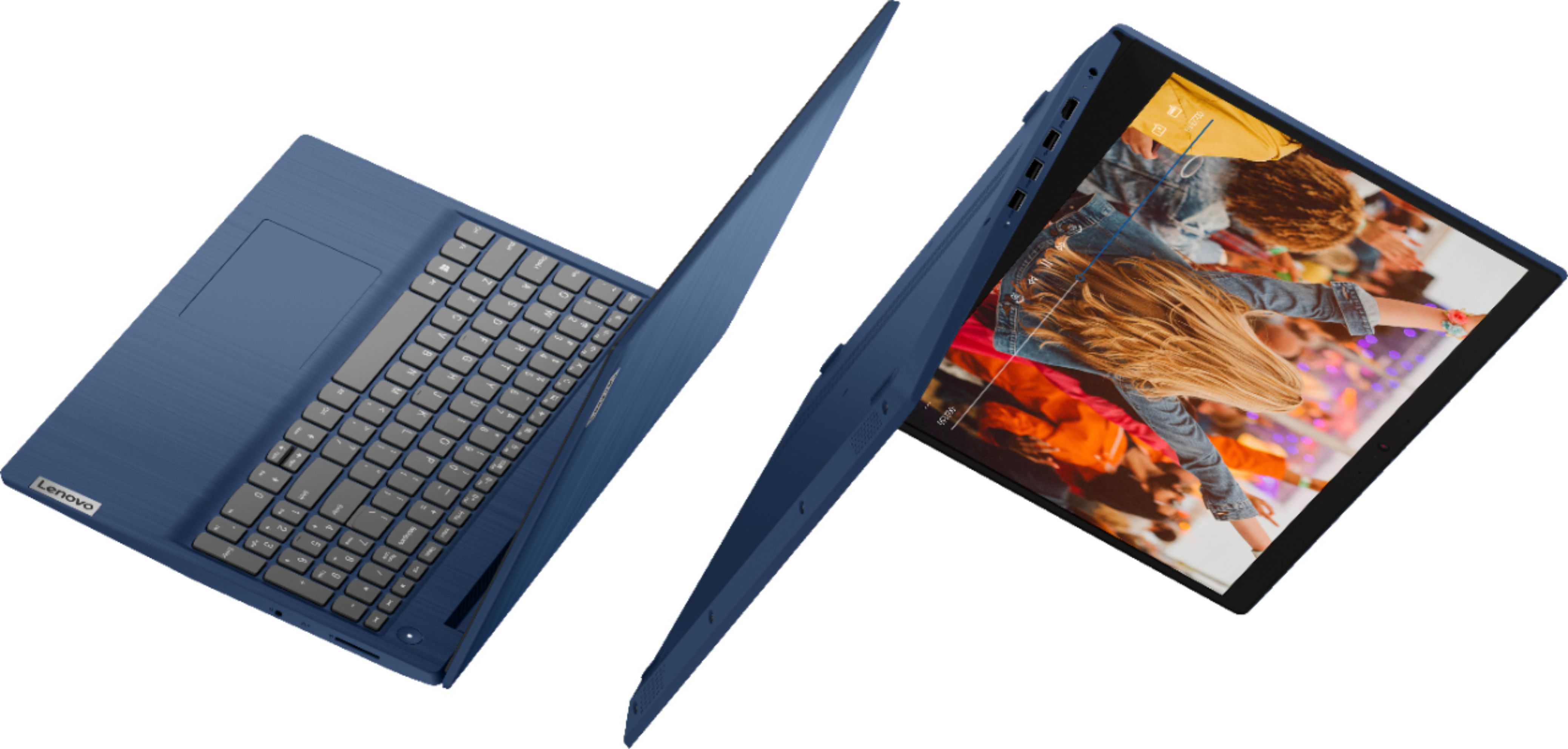
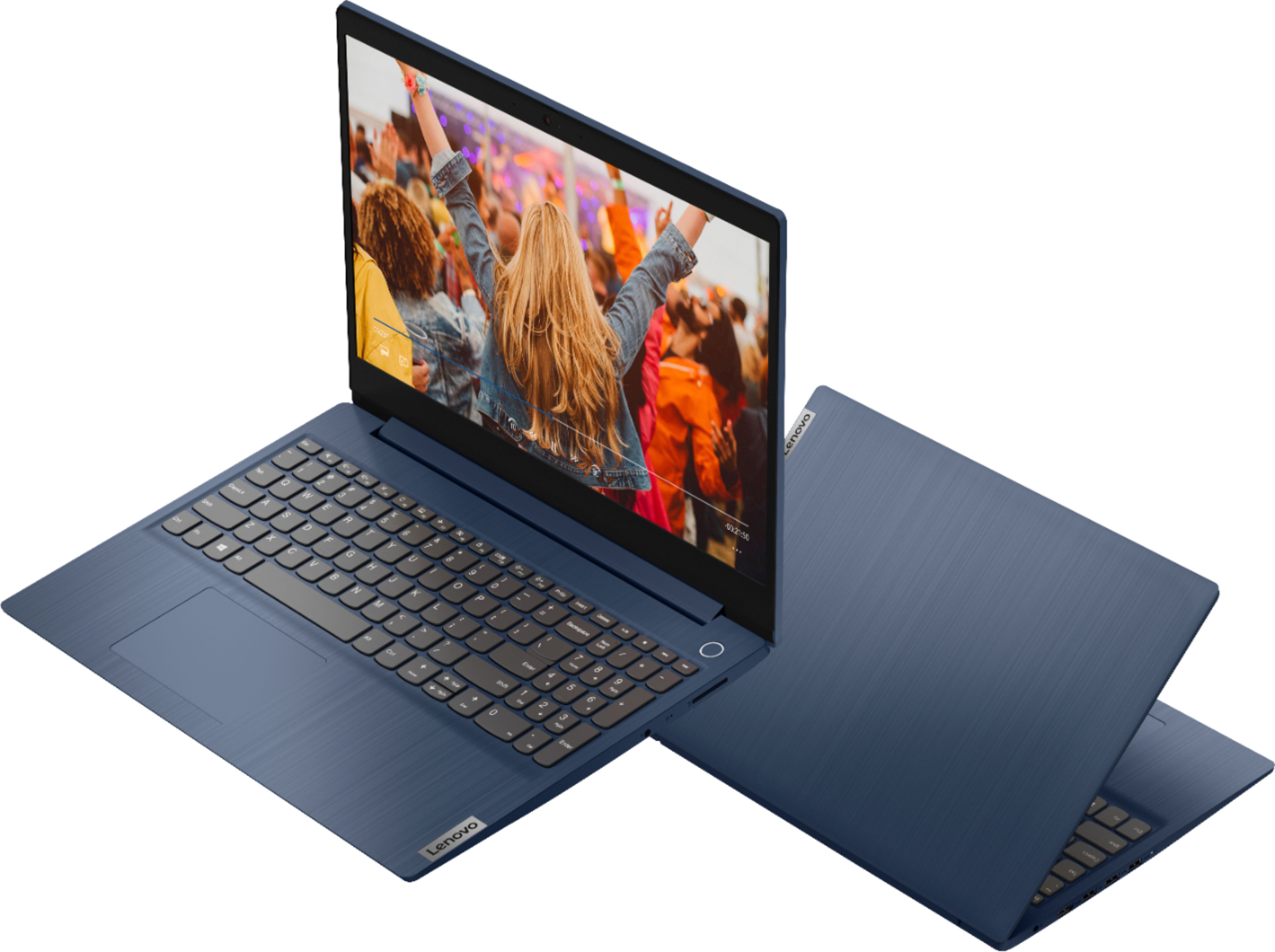
||Posted . Owned for 1 month when reviewed.This reviewer received promo considerations or sweepstakes entry for writing a review.I don't use it for anything special, but thus far, everything I've used it for, it's absolutely WONDERFUL!!! And I love this Blue coloring.....very modern and sleek!!! Would highly recommend
I would recommend this to a friendBrand response from Lenovo Product Expert
Posted .Thank you for choosing the Lenovo IdeaPad 3 15 Laptop. We are pleased to hear that the performance and the features of the IdeaPad 3 15 meets your computing needs so well.
Great!
||Posted . Owned for 10 months when reviewed.This reviewer received promo considerations or sweepstakes entry for writing a review.Bought this for our son to do homework but was also used for gaming. He never had a problem with gaming on it so it worked out as a win-win for us! Never had any issues with it.
I would recommend this to a friendIt is a good product
||Posted . Owned for 1 month when reviewed.This reviewer received promo considerations or sweepstakes entry for writing a review.It is a good computer. I don't require much, so there's that. It's a little bit slower than my last one which was a HP Pavilion. It seems quite durable. Overall, I am very happy with my purchase.
I would recommend this to a friend