Customer Ratings & Reviews
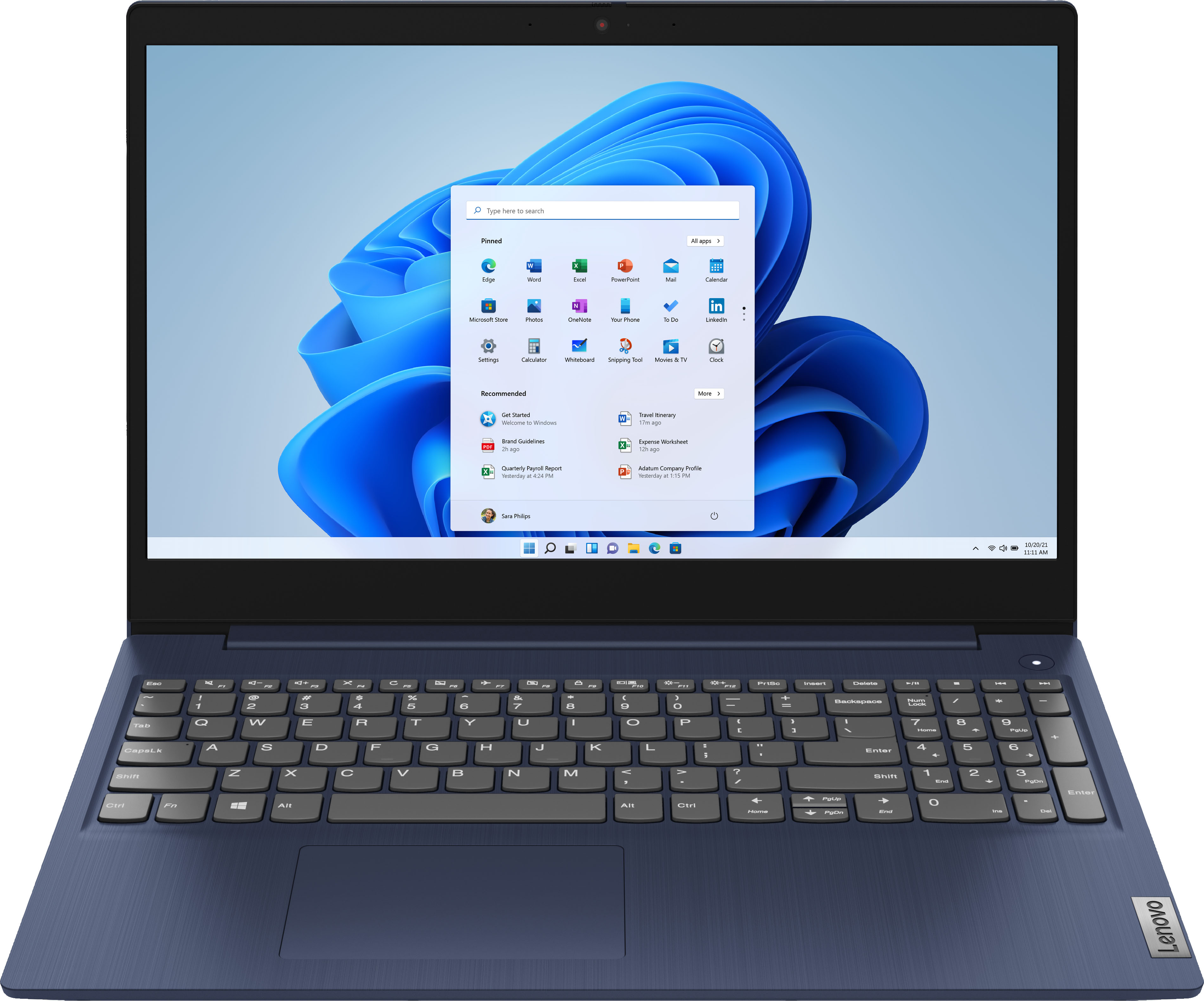
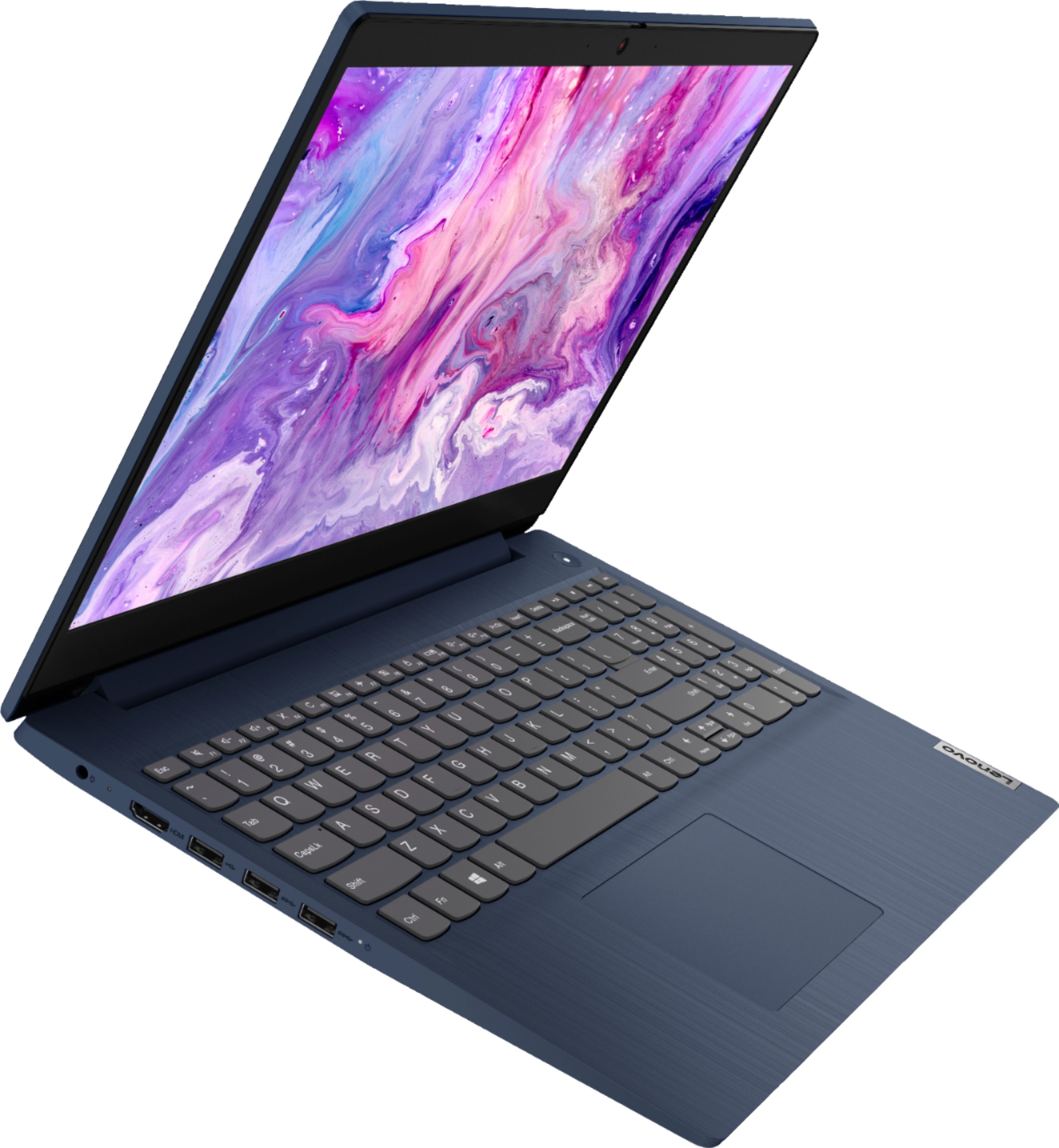
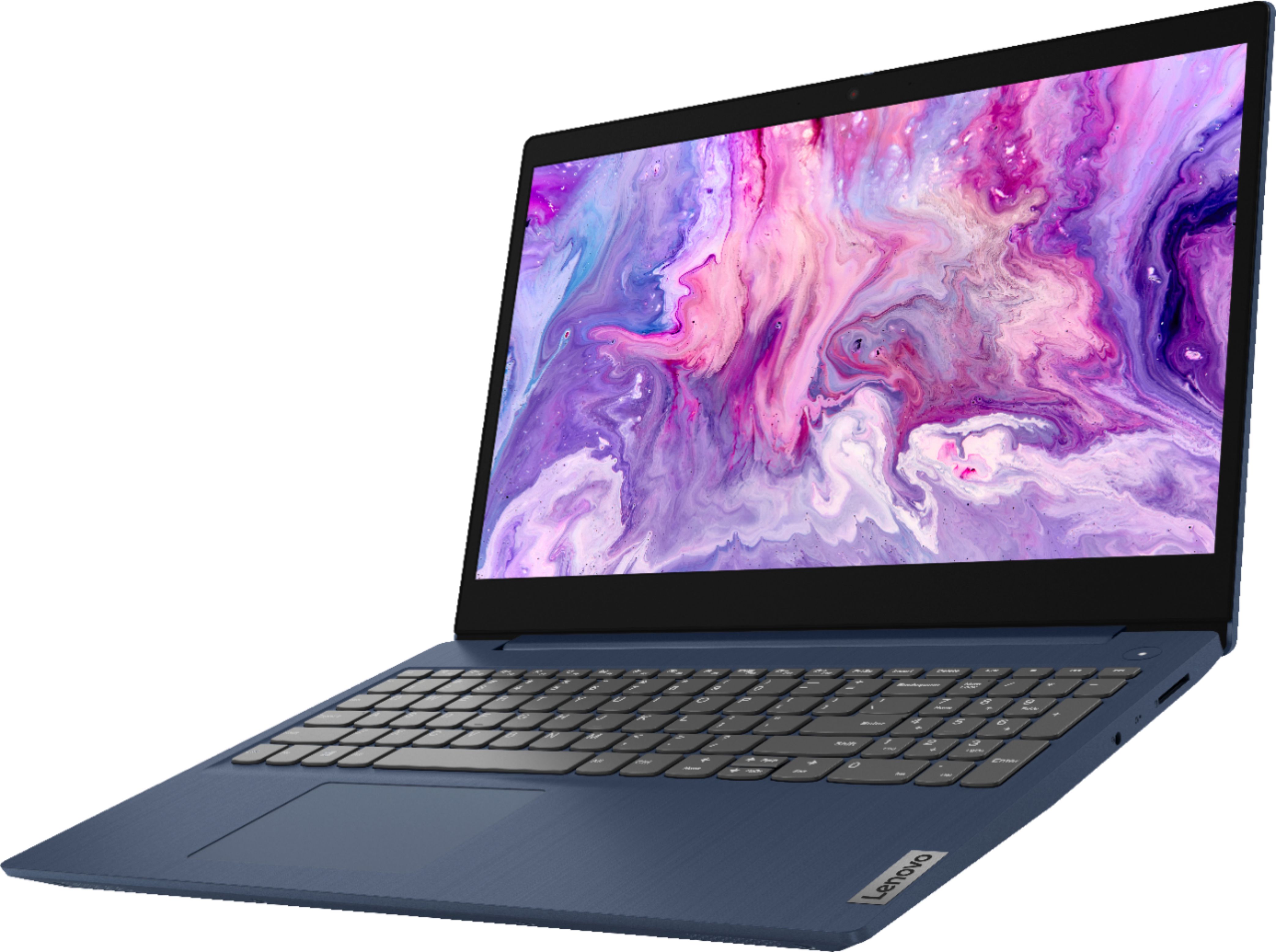
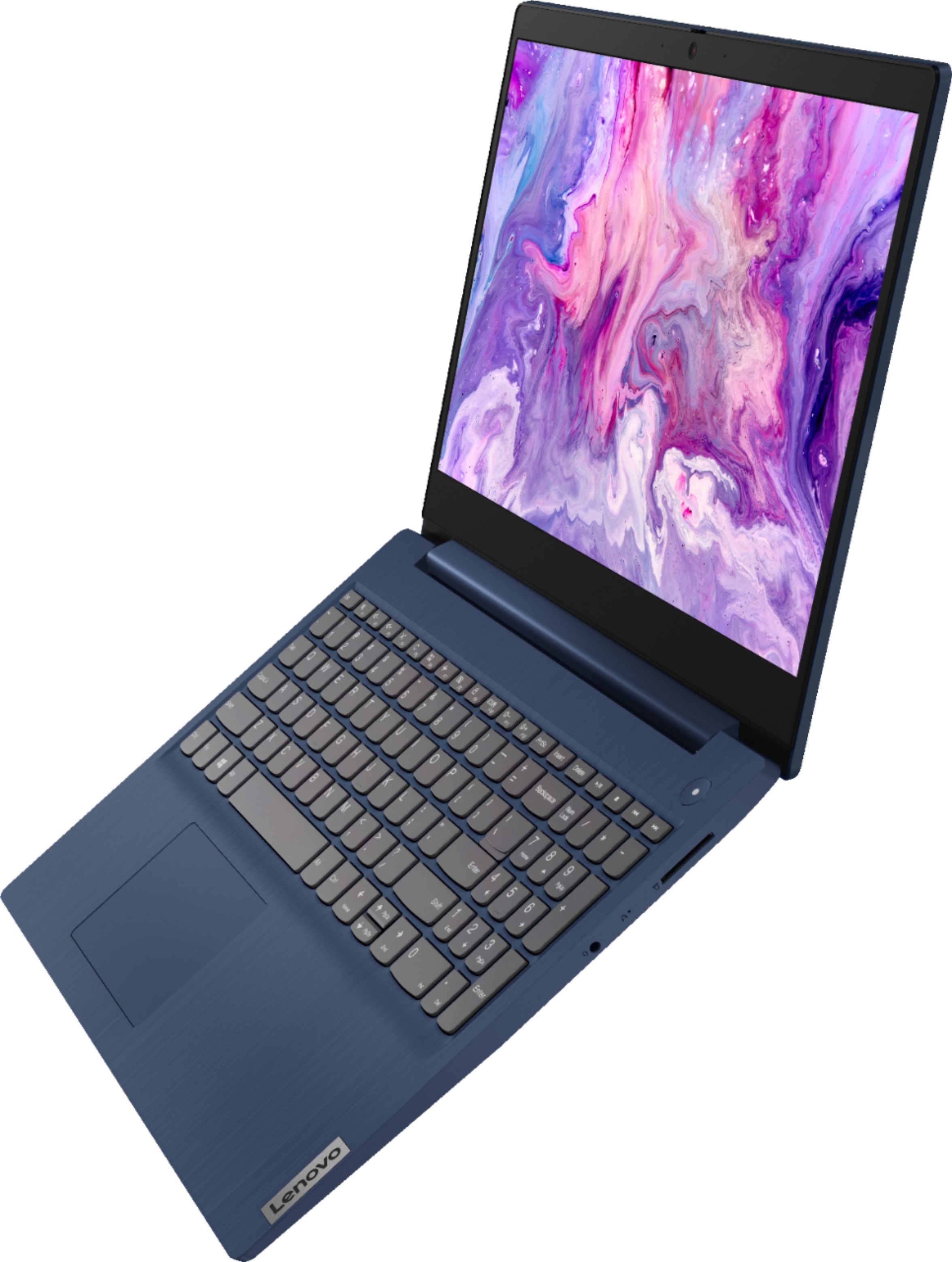
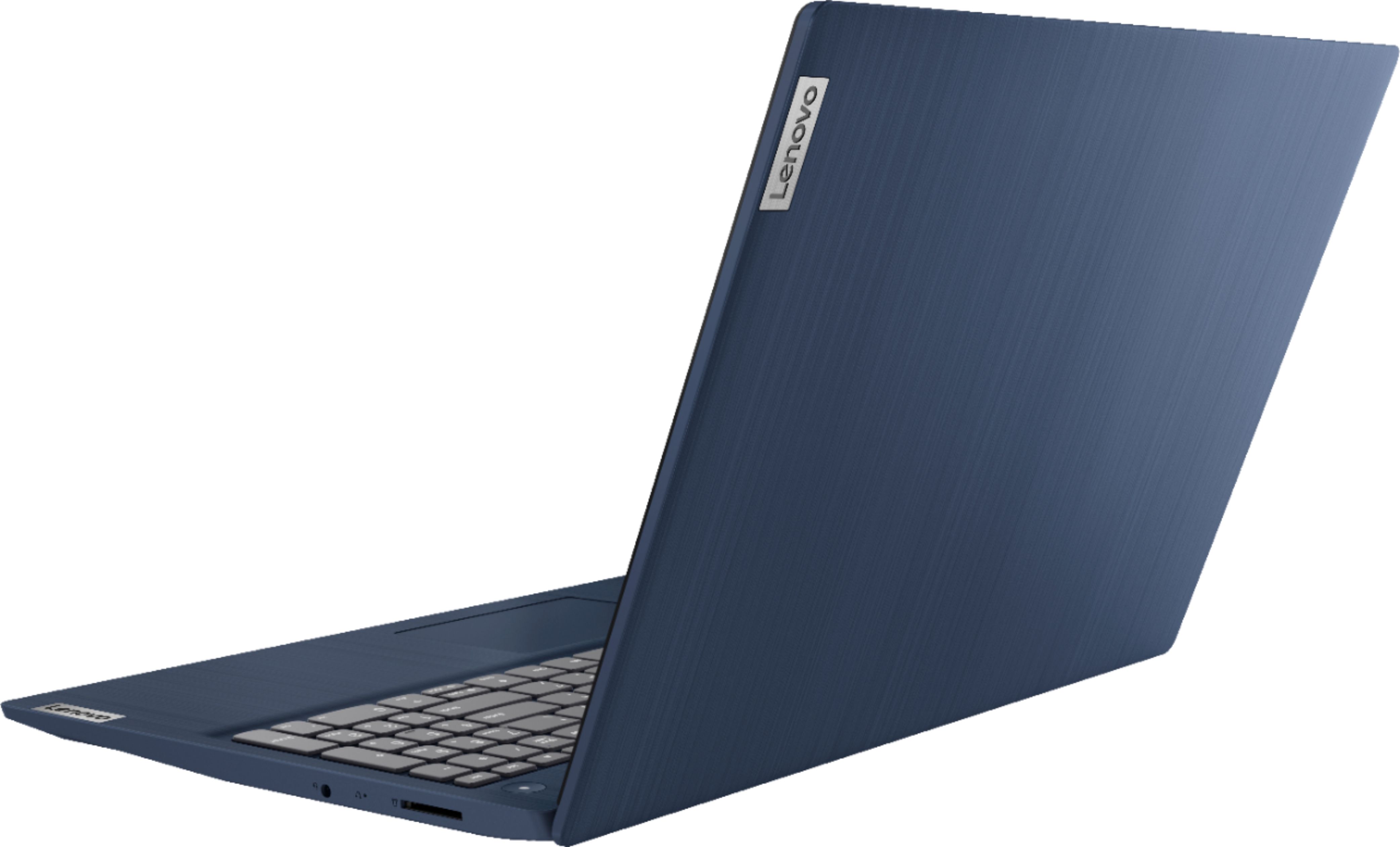
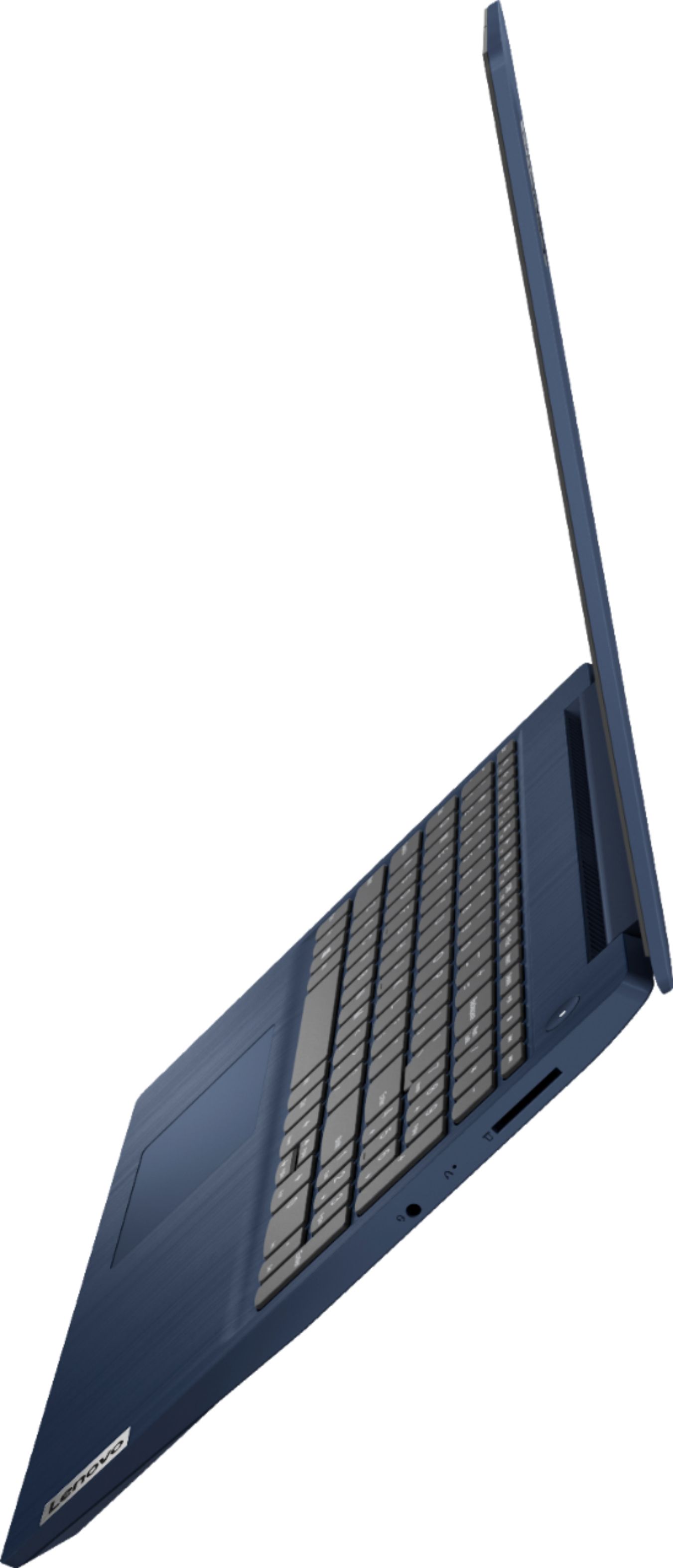
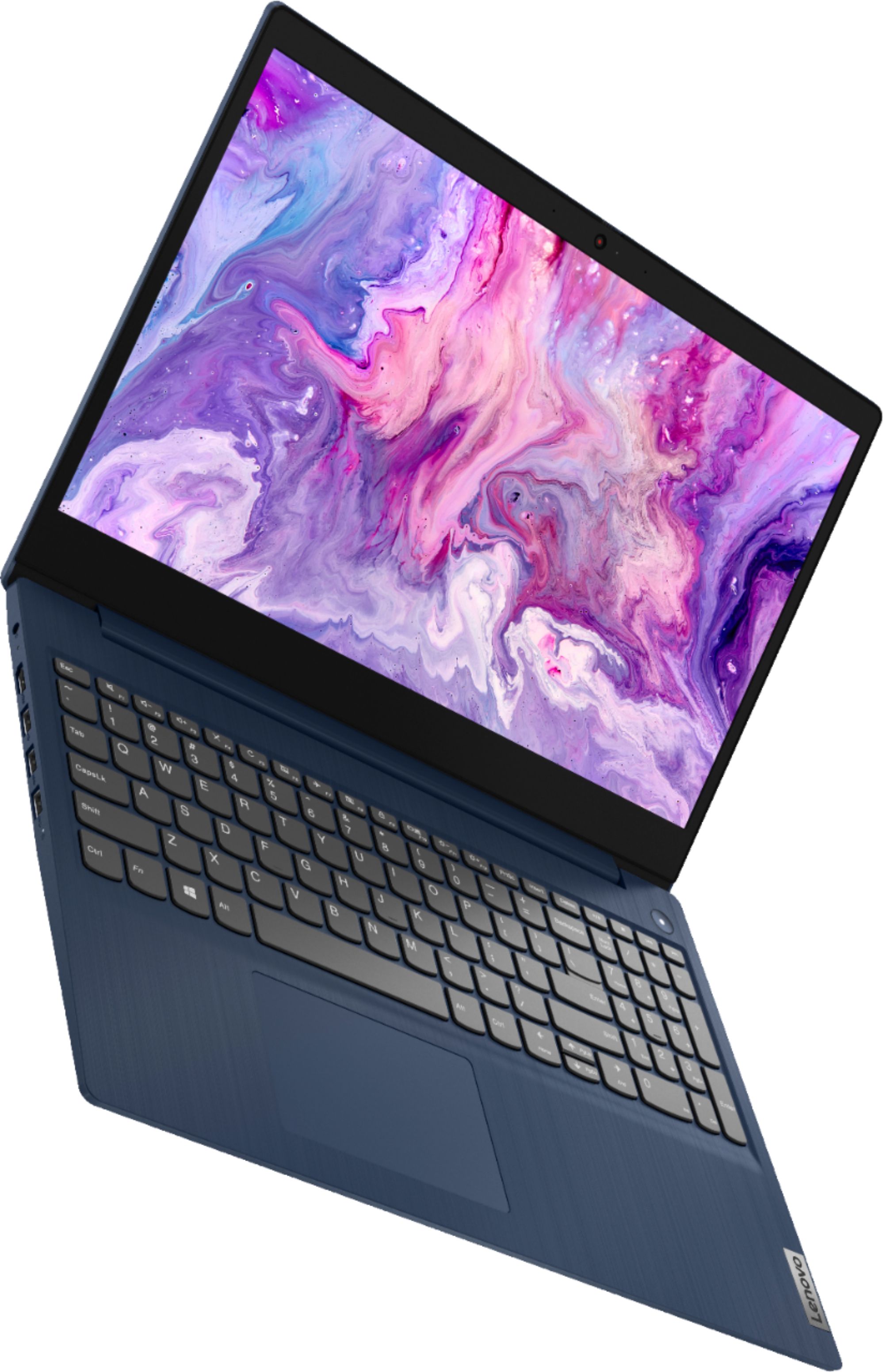
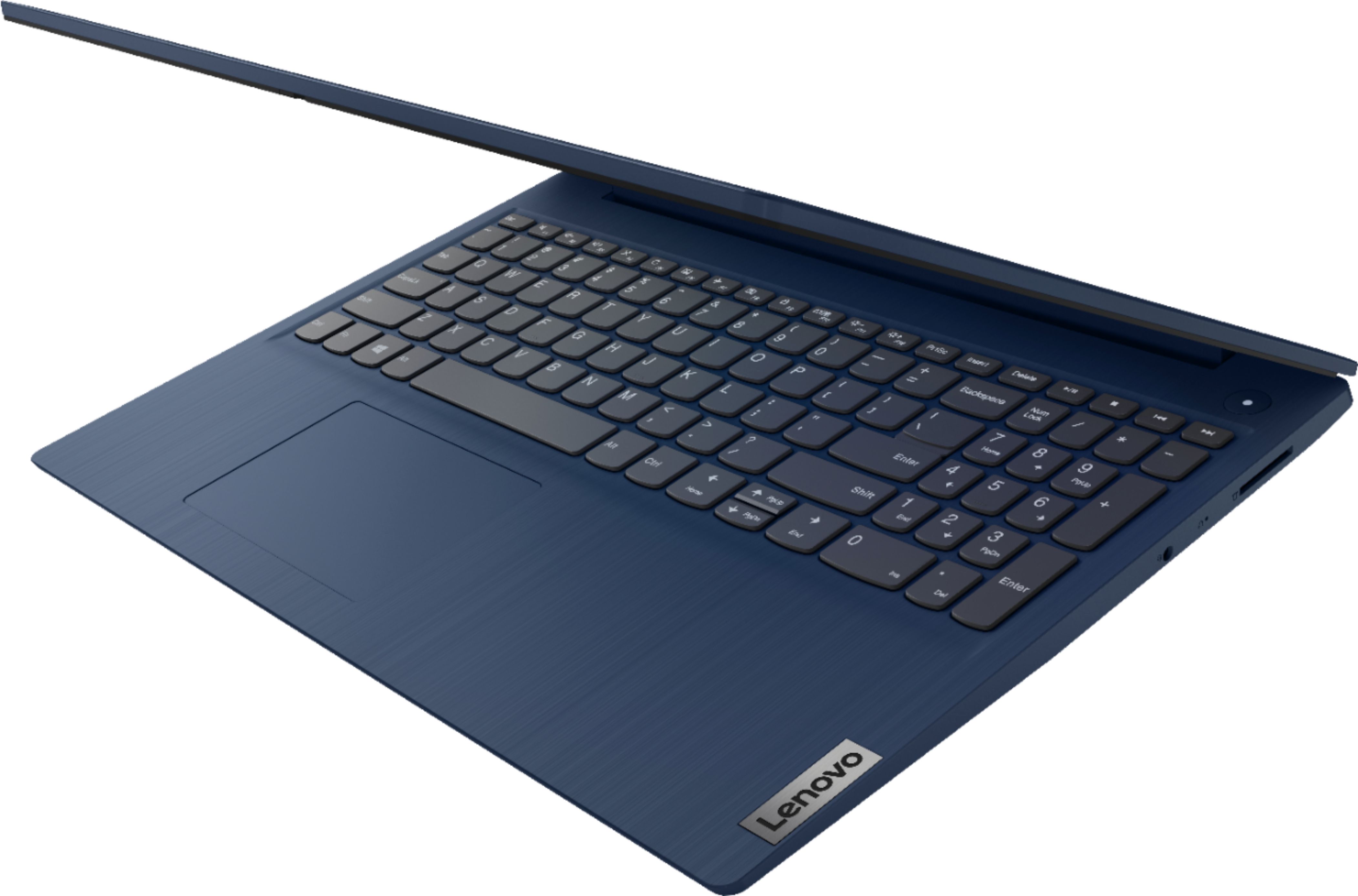
- Model:
- 81WR000FUS
- SKU:
- 6449496
Rating by feature
- Battery Life
Rating 4.4 out of 5 stars
- Speed
Rating 4.5 out of 5 stars
- Display
Rating 4.5 out of 5 stars
Customers are saying
Customers praise the Ideapad 3 15 for its affordability, touch screen capabilities, and fast performance. Many users appreciate its lightweight design and vibrant color options. While some users have concerns about battery life, most find it to be a great value for the price.
This summary was generated by AI based on customer reviews.
GET IT NOW
||Posted . Owned for 1 month when reviewed.This reviewer received promo considerations or sweepstakes entry for writing a review.I PURCHASED THIS TOUCH SCREEN LAPTOP FOR MY TEEN DAUGHTER. SHE LOVED IT VERY MUCH AND THE SPEED IS FASTER THAN THE OTHER LAPTOP SHE HAD. GREAT RECOMMEND FOR THIS DEVICE. IT IS WORTH YOUR MONEY.
I would recommend this to a friendBrand response from Lenovo Product Expert
Posted .Thank you for choosing the Lenovo IdeaPad 3 15 laptop for your daughter. We are pleased to hear that the IdeaPad 3 15 meets your daughter's computing needs so well.

new laptop
||Posted . Owned for 1 month when reviewed.This reviewer received promo considerations or sweepstakes entry for writing a review.Excellent laptop for the price. The only drawback I found to be the screen which is not getting high marks from me. Otherwise my my purposes this was a nice purchase. Dealing with Best Buy was great.
I would recommend this to a friendBrand response from Lenovo Product Expert
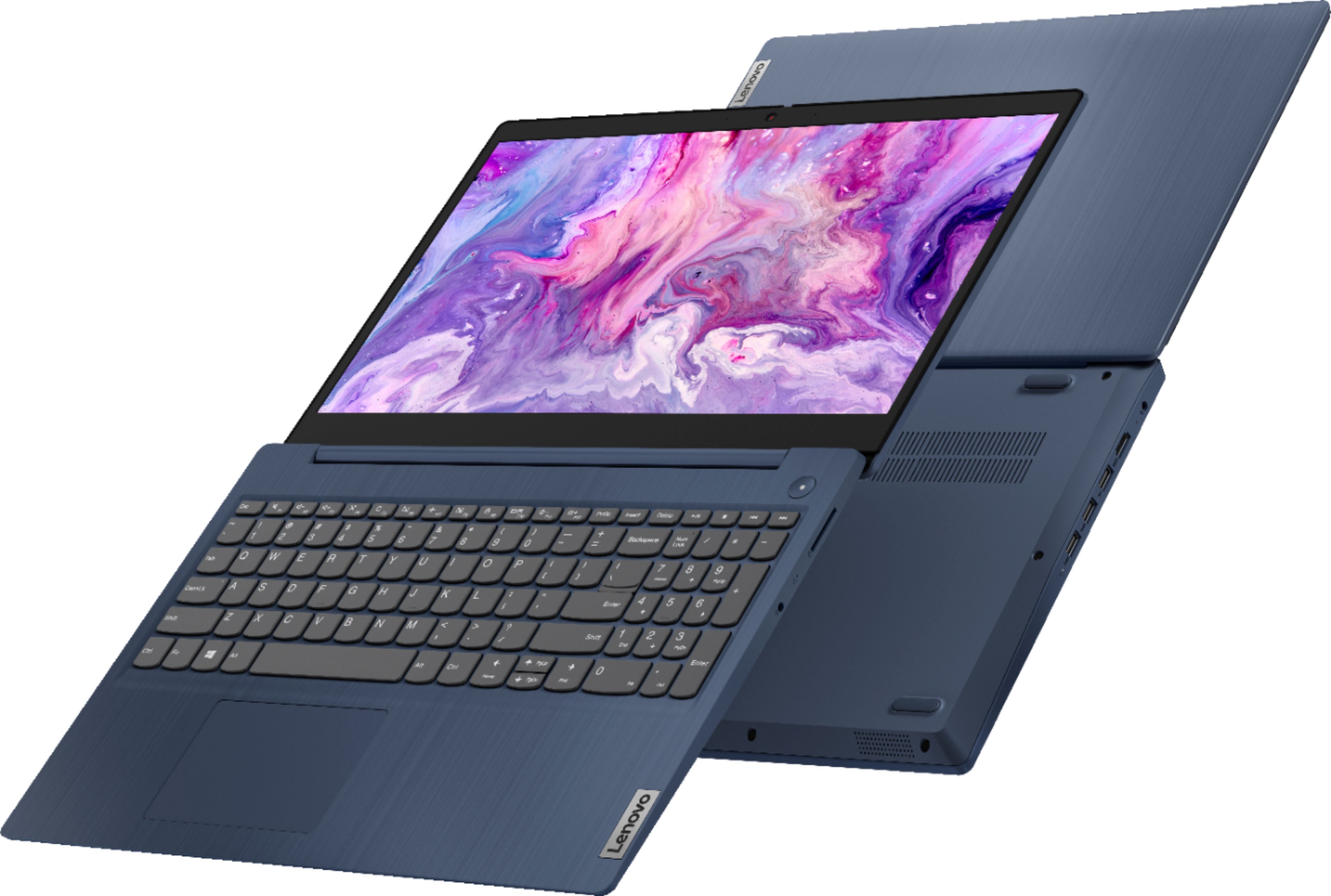
Posted .Thank you for choosing the Lenovo IdeaPad 3 15 Laptop, model number 81WR000FUS. This model ships with a 15.6 inch (screen size measured diagonally) TN - HD (1366x768) 10-point Multi-touch screen, with a brightness level of 220 nits and has an Anti-glare coating. We are pleased to hear that the value and performance of the IdeaPad 3 15 meets your computing needs so well.
Best Bang For Your Buck!
||Posted . Owned for 1 month when reviewed.This reviewer received promo considerations or sweepstakes entry for writing a review.One of my favorite computers for the cost, all around great general use computer! You would have a very hard time finding a similar model with this hardware for this price! Highly recommended
I would recommend this to a friendBrand response from Lenovo Product Expert
Posted .Thank you for choosing the Lenovo IdeaPad 3 15 laptop, model number 81WR000FUS. We are pleased to hear that the value and performance of the IdeaPad 3 15 meets your computing needs so well.
Gets the Job Done!
||Posted . Owned for 3 weeks when reviewed.This reviewer received promo considerations or sweepstakes entry for writing a review.This is a really good laptop. I like he all the functionalities that it has, plus the color is absolutely dope. If you’re looking for a good laptop that reasonably priced, this is the one.
I would recommend this to a friendBrand response from Lenovo Product Expert
Posted .Thank you for choosing the Lenovo IdeaPad 3 15 Laptop. We are pleased to hear that the IdeaPad 3 15 is working out so well for you.
House owner
||Posted .This reviewer received promo considerations or sweepstakes entry for writing a review.It’s a very good laptop. My kids like it very much. I would definitely recommend this item to my friends. It’s really a good item. People who are planning to buy a laptop should try this item.
I would recommend this to a friendhappy
||Posted . Owned for 1 month when reviewed.This reviewer received promo considerations or sweepstakes entry for writing a review.i have no complaints about this pc its donning what i need it to do i am confused about the memory it said 8gb for ram and not sure on memory for like picture it seems to have a lot more
I would recommend this to a friendBrand response from Lenovo Product Expert
Posted .Thank you for choosing the Lenovo IdeaPad 3 15 Laptop. This model has a 256GB solid state hard drive for storage space and 8GB of RAM memory for processing files and programs on the computer while you are working on it. We are pleased to hear that the IdeaPad 3 15 meets your computing needs so well.
Great laptop for a great price
||Posted . Owned for 1 month when reviewed.This reviewer received promo considerations or sweepstakes entry for writing a review.Got this laptop as an upgrade to my older one, and I’m happy with how this one works. Connects quickly to the internet, has a smooth feel to it, and the keys feel good as you type.
I would recommend this to a friendBrand response from Lenovo Product Expert
Posted .Thank you for choosing the Lenovo IdeaPad 3 15 laptop. We are pleased to hear that the features and performance of the IdeaPad 3 15 meets your computing needs so well.
Great Computer
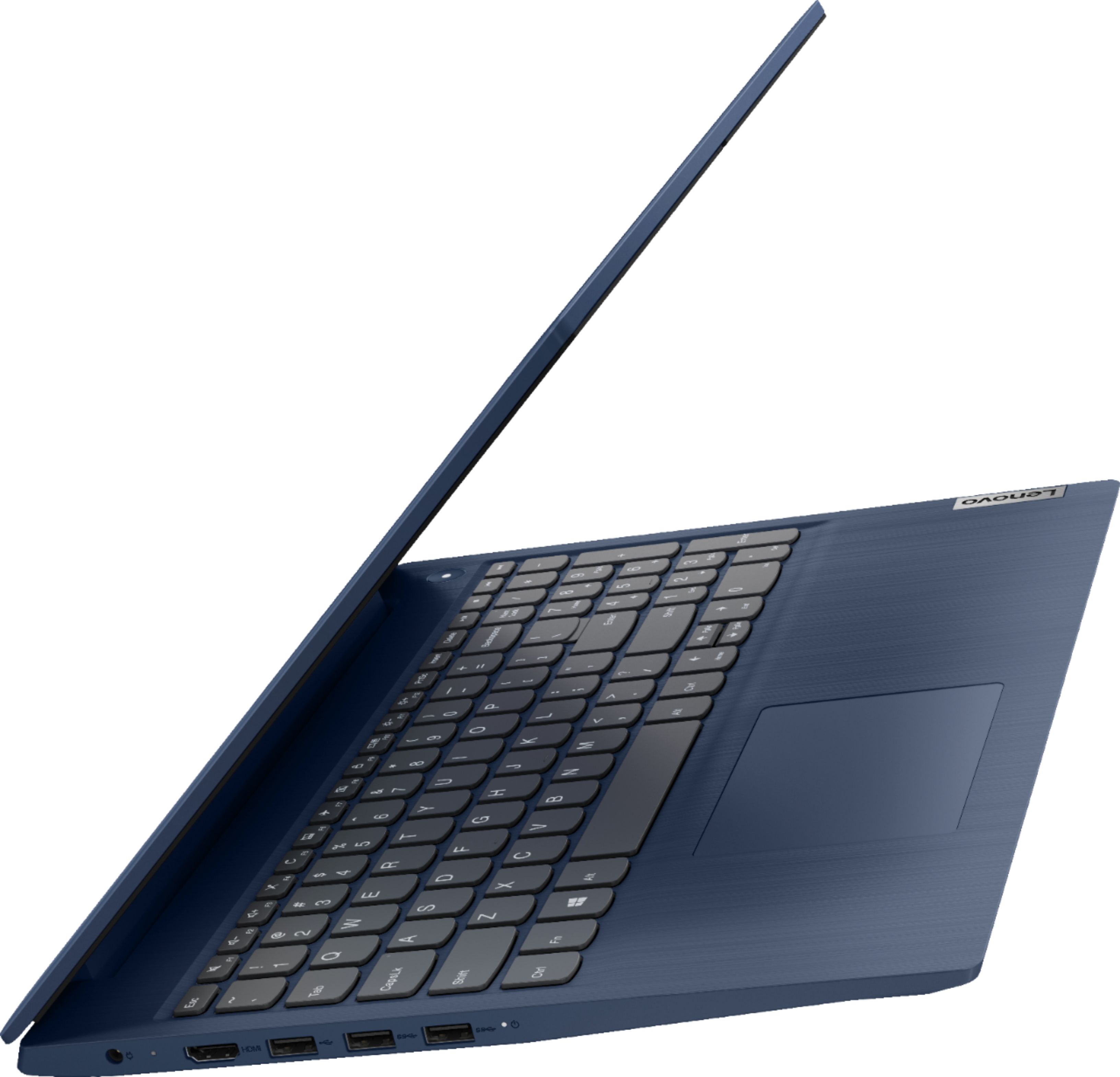
||Posted . Owned for 3 weeks when reviewed.This reviewer received promo considerations or sweepstakes entry for writing a review.The only bad side to this in my opinion, I had to buy an Ethernet adapter because it doesn’t come with one. Overall, great product. Really gets the job done for my YouTube videos & editing.
I would recommend this to a friendI don't know what you mean by "title."
||Posted . Owned for 1 month when reviewed.This reviewer received promo considerations or sweepstakes entry for writing a review.This laptop works great except that now I get Microsoft Bing as my browser instead of Google Chrome, which I prefer. Can't seem to get Google back. Otherwise I have no complaints.
I would recommend this to a friendBrand response from Lenovo Product Expert
Posted .Thank you \for choosing the Lenovo IdeaPad 3 15 laptop. You can change your default internet browser to your personal preference. Here is a link to instructions for doing this within Windows 10: https://support.microsoft.com/en-us/windows/change-your-default-browser-in-windows-10-020c58c6-7d77-797a-b74e-8f07946c5db6
- Pros mentioned:Ease of use
Lenovo Ideapad
||Posted . Owned for 5 months when reviewed.This reviewer received promo considerations or sweepstakes entry for writing a review.Great laptop for browsing the internet and using Office 365 programs. The battery life isn't very good if you want to use it for zoom.
I would recommend this to a friendBrand response from Lenovo Product Expert
Posted .Thank you for choosing the Lenovo IdeaPad 3 laptop. We are very pleased to hear that the specifications and features of the Lenovo IdeaPad 3 laptop meet your computing needs so well. If you are getting substantially less battery life, first, set your screen brightness at less than 100-percent - try 80-percent to start with. Then, be sure Battery conservation Mode is turned off. This power management setting should only be used when the laptop is plugged in all the time. It will prolong overall battery life by only charging the battery to 60-percent of capacity. Here is a link to instructions for turning off Battery Conservation Mode: https://support.lenovo.com/us/en/solutions/ht103159. Also check what programs are running in the background on the computer. Be sure only the programs you want running in the background are. These programs will drain the battery. Here is a link to information about how to find out what programs are running in the background on your Windows computer and how to manage them for better system performance: https://www.windowscentral.com/how-prevent-apps-running-background-windows-10. Then, finally, be sure any software you installed is compatible with your Windows system. Incompatible software will drain the battery at a faster rate. There is no need to install Microsoft Office software. The software is already part of the operating system, you just need to activate the software with a purchased product key. If you have installed a copy of Microsoft Office, this is conflicting with the existing copy on the system and this will slow your system down. If you have installed a 3rd party anti-virus program, be sure that Windows Defender is turned off and that the trial version of McAfee Anti-Virus software is uninstalled. There can only be one anti-virus program on the system. You may need to restore your system to original factory default settings if any of the programming errors have occurred. You can do that by typing "restore" in the Windows search bar, to access this, please click on the Windows logo on the keyboard. Click on "Reset This PC" Then click on "Get Started" and follow the on-screen directions to restore to factory defaults. If the problem persists, we recommend you contact Lenovo Tech Support at: 877-453-6686.
Great quality, great price.
||Posted . Owned for 3 weeks when reviewed.This reviewer received promo considerations or sweepstakes entry for writing a review.I had a Lenovo computer years ago but am now finding the quality even better. While the quality has increased the price, the price not so much. I'm loving this Ideapad 3 very much.
I would recommend this to a friendBrand response from Lenovo Product Expert
Posted .Thank you for choosing the Lenovo IdeaPad 3 15 laptop, model number 81WR000FUS. We are pleased to hear that the value and performance of the IdeaPad 3 15 Meets your computing needs so well.
Great office laptop
||Posted . Owned for 3 months when reviewed.This reviewer received promo considerations or sweepstakes entry for writing a review.I bought this laptop for my home office and for the price, I was surprised that it performs so well. The quality of the laptop is great. Very durable and has a great feel to it.
I would recommend this to a friendBrand response from Lenovo Product Expert
Posted .Thank you for choosing the Lenovo IdeaPad 3 15 Laptop. We are pleased to hear that the value and performance of the IdeaPad 3 15 meets your computing needs so well.
All you need for basic laptop
||Posted . Owned for more than 2 years when reviewed.This reviewer received promo considerations or sweepstakes entry for writing a review.Good laptop with all you need for school or work. For the price it is a good deal.
I would recommend this to a friendLenovo
||Posted . Owned for 3 weeks when reviewed.This reviewer received promo considerations or sweepstakes entry for writing a review.I bought a Lenovo that was on sale. The Lenovo computer turned out to be defective. I returned the computer and within a week I had a replacement. No questions asked.
I would recommend this to a friendBattery Life don't last long
||Posted . Owned for 2 weeks when reviewed.This reviewer received promo considerations or sweepstakes entry for writing a review.The battery life does not last long, I am not sure if its a defect or that's just how the laptop was made...As you charge it, and do minimal stuff, the battery is already down.
I would recommend this to a friendBrand response from Lenovo Product Expert
Posted .The Lenovo IdeaPad 3 15 Laptop, model number 81WR000FUS, ships with a 2CELL_35WH_INTERNAL, Lithium Polymer Battery, which within this configuration, has a battery life of up to 7 hours, depending on the work the device is performing. If you are getting substantially less battery life, first, set your screen brightness at less than 100-percent - try 80-percent to start with. Then, be sure Battery conservation Mode is turned off. This power management setting should only be used when the laptop is plugged in all the time. It will prolong overall battery life by only charging the battery to 60-percent of capacity. Here is a link to instructions for turning off Battery Conservation Mode: https://support.lenovo.com/us/en/solutions/ht103159. Also check what programs are running in the background on the computer. Be sure only the programs you want running in the background are. These programs will drain the battery. Here is a link to information about how to find out what programs are running in the background on your Windows 10 computer and how to manage them for better system performance: https://www.windowscentral.com/how-prevent-apps-running-background-windows-10. Then, finally, be sure any software you installed is compatible with Windows 10. Incompatible software will drain the battery at a faster rate. There is no need to install Microsoft Office software. The software is already part of the operating system, you just need to activate the software with a purchased product key. If you have installed a copy of Microsoft Office, this is conflicting with the existing copy on the system and this will slow your system down. If you have installed a 3rd party anti-virus program, be sure that Windows Defender is turned off and that the trial version of McAfee Anti-Virus software is uninstalled. There can only be one anti-virus program on the system. You may need to restore your system to original factory default settings if any of the programming errors have occurred. You can do that by typing "restore" in the Cortana search window. Just click on the magnifying glass icon at the bottom left of your Windows 10 Desktop. Click on "Reset This PC" Then click on "Get Started" and follow the on screen directions to restore to factory defaults. If the problem persists, we recommend you contact Lenovo Tech Support at: 877-453-6686.
Happy Wife
||Posted . Owned for 3 weeks when reviewed.This reviewer received promo considerations or sweepstakes entry for writing a review.I purchased this for my wife and she is very happy. This was a great fit because she has started a new venture(business). I’m happy that she’s happy and that all that counts.
I would recommend this to a friendBrand response from Lenovo Product Expert
Posted .Thank you for choosing the Lenovo IdeaPad 3 15 Laptop, model number 81WR000FUS for your wife. We are pleased to hear that the IdeaPad 3 15 meets your wife's business computing needs so well.
Good Solid Computer
||Posted . Owned for 3 weeks when reviewed.This reviewer received promo considerations or sweepstakes entry for writing a review.It doesn't have the processing power of some of the other laptops out there but has plenty to be used as a home or small office PC. I would recommend this product to a friend.
I would recommend this to a friendBrand response from Lenovo Product Expert
Posted .Thank you for choosing the Lenovo IdeaPad 3 15 Laptop. We are pleased to hear that the IdeaPad 3 15 meets your computing needs so well. We always recommend you check the requirements and compatibility of any software you will be installing on your new computer, before you invest in any computer. Be sure your new computer can support the software you will need to use.
Computer
||Posted . Owned for 3 weeks when reviewed.This reviewer received promo considerations or sweepstakes entry for writing a review.I needed a new computer to do my school work online. It's been a great computer for the price I paid. Totally glad I bought it.
I would recommend this to a friendBrand response from Lenovo Product Expert
Posted .Thank you for choosing the Lenovo IdeaPad 3 15 laptop, model number 81WR000FUS. We are leased to hear that the value and performance of the IdeaPad 3 15 meets your computing needs so well.
Good Value
||Posted . Owned for 3 months when reviewed.This reviewer received promo considerations or sweepstakes entry for writing a review.I like this computer, it does the job I bought it for, but it isn't the fastest, most lightweight or anything like that - but for the money, it is good value!
I would recommend this to a friendGreat Buy
||Posted . Owned for 1 month when reviewed.This reviewer received promo considerations or sweepstakes entry for writing a review.Very formidable laptop. Perfect for what I need. Responsive, efficient, and easy to set up. Camera isn't the best for my Zoom meetings but it could be worse.
I would recommend this to a friendBrand response from Lenovo Product Expert
Posted .Thank you for choosing the Lenovo IdeaPad 3 15 Laptop, model number 81WR000FUS. This model ships with a 720p (HD) webcam with manual Privacy Shutter and Dual Array Microphones. There is a clear plastic film protective covering over the lens of the webcam that should be removed during unpacking and setup. Be sure this clear tape is removed. If you have removed the protective covering and the Privacy Shutter is fully opened, but the broadcast video quality is still less than expected, check to be sure you have the latest version of Windows 10 on the computer. Then update all BIOS files and drivers up to that latest version of Windows 10. You can easily accomplish this by scanning the computer with the Lenovo Utility software available on this computer. This system has Lenovo utilities installed to help maintain the health of the device and keep the operating system software up to date. Type "Lenovo Vantage" in the Cortana Search window (if Lenovo Vantage is not installed on your device, you can download the APP and install it now). Select Lenovo Vantage from the list. In the window that opens, click on "Health and Support". In the expanded menu, select "Hardware Scan" In the window that opens, select "Run Quick Tests". This will scan your entire system for errors. Follow any directions that may pop up. If the problem continues after this scan, now click on "System Update". First select Windows update from the menu. Scan your system to be sure you have the latest version of Windows 10. Once that scan is complete, select "Additional Updates". This will scan your device to be sure there are no new BIOS/Driver updates needed. Follow any instructions that may pop up. If the issue still continues after these updates, we recommend you call Lenovo Tech Support at: 877-453-6686 for additional help.