Customer Ratings & Reviews
- Model:
- 81WR000FUS
- SKU:
- 6449496
Rating by feature
- Battery Life
Rating 4.4 out of 5 stars
- Speed
Rating 4.5 out of 5 stars
- Display
Rating 4.5 out of 5 stars
Customers are saying
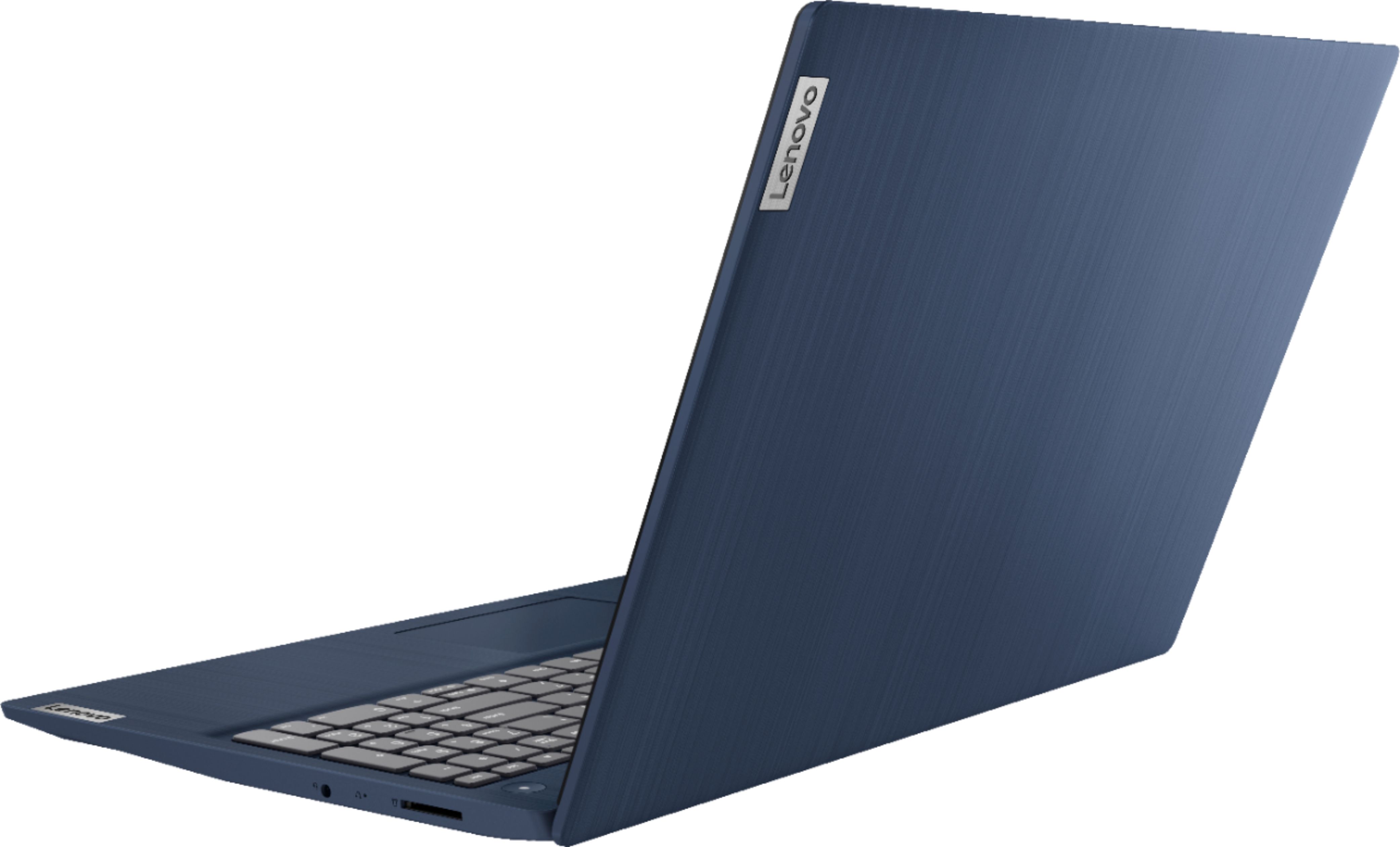
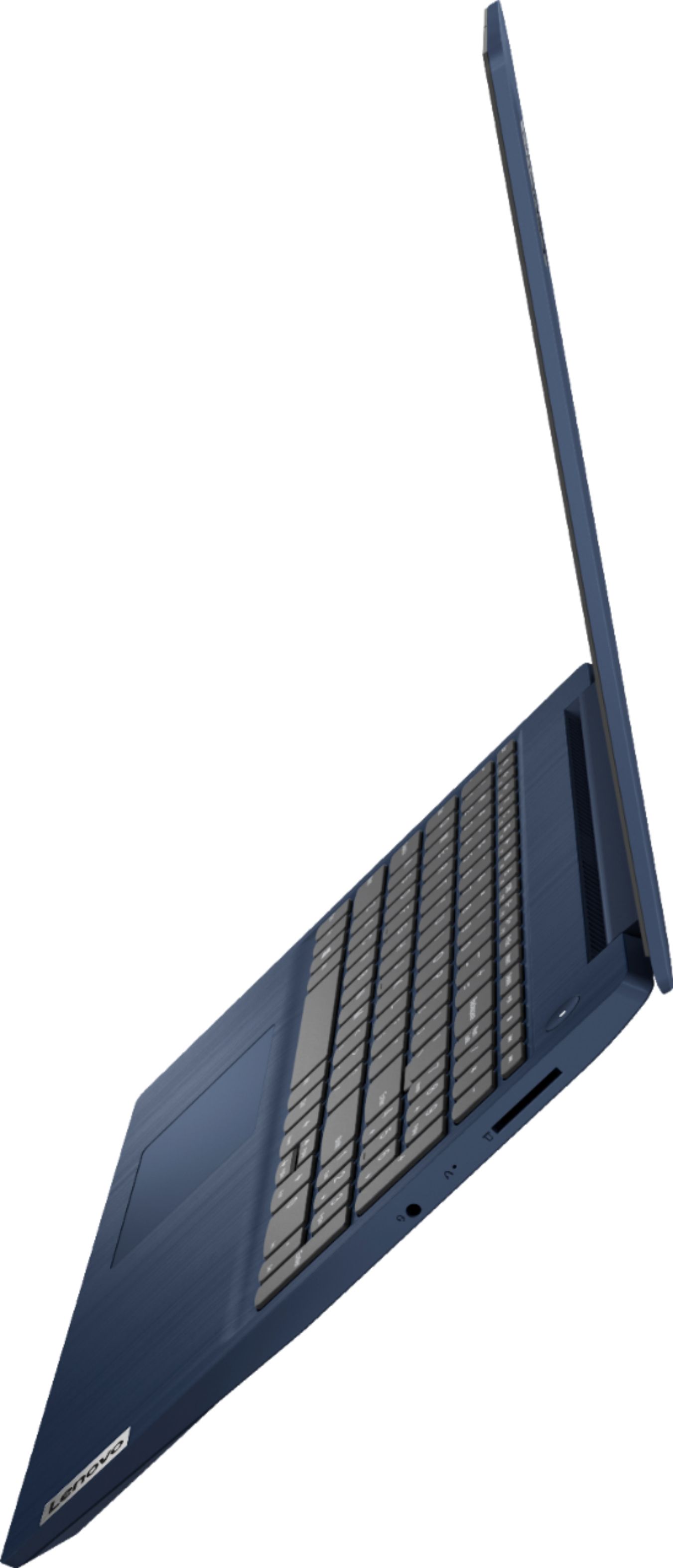
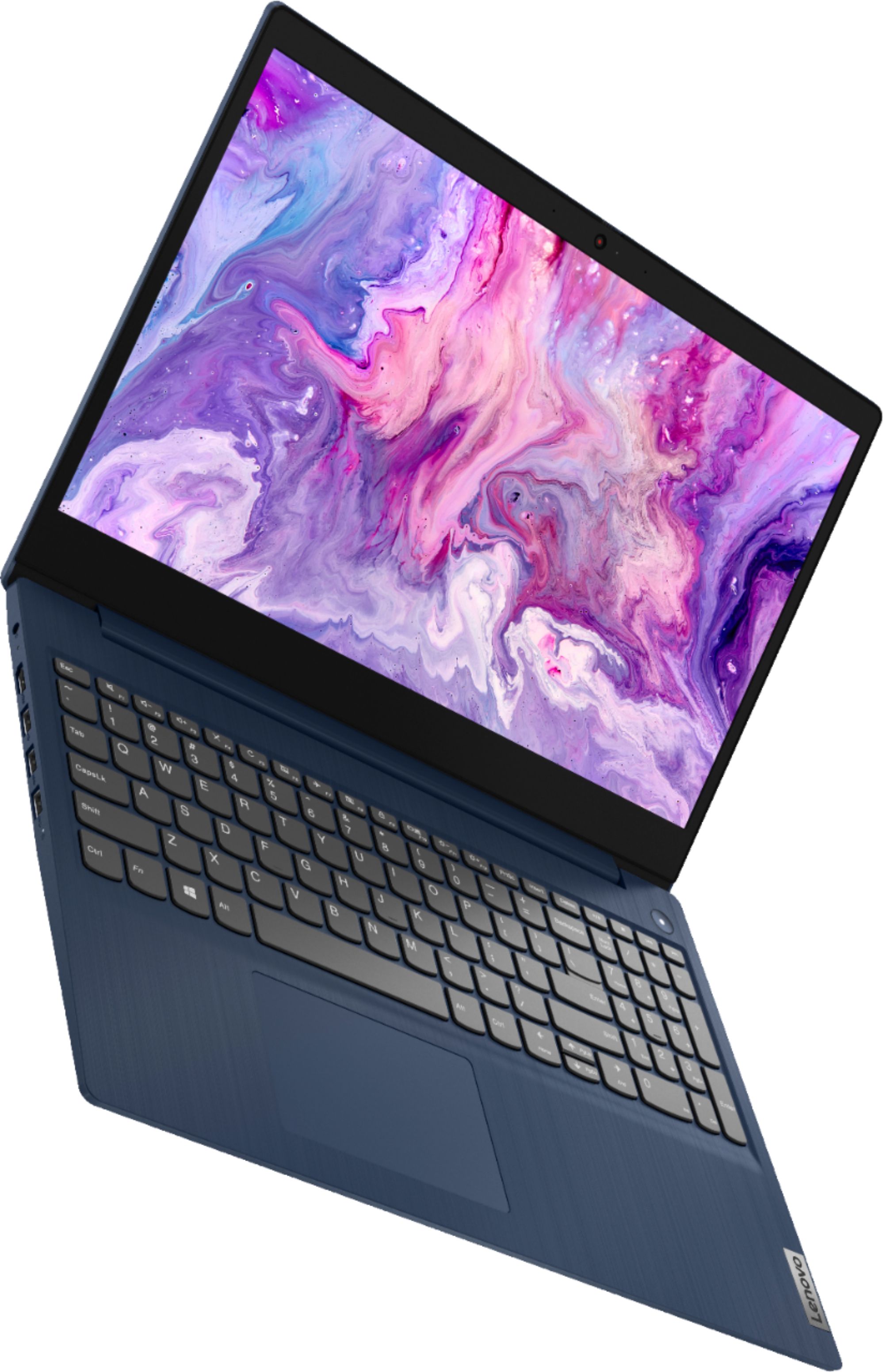
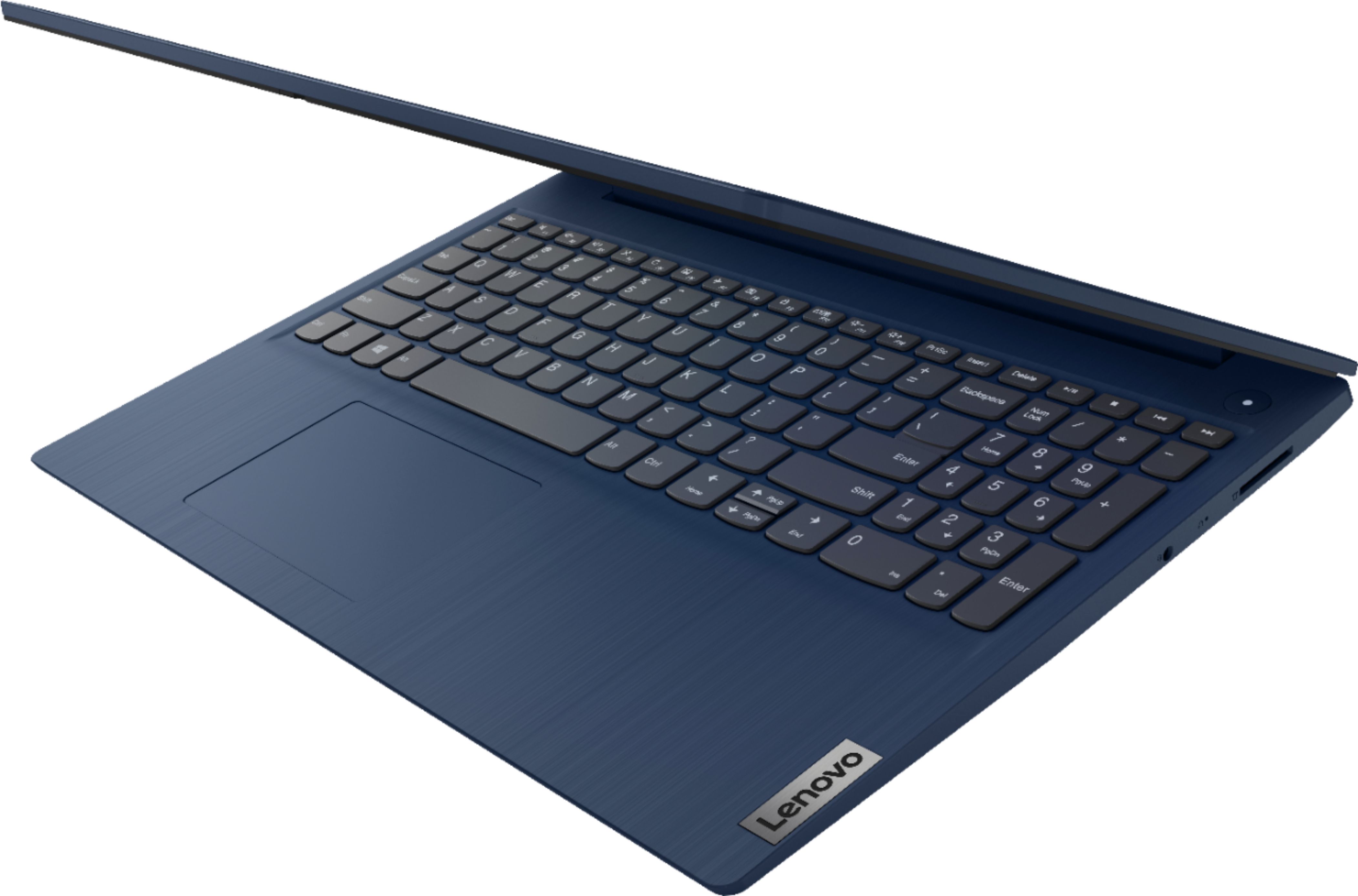
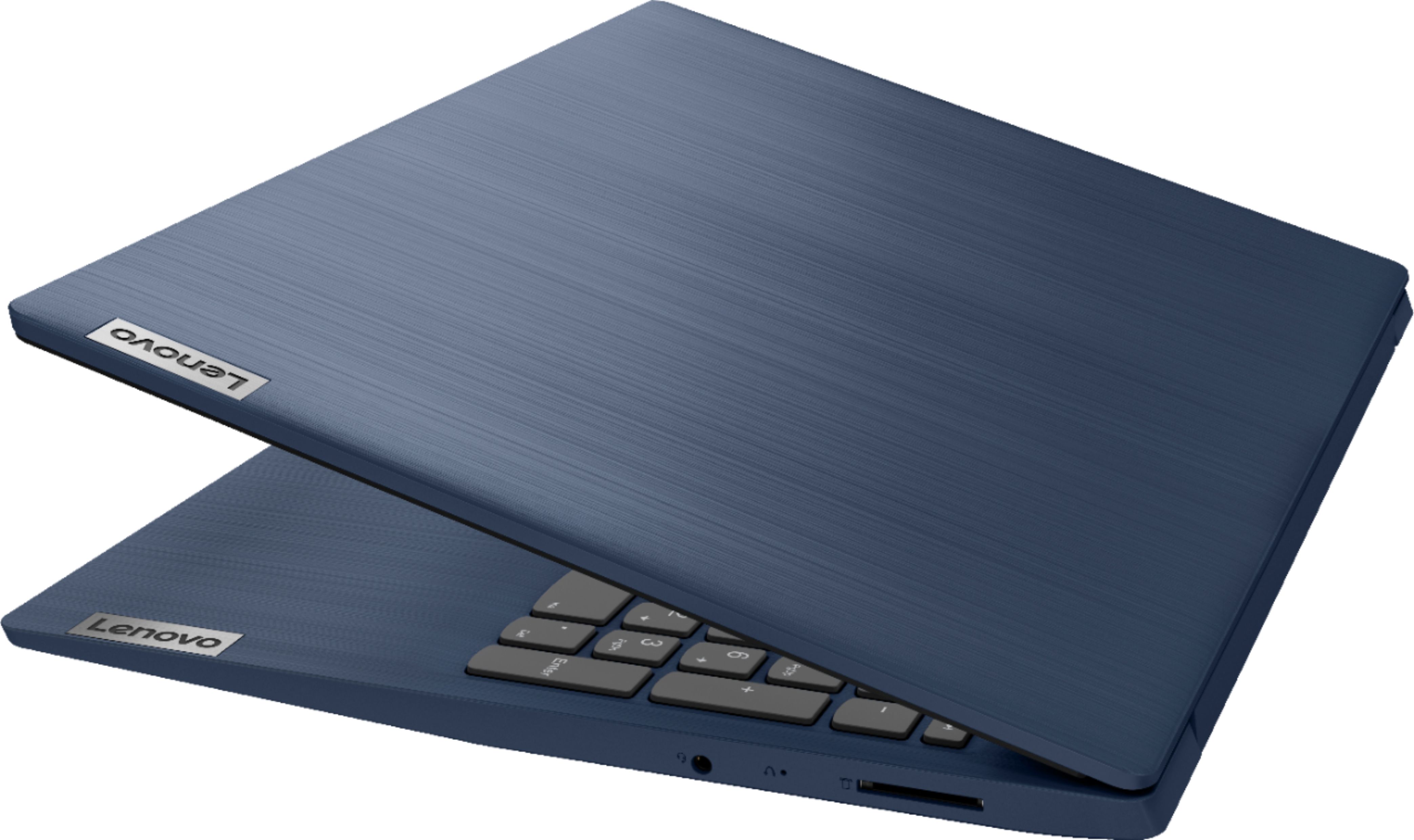
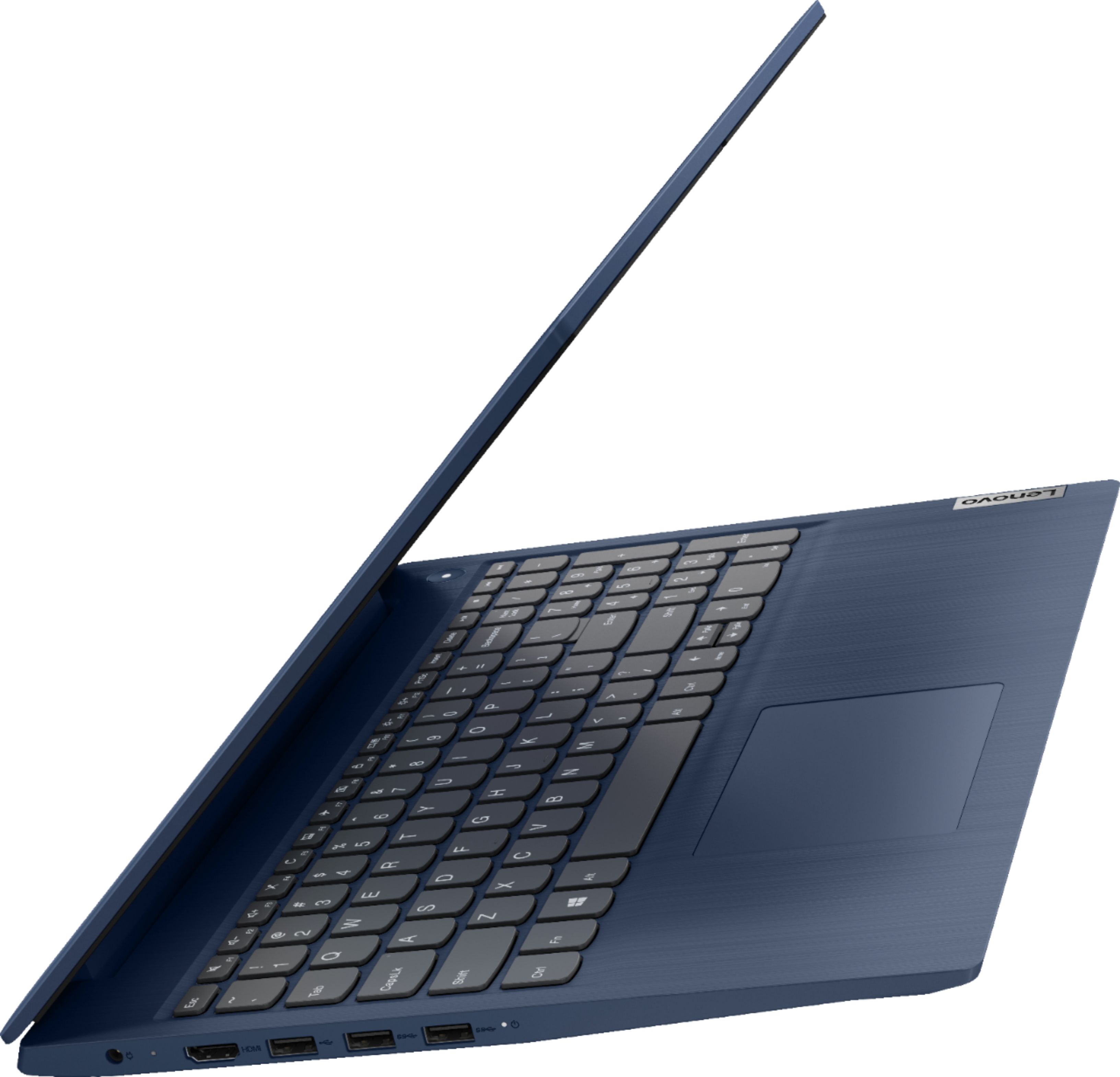
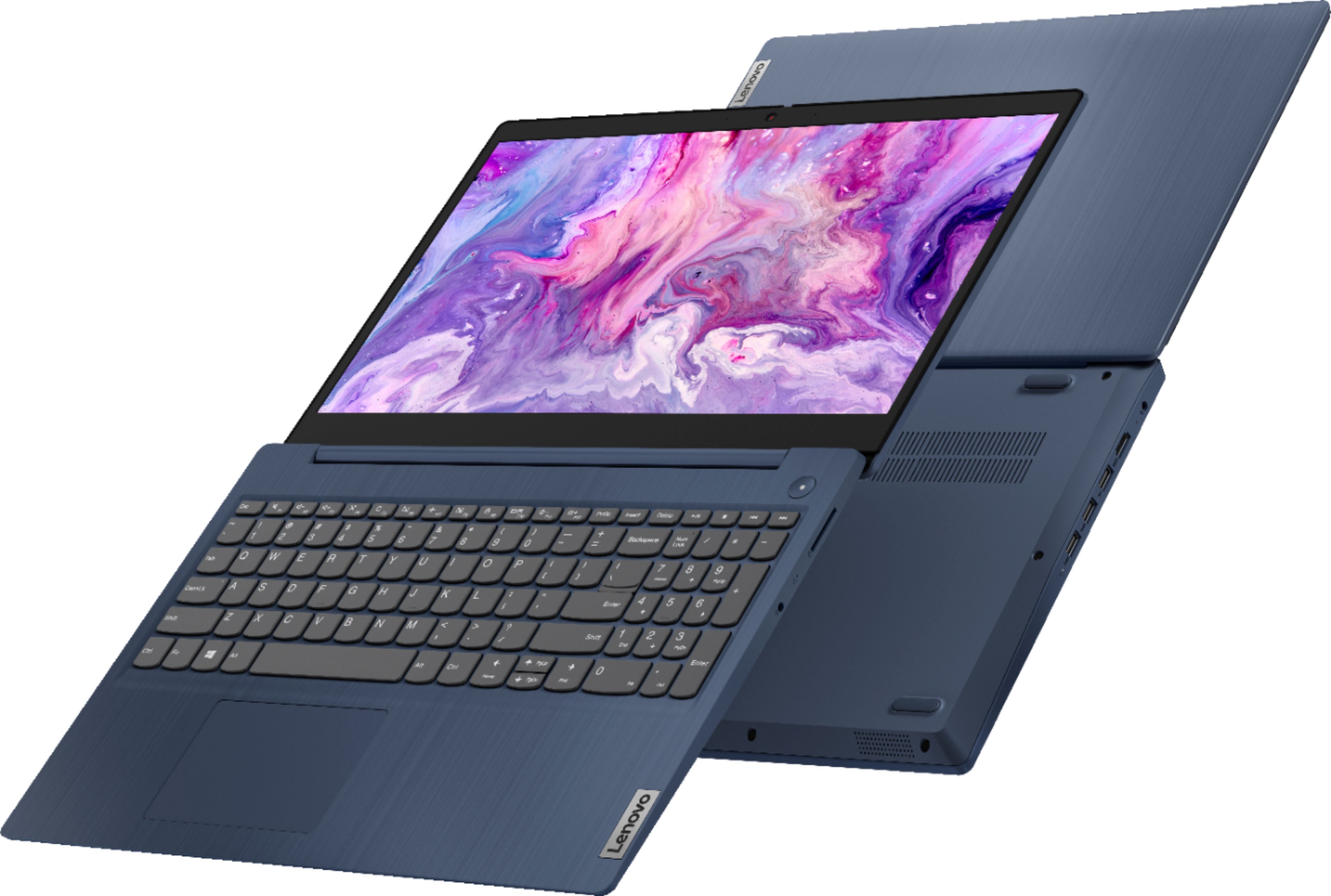
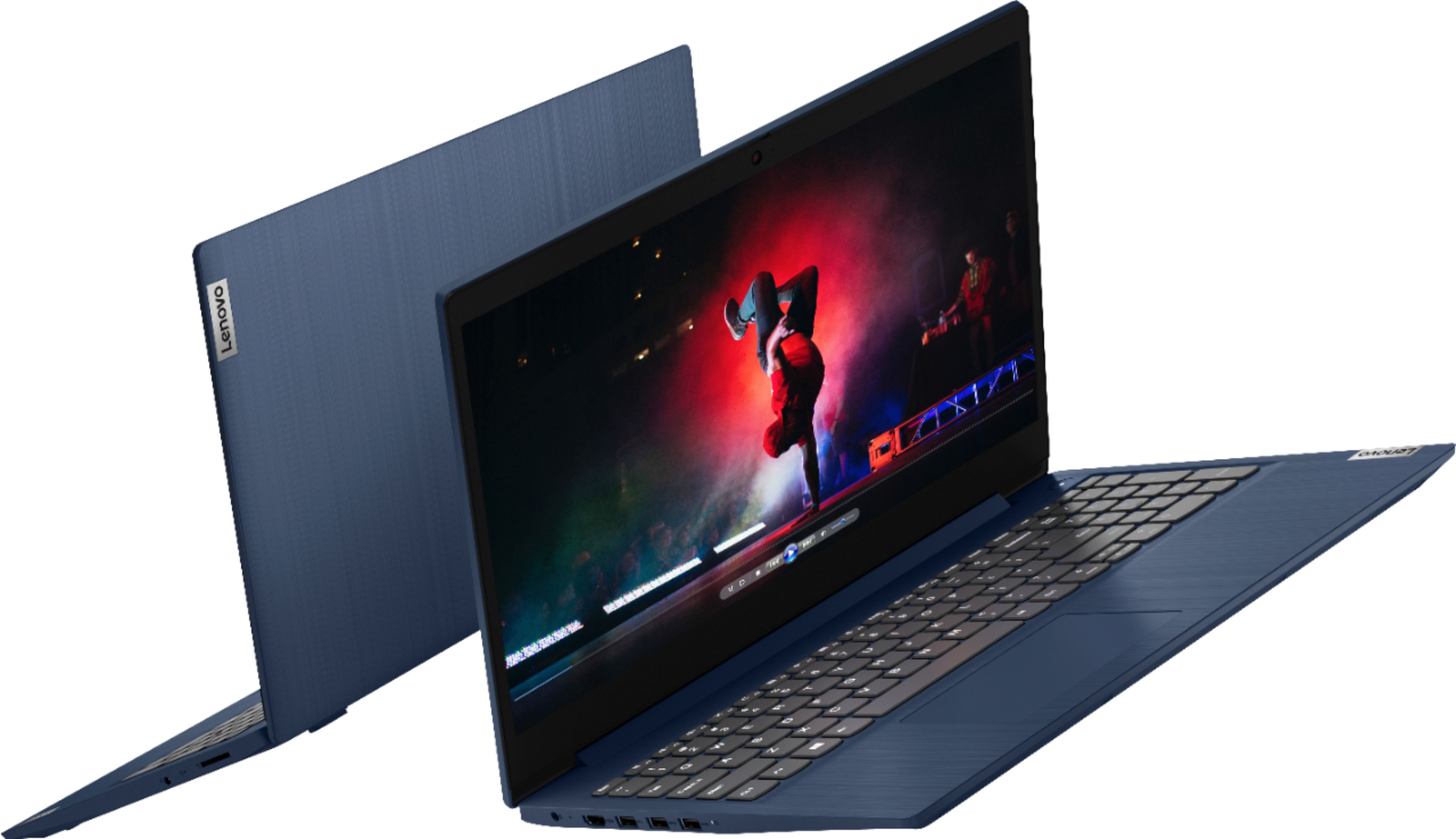
Customers praise the Ideapad 3 15 for its affordability, touch screen capabilities, and fast performance. Many users appreciate its lightweight design and vibrant color options. While some users have concerns about battery life, most find it to be a great value for the price.
This summary was generated by AI based on customer reviews.
General manager
||Posted . Owned for 3 weeks when reviewed.This reviewer received promo considerations or sweepstakes entry for writing a review.Works perfect for school! So glad we got it and the color is just perfect and matches my eyes!
I would recommend this to a friendBrand response from Lenovo Product Expert
Posted .Thank you for choosing the Lenovo IdeaPad 3 15 Touch-Screen Laptop. We are very pleased to hear that the specifications and features of the Lenovo IdeaPad 3 15 Touch-Screen Laptop meet your computing needs so well.

lenova laptop
||Posted . Owned for 1 month when reviewed.This reviewer received promo considerations or sweepstakes entry for writing a review.Great value,works as advertised.In a time when laptops were hard to come by this was a great value.
I would recommend this to a friendBrand response from Lenovo Product Expert
Posted .Thank you for choosing the Lenovo IdeaPad 3 15 laptop, model number 81WR000FUS. We are pleased to hear that the value and performance of the IdeaPad 3 15 meets your computing needs so well.
Love It!
||Posted . Owned for 3 weeks when reviewed.This reviewer received promo considerations or sweepstakes entry for writing a review.I love this computer. It’s perfect for my homework. Sleek. Not too heavy. Nice screen resolution.
I would recommend this to a friendBrand response from Lenovo Product Expert
Posted .Thank you for choosing the Lenovo IdeaPad 3 15 laptop. We are pleased to hear that the features and performance of the Ideapad 3 15 meets your computing needs so well.
Frustrated
||Posted . Owned for 1 month when reviewed.This reviewer received promo considerations or sweepstakes entry for writing a review.Laptop would not let me add my email accounts. It kept saying "an error has occured". This went on for hours and many many attempts. I had to take it put of S Mode. Delete the already installed email app. Then install a new email app. Emails loaded on first try. It was all very frustrating. I was 1 step away from returning it. Also the battery doesn't last very long.
I would recommend this to a friendBrand response from Lenovo Product Expert
Posted .The Lenovo IdeaPad 3 15 Laptop, model number 81WR000FUS, ships with Windows 10 S-Mode 64-bit Operating System. Windows 10 S-Mode provides added security by only allowing APPs available ( and therefore certified by Microsoft) at the Microsoft Store. If you don't need the added security or you need to install APPs not available at the Microsoft Store, you can switch to standard Windows 10 Home 64-bit Operating System, at no additional cost. This model ships with a 2CELL_35WH_INTERNAL, Lithium Polymer Battery, which within this configuration, has a battery life of up to 7 hours. If you are getting substantially less battery life, first, set your screen brightness at less than 100-percent - try 80-percent to start with. Then, be sure Battery conservation Mode is turned off. This power management setting should only be used when the laptop is plugged in all the time. It will prolong overall battery life by only charging the battery to 60-percent of capacity. Here is a link to instructions for turning off Battery Conservation Mode: https://support.lenovo.com/us/en/solutions/ht103159. Also check what programs are running in the background on the computer. Be sure only the programs you want running in the background are. These programs will drain the battery. Here is a link to information about how to find out what programs are running in the background on your Windows 10 computer and how to manage them for better system performance: https://www.windowscentral.com/how-prevent-apps-running-background-windows-10. Then, finally, be sure any software you installed is compatible with Windows 10. Incompatible software will drain the battery at a faster rate. There is no need to install Microsoft Office software. The software is already part of the operating system, you just need to activate the software with a purchased product key. If you have installed a copy of Microsoft Office, this is conflicting with the existing copy on the system and this will slow your system down. If you have installed a 3rd party anti-virus program, be sure that Windows Defender is turned off and that the trial version of McAfee Anti-Virus software is uninstalled. There can only be one anti-virus program on the system. You may need to restore your system to original factory default settings if any of the programming errors have occurred. You can do that by typing "restore" in the Cortana search window. Just click on the magnifying glass icon at the bottom left of your Windows 10 Desktop. Click on "Reset This PC" Then click on "Get Started" and follow the on screen directions to restore to factory defaults. If the problem persists, we recommend you contact Lenovo Tech Support at: 877-453-6686.
Laptop
||Posted . Owned for 3 weeks when reviewed.This reviewer received promo considerations or sweepstakes entry for writing a review.Bery reliable item and very satisfied, awsom and connection too, so i gonna advise my friends
I would recommend this to a friendCollege approved
||Posted . Owned for 2 months when reviewed.This reviewer received promo considerations or sweepstakes entry for writing a review.Bought this for my son to use for college online. Works great pairs well with the extra camera.
I would recommend this to a friendGood
||Posted .This reviewer received promo considerations or sweepstakes entry for writing a review.Good. Nice neat laptop that works for what I need. Don't have it for too long but so far so good.
I would recommend this to a friendBrand response from Lenovo Product Expert
Posted .Thank you for choosing the Lenovo IdeaPad 3 15 laptop. We are pleased to hear that the IdeaPad 3 15 is working out so well for you.
Great Device
||Posted . Owned for 1 month when reviewed.This reviewer received promo considerations or sweepstakes entry for writing a review.Great laptop, only issue is not good on holding charge, The battery drain, quick. Must keep it close by.
I would recommend this to a friendBrand response from Lenovo Product Expert
Posted .The Lenovo IdeaPad 3 15 Laptop, model number 81WR000FUS, ships with a 2CELL_35WH_INTERNAL, Lithium Polymer Battery, which within this configuration, has a battery life of up to 7 hours, depending on the work the device is performing. If you are getting substantially less battery life, first, set your screen brightness at less than 100-percent - try 80-percent to start with. Then, be sure Battery conservation Mode is turned off. This power management setting should only be used when the laptop is plugged in all the time. It will prolong overall battery life by only charging the battery to 60-percent of capacity. Here is a link to instructions for turning off Battery Conservation Mode: https://support.lenovo.com/us/en/solutions/ht103159. Also check what programs are running in the background on the computer. Be sure only the programs you want running in the background are. These programs will drain the battery. Here is a link to information about how to find out what programs are running in the background on your Windows 10 computer and how to manage them for better system performance: https://www.windowscentral.com/how-prevent-apps-running-background-windows-10. Then, finally, be sure any software you installed is compatible with Windows 10. Incompatible software will drain the battery at a faster rate. There is no need to install Microsoft Office software. The software is already part of the operating system, you just need to activate the software with a purchased product key. If you have installed a copy of Microsoft Office, this is conflicting with the existing copy on the system and this will slow your system down. If you have installed a 3rd party anti-virus program, be sure that Windows Defender is turned off and that the trial version of McAfee Anti-Virus software is uninstalled. There can only be one anti-virus program on the system. You may need to restore your system to original factory default settings if any of the programming errors have occurred. You can do that by typing "restore" in the Cortana search window. Just click on the magnifying glass icon at the bottom left of your Windows 10 Desktop. Click on "Reset This PC" Then click on "Get Started" and follow the on screen directions to restore to factory defaults. If the problem persists, we recommend you contact Lenovo Tech Support at: 877-453-6686.
Excellent Purchase
||Posted . Owned for 1 month when reviewed.This reviewer received promo considerations or sweepstakes entry for writing a review.Actually, I have zero complaints at all. Super convenient functionality and the keypad is great.
I would recommend this to a friendBrand response from Lenovo Product Expert
Posted .Thank you for choosing the Lenovo IdeaPad 3 15 laptop. We are pleased to hear that the IdeaPad 3 15 is working out so well for you.
Nice
||Posted . Owned for 8 months when reviewed.This reviewer received promo considerations or sweepstakes entry for writing a review.I bought this laptop to help start my son t shirt business. So far it serves its purpose
I would recommend this to a friendLenovo computer
||Posted . Owned for 8 months when reviewed.This reviewer received promo considerations or sweepstakes entry for writing a review.Great product great services great price great help from the workers
I would recommend this to a friendLaptop for my wife!
||Posted . Owned for 1 month when reviewed.This reviewer received promo considerations or sweepstakes entry for writing a review.Bought it for my wife as a retirement gift and she loves it! It keeps her busy! Thanks Best Buy!
I would recommend this to a friendBrand response from Lenovo Product Expert
Posted .Thank you for choosing the Lenovo IdeaPad 3 15 Laptop, model number 81WR000FUS, for your wife. We are leased to hear that the IdeaPad 3 15 is working out so well for your wife.
Rjm satisfied
||Posted . Owned for 1 year when reviewed.This reviewer received promo considerations or sweepstakes entry for writing a review.Great laptop for the price. My only issue is the battery life unplugged.
I would recommend this to a friendNumeric keypad on keyboard!
||Posted . Owned for 1 month when reviewed.This reviewer received promo considerations or sweepstakes entry for writing a review.I've only had it for a short time, but I like the size of it plus the numeric keypad on the keyboard.
I would recommend this to a friendBrand response from Lenovo Product Expert
Posted .Thank you for choosing the Lenovo IdeaPad 3 15 Laptop. We are pleased to hear that the features and performance of the IdeaPad 3 15 meets your computing needs so well.
.Great value.
||Posted .This reviewer received promo considerations or sweepstakes entry for writing a review.Friendly. Quick. Fast delivery. The typing area is too sensitive; I'll get used to it.
I would recommend this to a friendLenovo lap top $400
||Posted . Owned for 1 month when reviewed.This reviewer received promo considerations or sweepstakes entry for writing a review.It’s sleek works efficiently. Fast screen tones just okay and the font sizes increase too quickly.
I would recommend this to a friendGreat laptop
||Posted . Owned for 1 month when reviewed.This reviewer received promo considerations or sweepstakes entry for writing a review.Great little laptop! All set up ready to run when I got it home! Easy purchase at the store.
I would recommend this to a friendBrand response from Lenovo Product Expert
Posted .Thank you for choosing the Lenovo IdeaPad 3 15 Laptop, model number 81WR000FUS. We are pleased to hear that the IdeaPad 3 15 meets your computing needs so well.
Good machine for fair price.
||Posted . Owned for 1 week when reviewed.This reviewer received promo considerations or sweepstakes entry for writing a review.It’s an amazing powerful machine with more than awesome features. Loved it !! Way to go Lenovo
I would recommend this to a friendBrand response from Lenovo Product Expert
Posted .Thank you for choosing the Lenovo IdeaPad 3 15 Laptop, model number 81WR000FUS. We are pleased to hear that the performance of the IdeaPad 3 15 meets your computing needs so well.
Great product
||Posted . Owned for 3 weeks when reviewed.This reviewer received promo considerations or sweepstakes entry for writing a review.The best money I ever spent. It does everything I need to do. Very pleased with the laptop.
I would recommend this to a friendBrand response from Lenovo Product Expert
Posted .Thank you for choosing the Lenovo IdeaPad 3 15 Laptop, model number 81WR000FUS. We are pleased to hear that the value and performance of the IdeaPad 3 15 meets your computing needs so well.
Texas Strawberry
||Posted . Owned for 3 weeks when reviewed.This reviewer received promo considerations or sweepstakes entry for writing a review.This Labtop was not bad for the price. I would have liked more clarity and brightness from the screen.
I would recommend this to a friendBrand response from Lenovo Product Expert
Posted .The Lenovo IdeaPad 3 15 Laptop, model number 81WR000FUS, ships with a 15.6-Inch (screen size measured diagonally) TN - HD (1366x768) Touchscreen, with a brightness level of 220 nits and a Anti-glare coating.