Customer Ratings & Reviews
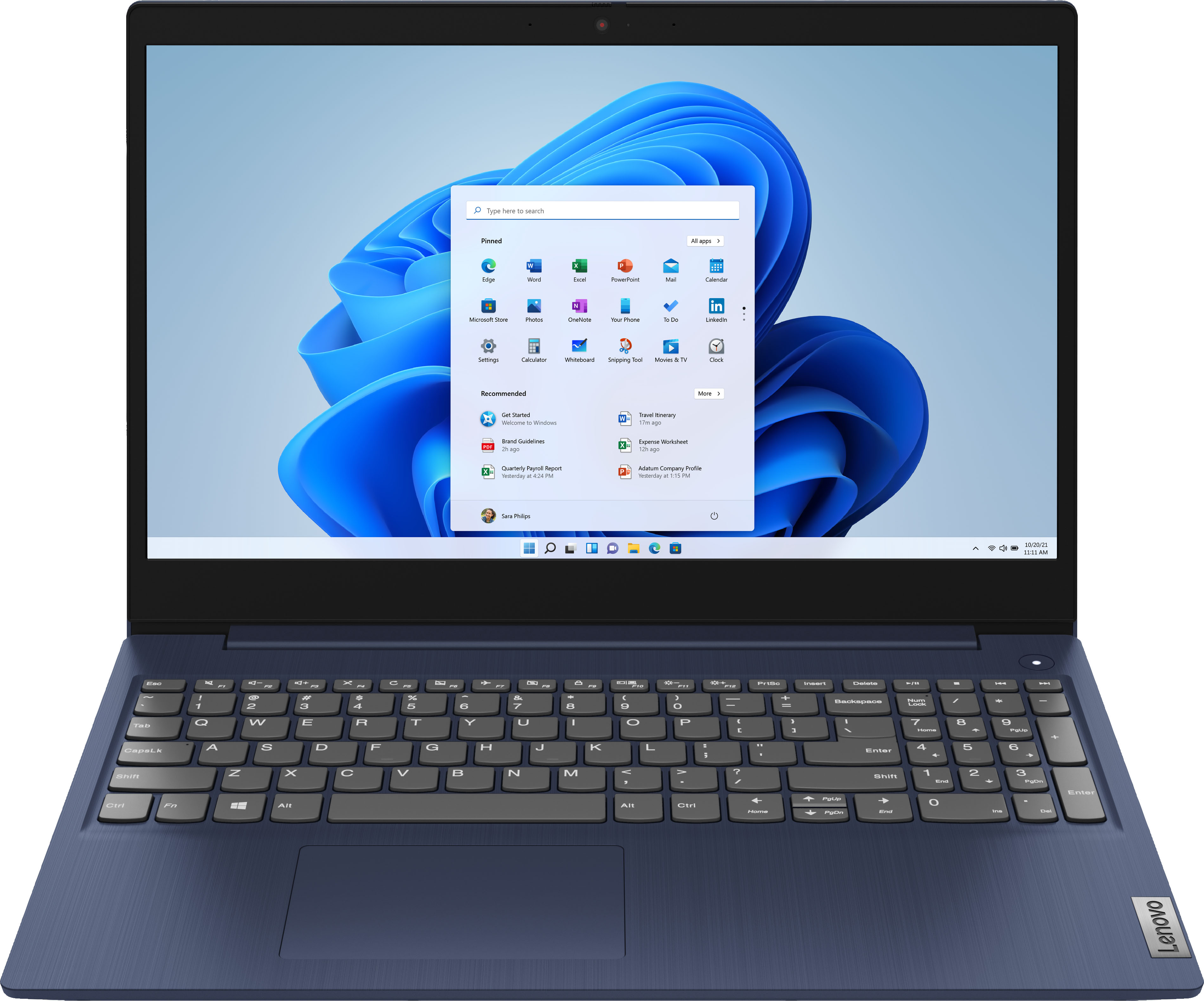
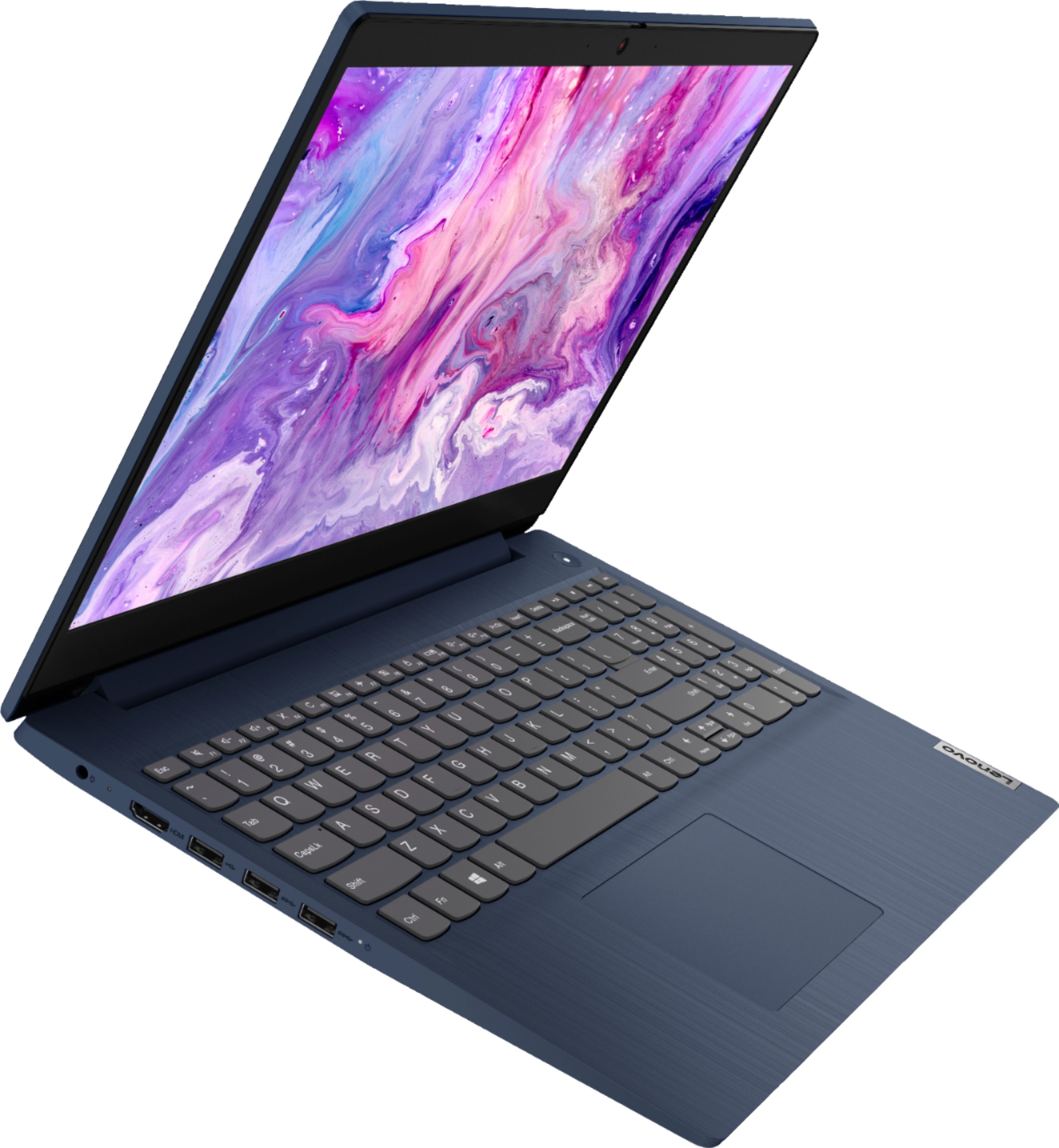
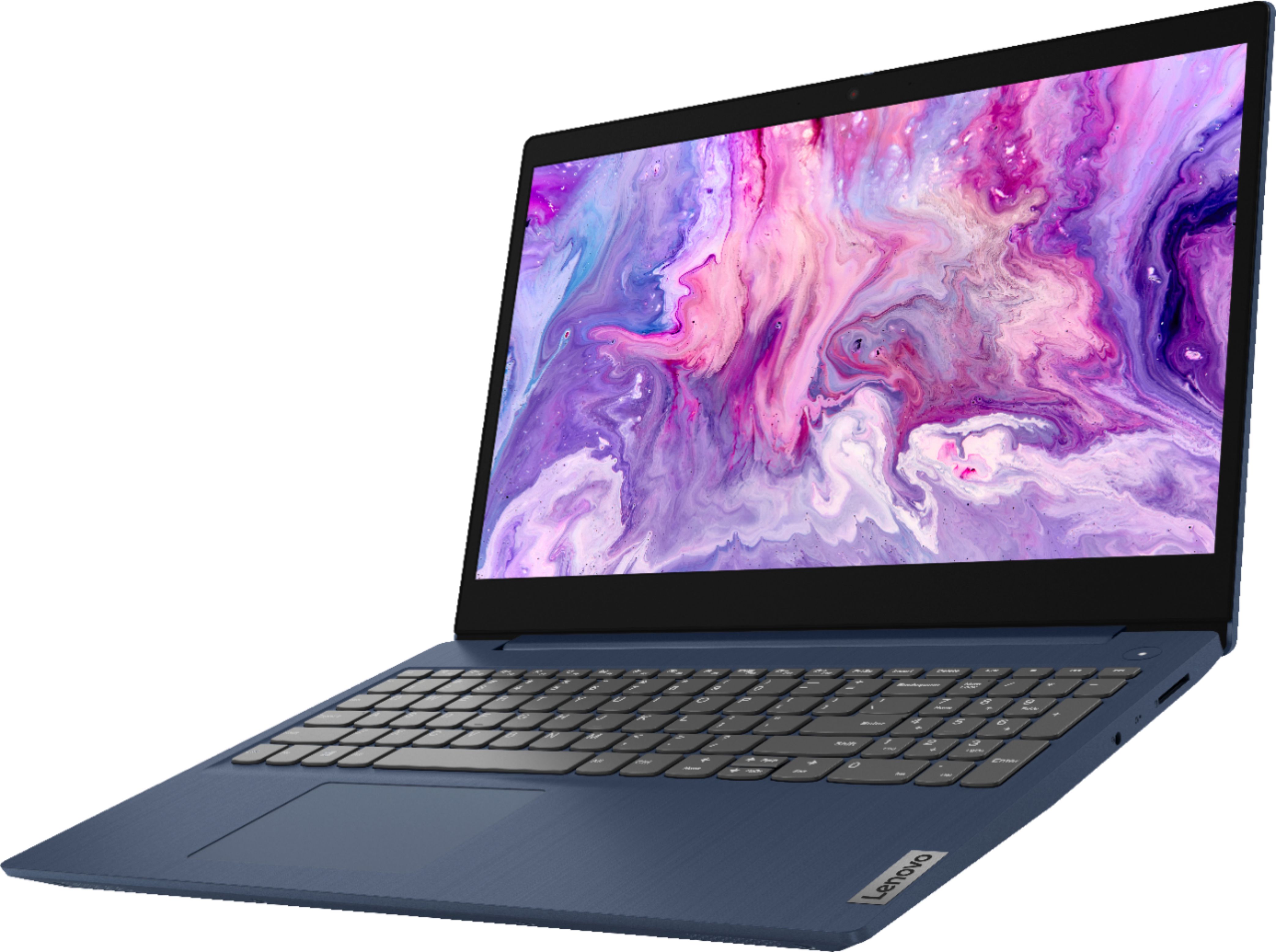
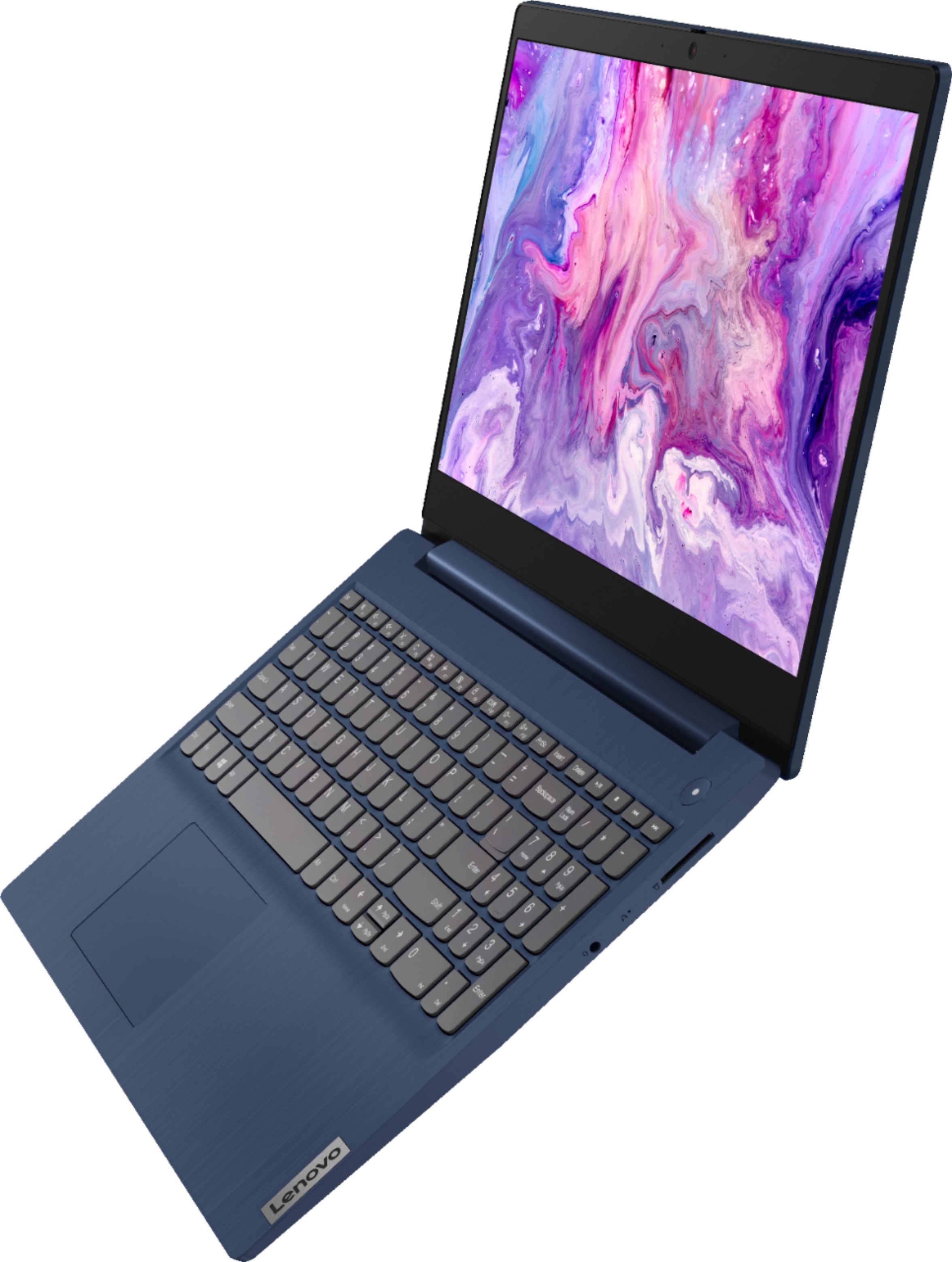
- Model:
- 81WR000FUS
- SKU:
- 6449496
Rating by feature
- Battery Life
Rating 4.4 out of 5 stars
- Speed
Rating 4.5 out of 5 stars
- Display
Rating 4.5 out of 5 stars
Customers are saying
Customers praise the Ideapad 3 15 for its affordability, touch screen capabilities, and fast performance. Many users appreciate its lightweight design and vibrant color options. While some users have concerns about battery life, most find it to be a great value for the price.
This summary was generated by AI based on customer reviews.
Nisha Laptop
||Posted . Owned for 1 month when reviewed.This reviewer received promo considerations or sweepstakes entry for writing a review.Do not feel to write a review. Thank you so much!!
I would recommend this to a friendGood value
||Posted .This reviewer received promo considerations or sweepstakes entry for writing a review.Good value for the money. Camera is not the best.
I would recommend this to a friendBrand response from Lenovo Product Expert
Posted .Thank you for choosing the Lenovo IdeaPad 3 15 Laptop, model number 81WR000FUS. This model ships with a 720p (HD) webcam with manual Privacy Shutter, and Dual Array Microphones. If you are having difficulty with the webcam, be sure the Privacy Shutter is completely open before trying to use the webcam or the webcam will not operate. There is a small slider, directly above the webcam lens. Move the tab to the right to open the Privacy Shutter. There is a red dot over the webcam lens that will disappear when the Privacy Shutter is fully open. This will indicate that the webcam is really to use. You can close the Privacy Shutter when you are done with the webcam for your security, by sliding the tab to the left to close the Privacy Shutter. The Red Dot will appear over the webcam lens when the Privacy Shutter is closed. If the issue continues, we recommend you call Lenovo Tech Support at: 877-453-6686.

- Pros mentioned:Touch screenCons mentioned:Storage
Good little (big) laptop
Posted .This reviewer received promo considerations or sweepstakes entry for writing a review.Bought this on an excellent sale (back to school) for my wife after her old laptop from 10 years ago died, it actually died a while ago and she has been wanting a new one ever since. I compared a bunch of laptops for a while, then the sale hit. The price was insane so I finally got this one for her birthday thinking she would not use it that much. She is on it all the time which is money well spent. She is a internet surfing, video watching (youtube, netflix, hulu), game playing (card games, touch screen swipe and slide games, phone style games), online shopping kind of woman so this fits her perfectly. It connected to the WIFI here on the network no problem. It seems really fast to boot blowing my 5 year old desktop out of the water, her SSD vs my SATA is the key. She loves the color (dark blue). I bought her a 2TB thumb drive for storage back up but she has not even opened it yet. The smaller resolution (720) is not bad but is noticeable compared to my bigger monitors (1080p) but she has no problem with it nor do I, especially after you tweak it with smallest icons and dark theme, makes a big difference in the way it looks. Has touchscreen which my wife said she did not like...at first, now she loves it and the keyboard is not lit but it is huge, like full size and she has mentioned how much she loves that multiple times, even others have mentioned how big the keyboard is and I have not used it much but it feels nice and is soft to the touch but still firm enough to not feel cheap. This is by no means a power house laptop but it is good for possibly a student or someone not needing a high end super gaming rig laptop, or maybe even someone on a budget not wanting to spend $1K or more for higher end brands with more bells and whistles. Keep in mind, storage is small with only 256GB SSD. Also, comes with a locked (secure) version of Windows10 but it can be easily unlocked, look on youtube for info. Have not really tested the battery life but it was being used for at least 6 hours without being plugged in on the second day of use, it's usually plugged in so far. I am very happy with this purchase (so is my wife) and I am also thinking about getting one for myself to have for tuning quadcopters in the field, this would fit the bill perfectly. Fits in my backpack with all my gear.
I would recommend this to a friend Only worth the clearance price
||Posted . Owned for 1 year when reviewed.This reviewer received promo considerations or sweepstakes entry for writing a review.I’ve had many a laptop. I’ve abused many a laptop so I thought, “my 8yo can’t be worse” because he’s not. He took excellent care of this machine and within 10months the screen died. I never got the warranty, which I suppose was my mistake (although I never have gotten a warranty on any of my computers which typically live at least 5 years.) Best Buy quoted me roughly the cost of the whole machine just to replace the screen. Think I’m gonna pass on Lenovos in the future. I think you might want to, also, or at least get a warranty.
No, I would not recommend this to a friendJust got it today and I am returning tomorrow
||Posted . Owned for less than 1 week when reviewed.This reviewer received promo considerations or sweepstakes entry for writing a review.Not happy at all with this product. I am using it mainly for business as I need constant access to the internet for email and running basic computer programs like microsoft office. I also listen to music and videos from time to time. The very hour I began to use it the internet starts to run slow (I have a gig speed and its not my internet), I close out all the programs and I try to run another program in the settings and when I try to click the click does not work. So I restart the computer and check for updates. It started to work better then all of a sudden the bluetooth I was using started to get static I mean tons of static, so much so I can no longer hear the music playing. Mind you I have been using this bluetooth headphone for all my other devices with no problems. So I disconnect the bluetooth and the actual computer started to sound staticky. This is the first day I got it and the last day I will use it. I am taking it back tomorrow. Also the quality of the video is horrendous so if you want to watch movies or videos this is not the product for you.
No, I would not recommend this to a friendBrand response from Lenovo Product Expert
Posted .We are sorry to hear that you are having issues with your Lenovo IdeaPad 3 15 laptop, model number 81WR000FUS. This model ships with Windows 10 S-Mode 64-bit Operating System. Be sure the software and hardware you are trying to use with S-Mode are compatible. We recommend you contact Lenovo Tech Support for additional help at: 877-453-6686.
Disappointed
||Posted . Owned for 3 weeks when reviewed.This reviewer received promo considerations or sweepstakes entry for writing a review.I like the laptop but neither microsoft nor lenovo can help me get my verizon email to work in the microsoft mail . Each is passing the buck even tho my research revails the issue has existed since 2016. Shame on both companies.
No, I would not recommend this to a friendBrand response from Lenovo Product Expert
Posted .We are sorry to hear that you are having issues with your Lenovo IdeaPad 3 15 Laptop, model number 81WR000FUS. This model ships with Windows 10 S-Mode 64-bit Operating System. Windows 10 S-Mode provides added security by only allowing APPs available ( and therefore certified by Microsoft) at the Microsoft Store. If you don't need the added security or you need to install APPs not available at the Microsoft Store, you can switch to standard Windows 10 Home 64-bit Operating System, at no additional cost. If your internet email APP is not available at the Microsoft Store, you may need to switch out of S-Mode to Windows 10 Home 64-bit Operating System to be able to install your internet email APP to this computer. We recommend you check with your internet email service provider for the compatibility of your internet email service with Windows 10 S-Mode. If you need to switch out od Windows 10 S-Mode, here is a link to instructions for switching from Windows 10 S-Mode to Windows 10 Home: https://support.microsoft.com/en-us/help/4456067/windows-10-switch-out-of-s-mode
Happy Shopper
||Posted . Owned for 2 months when reviewed.This reviewer received promo considerations or sweepstakes entry for writing a review.Did not like the way it performed and brought it back to the store. Return was not a problem. I actually bought another brand computer when I returned this one. Sale person was very helpful in picking another computer.
I would recommend this to a friendIt was great while it lasted.
||Posted . Owned for 1 year when reviewed.This reviewer received promo considerations or sweepstakes entry for writing a review.Beautiful product i was in love with it. Thats all over just like that Bam my screen won't do anything. Right in the middle of an order. Total disappointment.
I would recommend this to a friendDecent laptop for price
||Posted . Owned for 7 months when reviewed.This reviewer received promo considerations or sweepstakes entry for writing a review.Decent laptop for money Use it for personal use not business. It’s about 7 months old now and is glitchy. Thankfully I have total care so plan to bring to Best Buy this week for repair
I would recommend this to a friendNot Happy AT ALL
||Posted . Owned for 5 months when reviewed.This reviewer received promo considerations or sweepstakes entry for writing a review.I have had my computer for less than 4 months and now I am having issues with the trackpad. It was determined that it is a hardware issue. The only options for a fix is to send the product to the manufacturer or have Best Buy send out to get fixed. Both of these processes take approximately 2-3 WEEKS. This is VERY inconvenient seeing as though I work from home and have online classes. I will definitely WILL NOT be purchasing a Lenovo product again!!!!!!
No, I would not recommend this to a friendBrand response from Lenovo Product Expert
Posted .We are sorry to hear that you are having issues with the touchpad on your Lenovo IdeaPad 3 15 Laptop, model number 81WR000FUS. With regard to the touchpad, you can make adjustments to the touchpad in your system settings. You can get there by clicking on the magnifying glass at the bottom left of your Windows 10 screen. Type "touchpad" in the search window. Select "Mouse & touchpad settings" from the list of choices. You can make general adjustments to the touchpad there. You can also select "Additional mouse options" for more detailed adjustments to the touchpad sensitivity by increasing the delay of the touchpad. If the issue continues, try resetting your computer back to original factory settings. Here is a link to instructions for doing this within Windows 10: https://support.microsoft.com/en-us/windows/recovery-options-in-windows-31ce2444-7de3-818c-d626-e3b5a3024da5#WindowsVersion=Windows_10. If you some reason you can no longer access this web site, this system is equipped with OneKey Recovery System. There is a very small pin hole on the right side of the device, right in between the the headphone jack and the SD card slot on the device. You will need a pin to push this reset button. Plug the device in. Let the battery charge for about 15 minutes. Push the reset button. The system should boot to a choice screen where you can choose "Restore To Factory Default". Select this. It will delete everything from the hard drive except the original factory install of the operating system. You will need to reinstall all programs and files after the reset. If you don't have copies of the files, try to make one before you restore by selecting "Boot to desktop" and trying to back up your files. If the problem persists after the factory reset, we recommend you contact Lenovo Tech Support at: 877-453-6686.
Lenovo Laptop
||Posted . Owned for 3 weeks when reviewed.This reviewer received promo considerations or sweepstakes entry for writing a review.Average is the best way to describe this computer. The cheap price makes it attractive, but the overall functioning and processing is mediocre at best.
No, I would not recommend this to a friendBad Lemon
||Posted .This reviewer received promo considerations or sweepstakes entry for writing a review.I bought this laptop because the salesperson said it was a good laptop for college. I bought and brought it home and set it up and I had a Zoom meeting the next day and the video quality wasn’t what I was expecting. The screen quality is what you pay for, low quality. The laptop is i3, which is slow. When I was on my Zoom meeting the laptop overheated fast. When I was doing basic tasks on the laptop like Web browsing, music and Word documents the battery would drain really fast. The battery went from 100% to 68% in about 20 minutes so I had to keep the charger on it constantly. I ended up exchanging it for another Lenovo laptop that costs more. I probably got a lemon of laptop or something but I didn’t want to take my chance with another one of the IdeaPad and have it happen again. Best Buy was really great at letting me exchange the laptop.
No, I would not recommend this to a friendBrand response from Lenovo Product Expert
Posted .We are sorry to hear that you are having issues with your Lenovo IdeaPad 3 15 Laptop, model number 81WR000FUS. This model ships with Windows 10 S-Mode 64-bit Operating System. Windows 10 S-Mode provides added security by only allowing APPs available ( and therefore certified by Microsoft) at the Microsoft Store. If you don't need the added security or you need to install APPs not available at the Microsoft Store, you can switch to standard Windows 10 Home 64-bit Operating System, at no additional cost. Even if you have switched out of S-Mode, this computer should not overheat. Be sure any software you installed is compatible with Windows 10. There is no need to install Microsoft Office software. The software is already part of the operating system, you just need to activate the software with a purchased product key. If you have installed a copy of Microsoft Office, this is conflicting with the existing copy on the system and this will slow your system down. If you have installed a 3rd party anti-virus program, be sure that Windows Defender is turned off and that the trial version of McAfee Anti-Virus software is uninstalled. There can only be one anti-virus program on the system. You may need to restore your system to original factory default settings if any of the programming errors have occurred. You can do that by typing "restore" in the Cortana search window. Just click on the magnifying glass icon at the bottom left of your Windows 10 Desktop. Click on "Reset This PC" Then click on "Get Started" and follow the on screen directions to restore to factory defaults. If the problem persists, we recommend you contact Lenovo Tech Support at: 877-453-6686.
Laptop
||Posted .This reviewer received promo considerations or sweepstakes entry for writing a review.The seems to be a problem with the brightness resolution. It dimmes from time to time. I am unable to adjust it to full resolution or brightness. I even contacted tech support but the agent I spoke with could not resolve the matter. She would have someone call me. I never received the call. I may end up returning this computer. am dissatisfied with the product.
No, I would not recommend this to a friendBrand response from Lenovo Product Expert
Posted .We are sorry to hear that you are having issues with the screen brightness of your Lenovo IdeaPad 3 15 Laptop, model number 81WR000FUS. Be sure you have auto-brightness turned off on your computer to be able to manually adjust screen brightness. To turn off auto brightness within Windows 10, follow these instructions: https://www.tenforums.com/tutorials/70157-enable-disable-adaptive-brightness-windows-10-a.html. If the issue continues, we recommend you contact Lenovo Tech Support for additional help at: 877-453-6686.
Screen freezes
||Posted . Owned for 1 year when reviewed.This reviewer received promo considerations or sweepstakes entry for writing a review.I purchased Lenovo Ideapad in Aug 2021 and it has already started giving me problems. When I pick up the laptop with some pressure on the bottom of it the screen freezes, and I have no other option but to reboot. when i pick up the laptop it looks like the plastic body at the bottom of the laptop touches the components inside and causes the screen to freeze
No, I would not recommend this to a friendLenovo Ideapad 3 15
||Posted . Owned for 1 month when reviewed.This reviewer received promo considerations or sweepstakes entry for writing a review.It was a pain to set up and I don't enjoy having to sign in all the time. Still getting used to it, the keyboard and screen are nice.
I would recommend this to a friendBrand response from Lenovo Product Expert
Posted .The Lenovo IdeaPad 3 15 Laptop model number 81WR000FUS, ships with both audio as well as on-screen, step by step setup and Windows 10 activation instructions. Here is a link to a YouTube video that demonstrates the Windows 10 setup and activation process: https://www.youtube.com/watch?v=BKe8EzfZ37k&t=22s. This model ships with Windows 10 S-Mode 64-bit Operating System. Windows 10 S-Mode provides added security by only allowing APPs available ( and therefore certified by Microsoft) at the Microsoft Store. If you don't need the added security or you need to install APPs not available at the Microsoft Store, you can switch to standard Windows 10 Home 64-bit Operating System, at no additional cost. To learn your way around Windows 10, you may want to try YouTube.com (just type that address in your browser address window). There are hundreds for free instructional videos there about Windows 10. Just type Windows 10 Introduction in to the YouTube search window. You can watch free videos there that will show you the basics all the way up to tips and tricks videos and they're all free.
Disappointed
||Posted . Owned for 1 year when reviewed.This reviewer received promo considerations or sweepstakes entry for writing a review.I bought this laptop for my husband last year. It was my first lenovo. It started off great but eventually the screen kept going black about 7 months in. Sent it to lenovo they fixed it and a few months later the same issue. Now longer in warranty. I'm once again shopping for a laptop for my husband and decided to write a review.
No, I would not recommend this to a friendLaptop
||Posted . Owned for 1 week when reviewed.This reviewer received promo considerations or sweepstakes entry for writing a review.I love the laptop. The only thing is the numbers pad to the right doesnt work good. Luckly i dont need it for that.
I would recommend this to a friendBrand response from Lenovo Product Expert
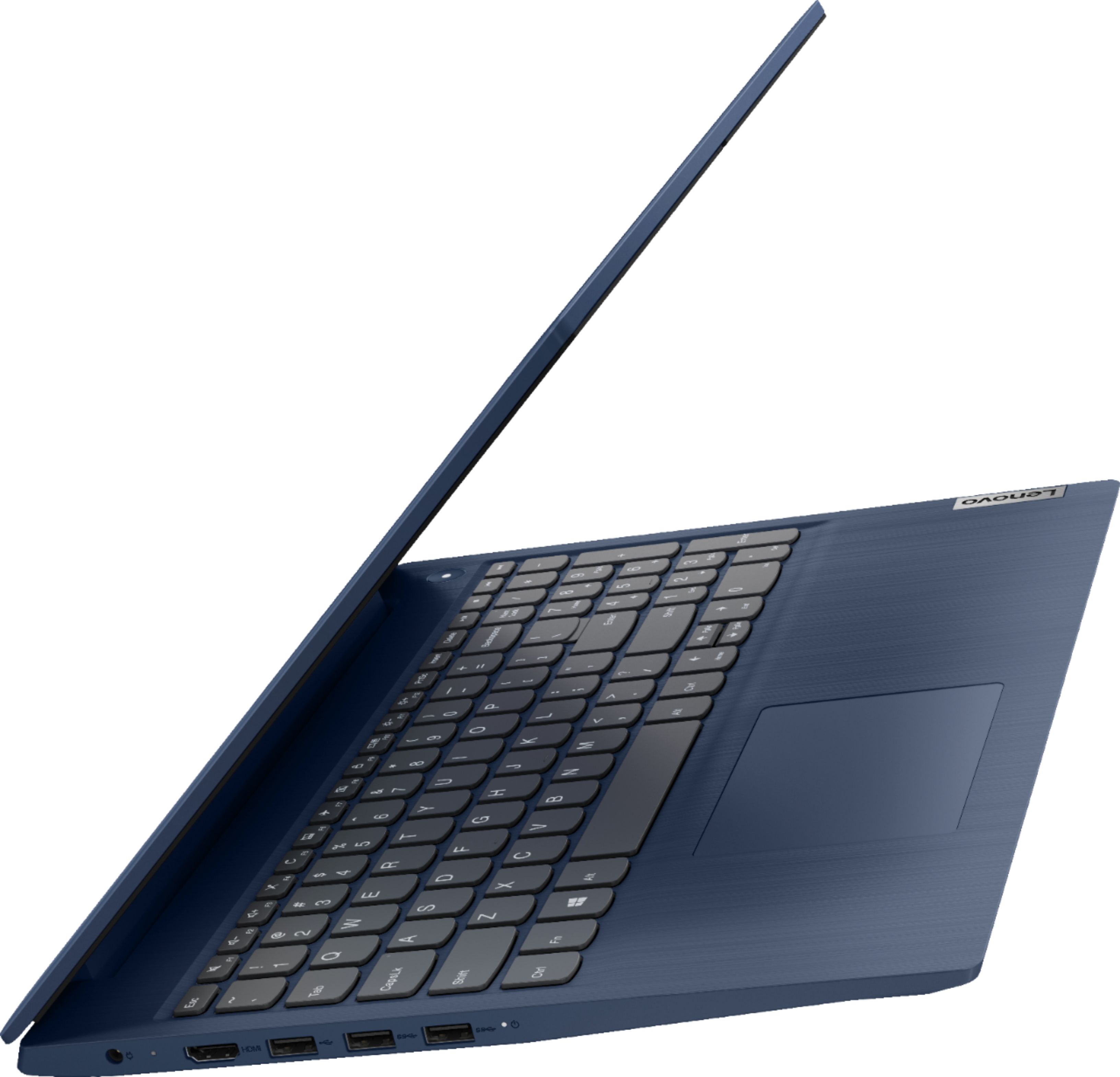
Posted .We are sorry to hear that you are having issues with the 10-key numeric pad included within your Lenovo IdeaPad 3 15 Laptop. To use the numbers exclusively on the 10-key pad, tap the NUM LOCK Key at the top left of the 10-Key pad. This will lock the number functions. If you want to use the secondary 10-Key Pad functionality, tap the NUM LOCK Key again to allow the secondary 10-Key functionality. If you have questions about your Lenovo IdeaPad 3 15, we recommend you contact Lenovo Tech Support at: 877-453-6686.
New for work
||Posted . Owned for 1 month when reviewed.This reviewer received promo considerations or sweepstakes entry for writing a review.Should have done more research. No cd rom no mouse no right left click button
No, I would not recommend this to a friendBrand response from Lenovo Product Expert
Posted .The built in touchpad on this Lenovo IdeaPad 3 15 Laptop, model number 81WR000FUS is a one-piece feature. There are both left and right click areas at the front edge of the touchpad. You can make adjustments to the touchpad in your system settings and see the area allotted for the left and right click features. You can get there by clicking on the magnifying glass at the bottom left of your Windows 10 screen. Type "touchpad" in the search window. Select "Mouse & touchpad settings" from the list of choices. You can make general adjustments to the touchpad there. You can also select "Additional mouse options" for more detailed adjustments to the touchpad sensitivity by increasing the delay of the touchpad. Although there is no built in CD/DVD drive within the IdeaPad 3 17, you can use an external, USB-based Windows 10 compatible CD/DVD drive with this laptop, like this one: https://www.bestbuy.com/site/lg-8x-external-usb-double-layer-dvdrw-cd-rw-drive-black/5852919.p?skuId=5852919
I would buy again
||Posted . Owned for 4 months when reviewed.This reviewer received promo considerations or sweepstakes entry for writing a review.This was a buy for my 10 year old. I wanted aomething sturdy yes cheap and ita both had no problems yet
I would recommend this to a friendBrightness
||Posted .This reviewer received promo considerations or sweepstakes entry for writing a review.The brightness on the screen is horrible. It looks blurry no matter how it’s adjusted and it hurts my eyes.
No, I would not recommend this to a friend