Customer Ratings & Reviews
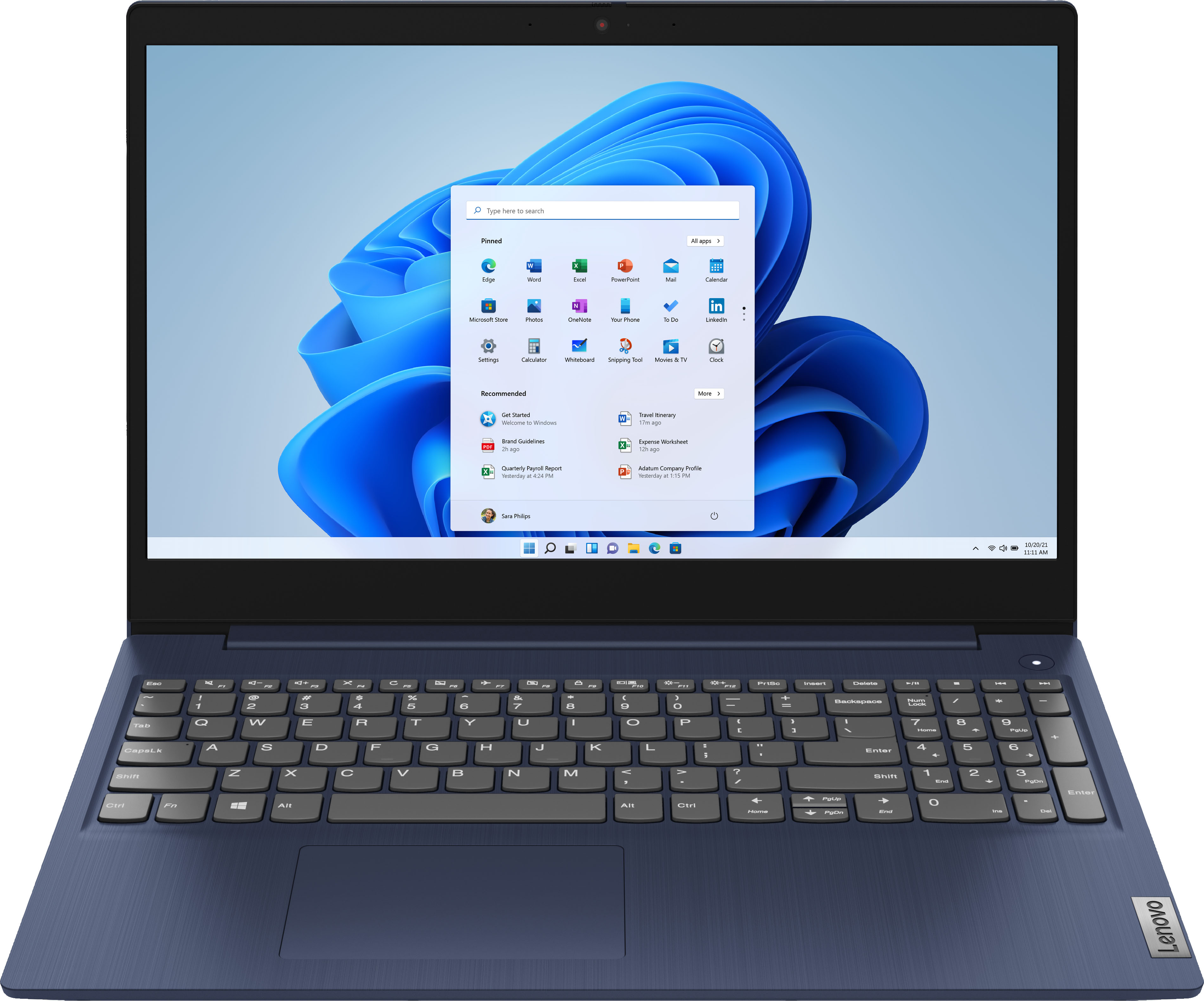
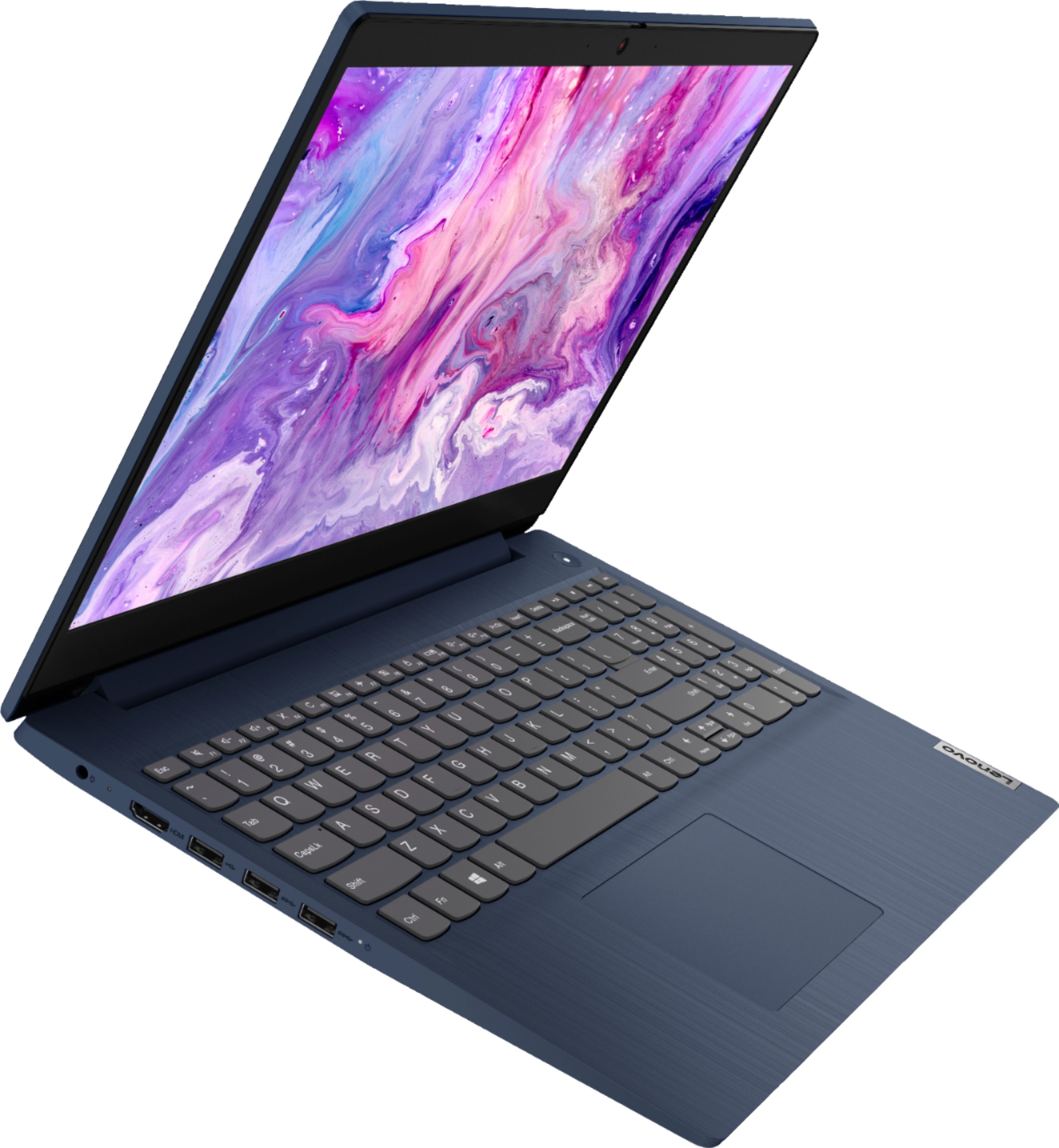
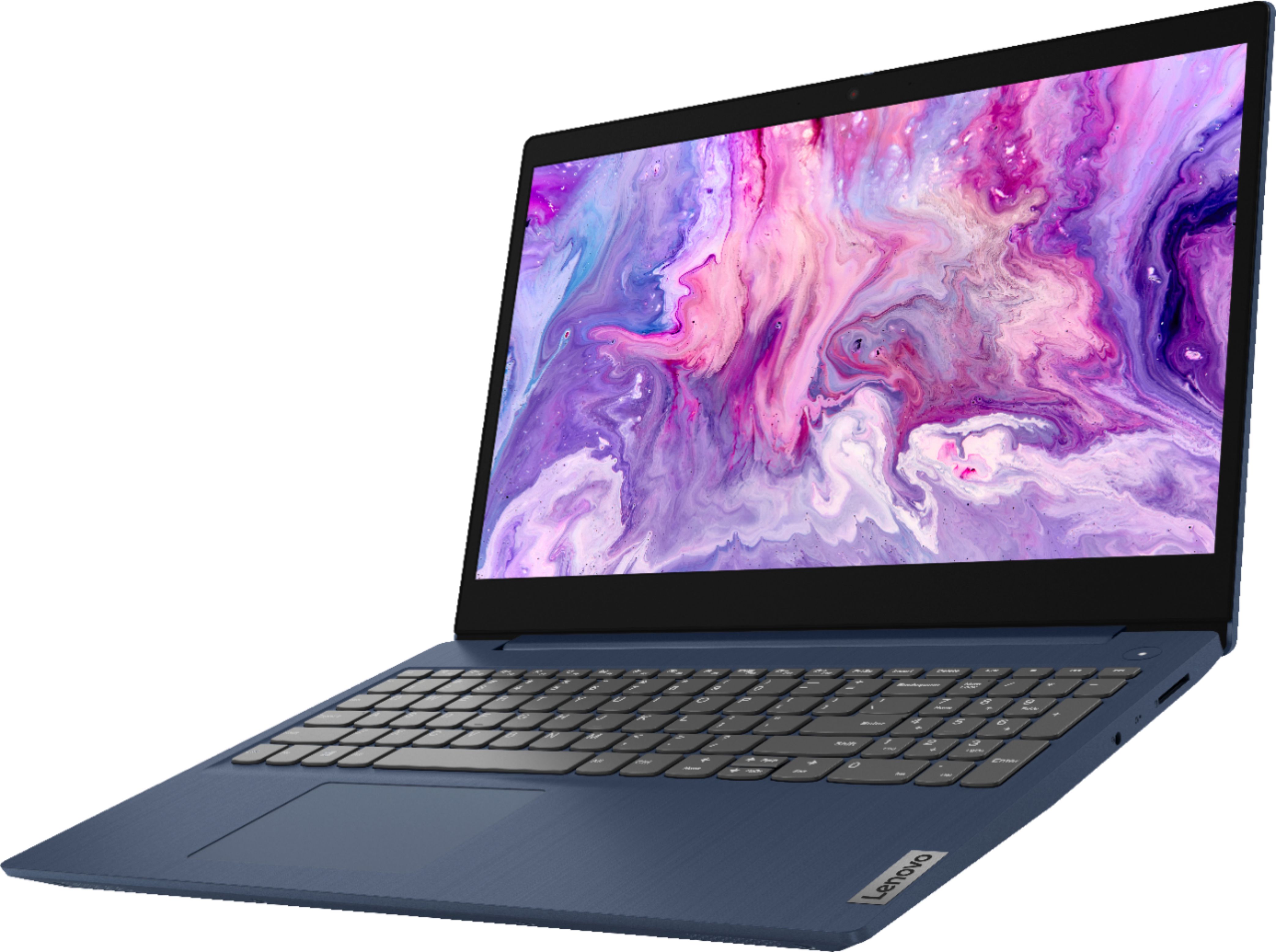
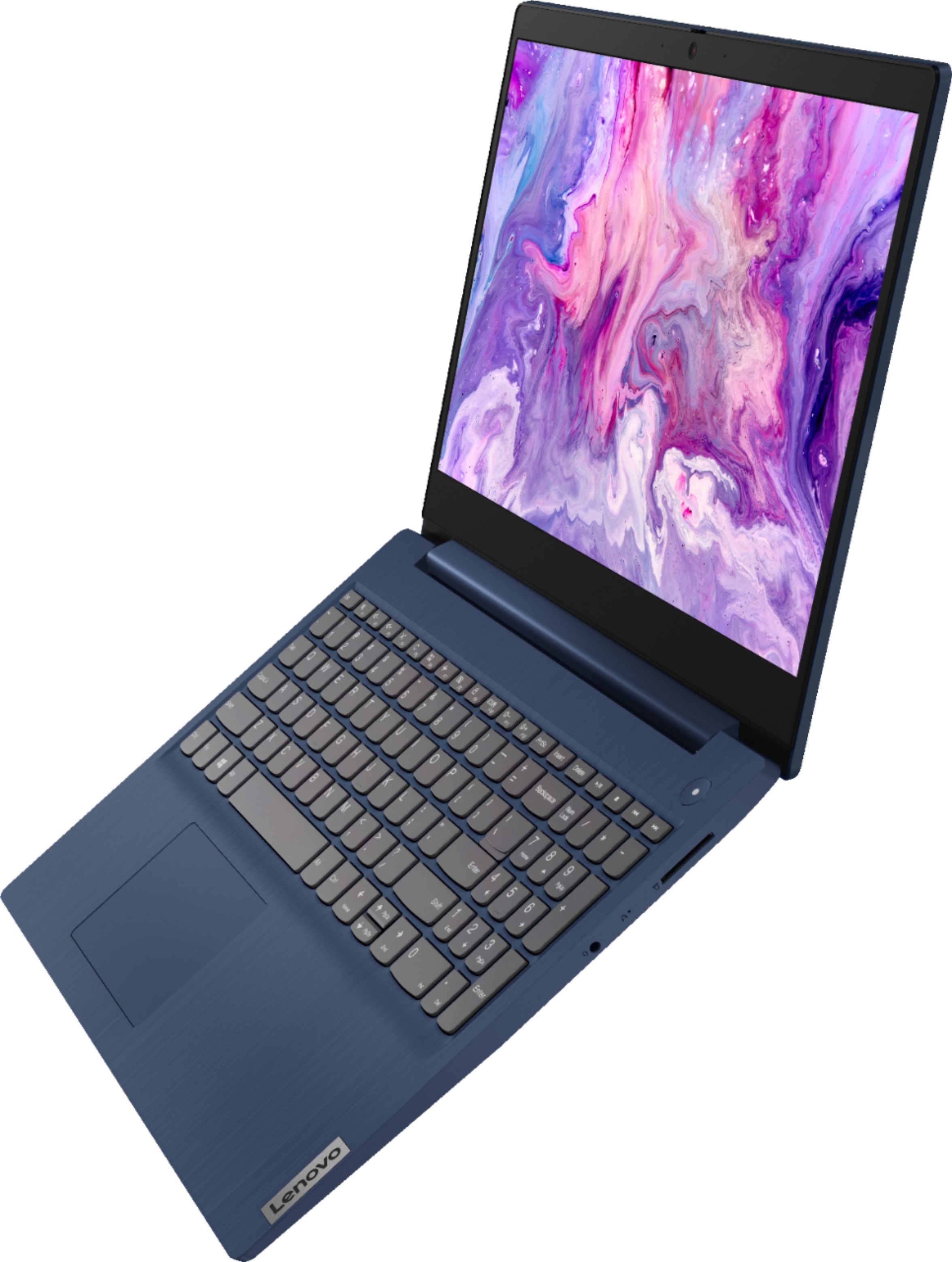
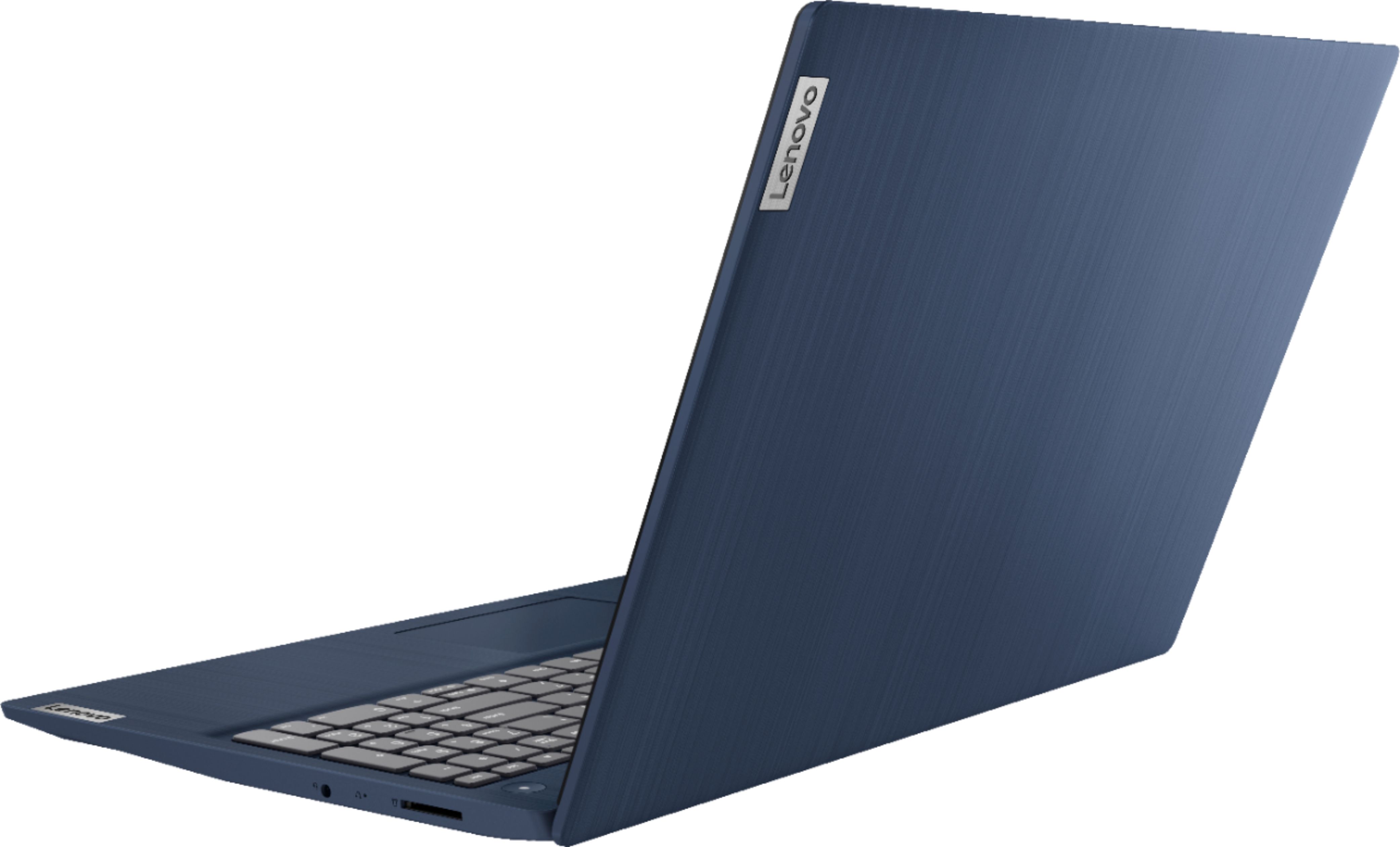
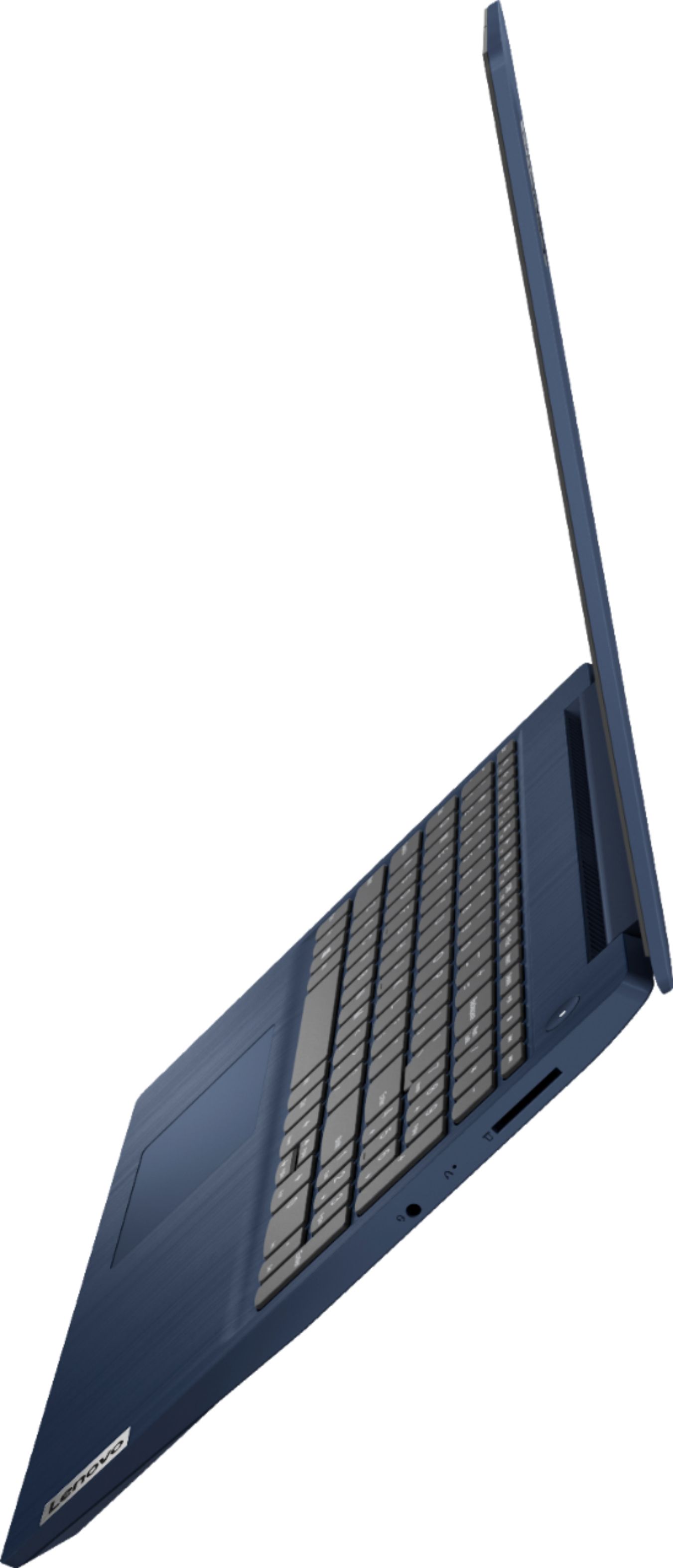
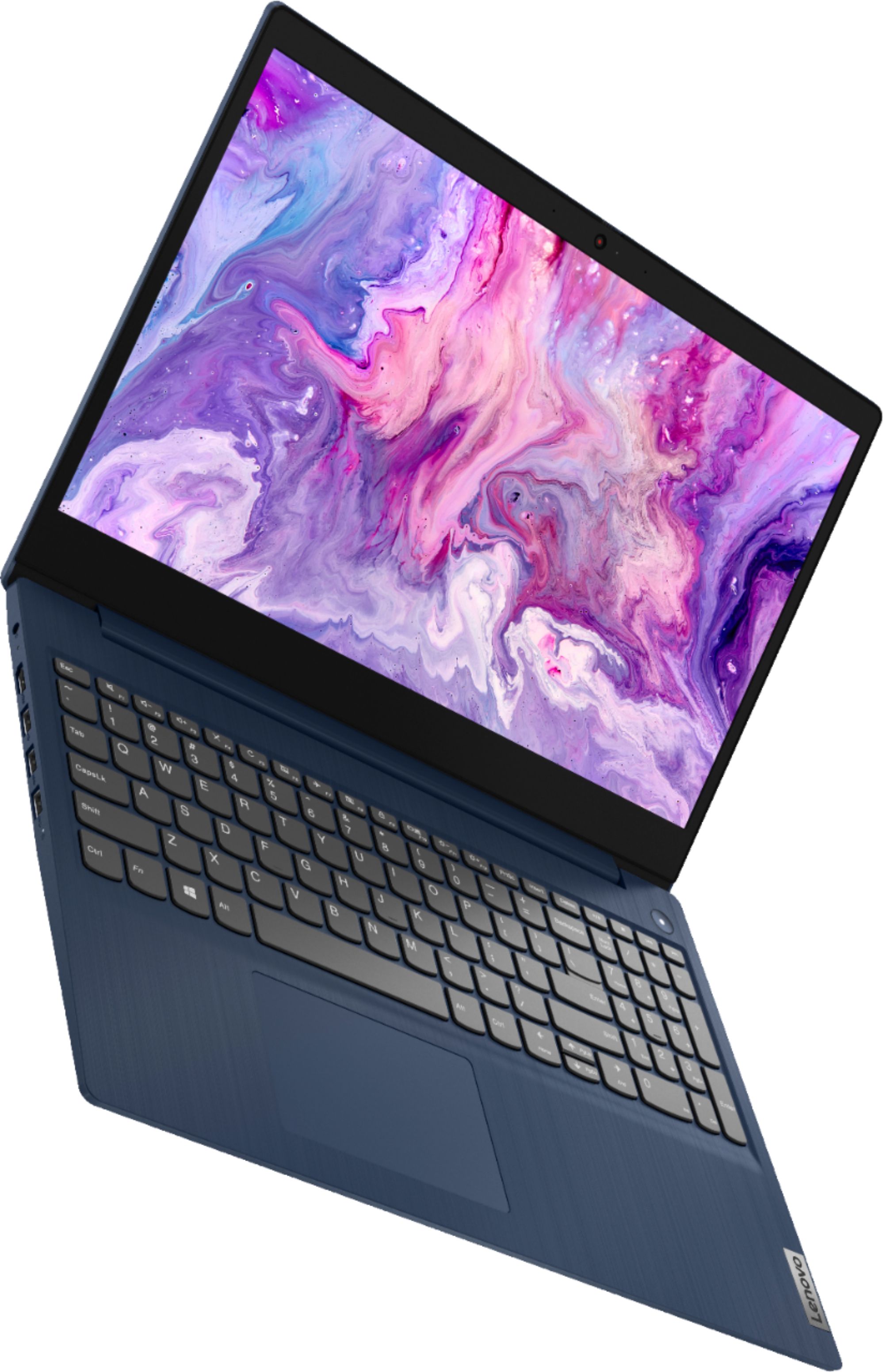
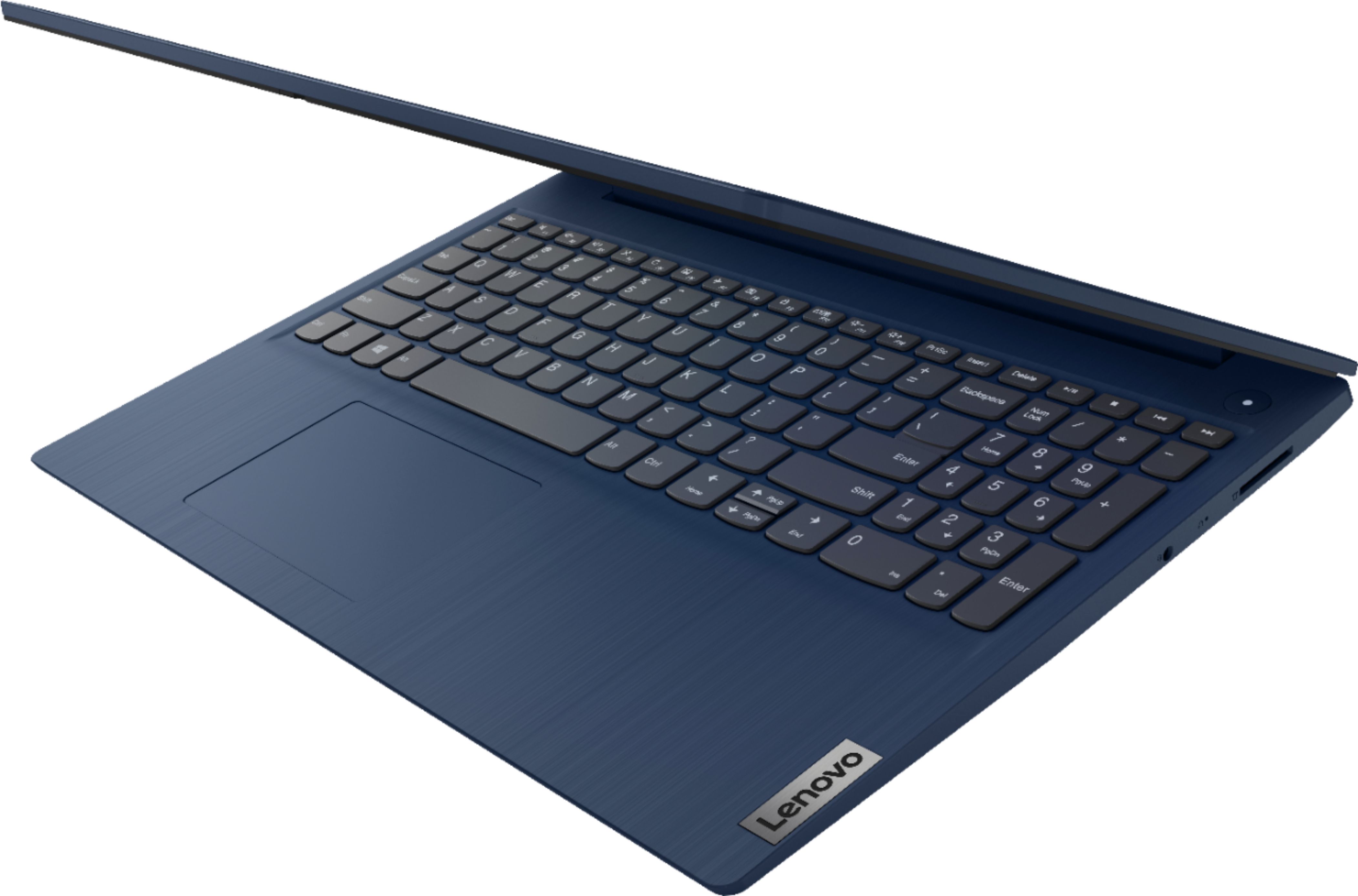
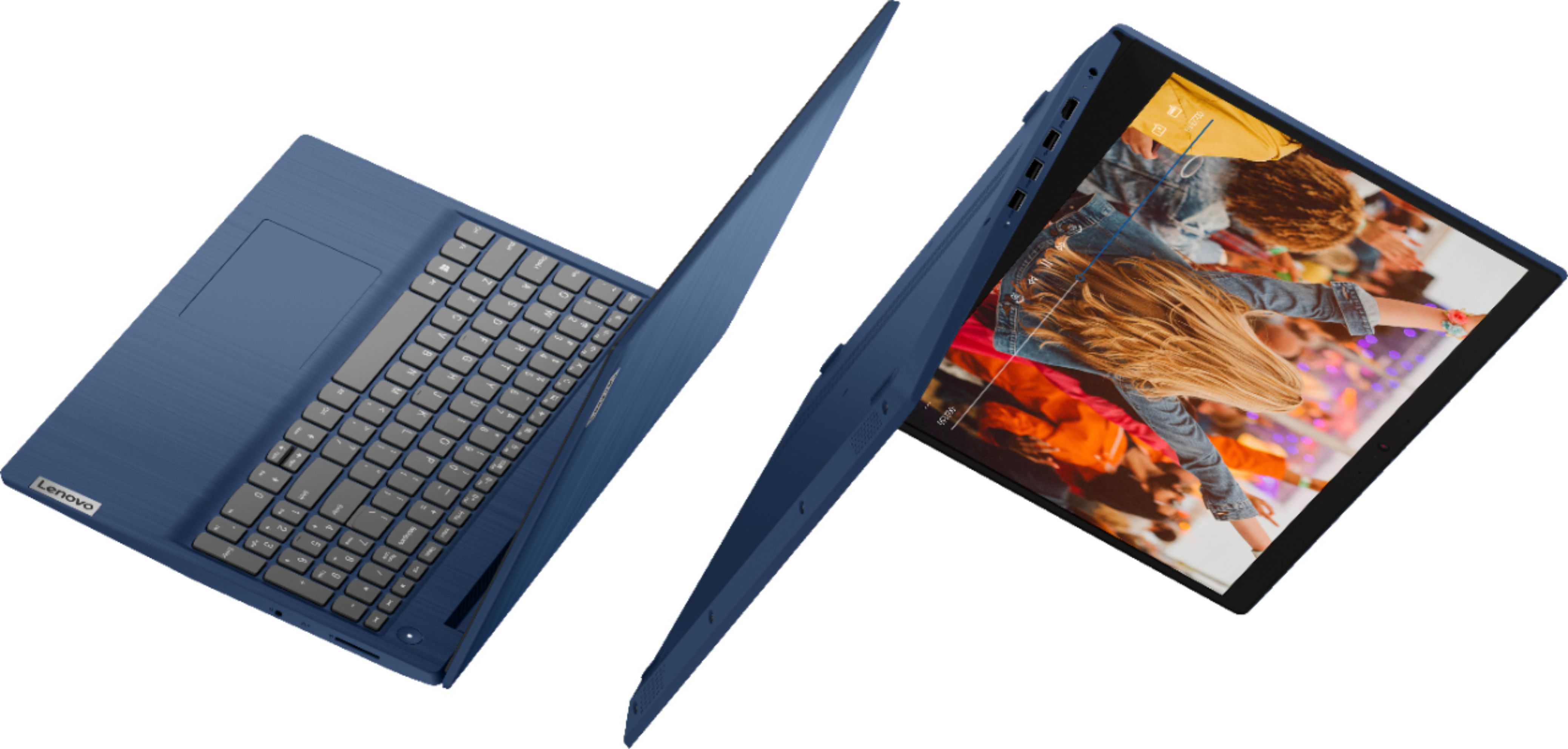
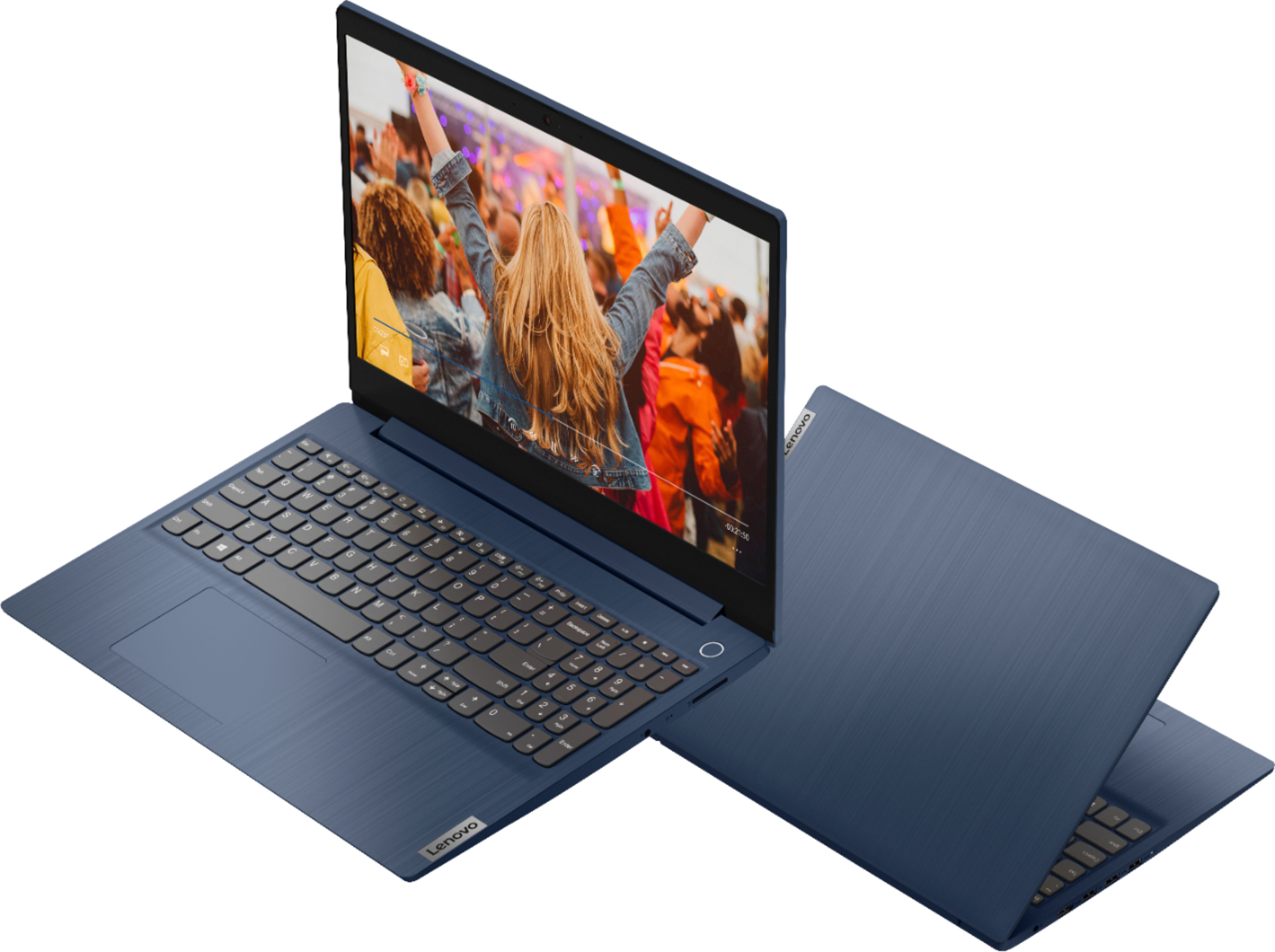
- Model:
- 81WR000FUS
- SKU:
- 6449496
Rating by feature
- Battery Life
Rating 4.4 out of 5 stars
- Speed
Rating 4.5 out of 5 stars
- Display
Rating 4.5 out of 5 stars
Customers are saying
Customers praise the Ideapad 3 15 for its affordability, touch screen capabilities, and fast performance. Many users appreciate its lightweight design and vibrant color options. While some users have concerns about battery life, most find it to be a great value for the price.
This summary was generated by AI based on customer reviews.
I was desperate for a replacement......
||Posted .This reviewer received promo considerations or sweepstakes entry for writing a review.Absolutely hate it. Has a mind of its own. Will never purchase another lenovo product again.
No, I would not recommend this to a friendSlow PC
||Posted . Owned for 3 weeks when reviewed.This reviewer received promo considerations or sweepstakes entry for writing a review.It is very, very slow and my wife hates it. I would return it but my 15 days has expired.
No, I would not recommend this to a friendBrand response from Lenovo Product Expert
Posted .The Lenovo IdeaPad 3 15 Laptop, model number 81WR000FUS, will boot from off to the Windows 10 Desktop Screen in less than 20-seconds. If you are experiencing slower boot times, be sure any software you installed is compatible with Windows 10. There is no need to install Microsoft Office software. The software is already part of the operating system, you just need to activate the software with a purchased product key. If you have installed a copy of Microsoft Office, this is conflicting with the existing copy on the system and this will slow your system down. If you have installed a 3rd party anti-virus program, be sure that Windows Defender is turned off and that the trial version of McAfee Anti-Virus software is uninstalled. There can only be one anti-virus program on the system. You may need to restore your system to original factory default settings if any of the programming errors have occurred. You can do that by typing "restore" in the Cortana search window. Just click on the magnifying glass icon at the bottom left of your Windows 10 Desktop. Click on "Reset This PC" Then click on "Get Started" and follow the on screen directions to restore to factory defaults. If the problem persists, we recommend you contact Lenovo Tech Support at: 877-453-6686.

Dont buy
||Posted . Owned for 1.5 years when reviewed.This reviewer received promo considerations or sweepstakes entry for writing a review.Not even a year afyer buying, the laptop shut off and wont turn back on. Big waste of money
No, I would not recommend this to a friendLaptop
||Posted . Owned for 1 month when reviewed.This reviewer received promo considerations or sweepstakes entry for writing a review.Not satisfied at all its not easy to use takes forever to turn on its suppose to be knew but it seems like it might be a used lap top
No, I would not recommend this to a friendBrand response from Lenovo Product Expert
Posted .The Lenovo IdeaPad 3 15 Laptop, model number 81WR000FUS will boot from off to the Windows 10 Desktop screen in less than 20-seconds. If you are getting slower boot times, be sure any software you installed is compatible with Windows 10. There is no need to install Microsoft Office software. The software is already part of the operating system, you just need to activate the software with a purchased product key. If you have installed a copy of Microsoft Office, this is conflicting with the existing copy on the system and this will slow your system down. If you have installed a 3rd party anti-virus program, be sure that Windows Defender is turned off and that the trial version of McAfee Anti-Virus software is uninstalled. There can only be one anti-virus program on the system. You may need to restore your system to original factory default settings if any of the programming errors have occurred. You can do that by typing "restore" in the Cortana search window. Just click on the magnifying glass icon at the bottom left of your Windows 10 Desktop. Click on "Reset This PC" Then click on "Get Started" and follow the on screen directions to restore to factory defaults. If the problem persists, we recommend you contact Lenovo Tech Support at: 877-453-6686.
- Pros mentioned:Speed
great laptop
Posted .This reviewer received promo considerations or sweepstakes entry for writing a review.This laptop really hooked me on Lenovos. I played some non-demanding games on it, kept like 50 tabs open at once, and did all my coding projects on this. It almost never lagged. It lasted me 4 years, and then the motherboard shorted. Towards the end the battery started draining faster, though
I would recommend this to a friend Not a good box
||Posted .This reviewer received promo considerations or sweepstakes entry for writing a review.Has always been a very slow machine. The network card failed just after the warranty expired
No, I would not recommend this to a friendLow screen light
||Posted . Owned for 5 months when reviewed.This reviewer received promo considerations or sweepstakes entry for writing a review.It is the worst computer I have ever had in my life, it's image quality on the screen is dimming and critical
No, I would not recommend this to a friendBrand response from Lenovo Product Expert
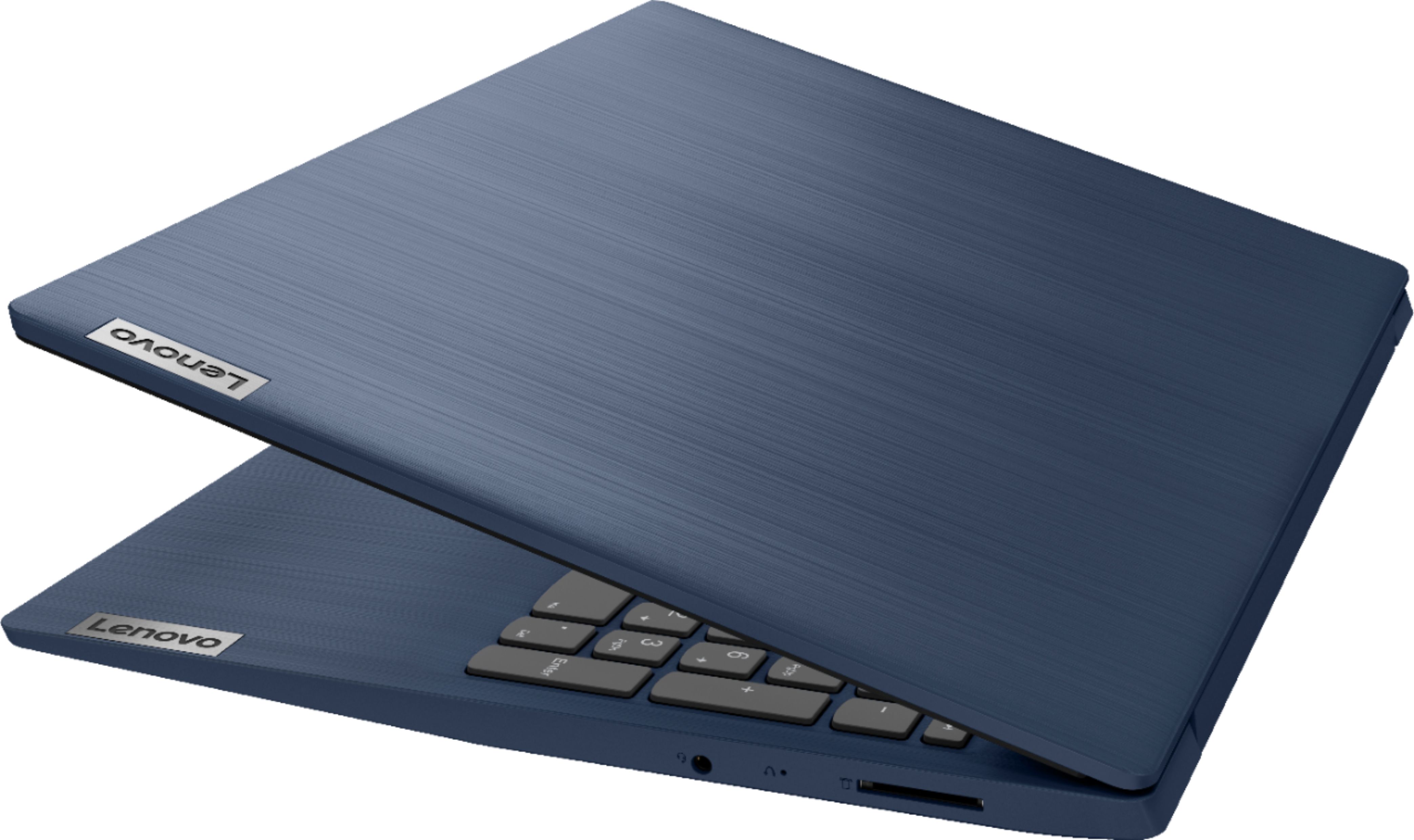
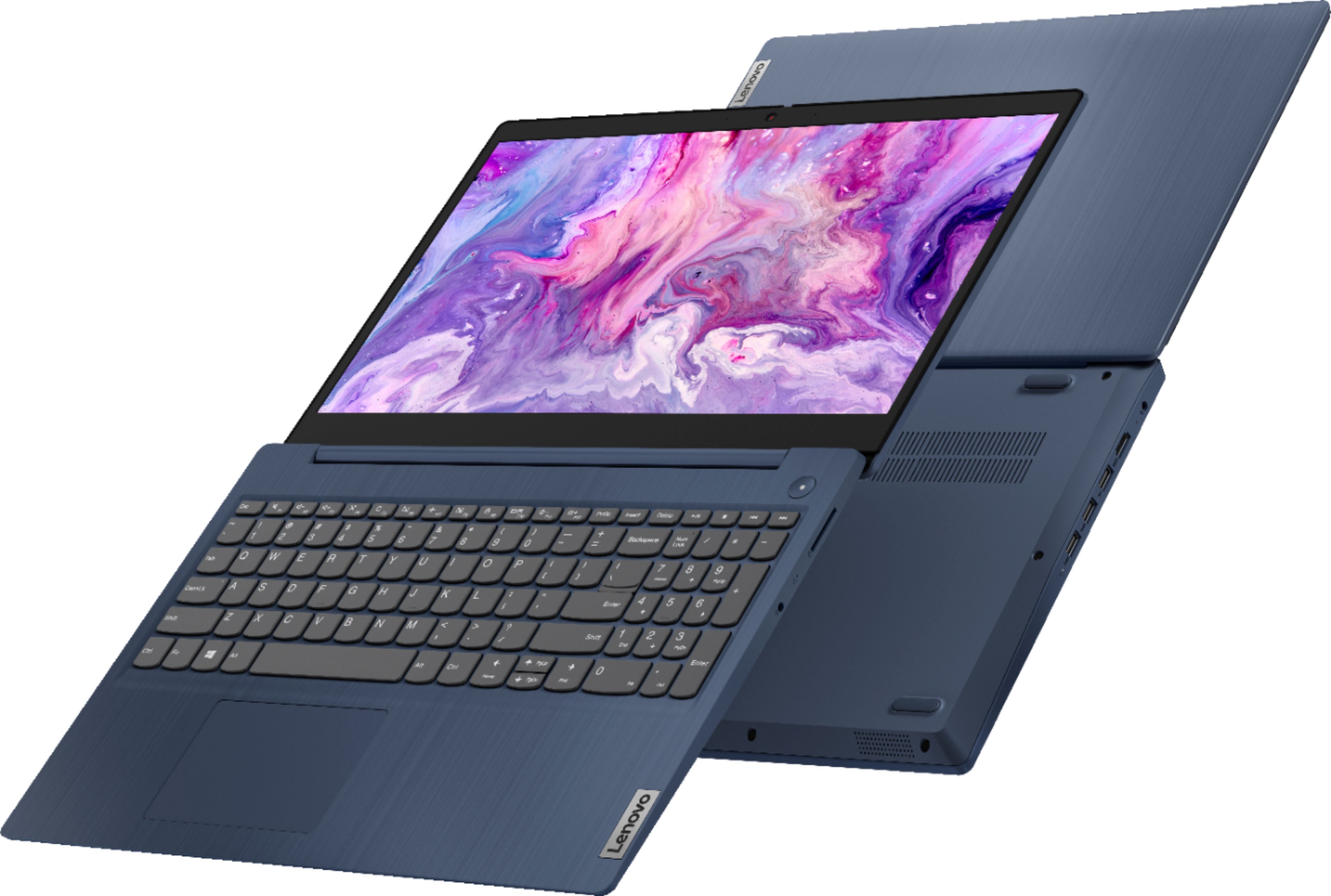
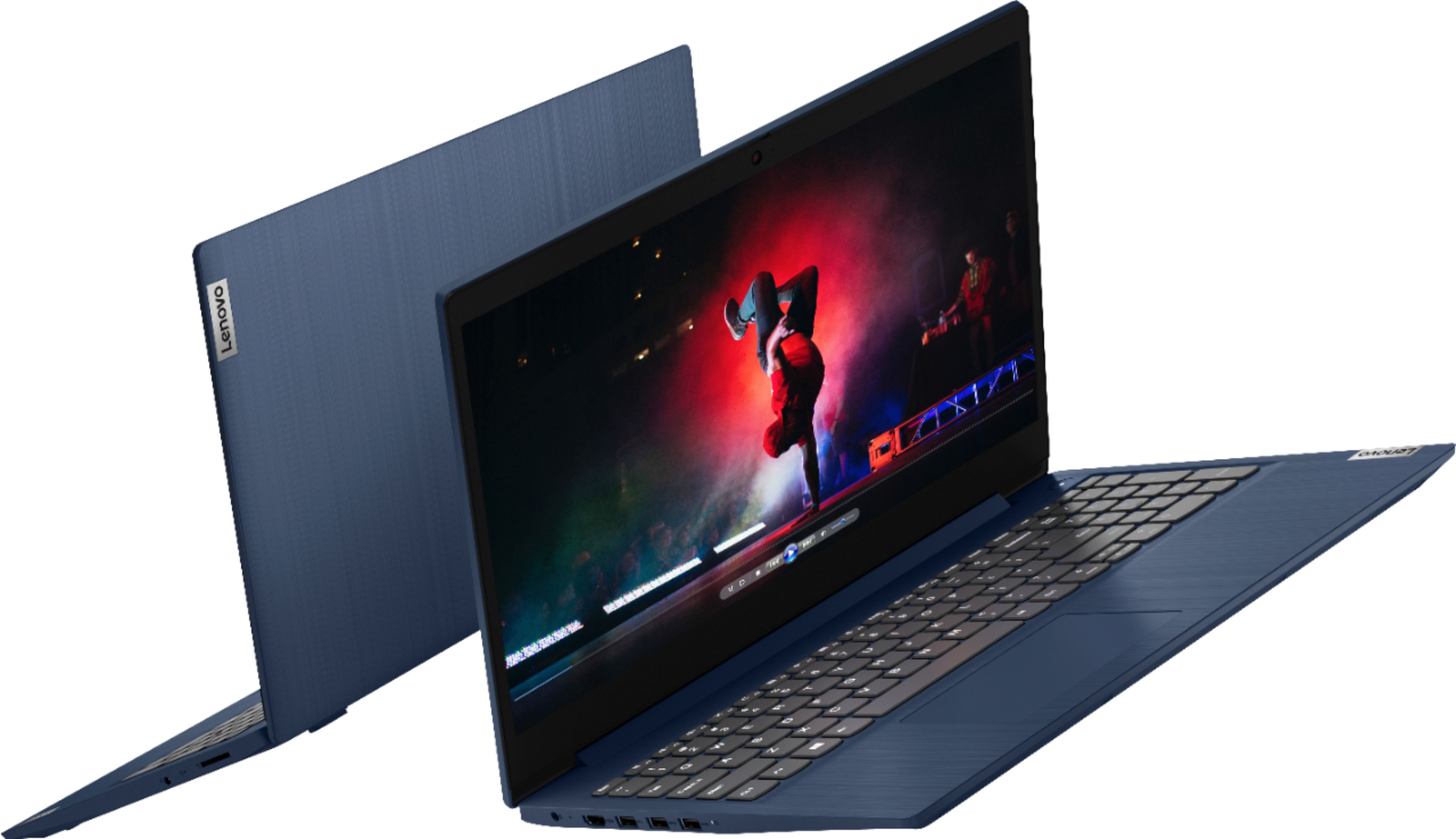
Posted .This Lenovo IdeaPad 3 15 Laptop, model number 81WR000FUS, ships with a 15.6 inch (screen size measured diagonally) TN - HD (1366x768) 10-point Multi-touch screen, with a brightness level of 220 nits and has an Anti-glare coating. If your screen is more dim than it was originally, check to be sure that auto brightness has not been inadvertently turned on, then manually adjust screen brightness back to your personal preference. Here is a link to instructions for checking if auto/adaptive brightness is turned on within Windows 10: https://www.tenforums.com/tutorials/70157-enable-disable-adaptive-brightness-windows-10-a.html. If the issue continues, we recommend you contact Lenovo Tech Support for additional help at: 877-453-6686.
Think I got a dud.
||Posted . Owned for 1 month when reviewed.This reviewer received promo considerations or sweepstakes entry for writing a review.Turns on when it wants to. Started having issues just after the 30 day mark and its no longer returnable.
No, I would not recommend this to a friendBrand response from Lenovo Product Expert
Posted .We are sorry to hear that you are having issues with your Lenovo IdeaPad 3 15 Laptop. Even if you have switched out of S-Mode, be sure any software you installed is compatible with Windows 10. There is no need to install Microsoft Office software. The software is already part of the operating system, you just need to activate the software with a purchased product key. If you have installed a copy of Microsoft Office, this is conflicting with the existing copy on the system and this will slow your system down. If you have installed a 3rd party anti-virus program, be sure that Windows Defender is turned off and that the trial version of McAfee Anti-Virus software is uninstalled. There can only be one anti-virus program on the system. You may need to restore your system to original factory default settings if any of the programming errors have occurred. You can do that by typing "restore" in the Cortana search window. Just click on the magnifying glass icon at the bottom left of your Windows 10 Desktop. Click on "Reset This PC" Then click on "Get Started" and follow the on screen directions to restore to factory defaults. If the problem persists, we recommend you contact Lenovo Tech Support at: 877-453-6686.
Good laptop for a kid only.....
||Posted . Owned for 3 weeks when reviewed.This reviewer received promo considerations or sweepstakes entry for writing a review.Not too fast kind of slow and graphics card is not good. Laptop is good for a young boy but not for an adult...
No, I would not recommend this to a friendBrand response from Lenovo Product Expert
Posted .The Lenovo IdeaPad 3 15 Laptop, model number 81WR000FUS, is a light to moderate workload capable configuration. This model ships with the 2-Core/4-Thread Intel Core i3-10110U processor, with a base speed of 2.1GHz and a boost speed of up to 4.1GHz. This processor is supported by 8GB DDR4-2666MHz RAM and a 256GB NVMe TLC solid state hard drive. This model ships with Windows 10 S-Mode 64-bit Operating System. Windows 10 S-Mode provides added security by only allowing APPs available ( and therefore certified by Microsoft) at the Microsoft Store. If you don't need the added security or you need to install APPs not available at the Microsoft Store, you can switch to standard Windows 10 Home 64-bit Operating System, at no additional cost. If you are getting slower than expected performance, even if you have switched out of S-Mode, be sure any software you installed is compatible with Windows 10. There is no need to install Microsoft Office software. The software is already part of the operating system, you just need to activate the software with a purchased product key. If you have installed a copy of Microsoft Office, this is conflicting with the existing copy on the system and this will slow your system down. If you have installed a 3rd party anti-virus program, be sure that Windows Defender is turned off and that the trial version of McAfee Anti-Virus software is uninstalled. There can only be one anti-virus program on the system. You may need to restore your system to original factory default settings if any of the programming errors have occurred. You can do that by typing "restore" in the Cortana search window. Just click on the magnifying glass icon at the bottom left of your Windows 10 Desktop. Click on "Reset This PC" Then click on "Get Started" and follow the on screen directions to restore to factory defaults. If the problem persists, we recommend you contact Lenovo Tech Support at: 877-453-6686.
Didn't work out of the box new
||Posted . Owned for 3 weeks when reviewed.This reviewer received promo considerations or sweepstakes entry for writing a review.Touchpad didn't work. Sent to store for repair...unrepairable out of the box. No replacement available.
No, I would not recommend this to a friendBrand response from Lenovo Product Expert
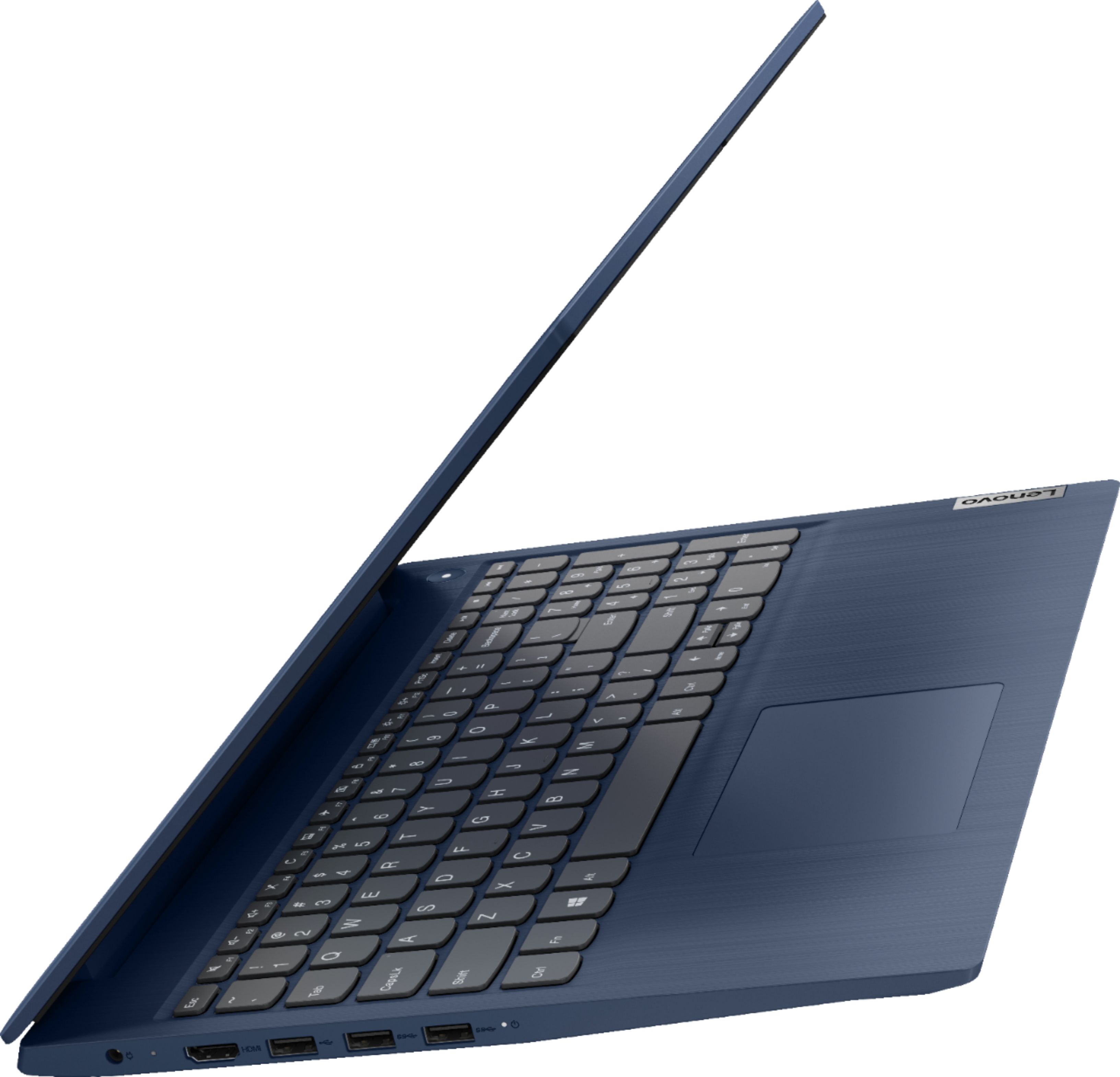
Posted .We are sorry to hear that you had issues with the touchpad on your Lenovo IdeaPad 3 15 Laptop, model number 81WR000FUS. Be sure that the touchpad has not been inadvertently turned off. Tap the HotKey in the F6 position on your keyboard to toggle the touchpad function on/off. If this does not fix the issue, resetting the computer back to original factory settings may correct the problem. This system is equipped with OneKey Recovery System. There is a very small pin hole on the right side of the device, right in between the headphone jack and the SD card slot on the device. You will need a pin to push this reset button. Plug the device in. Let the battery charge for about 15 minutes. Push the reset button. The system should boot to a choice screen where you can choose "Restore To Factory Default". Select this. It will delete everything from the hard drive except the original factory install of the operating system. You will need to reinstall all programs and files after the reset. If you don't have copies of the files, try to make one before you restore by selecting "Boot to desktop" and trying to back up your files. If the problem persists after the factory reset, we recommend you contact Lenovo Tech Support at: 877-453-6686.
Very bad, don't buy this trash
||Posted . Owned for 1 week when reviewed.This reviewer received promo considerations or sweepstakes entry for writing a review.I bought this for my sister. This bs couldn't even turn on. I'll return it now. Misleading people with trash.
No, I would not recommend this to a friendBrand response from Lenovo Product Expert
Posted .We are sorry to hear that you are having issues with the initial start up of your Lenovo IdeaPad 3 15 Laptop, model number 81WR000FUS. Try plugging the laptop in with the included AC adapter/charger and let the laptop charge for 15-minutes. Although all Lenovo laptops receive a battery charge at the factory, the battery level may drain to zero by the time the user attempts the initial setup of the laptop. Once the battery has charged for 15-minutes, press the power button and the computer will boot normally to the initial Windows 10 Activation Screen. If this does not happen and the laptop still does not start up, try resetting the computer back to original factory settings. This system is equipped with OneKey Recovery System. There is a very small pin hole on the right side of the device, right in between the headphone jack and the SD card slot on the device. You will need a pin to push this reset button. Plug the device in. Let the battery charge for about 15 minutes. Push the reset button. The system should boot to a choice screen where you can choose "Restore To Factory Default". Select this. It will delete everything from the hard drive except the original factory install of the operating system. You will need to reinstall all programs and files after the reset. If you don't have copies of the files, try to make one before you restore by selecting "Boot to desktop" and trying to back up your files. If the problem persists after the factory reset, we recommend you contact Lenovo Tech Support at: 877-453-6686.
- Pros mentioned:Ease of use
Lenovo review
Posted .This reviewer received promo considerations or sweepstakes entry for writing a review.Great laptop for everyday tasks! Keeps battery for a long time, easy to use.
I would recommend this to a friend Returned
||Posted . Owned for 3 weeks when reviewed.This reviewer received promo considerations or sweepstakes entry for writing a review.Camers quality is -00 out of 10. Purchased for my nephew to do school work. Very low quality.
No, I would not recommend this to a friendBrand response from Lenovo Product Expert
Posted .The Lenovo IdeaPad 3 15 Laptop, model number 81WR000FUS, ships with an HD (720p) webcam with Privacy Shutter and Dual Array Microphones built in. If you are getting less than expected broadcast video performance, be sure you have taken the protective film off of the lens of the video camera. This is factory installed to cover the webcam lens during shipping to prevent damage to the camera lens. It must be removed before using the webcam for best video quality. If you continue to have issues, we recommend you contact Lenovo Tech Support at: 877-453-6686.
A title?
||Posted . Owned for 3 weeks when reviewed.This reviewer received promo considerations or sweepstakes entry for writing a review.I had to return the laptop, the next day. So, it has to be at least 50 characters. Like, really?
No, I would not recommend this to a friendWorst laptop ever
||Posted .This reviewer received promo considerations or sweepstakes entry for writing a review.Do not buy this. It will not even last you a month. Complete waste of money.
No, I would not recommend this to a friendBrand response from Lenovo Product Expert
Posted .We are sorry to hear that you are having issues with your Lenovo IdeaPad 3 15 Laptop. Resetting your IdeaPad 3 15 back to original factory setting may correct the issue you are having. This system is equipped with OneKey Recovery System. There is a very small pin hole on the right side of the device, right in between the headphone jack and the SD card Slot on the device. You will need a pin to push this reset button. Plug the device in. Let the battery charge for about 15 minutes. Push the reset button. The system should boot to a choice screen where you can choose "Restore To Factory Default". Select this. It will delete everything from the hard drive except the original factory install of the operating system. You will need to reinstall all programs and files after the reset. If you don't have copies of the files, try to make one before you restore by selecting "Boot to desktop" and trying to back up your files. If the problem persists after the factory reset, we recommend you contact Lenovo Tech Support at: 877-453-6686.
Lenovo Laptop
||Posted . Owned for 4 months when reviewed.This reviewer received promo considerations or sweepstakes entry for writing a review.Broke within 3 months. The screen went blank and now it’s at HP for repair.
No, I would not recommend this to a friendBroken laptop
||Posted .This reviewer received promo considerations or sweepstakes entry for writing a review.I was walking up stairs barley off the second step and now i cant use it no more
No, I would not recommend this to a friendLenova
||Posted .This reviewer received promo considerations or sweepstakes entry for writing a review.Wasn't given proper guidelines as requested. Didnt arrive set up as promised
No, I would not recommend this to a friendBrand response from Lenovo Product Expert
Posted .We are sorry to hear that you are having difficulty setting up your Lenovo IdeaPad 3 15 Laptop, model number 81WR000FUS. The IdeaPad 3 15 ships with easy, audio and on-screen, step by step setup instructions for the initial activation of Windows 10. This model ships with Windows 10 S-Mode 64-bit Operating System. Windows 10 S-Mode provides added security by only allowing APPs available ( and therefore certified by Microsoft) at the Microsoft Store. If you don't need the added security or you need to install APPs not available at the Microsoft Store, you can switch to standard Windows 10 Home 64-bit Operating System, at no additional cost. Here is a link to instructions for switching from Windows 10 S-Mode to Windows 10 Home: https://support.microsoft.com/en-us/help/4456067/windows-10-switch-out-of-s-mode. If you have additional questions about your IdeaPad 3 15 we recommend you contact Lenovo Tech Support at: 877-453-6686.
Bad purchase
||Posted . Owned for 2 weeks when reviewed.This reviewer received promo considerations or sweepstakes entry for writing a review.no stars, thing does not work can't use it without spending more money
No, I would not recommend this to a friendBrand response from Lenovo Product Expert
Posted .We are sorry to hear that you are having issues with your Lenovo IdeaPad 3 15 Laptop, model number 81WR000FUS. This computer will work directly out of the box for both offline as well as online activities with a compatible WiFi connection available or to use offline as a stand alone computer. If you are experiencing issues with the operation of your Lenovo IdeaPad 3 15 we recommend you contact Lenovo Tech Support for additional help at: 877-453-6686.
Very disappointed
||Posted .This reviewer received promo considerations or sweepstakes entry for writing a review.Horrible picture! Don't buy! I guess you get what pay for!
No, I would not recommend this to a friendBrand response from Lenovo Product Expert
Posted .The Lenovo IdeaPad 3 15 Laptop, model number 81WR000FUS, ships with a 15.6 inch (screen size measured diagonally) TN - HD (1366x768) 10-point Multi-touch screen, with a brightness level of 220 nits and an Anti-glare coating.