Customer Ratings & Reviews
- Model:
- 81WR000FUS
- SKU:
- 6449496
Rating by feature
- Battery Life
Rating 4.4 out of 5 stars
- Speed
Rating 4.5 out of 5 stars
- Display
Rating 4.5 out of 5 stars
Customers are saying
Customers praise the Ideapad 3 15 for its affordability, touch screen capabilities, and fast performance. Many users appreciate its lightweight design and vibrant color options. While some users have concerns about battery life, most find it to be a great value for the price.
This summary was generated by AI based on customer reviews.
Utility Account Representative
Posted .This reviewer received promo considerations or sweepstakes entry for writing a review.I really love my laptop. It helped me through college when I took a class online for the first time. It was so rewarding and I hope I can receive another reward by winning the $400 gift card. Thank you Erica Mason-Collins
I would recommend this to a friendReliable
Posted .This reviewer received promo considerations or sweepstakes entry for writing a review.I mainly use it for work and doing assignments for Grad school. Over the years its been a very reliable laptop.
I would recommend this to a friendGood fit
Posted .This reviewer received promo considerations or sweepstakes entry for writing a review.I use it only to check emails and send emails. Does what i need for the price. I would say if you looking for more then this is not for you.
I would recommend this to a friendThe Best!
Posted .This reviewer received promo considerations or sweepstakes entry for writing a review.From day 1 I have loved my laptop. I have not had any issues with it either!!!!!! I highly recommend it!
I would recommend this to a friend4 years going strong
Posted .This reviewer received promo considerations or sweepstakes entry for writing a review.Awesome and very durable computer. Proud purchase!
I would recommend this to a friendLenovo Ideapad laptop
Posted .This reviewer received promo considerations or sweepstakes entry for writing a review.This laptop has worked very well since I purchased it. I have no complaints with the computer.
I would recommend this to a friend- Pros mentioned:Speed
perfect!
Posted .This reviewer received promo considerations or sweepstakes entry for writing a review.runs very fast, works with the sims 4 (and expansion packs and cc) and overall very cute! Would 100% recommend! I did struggle with leaving safe mode though!
I would recommend this to a friendBrand response from Lenovo Product Expert
Posted .Thank you for choosing the Lenovo IdeaPad 3 15 Laptop, model number 81WR000FUS. This model ships with Windows 10 S-Mode 64-bit Operating System. Windows 10 S-Mode provides added security by only allowing APPs available ( and therefore certified by Microsoft) at the Microsoft Store. If you don't need the added security or you need to install APPs not available at the Microsoft Store, you can switch to standard Windows 10 Home 64-bit Operating System, at no additional cost. We are pleased to hear that the IdeaPad 3 15 meets your computing needs so well.

Lenovo Laptop
Posted .This reviewer received promo considerations or sweepstakes entry for writing a review.This has been a great laptop!! Would buy another one
I would recommend this to a friendGreat starter laptop!
Posted .This reviewer received promo considerations or sweepstakes entry for writing a review.Overall great laptop ! Works perfectly for office and some gaming !
I would recommend this to a friend- Pros mentioned:Ease of use
Lenovo Computer
Posted .This reviewer received promo considerations or sweepstakes entry for writing a review.Love my computer! This is my first time purchasing a Lenovo Computer and I am enjoying the ease of use.
I would recommend this to a friendBrand response from Lenovo Product Expert
Posted .Thank you for choosing the Lenovo IdeaPad 3 15 Laptop, model number 81WR000FUS. We are pleased to hear that the ease of use and performance of the IdeaPad 3 15 meets your computing needs so well.
- Pros mentioned:Touch screen
Highly recommend
Posted .This reviewer received promo considerations or sweepstakes entry for writing a review.Love this laptop. Touch screen and easy to navigate! Can’t beat the price.
I would recommend this to a friendBrand response from Lenovo Product Expert
Posted .Thank you for choosing the Lenovo IdeaPad 3 15 Laptop, model number 81WR000FUS. We are pleased to hear that the value, ease of use and performance of the IdeaPad 3 15 meets your computing needs so well.
Good Product
Posted .This reviewer received promo considerations or sweepstakes entry for writing a review.I don't have any complaints about this Lenovo product. I read tons of reviews and researched other brands for a while before this purchase. I must say I am satisfied.
I would recommend this to a friendBrand response from Lenovo Product Expert
Posted .Thank you for choosing the Lenovo IdeaPad 3 15 Laptop, model number 81WR000FUS. We are pleased to hear that the IdeaPad 3 15 meets your computing needs so well.
Not a 15”
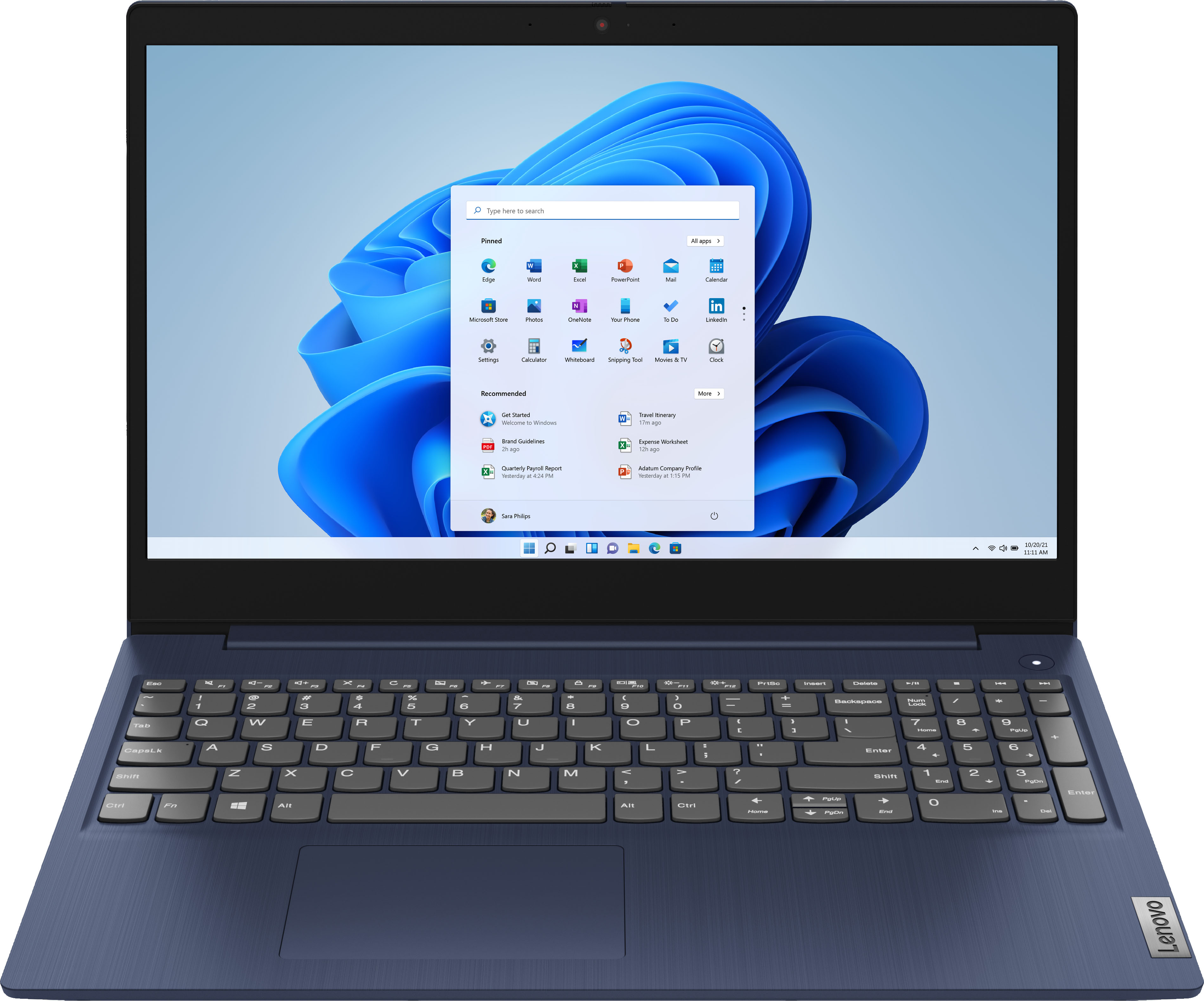
Posted .This reviewer received promo considerations or sweepstakes entry for writing a review.Fine laptop for the price but it is NOT a 15” laptop! It doesn’t fit in any of my briefcases or backpacks and measures closest to 17.5”.
No, I would not recommend this to a friendBrand response from Lenovo Product Expert
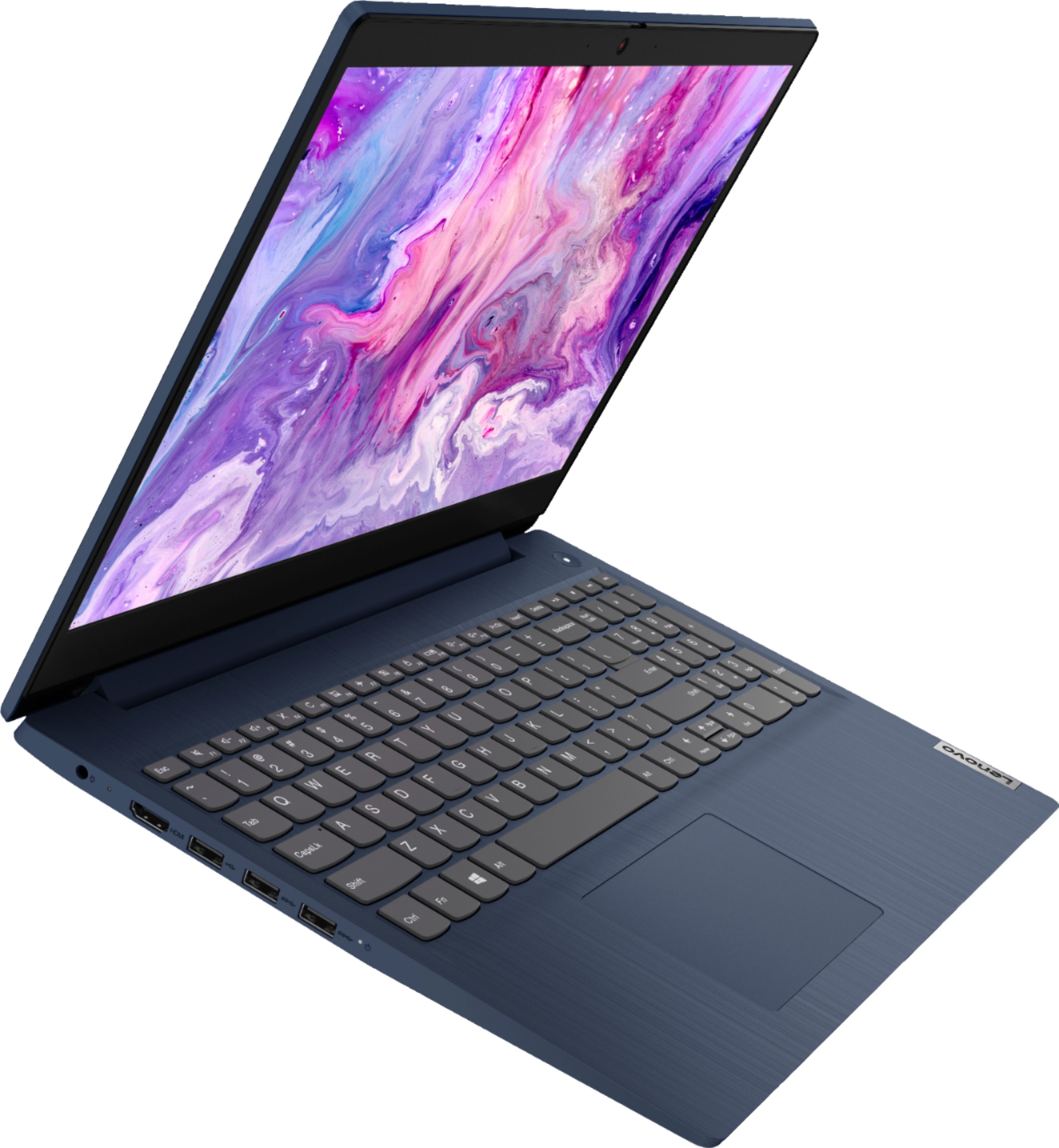
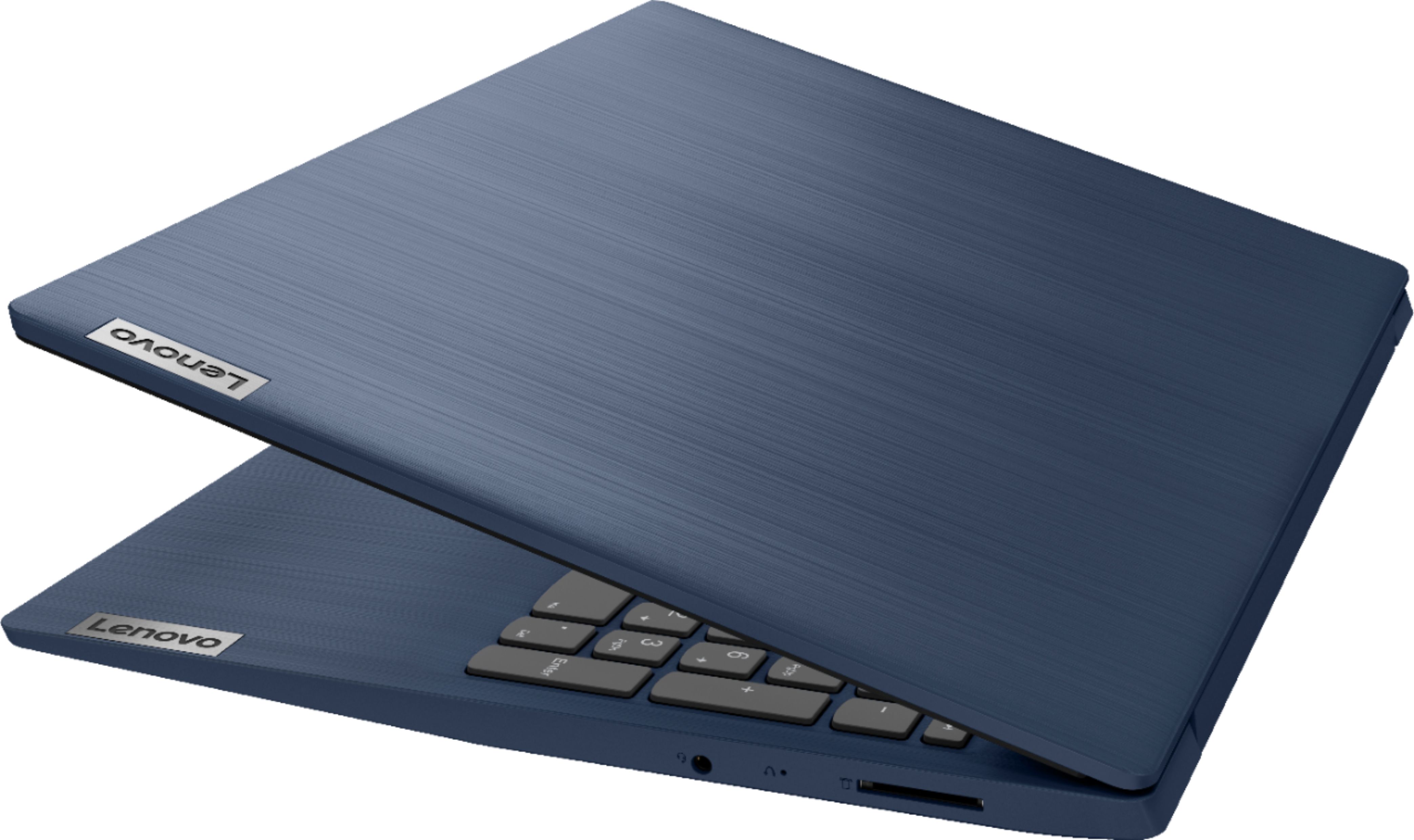
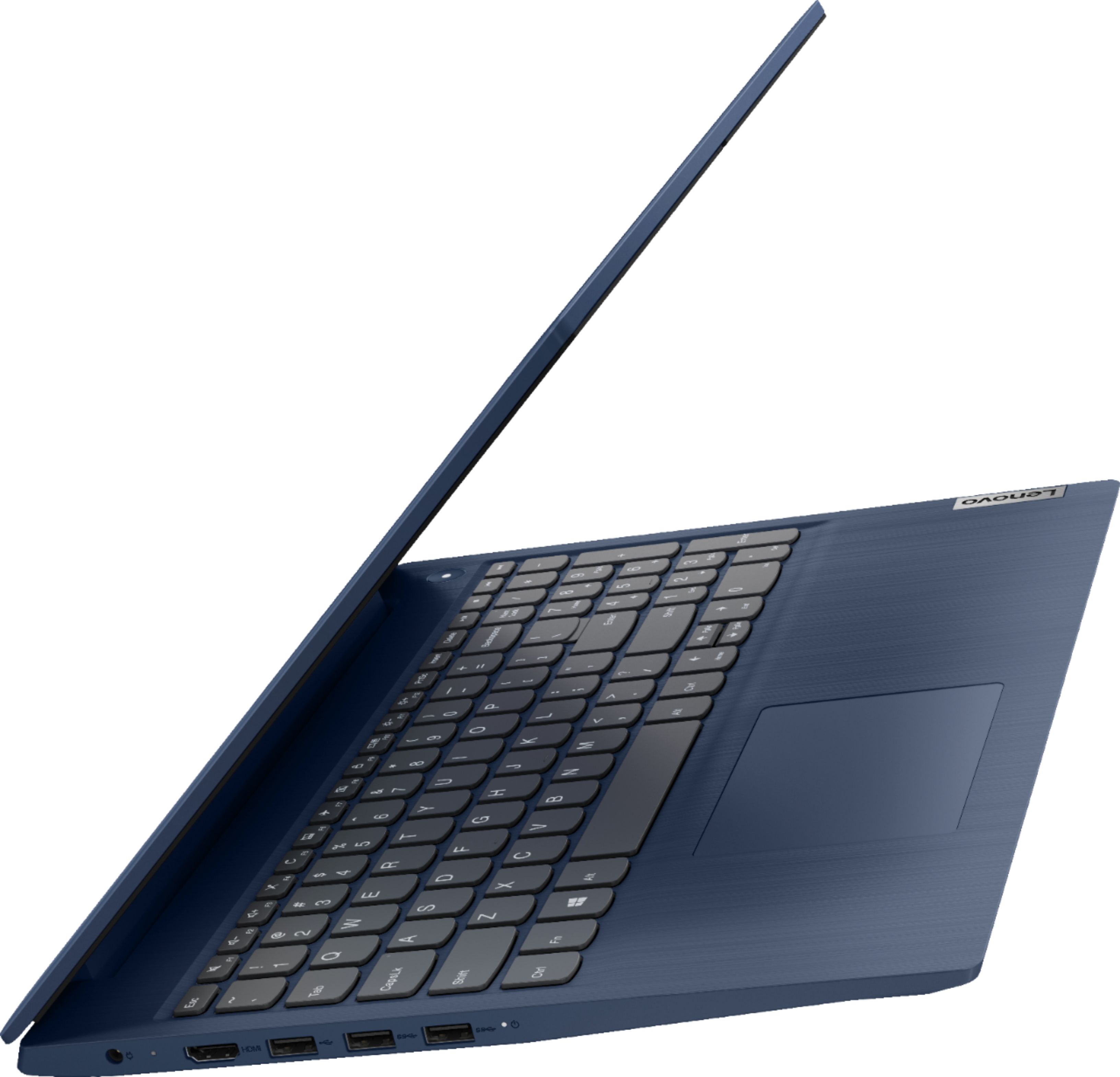
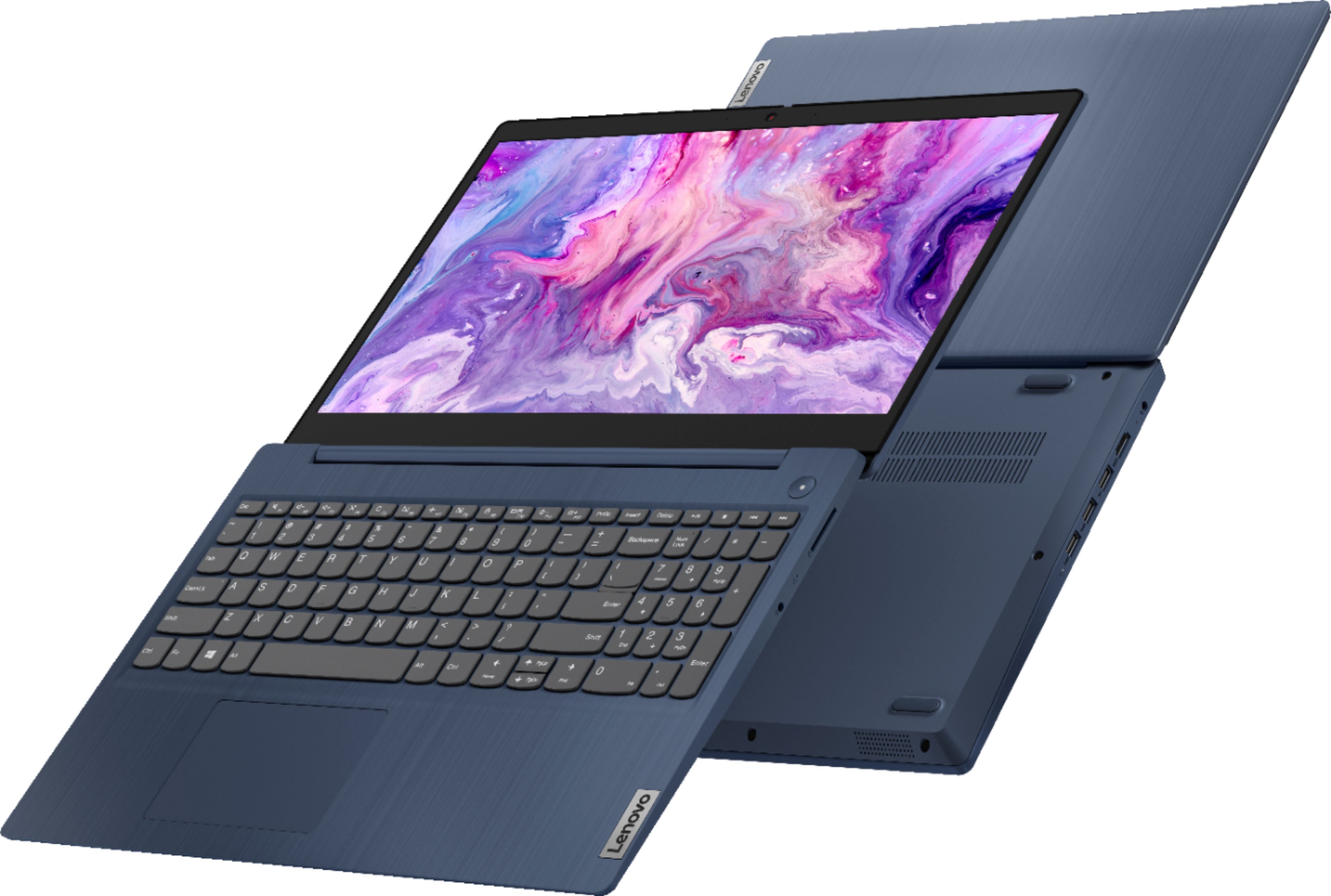
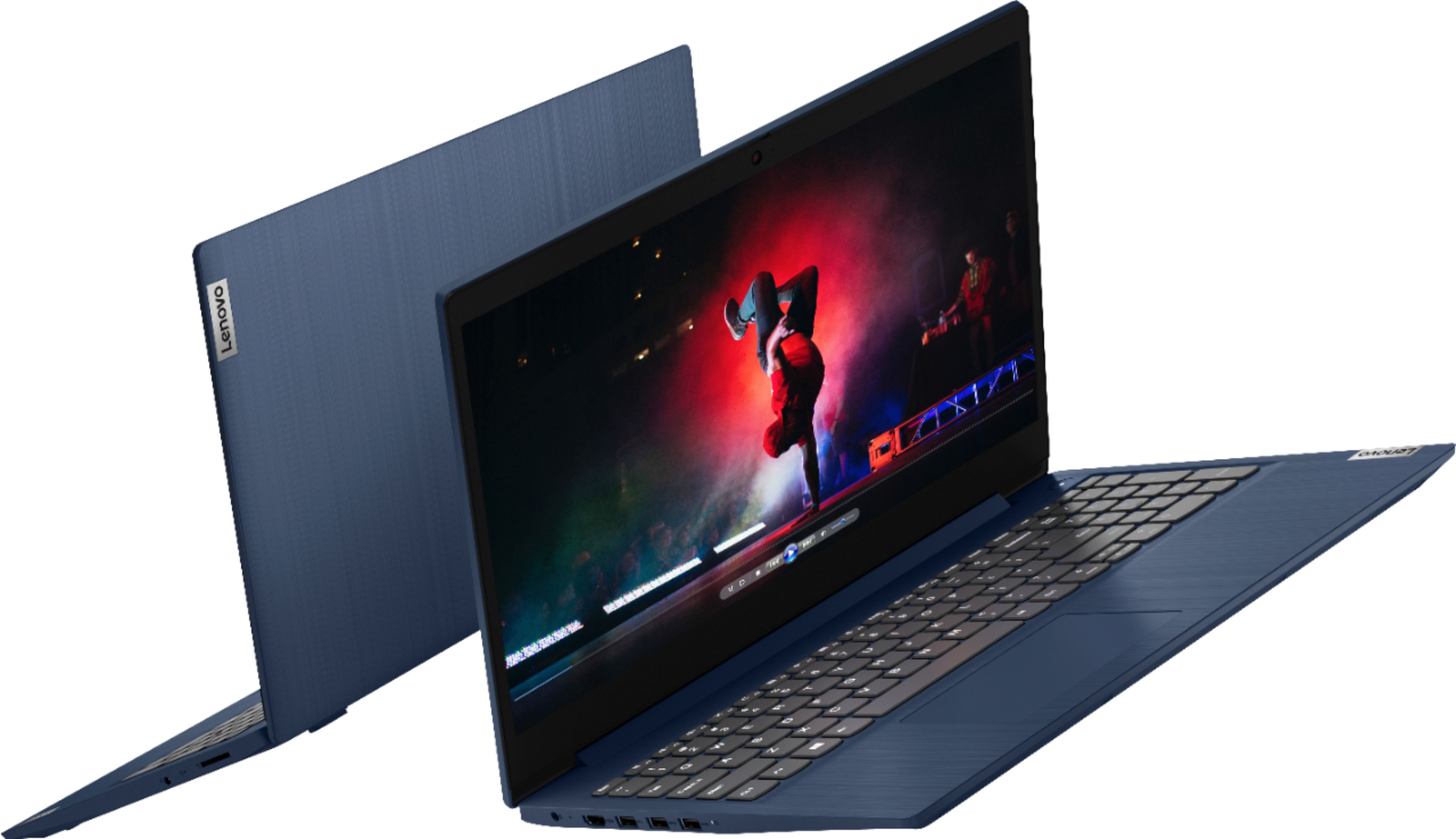
Posted .The Lenovo IdeaPad 3 15 Laptop, model number 81WR000FUS, ships with a 15.6-Inch Screen (screen size measured diagonally). The overall product dimensions of the IdeaPad 3 15 are: (LxWxH) - 14.26 x 9.98 x 0.78 Inches. If your laptop does not fit this measurement, be sure you have the correct model number. If you have the original shipping box the laptop came in, the model number is printed on the outside of the original product box.
Littlepiggiesdaycare
Posted .This reviewer received promo considerations or sweepstakes entry for writing a review.I got this to use for my in the daycare for my children and use for some business purposes
I would recommend this to a friendBrand response from Lenovo Product Expert
Posted .Thank you for choosing the Lenovo IdeaPad 3 15 Laptop for both your business as well as personal computing needs. We are leased to hear that the IdeaPad 3 15 is working out so well for you.
Not happy at all, too many cons
Posted .This reviewer received promo considerations or sweepstakes entry for writing a review.I only need this laptop for BASIC work, but there are too many negatives: There is NO Home button! You -have to scroll up every time to top of page..; The mouse is so soft, pages accidentally open- even after I learned to be gentler: There is a touch screen (why?!), but not very useful, and reduced image quality as a result: The charger cable connection is loose, keeps falling out, although I literally sit on my couch and work all day.. The memory is barely enough for just my photos! I am annoyed and regret my purchase, I doubt it will last more than a year or two. For $400 I surely could have done better with a competitor brand.
No, I would not recommend this to a friendBrand response from Lenovo Product Expert
Posted .We are sorry to hear that you are having difficulty with your Lenovo IdeaPad 3 15 Laptop, model number 81WR000FUS. You can access the Home feature either of two ways - Hold down the Fn Key and tap the Left Arrow key on the right side of the keyboard or turn off the NUMLOCK feature on the 10-Key Pad and use the Home function at the 7 key location. With regard to the touchpad/mouse function, you can make adjustments to the touchpad in your system settings. You can get there by clicking on the magnifying glass at the bottom left of your Windows 10 screen. Type "touchpad" in the search window. Select "Mouse & touchpad settings" from the list of choices. You can make general adjustments to the touchpad there. You can also select "Additional mouse options" for more detailed adjustments to the touchpad sensitivity by increasing the delay of the touchpad. This IdeaPad 3 15 Laptop ships with a 256GB M.2 2242 PCIe 3.0x2 NVMe solid state hard drive. You can expand the storage space by using the 4-in-1 Card SD Reader, which is compatible with SD, SDHC, SDXC, MMC format smart cards. You can also use a USB-based external hard drive and/or a Cloud Storage Account to expand storage space.
USB wireless mouse constantly lags!
Posted .This reviewer received promo considerations or sweepstakes entry for writing a review.I have this laptop hooked up to a HDTV so I don't use the touchpad or the touch screen. I'm using a Logitech optical wireless USB mouse and it's horrendous! The mouse cursor and arrow constantly lags and it ruins my entire online experience! Instead of moving freely when I move the mouse, like I said it lags and nearly freezes and moves all over the place. My old HP laptop never had this issue that I can remember. Other than that, it seems like a decent enough laptop...but what good is that if I can't move my mouse freely without a lag.
No, I would not recommend this to a friendBrand response from Lenovo Product Expert
Posted .We are sorry to hear that you are having issues with a 3rd party manufactured mouse, connected to your Lenovo IdeaPad 3 15 Laptop. Try using the laptop's built in touchpad to see if the issue with lag repeats itself. If it does not, the issue is with the external mouse itself. We recommend you check with the mouse manufacturer for troubleshooting tips. If the lag continues with the laptop's touchpad being used, be sure any software you installed is compatible with Windows 10. There is no need to install Microsoft Office software. The software is already part of the operating system, you just need to activate the software with a purchased product key. If you have installed a copy of Microsoft Office, this is conflicting with the existing copy on the system and this will slow your system down. If you have installed a 3rd party anti-virus program, be sure that Windows Defender is turned off and that the trial version of McAfee Anti-Virus software is uninstalled. There can only be one anti-virus program on the system. You may need to restore your system to original factory default settings if any of the programming errors have occurred. You can do that by typing "restore" in the Cortana search window. Just click on the magnifying glass icon at the bottom left of your Windows 10 Desktop. Click on "Reset This PC" Then click on "Get Started" and follow the on screen directions to restore to factory defaults. If there is no incompatible software installed but the issues persist, check to be sure you have the latest version of Windows 10 on the computer. Then update all BIOS files and drivers up to that latest version of Windows 10. You can easily accomplish this by scanning the computer with the Lenovo Utility software available on this computer. This system has Lenovo utilities installed to help maintain the health of the device and keep the operating system software up to date. Type "Lenovo Vantage" in the Cortana Search window (if Lenovo Vantage is not installed on your device, you can download the APP and install it now). Select Lenovo Vantage from the list. In the window that opens, click on "Health and Support". In the expanded menu, select "Hardware Scan" In the window that opens, select "Run Quick Tests". This will scan your entire system for errors. Follow any directions that may pop up. If the problem continues after this scan, now click on "System Update". First select Windows update from the menu. Scan your system to be sure you have the latest version of Windows 10. Once that scan is complete, select "Additional Updates". This will scan your device to be sure there are no new BIOS/Driver updates needed. Follow any instructions that may pop up. If the issue still continues after these updates, we recommend you call Lenovo Tech Support at: 877-453-6686 for additional help.
Horrible laptop!
Posted .This reviewer received promo considerations or sweepstakes entry for writing a review.I really dislike this laptop! It runs super slow and it's hard to maneuver. I constantly get popups asking me to install an antivirus software no matter how many times I say "No". The screen resolution is very poor. I really wanted to like it but I guess you get what you pay for. I went ahead and purchased a Dell recently and I hope I have a better experience with it.
No, I would not recommend this to a friendBrand response from Lenovo Product Expert
Posted .We are sorry to hear that you are having issues with your Lenovo IdeaPad 3 15 Laptop, model number 81WR000FUS. If you are getting anti-virus software alert popups, they are coming from McAfee Virus Protection Software installed on this computer as a 30-day trial. It activates automatically with the initial activation of Windows 10 and protects your computer for the 30-day trial period. If you are getting popup virus protection messages, your 30-day trial of McAfee has ended and your computer is no longer protected by McAfee. You do not need to use McAfee VPS. Just uninstall McAfee and the popup messages will stop. If you have already installed another 3rd. party virus protection software, but have not uninstalled McAfee, this is causing a conflict. There can only be one VPS active on a computer at a time. Here is a link to information on uninstalling McAfee from Windows 10: https://service.mcafee.com/webcenter/portal/oracle/webcenter/page/scopedMD/s55728c97_466d_4ddb_952d_05484ea932c6/Page29.jspx?wc.contextURL=%2Fspaces%2Fcp&articleId=TS101331&_afrLoop=1355161020222084&leftWidth=0%25&showFooter=false&showHeader=false&rightWidth=0%25¢erWidth=100%25#!%40%40%3FshowFooter%3Dfalse%26_afrLoop%3D1355161020222084%26articleId%3DTS101331%26leftWidth%3D0%2525%26showHeader%3Dfalse%26wc.contextURL%3D%252Fspaces%252Fcp%26rightWidth%3D0%2525%26centerWidth%3D100%2525%26_adf.ctrl-state%3Dx25crirbo_9. If the issues continue, we recommend you contact Lenovo Tech Support for additional assistance at: 877-453-6686.
Lenovo sucks
Posted .This reviewer received promo considerations or sweepstakes entry for writing a review.Was working great when I first got it, but now my wireless mouse will freeze and not work unless I shut down the computer and disconnect the power. Now sometimes that doesn't even work well :(. Tech support could not solve the problem. To top it all off, Lenovo scanned my computer detected "23 issues" and now wants me to PAY to fix the problems, Lennovo sucks even worse than HP.
No, I would not recommend this to a friendBrand response from Lenovo Product Expert
Posted .We are sorry to hear that you are having issues using your wireless mouse with the Lenovo IdeaPad 3 15 Laptop, model number 81WR000FUS. First, try using the laptop touchpad to see if the touchpad functions normally. If it does, if possible, try using your wireless mouse with a different computer. See if the issue with the wireless mouse happens with a different computer. If it does, the issue is probably with the wireless mouse. Concerning checking your computer for other issues, first, Be sure any software you installed is compatible with Windows 10. There is no need to install Microsoft Office software. The software is already part of the operating system, you just need to activate the software with a purchased product key. If you have installed a copy of Microsoft Office, this is conflicting with the existing copy on the system and this will slow your system down. If you have installed a 3rd party anti-virus program, be sure that Windows Defender is turned off and that the trial version of McAfee Anti-Virus software is uninstalled. There can only be one anti-virus program on the system. You may need to restore your system to original factory default settings if any of the programming errors have occurred. You can do that by typing "restore" in the Cortana search window. Just click on the magnifying glass icon at the bottom left of your Windows 10 Desktop. Click on "Reset This PC" Then click on "Get Started" and follow the on screen directions to restore to factory defaults. Now check to see that you have the latest version of Windows 10 on the computer. Then update all BIOS files and drivers up to that latest version of Windows 10. You can easily accomplish this by scanning the computer with the Lenovo Utility software available on this computer. This system has Lenovo utilities installed to help maintain the health of the device and keep the operating system software up to date. Type "Lenovo Vantage" in the Cortana Search window (if Lenovo Vantage is not installed on your device, you can download the APP and install it now). Select Lenovo Vantage from the list. In the window that opens, click on "Health and Support". In the expanded menu, select "Hardware Scan" In the window that opens, select "Run Quick Tests". This will scan your entire system for errors. Follow any directions that may pop up. If the problem continues after this scan, now click on "System Update". First select Windows update from the menu. Scan your system to be sure you have the latest version of Windows 10. Once that scan is complete, select "Additional Updates". This will scan your device to be sure there are no new BIOS/Driver updates needed. Follow any instructions that may pop up. If the issue still continues after these updates, we recommend you call Lenovo Tech Support at: 877-453-6686 for additional help.
Lenovo sucks
Posted .This reviewer received promo considerations or sweepstakes entry for writing a review.Had this laptop for two months. Hardly used. Now the screen is black and won’t do anything. Lenovo says it’s a hardware issue. TWO MONTHS!!! Now I have to take time off work to fix a laptop I NEED for work. Very disappointed
No, I would not recommend this to a friendBrand response from Lenovo Product Expert
Posted .We are sorry to hear that you are having issues with your Lenovo IdeaPad 3 15 Laptop, model number 81WR000FUS not displaying an image on the screen. Try resetting the computer back to original factory settings. Since you can not boot the computer normally, this system is equipped with OneKey Recovery System. There is a very small pin hole on the right side of the device, right in between the headphone jack and SD card slot on the device. You will need a pin to push this reset button. Plug the device in. Let the battery charge for about 15 minutes. Push the reset button. The system should boot to a choice screen where you can choose "Restore To Factory Default". Select this. It will delete everything from the hard drive except the original factory install of the operating system. You will need to reinstall all programs and files after the reset. If you don't have copies of the files, try to make one before you restore by selecting "Boot to desktop" and trying to back up your files. If the problem persists after the factory reset, we recommend you contact Lenovo Tech Support at: 877-453-6686.
charger broke months after
Posted .This reviewer received promo considerations or sweepstakes entry for writing a review.Dim lighting, and the charger broke months after purchase.
No, I would not recommend this to a friend