Customer Ratings & Reviews


- Model:
- 82H801DQUS/82H8018SUS
- SKU:
- 6461977
Rating by feature
- Battery Life
Rating 4.4 out of 5 stars
- Speed
Rating 4.7 out of 5 stars
- Display
Rating 4.6 out of 5 stars
Customers are saying
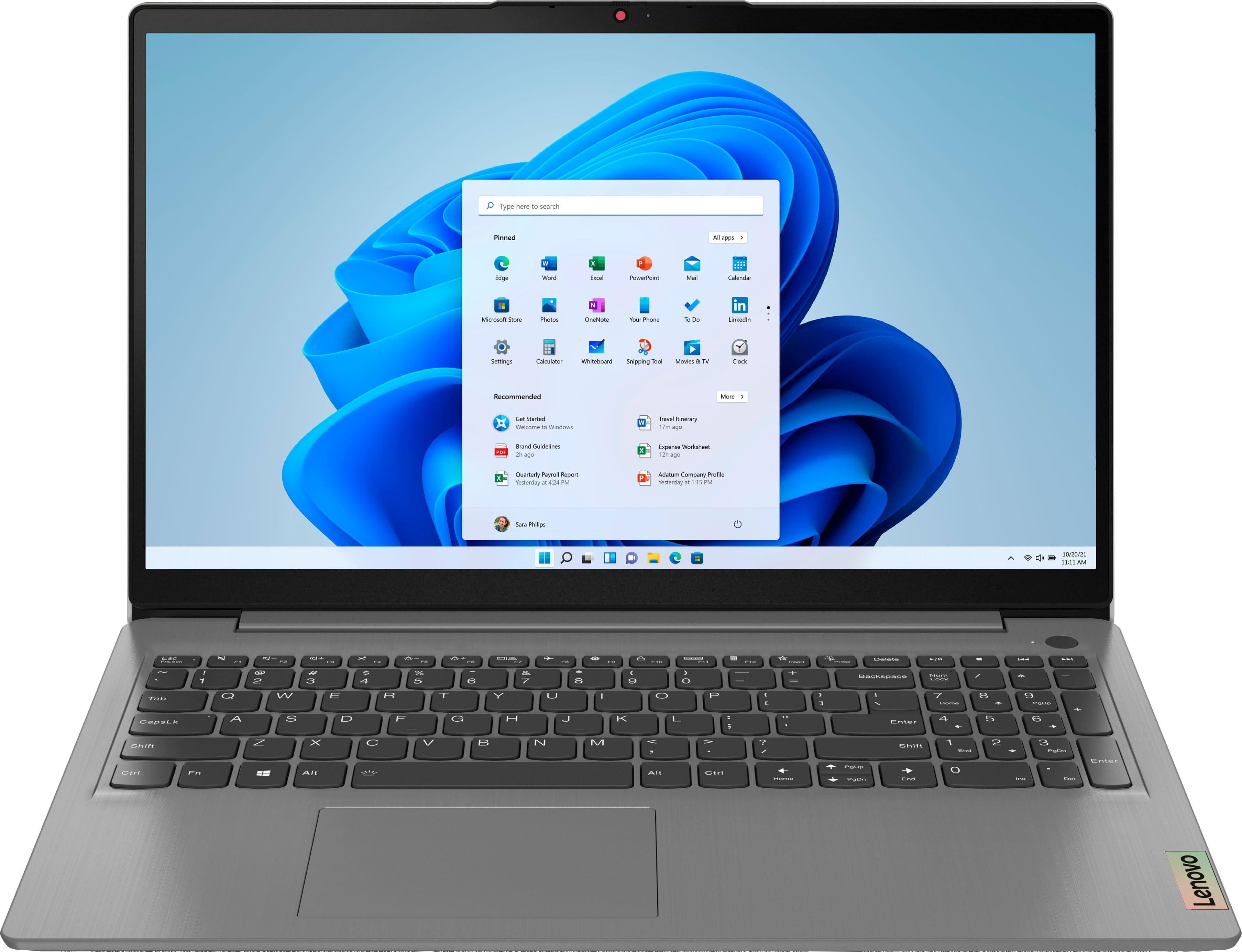
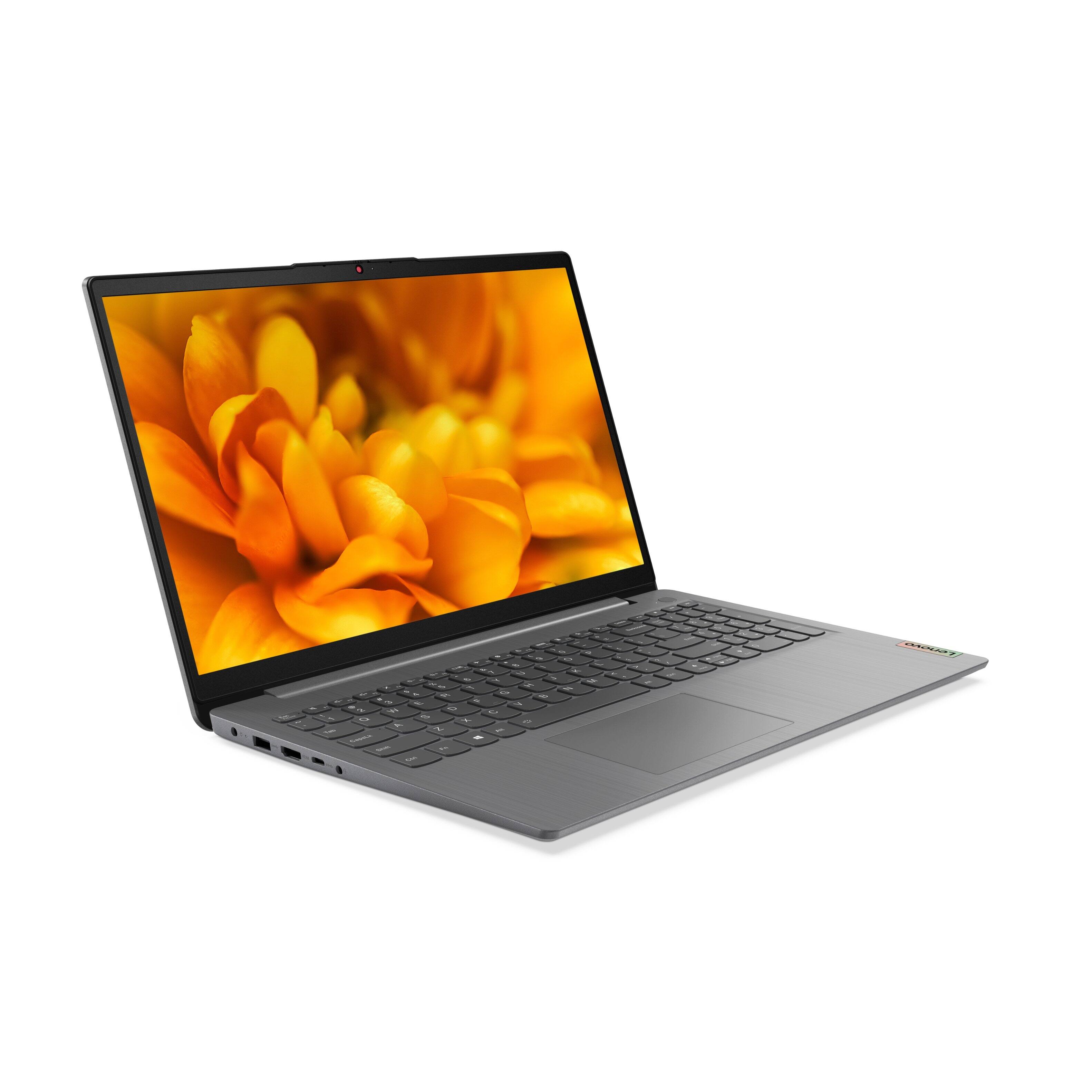
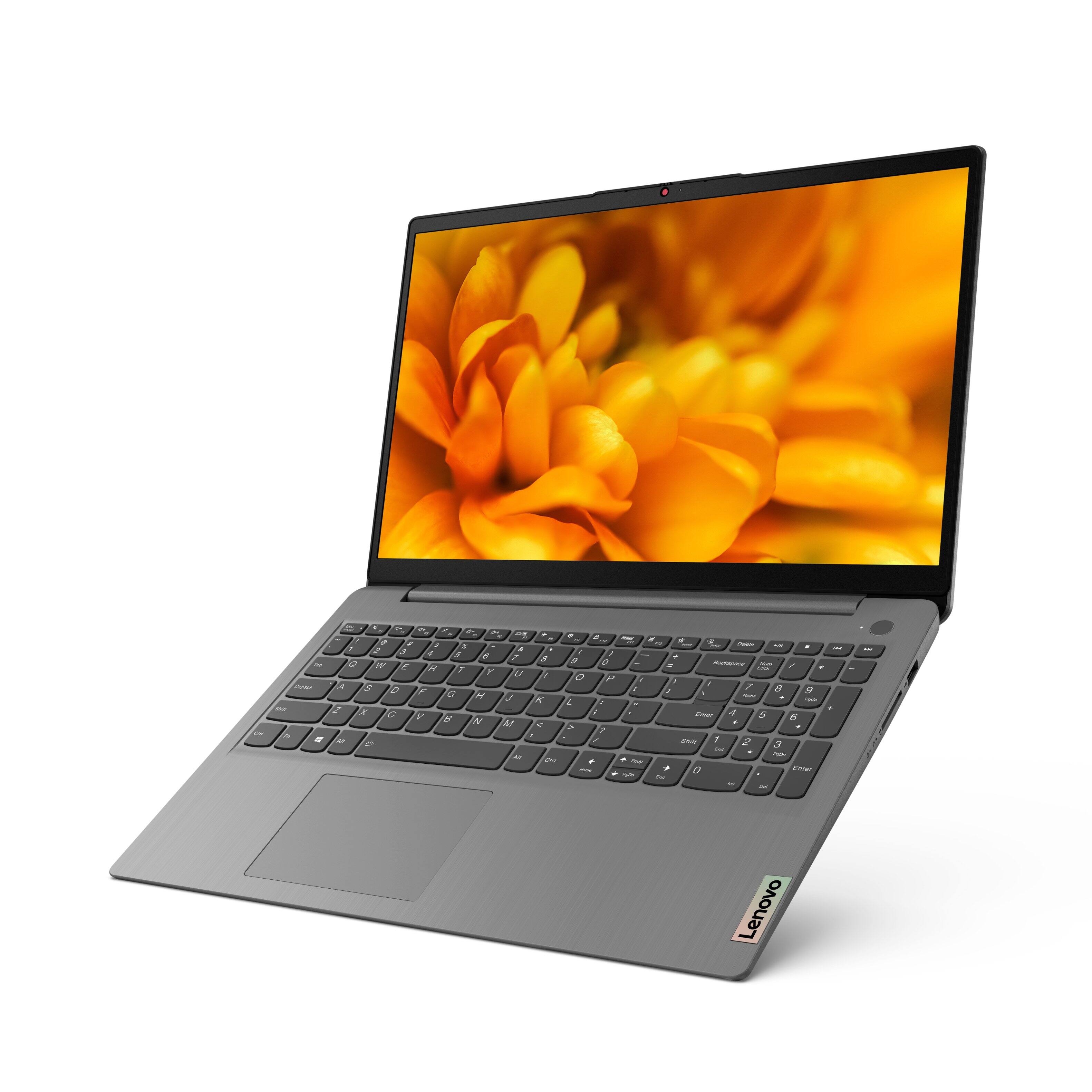
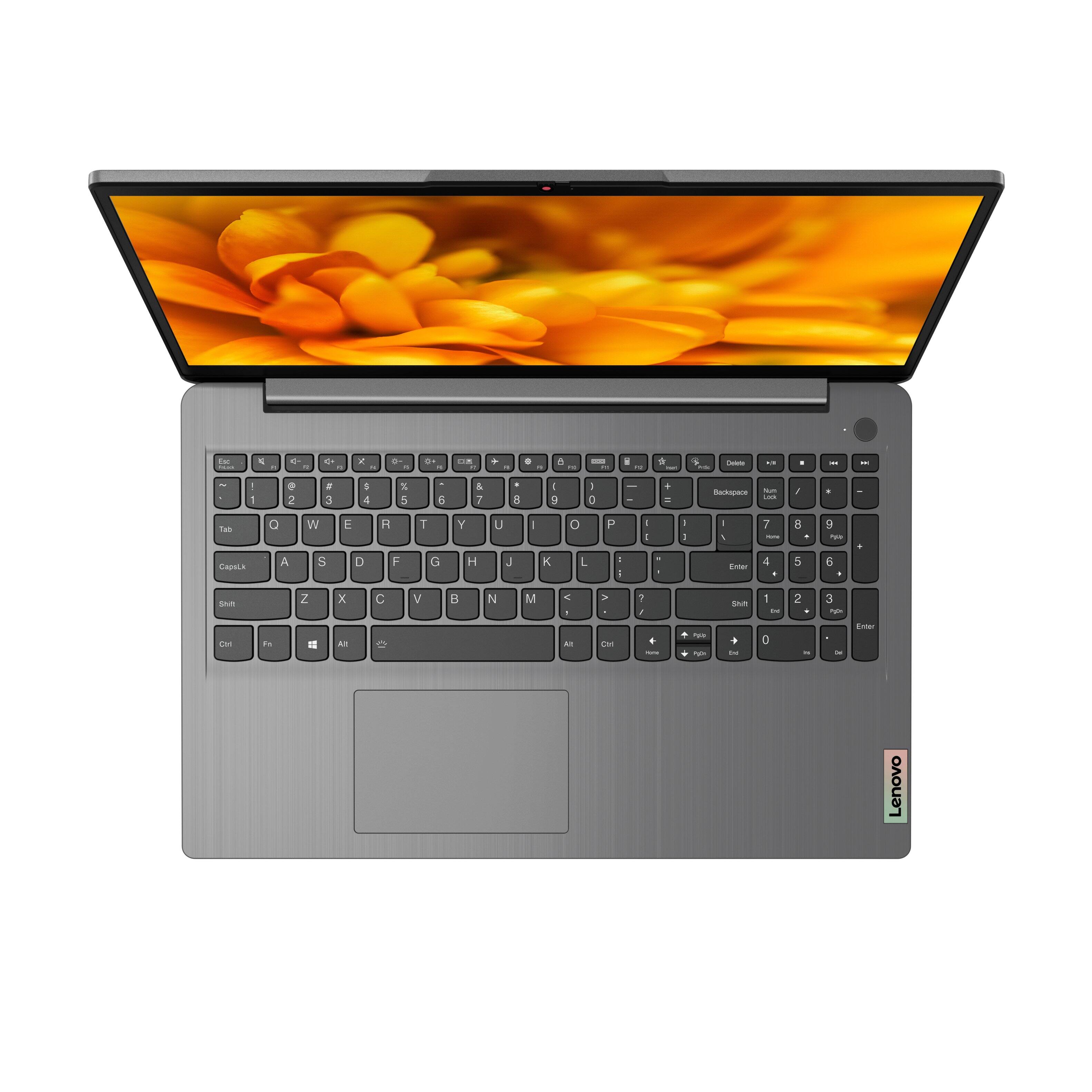
Customers have good things to say about the Lenovo Ideapad 3's touch screen, price, weight, and ease of use. They appreciate the responsiveness of the touch screen, affordability, portability, and user-friendly interface. However, some customers have concerns about the battery life, limited storage, and gaming capabilities. Additionally, a few users mentioned that the power button felt cheap and that it took some time to get used to Windows 11.
This summary was generated by AI based on customer reviews.
- Pros mentioned:Price, Speed
Love it
||Posted . Owned for 1 month when reviewed.This reviewer received promo considerations or sweepstakes entry for writing a review.Very impressive for the price. Got it on Black Friday for my husband and really wishing I would’ve bought a second one for myself. Love the lightweight portable design. Also incredibly fast.
I would recommend this to a friendBrand response from Lenovo Product Expert
Posted .Thank you for choosing the Lenovo IdeaPad 3 15 Laptop for your husband. We are pleased to hear that the features and performance of the IdeaPad 3 15 meets your husband's computing needs so well.

- Pros mentioned:Price
Great value and performance.
||Posted . Owned for 1 month when reviewed.This reviewer received promo considerations or sweepstakes entry for writing a review.Great sale price drove me to this one. Lenovo--solid performance, just what we needed. I bought 2 on Black Friday sale and one after New Year's. Everyone is very happy with them.
I would recommend this to a friendBrand response from Lenovo Product Expert
Posted .Thank you for choosing the Lenovo IdeaPad 3 15 laptops. We are pleased to hear that they aree working out so well.
- Pros mentioned:Speed, Touch screen
Excellent laptop
||Posted . Owned for 2 weeks when reviewed.This reviewer received promo considerations or sweepstakes entry for writing a review.Very happy with my purchase! Laptop is lightening fast. Backlit keyboard, fingerprint reader, and touchscreen are really nice to have. Also like Windows 11 so far. Would purchase again.
I would recommend this to a friendBrand response from Lenovo Product Expert
Posted .Thank you for choosing the Lenovo IdeaPad 3 15 laptop. We are pleased to hear that the features and performance of the IdeaPad 3 15 meets your computing needs so well.
- Pros mentioned:Speed, Touch screen
Great laptop!
||Posted . Owned for 1 month when reviewed.This reviewer received promo considerations or sweepstakes entry for writing a review.Bought this computer for our son who's in high school. It's a fantastic computer with plenty of memory and speed along with nice features such as touchscreen and backlit keyboard.
I would recommend this to a friendBrand response from Lenovo Product Expert
Posted .Thank you for choosing the Lenovo IdeaPad 3 15 laptop for your son. We are pleased to hear that the features and performance of the IdeaPad 3 15 meets your son's computing needs so well.
- Pros mentioned:Light weight, Touch screen
Nice portable with Windows 11.
||Posted . Owned for 3 weeks when reviewed.This reviewer received promo considerations or sweepstakes entry for writing a review.Really nice unit for the money, good touch screen, win 11, fast. Touch pad is a little clunky, especially for right click, so I use a mouse usually. Light, easy to transport.
I would recommend this to a friendBrand response from Lenovo Product Expert
Posted .Thank you for choosing the Lenovo IdeaPad 3 15 Laptop. Regarding the touchpad, you can adjust the touchpad in your system settings. You can get there by clicking on the magnifying glass at the bottom left of your Windows 10 screen. Type "touchpad" in the search window. Select "Mouse & touchpad settings" from the list of choices. You can make general adjustments to the touchpad there. You can also select "Additional mouse options" for more detailed adjustments to the touchpad sensitivity by increasing the delay of the touchpad.
- Cons mentioned:Build quality
Great Value and Performance
||Posted . Owned for 5 months when reviewed.This reviewer received promo considerations or sweepstakes entry for writing a review.Overall satisfied, light, fast. the build quality is very cheap and fragile, not sturdy or healthy feeling like hp or dell laptops. but still bang for the buck for performance and features.
I would recommend this to a friend - Pros mentioned:Price, Touch screen
Great buy for great laptop.
||Posted . Owned for 1 month when reviewed.This reviewer received promo considerations or sweepstakes entry for writing a review.Excellent laptop for the price. 11th gen I5, 12 ram, 256 ssd, backlit keyboard, touchscreen all for $449. Have not seen it anywhere else for this price with these specs
I would recommend this to a friendBrand response from Lenovo Product Expert
Posted .Thank you for choosing the Lenovo IdeaPad 3 15 Laptop. We are pleased to hear that the value, features and performance of the IdeaPad 3 15 meets your computing needs so well.
- Pros mentioned:Touch screen
Great work computer
||Posted . Owned for 1 month when reviewed.This reviewer received promo considerations or sweepstakes entry for writing a review.I bought this computer for work, and as such do not plan to install anything very demanding on it; both in terms of software or video games. For that purpose, it does exactly what I need it too. The numpad is nice to have, and the fingerprint scanner is a welcome addition. Touch screen is also a useful feature. My only nit picking complaints is the mouse track pad is not centered to the whole computer, but to the keys, and that the arrow keys are "stacked" so occasionally when I mean to press up, i instead overshoot and hit shift. near perfect for what it is. Does not feel "cheaply made" as others have mentioned.
I would recommend this to a friendBrand response from Lenovo Product Expert
Posted .Thank you for choosing the Lenovo IdeaPad 3 15 Laptop. This model ships with a standard QWERTY keyboard with 10-Key Numeric Pad included. The touchpad is centered under the QWERTY keys, so that when the typist's hands are in the Home Position on the keyboard, the touchpad is centered, directly under the typist's hands for easy access.
- Pros mentioned:Touch screen
Can't download apps
||Posted . Owned for less than 1 week when reviewed.This reviewer received promo considerations or sweepstakes entry for writing a review.Just bought it and it arrived late. Then the secondary mail box was opened as if it was replaced with another PC. Then after I was finished setting it up I decided I wanted to download apps, but for some odd reason, it decided not to work. Continued to try and got the same result. A page pops up and shows an error and says I should try again. After a while the app store would show that the app I was looking for didn't exist. Not sure why this happening please let me know what I should do. Other than that it's a pretty good pc. Everything else is working properly and adding the fact that it is touchscreen is a very cool feature. Not a bad laptop unless everyone can't download apps. Then it's pretty trash.
I would recommend this to a friendBrand response from Lenovo Product Expert
Posted .This Lenovo IdeaPad 3 15 Laptop, model number 82H8018SUS, ships with Windows 10 S-Mode 64-bit Operating System installed. Windows 10 S-Mode provides added security by only allowing APPs available ( and therefore certified by Microsoft) at the Microsoft Store. If you don't need the added security or you need to install APPs not available at the Microsoft Store, you can switch to standard Windows 10 Home 64-bit Operating System, at no additional cost. If you choose to switch out of S-Mode for Windows 10 Home: Here is a link to instructions for switching from Windows 10 S-Mode to Windows 10 Home: https://support.microsoft.com/en-us/help/4456067/windows-10-switch-out-of-s-mode. If you have questions about your Lenovo IdeaPad 3 15, we recommend you contact lenovo Tech Support for additional help at: 877-453-6686.
- Pros mentioned:Speed, Touch screen
Amazing product
||Posted . Owned for 3 weeks when reviewed.This reviewer received promo considerations or sweepstakes entry for writing a review.Amazing product. It’s has touch screen. Has amazing battery life as well as fast speed. I use my computer for school and it works wonders and keeps up on the longs day.
I would recommend this to a friendBrand response from Lenovo Product Expert
Posted .Thank you for choosing the Lenovo IdeaPad 3 15 Laptop. We are pleased to hear that the features and performance of the IdeaPad 3 15 meets your computing needs so well.
- Pros mentioned:Light weight, Touch screen
Very useful laptop
||Posted . Owned for 1 month when reviewed.This reviewer received promo considerations or sweepstakes entry for writing a review.Very good computer, have all the things I am looking for. Screen is nice and sturdy. It light weight too. Have the finger login, nothing to complaint about the laptop.
I would recommend this to a friendBrand response from Lenovo Product Expert
Posted .Thank you for choosing the Lenovo IdeaPad 3 15 laptop. We are pleased to hear that the features and performance of the IdeaPad 3 15 meets your computing needs so well.
- Pros mentioned:Speed, Touch screen
Better than expected
||Posted . Owned for 3 months when reviewed.This reviewer received promo considerations or sweepstakes entry for writing a review.This Lenovo computer is very fast and reliable. The SSD does not take time too much time to start. The light it keyboard is perfect to work at night.
I would recommend this to a friend - Pros mentioned:Touch screenCons mentioned:Battery life
Good laptop with 12gb ram.
||Posted . Owned for 3 weeks when reviewed.This reviewer received promo considerations or sweepstakes entry for writing a review.Good laptop for the price, 12gb ram is good, touch screen and smooth keyboard is very nice. overall i like this configuration for the price i paid. I like it. Battery life is the only down.
No, I would not recommend this to a friendBrand response from Lenovo Product Expert
Posted .Thank you for choosing the Lenovo IdeaPad 3 15 Laptop, model number 82H801DQUS. This model configuration ships with a Integrated 45Wh, Lithium-Polymer Battery, which within this configuration, has a battery life of up to 7 hours. If you are getting substantially less battery life, first, set your screen brightness at less than 100-percent - try 80-percent to start with. Then, be sure Battery conservation Mode is turned off. This power management setting should only be used when the laptop is plugged in all the time. It will prolong overall battery life by only charging the battery to 60-percent of capacity. Here is a link to instructions for turning off Battery Conservation Mode: https://support.lenovo.com/us/en/solutions/ht103159. Also check what programs are running in the background on the computer. Be sure only the programs you want running in the background are. These programs will drain the battery. Here is a link to information about how to find out what programs are running in the background on your Windows 10 computer and how to manage them for better system performance: https://www.windowscentral.com/how-prevent-apps-running-background-windows-10. Then, finally, be sure any software you installed is compatible with Windows 10. Incompatible software will drain the battery at a faster rate. There is no need to install Microsoft Office software. The software is already part of the operating system, you just need to activate the software with a purchased product key. If you have installed a copy of Microsoft Office, this is conflicting with the existing copy on the system and this will slow your system down. If you have installed a 3rd party anti-virus program, be sure that Windows Defender is turned off and that the trial version of McAfee Anti-Virus software is uninstalled. There can only be one anti-virus program on the system. You may need to restore your system to original factory default settings if any of the programming errors have occurred. You can do that by typing "restore" in the Cortana search window. Just click on the magnifying glass icon at the bottom left of your Windows 10 Desktop. Click on "Reset This PC" Then click on "Get Started" and follow the on screen directions to restore to factory defaults. If the problem persists, we recommend you contact Lenovo Tech Support at: 877-453-6686.
- Pros mentioned:Speed, Touch screen
Love the Lenovo
||Posted . Owned for 3 weeks when reviewed.This reviewer received promo considerations or sweepstakes entry for writing a review.This laptop is very easy to use. My 10 year old loves it. The touch screen makes educational games fun to play. The speed is excellent there's no lag at all.
I would recommend this to a friendBrand response from Lenovo Product Expert
Posted .Thank you for choosing the Lenovo IdeaPad 3 15 Laptop for your child. We are pleased to hear that the IdeaPad 3 15 meets your child's computing needs so well.
- Pros mentioned:Speed
I LOVE MY NEW LENOVO !!!
||Posted . Owned for 1 month when reviewed.This reviewer received promo considerations or sweepstakes entry for writing a review.I have had a few lenovo devuces over the years, and I have anyways been impressed by the quality! This new laptop has not let me down at all! The screen resolution is amazing, and the touch screen functions wonderfully. Battery life is incredible, i can work for hours before needing to charge. This system is very fast, and multi-tasking is a breeze. Highly recommend!!!
I would recommend this to a friendBrand response from Lenovo Product Expert
Posted .Thank you for choosing the Lenovo IdeaPad 3 15 FHD Touch Screen Laptop. We are very pleased to see that the specifications and features of the Lenovo IdeaPad 3 15 FHD Touch Screen Laptop meet your computing needs so well.
- Pros mentioned:Light weight, Speed
Perfect lil laptop
||Posted . Owned for 1 month when reviewed.This reviewer received promo considerations or sweepstakes entry for writing a review.Love Lenovo decided my aunt needed a new machine hers was a little ancient this turned out to be perfect speed power and weightless everything she needs
I would recommend this to a friendBrand response from Lenovo Product Expert
Posted .Thank you for choosing the Lenovo IdeaPad 3 15 Laptop for your aunt. We are pleased to hear that the features and performance of the IdeaPad 3 15 meets your aunt's computing needs so well.
- Cons mentioned:Storage
Great little laptop
||Posted . Owned for 1 week when reviewed.This reviewer received promo considerations or sweepstakes entry for writing a review.My 17" HP Envy's screen broke and I needed an affordable laptop to have while I search for a "nicer" laptop to replace my old one. I WANT TO KEEP IT! Haha! It's so much smaller than my old laptop and who knows how good it will be in the long run but for having it for two weeks I love it. I use my laptop as a full time collage student and an avid Sims 4 player and it works 100% perfect for what I use it for. THE DOWN SIDE: The charger sucks. The cord is so short. It's also got pretty small storage but for day to day use on files and other small stuff it seems plenty reliable.
I would recommend this to a friend - Pros mentioned:Touch screen
Overall nice
||Posted . Owned for 1 week when reviewed.This reviewer received promo considerations or sweepstakes entry for writing a review.Nice laptop for general use. It was a little hard to set up. Came with windows 11, and had to downgrade it to windows 10 to make some things work. It comes with Mcafee, but we use Kaspersky. Getting it to delete one and use another one was difficult, but finally got it to work. It still won't recognize our printer, as it is a bit older (not much). If we can't get that working, we face buying a new printer - not earth shattering, but annoying. It is fast, love the touch screen. wigets on the bottom bar are a little small, and have not figured out if they can be made bigger - trying. Changing to larger fonts did not help that. Overall, very nice laptop.
I would recommend this to a friendBrand response from Lenovo Product Expert
Posted .Thank you for choosing the Lenovo IdeaPad 3 15 laptop. Here is a link to instructions for increasing the size of Windows 10 icons within the Taskbar: https://www.intowindows.com/how-to-make-taskbar-icons-bigger-in-windows-10/
It just works the way its supposed to.
||Posted . Owned for 1.5 years when reviewed.This reviewer received promo considerations or sweepstakes entry for writing a review.Great computer. 2nd Lenovo I have and they are built well and last long. No problems with lagging processors or graphics. Great bang for the buck!
I would recommend this to a friend- Pros mentioned:Speed
Smooth machine
||Posted . Owned for 3 weeks when reviewed.This reviewer received promo considerations or sweepstakes entry for writing a review.Really smooth machine. I needed a new machine for normal everyday work, and this one has speed and reliability. So far so good, have been impressed.
I would recommend this to a friendBrand response from Lenovo Product Expert
Posted .Thank you for choosing the Lenovo IdeaPad 3 15 Laptop. We are pleased to hear that the performance of the IdeaPad 3 15 meets your computing needs so well.