Customer Ratings & Reviews
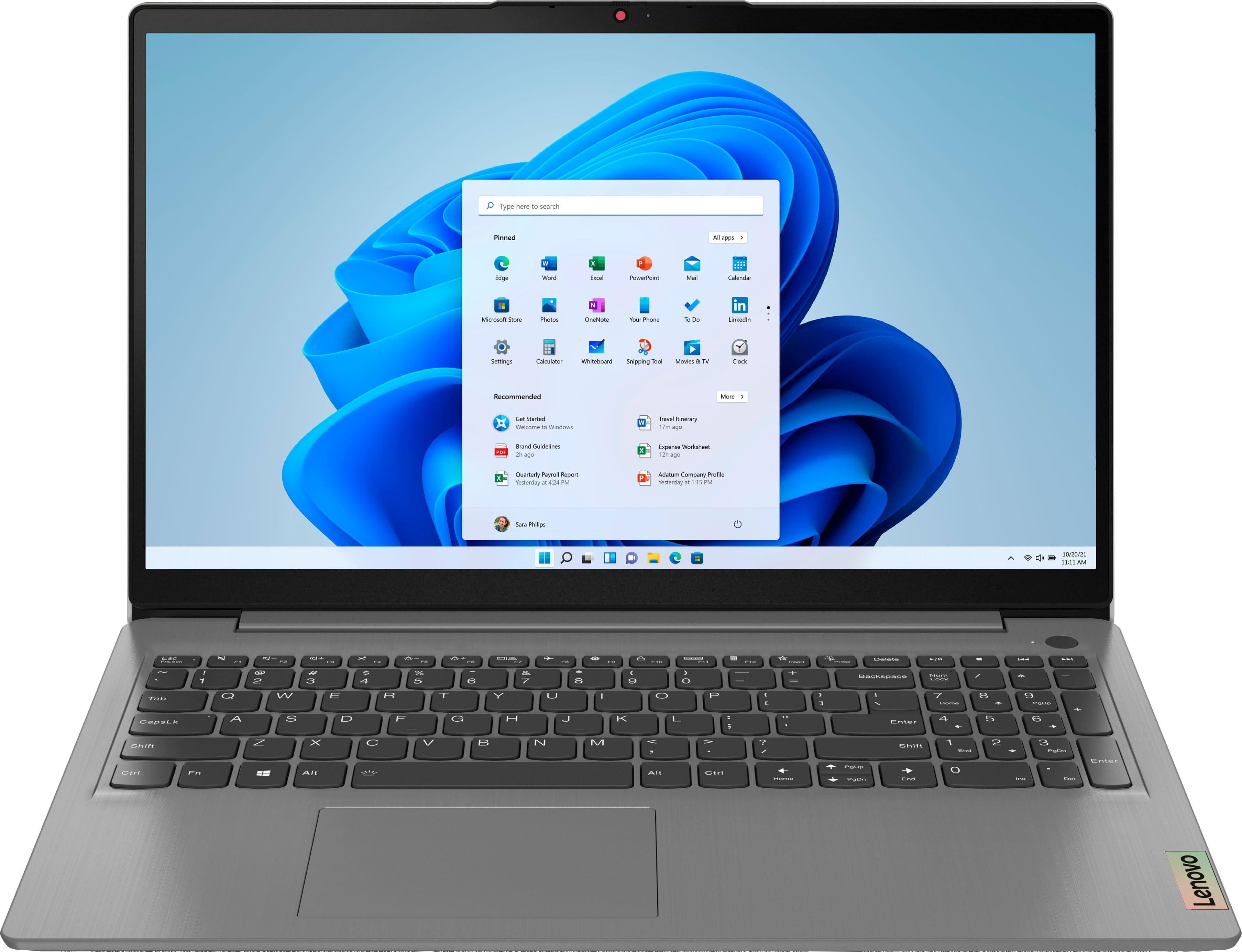
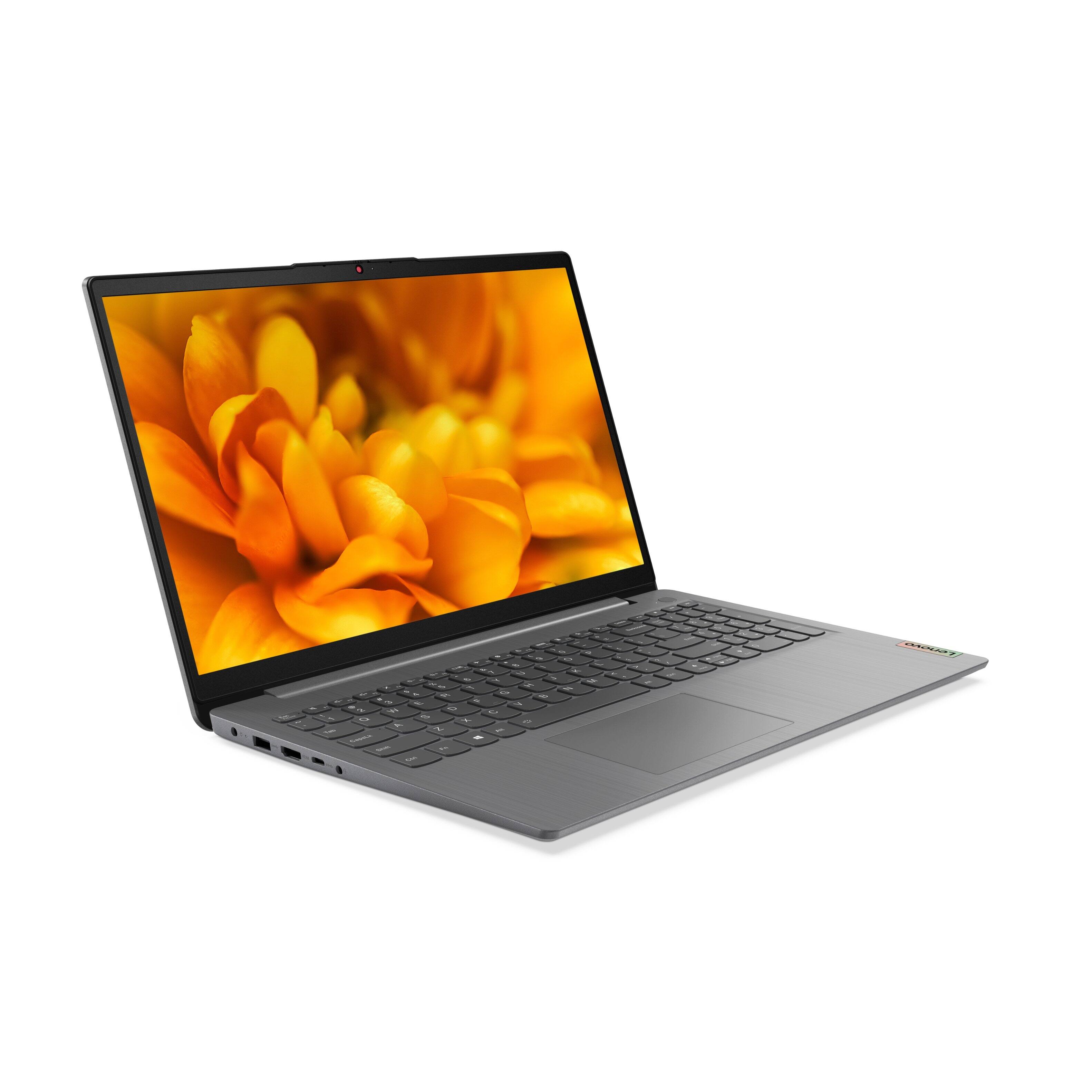
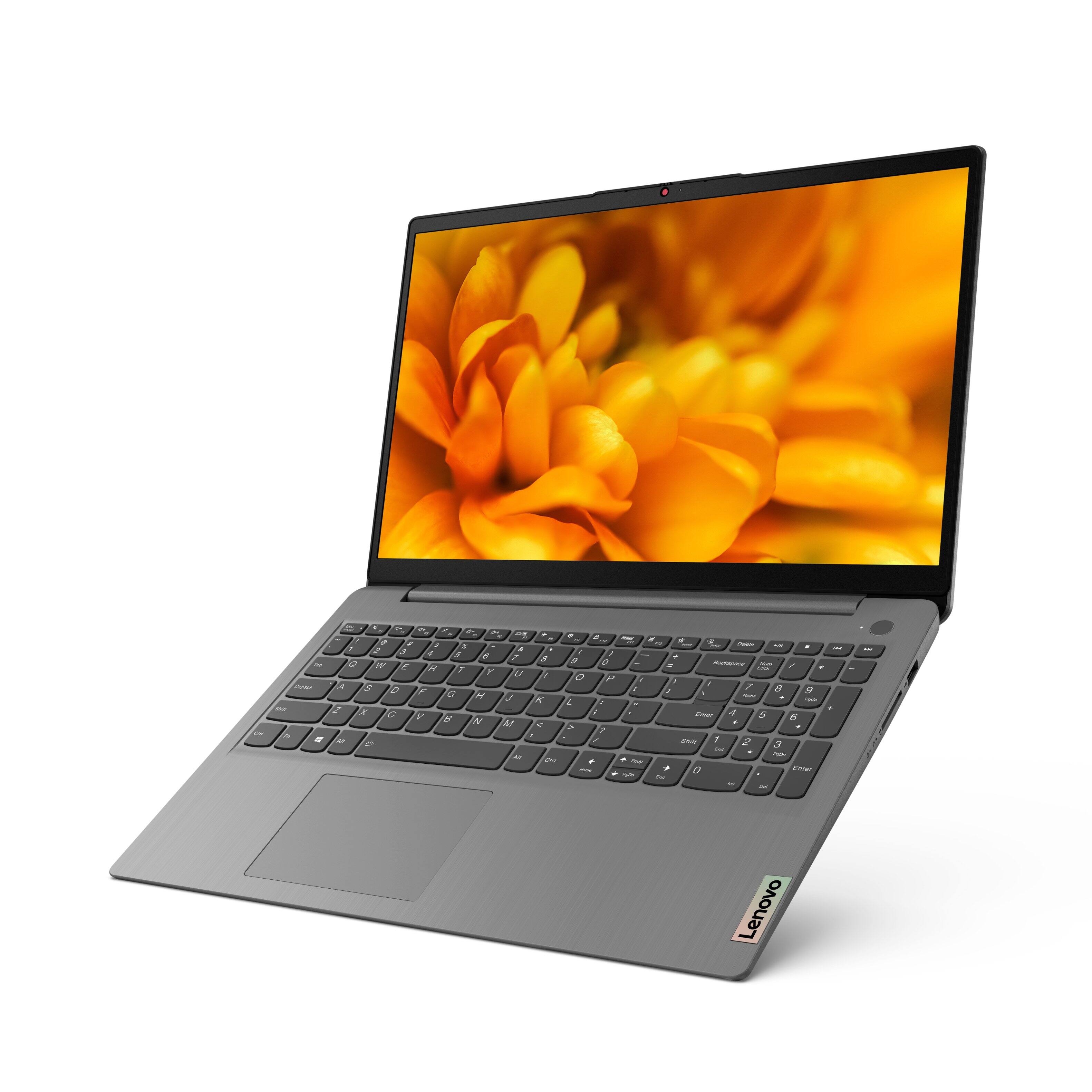

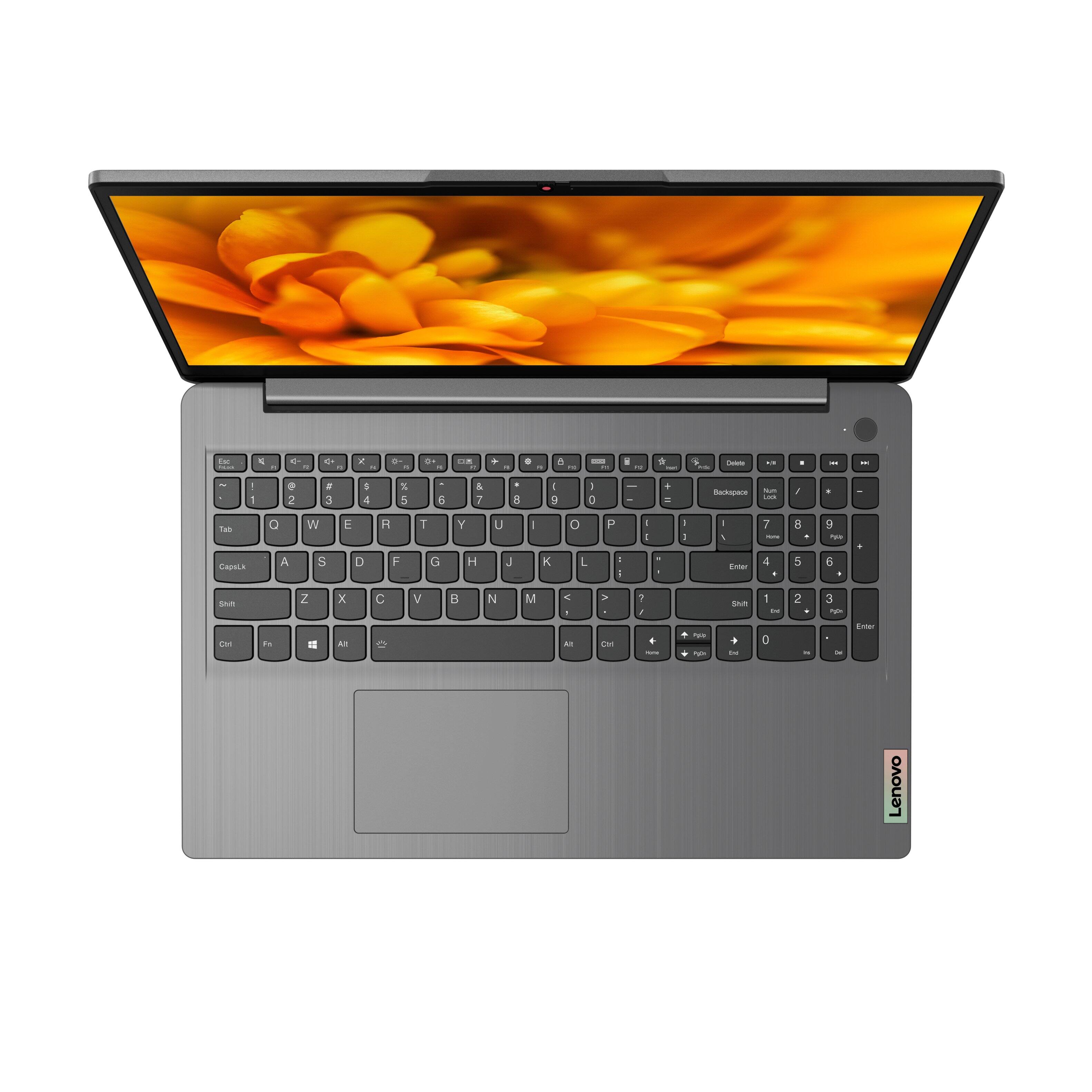
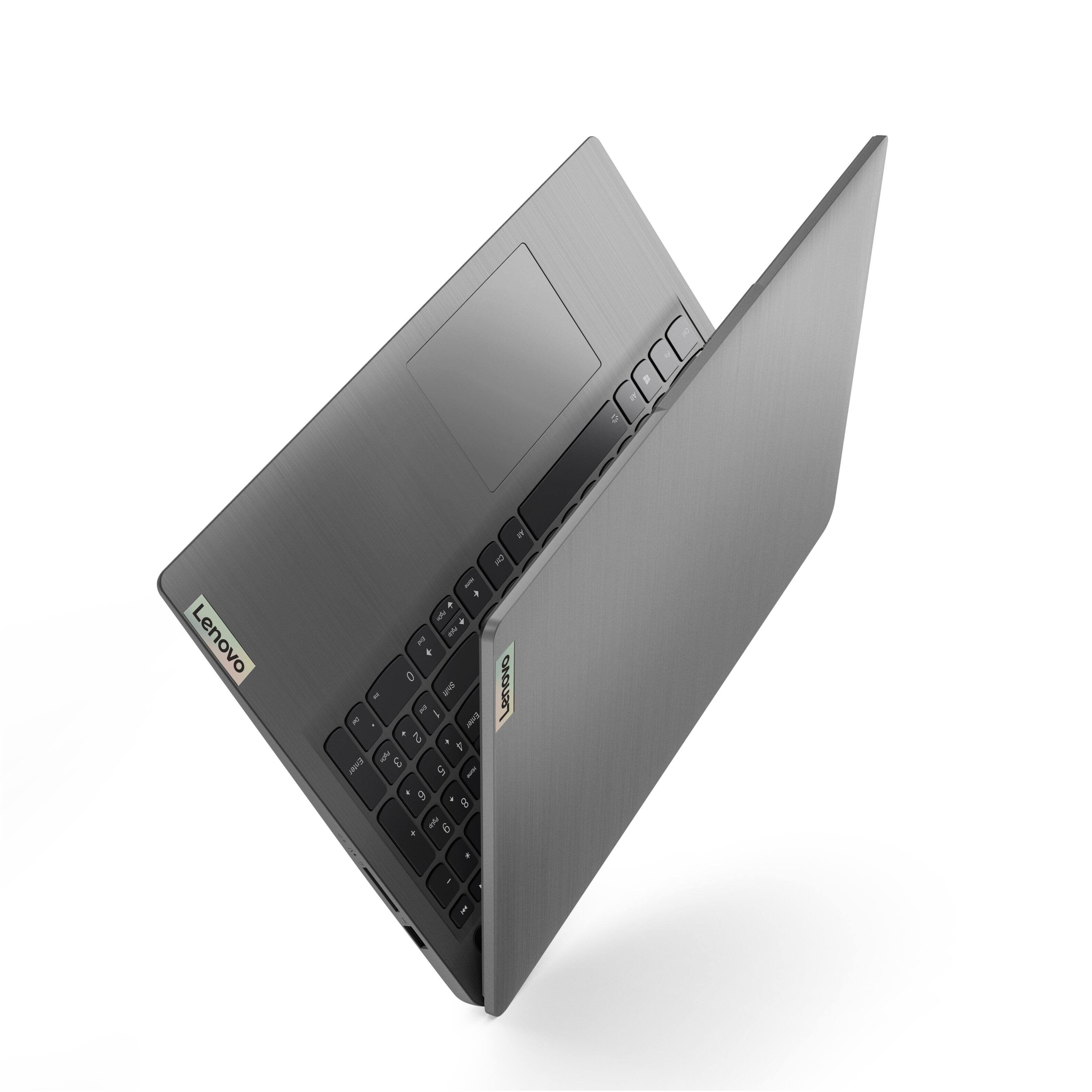
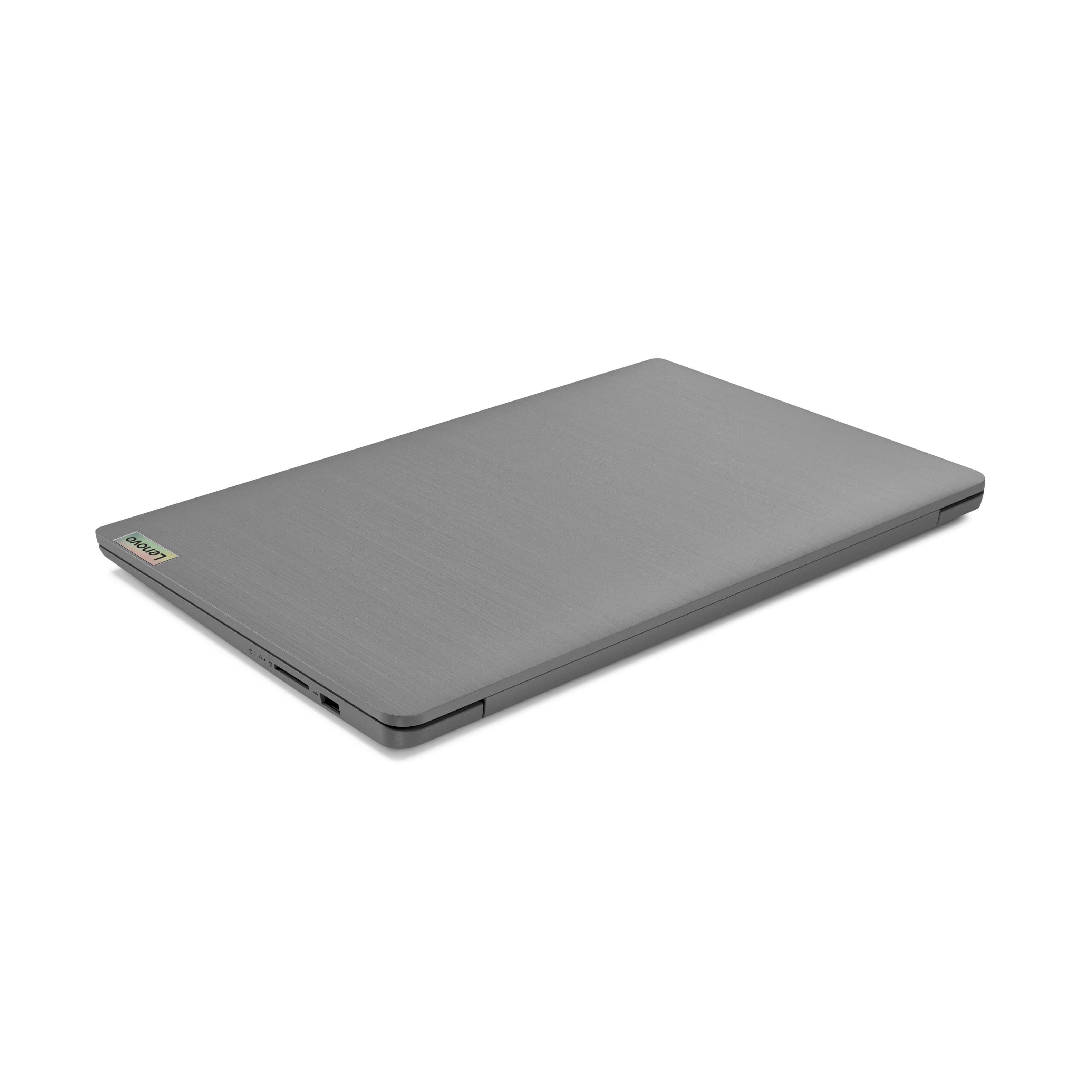
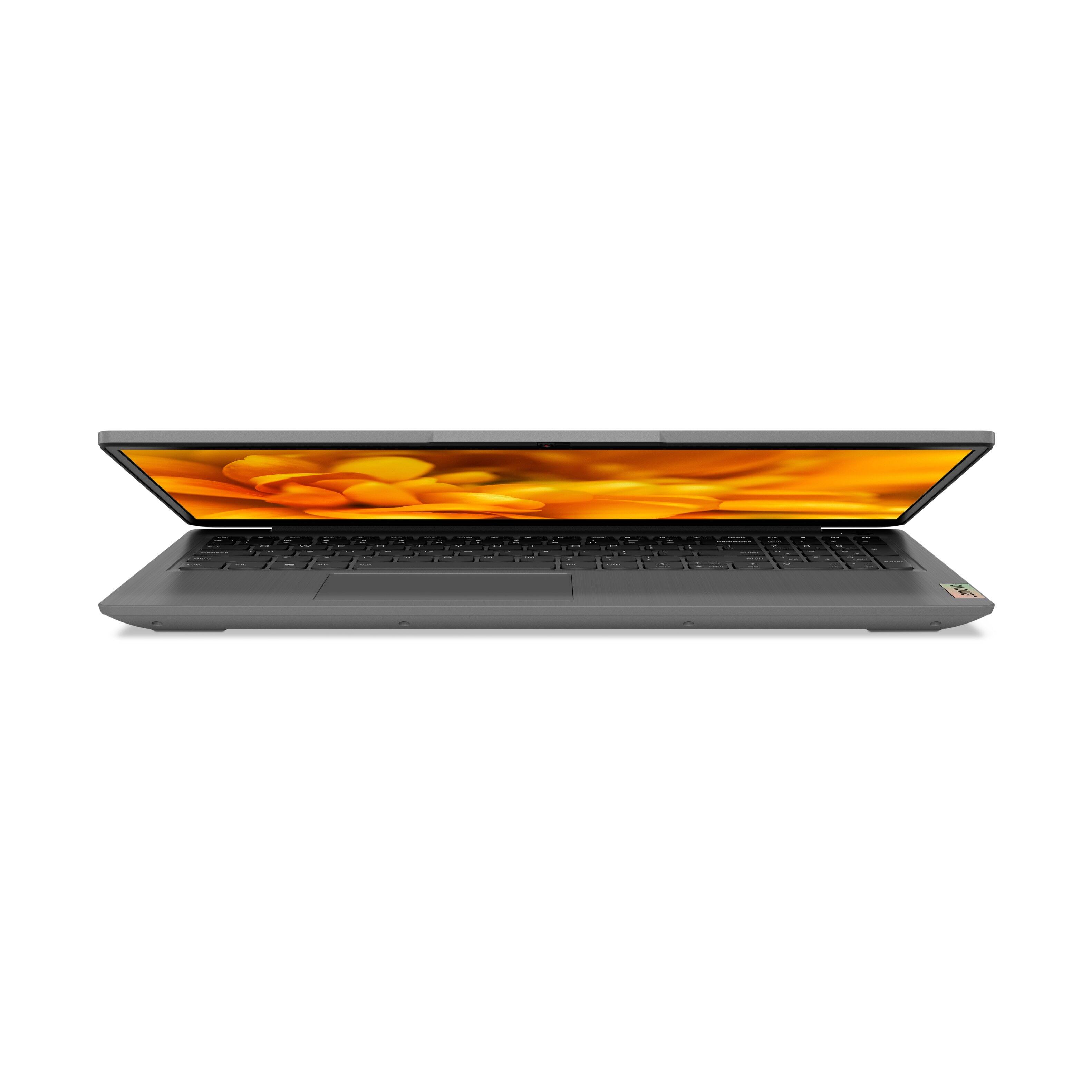
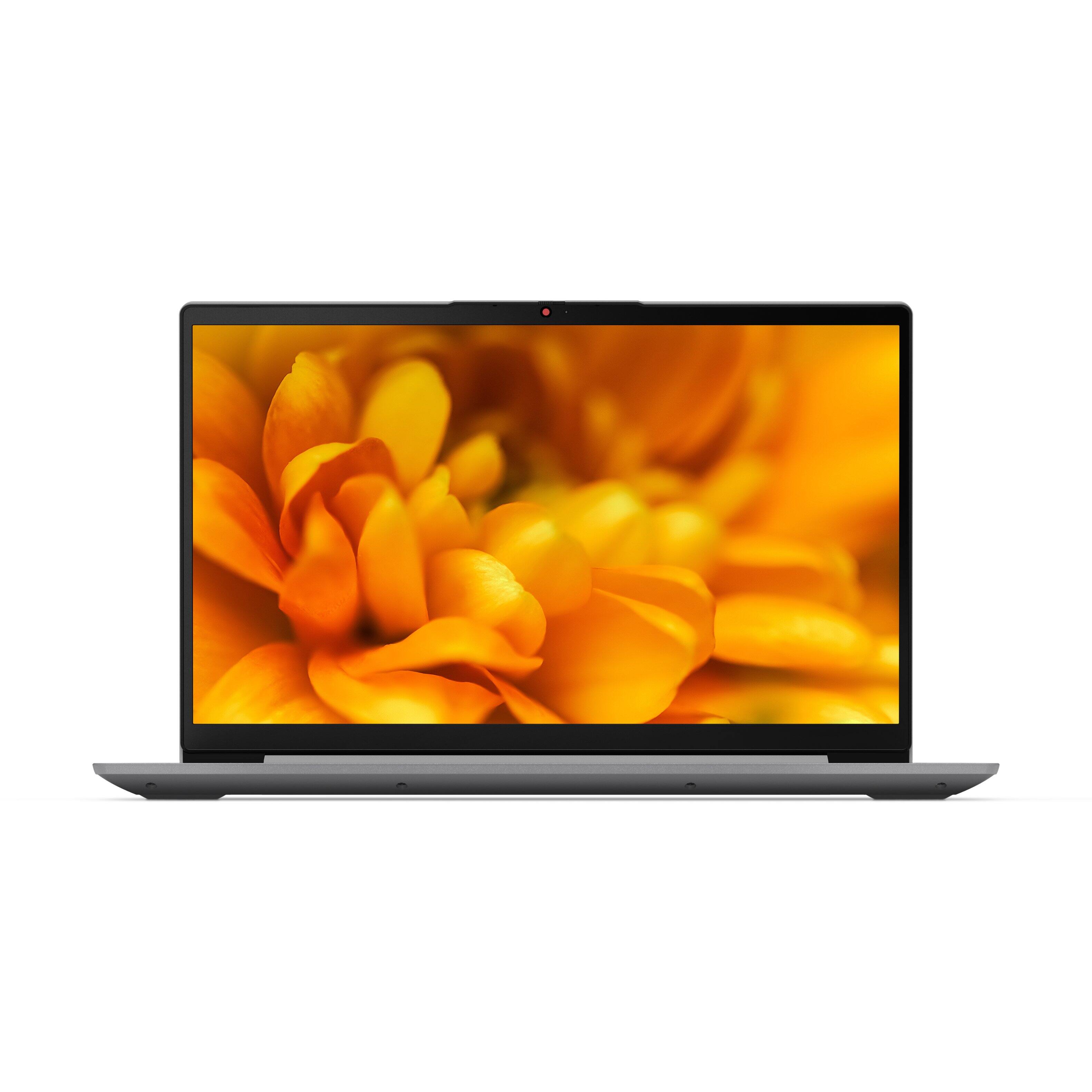

- Model:
- 82H801DQUS/82H8018SUS
- SKU:
- 6461977
Rating by feature
- Battery Life
Rating 4.4 out of 5 stars
- Speed
Rating 4.7 out of 5 stars
- Display
Rating 4.6 out of 5 stars
Customers are saying
Customers have good things to say about the Lenovo Ideapad 3's touch screen, price, weight, and ease of use. They appreciate the responsiveness of the touch screen, affordability, portability, and user-friendly interface. However, some customers have concerns about the battery life, limited storage, and gaming capabilities. Additionally, a few users mentioned that the power button felt cheap and that it took some time to get used to Windows 11.
This summary was generated by AI based on customer reviews.
- Pros mentioned:Touch screen
I would recommend!
||Posted . Owned for 3 weeks when reviewed.This reviewer received promo considerations or sweepstakes entry for writing a review.I bought the Lenovo Ideapad 3 about a month ago and have had a great experience. If you have Microsoft Office, it is very easy to link to your account. I stream a lot of Netflix, Hulu, etc. The picture if very clear-a big improvement from my last laptop. The touch screen is a nice bonus. The computer is set to only access the Microsoft store/apps but you can easily switch modes.
I would recommend this to a friendBrand response from Lenovo Product Expert
Posted .thank you for choosing the Lenovo IdeaPad 3 15 Laptop, model number 82H8018SUS. This model ships with Windows 10 S-Mode 64-bit Operating System installed. Windows 10 S-Mode provides added security by only allowing APPs available ( and therefore certified by Microsoft) at the Microsoft Store. If you don't need the added security or you need to install APPs not available at the Microsoft Store, you can switch to standard Windows 10 Home 64-bit Operating System, at no additional cost. If you choose to switch out of S-Mode for Windows 10 Home: Here is a link to instructions for switching from Windows 10 S-Mode to Windows 10 Home: https://support.microsoft.com/en-us/help/4456067/windows-10-switch-out-of-s-mode. We are pleased to hear that the features and performance of the IdeaPad 3 15 meets your computing needs so well.

- Pros mentioned:Price, Speed
Lenovo laptop
||Posted . Owned for 1 month when reviewed.This reviewer received promo considerations or sweepstakes entry for writing a review.Good price and speed is great. Much better than my last one. SSD is better.
I would recommend this to a friendBrand response from Lenovo Product Expert
Posted .Thank you for choosing the Lenovo IdeaPad 3 15 Laptop. We are pleased to hear that the value and performance of the IdeaPad 3 15 meets your computing needs so well.
Laptop
||Posted . Owned for 1 year when reviewed.This reviewer received promo considerations or sweepstakes entry for writing a review.Lenovo products are the best choice for costumers who want the best quality and remains great value.
I would recommend this to a friend- Cons mentioned:Battery life
Very happy with the Lenovo Ideapad
||Posted . Owned for 3 weeks when reviewed.This reviewer received promo considerations or sweepstakes entry for writing a review.Love my new Lenovo Ideapad. From price, weight, size and all the functions it is just perfect for me. So much faster than my HP. The only 2 things I wish my Lenovo had was the self cleaning/diagnostics installed for free and a longer life to the battery (only 4 hours). This does have the capability, but it through a Lenovo subscription and costs a monthly fee.
I would recommend this to a friendBrand response from Lenovo Product Expert
Posted .Thank you for choosing the Lenovo IdeaPad 3 15 Laptop. You can keep your computer running at its best by regularly scanning your computer with Lenovo Vantage Software, then installing any updates your system needs. Just search for Lenovo Vantage within the Windows 11 Search Windows. This Lenovo IdeaPad 3 15 Laptop, model number 82H801DQUS, ships with a Integrated 45Wh, Lithium-Polymer Battery, which within this model configuration, has a battery life of up to 7 hours, depending on the work the device is performing. If you are getting substantially less battery life, first, set your screen brightness at less than 100-percent - try 80-percent to start with. Then, be sure Battery Charge Threshold is turned off. This power management setting should only be used when the laptop is plugged in all the time. It will prolong overall battery life by only charging the battery to 60-percent of capacity. You can turn off Battery Charge Threshold within the Lenovo Vantage APP installed on this computer. In Vantage select Battery Settings and turn off Battery Charge Threshold, if turned on. Also check what programs are running in the background on the computer. Be sure only the programs you want running in the background are. These programs will drain the battery. Here is a link to information about how to find out what programs are running in the background on your Windows 11 computer and how to manage them for better system performance: https://websiteforstudents.com/how-to-find-what-is-running-in-windows-11/. Then, finally, be sure any software you installed is compatible with Windows 11. Incompatible software will drain the battery at a faster rate. There is no need to install Microsoft Office software. The software is already part of the operating system, you just need to activate the software with a purchased product key. If you have installed a copy of Microsoft Office, this is conflicting with the existing copy on the system and this will slow your system down. If you have installed a 3rd party anti-virus program, be sure that Windows Defender is turned off and that the trial version of McAfee Anti-Virus software is uninstalled. There can only be one anti-virus program on the system. You may need to restore your system to original factory default settings if any of the programming errors have occurred. You can do that by typing "restore" in the Cortana search window. Just click on the magnifying glass icon at the bottom of your Windows 11 Desktop. Click on "Reset This PC" Then click on "Get Started" and follow the on screen directions to restore to factory defaults. If the problem persists, we recommend you contact Lenovo Tech Support at: 877-453-6686.
Ready for my next purchase.
||Posted . Owned for more than 2 years when reviewed.This reviewer received promo considerations or sweepstakes entry for writing a review.Up to now an excellent purchase, ready for my next gift, see you soon.
I would recommend this to a friend- Cons mentioned:Battery life
The Best value laptop of 2022.
||Posted . Owned for 1 week when reviewed.This reviewer received promo considerations or sweepstakes entry for writing a review.I have been using this laptop for 3 weeks now .Its been working great on normal tasks. On Gaming average Minecraft:112fps, Fortnight:93fps, Raid shadow legends:86fps.12gb of ram is my favorite part of this laptop, it's fast it's bold. For battery 1.6 hours for gaming,4.8 hours on normal work,7.5 hours of video watching, Lenovo promised 10 hours of battery life at the highest.
I would recommend this to a friendBrand response from Lenovo Product Expert
Posted .Thank you for choosing the Lenovo IdeaPad 3 15 Laptop, model number 82H801DQUS. This model configuration ships with a Integrated 45Wh, Lithium-Polymer Battery, which within this model configuration, has a battery life of up to 7 hours, depending on the work the device is performing. We always recommend you check the requirements and compatibility of any software/games you will be installing on your new computer, before you invest in any computer. Be sure your new computer can support the software/games you will need to use.
Lenovo Laptop
||Posted . Owned for 1 year when reviewed.This reviewer received promo considerations or sweepstakes entry for writing a review.Lenovo laptops are good. We have not had any issues. We use it for school. It has lasted over a year.
I would recommend this to a friendGreat laptop !
||Posted . Owned for 1.5 years when reviewed.This reviewer received promo considerations or sweepstakes entry for writing a review.Works great! We purchased this for our office and its been fast and easy to set up!
I would recommend this to a friend- Pros mentioned:Light weight, Touch screen
Awesome
||Posted . Owned for 10 months when reviewed.This reviewer received promo considerations or sweepstakes entry for writing a review.Love this laptop. Very light weight. Touch screen.
I would recommend this to a friend - Pros mentioned:Speed, Touch screen
Excellent
||Posted . Owned for 3 weeks when reviewed.This reviewer received promo considerations or sweepstakes entry for writing a review.Excellent laptop.Speed and performance is great. The touchscreen is awesome.
I would recommend this to a friendBrand response from Lenovo Product Expert
Posted .Thank you for choosing the Lenovo IdeaPad 3 15 Laptop. We are pleased to hear that the features and performance of the IdeaPad 3 15 meets your computing needs so well.
- Pros mentioned:Price
Very positive experience while using for my remote
||Posted . Owned for 3 weeks when reviewed.This reviewer received promo considerations or sweepstakes entry for writing a review.Pleased more than expected. Very good quality and performance for the price.
I would recommend this to a friendBrand response from Lenovo Product Expert
Posted .Thank you for choosing the Lenovo IdeaPad 3 15 Laptop. We are pleased to hear that the value, features and performance of the IdeaPad 3 15 meets your computing needs so well.
- Pros mentioned:Speed, Touch screen
Highly recommended
||Posted . Owned for 1 month when reviewed.This reviewer received promo considerations or sweepstakes entry for writing a review.Great computer. Love the speed and keyboard. Would definitely buy again.
I would recommend this to a friendBrand response from Lenovo Product Expert
Posted .Thank you for choosing the Lenovo IdeaPad 3 15 Laptop. We are pleased to hear that the features and performance of the IdeaPad 3 15 meets your computing needs so well.
- Pros mentioned:Touch screen
My online purchase
||Posted . Owned for 1 month when reviewed.This reviewer received promo considerations or sweepstakes entry for writing a review.For the first time I bought a computer online. It was a great decision! I really like my Lenovo Ideapad, it is quiet, which is a big plus!! A very nice keyboard touch and feel. Has the number pad, which I like. Has a great look and the streaming works great with great resolution. Nice bright colors. I am very happy with my purchase!! I would reccomend this computer.
I would recommend this to a friendBrand response from Lenovo Product Expert
Posted .Thank you for choosing the Lenovo IdeaPad 3 15 laptop. We are pleased to hear that the value, features and performance of the IdeaPad 3 15 meets your computing needs so well.
- Pros mentioned:Price
Great laptop
||Posted . Owned for less than 1 week when reviewed.This reviewer received promo considerations or sweepstakes entry for writing a review.Really great laptop for the price it was offered at. Does the job and more.
I would recommend this to a friendBrand response from Lenovo Product Expert
Posted .Thank you for choosing the Lenovo IdeaPad 3 15 laptop. We are pleased to hear that the value and performance of the IdeaPad 3 15 meets your computing needs so well.
- Pros mentioned:Touch screen
Lenovo chrome
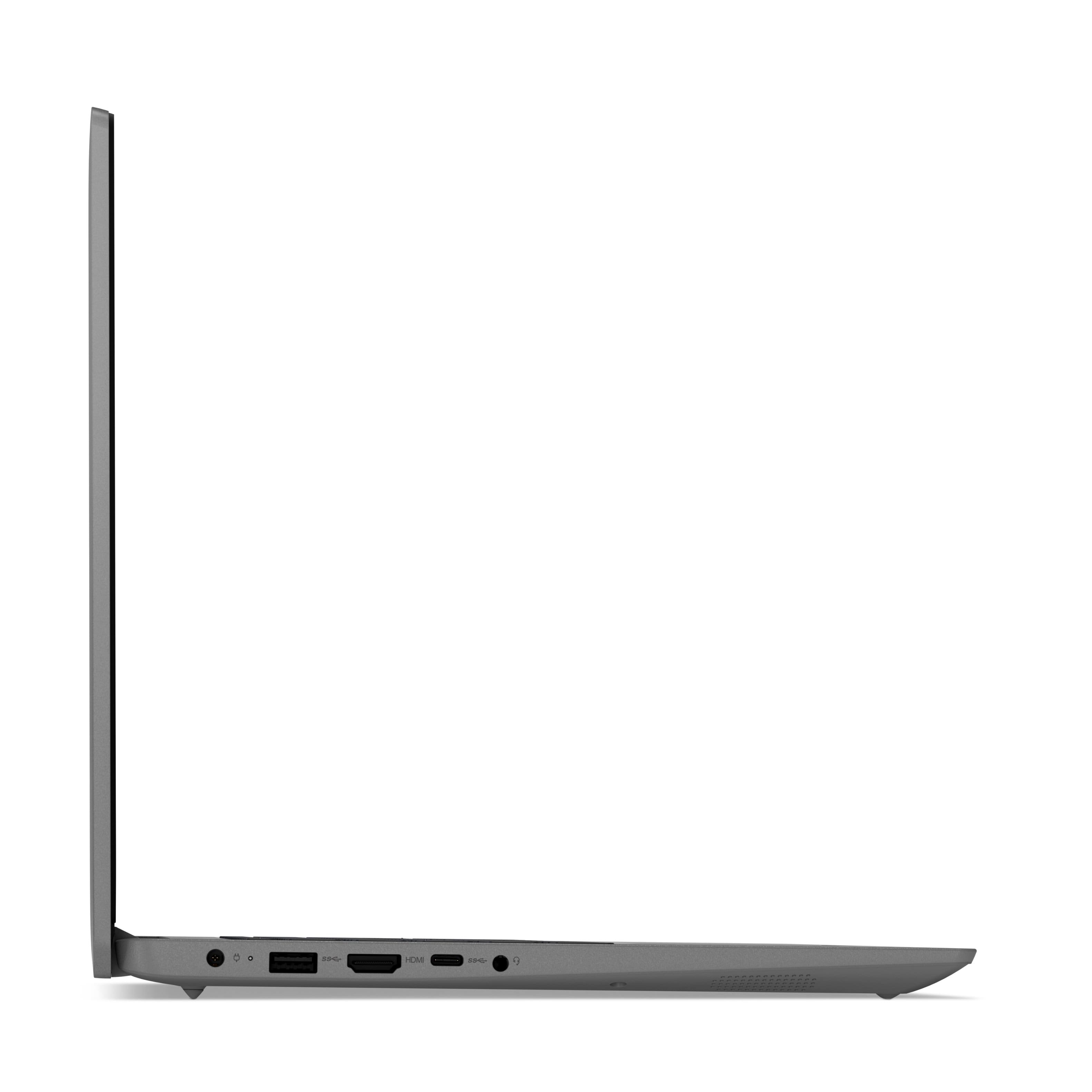
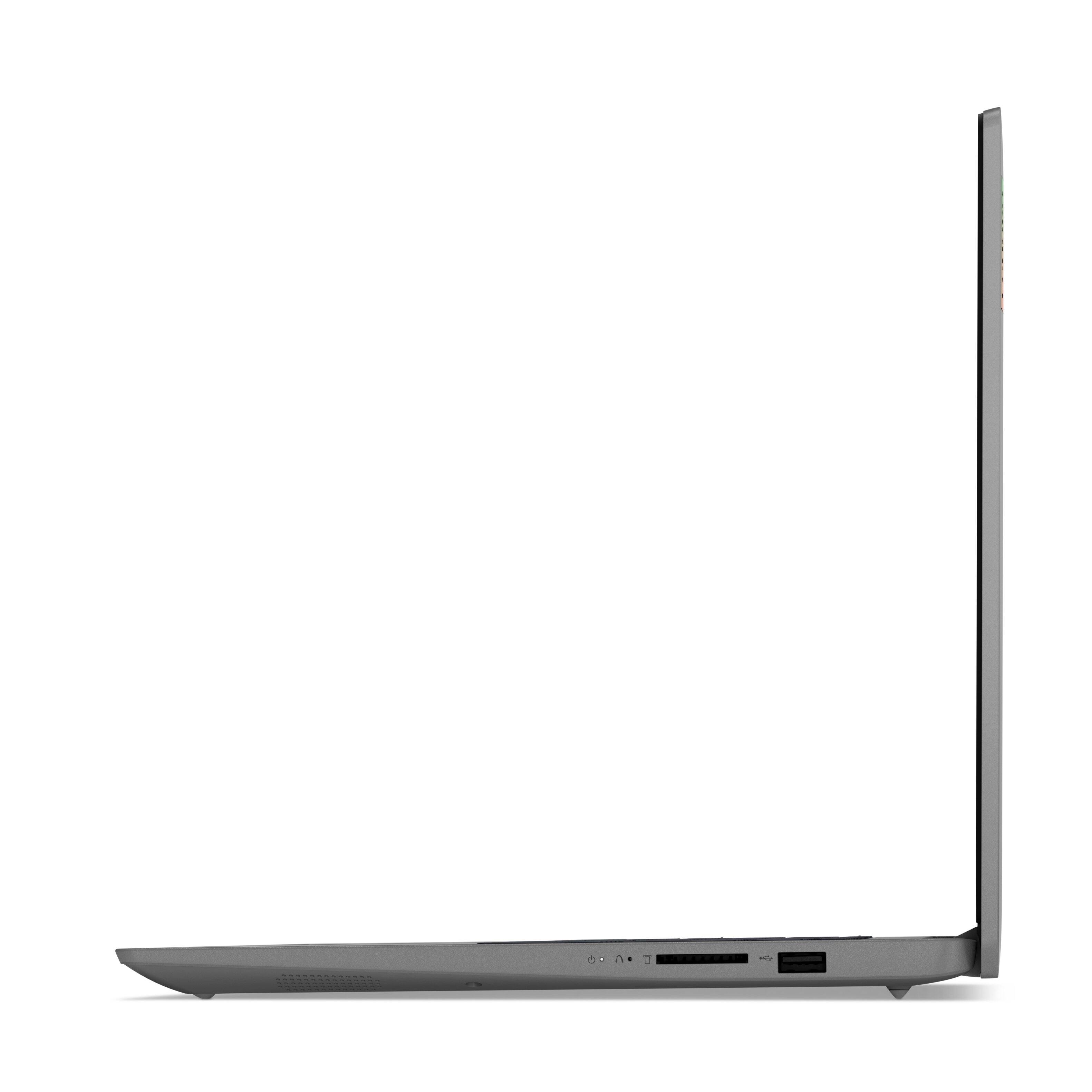
||Posted .This reviewer received promo considerations or sweepstakes entry for writing a review.I am very impressed so far.It works excellent and it was for my 8 yrs old daughter and she loves her Lenovo chrome book over her ipad now.It would be much helpful for another usb Port. I had to buy another one for me 10 Yrs son with the 2 usb pot he ditched the iPad for Lenovo chrome book and we are very happy with Lenovo and I also purchase Lenovo laptop for my self.
I would recommend this to a friend Good customer
||Posted . Owned for more than 2 years when reviewed.This reviewer received promo considerations or sweepstakes entry for writing a review.Great location located easy to buy it great praice
I would recommend this to a friend- Pros mentioned:Touch screen
Smaller Laptop, Cool Features
||Posted . Owned for 3 weeks when reviewed.This reviewer received promo considerations or sweepstakes entry for writing a review.Smaller than I thought—which is why reading is fundamental. Still, I love the fingerprint unlocking, and although it comes loaded for use with Microsoft Marketplace apps, settings can be changed. Keyboard is backlit like my old laptop was. This is my first Lenovo PC and it won’t be my last. Happy camper.
I would recommend this to a friendBrand response from Lenovo Product Expert
Posted .Thank you for choosing the Lenovo IdeaPad 3 15 Laptop, model number 82H801DQUS. This model ships with a 15.6 inch (screen size measured diagonally) IPS - FHD (1920x1080) 10-point Multi-touch screen, with a brightness level of 300 nits, has an Anti-glare coating. This screen provides 67 Percent of the sRGB (45 Percent NTSC) color gamut. The overall dimensions of this laptop are: (WxDxH) 14.14 x 9.31 x 0.78 inches.
- Pros mentioned:Price
Excellent deal
||Posted . Owned for 1 month when reviewed.This reviewer received promo considerations or sweepstakes entry for writing a review.Really good computer for the price. Performs really well and easy to use
I would recommend this to a friendBrand response from Lenovo Product Expert
Posted .Thank you for choosing the Lenovo IdeaPad 3 15 laptop. We are pleased to hear that the value, ease of use and performance of the IdeaPad 3 15 meets your computing needs so well.
- Pros mentioned:Light weight
Great everyday computer without the need of a desk
||Posted . Owned for 3 weeks when reviewed.This reviewer received promo considerations or sweepstakes entry for writing a review.This laptop is fast and easy to setup. I use it when out taking pictures so it being light weight it doesn't add too much weight to backpack I use for camera accessories and lenses. Going from desktop to this does take some adjustment with keyboard. Only problem I've had so far is that it never recognizes my fingerprint when I use it to log on despite trying several different times and with different fingers.
I would recommend this to a friendBrand response from Lenovo Product Expert
Posted .Thank you for choosing the Lenovo IdeaPad 3 15 laptop, model number 82H801DQUS. This model configuration ships with a Touch style fingerprint reader on power button. Here's a tip for making your fingerprint reader work every time: Try lightly sliding your finger over the fingerprint reader. No need to press hard on the reader, in fact pressing hard on the fingerprint reader will distort your fingerprint and cause read errors.
- Pros mentioned:Easy to use
Great value for your parents
||Posted . Owned for 1 month when reviewed.This reviewer received promo considerations or sweepstakes entry for writing a review.If you're looking for a laptop that's easy to use, simple to setup, and doesn't break the bank then look no further. This laptop comes with just about everything someone would need if all they are doing is using Word, Excel, and even check email. Web browsing is great. Laptop comes with a 10-key (number pad) and it's very lightweight and portable.
I would recommend this to a friendBrand response from Lenovo Product Expert
Posted .Thank you for choosing the Lenovo IdeaPad 3 15 laptop. We are pleased to hear that the value, features and performance of the Ideapad 3 15 meets your computing needs so well.