Customer Ratings & Reviews
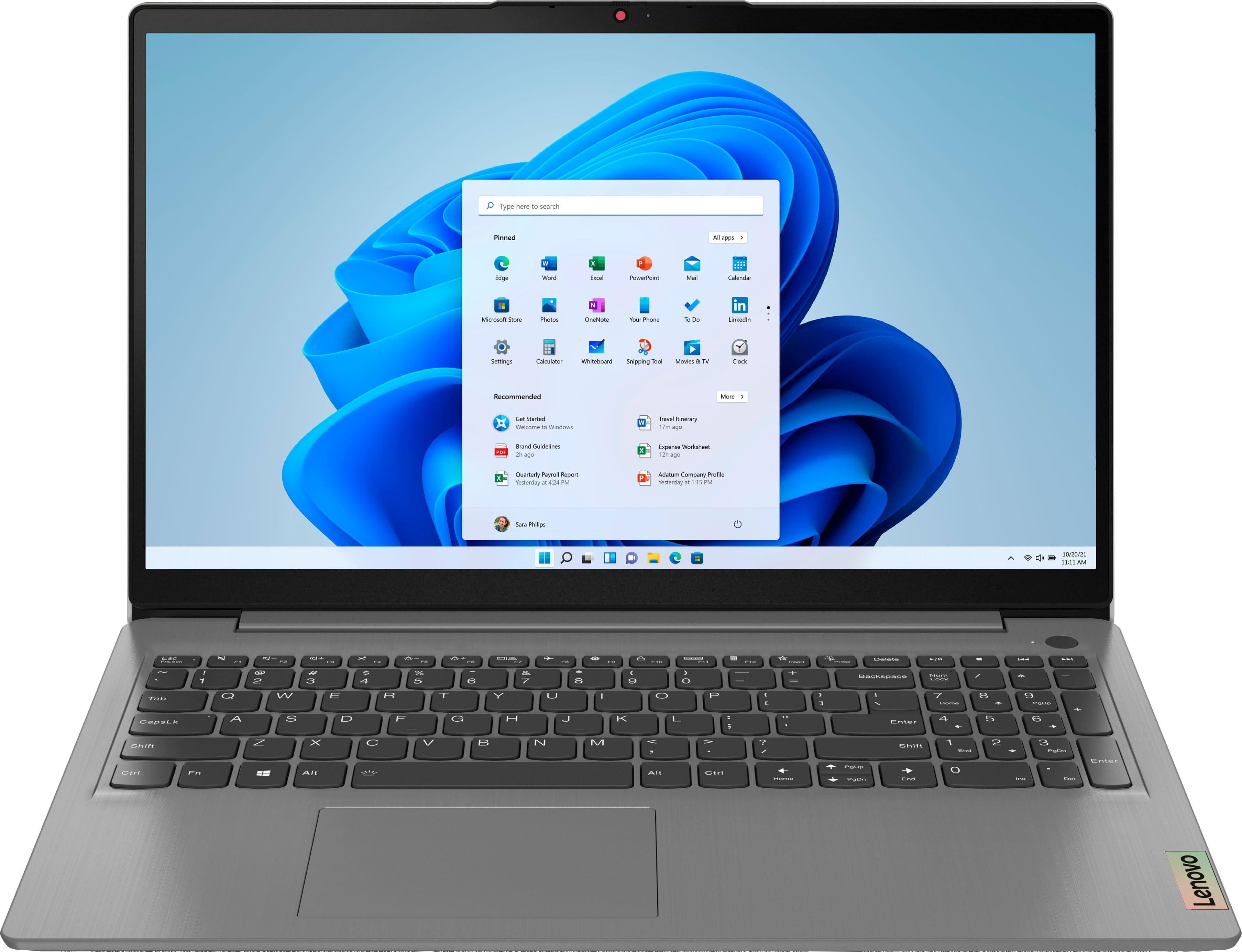
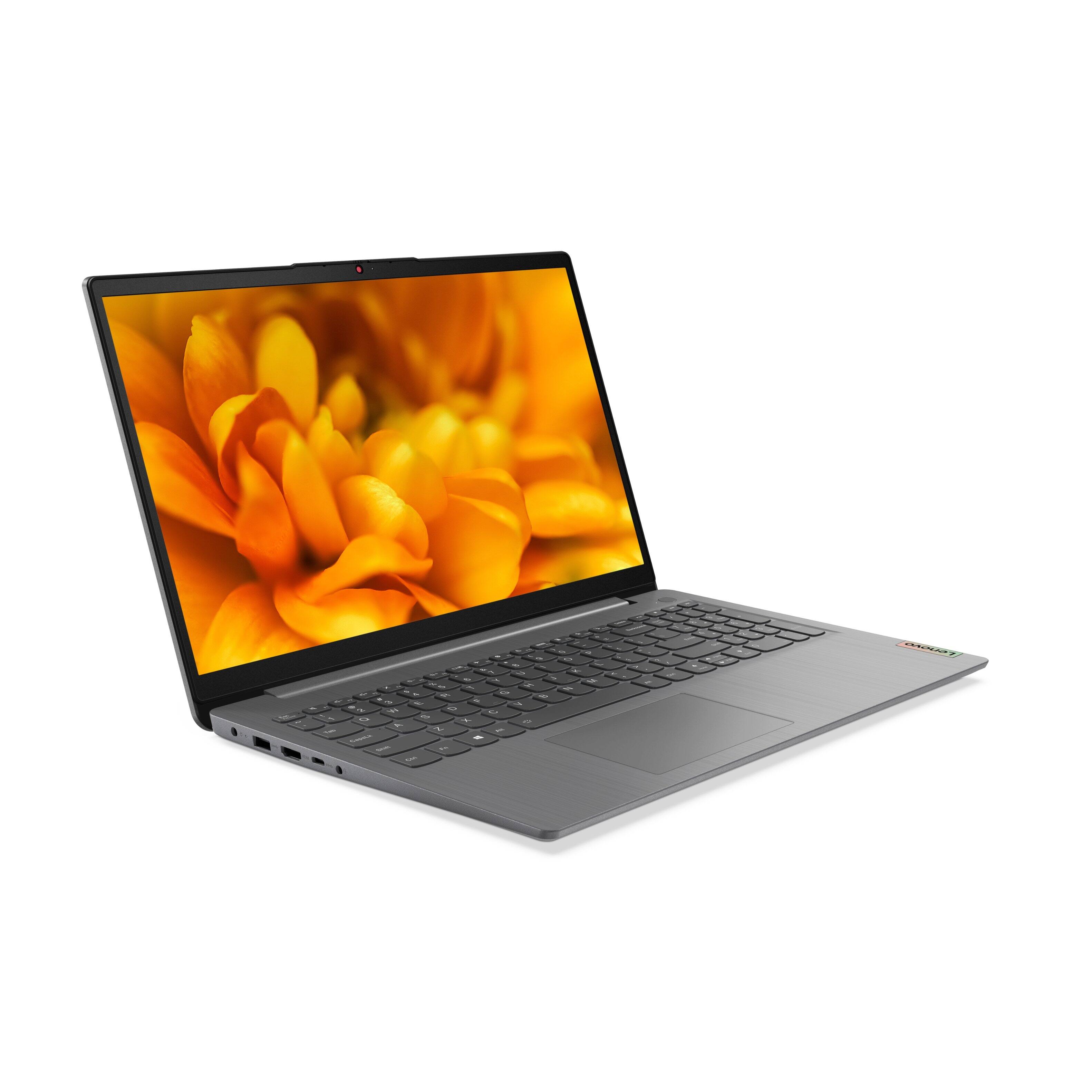
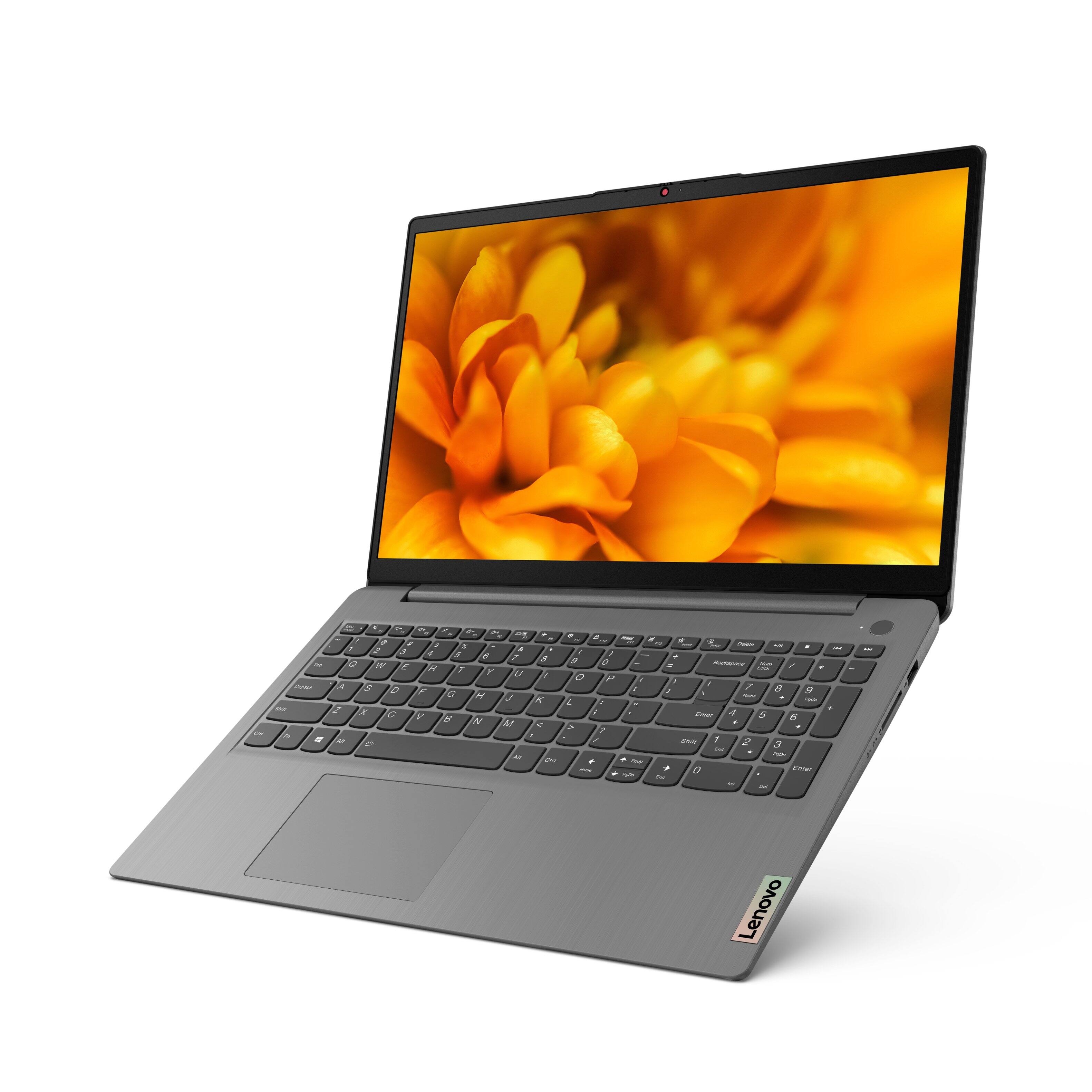

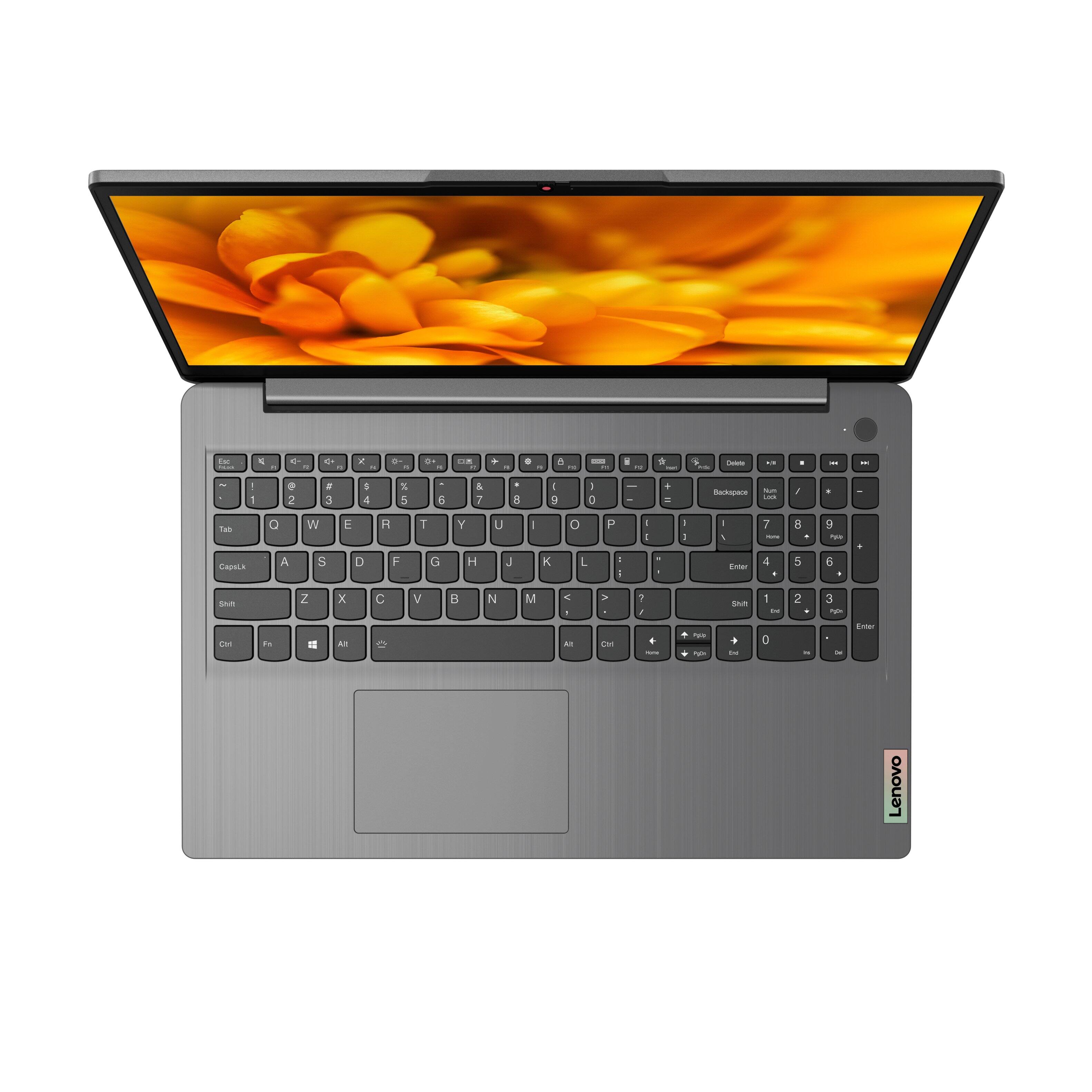

- Model:
- 82H801DQUS/82H8018SUS
- SKU:
- 6461977
Rating by feature
- Battery Life
Rating 4.4 out of 5 stars
- Speed
Rating 4.7 out of 5 stars
- Display
Rating 4.6 out of 5 stars
Customers are saying
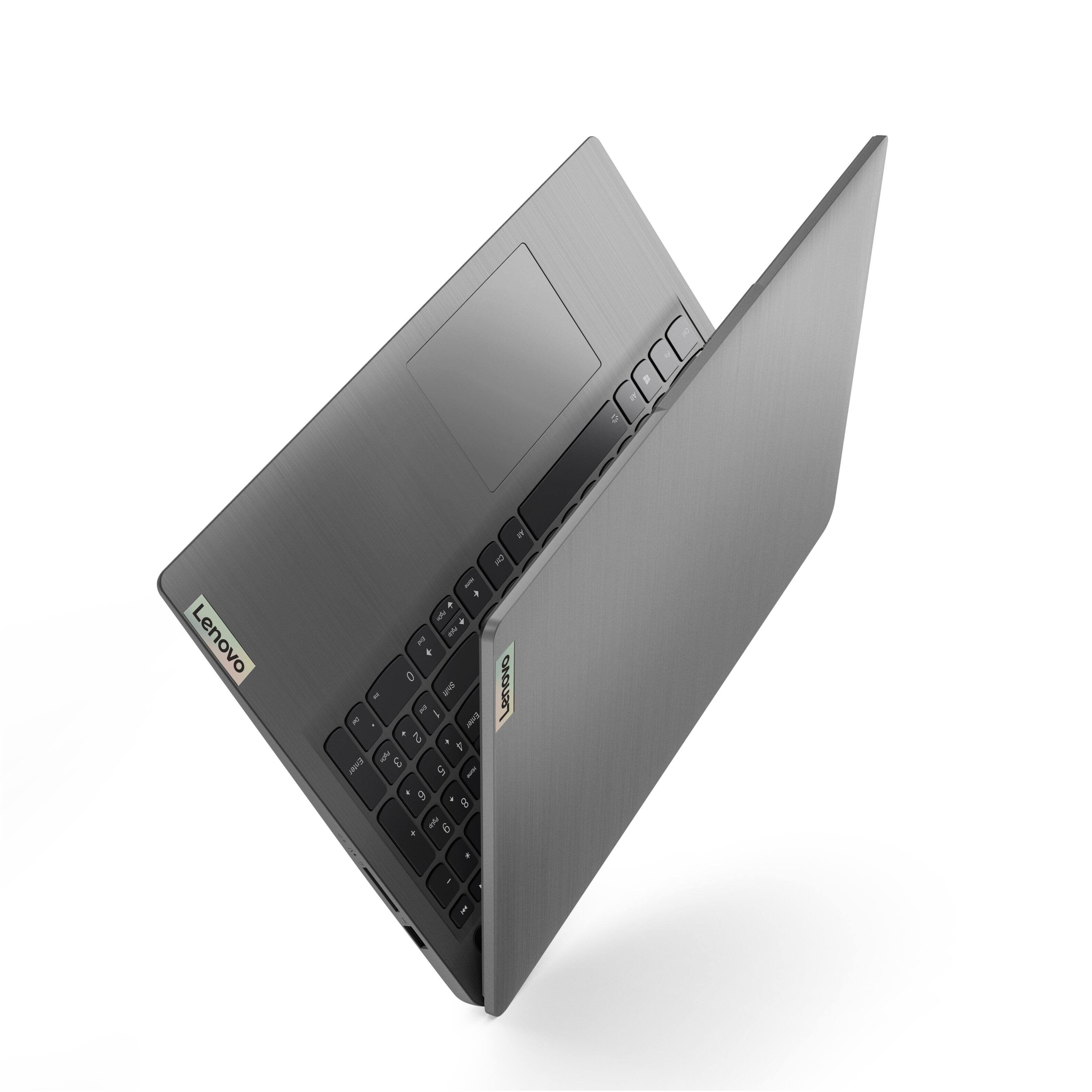
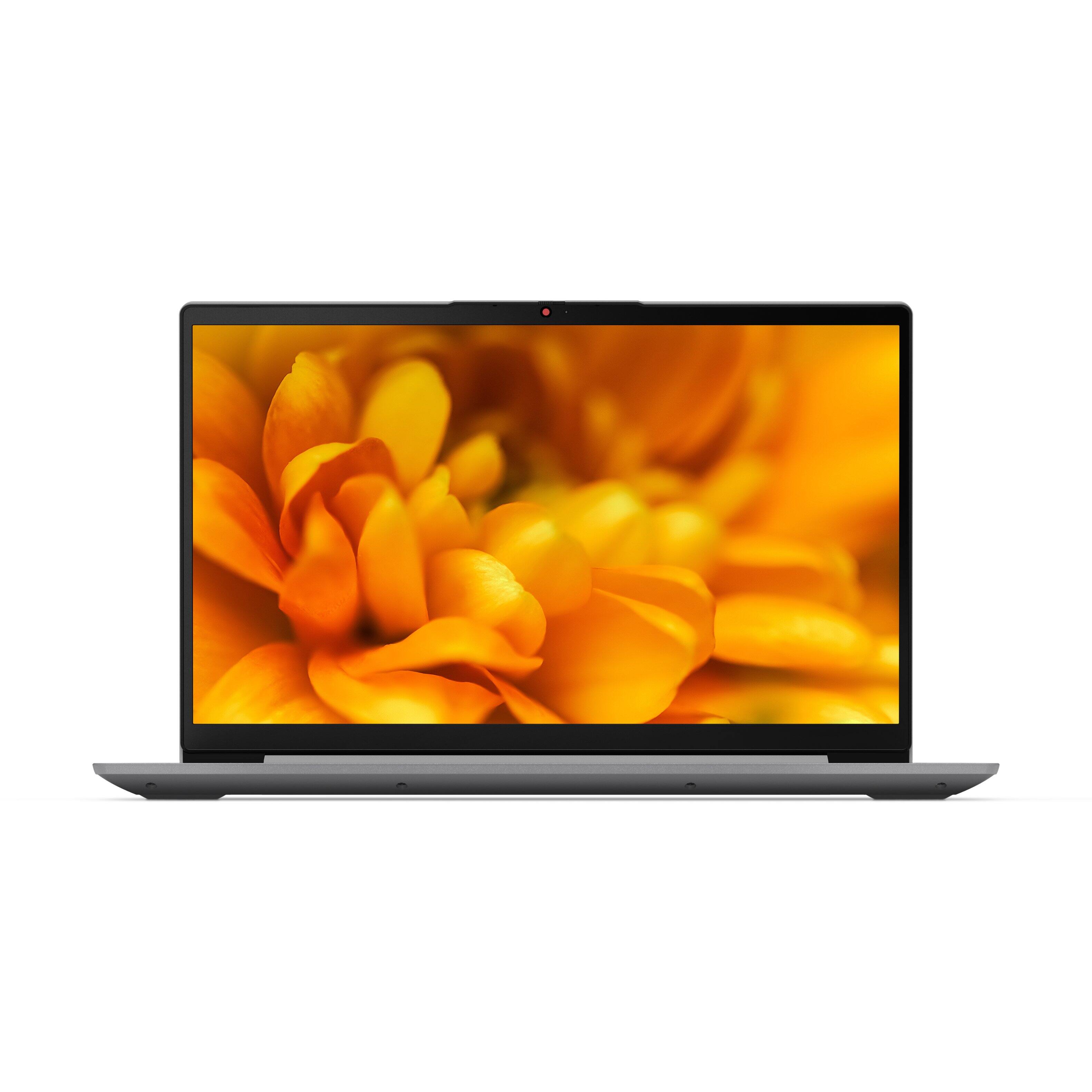
Customers have good things to say about the Lenovo Ideapad 3's touch screen, price, weight, and ease of use. They appreciate the responsiveness of the touch screen, affordability, portability, and user-friendly interface. However, some customers have concerns about the battery life, limited storage, and gaming capabilities. Additionally, a few users mentioned that the power button felt cheap and that it took some time to get used to Windows 11.
This summary was generated by AI based on customer reviews.
- Pros mentioned:Light weight
Nice keyboard and touch screen
||Posted . Owned for 3 weeks when reviewed.This reviewer received promo considerations or sweepstakes entry for writing a review.Great laptop with a nice big screen. Haven't had it long but it is working great so far. Needed a full-size keyboard with numeric entry keypad which this one provided. Keyboard has a nice feel when you don't want to use the touch screen. Light weight in comparison to that which it replaced.
I would recommend this to a friendBrand response from Lenovo Product Expert
Posted .Thank you for choosing the Lenovo IdeaPad 3 15 FHD Touch Screen Laptop. We are very pleased to hear that the specifications and features of the Lenovo IdeaPad 3 15 FHD Touch Screen Laptop meet your computing needs so well.

- Pros mentioned:Light weight
Really good value for the price.
||Posted . Owned for 1 month when reviewed.This reviewer received promo considerations or sweepstakes entry for writing a review.Very light in weight and clear screen. Set up took a while, becuase windows, but other than that working pretty good. Touch screen is responsive and the keyboard is easy to work with. I do like the privacy webcam blocker, it's a nice touch. Haven't used the fingerprint yet. Good speed, no lag so far.
I would recommend this to a friendBrand response from Lenovo Product Expert
Posted .Thank you for choosing the Lenovo IdeaPad 3 15 Laptop. We are pleased to hear that the IdeaPad 3 15 meets your computing needs so well.
- Pros mentioned:Touch screenCons mentioned:Battery life
battery sucks
||Posted . Owned for 3 weeks when reviewed.This reviewer received promo considerations or sweepstakes entry for writing a review.Great computer but the battery life is a real issue , like others have mentioned. Despite all recommendations followed the battery will last approx 3.5 to 5 hrs max, not 8 as the manufacturers state. It is fast , display is excellent and the touch screen is a bonus.
I would recommend this to a friendBrand response from Lenovo Product Expert
Posted .This Lenovo IdeaPad 3 15 Laptop, model number 82H801DQUS, ships with a Integrated 45Wh, Lithium-Polymer Battery, which within this model configuration, has a battery life of up to 7 hours, depending on the work the device is performing. If you are getting substantially less battery life, first, set your screen brightness at less than 100-percent - try 80-percent to start with. Then, be sure Battery Charge Threshold is turned off. This power management setting should only be used when the laptop is plugged in all the time. It will prolong overall battery life by only charging the battery to 60-percent of capacity. You can turn off Battery Charge Threshold within the Lenovo Vantage APP installed on this computer. In Vantage select Battery Settings and turn off Battery Charge Threshold, if turned on. Also check what programs are running in the background on the computer. Be sure only the programs you want running in the background are. These programs will drain the battery. Here is a link to information about how to find out what programs are running in the background on your Windows 11 computer and how to manage them for better system performance: https://websiteforstudents.com/how-to-find-what-is-running-in-windows-11/. Then, finally, be sure any software you installed is compatible with Windows 11. Incompatible software will drain the battery at a faster rate. There is no need to install Microsoft Office software. The software is already part of the operating system, you just need to activate the software with a purchased product key. If you have installed a copy of Microsoft Office, this is conflicting with the existing copy on the system and this will slow your system down. If you have installed a 3rd party anti-virus program, be sure that Windows Defender is turned off and that the trial version of McAfee Anti-Virus software is uninstalled. There can only be one anti-virus program on the system. You may need to restore your system to original factory default settings if any of the programming errors have occurred. You can do that by typing "restore" in the Cortana search window. Just click on the magnifying glass icon at the bottom of your Windows 11 Desktop. Click on "Reset This PC" Then click on "Get Started" and follow the on screen directions to restore to factory defaults. If the problem persists, we recommend you contact Lenovo Tech Support at: 877-453-6686.
- Pros mentioned:Speed
Perfect little laptop! Great for everyday uses!
||Posted . Owned for 6 months when reviewed.This reviewer received promo considerations or sweepstakes entry for writing a review.The more I use this laptop, the more I love it. The only very teeny, tiny, minor thing that I would complain about are the internal speakers. But the ease of use, the fingerprint security check, speed & ease of use is exactly why I went with this laptop! It's perfect!
I would recommend this to a friendBrand response from Lenovo Product Expert
Posted .Thank you for choosing the Lenovo IdeaPad 3 15 Laptop, model number 82H801DQUS. This model ships with the High Definition (HD) Audio, Realtek ALC3287 codec, audio chip which powers the Stereo system speakers, (1.5W x2), with Dolby Audio sound enhancement. For the best audio experience, be sure to adjust the Dolby Audio software to your personal preferences.
Great
||Posted . Owned for 1.5 years when reviewed.This reviewer received promo considerations or sweepstakes entry for writing a review.Good laptop for students, move fast and its very thin.
I would recommend this to a friend- Pros mentioned:Touch screenCons mentioned:Battery life
Slightly underwhelmed with Lenovo Ideapad 3
||Posted . Owned for 1 month when reviewed.This reviewer received promo considerations or sweepstakes entry for writing a review.I love the touchscreen feature, backlit keyboard, on screen keyboard option, but the audio quality and battery life are not as great as I expected. Audio could stand to be a little more powerful for a computer of this size. I had a much smaller HP that was far louder.
No, I would not recommend this to a friendBrand response from Lenovo Product Expert
Posted .This Lenovo IdeaPad 3 15 Laptop, model number 82H801DQUS, ships with the High Definition (HD) Audio, Realtek ALC3287 codec, Audio Chip which powers the Stereo system speakers, (1.5W x2), with Dolby Audio sound enhancement software. For the best audio experience, be sure to adjust Dolby Audio to your personal preferences. This IdeaPad 3 15 Laptop has a Integrated 45Wh, Lithium-Polymer Battery, which within this model configuration, has a battery life of up to 7 hours, depending on the work the device is performing. If you are getting substantially less battery life, first, set your screen brightness at less than 100-percent - try 80-percent to start with. Then, be sure Battery conservation Mode is turned off. This power management setting should only be used when the laptop is plugged in all the time. It will prolong overall battery life by only charging the battery to 60-percent of capacity. Here is a link to instructions for turning off Battery Conservation Mode: https://support.lenovo.com/us/en/solutions/ht103159. Also check what programs are running in the background on the computer. Be sure only the programs you want running in the background are. These programs will drain the battery. Here is a link to information about how to find out what programs are running in the background on your Windows 10 computer and how to manage them for better system performance: https://www.windowscentral.com/how-prevent-apps-running-background-windows-10. Then, finally, be sure any software you installed is compatible with Windows 10. Incompatible software will drain the battery at a faster rate. There is no need to install Microsoft Office software. The software is already part of the operating system, you just need to activate the software with a purchased product key. If you have installed a copy of Microsoft Office, this is conflicting with the existing copy on the system and this will slow your system down. If you have installed a 3rd party anti-virus program, be sure that Windows Defender is turned off and that the trial version of McAfee Anti-Virus software is uninstalled. There can only be one anti-virus program on the system. You may need to restore your system to original factory default settings if any of the programming errors have occurred. You can do that by typing "restore" in the Cortana search window. Just click on the magnifying glass icon at the bottom left of your Windows 10 Desktop. Click on "Reset This PC" Then click on "Get Started" and follow the on screen directions to restore to factory defaults. If the problem persists, we recommend you contact Lenovo Tech Support at: 877-453-6686.
Decent for the cost
||Posted . Owned for 11 months when reviewed.This reviewer received promo considerations or sweepstakes entry for writing a review.Great value fast loading and long battery life. Great screen clarity
I would recommend this to a friend- Pros mentioned:Price
my first laptop
||Posted .This reviewer received promo considerations or sweepstakes entry for writing a review.Always had a desktop, got damage, didn't bother for about 2 years, didn't need it. Now i wanted to move some music files to my cell, and do some work online, so i got this simple little thing. So far is good. Its doing what is supposed to. Very happy with it and the nice price.
I would recommend this to a friendBrand response from Lenovo Product Expert
Posted .Thank you for choosing the Lenovo IdeaPad 3 15.6in. FHD Touch Screen Laptop. We are very pleased to hear that the specifications and features of the Lenovo IdeaPad 3 15.6in. FHD Touch Screen Laptop meet your computing needs so well.
- Pros mentioned:Speed
Excellent Laptop for everyday use
||Posted . Owned for 3 weeks when reviewed.This reviewer received promo considerations or sweepstakes entry for writing a review.This is a really great deal of a laptop. Its fast and light, has all the features one could want. Build quality is great and battery life is really good. Windows 11 is far better than I thought it would be coming from Windows 10. Runs my 3d modeling and CAD software flawlessly.
I would recommend this to a friendBrand response from Lenovo Product Expert
Posted .Thank you for choosing the Lenovo IdeaPad 3 15.6in. FHD Touch Screen Laptop. We are very pleased to hear that the specifications and features of the Lenovo IdeaPad 3 15.6in. Touch Screen Laptop meet your computing needs so well.
- Pros mentioned:Speed, Touch screen
Decent Budget Laptop
||Posted .This reviewer received promo considerations or sweepstakes entry for writing a review.Overall, this is a good laptop, is plenty fast and power efficient with great battery life. Good amount of RAM and disk space is adequate. Good backlit keyboard and touchscreen monitor. Haven't seen any instability issues. All good points for an entry level laptop.
I would recommend this to a friend - Cons mentioned:Battery life
Great Laptop
||Posted . Owned for 3 months when reviewed.This reviewer received promo considerations or sweepstakes entry for writing a review.I am loving my new Lenovo Ideapad. It's nice and fast and runs smooth. The only minor issue is that the battery drains pretty quickly and that can be a problem sometimes being as though I work a hybrid schedule and on my remote days, I sometimes want to work outdoors.
I would recommend this to a friendBrand response from Lenovo Product Expert
Posted .Thank you for choosing the Lenovo IdeaPad 3 15 Laptop, model number 82H801DQUS. This model configuration ships with a Integrated 45Wh, Lithium-Polymer Battery, which within this model configuration, has a battery life of up to 7 hours, depending on the work the device is performing. If you are getting substantially less battery life, first, set your screen brightness at less than 100-percent - try 80-percent to start with. Then, be sure Battery Charge Threshold is turned off. This power management setting should only be used when the laptop is plugged in all the time. It will prolong overall battery life by only charging the battery to 60-percent of capacity. You can turn off Battery Charge Threshold within the Lenovo Vantage APP installed on this computer. In Vantage select Battery Settings and turn off Battery Charge Threshold, if turned on. Also check what programs are running in the background on the computer. Be sure only the programs you want running in the background are. These programs will drain the battery. Here is a link to information about how to find out what programs are running in the background on your Windows 11 computer and how to manage them for better system performance: https://websiteforstudents.com/how-to-find-what-is-running-in-windows-11/. Then, finally, be sure any software you installed is compatible with Windows 11. Incompatible software will drain the battery at a faster rate. There is no need to install Microsoft Office software. The software is already part of the operating system, you just need to activate the software with a purchased product key. If you have installed a copy of Microsoft Office, this is conflicting with the existing copy on the system and this will slow your system down. If you have installed a 3rd party anti-virus program, be sure that Windows Defender is turned off and that the trial version of McAfee Anti-Virus software is uninstalled. There can only be one anti-virus program on the system. You may need to restore your system to original factory default settings if any of the programming errors have occurred. You can do that by typing "restore" in the Cortana search window. Just click on the magnifying glass icon at the bottom of your Windows 11 Desktop. Click on "Reset This PC" Then click on "Get Started" and follow the on screen directions to restore to factory defaults. If the problem persists, we recommend you contact Lenovo Tech Support at: 877-453-6686.
Perfect
||Posted . Owned for 1.5 years when reviewed.This reviewer received promo considerations or sweepstakes entry for writing a review.Its a very good computer, I have used it for 2 years and its still alive.
I would recommend this to a friendCj
||Posted . Owned for 1.5 years when reviewed.This reviewer received promo considerations or sweepstakes entry for writing a review.Broke in less than a year mic stopped working l was so disappointed
I would recommend this to a friendA good deal with good specifications
||Posted . Owned for 1 month when reviewed.This reviewer received promo considerations or sweepstakes entry for writing a review.I purchased this laptop for my family before Thanksgiving and use it for regular use. The price was good and even better than many later BF deals. The specifications (Intel Core i5 11th Gen - 12GB Memory - 256GB SSD) are good enough for home use and maybe are also good for some data work. Can't ask for more at this price. I have used it for a few weeks, and love the touch screen. The only thing I need time to get used to it is the keyboard. It feels good, but since this is a 15-inch laptop and it has the number keys on the right side making the keyboard not symmetrical while I have been used to the 14-inch laptop. Highly recommend.
I would recommend this to a friendBrand response from Lenovo Product Expert
Posted .Thank you for choosing the Lenovo IdeaPad 3 15 laptop. This model ships with a standard QWERTY keyboard with 10-Key Numeric Pad included. The touchpad is centered under the QWERTY keys, so that when the typist's hands are in the Home Position on the keyboard, the touchpad is centered directly under the typist's hands for easy access. We are pleased to hear that the value, features and performance of the IdeaPad 3 15 meets the computing needs of your family so well.
- Pros mentioned:Price
Good computer for the price
||Posted . Owned for 2 months when reviewed.This reviewer received promo considerations or sweepstakes entry for writing a review.Good computer for the price.Bought it for my mom when it went on sale. Was not told nor did i see that i needed to purchase it under my moms number for her Total Tech Support to cover.Had to return it and but it c=back under my mom's phone number . weird way to do things.
I would recommend this to a friend - Pros mentioned:Easy to use
Satisfied, but not completely
||Posted . Owned for 1 month when reviewed.This reviewer received promo considerations or sweepstakes entry for writing a review.Still getting used to it. So far, with a little help, I have been able to access and use most everything I need at this time. I do not like to be misled when something pops up I think is helping learn more about my computer and it turns out to be an ad for another app, etc. Oversall, it seems to function well.
I would recommend this to a friendBrand response from Lenovo Product Expert
Posted .Thank you for choosing the Lenovo IdeaPad 3 15 Laptop, model number 82H801DQUS. The Lenovo IdeaPad 3 15 ships with just two adware programs, a 30-day trial of Microsoft Office 365 (as part of Windows 11 operating system) and a 30-day trial of McAfee virus protection. Lenovo computers ship with one of the cleanest factory software installs within the consumer computer industry. If you are getting pop-up alerts, it is most likely coming from McAfee Virus Protection Software. The Lenovo IdeaPad 3 15 Laptop, model number 82H801DQUS, ships with a 30-day trial of McAfee Virus Protection Software installed. It will activate automatically with the initial activation of Windows 11 and protect your computer for the 30-day trial period. You do not need to use McAfee VPS. You can uninstall McAfee and use the free Windows Defender VPS that comes with Windows 11 or you can uninstall McAfee and then install your choice of any compatible 3rd party VPS. The key is to uninstall McAfee if you will not be using it, as there can only be one active VPS on the computer at a time. Here is a link to information on uninstalling McAfee from Windows: https://service.mcafee.com/?locale=en-us&articleId=TS100162&page=shell&shell=article-view If you have questions about your Lenovo IdeaPad 3 15 laptop, we recommend you contact Lenovo Tech Support at: 877-453-6686.
- Pros mentioned:Touch screen
Lenovo Ideapad 3
||Posted . Owned for 1 month when reviewed.This reviewer received promo considerations or sweepstakes entry for writing a review.This laptop has wonderful performance with touch screen. Intel corei5 11th generation is really great and work on multiple assignments without any extra delay. Arctic grey color is so cool unique compared to other silver colors. Light under the keyboard I like this very much.
I would recommend this to a friendBrand response from Lenovo Product Expert
Posted .Thank you for choosing the Lenovo IdeaPad 3 15 laptop. We are pleased to hear that the features and performance of the IdeaPad 3 15 meets your computing needs so well.
- Pros mentioned:Easy to use
Great Laptop
||Posted . Owned for 3 weeks when reviewed.This reviewer received promo considerations or sweepstakes entry for writing a review.We needed another laptop and after reading the reviews and talking to our sons we agreed this was the best product for us. It was easy to set up!
I would recommend this to a friendBrand response from Lenovo Product Expert
Posted .Thank you for choosing the Lenovo IdeaPad 3 15 Laptop. We are pleased to hear that the easy setup and performance of the IdeaPad 3 15 meets your computing needs so well.
- Pros mentioned:Price
very reliable and functional laptop
||Posted . Owned for 1 week when reviewed.This reviewer received promo considerations or sweepstakes entry for writing a review.This is an outstanding laptop for the price. I am long time fan of Lenovo laptops. Since the beginning of the pandemic, had a hard time find readily-available enterprise -level laptops. Came across this Ideapad 3 at Best Buy, so i gave it a try. i have no complains. Love the 10-key on the side. Very useful
I would recommend this to a friendBrand response from Lenovo Product Expert
Posted .Thank you for choosing the Lenovo IdeaPad 3 15 FHD Touch Screen Laptop. We are very pleased to hear that the specifications and features of the Lenovo IdeaPad 3 15 FHD Touch Screen Laptop meet your computing needs so well.
- Pros mentioned:Touch screen
Good product, value of money
||Posted .This reviewer received promo considerations or sweepstakes entry for writing a review.Nice laptop, after long search I got good product, it have all the features that I need touch screen , fast processing , good sound quality …etc…) only two thing that I missed are SIM card slot and keyboard light normally that not come in personal laptop apart of that I love it
I would recommend this to a friend