Customer Ratings & Reviews
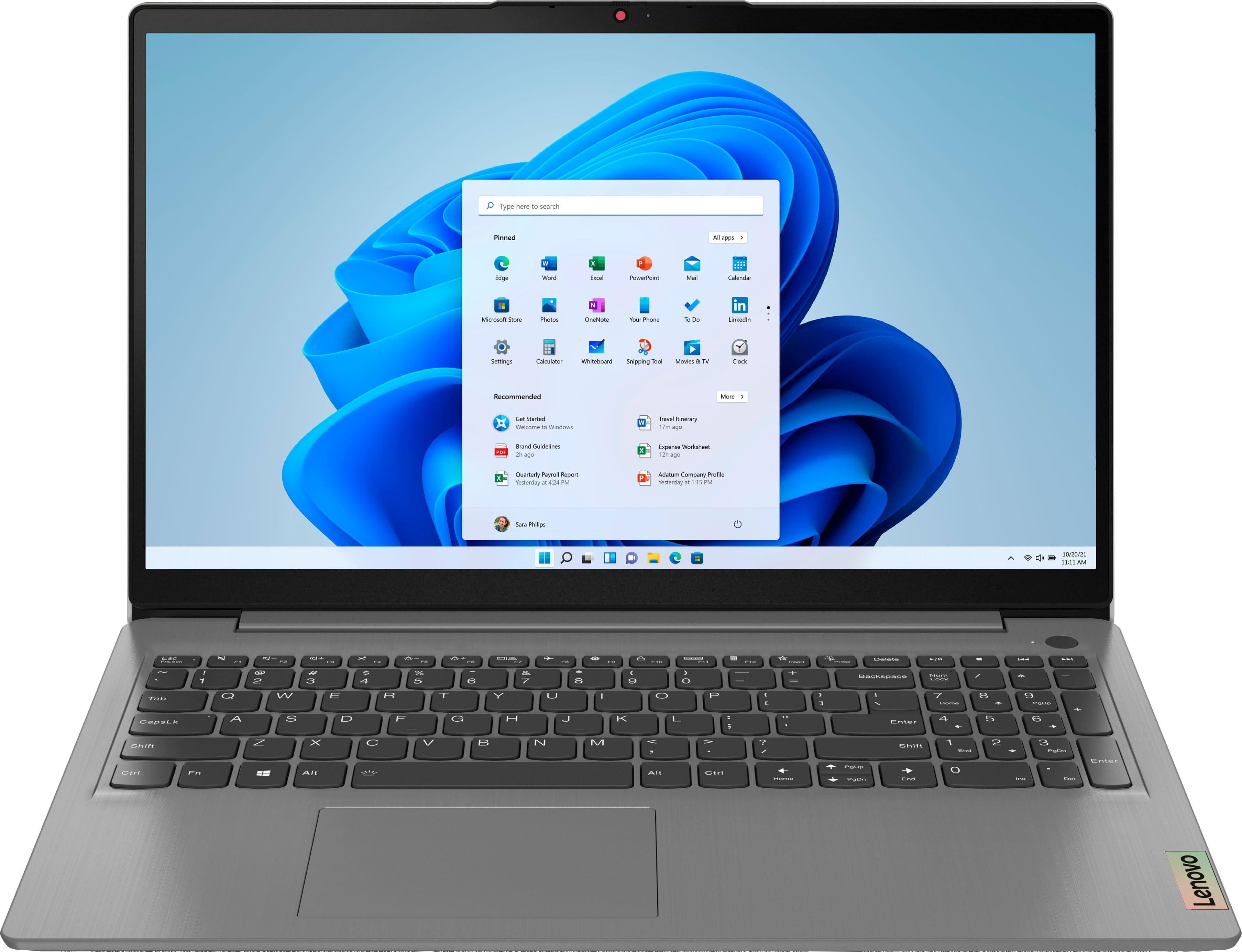
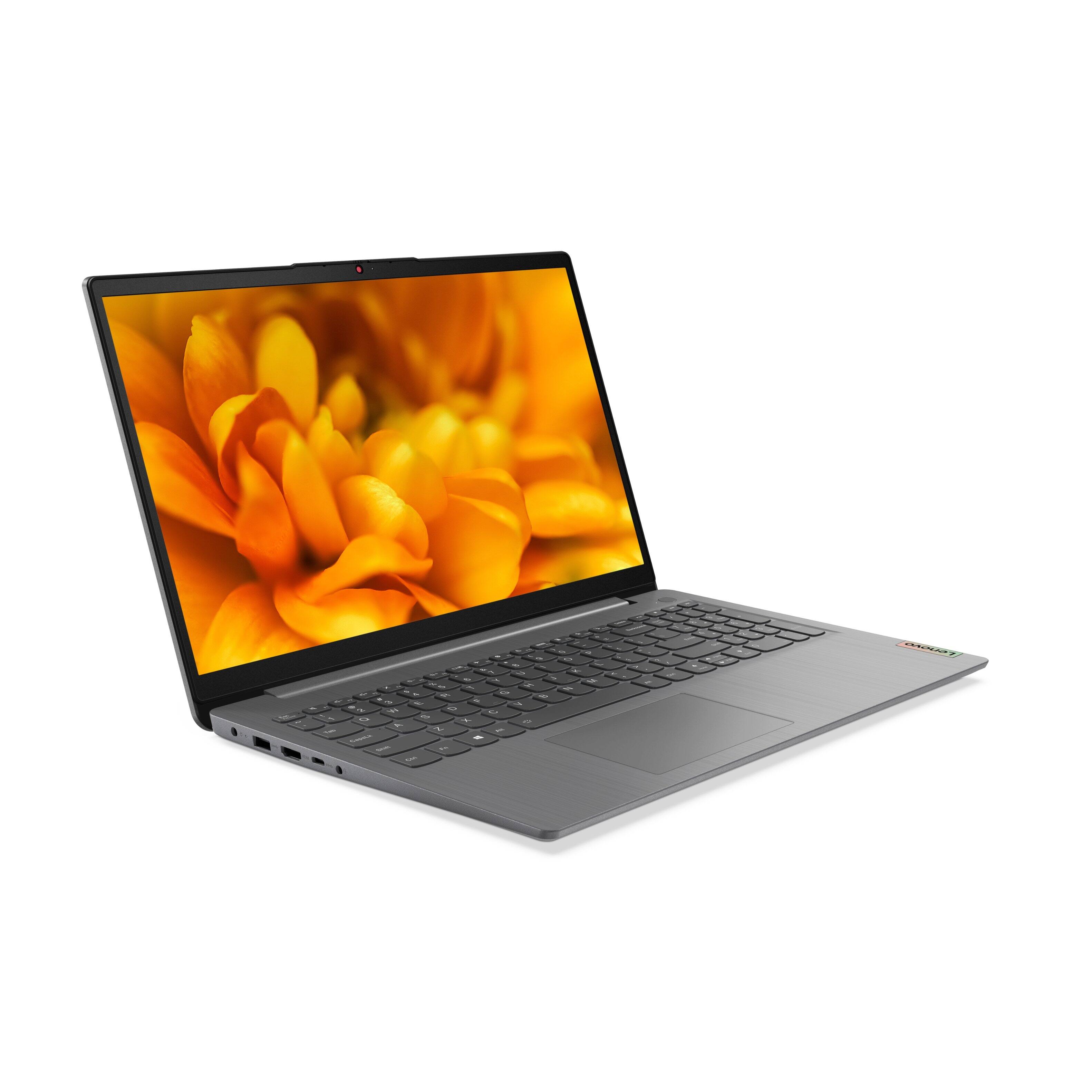
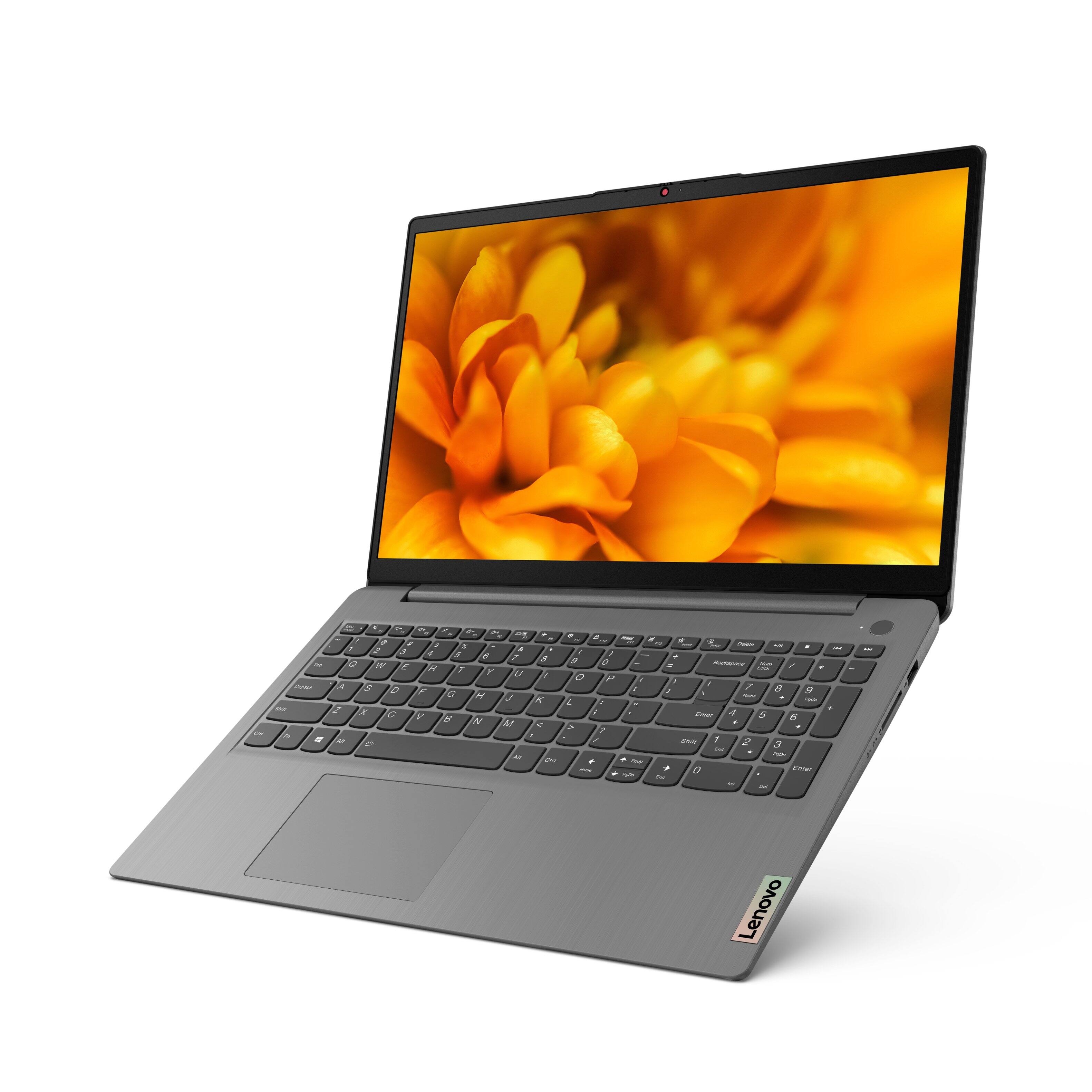

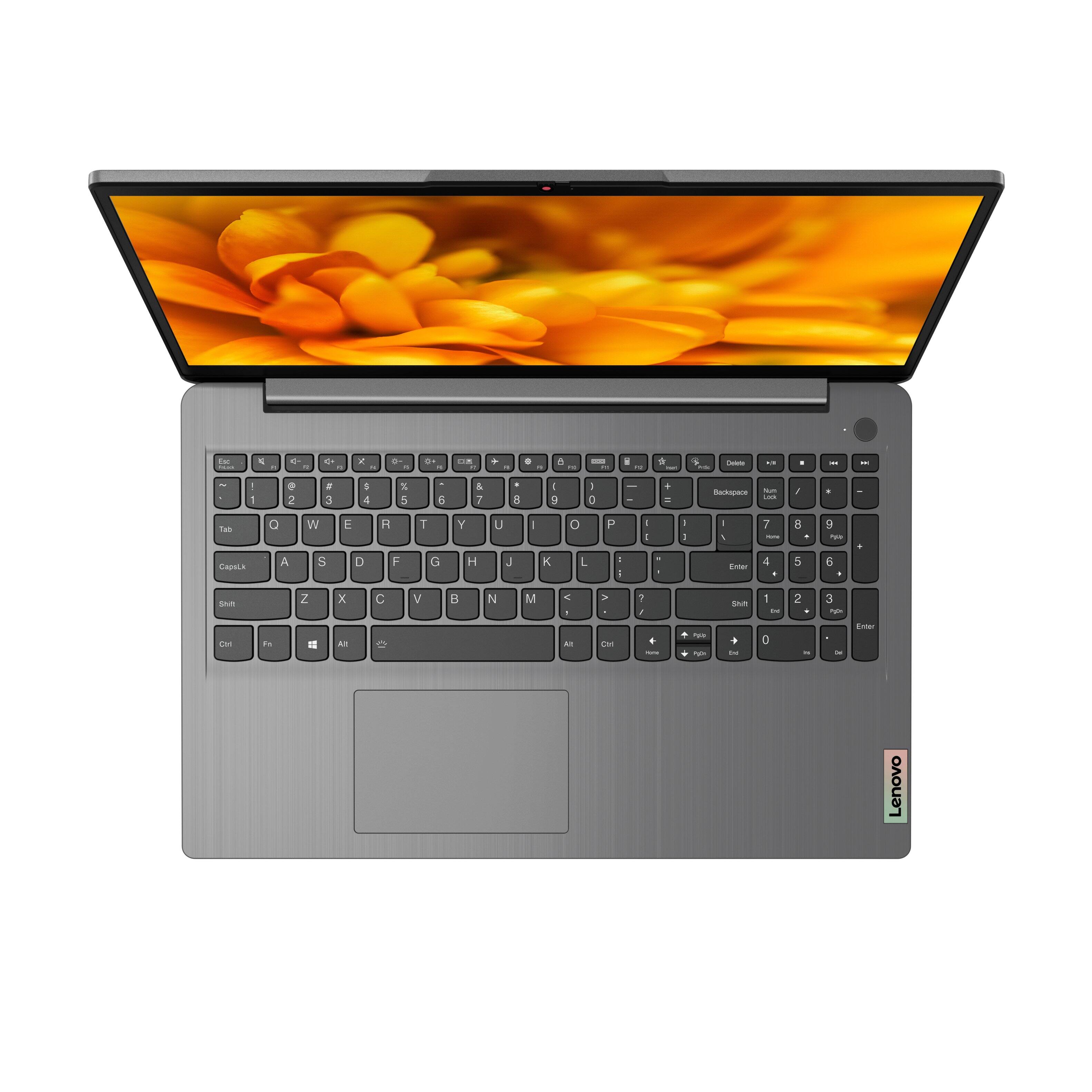
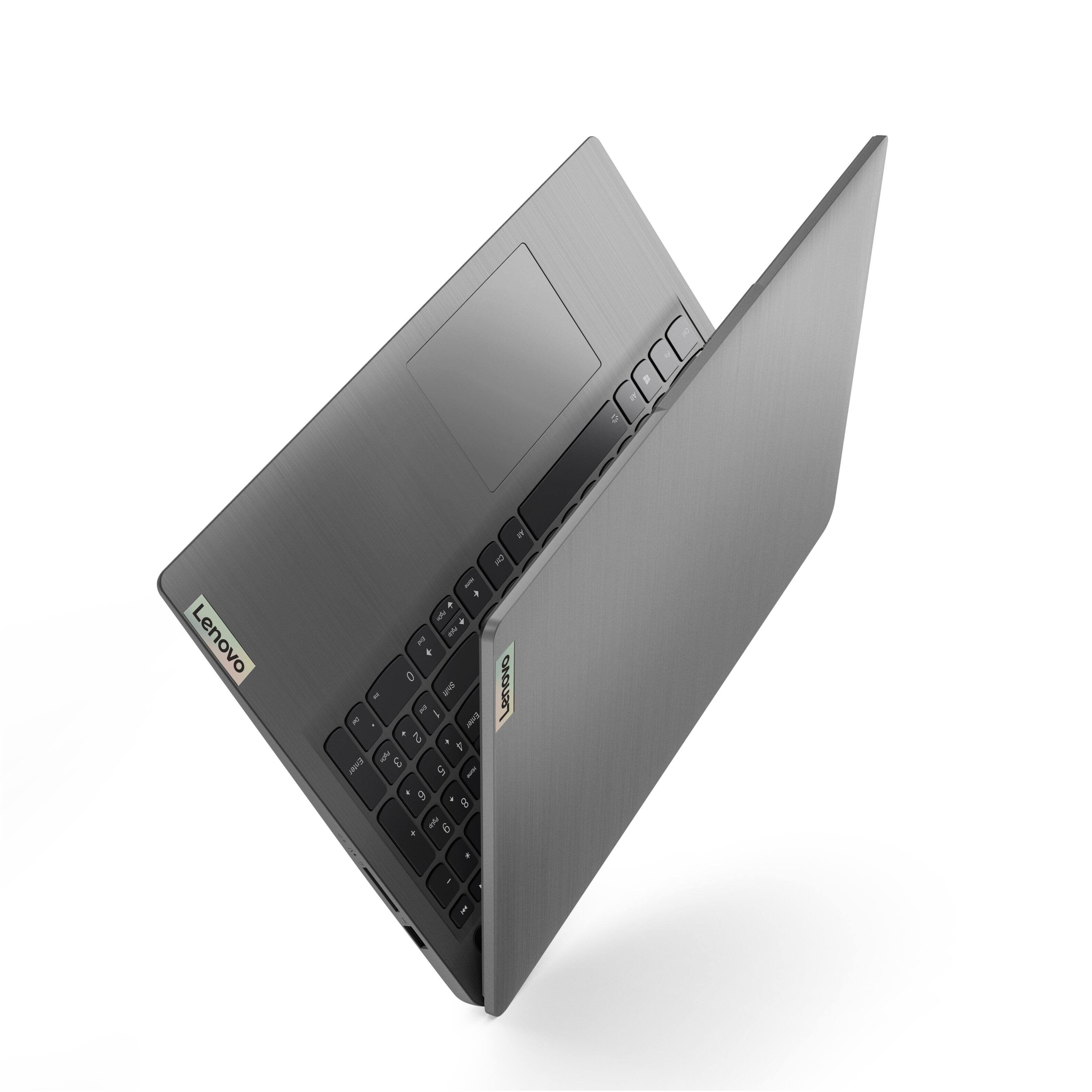
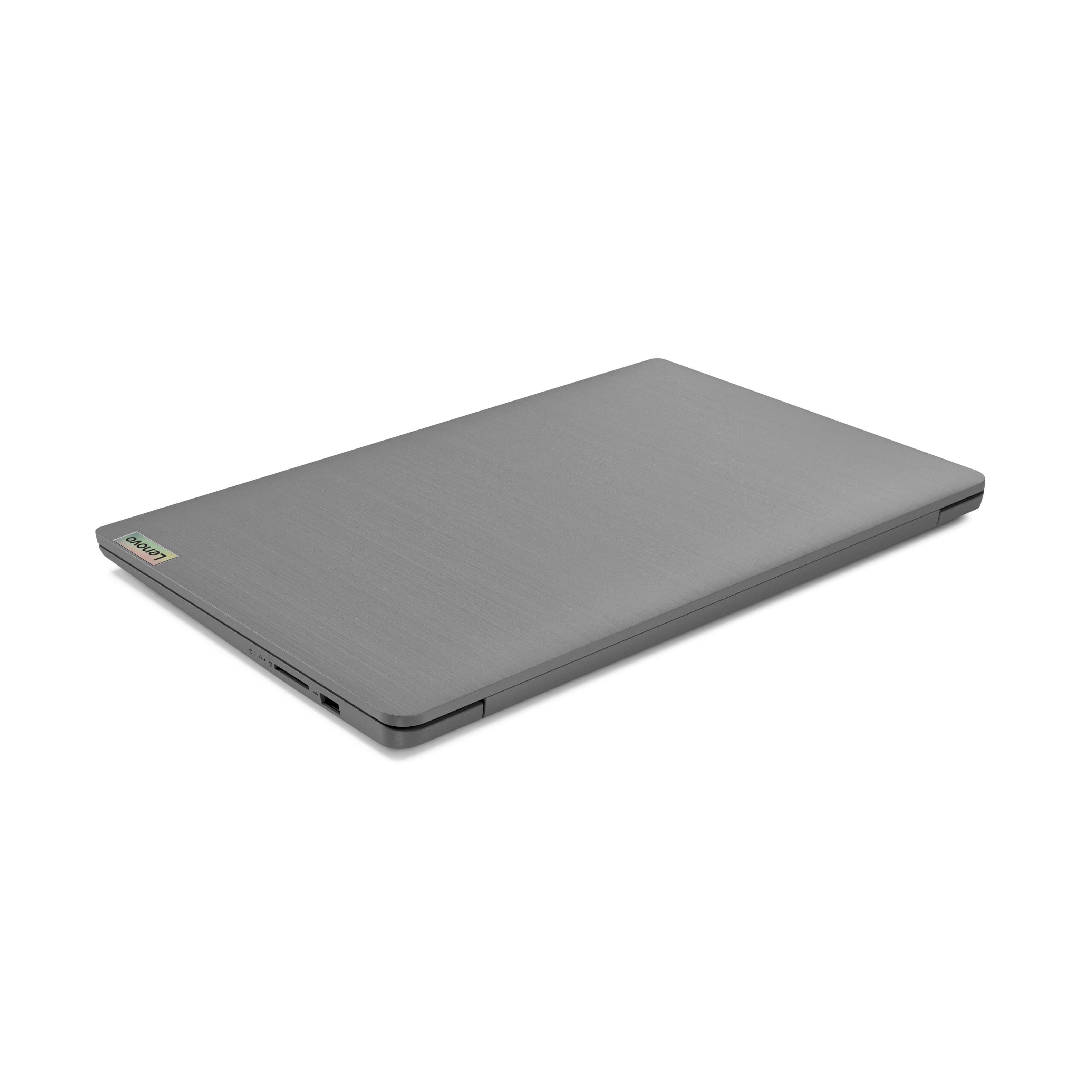
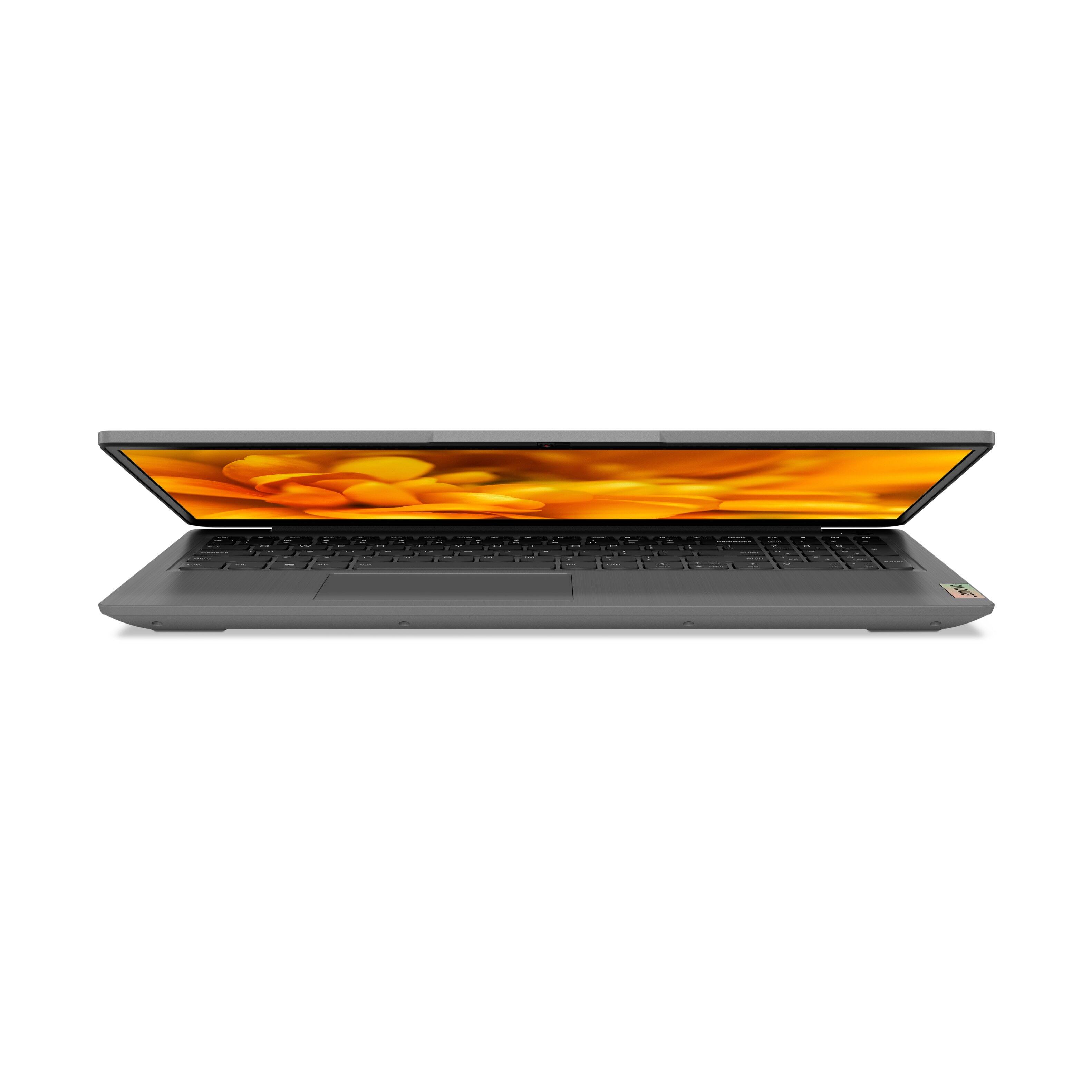
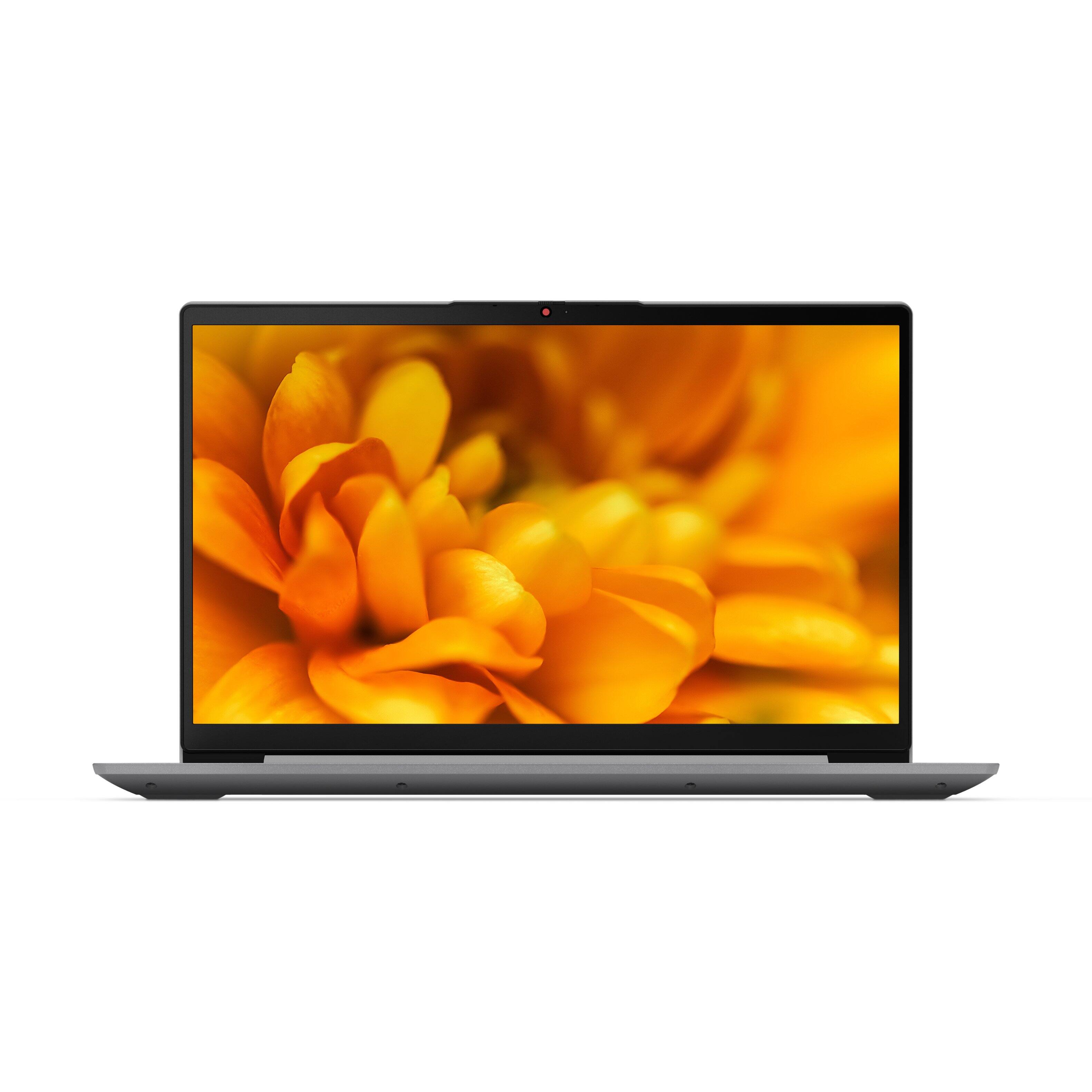

- Model:
- 82H801DQUS/82H8018SUS
- SKU:
- 6461977
Rating by feature
- Battery Life
Rating 4.4 out of 5 stars
- Speed
Rating 4.7 out of 5 stars
- Display
Rating 4.6 out of 5 stars
Customers are saying
Customers have good things to say about the Lenovo Ideapad 3's touch screen, price, weight, and ease of use. They appreciate the responsiveness of the touch screen, affordability, portability, and user-friendly interface. However, some customers have concerns about the battery life, limited storage, and gaming capabilities. Additionally, a few users mentioned that the power button felt cheap and that it took some time to get used to Windows 11.
This summary was generated by AI based on customer reviews.
- Pros mentioned:Price
My first Microsoft
||Posted . Owned for 2 weeks when reviewed.This reviewer received promo considerations or sweepstakes entry for writing a review.I really like this computer overall but, I do not like Microsoft Edge. Maybe because I'm use to a Mac book, this can be good for a student or for business use. The resolution is doable and for the price overall it's worth the investment if you're on a budget.
I would recommend this to a friendBrand response from Lenovo Product Expert
Posted .Thank you for choosing the Lenovo IdeaPad 3 15 Laptop, model number 82H801DQUS. This model ships with Windows 11 S-Mode, 64-bit Operating System installed. Windows 11` S-Mode provides added security by only allowing APPs available ( and therefore certified by Microsoft) at the Microsoft Store. If you don't need the added security or you need to install APPs not available at the Microsoft Store, you can switch to standard Windows 11 Home 64-bit Operating System, at no additional cost. If you choose to switch out of S-Mode for Windows 11 Home: Here is a link to instructions for switching from Windows 10 S-Mode to Windows 10 Home: https://support.microsoft.com/en-us/help/4456067/windows-10-switch-out-of-s-mode. Once you switch out of S-Mode, you can change your default internet browser. Here is a link to more information: https://www.reviewgeek.com/113553/windows-11-just-made-it-easier-to-set-your-default-browser/

- Pros mentioned:Easy to use
Worth Price Laptop
||Posted .This reviewer received promo considerations or sweepstakes entry for writing a review.Bought this as a Christmas gift. Good value for the money spent. Great laptop for everyday use. Setup was pretty easy and convenient. Highly recommended product. Great configuration and pretty good price for this laptop.
I would recommend this to a friendBrand response from Lenovo Product Expert
Posted .Thank you for choosing the Lenovo IdeaPad 3 15 Laptop as a gift. We are pleased to hear that the value, easy setup and performance of the IdeaPad 3 15 meets your recipient's computing needs so well.
- Pros mentioned:Speed
Great schooling laptop.
||Posted . Owned for 3 weeks when reviewed.This reviewer received promo considerations or sweepstakes entry for writing a review.So far so good. I have purchased this for my son for online school. It does the trick as I am anticipating that he will need a stronger laptop being in high school. Has plenty of speed and storage for what he needs.
I would recommend this to a friendBrand response from Lenovo Product Expert
Posted .Thank you for choosing the Lenovo IdeaPad 3 15 Laptop for your son. We are pleased to hear that the performance of the IdeaPad 3 15 meets your son's computing needs so well.
- Pros mentioned:Speed
Awesome
||Posted . Owned for 2 months when reviewed.This reviewer received promo considerations or sweepstakes entry for writing a review.I have nothing bad to say about this laptop. Extremely fast and it maintains great speed when you’re multi tasking and/or have multiple apps open. Im actually looking to buy another one! Great job Lenovo!
I would recommend this to a friendBrand response from Lenovo Product Expert
Posted .Thank you for choosing the Lenovo IdeaPad 3 15 FHD Touch Screen Laptop. We are very pleased to see that the specifications and features of the Lenovo IdeaPad 3 15 FHD Touch Screen Laptop meet your computing needs so well.
- Pros mentioned:Price
Great for the price.
||Posted . Owned for 1 month when reviewed.This reviewer received promo considerations or sweepstakes entry for writing a review.Great laptop for 449.99 Nothing else at this price point even comes close. Screen colors could be a little better and the ram isnt upgradable ( soldered onto motherboard )but its hard to complain at the sale price.
I would recommend this to a friend - Pros mentioned:Touch screen
A New Lenovo Customer
||Posted . Owned for 3 weeks when reviewed.This reviewer received promo considerations or sweepstakes entry for writing a review.I have always gotten a HP computer so I will have to say I love the computer and got it at a steal. Got everything I wanted touchscreen Intel Core i5, screen size and a backlit which I really wanted. So far so good.
I would recommend this to a friendBrand response from Lenovo Product Expert
Posted .Thank you for choosing the Lenovo IdeaPad 3 15.6in. FHD Touch Screen Laptop. We are very pleased to hear that the specifications and features of the Lenovo IdeaPad 3 15.6in. FHD Touch Screen Laptop meet your computing needs so well.
- Pros mentioned:Speed
Good product overall
||Posted . Owned for 3 weeks when reviewed.This reviewer received promo considerations or sweepstakes entry for writing a review.This laptop is compact and seems well made. It is very fast, but the touchpad is ultra sensitive. I am not very happy with windows 11. I is complicated by its many features. The screen seems small although it is the same size as my previous one.
I would recommend this to a friendBrand response from Lenovo Product Expert
Posted .Thank you for choosing the Lenovo IdeaPad 3 15 Laptop, model number 82H801DQUS. Regarding the touchpad, you can adjust the touchpad in your system settings. You can get there by clicking on the magnifying glass at the bottom left of your Windows 10 screen. Type "touchpad" in the search window. Select "Mouse & touchpad settings" from the list of choices. You can make general adjustments to the touchpad there. You can also select "Additional mouse options" for more detailed adjustments to the touchpad sensitivity by increasing the delay of the touchpad. Here is a link to a YouTube video that demonstrates some Windows 11 tips and tricks: https://www.youtube.com/watch?v=26dXRnc0EHc&t=29s
- Cons mentioned:Battery life
Great laptop
||Posted . Owned for 3 weeks when reviewed.This reviewer received promo considerations or sweepstakes entry for writing a review.Very happy with the choice I made with this idea pad! So far it has met all my needs. Would recommend to anyone looking for a home laptop. Battery life is shorter than expected, but that is my only comment.
I would recommend this to a friendBrand response from Lenovo Product Expert
Posted .Thank you for choosing the Lenovo IdeaPad 3 15 Laptop, model number 82H801DQUS. This model ships with a Integrated 45Wh, Lithium-Polymer Battery, which within this model configuration, has a battery life of up to 7 hours, depending on the work the device is performing. If you are getting substantially less battery life, first, set your screen brightness at less than 100-percent - try 80-percent to start with. Then, be sure Battery conservation Mode is turned off. This power management setting should only be used when the laptop is plugged in all the time. It will prolong overall battery life by only charging the battery to 60-percent of capacity. Here is a link to instructions for turning off Battery Conservation Mode: https://support.lenovo.com/us/en/solutions/ht103159. Also check what programs are running in the background on the computer. Be sure only the programs you want running in the background are. These programs will drain the battery. Here is a link to information about how to find out what programs are running in the background on your Windows 11 computer and how to manage them for better system performance: https://websiteforstudents.com/how-to-find-what-is-running-in-windows-11/. Then, finally, be sure any software you installed is compatible with Windows 11. Incompatible software will drain the battery at a faster rate. There is no need to install Microsoft Office software. The software is already part of the operating system, you just need to activate the software with a purchased product key. If you have installed a copy of Microsoft Office, this is conflicting with the existing copy on the system and this will slow your system down. If you have installed a 3rd party anti-virus program, be sure that Windows Defender is turned off and that the trial version of McAfee Anti-Virus software is uninstalled. There can only be one anti-virus program on the system. You may need to restore your system to original factory default settings if any of the programming errors have occurred. You can do that by typing "restore" in the Cortana search window. Just click on the magnifying glass icon at the bottom of your Windows 11 Desktop. Click on "Reset This PC" Then click on "Get Started" and follow the on screen directions to restore to factory defaults. If the problem persists, we recommend you contact Lenovo Tech Support at: 877-453-6686.
- Pros mentioned:Touch screen
Family's 2nd computer
||Posted . Owned for 3 weeks when reviewed.This reviewer received promo considerations or sweepstakes entry for writing a review.This time of the year you appreciated the people you care. I thought this was a great gift for my family. I like this computer because the speed is fast and with touch screen even make much easier to use.
I would recommend this to a friend - Pros mentioned:Touch screen
Great value
||Posted . Owned for 1 month when reviewed.This reviewer received promo considerations or sweepstakes entry for writing a review.I like this computer great price I love the touch screen- it’s pretty fast. I don’t like that the touch pad is off center. That is the only thing that drives me insane. But for the money I’ll learn to adapt.
I would recommend this to a friendBrand response from Lenovo Product Expert
Posted .Thank you for choosing the Lenovo IdeaPad 3 15 Laptop, model number 82H801DQUS. This model ships with a standard QWERTY keyboard with 10-Key Numeric Pad included. The touchpad on this laptop is centered under the QWERTY keys, so that when the typist's hands are in the Home Position on the keyboard, the touchpad is centered directly under the typist's hands for easy access. We are pleased to hear that the value, features and performance of the IdeaPad 3 15 meets your computing needs so well.
- Pros mentioned:Speed
New laptop
||Posted . Owned for 1 month when reviewed.This reviewer received promo considerations or sweepstakes entry for writing a review.I bought a new Lenovo laptop to replace an 11-year old model. The new model is very fast, lightweight, and has many features which the older model lacked. My wife and I are very pleased with the new laptop.
I would recommend this to a friendBrand response from Lenovo Product Expert
Posted .Thank you for choosing the Lenovo IdeaPad 3 15.6in. FHD Touch Screen Laptop. We are very pleased to hear that the specifications and features of the Lenovo IdeaPad Laptop meet you and your wife's computing needs so well.
- Pros mentioned:Speed
Worth it!
||Posted . Owned for 3 weeks when reviewed.This reviewer received promo considerations or sweepstakes entry for writing a review.Overall, this is one slick laptop. Fast, thin, light and extremely functional. I'm very happy with this product and would definitely recommend it to anyone who want a beautiful, strong, fast computer.
I would recommend this to a friendBrand response from Lenovo Product Expert
Posted .Thank you for choosing the Lenovo IdeaPad 3 15 Laptop. We are pleased to hear that the features and performance of the IdeaPad 3 15 meets your computing needs so well.
- Cons mentioned:Wifi issues
Wifi Unreliable
||Posted . Owned for 7 months when reviewed.This reviewer received promo considerations or sweepstakes entry for writing a review.For the most part the laptop is nice and has great features for the price. Unfortunately, it has one big issue. The wifi card has the Realtek 8822CE chip and has been unreliable since the laptop was new. Spurious disconnects from the network make it difficult to have any sort of video conference from the computer and is an annoyance when attempting to browse the internet. Google search this wifi adapter and you will find it is causing problems for several different brands of laptops that have implemented a wifi card with the chip. Lenovo hasn't released an updated driver since Oct 2021, which doesn't fix the issue.
No, I would not recommend this to a friendBrand response from Lenovo Product Expert
Posted .We are sorry to hear that you are having issues with the WiFi connectivity within your Lenovo IdeaPad 3 15 Laptop, model number 82H801DQUS. check to be sure you have the latest version of Windows 10/11 on the computer. Then update all BIOS files and drivers up to that latest version of Windows 10/11. You can easily accomplish this by scanning the computer with the Lenovo Utility software available on this computer. This system has Lenovo utilities installed to help maintain the health of the device and keep the operating system software up to date. Type "Lenovo Vantage" in the Cortana Search window (if Lenovo Vantage is not installed on your device, you can download the APP and install it now). Select Lenovo Vantage from the list. In the window that opens, click on "Health and Support". In the expanded menu, select "Hardware Scan" In the window that opens, select "Run Quick Tests". This will scan your entire system for errors. Follow any directions that may pop up. If the problem continues after this scan, now click on "System Update". First select Windows update from the menu. Scan your system to be sure you have the latest version of Windows 10/11. Once that scan is complete, select "Additional Updates". This will scan your device to be sure there are no new BIOS/Driver updates needed. Follow any instructions that may pop up. If you get a message that there are no new updates available, You can directly update/reinstall the WiFi Driver within the Windows 10/11 Operating System on this Laptop. Here is a link to instructions for doing this: https://allthings.how/how-to-install-or-update-windows-11-wifi-driver/#:~:text=In%20Settings%2C%20click%20on%20the,Download%20%26%20install'%20under%20it. If the issue continues, we recommend you contact Lenovo Tech Support for additional help at: 877-453-6686.
- Pros mentioned:Touch screen
Lenovo
||Posted . Owned for 1 month when reviewed.This reviewer received promo considerations or sweepstakes entry for writing a review.So far this laptop has met all of my needs. I can run several programs at once with no lag, and the keyboard is very comfortable. The touch screen is a nice addition for when I am working with two screens.
I would recommend this to a friendBrand response from Lenovo Product Expert
Posted .Thank you for choosing the Lenovo IdeaPad 3 15 Laptop. We are pleased to hear that the features and performance of the IdeaPad 3 15 meets your computing needs so well.
Great job Lenovo
||Posted . Owned for 1 month when reviewed.This reviewer received promo considerations or sweepstakes entry for writing a review.Overall I’m really happy with the quality of the laptop. The i5 processor has plenty of power and can play video games and run multiple tasks and I like the 15.6 inch screen. It feels like good build quality, smooth mouse tracking with your fingers and really good battery life. I can use it all day, adjust brightness accordingly, using battery saver etc. will give many hours. The screen is large and could be a bit brighter. It is thin but does not feel like you will break it easily. The sound is also good. For the price you can’t best it, especially for a Lenovo. Also their support is great and radio accessible through the laptop. I was also happy there was not a lot of bloat-ware pre-installed as well.
I would recommend this to a friendBrand response from Lenovo Product Expert
Posted .Thank you for choosing the Lenovo IdeaPad 3 15 Laptop. We are pleased to hear that the value, features and performance of the IdeaPad 3 15 meets your computing needs so well. We always recommend you check the requirements and compatibility of any software/games you will be installing on your new computer, before you invest in any computer. Be sure your new computer can support the software/games you will need to use.
- Pros mentioned:Speed
Very good laptop.
||Posted . Owned for 1 month when reviewed.This reviewer received promo considerations or sweepstakes entry for writing a review.Lenovo is becoming my go-to brand name. This laptop is fast, and I love the way the screen looks. I am not a gamer so the business quality is top shelf for me. Very good value for the price.
I would recommend this to a friendBrand response from Lenovo Product Expert
Posted .Thank you for choosing the Lenovo IdeaPad 3 15 FHD Touch Screen Laptop. We are very pleased to hear that the specifications and features of the Lenovo IdeaPad 3 15 FHD Touch Screen Laptop meet your computing needs so well.
- Pros mentioned:Touch screen
Lenovo Ideapad 3 with Win 11
||Posted . Owned for 1 month when reviewed.This reviewer received promo considerations or sweepstakes entry for writing a review.The Lenovo Ideapad 3 15.6 with Win 11 is a nice, sleek, modern laptop delivered with Windows 11. Enjoy the touchscreen and backlit keyboard. Very fast with WiFi 6. Would recommend and definitely buy again.
I would recommend this to a friendBrand response from Lenovo Product Expert
Posted .Thank you for choosing the Lenovo IdeaPad 3 15.6in. FHD Touch Screen Laptop. We are very pleased to hear that the specifications and features of the Lenovo IdeaPad 3 15.6in. FHD Touch Screen Laptop meet your computing needs so well.
- Pros mentioned:Touch screen
I like it.
||Posted . Owned for 1 month when reviewed.This reviewer received promo considerations or sweepstakes entry for writing a review.12 gb ram is good for me. I'm not hard core gamer. I use it for studying. I run a virtual machine and have several chrome tabs open and all are running okay. It has a touch screen that works great too.
I would recommend this to a friendBrand response from Lenovo Product Expert
Posted .Thank you for choosing the Lenovo IdeaPad 3 15 laptop. We are pleased to hear that the features and performance of the Ideapad 3 15 meets your computing needs so well.
- Pros mentioned:Touch screen
Laptop
||Posted . Owned for 1 month when reviewed.This reviewer received promo considerations or sweepstakes entry for writing a review.Lightweight and full of power this laptop is able to do all the functions I need it to do and probably more that I am unaware of. Great processor, hard drive space is good, and touch screen is awesome.
I would recommend this to a friendBrand response from Lenovo Product Expert
Posted .Thank you for choosing the Lenovo IdeaPad 3 15 laptop. We are pleased to hear that the features and performance of the IdeaPad 3 15 meets your computing needs so well.
- Pros mentioned:Price
Good performance
||Posted . Owned for 3 weeks when reviewed.This reviewer received promo considerations or sweepstakes entry for writing a review.Excellent product and good balance between price and features, recommended for daily use and educational activities
I would recommend this to a friendBrand response from Lenovo Product Expert
Posted .Thank you for choosing the Lenovo 3 15 Laptop. We are pleased to hear that the value and performance of the IdeaPad 3 15 meets your computing needs so well.