Customer Ratings & Reviews
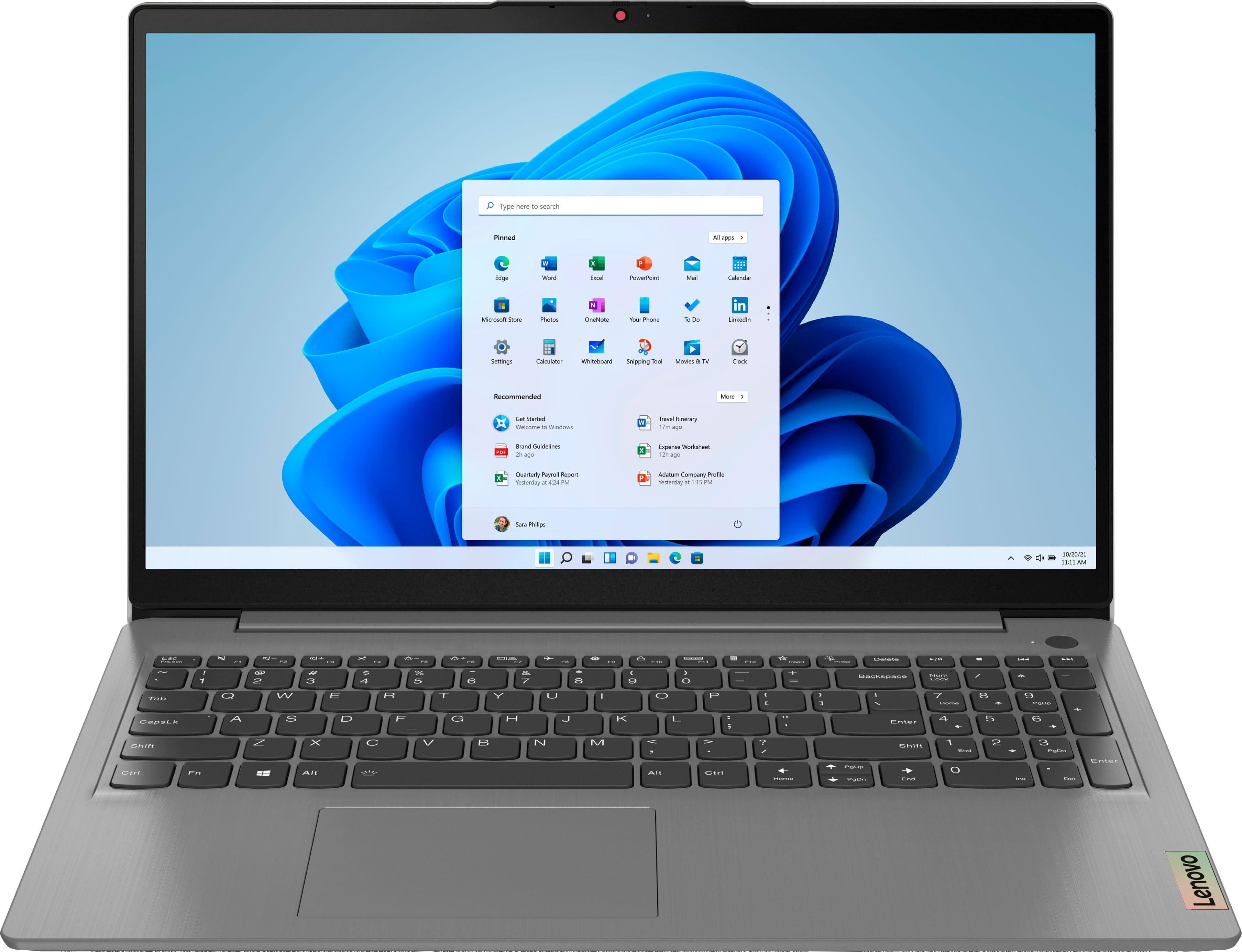
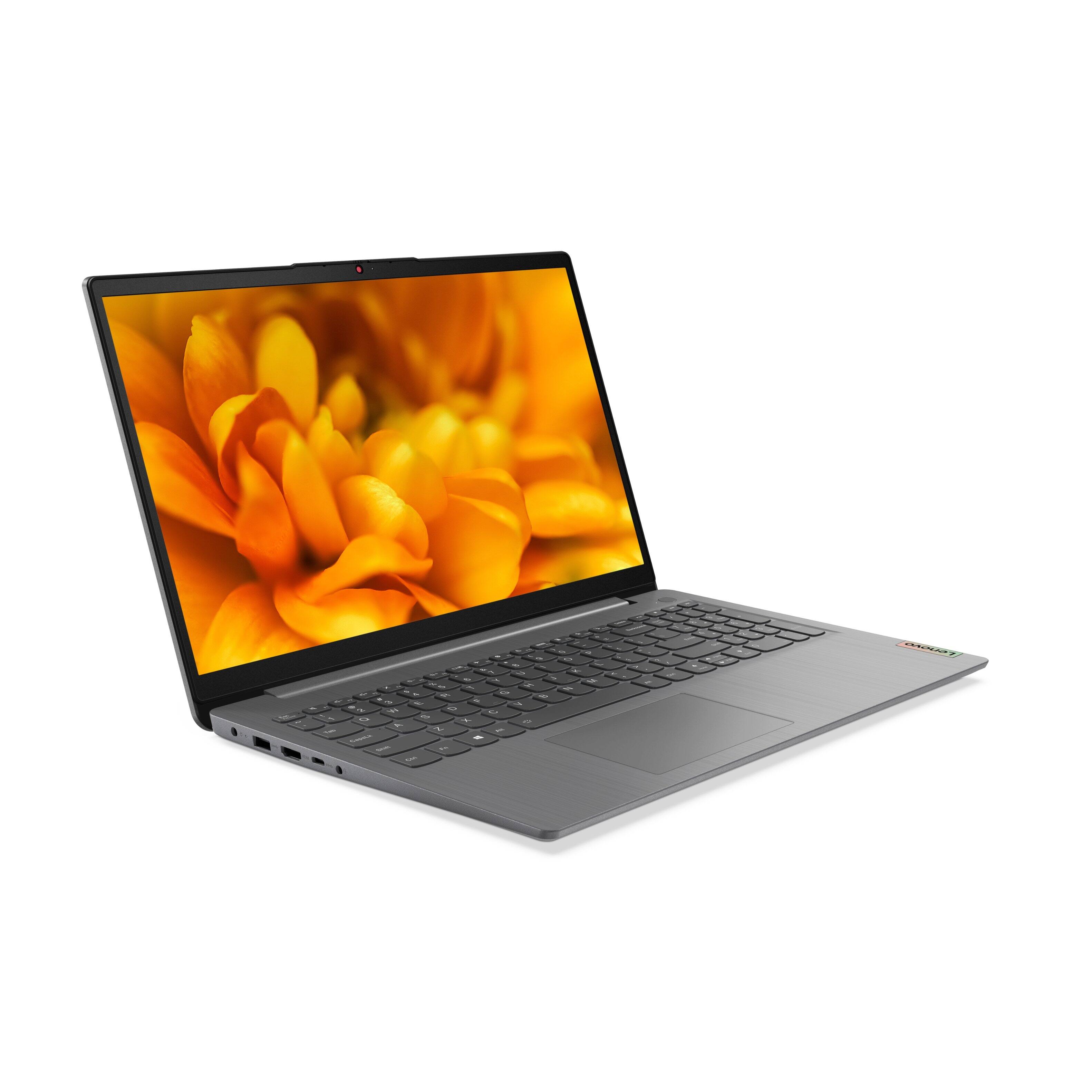
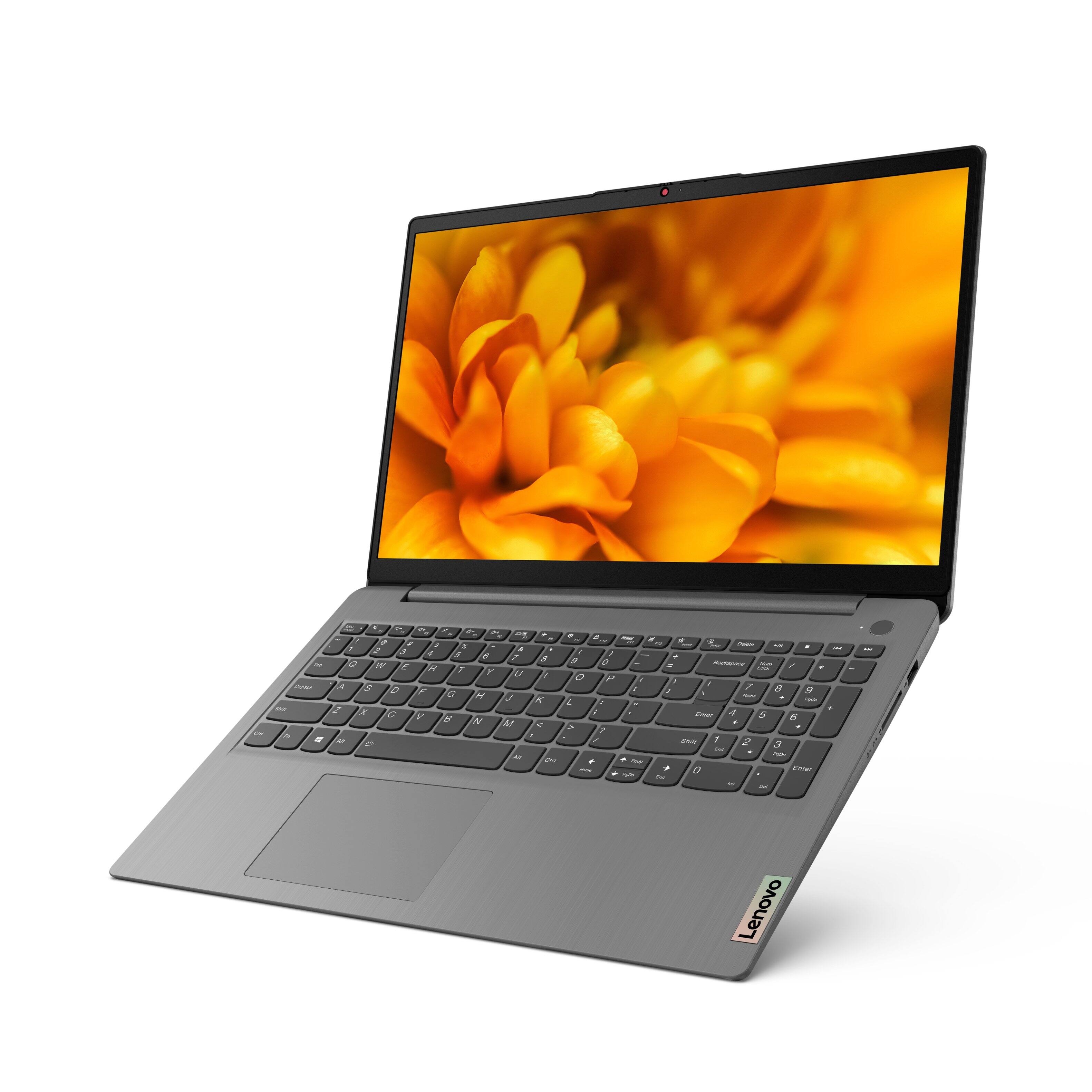

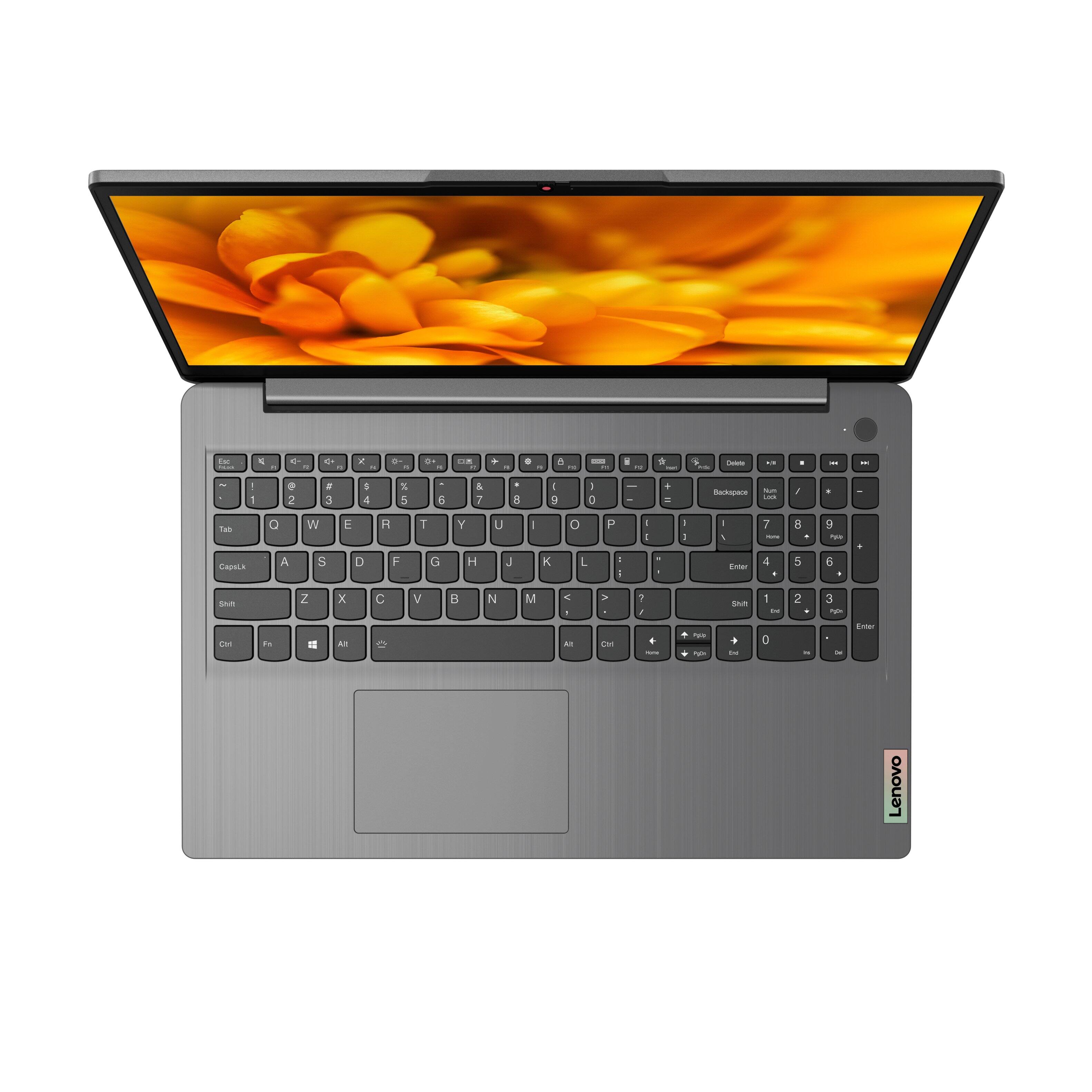

- Model:
- 82H801DQUS/82H8018SUS
- SKU:
- 6461977
Rating by feature
- Battery Life
Rating 4.4 out of 5 stars
- Speed
Rating 4.7 out of 5 stars
- Display
Rating 4.6 out of 5 stars
Customers are saying
Customers have good things to say about the Lenovo Ideapad 3's touch screen, price, weight, and ease of use. They appreciate the responsiveness of the touch screen, affordability, portability, and user-friendly interface. However, some customers have concerns about the battery life, limited storage, and gaming capabilities. Additionally, a few users mentioned that the power button felt cheap and that it took some time to get used to Windows 11.
This summary was generated by AI based on customer reviews.
Lenevo laptop
||Posted . Owned for 1 week when reviewed.This reviewer received promo considerations or sweepstakes entry for writing a review.Good display and speed. The battery life is just ok.
I would recommend this to a friendBrand response from Lenovo Product Expert
Posted .Thank you for choosing the Lenovo IdeaPad 3 15 laptop, model number 82H801DQUS. This model ships with a Integrated 45Wh, Lithium-Polymer Battery, which within this model configuration, has a battery life of up to 7 hours, depending on the work the device is performing. If you are getting substantially less battery life, first, set your screen brightness at less than 100-percent - try 80-percent to start with. Then, be sure Battery conservation Mode is turned off. This power management setting should only be used when the laptop is plugged in all the time. It will prolong overall battery life by only charging the battery to 60-percent of capacity. Here is a link to instructions for turning off Battery Conservation Mode: https://support.lenovo.com/us/en/solutions/ht103159. Also check what programs are running in the background on the computer. Be sure only the programs you want running in the background are. These programs will drain the battery. Here is a link to information about how to find out what programs are running in the background on your Windows 11 computer and how to manage them for better system performance: https://websiteforstudents.com/how-to-find-what-is-running-in-windows-11/. Then, finally, be sure any software you installed is compatible with Windows 11. Incompatible software will drain the battery at a faster rate. There is no need to install Microsoft Office software. The software is already part of the operating system, you just need to activate the software with a purchased product key. If you have installed a copy of Microsoft Office, this is conflicting with the existing copy on the system and this will slow your system down. If you have installed a 3rd party anti-virus program, be sure that Windows Defender is turned off and that the trial version of McAfee Anti-Virus software is uninstalled. There can only be one anti-virus program on the system. You may need to restore your system to original factory default settings if any of the programming errors have occurred. You can do that by typing "restore" in the Cortana search window. Just click on the magnifying glass icon at the bottom of your Windows 11 Desktop. Click on "Reset This PC" Then click on "Get Started" and follow the on screen directions to restore to factory defaults. If the problem persists, we recommend you contact Lenovo Tech Support at: 877-453-6686.

Good laptop
||Posted . Owned for 1 month when reviewed.This reviewer received promo considerations or sweepstakes entry for writing a review.Nice for excellent price, you can not find any like it
I would recommend this to a friendBrand response from Lenovo Product Expert
Posted .Thank you for choosing the Lenovo IdeaPad 3 15 Laptop. We are pleased to hear that the value, features and performance of the IdeaPad 3 15 meets your computing needs so well.
Best low budget option
||Posted . Owned for 3 weeks when reviewed.This reviewer received promo considerations or sweepstakes entry for writing a review.Pretty basic laptop that does everything you may need
I would recommend this to a friendBrand response from Lenovo Product Expert
Posted .Thank you for choosing the Lenovo IdeaPad 3 15 laptop. We are pleased to hear that the value, features and performance of the IdeaPad 3 15 meets your computing needs so well.
Good for the price
||Posted . Owned for 3 weeks when reviewed.This reviewer received promo considerations or sweepstakes entry for writing a review.Recommended capacity excellent for the Disk Jockey app
I would recommend this to a friendBrand response from Lenovo Product Expert
Posted .Thank you for choosing the Lenovo IdeaPad 3 15 laptop. We are pleased to hear that the IdeaPad 3 15 meets your computing needs so well.
Fast shipment and good laptop
||Posted . Owned for 1 month when reviewed.This reviewer received promo considerations or sweepstakes entry for writing a review.Fast shipment, good laptop and great customer service.
I would recommend this to a friendAverage
||Posted . Owned for 1 month when reviewed.This reviewer received promo considerations or sweepstakes entry for writing a review.Not so great for price .. but overall good one to have
I would recommend this to a friendHigh quality and upgraded memory
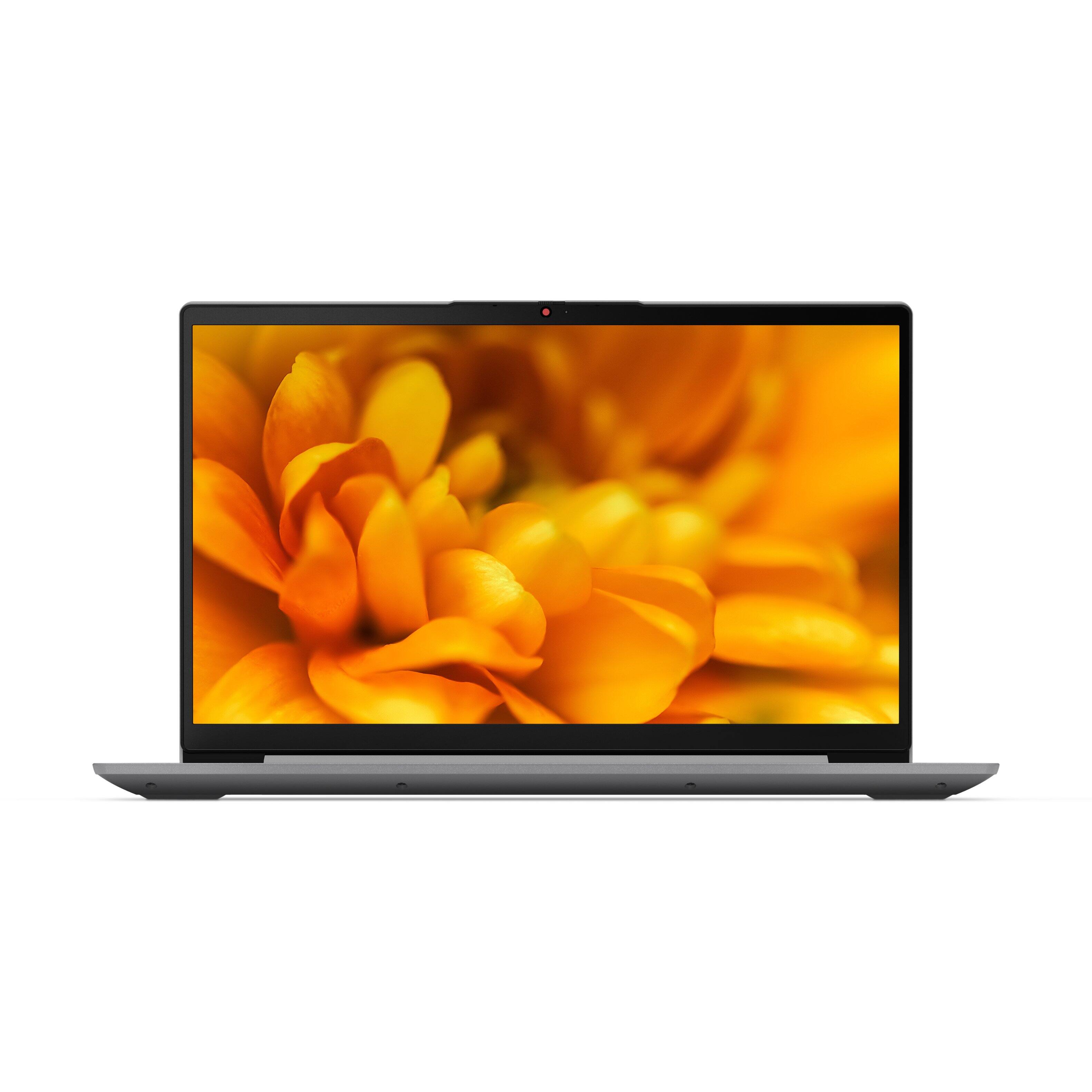
||Posted . Owned for 3 weeks when reviewed.This reviewer received promo considerations or sweepstakes entry for writing a review.Really like the FHD touch screen and upgraded memory.
I would recommend this to a friendBrand response from Lenovo Product Expert
Posted .Thank you for choosing the Lenovo IdeaPad 3 15.6in. FHD Touch Screen Laptop. We are very pleased to hear that the specifications and features of the Lenovo IdeaPad 3 15.6in. FHD Touch Screen Laptop.
Nice laptop
||Posted . Owned for 3 weeks when reviewed.This reviewer received promo considerations or sweepstakes entry for writing a review.Graet laptop, light, powerful and great battery life
I would recommend this to a friendBrand response from Lenovo Product Expert
Posted .Thank you for choosing the Lenovo IdeaPad 3 15 laptop. We are pleased to hear that the features and performance of the IdeaPad 3 15 meets your computing needs so well.
Ms
||Posted . Owned for 3 weeks when reviewed.This reviewer received promo considerations or sweepstakes entry for writing a review.Love this laptop. Have already gotten lots of use.
I would recommend this to a friendRecommended
||Posted . Owned for 1 month when reviewed.This reviewer received promo considerations or sweepstakes entry for writing a review.Slick and light weight. Some compatibility issues.
I would recommend this to a friendBrand response from Lenovo Product Expert
Posted .Thank you for choosing the Lenovo IdeaPad 3 15 Laptop, model number 82H8018SUS. This model configuration ships with Windows 10 S-Mode 64-bit Operating System installed. Windows 10 S-Mode provides added security by only allowing APPs available ( and therefore certified by Microsoft) at the Microsoft Store. If you don't need the added security or you need to install APPs not available at the Microsoft Store, you can switch to standard Windows 10 Home 64-bit Operating System, at no additional cost. If you choose to switch out of S-Mode for Windows 10 Home: Here is a link to instructions for switching from Windows 10 S-Mode to Windows 10 Home: https://support.microsoft.com/en-us/help/4456067/windows-10-switch-out-of-s-mode
CHEAP, CHEAP, CHEAP
||Posted . Owned for 1 month when reviewed.This reviewer received promo considerations or sweepstakes entry for writing a review.The computer is slow and lags most of the time. It is not from the bandwidth. Computers don't have docking stations anymore. I have to plug power, USB-C and HDMI cables each day. After two weeks the plugs are loose in the computer. The power cord at the computer is at an angle and is very small. When you pull on the plug it pulls at an angle and twists the socket. The USB-C and the HDMI are so close together I can't get my hands on the plugs evenly and they pull at an angle. The touch pad and buttons are not separated. It makes it hard to use. My 10 year old Dell computer and docking station is better quality, this thing won't last a year at this rate.
No, I would not recommend this to a friendHorrible shipping method
||Posted . Owned for 2 weeks when reviewed.This reviewer received promo considerations or sweepstakes entry for writing a review.I bought this Ideapad as an open box and no dents etc. It was delivered in a manila envelope with air bubbles. What? It came with dents and no accessories. 3 stars because Salem BB took care of me.
No, I would not recommend this to a friendCase is NOT aluminum
||Posted . Owned for 3 weeks when reviewed.This reviewer received promo considerations or sweepstakes entry for writing a review.This may be a fine computer operationally. I have no idea because I never even booted it up. I purchased online, sight unseen, because of the overall excellent reviews and because the specs say it has an aluminum casing. Be forewarned, the casing is NOT all aluminum. The cover MAY be aluminum, but it's very thin. The main body and bottom, though, are all plastic. I specifically wanted an all aluminum case because it would be more durable and was rather disappointed to see that Best Buy's spec information was inaccurate. I returned to store and purchased a higher quality Lenovo Yoga
No, I would not recommend this to a friendBrand response from Lenovo Product Expert
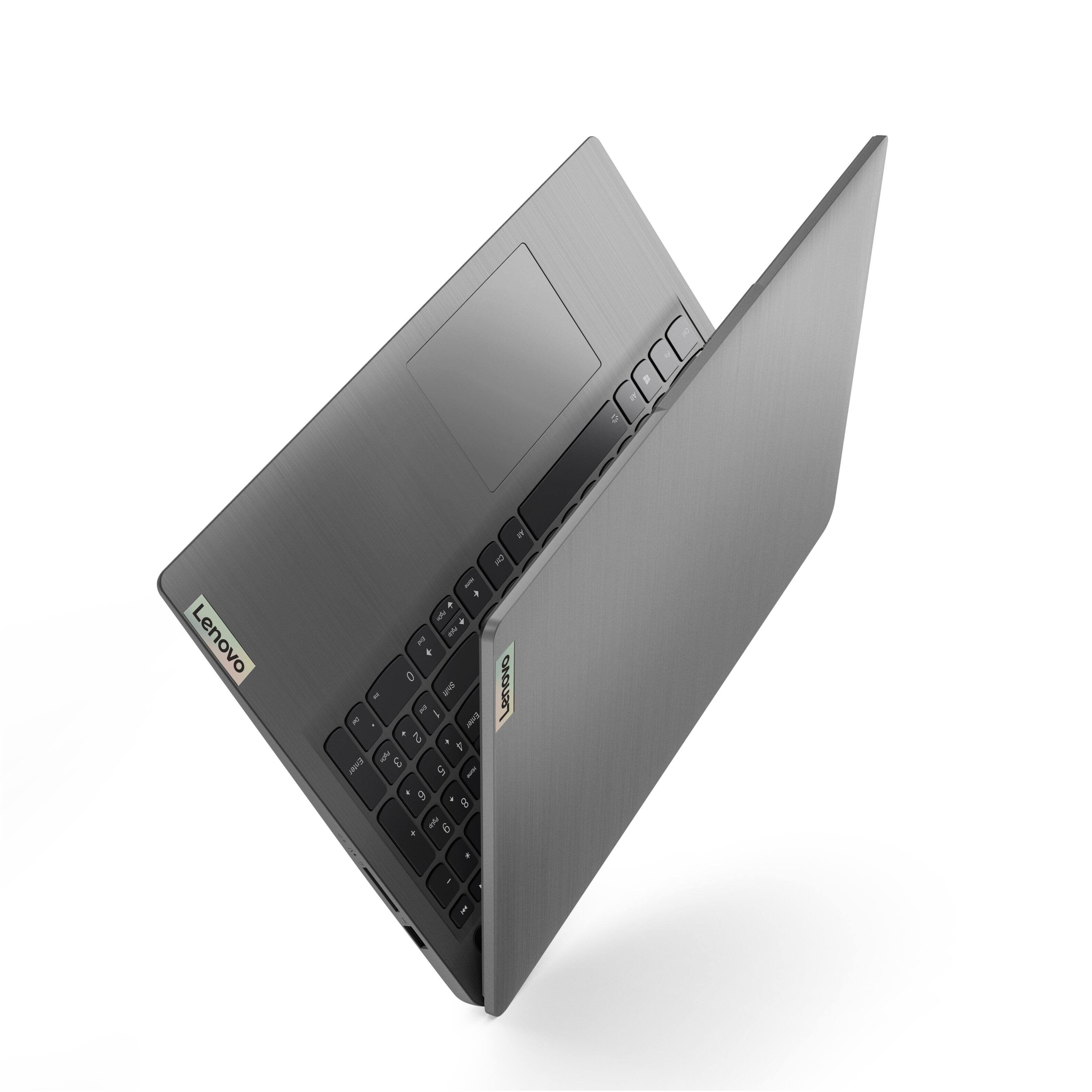
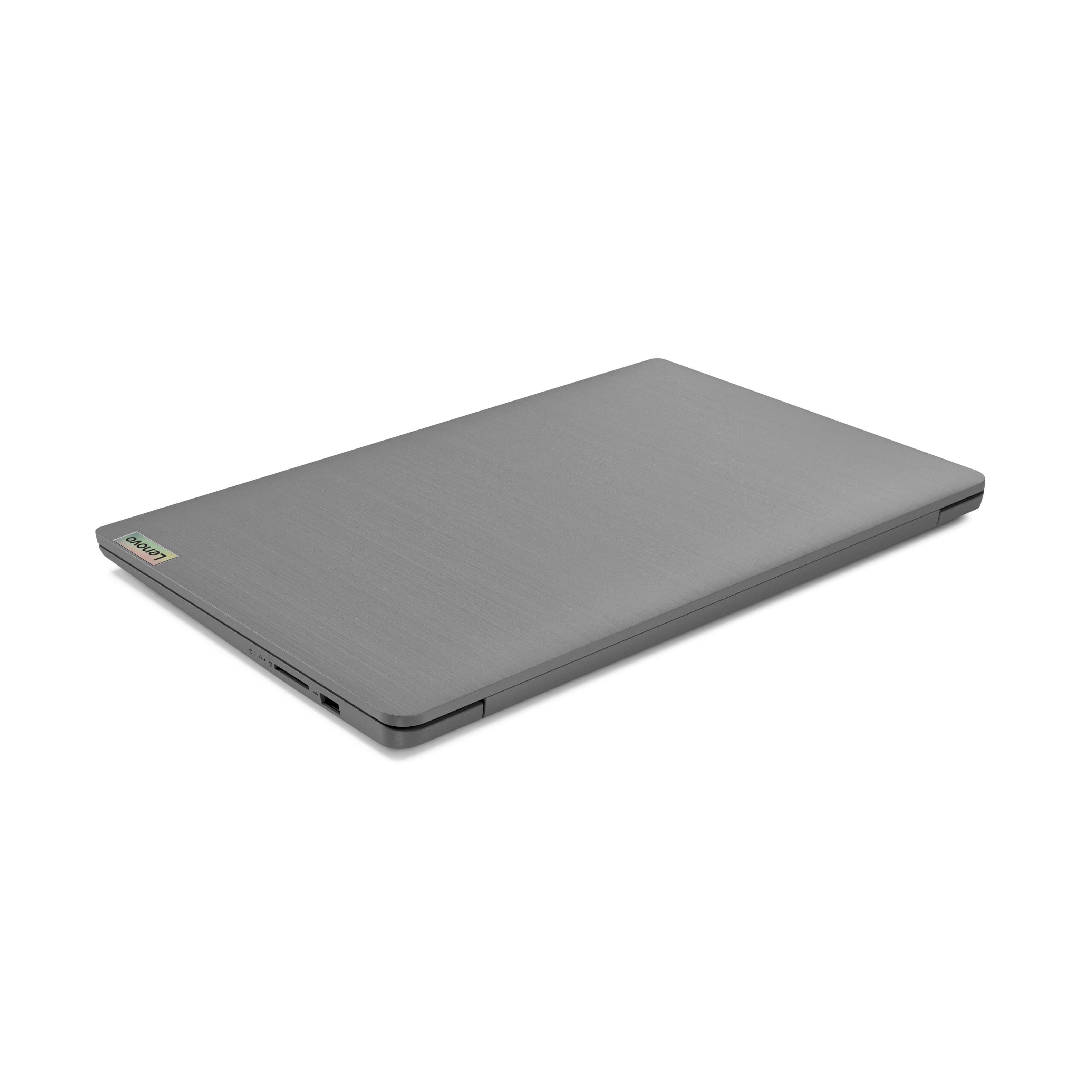
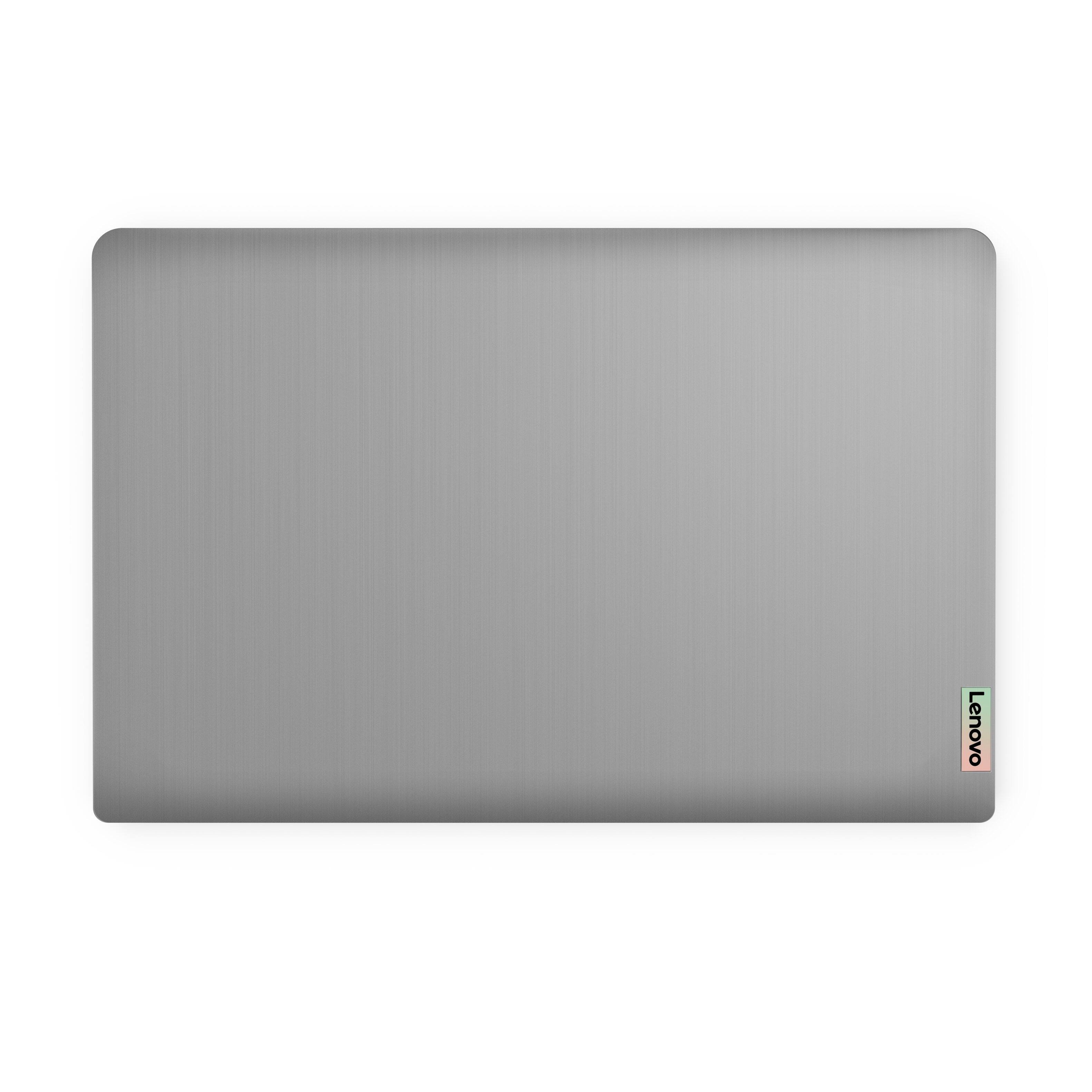
Posted .This Lenovo IdeaPad 3 15 Laptop, model number 82H801DQUS, ships with case material made of: PC + ABS Plastic (Top), PC + ABS Plastic (Bottom).
touch screen does not work from time to time
||Posted . Owned for 2 weeks when reviewed.This reviewer received promo considerations or sweepstakes entry for writing a review.I bought the laptop on Black friday, but touch screen did not work from time to time. So I changed it for another one, but its touch screen has the same issue.
No, I would not recommend this to a friendBrand response from Lenovo Product Expert
Posted .We are sorry to hear that you are having issues with the touch screen on your Lenovo IdeaPad 3 15 laptop, model number 82H801DQUS. Here is a link to some troubleshooting tips for fixing a touch screen: https://support.microsoft.com/en-us/windows/what-to-try-if-your-touchscreen-doesn-t-work-f159b366-b3ef-99ad-24a4-31a4c62ab46d. If the issue continues, we recommend you contact Lenovo Tech Support for additional help at: 877-453-6686.
Lenovo is MID
||Posted . Owned for 5 months when reviewed.This reviewer received promo considerations or sweepstakes entry for writing a review.decent laptop, trackpad is super small but if you're using it as a portable workstation like I was it works fine. Battery life is decent. Not at good as my macbook but it gets the job done.
No, I would not recommend this to a friendBrand response from Lenovo Product Expert
Posted .Thank you for choosing the Lenovo IdeaPad 3 15 FHD Touch Screen Laptop. We are very pleased to see that the specifications and features of the Lenovo IdeaPad 3 15 FHD Touch Screen Laptop meet your computing needs so well. Here is a link to customize trackpad sensitivity settings if you wish to - https://www.thewindowsclub.com/change-touchpad-sensitivity-in-windows-10. Furthermore, If you are getting substantially less battery life, first, set your screen brightness at less than 100-percent - try 80-percent to start with. Then, be sure Battery conservation Mode is turned off. This power management setting should only be used when the laptop is plugged in all the time. It will prolong overall battery life by only charging the battery to 60-percent of capacity. Here is a link to instructions for turning off Battery Conservation Mode: https://support.lenovo.com/us/en/solutions/ht103159. Also check what programs are running in the background on the computer. Be sure only the programs you want running in the background are. These programs will drain the battery. Here is a link to information about how to find out what programs are running in the background on your Windows computer and how to manage them for better system performance: https://www.windowscentral.com/how-prevent-apps-running-background-windows-10. Then, finally, be sure any software you installed is compatible with Windows. Incompatible software will drain the battery at a faster rate. There is no need to install Microsoft Office software. The software is already part of the operating system, you just need to activate the software with a purchased product key. If you have installed a copy of Microsoft Office, this is conflicting with the existing copy on the system and this will slow your system down. If you have installed a 3rd party anti-virus program, be sure that Windows Defender is turned off and that the trial version of McAfee Anti-Virus software is uninstalled. There can only be one anti-virus program on the system. You may need to restore your system to original factory default settings if any of the programming errors have occurred. You can do that by typing "restore" in the Cortana search window. Just click on the magnifying glass icon at the bottom left of your Windows Desktop. Click on "Reset This PC" Then click on "Get Started" and follow the on-screen directions to restore to factory defaults. If the problem persists, we recommend you contact Lenovo Tech Support at: 877-453-6686.
Connection issues
||Posted . Owned for 3 weeks when reviewed.This reviewer received promo considerations or sweepstakes entry for writing a review.Works great other than it won’t connect to the internet. Called Lenovo support, they weren’t much help. I will call them one more time then will have to return to Best Buy
No, I would not recommend this to a friendBrand response from Lenovo Product Expert
Posted .We are sorry to hear that you are having issues with WiFi connectivity, within your Lenovo IdeaPad 3 15 laptop. You can directly update/reinstall the WiFi Driver within the Windows 11 Operating System on this Laptop. Here is a link to instructions for doing this: https://allthings.how/how-to-install-or-update-windows-11-wifi-driver/#:~:text=In%20Settings%2C%20click%20on%20the,Download%20%26%20install'%20under%20it. If you continue to have issues, we recommend you contact Lenovo Tech Support and let the Customer Service Specialist know that you have already updated the WiFi drivers, call at: 877-453-6686.
USB c is useless
||Posted . Owned for 3 weeks when reviewed.This reviewer received promo considerations or sweepstakes entry for writing a review.Beware of this model. Usb c cannot do video or charging. How is this possible in 2022? Other than the computer is fine
No, I would not recommend this to a friendBrand response from Lenovo Product Expert
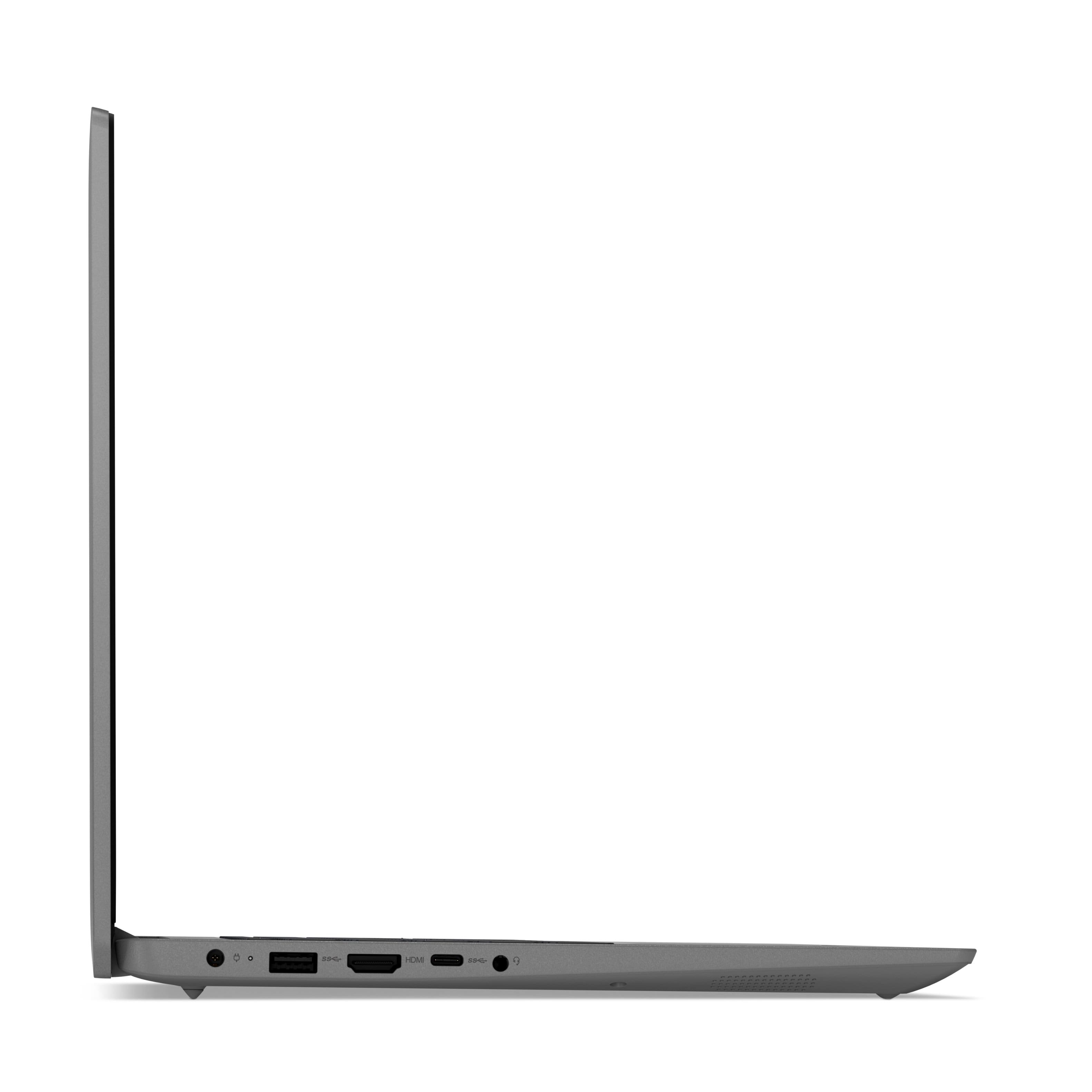
Posted .This Lenovo IdeaPad 3 15 Laptop, model number 82H801DQUS, ships with 1x USB-C 3.2 Gen 1 (support data transfer only) port. This model configuration uses 1x HDMI 1.4b port for video out to an external monitor and charges via a dedicated, 65W barrel-type configuration, charging port.
WIFI ONLY SHOULD BE WRITTEN ON THE BOX
||Posted . Owned for 1 month when reviewed.This reviewer received promo considerations or sweepstakes entry for writing a review.Well, I thought it was what i needed, no manual though, turned it on, it asked what country, the uzbekistan was already checked, i struggled with the mouse pad, finally got it to United States, then next step language and key board AND THEN wifi set up, it tried to log into the bank next door, it kept trying to log into the bank next door , I turned it off, I called tech support multiple times over 3 hours on hold, turned the computer back on, tried to log into law office in the building, the problem is the computer only does wifi, if you do not have wifi you cannot toggle back wards, control alt delete did not work , escape did not work , tech support sent me to parts. computer tried logging into the bank again, got disconnected with tech support, in absolute frustration I threw the computer against the wall to stop it trying to connect with the Bank's wifi. I put the computer in the box and took it back to best buy the following monday, I wrote on the box WIFI Only and put it on the shelf, i explained it to the people that would listen and walked out. $500 wasted I learned my lesson. Why didn't you just bring it back, I was stressed and thought i was going to get arrested for trying to hack the bank's system.
No, I would not recommend this to a friend- Cons mentioned:Wifi issues
laptop
||Posted . Owned for 11 months when reviewed.This reviewer received promo considerations or sweepstakes entry for writing a review.It won't accept my office states needs a lower bit and the wifi keeps going out
No, I would not recommend this to a friend Death by Finger
||Posted . Owned for 1 month when reviewed.This reviewer received promo considerations or sweepstakes entry for writing a review.The computer looked and felt nice, but died from the touch of a finger. My laptop was powered on when a tiny spark of static electricity in my left pinky zapped the computer just left of the trackpad and the computer suddenly shut down and would never come back on again. I followed all suggestions like unplugging the power, pressing and holding the power button down for an extended period of time to "drain" any static electricity buildup, but all to no avail. I even tried a different power adapter and determined that the issue was in fact with the computer not the adapter. The PC was dead. Computers should be built to withstand or redirect static electricity away from components that control the machine, but this one obviously wasn't built that way.
No, I would not recommend this to a friendBrand response from Lenovo Product Expert
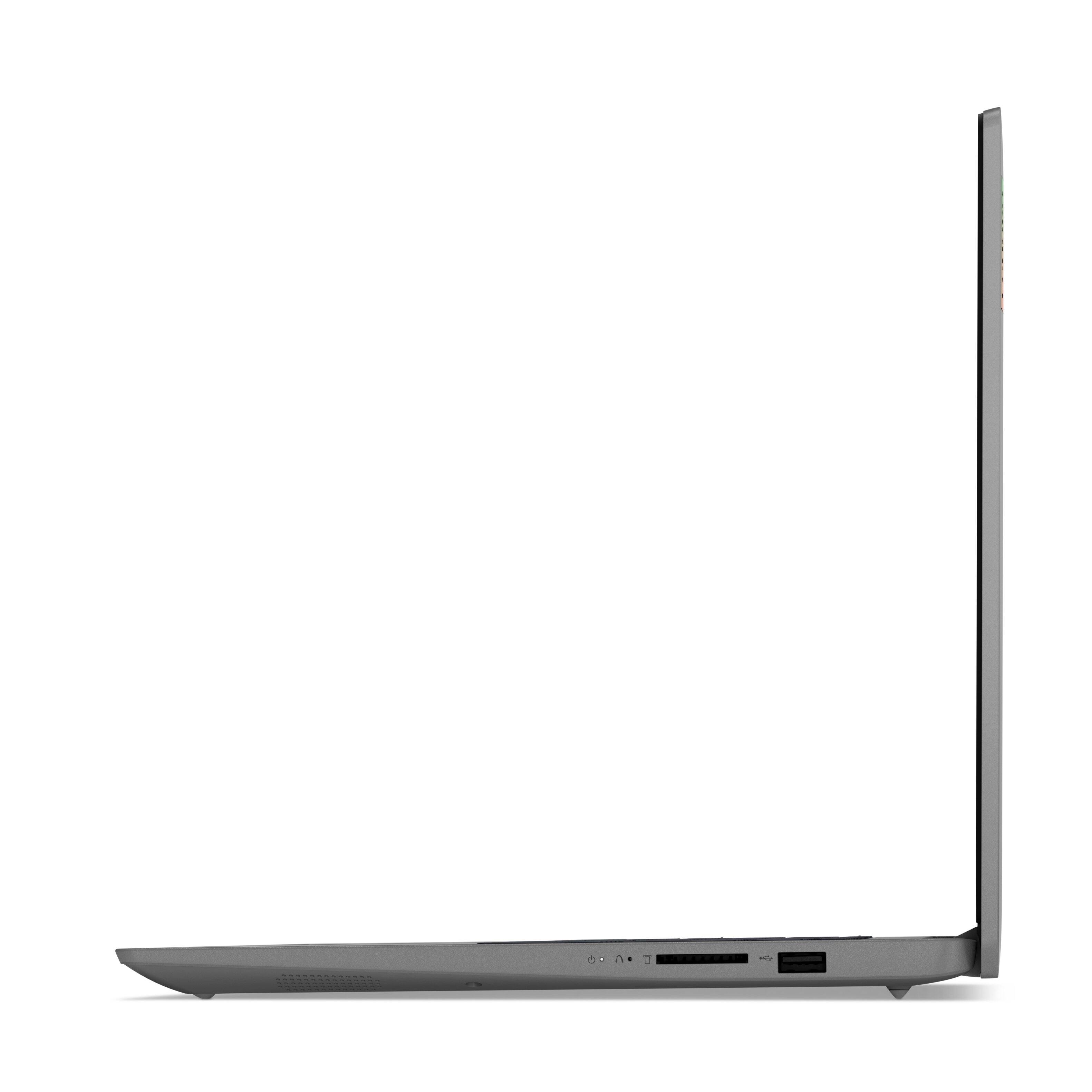
Posted .The case material of this Lenovo IdeaPad 3 15 Laptop, model number PC + ABS Plastic (Top), PC + ABS Plastic (Bottom) and can not conduct electricity through to the internal components. Resetting your computer back to original factory settings may correct the issue you are having. This system is equipped with OneKey Recovery System. There is a very small pin hole on the right side of the device, right near the SD card slot on the device. You will need a pin to push this reset button. Plug the device in. Let the battery charge for about 15 minutes. Push the reset button. The system should boot to a choice screen where you can choose "Restore To Factory Default". Select this. It will delete everything from the hard drive except the original factory install of the operating system. You will need to reinstall all programs and files after the reset. If you don't have copies of the files, try to make one before you restore by selecting "Boot to desktop" and trying to back up your files. If the problem persists after the factory reset, we recommend you contact Lenovo Tech Support at: 877-453-6686.