Customer Ratings & Reviews
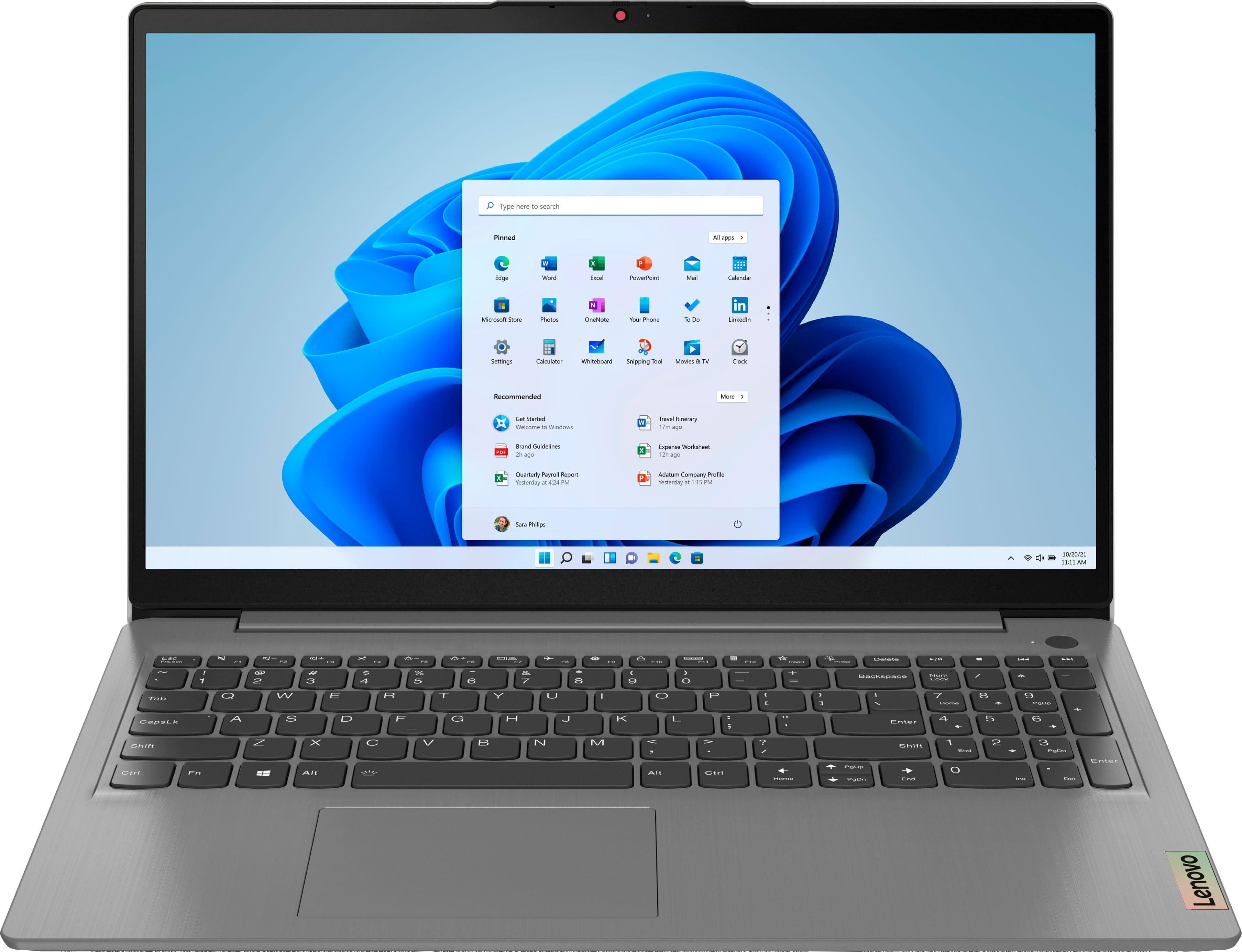
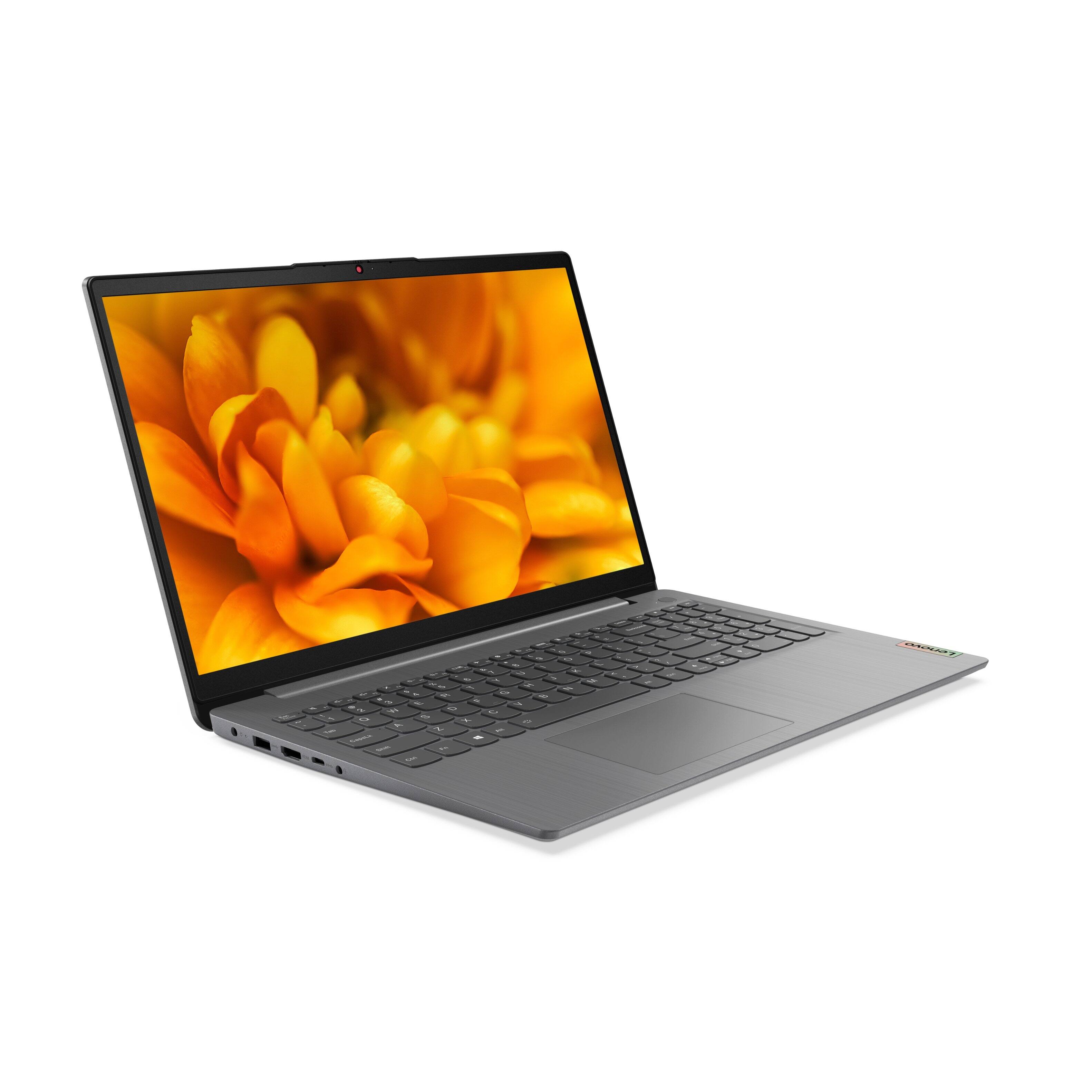
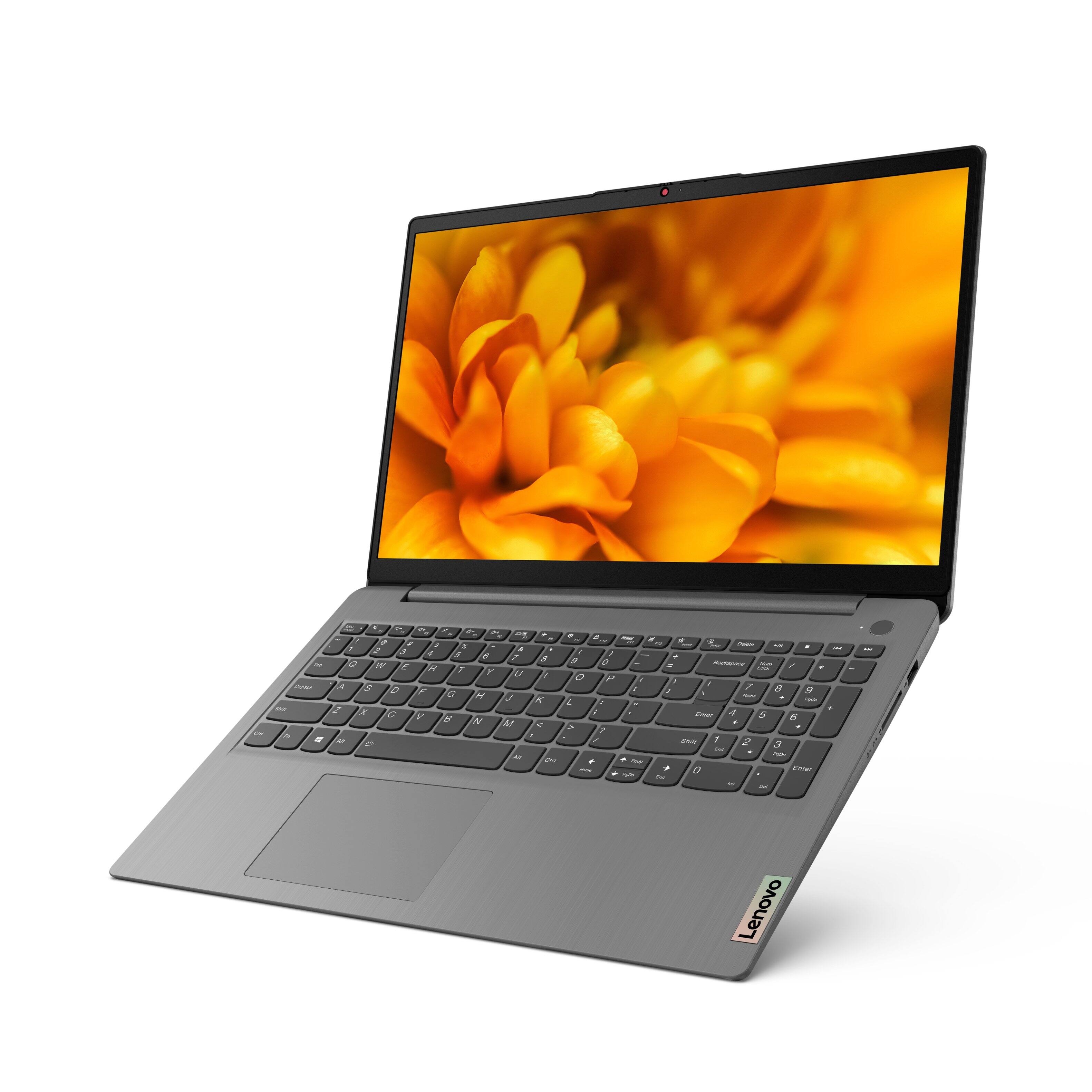

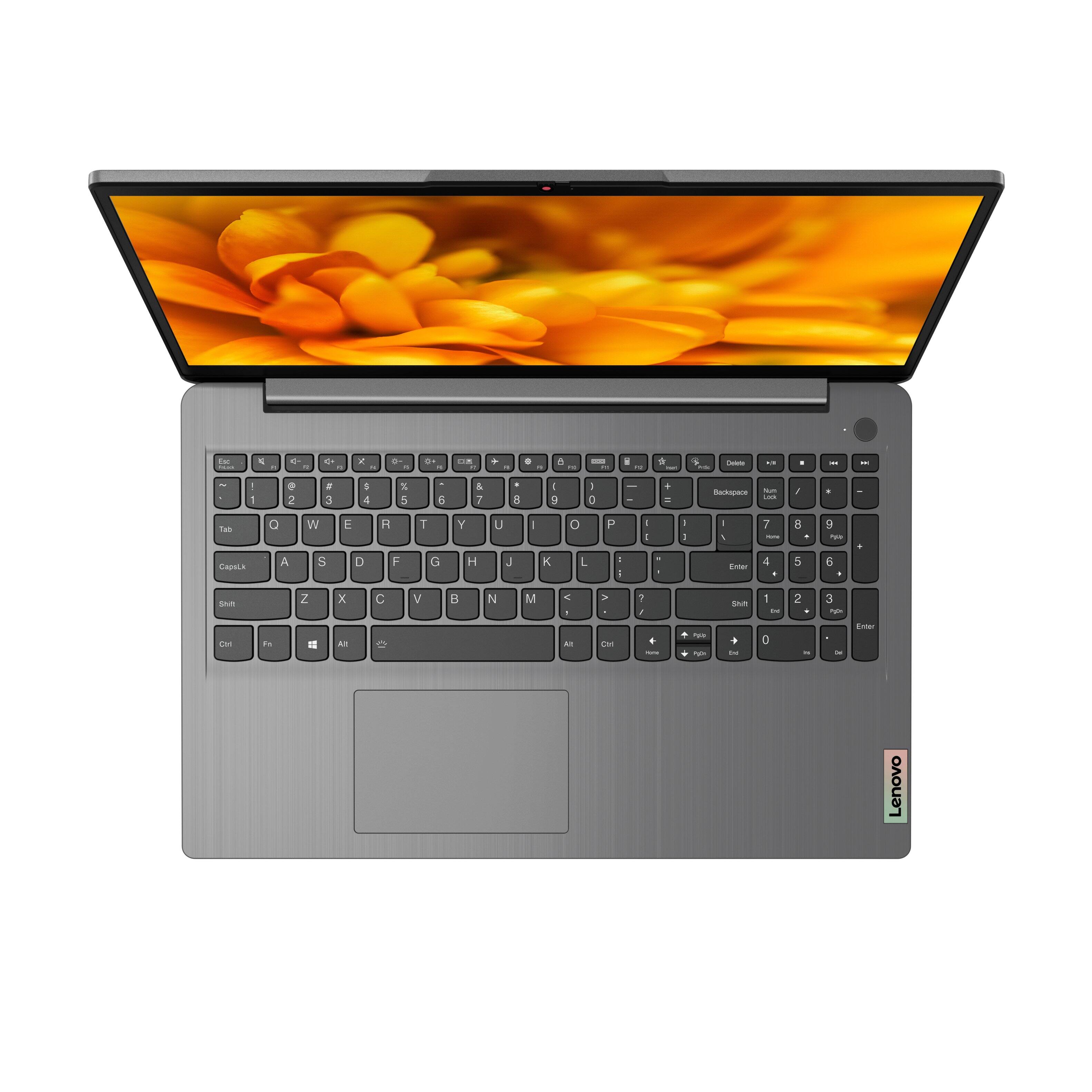
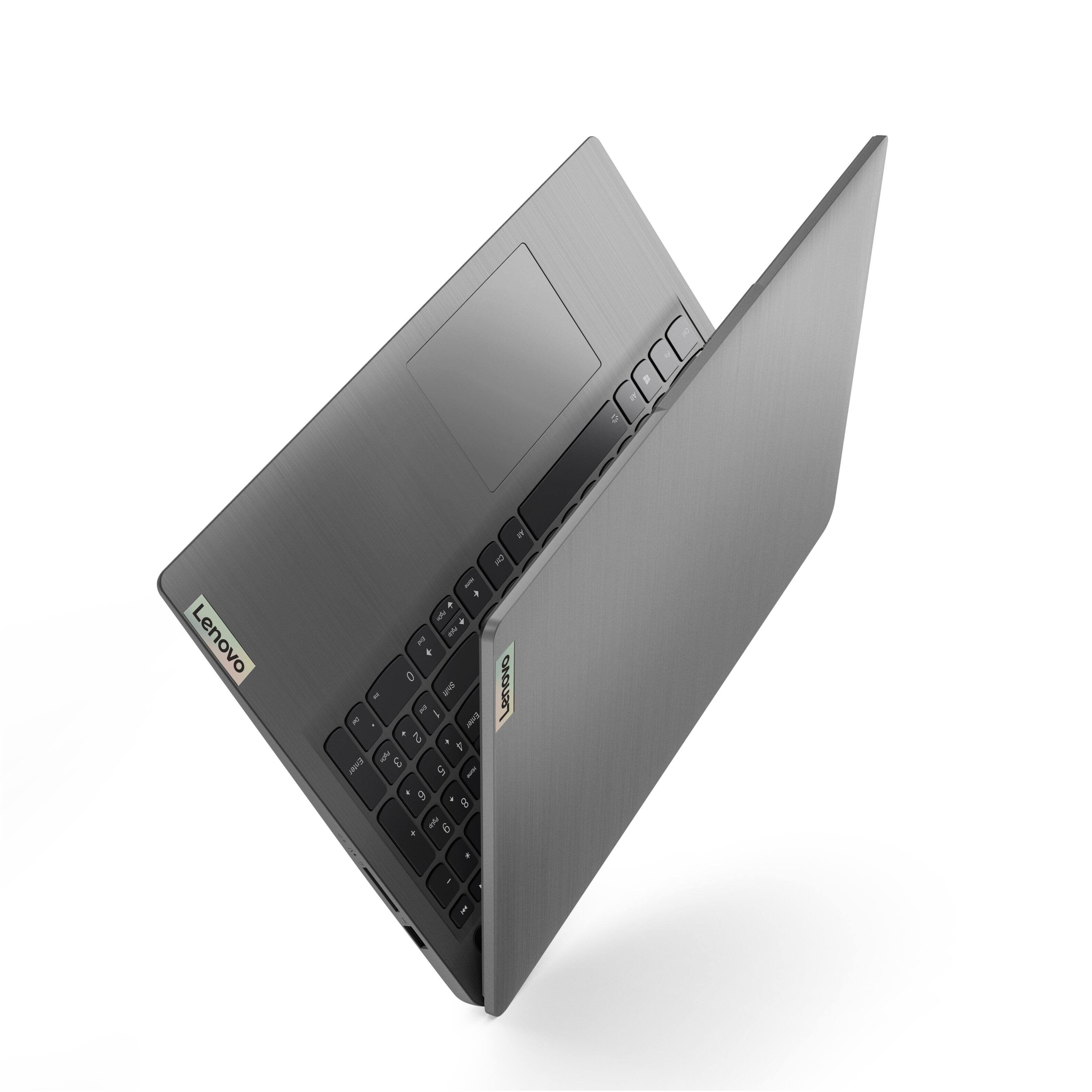
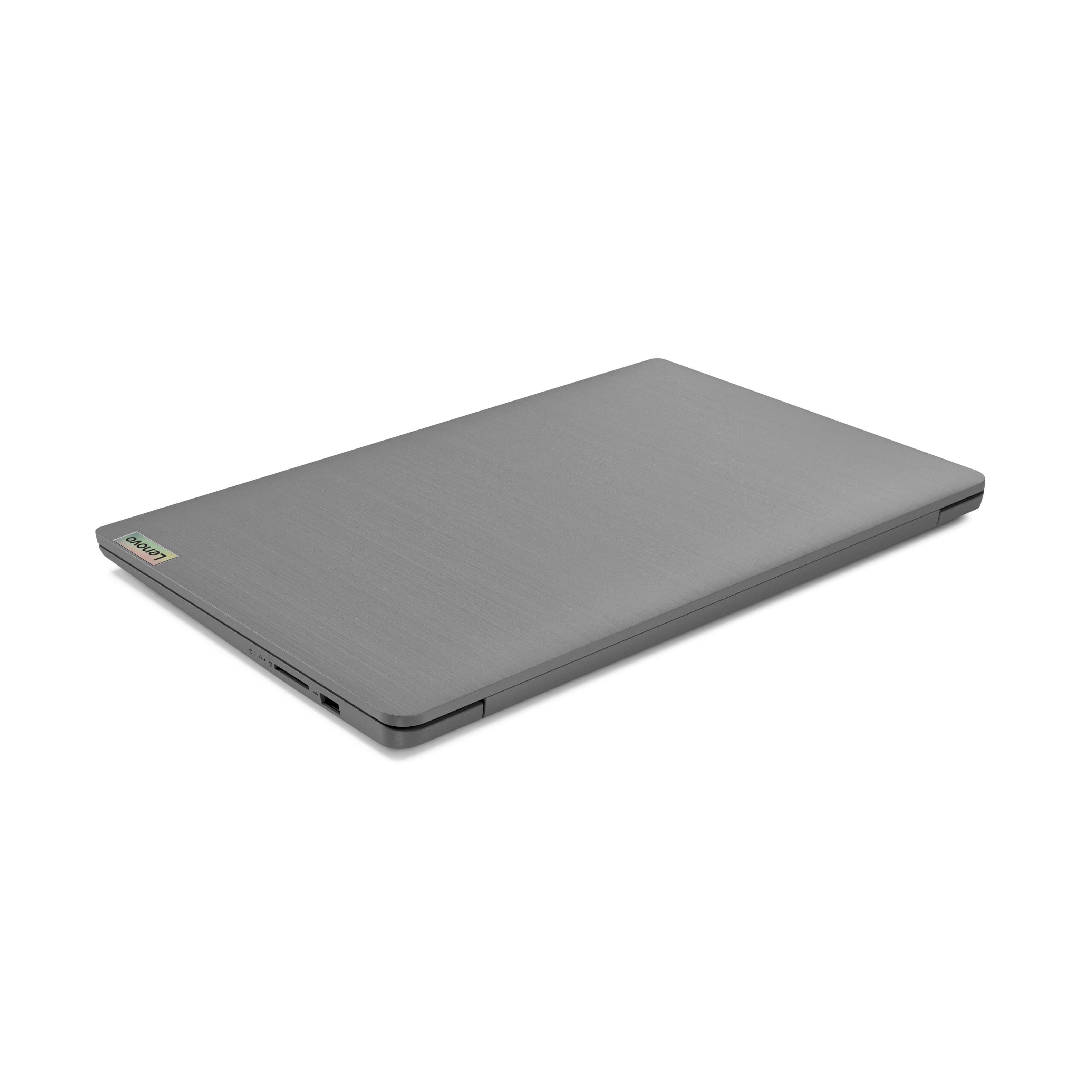
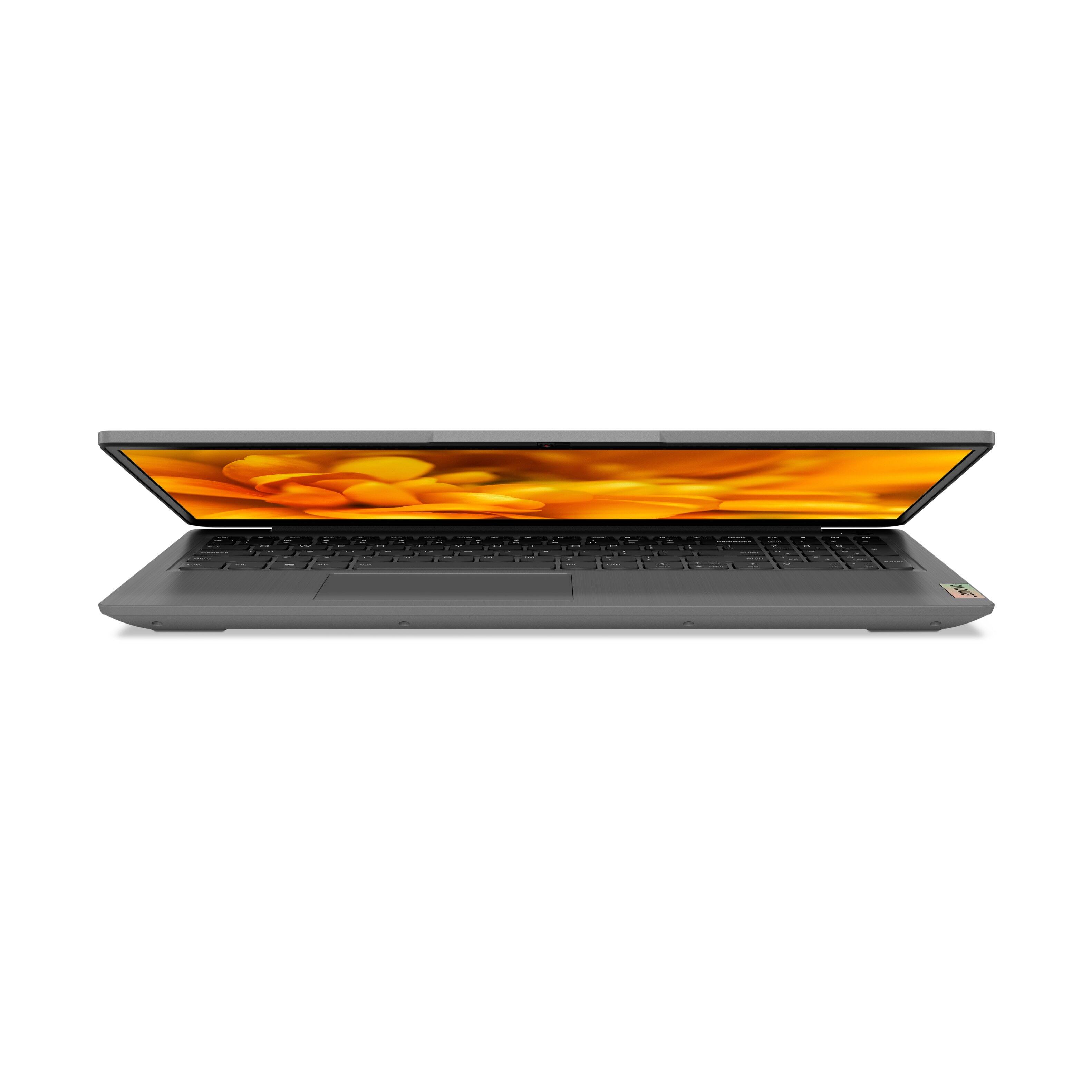
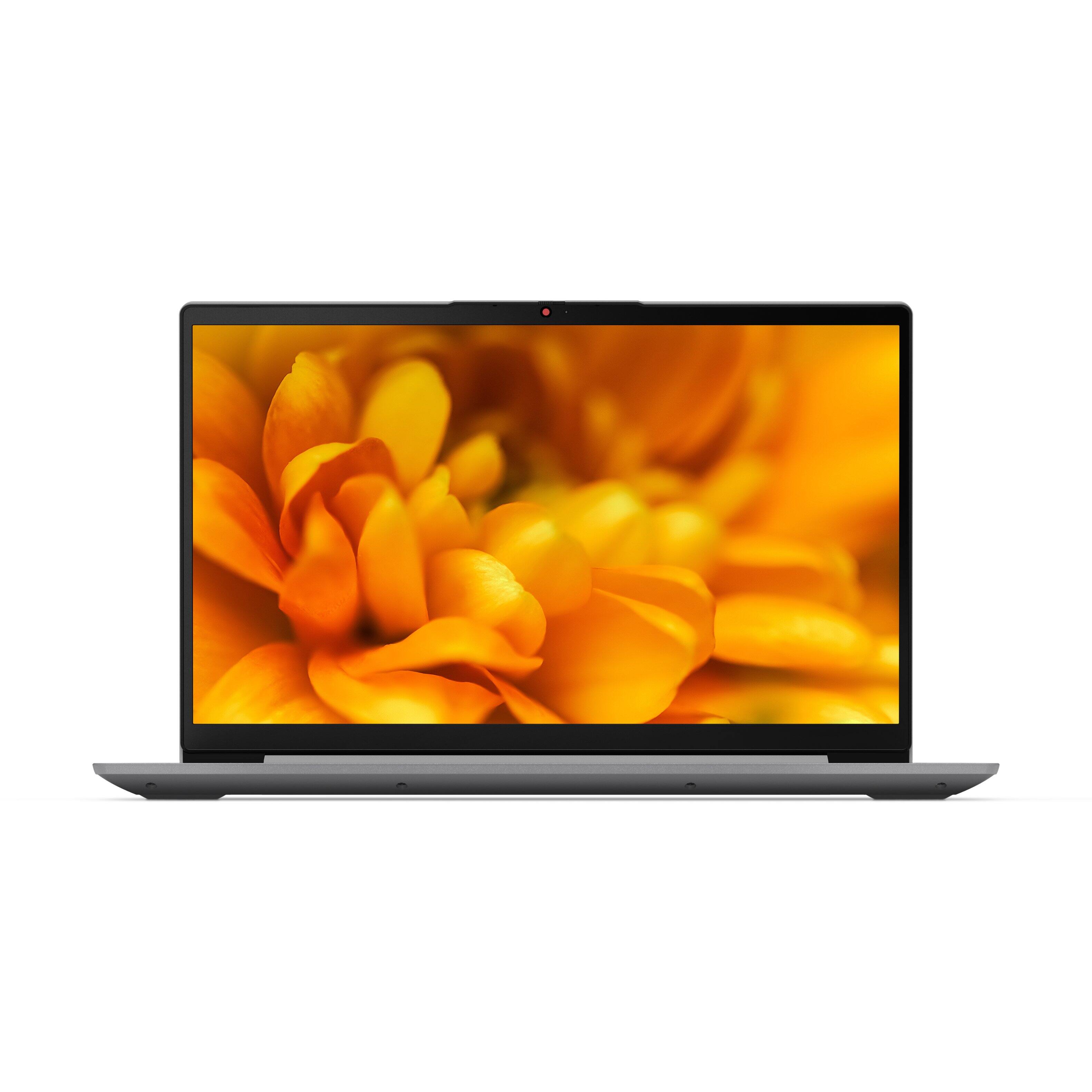

- Model:
- 82H801DQUS/82H8018SUS
- SKU:
- 6461977
Rating by feature
- Battery Life
Rating 4.4 out of 5 stars
- Speed
Rating 4.7 out of 5 stars
- Display
Rating 4.6 out of 5 stars
Customers are saying
Customers have good things to say about the Lenovo Ideapad 3's touch screen, price, weight, and ease of use. They appreciate the responsiveness of the touch screen, affordability, portability, and user-friendly interface. However, some customers have concerns about the battery life, limited storage, and gaming capabilities. Additionally, a few users mentioned that the power button felt cheap and that it took some time to get used to Windows 11.
This summary was generated by AI based on customer reviews.
Eh.
||Posted . Owned for 3 weeks when reviewed.This reviewer received promo considerations or sweepstakes entry for writing a review.I had to re-install Windows, and drain the battery so it will fully charge. Both solutions the Geek Squad didn't know! (Open box)
I would recommend this to a friendPlease don't buy
||Posted . Owned for 1 year when reviewed.This reviewer received promo considerations or sweepstakes entry for writing a review.After a year the main board just burned out, just after warranty expires
No, I would not recommend this to a friend- Cons mentioned:Battery life
Overrated features on laptop
||Posted . Owned for 11 months when reviewed.This reviewer received promo considerations or sweepstakes entry for writing a review.had to send in for repair after 6 months - product specs not true on battery life and also some touch screen features - wouldn't buy it again. This was my second purchase in less than 2 years - I should have learned my lesson the first time. Would not recommend
No, I would not recommend this to a friend Levno
||Posted . Owned for 3 weeks when reviewed.This reviewer received promo considerations or sweepstakes entry for writing a review.My wife like it came with Windows 11 but the keys are hard to type well
I would recommend this to a friendReliable
||Posted . Owned for 1 month when reviewed.This reviewer received promo considerations or sweepstakes entry for writing a review.Cost more than it should have. Otherwise it is the device we targeted and works as we expected it to.
I would recommend this to a friendLaptop review
||Posted .This reviewer received promo considerations or sweepstakes entry for writing a review.i personally bought it for my sister so I don’t know everything about it but heard she’s doing well!
I would recommend this to a friendMust consider all costs of all other components
||Posted . Owned for 8 months when reviewed.This reviewer received promo considerations or sweepstakes entry for writing a review.Price was very good but spend extra money buying an external drive.
No, I would not recommend this to a friendComputer types backwards
||Posted . Owned for 1 month when reviewed.This reviewer received promo considerations or sweepstakes entry for writing a review.I really needed a new computer, so I put my $$ and trust in Best Buy. Every time try to reach out to get my computer fix hold is beyond hours, I work full time and I’m full student, Plus raising a family. So I’m stuck with a computer that every two words types backwards, since I am past my 2 weeks. I should have just save my $700
No, I would not recommend this to a friendBrand response from Lenovo Product Expert
Posted .We are sorry to hear that you are having issues with your Lenovo IdeaPad 3 15 Laptop, model number 82H801DQUS. Be sure any software you installed is compatible with Windows 10/11. There is no need to install Microsoft Office software. The software is already part of the operating system, you just need to activate the software with a purchased product key. If you have installed a copy of Microsoft Office, this is conflicting with the existing copy on the system and this will slow your system down. If you have installed a 3rd party anti-virus program, be sure that Windows Defender is turned off and that the trial version of McAfee Anti-Virus software is uninstalled. There can only be one anti-virus program on the system. You may need to restore your system to original factory default settings if any of the programming errors have occurred. You can do that by typing "restore" in the Cortana search window. Just click on the magnifying glass icon at the bottom left of your Windows 10/11 Desktop. Click on "Reset This PC" Then click on "Get Started" and follow the on screen directions to restore to factory defaults. If the problem persists, we recommend you contact Lenovo Tech Support at: 877-453-6686.

Slow computer!
||Posted . Owned for 3 weeks when reviewed.This reviewer received promo considerations or sweepstakes entry for writing a review.The computer I thought it would be faster. It is slow loading sites on the internet.
No, I would not recommend this to a friendNot good
||Posted . Owned for 1 year when reviewed.This reviewer received promo considerations or sweepstakes entry for writing a review.very slow pc, touch screen freezing, ssd not enoug
No, I would not recommend this to a friendLenovo
||Posted .This reviewer received promo considerations or sweepstakes entry for writing a review.You must hit ctrl, alt, delete if you stop using it for more than 2-3 minutes.
No, I would not recommend this to a friendlenovo
||Posted .This reviewer received promo considerations or sweepstakes entry for writing a review.works fine no issues, replaced HP that died not very old, nice computer
I would recommend this to a friendDoes not come with Wifi 6, uses the older WiFi 5
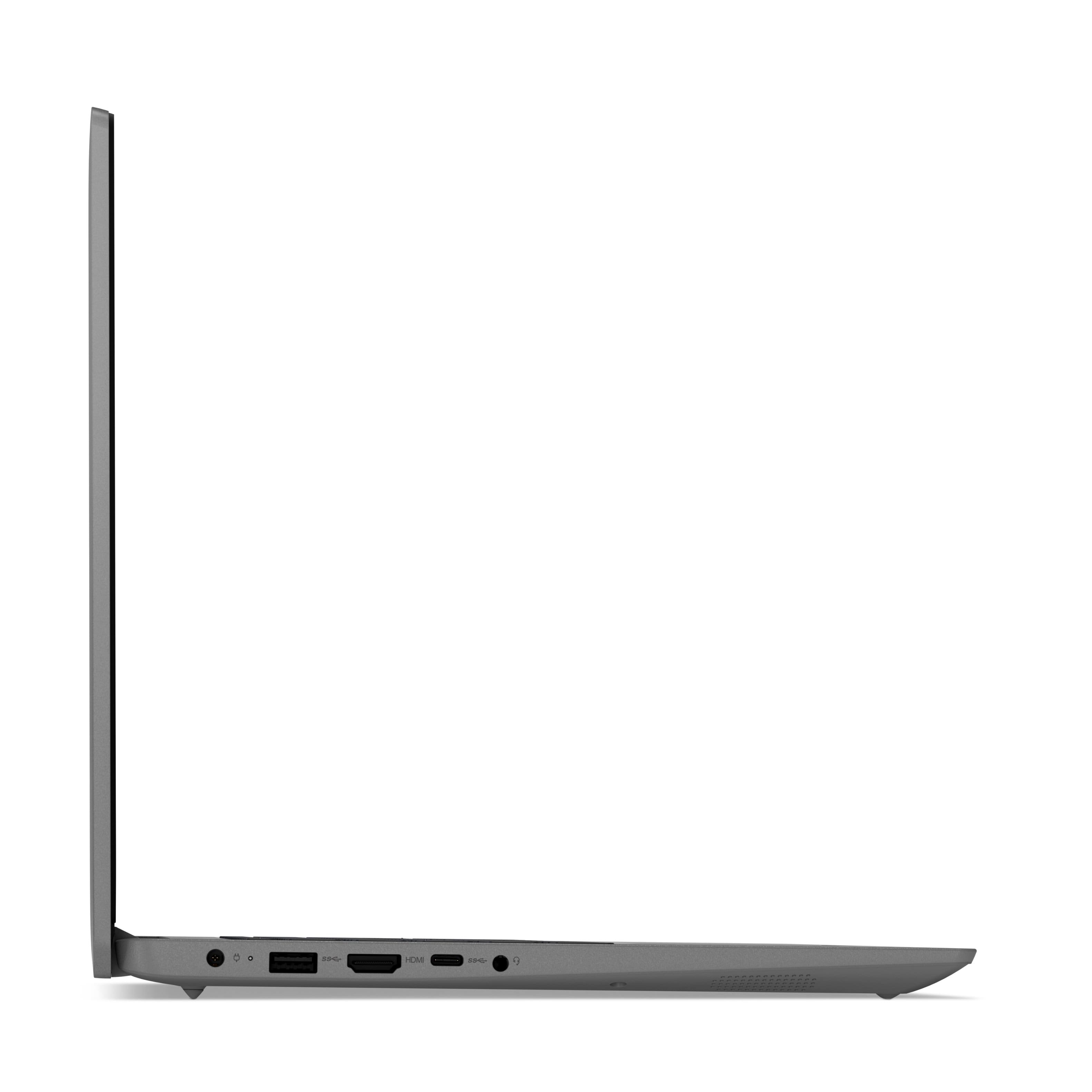
||Posted . Owned for less than 1 week when reviewed.This reviewer received promo considerations or sweepstakes entry for writing a review.The Best Buy product description and specs indicated that this laptop comes with a WiFi 6 network adaptor. However, this is not the case, and it is instead using the slower Intel Wireless AC 9560 adaptor. The USB-C port is also not PD and you cannot charge this laptop using that port. Not sure if there is anything else inaccurate or misleading about the Best Buy product description.
No, I would not recommend this to a friendBrand response from Lenovo Product Expert
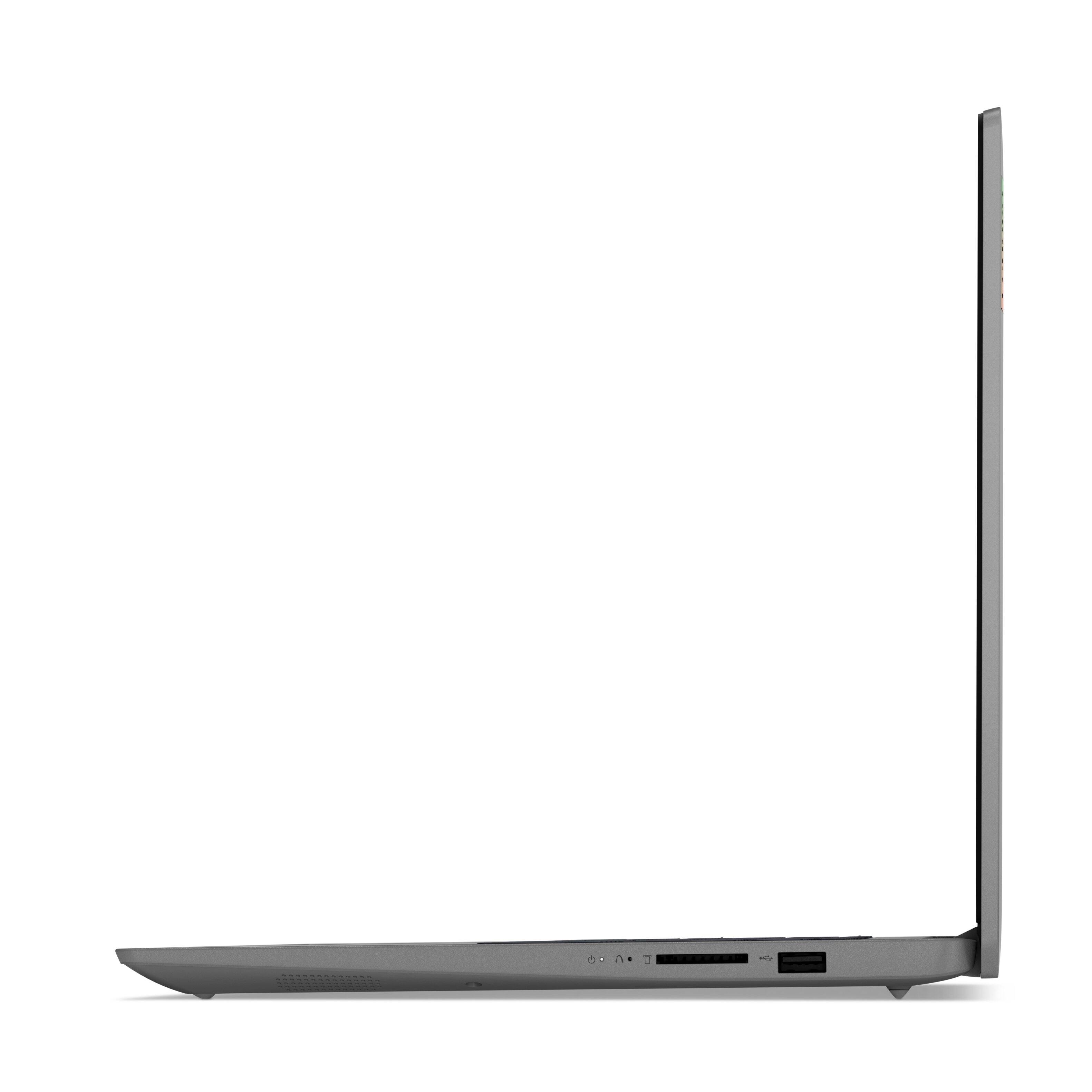
Posted .You are correct, the Lenovo IdeaPad 3 15 Laptops (either Windows 10 model or Windows 11 model) 82H801DQUS/82H8018SUS, ships with 2x2 802.11ac frequency WiFi installed. The IdeaPad 3 15 uses a 65W Round Tip (2-pin, Wall-mount) USA compatible, AC adapter/charger with a dedicated barrel-type device-side charging port. This model can not be charged through the USB-c port. This IdeaPad 3 15 ships with these ports: 1x USB 2.0, 1x USB 3.2 Gen 1, 1x USB-C 3.2 Gen 1 (support data transfer only), 1x HDMI 1.4b, 1x Card reader, 1x Headphone / microphone combo jack (3.5mm), 1x Power connector. We apologize for any confusion.
Poor battery life and abruptly shuts down
||Posted . Owned for 1 month when reviewed.This reviewer received promo considerations or sweepstakes entry for writing a review.It abruptly shuts down when installing some software. Also, the battery life is really low 4 hrs. when compared to other competitors. otherwise, light weighted and a little cheap plastic look.
No, I would not recommend this to a friendBrand response from Lenovo Product Expert
Posted .The Lenovo IdeaPad 3 15 Laptop, model number 82H801DQUS, ships with Windows 11 S-Mode 64-bit Operating System. Even id you have switched out of S-Mode for Windows 11 Home, be sure any software you installed is compatible with Windows 10. There is no need to install Microsoft Office software. The software is already part of the operating system, you just need to activate the software with a purchased product key. If you have installed a copy of Microsoft Office, this is conflicting with the existing copy on the system and this will slow your system down. If you have installed a 3rd party anti-virus program, be sure that Windows Defender is turned off and that the trial version of McAfee Anti-Virus software is uninstalled. There can only be one anti-virus program on the system. You may need to restore your system to original factory default settings if any of the programming errors have occurred. You can do that by typing "restore" in the Cortana search window. Just click on the magnifying glass icon at the bottom left of your Windows 10 Desktop. Click on "Reset This PC" Then click on "Get Started" and follow the on screen directions to restore to factory defaults. This model ships with a Integrated 45Wh, Lithium-Polymer Battery, which within this configuration, has a battery life of up to 7 hours, depending on the work the device is performing. If you are getting substantially less battery life, first, set your screen brightness at less than 100-percent - try 80-percent to start with. Then, be sure Battery conservation Mode is turned off. This power management setting should only be used when the laptop is plugged in all the time. It will prolong overall battery life by only charging the battery to 60-percent of capacity. Here is a link to instructions for turning off Battery Conservation Mode: https://support.lenovo.com/us/en/solutions/ht103159. Also check what programs are running in the background on the computer. Be sure only the programs you want running in the background are. These programs will drain the battery. Here is a link to information about how to find out what programs are running in the background on your Windows 10 computer and how to manage them for better system performance: https://www.windowscentral.com/how-prevent-apps-running-background-windows-10. Then, finally, be sure any software you installed is compatible with Windows 10. Incompatible software will drain the battery at a faster rate. There is no need to install Microsoft Office software. The software is already part of the operating system, you just need to activate the software with a purchased product key. If you have installed a copy of Microsoft Office, this is conflicting with the existing copy on the system and this will slow your system down. If you have installed a 3rd party anti-virus program, be sure that Windows Defender is turned off and that the trial version of McAfee Anti-Virus software is uninstalled. There can only be one anti-virus program on the system. You may need to restore your system to original factory default settings if any of the programming errors have occurred. You can do that by typing "restore" in the Cortana search window. Just click on the magnifying glass icon at the bottom left of your Windows 10 Desktop. Click on "Reset This PC" Then click on "Get Started" and follow the on screen directions to restore to factory defaults. If the problem persists, we recommend you contact Lenovo Tech Support at: 877-453-6686.
Joe's Best Buy experience
||Posted . Owned for 3 weeks when reviewed.This reviewer received promo considerations or sweepstakes entry for writing a review.Product works as advertised but i am having trouble tranfering files and the microphone is intermittent when using Zoom, Teams, video conferencing. I have found Totaltech to be a waste of my money. They do not seem to know any more than I do and do not have the patience to fix anything.
No, I would not recommend this to a friendBrand response from Lenovo Product Expert
Posted .We are sorry to hear that you are having issues transferring compatible legacy files to your Lenovo IdeaPad 3 15 Laptop, model number 82H801DQUS. This model ships with Windows 11 S-Mode 64-bit Operating System installed. Windows 10 S-Mode provides added security by only allowing APPs available ( and therefore certified by Microsoft) at the Microsoft Store. If you don't need the added security or you need to install APPs not available at the Microsoft Store, you can switch to standard Windows 10 Home 64-bit Operating System, at no additional cost. Even if you have switched out of S-Mode for Windows 11 Home, be sure the files you are transferring are compatible. Here is a link to Lenovo Migration Assistant software to help you easily transfer files from your old computer to your new one: https://www.lenovo.com/us/en/software/lenovomigrationassistant/
Not impressed
||Posted .This reviewer received promo considerations or sweepstakes entry for writing a review.Not impressed with your support still cant get printer to work
No, I would not recommend this to a friendBrand response from Lenovo Product Expert
Posted .This Lenovo IdeaPad 3 15 Laptop, model number 82H801DQUS, ships with Windows 11 S-Mode, 64-bit Operating System, installed. Windows 11 S-Mode provides added security by only allowing APPs available ( and therefore certified by Microsoft) at the Microsoft Store. If you don't need the added security or you need to install APPs not available at the Microsoft Store, you can switch to standard Windows 11 Home 64-bit Operating System, at no additional cost. This IdeaPad 3 15 laptop is compatible with any printer that is compatible with Windows 11 S-Mode Operating System. We recommend you check your printer manufacturer's web site for the compatibility of your specific printer model. If you need to switch from S-Mode to Windows 11 Home to install your printer drivers: Here is a link to instructions for switching from Windows 11 S-Mode to Windows 11 Home: https://support.microsoft.com/en-us/help/4456067/windows-10-switch-out-of-s-mode
Not Reliable
||Posted . Owned for less than 1 week when reviewed.This reviewer received promo considerations or sweepstakes entry for writing a review.I started the computer, setup was going well until it gave an error about setting drive for back up. Then the windows button would not open anytime when clicking on it. I did a hard reset, went through the set up again, to no avail, same issues resurfaced. I bought two and returned then both. Unfortunately this is the second time I had issues with Lenovo laptops...
No, I would not recommend this to a friendBrand response from Lenovo Product Expert
Posted .We are sorry to hear that you had issues with the initial setup of your Lenovo IdeaPad 3 15 Laptop, model number 82H801DQUS. This model ships with Windows 10 installed and is scheduled for an automatic upgrade to Windows 11, when available. It sounds as though your computer was trying to download and install the Windows 11 upgrade at your initial activation of the Windows Operating System. Letting the computer complete the download and installation process may solve the issue you are having we recommend you contact Lenovo Tech Support if the upgrade process does not complete at: 877-453-6686.
Detail
||Posted . Owned for 1 month when reviewed.This reviewer received promo considerations or sweepstakes entry for writing a review.I think it should have come with more detailed descriptions
I would recommend this to a friendGood function at affordable price
||Posted . Owned for 5 months when reviewed.This reviewer received promo considerations or sweepstakes entry for writing a review.It’s a good laptop but not great for heavy editing
I would recommend this to a friendBrand response from Lenovo Product Expert
Posted .Thank you for choosing the Lenovo IdeaPad 3 15 Laptop, model number 82H801DQUS. We always recommend you check the requirements and compatibility of any software you will be installing on your new computer, before you invest in any computer. Be sure your new computer can support the software you will need to use and your workload.
Inexpensive laptop
||Posted . Owned for 1 month when reviewed.This reviewer received promo considerations or sweepstakes entry for writing a review.Inexpensive laptop. Probably good for simple internet use and streaming. Wish keys were backlit. Would not buy it again. Was guided to this by an inexperienced store employee, was told it came with windows (my only request), which it does not.
No, I would not recommend this to a friendBrand response from Lenovo Product Expert
Posted .This Lenovo IdeaPad 3 15 Laptop, model number 82H801DQUS, does have a backlit keyboard. To activate the keyboard backlighting, hold down the Fn Key and tap the spacebar at the same time: Once to turn on the backlighting, twice to increase the backlight intensity and three times to turn off the backlighting. This model ships with Windows 11 S-Mode, 64-bit Operating System installed. Windows 11 S-Mode provides added security by only allowing APPs available ( and therefore certified by Microsoft) at the Microsoft Store. If you don't need the added security or you need to install APPs not available at the Microsoft Store, you can switch to standard Windows 11 Home 64-bit Operating System, at no additional cost. If you choose to switch from S-Mode to Windows 11 Home: Here is a link to instructions for switching from Windows 11 S-Mode to Windows 11 Home: https://support.microsoft.com/en-us/help/4456067/windows-10-switch-out-of-s-mode