Customer Ratings & Reviews
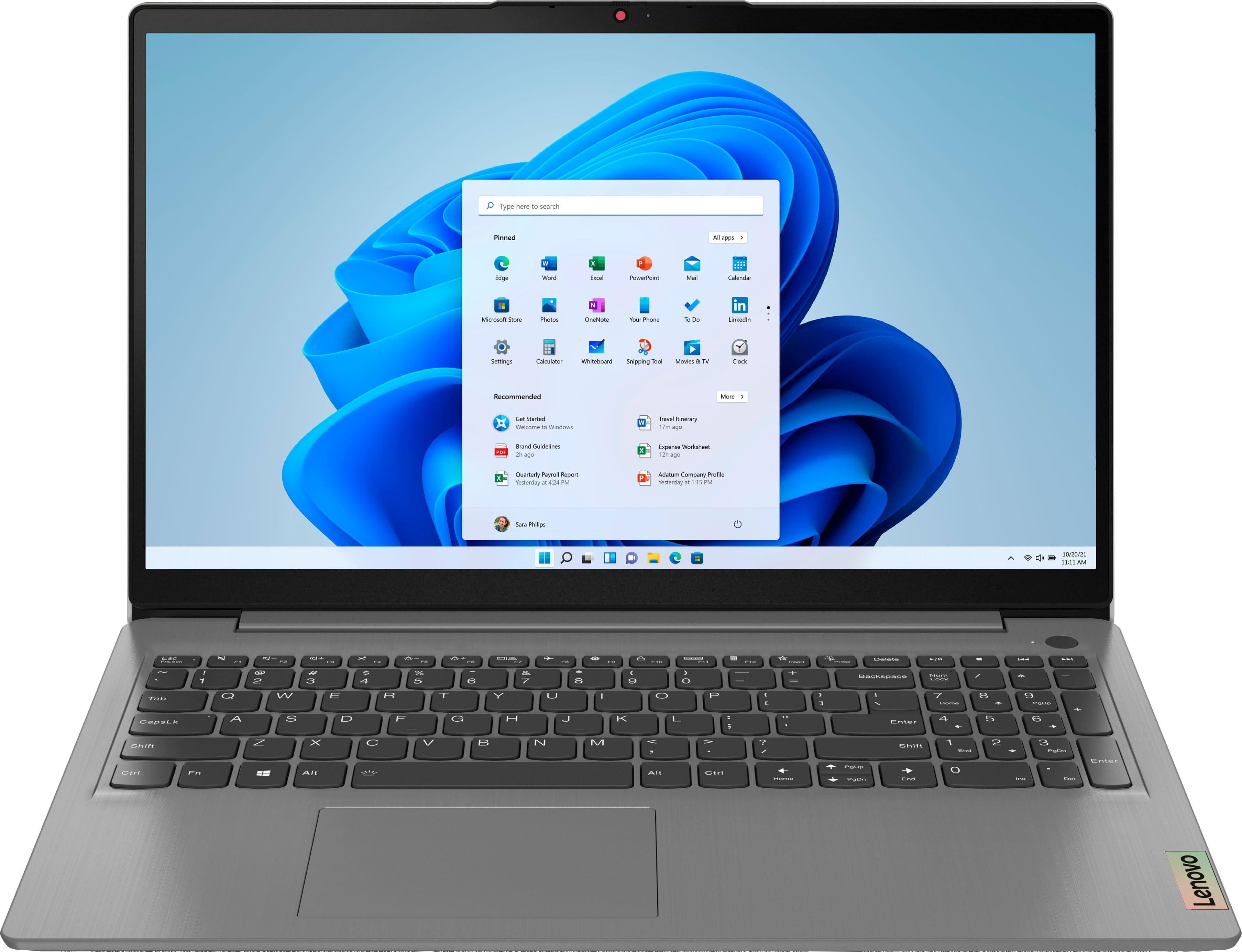
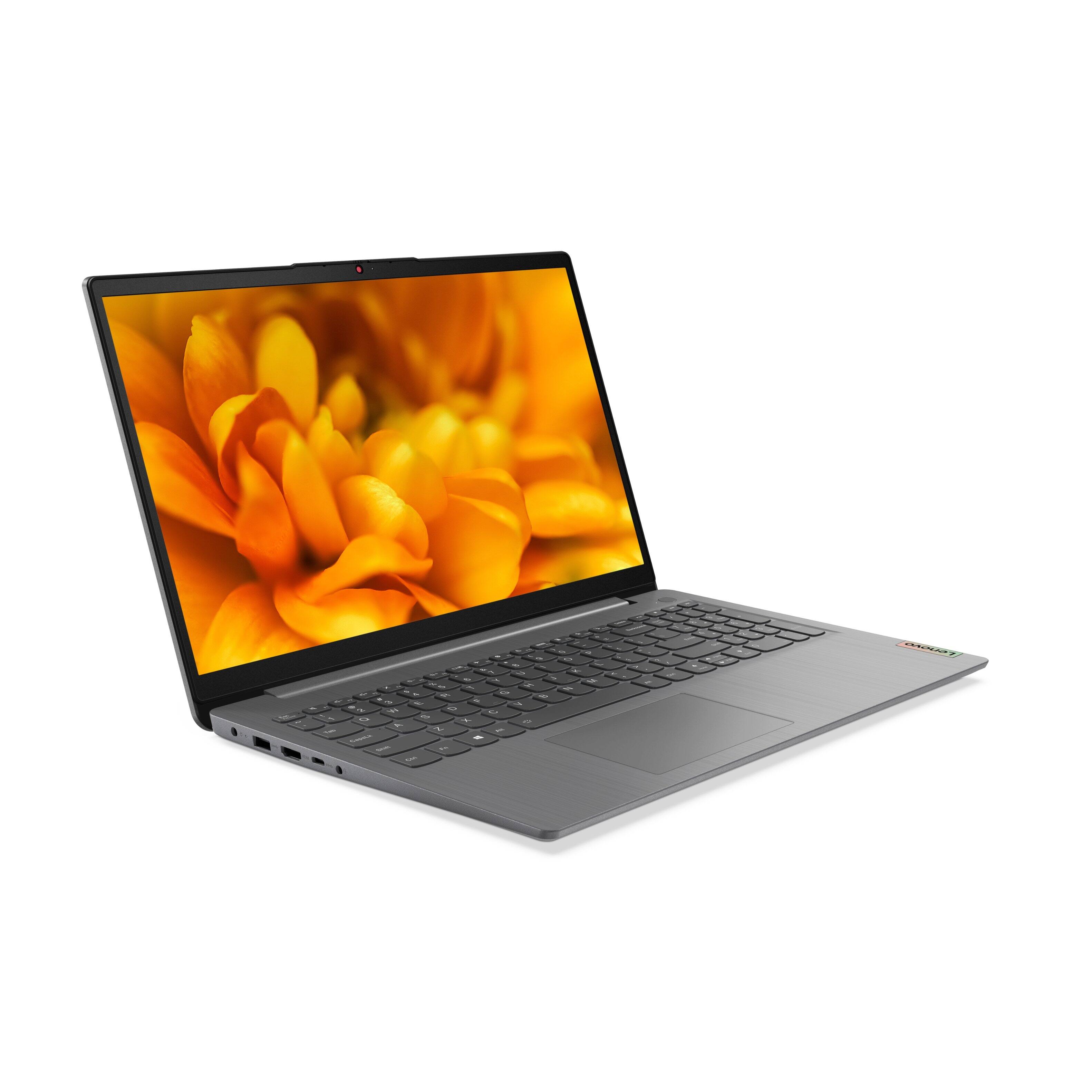
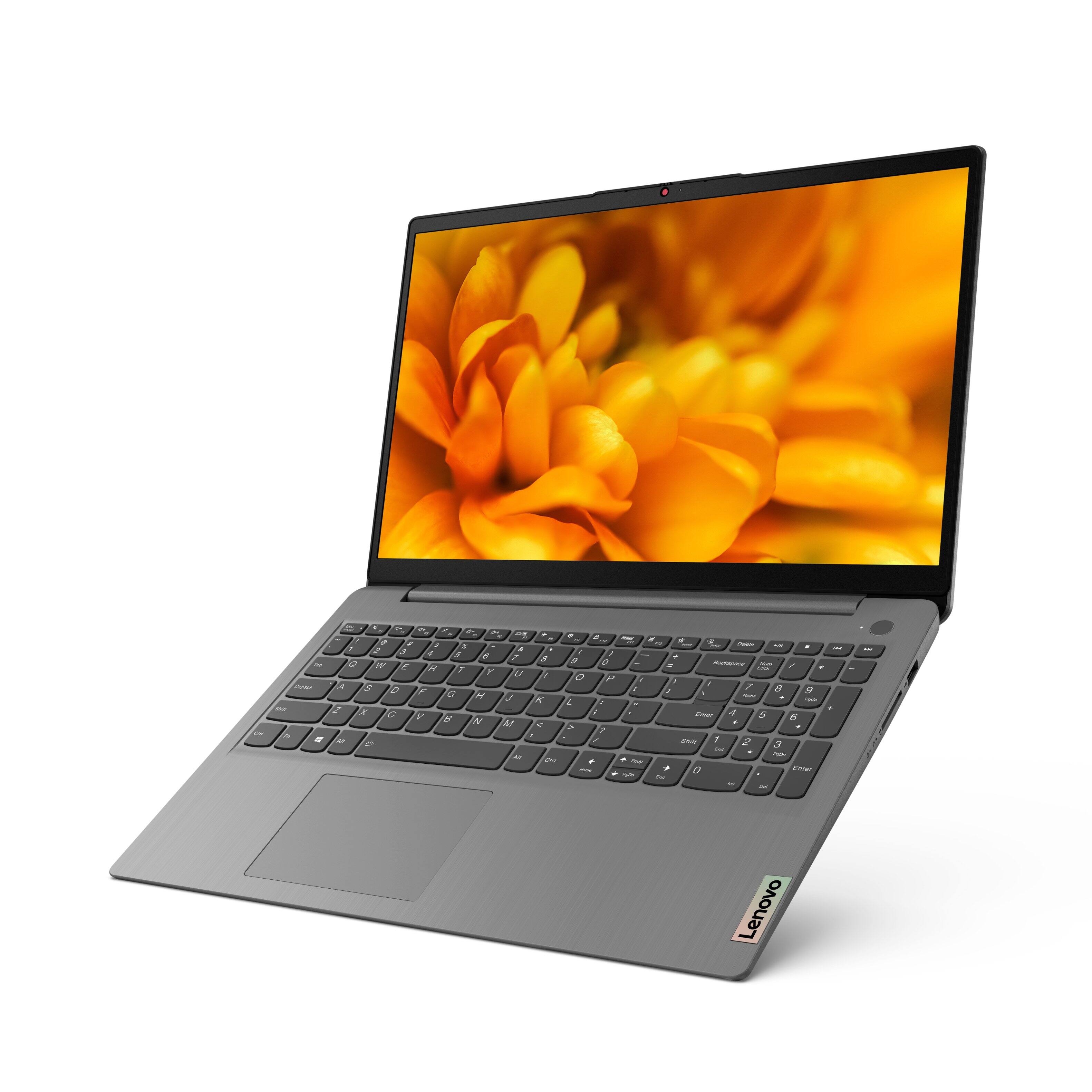

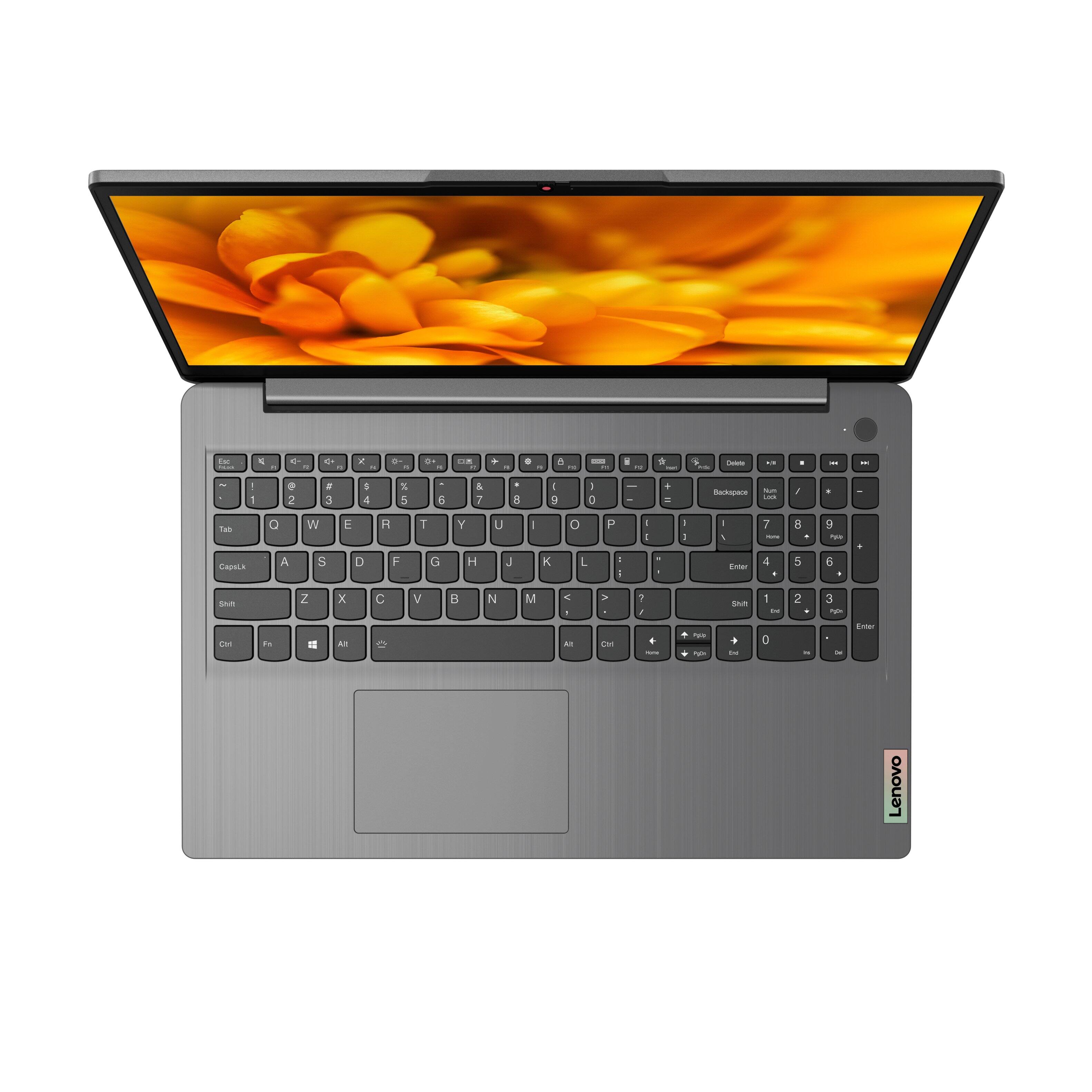
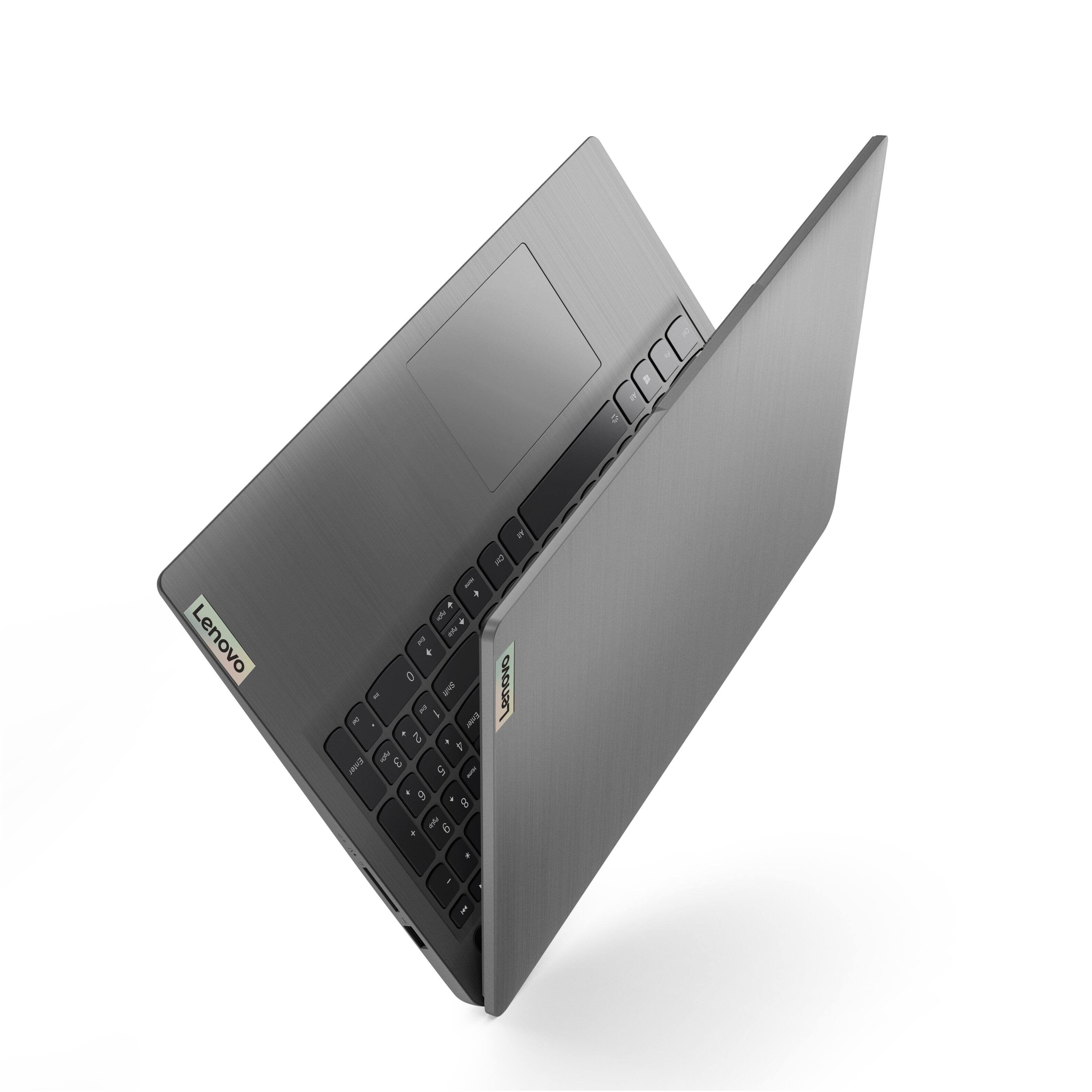
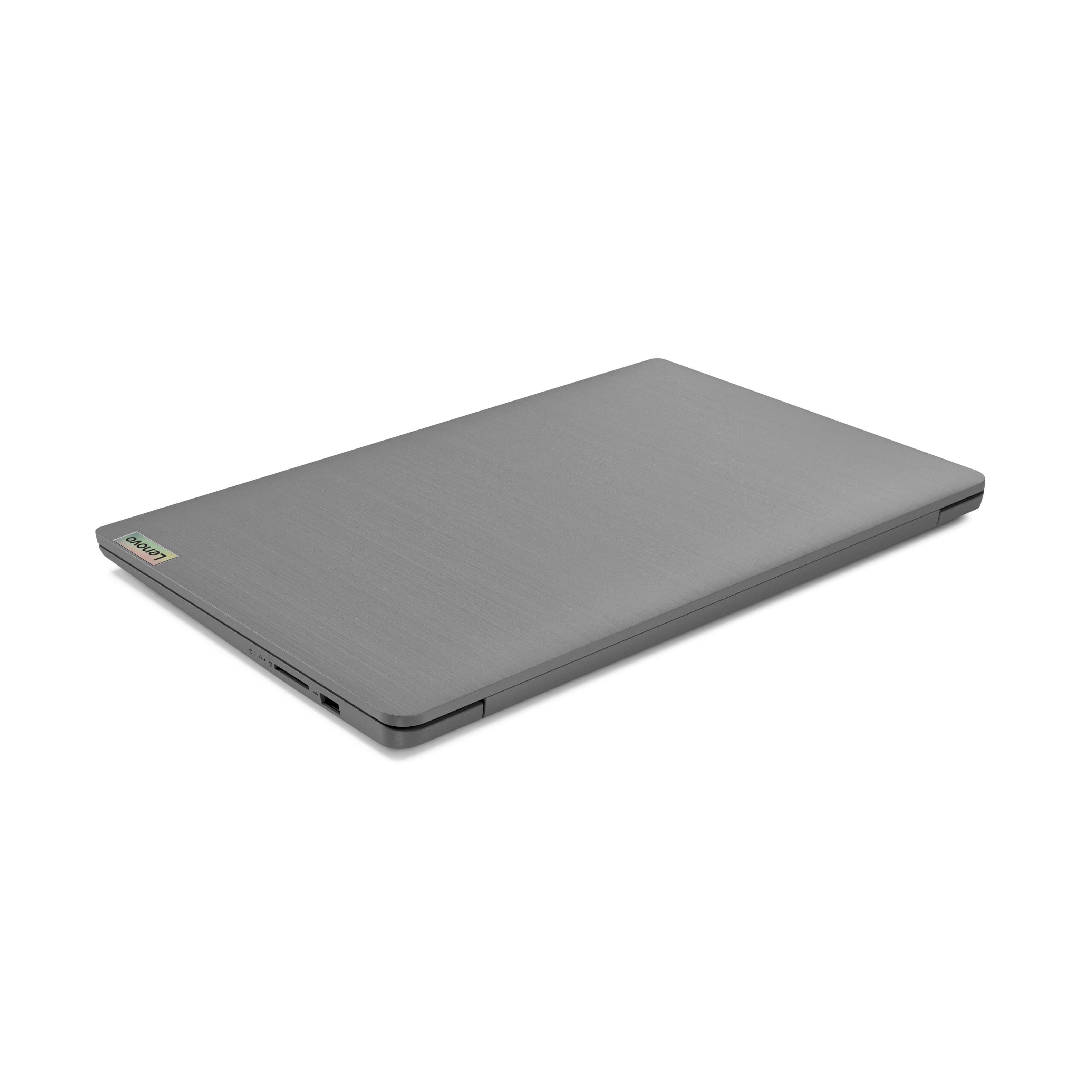
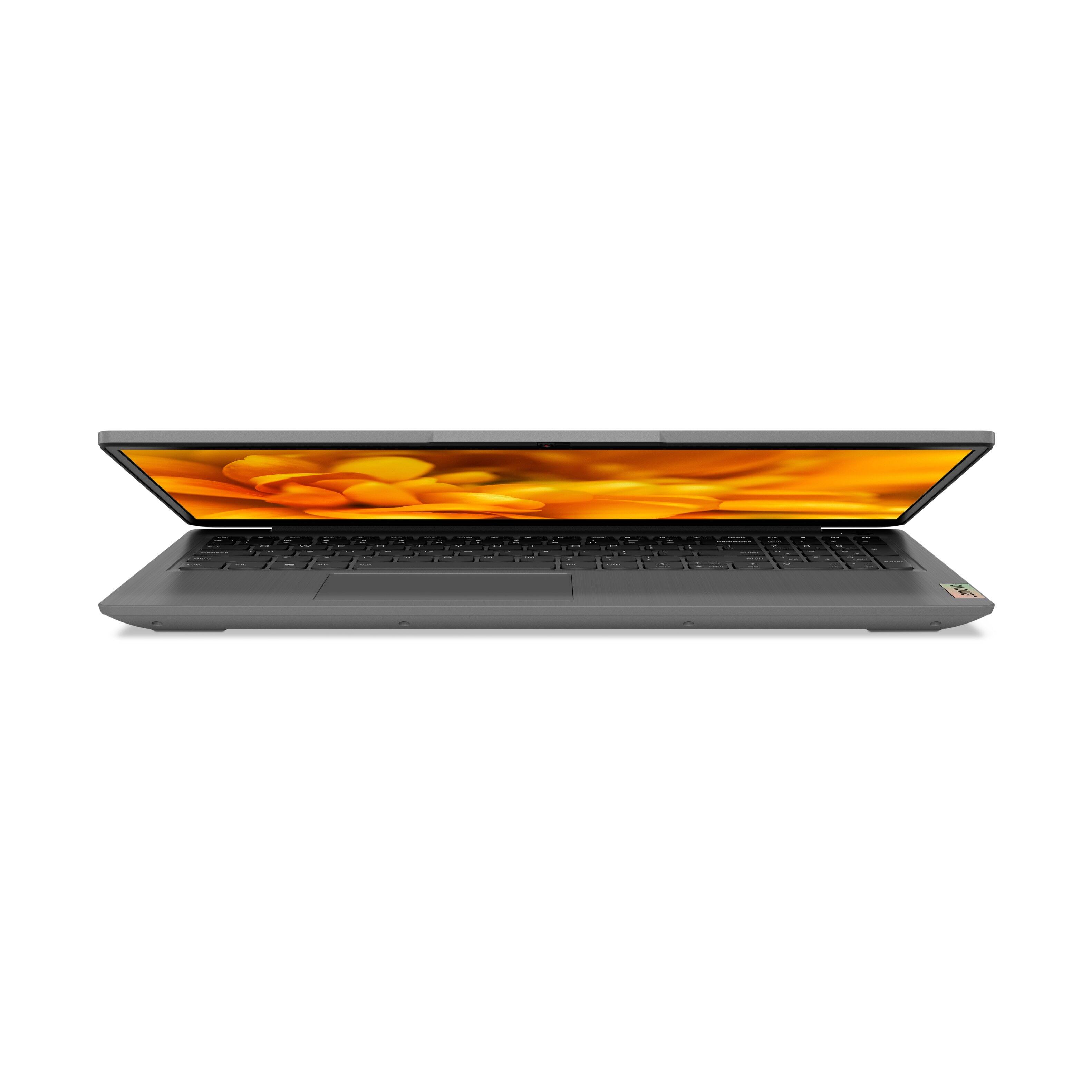
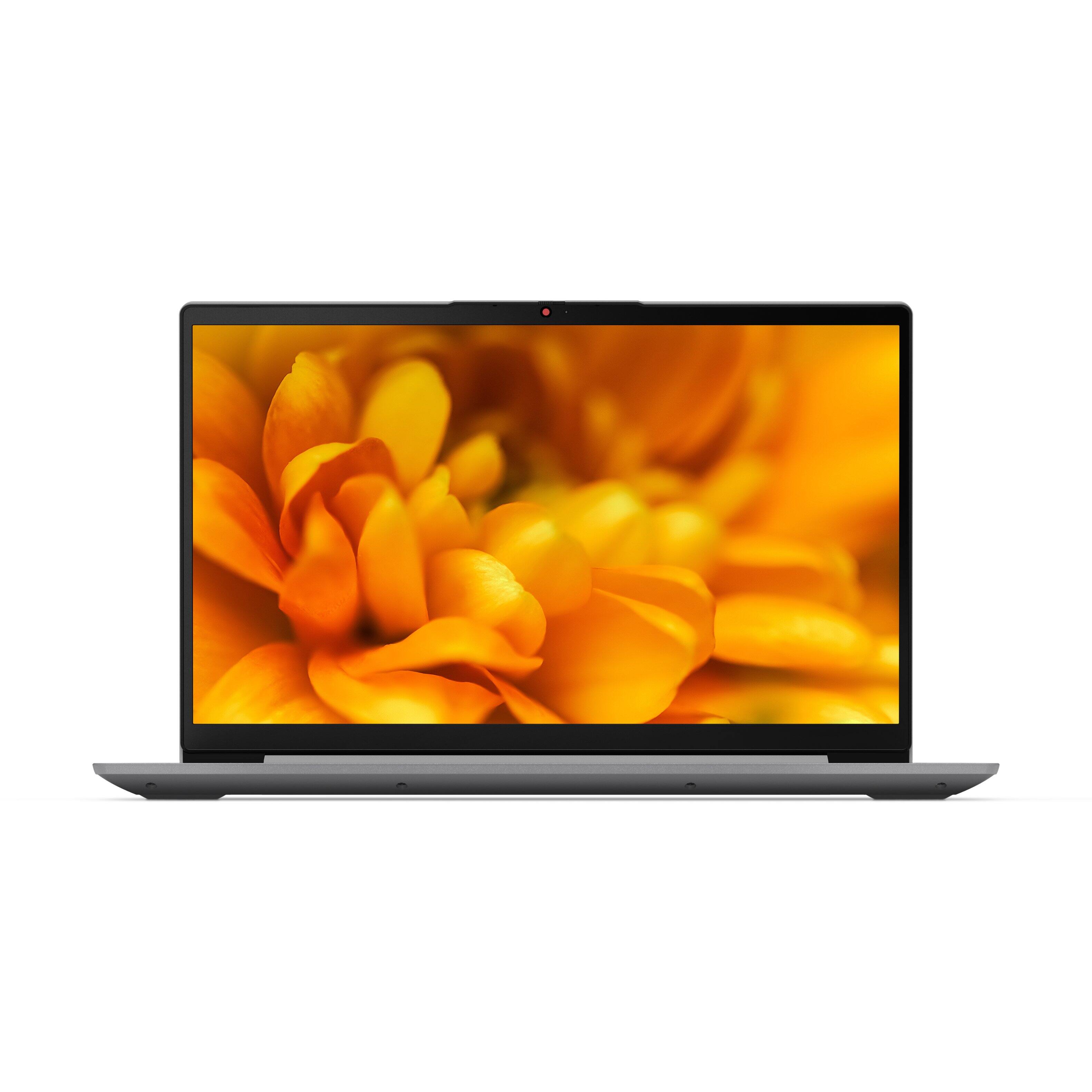

- Model:
- 82H801DQUS/82H8018SUS
- SKU:
- 6461977
Rating by feature
- Battery Life
Rating 4.4 out of 5 stars
- Speed
Rating 4.7 out of 5 stars
- Display
Rating 4.6 out of 5 stars
Customers are saying
Customers have good things to say about the Lenovo Ideapad 3's touch screen, price, weight, and ease of use. They appreciate the responsiveness of the touch screen, affordability, portability, and user-friendly interface. However, some customers have concerns about the battery life, limited storage, and gaming capabilities. Additionally, a few users mentioned that the power button felt cheap and that it took some time to get used to Windows 11.
This summary was generated by AI based on customer reviews.
- Pros mentioned:Touch screen
Great
||Posted . Owned for 1 month when reviewed.This reviewer received promo considerations or sweepstakes entry for writing a review.Was a gift and was better than the one she was looking for and loves it. Great battery life. Like that it is touch screen in addition to normal use. Screen size is great.
I would recommend this to a friend Sound issue with apps out of S mode
||Posted . Owned for 3 weeks when reviewed.This reviewer received promo considerations or sweepstakes entry for writing a review.When you opt out of the “s” mode that’s built in the apps you download won’t function to maximum. That’s what I found zoom sound was not great.And you have to purchase an app if you stay in S mode to get on zoom $4.
I would recommend this to a friendBad touch screen
||Posted . Owned for less than 1 week when reviewed.This reviewer received promo considerations or sweepstakes entry for writing a review.Purchased two of these laptops a few days apart. The first one delivered was nice but the touch screen was bad. Sometimes it worked other times it didn't. Tech support said it must be a hardware problem so I returned it. Received the second laptop and it has the same identical problem. Wanted to like them but will have to return this one too.
No, I would not recommend this to a friendBrand response from Lenovo Product Expert
Posted .We are sorry to hear that you are having issues with the touch screen on your Lenovo IdeaPad 3 15 Laptop, model number 82H801DQUS. Resetting your computer back to original factory settings may correct the issue you are having. Here is a link to instructions for resetting your Windows laptop: https://support.microsoft.com/en-us/windows/recovery-options-in-windows-31ce2444-7de3-818c-d626-e3b5a3024da5. If the issue continues we recommend you contact Lenovo Tech Support for additional help at: 877-453-6686.

Poor management, lack of organization
||Posted .This reviewer received promo considerations or sweepstakes entry for writing a review.I have reviewed this item 2 times already. Do you actually read these, you completely screwed my order up and i provided specific information and all i get is more reviews and no responce to the problem.
No, I would not recommend this to a friendslow
||Posted . Owned for 3 weeks when reviewed.This reviewer received promo considerations or sweepstakes entry for writing a review.when I purchased my laptop, it was very fast.....slowing down now....not as fast.....purchased approx. one month ago......is there a way do do easy CLEANUP to get it running fast again.....?
No, I would not recommend this to a friendBrand response from Lenovo Product Expert
Posted .We are sorry to hear that you are having issues with your Lenovo IdeaPad 3 15 Laptop, model number 82H801DQUS. Since the computer was running fast initially, then became slow over time, be sure any software you installed is compatible with Windows 10/11. There is no need to install Microsoft Office software. The software is already part of the operating system, you just need to activate the software with a purchased product key. If you have installed a copy of Microsoft Office, this is conflicting with the existing copy on the system and this will slow your system down. If you have installed a 3rd party anti-virus program, be sure that Windows Defender is turned off and that the trial version of McAfee Anti-Virus software is uninstalled. There can only be one anti-virus program on the system. You may need to restore your system to original factory default settings if any of the programming errors have occurred. You can do that by typing "restore" in the Cortana search window. Just click on the magnifying glass icon at the bottom left of your Windows 10/11 Desktop. Click on "Reset This PC" Then click on "Get Started" and follow the on screen directions to restore to factory defaults. If the problem persists, we recommend you contact Lenovo Tech Support at: 877-453-6686.
DO NOT BUY THIS BRAND!
||Posted .This reviewer received promo considerations or sweepstakes entry for writing a review.I would this item zero stars. The first laptop was bad and had to be returned. The replacement was bad also. Ended up purchasing an HP laptop that ALSO bad and had to be replaced. The HP i have now also has problems which i have to spend $100 to have Geek Squad out to my home because the tech on your Geek Squad line totally screwed up my laptop.
No, I would not recommend this to a friendBrand response from Lenovo Product Expert
Posted .We are sorry to hear that you had issues with your Lenovo IdeaPad 3 15 laptop. We recommend you contact Lenovo Tech Support with questions about your IdeaPad 3 15 at: 877-453-6686.
- Cons mentioned:Battery life
Would not recommend
||Posted . Owned for less than 1 week when reviewed.This reviewer received promo considerations or sweepstakes entry for writing a review.Web cam stopped working within a week of opening and using. Battery life was terrible.
No, I would not recommend this to a friendBrand response from Lenovo Product Expert
Posted .We are sorry to hear that you are having issues with your Lenovo IdeaPad 3 15 Laptop, model number 82H801DQUS. This model ships with a HD (720p) webcam with manual Privacy Shutter and Dual Array Microphones, built in. If your webcam was functioning properly but now is not, first, check to be sure the Privacy Shutter is completely open before trying to use the webcam or the webcam will not operate. There is a small slider, directly above the webcam lens. Move the tab to the right to open the Privacy Shutter. There is a red dot over the webcam lens that will disappear when the Privacy Shutter is fully open. This will indicate that the webcam is really to use. You can close the Privacy Shutter when you are done with the webcam for your security, by sliding the tab to the left to close the Privacy Shutter. The Red Dot will appear over the webcam lens when the Privacy Shutter is closed. This model ships with a Integrated 45Wh, Lithium-Polymer Battery, which within this configuration, has a battery life of up to 7 hours depending on the work the device is performing. If you are getting less than expected battery life and the webcam is still not functioning properly with the Privacy Shutter opened, resetting this computer back to original factory settings may correct both issues. Here is a link to instructions for doing a factory reset of this Windows 11 S-Mode laptop: https://www.windowscentral.com/how-reset-windows-11-pc-factory-settings. If for some reason you cannot get to the recovery settings within Windows 11 due to system error, this system is equipped with OneKey Recovery System. There is a very small pin hole on the right side of the device, right near the SD card slot on the device. You will need a pin to push this reset button. Plug the device in. Let the battery charge for about 15 minutes. Push the reset button. The system should boot to a choice screen where you can choose "Restore To Factory Default". Select this. It will delete everything from the hard drive except the original factory install of the operating system. You will need to reinstall all programs and files after the reset. If you don't have copies of the files, try to make one before you restore by selecting "Boot to desktop" and trying to back up your files. If the problem persists after the factory reset, we recommend you contact Lenovo Tech Support at: 877-453-6686.
Started making a weird noise after a couple months
||Posted . Owned for 3 months when reviewed.This reviewer received promo considerations or sweepstakes entry for writing a review.Bought in November for school. Was working great. Today it started making a strange noise. I am a month past the return date I guess. Very disappointed.
No, I would not recommend this to a friendBrand response from Lenovo Product Expert
Posted .We are sorry to hear that you are having issues with your lenovo IdeaPad 3 15 Laptop, model number 82H8018SUS. We recommend you contact Lenovo Tech Support for help with your issue at: 877-453-6686.
Came with a charger that didn’t work
||Posted . Owned for 1 week when reviewed.This reviewer received promo considerations or sweepstakes entry for writing a review.Bought this computer for my mom for Christmas and the charger didn’t work. I am extremely disappointed in this product and all the BestBuy rep could offer was sending a new charger in the mail over a week later. I spent $500+ on a new laptop that I would expect to be fully functional. Wasn’t even able to use the computer since it comes with little to no battery.
No, I would not recommend this to a friendBrand response from Lenovo Product Expert
Posted .We are sorry to hear that you are having issues with the included AC adapter/charger that shipped with your Lenovo IdeaPad 3 15 laptop, model number 82H801DQUS. We recommend you contact Lenovo Tech Support for additional help at: 877-453-6686.
Not happy with Windows 11
||Posted . Owned for 3 weeks when reviewed.This reviewer received promo considerations or sweepstakes entry for writing a review.I purchased a laptop computer with Windows 11. The computer is great but I would never buy Windows 11 again. There is no documentation and after two weeks of trying to set it up I am getting an in home visit from the Geek Squad on Monday to try to get my HP 8600 printer recognized. I have no problems with my other 3 computers to recognize this printer. I only bought this computer because my HR Block program to download to Windows 7.
No, I would not recommend this to a friendHave issues
||Posted . Owned for 1 month when reviewed.This reviewer received promo considerations or sweepstakes entry for writing a review.It went wrong just a few weeks after got it. Something wrong with the screen (touch screen stuck) or touch pad stuck.
No, I would not recommend this to a friendBrand response from Lenovo Product Expert
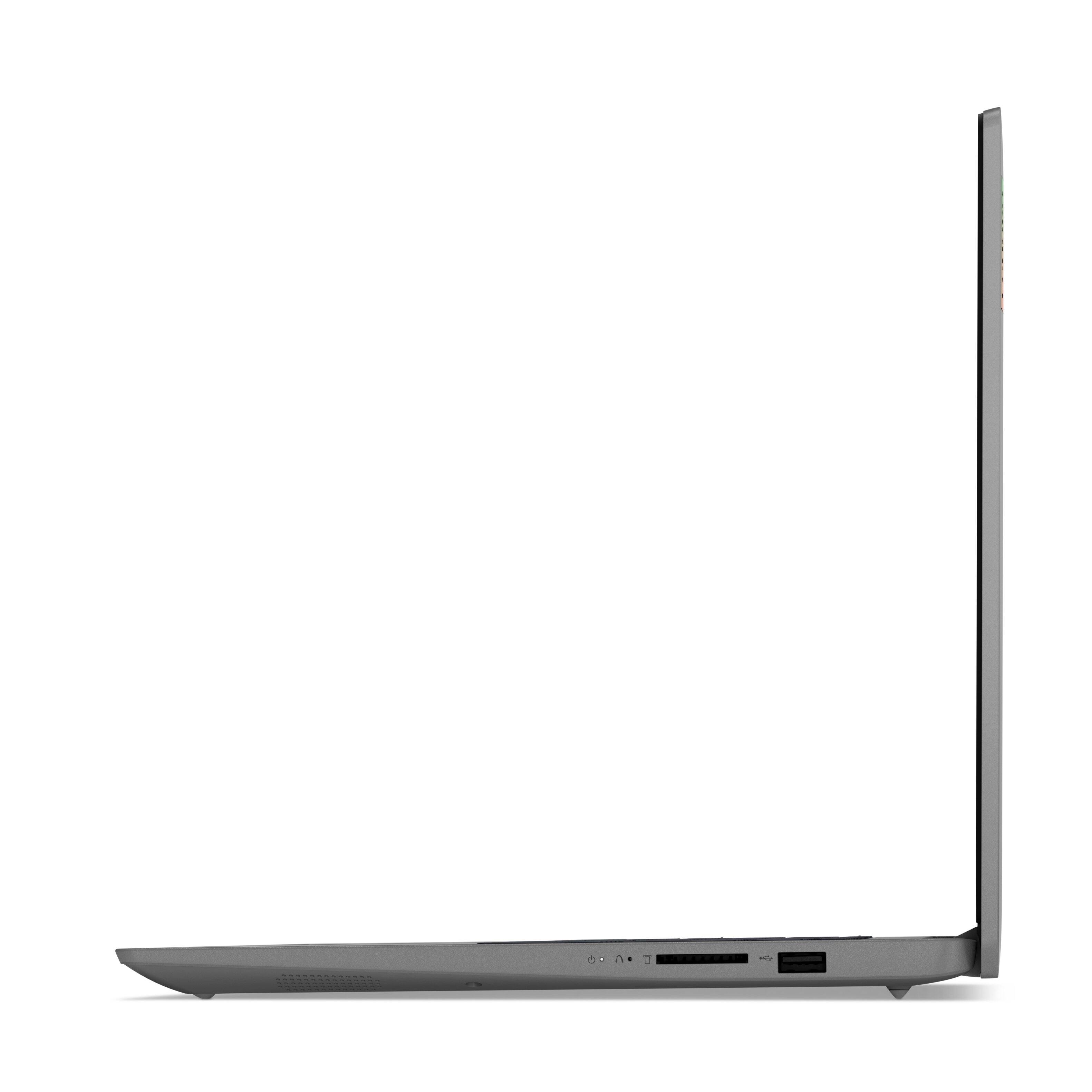
Posted .We are sorry to hear that you are having issues with your Lenovo IdeaPad 3 15 Laptop. Resetting this device back to original factory settings may correct the issues you are having. This system is equipped with OneKey Recovery System. There is a very small pin hole on the right side of the device, right near the SD card slot on the device. You will need a pin to push this reset button. Plug the device in. Let the battery charge for about 15 minutes. Push the reset button. The system should boot to a choice screen where you can choose "Restore To Factory Default". Select this. It will delete everything from the hard drive except the original factory install of the operating system. You will need to reinstall all programs and files after the reset. If you don't have copies of the files, try to make one before you restore by selecting "Boot to desktop" and trying to back up your files. If the problem persists after the factory reset, we recommend you contact Lenovo Tech Support at: 877-453-6686.
Not that great
||Posted . Owned for 1 month when reviewed.This reviewer received promo considerations or sweepstakes entry for writing a review.Keeps rebooting every hour just freezes and crashes whilst working on something. Have lots of patience.
No, I would not recommend this to a friendBrand response from Lenovo Product Expert
Posted .We are sorry to hear that you are having issues with your Lenovo IdeaPad 3 15 Laptop, model number 82H801DQUS. This model configuration ships with Windows 11 S-Mode, 64-bit Operating System installed. Windows 11 S-Mode provides added security by only allowing APPs available ( and therefore certified by Microsoft) at the Microsoft Store. If you don't need the added security or you need to install APPs not available at the Microsoft Store, you can switch to standard Windows 11 Home 64-bit Operating System, at no additional cost. Even if you have switched out of S-Mode for Windows 11 Home, be sure any software you installed is compatible with Windows 11. There is no need to install Microsoft Office software. The software is already part of the operating system, you just need to activate the software with a purchased product key. If you have installed a copy of Microsoft Office, this is conflicting with the existing copy on the system and this will slow your system down. If you have installed a 3rd party anti-virus program, be sure that Windows Defender is turned off and that the trial version of McAfee Anti-Virus software is uninstalled. There can only be one anti-virus program on the system. Here is a link to instructions for uninstalling McAfee from a Windows computer: https://service.mcafee.com/?articleId=TS101331&page=shell&shell=article-view You may need to restore your system to original factory default settings if any of the programming errors have occurred. You can do that by typing "restore" in the Cortana search window. Just click on the magnifying glass icon at the bottom of your Windows 11 Desktop. Click on "Reset This PC" Then click on "Get Started" and follow the on screen directions to restore to factory defaults. If the problem persists, we recommend you contact Lenovo Tech Support at: 877-453-6686.
- Pros mentioned:Speed
Art Mata
||Posted . Owned for 1 week when reviewed.This reviewer received promo considerations or sweepstakes entry for writing a review.Excellent product. I would love a small tutorial about it. It is fast and i love it.
I would recommend this to a friendBrand response from Lenovo Product Expert
Posted .The Lenovo IdeaPad 3 15 Laptop, model number 82H8018SUS, ships with Windows 10 S-Mode 64-bit Operating System. Windows 10 S-Mode provides added security by only allowing APPs available ( and therefore certified by Microsoft) at the Microsoft Store. If you don't need the added security or you need to install APPs not available at the Microsoft Store, you can switch to standard Windows 10 Home 64-bit Operating System, at no additional cost. If you choose to switch out of S-Mode to Windows 10 Home: Here is a link to instructions for switching from Windows 10 S-Mode to Windows 10 Home: https://support.microsoft.com/en-us/help/4456067/windows-10-switch-out-of-s-mode
Cheap
||Posted . Owned for 1 month when reviewed.This reviewer received promo considerations or sweepstakes entry for writing a review.Definitely could be better. Already having screen/mouse response issues and it's only been open since Christmas.
No, I would not recommend this to a friendBrand response from Lenovo Product Expert
Posted .We are sorry to hear that you are having issues with your Lenovo IdeaPad 3 15 Laptop, model number 82H801DQUS. With regard to the touchpad, you can make adjustments to the touchpad in your system settings. You can get there by clicking on the magnifying glass at the bottom left of your Windows 10 screen. Type "touchpad" in the search window. Select "Mouse & touchpad settings" from the list of choices. You can make general adjustments to the touchpad there. You can also select "Additional mouse options" for more detailed adjustments to the touchpad sensitivity by increasing the delay of the touchpad. As for the touch screen response time, if this this an issue that has developed since the initial setup of the computer, even if you have switched out of S-Mode, be sure any software you installed is compatible with Windows 10/11. There is no need to install Microsoft Office software. The software is already part of the operating system, you just need to activate the software with a purchased product key. If you have installed a copy of Microsoft Office, this is conflicting with the existing copy on the system and this will slow your system down. If you have installed a 3rd party anti-virus program, be sure that Windows Defender is turned off and that the trial version of McAfee Anti-Virus software is uninstalled. There can only be one anti-virus program on the system. You may need to restore your system to original factory default settings if any of the programming errors have occurred. You can do that by typing "restore" in the Cortana search window. Just click on the magnifying glass icon at the bottom left of your Windows 10/11 Desktop. Click on "Reset This PC" Then click on "Get Started" and follow the on screen directions to restore to factory defaults. If the problem persists, we recommend you contact Lenovo Tech Support at: 877-453-6686.
- Pros mentioned:Speed
Great Purchase
Posted .This reviewer received promo considerations or sweepstakes entry for writing a review.I'm thrilled with my Lenovo IdeaPad 3 laptop! Its speed, reliability, and performance are top-notch, making multitasking a breeze. Beyond that, the vibrant display and crisp audio enhance my media consumption experience. The comfortable keyboard and sleek design add to its appeal. Overall, it's a fantastic investment for both work and play.
I would recommend this to a friend Charger not included.
||Posted . Owned for 3 months when reviewed.This reviewer received promo considerations or sweepstakes entry for writing a review.The charger wasn't inside the box. my bad because I opened after 30 days from purchased.
I would recommend this to a friendBrand response from Lenovo Product Expert
Posted .All new Lenovo Computers, still in their original, factory-sealed shipping boxes, include a AC adapter.charger or power cord. This Lenovo IdeaPad 3 15 Laptop, model number 82H801DQUS, ships with a 65W round tip (2-pin, wall-mount) AC adapter/charger, 100-240V, 50-60Hz, from the factory. If you received a factory-sealed box with no AC adapter/charger included, we recommend you contact lenovo Tech Support for additional help at: 877-453-6686.
Bad experience!
||Posted . Owned for 1 week when reviewed.This reviewer received promo considerations or sweepstakes entry for writing a review.Everything was ok until I turned on the laptop camera and my face was blurry abd I tried everything to fix it but in vain. Besides I asked the customer service at best buy how can I use my atudent microsoft office if I buy a new laptop they said I have to pay for this. That is unacceptable! Never going to buy from best buy . It is now best bye!!!
No, I would not recommend this to a friendBrand response from Lenovo Product Expert
Posted .This lenovo IdeaPad 3 15 laptop, model number 82H801DQUS, ships with a HD (720p) webcam with Privacy Shutter and Dual Array Microphones built in. ships with an HD (720p) webcam with Privacy Shutter and Dual Array Microphones, built in. If you are getting less than expected broadcast video quality, check to be sure that the protective film/tape has been removed from the lens of the webcam. This protective film/tape is installed at the factory, to protect the webcam lens during transient and needs to be removed prior to using the webcam. If the protective film/tape has been removed for the webcam lens, now check to be sure you have the latest version of Windows 10/11 on the computer. Then update all BIOS files and drivers up to that latest version of Windows 10/11. You can easily accomplish this by scanning the computer with the Lenovo Utility software available on this computer. This system has Lenovo utilities installed to help maintain the health of the device and keep the operating system software up to date. Type "Lenovo Vantage" in the Cortana Search window (if Lenovo Vantage is not installed on your device, you can download the APP and install it now). Select Lenovo Vantage from the list. In the window that opens, click on "Health and Support". In the expanded menu, select "Hardware Scan" In the window that opens, select "Run Quick Tests". This will scan your entire system for errors. Follow any directions that may pop up. If the problem continues after this scan, now click on "System Update". First select Windows update from the menu. Scan your system to be sure you have the latest version of Windows 10/11. Once that scan is complete, select "Additional Updates". This will scan your device to be sure there are no new BIOS/Driver updates needed. Follow any instructions that may pop up. If the issue continues after these updates, we recommend you call Lenovo Tech Support at: 877-453-6686 for additional help.
external display capability
||Posted . Owned for 3 weeks when reviewed.This reviewer received promo considerations or sweepstakes entry for writing a review.I was disappointed as this laptop does not allow the use of two external monitors
No, I would not recommend this to a friendBrand response from Lenovo Product Expert
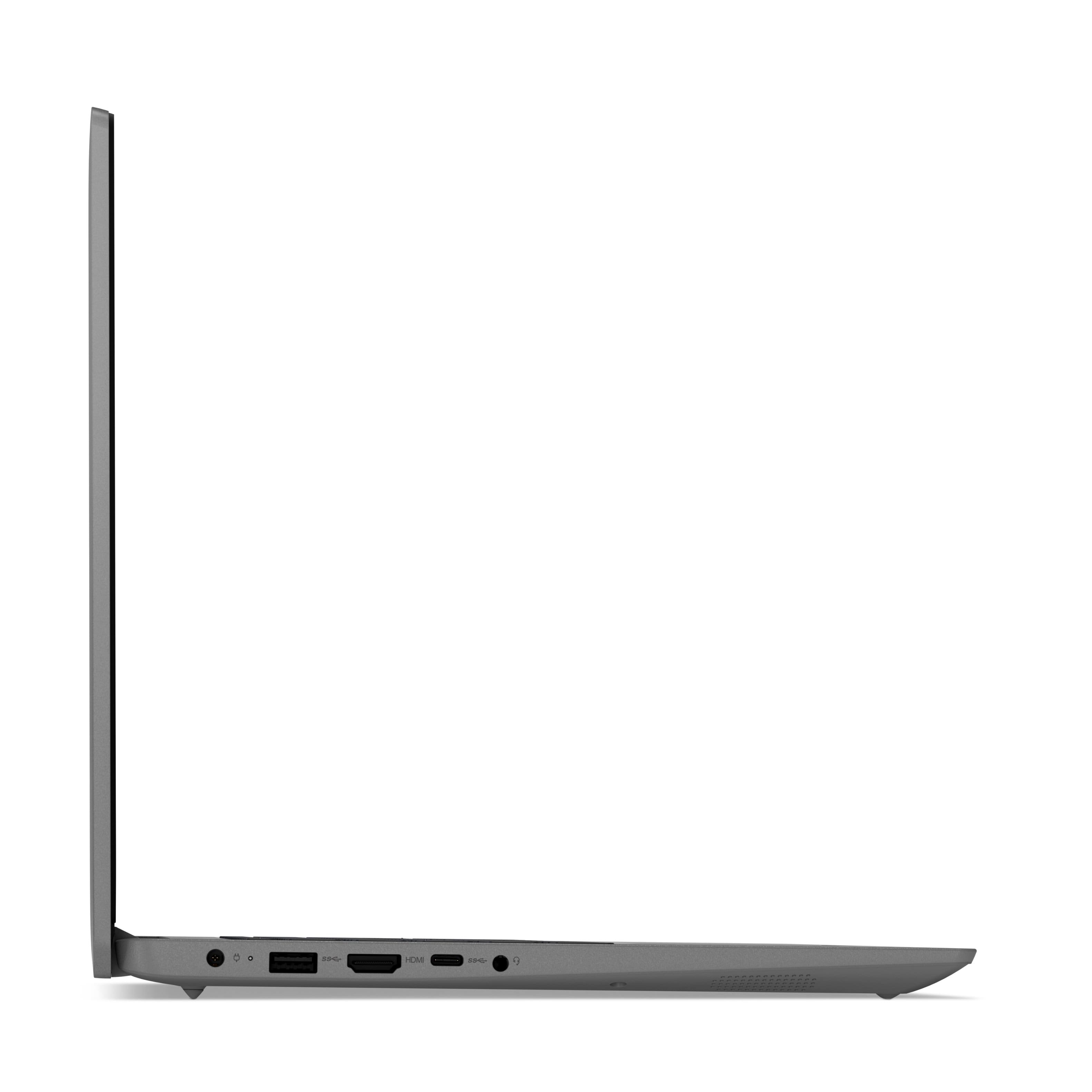
Posted .This Lenovo IdeaPad 3 15 Laptop, model number 82H801DQUS, ships with 1x HDMI 1.4b port for video out to an external monitor. The 1x USB-C 3.2 Gen 1 (support data transfer only) port does not have video out capability. This IdeaPad 3 15 Laptop supports up to 2 independent displays (native display and 1 external monitor via HDMI), directly connected to the laptop. HDMI supports up to 4K@30Hz. To connect two external displays, you would need to add a universal USB 3.0 docking station, like this one, this is just one example, there are many varieties of USB 3.0 universal docking stations available: https://www.bestbuy.com/site/kensington-usb-3-0-docking-station-dual-dvi-hdmi-vga-sd3500v-black/8874383.p?skuId=8874383
Review
||Posted . Owned for 9 months when reviewed.This reviewer received promo considerations or sweepstakes entry for writing a review.Gets switched off often, poor performance and not worth the money
No, I would not recommend this to a friendLenovo
||Posted . Owned for 3 weeks when reviewed.This reviewer received promo considerations or sweepstakes entry for writing a review.After a couple weeks the touch screen does not work. Otherwise decent laptop
No, I would not recommend this to a friendBrand response from Lenovo Product Expert
Posted .We are sorry to hear that you are having issues with the touch screen feature of your Lenovo IdeaPad 3 15 Laptop, model number 82H801DQUS. This model ships with Windows 11 S-Mode 64-bit Operating System installed. Windows 11 S-Mode provides added security by only allowing APPs available ( and therefore certified by Microsoft) at the Microsoft Store. If you don't need the added security or you need to install APPs not available at the Microsoft Store, you can switch to standard Windows 11 Home 64-bit Operating System, at no additional cost. First, check to see if the touch screen feature has been inadvertently switched off. Here is a link to instructions for activating the touch screen feature within Windows 11: https://www.lifewire.com/enable-the-touchscreen-in-windows-11-5196412. If the touch screen feature is turned on, but still not functioning, even if you have switched out of S-Mode, be sure any software you installed is compatible with Windows 11. There is no need to install Microsoft Office software. The software is already part of the operating system, you just need to activate the software with a purchased product key. If you have installed a copy of Microsoft Office, this is conflicting with the existing copy on the system and this will slow your system down. If you have installed a 3rd party anti-virus program, be sure that Windows Defender is turned off and that the trial version of McAfee Anti-Virus software is uninstalled. There can only be one anti-virus program on the system. You may need to restore your system to original factory default settings if any of the programming errors have occurred. You can do that by typing "restore" in the Cortana search window. Just click on the magnifying glass icon at the bottom left of your Windows 11 Desktop. Click on "Reset This PC" Then click on "Get Started" and follow the on screen directions to restore to factory defaults. If the problem persists, we recommend you contact Lenovo Tech Support at: 877-453-6686.