Customer Ratings & Reviews


- Model:
- 82H801DQUS/82H8018SUS
- SKU:
- 6461977
Rating by feature
- Battery Life
Rating 4.4 out of 5 stars
- Speed
Rating 4.7 out of 5 stars
- Display
Rating 4.6 out of 5 stars
Customers are saying
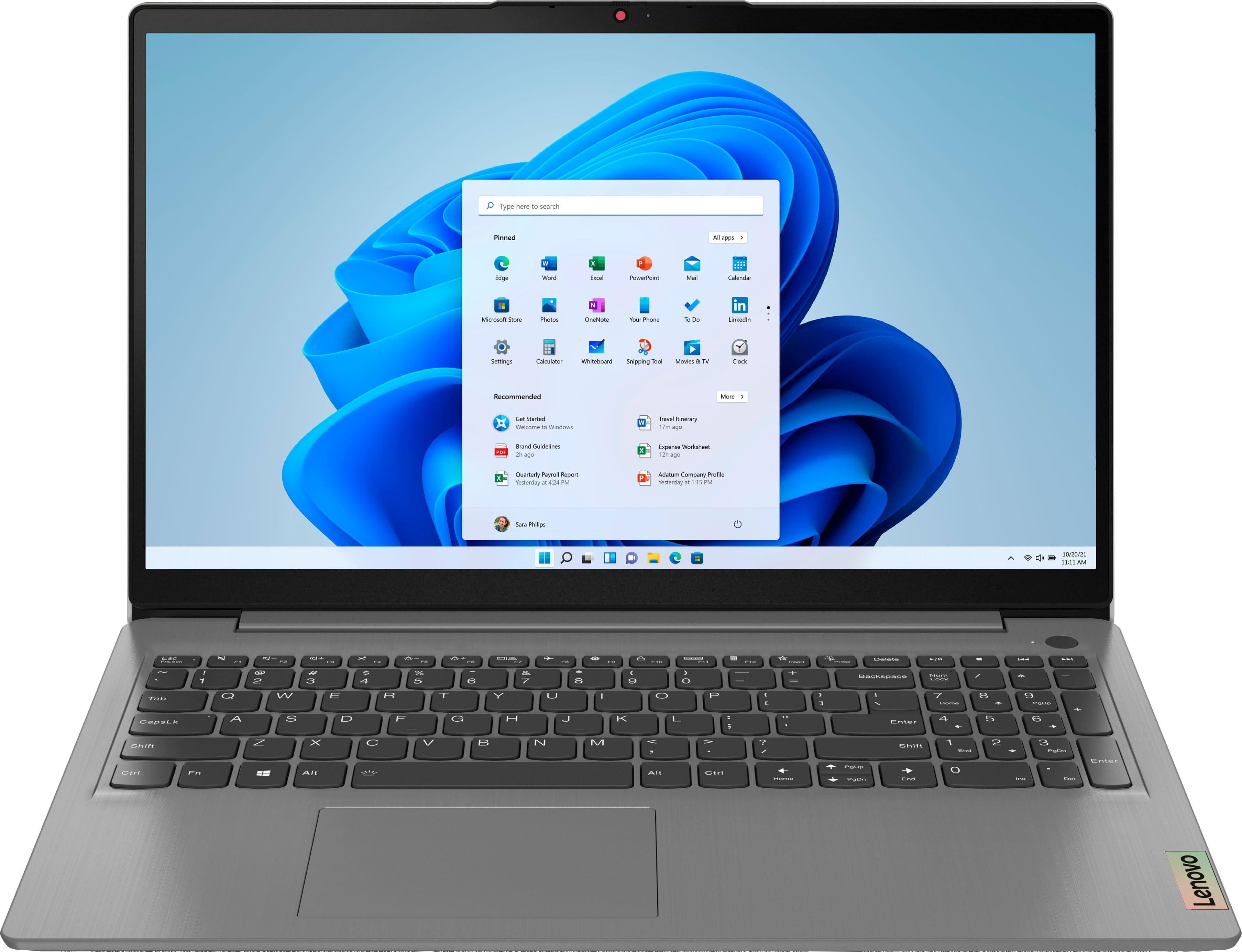
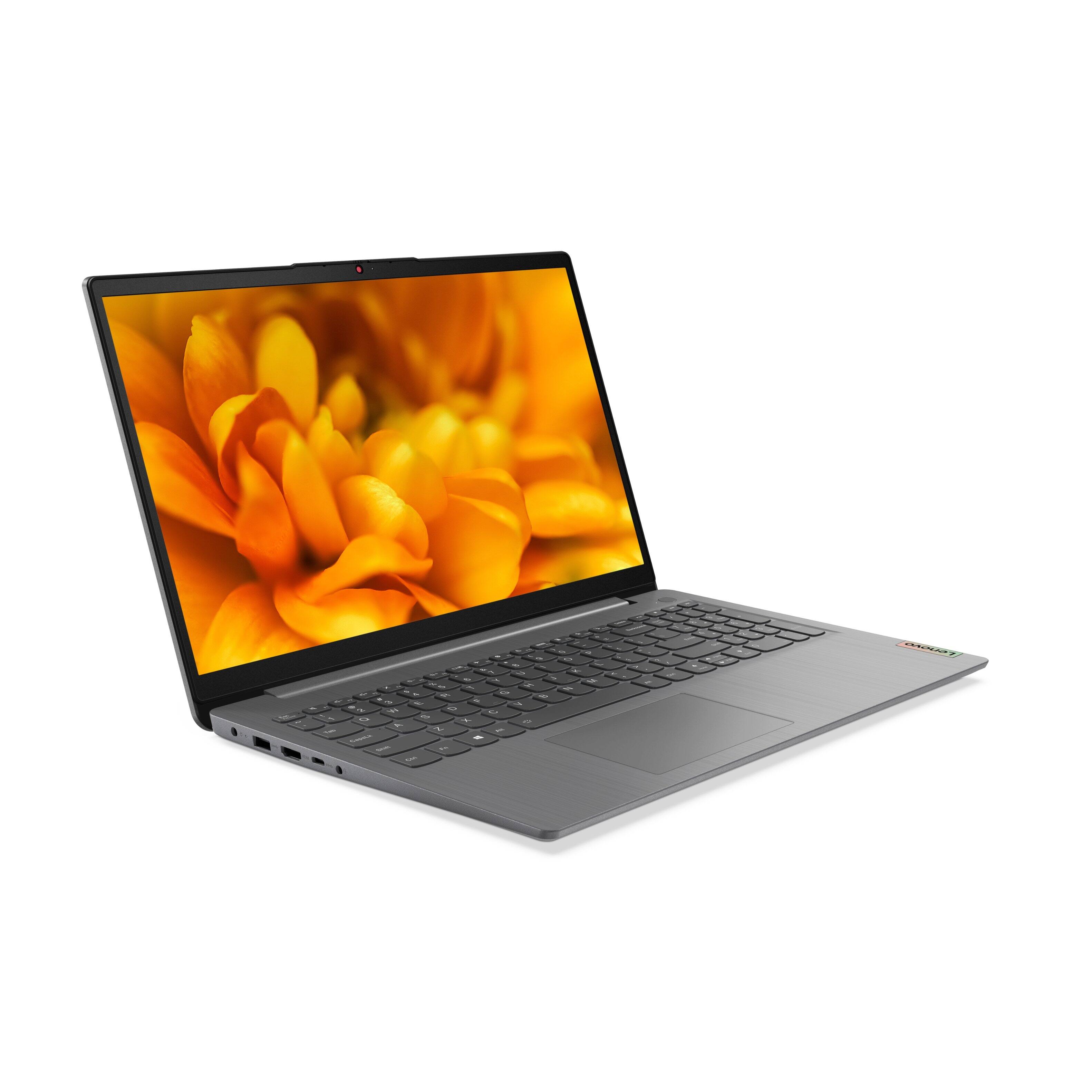
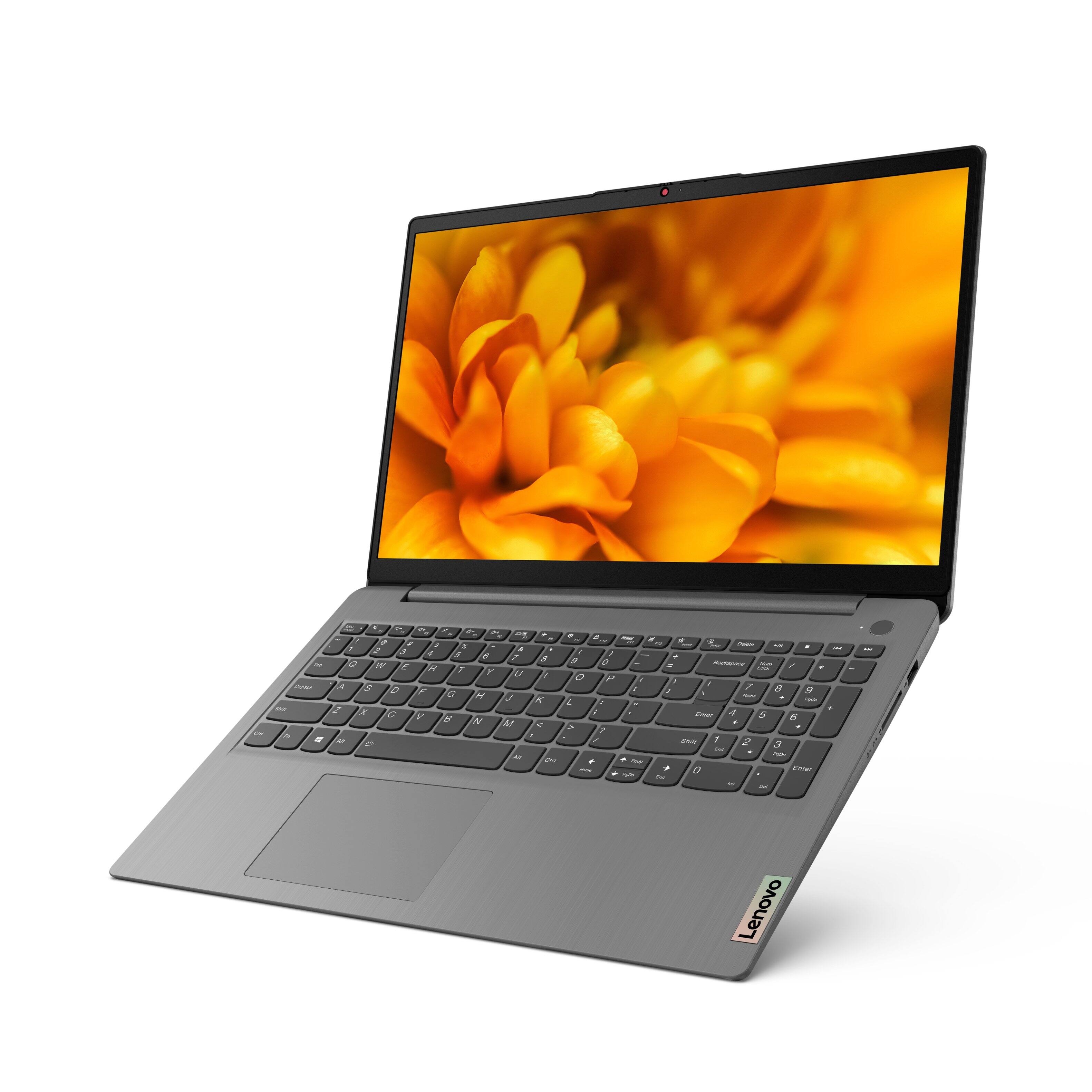
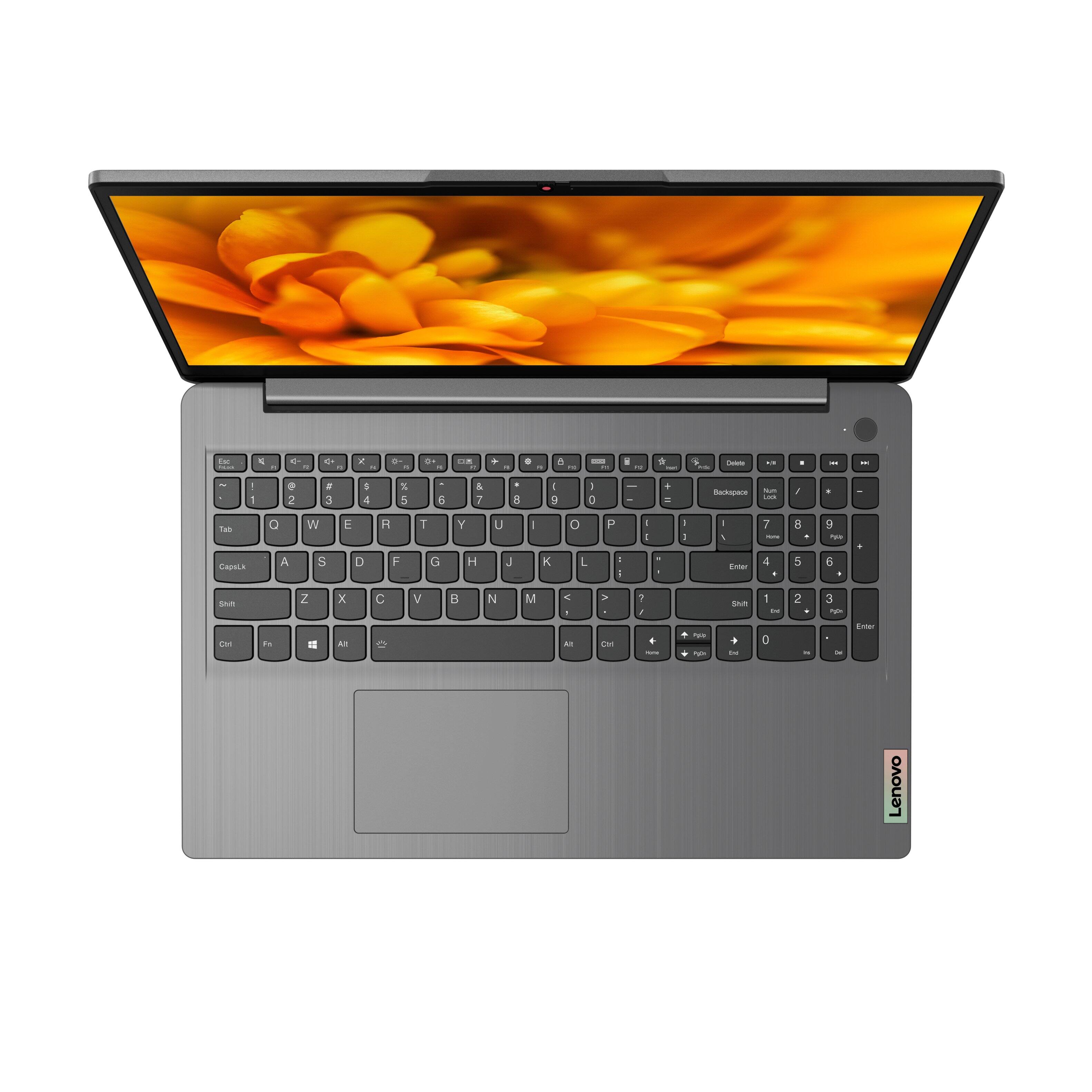
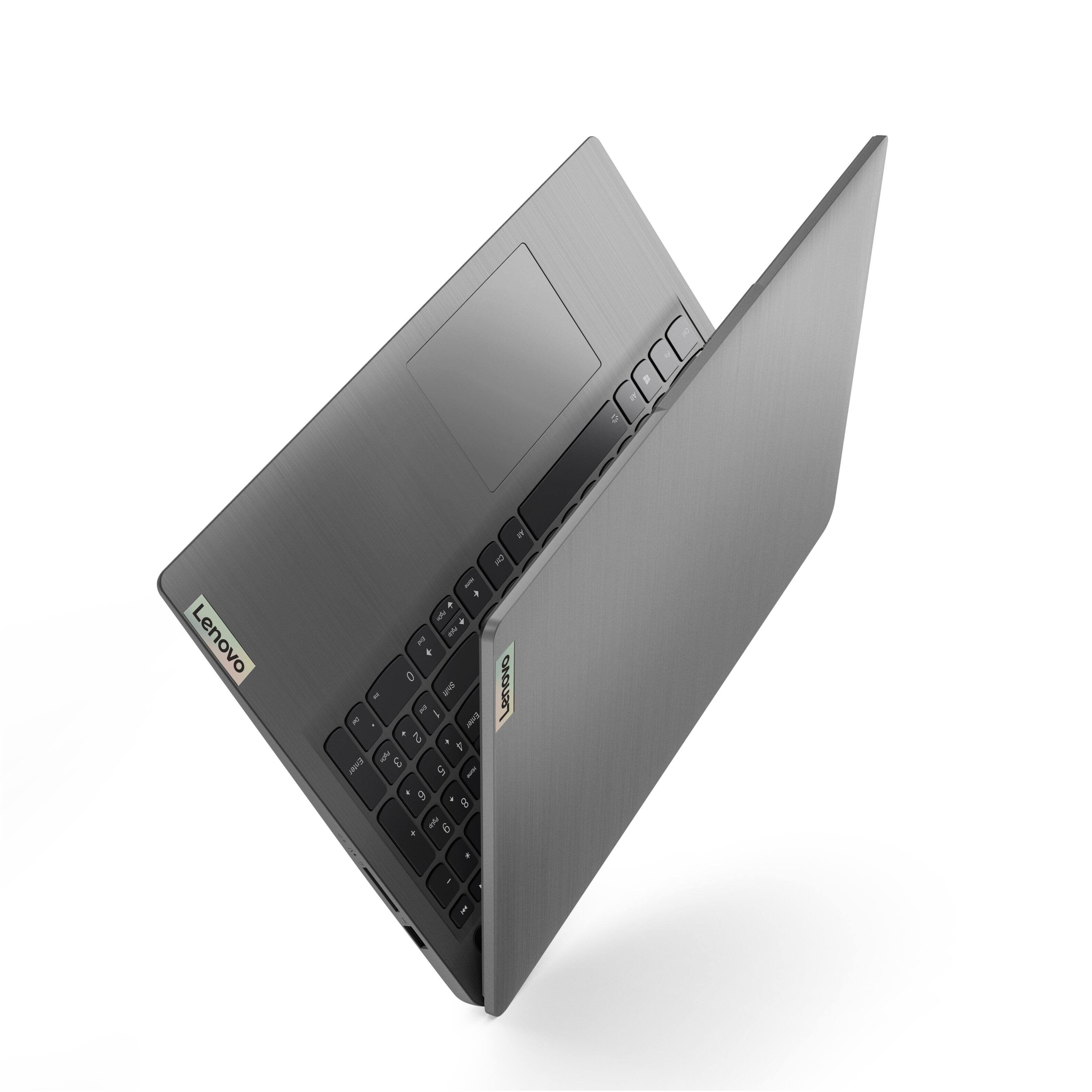
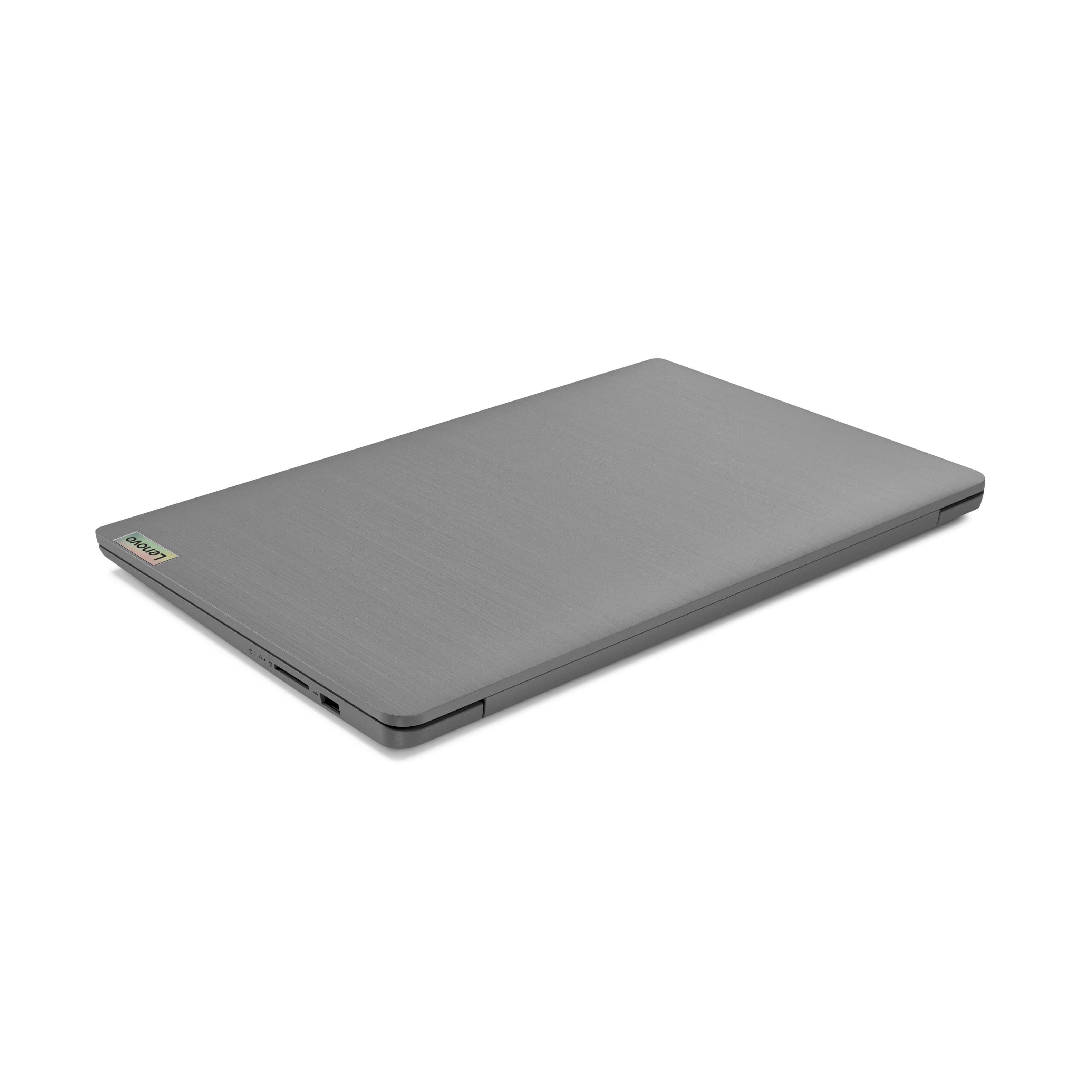
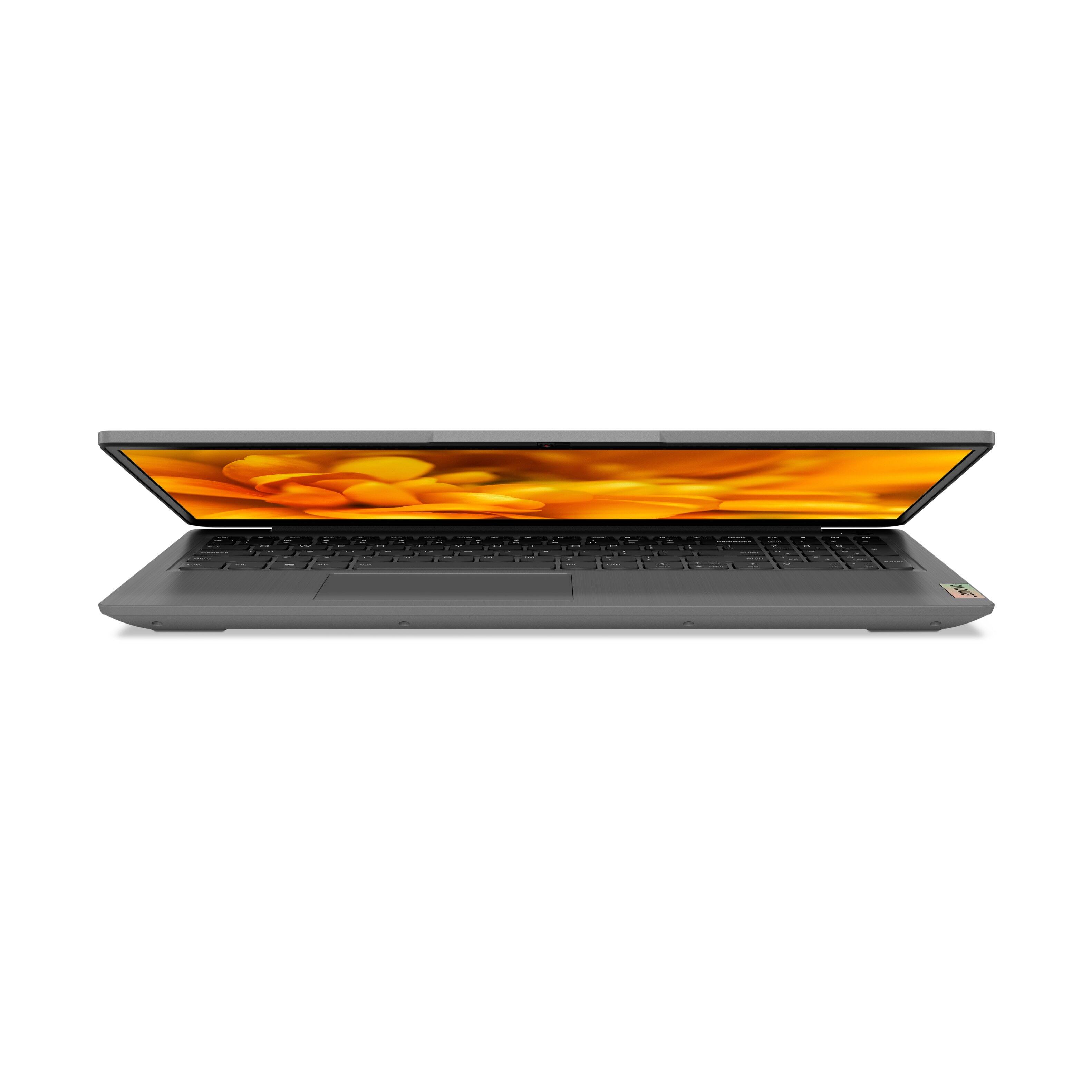
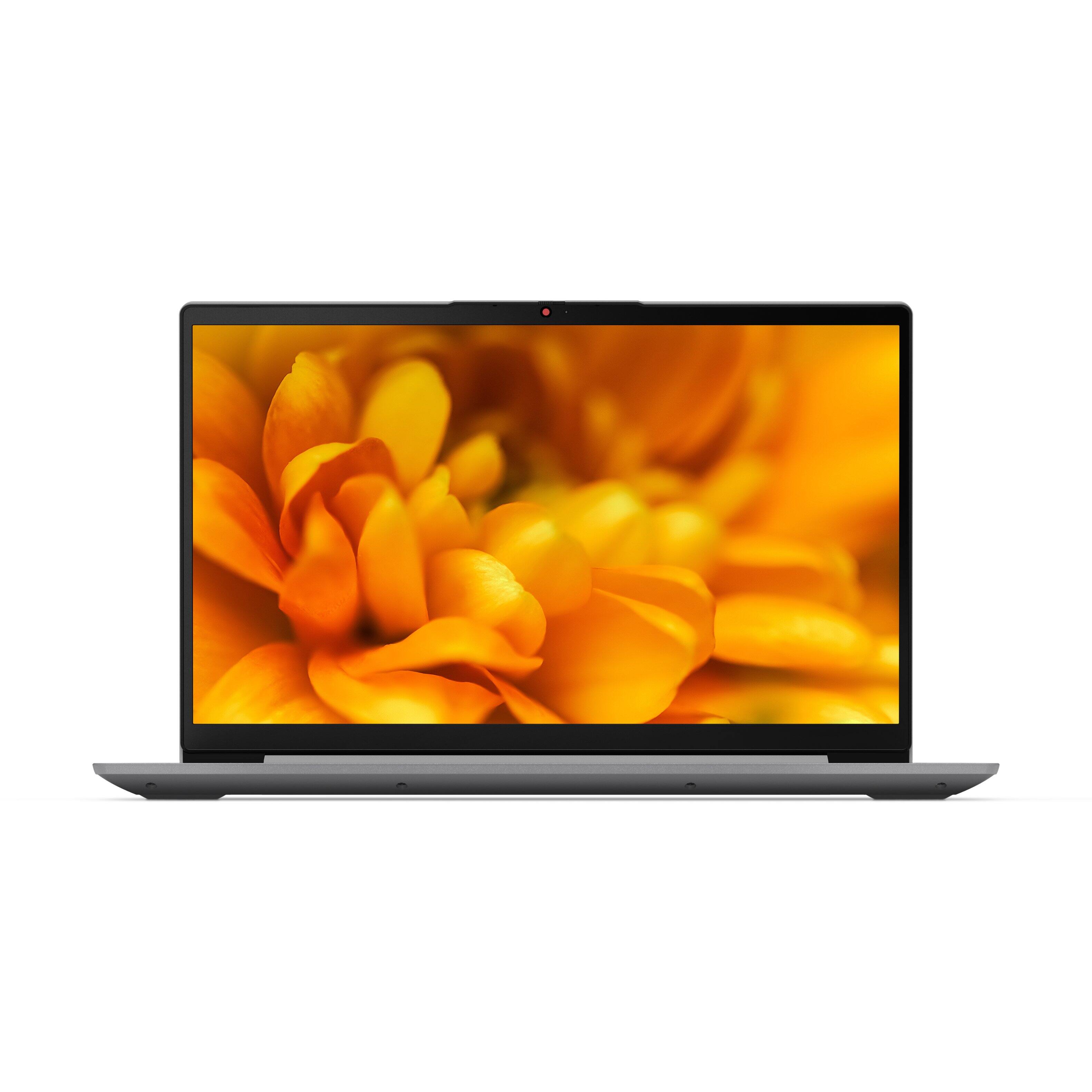
Customers have good things to say about the Lenovo Ideapad 3's touch screen, price, weight, and ease of use. They appreciate the responsiveness of the touch screen, affordability, portability, and user-friendly interface. However, some customers have concerns about the battery life, limited storage, and gaming capabilities. Additionally, a few users mentioned that the power button felt cheap and that it took some time to get used to Windows 11.
This summary was generated by AI based on customer reviews.
- Pros mentioned:Touch screenCons mentioned:Battery life
Plenty of bang for your buck
Posted .This reviewer received promo considerations or sweepstakes entry for writing a review.Nice laptop for the money. Hard to find specs like this at this price point. Love having Alexa, backlit keyboard, fingerprint access,Bluetooth and more. Speakers are average. Biggest complaint is the battery life kinda sucks but that’s really all I can complain about.
I would recommend this to a friendBrand response from Lenovo Product Expert
Posted .Thank you for choosing the Lenovo IdeaPad 3 15 laptop, model number 82H801DQUS. This model configuration ships with a Integrated 45Wh, Lithium-Polymer Battery, which within this configuration, has a battery life of up to 7 hours, depending on the work the device is performing. If you are getting substantially less battery life, first, set your screen brightness at less than 100-percent - try 80-percent to start with. Then, be sure Battery conservation Mode is turned off. This power management setting should only be used when the laptop is plugged in all the time. It will prolong overall battery life by only charging the battery to 60-percent of capacity. Here is a link to instructions for turning off Battery Conservation Mode: https://support.lenovo.com/us/en/solutions/ht103159. Also check what programs are running in the background on the computer. Be sure only the programs you want running in the background are. These programs will drain the battery. Here is a link to information about how to find out what programs are running in the background on your Windows 10 computer and how to manage them for better system performance: https://www.windowscentral.com/how-prevent-apps-running-background-windows-10. Then, finally, be sure any software you installed is compatible with Windows 10. Incompatible software will drain the battery at a faster rate. There is no need to install Microsoft Office software. The software is already part of the operating system, you just need to activate the software with a purchased product key. If you have installed a copy of Microsoft Office, this is conflicting with the existing copy on the system and this will slow your system down. If you have installed a 3rd party anti-virus program, be sure that Windows Defender is turned off and that the trial version of McAfee Anti-Virus software is uninstalled. There can only be one anti-virus program on the system. You may need to restore your system to original factory default settings if any of the programming errors have occurred. You can do that by typing "restore" in the Cortana search window. Just click on the magnifying glass icon at the bottom left of your Windows 10 Desktop. Click on "Reset This PC" Then click on "Get Started" and follow the on screen directions to restore to factory defaults. If the problem persists, we recommend you contact Lenovo Tech Support at: 877-453-6686.

- Pros mentioned:Speed, Touch screen
Awesome
Posted .This reviewer received promo considerations or sweepstakes entry for writing a review.Awesome laptop. FAST, great screen, touchscreen, lightweight. Some advice - get a screen protector if you use the touchscreen a lot -it will save it in the long run and is easier to clean. Can't beat for the price!
I would recommend this to a friendBrand response from Lenovo Product Expert
Posted .Thank you for choosing the Lenovo IdeaPad 3 15 Laptop. We are pleased to hear that the value, features and performance of the IdeaPad 3 15 meets your computing needs so well.
Great Laptop but When did Windows Become Spyware?
Posted .This reviewer received promo considerations or sweepstakes entry for writing a review.A great laptop, but if you value your privacy, read this first: When you 1st set-up the Intel i5 version of this Lenovo, it has Windows 10. It will guide you through an opt-out selection, such as location, browsing history, targeted ads, etc. THEN, it will update to Windows 11 over the next few hours, and once complete, it will totally ignore your preferences from the initial Windows 10 settings. I opted NOT to sync my other devices, not to sync my browsing history, and opted-out of targeted ads, only to be greeted with my wallpaper from my previous Windows 10 device, as well as targeted ads in "Edge," based on searches I made recently on my phone! This is not a fault of the hardware, but rather, an unfortunate side-effect of Microsoft trying to turn their PC software into a pseudo-tablet that acts like Google. I literally had to open Edge, and reselect all the opt-outs I'd already painstakingly checked upon initital setup. Moral of the story: Don't waste your time selecting opt-outs in Win 10 if you plan to upgrade to Win 11 when you set the Lenovo up. Unfortunately, I'm gonna' dock a star from my rating due to the overtly intrusive behavior of the Windows 11 O.S. Don't tell me you value my privacy, then totally spam me with targeted ads and default my files to the cloud - it's quite shady...
I would recommend this to a friendBrand response from Lenovo Product Expert
Posted .The Lenovo IdeaPad 3 15 Laptop, model number 82H801DQUS, ships with Windows 11 S-Mode 64-bit Operating System factory installed. Windows 11 S-Mode provides added security by only allowing APPs available ( and therefore certified by Microsoft) at the Microsoft Store. If you don't need the added security or you need to install APPs not available at the Microsoft Store, you can switch to standard Windows 11 Home 64-bit Operating System, at no additional cost. When setting up your computer for the first time, Windows will ask you for your Microsoft Account, if you already have one setup. It will use your current User Account Settings, based on what you setup in your Microsoft Account. If you choose not to sync your account over all your devices, you will not see updates to your device as you make changes within your Microsoft Account, but your basic User Settings will apply for the Microsoft Account you use. If you do not want this to happen, create a new Microsoft User Account for this new device.
- Pros mentioned:Price
Great Spec and Price
Posted .This reviewer received promo considerations or sweepstakes entry for writing a review.I was bit hesitant to purchase this laptop because I had some issues with Lenovo 51-35, which I bought about 6 years ago-when I I installed Linux Mint, I could not get into bios and the screen went bad when the warranty expired. However, when the Ideapad 3 price went down to $430, I could not pass up. I decided to give Lenovo another chance. I did the right thing. The laptop is great-spec and price. The only minor complain that I have is the screen. It's bit pixelated-the videos are fine but the photos are bit pixelated.
I would recommend this to a friendBrand response from Lenovo Product Expert
Posted .Thank you for choosing the Lenovo IdeaPad 3 15 laptop, model number 82H801DQUS. This model ships with a 15.6 inch (screen size measured diagonally) IPS - FHD (1920x1080) 10-point Multi-touch screen, with a brightness level of 300 nits, has an Anti-glare coating. This display with Full HD resolution, provides 67 Percent of the sRGB (45 Percent NTSC) color gamut and should not appear pixelated. Here is a link to some troubleshooting tips for fixing pixelation on your FHD screen: https://windowsreport.com/pixelated-screen-windows-update/. If the issue continues, we recommend you contact lenovo Tech Support for additional help at: 877-453-6686.
Great PC
Posted .This reviewer received promo considerations or sweepstakes entry for writing a review.This has been a great PC for the last 3 years. No problems.
I would recommend this to a friendLaptop
Posted .This reviewer received promo considerations or sweepstakes entry for writing a review.It's a decent laptop if you get it during a big sale,
I would recommend this to a friend- Pros mentioned:Touch screen
Committed Customer
Posted .This reviewer received promo considerations or sweepstakes entry for writing a review.This Lenovo is an upgrade from my last one. I believe in longevity and quality in items I purchase, Lenovo doesn’t disappoint. Love the touch screen, space, speed and other updated functions. Only issues, wish they would update the key board to stay lite entire time in use and I can’t download Chrome and other softwares. My Dish Anywhere and some of my school apps can’t be used. I have to use my other device. Still five star
I would recommend this to a friendBrand response from Lenovo Product Expert
Posted .Thank you for choosing the Lenovo IdeaPad 3 15 laptop, model number 82H8018SUS. This model ships with a backlit keyboard. To activate the backlighting, hold down the Fn Key and tap the Spacebar at the same time, once to turn on the backlighting, twice to increase the backlight intensity and three times to turn off the backlighting. The backlighting feature stay on while the computer is active, either with keyboard or touchpad input. After 20-seconds of inactivity, the backlight goes off to conserve power. Just tap any key to reactivate the backlighting. This IdeaPad 3 15 model number 82H8018SUS, ships with Windows 10 S-Mode 64-bit Operating System. Windows 10 S-Mode provides added security by only allowing APPs available ( and therefore certified by Microsoft) at the Microsoft Store. If you don't need the added security or you need to install APPs not available at the Microsoft Store, you can switch to standard Windows 10 Home 64-bit Operating System, at no additional cost. If you want to download APPs that are not available at the Microsoft Store, you can switch out of S-Mode for Windows 10 Home: Here is a link to instructions for switching from Windows 10 S-Mode to Windows 10 Home: https://support.microsoft.com/en-us/help/4456067/windows-10-switch-out-of-s-mode
- Pros mentioned:Touch screen
Almost perfect
Posted .This reviewer received promo considerations or sweepstakes entry for writing a review.This laptop was everything I was looking for. And a great sale price. Unfortunately I had to return because it started "restarting" immediately. After calls to tech, the problem kept returning. Frustrating. But the return was easy and I was sent a new laptop in 2 days. And this one has NO issues. Customer service from Best Buy is awesome and so is tech support. And you can't find better prices. The laptop is fast, easy with the touchscreen being a big plus.
I would recommend this to a friendBrand response from Lenovo Product Expert
Posted .Thank you for choosing the Lenovo IdeaPad 3 15.6in. FHD Touch Screen Laptop. We are very pleased to hear that the specifications and features of the Lenovo IdeaPad 3 15.6in. FHD Touch Screen Laptop meet your computing needs so well.
- Pros mentioned:Price, Touch screen
Computer review
Posted .This reviewer received promo considerations or sweepstakes entry for writing a review.Great computer for Great price. Came in for laptop, left with all in one touch
I would recommend this to a friendBrand response from Lenovo Product Expert
Posted .Thank you for choosing the Lenovo IdeaPad 3 15.6in. FHD Touch Screen Laptop. We are very pleased to hear that the specifications and features of the Lenovo IdeaPad 3 15.6in. FHD Touch Screen Laptop meet your computing needs so well.
Good, but not great. Compare to HP before buying.
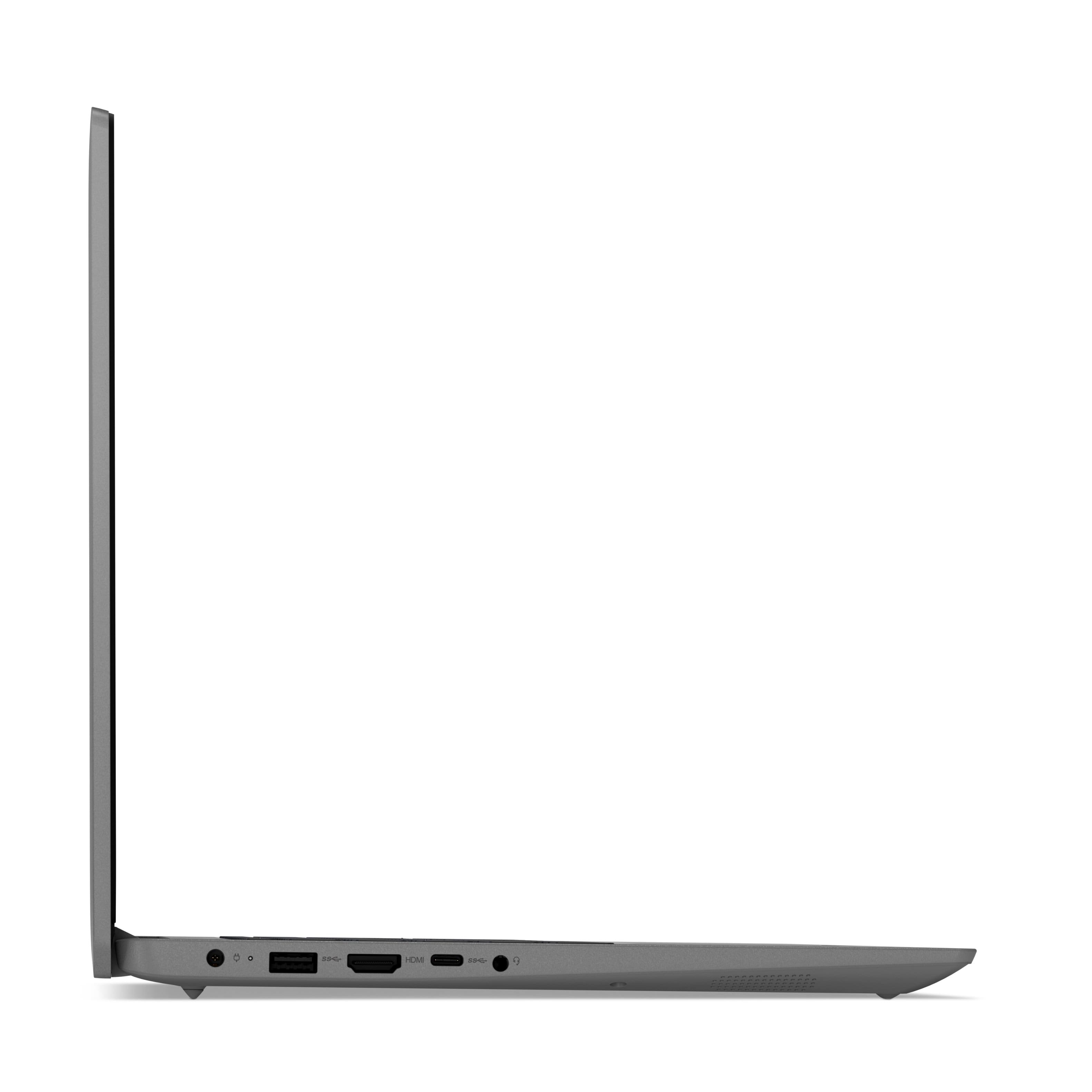
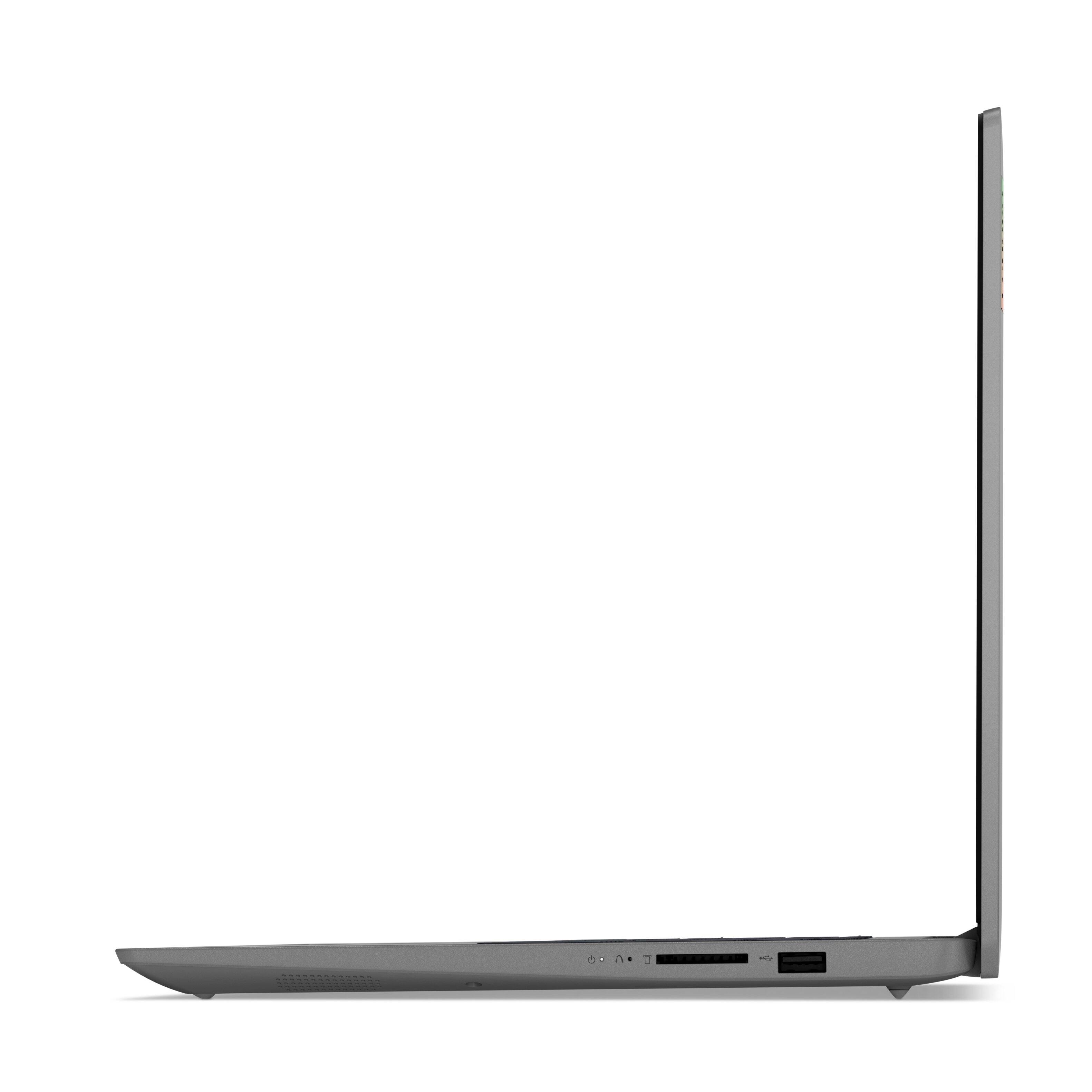
Posted .This reviewer received promo considerations or sweepstakes entry for writing a review.Overall, this is a good laptop. Intel 11th Gen is plenty fast and power efficient with great battery life. Good amount of RAM and disk space is adequate. Good backlit keyboard and touchscreen monitor. Haven't seen any instability issues. All good points for an entry level laptop. However, I have 2 complaints relating to poor design choice: 1) If you insert an SD card into the card slot, the card doesn't seat inside the case like on every other device I've ever seen. Rather, it sticks out about 5/8 of an inch, which is too far to safely move the laptop around without fear of damaging the card or connections. This seems like a really crazy design to me with no clear reason, considering there doesn't appear to be space constraints on this laptop. More importantly, it prevents the ability to use an SD card as a sort of permanent secondary storage solution as I had planned. 2) The USB-C port has data functionality only, and doesn't support Thunderbolt. Video output is through HDMI only. This eliminates the possibility of using this laptop with a docking station and increases the number of cables required if you want to use this laptop with an external monitor/keyboard/mouse desktop setup. Of course, these issues would be resolved with the more expensive Thinkpad, but in the entry level price point, HP has models with equal or better quality and without these limitations. At the time I bought this one, the price was unbeatable, but all things equal, I think HP has a better product in this entry level space. I bought an HP for my wife with the same Intel 11th Gen, and it's overall the better machine. The only feature this laptop has over the HP is a backlit keyboard.
I would recommend this to a friendexcellent
Posted .This reviewer received promo considerations or sweepstakes entry for writing a review.Excelent laptop it's a wonderfull design. I highly recommend it
I would recommend this to a friendGreat value
Posted .This reviewer received promo considerations or sweepstakes entry for writing a review.Still working great to this day. Great little machine
I would recommend this to a friendThe Challenge Of Windows 11 On The Lenovo Laptop.
Posted .This reviewer received promo considerations or sweepstakes entry for writing a review.My Old 'Asus Computer' That I Purchased In 2013, From Best Buy, Was Replaced By The 'Lenovo With All The Bells & Whistles.' I've Enjoyed My New Computer; However, There Is Quite A Bit Of Difference From Windows 10 To Windows 11. There Is Lot To Learn; But, This Is A Challenge That Is Worth It. Thank You. Darwin Hinson.
I would recommend this to a friendBrand response from Lenovo Product Expert
Posted .Thank you for choosing the Lenovo IdeaPad 3 15 Laptop. Here is a link to a YouTube video that demonstrates some Windows 11 tips and tricks: https://www.youtube.com/watch?v=26dXRnc0EHc&t=29s
Great Laptop
Posted .This reviewer received promo considerations or sweepstakes entry for writing a review.I've had my laptop for two weeks and let me just say it is great product. As an avid MacBook Pro user i decided that i needed a change and bought this laptop. It is everything I expected it to be. Although it is not a gaming laptop it runs video games quite nice. I play sims 4 with almost all packs and mods and the laptop runs them nicely. I really like it so far, my only concerns would be the trackpad and how sometimes it has a mind of its own. Also, the speakers are not the best quality but that wasn't a problem for me since I use headphones a lot of the time that I am using the laptop.
I would recommend this to a friendBrand response from Lenovo Product Expert
Posted .Thank you for choosing the Lenovo IdeaPad 3 15 Laptop, model number 82H801DQUS. Regarding the touchpad, you can adjust the touchpad in your system settings. You can get there by clicking on the magnifying glass at the bottom of your Windows 11 screen. Type "touchpad" in the search window. Select "Mouse & touchpad settings" from the list of choices. You can make general adjustments to the touchpad there. You can also select "Additional mouse options" for more detailed adjustments to the touchpad sensitivity by increasing the delay of the touchpad. We are pleased to hear that the performance of the IdeaPad 3 15 meets your computing needs so well. We always recommend you check the requirements and compatibility of any software/games you will be installing on your new computer, before you invest in any computer. Be sure your new computer can support the software/games you will need to use and your workload.
- Pros mentioned:Touch screen
Good recomendation
Posted .This reviewer received promo considerations or sweepstakes entry for writing a review.Very nice laptop still getting used to all the newness of it. I like how it shuts off when I'm done using it and turns on when you open the lid.
I would recommend this to a friendBrand response from Lenovo Product Expert
Posted .Thank you for choosing the lenovo IdeaPad 3 15 laptop. We are pleased to hear that the features and performance of the IdeaPad 3 15 meets your computing needs so well.
- Pros mentioned:Easy to use
Laptop
Posted .This reviewer received promo considerations or sweepstakes entry for writing a review.I find the laptop very easy to use. I've not had a problem with operating, but lately it keeps dropping offline from the printer??
I would recommend this to a friendBrand response from Lenovo Product Expert
Posted .Thank you for choosing the Lenovo IdeaPad 3 15 laptop, model number 82H801DQUS. If only the wireless connection to your printer is the only connection that drops, try checking your printer manufacturer's web site for driver updates for your specific printer model and install those driver updates on to this laptop.
Decent Laptop
Posted .This reviewer received promo considerations or sweepstakes entry for writing a review.Purchased for wife. Decent, but appears to have a problem that I cannot confirm. Wife said that she could click on the bottom right of the trackpad (similar to right clicking on an item using a mouse to show options = properties, rename, etc.), but after upgrading to Windows 11 (don't do this as Windows 11 is terrible), the ability to right click on an icon/document to show the properties does not work. I rolled back to Windows 10 (S) and it still does not work.
I would recommend this to a friend- Pros mentioned:Speed
mr.
Posted .This reviewer received promo considerations or sweepstakes entry for writing a review.My Lenovo is the best lap top I have ever used. Very quick and easy to use. Stores much more data.
I would recommend this to a friendBrand response from Lenovo Product Expert
Posted .Thank you for choosing the Lenovo IdeaPad 3 15 Laptop. We are pleased to hear that the ease of use and performance of the IdeaPad 3 15 meets your computing needs so well.
- Pros mentioned:Speed
Great computer
Posted .This reviewer received promo considerations or sweepstakes entry for writing a review.This is a really fast computer. Absolutely no complaints. I would definitely buy it again.
I would recommend this to a friendBrand response from Lenovo Product Expert
Posted .Thank you for choosing the Lenovo IdeaPad 3 15 Laptop. We are pleased to hear that the performance of the IdeaPad 3 15 meets your computing needs so well.
New computer
Posted .This reviewer received promo considerations or sweepstakes entry for writing a review.I have been happy with the computers performance. The valve was definitely there.
I would recommend this to a friendBrand response from Lenovo Product Expert
Posted .Thank you for choosing the Lenovo IdeaPad 3 15.6in. FHD Touch Screen Laptop. We are very pleased to hear that the specifications and features of the Lenovo IdeaPad 3 15.6in. Touch Screen Laptop meet your computing needs so well.