Customer Ratings & Reviews
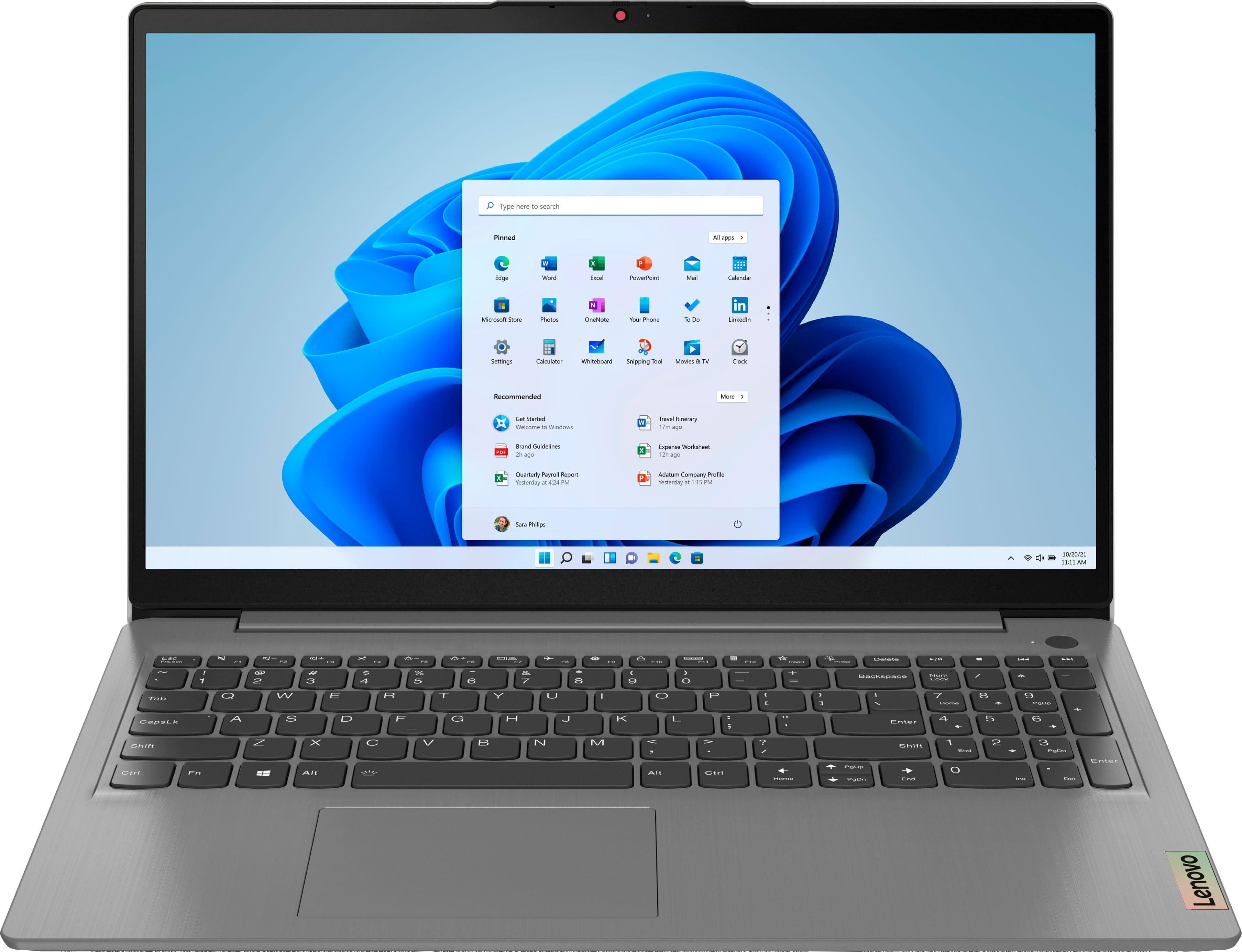
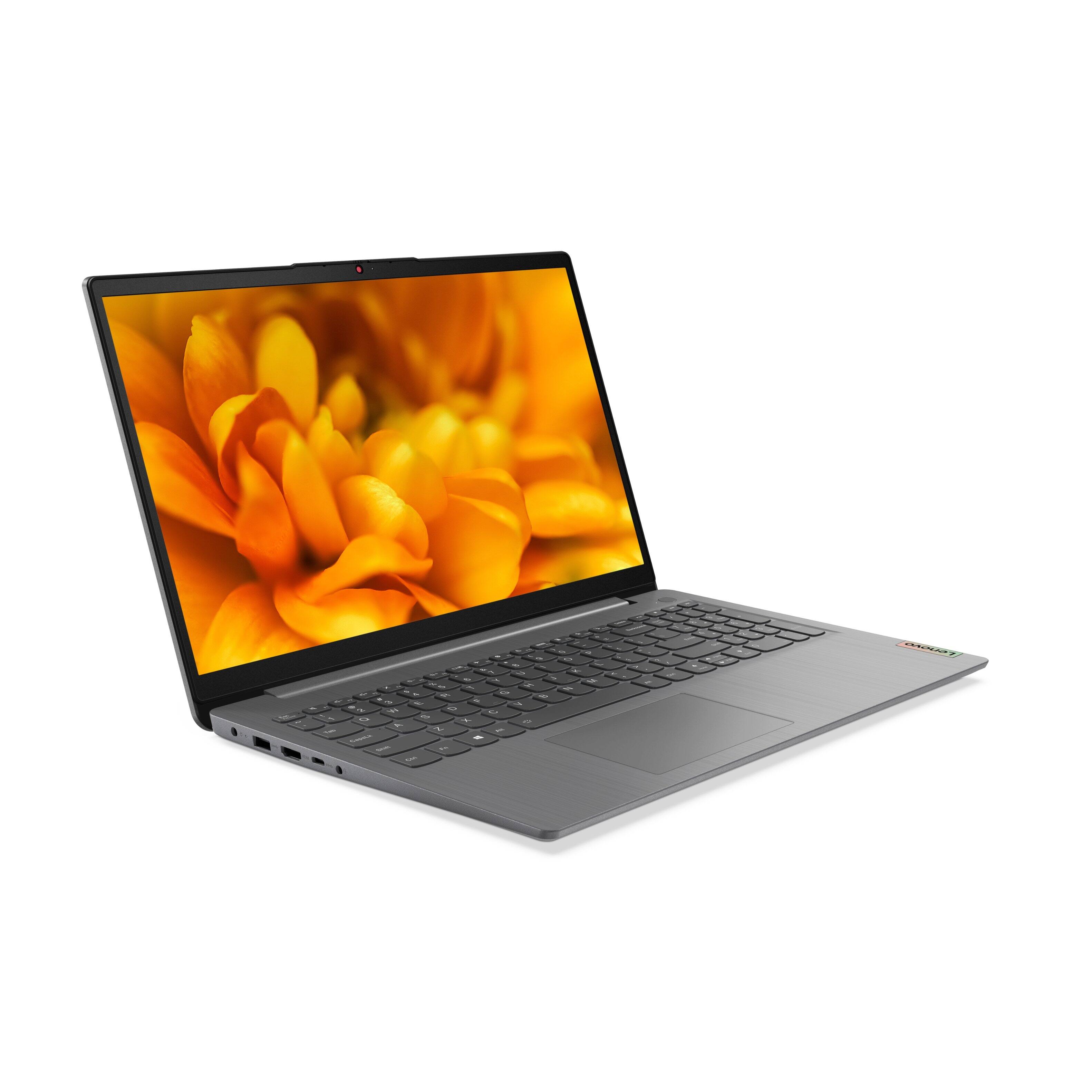
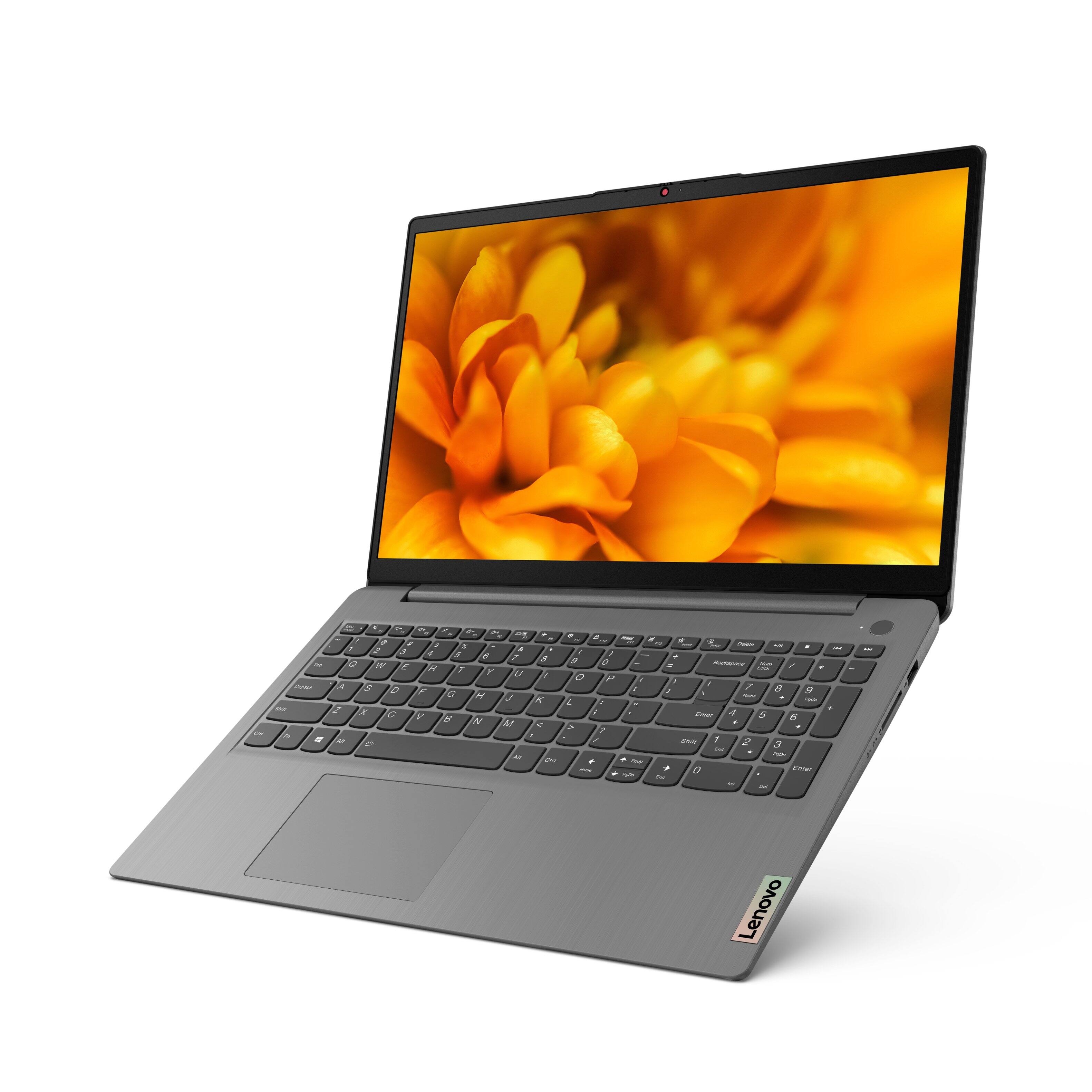

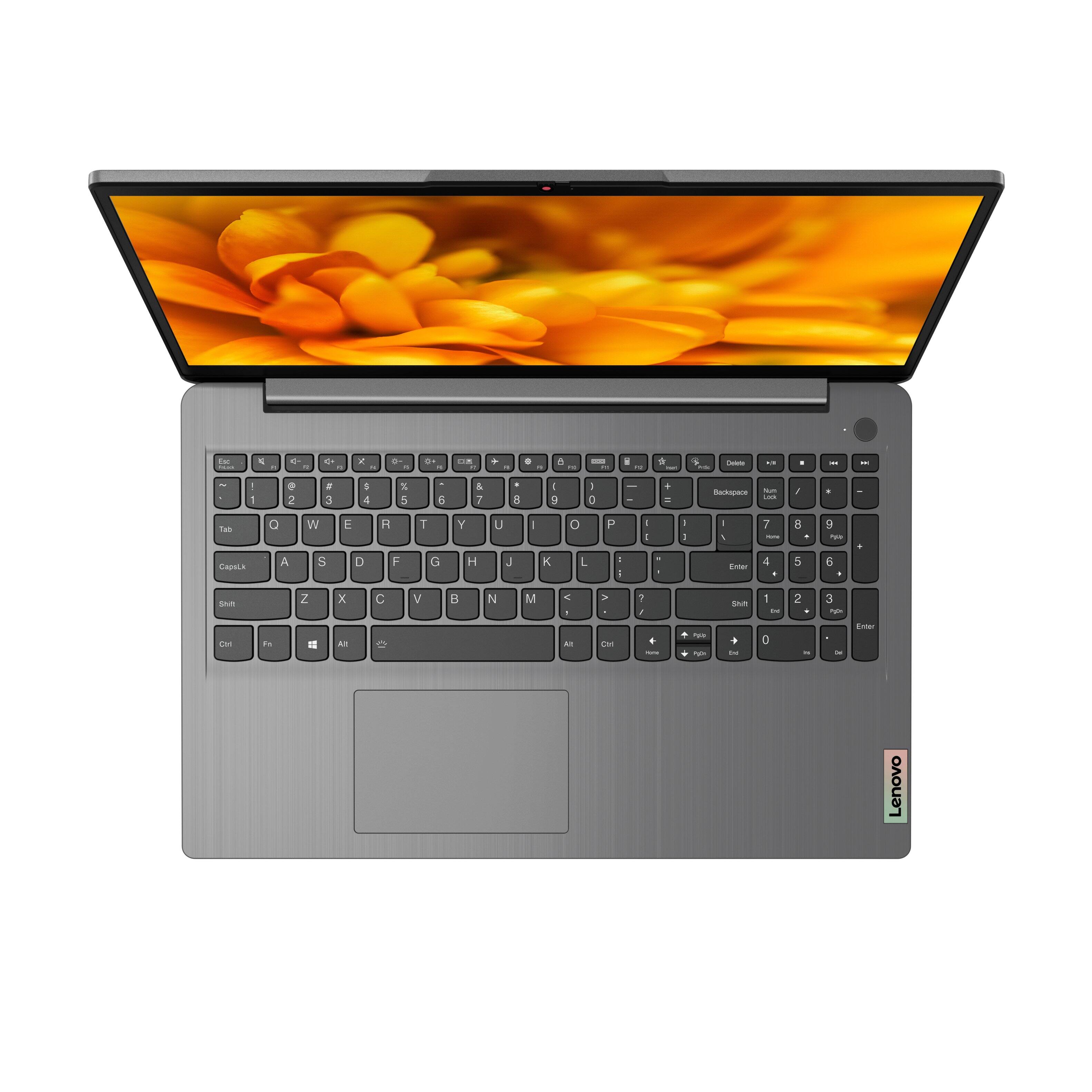
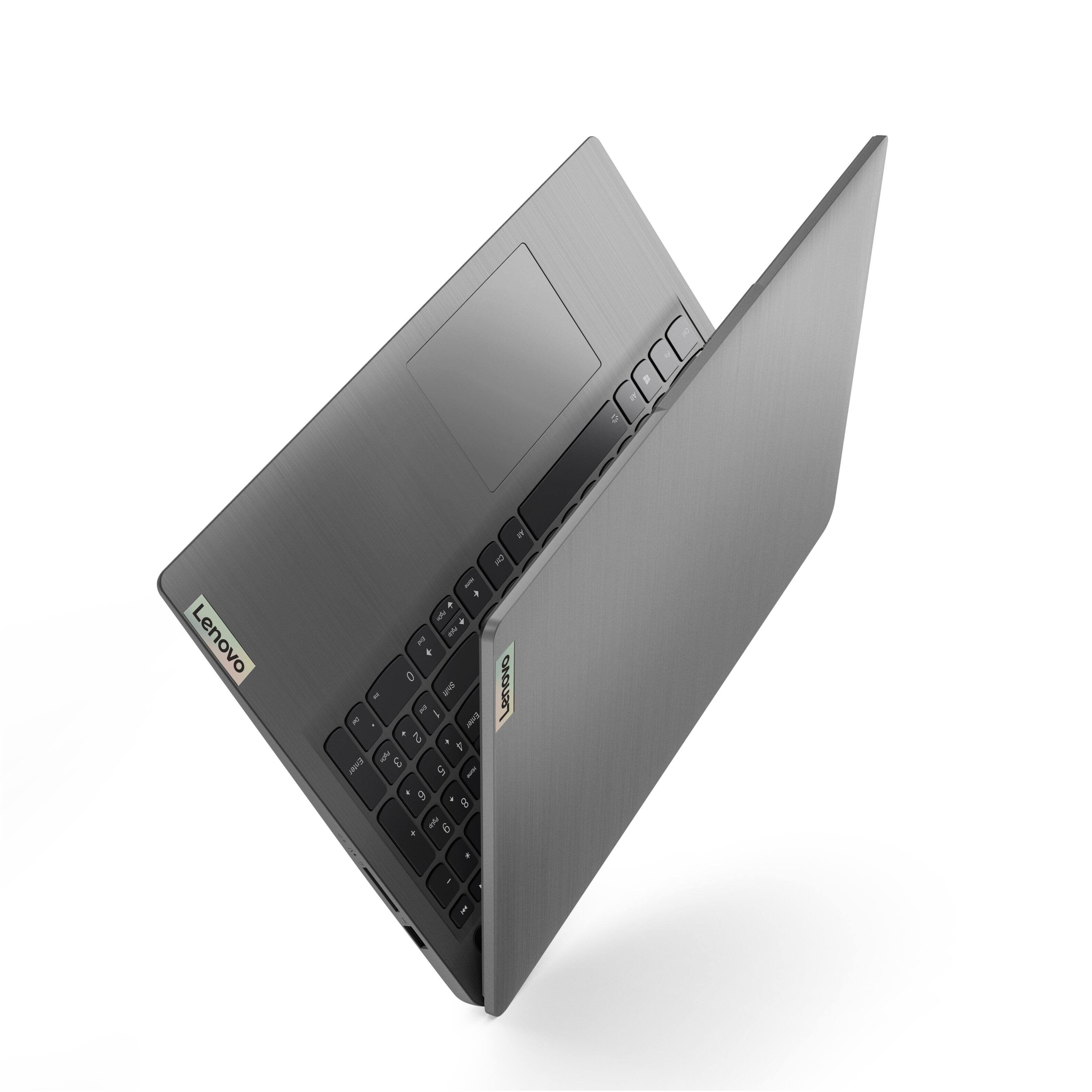
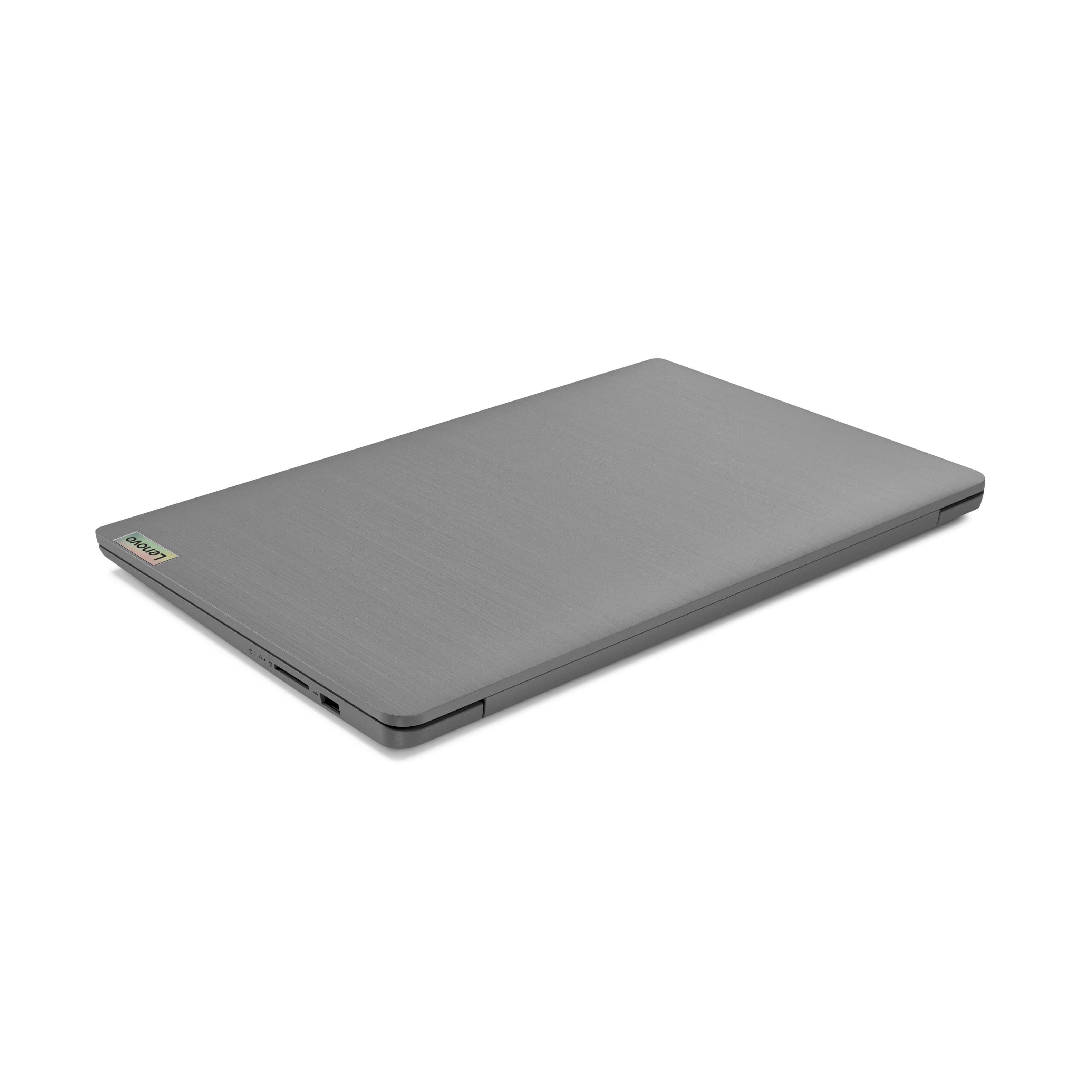
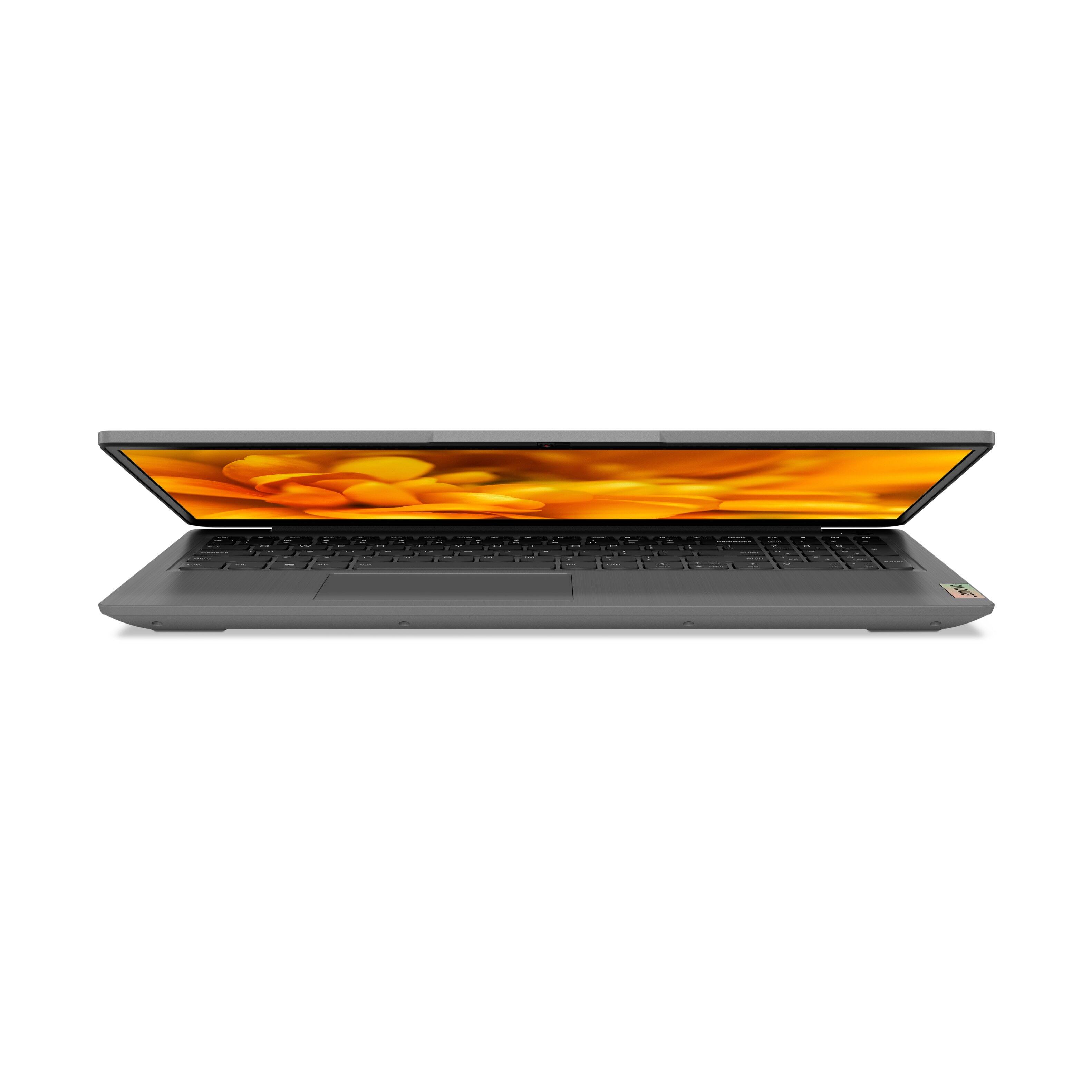
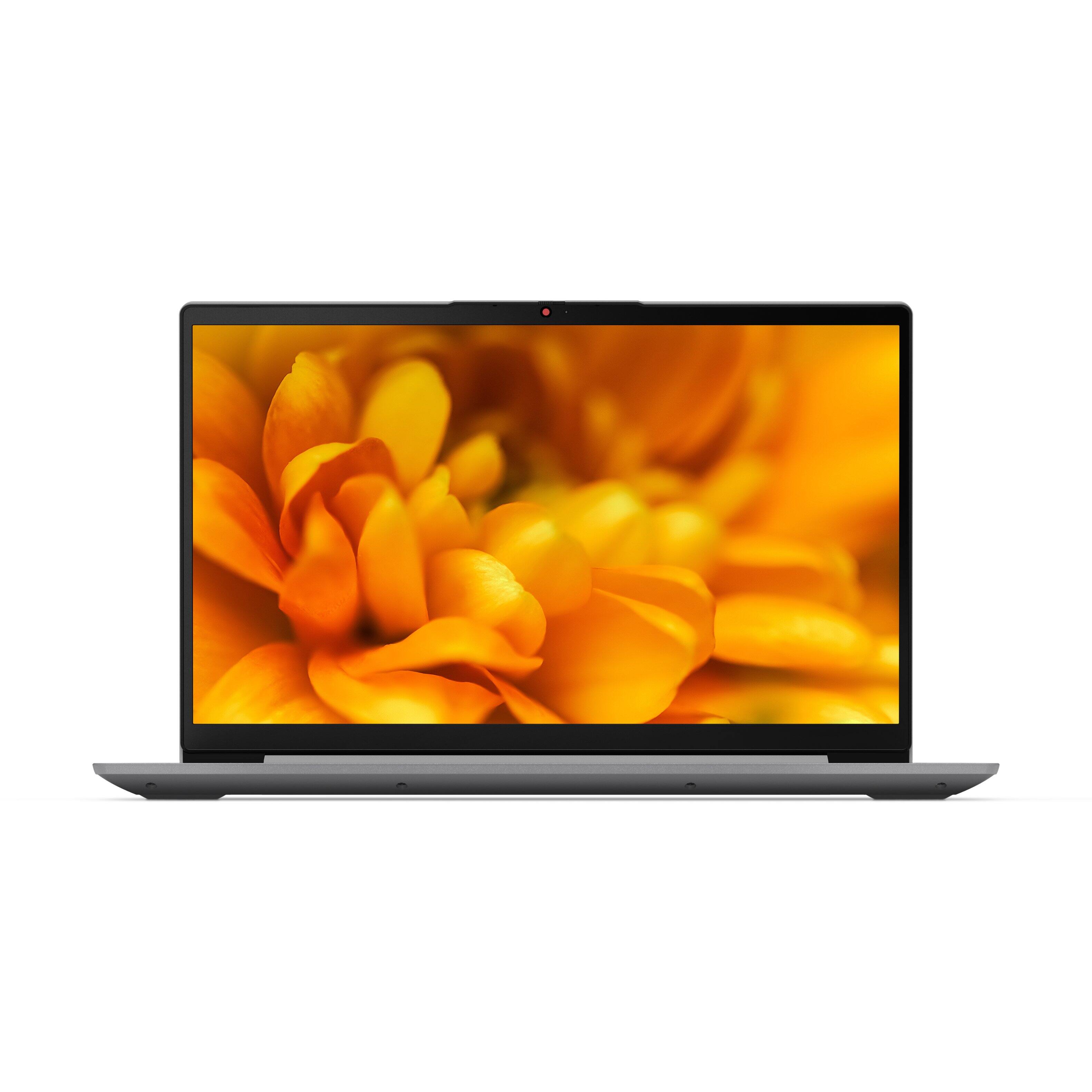

- Model:
- 82H801DQUS/82H8018SUS
- SKU:
- 6461977
Rating by feature
- Battery Life
Rating 4.4 out of 5 stars
- Speed
Rating 4.7 out of 5 stars
- Display
Rating 4.6 out of 5 stars
Customers are saying
Customers have good things to say about the Lenovo Ideapad 3's touch screen, price, weight, and ease of use. They appreciate the responsiveness of the touch screen, affordability, portability, and user-friendly interface. However, some customers have concerns about the battery life, limited storage, and gaming capabilities. Additionally, a few users mentioned that the power button felt cheap and that it took some time to get used to Windows 11.
This summary was generated by AI based on customer reviews.
- Pros mentioned:Price
Great Buy!
Posted .This reviewer received promo considerations or sweepstakes entry for writing a review.Good value for what you pay for. Can handle multiple browser with ease. Windows 11 ready
I would recommend this to a friend - Pros mentioned:Price
Great
Posted .This reviewer received promo considerations or sweepstakes entry for writing a review.Great laptop for the price especially if you are a student. This is good for you.
I would recommend this to a friendBrand response from Lenovo Product Expert
Posted .Thank you for choosing the Lenovo IdeaPad 3 15 Laptop. We are pleased to hear that the value and performance of the IdeaPad 3 15 meets your computing needs so well.

- Pros mentioned:Easy to use
Love it
Posted .This reviewer received promo considerations or sweepstakes entry for writing a review.Easy to just turn on and go! Beautiful graphics! Love it!
I would recommend this to a friendBrand response from Lenovo Product Expert
Posted .Thank you for choosing the Lenovo IdeaPad 3 15 Laptop. We are pleased to hear that the ease of use and performance of the IdeaPad 3 15 meets your computing needs so well.
- Pros mentioned:Light weight
nice and portable
Posted .This reviewer received promo considerations or sweepstakes entry for writing a review.it works good for now. Light weighted and easy to carry.
I would recommend this to a friendBrand response from Lenovo Product Expert
Posted .Thank you for choosing the Lenovo IdeaPad 3 15 Laptop. We are pleased to hear that the IdeaPad 3 15 meets your computing needs so well.
exc. laptop, but wrong info. given when i called.
Posted .This reviewer received promo considerations or sweepstakes entry for writing a review.i trust Lenovo products and it works very well. i telephoned and was speaking with one of the representatives after my purchase and before delivery about my purchase i asked if i could play a disc and the ans. i was given was yes and i was so disappointed when i received this laptop because the representative was wrong.
I would recommend this to a friendBrand response from Lenovo Product Expert
Posted .Thank you for choosing the Lenovo IdeaPad 3 15.6in. FHD Touch Screen Laptop. We are very pleased to hear that the specifications and features of the Lenovo IdeaPad 3 15.6in. FHD Touch Screen Laptop meet your computing needs so well. Should you want to play a CD, we suggest looking into this DVD/CD adapter -- https://www.bestbuy.com/site/lg-8x-external-usb-double-layer-dvdrw-cd-rw-drive-black/5852919.p?skuId=5852919.
- Cons mentioned:Wifi issues
Two defective items in a row
Posted .This reviewer received promo considerations or sweepstakes entry for writing a review.This has to be the worst laptop I've ever bought, I've had nothing but issues since day one. I had to exchange the first one I bought because the screen had a dead pixel, and now the second one has constant issues with the touchpad and the wifi adapter suddenly stopped working as well. Lenovo support has been wholly unhelpful with both the touchpad and wifi issues, all they do is suggest the automatic troubleshooting that anyone with two brain cells would have tried before calling them, so you're on your own to find solutions to any issues that come up. The only reason I give it two stars is because it does occasionally work correctly for a few hours at a time. There are many other budget laptops around the same price that work much better, so save yourself the trouble and buy something else.
No, I would not recommend this to a friendBrand response from Lenovo Product Expert
Posted .We are sorry to hear that you are having issues with your Lenovo IdeaPad 3 15 laptop, model number 82H801DQUS. First, regarding the touchpad, you can adjust the touchpad in your system settings. You can get there by clicking on the magnifying glass at the bottom left of your Windows 10 screen. Type "touchpad" in the search window. Select "Mouse & touchpad settings" from the list of choices. You can make general adjustments to the touchpad there. You can also select "Additional mouse options" for more detailed adjustments to the touchpad sensitivity by increasing the delay of the touchpad. This model ships with wide-range/high speed 2x2 802.11ac frequency WiFi installed. If you are getting less than expected WiFi performance first, check to be sure you have the latest version of Windows 10/11 on the computer. Then update all BIOS files and drivers up to that latest version of Windows 10/11. You can easily accomplish this by scanning the computer with the Lenovo Utility software available on this computer. This system has Lenovo utilities installed to help maintain the health of the device and keep the operating system software up to date. Type "Lenovo Vantage" in the Cortana Search window (if Lenovo Vantage is not installed on your device, you can download the APP and install it now). Select Lenovo Vantage from the list. In the window that opens, click on "Health and Support". In the expanded menu, select "Hardware Scan" In the window that opens, select "Run Quick Tests". This will scan your entire system for errors. Follow any directions that may pop up. If the problem continues after this scan, now click on "System Update". First select Windows update from the menu. Scan your system to be sure you have the latest version of Windows 10/11. Once that scan is complete, select "Additional Updates". This will scan your device to be sure there are no new BIOS/Driver updates needed. Follow any instructions that may pop up. If the issues continues or there are no updates available, you can directly update/uninstall - reinstall the WiFi Driver within the Windows Operating System on this Laptop. Here is a link to instructions for doing this: https://allthings.how/how-to-install-or-update-windows-11-wifi-driver/#:~:text=In%20Settings%2C%20click%20on%20the,Download%20%26%20install'%20under%20it. If the issues still continue, we recommend you contact lenovo Tech Support. Let your Customer Support Representative know the steps you have tried to fit the issues, so they do not duplicate your efforts: 877-453-6686.
- Pros mentioned:Speed
Good value comparable to HP
Posted .This reviewer received promo considerations or sweepstakes entry for writing a review.It is fast and a very close to HP laptop in comparision by speed.
I would recommend this to a friend Poor build quality
Posted .This reviewer received promo considerations or sweepstakes entry for writing a review.Build quality is poor, laptop cracked at hinges only after an 1.5 year of use. Performance is good.
No, I would not recommend this to a friendChinese laptop
Posted .This reviewer received promo considerations or sweepstakes entry for writing a review.Very easy process, selected and purchased the laptop online, drove to the store where it was waiting for me at counter. Don't like the fact it is a Chinese laptop but have found them to be more durable, dependable and longer lasting than other affordable computers.
I would recommend this to a friendAll's great, but....
Posted .This reviewer received promo considerations or sweepstakes entry for writing a review.Really fast start up and operation. Typical Windows performance. Did switch out of "S" mode and upgraded to Win 11. However, only glitch is the touch screen seems to stop working after a day or so. Does resume if I restart the computer rather than put it to sleep.
I would recommend this to a friendBrand response from Lenovo Product Expert
Posted .We are sorry to hear that you are having issues with your Lenovo IdeaPad 3 15 Laptop after upgrading to Window 11 Operating System. check to be sure that after updating to Windows 11, all BIOS files and drivers are also up date with that latest version of Windows 11. You can easily accomplish this by scanning the computer with the Lenovo Utility software available on this computer. This system has Lenovo utilities installed to help maintain the health of the device and keep the operating system software up to date. Type "Lenovo Vantage" in the Cortana Search window (if Lenovo Vantage is not installed on your device, you can download the APP and install it now). Select Lenovo Vantage from the list. In the window that opens, click on "Health and Support". In the expanded menu, select "Hardware Scan" In the window that opens, select "Run Quick Tests". This will scan your entire system for errors. Follow any directions that may pop up. If the problem continues after this scan, now click on "System Update". First select Windows update from the menu. Scan your system to be sure you have the latest version of Windows 11. Once that scan is complete, select "Additional Updates". This will scan your device to be sure there are no new BIOS/Driver updates needed. Follow any instructions that may pop up. If the issue continues after these updates, we recommend you call Lenovo Tech Support at: 877-453-6686 for additional help.
Weird features for a laptop
Posted .This reviewer received promo considerations or sweepstakes entry for writing a review.Not happy with this laptop. For unknown reasons the touch screen stops working and the driver needs to be disabled and re-enabled in device manager. Also will randomly leave the screen I'm reading and put up the screen when first powered up. Touching the screen or clicking enter will usually bring back the screen I was reading but sometimes I need to re-enter my password etc. like I just powered on.
No, I would not recommend this to a friendBrand response from Lenovo Product Expert
Posted .We are sorry to hear that you are having issues with your Lenovo IdeaPad 3 15 laptop, model number 82H801DQUS. The issues you mention with the touch screen and the other Operating System errors you describe are not normal. First, even id you have switched out of S-Mode, be sure any software you installed is compatible with Windows. There is no need to install Microsoft Office software. The software is already part of the operating system, you just need to activate the software with a purchased product key. If you have installed a copy of Microsoft Office, this is conflicting with the existing copy on the system and this will slow your system down. If you have installed a 3rd party anti-virus program, be sure that Windows Defender is turned off and that the trial version of McAfee Anti-Virus software is uninstalled. There can only be one anti-virus program on the system. You may need to restore your system to original factory default settings if any of the programming errors have occurred. You can do that by typing "restore" in the Cortana search window. Just click on the magnifying glass icon at the bottom left of your Windows Desktop. Click on "Reset This PC" Then click on "Get Started" and follow the on screen directions to restore to factory defaults. If there is no incompatible software installed but the issues persist, check to be sure you have the latest version of Windows on the computer. Then update all BIOS files and drivers up to that latest version of Windows. You can easily accomplish this by scanning the computer with the Lenovo Utility software available on this computer. This system has Lenovo utilities installed to help maintain the health of the device and keep the operating system software up to date. Type "Lenovo Vantage" in the Cortana Search window (if Lenovo Vantage is not installed on your device, you can download the APP and install it now). Select Lenovo Vantage from the list. In the window that opens, click on "Health and Support". In the expanded menu, select "Hardware Scan" In the window that opens, select "Run Quick Tests". This will scan your entire system for errors. Follow any directions that may pop up. If the problem continues after this scan, now click on "System Update". First select Windows update from the menu. Scan your system to be sure you have the latest version of Windows. Once that scan is complete, select "Additional Updates". This will scan your device to be sure there are no new BIOS/Driver updates needed. Follow any instructions that may pop up. If the issue still continues after these updates, we recommend you call Lenovo Tech Support at: 877-453-6686 for additional help.
New Laptop!
Posted .This reviewer received promo considerations or sweepstakes entry for writing a review.We love are new laptop and also the best help from Benjamin Fritz. He has helped us through the road bumps and he’s very helpful and knowledgeable to us.
I would recommend this to a friendBrand response from Lenovo Product Expert
Posted .Thank you for choosing the Lenovo IdeaPad 3 15 Laptop. We are pleased to hear that the IdeaPad 3 15 Laptop is working out so well for you.
Thumbs up for Lenovo!
Posted .This reviewer received promo considerations or sweepstakes entry for writing a review.I like my Idea pad 3, it boots up very fast and operates very fast as well. I love that the keyboard lights up. I have had no issues with it. It is better than I thought it would be.
I would recommend this to a friendBrand response from Lenovo Product Expert
Posted .Thank you for choosing the Lenovo IdeaPad 3 15 Laptop. We are pleased to hear that the features and performance of the Ideapad 3 15 meets your computing needs so well.
International warranty
Posted .This reviewer received promo considerations or sweepstakes entry for writing a review.Does this laptop have international warranty? I want to know. As a traveller. Laptop is very powerful and good
I would recommend this to a friendBrand response from Lenovo Product Expert
Posted .No. The Lenovo IdeaPad 3 15 Laptop, model number 82H801DQUS, does not have an International Manufacturer's Warranty. There is a limited, 1-year Manufacturer's Warranty, covering hardware OEM issues that is valid in the USA and Canada only.
"Deal With It"
Posted .This reviewer received promo considerations or sweepstakes entry for writing a review.This laptop is horrible, and no one can seem to fix this. When navigating the cursor, the website for MSN/Bing Box keeps popping up, and I have to hit the enter button around 5 to 10 times 90% of the time. I've had it11111 But Best Buy seems to think, Lenovo has had this problem.......in short, deal with it, and I have!!!!!!!!!!!!!!
No, I would not recommend this to a friendFind out about S-Mode before you leave
Posted .This reviewer received promo considerations or sweepstakes entry for writing a review.The computer is great! However I don’t like that I had to take the computer back to Best Buy to get it out of S-Mode. The computer won’t let you use google unless you do that.
I would recommend this to a friendBrand response from Lenovo Product Expert
Posted .Thank you for choosing the Lenovo IdeaPad 3 15 laptop, model number 82H801DQUS. This model ships with Windows 11 S-Mode, 64-bit Operating System installed. Windows 11 S-Mode provides added security by only allowing APPs available ( and therefore certified by Microsoft) at the Microsoft Store. If you don't need the added security or you need to install APPs not available at the Microsoft Store, you can switch to standard Windows 11 Home 64-bit Operating System, at no additional cost. If you choose to switch out of S-Mode for Windows 11 Home: Here is a link to instructions for switching from Windows 11 S-Mode to Windows 11 Home: https://support.microsoft.com/en-us/help/4456067/windows-10-switch-out-of-s-mode
Love this laptop !
Posted .This reviewer received promo considerations or sweepstakes entry for writing a review.My Boyfriend got me this laptop for christmas its a huge upgrade for me ! I highly recommend turning off S mode and using google chrome.
I would recommend this to a friendBrand response from Lenovo Product Expert
Posted .We are pleased to hear that the features and performance of the Lenovo IdeaPad 3 15 Laptop, model number 82H801DQUS, meets your computing needs so well. This model ships with Windows 11 S-Mode 64-bit Operating System installed. Windows 11 S-Mode provides added security by only allowing APPs available ( and therefore certified by Microsoft) at the Microsoft Store. If you don't need the added security or you need to install APPs not available at the Microsoft Store, you can switch to standard Windows 11 Home 64-bit Operating System, at no additional cost. If you choose to switch out of S-Mode for Windows 11 Home: Here is a link to instructions for switching from Windows 11 S-Mode to Windows 11 Home: https://support.microsoft.com/en-us/help/4456067/windows-10-switch-out-of-s-mode
Amazing
Posted .This reviewer received promo considerations or sweepstakes entry for writing a review.The only problem I have with this is that the start button doesn’t work for me on windows 11 anyway to fix this ?
I would recommend this to a friendBrand response from Lenovo Product Expert
Posted .We are sorry to hear that you are having issues with the start button on your Lenovo IdeaPad 3 15 Laptop, model number 82H801DQUS. First, try a restart of your computer after the upgrade to Windows 11. If the issue continues with the start button after a restart of the computer, we recommend you contact lenovo Tech Support for additional help at: 877-453-6686.
Awesome customer service
Posted .This reviewer received promo considerations or sweepstakes entry for writing a review.Great product and was exactly as described in the listing. Staff was friendly and helpful when I picked up my purchase.
I would recommend this to a friendBrand response from Lenovo Product Expert
Posted .Thank you for choosing the Lenovo IdeaPad 3 15 laptop. We are pleased to hear that the IdeaPad 3 15 meets your computing needs so well.
fast and easy
Posted .This reviewer received promo considerations or sweepstakes entry for writing a review.Order and delivery went smoothly and in a timely manner. Laptop is a huge upgrade over my prior laptop so 5 stars!
I would recommend this to a friendBrand response from Lenovo Product Expert
Posted .Thank you for choosing the Lenovo IdeaPad 3 15 laptop. We are pleased to hear that the IdeaPad 3 15 meets your computing needs so well.