Customer Ratings & Reviews
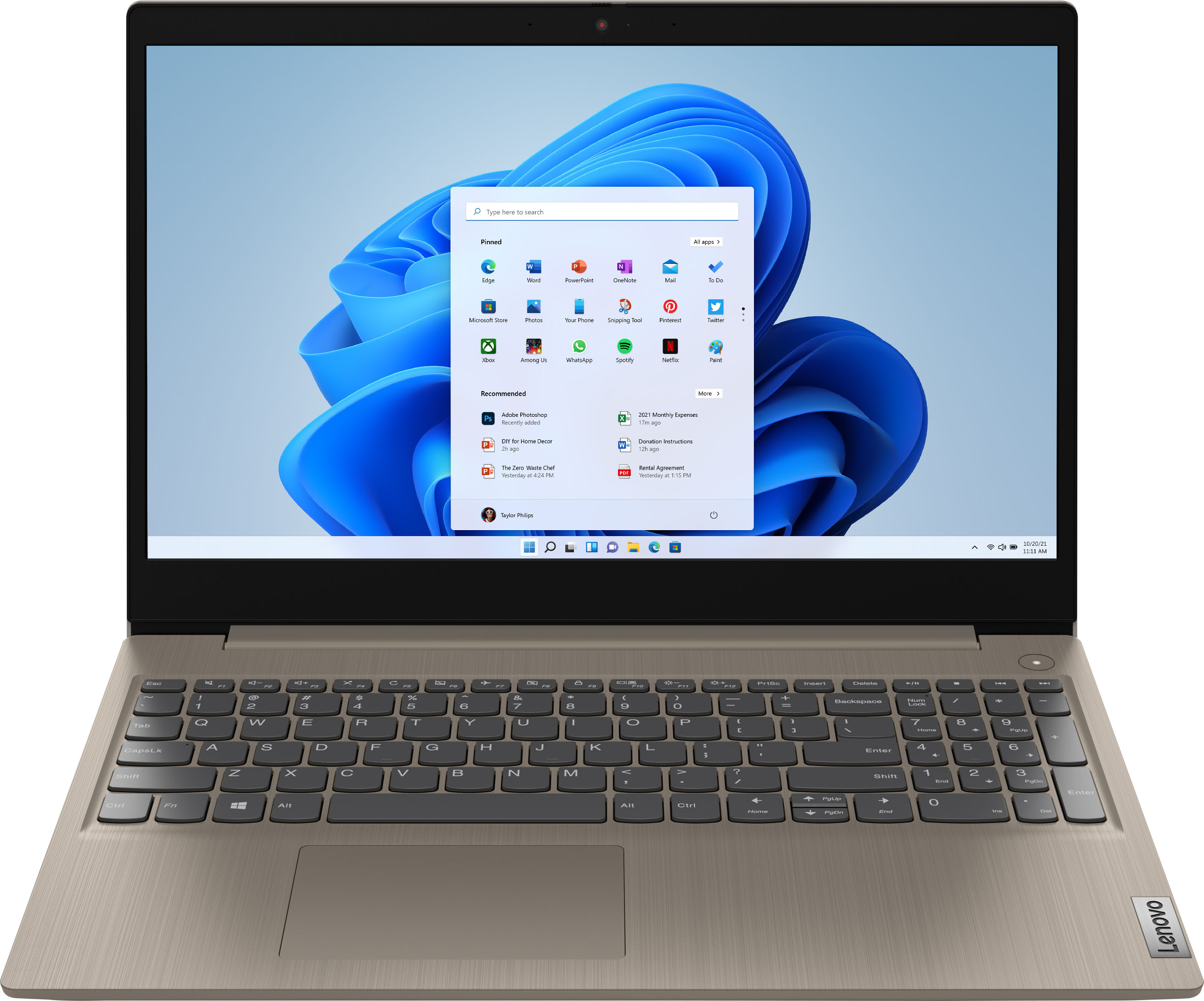
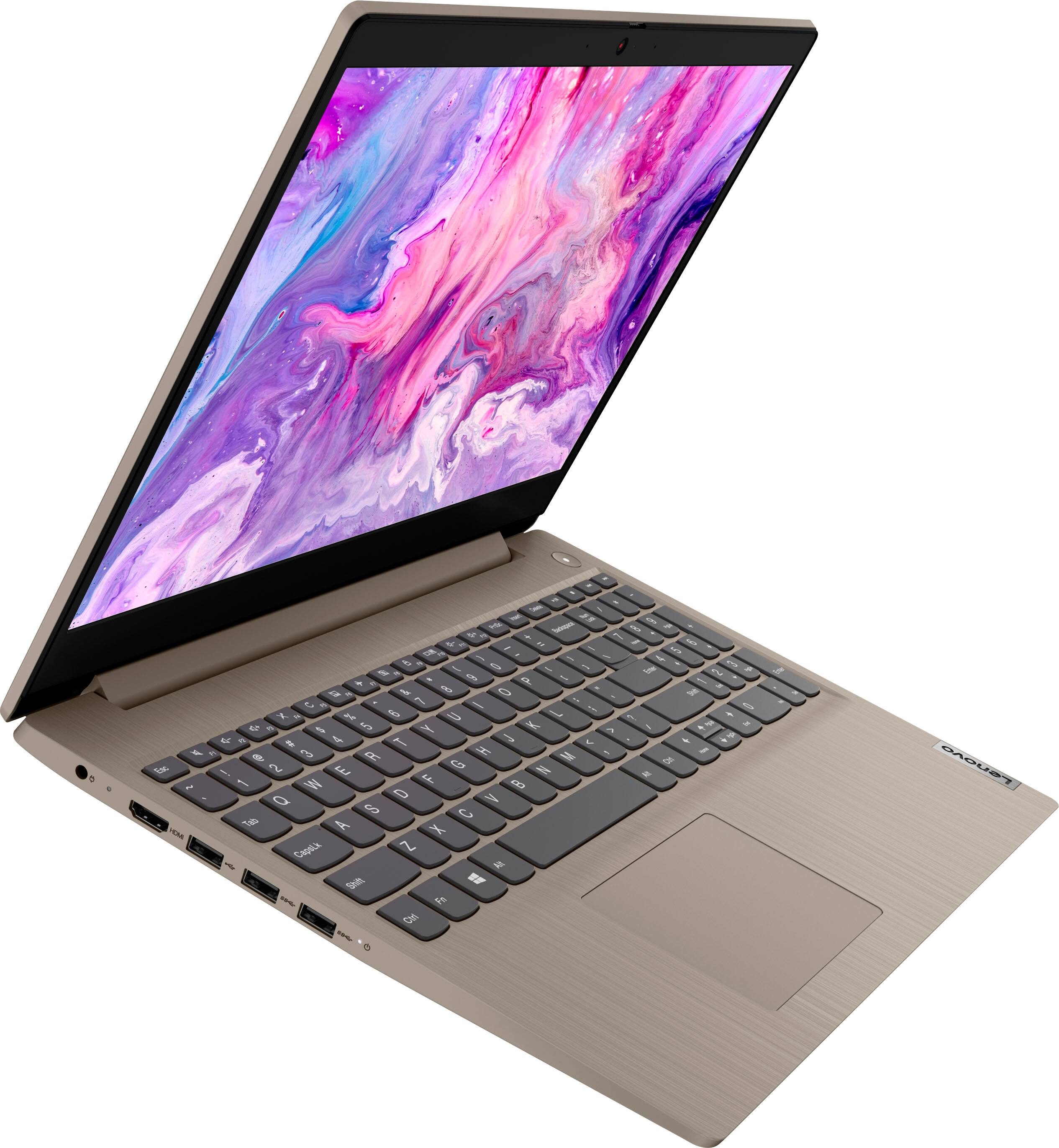
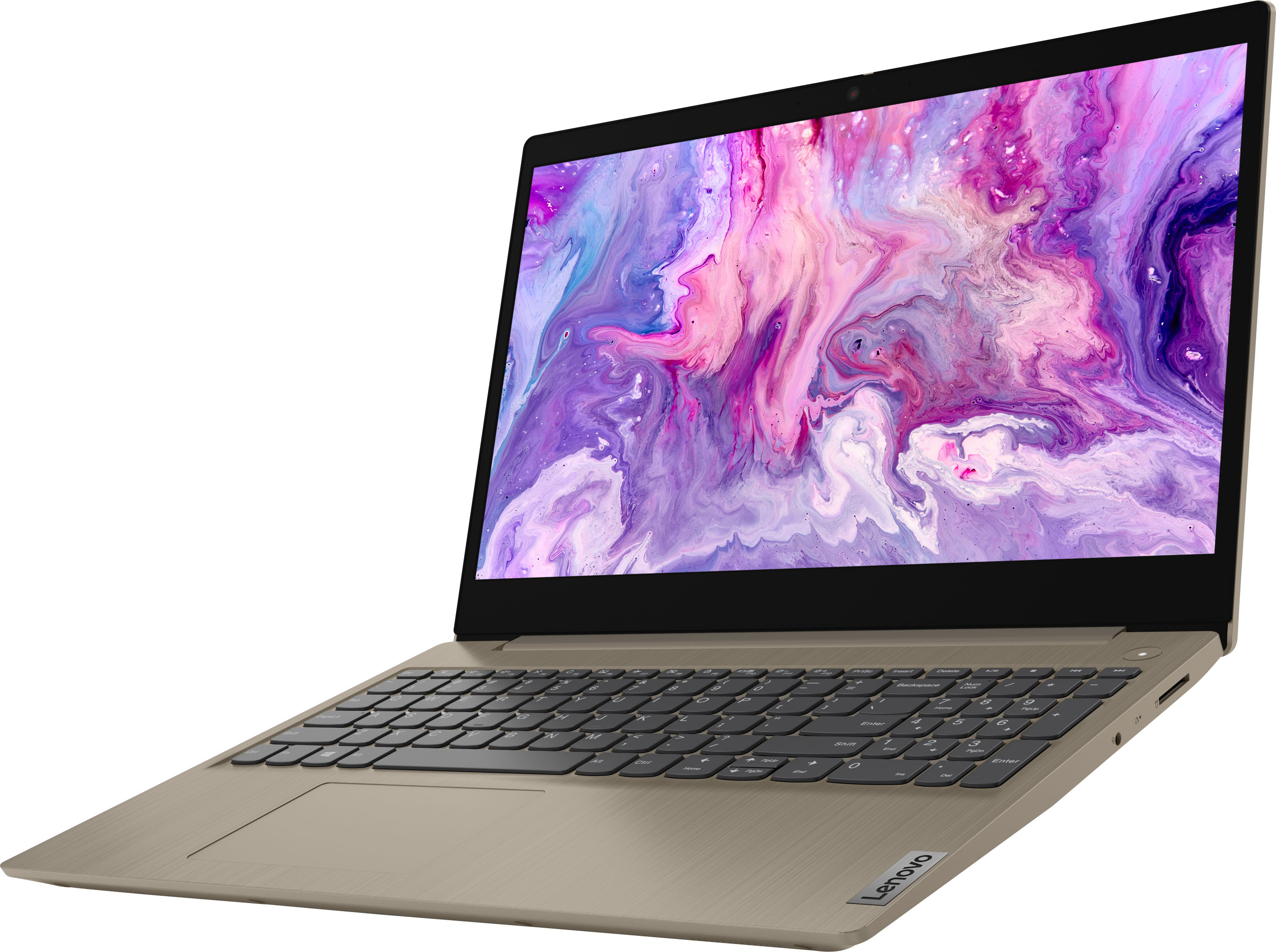
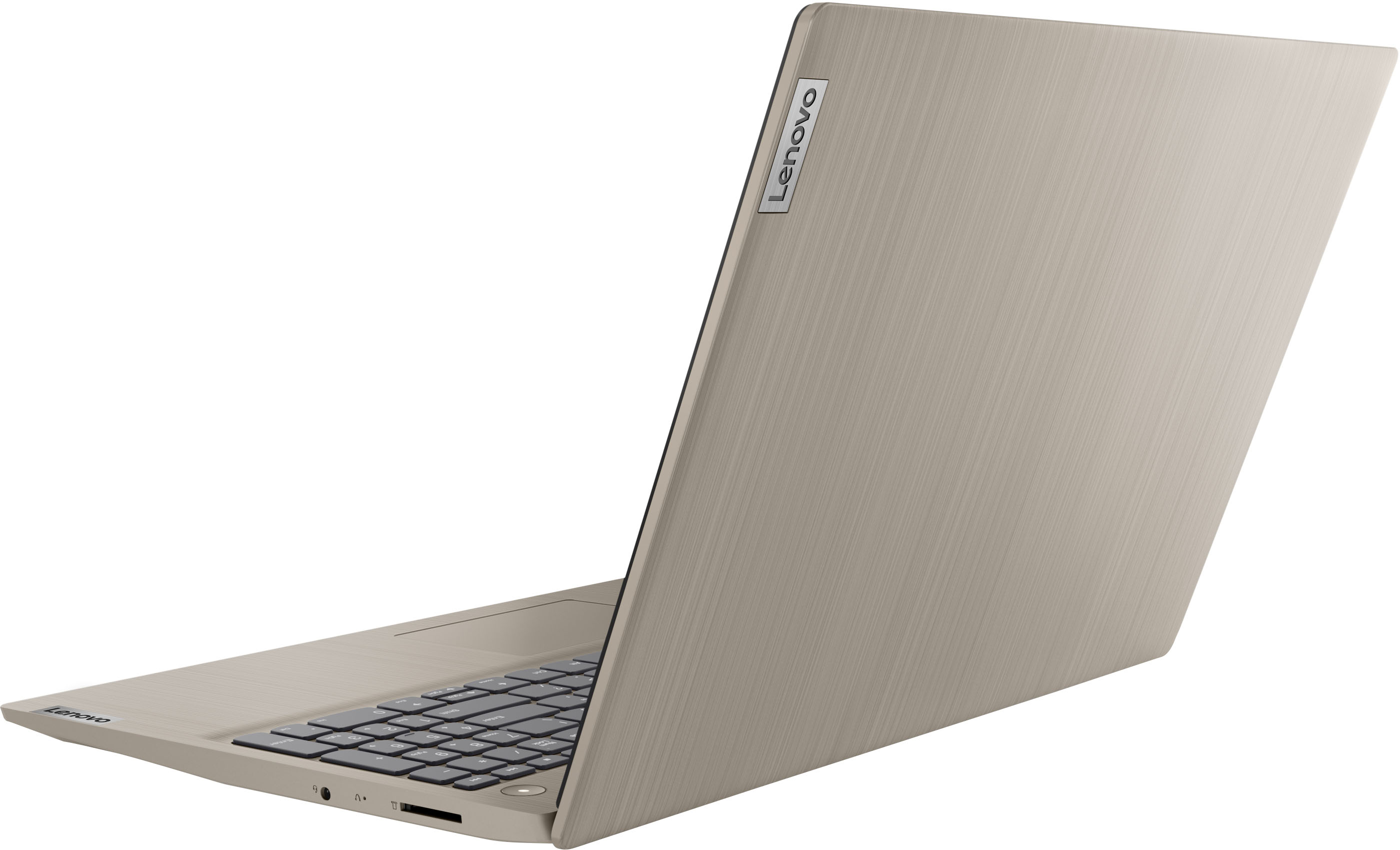
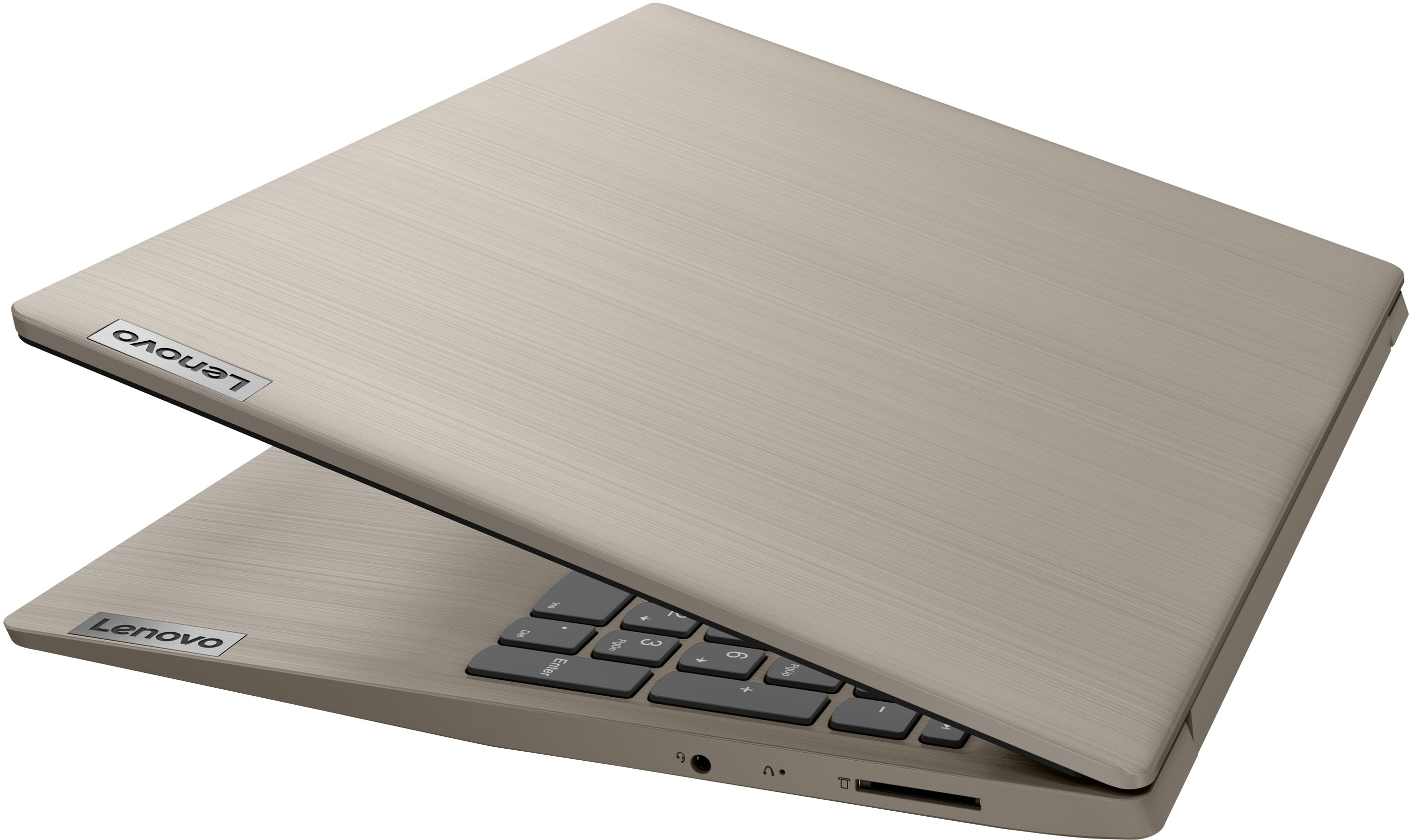
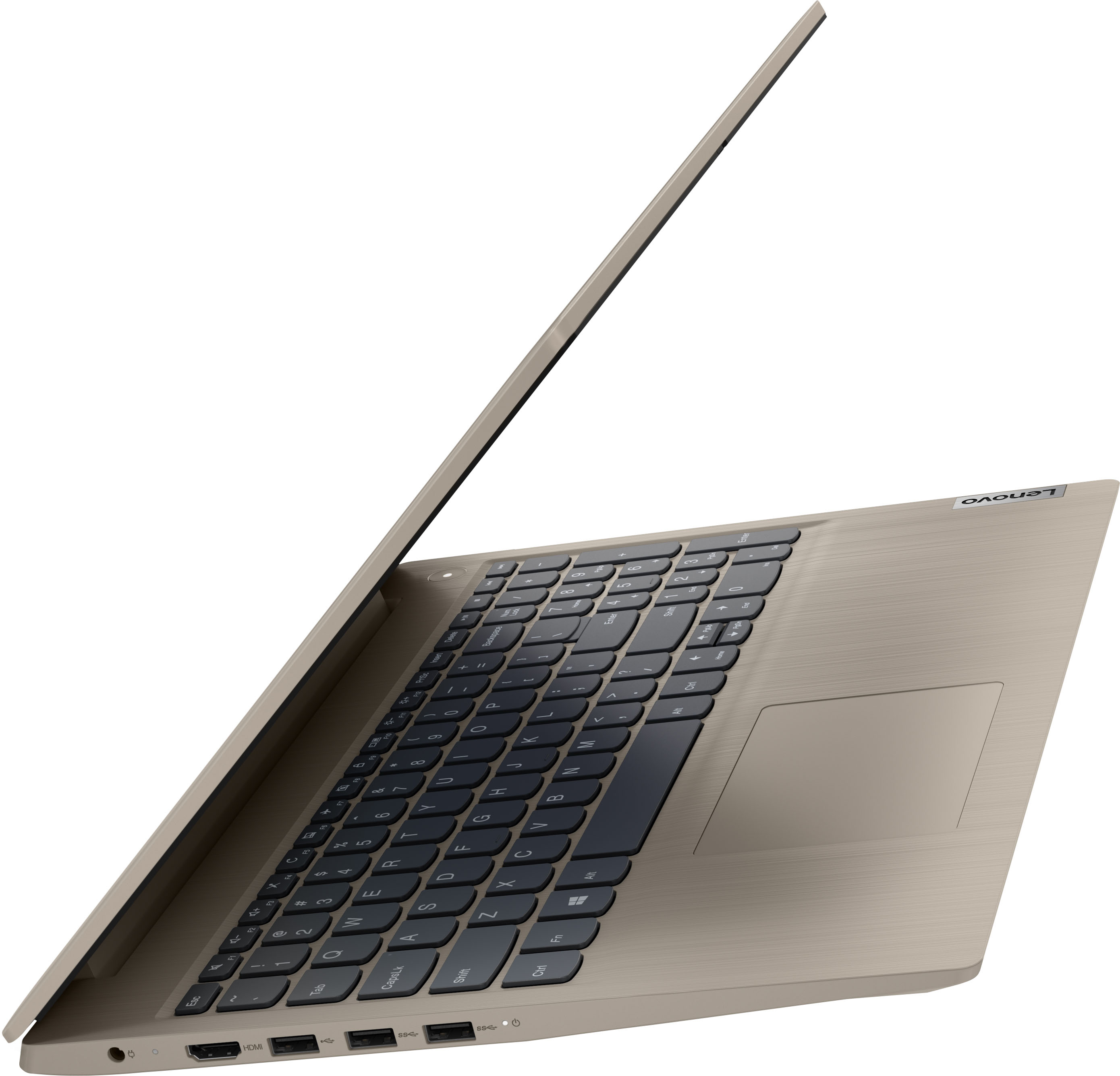

- Model:
- 81X800KLUS
- SKU:
- 6497829
Rating by feature
- Battery Life
Rating 4.4 out of 5 stars
- Speed
Rating 4.5 out of 5 stars
- Display
Rating 4.5 out of 5 stars
Customers are saying
Customers commend the IdeaPad 3's touchscreen, ease of use, performance, and value for its price. Many appreciate its lightweight design and fast SSD, finding it to be a good size for their needs. However, some users point to the battery life as needing improvement, and others express dissatisfaction with the pre-installed operating system. The limited storage capacity is also a concern for some customers.
This summary was generated by AI based on customer reviews.
Lenovo
||Posted . Owned for 11 months when reviewed.This reviewer received promo considerations or sweepstakes entry for writing a review.Great laptop for general use gooooooooooooooooooood
I would recommend this to a friendNot for Game, for Office works.
||Posted . Owned for 1 year when reviewed.This reviewer received promo considerations or sweepstakes entry for writing a review.Great laptop for office. No overheat, no screen freeze.
I would recommend this to a friendSmooth
||Posted . Owned for 7 months when reviewed.This reviewer received promo considerations or sweepstakes entry for writing a review.Nice laptop, very fast ram and easy set up ,fine procesador
I would recommend this to a friend- Pros mentioned:Price
Nice Basic Computer
||Posted . Owned for 5 months when reviewed.This reviewer received promo considerations or sweepstakes entry for writing a review.Purchased this computer for light duty number crunching. The price was right and it is capable of all our needs for the time being. The quality seems ok even though the build feels a little questionable. Time will tell, but I'm sure it will last the obligatory few years.
I would recommend this to a friendBrand response from Lenovo Product Expert
Posted .Thank you for choosing the Lenovo IdeaPad 3 15 HD Touch Screen Laptop. We are very pleased to see that the specifications and features of the Lenovo IdeaPad 3 15 HD Touch Screen Laptop meet your computing needs so well.

- Pros mentioned:Speed
fast
||Posted . Owned for 3 weeks when reviewed.This reviewer received promo considerations or sweepstakes entry for writing a review.Superfast nice display I would definitely buy this again it’s more than what I need for the price
I would recommend this to a friendBrand response from Lenovo Product Expert
Posted .Thank you for choosing the Lenovo IdeaPad 3 15 Laptop, model number 81X800KLUS. We are pleased to hear that the features and performance of the IdeaPad 3 15 meets your computing needs so well. We always recommend you check the requirements and compatibility of any software you will be installing on your new computer, before you invest in any computer. Be sure your new computer can support the software you will need to use and your workload.
- Pros mentioned:Price
Great value, disable S-mode
||Posted . Owned for 1 month when reviewed.This reviewer received promo considerations or sweepstakes entry for writing a review.Great product for the price. Had to replace a 2yr old dell product with hardware failure. Hoping the components in this are more robust, but time will tell. Once you disable S-mode it's a great machine!
I would recommend this to a friendBrand response from Lenovo Product Expert
Posted .Thank you for choosing the Lenovo IdeaPad 3 15 Laptop, model number 81X800KLUS. This model ships with Windows 11 S-Mode, 64-bit Operating System installed. Windows 11 S-Mode provides added security by only allowing APPs available ( and therefore certified by Microsoft) at the Microsoft Store. If you don't need the added security or you need to install APPs not available at the Microsoft Store, you can switch to standard Windows 11 Home 64-bit Operating System, at no additional cost. If you choose to switch out of S-Mode for Windows 11 Home: Here is a link to instructions for switching from Windows 11 S-Mode to Windows 11 Home: https://support.microsoft.com/en-us/windows/switching-out-of-s-mode-in-windows-4f56d9be-99ec-6983-119f-031bfb28a307#WindowsVersion=Windows_11. If you have questions about your Lenovo IdeaPad 3 15 Laptop, we recommend you contact Lenovo Tech Support at: 877-453-6686.
- Pros mentioned:Ease of use
Great laptop with touch screen and Windows 11
||Posted . Owned for 1 month when reviewed.This reviewer received promo considerations or sweepstakes entry for writing a review.I purchased this ideapad for my sister. It was easy to setup and has Windows 11 in S mode which makes it work easier with Microsoft Apps. It is easy to convert it to regular Windows 11. The computer is great for what my sister uses it for. We added Microsoft 365 which has many features.
I would recommend this to a friendBrand response from Lenovo Product Expert
Posted .Thank you for choosing the Lenovo IdeaPad 3 15 Laptop for your sister. We are pleased to hear that the IdeaPad 3 15 meets your sister's computing needs so well.
Good laptop
||Posted . Owned for 5 months when reviewed.This reviewer received promo considerations or sweepstakes entry for writing a review.Good first laptop for child. Would recommend for first time user.
I would recommend this to a friendLenovo Ideapad 3 15"
||Posted . Owned for 11 months when reviewed.This reviewer received promo considerations or sweepstakes entry for writing a review.Very happy with this laptop and would recommend it for home usage
I would recommend this to a friend- Pros mentioned:Performance
Basic efficient computer with an unbeatable price
||Posted . Owned for 2 weeks when reviewed.This reviewer received promo considerations or sweepstakes entry for writing a review.I bought this computer for my 10-year old niece, and it was more than we expected, now my high-school nephew is also using it, so I think I would need to buy a new unit. I don't think it would suit for proffesional use, but for students is just perfect.
I would recommend this to a friendBrand response from Lenovo Product Expert
Posted .Thank you for choosing the Lenovo Ideapad 3 15 Laptop for your niece. We are pleased to hear that the IdeaPad 3 15 meets the computing needs of both your nice and nephew so well. We always recommend you check the requirements and compatibility of any software you will be installing on your new computer, before you invest in any computer. Be sure your new computer can support the software you will need to use and your workload.
Good service
||Posted . Owned for 1 year when reviewed.This reviewer received promo considerations or sweepstakes entry for writing a review.Best price in only best buy I’m happy with service
I would recommend this to a friendReview
||Posted . Owned for 1 month when reviewed.This reviewer received promo considerations or sweepstakes entry for writing a review.The color, form and size for the price paid is good quality.
I would recommend this to a friend- Pros mentioned:Touch screen
Even better on sale
||Posted . Owned for 1 month when reviewed.This reviewer received promo considerations or sweepstakes entry for writing a review.Excellent, and sleek. This was a choice between another name brand which also goes on sale often. I caught the Lenova at a great price which these days is a good thing. Screen is really nice and having the touch screen option was the main reason for buying this model.
I would recommend this to a friendBrand response from Lenovo Product Expert
Posted .Thank you for choosing the Lenovo IdeaPad 3 15 HD Touch Screen Laptop. We are very pleased to see that the specifications and features of the Lenovo IdeaPad 3 15 HD Touch Screen Laptop meet your computing needs so well.
- Pros mentioned:Speed
Dangitjeff Recommended Laptop!
||Posted . Owned for 1 month when reviewed.This reviewer received promo considerations or sweepstakes entry for writing a review.This laptop was a super steal deal for the price at brand new. Needed a budget friendly laptop for recording with my elgato captures for gameplay and this one definitely delivers. Takes a little getting used to when you’re so used to Mac, but it’s a super clean machine!
I would recommend this to a friendBrand response from Lenovo Product Expert
Posted .Thank you for choosing the Lenovo IdeaPad 3 15 HD Touch Screen Laptop. We are very pleased to hear that the specifications and features of the Lenovo IdeaPad 3 15 HD Touch Screen Laptop meet your computing needs so well.
- Pros mentioned:Touch screen
Entry level laptop
||Posted . Owned for 3 months when reviewed.This reviewer received promo considerations or sweepstakes entry for writing a review.Love the laptop not to fancy for what i need enough memory power and storage and touch screen when i wanna use it as tablet. I use it as a secondary device for browsing, playing games reading news. I have multitasked with it doest get slow or drag fornan i3 processor.
I would recommend this to a friendBrand response from Lenovo Product Expert
Posted .Thank you for choosing the Lenovo IdeaPad 3 15 HD Touch Screen Laptop. We are very pleased to hear that the specifications and features of the Lenovo IdeaPad 3 15 HD Touch Screen Laptop meet your computing needs so well.
Great value
||Posted . Owned for 3 weeks when reviewed.This reviewer received promo considerations or sweepstakes entry for writing a review.Overall great value for the money battery life is excellent
I would recommend this to a friendGood computer
||Posted . Owned for 1 month when reviewed.This reviewer received promo considerations or sweepstakes entry for writing a review.I like it. Although I don't think the screen is very Brite.
I would recommend this to a friendGood
||Posted . Owned for 9 months when reviewed.This reviewer received promo considerations or sweepstakes entry for writing a review.Goopoooooooooooooooooooooooooooooooooooooooooooooooood
I would recommend this to a friendFair price and reliable.
||Posted . Owned for 1 year when reviewed.This reviewer received promo considerations or sweepstakes entry for writing a review.Great computer, wife loves it and uses for her business.
I would recommend this to a friendPoor body quality
||Posted . Owned for more than 2 years when reviewed.This reviewer received promo considerations or sweepstakes entry for writing a review.I like the computer but the Body did not hold up. Didn't have it 18 months and the display screen separated from the body and broke the glass. Also the back light on the keyboard is very pale.
No, I would not recommend this to a friend