Customer Ratings & Reviews
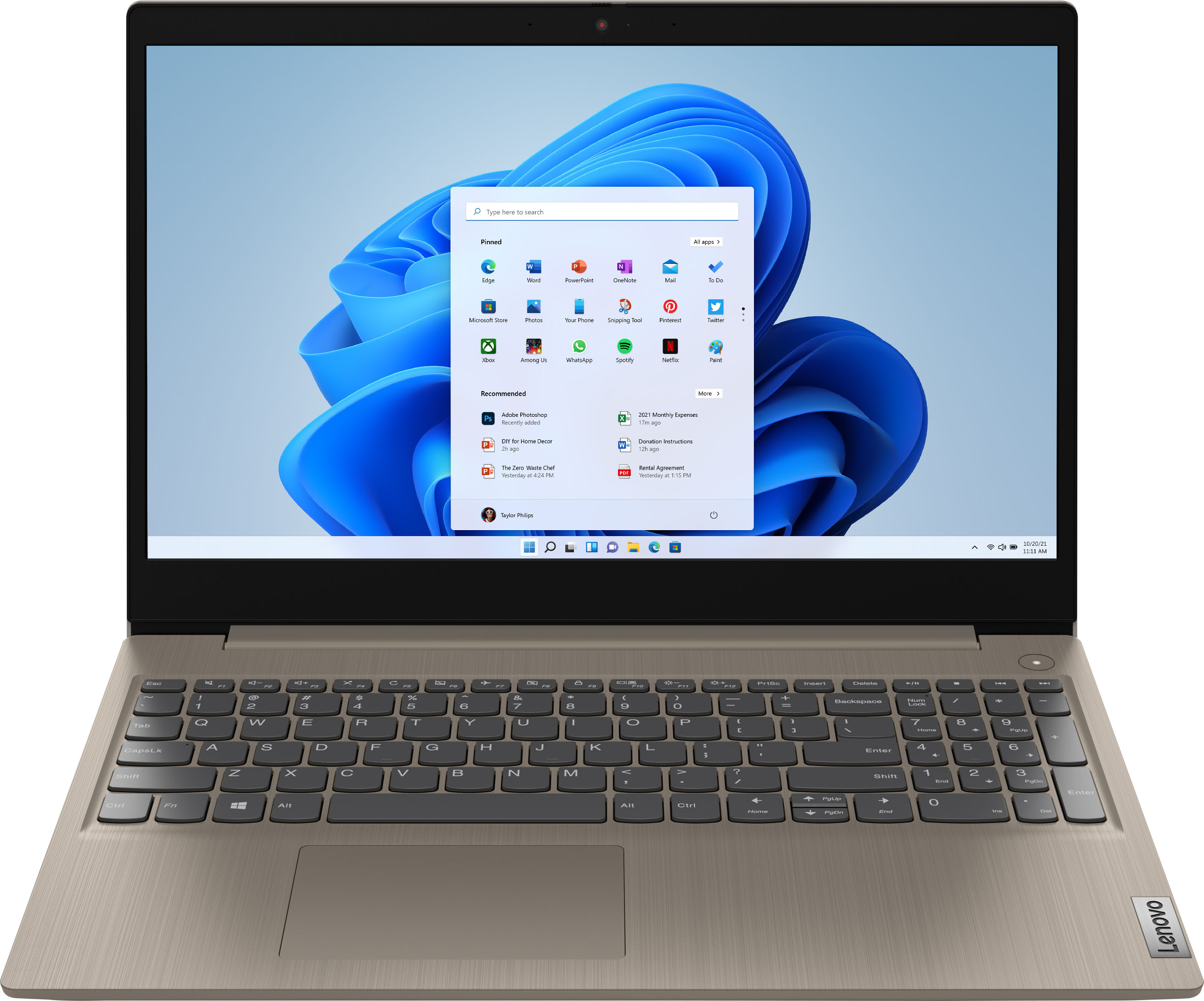
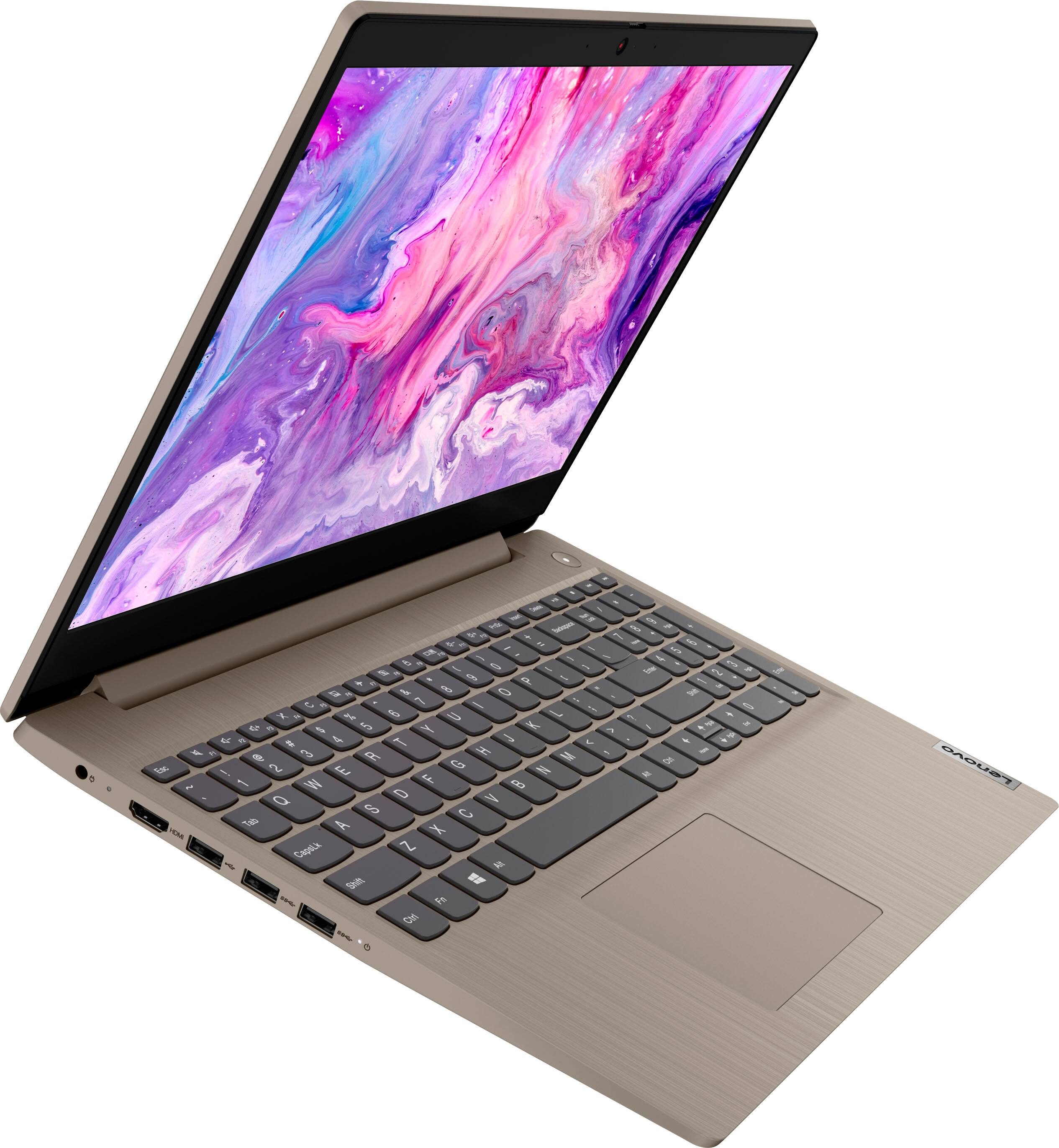
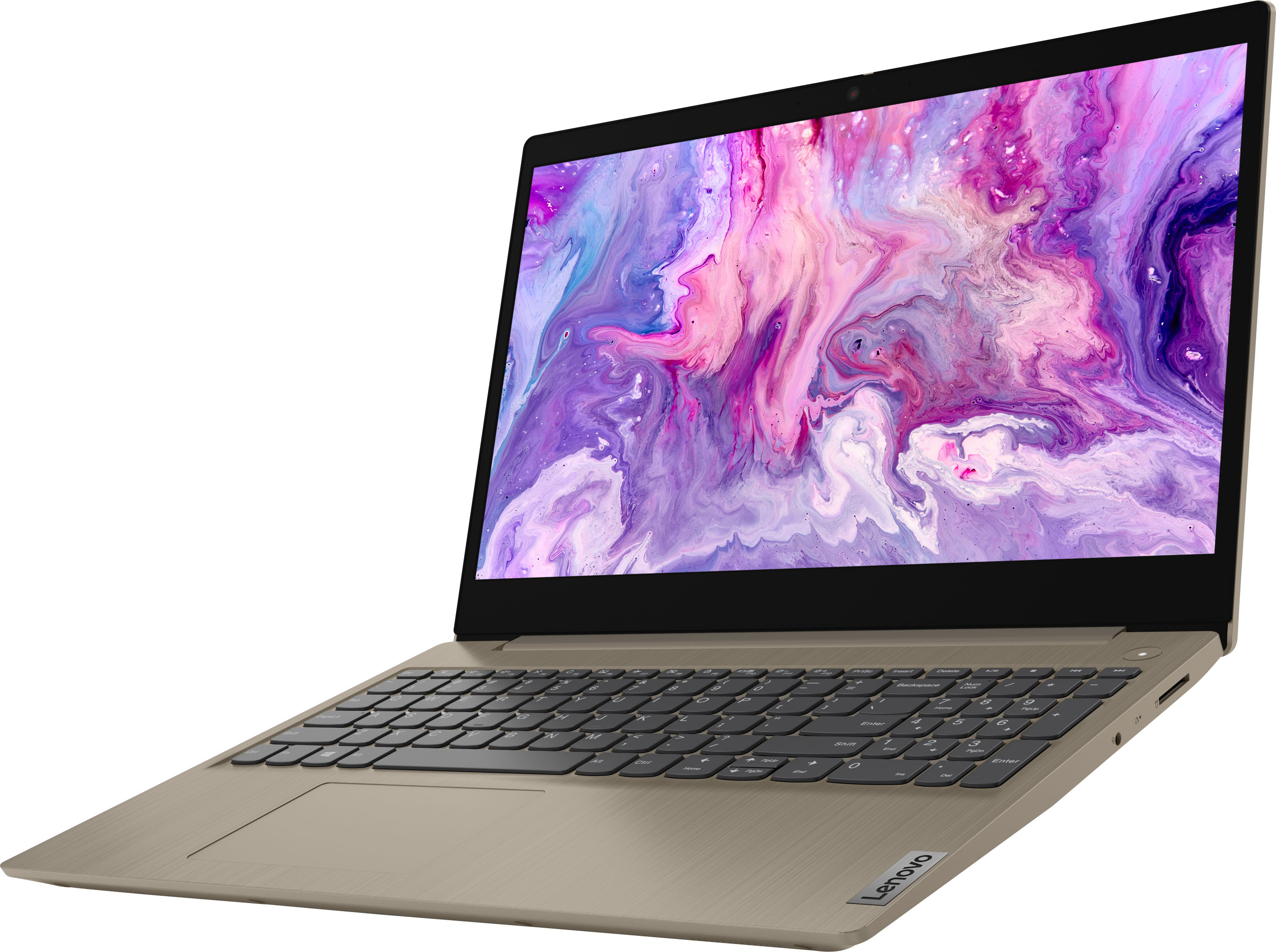
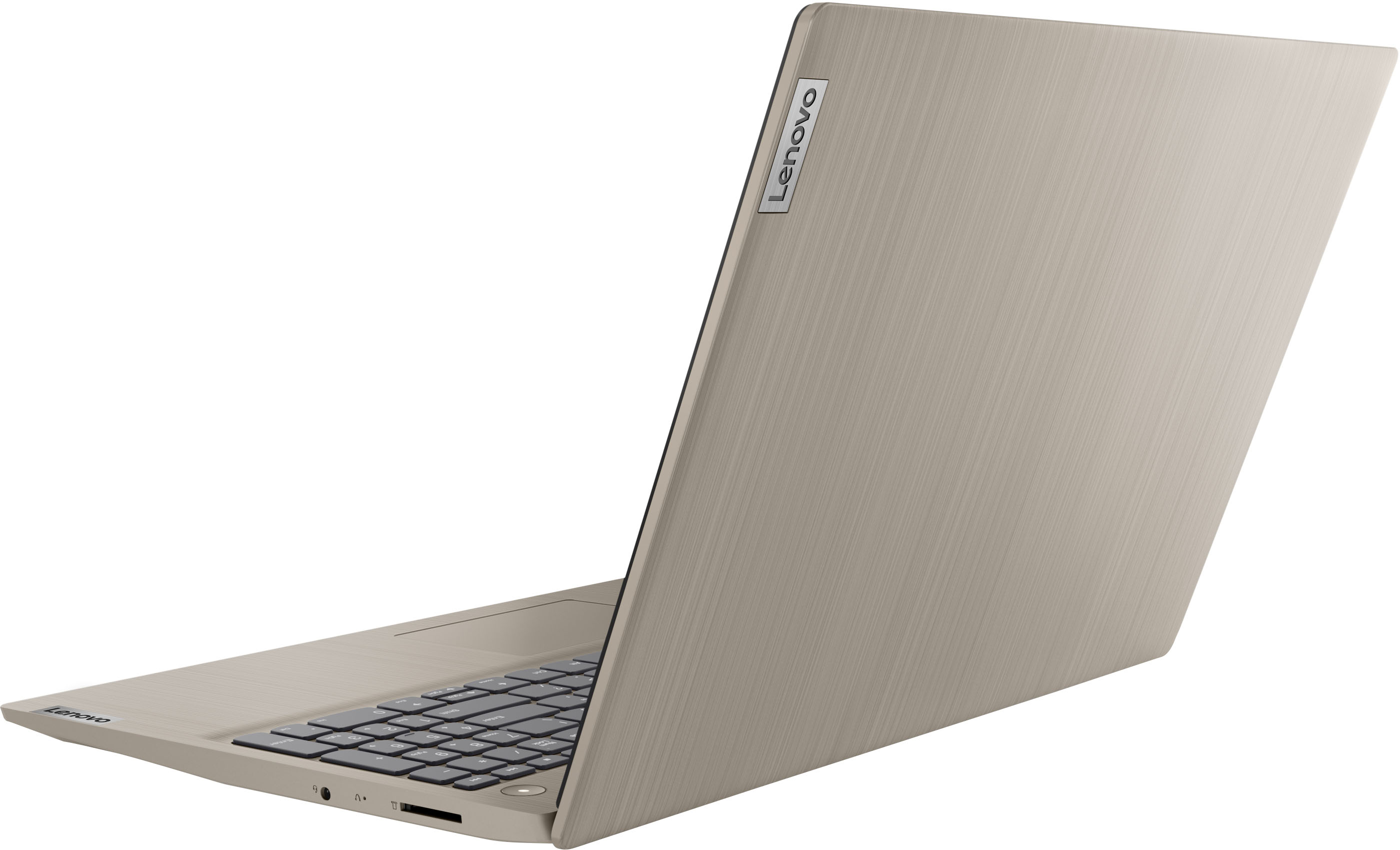
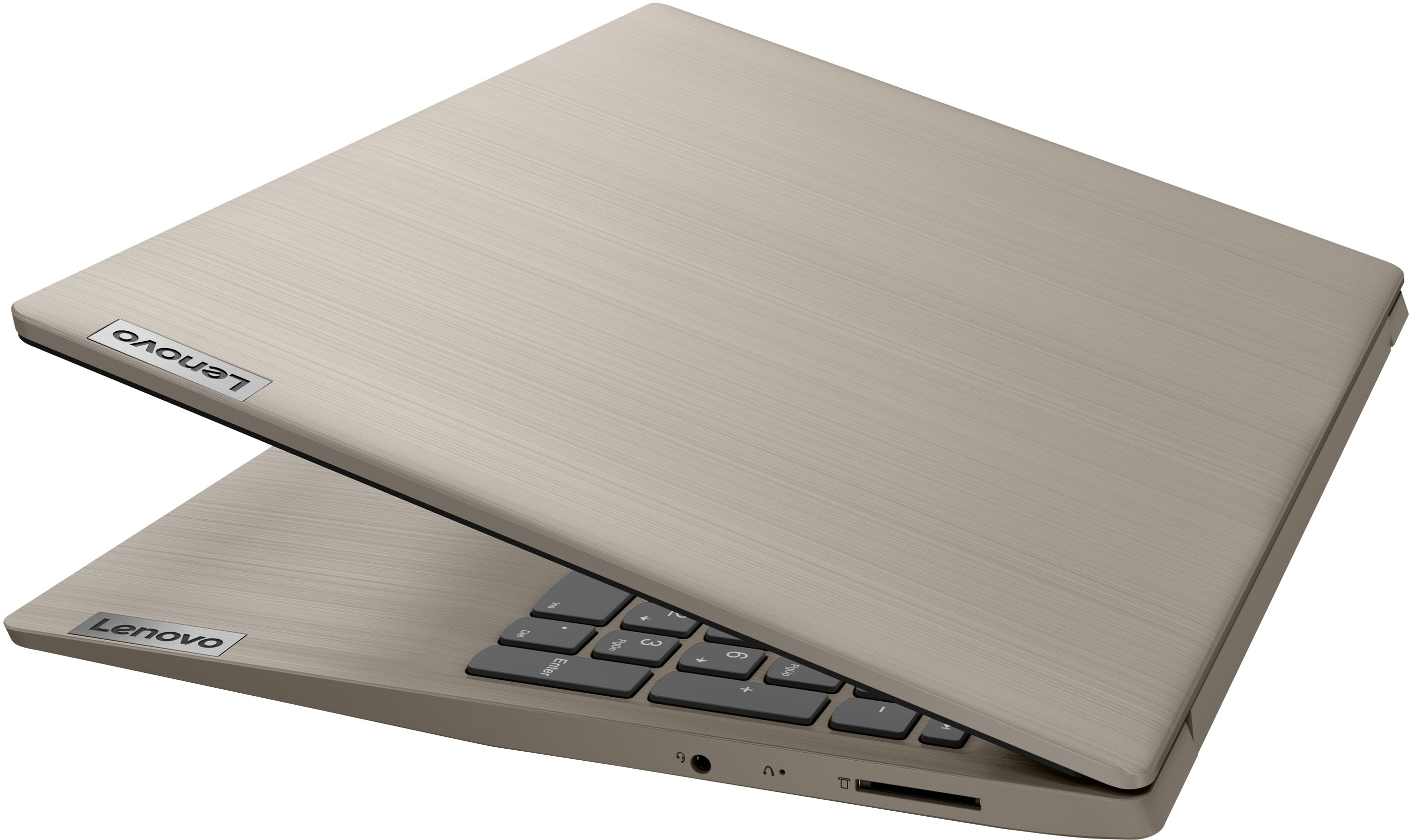
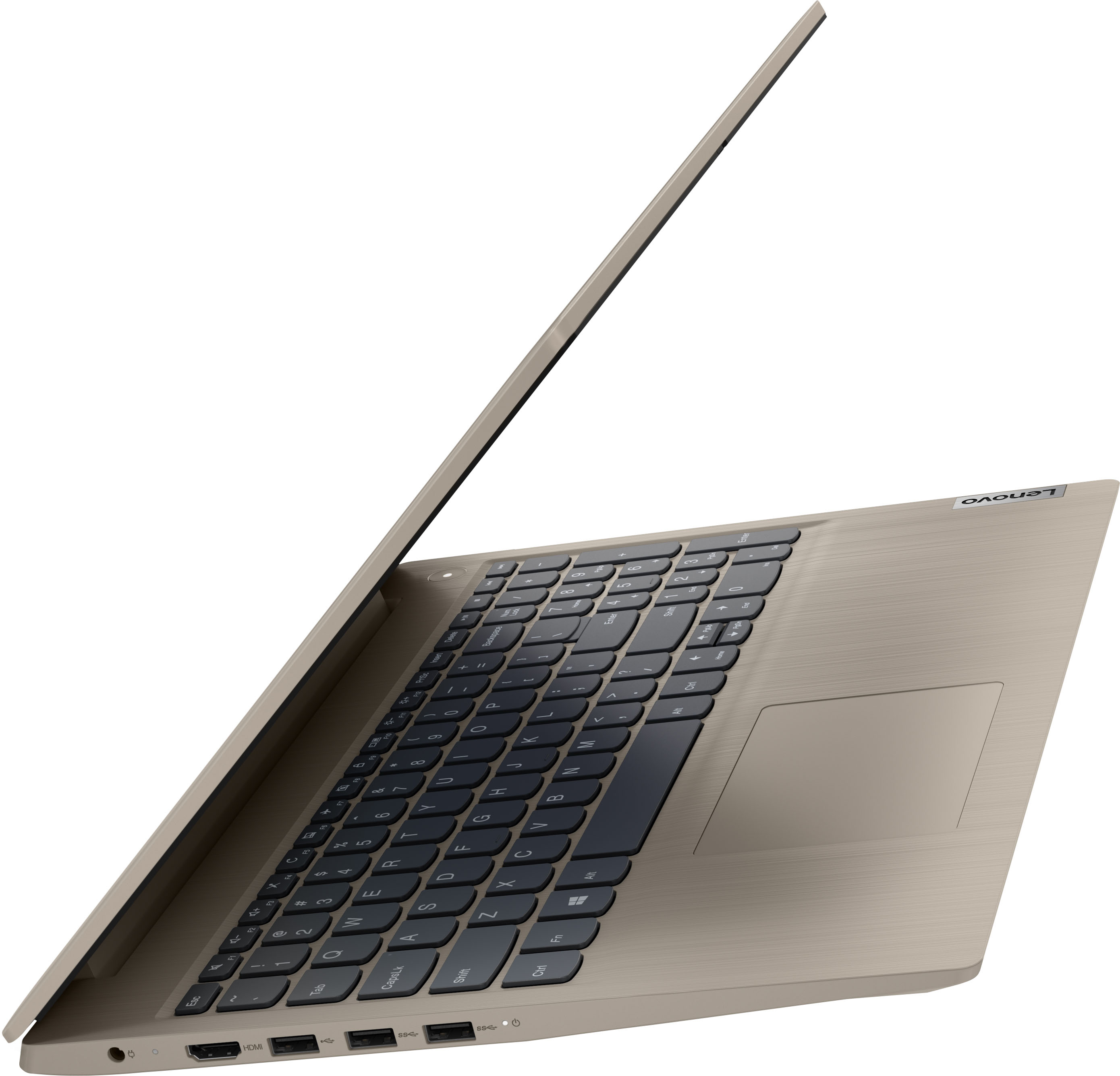

- Model:
- 81X800KLUS
- SKU:
- 6497829
Rating by feature
- Battery Life
Rating 4.4 out of 5 stars
- Speed
Rating 4.5 out of 5 stars
- Display
Rating 4.5 out of 5 stars
Customers are saying
Customers commend the IdeaPad 3's touchscreen, ease of use, performance, and value for its price. Many appreciate its lightweight design and fast SSD, finding it to be a good size for their needs. However, some users point to the battery life as needing improvement, and others express dissatisfaction with the pre-installed operating system. The limited storage capacity is also a concern for some customers.
This summary was generated by AI based on customer reviews.
Expected a little more
||Posted . Owned for 1.5 years when reviewed.This reviewer received promo considerations or sweepstakes entry for writing a review.Screen quality is poor and usability isn’t the best.
No, I would not recommend this to a friend- Pros mentioned:Performance
Great product
||Posted . Owned for 1 month when reviewed.This reviewer received promo considerations or sweepstakes entry for writing a review.Good presentation and capacity performance. It is worth every bit of it's value for a budget computer
I would recommend this to a friendBrand response from Lenovo Product Expert
Posted .Thank you for choosing the Lenovo IdeaPad 3 15 Laptop. We are pleased to hear that the value, features and performance of the Ideapad 3 15 meets your computing needs so well.

Rough start but pleased with buy
||Posted . Owned for 3 weeks when reviewed.This reviewer received promo considerations or sweepstakes entry for writing a review.The computer came with minor scratches on the outside. It was open-box so I wasn't expecting perfect but it should have been labeled "Good" instead of "Excellent". I didn't trip about it too much because it was an "Open-box" buy and I'd definitely buy again. It had some difficulty connecting to my internet. I turned the PC off and turned it back on. The third time I did it, it connected and stayed connected. Other than that it was good buy!
I would recommend this to a friend- Pros mentioned:Speed
Love it!
||Posted .This reviewer received promo considerations or sweepstakes entry for writing a review.Has very clear images. Works very quickly. Could have some brighter screens, but not bad at all!
I would recommend this to a friend - Pros mentioned:Touch screen
Touch screen heaven!
||Posted . Owned for 2 months when reviewed.This reviewer received promo considerations or sweepstakes entry for writing a review.My first laptop. Wow! Really enjoy the touch screen function!!! Easy to transition from desktop.
I would recommend this to a friend Great for HS students
||Posted . Owned for 3 weeks when reviewed.This reviewer received promo considerations or sweepstakes entry for writing a review.Got this for my daughter who’s a sophomore in HS. She absolutely loves it. Very sleek laptop.
I would recommend this to a friendBrand response from Lenovo Product Expert
Posted .Thank you for choosing the Lenovo IdeaPad 3 15 Laptop for your daughter. We are pleased to hear that the IdeaPad 3 15 meets your daughter's computing needs so well.
- Pros mentioned:Performance
Pleased so far
||Posted . Owned for 1 month when reviewed.This reviewer received promo considerations or sweepstakes entry for writing a review.So far the Lenovo is performing well for the scrapbooking and photo programs I own and transferred there
I would recommend this to a friendBrand response from Lenovo Product Expert
Posted .Thank you for choosing the Lenovo IdeaPad 3 15 HD Touch Screen Laptop. We are very pleased to see that the specifications and features of the Lenovo IdeaPad 3 15 HD Touch Screen Laptop meet your computing needs so well.
- Pros mentioned:Performance
Works great
||Posted . Owned for 1 month when reviewed.This reviewer received promo considerations or sweepstakes entry for writing a review.Great running machine. Does all I need to do and was easy to find and set up apps and email.
I would recommend this to a friendBrand response from Lenovo Product Expert
Posted .Thank you for choosing the Lenovo IdeaPad 3 15 Laptop. We are pleased to hear that the easy setup and use as well as the performance of the IdeaPad 3 15 meets your computing needs so well.
- Pros mentioned:Touch screen
IdeaPad
||Posted . Owned for 2 months when reviewed.This reviewer received promo considerations or sweepstakes entry for writing a review.These are solid computers. Portable, touchscreen and easy to move around the office. Good price too.
I would recommend this to a friendBrand response from Lenovo Product Expert
Posted .Thank you for choosing the Lenovo IdeaPad 3 15 Laptop. We are pleased to hear that the value, features and performance of the Ideapad 3 15 meets your business computing needs so well.
- Pros mentioned:Performance
GREAT!
||Posted . Owned for 3 weeks when reviewed.This reviewer received promo considerations or sweepstakes entry for writing a review.Great computer for everyday tasks. I got this on sale for 280 im very satisfied with my purchase
I would recommend this to a friendBrand response from Lenovo Product Expert
Posted .Thank you for choosing the Lenovo IdeaPad 3 15 Laptop. We are pleased to hear that the IdeaPad 3 15 meets your computing needs so well.
Love my Lenovo
||Posted . Owned for 1 month when reviewed.This reviewer received promo considerations or sweepstakes entry for writing a review.Sleek and perfect for what I need a laptop to do. Lightweight and easy to transport from place to place.
I would recommend this to a friendBrand response from Lenovo Product Expert
Posted .Thank you for choosing the Lenovo IdeaPad 3 15 laptop. We are pleased to hear that the features and performance of the Ideapad 3 15 meets your computing needs so well.
- Pros mentioned:Speed
Great purchase for the price
||Posted . Owned for 3 months when reviewed.This reviewer received promo considerations or sweepstakes entry for writing a review.Great computer. Fast and didnt slow down when using a system that others would slow down with.
I would recommend this to a friendBrand response from Lenovo Product Expert
Posted .Thank you for choosing the Lenovo IdeaPad 3 15 Laptop. We are pleased to hear that the performance of the IdeaPad 3 15 meets your computing needs so well.
Besttttt buyyyyy
||Posted . Owned for 1 month when reviewed.This reviewer received promo considerations or sweepstakes entry for writing a review.great sales for holidays, excellent customer service.son love new laptop
I would recommend this to a friendBrand response from Lenovo Product Expert
Posted .Thank you for choosing the Lenovo IdeaPad 3 15 Laptop for yourt son. We are pleased to hear that the Ideapad 3 15 is working out so well for your son.
- Pros mentioned:Touch screen
New Laptop
||Posted . Owned for 1 month when reviewed.This reviewer received promo considerations or sweepstakes entry for writing a review.Easy to set up. 100x better than previous laptop. Larger screen, and like being able to use touch screen.
I would recommend this to a friendBrand response from Lenovo Product Expert
Posted .Thank you for choosing the Lenovo Ideapad 3 15 Laptop. We are pleased to hear that the easy setup, features and performance of the Ideapad 3 15 meets your computing needs so well.
- Pros mentioned:Ease of use
Head phones
||Posted . Owned for 1 month when reviewed.This reviewer received promo considerations or sweepstakes entry for writing a review.Great product. Does a great job for me. Ray to turn on and off. Easy to charge Perfect to be able to hear tv
I would recommend this to a friend - Pros mentioned:Price
It does the job......
||Posted . Owned for 2 months when reviewed.This reviewer received promo considerations or sweepstakes entry for writing a review.Bought this pc for my wife. She likes it and says that it serves her purpose. Good unit at this price point.
I would recommend this to a friendBrand response from Lenovo Product Expert
Posted .Thank you for choosing the Lenovo IdeaPad 3 15 laptop for your wife. We are pleased to hear that the performance of the IdeaPad 3 15 meets your wife's computing needs so well.
- Pros mentioned:Price
Good laptop
||Posted . Owned for less than 1 week when reviewed.This reviewer received promo considerations or sweepstakes entry for writing a review.Really good laptop for the specs and price. Nothing fancy, but good for kids or a secondary device
I would recommend this to a friendBrand response from Lenovo Product Expert
Posted .Thank you for choosing the Lenovo IdeaPad 3 15 Laptop. We are pleased to hear that the value, features and performance of the IdeaPad 3 15 meets your computing needs so well.
- Pros mentioned:Performance
Great Buy!
||Posted . Owned for 2 weeks when reviewed.This reviewer received promo considerations or sweepstakes entry for writing a review.Very beautiful and stylish computer. Very smooth and works great. Accessible for all of life’s demands.
I would recommend this to a friendBrand response from Lenovo Product Expert
Posted .Thank you for choosing the Lenovo IdeaPad 3 15 Laptop. We are pleased to hear that the features and performance of the Ideapad 3 15 meets your computing needs so well. We always recommend you check the requirements and compatibility of any software you will be installing on your new computer, before you invest in any computer. Be sure your new computer can support the software you will need to use and your workload.
- Pros mentioned:Touch screen
OK Laptop
||Posted . Owned for 1 month when reviewed.This reviewer received promo considerations or sweepstakes entry for writing a review.full discosure i am a Mac user. I had to purchase an “ok” laptop for updating aging equipment that only are updatable using a windows pc. it does the purpose it was baought for, nice that screen is touch screen, but the color etc leaves a lot to be desired looking washed out.
I would recommend this to a friendBrand response from Lenovo Product Expert
Posted .Thank you for choosing the Lenovo IdeaPad 3 15 Laptop, model number 81X800KLUS. This model ships with a 15.6 inch (screen size measured diagonally) TN - HD (1366x768) 10-point Multi-touch screen, with a brightness level of 220 nits and has an Anti-glare Coating. We are pleased to hear that the IdeaPad 3 15 meets your computing needs.
- Pros mentioned:Touch screen
Excellent computer
||Posted . Owned for 1 month when reviewed.This reviewer received promo considerations or sweepstakes entry for writing a review.Love the computer. I like the touchscreen. Keyboard is large enough for my husbands oversized fingers.
I would recommend this to a friendBrand response from Lenovo Product Expert
Posted .We are pleased to hear that the features and performance of the IdeaPad 3 15 laptop meets your husband's computing needs so well.