Customer Ratings & Reviews
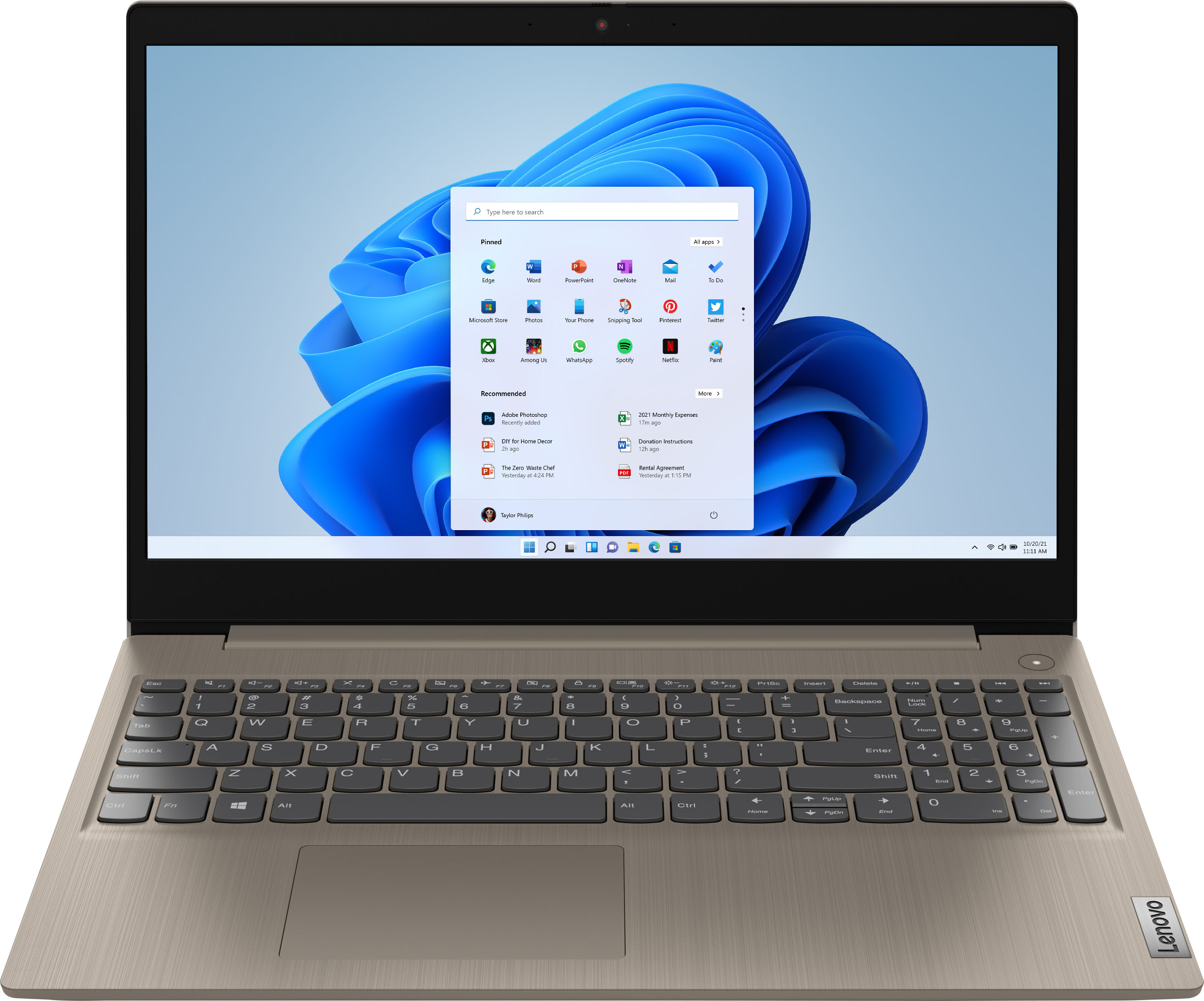
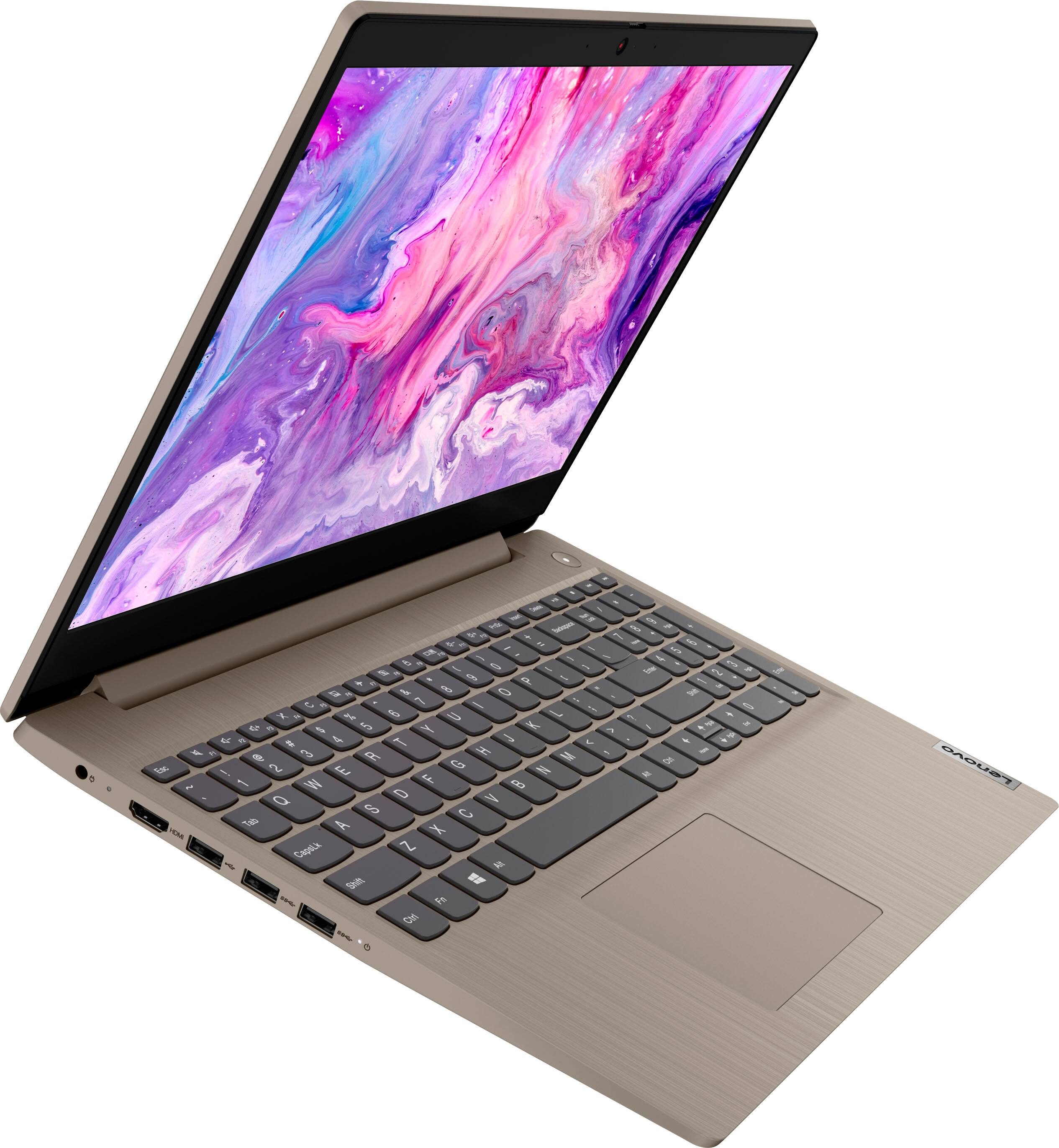
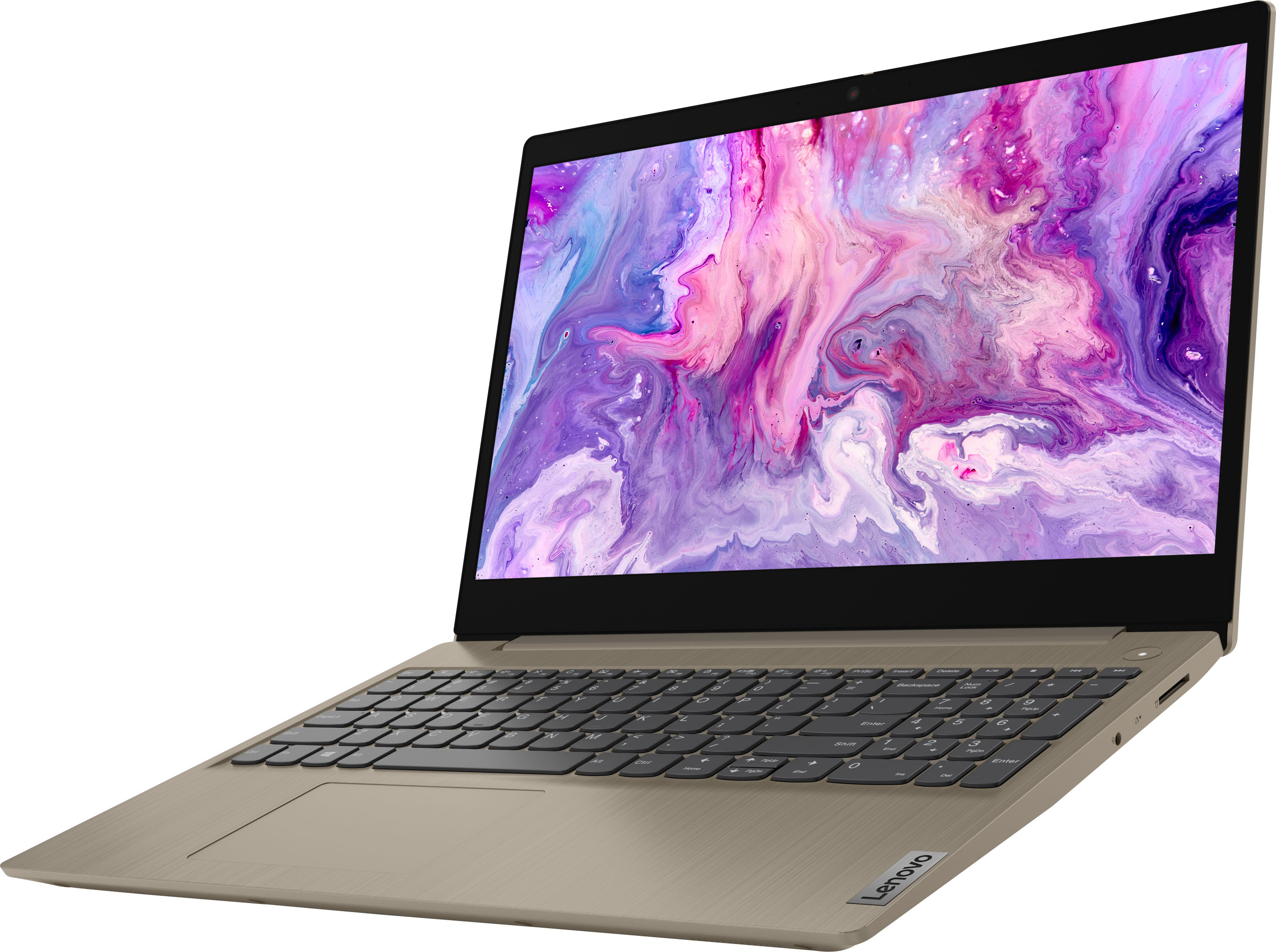
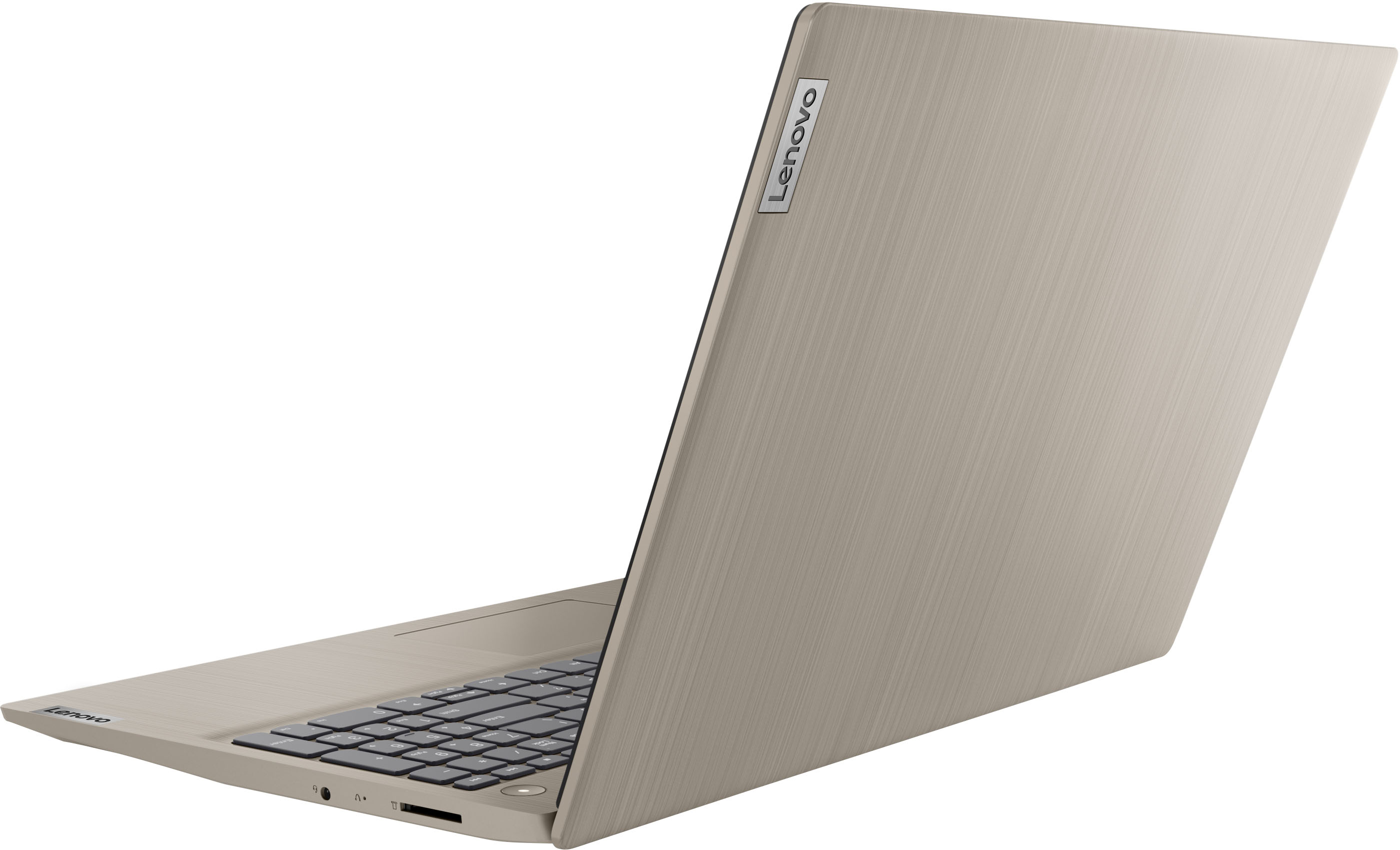
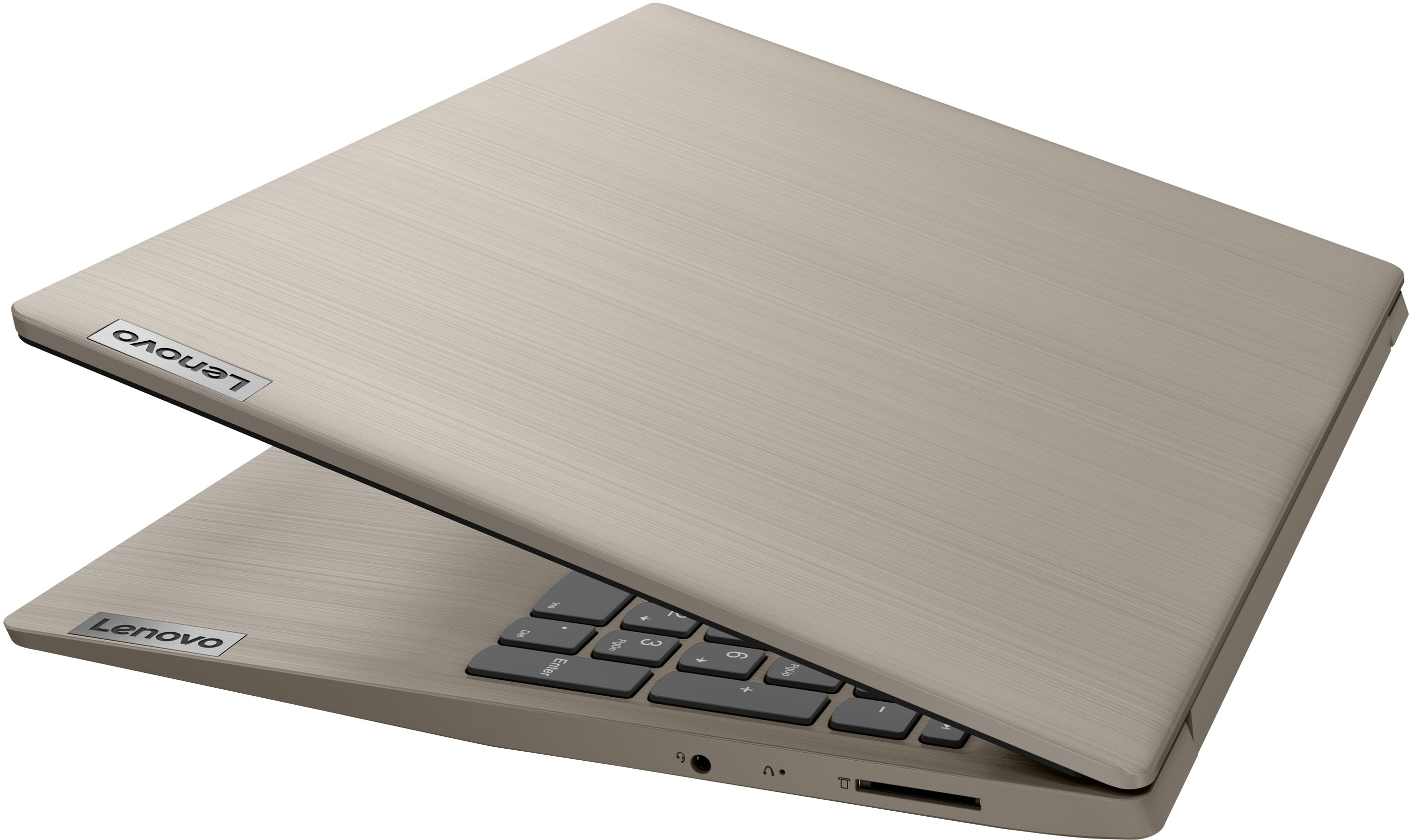
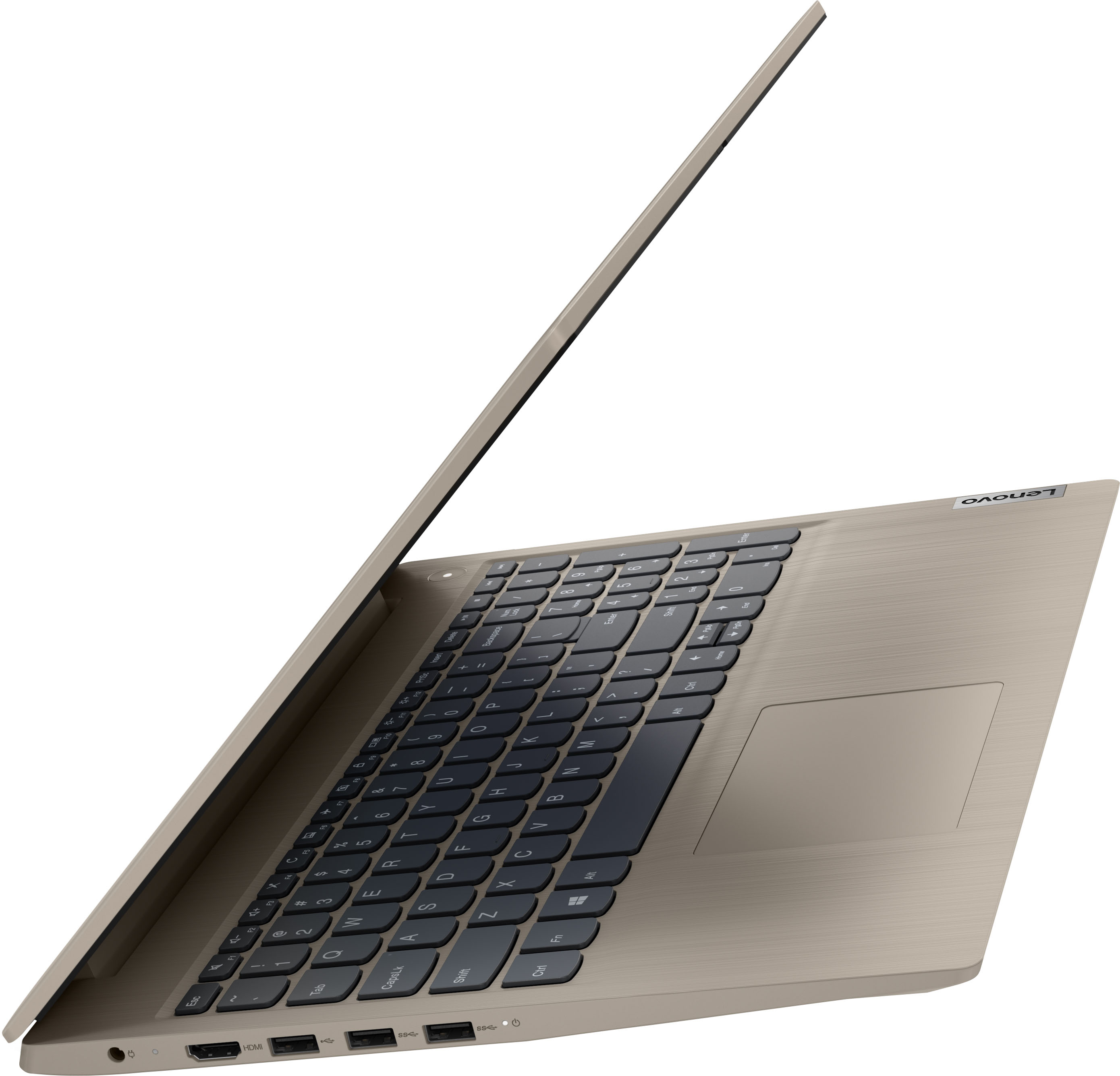

- Model:
- 81X800KLUS
- SKU:
- 6497829
Rating by feature
- Battery Life
Rating 4.4 out of 5 stars
- Speed
Rating 4.5 out of 5 stars
- Display
Rating 4.5 out of 5 stars
Customers are saying
Customers commend the IdeaPad 3's touchscreen, ease of use, performance, and value for its price. Many appreciate its lightweight design and fast SSD, finding it to be a good size for their needs. However, some users point to the battery life as needing improvement, and others express dissatisfaction with the pre-installed operating system. The limited storage capacity is also a concern for some customers.
This summary was generated by AI based on customer reviews.
- Pros mentioned:Touch screen
Lenovo Laptop - great value for the money
||Posted . Owned for 1 month when reviewed.This reviewer received promo considerations or sweepstakes entry for writing a review.Very easy to use and love all the features like great graphics, touch screen, and 10 key pad.
I would recommend this to a friendBrand response from Lenovo Product Expert
Posted .Thank you for choosing the Lenovo Ideapad 3 15 laptop. We are pleased to hear that the ease of use, features and performance of the IdeaPad 3 15 meets your computing needs so well.

LENOVO LAPTOP
||Posted . Owned for 3 weeks when reviewed.This reviewer received promo considerations or sweepstakes entry for writing a review.Enjoying my laptop computer. (My grandson loves it. :) ) Great purchase!
I would recommend this to a friendBrand response from Lenovo Product Expert
Posted .Thank you for choosing the Lenovo IdeaPad 3 15 Laptop. We are pleased to hear that the IdeaPad 3 15 is working out so well for you and your grandson.
- Cons mentioned:Windows 11
New Laptop
||Posted . Owned for 1 month when reviewed.This reviewer received promo considerations or sweepstakes entry for writing a review.So far no problems. Works great. Windows 11 takes a little getting used to, but happy so far.
I would recommend this to a friendBrand response from Lenovo Product Expert
Posted .Thank you for choosing the Lenovo IdeaPad 3 15 Laptop, model number 81X800ENUS. This model ships with Windows 11 S-Mode 64-bit Operating System installed. Windows 11 S-Mode provides added security by only allowing APPs available ( and therefore certified by Microsoft) at the Microsoft Store. If you don't need the added security or you need to install APPs not available at the Microsoft Store, you can switch to standard Windows 11 Home 64-bit Operating System, at no additional cost. We are pleased to hear that the IdeaPad 3 15 is working out so well for you. Here is a link to a YouTube video that demonstrates some Windows 11 tips and tricks: https://www.youtube.com/watch?v=26dXRnc0EHc&t=29s
Excellent budget laptop
||Posted . Owned for 1 month when reviewed.This reviewer received promo considerations or sweepstakes entry for writing a review.Excellent budget laptop for my niece. Lightweight and stylish, with decent battery life.
I would recommend this to a friendBrand response from Lenovo Product Expert
Posted .Thank you for choosing the Lenovo IdeaPad 3 15 Laptop for your niece. We are pleased to hear that the features and performance of the IdeaPad 3 15 meets the computing needs of your niece so well.
- Pros mentioned:Ease of use
Laptop
||Posted . Owned for 3 weeks when reviewed.This reviewer received promo considerations or sweepstakes entry for writing a review.Works great. Once I figured how to use windows 11s, it was smooth sailing.
I would recommend this to a friendBrand response from Lenovo Product Expert
Posted .Thank you for choosing the Lenovo IdeaPad 3 15 Laptop, model number 81X800KLUS. This model ships with Windows 11 S-Mode, 64-bit Operating System installed. Windows 11 S-Mode provides added security by only allowing APPs available ( and therefore certified by Microsoft) at the Microsoft Store. If you don't need the added security or you need to install APPs not available at the Microsoft Store, you can switch to standard Windows 11 Home 64-bit Operating System, at no additional cost. We are pleased to hear that the IdeaPad 3 15 meets your computing needs so well.
- Cons mentioned:Windows 11
Great besides the Windows 11
||Posted . Owned for 3 weeks when reviewed.This reviewer received promo considerations or sweepstakes entry for writing a review.Great laptop but Windows 11 really sucks. Should definitely be an option between the two.
I would recommend this to a friendBrand response from Lenovo Product Expert
Posted .Thank you for choosing the Lenovo IdeaPad 3 15 Laptop, model number 81X800ENUS. This model of the IdeaPad 3 15 ships with Windows 11 S-Mode, 64-bit Operating System installed. You can downgrade to Windows 10. Here is a link to more information: https://answers.microsoft.com/en-us/windows/forum/all/downgrade-from-windows-11-to-windows-10/84a2416d-ccfb-4d87-9eee-e1056591e91f#:~:text=Open%20Settings%20app%20on%20your,Windows%2010%20screen%20should%20appear.
- Pros mentioned:Ease of use
Great computer
||Posted . Owned for 1 month when reviewed.This reviewer received promo considerations or sweepstakes entry for writing a review.Had Lenovo before - This one is much better ! Love it - Very easy to use
I would recommend this to a friendBrand response from Lenovo Product Expert
Posted .Thank you for choosing the Lenovo IdeaPad 3 15 laptop. We appreciate your loyalty to the Lenovo Brand. We are pleased to hear that the ease of use and performance of the IdeaPad 3 15 meets your computing needs so well.
- Pros mentioned:Ease of use
Good buy
||Posted . Owned for 3 weeks when reviewed.This reviewer received promo considerations or sweepstakes entry for writing a review.Good basic computer. Not overloaded for basic needs for apps and paying bills.
I would recommend this to a friendBrand response from Lenovo Product Expert
Posted .Thank you for choosing the Lenovo IdeaPad 3 15 Laptop. We are pleased to hear that the IdeaPad 3 15 meets your computing needs so well.
- Pros mentioned:Performance
Great product
||Posted . Owned for 3 weeks when reviewed.This reviewer received promo considerations or sweepstakes entry for writing a review.It is such a great computer. I was nervous about getting a new computer but it’s amazing
I would recommend this to a friendBrand response from Lenovo Product Expert
Posted .Thank you for choosing the Lenovo IdeaPad 3 15 Laptop. We are pleased to hear that the Ideapad 3 15 is working out so well for you.
- Pros mentioned:Ease of use
Good inexpensive laptop
||Posted . Owned for 3 weeks when reviewed.This reviewer received promo considerations or sweepstakes entry for writing a review.Good for daily use browsing the Internet and light work use, Excel and Word
I would recommend this to a friendBrand response from Lenovo Product Expert
Posted .Thank you for choosing the Lenovo IdeaPad 3 15 Laptop. We are pleased to hear that the performance of the IdeaPad 3 15 meets your computing needs so well.
Lap top
||Posted . Owned for 3 weeks when reviewed.This reviewer received promo considerations or sweepstakes entry for writing a review.Love my lap top its amazing also the employee was so helpful he answered all my questions
I would recommend this to a friendBrand response from Lenovo Product Expert
Posted .Thank you for choosing the Lenovo IdeaPad 3 15 Laptop. We are pleased to hear that the IdeaPad 3 15 meets your computing needs so well.
- Pros mentioned:Touch screen
Works amazing after 4 months of use
||Posted .This reviewer received promo considerations or sweepstakes entry for writing a review.Fantastic response time and it has a big screen for your eyes not to get tired
I would recommend this to a friendBrand response from Lenovo Product Expert
Posted .Thank you for choosing the Lenovo IdeaPad 3 15 Laptop. We are pleased to hear that the features and performance of the IdeaPad 3 15 meets your computing needs so well.
- Pros mentioned:Price
Just right
||Posted . Owned for 3 weeks when reviewed.This reviewer received promo considerations or sweepstakes entry for writing a review.It was just perfect for a graduation gift and the price was so good a bought two.
I would recommend this to a friendBrand response from Lenovo Product Expert
Posted .Thank you for choosing the Lenovo IdeaPad 3 15 laptop, model number 81X800KLUS. We are pleased to hear that the value and performance of the IdeaPad 3 15 meets your needs so well.
- Pros mentioned:Touch screen
grad gift
||Posted . Owned for 1 month when reviewed.This reviewer received promo considerations or sweepstakes entry for writing a review.purchased for a grad gift to use for college so far so good she seems happy with it
I would recommend this to a friendBrand response from Lenovo Product Expert
Posted .Thank you for choosing the Lenovo IdeaPad 3 15 Laptop as a gift. We are pleased to hear that the Ideapad 3 15 is working out so well for your recipient.
Can't wait
||Posted . Owned for 3 weeks when reviewed.This reviewer received promo considerations or sweepstakes entry for writing a review.I haven't really had a chance to use it right now. But I'm really excited to start using it.
I would recommend this to a friendBrand response from Lenovo Product Expert
Posted .Thank you for choosing the Lenovo IdeaPad 3 15 Laptop. We are pl;eased to hear that the IdeaPad 3 15 meets your computing needs so well.
- Pros mentioned:Price
Good little laptop
||Posted . Owned for 1 month when reviewed.This reviewer received promo considerations or sweepstakes entry for writing a review.Bought for my mom as a gift and she loves it! It was on sale which is awesome.
I would recommend this to a friendBrand response from Lenovo Product Expert
Posted .Thank you for choosing the Lenovo IdeaPad 3 15 laptop for your mother. We are pleased to hear that the value and performance of the IdeaPad 3 15 meets your mother's computing needs so well.
- Pros mentioned:Performance
jane
||Posted . Owned for 3 weeks when reviewed.This reviewer received promo considerations or sweepstakes entry for writing a review.Works GREAT! After several trips to my Great Geek Guys I can work it easy!
I would recommend this to a friendBrand response from Lenovo Product Expert
Posted .Thank you for choosing the Lenovo IdeaPad 3 15 Laptop. We are pleased to hear that the IdeaPad 3 15 meets your computing needs so well.
- Pros mentioned:Touch screen
My Lennox Computer
||Posted . Owned for 1 month when reviewed.This reviewer received promo considerations or sweepstakes entry for writing a review.Great laptop. Very sleek and user friendly. I like the touch screen and the camera is clear.
I would recommend this to a friendBrand response from Lenovo Product Expert
Posted .Thank you for choosing the Lenovo IdeaPad 3 15 HD Touch Screen Laptop. We are very pleased to hear that the specifications and features of the Lenovo IdeaPad 3 15 HD Touch Screen Laptop meet your computing needs so well.
- Pros mentioned:Performance
Great purchase
||Posted . Owned for 3 months when reviewed.This reviewer received promo considerations or sweepstakes entry for writing a review.Love this laptop is it great and works perfectly for my work from home job
I would recommend this to a friendBrand response from Lenovo Product Expert
Posted .Thank you for choosing the Lenovo IdeaPad 3 15 Laptop. We are pleased to hear that the IdeaPad 3 15 meets your business computing needs so well.
- Pros mentioned:Ease of use
Laptop
||Posted . Owned for 3 weeks when reviewed.This reviewer received promo considerations or sweepstakes entry for writing a review.I love my laptop. I use this laptop everyday at work and its wonderful.
I would recommend this to a friendBrand response from Lenovo Product Expert
Posted .Thank you for choosing the Lenovo IdeaPad 3 15 Laptop. We are pleased to hear that the performance of the IdeaPad 3 15 meets your business computing needs so well.