Customer Ratings & Reviews
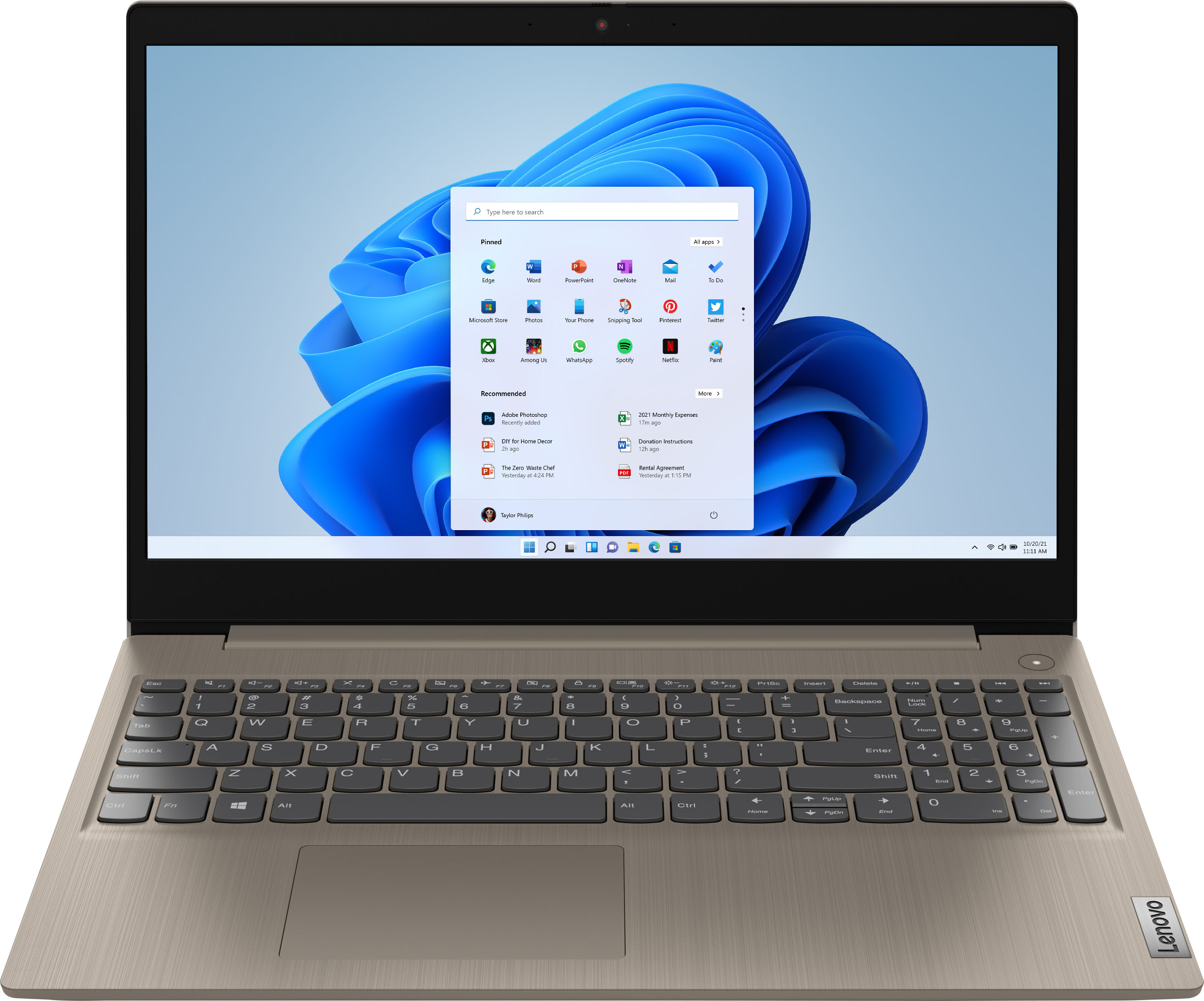
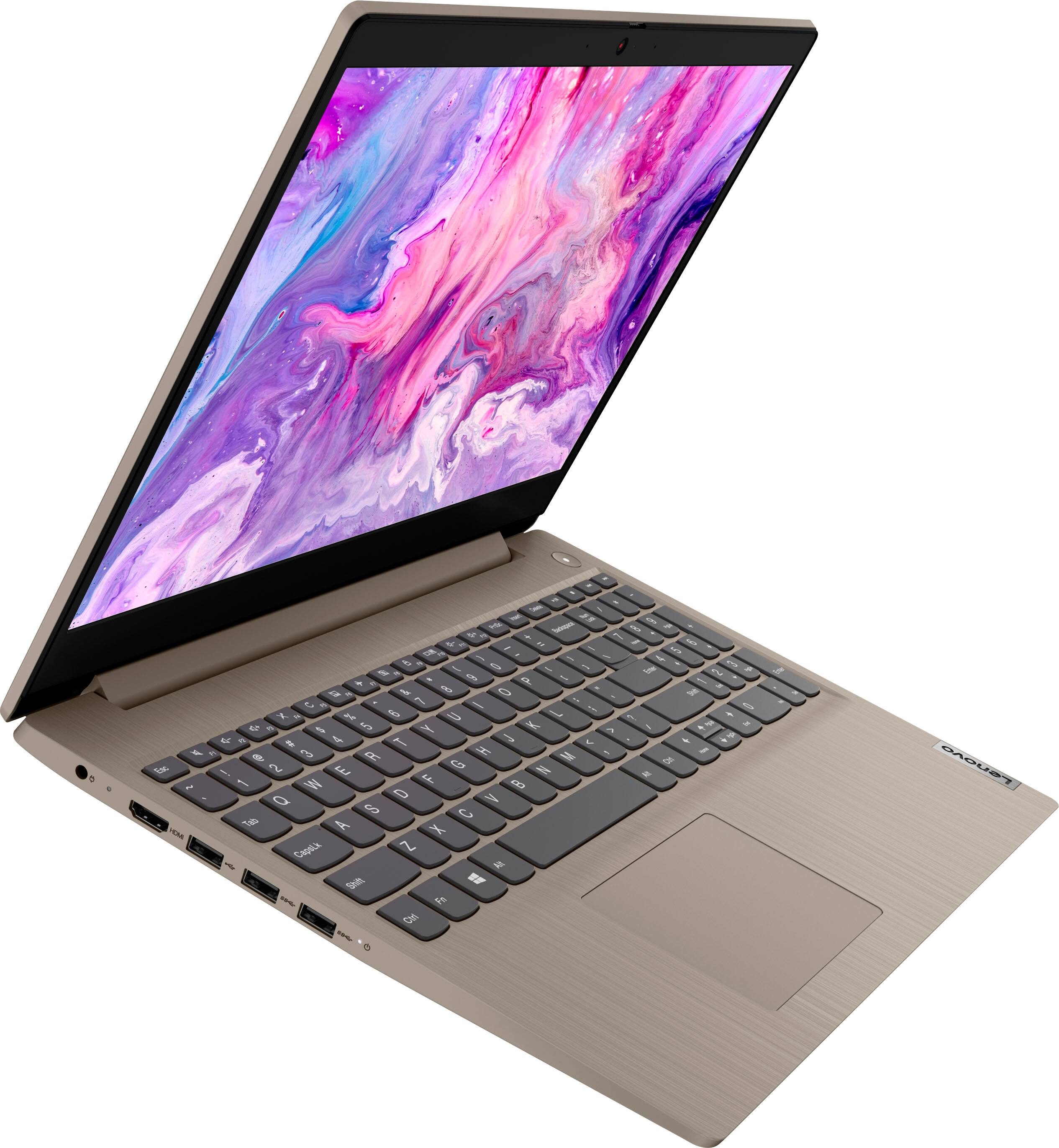
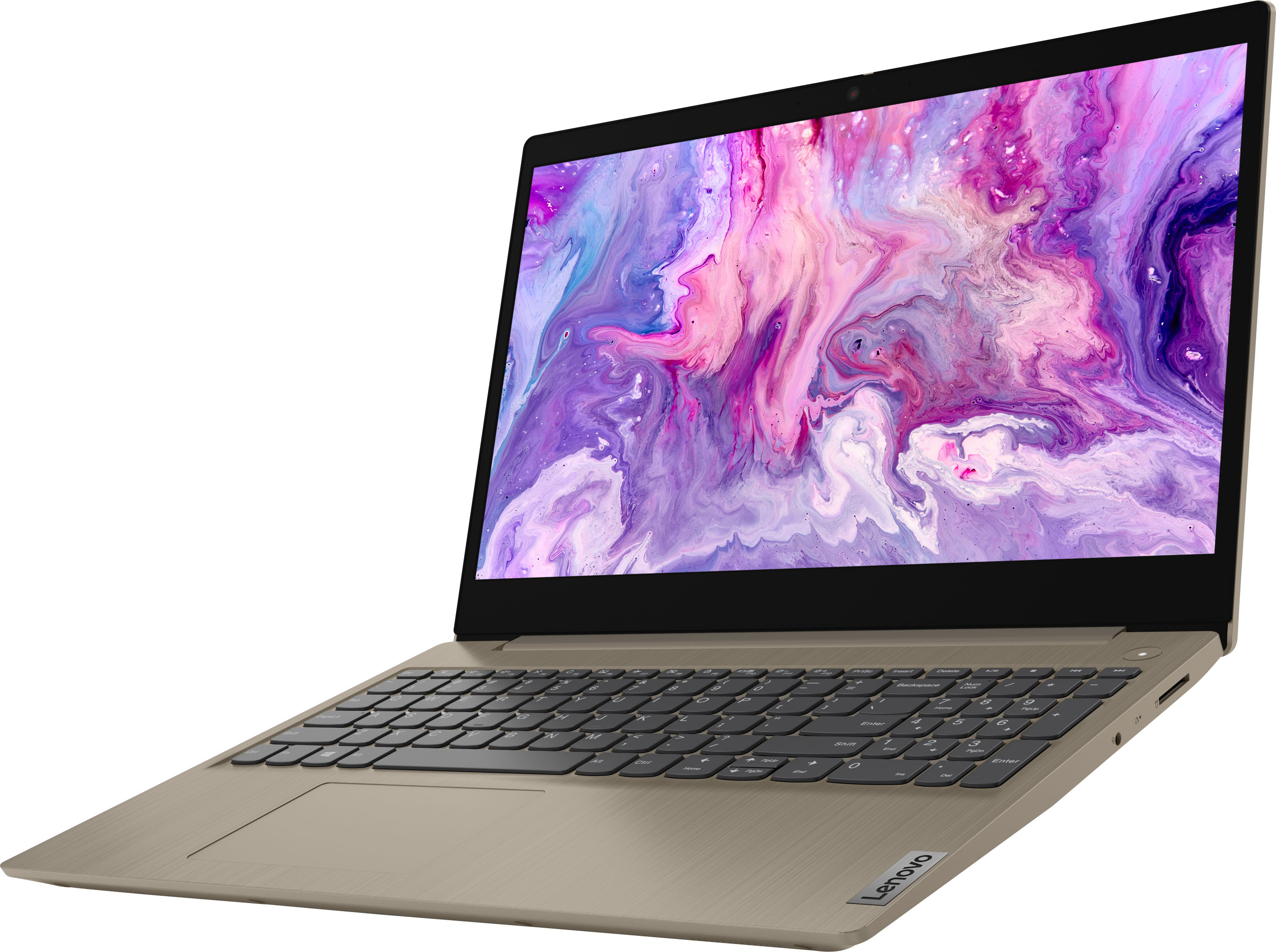
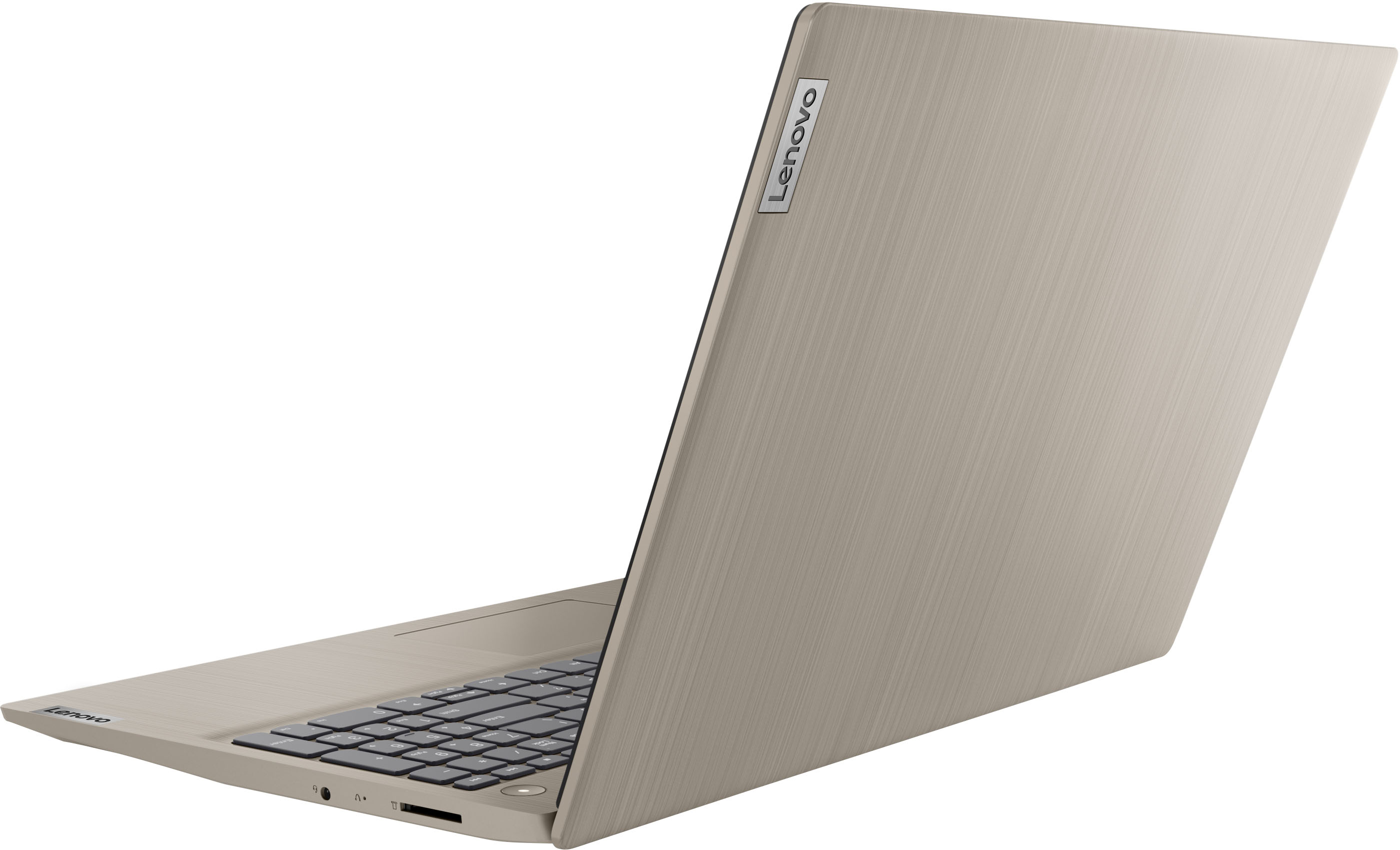

- Model:
- 81X800KLUS
- SKU:
- 6497829
Rating by feature
- Battery Life
Rating 4.4 out of 5 stars
- Speed
Rating 4.5 out of 5 stars
- Display
Rating 4.5 out of 5 stars
Customers are saying
Customers commend the IdeaPad 3's touchscreen, ease of use, performance, and value for its price. Many appreciate its lightweight design and fast SSD, finding it to be a good size for their needs. However, some users point to the battery life as needing improvement, and others express dissatisfaction with the pre-installed operating system. The limited storage capacity is also a concern for some customers.
This summary was generated by AI based on customer reviews.
IdeaPad3 Lenovo
||Posted .This reviewer received promo considerations or sweepstakes entry for writing a review.The purchase was a little delayed I guess due to shipping constraints but, I actually love my new Lenovo IdeaPad 3. it’s simple, it does what I needed to do mainly for home and Internet use. The only thing I would add for the number to give a slightly improved quality of the WebCam camera, other than that I love my product
I would recommend this to a friendBrand response from Lenovo Product Expert
Posted .Thank you for choosing the Lenovo IdeaPad 3 15 Laptop, model number 81X800ENUS. This model ships with an HD (720p) webcam with Privacy Shutter and Dual Array Microphones, built in. If you are getting less than expected broadcast video quality, check to be sure that the protective film/tape has been removed from the lens of the webcam. This protective film/tape is installed at the factory, to protect the webcam lens during transit and needs to be removed prior to using the webcam. If the protective film/tape has been removed for the webcam lens, but the issue continues, we recommend you contact Lenovo Tech Support for additional help at: 877-453-6686.

- Pros mentioned:Price
Nice basic laptop
||Posted . Owned for 1 month when reviewed.This reviewer received promo considerations or sweepstakes entry for writing a review.Nice inexpensive laptop for basic needs. It will do anything that I need.
I would recommend this to a friendBrand response from Lenovo Product Expert
Posted .Thank you for choosing the Lenovo IdeaPad 3 15 Laptop. We are pleased to hear that the value and performance of the IdeaPad 3 15 meets your computing needs so well.
- Pros mentioned:Price
Great computer
||Posted . Owned for 2 weeks when reviewed.This reviewer received promo considerations or sweepstakes entry for writing a review.Great computer for the price. Use it for basic office functions and school work for my kids
I would recommend this to a friendBrand response from Lenovo Product Expert
Posted .Thank you for choosing the Lenovo IdeaPad 3 15 laptop. We are pleased to hear that the value and performance of the Ideapad 3 15 is working out so well for your family.
- Pros mentioned:Touch screen
Looks Good
||Posted . Owned for 1 month when reviewed.This reviewer received promo considerations or sweepstakes entry for writing a review.I like the screen size and processing speed. Not used to the amount of screen clutter.
I would recommend this to a friendBrand response from Lenovo Product Expert
Posted .Thank you for choosing the Lenovo IdeaPad 3 15 HD Touch Screen Laptop. We are very happy to hear that the specifications and features of the Lenovo IdeaPad 3 15 HD Touch Screen Laptop meet your computing needs so well.
- Pros mentioned:Speed
Lenovo Laptop
||Posted .This reviewer received promo considerations or sweepstakes entry for writing a review.This laptop helps with schoolwork and other tasks on the web. It is quick and responsive.
I would recommend this to a friendBrand response from Lenovo Product Expert
Posted .Thank you for choosing the IdeaPad 3 15 HD Touch Screen Laptop. We are very pleased to hear that the specifications and features of the Lenovo IdeaPad 3 15 Laptop meet your computing needs so well.
Gooooooood laptop
||Posted . Owned for 3 weeks when reviewed.This reviewer received promo considerations or sweepstakes entry for writing a review.It meets my laptop needs. It functions well, its light, and i like it.
I would recommend this to a friendBrand response from Lenovo Product Expert
Posted .Thank you for choosing the Lenovo IdeaPad 3 15 Laptop. We are pleased to hear that the performance of the IdeaPad 3 15 meets your computing needs so well.
- Pros mentioned:Touch screen
Awesome!
||Posted . Owned for 1 month when reviewed.This reviewer received promo considerations or sweepstakes entry for writing a review.Love my new Laptop!! :) It's Soo Great to have a computer with a Whole screen again!
I would recommend this to a friendBrand response from Lenovo Product Expert
Posted .Thank you for choosing the Lenovo IdeaPad 3 15 HD Touch Screen Laptop. We are very pleased to see that the specifications and features of the Lenovo IdeaPad 3 15 HD Touch Screen Laptop meet your computing needs so well.
- Pros mentioned:Price
Great price
||Posted . Owned for 1 month when reviewed.This reviewer received promo considerations or sweepstakes entry for writing a review.Great price for the quality. Needed for college and has everything I need.
I would recommend this to a friendBrand response from Lenovo Product Expert
Posted .Thank you for choosing the Lenovo IdeaPad 3 15 Laptop. We are pleased to hear that the performance of the IdeaPad 3 15 meets your computing needs so well.
Lenovo - IdeaPad 3 15" HD Touch Screen Laptop
||Posted . Owned for 1 year when reviewed.This reviewer received promo considerations or sweepstakes entry for writing a review.Good Computer for the price. Lenovo Ideapad is a great band.
I would recommend this to a friendLightweight
||Posted . Owned for 1 month when reviewed.This reviewer received promo considerations or sweepstakes entry for writing a review.Nice for the price. Lightweight. Very functional for what I need it for.
I would recommend this to a friendBrand response from Lenovo Product Expert
Posted .Thank you for choosing the Lenovo IdeaPad 3 15 Laptop. We are pleased to hear that the features and performance of the IdeaPad 3 15 meets your computing needs so well.
- Pros mentioned:Price
Good value!
||Posted . Owned for 3 weeks when reviewed.This reviewer received promo considerations or sweepstakes entry for writing a review.Great price and great product. No complaints. Maybe having some color options.
I would recommend this to a friendBrand response from Lenovo Product Expert
Posted .Thank you for choosing the Lenovo IdeaPad 3 15 laptop. We are pleased to hear that the value and performance of the IdeaPad 3 15 meets your computing needs so well.
- Pros mentioned:Ease of use
Laptop Lady
||Posted . Owned for 3 weeks when reviewed.This reviewer received promo considerations or sweepstakes entry for writing a review.Easy to use and beautiful colors. Would highly recommend this Laptop to anyone.
I would recommend this to a friendBrand response from Lenovo Product Expert
Posted .Thank you for choosing the Lenovo IdeaPad 3 15 Laptop. We are pleased to hear that the ease of use, features and performance of the IdeaPad 3 15 meets your computing needs so well.
- Pros mentioned:Ease of use
Efficient, great price
||Posted . Owned for 3 weeks when reviewed.This reviewer received promo considerations or sweepstakes entry for writing a review.Nice laptop, bought for the wife. No complaints. Would recommend for light use.
I would recommend this to a friendBrand response from Lenovo Product Expert
Posted .Thank you for choosing the Lenovo IdeaPad 3 15 Laptop for your wife. We are pleased to hear that the IdeaPad 3 15 meets your wife's computing needs so well.
- Pros mentioned:Speed
Excellent Laptop for the Price
||Posted . Owned for 3 weeks when reviewed.This reviewer received promo considerations or sweepstakes entry for writing a review.Great laptop for the money. Super fast and efficient, easy to set up, good battery time.
I would recommend this to a friendBrand response from Lenovo Product Expert
Posted .Thank you for choosing the Lenovo IdeaPad 3 15 Laptop. We are pleased to hear that the value, easy setup, features and performance of the IdeaPad 3 15 meets your computing needs so well.
- Pros mentioned:Speed
Lenovo laptop
||Posted . Owned for 1 month when reviewed.This reviewer received promo considerations or sweepstakes entry for writing a review.I love my laptop ! It is much faster than my last one.
I would recommend this to a friendBrand response from Lenovo Product Expert
Posted .Thank you for choosing the Lenovo IdeaPad 3 15 Laptop. We are pleased to hear that the performance of the IdeaPad 3 15 meets your computing needs so well.
- Pros mentioned:Price
just what was needed
||Posted . Owned for 6 months when reviewed.This reviewer received promo considerations or sweepstakes entry for writing a review.my mom needed a new laptop and this one was a good buy for what she needs
I would recommend this to a friend - Pros mentioned:Performance
Does well
||Posted . Owned for 1 month when reviewed.This reviewer received promo considerations or sweepstakes entry for writing a review.It does what I need to do. It works smoothly. Have had minimum problems
I would recommend this to a friendBrand response from Lenovo Product Expert
Posted .Thank you for choosing the Lenovo IdeaPad 3 15 Laptop, model number 81X800KLUS. This model ships with Windows 11 S-Mode, 64-bit Operating System installed. Windows 11 S-Mode provides added security by only allowing APPs available ( and therefore certified by Microsoft) at the Microsoft Store. If you don't need the added security or you need to install APPs not available at the Microsoft Store, you can switch to standard Windows 11 Home 64-bit Operating System, at no additional cost. If you choose to switch out of S-Mode for Windows 11 Home: Here is a link to instructions for switching from Windows 11 S-Mode to Windows 11 Home: https://support.microsoft.com/en-us/windows/switching-out-of-s-mode-in-windows-4f56d9be-99ec-6983-119f-031bfb28a307#WindowsVersion=Windows_11. If you have questions about your Lenovo IdeaPad 3 15 laptop, we recommend you contact Lenovo Tech Support for additional information at: 877-453-6686.
- Pros mentioned:Speed
Laptop
||Posted . Owned for 1 month when reviewed.This reviewer received promo considerations or sweepstakes entry for writing a review.Excellent laptop! Great price and quality. The speed is very good.
I would recommend this to a friend - Pros mentioned:Speed
Great, and great price
||Posted . Owned for 1 month when reviewed.This reviewer received promo considerations or sweepstakes entry for writing a review.Excellent product, it is fast and versatile and does everything I need it to with ease.
I would recommend this to a friendBrand response from Lenovo Product Expert
Posted .Thank you for choosing the Lenovo IdeaPad 3 15 HD Touch Screen Laptop. We are very pleased to hear that the specifications and features of the Lenovo IdeaPad 3 15 Laptop meet your computing needs so well.
- Pros mentioned:Ease of use
Laptop
||Posted . Owned for 2 weeks when reviewed.This reviewer received promo considerations or sweepstakes entry for writing a review.This laptop meets the needs of our incoming college freshman. Easy to use.
I would recommend this to a friendBrand response from Lenovo Product Expert
Posted .Thank you for choosing the Lenovo IdeaPad 3 15 Laptop for your student. We are pleased to hear that the ease of use and performance of the IdeaPad 3 15 meets your student's computing needs so well.