Customer Ratings & Reviews
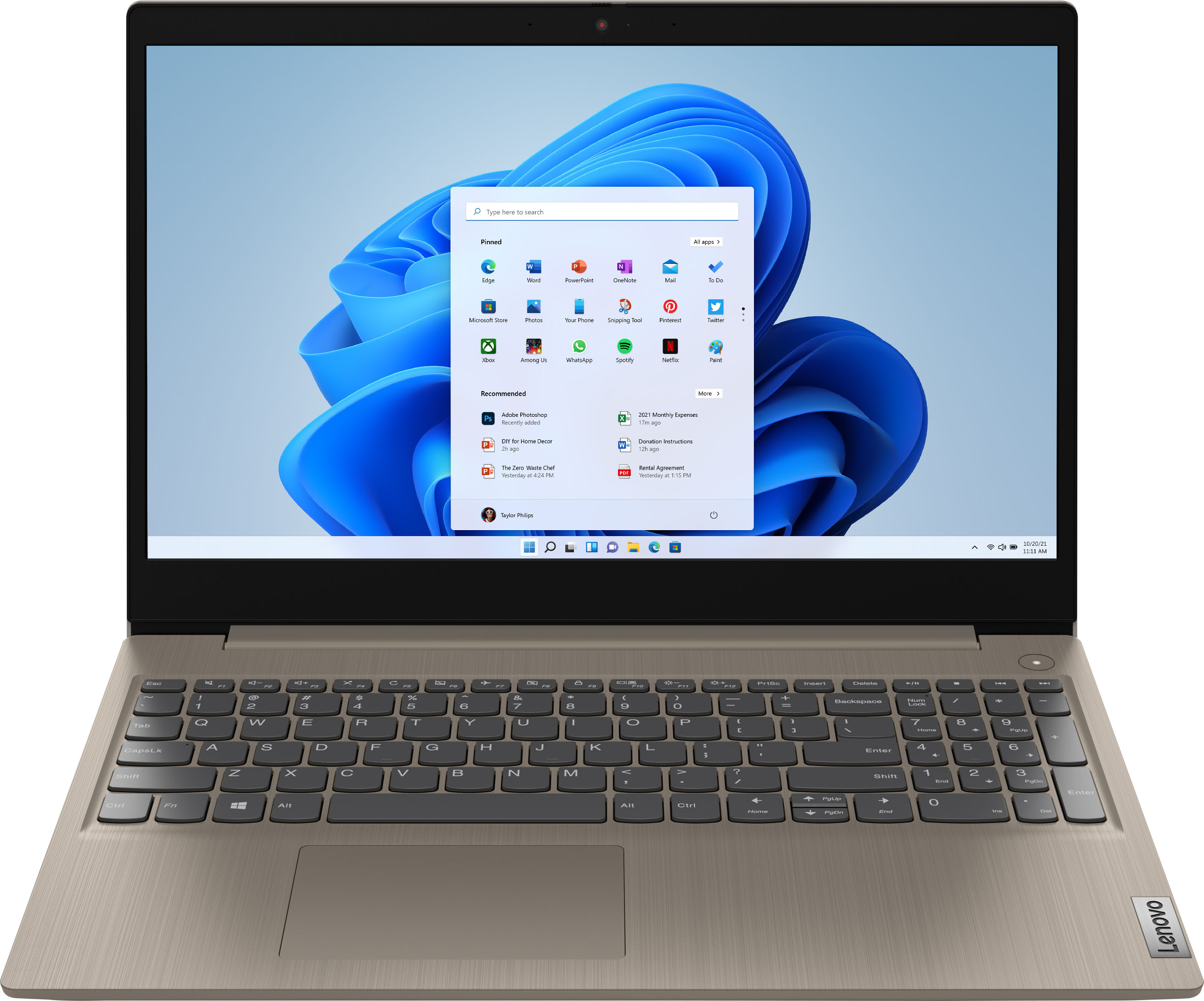
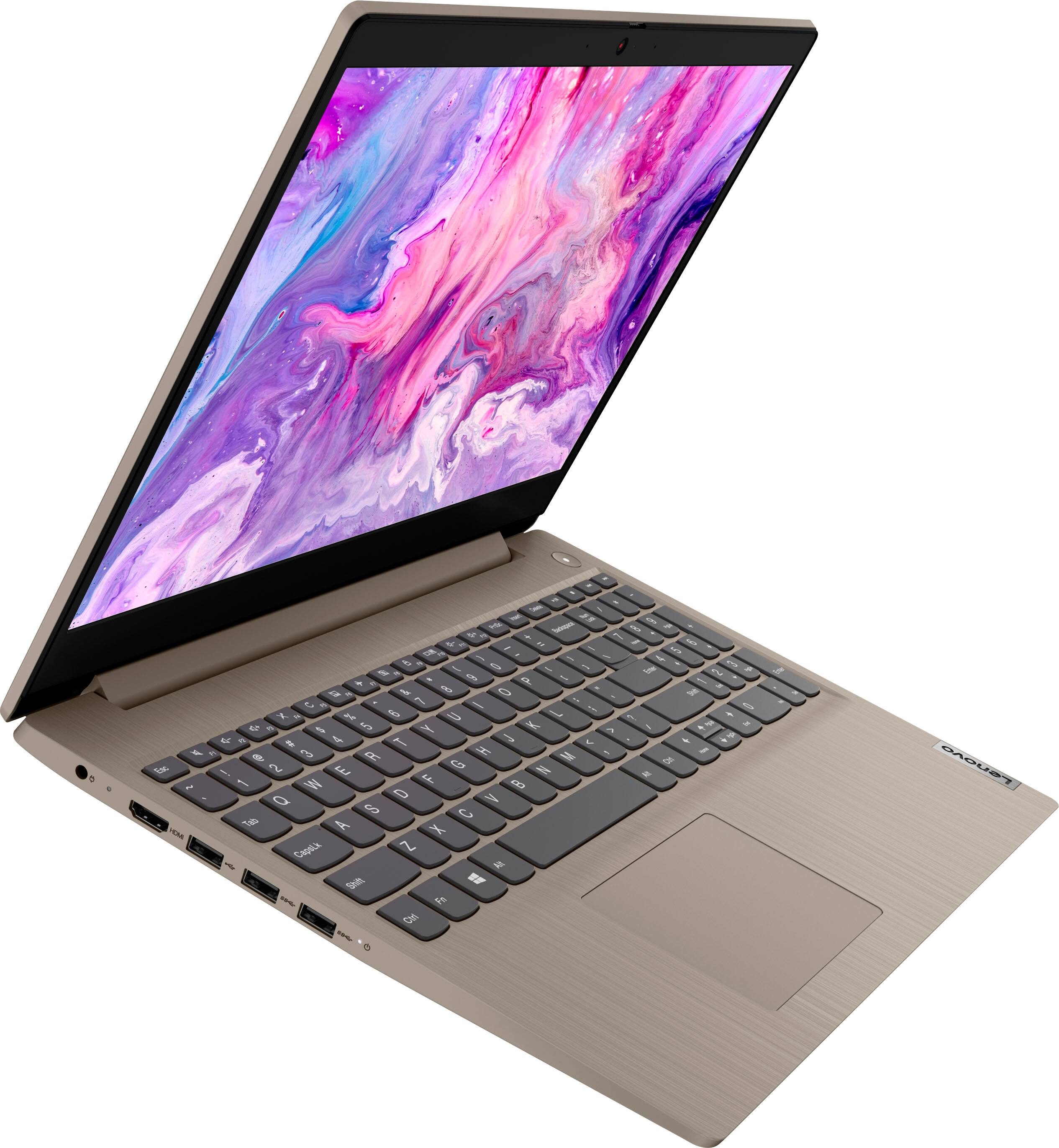
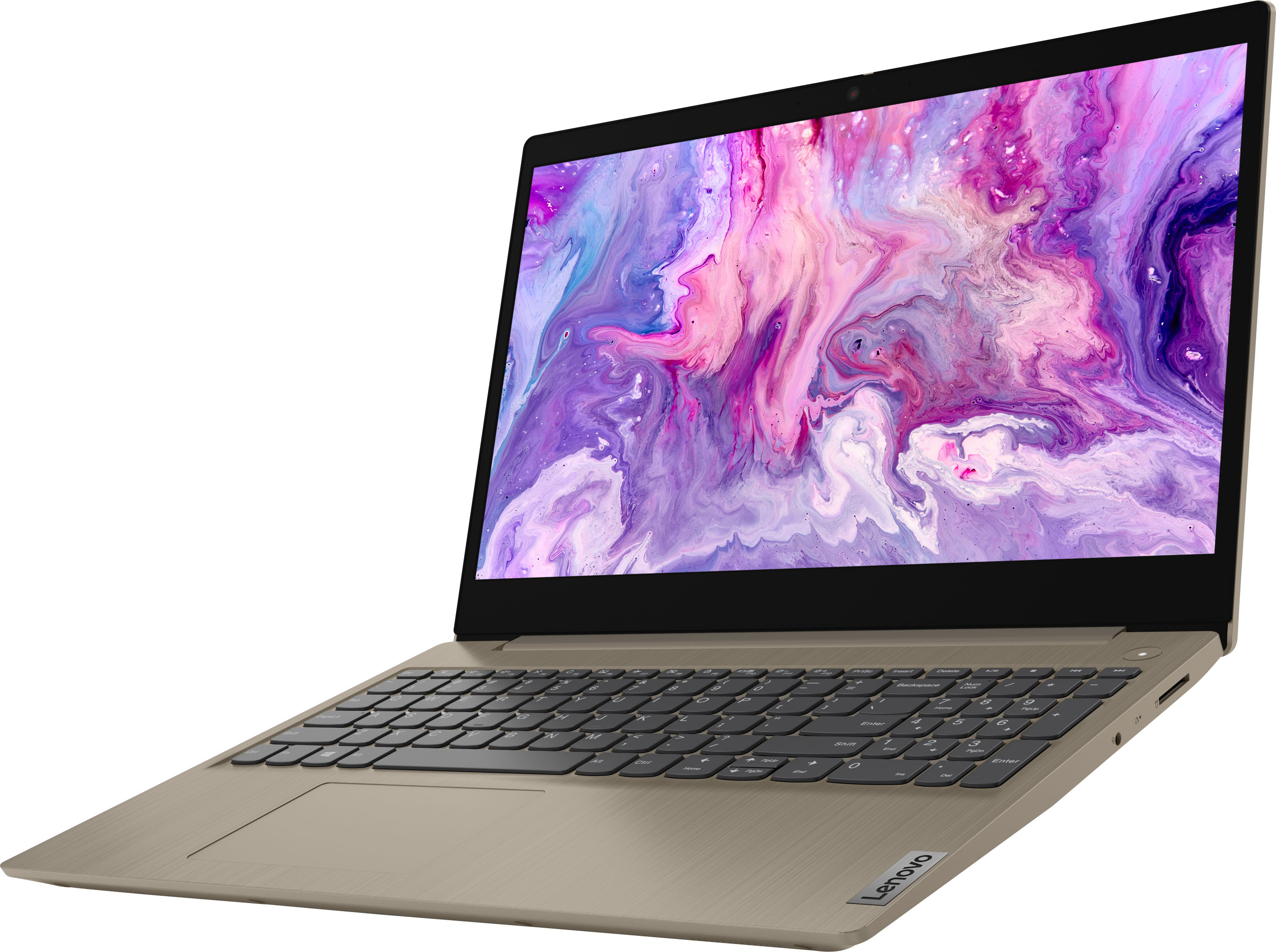
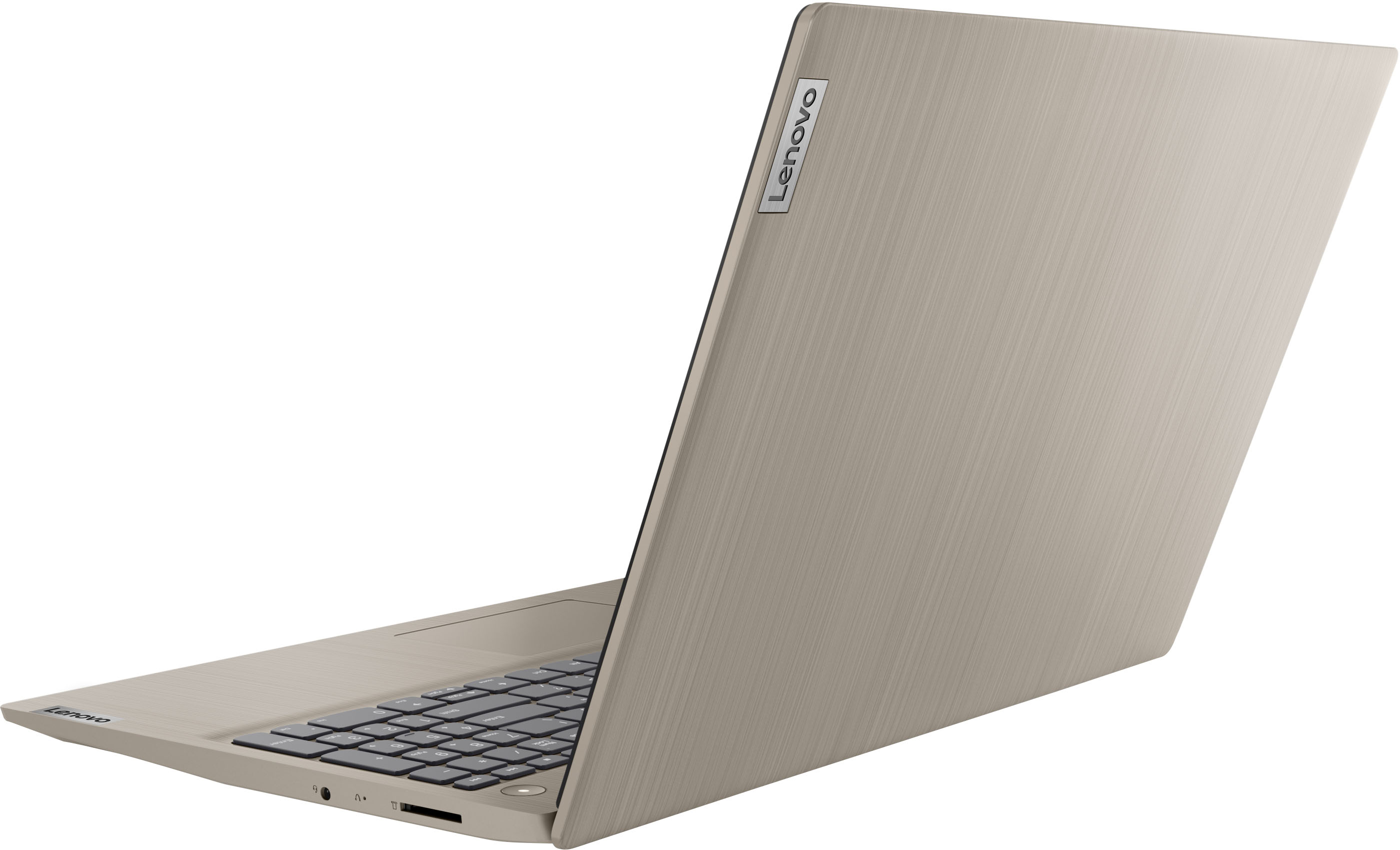
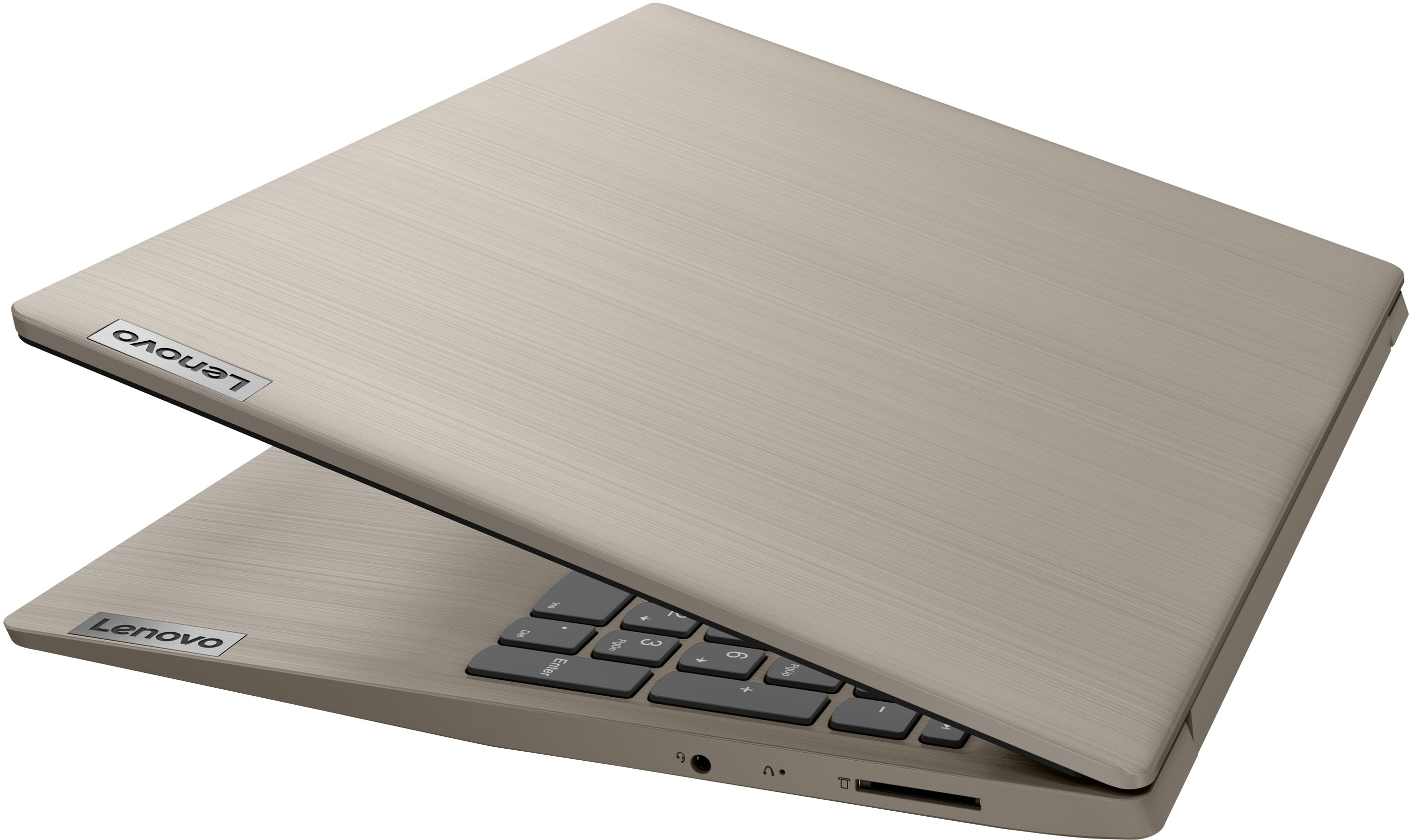
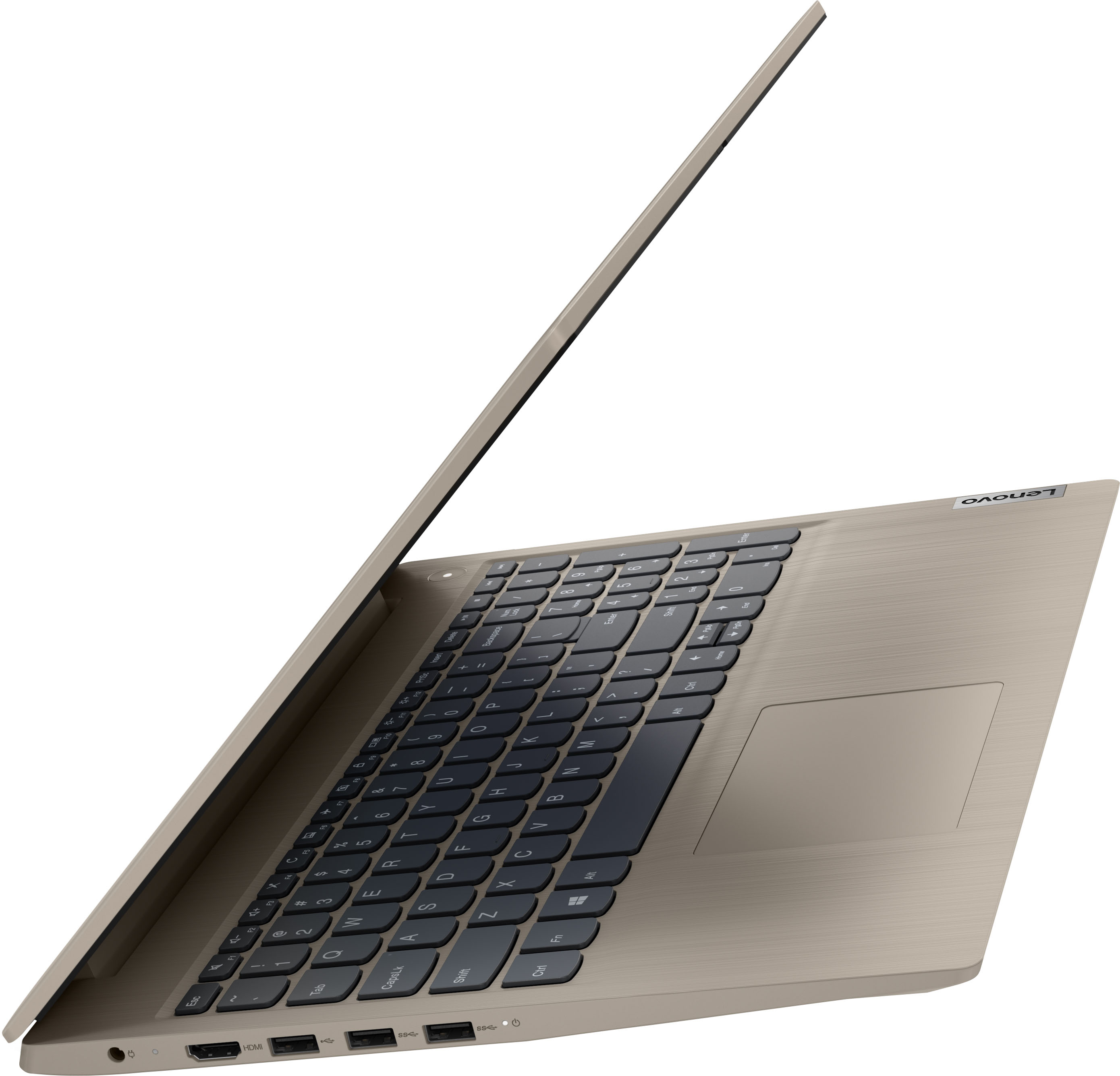

- Model:
- 81X800KLUS
- SKU:
- 6497829
Rating by feature
- Battery Life
Rating 4.4 out of 5 stars
- Speed
Rating 4.5 out of 5 stars
- Display
Rating 4.5 out of 5 stars
Customers are saying
Customers commend the IdeaPad 3's touchscreen, ease of use, performance, and value for its price. Many appreciate its lightweight design and fast SSD, finding it to be a good size for their needs. However, some users point to the battery life as needing improvement, and others express dissatisfaction with the pre-installed operating system. The limited storage capacity is also a concern for some customers.
This summary was generated by AI based on customer reviews.
DHILL1616
||Posted . Owned for 1 month when reviewed.This reviewer received promo considerations or sweepstakes entry for writing a review.Love it. It was updated right when I bought it. It's Perfect in size.
I would recommend this to a friendBrand response from Lenovo Product Expert
Posted .Thank you for choosing the Lenovo IdeaPad 3 15 HD Touch Screen Laptop. We are very pleased to see that the specifications and features of the Lenovo IdeaPad 3 15 HD Touch Screen Laptop meet your computing needs so well.

- Pros mentioned:Price
Gets the job done!
||Posted . Owned for 3 weeks when reviewed.This reviewer received promo considerations or sweepstakes entry for writing a review.Good workhouse laptop for online schooling for my son at a competitive price.
I would recommend this to a friendBrand response from Lenovo Product Expert
Posted .Thank you for choosing the Lenovo IdeaPad 3 15 laptop for your son. We are pleased to hear that the value and performance of the Ideapad 3 15 meets your son's computing needs so well. We always recommend you check the requirements and compatibility of any software you will be installing on your new computer, before you invest in any computer. Be sure your new computer can support the software you will need to use and your workload.
- Pros mentioned:Touch screen
Great Buy
||Posted . Owned for 1 month when reviewed.This reviewer received promo considerations or sweepstakes entry for writing a review.Great for what I needed it. Have no issues. Love the touch screen.
I would recommend this to a friend - Pros mentioned:Price
great little machine
||Posted .This reviewer received promo considerations or sweepstakes entry for writing a review.great little laptop for the price. cant loose with these machines
I would recommend this to a friendBrand response from Lenovo Product Expert
Posted .Thank you for choosing the Lenovo IdeaPad 3 15 Laptop. We are pleased to hear that the value and performance of the Ideapad 3 15 meets your computing needs so well.
Lenova ideapad 3
||Posted . Owned for 3 months when reviewed.This reviewer received promo considerations or sweepstakes entry for writing a review.This Laptop is nice. I bought for my kids for school use. It is useful.
I would recommend this to a friendBrand response from Lenovo Product Expert
Posted .Thank you for choosing the Lenovo IdeaPad 3 15 laptop for your children. We are pleased to hear that the IdeaPad 3 15 is working out so well for your children.
- Pros mentioned:Touch screen
Lenovo
||Posted . Owned for 2 weeks when reviewed.This reviewer received promo considerations or sweepstakes entry for writing a review.This is a good laptop for the price. Really like the touchscreen.
I would recommend this to a friendBrand response from Lenovo Product Expert
Posted .Thank you for choosing the Lenovo IdeaPad 3 15 Laptop. We are pleased to hear that the value, features and performance of the IdeaPad 3 15 meets your computing needs so well.
- Pros mentioned:Touch screen
Laptop
||Posted . Owned for 2 months when reviewed.This reviewer received promo considerations or sweepstakes entry for writing a review.Bought this for my son’s school work. He loves it! Touch screen!
I would recommend this to a friendBrand response from Lenovo Product Expert
Posted .Thank you for choosing the Lenovo IdeaPad 3 15 laptop for your son. We are pleased to hear that the features and performance of the IdeaPad 3 15 meets your son's computing needs so well.
- Pros mentioned:Ease of use
Nice laptop
||Posted . Owned for 3 weeks when reviewed.This reviewer received promo considerations or sweepstakes entry for writing a review.Only used a few times but works fine. Does the job it was bought to do.
I would recommend this to a friendBrand response from Lenovo Product Expert
Posted .Thank you for choosing the Lenovo IdeaPad 3 15 Laptop. We are pleased to hear that the IdeaPad 3 15 is working out so well for you.
- Pros mentioned:Performance
Great laptop
||Posted . Owned for 3 weeks when reviewed.This reviewer received promo considerations or sweepstakes entry for writing a review.Wife bought it for her job and she loves it. Great display and works fast
I would recommend this to a friendBrand response from Lenovo Product Expert
Posted .Thank you for choosing the Lenovo IdeaPad 3 15 HD Touch Screen Laptop. We are very pleased to see that the specifications and features of the Lenovo IdeaPad 3 15 HD Touch Screen Laptop meet your computing needs so well.
- Pros mentioned:Price
Good budget PC
||Posted . Owned for 1 month when reviewed.This reviewer received promo considerations or sweepstakes entry for writing a review.Good for the price and it's not hot garbage despite the price. Not slow
I would recommend this to a friend - Pros mentioned:Speed
Great Purchase
||Posted . Owned for 1 week when reviewed.This reviewer received promo considerations or sweepstakes entry for writing a review.I bought this for school and love it. It is fast and everything I was looking for.
I would recommend this to a friendBrand response from Lenovo Product Expert
Posted .Thank you for choosing the Lenovo IdeaPad 3 15 Laptop. We are pleased to hear that the IdeaPad 3 15 meets your computing needs so well.
- Pros mentioned:Performance
ok
||Posted . Owned for 1 week when reviewed.This reviewer received promo considerations or sweepstakes entry for writing a review.not totally familiar with it yet. Seems to be working out fine for me
I would recommend this to a friendBrand response from Lenovo Product Expert
Posted .Thank you for choosing the Lenovo IdeaPad 3 15 Laptop, model number 81X800KLUS. This model ships with the Windows 11 S-Mode, 64-bit Operating System installed. Windows 11 S-Mode provides added security by only allowing APPs available ( and therefore certified by Microsoft) at the Microsoft Store. If you don't need the added security or you need to install APPs not available at the Microsoft Store, you can switch to standard Windows 11 Home 64-bit Operating System, at no additional cost. If you choose to switch out of S-Mode for Windows 11 Home: Here is a link to instructions for switching from Windows 11 S-Mode to Windows 11 Home: https://support.microsoft.com/en-us/help/4456067/windows-10-switch-out-of-s-mode. We are pleased to hear that the IdeaPad 3 15 is working out so well for you.
- Pros mentioned:Performance
Open box
||Posted .This reviewer received promo considerations or sweepstakes entry for writing a review.Open box model and works like a charm. Use it for classes and work.
I would recommend this to a friendBrand response from Lenovo Product Expert
Posted .Thank you for choosing the Lenovo IdeaPad 3 15 Laptop. We are pleased to hear that the IdeaPad 3 15 meets your computing needs so well.
- Pros mentioned:Price
Great Laptop
||Posted . Owned for 3 weeks when reviewed.This reviewer received promo considerations or sweepstakes entry for writing a review.Excellent laptop for price.Would recommend getting this for anyone going to school.
I would recommend this to a friendBrand response from Lenovo Product Expert
Posted .Thank you for choosing the Lenovo IdeaPad 3 15 Laptop. We are pleased to hear that the value and performance of the IdeaPad 3 15 meets your computing needs so well.
- Pros mentioned:Performance
Mr.
||Posted . Owned for 1 month when reviewed.This reviewer received promo considerations or sweepstakes entry for writing a review.The computer works great once past the learning curve on a new machine.
I would recommend this to a friendBrand response from Lenovo Product Expert
Posted .Thank you for choosing the Lenovo IdeaPad 3 15 Laptop. We are pleased to hear that the IdeaPad 3 15 is working out so well for you. Here is a link to a YouTube video that demonstrates some Windows 11 tips and tricks: https://www.youtube.com/watch?v=26dXRnc0EHc&t=29s
- Pros mentioned:Price
Lenovo priced right
||Posted . Owned for 1 month when reviewed.This reviewer received promo considerations or sweepstakes entry for writing a review.Great value. Everything needed in laptop at reasonable price
I would recommend this to a friend - Pros mentioned:Price
Good Value
||Posted . Owned for 1 month when reviewed.This reviewer received promo considerations or sweepstakes entry for writing a review.Works fine and serves my purposes at a very reasonable price point.
I would recommend this to a friendBrand response from Lenovo Product Expert
Posted .Thank you for choosing the Lenovo IdeaPad 3 15 laptop. We are pleased to hear that the value and performance of the Ideapad 3 15 meets your computing needs so well.
- Pros mentioned:Price
GREAT
||Posted .This reviewer received promo considerations or sweepstakes entry for writing a review.AWESOME UNIT AT FOR SUCH A LOW PRICE WOULD HIGHLY RECCOMEND THIS UNIT
I would recommend this to a friendBrand response from Lenovo Product Expert
Posted .Thank you for choosing the Lenovo IdeaPad 3 15 Laptop. We are pleased to hear that the value and performance of the IdeaPad 3 15 meets your computing needs so well.
- Pros mentioned:Performance
Great buy
||Posted . Owned for 3 weeks when reviewed.This reviewer received promo considerations or sweepstakes entry for writing a review.great laptop; needed an extra laptop for work and this is perfect
I would recommend this to a friendBrand response from Lenovo Product Expert
Posted .Thank you for choosing the Lenovo IdeaPad 3 15 Laptop. We are pleased to hear that the performance of the IdeaPad 3 15 meets your business computing needs so well.
- Pros mentioned:Speed
Great Laptop
||Posted . Owned for 3 weeks when reviewed.This reviewer received promo considerations or sweepstakes entry for writing a review.Great fast laptop. My wife loves it. Fast start up and fast performance.
I would recommend this to a friendBrand response from Lenovo Product Expert
Posted .Thank you for choosing the Lenovo IdeaPad 3 15 HD Touch Screen Laptop. We are very pleased to see that the specifications and features of the Lenovo IdeaPad 3 15 HD Touch Screen Laptop meet your computing needs so well.