Customer Ratings & Reviews
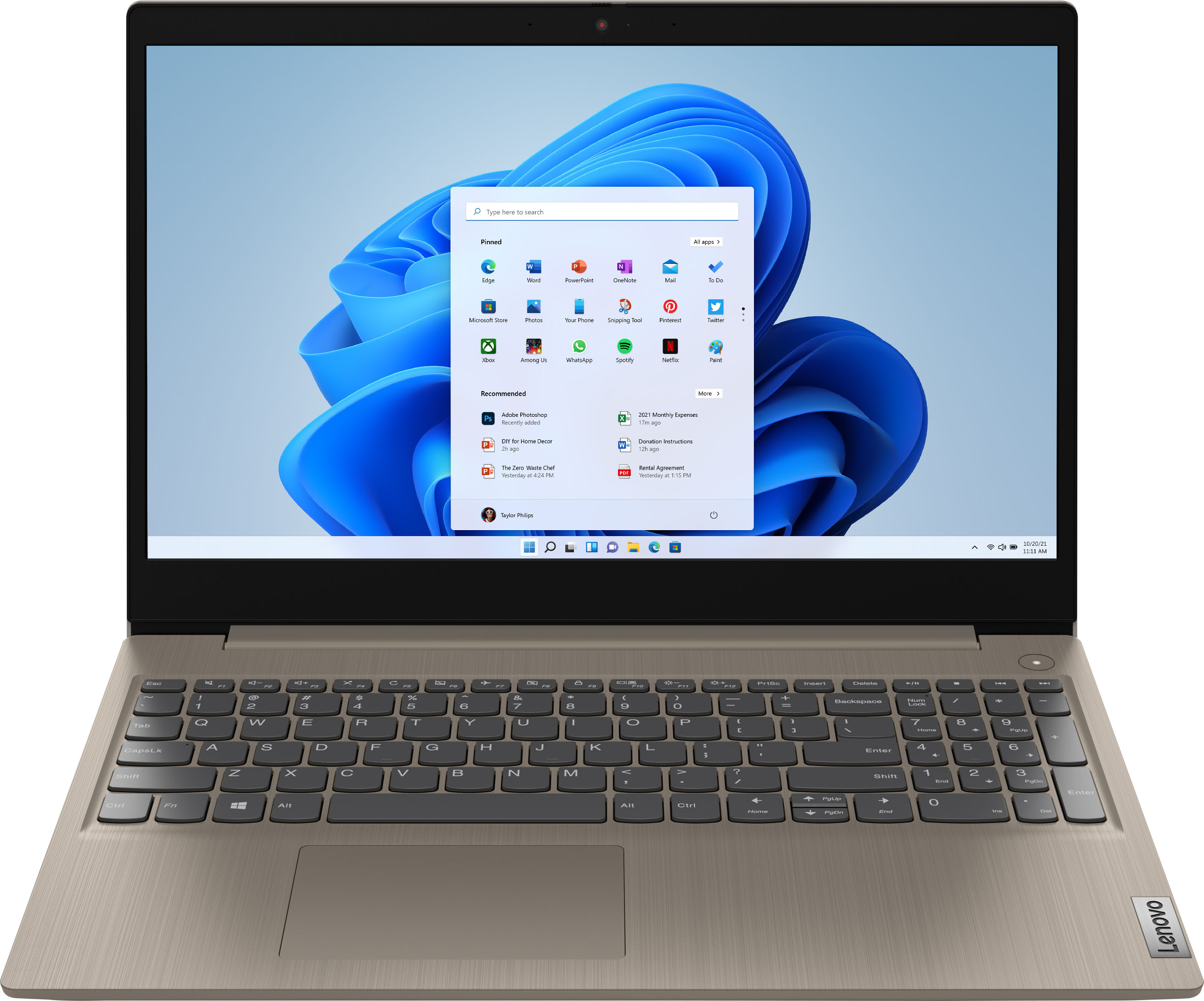
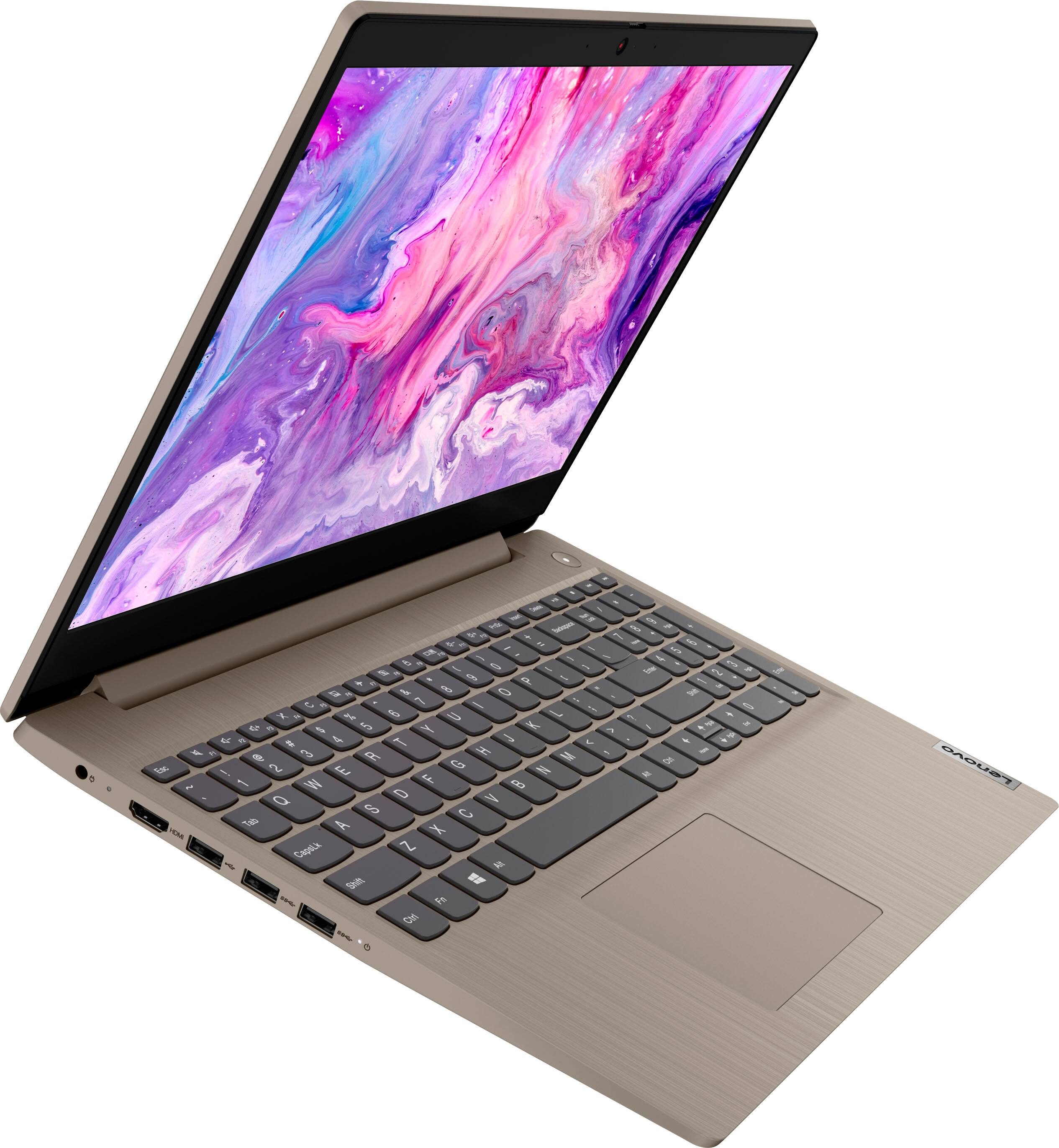
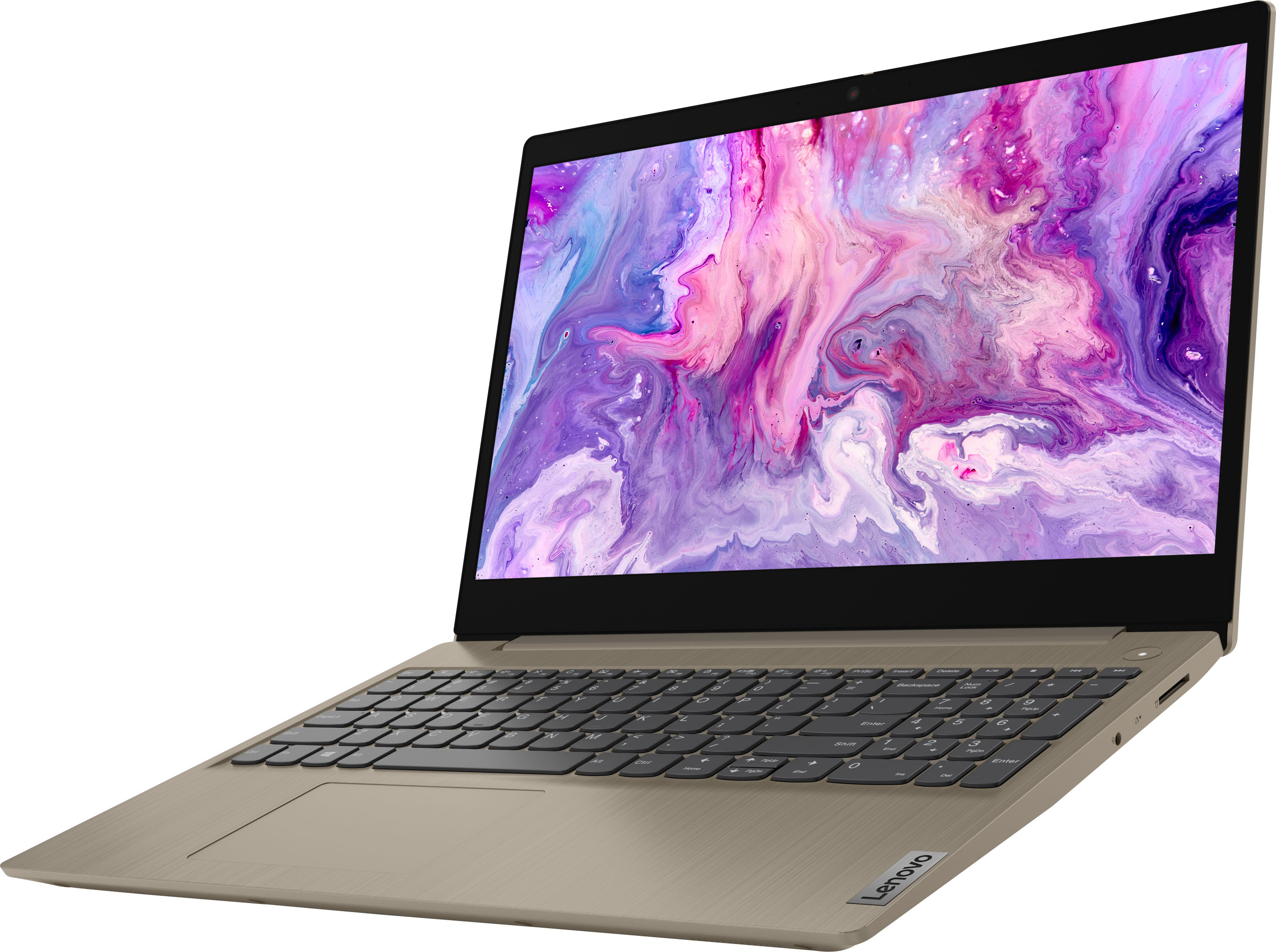
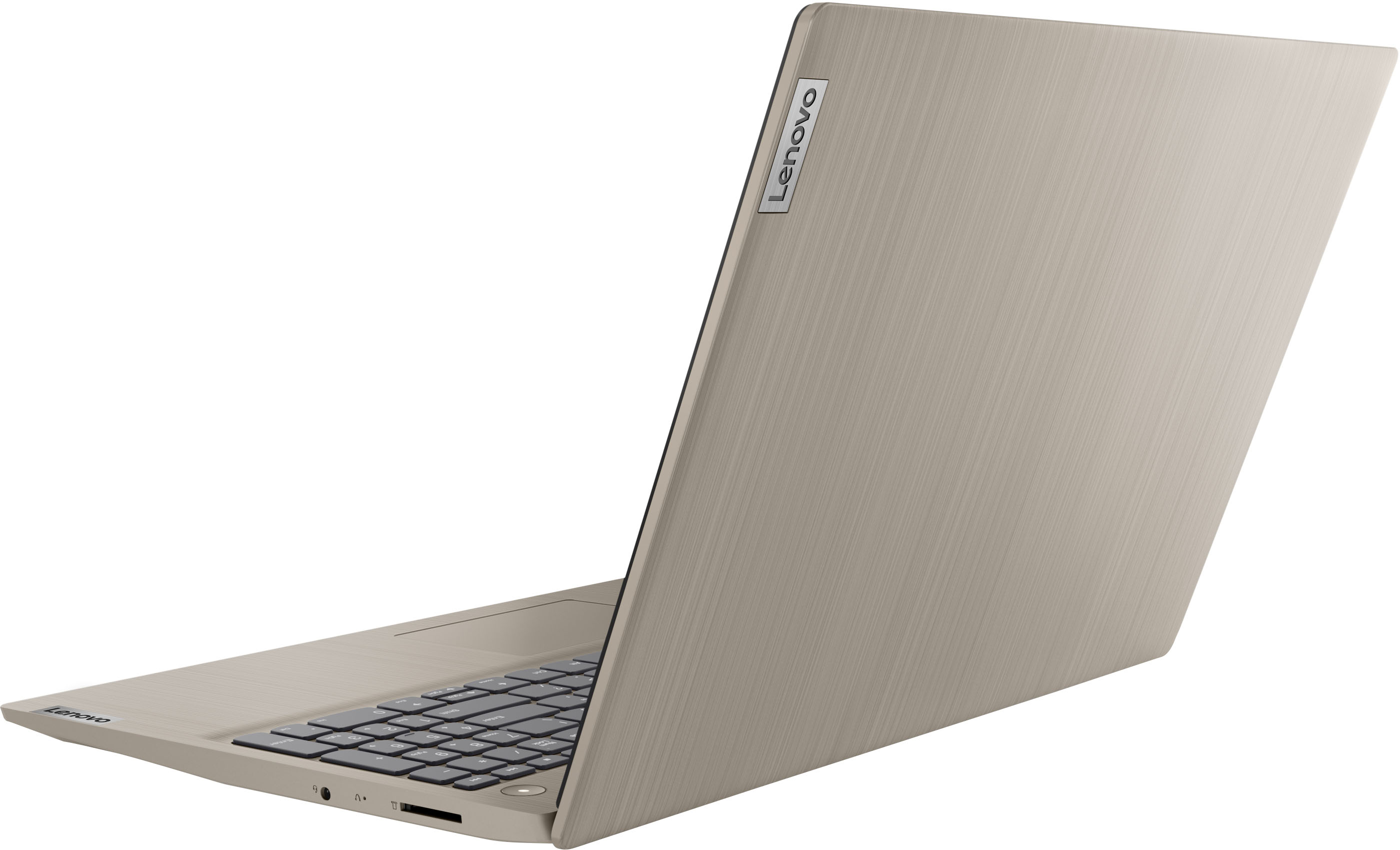

- Model:
- 81X800KLUS
- SKU:
- 6497829
Rating by feature
- Battery Life
Rating 4.4 out of 5 stars
- Speed
Rating 4.5 out of 5 stars
- Display
Rating 4.5 out of 5 stars
Customers are saying
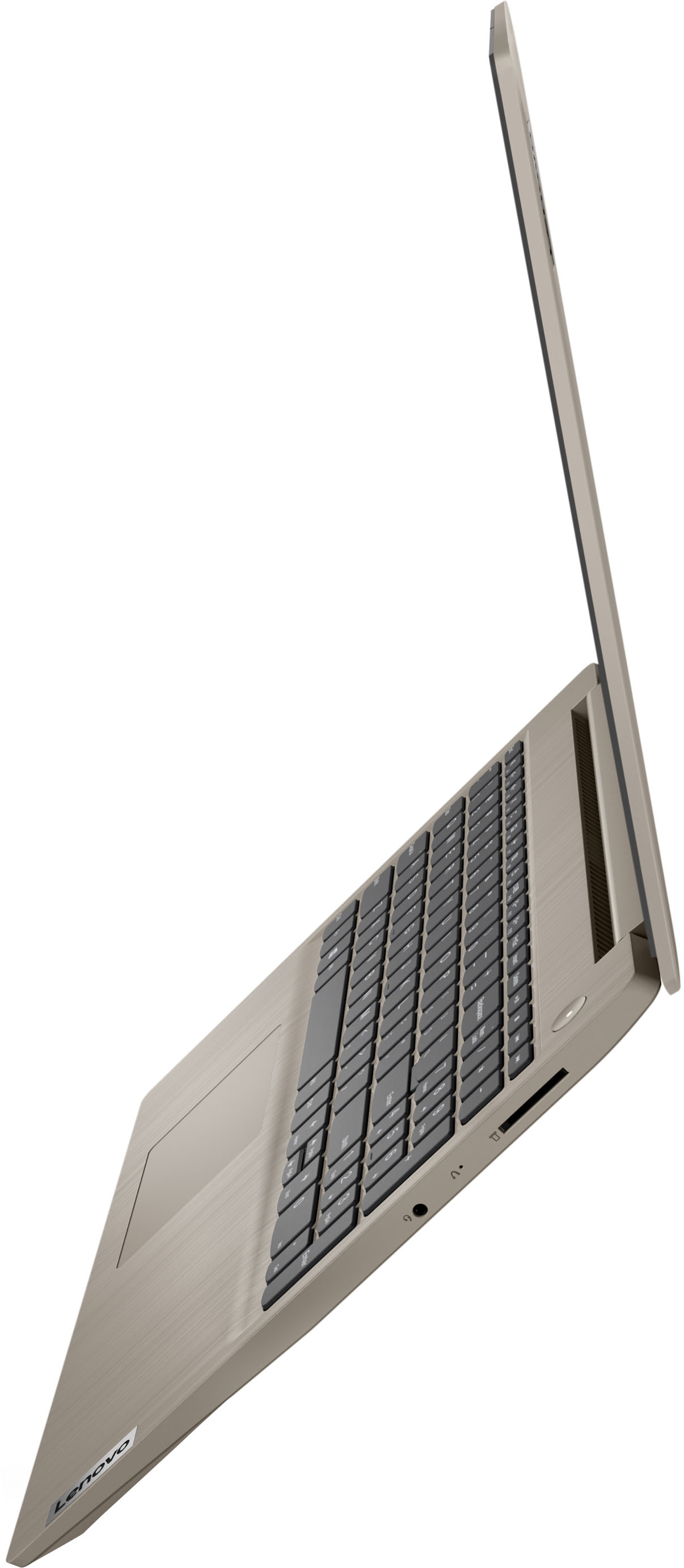
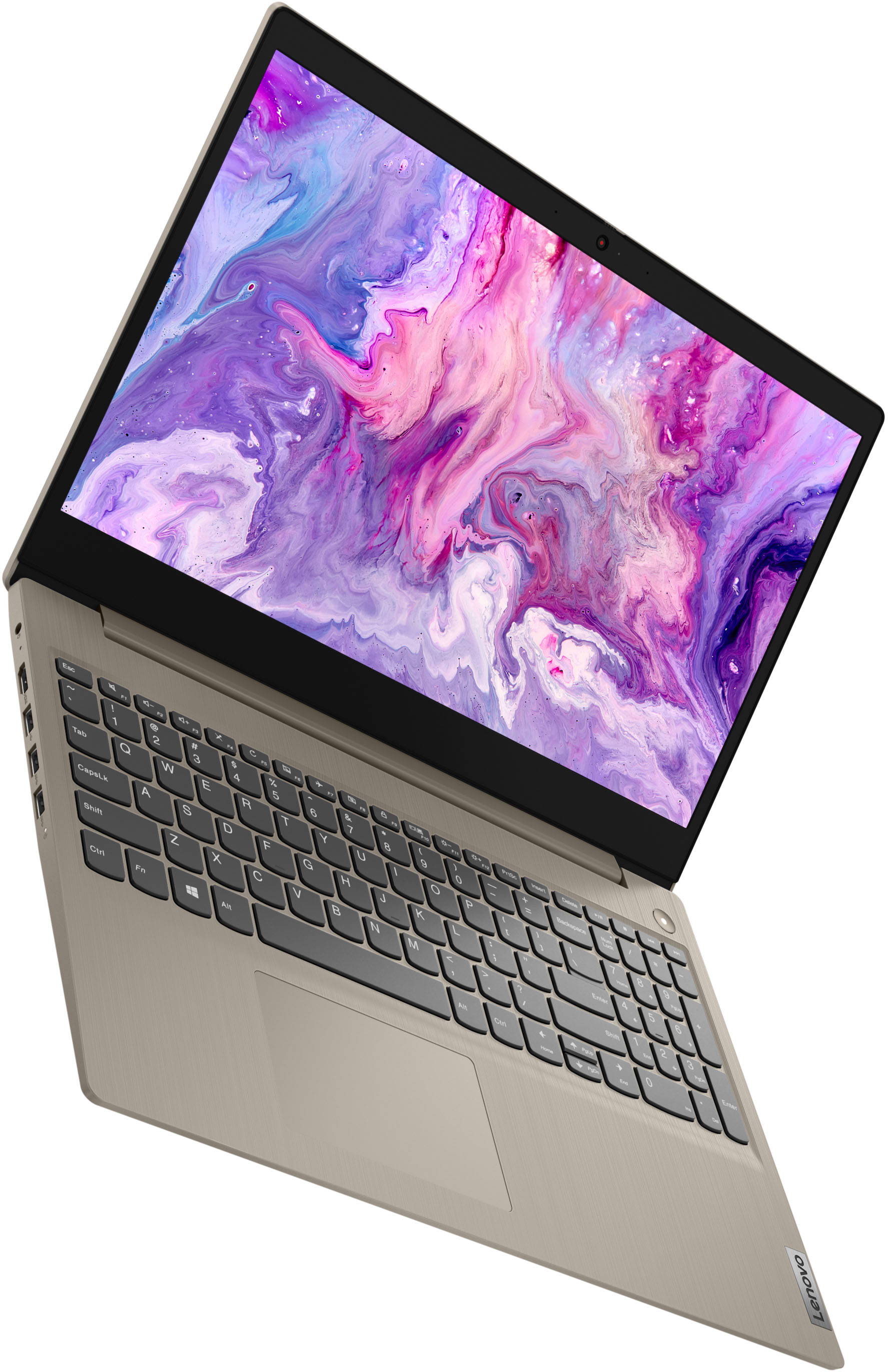
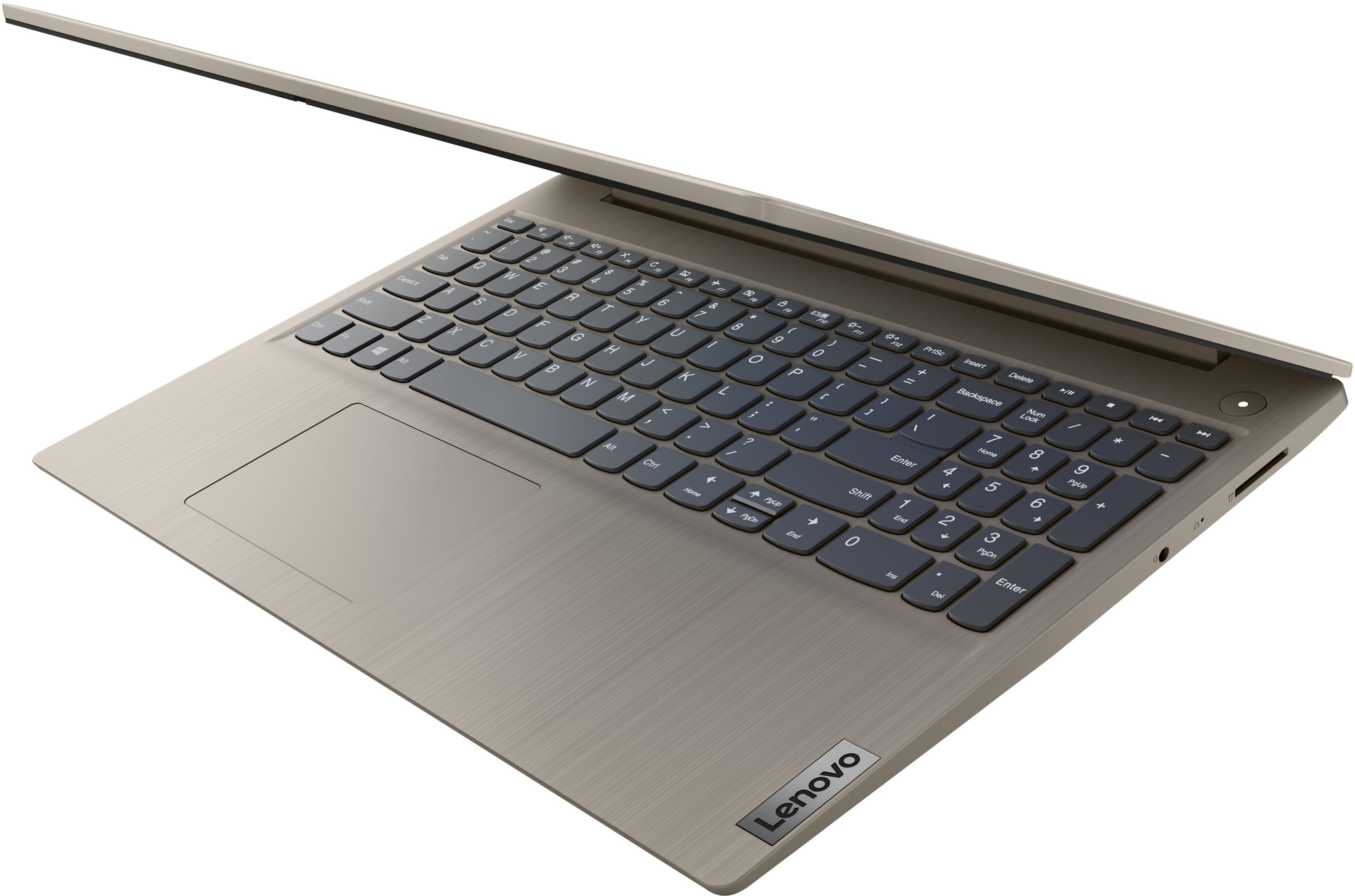
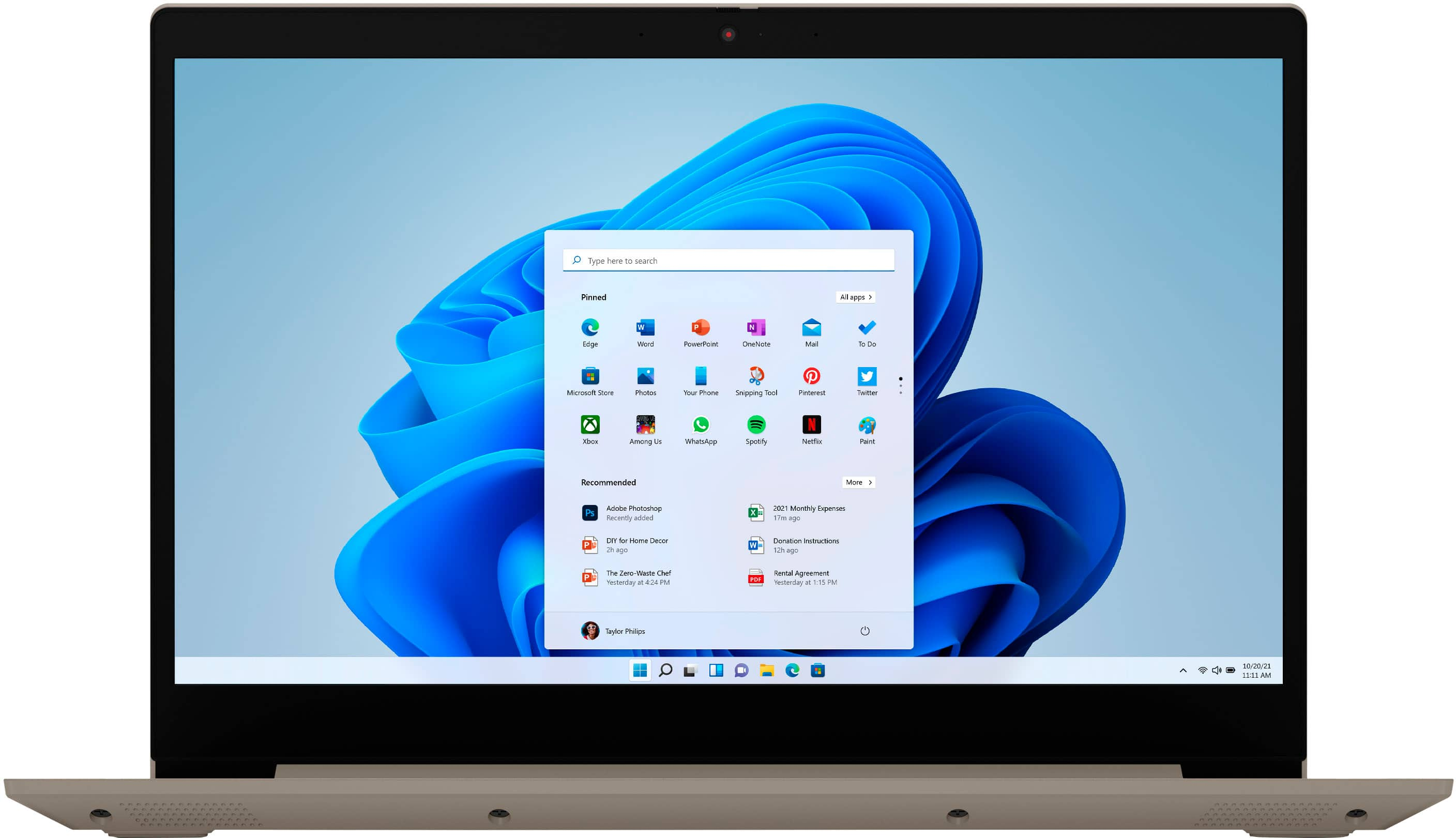
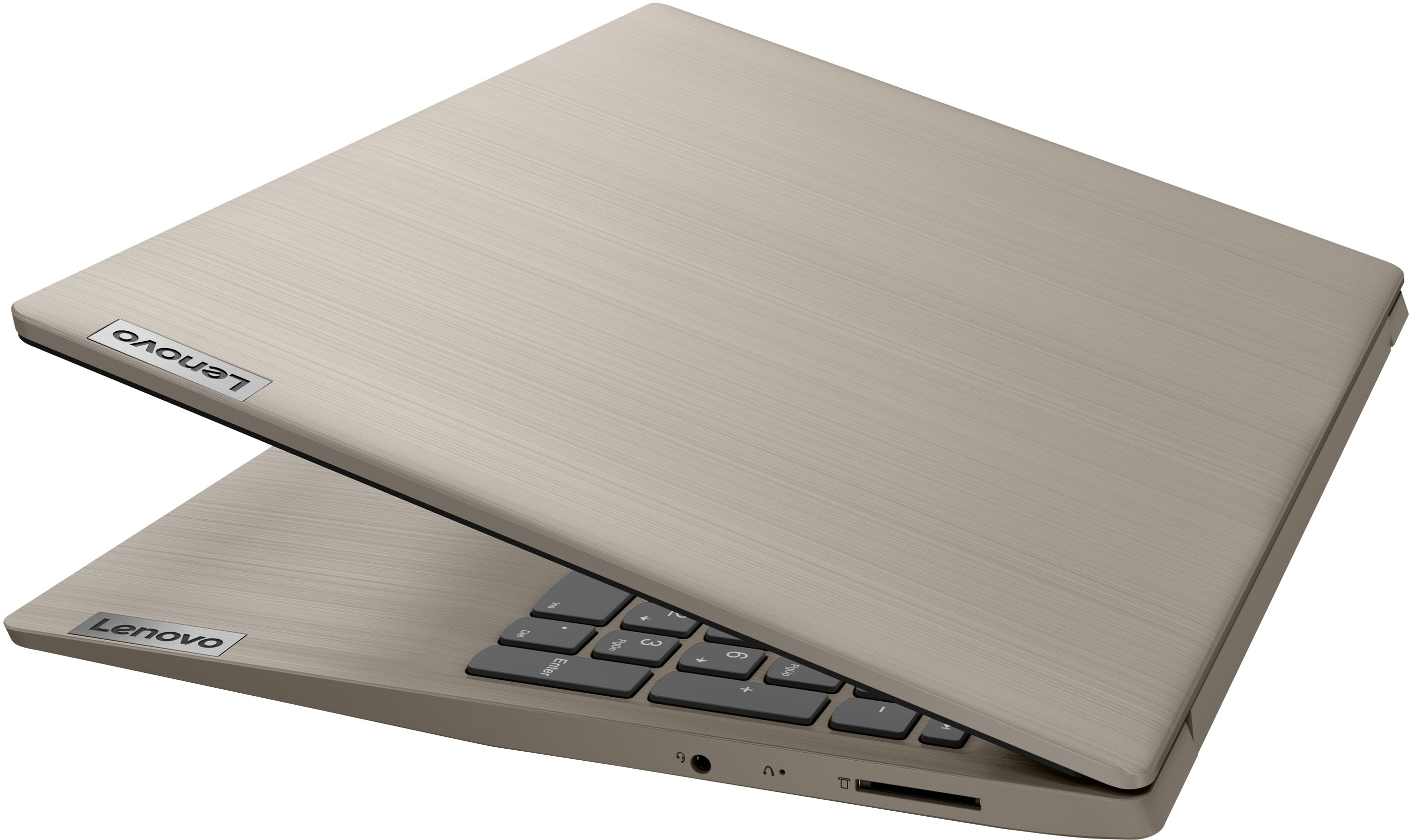
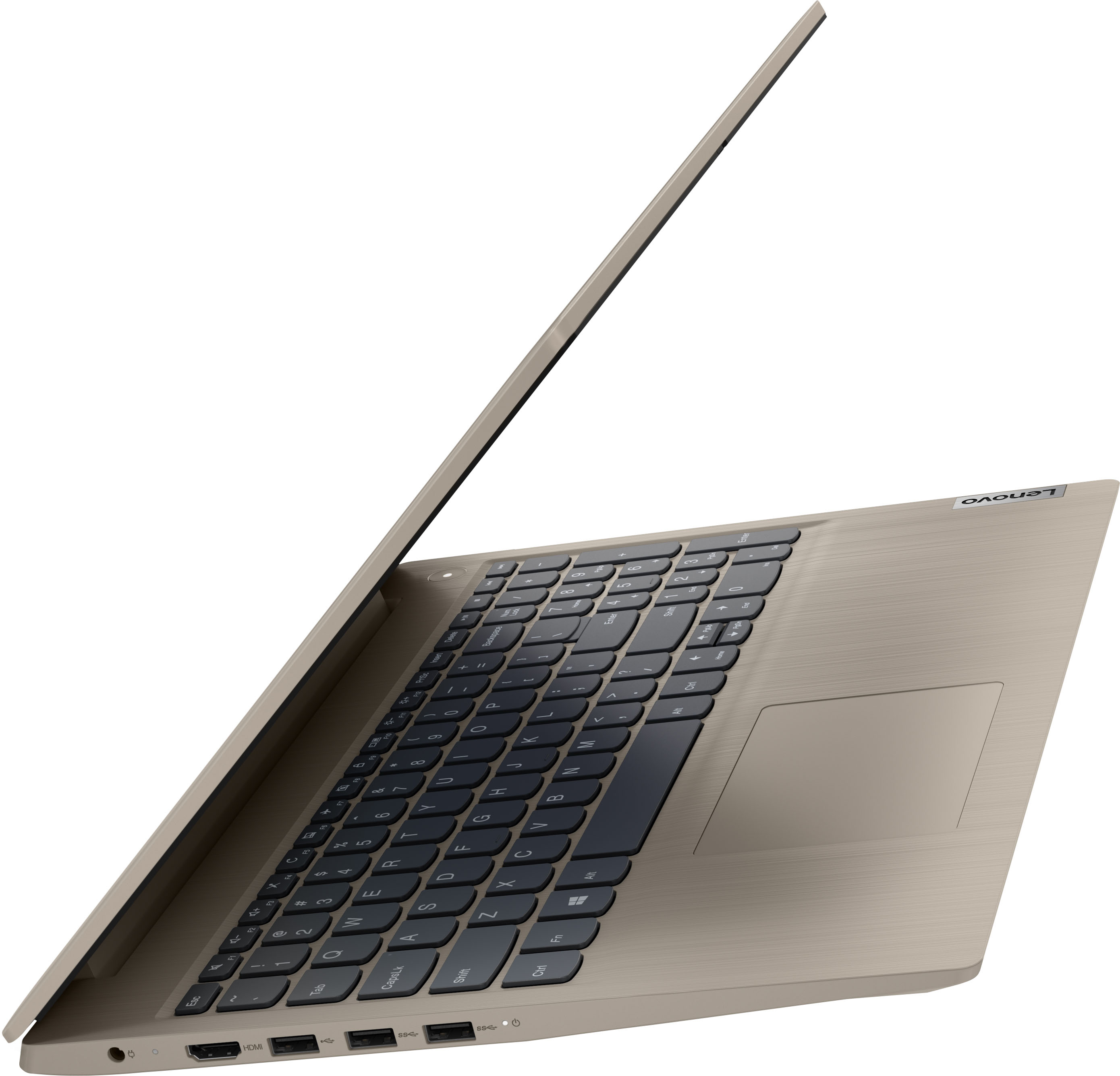
Customers commend the IdeaPad 3's touchscreen, ease of use, performance, and value for its price. Many appreciate its lightweight design and fast SSD, finding it to be a good size for their needs. However, some users point to the battery life as needing improvement, and others express dissatisfaction with the pre-installed operating system. The limited storage capacity is also a concern for some customers.
This summary was generated by AI based on customer reviews.
College laptop- normal and ok price
||Posted . Owned for 3 weeks when reviewed.This reviewer received promo considerations or sweepstakes entry for writing a review.2 weeks old and working as expected for general Internet use, specifically pertaining to college standard online homework and assignments format. Even in person college still uses online. This computer works just fine for it.
I would recommend this to a friendBrand response from Lenovo Product Expert
Posted .Thank you for choosing the Lenovo IdeaPad 3 15 HD Touch Screen Laptop. We are very pleased to see that the specifications and features of the Lenovo IdeaPad 3 15 HD Touch Screen Laptop meet your computing needs so well.

Wasn’t a good option for my kids
||Posted . Owned for 1 month when reviewed.This reviewer received promo considerations or sweepstakes entry for writing a review.My issue was with widows itself. I created child accounts for my children and I was unable to put it in kids mode and then log out with my administrator password and since it was purchased for my kids I had to return it.
No, I would not recommend this to a friendBrand response from Lenovo Product Expert
Posted .This Lenovo IdeaPad 3 15 Laptop, model number 81X800ENUS, ships with Windows 11 S-Mode, 64-bit Operating System installed. To setup Parental Controls, you will need to switch out of S-Mode to Windows 11 Home, 64-bit Operating System first. Here is a link to instructions for switching from Windows 11 S-Mode to Windows 11 Home: https://support.microsoft.com/en-us/help/4456067/windows-10-switch-out-of-s-mode. Once you have switched out of S-Mode, here is a link to instructions for setting up Parental Controls for your children on this laptop: https://www.lifewire.com/set-up-parental-controls-windows-11-5197414. If you have questions about setting up Parental Controls within Windows 11, we recommend you contact Microsoft Software Tech Support directly at: https://support.microsoft.com/
Good laptop
||Posted .This reviewer received promo considerations or sweepstakes entry for writing a review.Good quality. I bought this for my mom because her laptop was pretty beat up. I usually get batteries for her on Mother's Day but Ive already gotten her AA, AAA, C and even 9V so I decided to shake it up a little this year.
I would recommend this to a friendBrand response from Lenovo Product Expert
Posted .Thank you for choosing the Lenovo IdeaPad 3 15 Laptop for your mother. We are pleased to hear that the IdeaPad 3 15 meets your mother's computing needs so well.
Perfect for work from home tasks.
||Posted . Owned for 1 month when reviewed.This reviewer received promo considerations or sweepstakes entry for writing a review.This is our second Lenovo-IdeaPad. My wife and I each use one for our work from home jobs. This model is perfect for each of us and actually has more capabilities than we need. I will likely buy another one in the future.
I would recommend this to a friendBrand response from Lenovo Product Expert
Posted .Thank you for choosing the Lenovo IdeaPad 3 15 Laptops for you and your wife. We appreciate your loyalty to the IdeaPad 3 15 Product Family and the Lenovo Brand. We are pleased to hear that the IdeaPad 3 15 meets the business computing needs of you and your wife so well.
- Cons mentioned:Battery life
Did not last
||Posted . Owned for 1.5 years when reviewed.This reviewer received promo considerations or sweepstakes entry for writing a review.It was absolutely great, but it died in less than two years. Very disappointing.
No, I would not recommend this to a friend Best for the discounted price
||Posted . Owned for 3 weeks when reviewed.This reviewer received promo considerations or sweepstakes entry for writing a review.Great discounted price during the thanksgiving sale at the best buy. Very impressive on the performance and battery life at the price. But I wish to get the better display laptop even i pay more.
I would recommend this to a friendO.K.
||Posted . Owned for 1 month when reviewed.This reviewer received promo considerations or sweepstakes entry for writing a review.It's o.k. Should not have had to buy a new computer but for the fact the Geek Squad said my power supply was gone in my old computer when there was a short in my battery. My old computer works just fine. SEE!!!!!
No, I would not recommend this to a friendGet the extra warranty …or a more reliable laptop
||Posted . Owned for 1 year when reviewed.This reviewer received promo considerations or sweepstakes entry for writing a review.Literally 1 month after warranty period it fried the board and was beyond economic repair. Have been a long time Lenovo customer but no more.
No, I would not recommend this to a friendDon't try to move it once it's on.
||Posted . Owned for 2 weeks when reviewed.This reviewer received promo considerations or sweepstakes entry for writing a review.Had this for 10 days. Every time you move it from lap to table the screen shows a multi color mosaic than freezes. Have to turn off and back on to recover. Going to return it.
No, I would not recommend this to a friendBrand response from Lenovo Product Expert
Posted .Hello, TomK, we are sorry to hear that you have encountered an issue with your IdeaPad 3 15. We recommend reaching out to Lenovo Tech Support and proving a representative with details of your issue so they can help provide a solution. Here is phone number to get in contact with tech support: 877-453-6686.
Eye Catcher
||Posted . Owned for 3 weeks when reviewed.This reviewer received promo considerations or sweepstakes entry for writing a review.This product is sleek as well as light weight. It is nice to look at and you do not want to cover it. So I simply purchased a heavy material computer bag to place it in.
I would recommend this to a friendBrand response from Lenovo Product Expert
Posted .Thank you for choosing the Lenovo IdeaPad 3 15 HD Touch Screen Laptop. We are very pleased to hear that the specifications and features of the Lenovo IdeaPad 3 15 HD Touch Screen Laptop meet your computing needs so well.
Great for work from home!
||Posted . Owned for 1 month when reviewed.This reviewer received promo considerations or sweepstakes entry for writing a review.Great laptop for the price! Has enough GB and RAM to use to work from home, and is super fast! Bought as a backup computer as my usual was in the shop. It’s a great laptop to use full time for work!
I would recommend this to a friendBrand response from Lenovo Product Expert
Posted .Thank you for choosing the Lenovo IdeaPad 3 15 Laptop. We are pleased to hear that the features and performance of the IdeaPad 3 15 meets your computing needs so well.
Lenova Ideapad3
||Posted . Owned for 3 weeks when reviewed.This reviewer received promo considerations or sweepstakes entry for writing a review.I had quite a bit of trouble in the first three weeks after purchase because when I purchased Microsoft 365 it went onto my new laptop incorrectly and took nine Geek Squad members to finally get it fixed.
I would recommend this to a friendBrand response from Lenovo Product Expert
Posted .Thank you for choosing the Lenovo IdeaPad 3 15 Laptop, model number 81X800KLUS. This model ships with a 30-day trial of Microsoft Office 365 included as part of the Windows 11 operating system. To keep the program active after the trial period, you will need to purchase a product key. You will not need to download any additional software.
Good price, great for productivity
||Posted . Owned for 1 month when reviewed.This reviewer received promo considerations or sweepstakes entry for writing a review.Works great so far. Bought for my mom. She likes it. Updated to windows 11, still smooth. Using mainly for work and light internet use. No gaming. Love the Lenovo features, save battery by using conserve setting
I would recommend this to a friendBrand response from Lenovo Product Expert
Posted .Thank you for choosing the Lenovo IdeaPad 3 15 laptop for your mother. We are pleased to hear that the features and performance of the Ideapad 3 15 meets your mother's computing needs so well.
Good value
||Posted . Owned for 1 month when reviewed.This reviewer received promo considerations or sweepstakes entry for writing a review.This was a gift purchase. All I did was set up the laptop for the user and install the necessary software. The limited time spent using this laptop, I felt it was a good value and was as expected.
I would recommend this to a friendBrand response from Lenovo Product Expert
Posted .Thank you for choosing the Lenovo IdeaPad 3 15 Laptop as a gift. We are pleased to hear that the value, features and performance of the IdeaPad 3 15 met your needs for a gift laptop.
I DON'T UNDERSTAND
||Posted . Owned for 3 weeks when reviewed.This reviewer received promo considerations or sweepstakes entry for writing a review.They actually speak English at the desk, but I understand the GEEKS in the back room do not. BUT they do the fixing and putting all your info on the new (I LOVE MINE) computer. Thanks
I would recommend this to a friend- Pros mentioned:Price
OK FOR PRICE
||Posted . Owned for 1 month when reviewed.This reviewer received promo considerations or sweepstakes entry for writing a review.The price was really good, but the graphics sucked. I fixes my old laptop and gave this one to my husband. He is ok with it because he never used a laptop.
I would recommend this to a friendBrand response from Lenovo Product Expert
Posted .This Lenovo IdeaPad 3 15 Laptop, model number 81X800ENUS, ships with integrated, Intel UHD Graphics Version, graphics processing, integrated within the 11th Gen Intel Core i3-1115G4 Processor. This IdeaPad 3 15 Laptop ships with a 15.6 inch (screen size measured diagonally) TN - HD (1366x768) 10-point Multi-touch screen, with a brightness level of 220 nits and has an Anti-glare Coating.
Its not good
||Posted . Owned for 1 year when reviewed.This reviewer received promo considerations or sweepstakes entry for writing a review.its not a good laptop. Its super slow and the screen quality is bad. The screen looks like if all the brightness was set to zero and looks very outdated.
No, I would not recommend this to a friendNew computer review
||Posted . Owned for 3 weeks when reviewed.This reviewer received promo considerations or sweepstakes entry for writing a review.My first windows operating system that's not windows 7. Very easy-to-use and setting up my computer. Windows 11 is very different from what I'm use too but having a good time working on it.
I would recommend this to a friendBrand response from Lenovo Product Expert
Posted .Thank you for choosing the Lenovo IdeaPad 3 15 laptop. We are pleased to hear that the IdeaPad 3 15 is working out so well for you. This model ships with Windows 11 S-Mode, 64-bit Operating System installed. Windows 11 S-Mode provides added security by only allowing APPs available ( and therefore certified by Microsoft) at the Microsoft Store. If you don't need the added security or you need to install APPs not available at the Microsoft Store, you can switch to standard Windows 11 Home 64-bit Operating System, at no additional cost. If you choose to switch out of S-Mode for Windows 11 Home: Here is a link to instructions for switching from Windows 11 S-Mode to Windows 11 Home: https://support.microsoft.com/en-us/help/4456067/windows-10-switch-out-of-s-mode
Good enough
||Posted . Owned for 1 month when reviewed.This reviewer received promo considerations or sweepstakes entry for writing a review.A decent computer for the basics I need to accomplish. I wish it had a better photo editor that came with it, and the screen sharpness could be better, but it does the job.
I would recommend this to a frienddz newest
||Posted . Owned for 3 weeks when reviewed.This reviewer received promo considerations or sweepstakes entry for writing a review.works great. replaced a 5 year old lenovo laptop which was subject to virous & decided to update & glad i did. set up was fast & easy & lenovo does updates with advance notice of such.
I would recommend this to a friendBrand response from Lenovo Product Expert
Posted .Thank you for choosing the Lenovo IdeaPad 3 15 Laptop. We appreciate your loyalty to the Lenovo Brand and we are pleased to hear that this Lenovo IdeaPad 3 15 meets your computing needs so well.