Customer Ratings & Reviews

- Model:
- 81X800ENUS
- SKU:
- 6477624
Rating by feature
- Battery Life
Rating 4.4 out of 5 stars
- Speed
Rating 4.5 out of 5 stars
- Display
Rating 4.5 out of 5 stars
Customers are saying
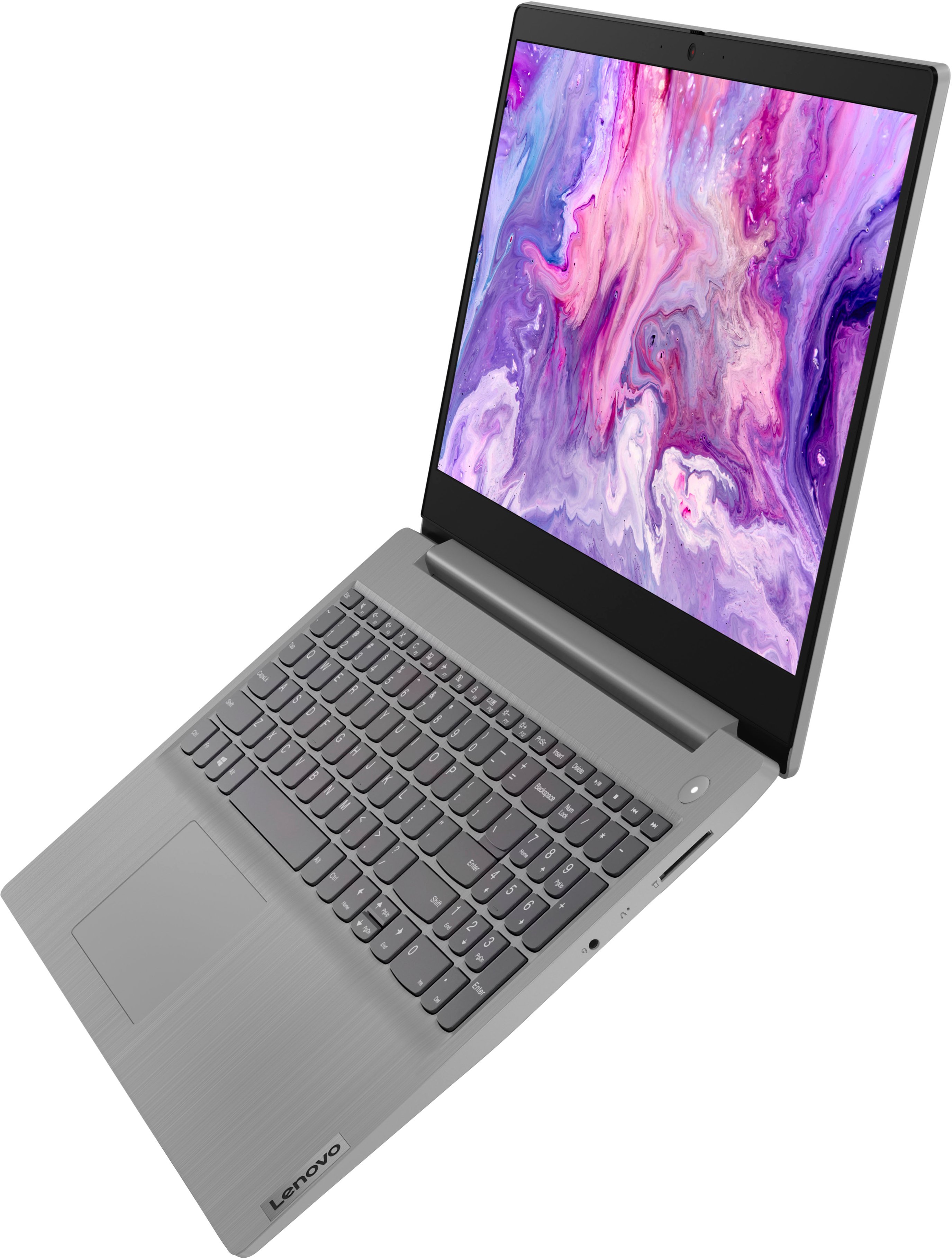
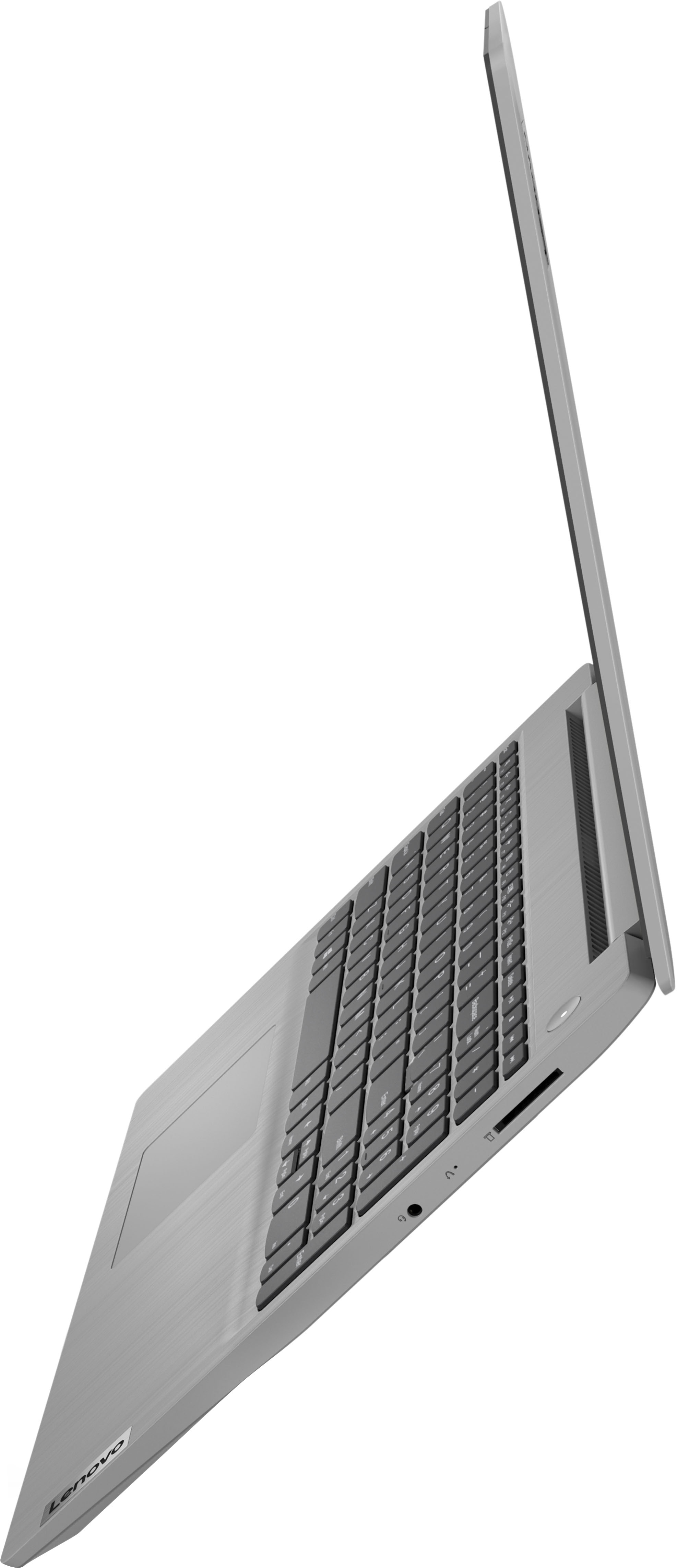
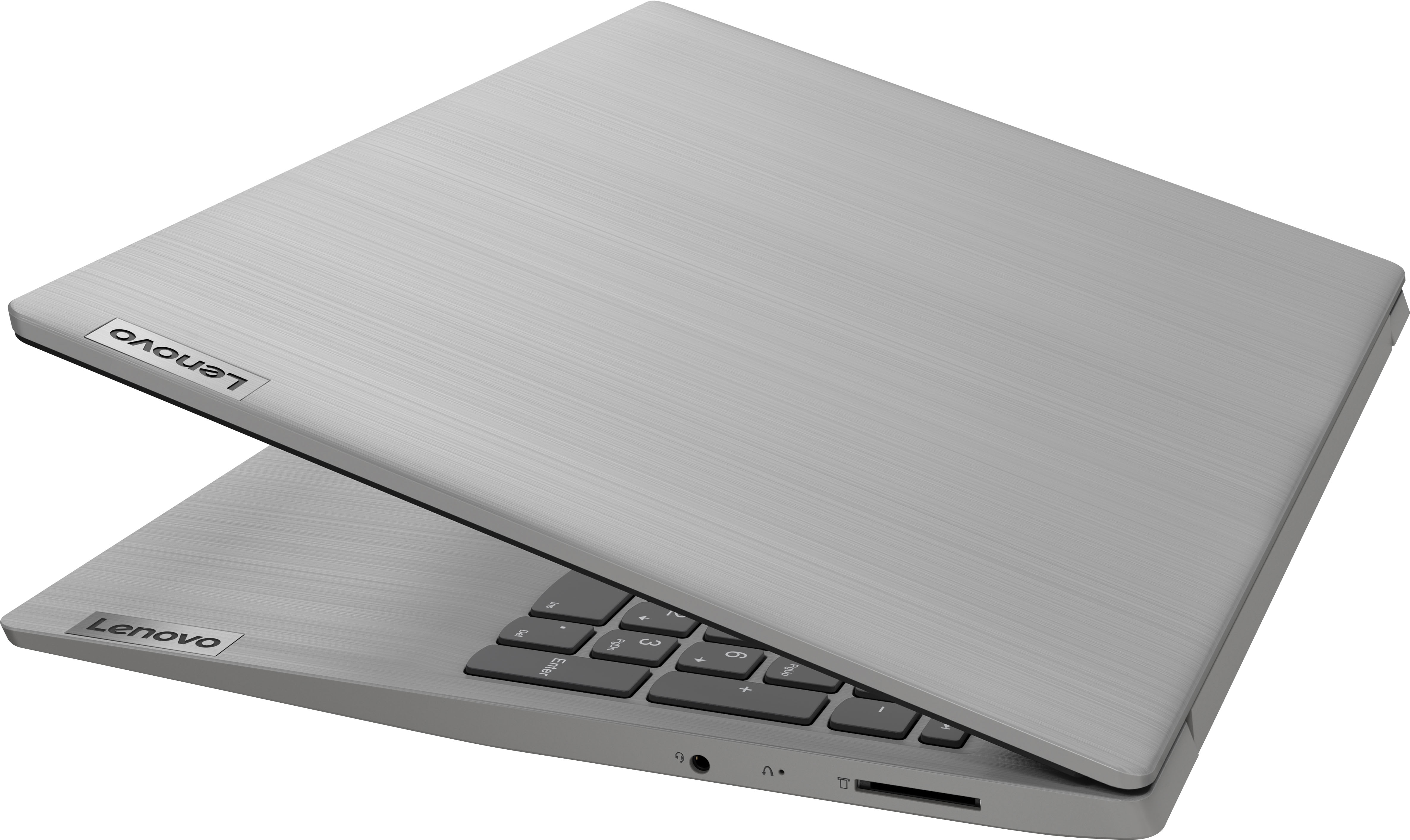
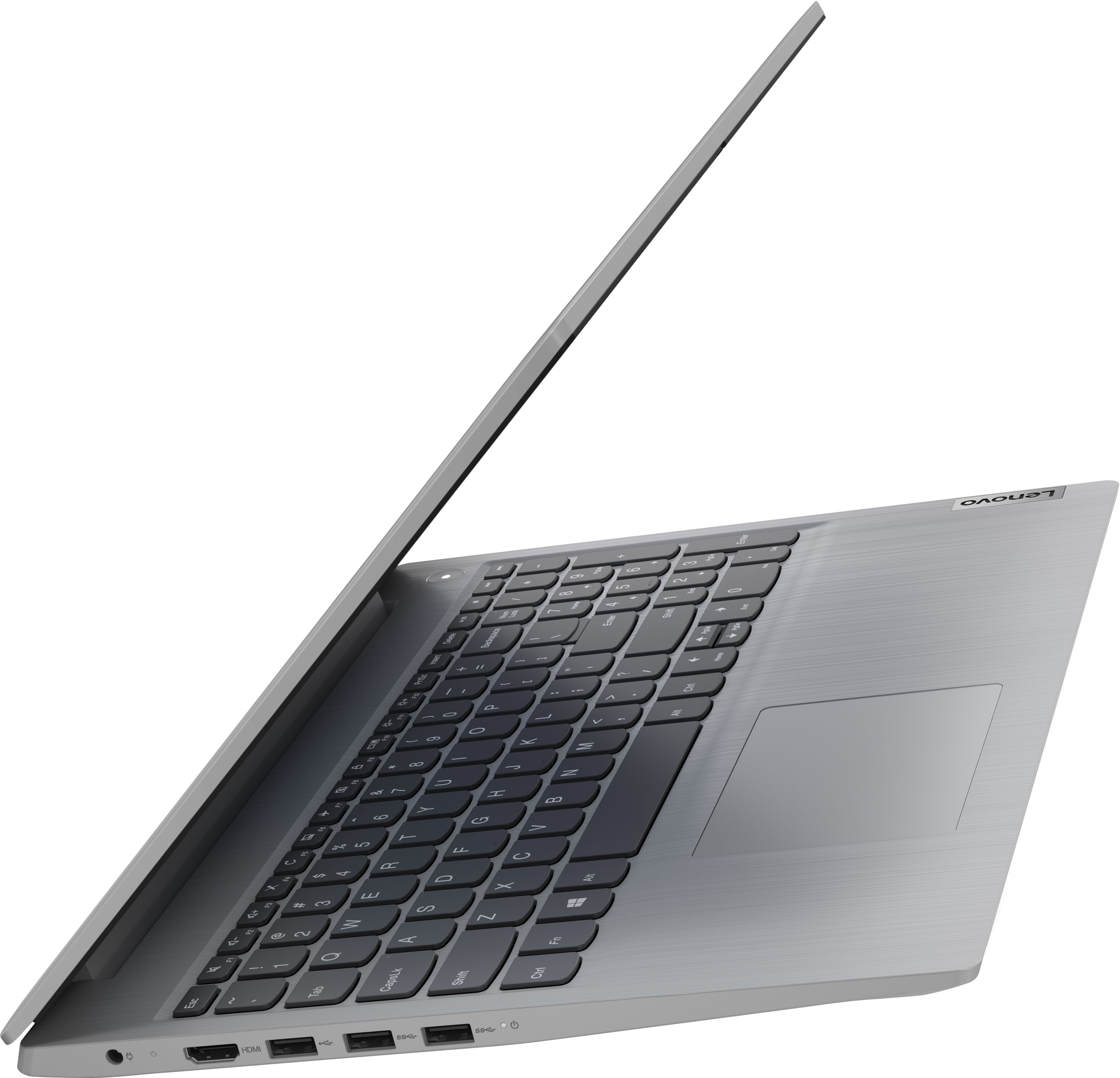
Customers commend the IdeaPad 3's touchscreen, ease of use, performance, and value for its price. Many appreciate its lightweight design and fast SSD, finding it to be a good size for their needs. However, some users point to the battery life as needing improvement, and others express dissatisfaction with the pre-installed operating system. The limited storage capacity is also a concern for some customers.
This summary was generated by AI based on customer reviews.
- Cons mentioned:Battery life
Battery life less than desirable
Posted .This reviewer received promo considerations or sweepstakes entry for writing a review.Have had my laptop for a couple of weeks now and the battery life is not good...just took it off the charger and already at 83%...not even 30 mins...
No, I would not recommend this to a friend - Pros mentioned:Touch screenCons mentioned:Battery life
Good laptop for good price
Posted .This reviewer received promo considerations or sweepstakes entry for writing a review.I like the big screen and easy to type on. Battery doesn’t last long as I thought it would. I use my computer for long hours daily.
I would recommend this to a friendBrand response from Lenovo Product Expert
Posted .Thank you for choosing the Lenovo IdeaPad 3 15 HD Touch Screen Laptop. We are very pleased to see that the specifications and features of the Lenovo IdeaPad 3 15 HD Touch Screen Laptop meet your computing needs so well. If you are getting substantially less battery life, first, set your screen brightness at less than 100-percent - try 80-percent to start with. Then, be sure Battery conservation Mode is turned off. This power management setting should only be used when the laptop is plugged in all the time. It will prolong overall battery life by only charging the battery to 60-percent of capacity. Here is a link to instructions for turning off Battery Conservation Mode: https://support.lenovo.com/us/en/solutions/ht103159. Also check what programs are running in the background on the computer. Be sure only the programs you want running in the background are. These programs will drain the battery. Here is a link to information about how to find out what programs are running in the background on your Windows computer and how to manage them for better system performance: https://www.windowscentral.com/how-prevent-apps-running-background-windows-10. Then, finally, be sure any software you installed is compatible with Windows. Incompatible software will drain the battery at a faster rate. There is no need to install Microsoft Office software. The software is already part of the operating system, you just need to activate the software with a purchased product key. If you have installed a copy of Microsoft Office, this is conflicting with the existing copy on the system and this will slow your system down. If you have installed a 3rd party anti-virus program, be sure that Windows Defender is turned off and that the trial version of McAfee Anti-Virus software is uninstalled. There can only be one anti-virus program on the system. You may need to restore your system to original factory default settings if any of the programming errors have occurred. You can do that by typing "restore" in the Cortana search window. Just click on the magnifying glass icon at the bottom left of your Windows Desktop. Click on "Reset This PC" Then click on "Get Started" and follow the on-screen directions to restore to factory defaults. If the problem persists, we recommend you contact Lenovo Tech Support at: 877-453-6686.

- Pros mentioned:Performance
Lightweight Laptop
Posted .This reviewer received promo considerations or sweepstakes entry for writing a review.Updated to Windows 11, dependable, ready to use. Lightweight,easy to transport laptop.
I would recommend this to a friendBrand response from Lenovo Product Expert
Posted .Thank you for choosing the Lenovo IdeaPad 3 15 HD Touch Screen Laptop. We are very pleased to see that the specifications and features of the Lenovo IdeaPad 3 15 HD Touch Screen Laptop meet your computing needs so well.
- Pros mentioned:Ease of use
laptop
Posted .This reviewer received promo considerations or sweepstakes entry for writing a review.I purchased this laptop 3 weeks ago, I love it lightweight easy to use
I would recommend this to a friendBrand response from Lenovo Product Expert
Posted .Thank you for choosing the Lenovo IdeaPad 3 15 laptop. We are pleased to hear that the ease of use, features and performance of the IdeaPad 3 15 meets your computing needs so well.
- Pros mentioned:Speed
Great Price
Posted .This reviewer received promo considerations or sweepstakes entry for writing a review.Great laptop. Fast and compact. Perfect for surfing the internet.
I would recommend this to a friendBrand response from Lenovo Product Expert
Posted .Thank you for choosing the Lenovo IdeaPad 3 15 HD Touch Screen Laptop. We are very pleased to hear that the specifications and features of the Lenovo IdeaPad 3 15 HD Touch Screen Laptop meet your computing needs so well.
Lenovo ideapad 3 15"
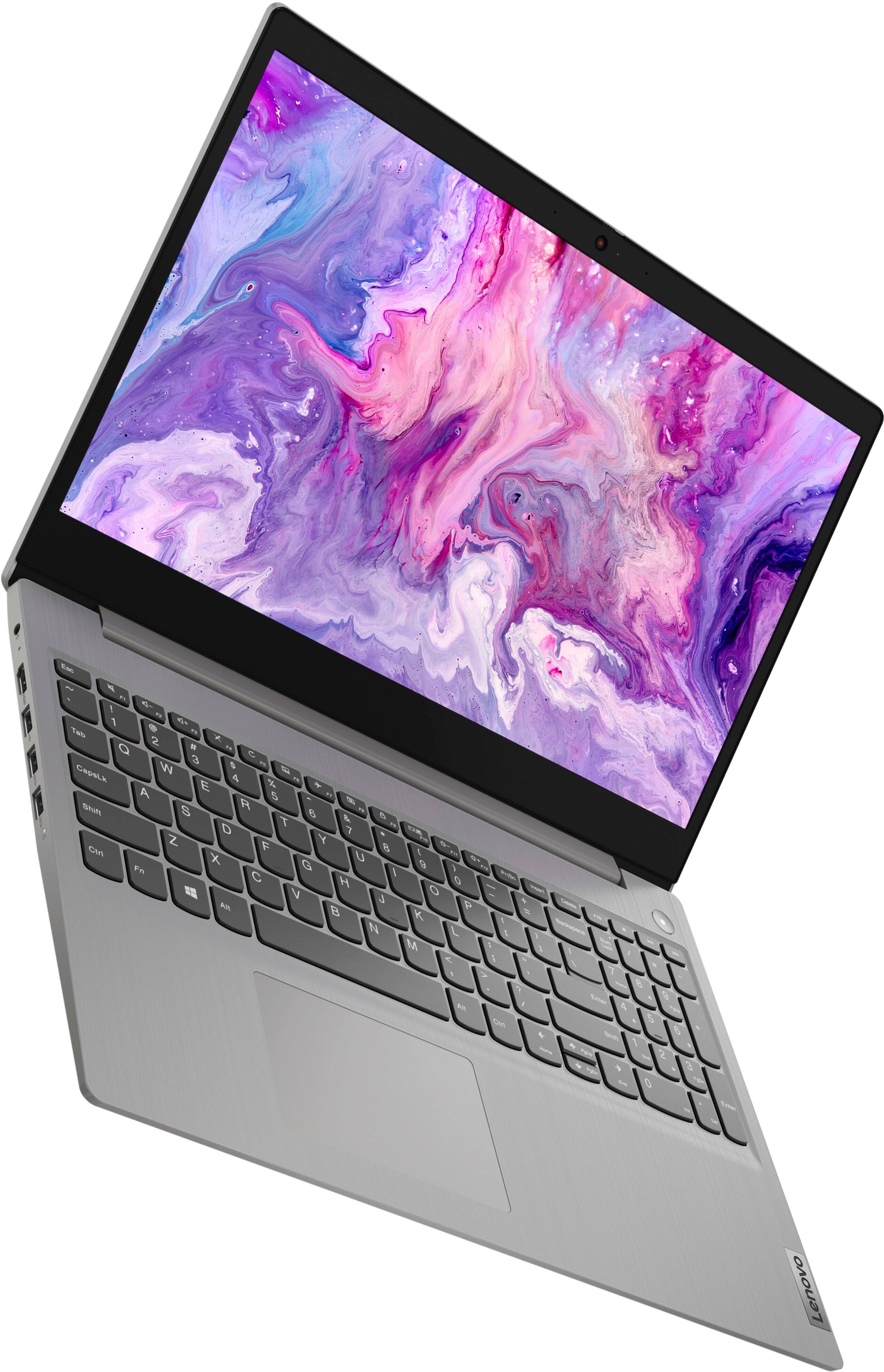
Posted .This reviewer received promo considerations or sweepstakes entry for writing a review.Very nice laptop. Works really well, wish it had a lighted key pad though. Other than that... 5stars!
I would recommend this to a friendNice light laptop
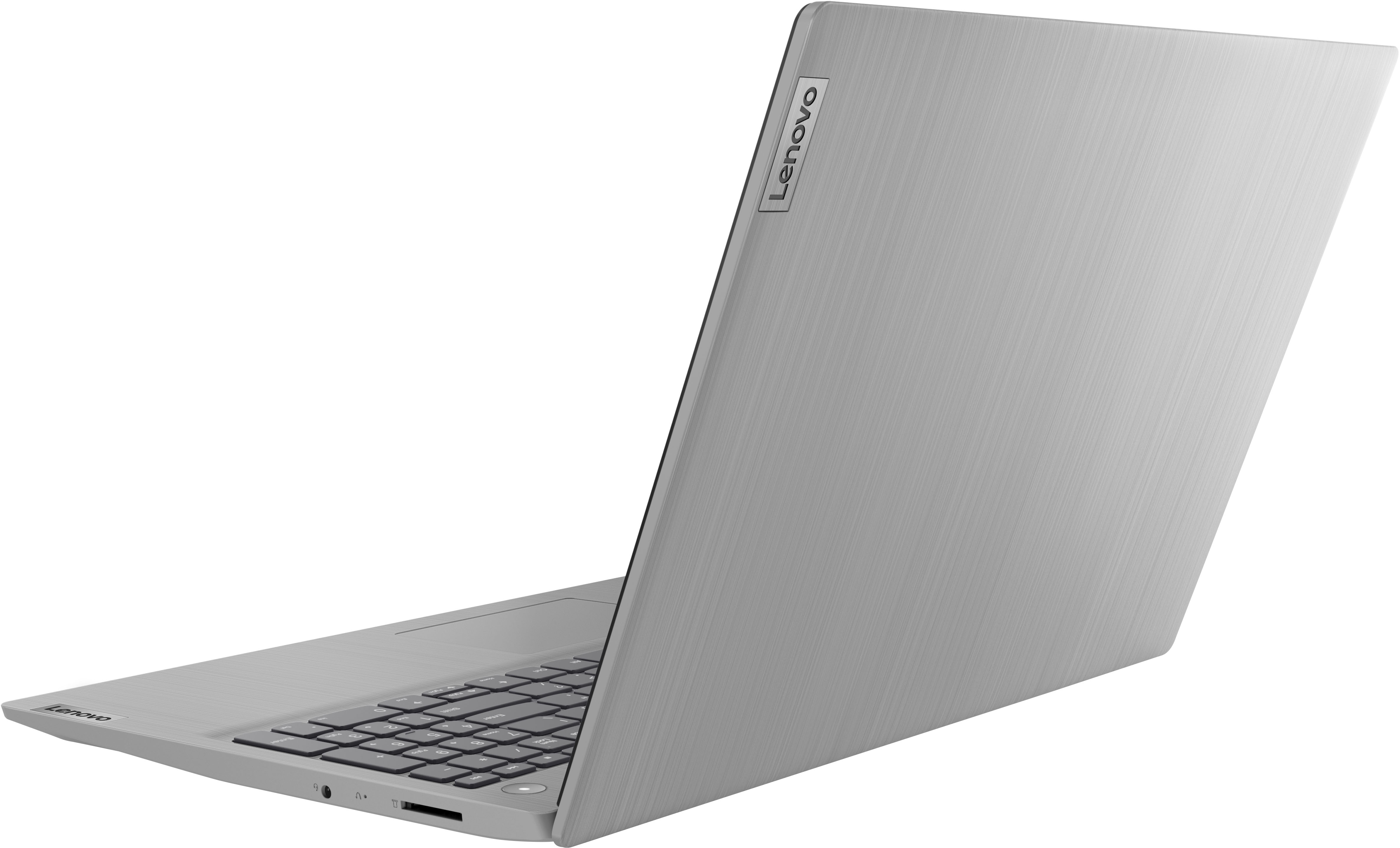
Posted .This reviewer received promo considerations or sweepstakes entry for writing a review.Good computer boots up and works very quickly i really like the metal lid.
I would recommend this to a friend- Pros mentioned:Touch screen
Easy to use
Posted .This reviewer received promo considerations or sweepstakes entry for writing a review.I'm no expert, but I've had several laptops in the past. I like the touch screen and the keyboard sensitivity of this model, and it appears to be better constructed than my last laptop (I tend to drop things and I'm hoping this one holds up to my occasional accidents. Only time will tell!)
I would recommend this to a friend My New Lenovo
Posted .This reviewer received promo considerations or sweepstakes entry for writing a review.After much review I decided on a Lenovo Idea Pad for my new computer. It has been an easy to transition. I love the lightness of it . It is so much lighter than my last laptop!! I opted for it also because the keyboard is easy to use and not at all small like smaller versions. I would surely recommend!!!
I would recommend this to a friendBrand response from Lenovo Product Expert
Posted .Thank you for choosing the Lenovo IdeaPad 3 15 laptop. We are pleased to hear that the features and performance of the IdeaPad 3 15 meets your computing needs so well.
careless treatment still has great results
Posted .This reviewer received promo considerations or sweepstakes entry for writing a review.I have owned this laptop for a year, but I have not been all that caring towards this laptop over this past year. It has fallen from tabletops and my bed more than once, and I even left it sitting on top of my stovetop while the oven was warming up. However, aside from minor dents and scratches and a slight melting of the plastic top, it is still up and running well. The single persistent issue is some minimal pixel damage from the oven incident. However, most of the "dead" pixels did start working again within a few minutes of removing the laptop from the heat source and have all mostly gone back to normal with no issue with the touch screen. I do not recommend trying to replicate what I have put this laptop through.
I would recommend this to a friendBrand response from Lenovo Product Expert
Posted .Thank you for choosing the Lenovo IdeaPad 3 15 laptop. We are pleased to hear that the IdeaPad 3 15 meets your computing needs so well.
- Pros mentioned:Touch screen
Laptop Heaven...nice!
Posted .This reviewer received promo considerations or sweepstakes entry for writing a review.My first time owning a laptop...I'm old school desktop owner in the past. Very easy set up. Nice to have touch screen. Has so many great features and programs. Battery power is awesome.
I would recommend this to a friend - Cons mentioned:Battery life
Microsoft scare tactics are childish
Posted .This reviewer received promo considerations or sweepstakes entry for writing a review.Ok computer for my needs. Requirement for a job. Not happy with the s mode feature which makes it impossible to use it for work. You get this “remove s mode and the boogie man’s coming” message. The scare tactic once it’s removed was really unnecessary. No app downloads, no VPN can be added, “just trust this wimpy computer will protect me from the big bad wolf internet as is” You can’t use the computer without it being plugged in. Without plug it lasts .40 min. So dissatisfied in this product. For the price I guess so far it’s worth it but never again.
No, I would not recommend this to a friend - Pros mentioned:Price
Great black Friday deal
Posted .This reviewer received promo considerations or sweepstakes entry for writing a review.Not bad for daily basis tasks. Not gaming. One minor cons is the resolution. But totally worth the price $330. Go for it!
I would recommend this to a friendBrand response from Lenovo Product Expert
Posted .Thank you for choosing the Lenovo IdeaPad 3 15 Laptop, model number 81X800ENUS. This model ships with a 15.6 inch (screen size measured diagonally) TN - HD (1366x768) 10-point Multi-touch screen, with a brightness level of 220 nits and has an Anti-glare Coating. This screen provides 67 Percent of the sRGB (45 Percent NTSC) color gamut.
- Pros mentioned:Ease of use
Great laptop for the price
Posted .This reviewer received promo considerations or sweepstakes entry for writing a review.I purchased this laptop for my wife for work purposes, and she loves it. Super quick and user friendly
I would recommend this to a friendBrand response from Lenovo Product Expert
Posted .thank you for choosing the Lenovo IdeaPad 3 15 laptop for your wife. We are pleased to hear that the ease of use and performance of the IdeaPad 3 15 meets your wife's business computing needs so well.
- Cons mentioned:Windows 11
Windows 11
Posted .This reviewer received promo considerations or sweepstakes entry for writing a review.Difficult to use with windows 11. Much prefer prior windows.
No, I would not recommend this to a friend Just what i needed.
Posted .This reviewer received promo considerations or sweepstakes entry for writing a review.This was the ceapest SSD CPU i could find. Just need it for basic work.
I would recommend this to a friend- Pros mentioned:Speed
Lovethiscomputer
Posted .This reviewer received promo considerations or sweepstakes entry for writing a review.Excellent computer! Easy to use! Good speed! Lots of options to work with.
I would recommend this to a friendBrand response from Lenovo Product Expert
Posted .Thank you for choosing the Lenovo IdeaPad 3 15 laptop. We are pleased to hear that the ease of use, features and performance of the IdeaPad 3 15 meets your computing needs so well.
Personal computer
Posted .This reviewer received promo considerations or sweepstakes entry for writing a review.Great computer light weight. Good battery. Very attractive
I would recommend this to a friendBrand response from Lenovo Product Expert
Posted .Thank you for choosing the Lenovo IdeaPad 3 15 laptop. We are pleased to hear that the features and performance of the IdeaPad 3 15 meets your computing needs so well.
Perfect for gamers
Posted .This reviewer received promo considerations or sweepstakes entry for writing a review.This is all you need for gaming, I am completely satisfied with this laptop, it came with 3 months of gamepass for Xbox, cloud gaming is all you need to play
I would recommend this to a friendHappy with this product
Posted .This reviewer received promo considerations or sweepstakes entry for writing a review.Am very pleased with this item. Has a comfortable keyboard and all systems are very good. Good product.
I would recommend this to a friend