Customer Ratings & Reviews

- Model:
- 81X800ENUS
- SKU:
- 6477624
Rating by feature
- Battery Life
Rating 4.4 out of 5 stars
- Speed
Rating 4.5 out of 5 stars
- Display
Rating 4.5 out of 5 stars
Customers are saying
Customers commend the IdeaPad 3's touchscreen, ease of use, performance, and value for its price. Many appreciate its lightweight design and fast SSD, finding it to be a good size for their needs. However, some users point to the battery life as needing improvement, and others express dissatisfaction with the pre-installed operating system. The limited storage capacity is also a concern for some customers.
This summary was generated by AI based on customer reviews.
lenovo
Posted .This reviewer received promo considerations or sweepstakes entry for writing a review.love it Had a old lenovo for years but would not take upgrades anymore. Time for a new one.
I would recommend this to a friendMy Lenovo
Posted .This reviewer received promo considerations or sweepstakes entry for writing a review.So far so good. I have no major complains. It would have been nice if it had Ethernet jack and more USB ports.
I would recommend this to a friendBrand response from Lenovo Product Expert
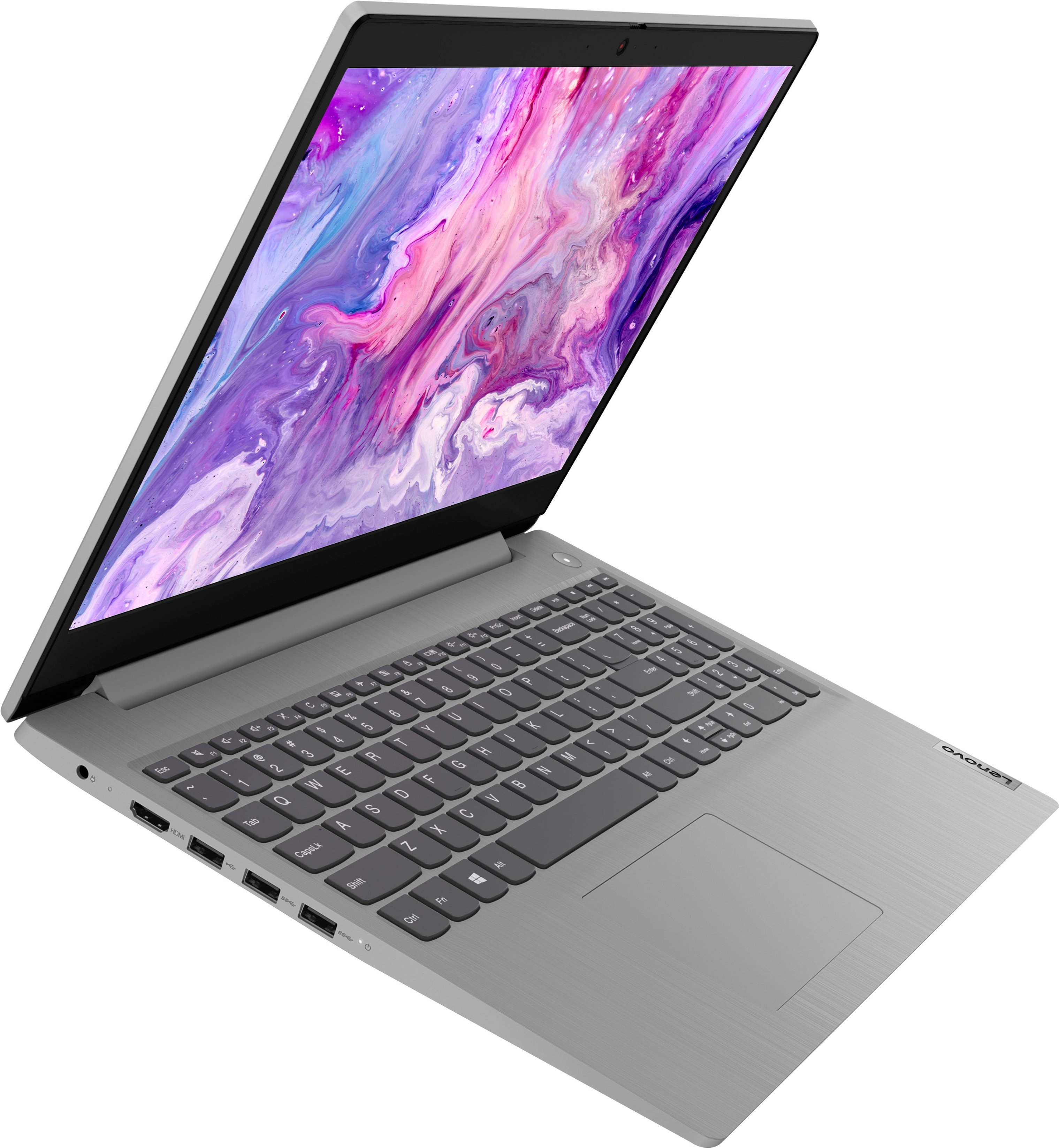
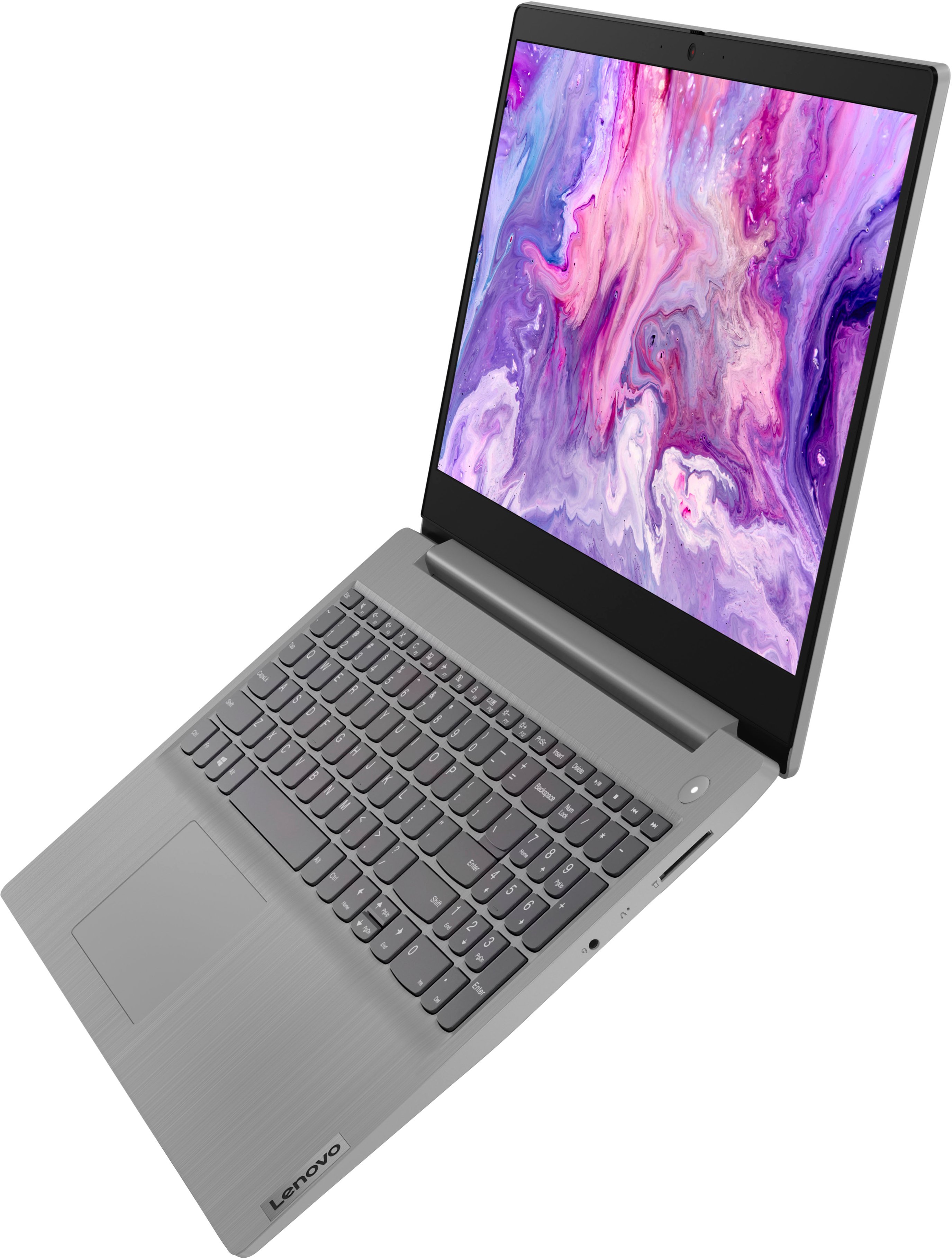
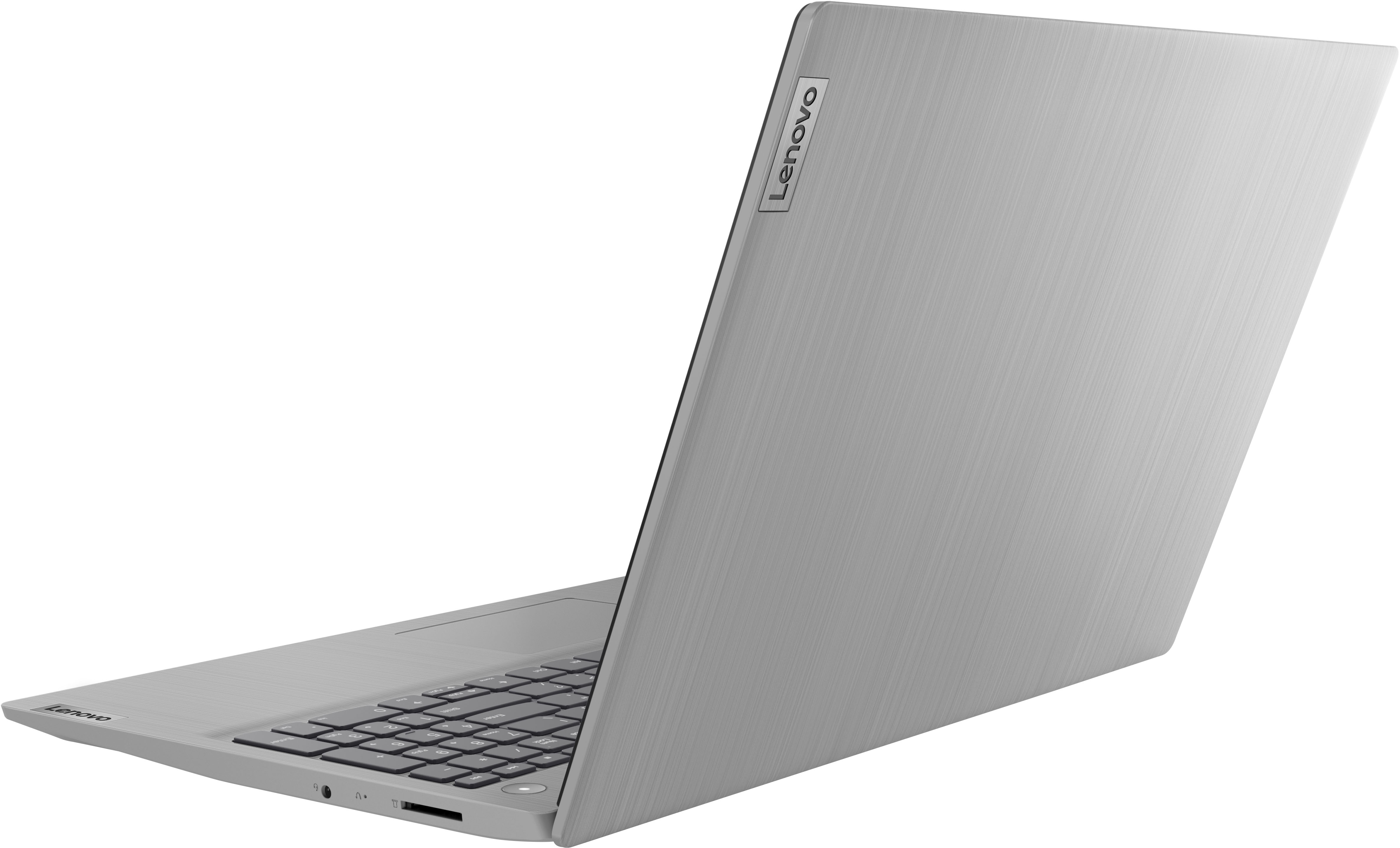
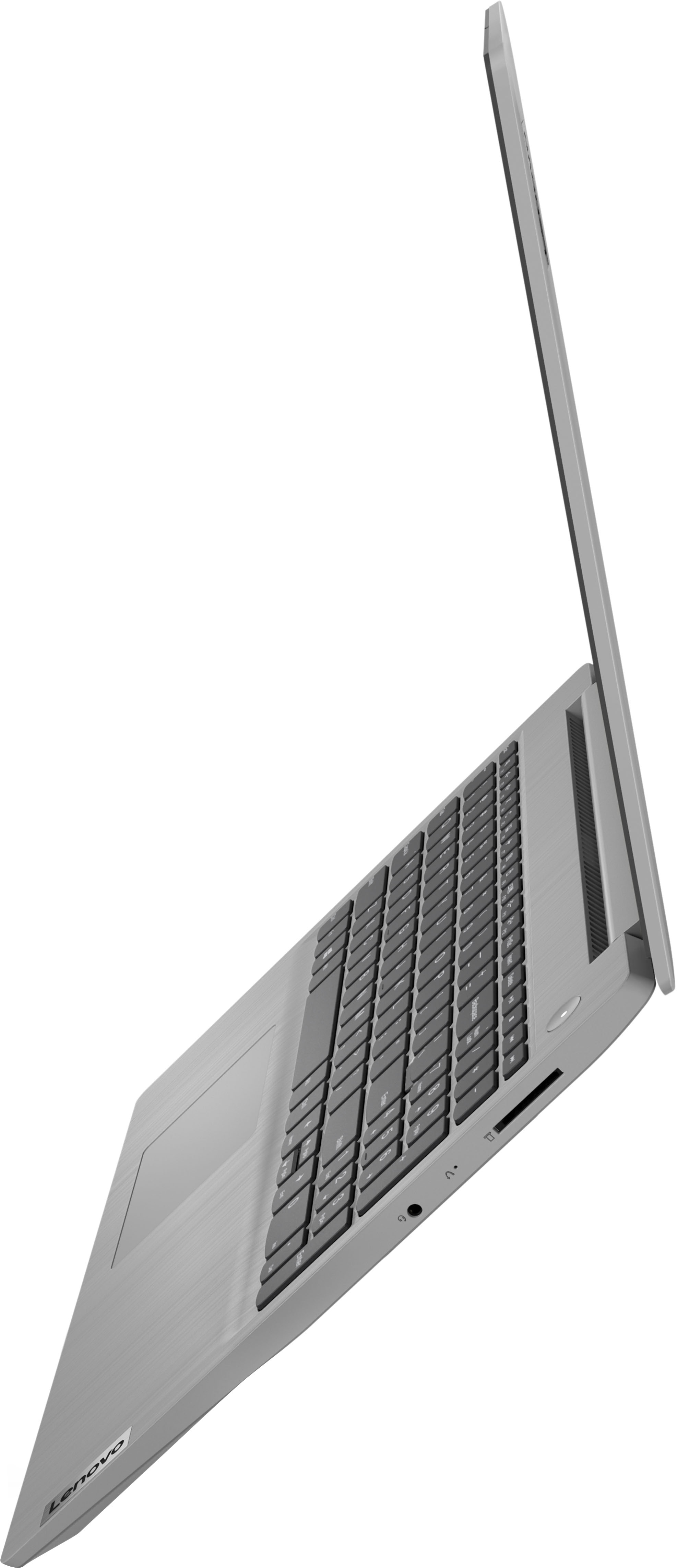
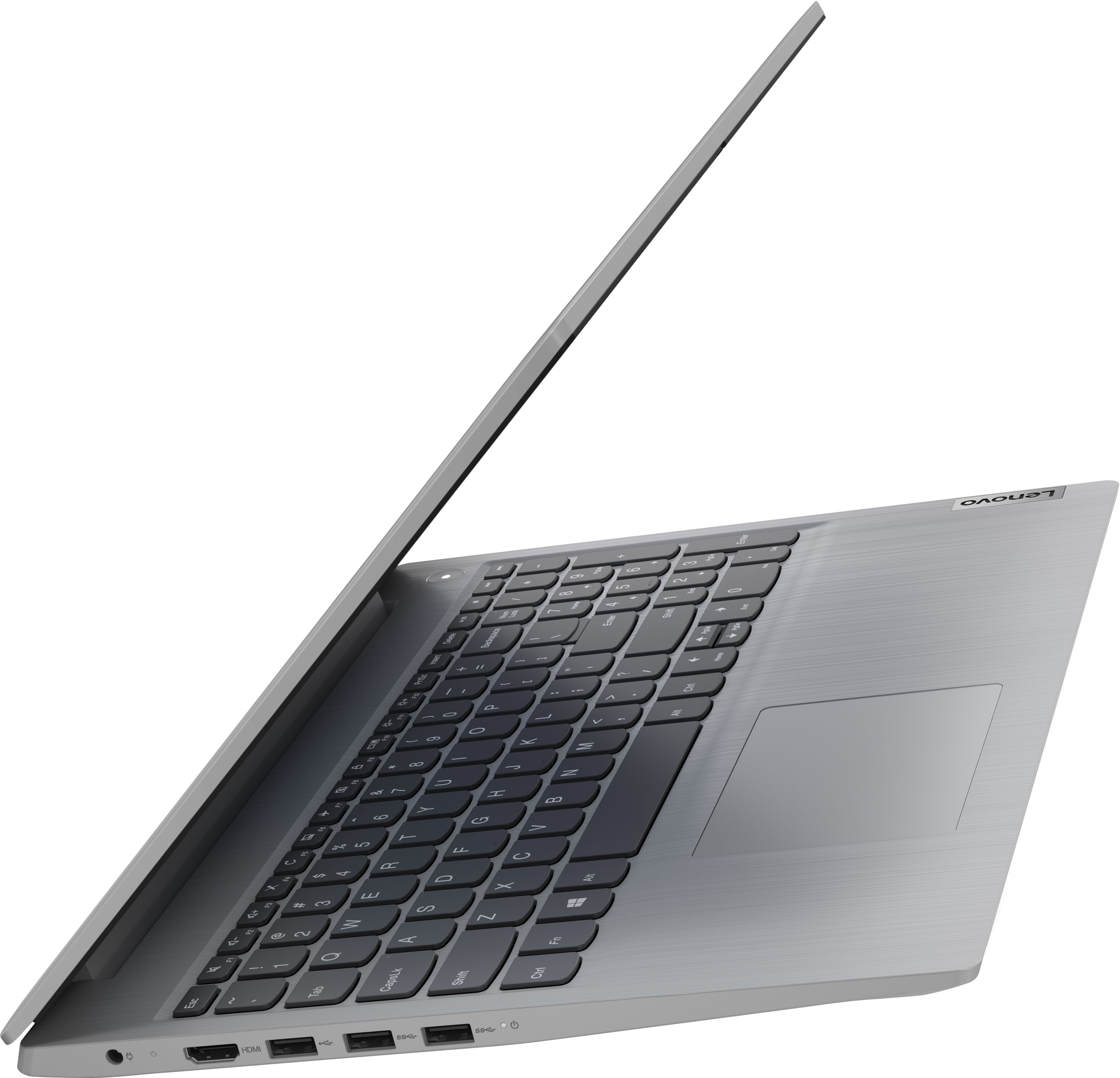
Posted .Thank you for choosing the Lenovo IdeaPad 3 15 Laptop, model number 81X800ENUS. This model configuration ships with these ports: 1x USB 2.0 (Type A), 2x USB 3.2 Gen 1 (Type A), 1x HDMI 1.4, 1x Card reader, 1x Headphone / microphone combo jack (3.5mm), 1x Power connector. Although there is no built in RJ-45, network ethernet port, you can connect this laptop to an network ethernet cable by using a USB to ethernet adapter, like this one: https://www.bestbuy.com/site/insignia-usb-to-ethernet-adapter-white/6418345.p?skuId=6418345. If you need more USB Type A ports, you may want to consider using a portable USB Hub, like this one: https://www.bestbuy.com/site/insignia-4-port-usb-3-0-powered-hub-metallic-gray/6460662.p?skuId=6460662

Great deal!
Posted .This reviewer received promo considerations or sweepstakes entry for writing a review.This is a great product for a great price! Does everything I need it to at a fast speed.
I would recommend this to a friendDecent buy
Posted .This reviewer received promo considerations or sweepstakes entry for writing a review.So far good performance with the exception of the screen quality which is a bit poor
I would recommend this to a friendBrand response from Lenovo Product Expert
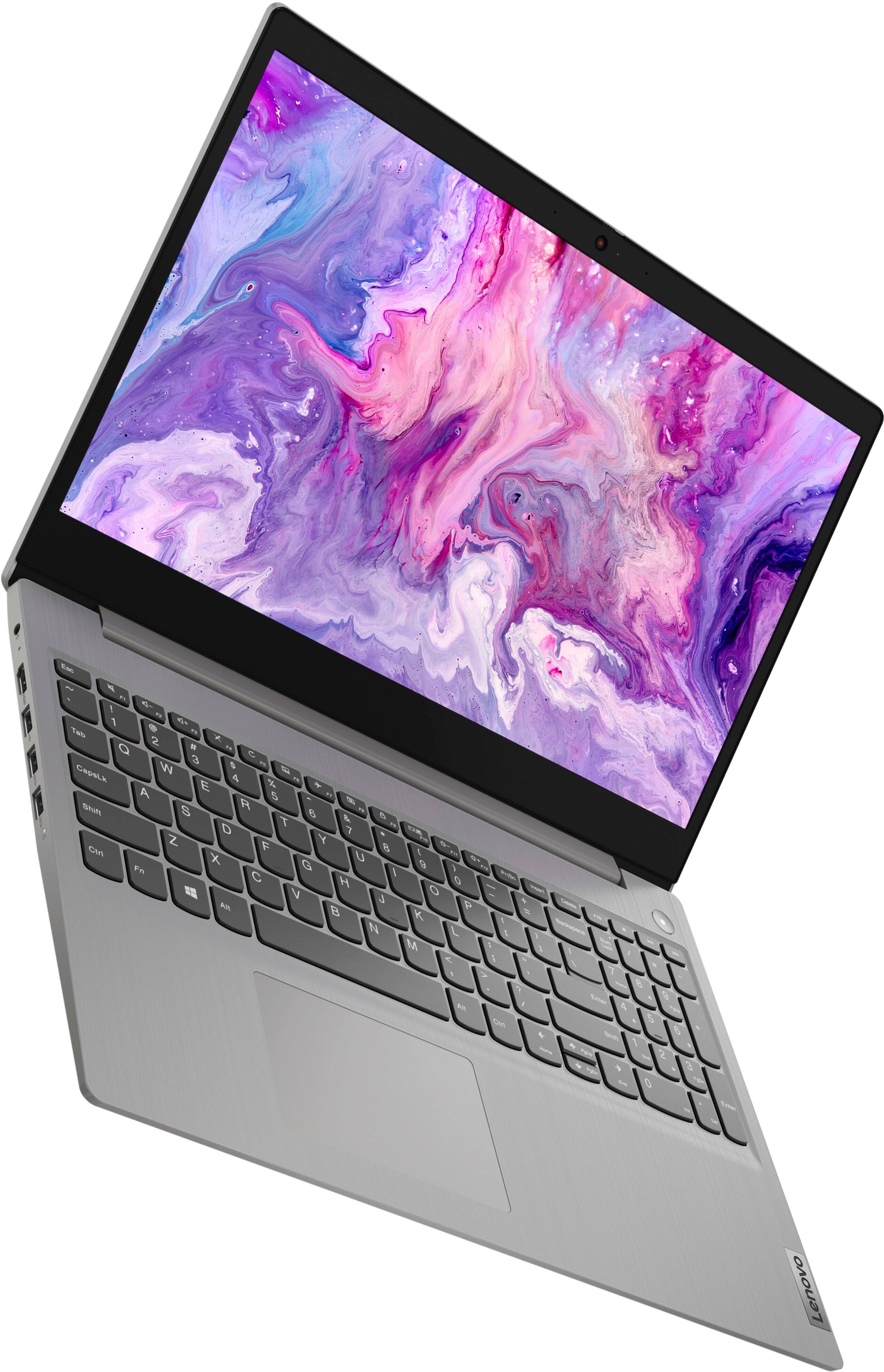
Posted .Thank you for choosing the Lenovo IdeaPad 3 15 Laptop, model number 81X800KLUS. This model ships with a 15.6 Inch (screen size measured diagonally) TN - HD (1366x768) 10-point Multi-touch screen, with a brightness level of 220 nits and has an Anti-glare Coating. This screen provides 67 Percent of the sRGB (45 Percent of the NTSC) color gamut.
Worth it
Posted .This reviewer received promo considerations or sweepstakes entry for writing a review.This computer is great for my school work! Long battery life. Turns on quickly!
I would recommend this to a friendBrand response from Lenovo Product Expert
Posted .Thank you for choosing the Lenovo IdeaPad 3 15 Laptop. We are pleased to hear that thefeatures and performance of the IdeaPad 3 15 meets your computing needs so well.
Good computer option
Posted .This reviewer received promo considerations or sweepstakes entry for writing a review.If you need an alternative computer in the house, this computer gets the job done.
I would recommend this to a friendBrand response from Lenovo Product Expert
Posted .Thank you for choosing the Lenovo IdeaPad 3 15 laptop. We are pleased to hear that the IdeaPad 3 15 meets your computing needs so well.
Lenovo Laptop
Posted .This reviewer received promo considerations or sweepstakes entry for writing a review.Prompt delivery. Good battery life. Easy to use Good display screen.
I would recommend this to a friendBrand response from Lenovo Product Expert
Posted .Thank you for choosing the Lenovo IdeaPad 3 15 laptop. We are pleased to hear that the features and performance of the IdeaPad 3 15 meets your computing needs so well.
Nice Christmas Gift
Posted .This reviewer received promo considerations or sweepstakes entry for writing a review.Christmas Gift but have not heard any complaints! Arrived on time and as expected
I would recommend this to a friendBrand response from Lenovo Product Expert
Posted .Thank you for choosing the Lenovo IdeaPad 3 15 Laptop as a gift. We are pleased to hear that the IdeaPad 3 15 is working out so well for your recipient.
good product
Posted .This reviewer received promo considerations or sweepstakes entry for writing a review.it is a good quality laptop, bright screen and ergonomic keyboard
I would recommend this to a friendBrand response from Lenovo Product Expert
Posted .Thank you for choosing the Lenovo IdeaPad 3 15 Laptop. We are pleased to hear that the features and performance of the IdeaPad 3 15 meets your computing needs so well.
Must now find a new printer!
Posted .This reviewer received promo considerations or sweepstakes entry for writing a review.LOVE my new laptop. Great purchase. Best Buy never disappoints me.
I would recommend this to a friendBrand response from Lenovo Product Expert
Posted .Thank you for choosing the Lenovo IdeaPad 3 15 laptop. We are pleased to hear that the IdeaPad 3 15 meets your computing needs so well.
price match doesnt work means nothing
Posted .This reviewer received promo considerations or sweepstakes entry for writing a review.good lap top not happy with best buys price matching
I would recommend this to a friendFull of errors right out the box.
Posted .This reviewer received promo considerations or sweepstakes entry for writing a review.Has crashed 3 times within the first 20 minutes using it after set up and upon trying to switch it out of S mode so i can use chrome abd not the awful bing/microsoft internet it just keeps popping up with an error. Overall its very slow and takes awhile to load which i know isnt an issue with my wifi as my phone and desktop load up fast perfectly fine. The display is also very disappointing, its very faded looking and the graphics seem low quality. I'll be returning it asap, disappointed since people say it was one of the best laptops in my budget but it has to have been one of the worst laptops I've ever used.
No, I would not recommend this to a friendBrand response from Lenovo Product Expert
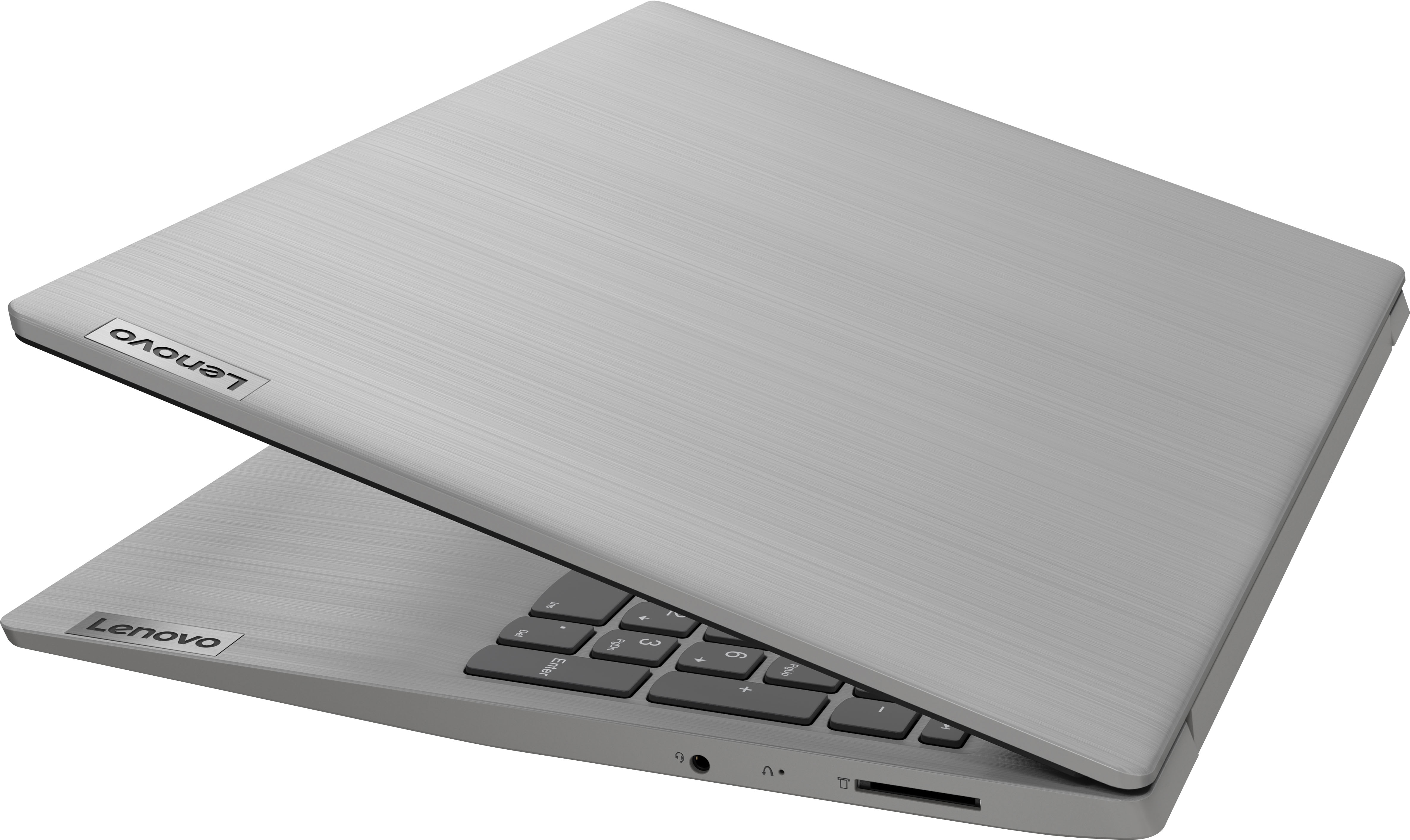
Posted .We are sorry to hear that you are having issues with your Lenovo IdeaPad 3 15 Laptop, model number 81X800KLUS. Resetting the computer back to original settings, then letting any Windows 11 updates download and completely install on your new computer may correct the issues you are having. Power off the computer. This system is equipped with OneKey Recovery System. There is a very small pin hole on the right side of the device, right in between the headphone jack and the SD Card slot on the device. You will need a pin to push this reset button. Plug the device in. Let the battery charge for about 15 minutes. Push the reset button. The system should boot to a choice screen where you can choose "Restore To Factory Default". Select this. It will delete everything from the hard drive except the original factory install of the operating system. You will need to reinstall all programs and files after the reset. If you don't have copies of the files, try to make one before you restore by selecting "Boot to desktop" and trying to back up your files. If the problem persists after the factory reset, we recommend you contact Lenovo Tech Support at: 877-453-6686.
Money pit
Posted .This reviewer received promo considerations or sweepstakes entry for writing a review.She got it for her son for school, he used it for approximately 3 weeks and it crashed, black screen of death, take it to geek squad and that will be 200.00 to repair your brand new 500.00 laptop...dont waste your money! Bestbuy is a joke for selling garbage like this!
No, I would not recommend this to a friendBrand response from Lenovo Product Expert
Posted .We are sorry to hear that you are having issues with the Lenovo IdeaPad 3 15 Laptop, model number 81X800ENUS. Restoring this computer back to original factory settings may correct the issue you are having. This system is equipped with OneKey Recovery System. There is a very small pin hole on the right side of the device, right in between the headphone jack and the SD Card Slot on the device. You will need a pin to push this reset button. Plug the device in. Let the battery charge for about 15 minutes. Push the reset button. The system should boot to a choice screen where you can choose "Restore To Factory Default". Select this. It will delete everything from the hard drive except the original factory install of the operating system. You will need to reinstall all programs and files after the reset. If you don't have copies of the files, try to make one before you restore by selecting "Boot to desktop" and trying to back up your files. If the problem persists after the factory reset, we recommend you contact Lenovo Tech Support at: 877-453-6686.
Disappointing in every way
Posted .This reviewer received promo considerations or sweepstakes entry for writing a review.Slow, slow, slow i3 processor, eye strain inducing cheap screen, flakey touch pad, not enough memory, not enough storage, tinny sound, I returned it. Do your research and save your money for a better quality, better spec’d laptop.
No, I would not recommend this to a friendBrand response from Lenovo Product Expert
Posted .This Lenovo IdeaPad 3 15 laptop, model number 81X800ENUS, will boot from off to the Windows login screen in less than 15-seconds. If you are getting slower boot times, even if you have switched out of S-Mode, be sure any software you installed is compatible with Windows. There is no need to install Microsoft Office software. The software is already part of the operating system, you just need to activate the software with a purchased product key. If you have installed a copy of Microsoft Office, this is conflicting with the existing copy on the system and this will slow your system down. If you have installed a 3rd party anti-virus program, be sure that Windows Defender is turned off and that the trial version of McAfee Anti-Virus software is uninstalled. There can only be one anti-virus program on the system. You may need to restore your system to original factory default settings if any of the programming errors have occurred. You can do that by typing "restore" in the Cortana search window. Just click on the magnifying glass icon at the bottom left of your Windows Desktop. Click on "Reset This PC" Then click on "Get Started" and follow the on screen directions to restore to factory defaults. If the problem persists, we recommend you contact Lenovo Tech Support at: 877-453-6686.
Bad computer
Posted .This reviewer received promo considerations or sweepstakes entry for writing a review.I purchsed 3 years ago and had to replace motherboard. Contacted Lemovo they were less then helpful except to tell me I should bye new unit.
No, I would not recommend this to a friendBrand response from Lenovo Product Expert
Posted .This Lenovo IdeaPad 3 15 Laptop, model number 81X800KLUS, was first available for sale: 2021-11-15.
Okay
Posted .This reviewer received promo considerations or sweepstakes entry for writing a review.Had it about three and half weeks and it got infected with malware and not working at all. Going to use it for target practice.
No, I would not recommend this to a friendBrand response from Lenovo Product Expert
Posted .We are sorry to hear that you are having issues with your Lenovo IdeaPad 3 15 Laptop. Restoring your computer back to original factory settings may fix the issue you are having. This system is equipped with OneKey Recovery System. There is a very small pin hole on the right side of the device, right in between the headphone jack and the SD Card slot on the device. You will need a pin to push this reset button. Plug the device in. Let the battery charge for about 15 minutes. Push the reset button. The system should boot to a choice screen where you can choose "Restore To Factory Default". Select this. It will delete everything from the hard drive except the original factory install of the operating system. You will need to reinstall all programs and files after the reset. If you don't have copies of the files, try to make one before you restore by selecting "Boot to desktop" and trying to back up your files. If the problem persists after the factory reset, we recommend you contact Lenovo Tech Support at: 877-453-6686.
Laptop
Posted .This reviewer received promo considerations or sweepstakes entry for writing a review.Very poor product will not buy from best buy again there return policy is ridiIculous
No, I would not recommend this to a friendBrand response from Lenovo Product Expert
Posted .We are sorry to hear that you are having issues with your Lenovo IdeaPad 3 15 Laptop, model number 81X800KLUS. This model ships with Windows 11 S-Mode, 64-bit Operating System installed. Windows 11 S-Mode provides added security by only allowing APPs available ( and therefore certified by Microsoft) at the Microsoft Store. If you don't need the added security or you need to install APPs not available at the Microsoft Store, you can switch to standard Windows 11 Home 64-bit Operating System, at no additional cost. If you choose to switch out of S-Mode for Windows 11 Home: Here is a link to instructions for switching from Windows 11 S-Mode to Windows 11 Home: https://support.microsoft.com/en-us/help/4456067/windows-10-switch-out-of-s-mode. You can contact Lenovo Tech Support for more information about your Lenovo IdeaPad 3 15 Laptop at: 877-453-6686.